

 Back to templates
 Google Docs Templates - Page 106
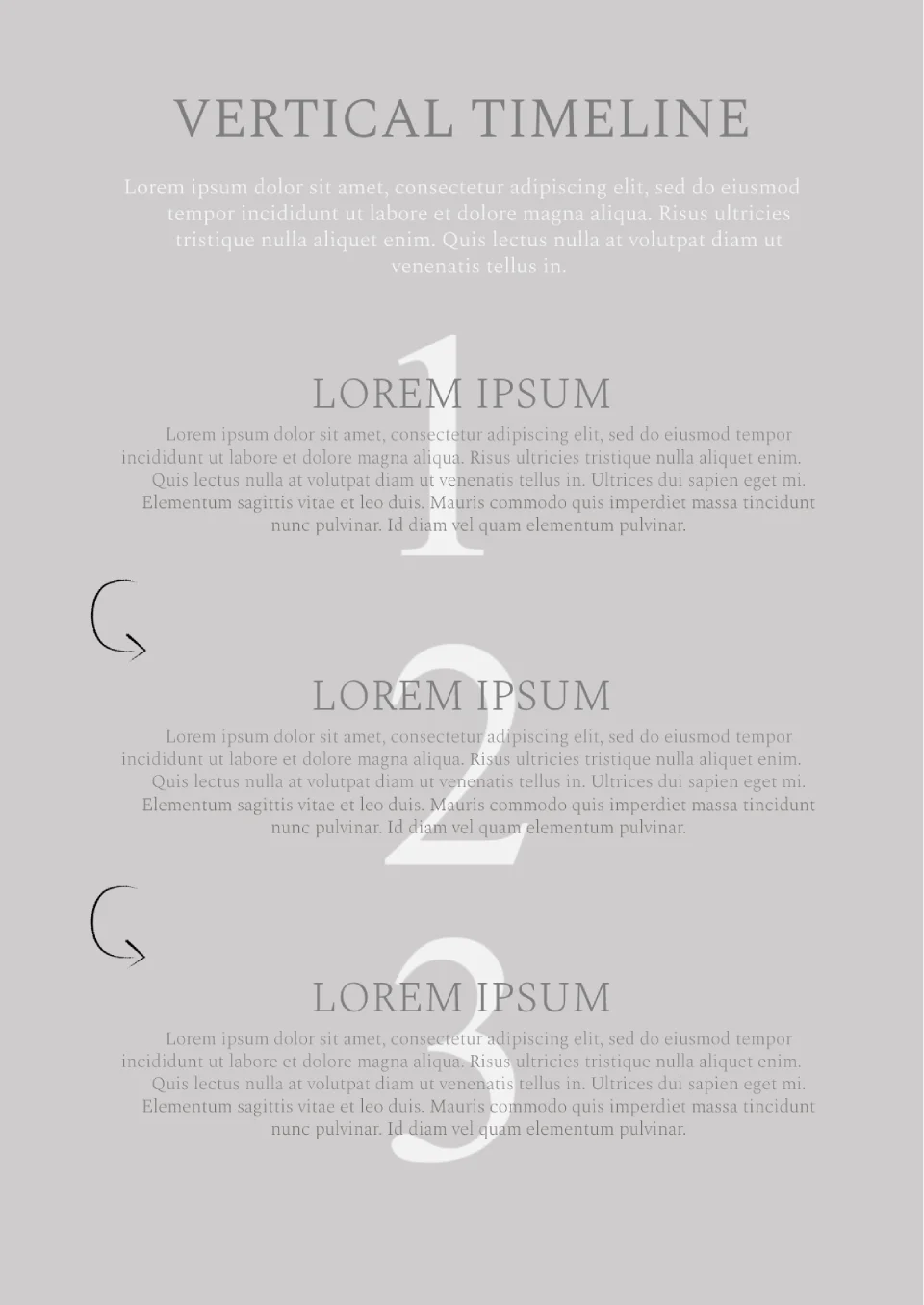
Present your interesting idea at the meeting, having formatted it with this template. The layout is designed for a strategy consisting of 3 steps.

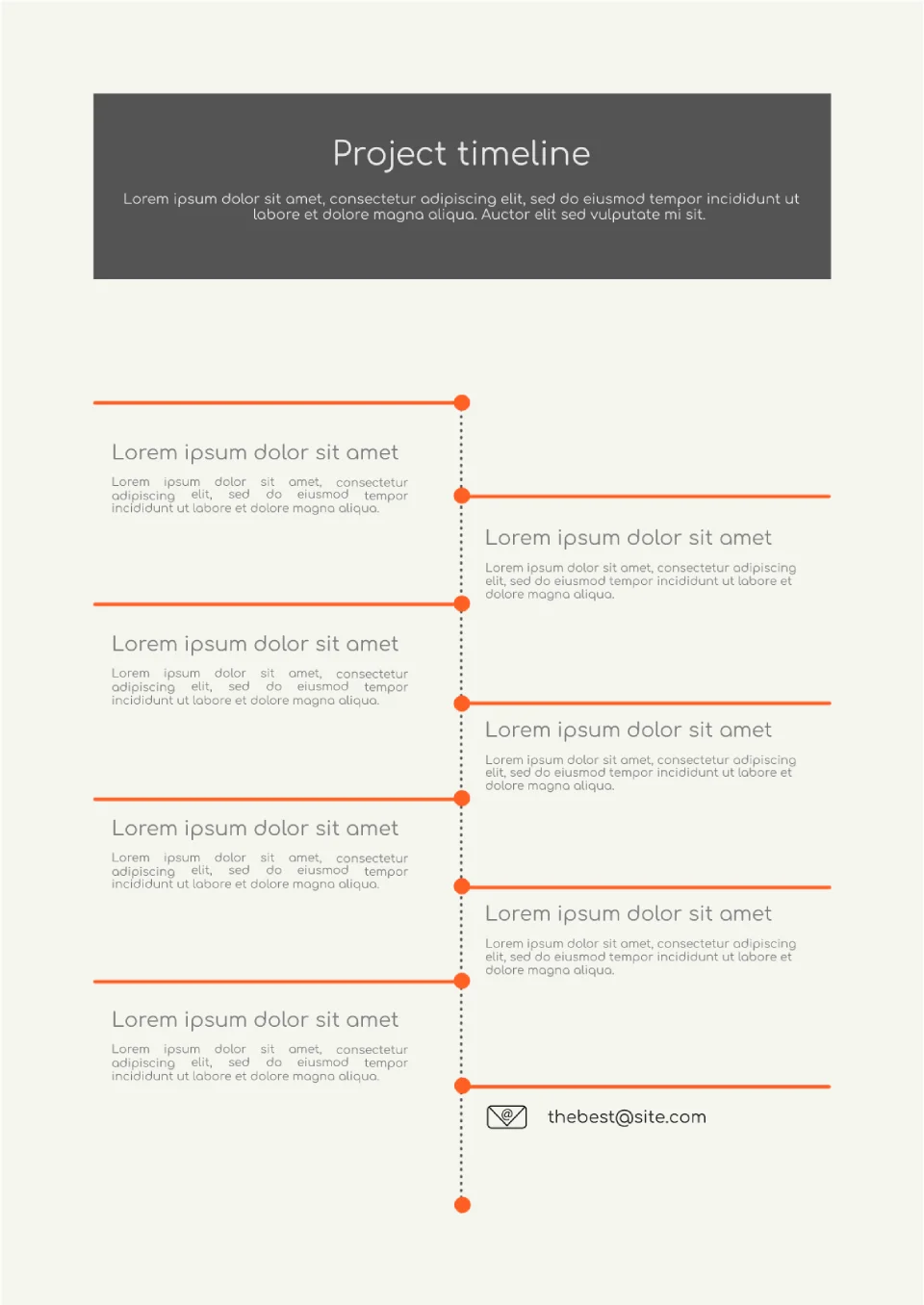
The development of a project, launching a new product or service - all this requires close control. It's very important not to miss any of the stages. Use the Project Timeline Template in Google Docs and indicate all the important stages in chronological order in the layout.
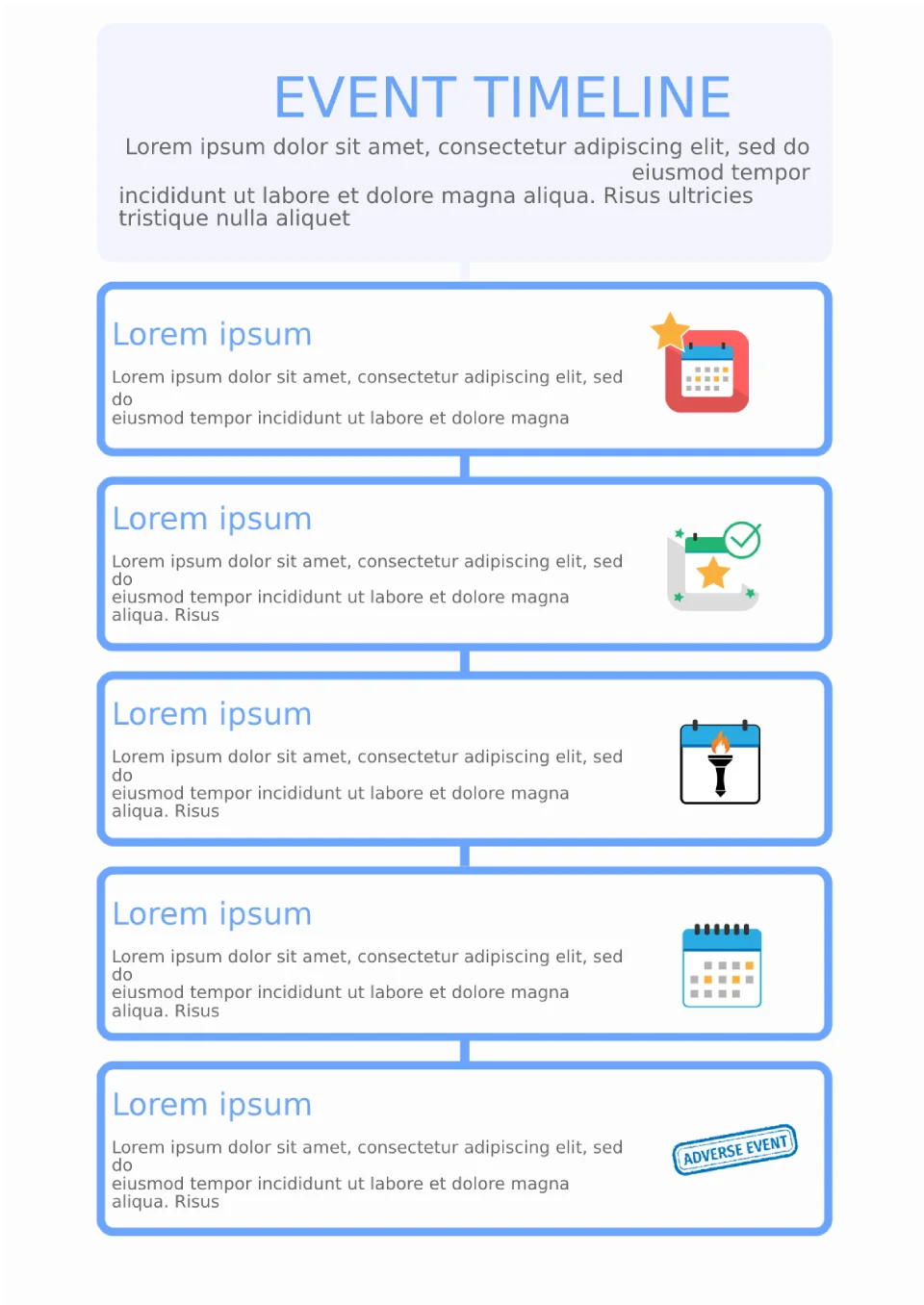
Create a memo or announcement with events taking place in your organization. Specify the date, title, and describe the nature of the planned event.
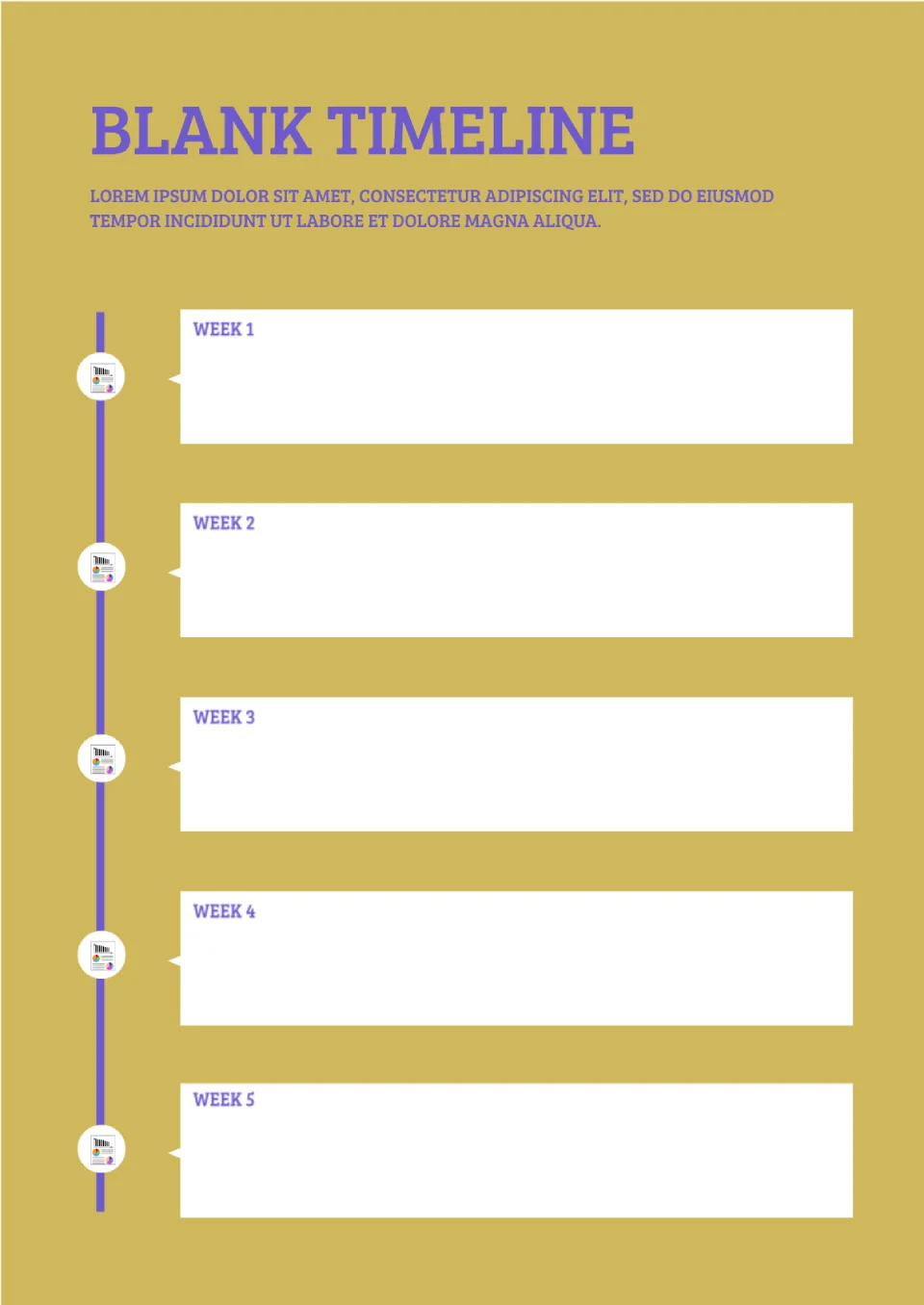
Create a daily, monthly, or even yearly plan using the Blank Timeline Template in Google Docs. The template can also be used to create a cue card for a public speech at a conference or meeting.
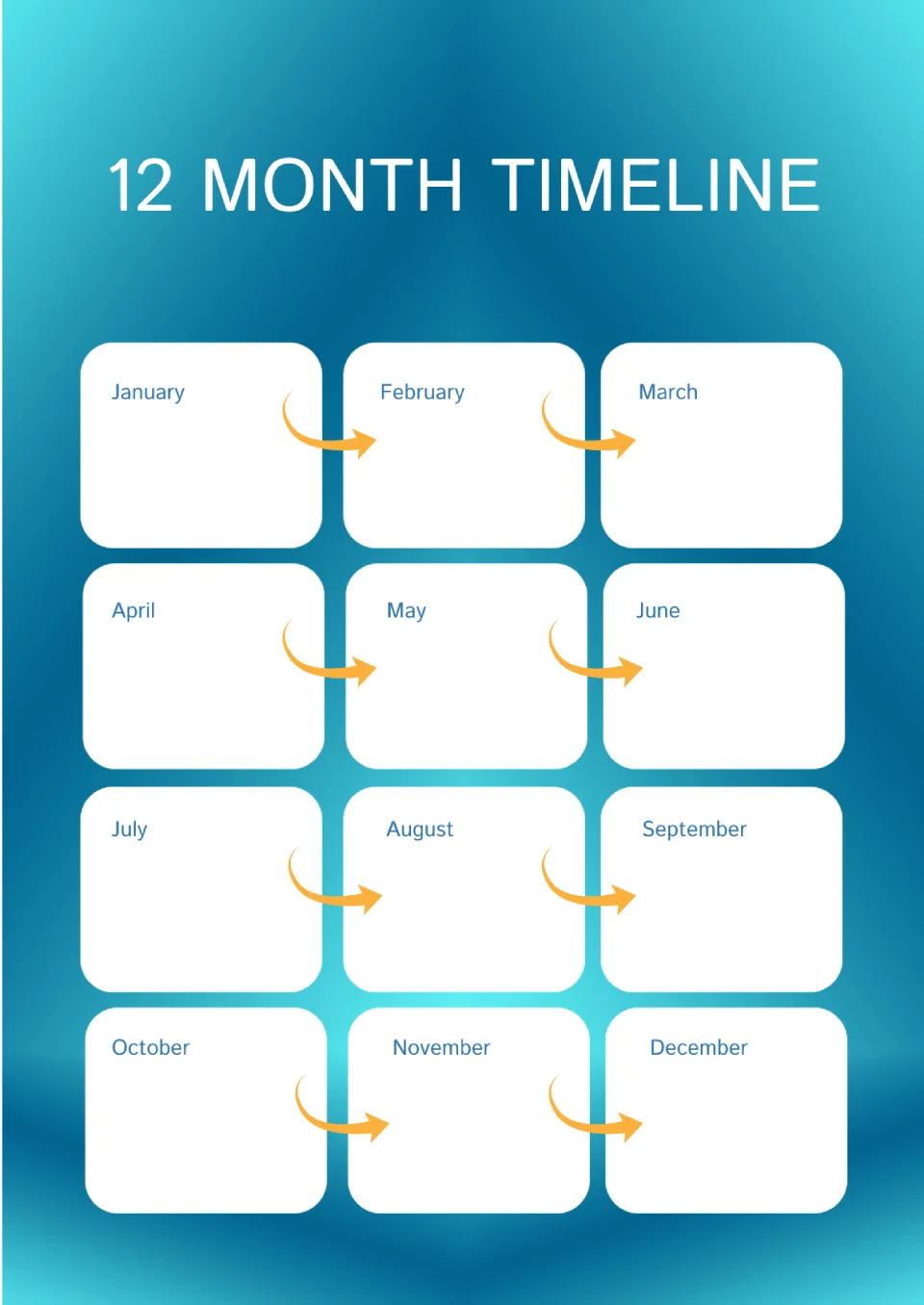
It's very easy to forget what needs to be done throughout the year, especially if you're used to planning your year in advance. To avoid forgetting anything, use this template.
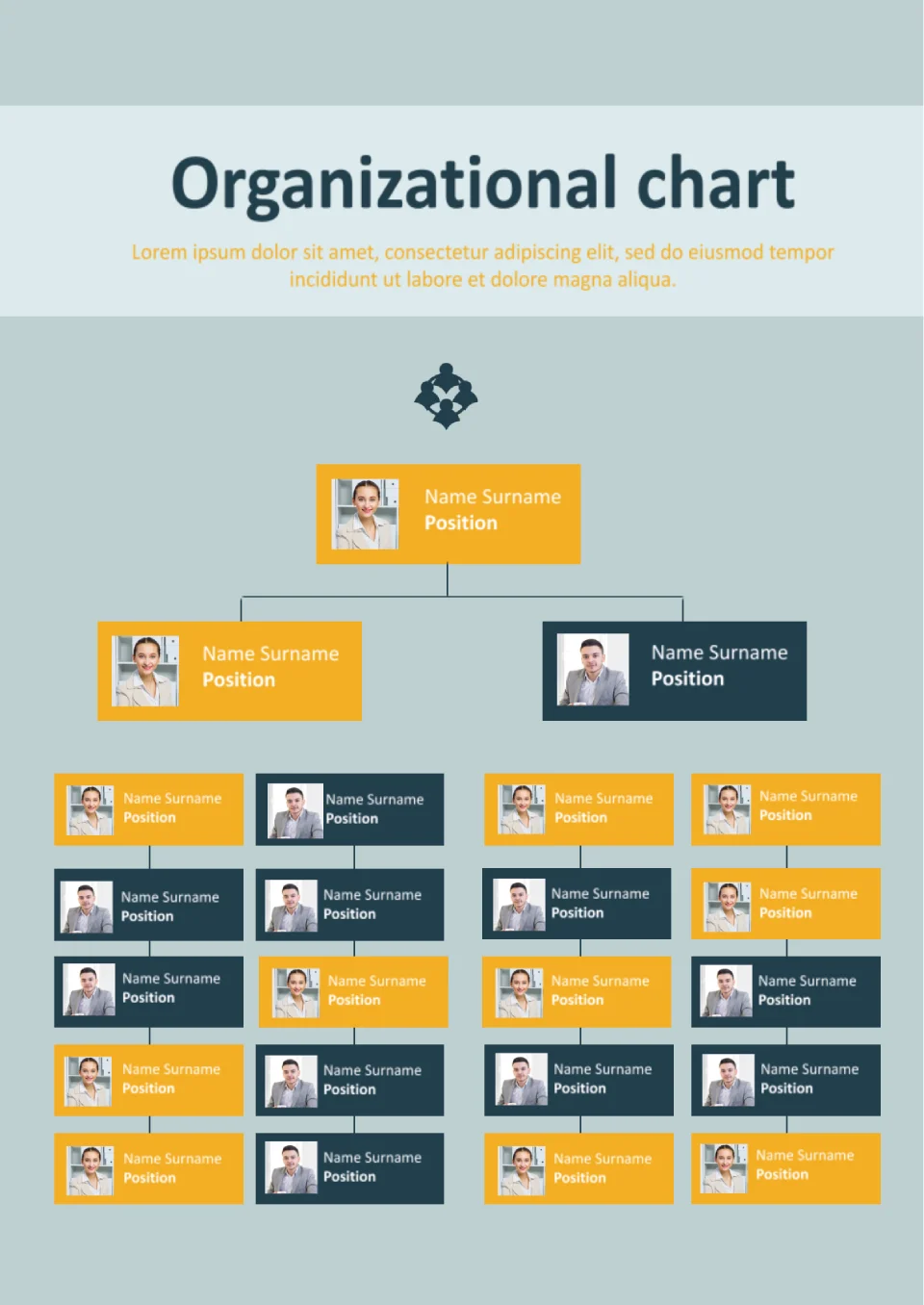
With a clear hierarchical layout, the Org Chart Template helps organizations visualize reporting structures and team relationships easily. It suits HR teams, business owners, managers, and startups defining their company structure.
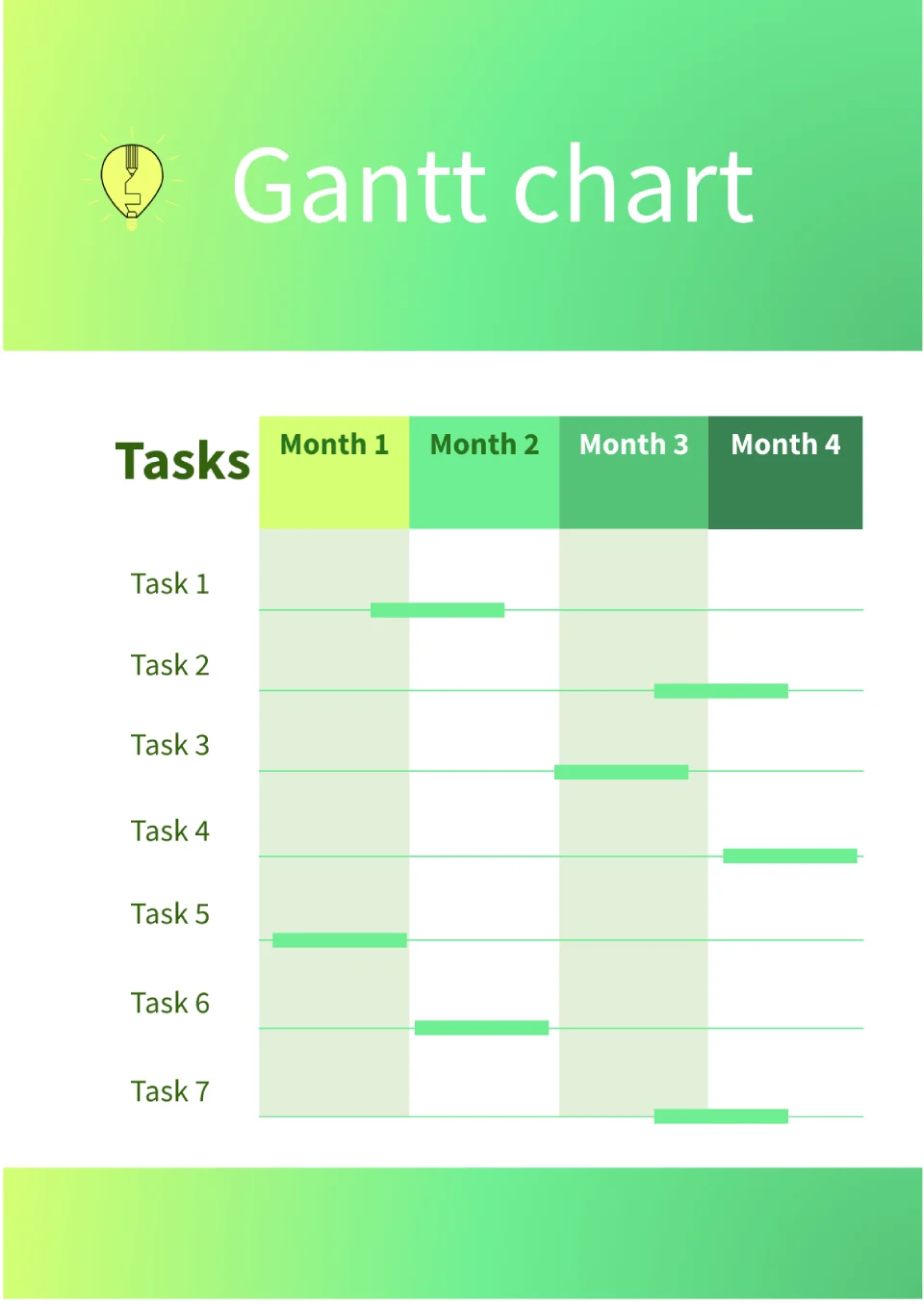
Need to track project timelines but findings spreadsheets too complicated for visual planning? The Gantt Chart Template is a good fit for project managers, teams, and freelancers managing deadlines and milestones.
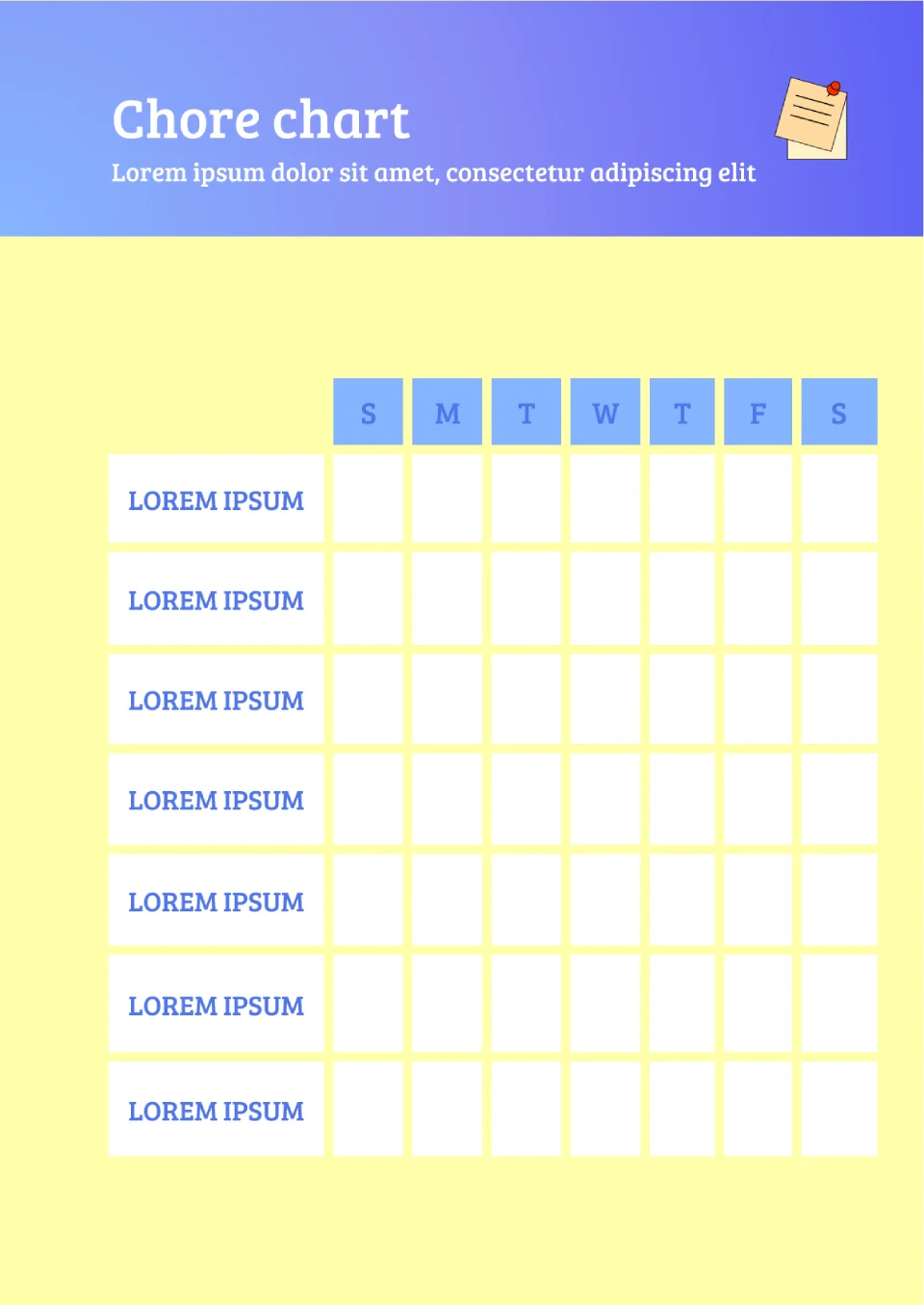
Want to get kids or family members to help with chores but nothing motivates them to stay consistent? The Chore Chart Template is useful for parents, guardians, and households wanting to share household responsibilities fairly.
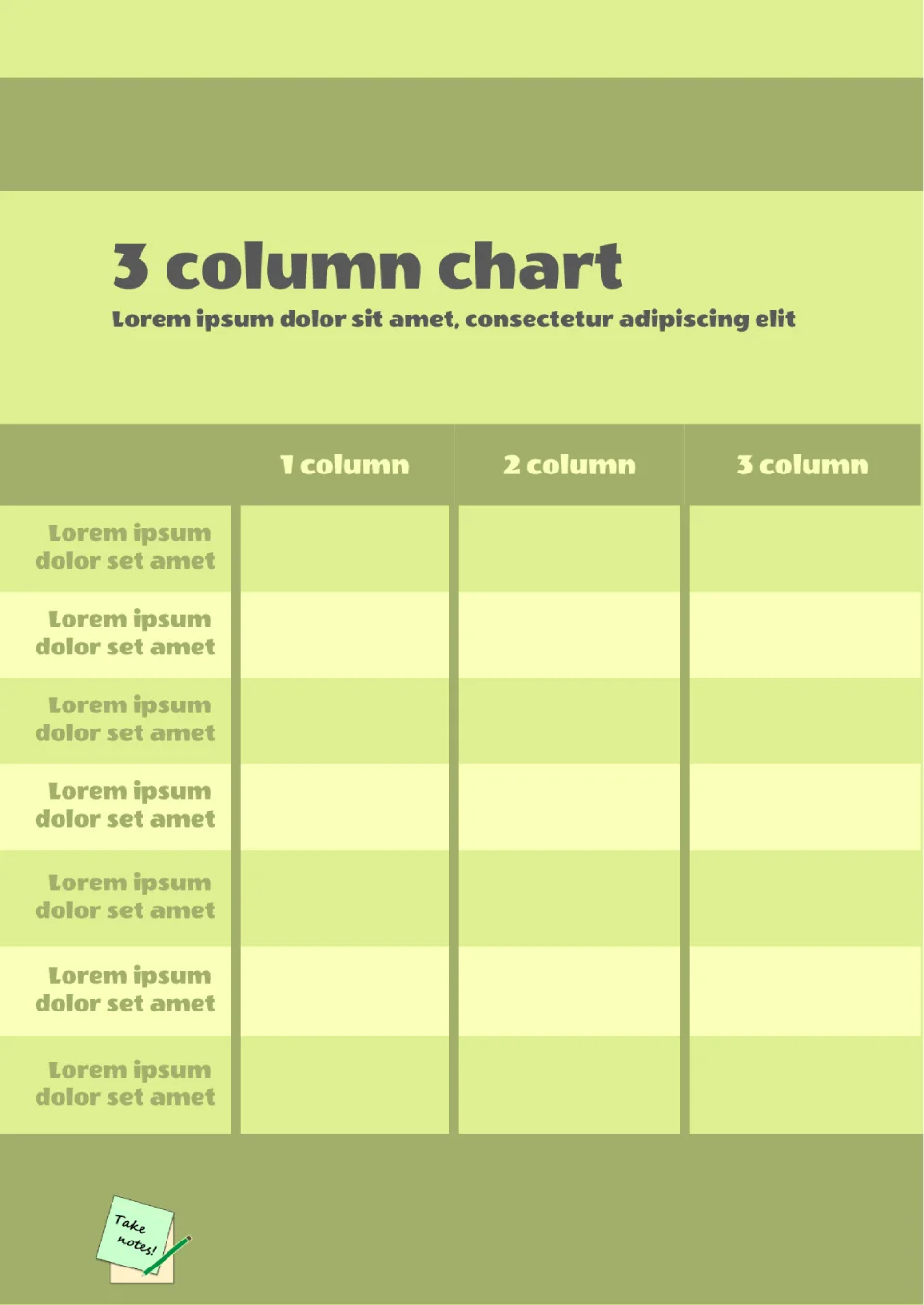
Built for comparing three categories side by side, the 3 Column Chart Template helps users organize and visualize data in a clean, structured layout. It works for students, researchers, business analysts, and anyone comparing three options or groups.
Struggling to track sprint progress in agile projects and need a visual way to see if you're on track? The Burndown Chart Template is made for project managers, scrum teams, and agile practitioners tracking work completion.
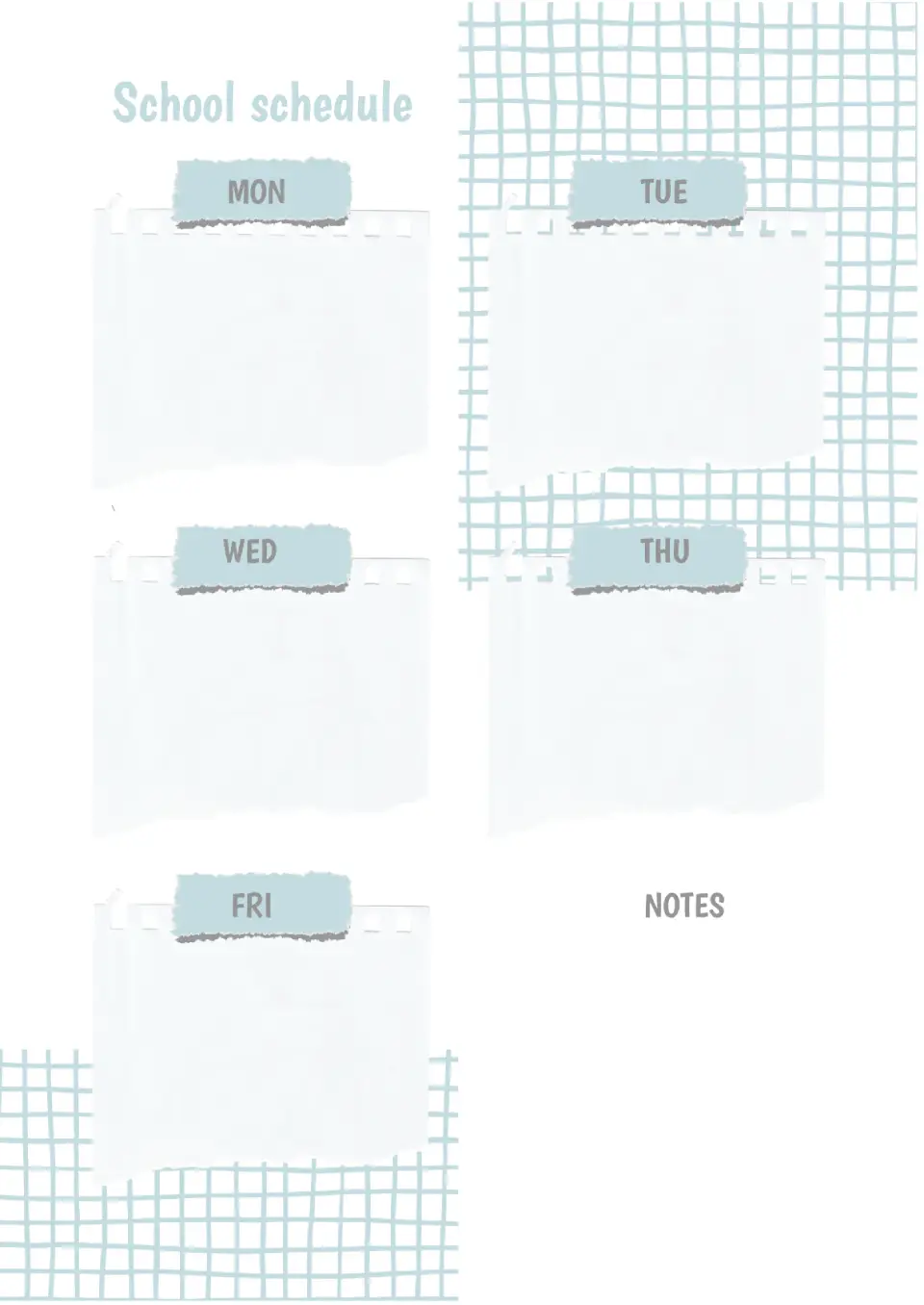
When the school schedule is in sight, it's almost impossible to confuse lessons or forget to do homework. With the help of the School Schedule Template in Google Docs, you can create a personal schedule for your child and hang it in their room.
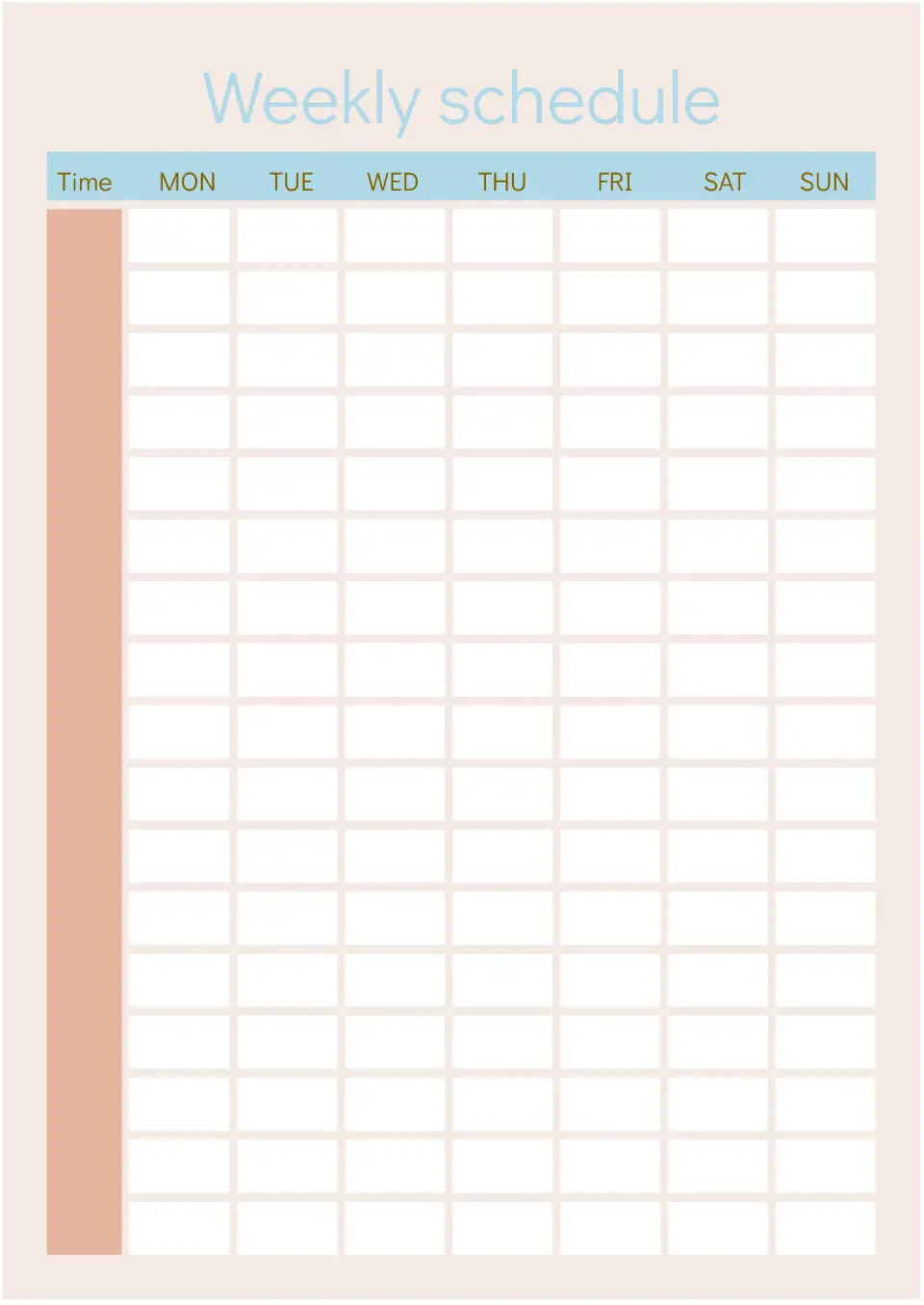
Want to teach your child self-organization? Start by creating a personal schedule with them. Together with your child, write down all the tasks for the upcoming week and specify their time.
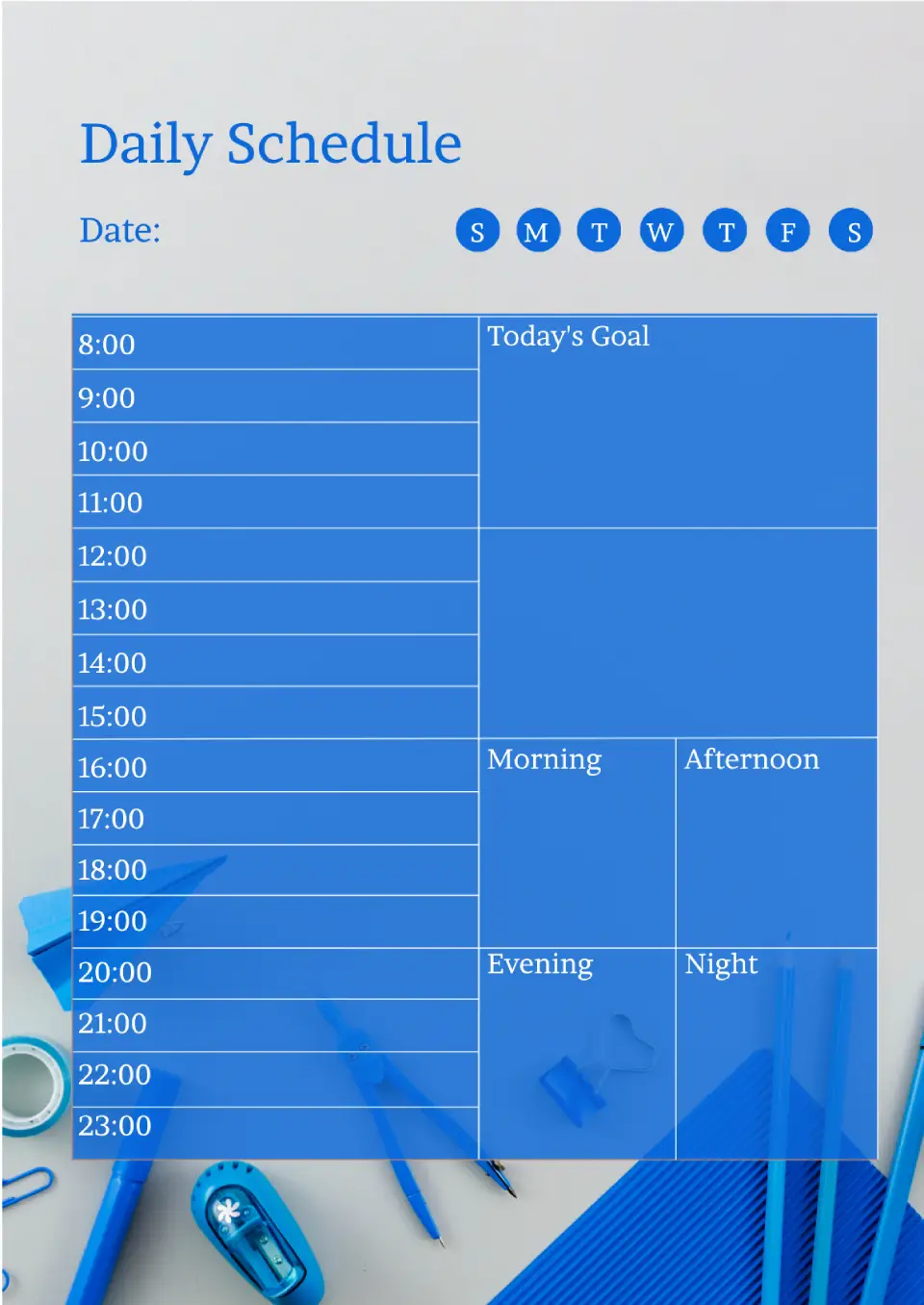
When many tasks and events are planned for the day, it's very easy to forget something important. So you don't miss anything, our designers have created this template!
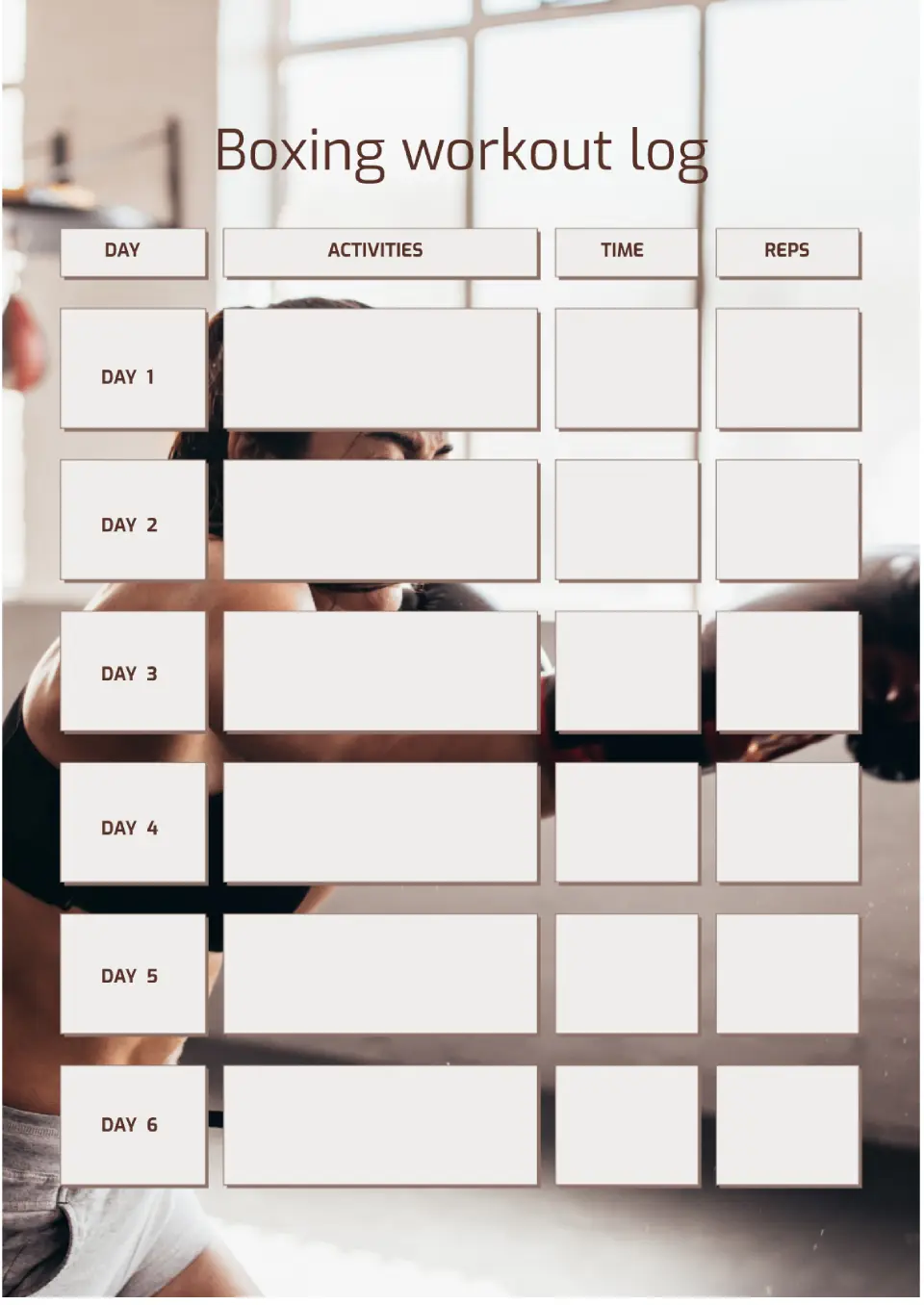
Built for boxing training, the Boxing Workout Template helps fighters and fitness enthusiasts organize punches, rounds, conditioning, and rest in one structured plan. It suits boxing coaches, amateur fighters, and people using boxing for fitness and cardio.
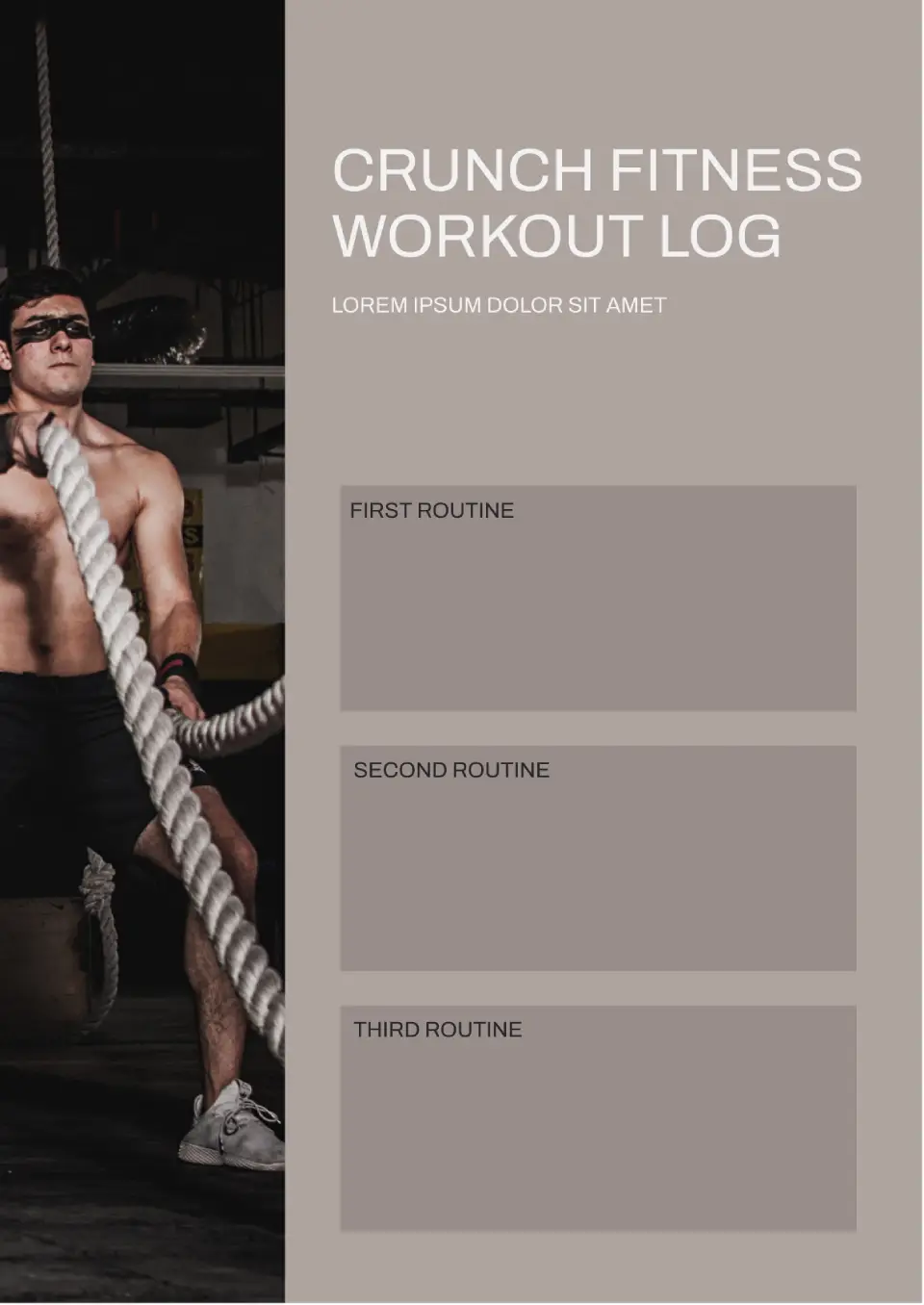
With a layout designed for Crunch Fitness-style training, the Crunch Fitness Workout Template helps members track gym sessions, classes, and personal goals at Crunch locations. It is useful for Crunch Fitness members, personal trainers, and gym-goers following group fitness programs.

Focused on strength training, the Lifting Workout Template helps lifters track exercises, sets, reps, weights, and progressive overload in one organized system. It works for weightlifters, powerlifters, bodybuilders, and anyone focused on building strength and muscle.

Choose your preferred social media platform from options like Pinterest, Facebook, Twitter, and more. Share our templates with your contacts or friends. If you’re not active on these social networks, you can simply copy the link and paste it into the one you use.