

 Back to templates
 Google Docs Templates - Page 105
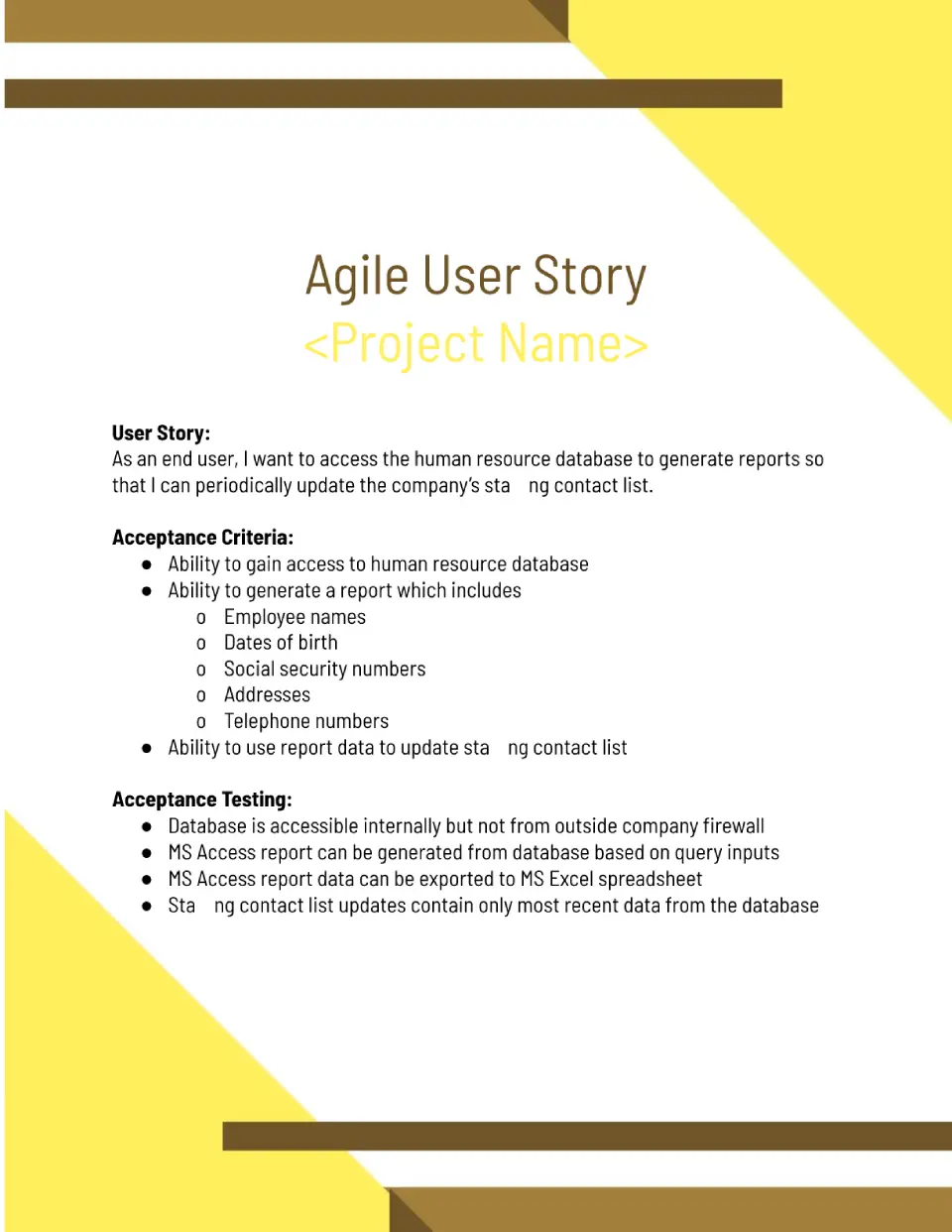
Need user stories that follow Agile best practices and fit your sprint planning process? The Agile User Story Template is a strong fit for Scrum teams, Agile coaches, and development teams using Agile methodology.

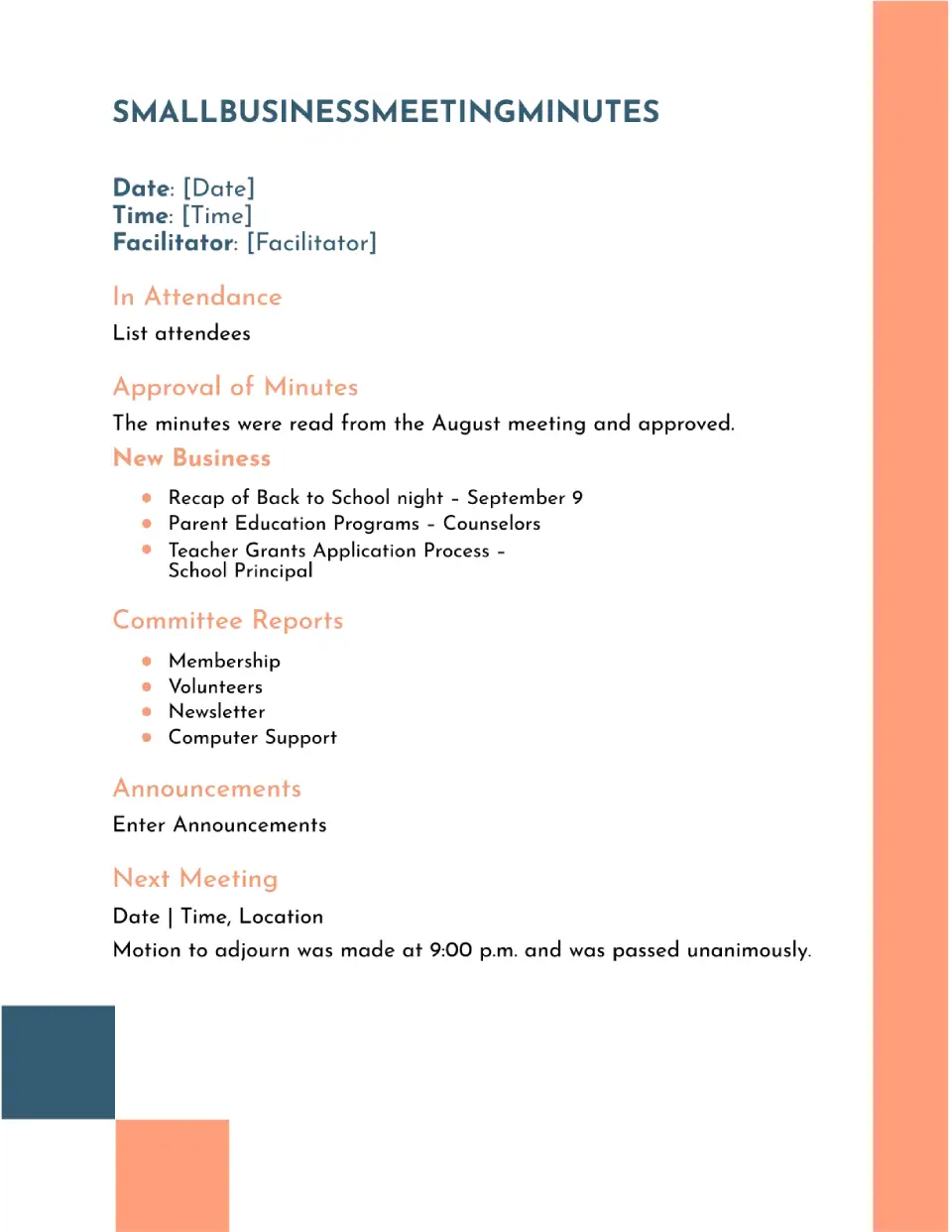
With space for attendees, discussion points, and action items, the Small Business Meeting Minutes Template helps small business owners document meetings professionally. It suits small business owners, entrepreneurs, and remote teams who need meeting documentation without corporate complexity.
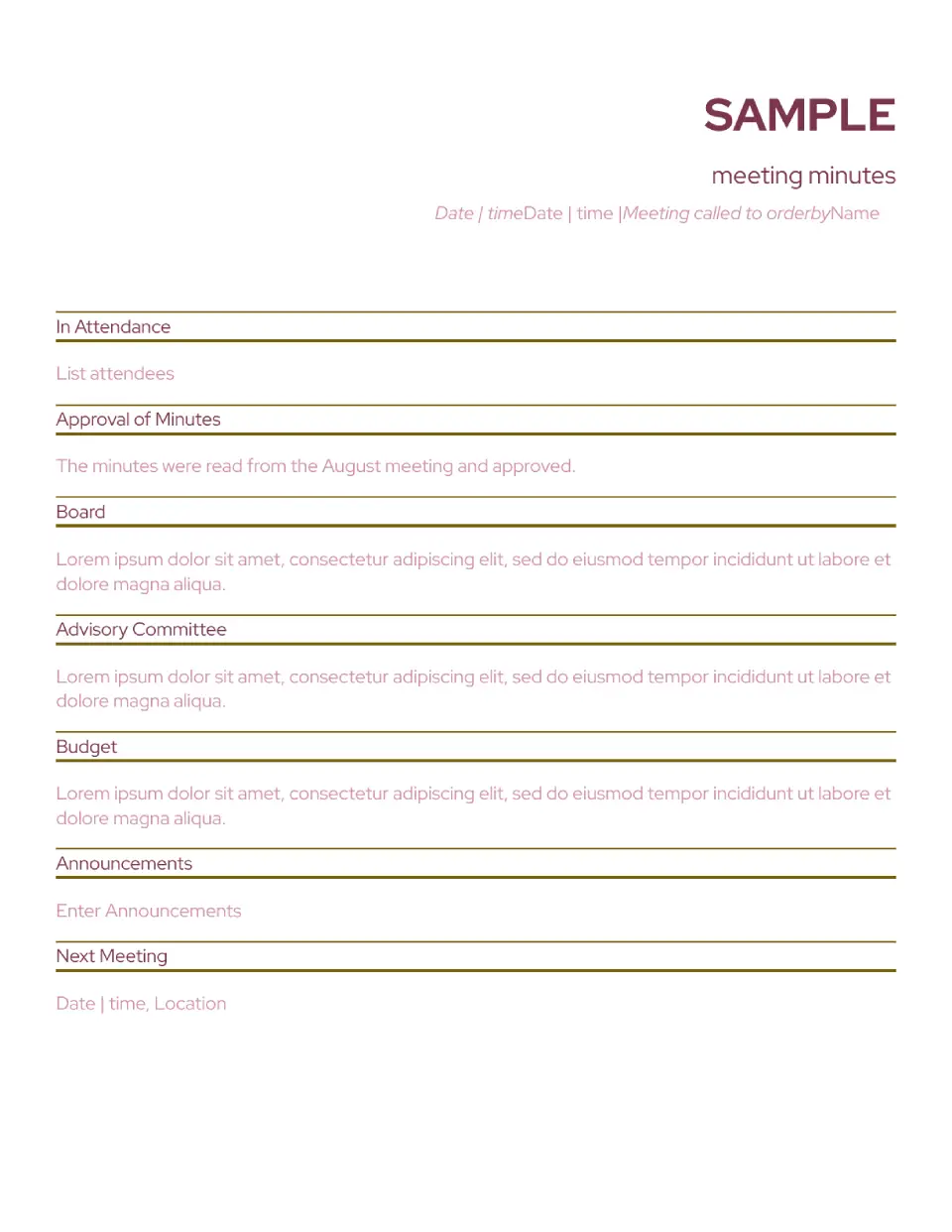
Built with example content included, the Sample Meeting Minutes Template shows teams how to write proper meeting minutes with real examples. It is useful for new administrators, meeting organizers, and teams learning documentation best practices.
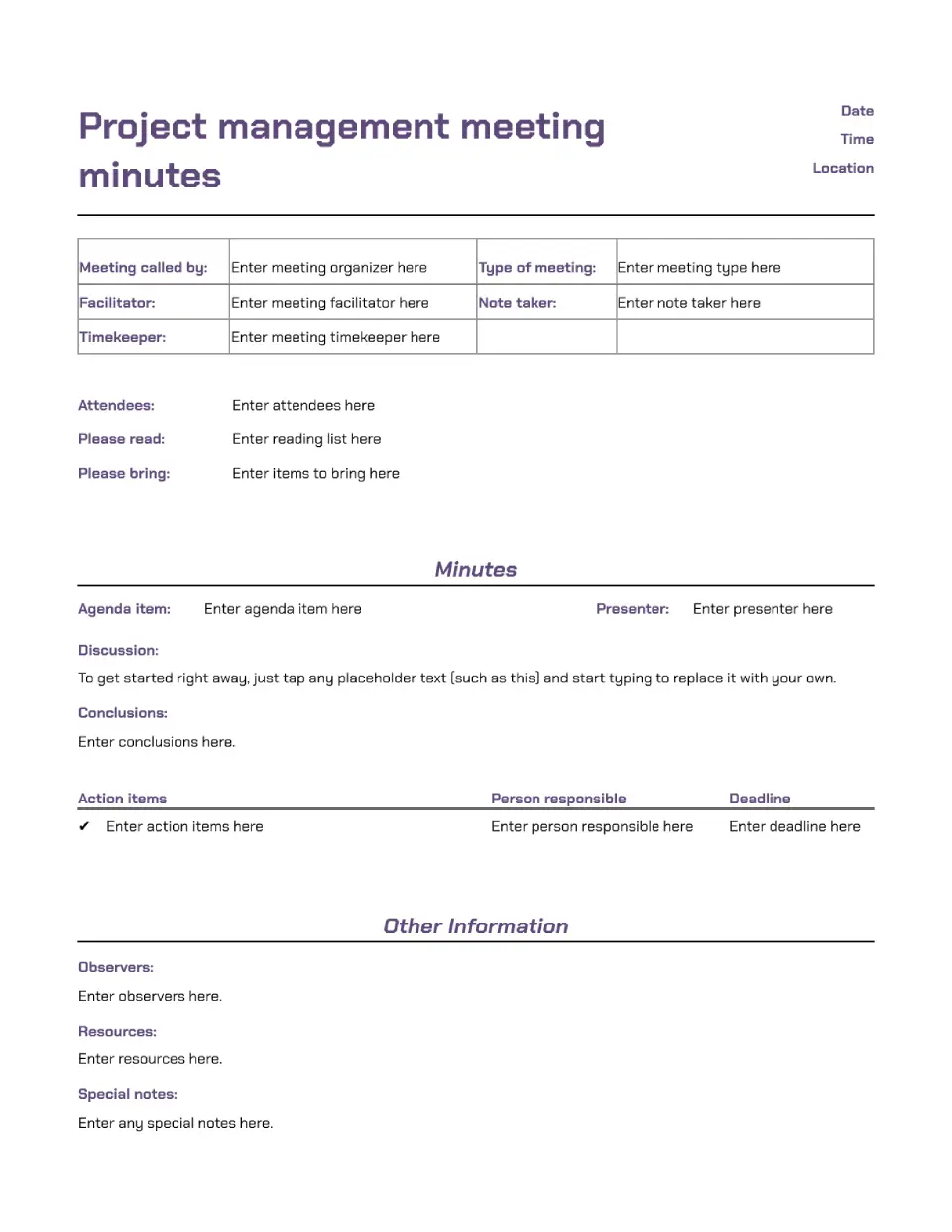
Does your project team need meeting minutes that capture decisions, action items, and next steps clearly? The Project Management Meeting Minutes Template is a good fit for project managers, Scrum masters, and teams managing complex projects.
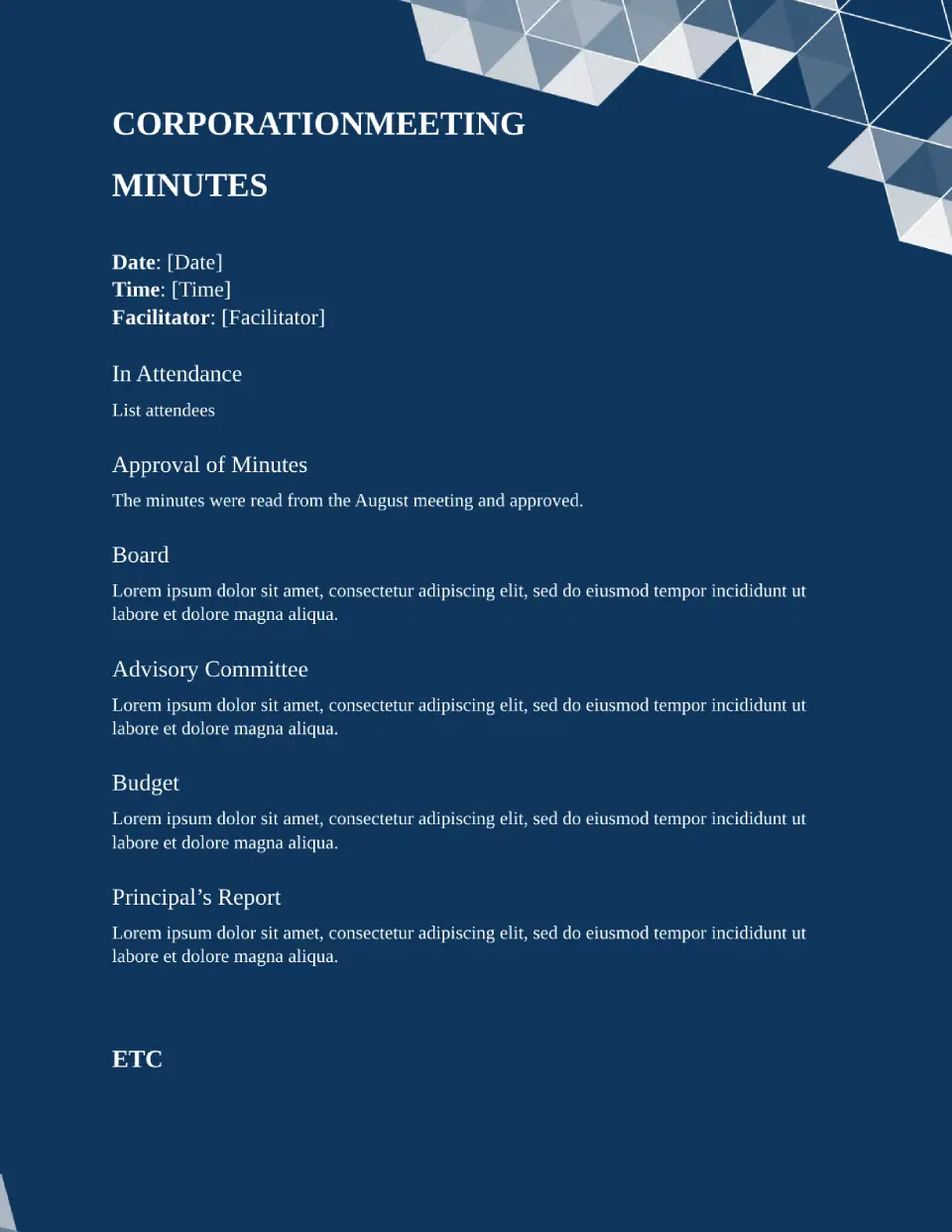
Designed for corporate environments, the Corporation Meeting Minutes Template gives companies a formal way to document internal meetings and decisions. It suits corporations, legal teams, and business executives who need professional meeting documentation.
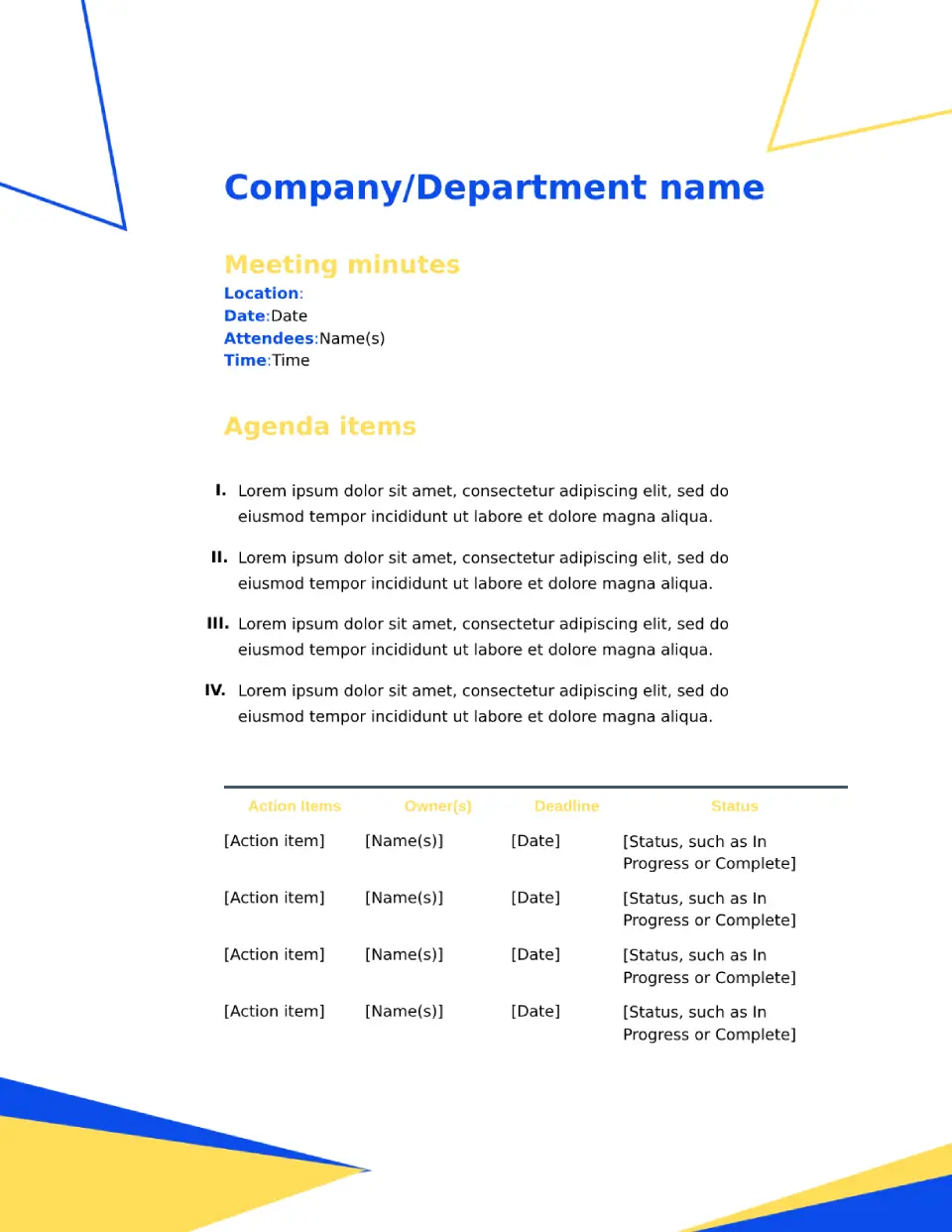
Want meeting minutes that look professional and match your company's corporate standards? The Corporate Meeting Minutes Template is useful for large companies, HR departments, and corporate administrators who document official meetings.
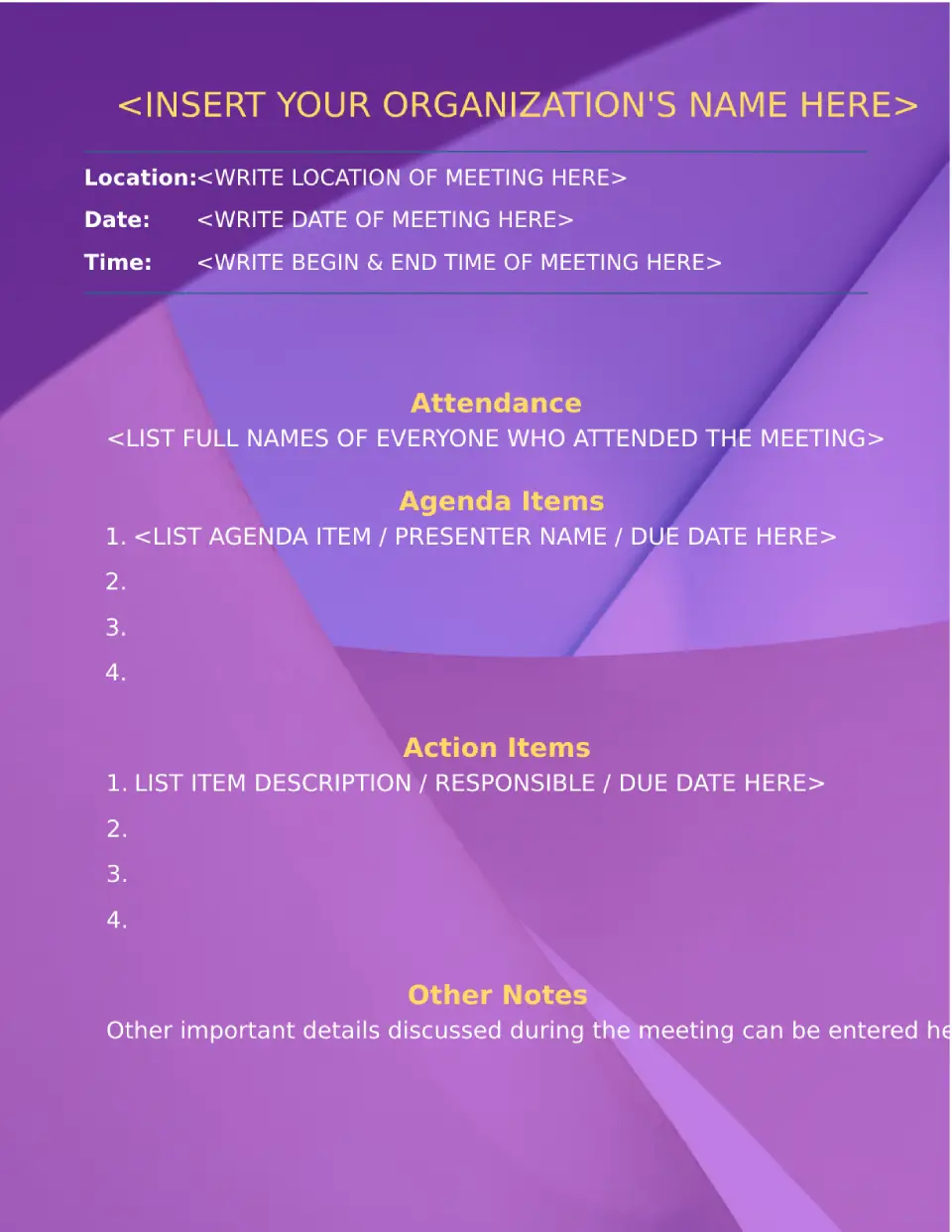
Ready to document meetings without spending hours formatting complicated minutes? The Simple Meeting Minutes Template is a good fit for small teams, managers, and anyone who needs quick meeting documentation.
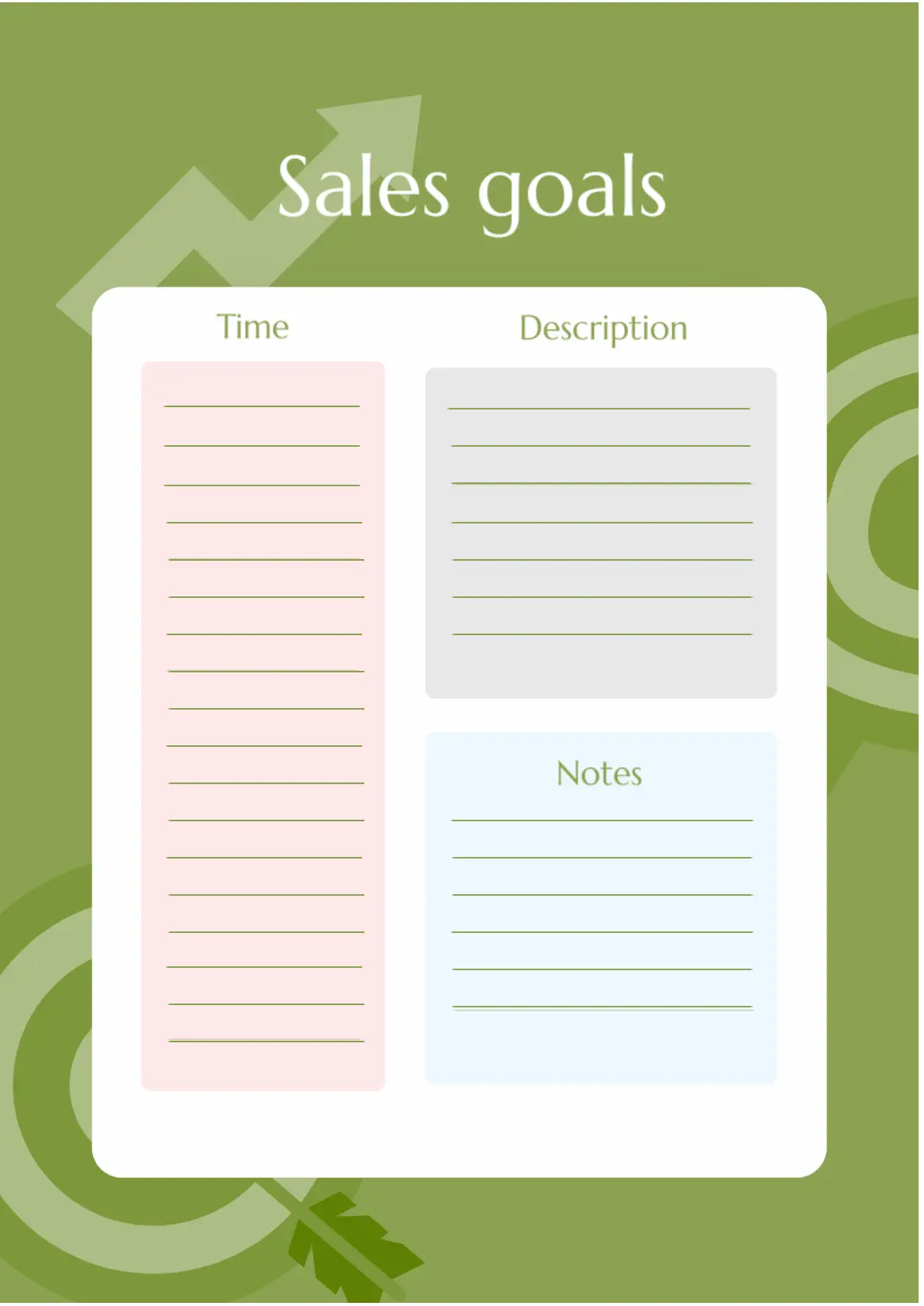
Sales Goals Template for Google Docs is designed for managers, but it can be useful for anyone involved in business. It's convenient to plan sales, specify their dates, and describe your observations.
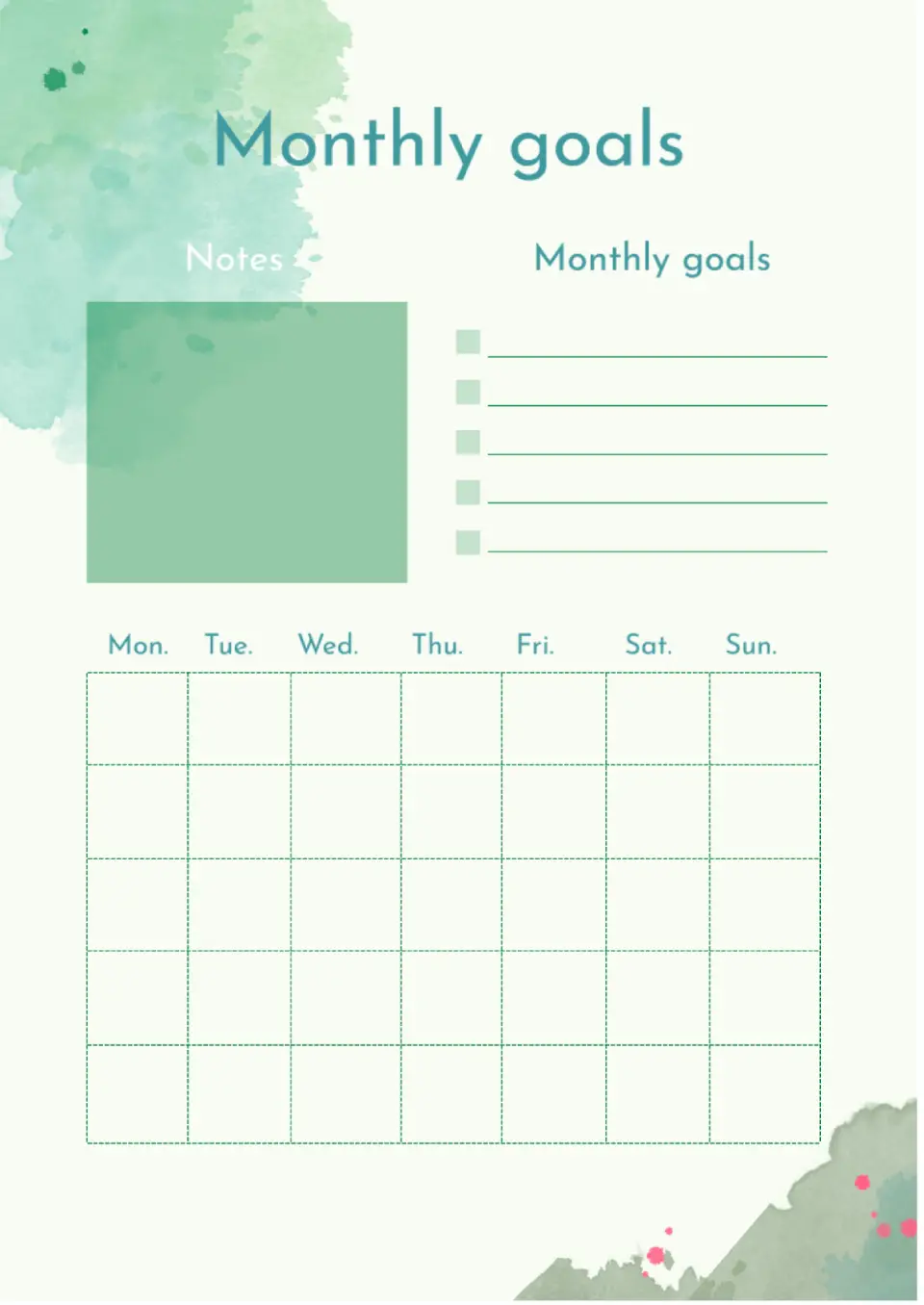
A great layout for long-term planning. The upper part contains monthly goals and notes. At the bottom, there is a calendar where you can add a small note or checkmark to each square.
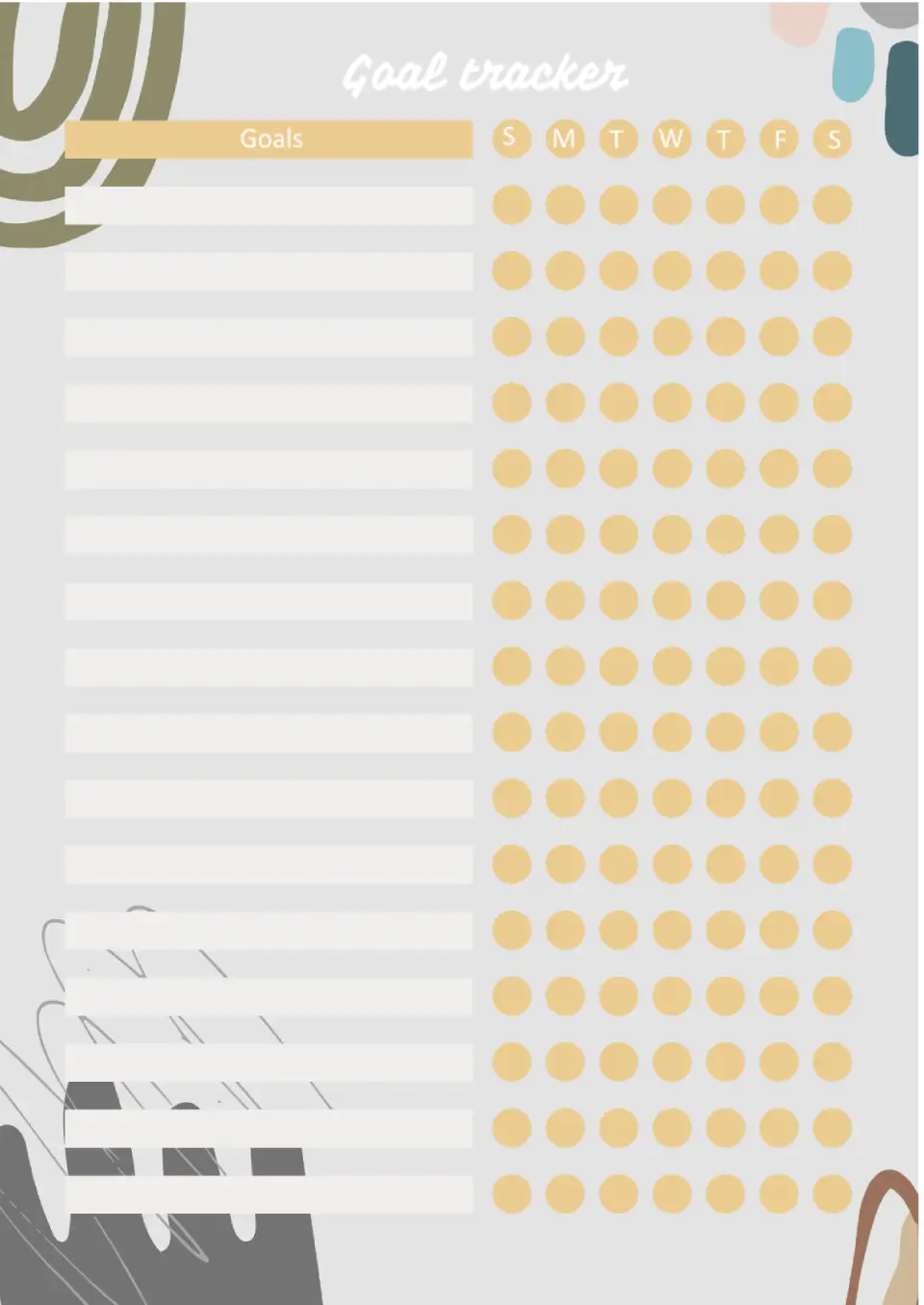
A very useful template for everyone who needs to record the fulfillment of small goals. On the left side, there are rectangular empty blocks where you can enter tasks.
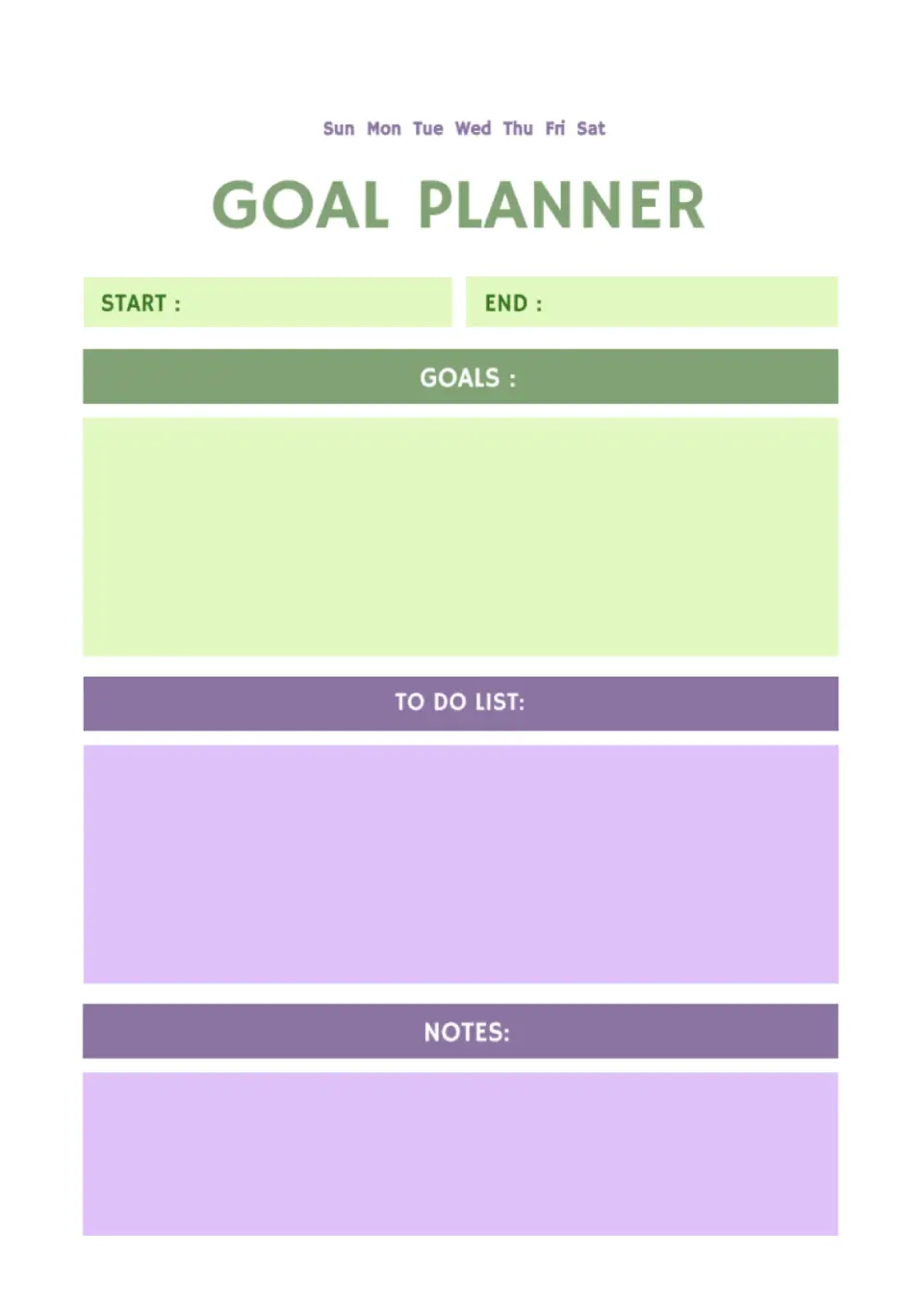
Visually, the layout is divided into blocks for text of different colors. In the upper ones, you need to specify the goal, the moment you start working on it, and the date by which you plan to finish.
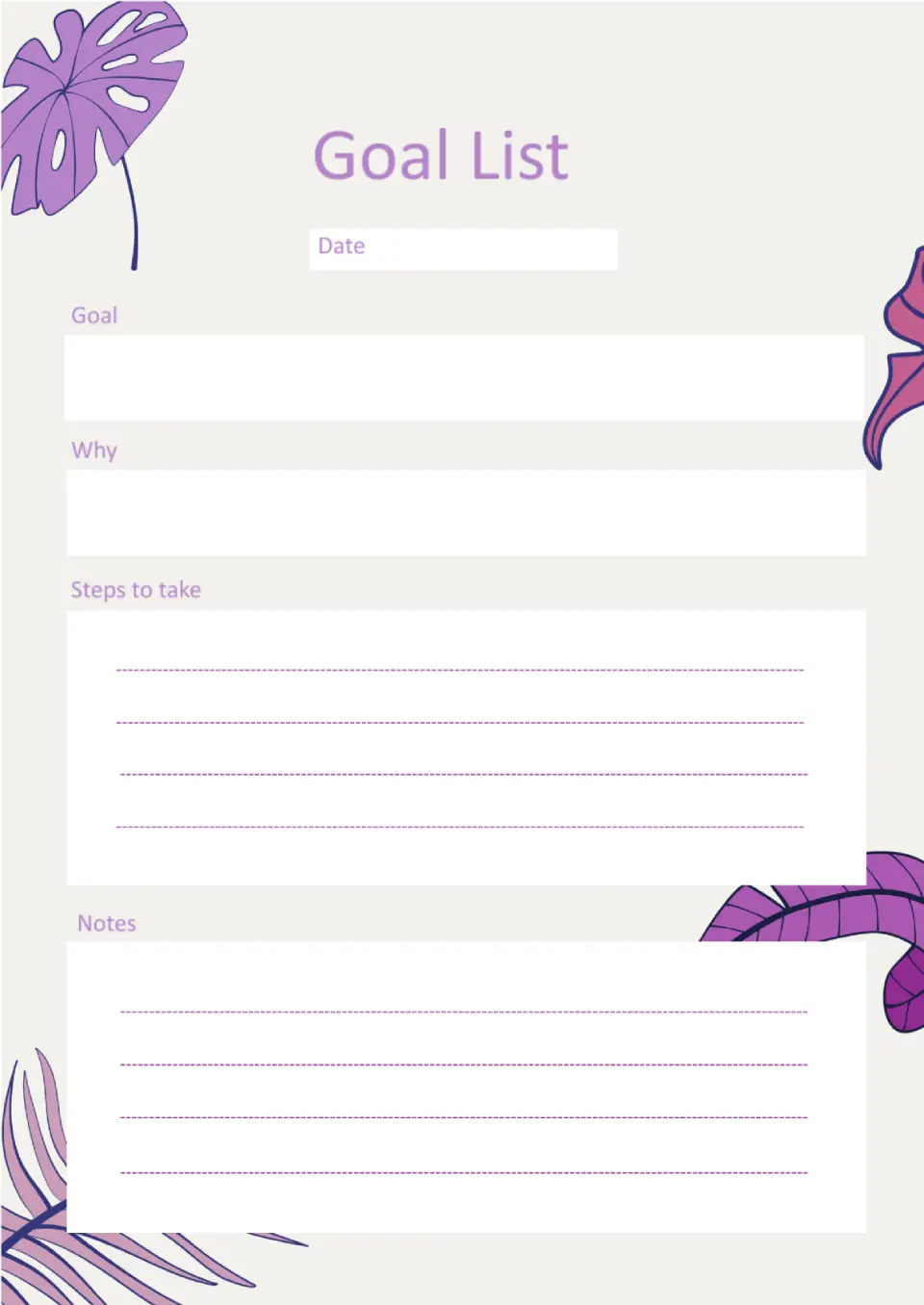
The main feature of this stylish layout is its unusual structure. In addition to the goal and the steps to achieve it, it offers to indicate why you need it at all.
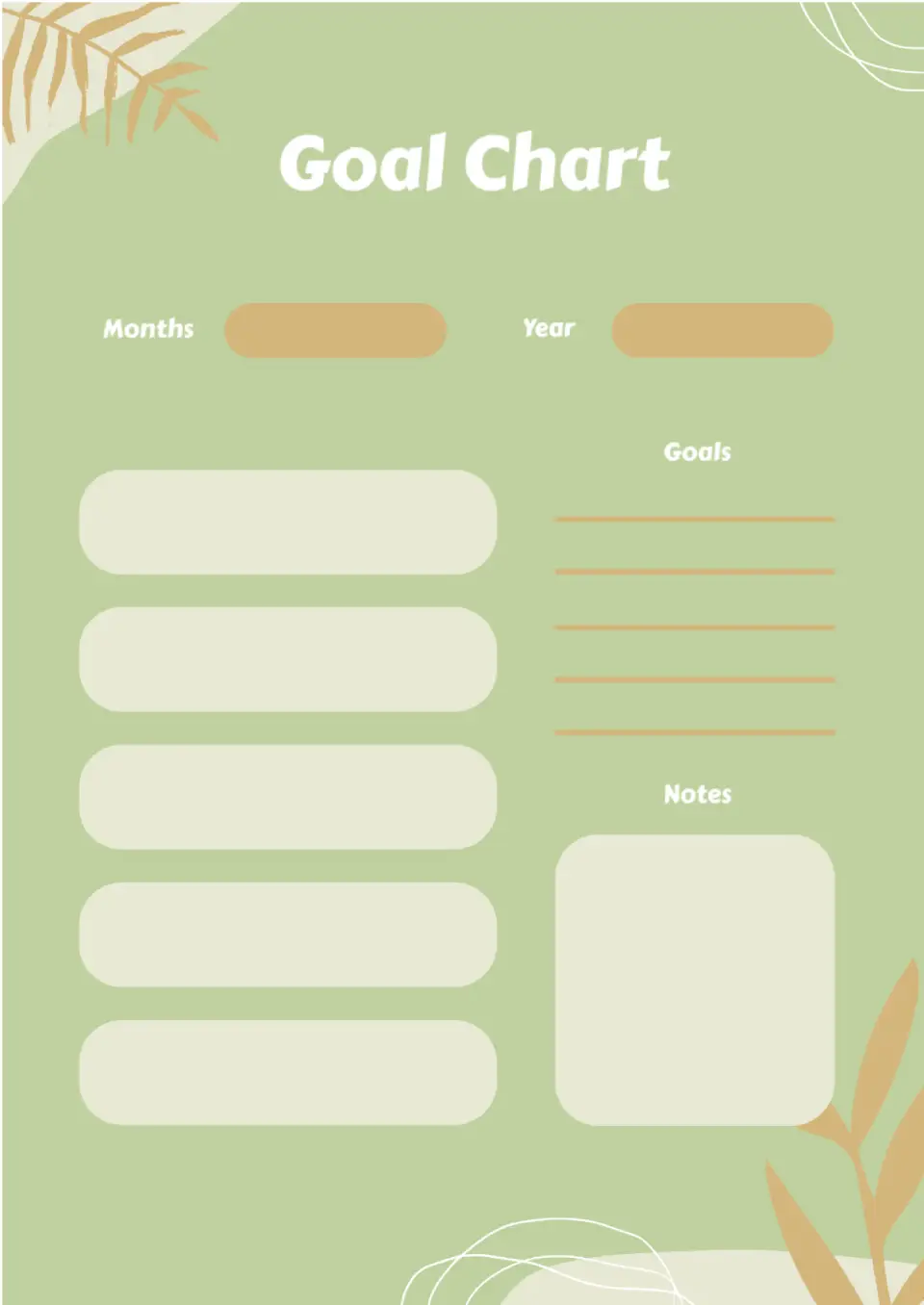
The original Goal Chart Template for Google Docs is perfect for those who like to visualize their dreams, goals, and plans. You can add not only text, but also images, diagrams, and drawings to the empty boxes.
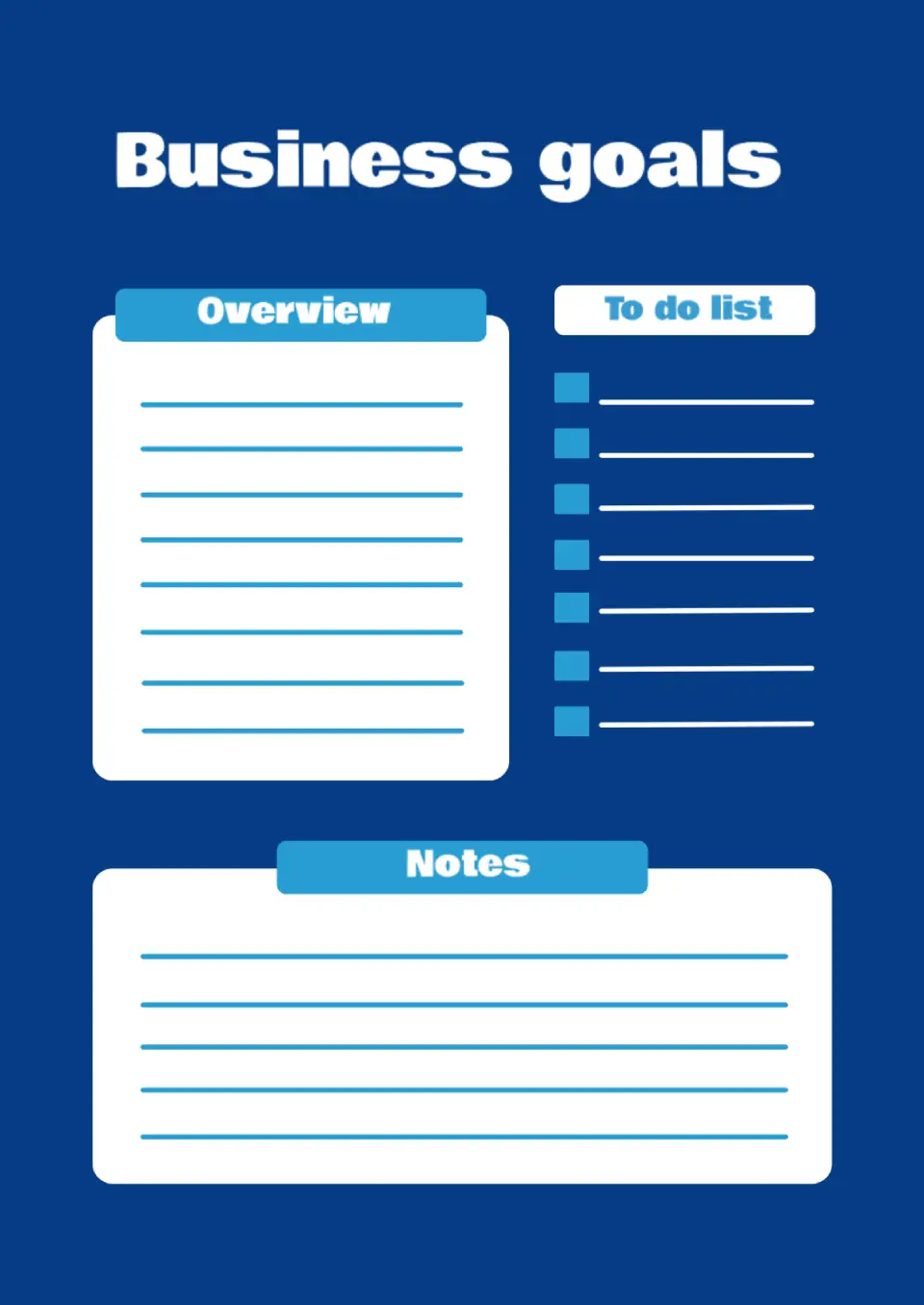
The strictly styled layout is visually divided into three parts. Write down your goal in detail in the left block, and in the list on the right, indicate the specific steps to take. There are notes at the bottom of the page for additional information.
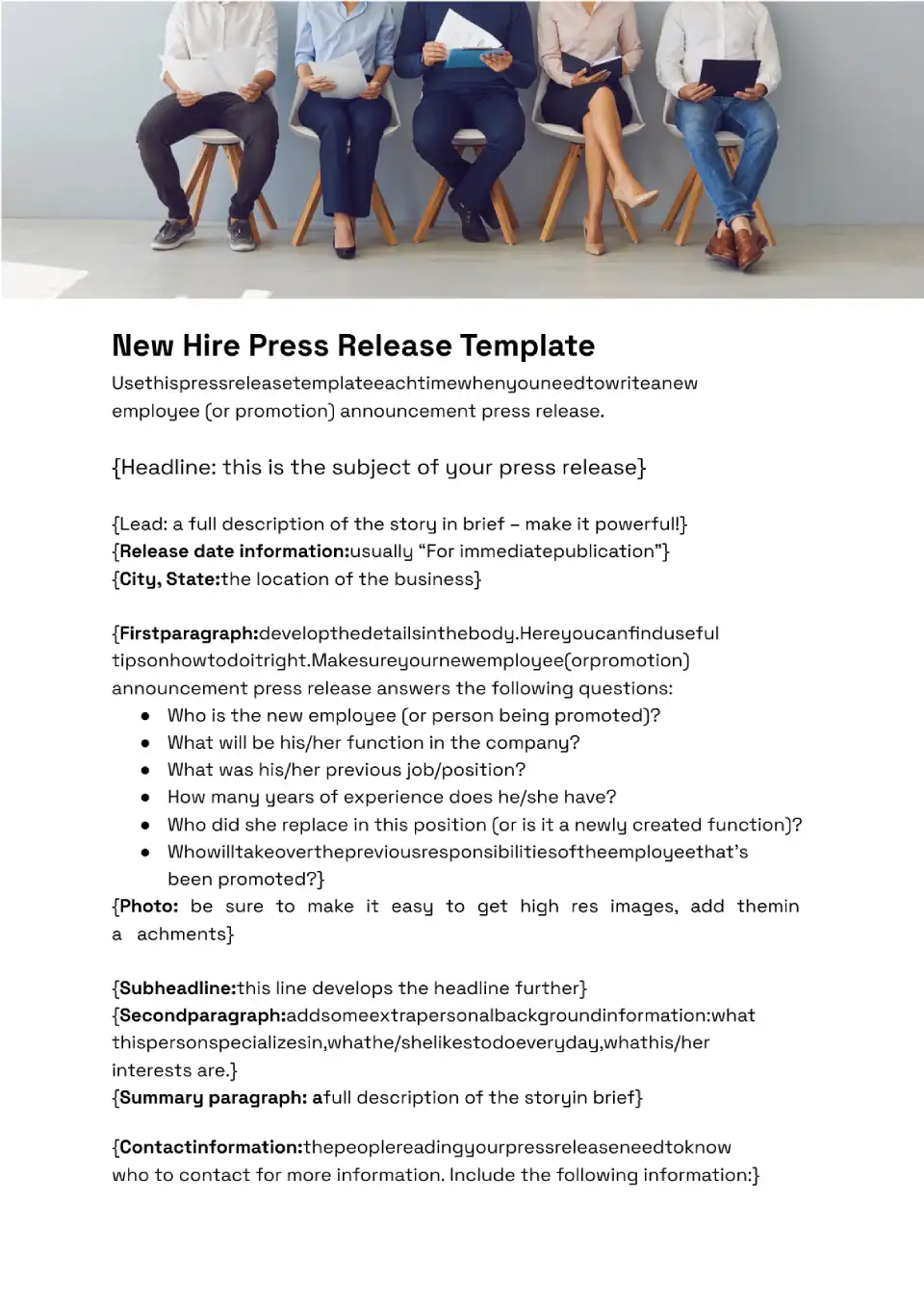
Use this template and hire the best specialist for your company. Specify your requirements, company mission, and working conditions to attract candidates.
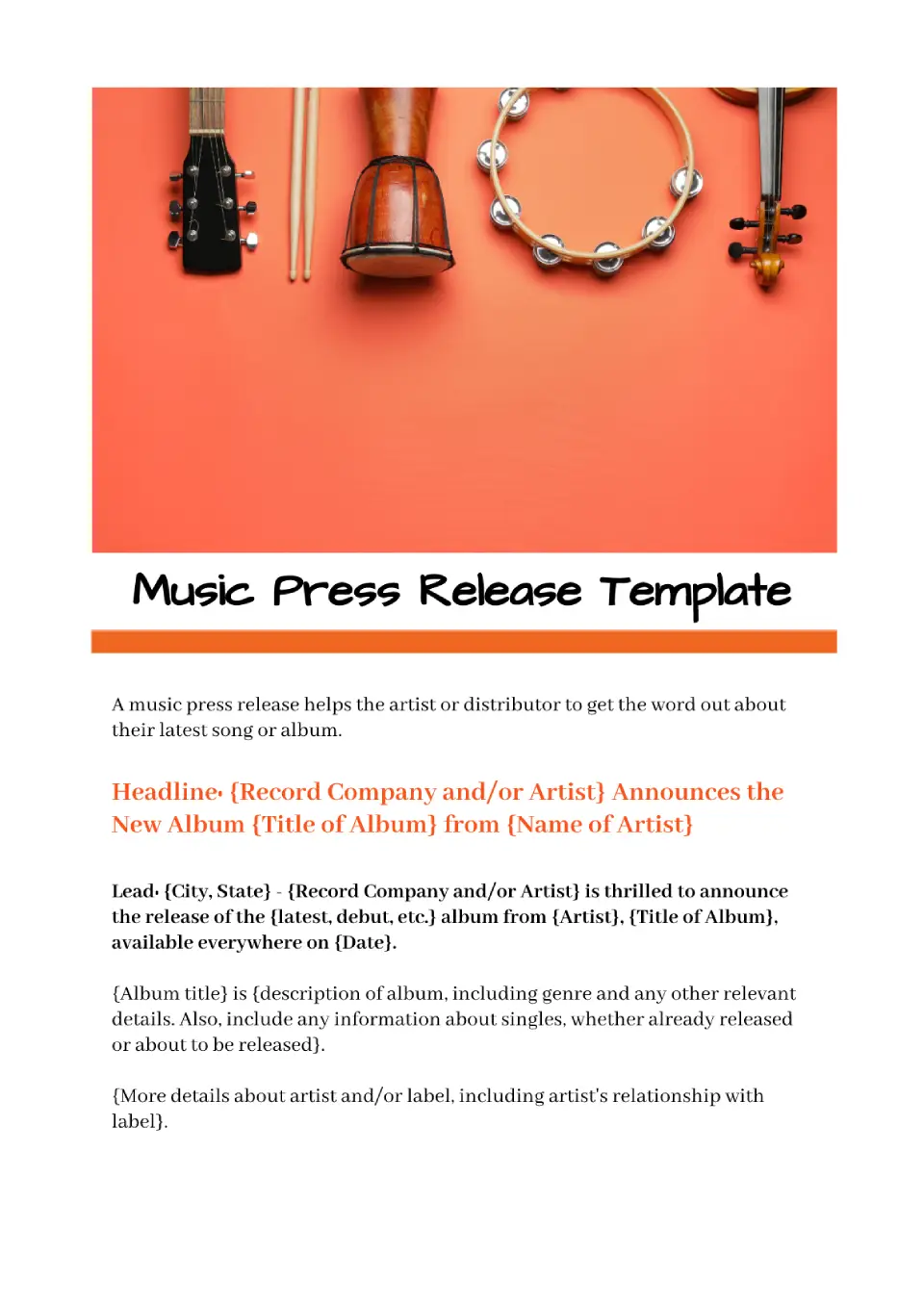
Get a colorful Music Press Release Template in Google Docs for free that will grab readers' attention and increase sales. Edit and print the layout for your music album presentation.

Choose your preferred social media platform from options like Pinterest, Facebook, Twitter, and more. Share our templates with your contacts or friends. If you’re not active on these social networks, you can simply copy the link and paste it into the one you use.