

 Back to templates
 Google Sheets Templates - Page 2
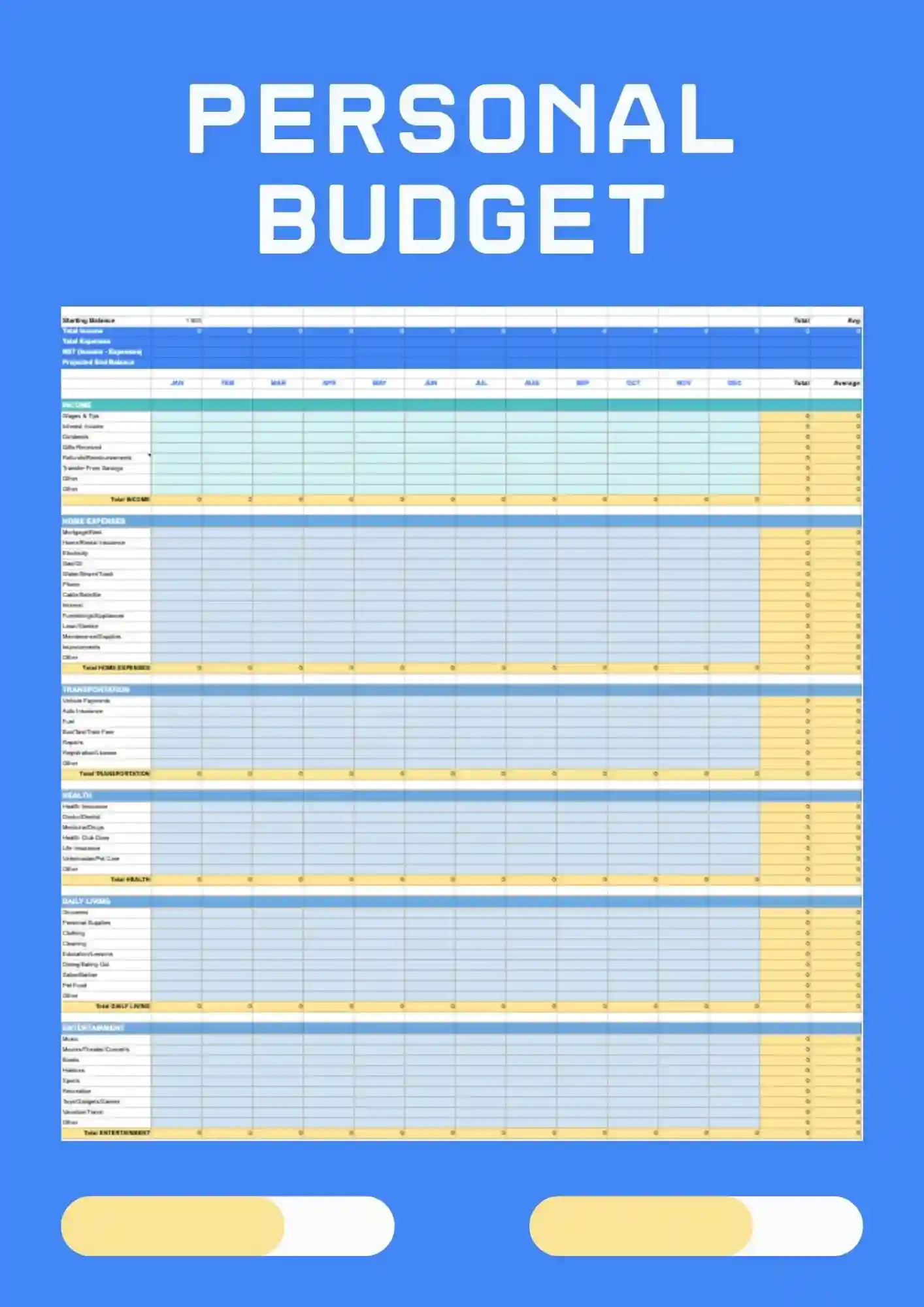
Personal Budget Template for Google Sheets is a simple, ready solution for tracking personal expenses, income, and budget without extra formatting. It works for students, freelancers, families, and small businesses who track personal expenses. Customize categories, amounts, and colors to match your financial situation. Use it to see where your money goes each month and stay on top of spending. Free to grab and ready to use today.

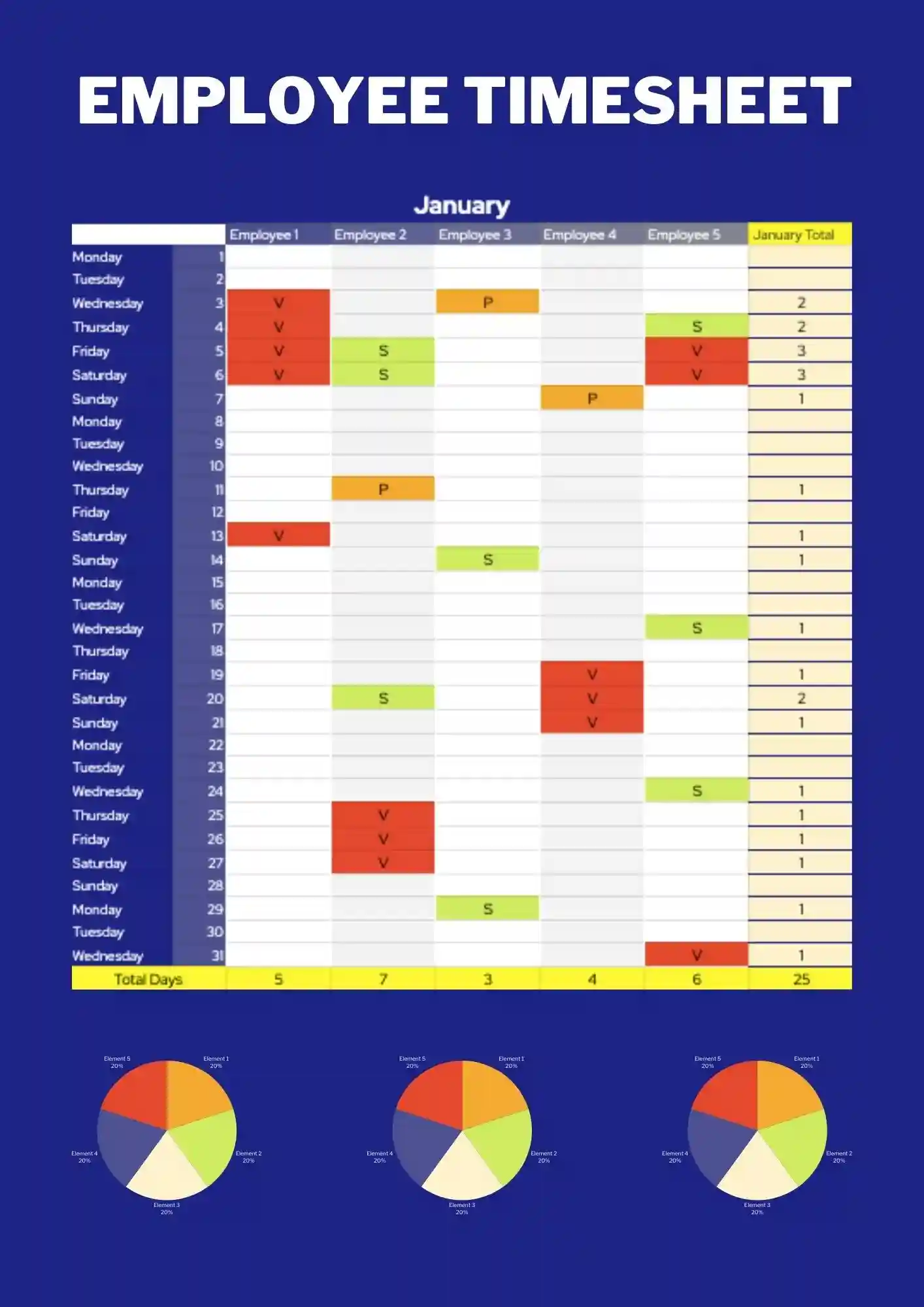
Employee Timesheet Template is built for tracking employee hours, tasks, and worked time in a clear and organized way. It works for HR, managers, small companies, and freelancers who track time by employee. Rename fields, update colors, and adjust styles to fit your team's structure. It keeps staff hours organized and makes payroll or reporting much simpler. Get this template free and use it right out of the box.
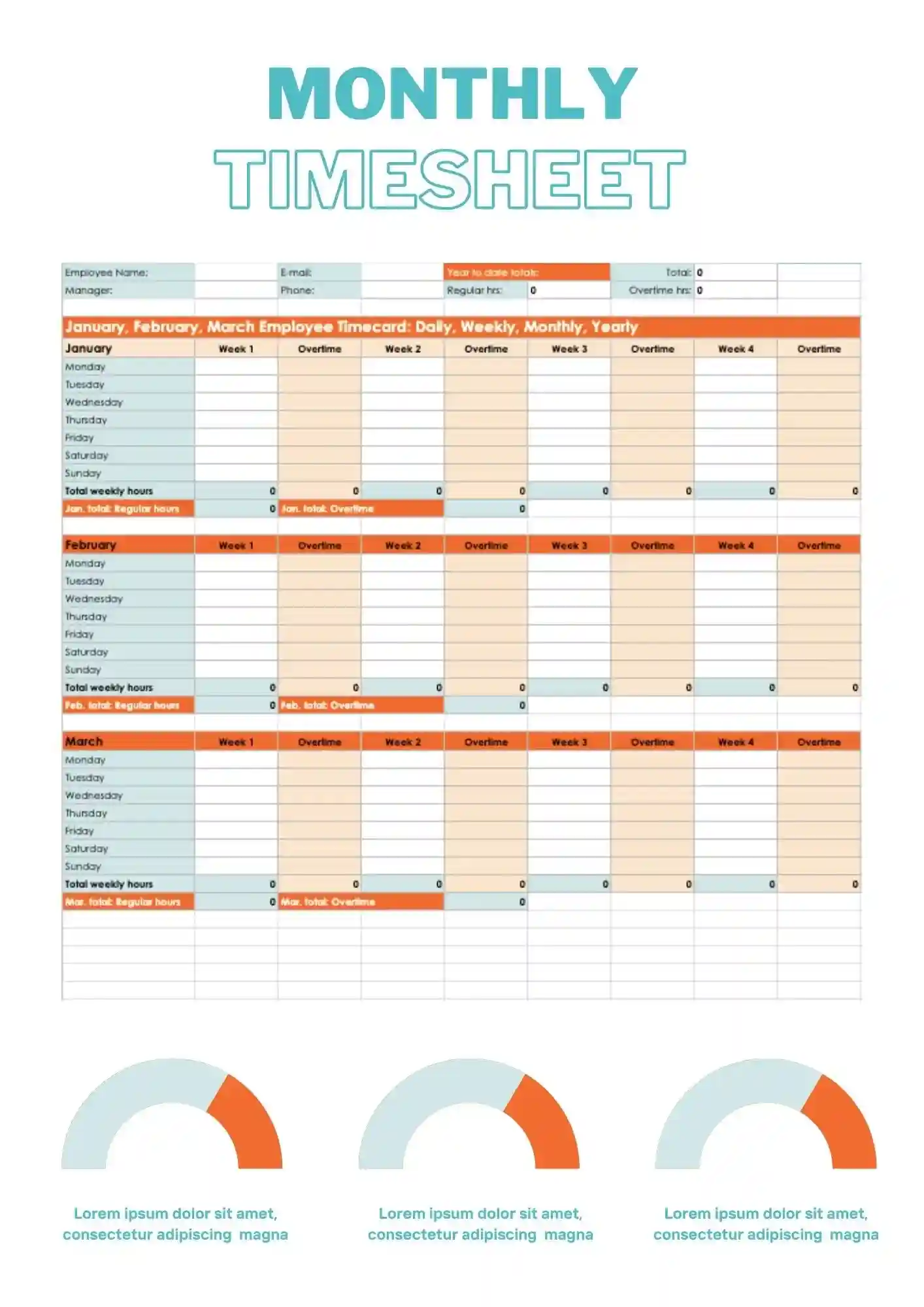
You need monthly time tracking, but your current spreadsheet is messy and doesn't give a clear picture for the month? Monthly Timesheet Template gives you a ready-to-use solution for tracking hours, tasks, and projects in one place. It works for freelancers, teams, managers, and students who track time by month. Adjust the text, colors, and layout to match your reporting needs. This layout makes it easy to review your full month at once. Free to download and ready to use right away.
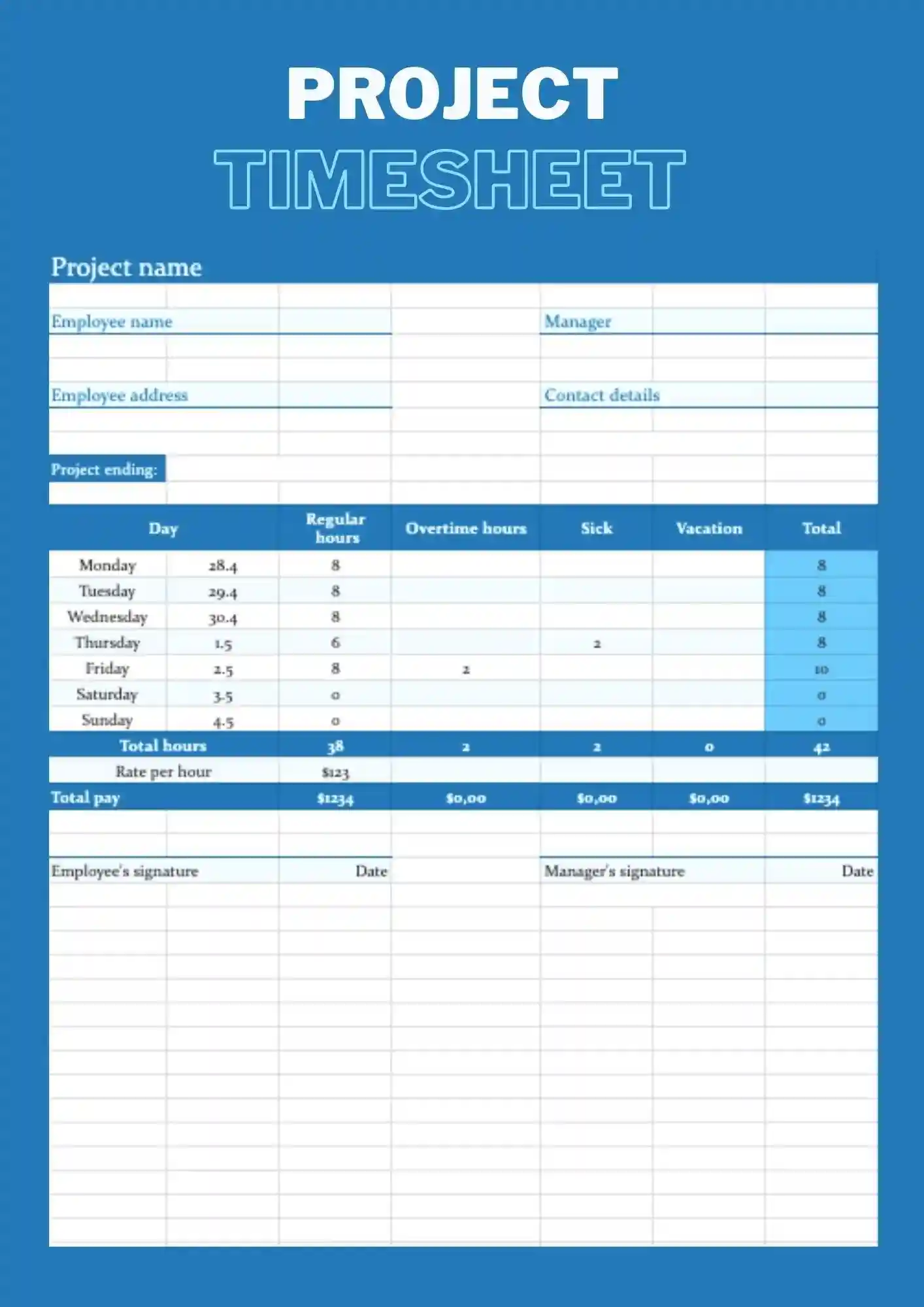
Project Timesheet Template is a Google Sheets structure for tracking time by specific projects, tasks, and phases. It works for managers, teams, freelancers, and students who track time by project. Every cell, label, and color is customizable so you align the sheet with your project structure. It helps you see how much time each project consumes and where your effort goes. The built-in layout makes it easy to compare time spent across multiple projects at once.
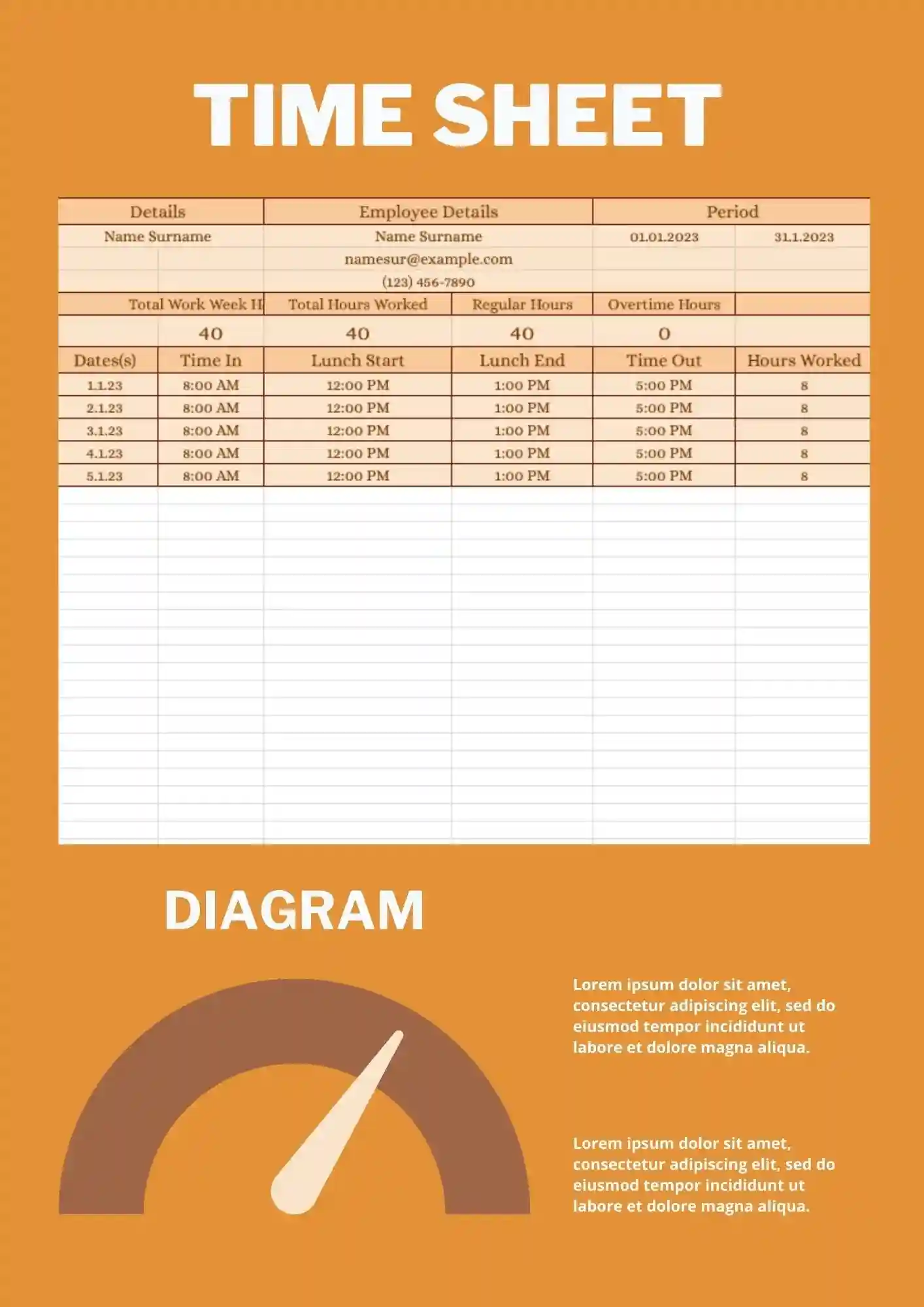
Timesheet Template is a simple, ready spreadsheet in Google Sheets for tracking work hours, tasks, and projects without extra formatting. It works for freelancers, small teams, teachers, and students who track general time. You can modify all labels, dates, and colors directly to fit your tracking style. Use it to keep daily or weekly hours logged cleanly without building a tracker from scratch. It integrates seamlessly with Google Sheets for real-time updates and shared access across your team.
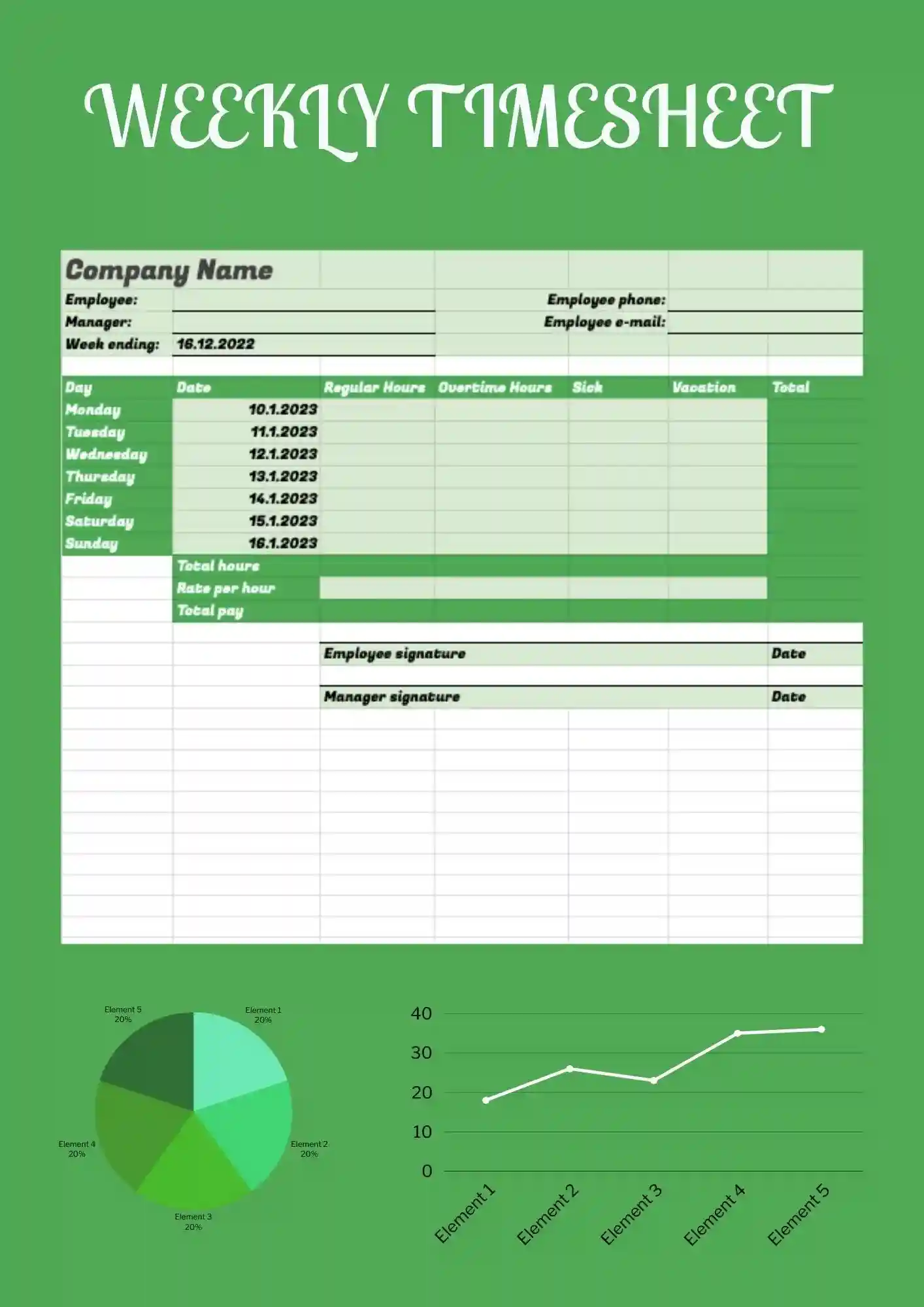
You spend too much time tracking hours, but your current timesheet looks scattered and doesn't give a clear picture for the week? Weekly Timesheet Template gives you a ready-to-use Google Sheets structure for weekly tracking of hours, tasks, and projects that you can adapt quickly. It works for freelancers, teams, managers, and students who track time by week. Colors, text, and objects are editable, so you easily change names, schedules, and styles to fit your needs. Free for personal and business use, ready to use, and perfect for a timesheet that needs to feel clear and professional.
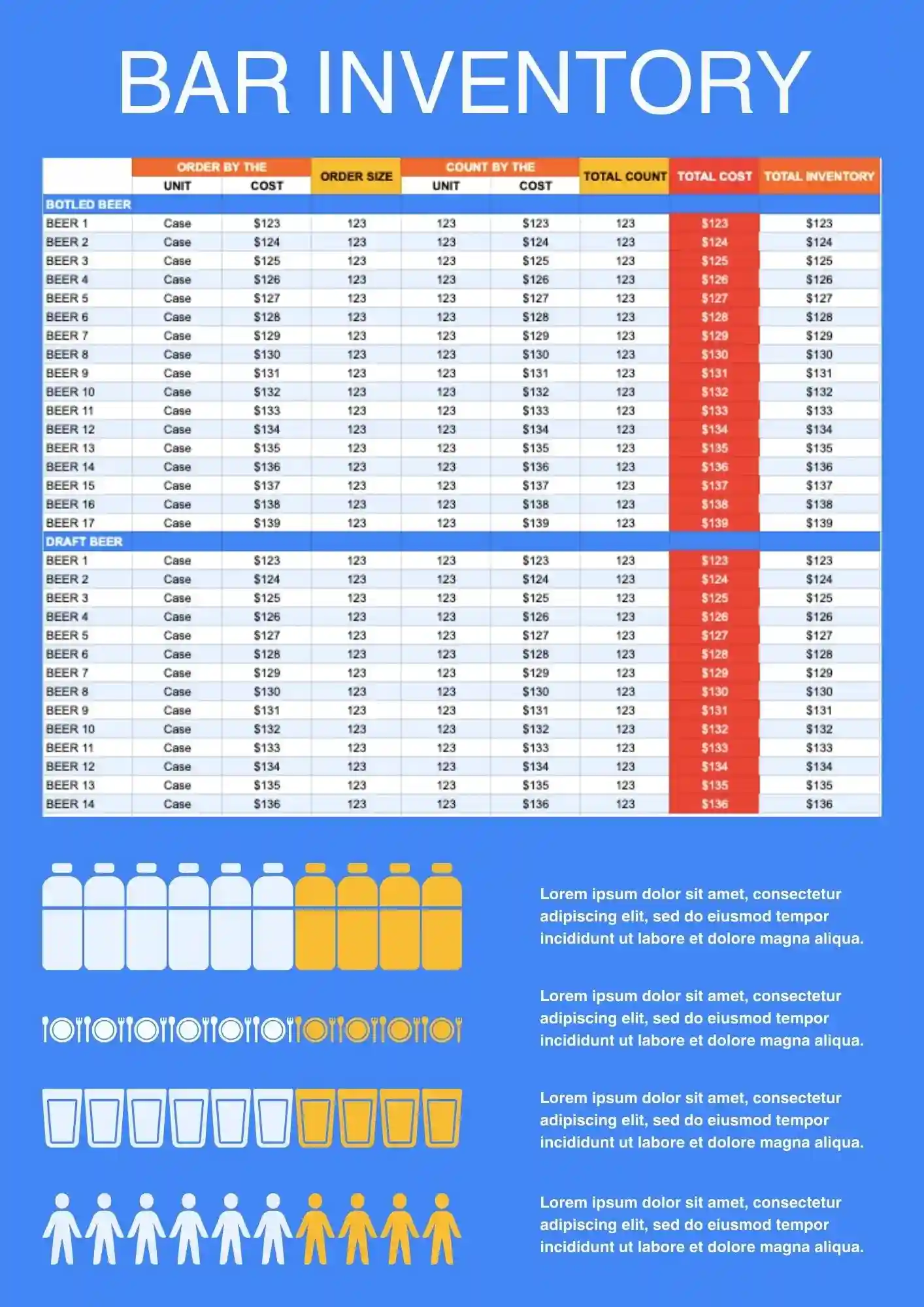
Need a better way to track bottles, supplies, and stock levels behind the bar? Bar Inventory Template helps bars, restaurants, and hospitality teams keep inventory records more organized and easier to update. It works well for monitoring beverage stock, supply usage, and restocking needs in one place. You can edit the fields and labels to match your bar setup and product list. Get this template free, start using it immediately, and keep your bar inventory under better control.
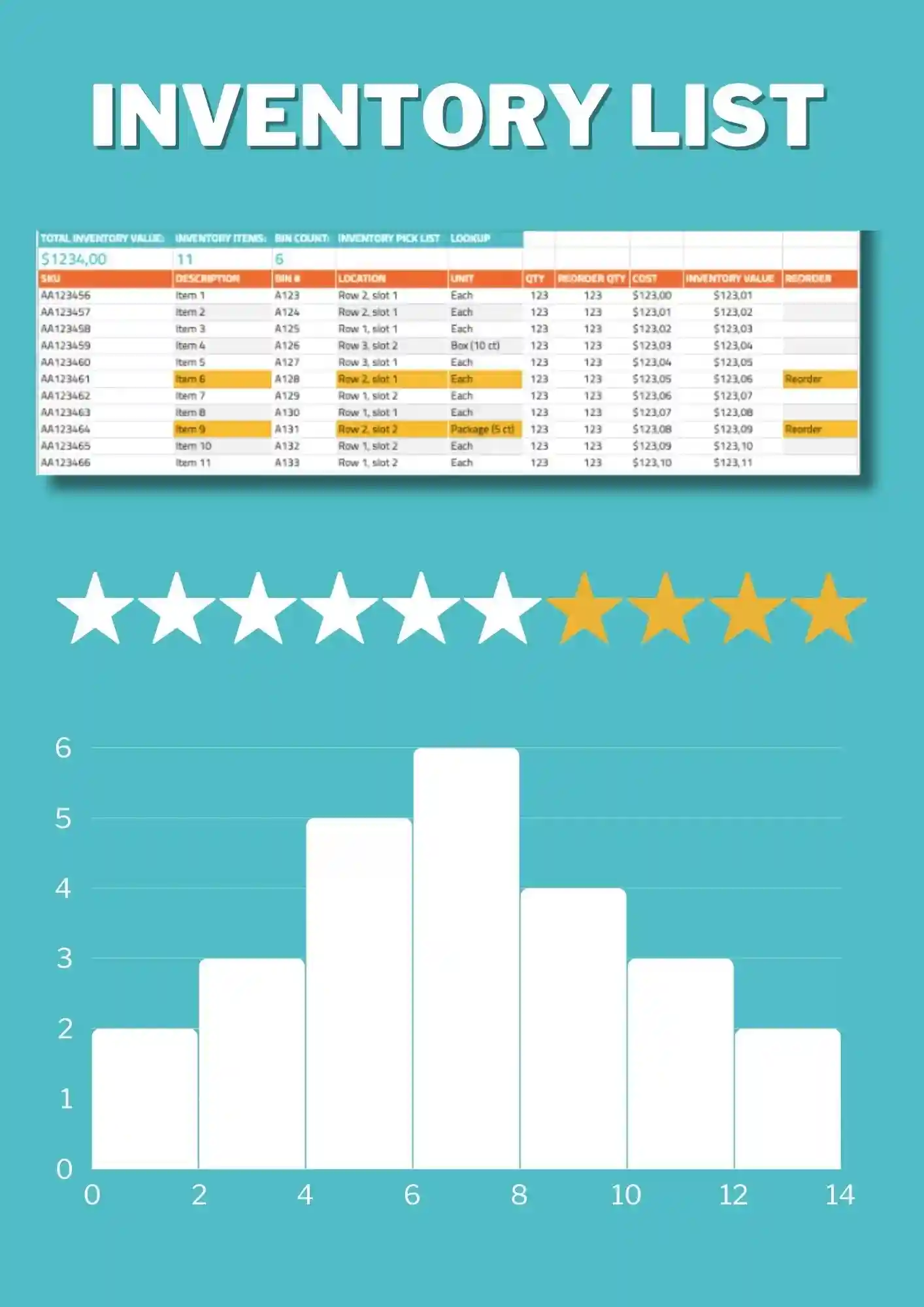
List Inventory Template is a straightforward option for tracking item names, quantities, and stock details in one clean file. It works for businesses, teams, and individuals who want a simple inventory record without extra complexity. The structure is easy to edit, so you can adapt categories and item information to your own system. It helps reduce confusion and keeps your records easier to read. Use this free template as soon as you download it and simplify your inventory workflow.
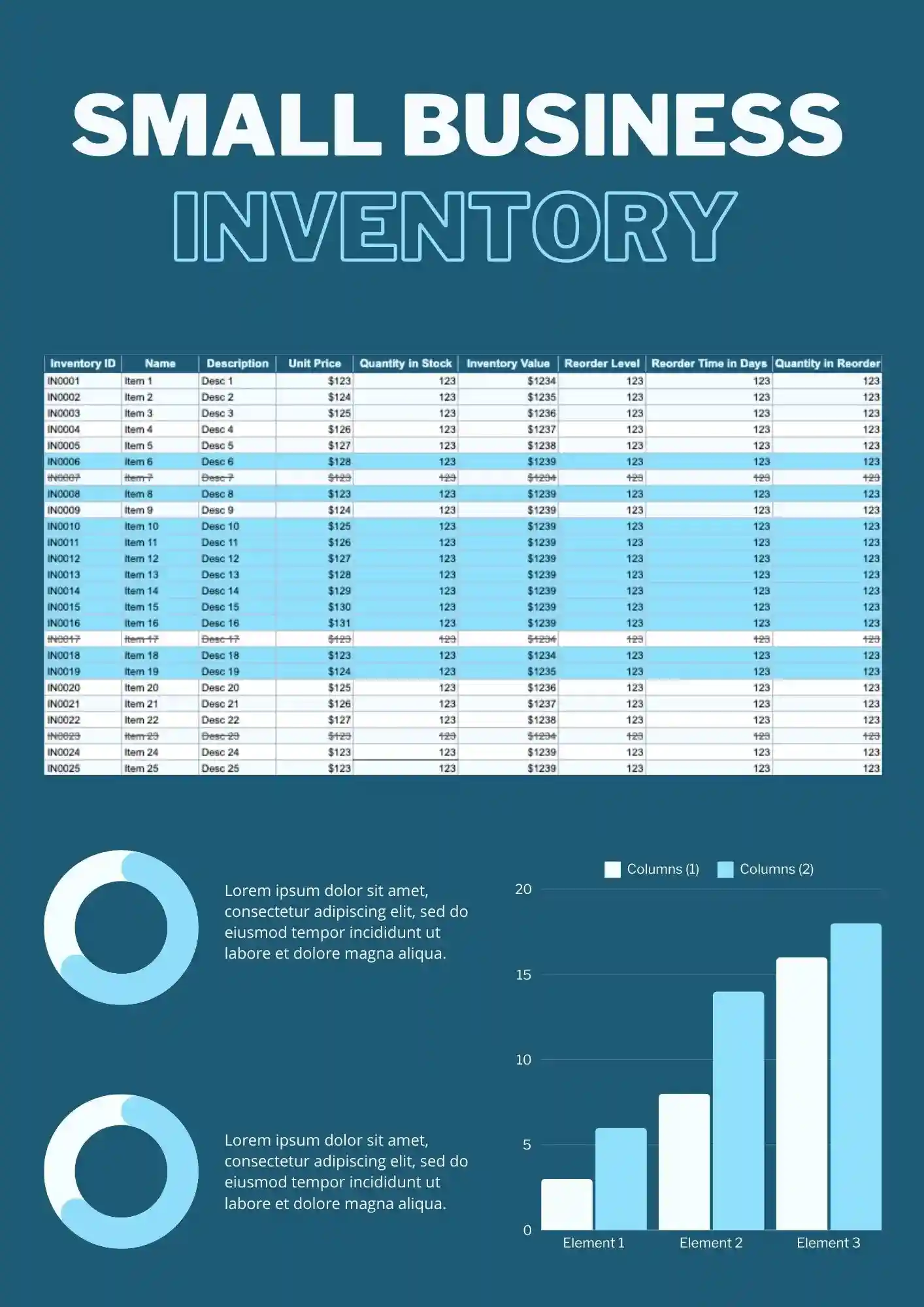
Trying to stay on top of small business inventory without a reliable system can lead to missed items and wasted time. Inventory Small Business Template helps organize stock records in a way that feels clear, practical, and easy to update. It works for retail businesses, local sellers, and growing teams that need a better view of what is in stock. You can customize text, colors, and fields to fit the way your business tracks inventory. Free to download and ready when you need a faster way to manage stock.
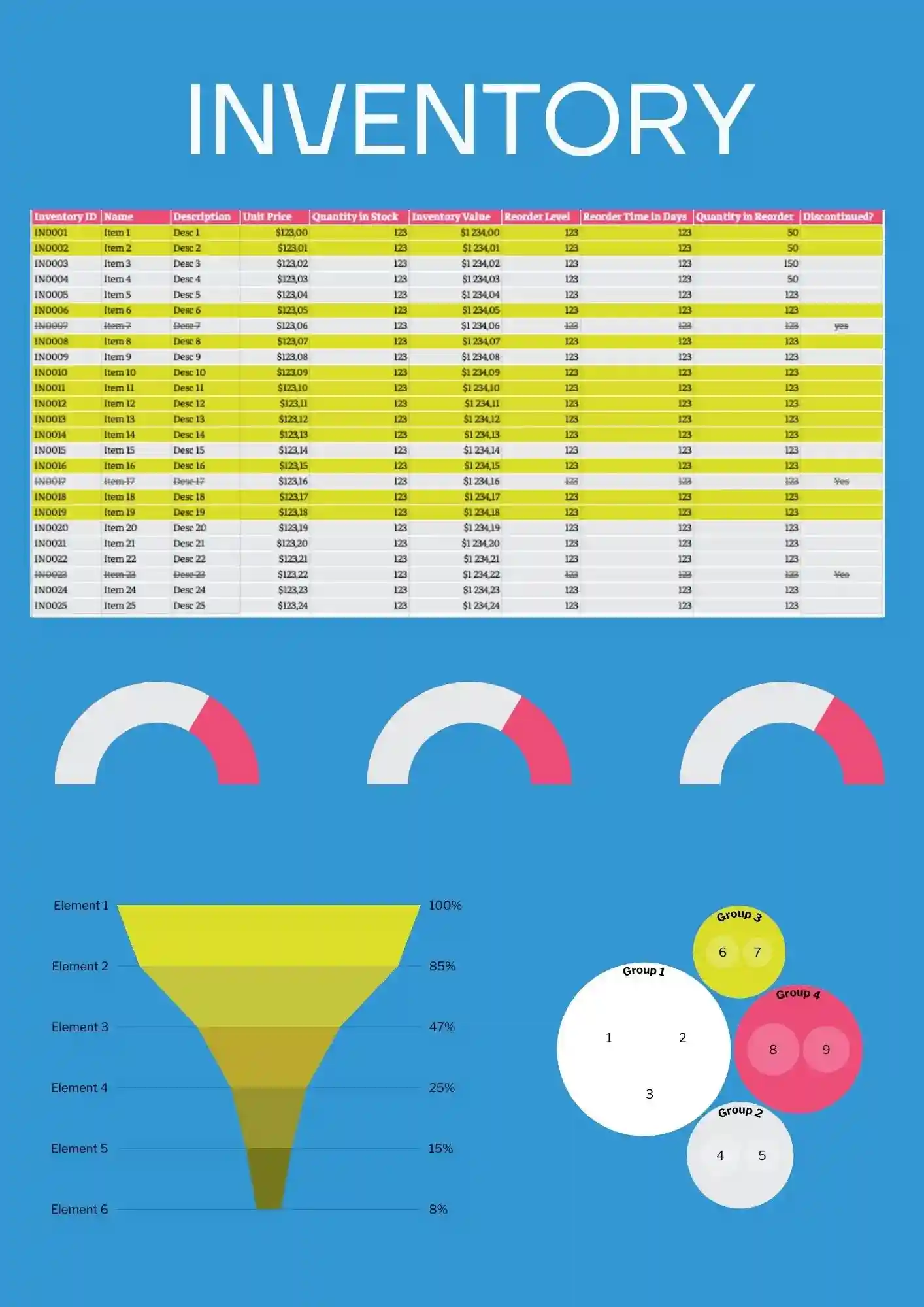
Looking for a flexible inventory tracker that can work across products, supplies, or general stock? Inventory Template gives you a practical starting point for organizing items, quantities, and updates in one place. It is useful for businesses, offices, schools, and anyone who needs a clean stock management file. You can edit the content and design details to fit your inventory process. Grab this free download and put a more reliable inventory system in place today.
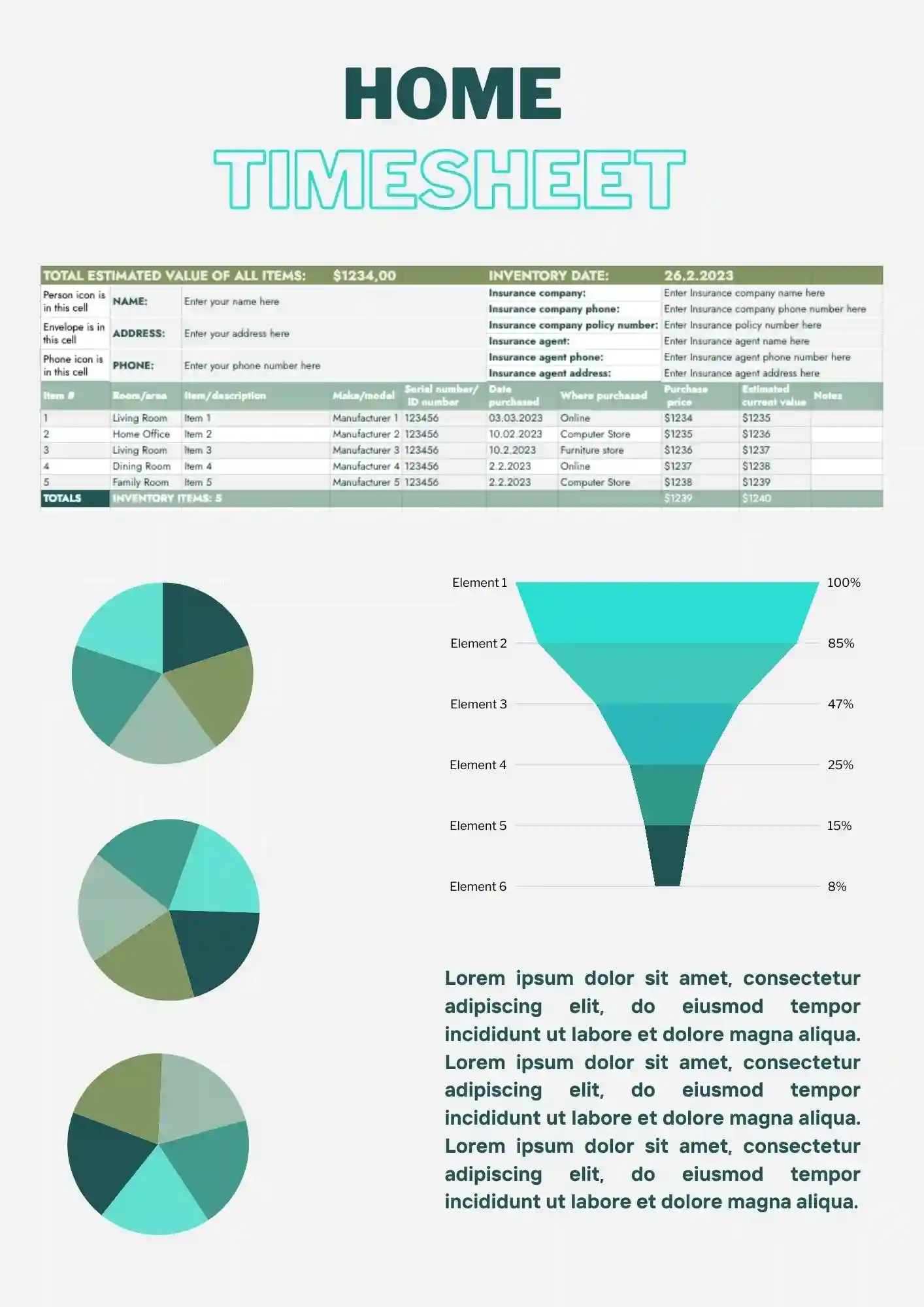
Keeping track of household items is much easier when everything is recorded in one organized list. Home Inventory Template helps you manage personal belongings, home supplies, or valuable items without creating a tracker from scratch. It works well for homeowners, renters, and families who want a clearer record of what they own. The sheet can be customized to fit rooms, categories, or item types. Download it free and start building a home inventory that stays easy to update.
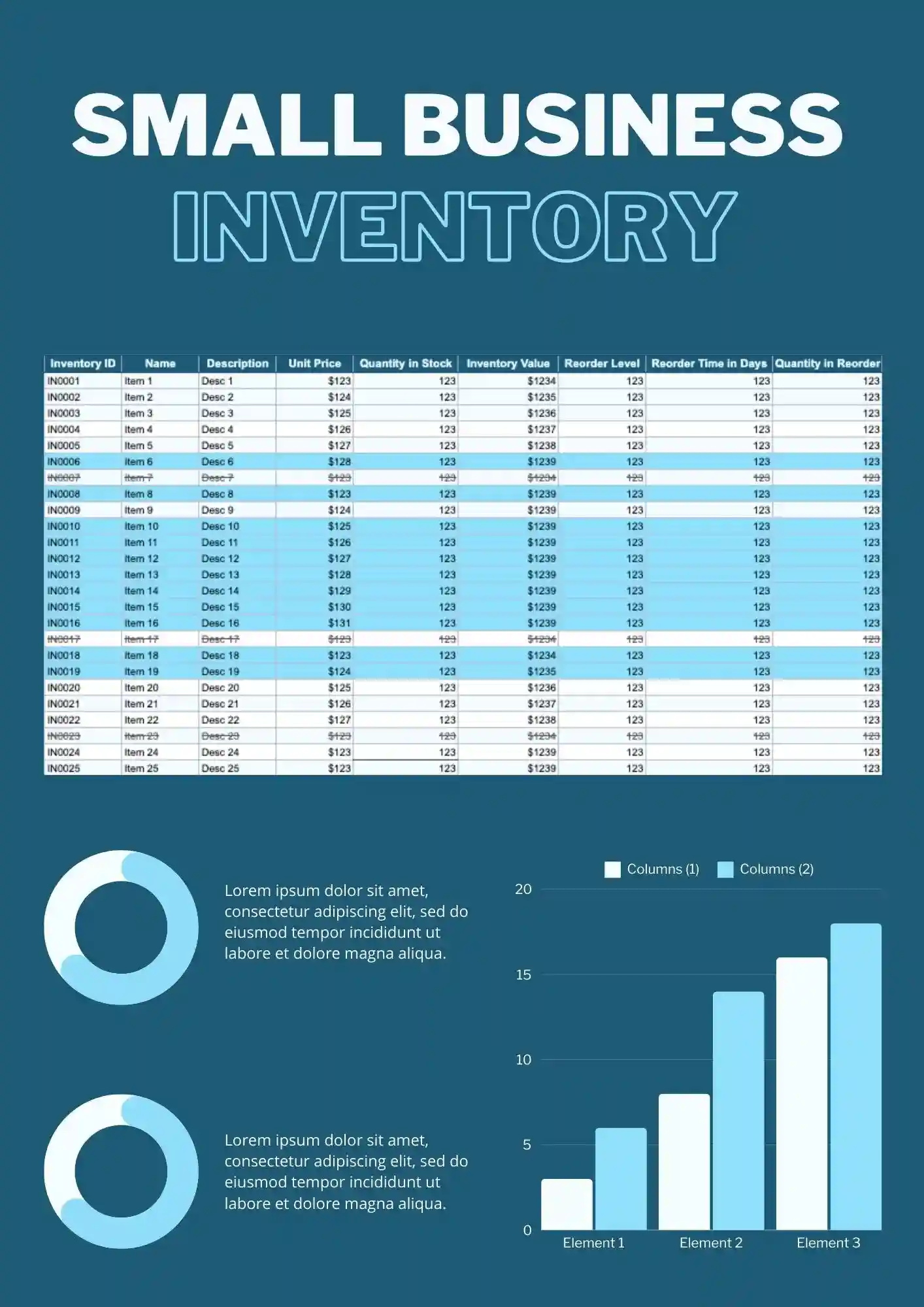
Running a small business gets harder when inventory is scattered across notes, tabs, and outdated files. Small Business Inventory Template gives you a clear setup for tracking stock, product details, and quantity changes in one place. It fits shop owners, small teams, and independent sellers who need better control over daily inventory. The editable layout makes it easy to tailor the sheet to your products and process. Get it for free and start organizing your inventory with less effort.
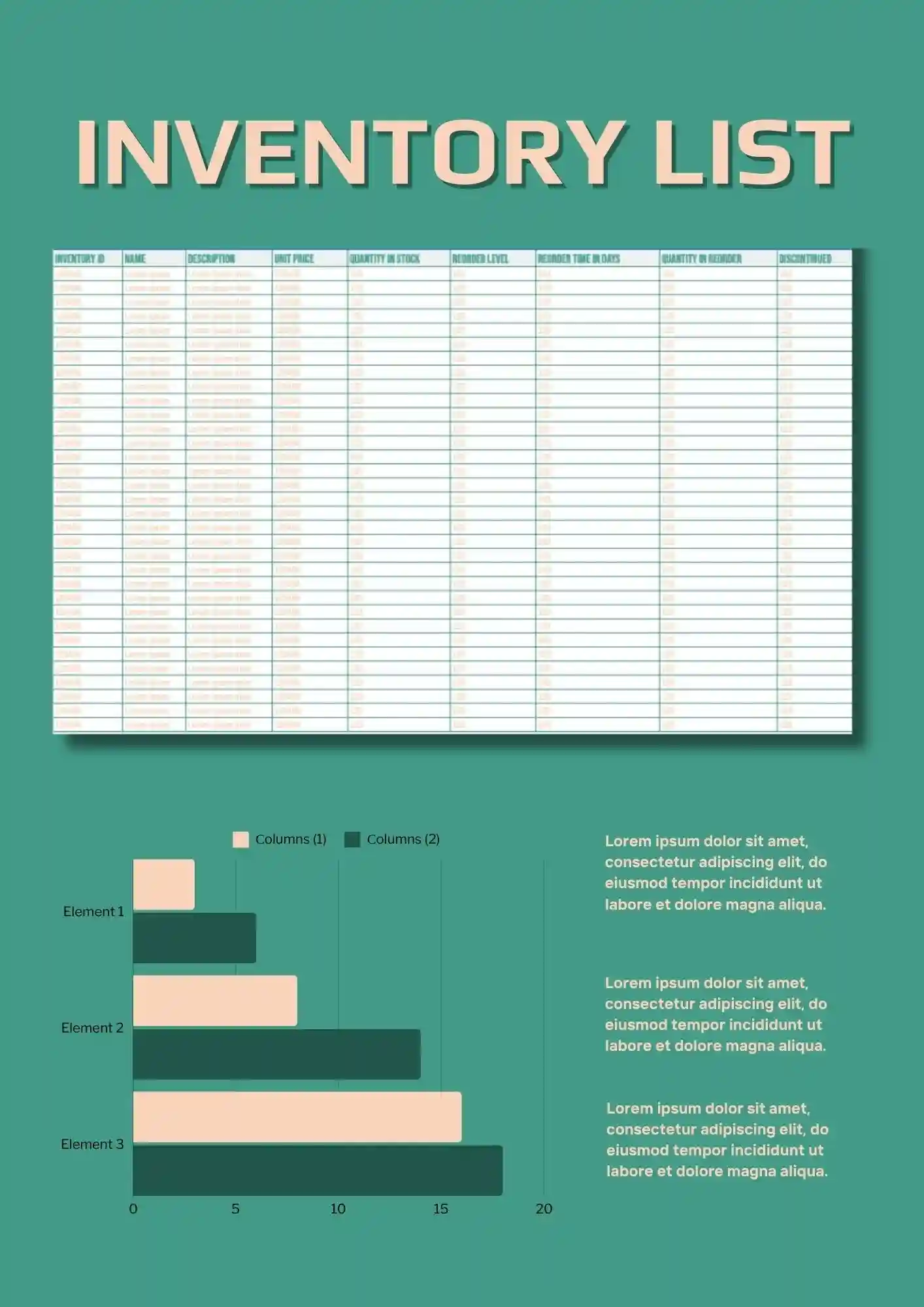
Need a simple way to keep products, quantities, and stock details in one organized place? Inventory List Template helps you track items clearly without building a sheet from scratch. It works well for stores, offices, warehouses, and small teams that need a cleaner stock overview. You can adjust the labels, colors, and item details to match your workflow. Download it free, use it right away, and keep your inventory list easier to manage.

Choose your preferred social media platform from options like Pinterest, Facebook, Twitter, and more. Share our templates with your contacts or friends. If you’re not active on these social networks, you can simply copy the link and paste it into the one you use.