

 Back to templates
 Free Receipt Google Docs Templates - Page 2
Last updated:
15.04.2026
19 Templates
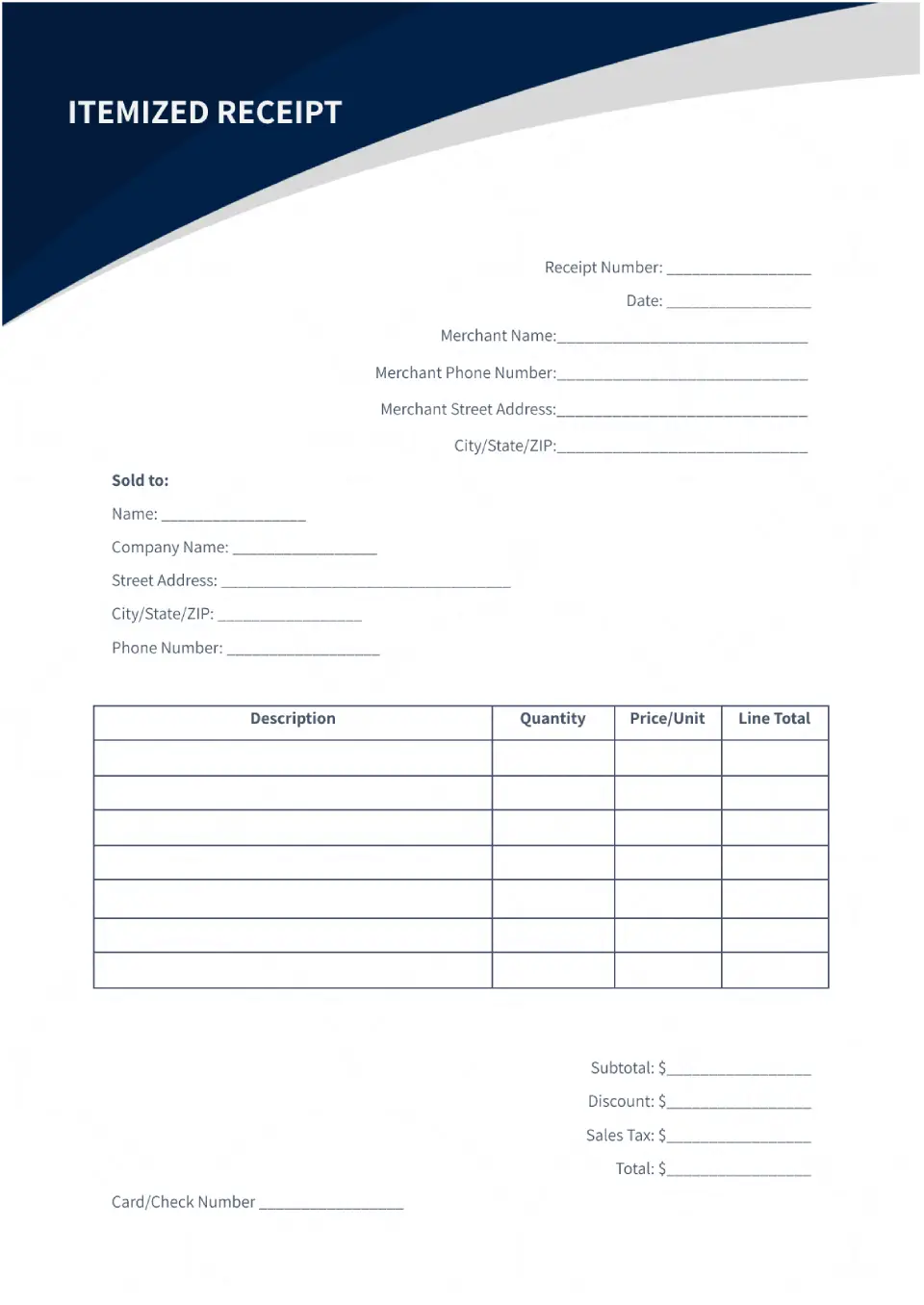
The stylish Itemized Receipt Template for Google Docs will be useful for those who sell several goods or services at the same time. It contains a plate that consists of four columns: description, price, number of units, and their total cost.

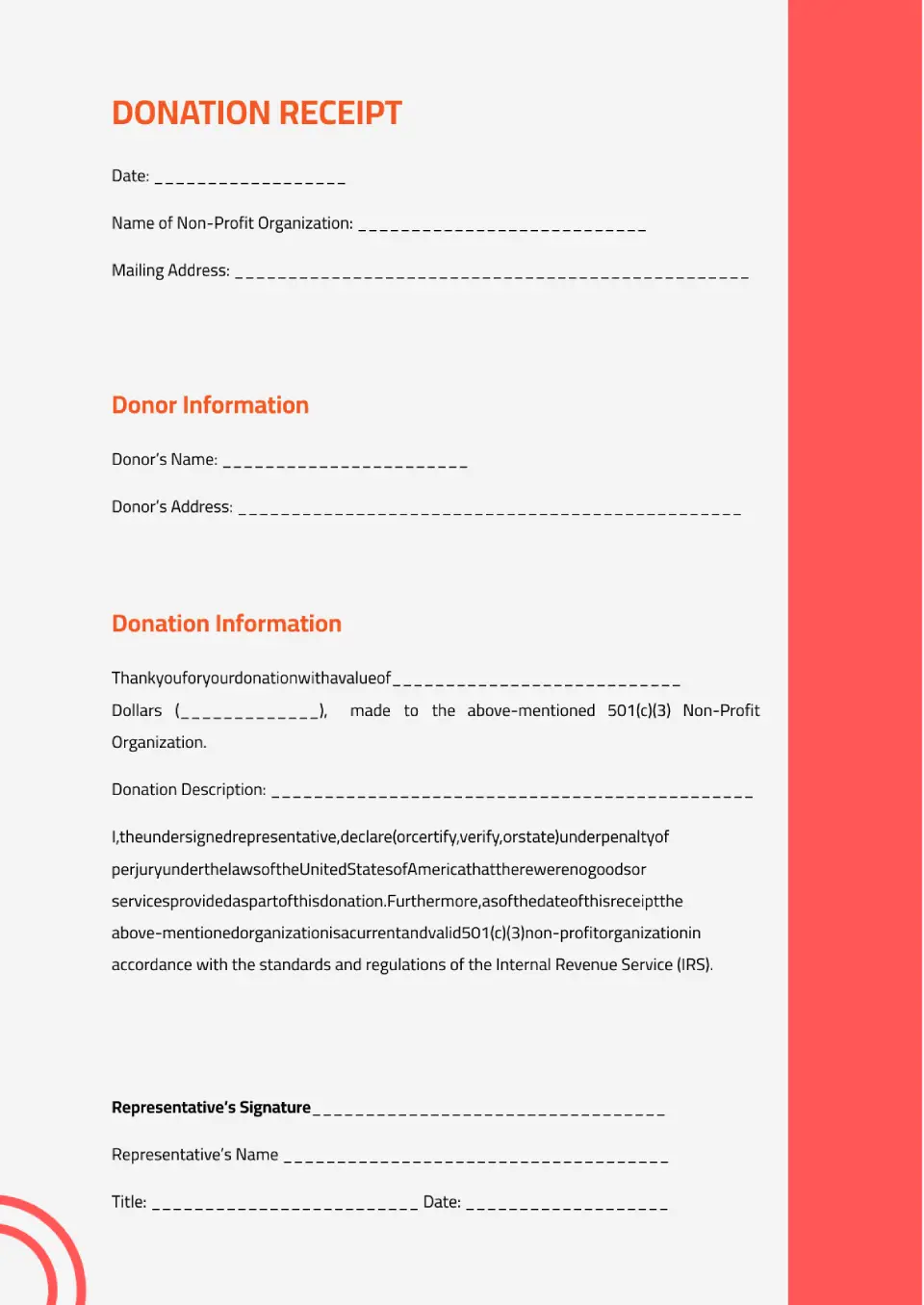
The layout was created specifically for charitable organizations, but it can be used for any donation. Information about who is making the payment is indicated at the top, and the details of the transfer are placed below.
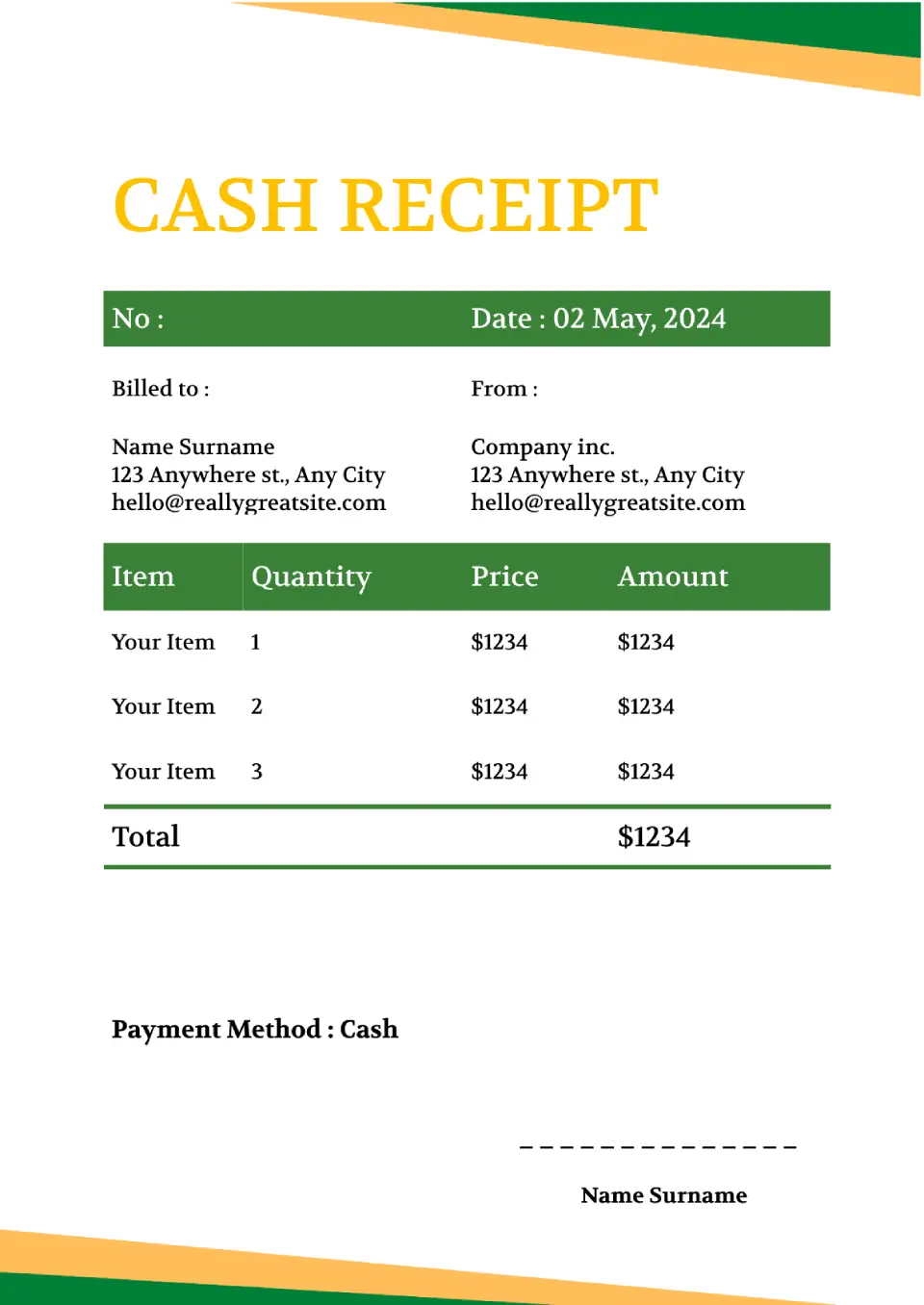
The universal Cash Receipt Template for Google Docs can be used in all areas of business. In addition to information about the payment, the template contains a plate where you can add the names of goods or services, the number of units sold, their cost, and the total amount.

Choose your preferred social media platform from options like Pinterest, Facebook, Twitter, and more. Share our templates with your contacts or friends. If you’re not active on these social networks, you can simply copy the link and paste it into the one you use.