

 Back to templates
 All templates- Page 6
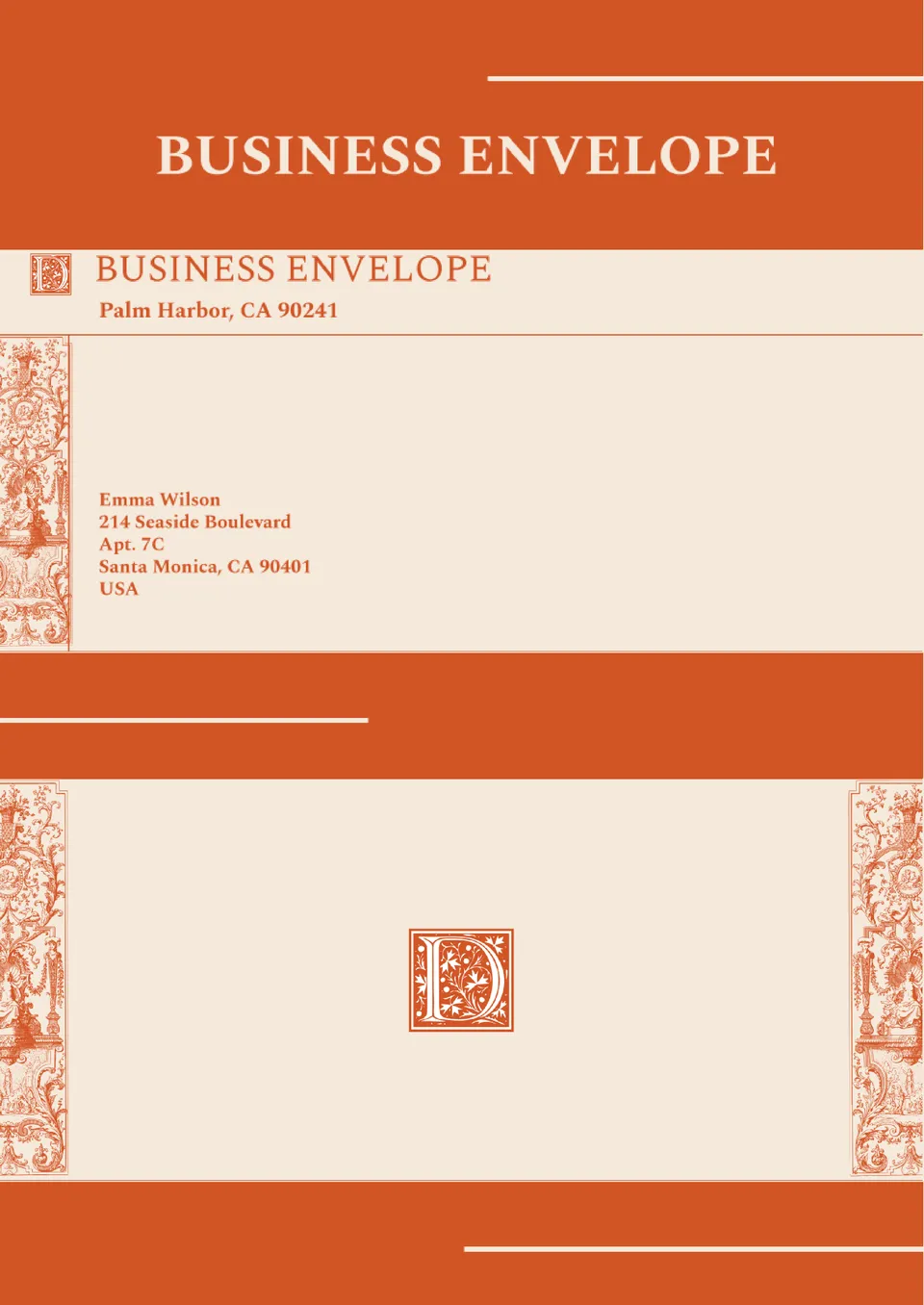
Want your business mail to look as professional as your brand? The Business Envelope Template offers a sleek layout for company logos, return addresses, and contact details.


Looking for an effortless way to design envelopes that match your mail style? The Mail Template Envelope gives you clean, editable layouts for addresses and graphics in Google Docs.
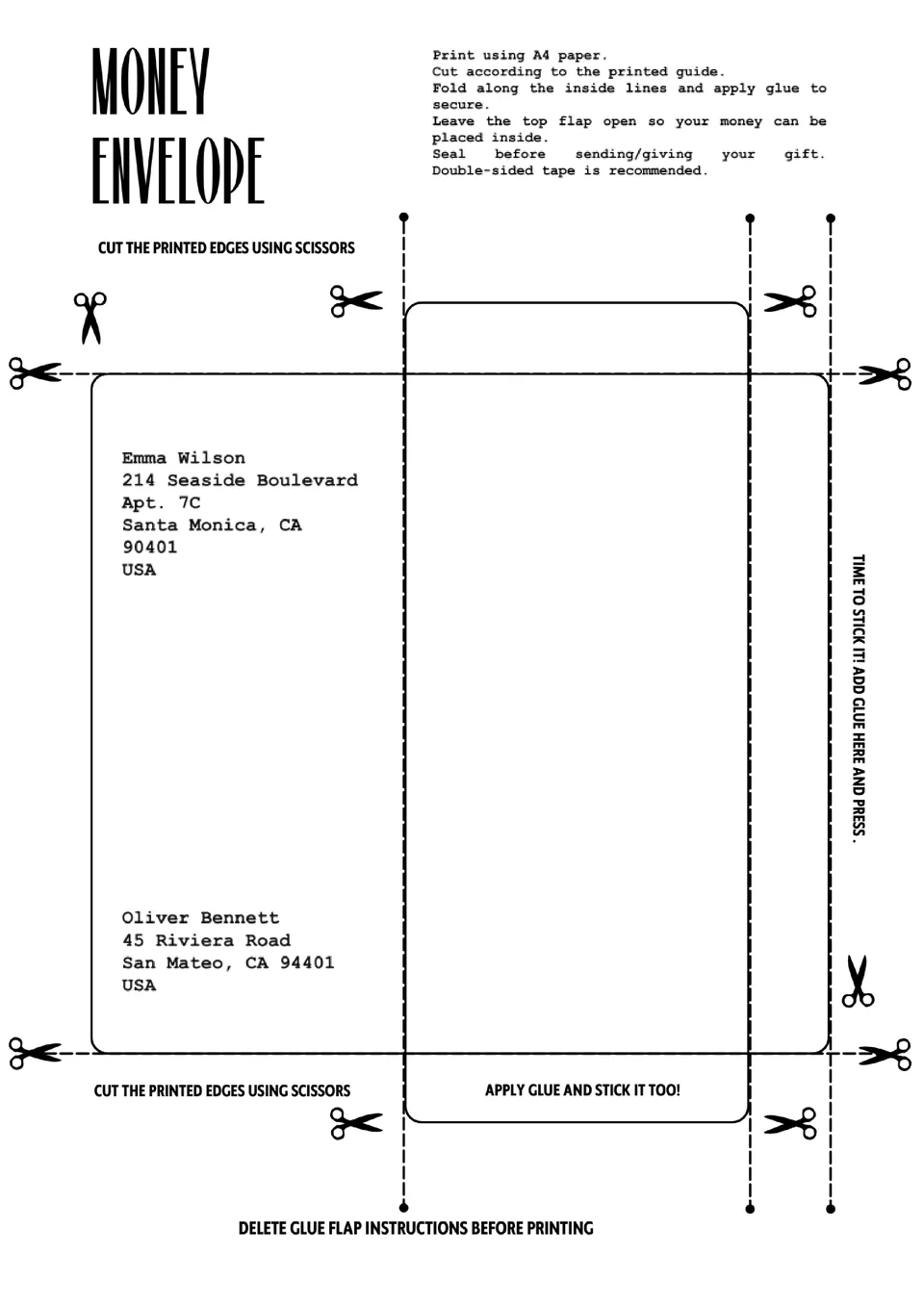
The Money Envelope Template gives you clear, editable layouts for cash gifts, event tips, or fundraisers. It’s ideal for weddings, holidays, or business purposes where presentation matters.
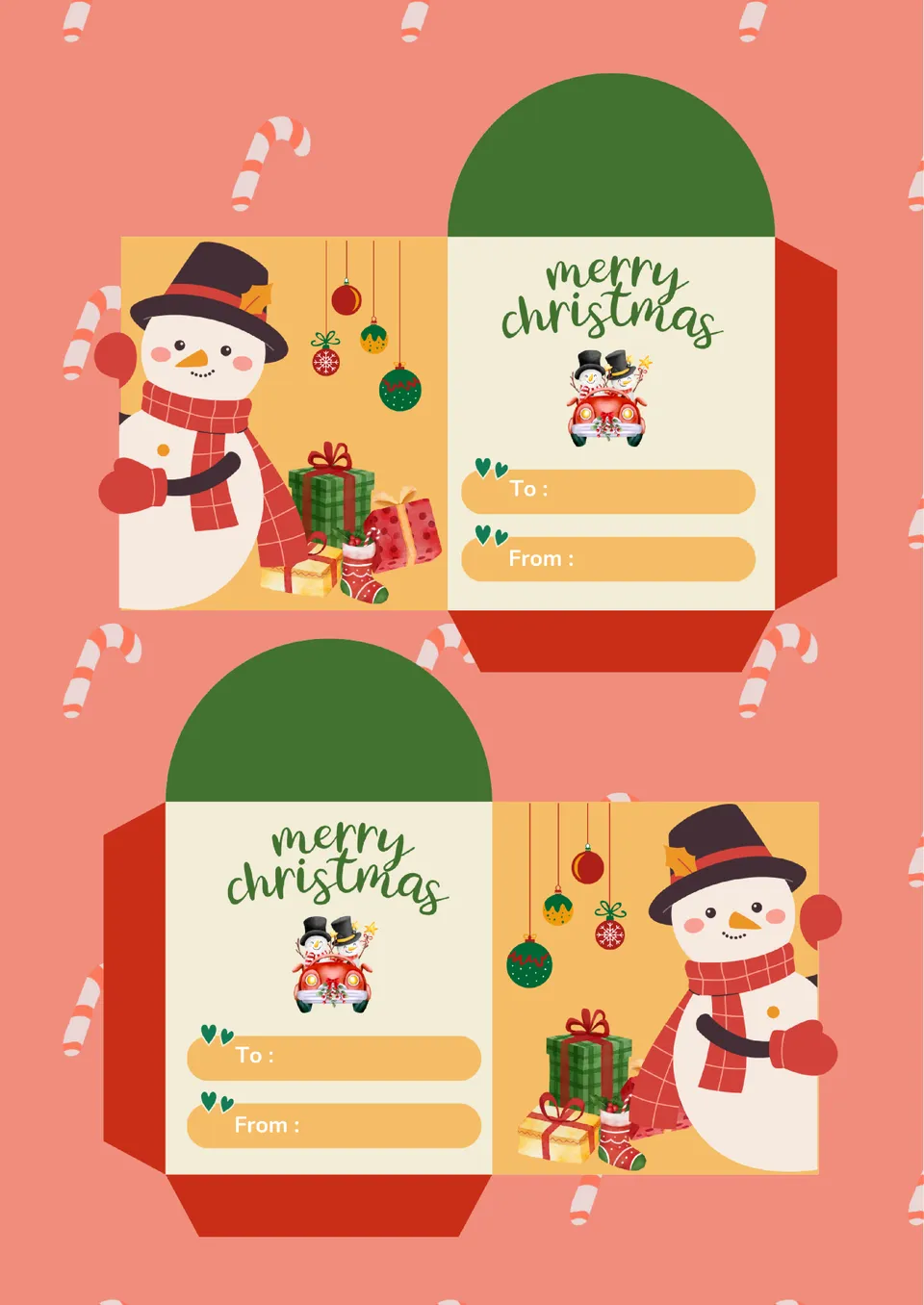
The Mini Envelope Template helps you design small, cute envelopes for cards, notes, or gift holders. Its easy‑to‑use layout lets you adjust size and artwork in minutes. Perfect for parties, businesses, or personal stationery projects.
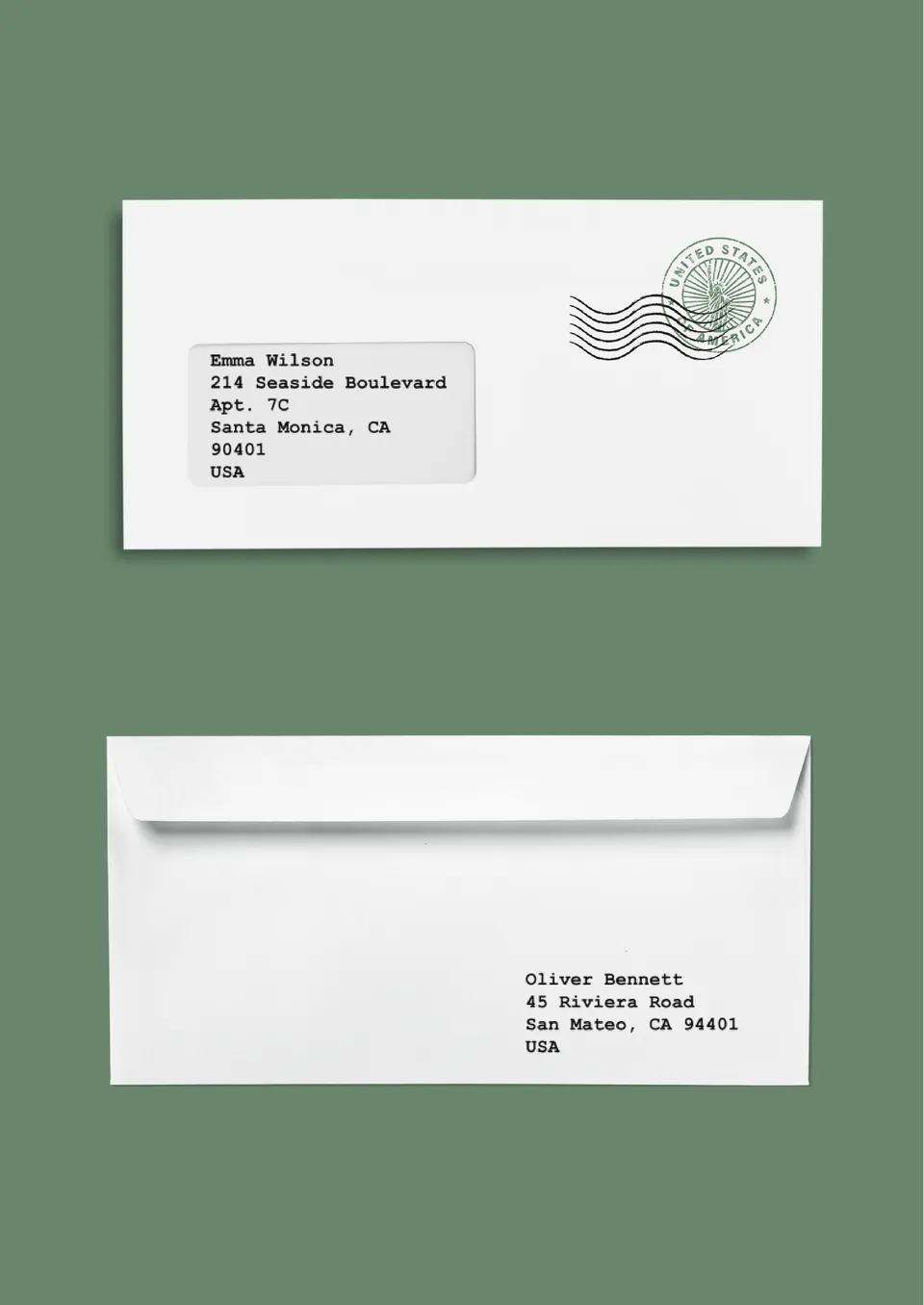
Looking to create perfectly sized, ready‑to‑print envelopes? The Letter Envelope Template gives you accurate dimensions and fold‑lines so every piece comes out crisp.
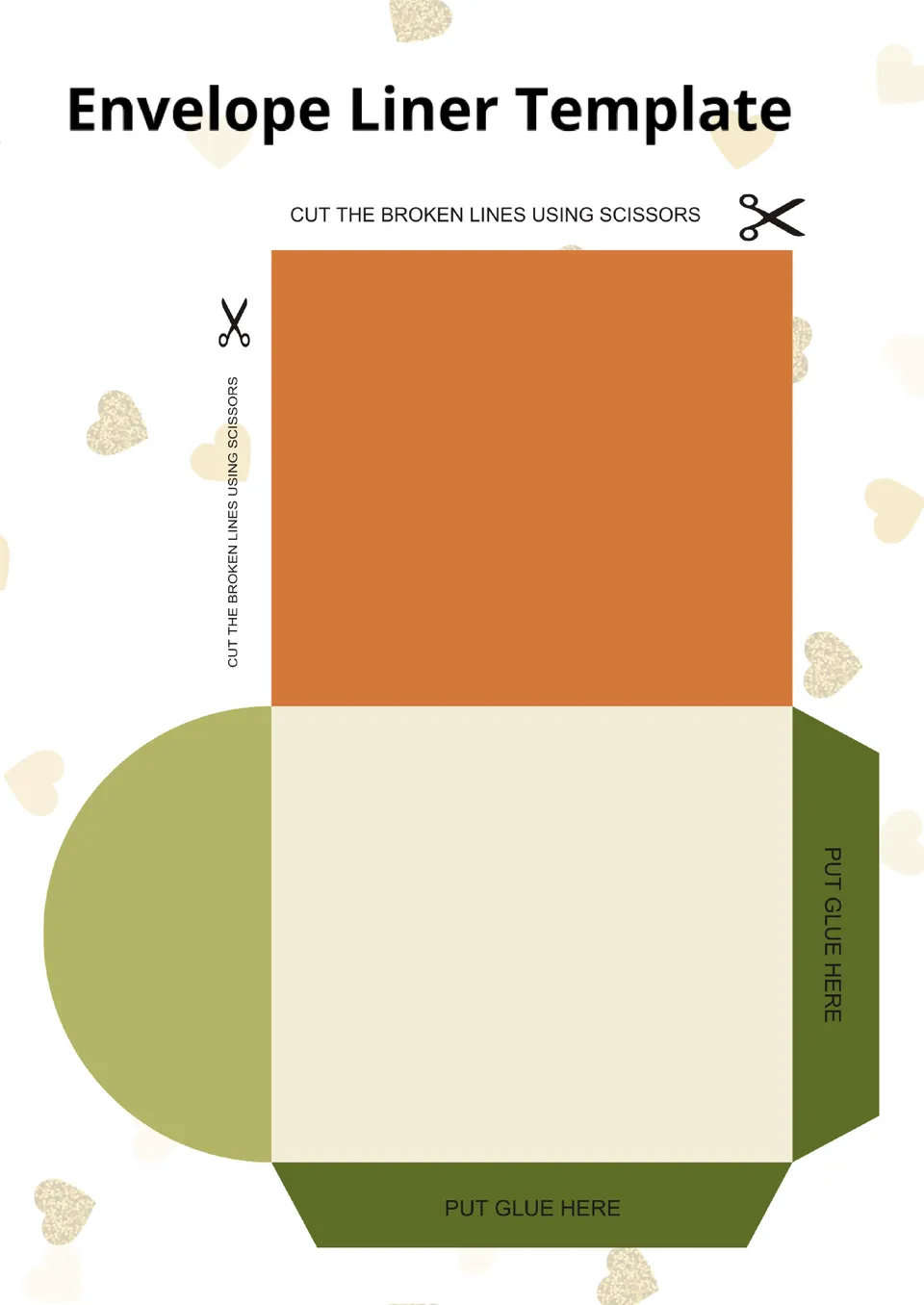
Want to add a stylish, custom touch to your envelopes? The Envelope Liner Template allows you to design and fit liners that match your theme or brand.
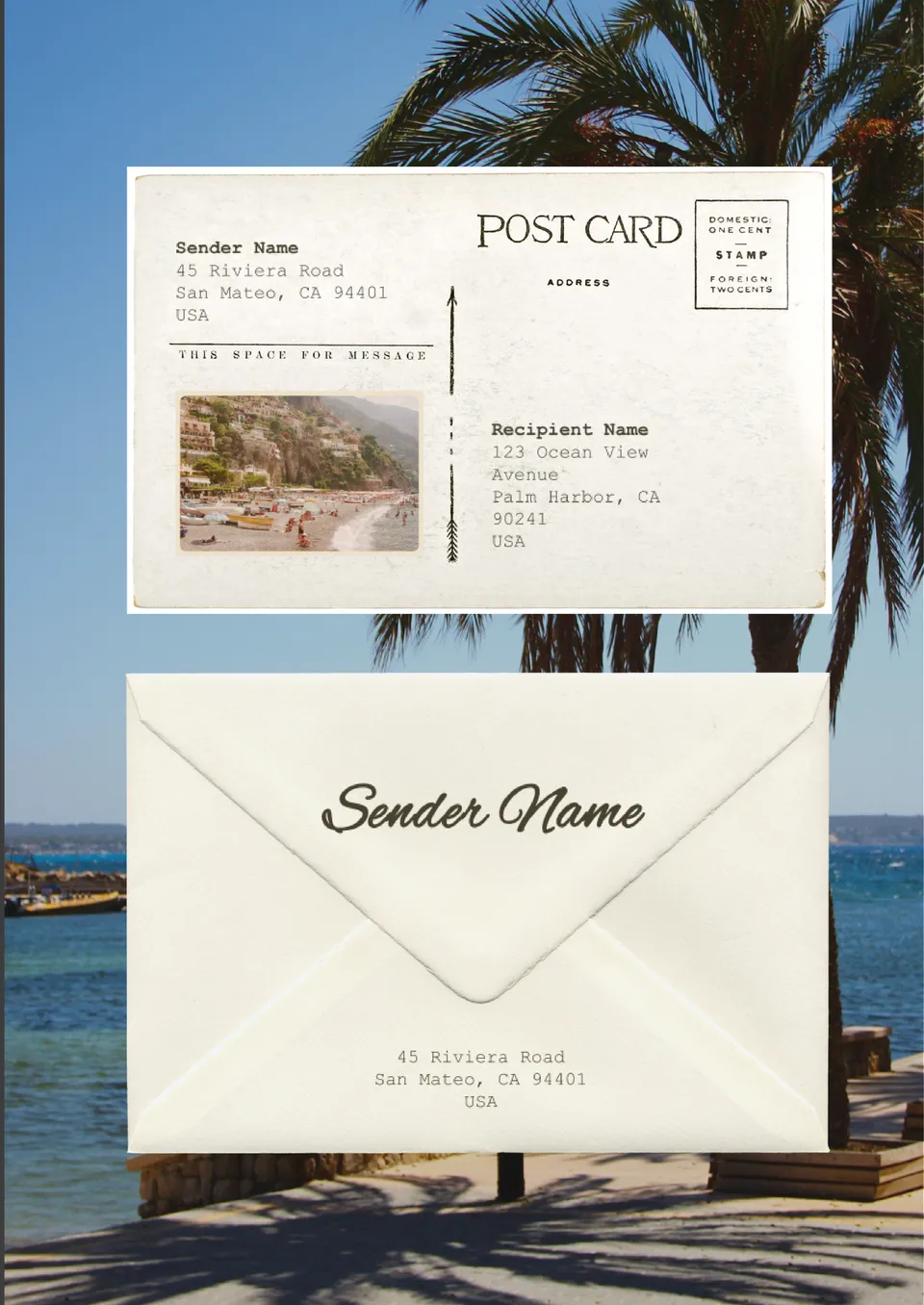
Looking for a quick way to print neat, professional envelope addresses? The Envelope Address Template gives you editable layouts to enter names and addresses with clean formatting.
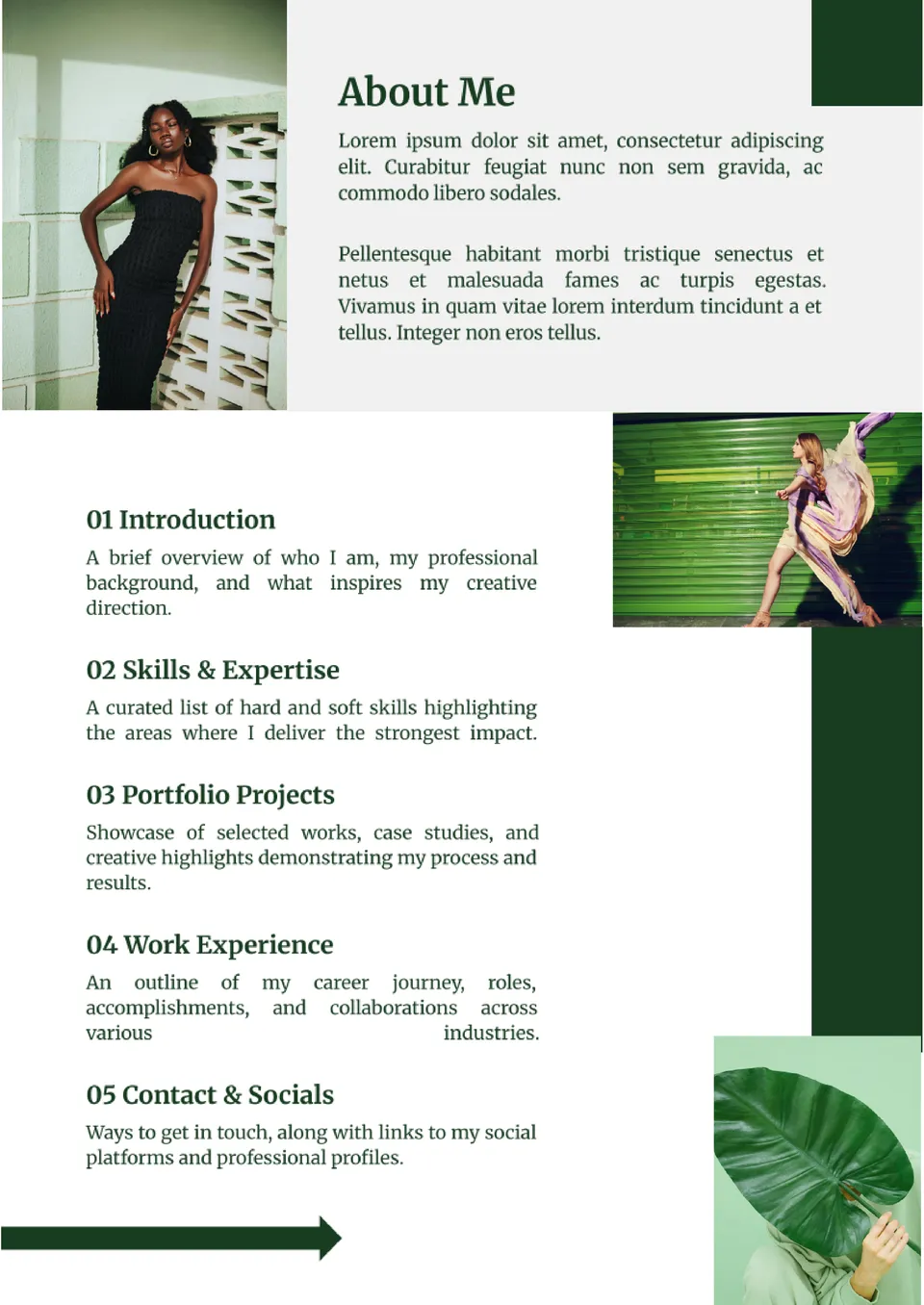
The Portfolio Table of Contents Template gives creatives a polished starting point to organize projects, resumes, and case studies. It’s designed to help employers and clients find work samples effortlessly.
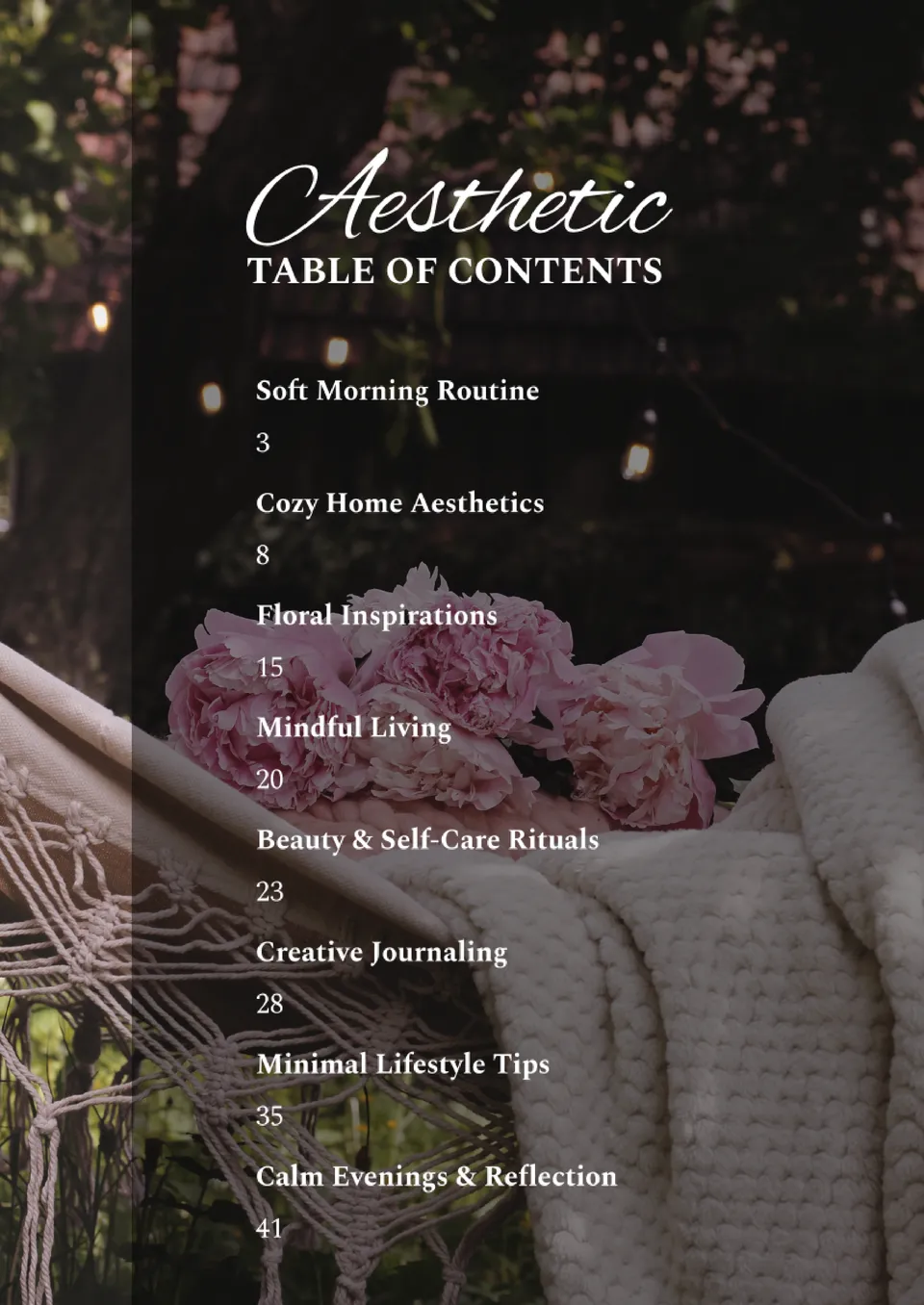
The Aesthetic Table of Contents Template adds style and balance to your creative documents. With modern design elements and gentle colors, it works perfectly for journals, portfolios, blogs, and ebooks.
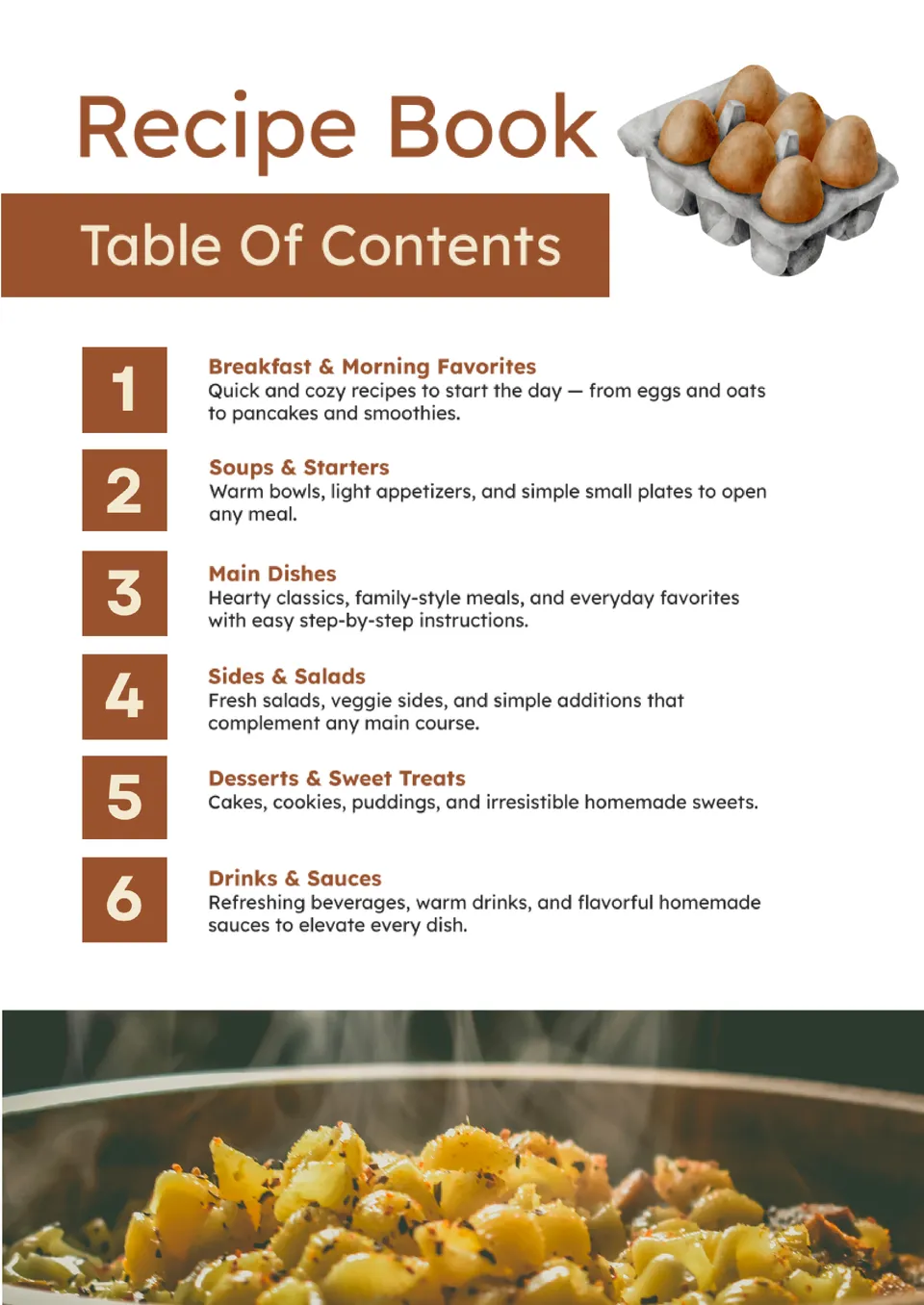
Need to organize your favorite recipes into a cook-ready layout? The Recipe Book Table of Contents Template helps you list categories, dishes, and sections clearly.
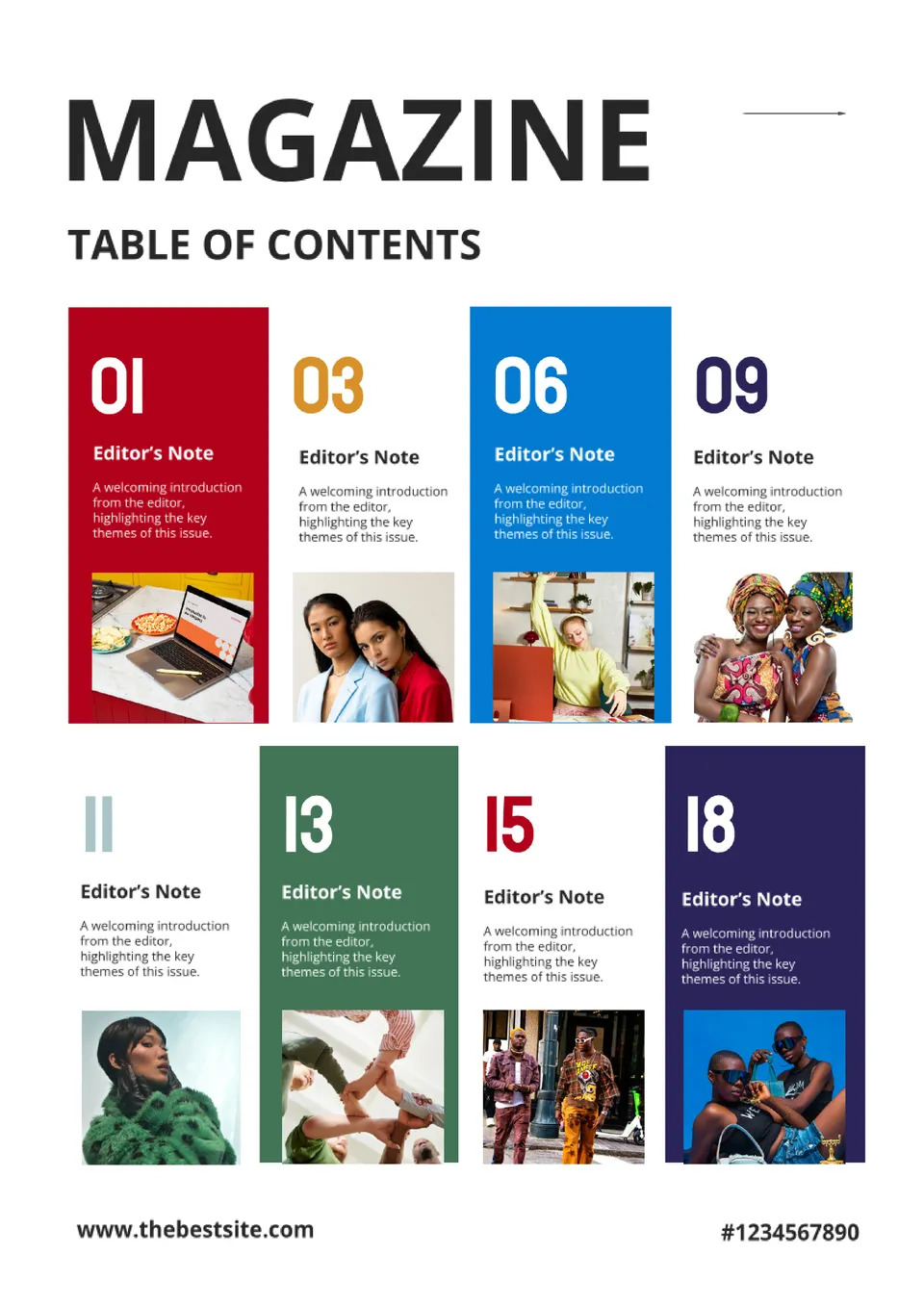
Want your magazine to feel sleek and easy to browse from the first page? The Magazine Table of Contents Template offers a professionally designed layout that highlights articles, features, and contributors.
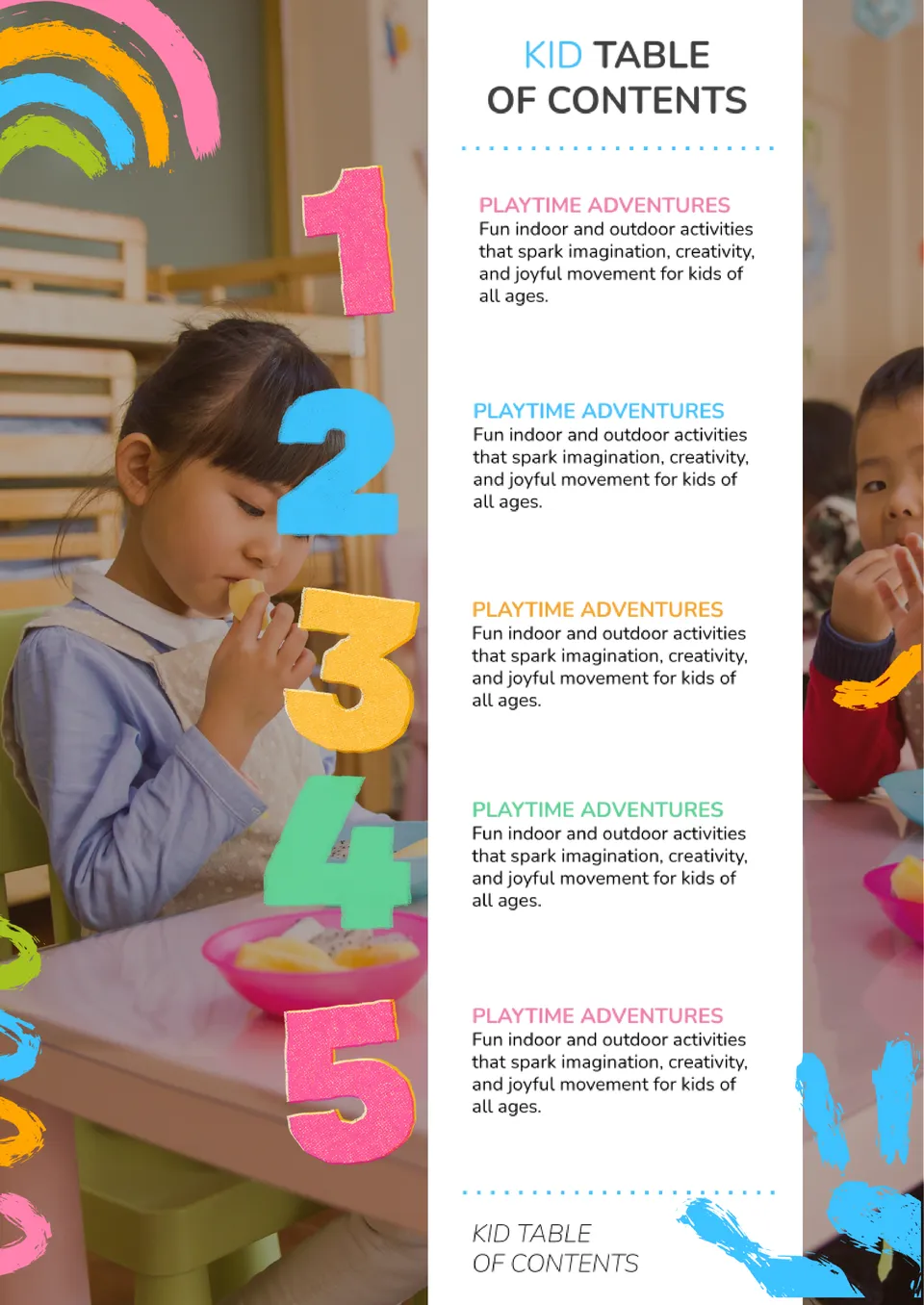
Looking for a fun and simple way to organize your child’s book or project? The Kid Table of Contents Template gives playful, easy-to-read sections perfect for kids’ stories, school work, and classroom books.
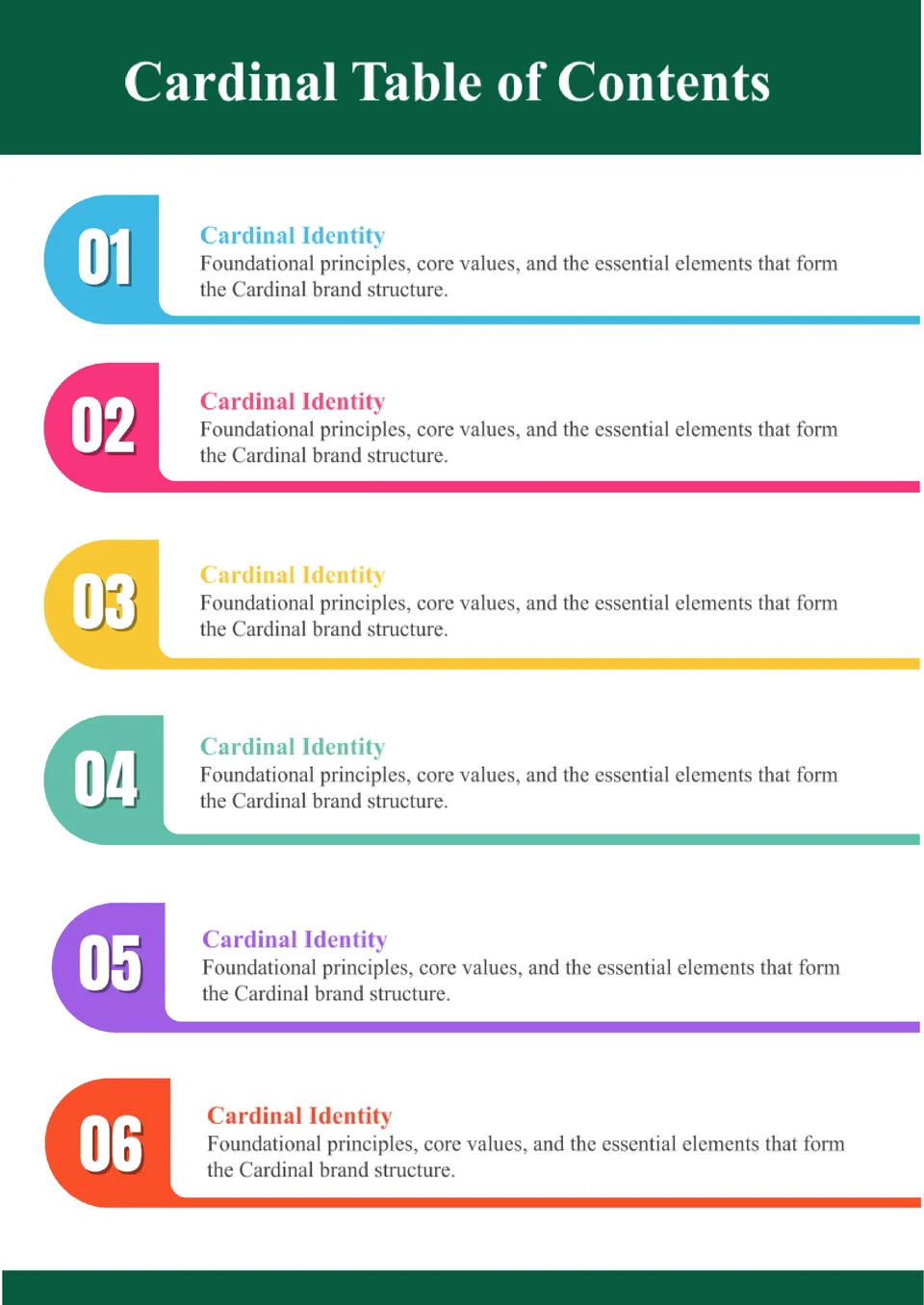
The Cardinal Table of Contents Template offers a bold, stylish structure for organizing documents that need authority and clarity. Ideal for professional reports, portfolios, and business documents, it balances visual impact with readability.
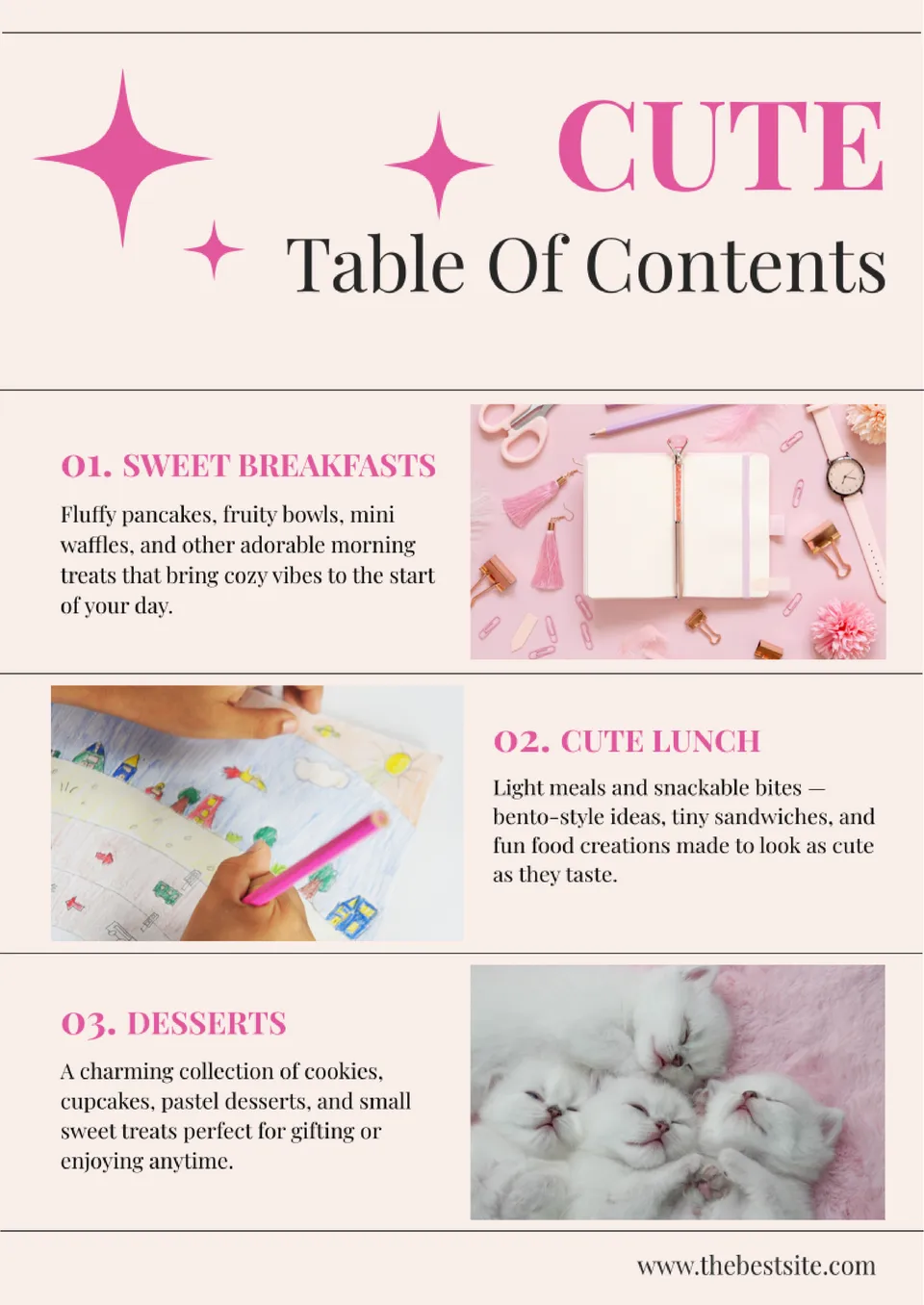
The Cute Table of Contents Template brings charm and personality to your document’s start page. Designed with soft colors and playful touches, it’s perfect for planners, journals, school projects, or creative ebooks.
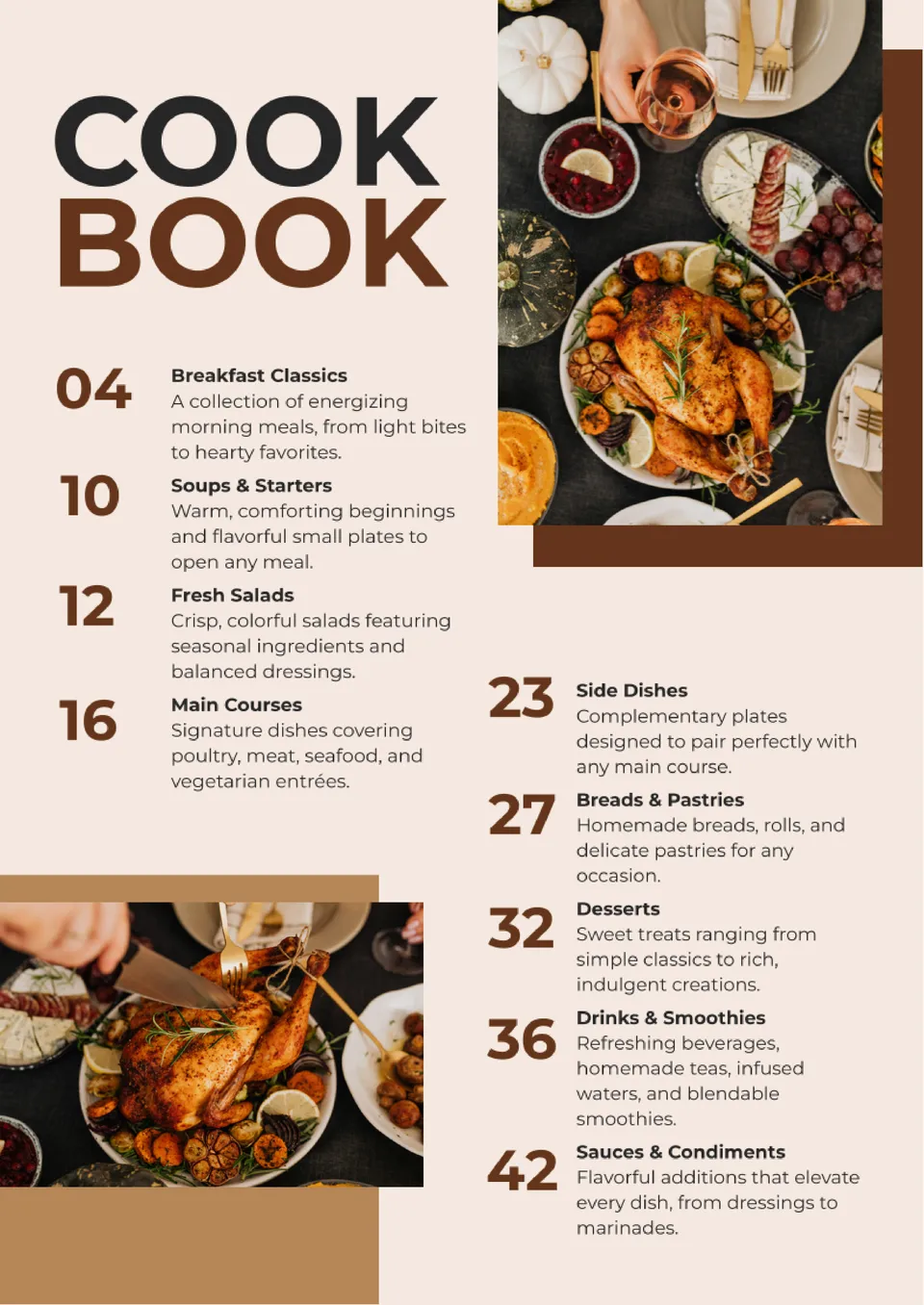
Want your cookbook to feel organized and easy to follow? The Cookbook Table of Contents Template lets you list recipes, categories, and sections in a visually appealing, structured layout.
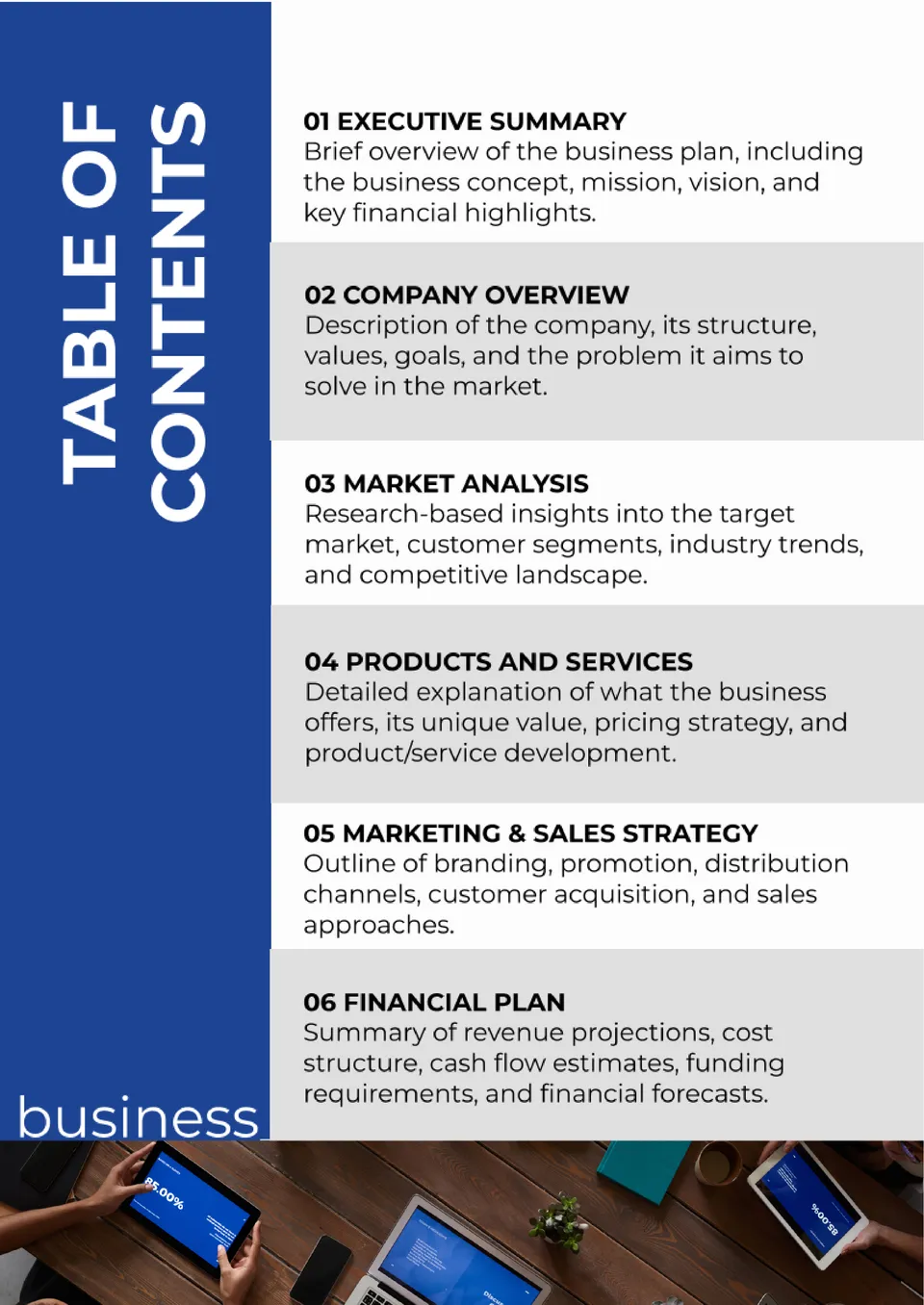
Looking to give your business plan a polished first impression? The Business Plan Table of Contents Template provides a clear roadmap of all major sections so investors and partners can find what they need fast.
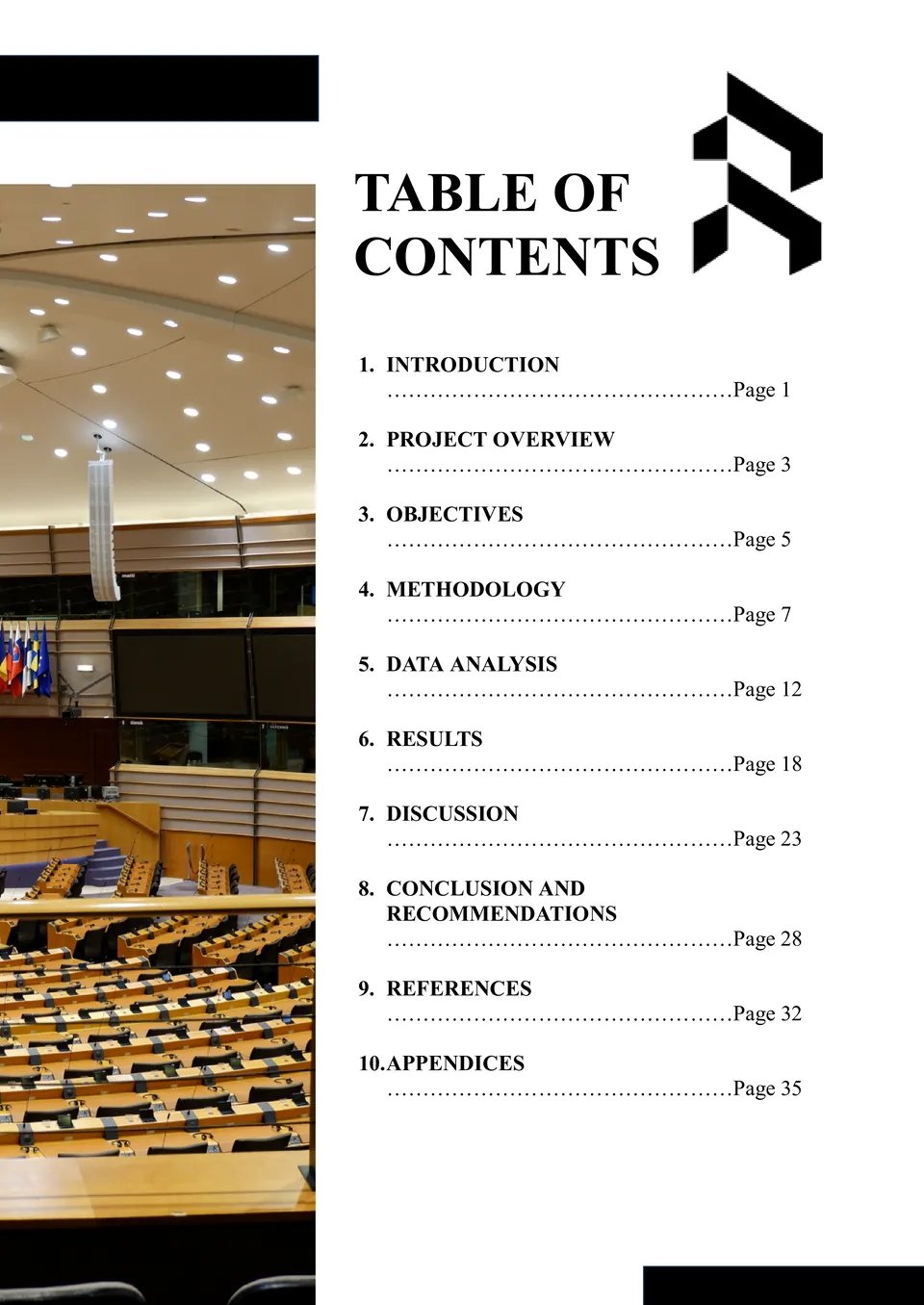
Need a quick way to organize long documents with a professional structure? The Blank Table of Contents Template gives you a clean, editable layout to map chapters, sections, and headings.

Choose your preferred social media platform from options like Pinterest, Facebook, Twitter, and more. Share our templates with your contacts or friends. If you’re not active on these social networks, you can simply copy the link and paste it into the one you use.