

 Back to templates
 All templates- Page 7
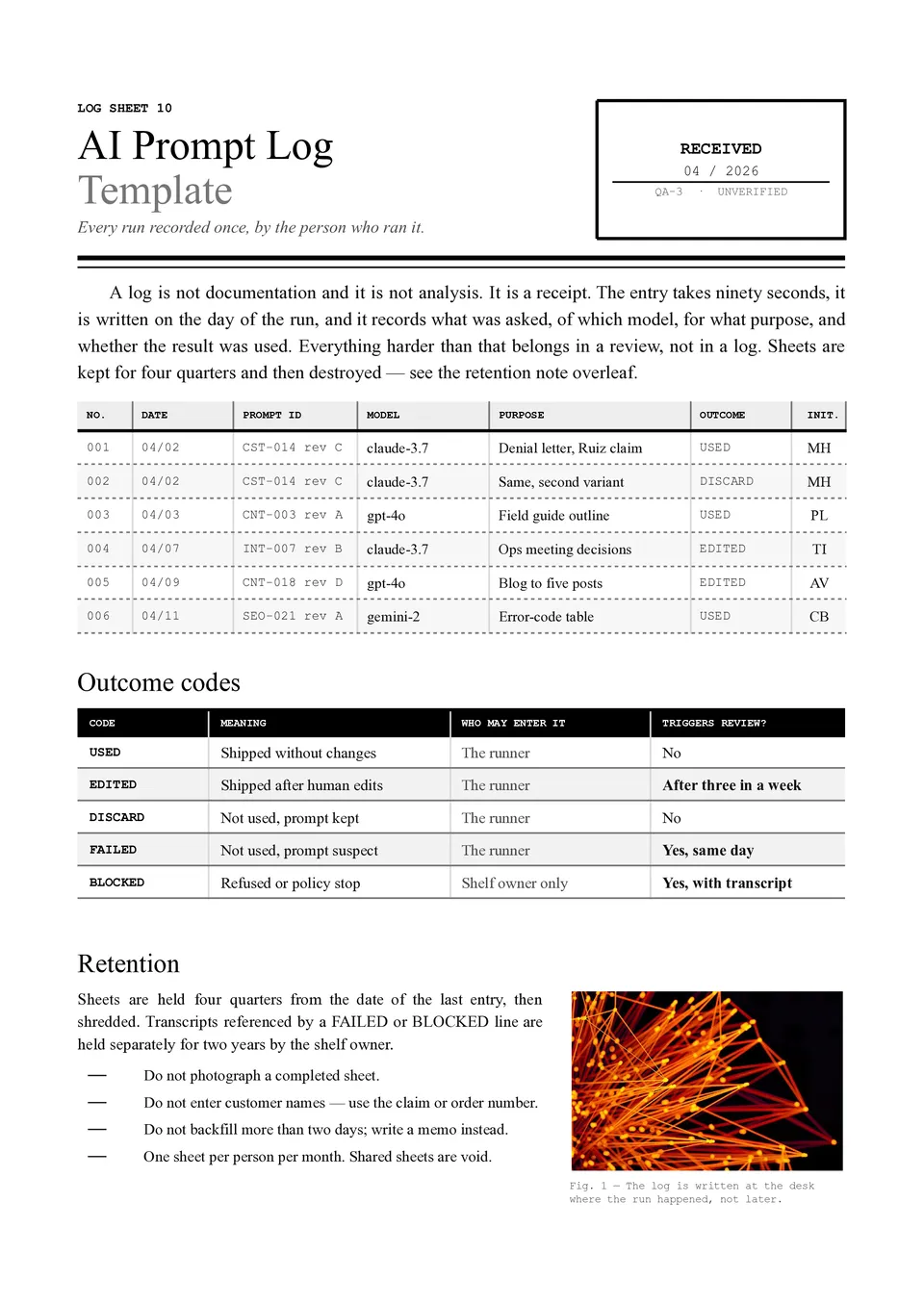
AI Prompt Log Template helps track which prompts were used, what inputs were provided, what results were generated, and which versions performed best. It can include fields for the date, project, tool or model, prompt text, context, output summary, rating, revisions, and next steps. Teams, researchers, marketers, students, and AI users can use it to compare experiments and avoid losing effective instructions. Keeping a record makes it easier to improve prompt quality, reproduce results, and identify patterns in successful outputs. The free editable layout is ready to download, print, or use as an ongoing prompt documentation system.

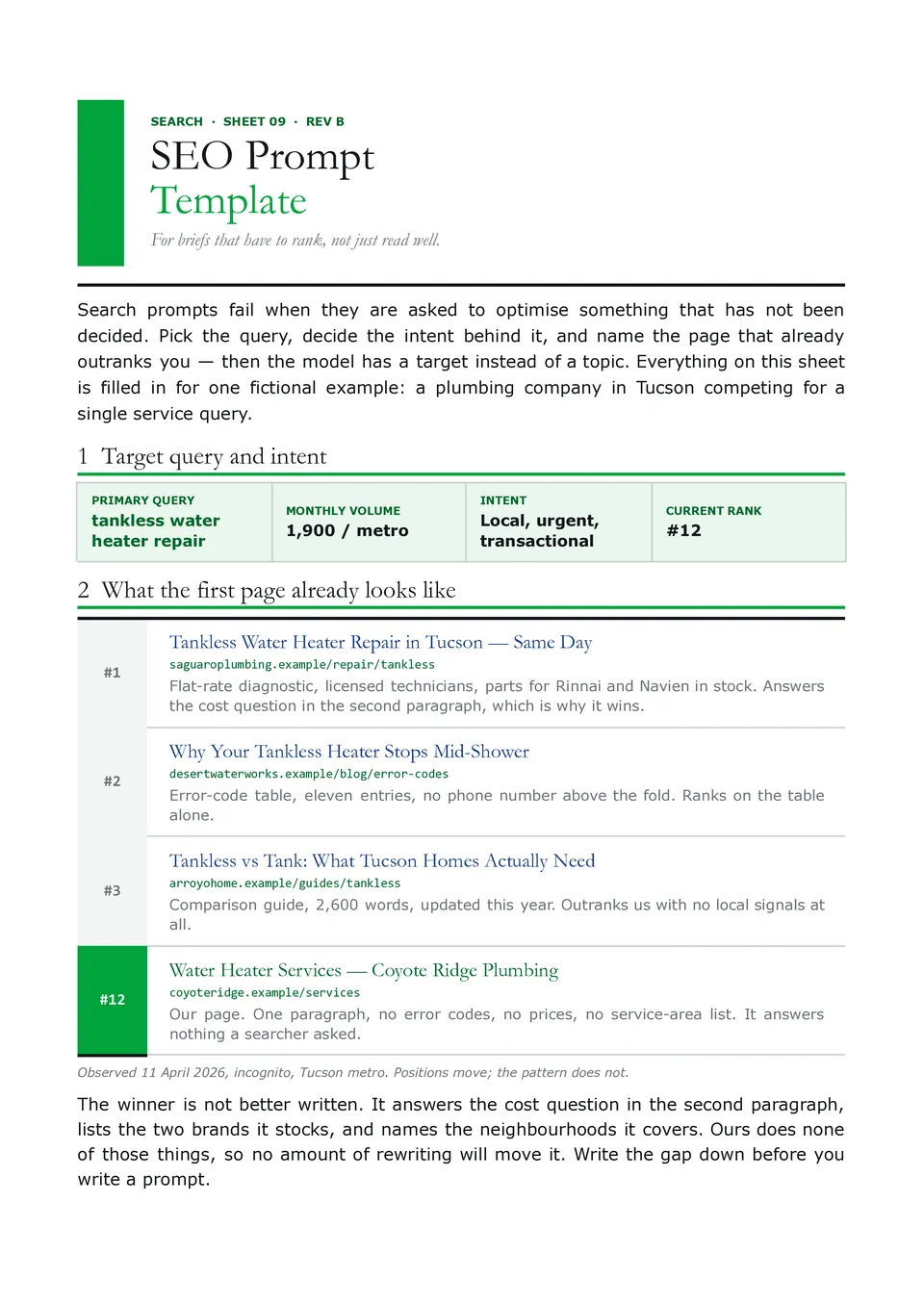
SEO Prompt Template helps structure AI requests for keyword research, search intent, content briefs, title ideas, meta descriptions, outlines, internal links, and optimization checks. SEO specialists, bloggers, agencies, ecommerce teams, and business owners can define the target keyword, audience, search intent, content goal, competitor context, tone, and required output. These details give AI a clearer basis for producing content that is relevant to both readers and search strategy. The organized fields also make prompts easier to reuse across pages, products, and campaigns. You can edit the template for free and maintain it as part of a repeatable SEO workflow.
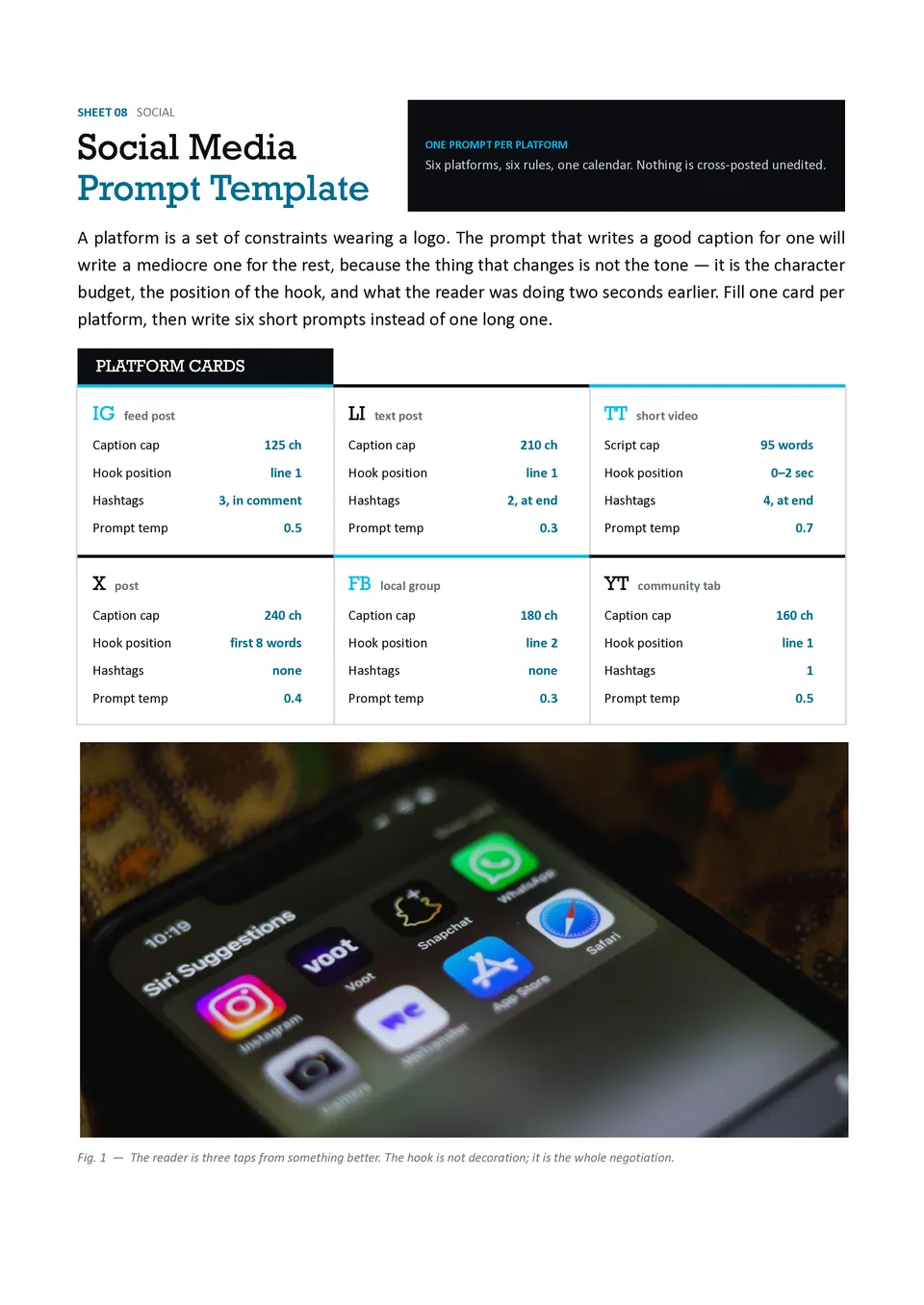
Social Media Prompt Template organizes the information AI needs to create platform-specific posts, captions, hooks, hashtags, content ideas, and calls to action. It includes sections for the platform, audience, campaign goal, topic, brand voice, post length, visual direction, and engagement objective. Social media managers, creators, agencies, and small-business owners can use it to produce content that fits each channel instead of copying one generic message everywhere. The detailed structure helps maintain consistency while allowing the wording to adapt to different audiences. It is free to customize and useful for building repeatable weekly or campaign-based content workflows.
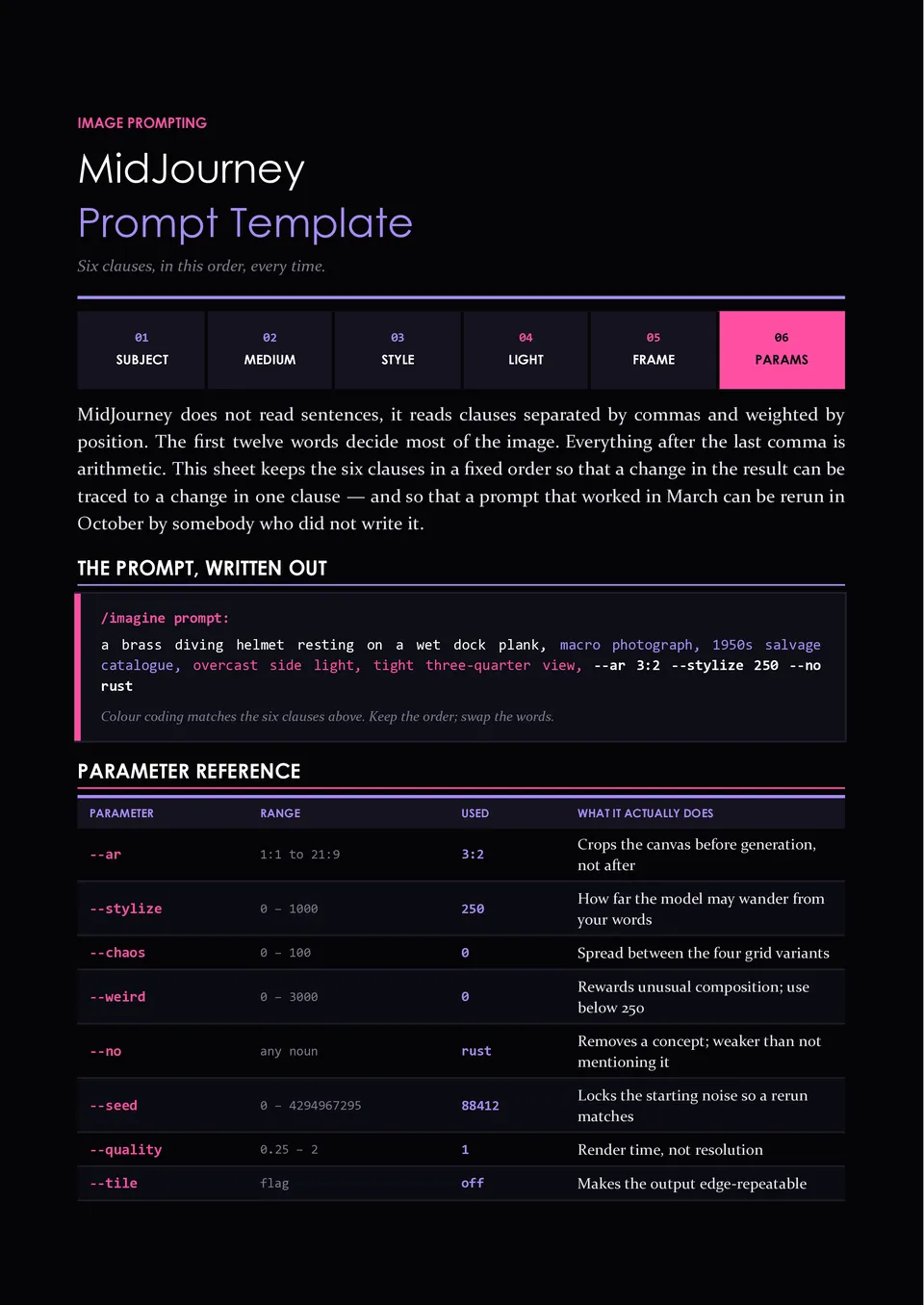
Are your AI-generated images missing the composition, mood, style, or visual details you had in mind? Midjourney Prompt Template helps organize subject, setting, composition, lighting, color palette, artistic style, camera details, aspect ratio, and negative instructions. Designers, artists, marketers, content creators, and product teams can use it to develop more deliberate image prompts before generating visuals. The structured approach makes it easier to compare variations and refine the elements that affect the final result. You can customize the free template for different visual projects and keep a reusable prompt record for future work.
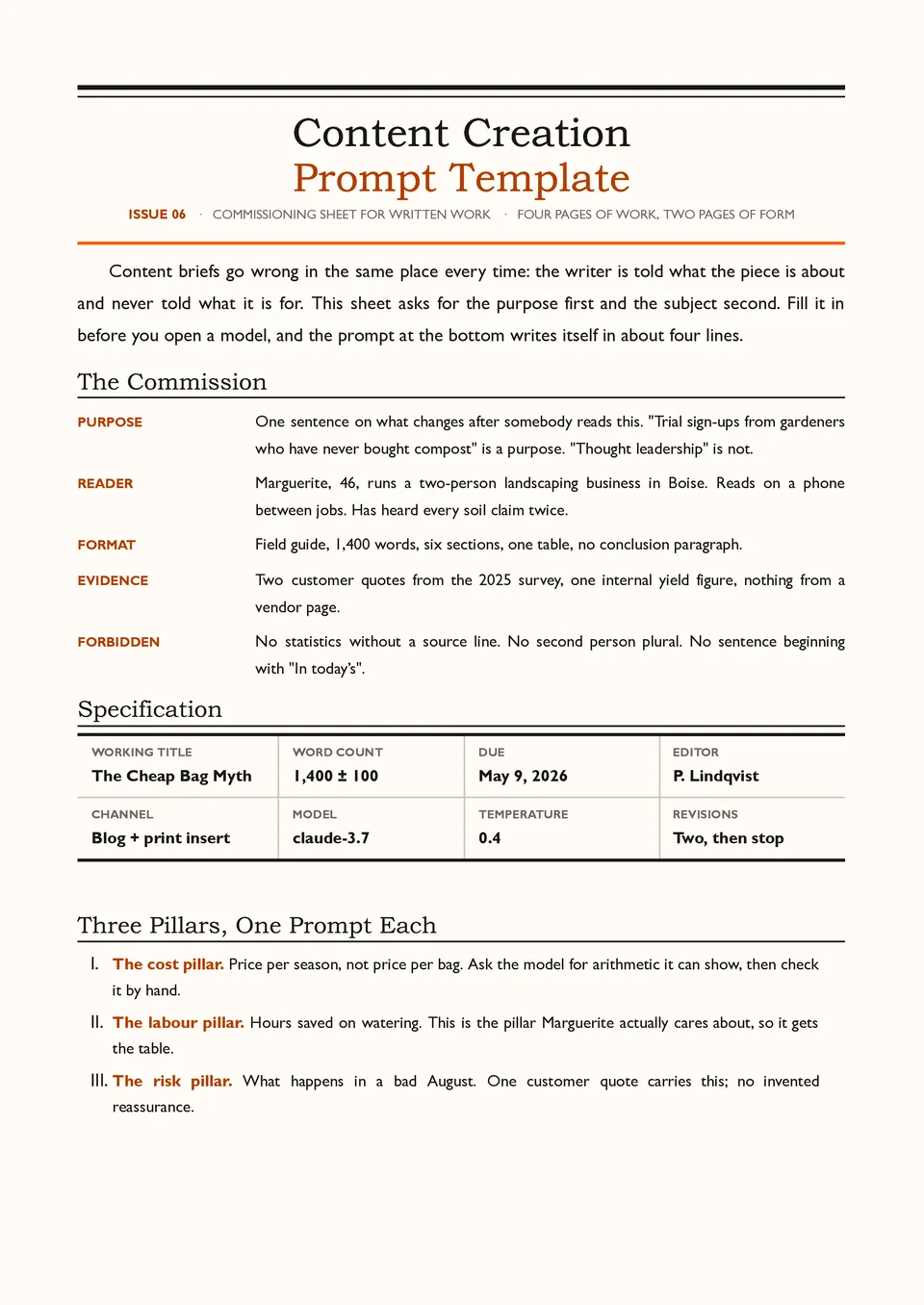
Content Creation Prompt Template helps turn a content idea into a complete AI brief with a defined audience, topic, purpose, tone, structure, length, key points, and call to action. Bloggers, copywriters, video creators, newsletter teams, and social media professionals can use it for articles, scripts, captions, posts, and other content formats. The sections make it easier to provide the background and limitations an AI model needs before generating a draft. A reusable structure also supports a more consistent voice across multiple pieces of content. It is free to edit and ready to save, print, or use as a repeatable content workflow.
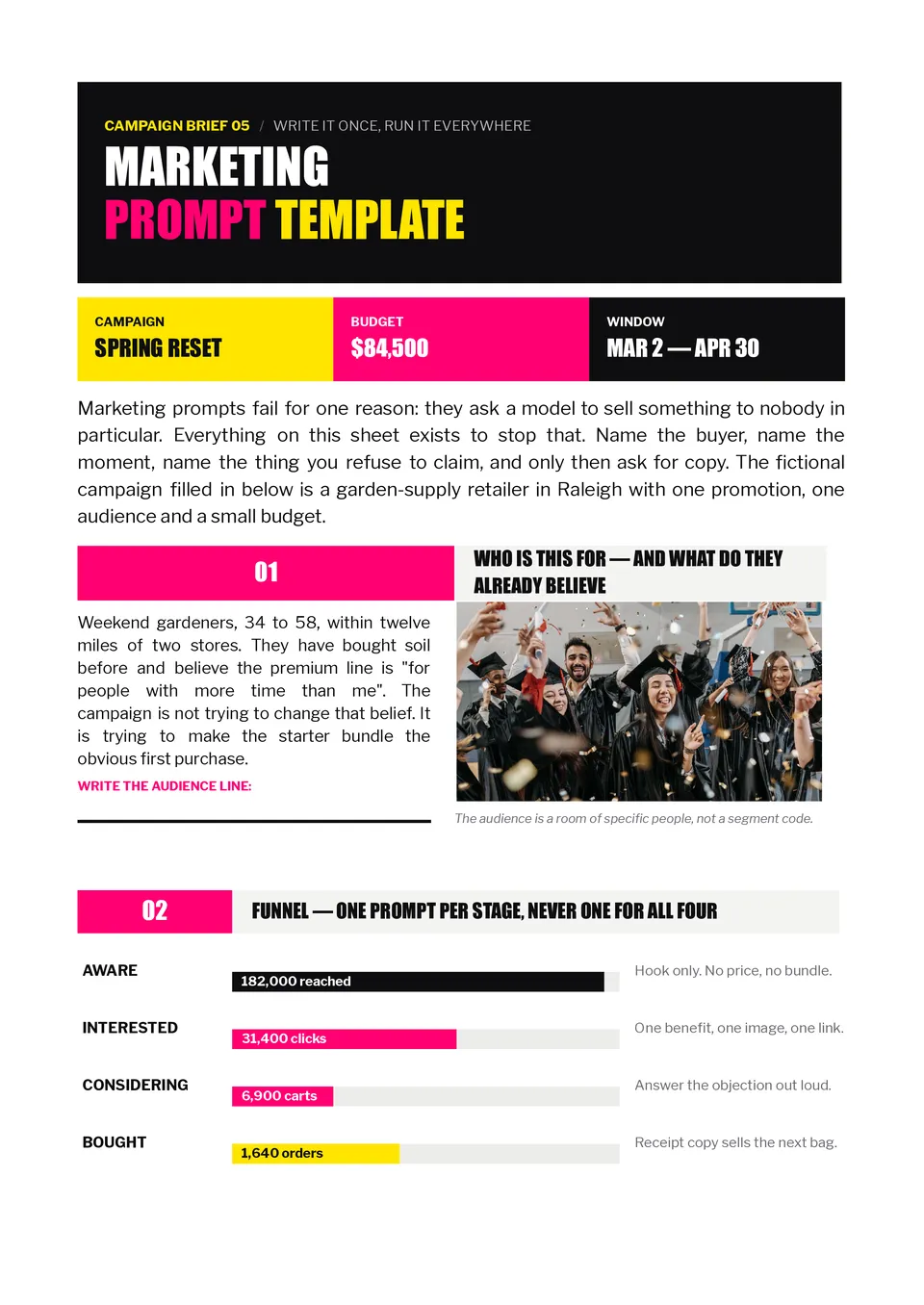
Marketing Prompt Template gives marketers a repeatable structure for generating campaign ideas, audience insights, ad copy, email content, product messaging, and promotional concepts. It provides space for the target audience, campaign objective, offer, brand voice, platform, call to action, length, and restrictions. Agencies, founders, social media managers, and in-house marketing teams can use it to brief AI with enough context for more relevant results. The detailed input fields help keep generated content aligned with the brand and the intended customer journey. You can personalize it for free and reuse it across campaigns, channels, and content formats.
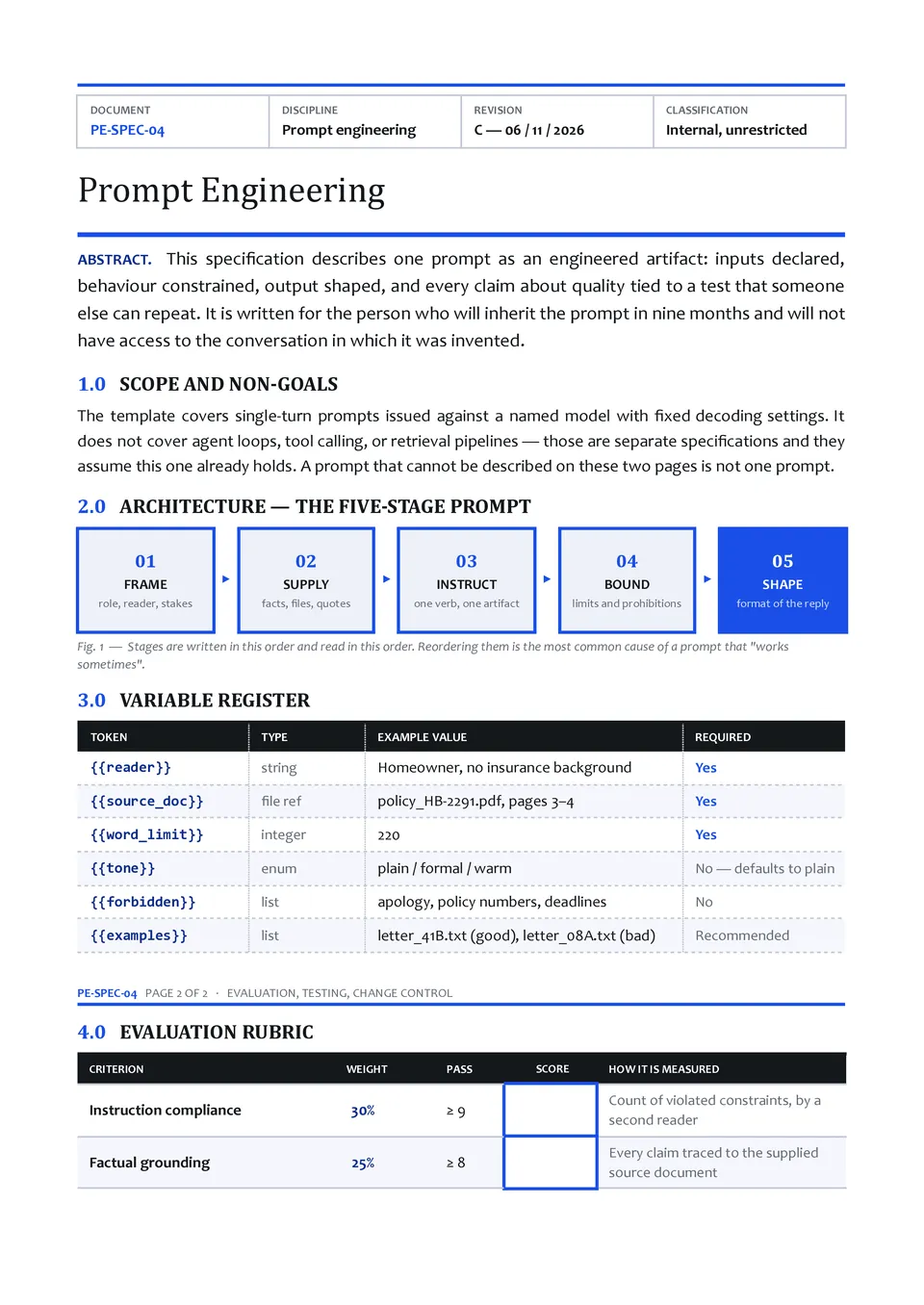
Do your AI responses vary because your requests lack clear goals, context, instructions, or output requirements? Prompt Engineering Template breaks a strong prompt into practical sections such as role, task, context, constraints, examples, tone, and response format. It suits AI practitioners, developers, analysts, educators, and teams building repeatable workflows with language models. The framework helps identify missing information and makes prompts easier to test and improve over time. You can edit the sections for free and use the completed structure for experiments, documentation, or team standards.
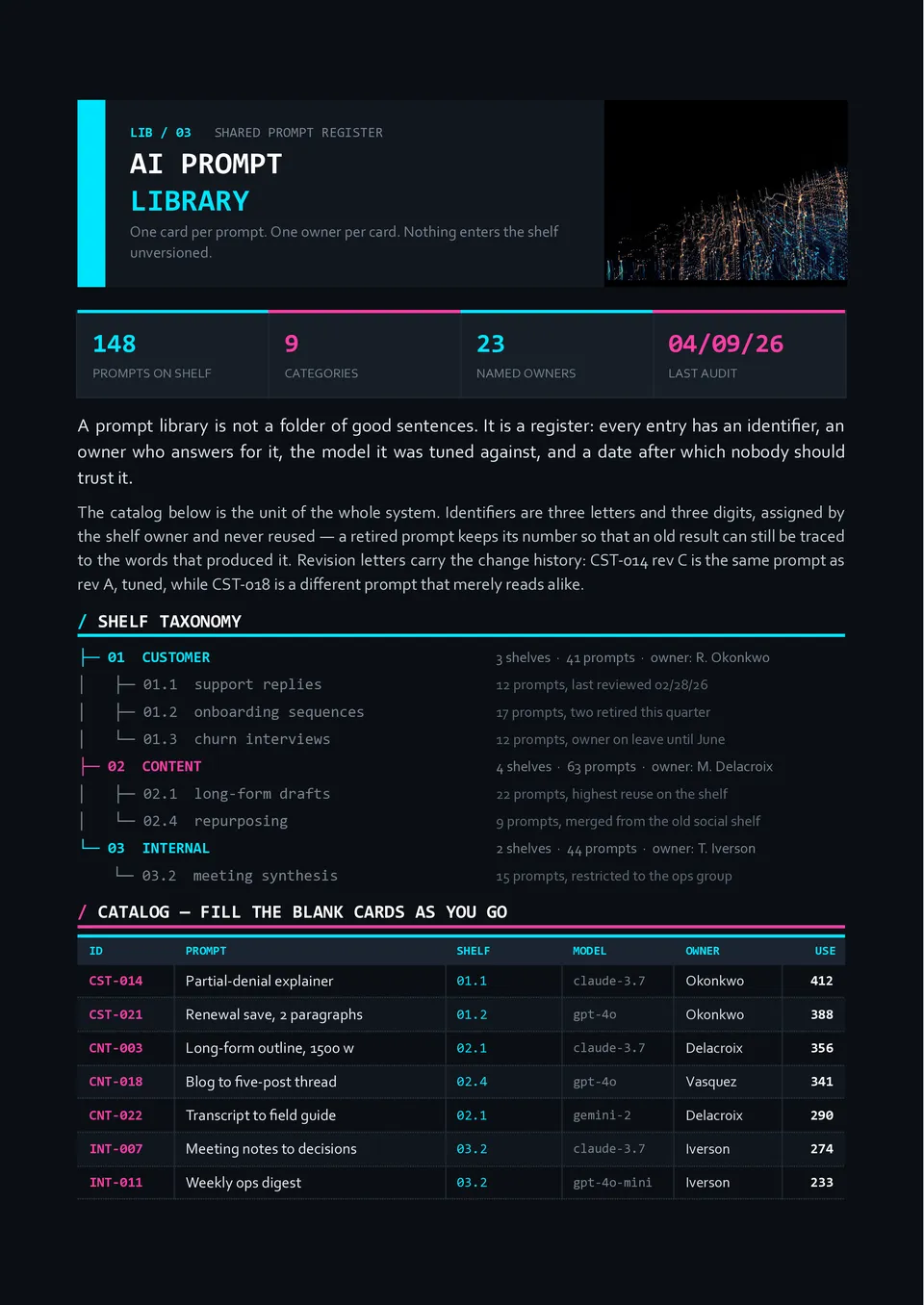
AI Prompt Library Template organizes reusable prompts by category, purpose, audience, model, tone, and workflow. It can include fields for the prompt itself, required inputs, example outputs, tags, version history, and notes about when to use it. Marketing teams, content creators, researchers, educators, and businesses can use it to build a searchable collection instead of recreating effective instructions from memory. The structured library makes successful prompts easier to find, compare, update, and share with colleagues. It is free to customize and ready to download, print, or maintain as a working prompt repository.
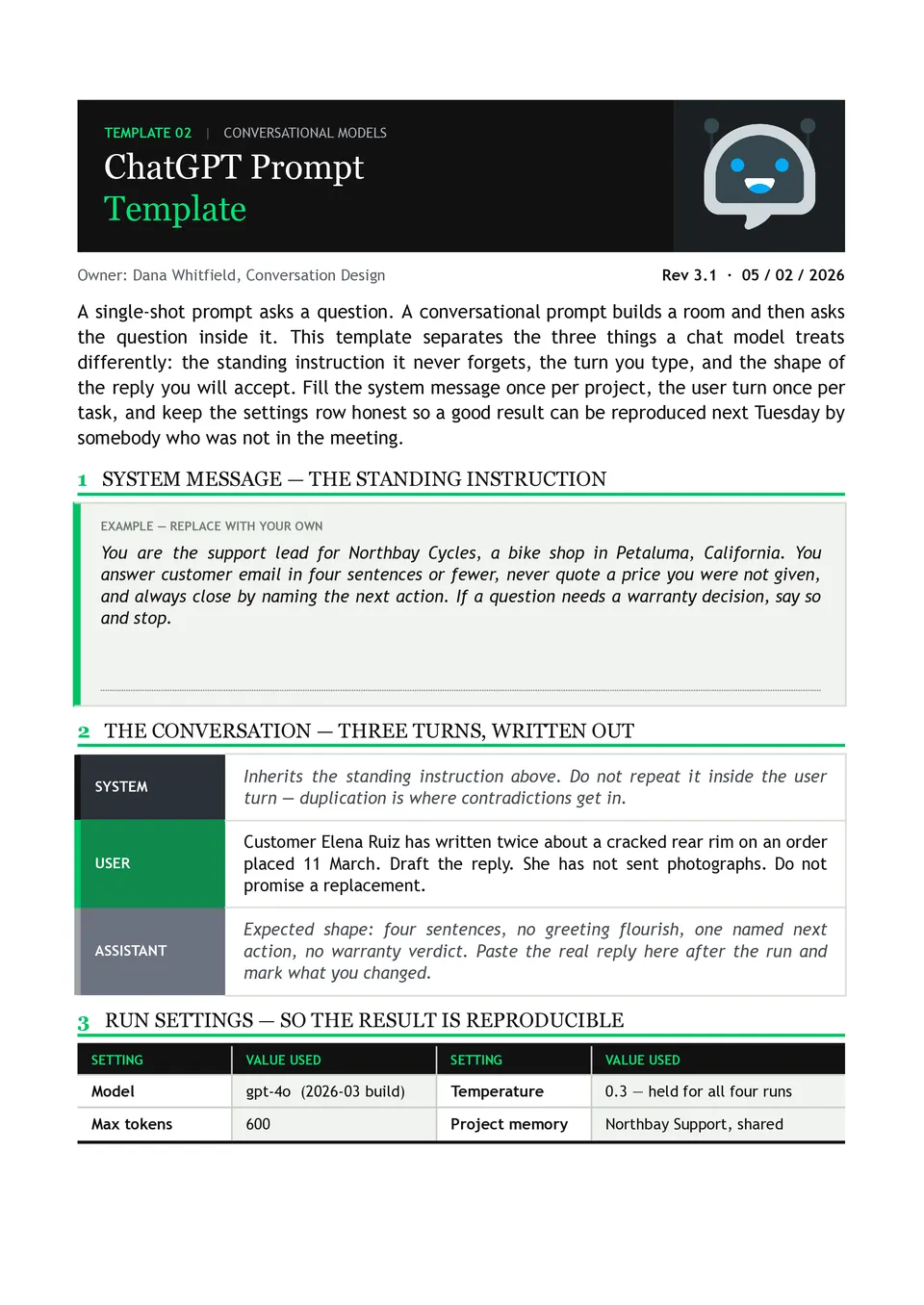
ChatGPT Prompt Template helps users turn a vague request into a more specific instruction with defined context, goal, tone, format, and constraints. It includes sections for the task, relevant background, desired response, examples, and requirements that ChatGPT must follow. Students, creators, researchers, support teams, and professionals can use it to get more consistent and useful responses. The structured layout reduces ambiguity and makes it easier to refine prompts for repeated tasks. You can customize it for free and use the finished prompt as a reusable workflow.
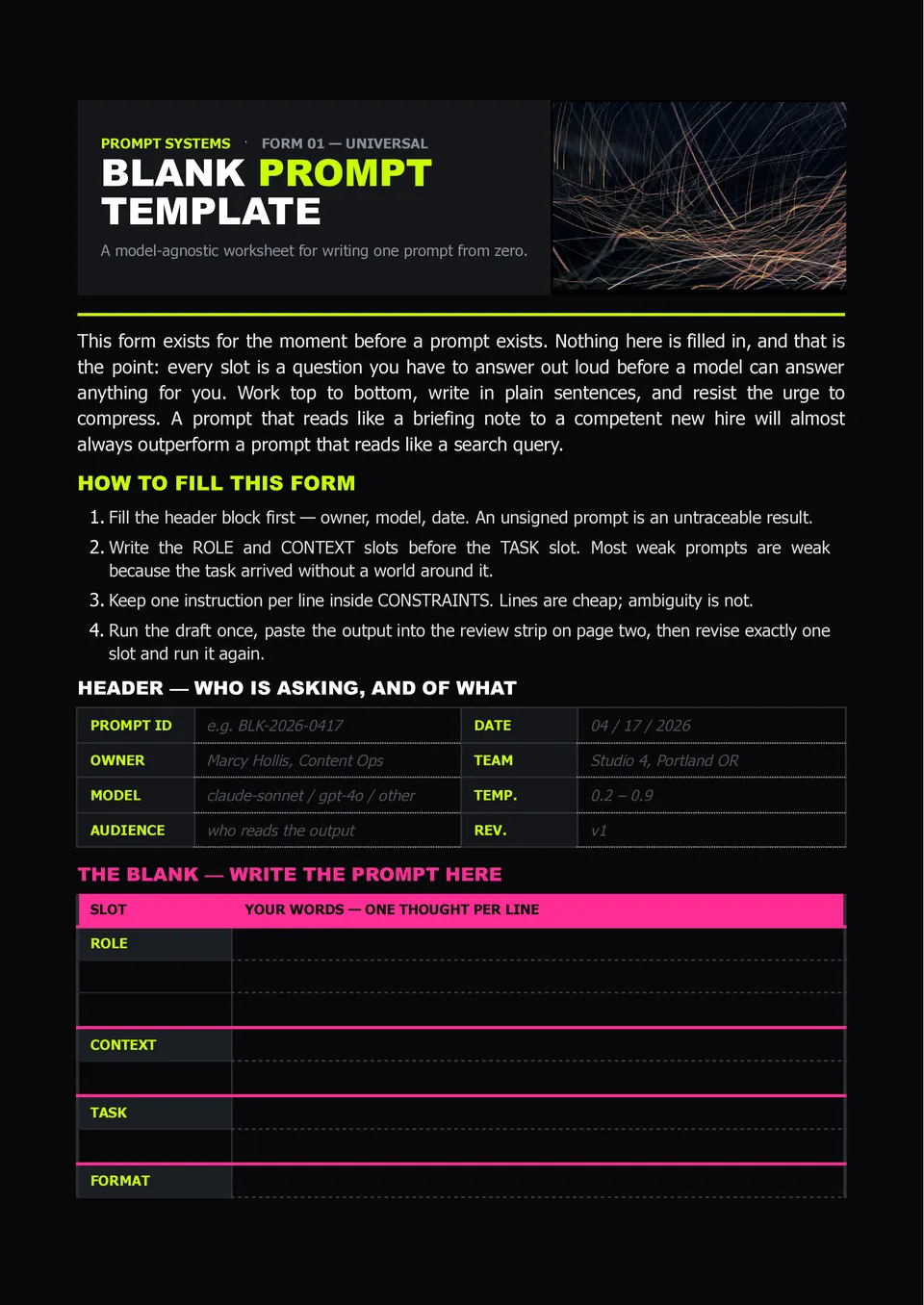
Need a flexible place to write better AI instructions without forgetting important context or constraints? Blank Prompt Template provides open sections for the role, task, background information, desired output, tone, limitations, and examples. Students, professionals, marketers, and business teams can adapt it for almost any AI-related task. The empty structure gives you full control over the prompt instead of forcing your request into a rigid use case. It is free to edit, ready to download, print, or reuse whenever you need a clearer starting point.
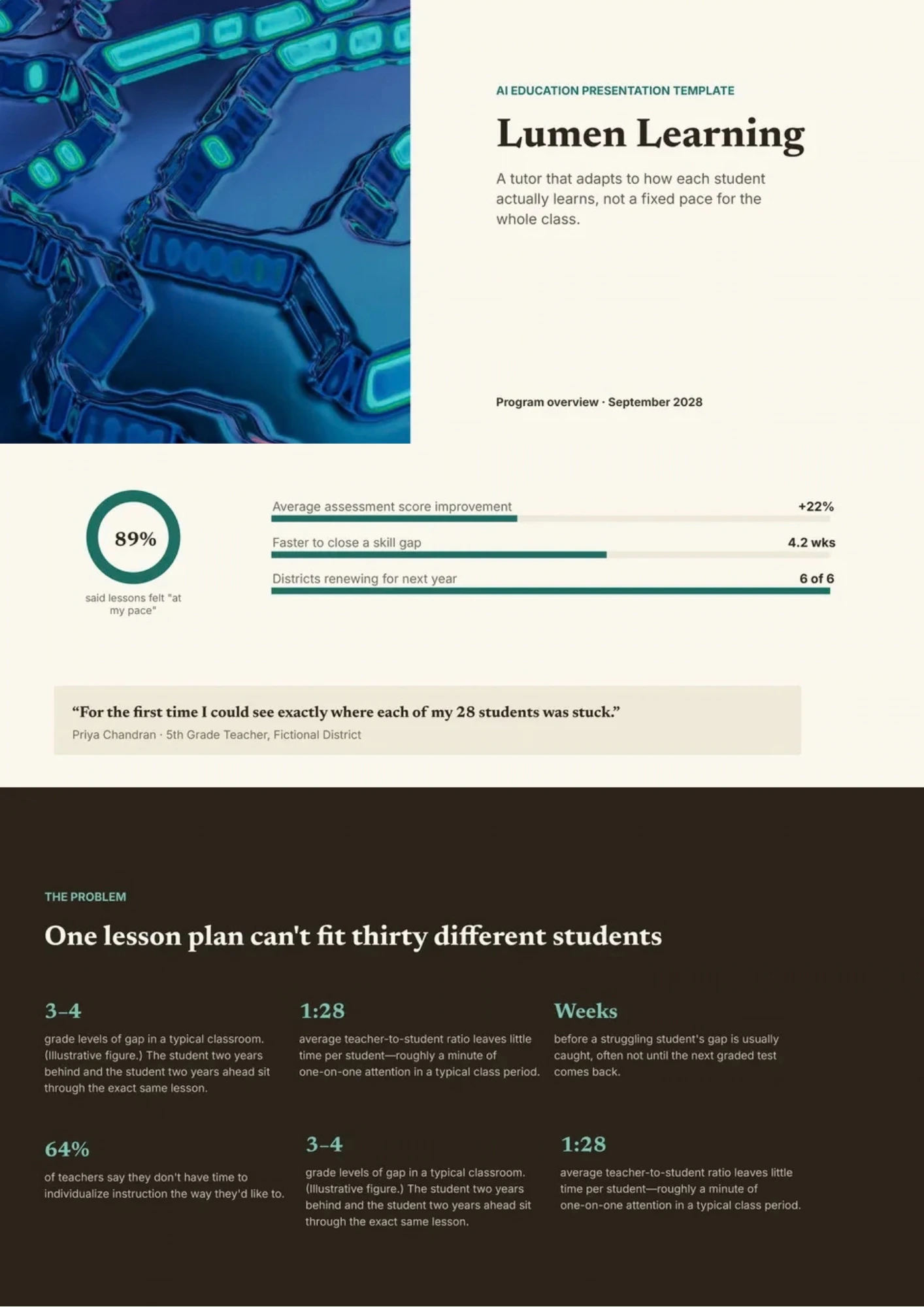
AI Education Template helps teachers and trainers introduce artificial intelligence through concepts, examples, activities, applications, and responsible-use discussions. It includes space for learning objectives, AI definitions, machine learning basics, classroom use cases, benefits, risks, ethics, and reflection questions. Schools, universities, instructors, and education teams can adapt it for lessons, workshops, professional development, or student projects. The structured design makes advanced technology more approachable by connecting theory with familiar learning situations. You can edit it for free and prepare the finished presentation for classroom use, printing, or digital sharing.

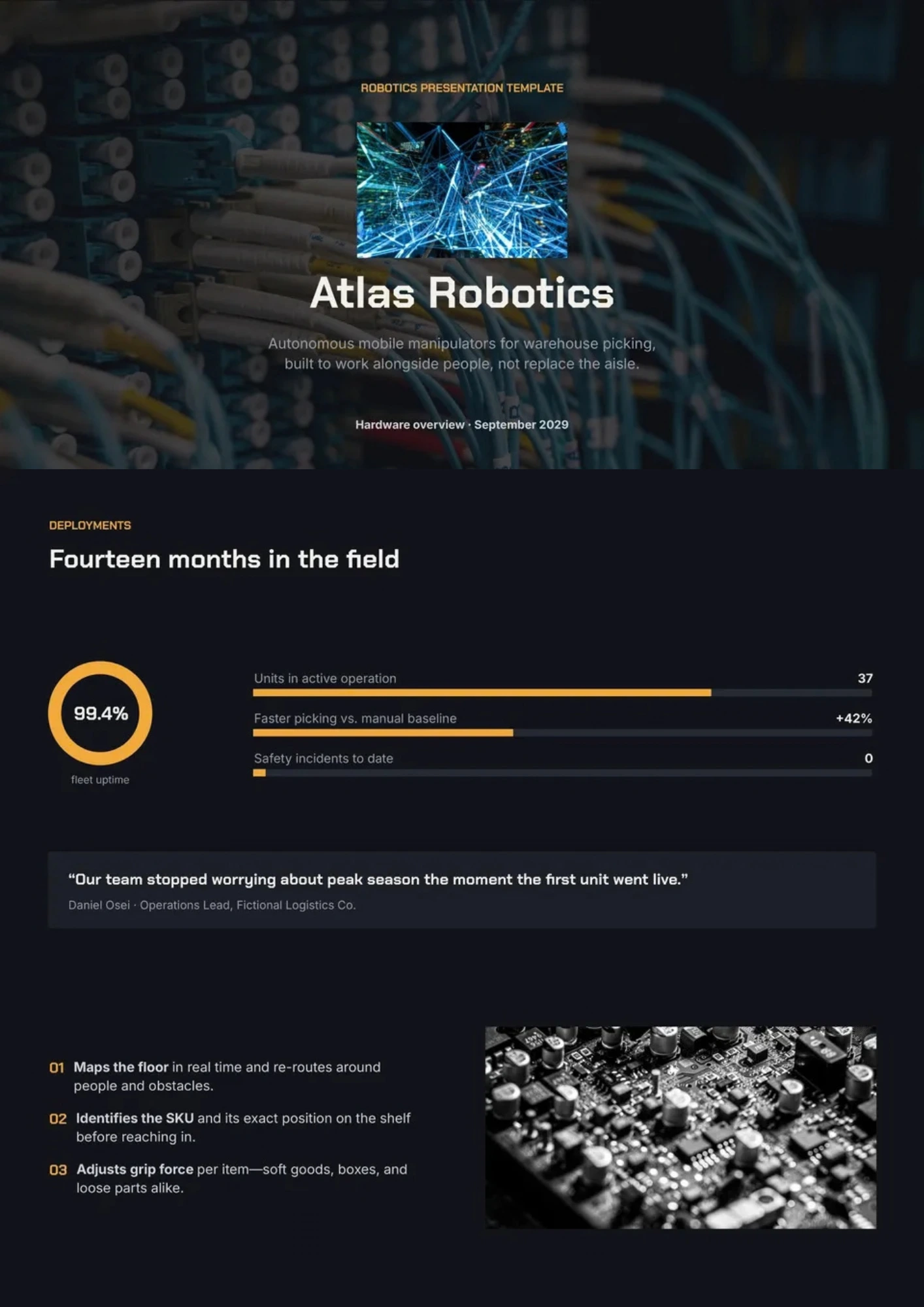
Robotics Template gives presenters a visual structure for explaining robots, sensors, automation, control systems, applications, and future developments. Students, engineering teams, educators, researchers, and robotics startups can use it for classroom projects, demonstrations, competitions, or product presentations. The sections can show how hardware, software, machine learning, and human interaction work together in a complete system. Visual diagrams and editable content make technical information easier to follow for mixed audiences. It is free to customize, ready to download or print, and suitable for presenting robotics ideas clearly.
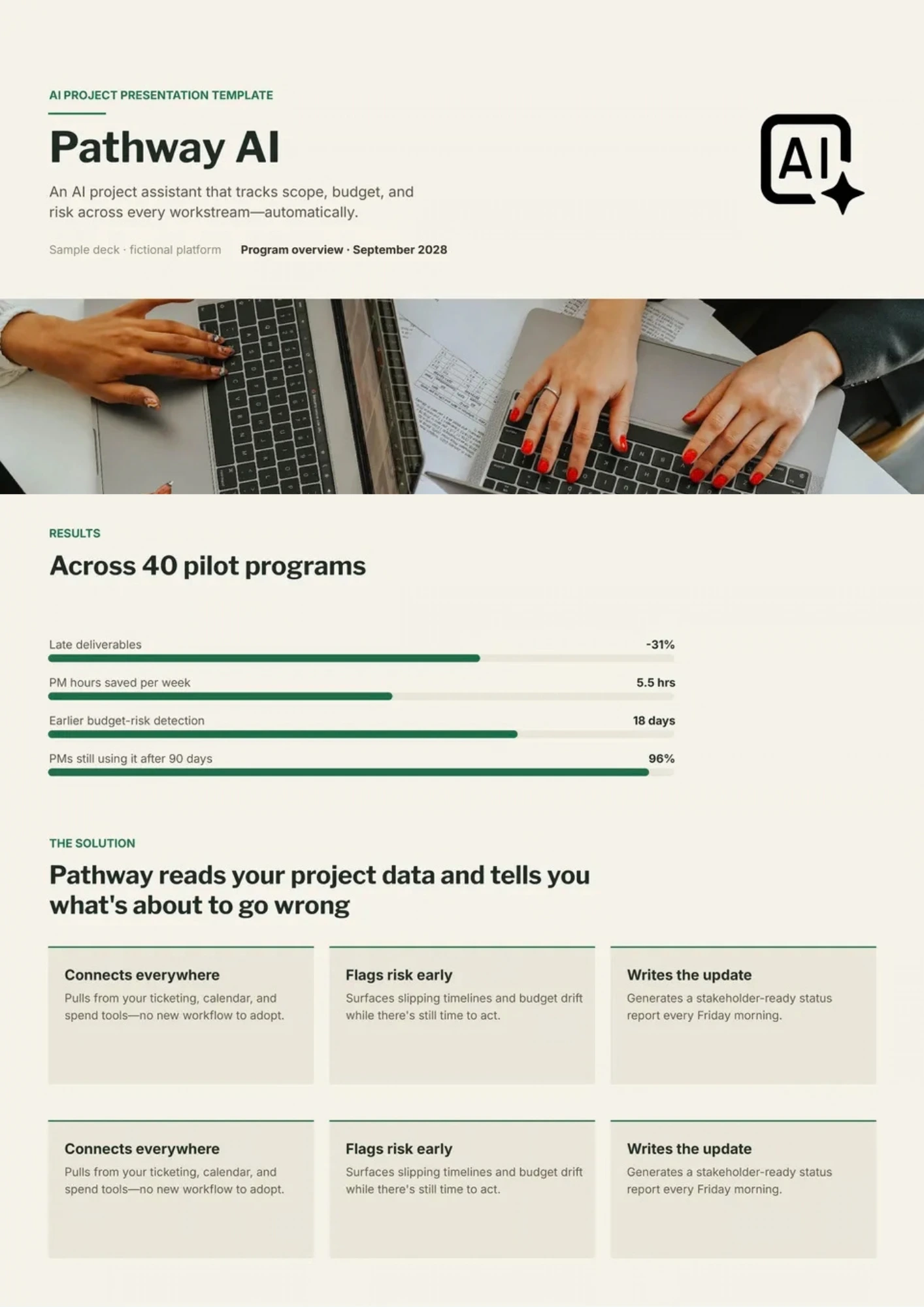
AI Project Template helps teams document an artificial intelligence project from the initial problem definition through testing, deployment, and future improvements. It provides space for users, objectives, data sources, labels, model approach, experiments, metrics, limitations, risks, monitoring, and recommendations. Data science teams, students, researchers, product managers, and clients can use it to explain both technical decisions and project outcomes. The organized sequence makes assumptions, evidence, and next steps easier to review. You can edit the free template with project-specific content and prepare it for a technical review, stakeholder meeting, or final report.
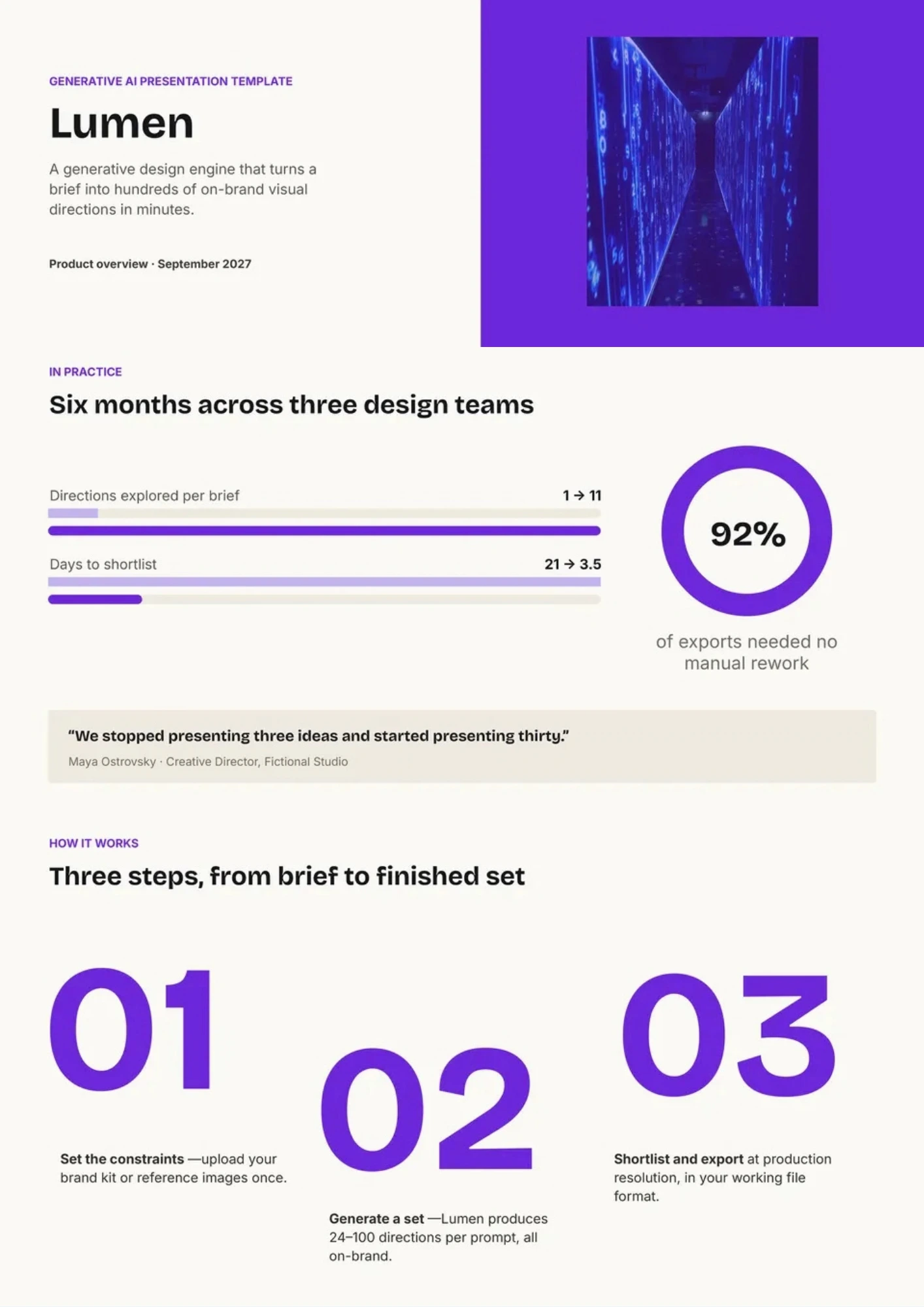
Generative AI Template organizes an explanation of systems that create text, images, audio, video, code, or other content from user prompts. It includes sections for core concepts, model types, workflows, practical applications, benefits, limitations, ethics, and implementation considerations. Researchers, educators, creative teams, marketers, and business leaders can use it to discuss generative AI in a clear and balanced way. The layout supports comparisons between opportunities and risks while leaving room for examples and visuals. This free editable design is ready for customizing, downloading, printing, or presenting to different audiences.
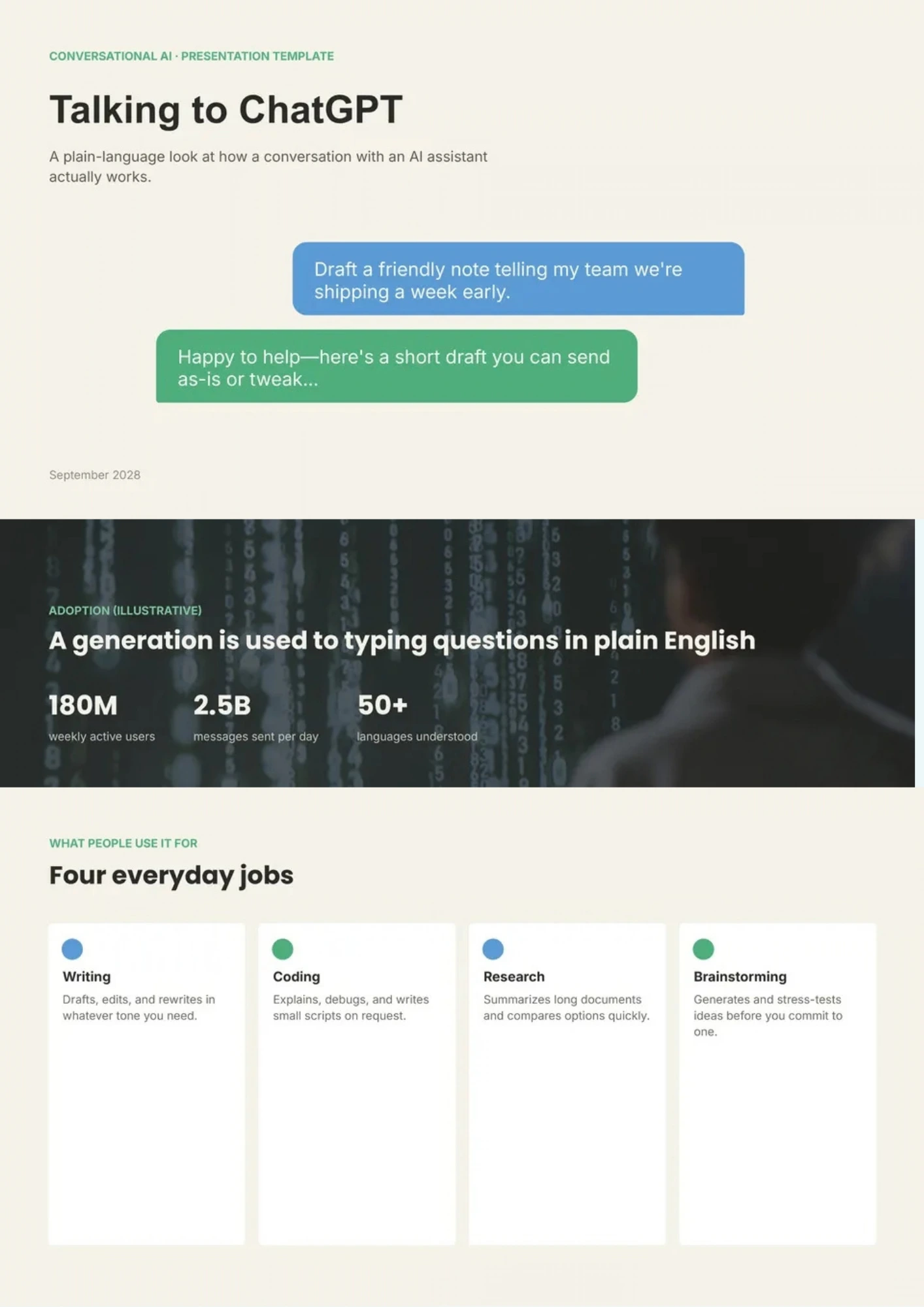
Want to explain ChatGPT’s capabilities, practical applications, and limitations without reducing the topic to a list of vague AI claims? ChatGPT Template provides space for key features, prompt examples, workflow diagrams, use cases, benefits, risks, and responsible-use guidelines. Educators, content teams, business users, trainers, and technology presenters can use it to demonstrate how conversational AI supports research, writing, customer service, or productivity. The structure helps audiences understand both what the tool can do and where human review remains important. You can personalize the free design with your own examples, screenshots, and guidance before sharing or presenting it.
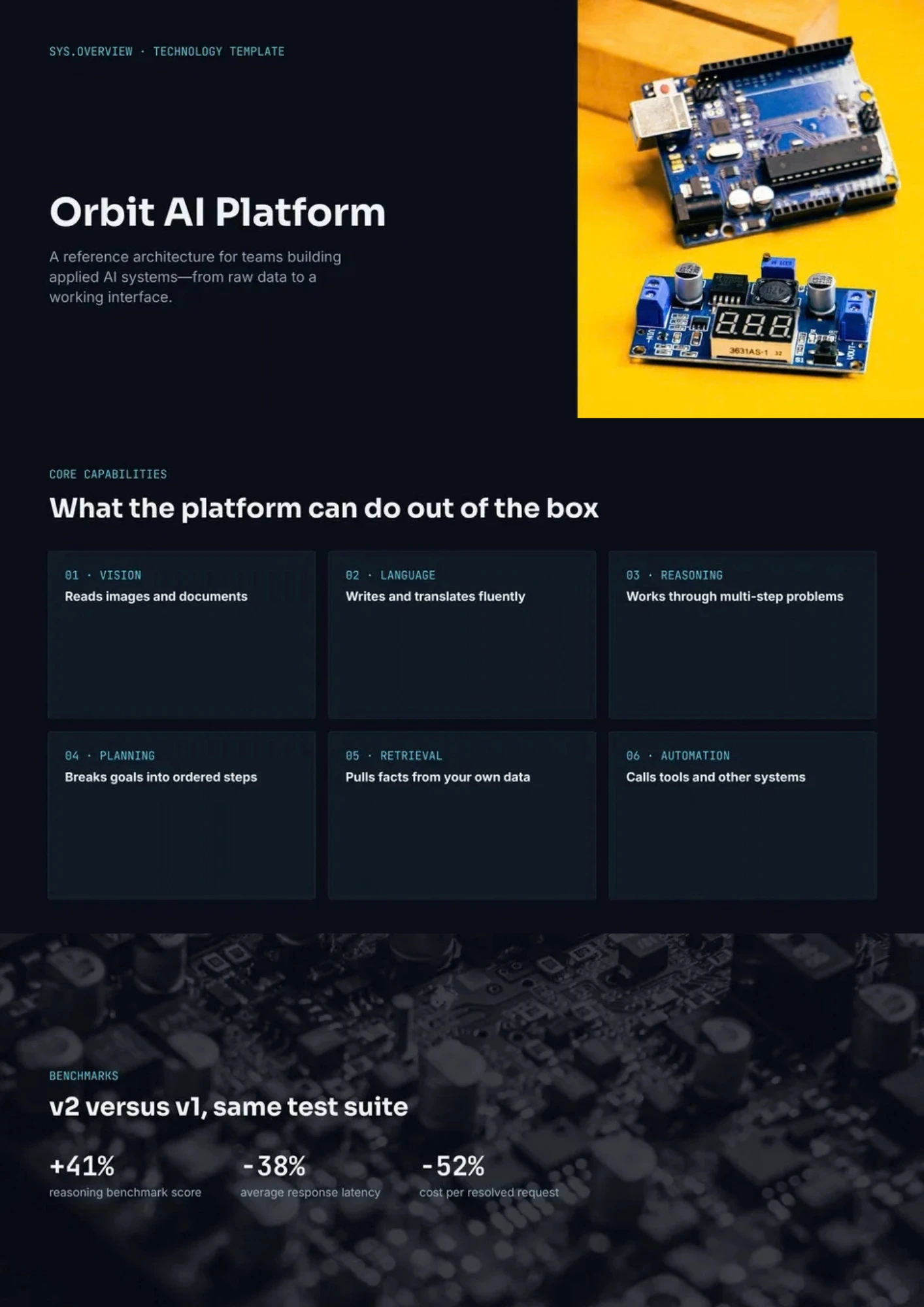
AI Technology Template helps organizations explain how artificial intelligence fits into their products, infrastructure, workflows, and long-term technology strategy. It includes areas for technology architecture, key capabilities, implementation stages, industry applications, benefits, risks, and future opportunities. Technology leaders, IT teams, consultants, and business decision-makers can use it to discuss adoption plans with technical and executive audiences. The visual structure makes complex systems and business outcomes easier to connect. It is free to edit, ready to download or present, and simple to adapt to different industries.
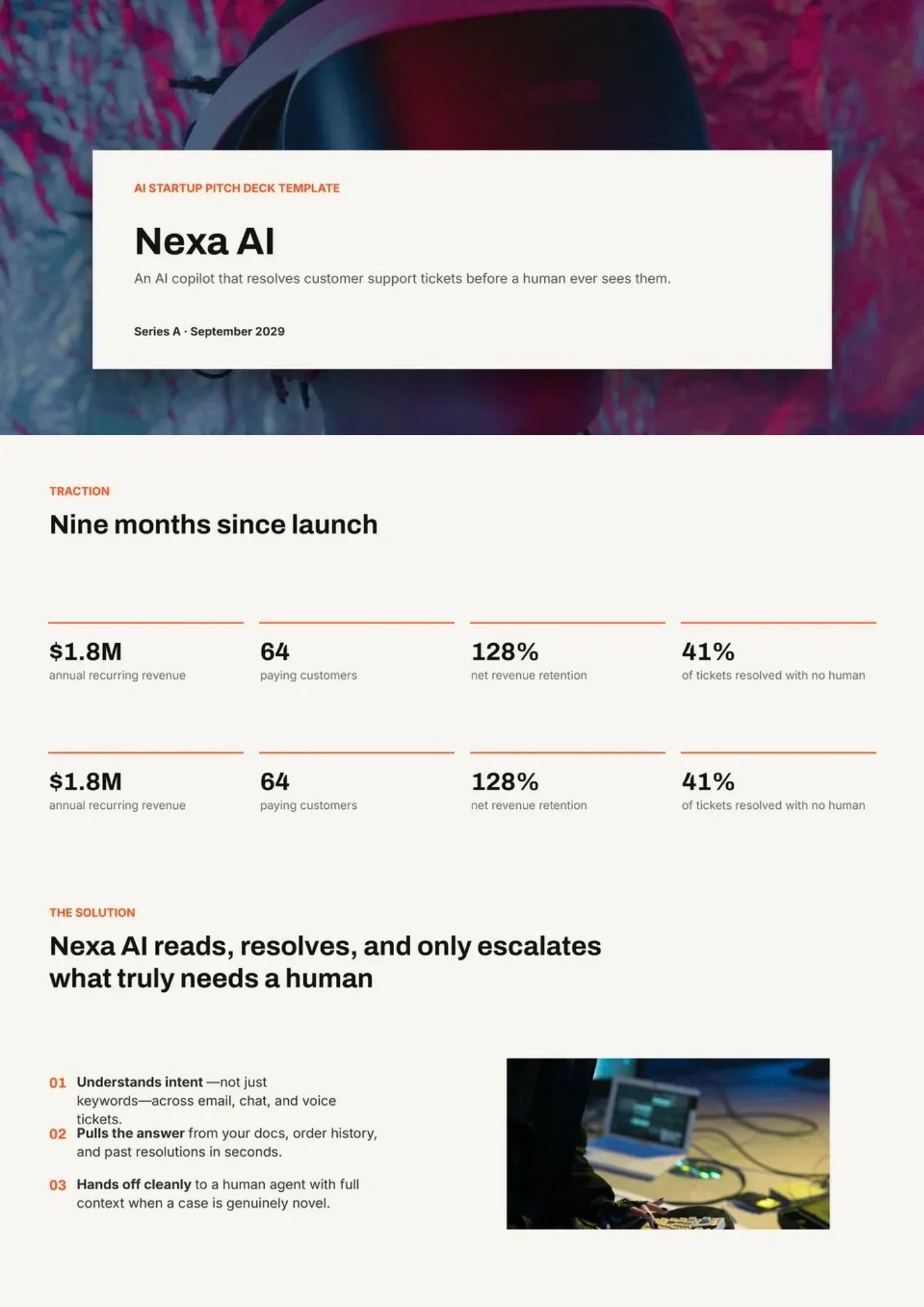
Are investors struggling to understand the problem, market opportunity, product value, and defensibility behind your AI startup? AI Startup Pitch Deck Template structures a fundraising story around the problem, solution, product, market size, business model, traction, competition, team, financials, and funding ask. Founders and startup teams can use it to present an AI-powered product with both commercial clarity and technical credibility. Dedicated sections help explain data advantages, responsible AI considerations, go-to-market plans, and measurable progress. You can customize the free deck with your metrics, branding, and financial assumptions before presenting it to investors.

Choose your preferred social media platform from options like Pinterest, Facebook, Twitter, and more. Share our templates with your contacts or friends. If you’re not active on these social networks, you can simply copy the link and paste it into the one you use.