

 Back to templates
 Chart Templates
Present information clearly with professional Chart Templates designed to organize data, processes, and comparisons in a visual format. Ready-made layouts help you structure complex information, highlight key points, and create clear diagrams without building charts from scratch.
These templates are suitable for managers, analysts, teachers, students, and anyone working with reports, workflows, or project planning. Browse the collection, choose a layout that fits your task, and create structured charts using templates available free to use.
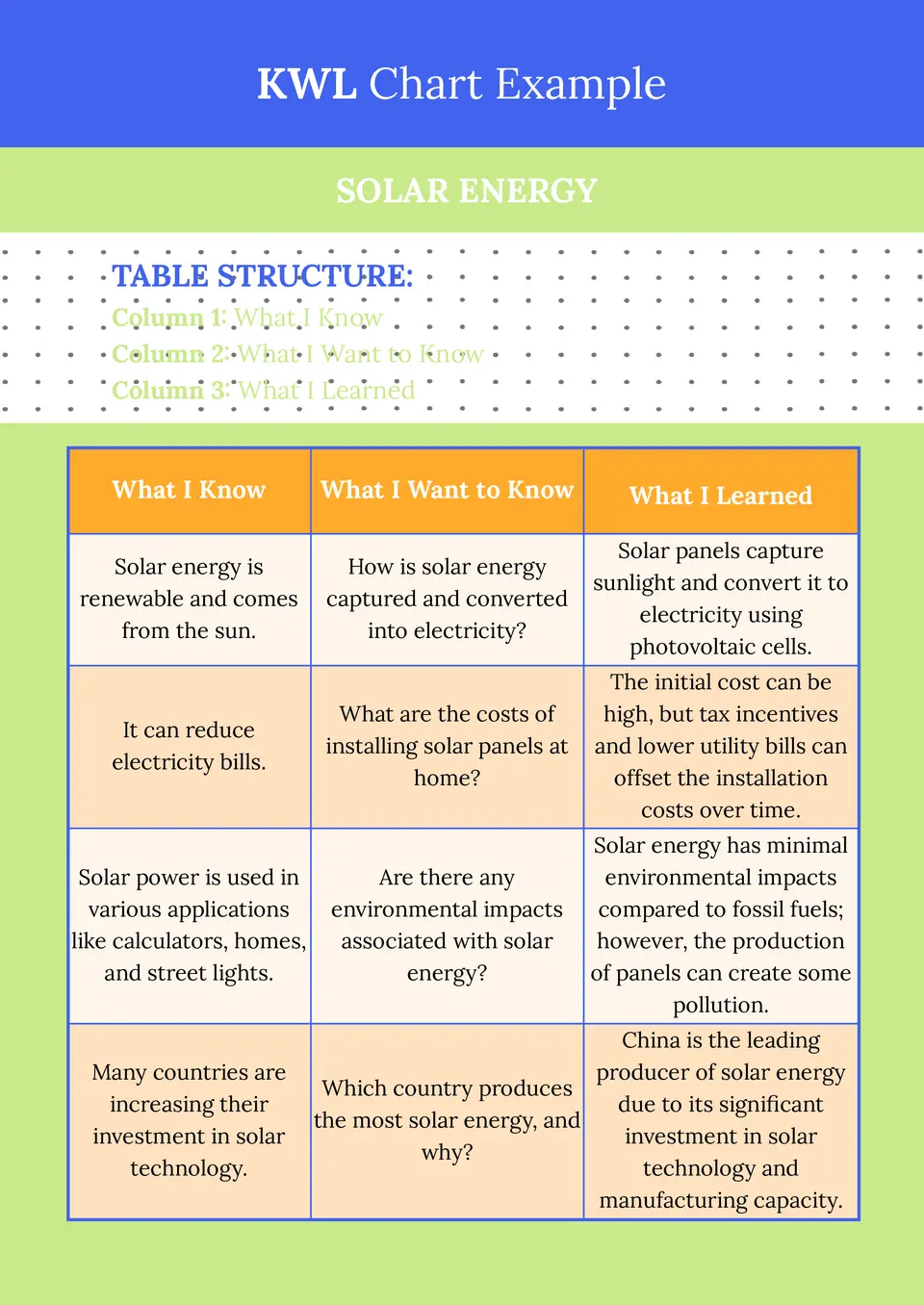
A practical tool for lesson planning and student reflection, the KWL Chart Template helps organize what learners know, want to know, and later understand about a topic. It creates a simple structure for guiding discussion, research, and review.

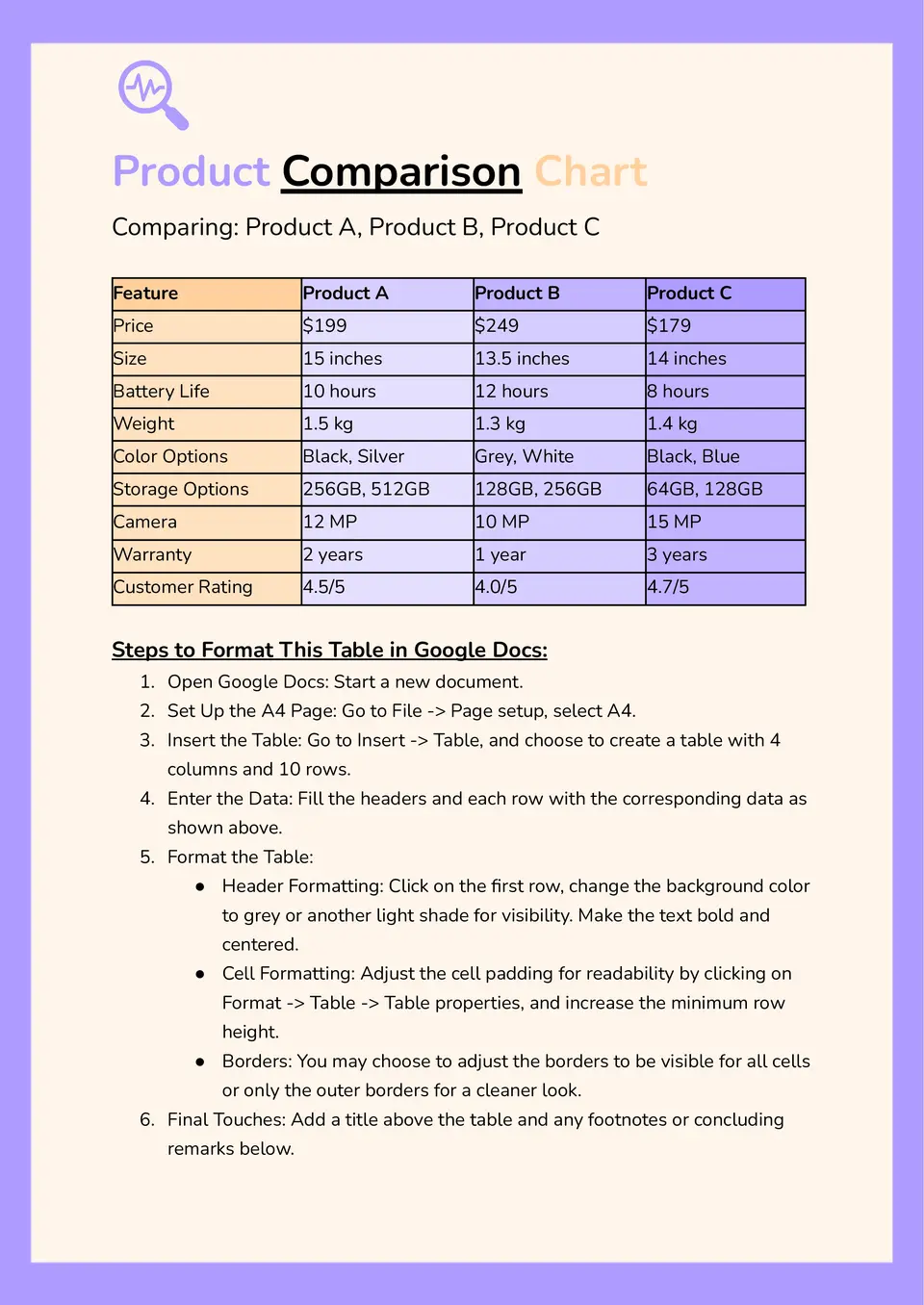
Teams can use the Comparison Chart Template to evaluate options side by side in a more structured way. It helps organize features, differences, and decision points in one place, which makes review faster and more consistent.
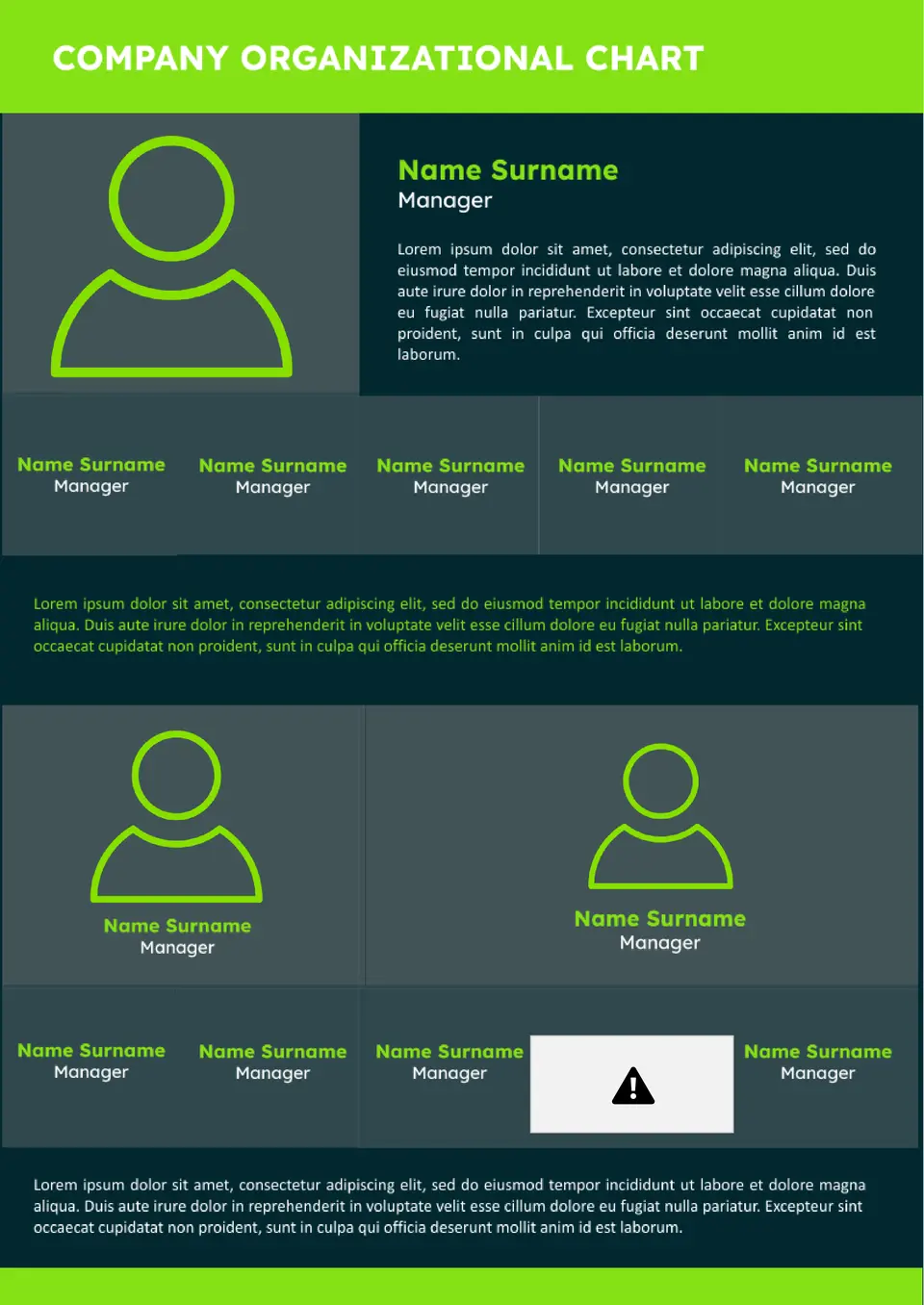
With space for roles, reporting lines, and team structure, the Company Organizational Chart Template helps businesses present internal hierarchy in a clear visual format. It can support onboarding, team planning, and internal communication across departments.
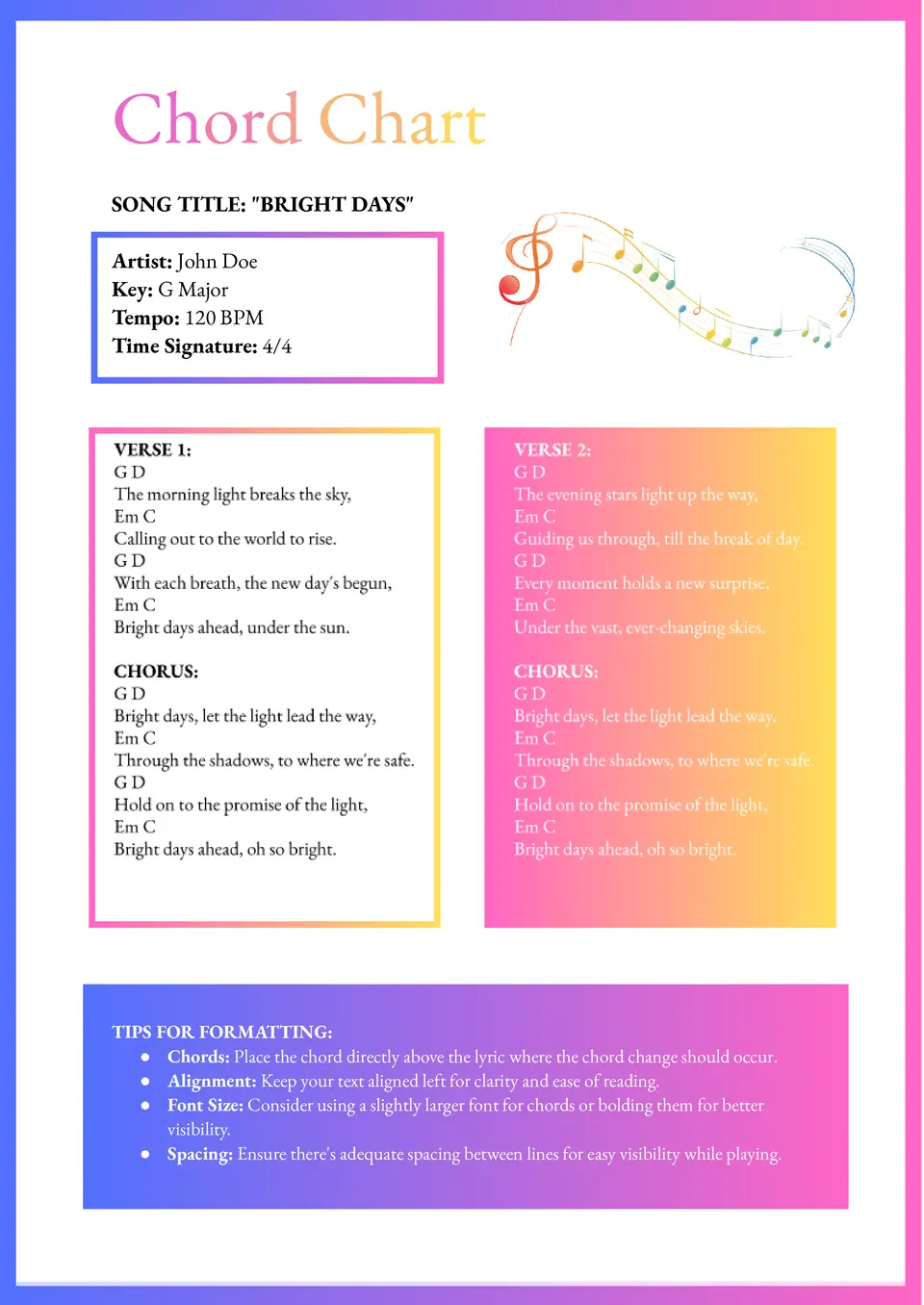
Built to organize musical structure clearly, the Chord Chart Template gives musicians a simple format for arranging chords on the page. It can be used for practice, performance prep, songwriting, or teaching sessions.
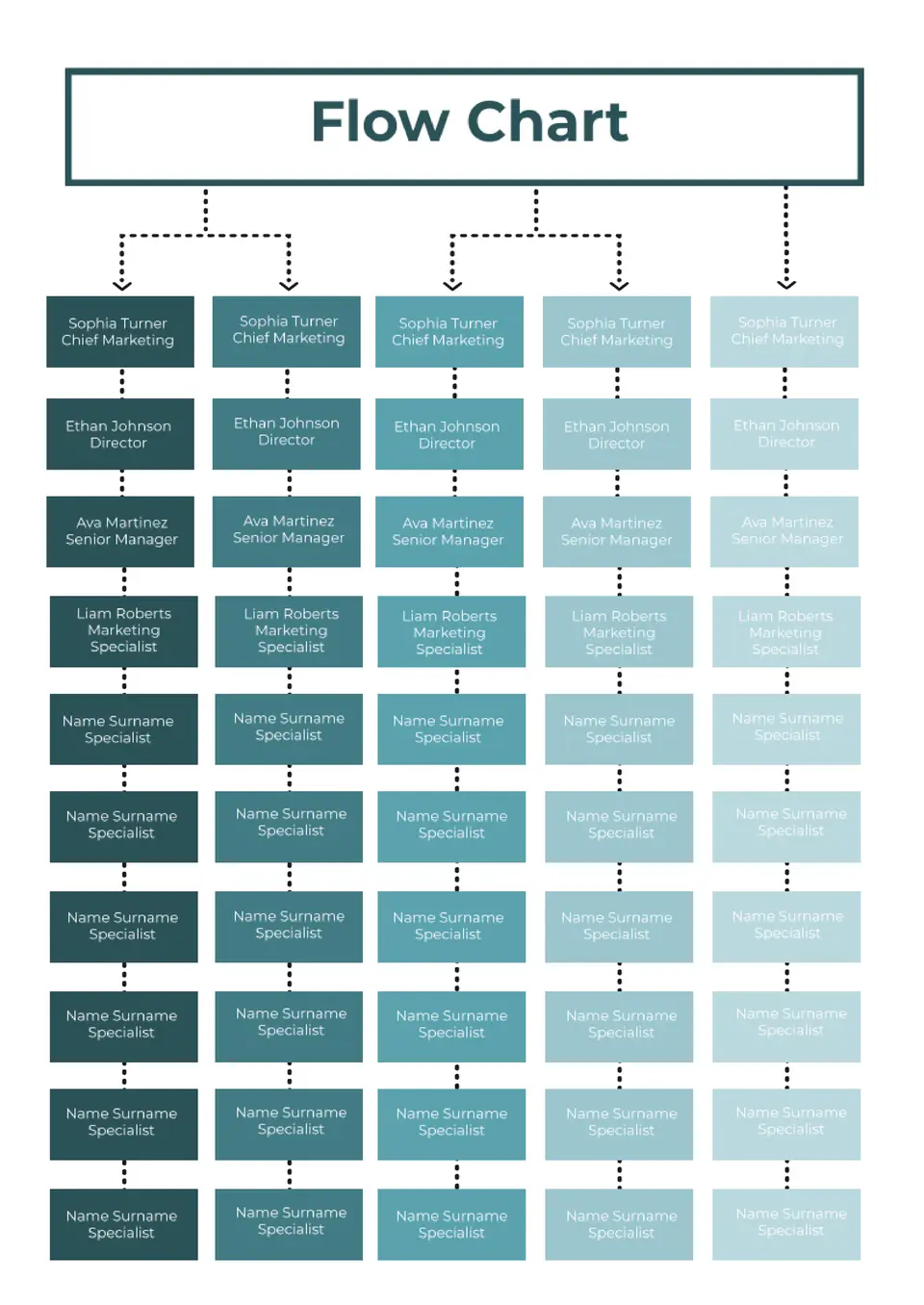
Designed for step-by-step processes, the Flow Chart Template helps users turn ideas, tasks, or decisions into a visual sequence. It works well for planning workflows, explaining systems, or breaking down actions into clear stages.
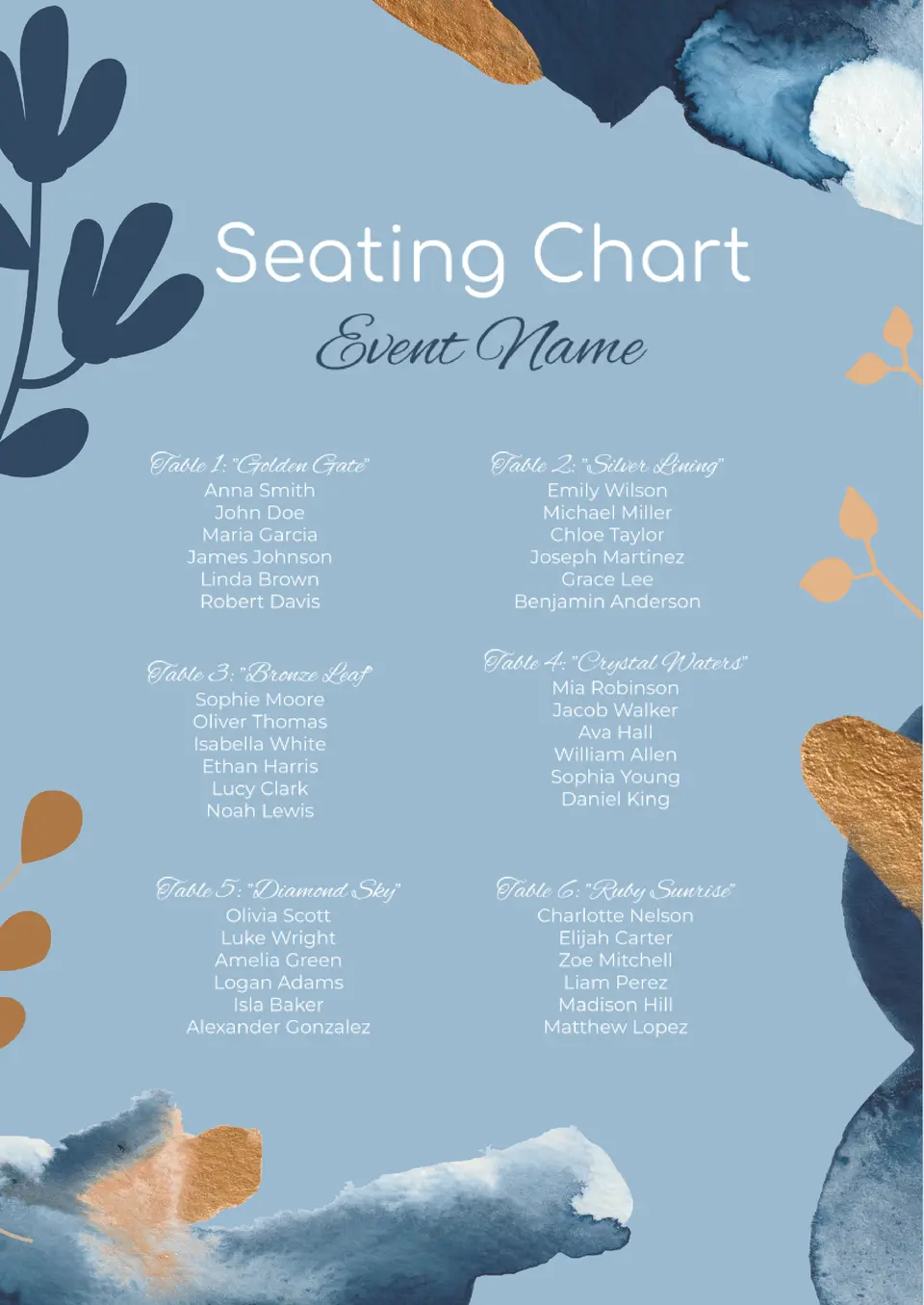
Which layout works best for organizing where people sit during events, classes, or group activities? The Seating Chart Template gives you a simple way to map out placements before the day begins.
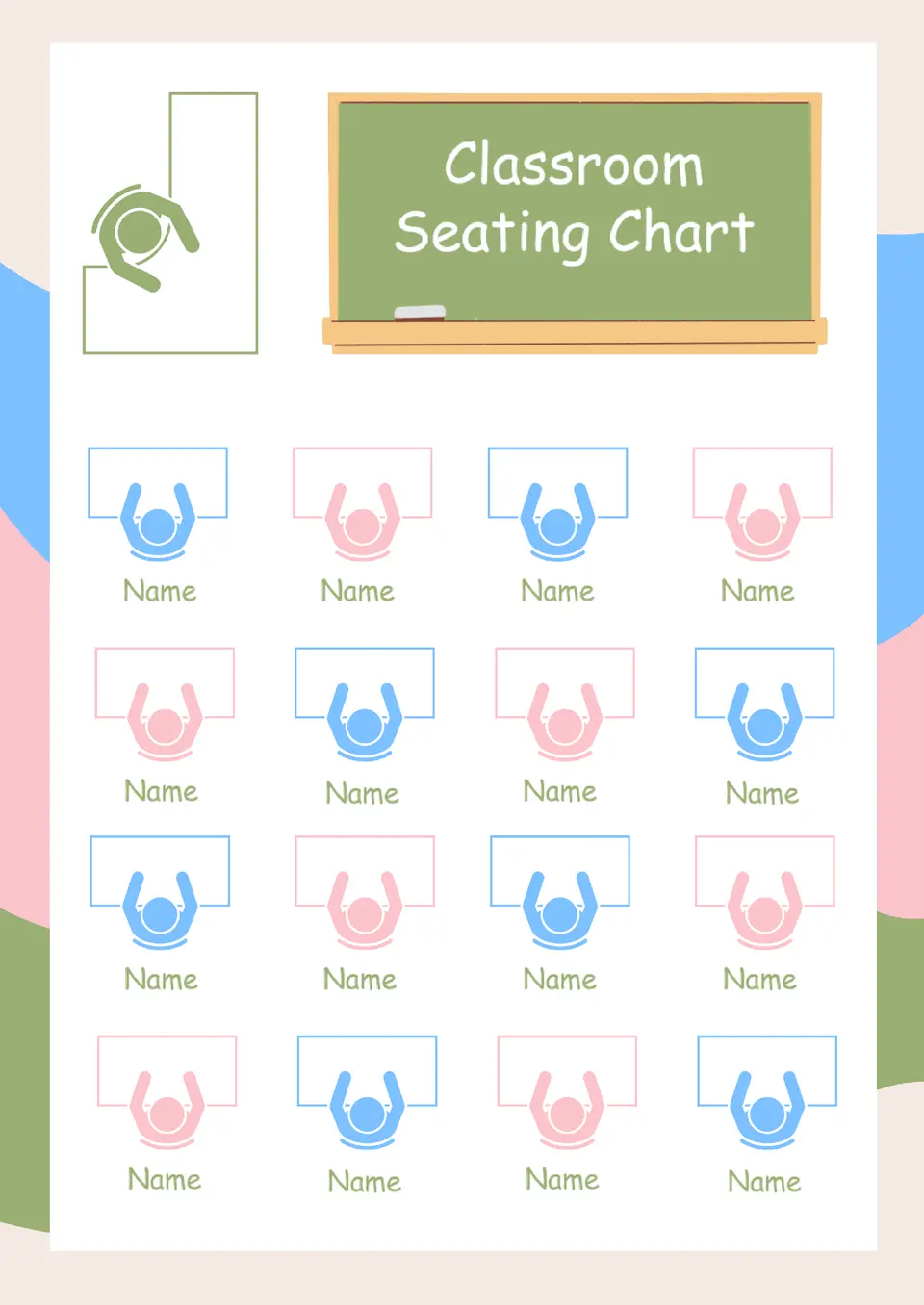
How can teachers arrange student seating in a way that keeps the classroom easier to manage? The Classroom Seating Chart Template helps organize desks, names, and placement decisions in one clear layout.
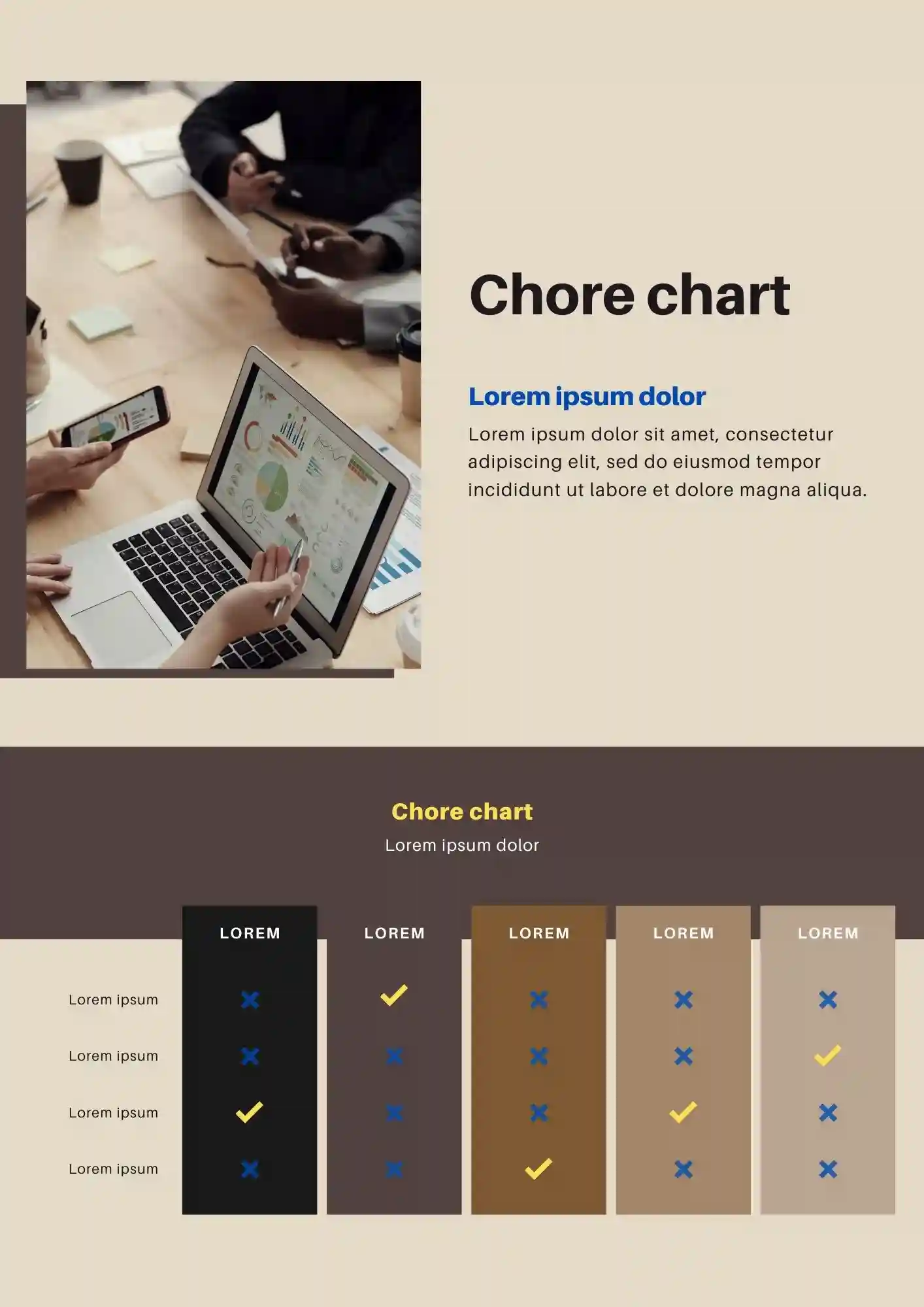
How do you keep household tasks organized without turning the process into more work? The Chore Chart Template is useful for parents of 3–10 year olds, roommates, and babysitters who want to track chores simply.

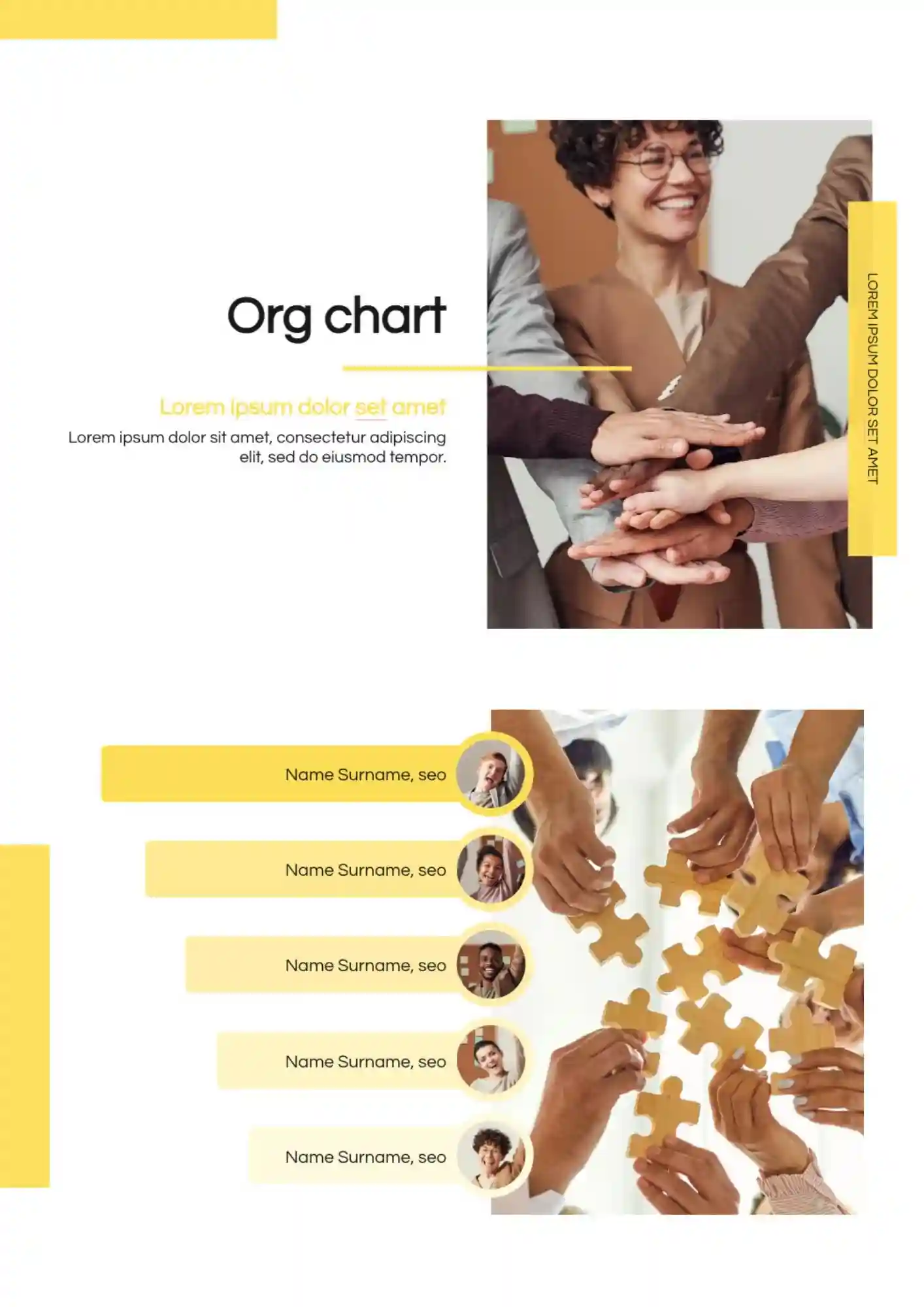
Confusing org charts make your team look unprofessional. The Org Chart Template suits startups, CEOs, HR directors, consultants, and board members that need to show roles and reporting lines clearly.
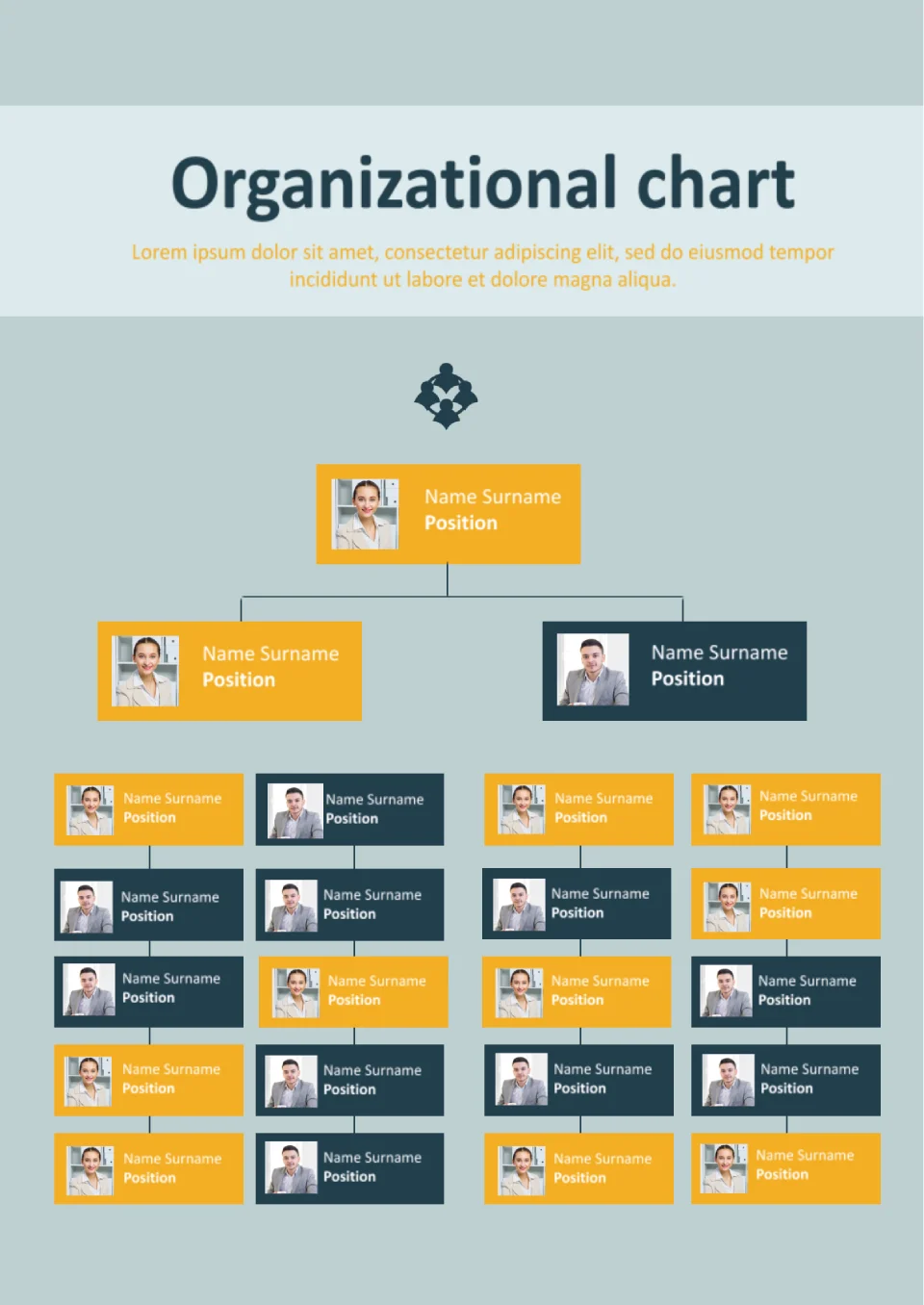
With a clear hierarchical layout, the Org Chart Template helps organizations visualize reporting structures and team relationships easily. It suits HR teams, business owners, managers, and startups defining their company structure.
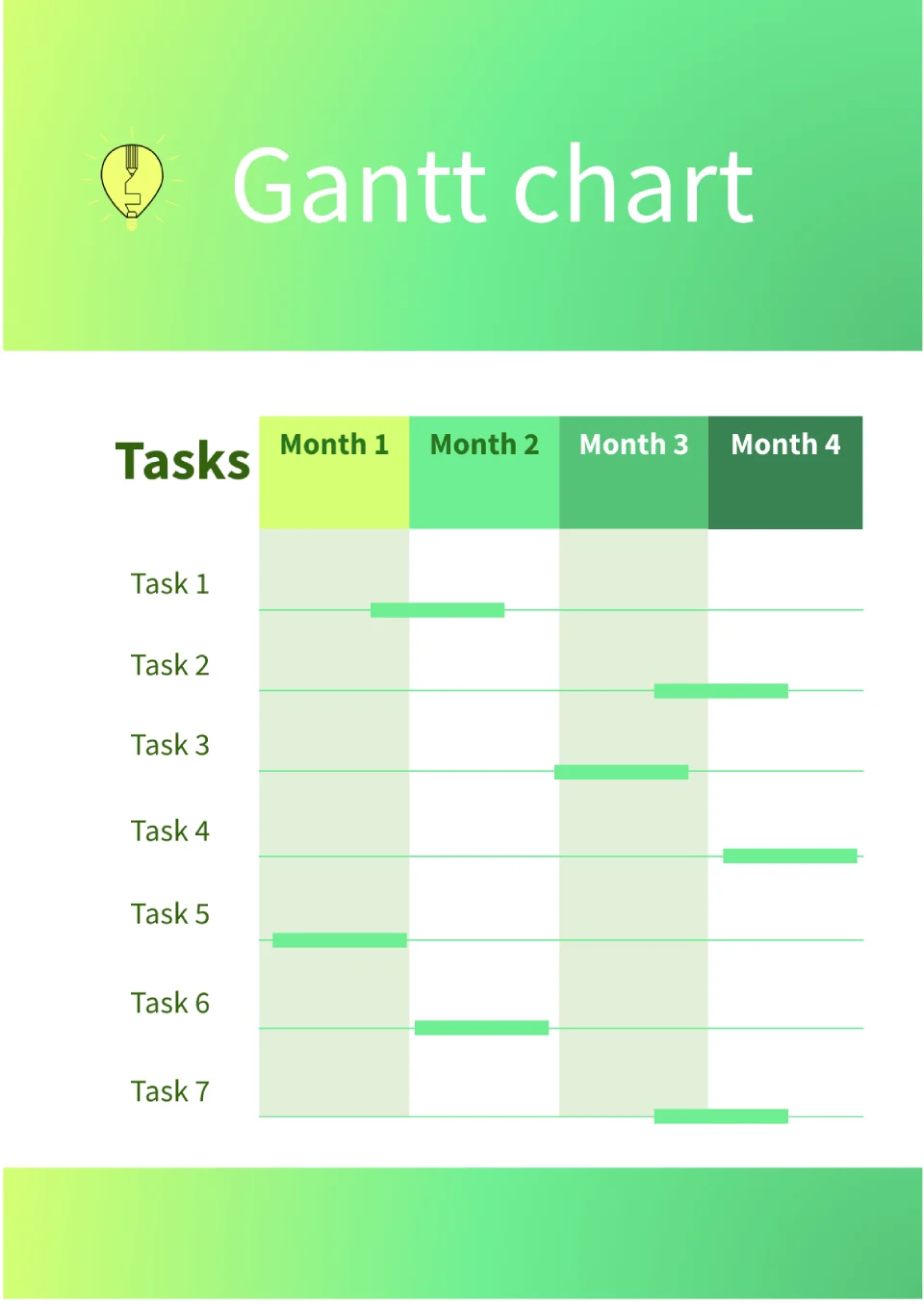
Need to track project timelines but findings spreadsheets too complicated for visual planning? The Gantt Chart Template is a good fit for project managers, teams, and freelancers managing deadlines and milestones.
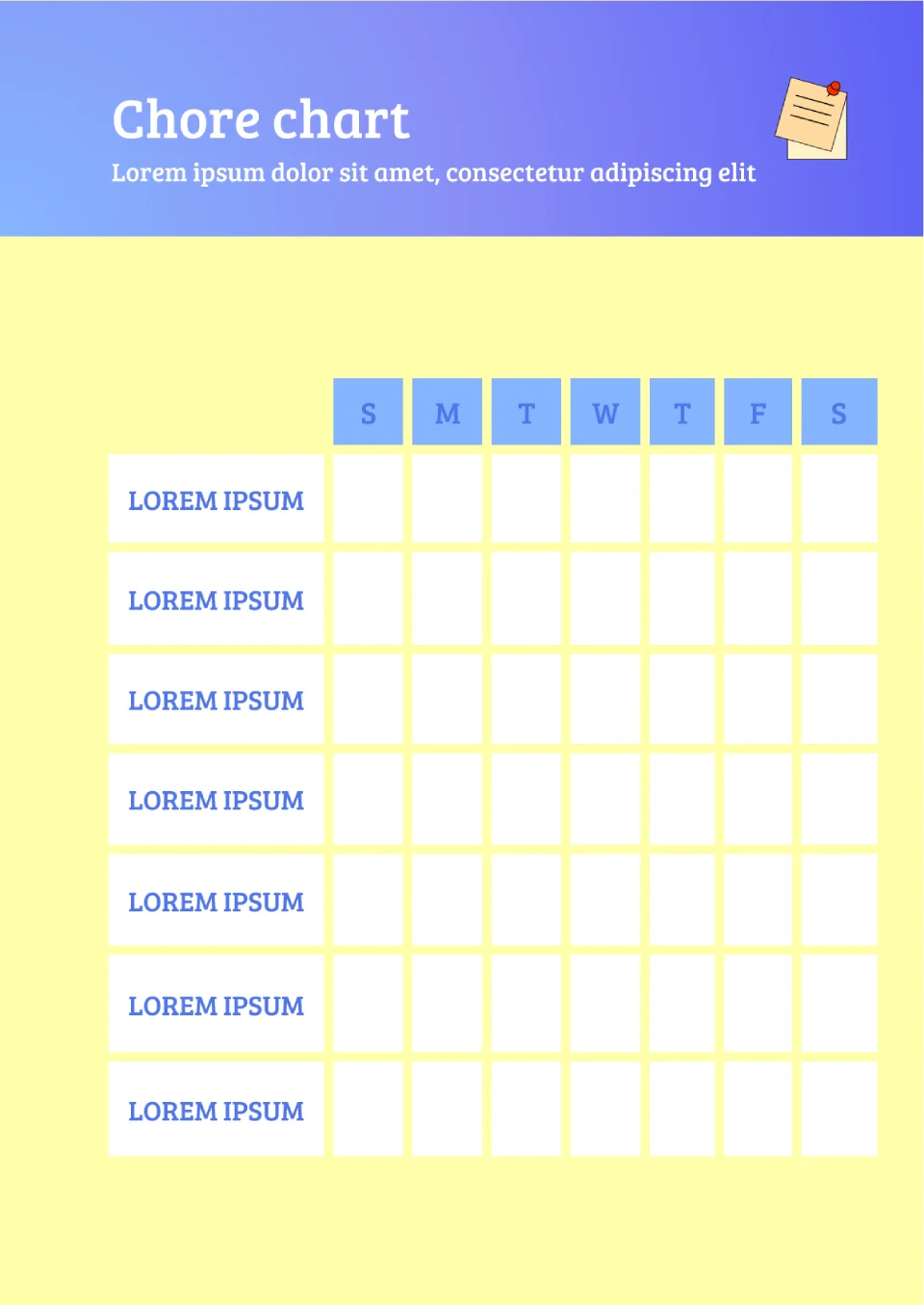
Want to get kids or family members to help with chores but nothing motivates them to stay consistent? The Chore Chart Template is useful for parents, guardians, and households wanting to share household responsibilities fairly.
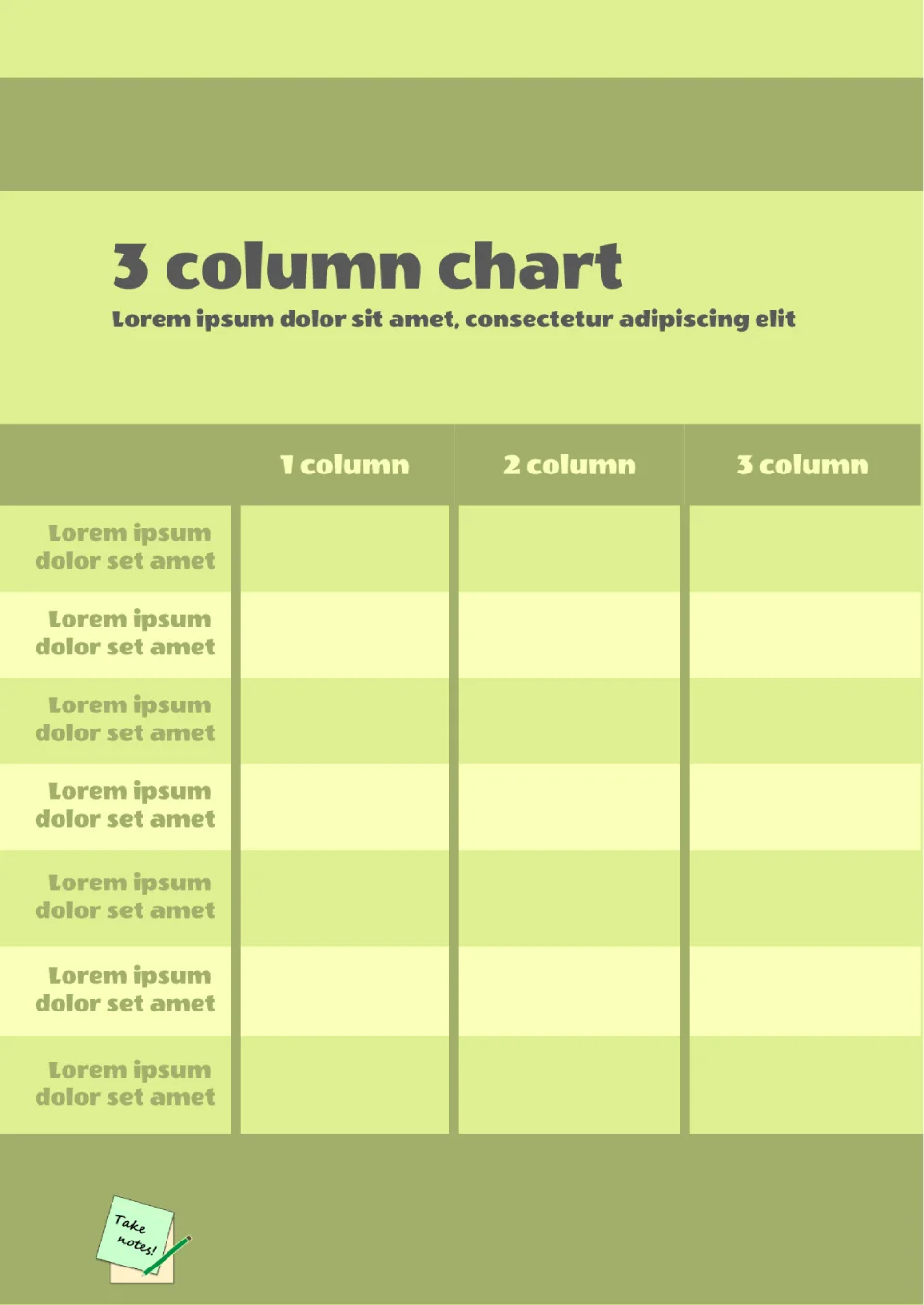
Built for comparing three categories side by side, the 3 Column Chart Template helps users organize and visualize data in a clean, structured layout. It works for students, researchers, business analysts, and anyone comparing three options or groups.
Struggling to track sprint progress in agile projects and need a visual way to see if you're on track? The Burndown Chart Template is made for project managers, scrum teams, and agile practitioners tracking work completion.
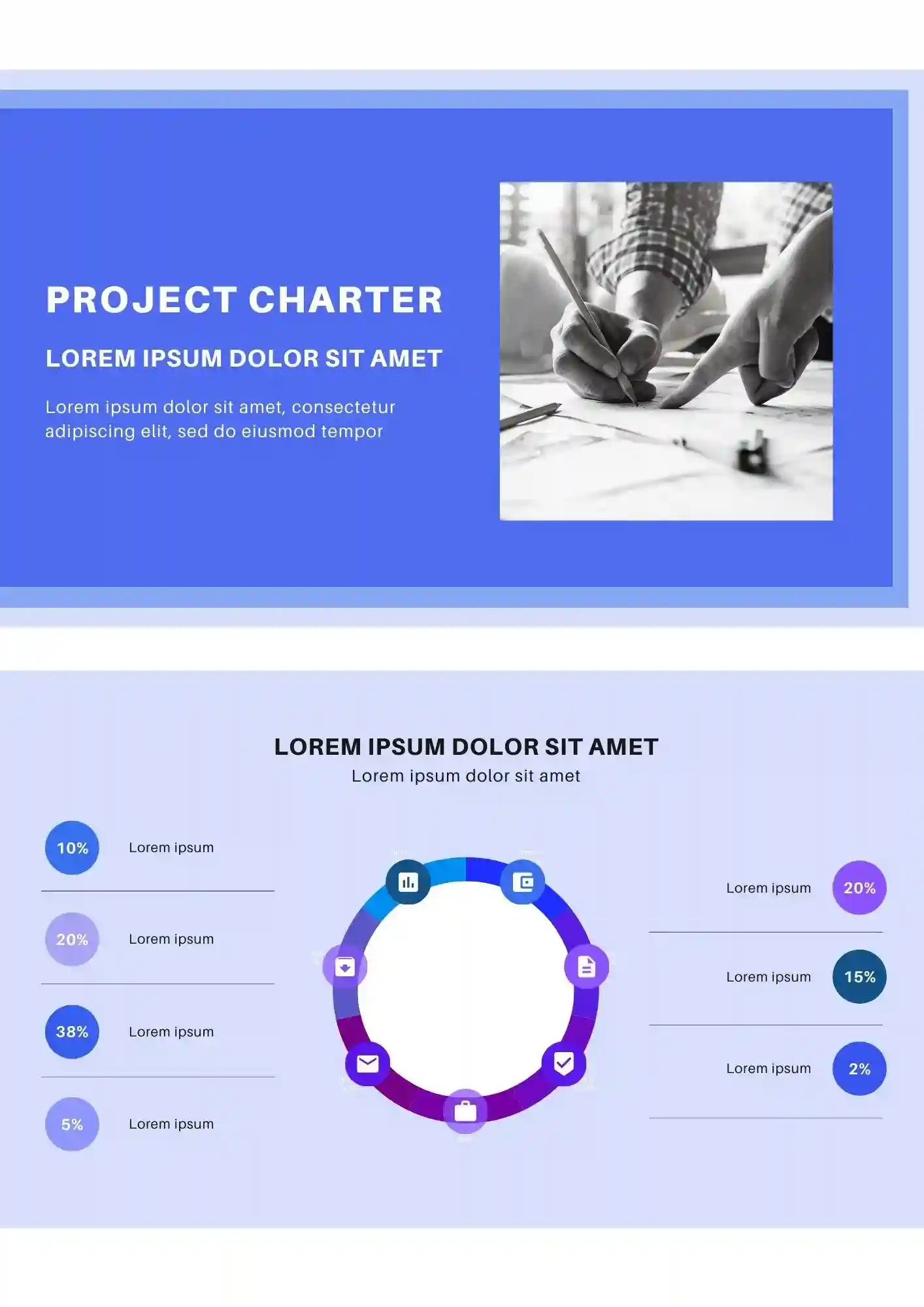
What makes a project feel organized before the real work even starts? The Project Charter Template is a strong fit for project managers, team leads, consultants, and business teams that need a clear project outline.
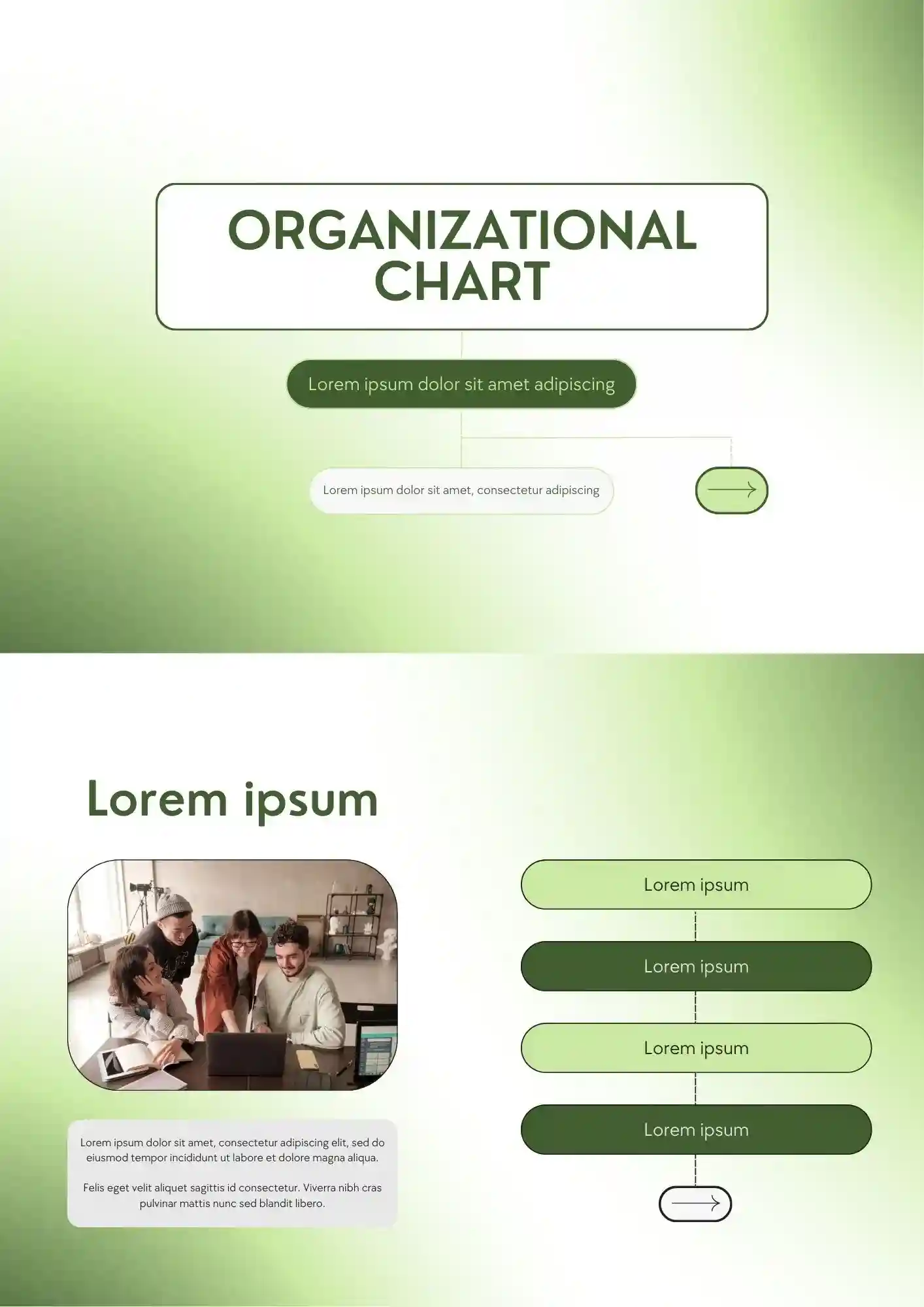
A confusing team structure quickly weakens communication across the whole company. The Organizational Chart Template works for HR teams, founders, schools, and managers who need to show reporting lines clearly.
What Are Chart Templates and How Can You Use Them?
Chart Templates are pre-formatted layouts that enable you to structure data and display it in a graphic format without wasting countless hours in formatting. Whether working with project timelines, responsibility schedules, or product comparison—these charts are time savers and enhance the sense of clarity.
You can use them in schools for schedules, in companies for group positions, or at home for scheduling chores. With neatly designed structure and editable fields, Chart Templates are the ideal solution for clear communication in any place.

Benefits of Using Chart Templates
Charts aid in organizing complicated data in a readable format. Creating a crisp, clear chart from zero, however, requires time and elbow grease. Enter the ready-made template—these provide the starting push, plus they maintain everything in the right graphical alignment.
Benefits of using such templates are:
- fast processing of information by clear structure;
- Fully editable fields for maximum customization;
- professional as well as private plans;
- standard format for all types of charts;
- compatibility with use in print and digitally.
They provide extra time to plan and communicate without sacrificing on sophisticated design.

How to Customize Chart Templates
It takes a minimal amount of steps to customize a Chart Template—even if your background includes no design. The system has done the work, so all that remains is tailor the data to your liking.
- Open the preferred template from our library;
- Insert your data or labels in place of placeholder text;
- Alter titles, rows, or columns to fit your structure;
- Customize the colors, fonts, or backgrounds to your brand;
- Add icons or images for further context if needed;
- Retain your customized copy to use or pass along.
You can locate the templates in Google Docs, Google Slides, Microsoft PowerPoint, PDF, and ODP formats.

Popular Types of Chart Templates
Here are five of the most adaptable Chart Templates that you can use immediately:
- Company Organizational Chart Template — shows team hierarchy in clear view;
- Chore Chart Template — helps to plan and divide home work;
- Org Chart Template — lists departments and positions in businesses;
- Comparison Chart Template — compares features or options side by side;
- Gantt Chart Template — plots projects through time.
These templates support different goals—ranging from corporate structure to daily planning.
Download Free Chart Templates for Your Needs
We developed these Chart Templates in such a way that you can convert data into charts—accurately and professionally. Browse through our library, choose the format that best fits your task, and customize in minutes. Download your free Chart Template here and present your thoughts with confidence and organization!


Choose your preferred social media platform from options like Pinterest, Facebook, Twitter, and more. Share our templates with your contacts or friends. If you’re not active on these social networks, you can simply copy the link and paste it into the one you use.