

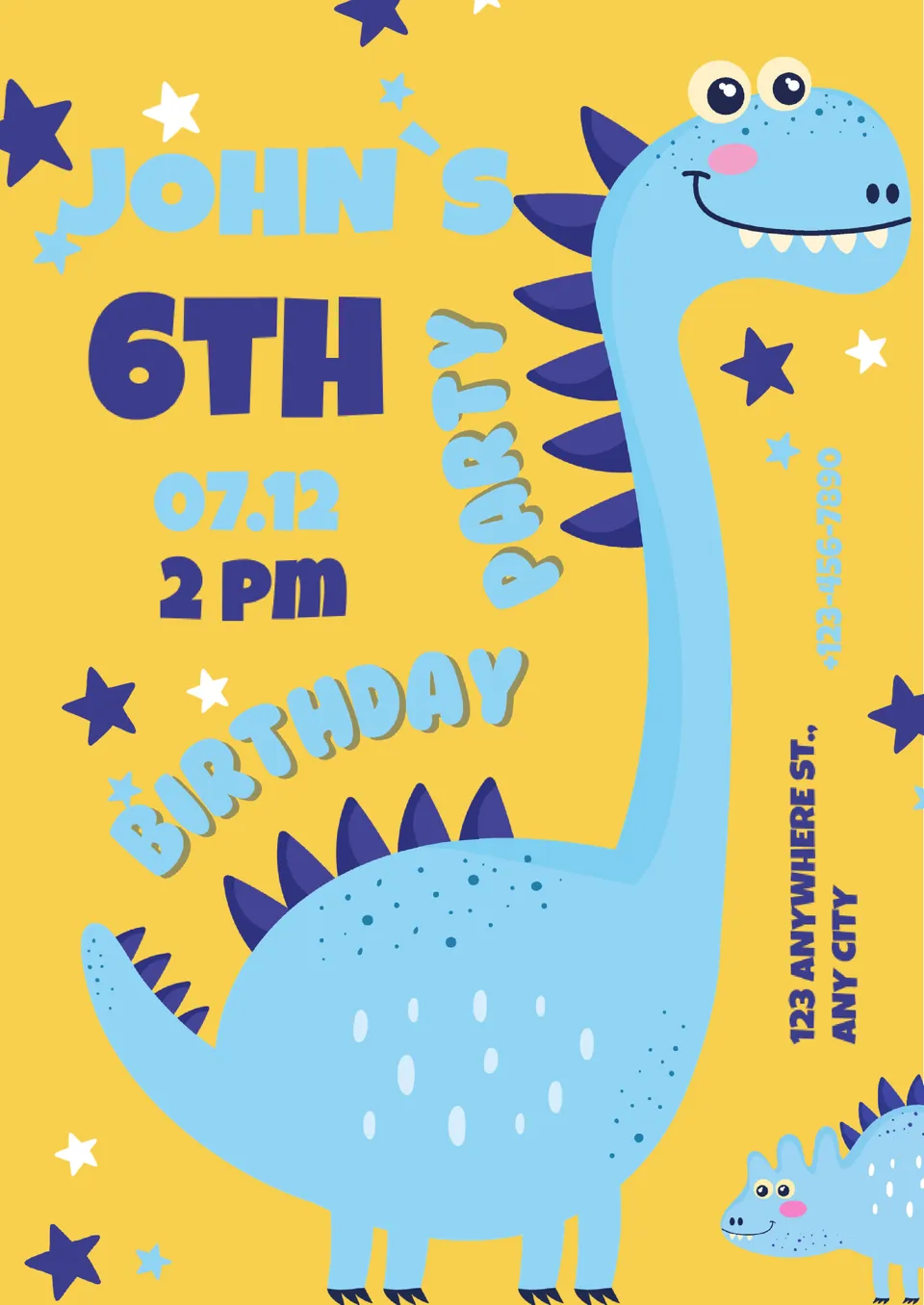
Kids Birthday Invitation Template



designer
My goal is to create beautiful and intuitive graphic designs for individuals and businesses! I, Kateryna Kyrylova, specialize in a variety of formats, from Google products to Microsoft.
Achievements:


designed more than 1500 templates for docsandslides.com
Template text reviewed by an expert from docsandslide's blog.



1

2

3

Related Invitation Templates
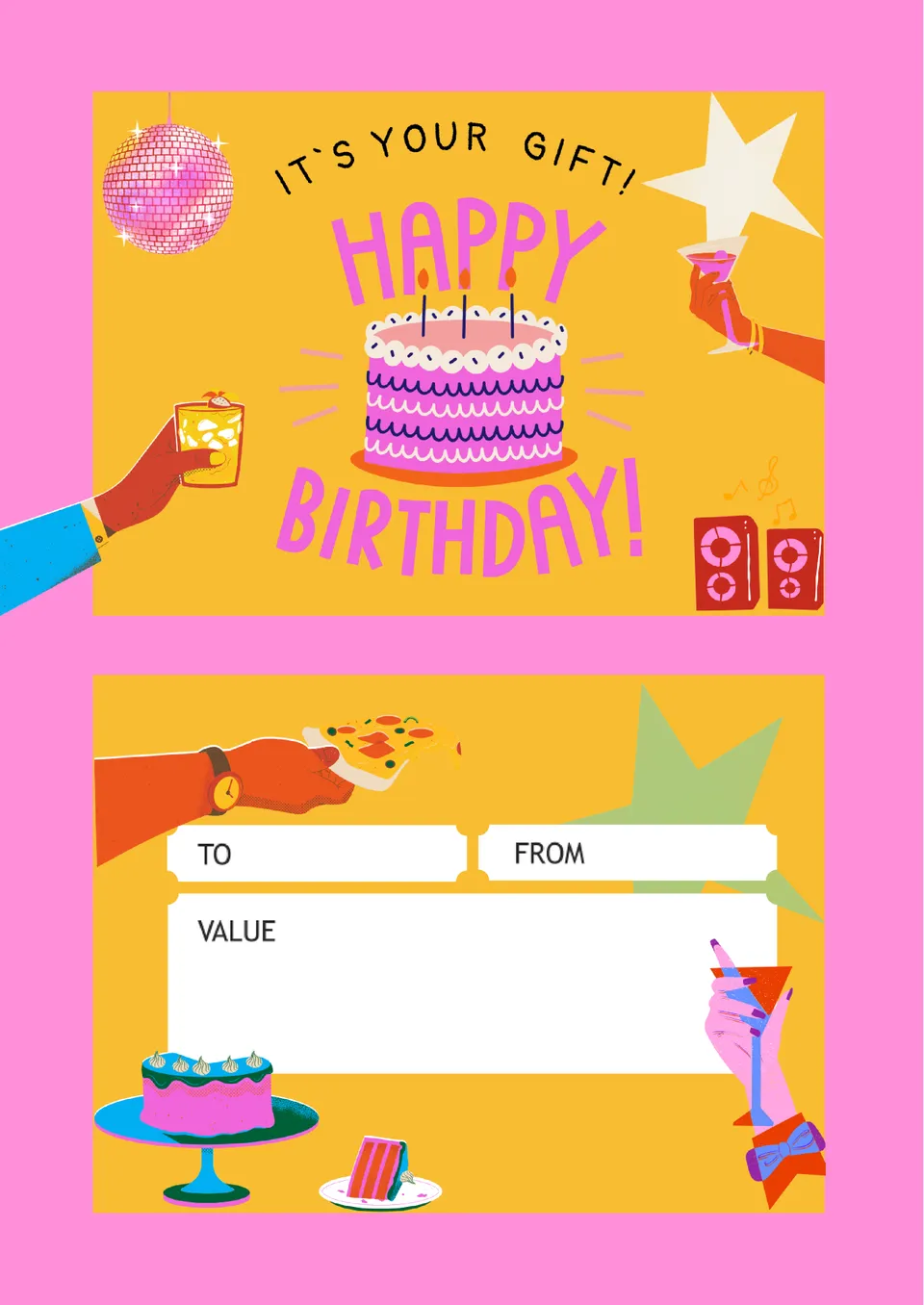
Birthday Gift Certificate Template helps turn a birthday present into a polished voucher instead of just money or a quick handwritten note. Inside, you’ll find editable sections for the recipient’s name, description of the gift or experience, any code or conditions, and validity dates.

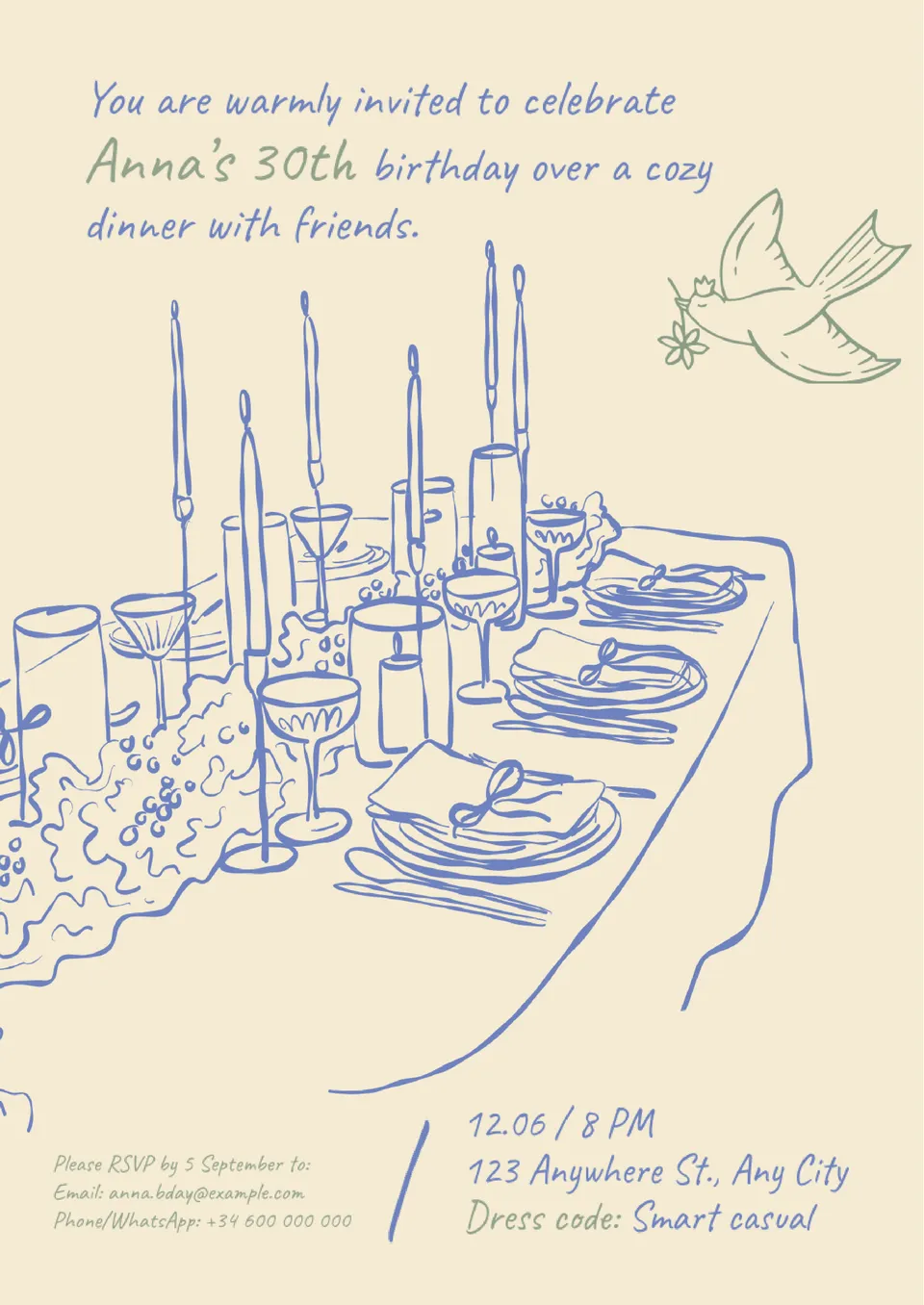
Birthday Dinner Invitation Template is designed for moments when you want guests to understand they’re invited to a sit‑down birthday meal, not a loud party. It includes structured fields for date, time, restaurant or address, type of dinner, RSVP details, and notes about dress code or menu.
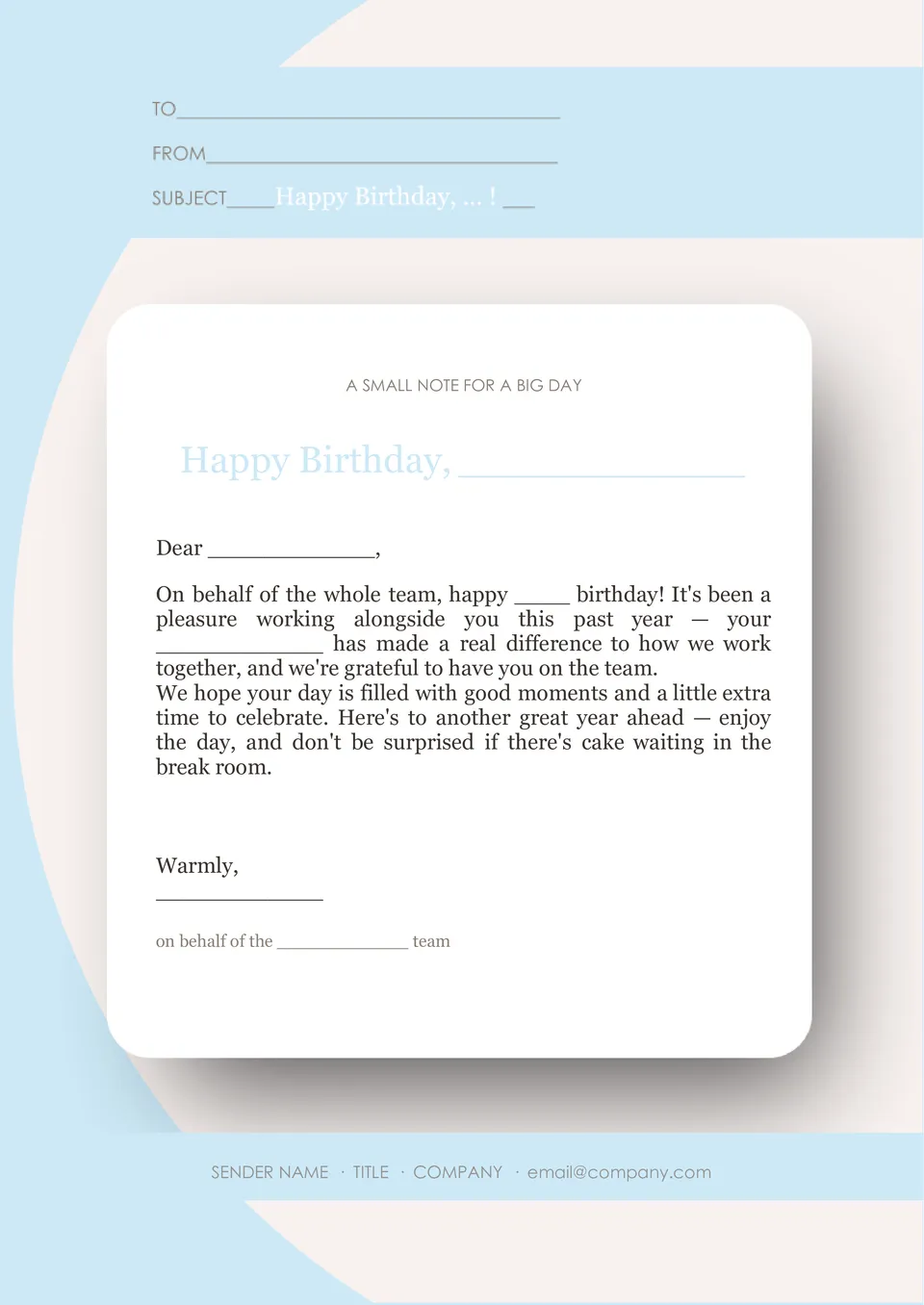
Are you responsible for sending birthday emails to customers, colleagues, or subscribers and want them to look consistent every time? Birthday Email Template standardizes the structure with a greeting line, main message block, optional birthday perk (discount, freebie, or link), and space for your logo and footer.
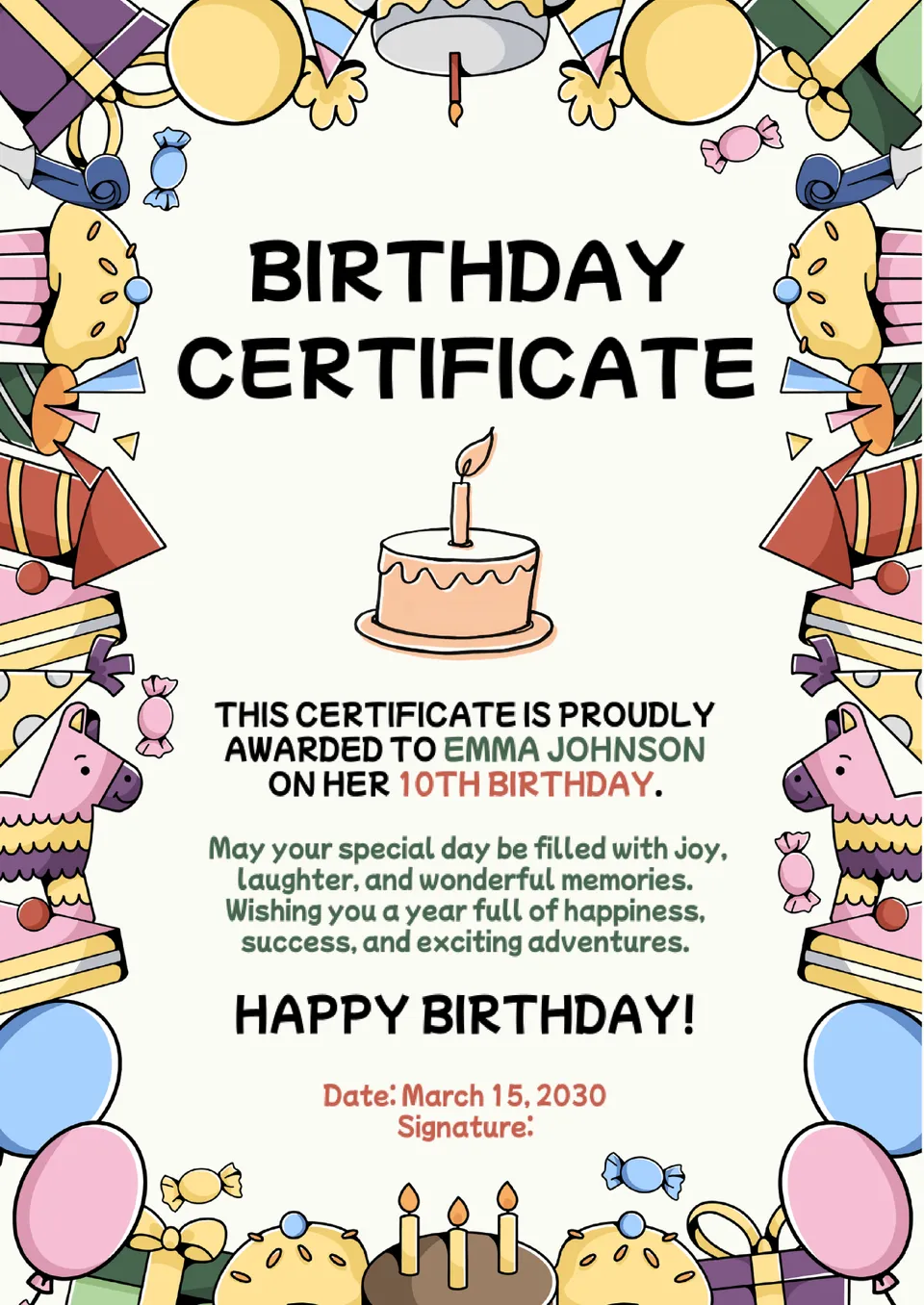
Do you want something more memorable than a simple card to mark someone’s birthday in a class, team, or family setting? Birthday Certificate Template offers a certificate‑style page with a decorative frame and editable fields for the recipient’s name, date, short celebratory text, and signature or “presented by” line.
Related Invitation Templates
Birthday Gift Certificate Template helps turn a birthday present into a polished voucher instead of just money or a quick handwritten note. Inside, you’ll find editable sections for the recipient’s name, description of the gift or experience, any code or conditions, and validity dates.
Birthday Dinner Invitation Template is designed for moments when you want guests to understand they’re invited to a sit‑down birthday meal, not a loud party. It includes structured fields for date, time, restaurant or address, type of dinner, RSVP details, and notes about dress code or menu.
Are you responsible for sending birthday emails to customers, colleagues, or subscribers and want them to look consistent every time? Birthday Email Template standardizes the structure with a greeting line, main message block, optional birthday perk (discount, freebie, or link), and space for your logo and footer.
Do you want something more memorable than a simple card to mark someone’s birthday in a class, team, or family setting? Birthday Certificate Template offers a certificate‑style page with a decorative frame and editable fields for the recipient’s name, date, short celebratory text, and signature or “presented by” line.
Don’t forget to check your spam box!

Generating high-quality templates requires significant time and dedication. We simply request the inclusion of a small attribution link. Select the platform where you intend to utilize the template.
Copy this link and paste it wherever it’s visible, close to where you’re using the image. If that’s not possible, place it at the footer of your website, blog or newsletter, or in the credits section.
Place the attribution line near the image’s usage on your website, or if that’s not feasible, include it in the credits section. For example: ‘image: Docsandslides.com’. This template was created using images from Docsandslides.com.

Choose your preferred social media platform from options like Pinterest, Facebook, Twitter, and more. Share our templates with your contacts or friends. If you’re not active on these social networks, you can simply copy the link and paste it into the one you use.