

 Back to templates
 Google Slides Templates - Page 5

Need a modern, screen-friendly way to present your work online or in a presentation instead of a printed document? Digital Portfolio Template offers a flexible layout with project galleries, skill sections, about me, contact details, and supporting visuals.

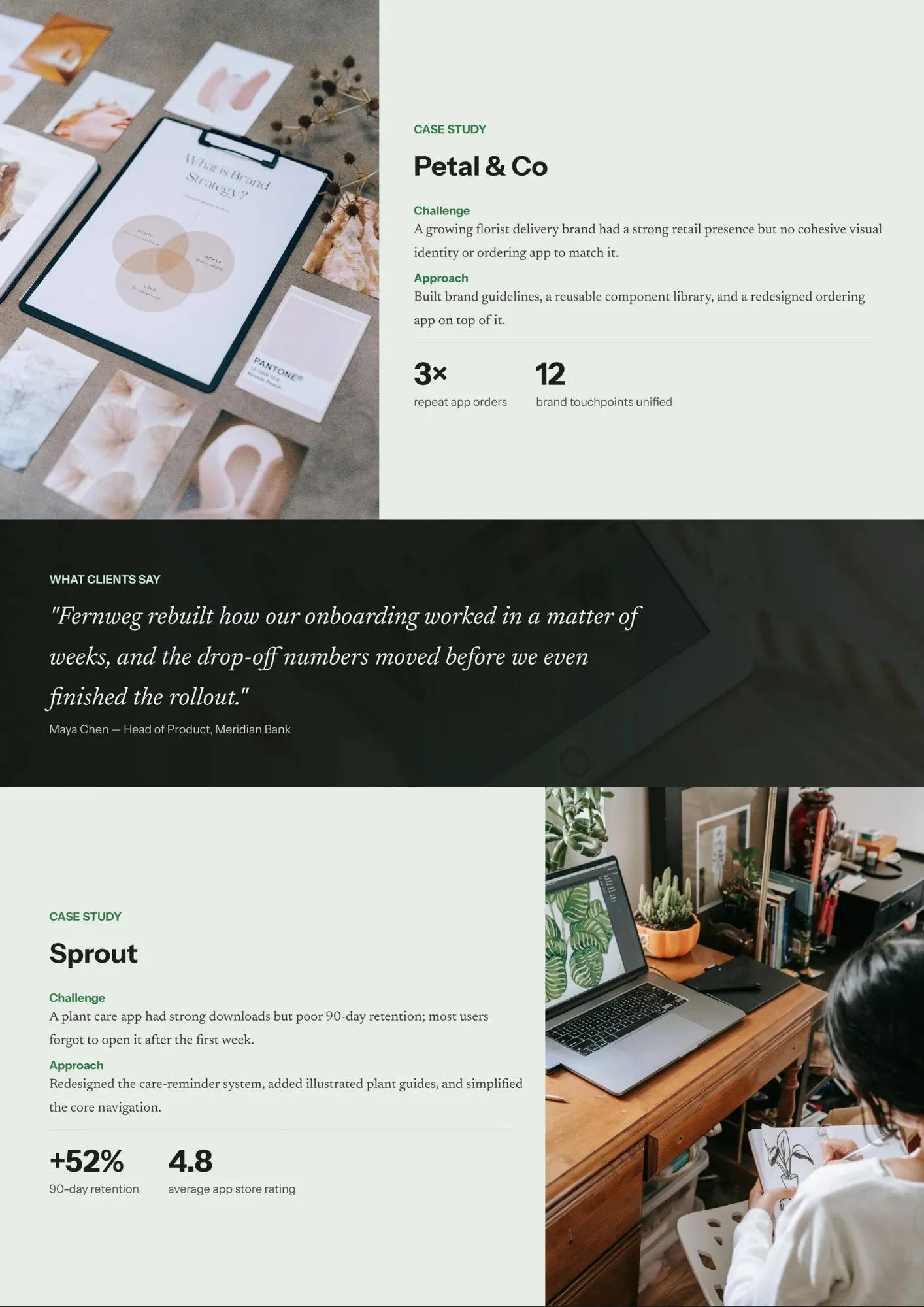
Are your UX projects difficult to explain because the process, research, and outcomes are not clearly connected? UX Portfolio Template provides a case-study structure with sections for problem definition, research, personas, user flows, wireframes, prototypes, testing, and results.

Is your company’s profile, services, and achievements spread across different documents and hard to present together? Business Portfolio Template organizes business information into sections for company overview, offerings, leadership, success stories, and future plans.

Want to show not only what campaigns you ran but also how they performed and what you learned? Marketing Portfolio Template combines project overviews, objectives, strategies, channels, results, and key metrics in one visual story.

Do you need a clean, credible way to present your experience, skills, and achievements without spending hours on design? Professional Portfolio Template offers a polished structure with sections for an introduction, work history, education, key projects, competencies, and references.

Are your best design projects scattered across folders and hard to present in a cohesive way? Graphic Design Portfolio Template brings your work into a structured presentation with sections for projects, case studies, skills, tools, and contact information.

Do three‑month plans feel unclear when goals, tasks, and deadlines are not grouped by quarter? Quarterly Calendar Template divides the year into four sections with dedicated space for each quarter’s objectives, projects, and key dates.

Want a festive way to count down the days to Christmas with daily surprises, activities, or messages? Advent Calendar Template provides a sequence of numbered sections for each day leading up to the holiday, with space for small tasks, treats, or notes.

Are project tasks, milestones, and deadlines scattered across different tools and hard to visualize together? Project Calendar Template combines dates, phases, deliverables, responsible owners, and key checkpoints into a single calendar view.

Do students and teachers struggle to keep track of terms, exams, holidays, and project deadlines in one place? Academic Calendar Template organizes the school or university year into clear periods with space for semesters, exam weeks, breaks, and important academic dates.

Do overlapping tasks and scattered notes make it difficult to see what you need to do each day of the week? Weekly Calendar Template organizes seven days into a single view with space for daily tasks, appointments, deadlines, and reminders.

Is it hard to see long‑term plans, holidays, and key milestones when everything is split across monthly pages? Yearly Calendar Template displays all twelve months in one connected overview with space for important dates, goals, and events.

Want to plan each day in detail without losing track of priorities and small tasks? Daily Calendar Template divides a single day into time blocks or sections for goals, to‑do lists, meetings, and notes.

Are content ideas, publishing dates, and responsibilities spread across different files and hard to track? Editorial Calendar Template brings topics, deadlines, authors, channels, and status updates into one structured schedule.

Want a flexible calendar structure that you can adapt to any period or purpose without starting from zero? Blank Calendar Template offers a clean framework with date grids, headings, and open spaces for your own content.

Need a calendar you can actually print and hang on the wall instead of only seeing on a screen? Printable Calendar Template provides a ready-to-use layout with clear date grids, months, and space for events, deadlines, and notes.

Choose your preferred social media platform from options like Pinterest, Facebook, Twitter, and more. Share our templates with your contacts or friends. If you’re not active on these social networks, you can simply copy the link and paste it into the one you use.