

 Back to templates
 Free Sign Up Sheet Google Docs Templates
Our free sign up sheet templates for Google Docs will greatly simplify your event organization! No more need to create a participant list from scratch. Simply choose a ready-made layout designed by experts. Our professional templates not only feature a well-thought-out structure but also a beautiful design. You can fill them out yourself or share with others.
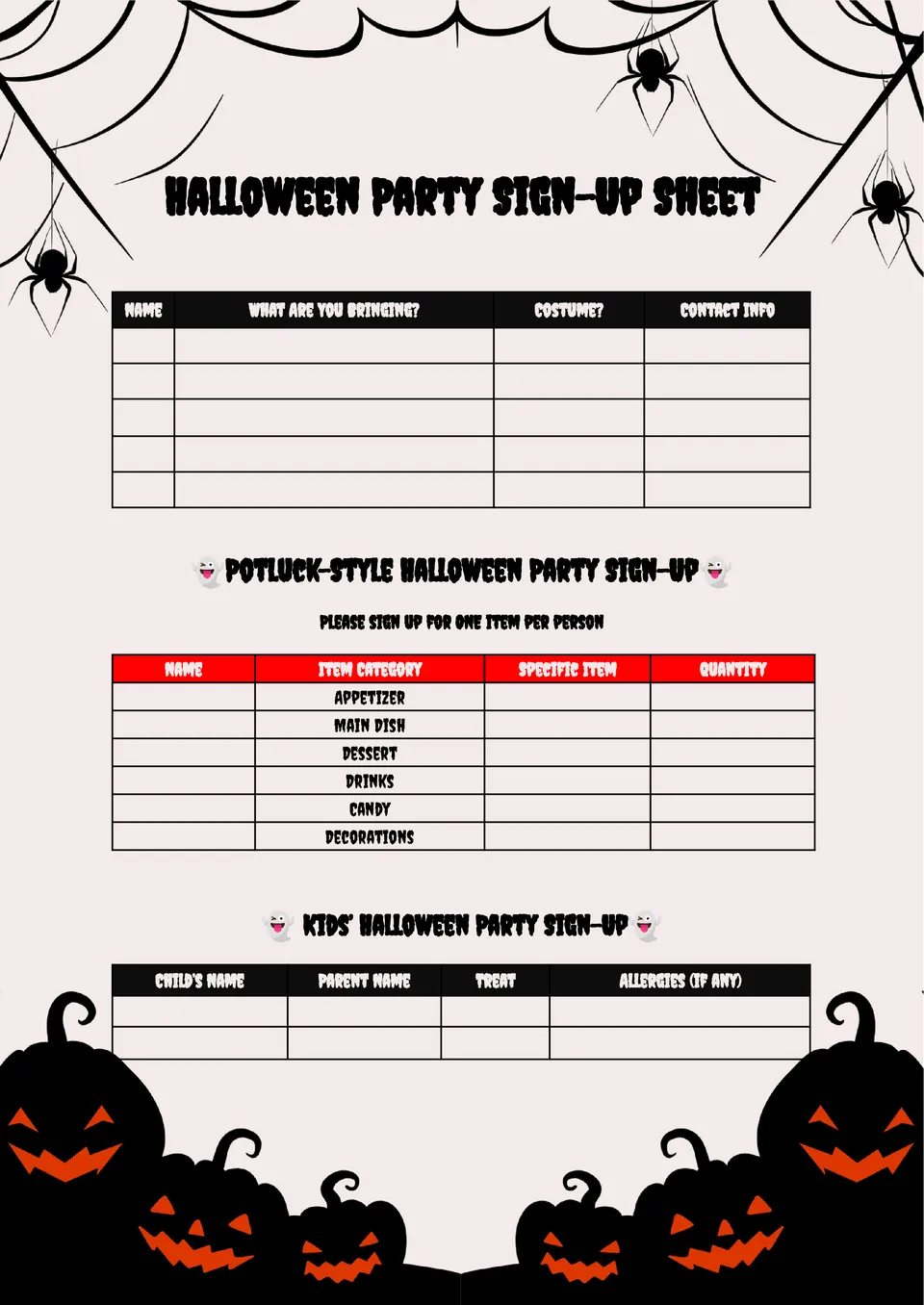
The Halloween Party Sign Up Sheet Template works well for parents, teachers, office teams, and party hosts who want a more organized celebration. It helps guests sign up for candy, snacks, drinks, decorations, and games without confusion.

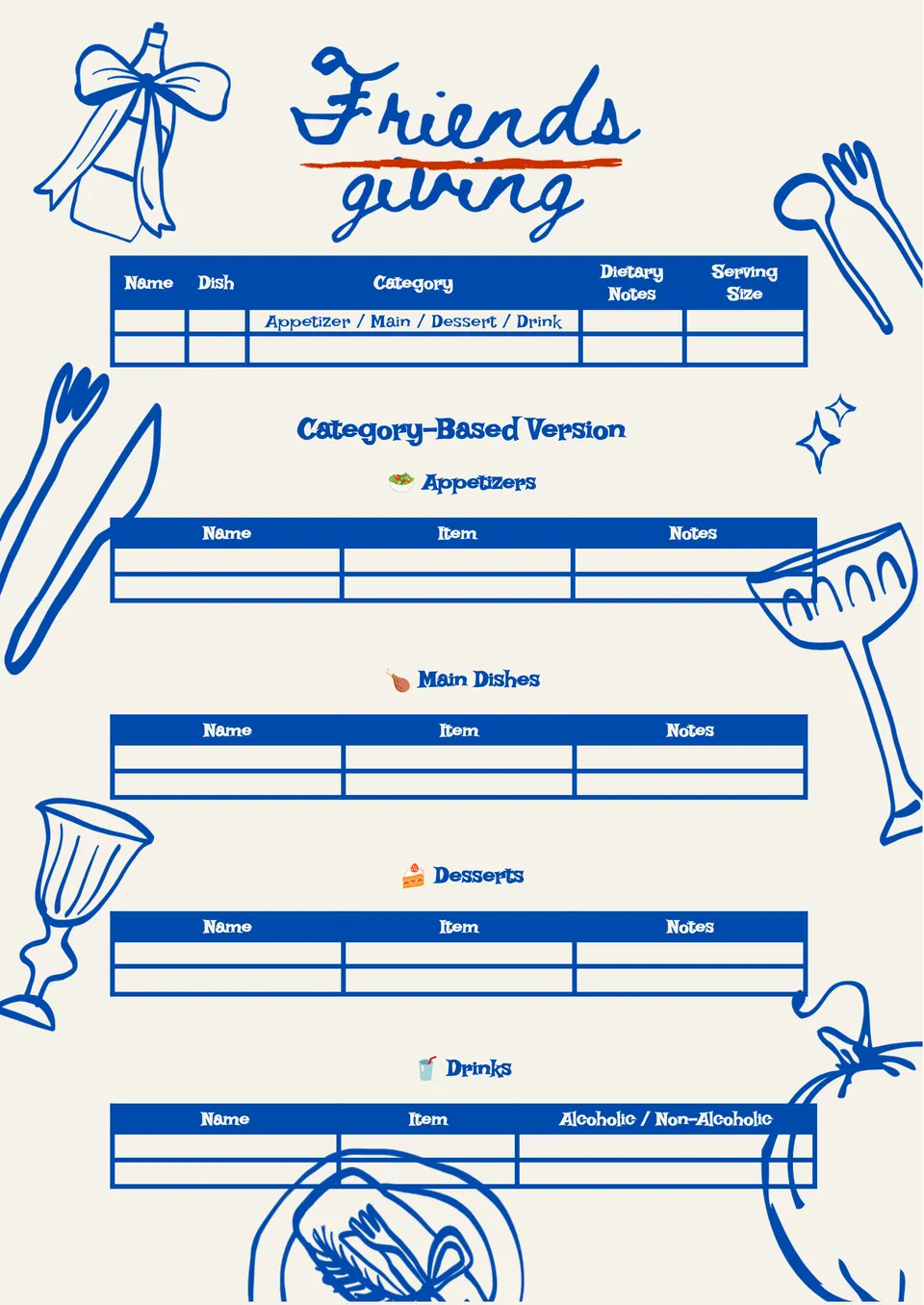
Want to plan a shared holiday meal without long chats and repeated dishes? The Friendsgiving Sign Up Sheet Template is great for hosts, roommates, coworkers, and friend groups organizing food, drinks, desserts, and table items.
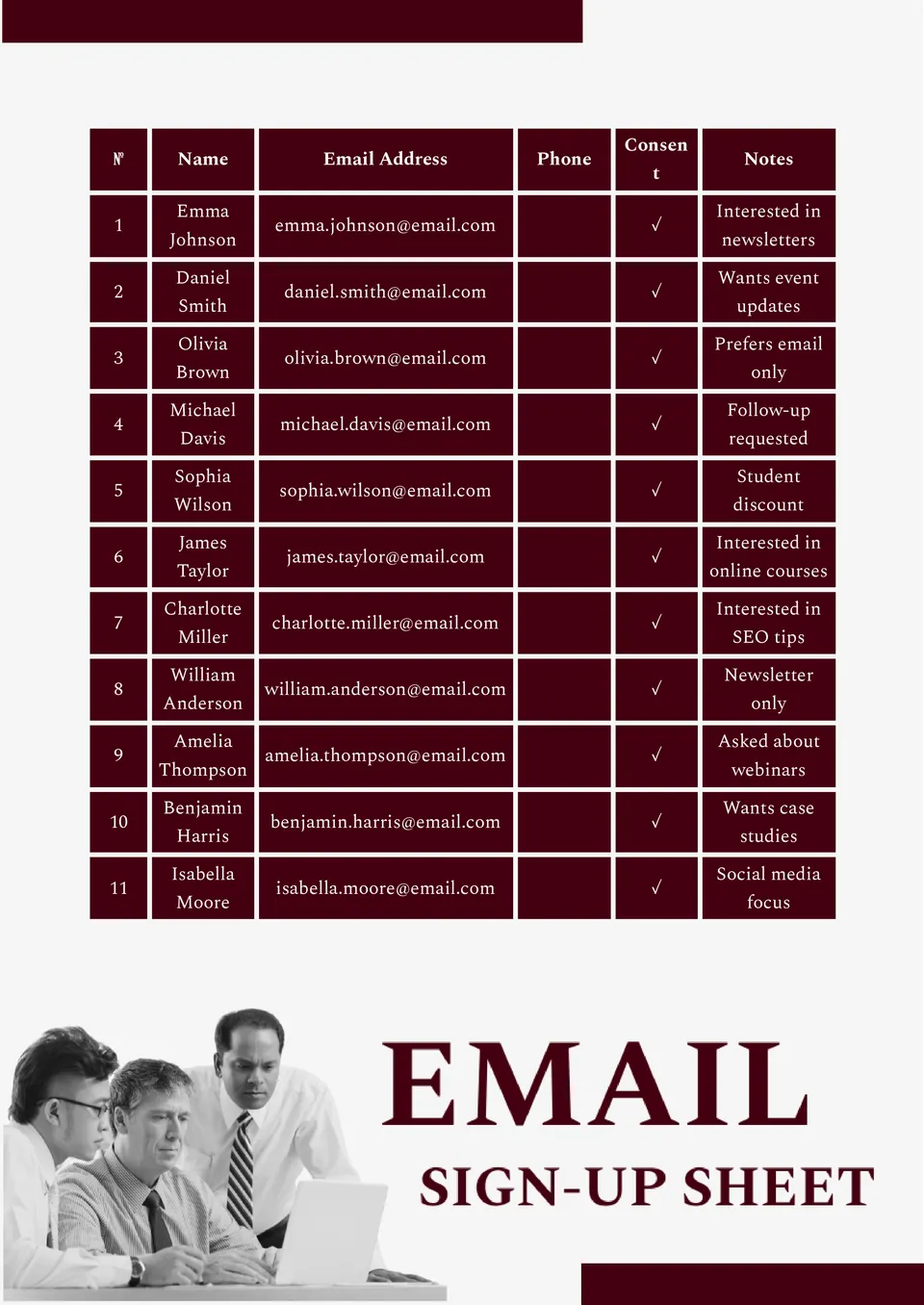
The Email Sign Up Sheet Template is a smart choice for stores, marketers, event hosts, and small businesses that need a clean contact list. It helps collect email addresses in a way that looks clear, professional, and easy to follow.
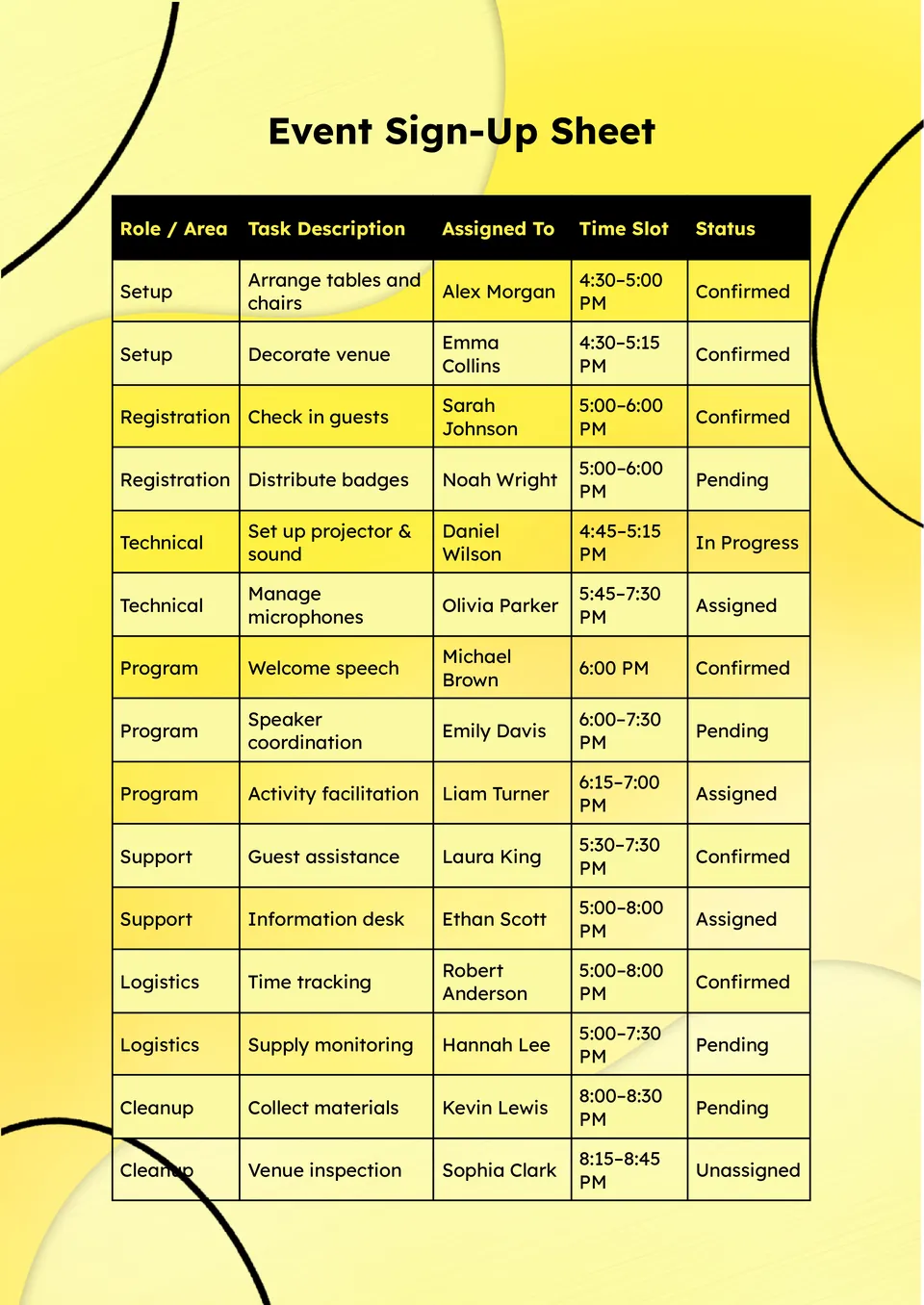
Choose the Event Sign Up Sheet Template for a simple way to manage names, roles, and event details. It suits schools, nonprofits, businesses, churches, and community groups planning fundraisers, workshops, or local events.
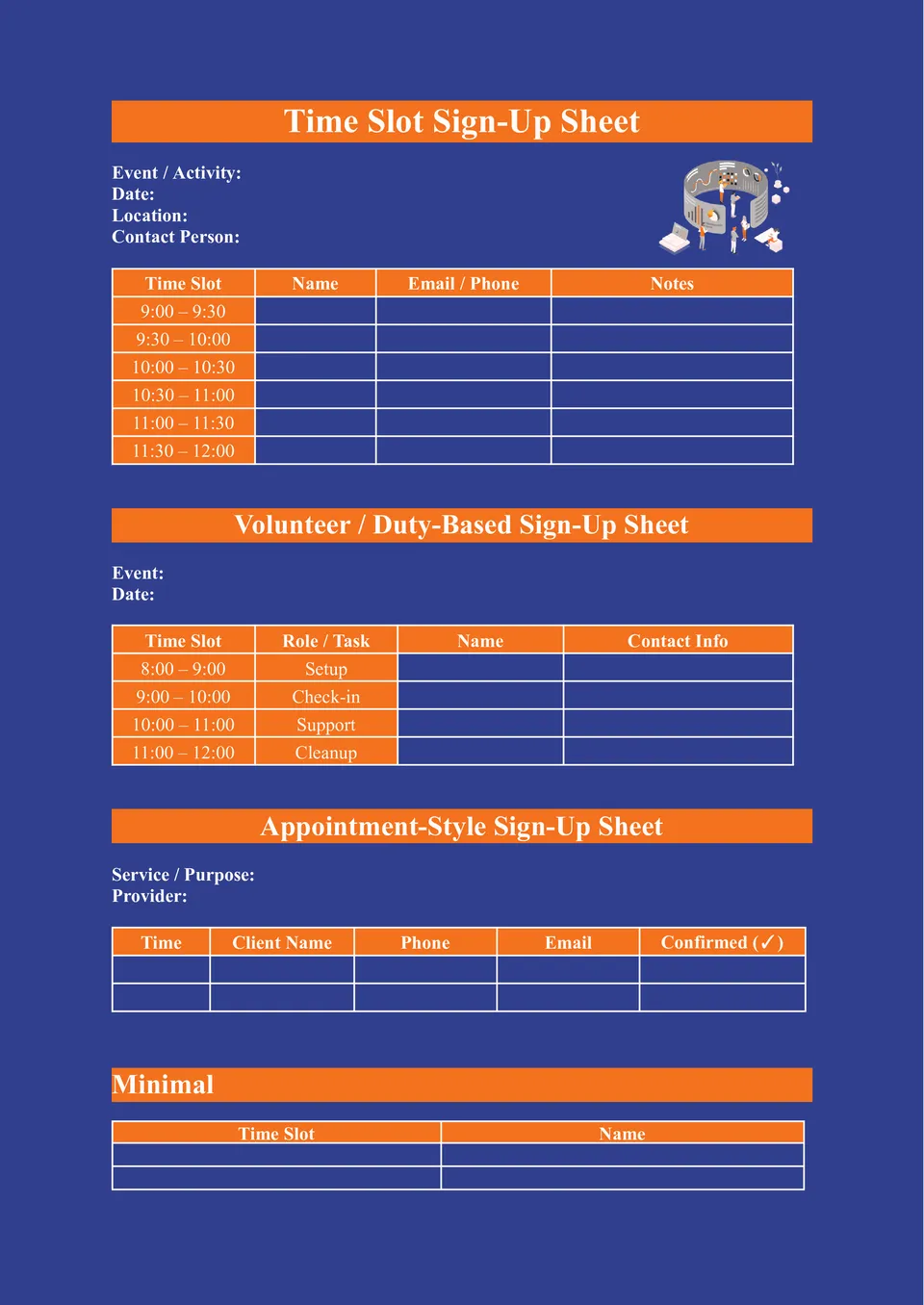
Need a clear system for booking shifts, meetings, appointments, or volunteer hours? The Time Slot Sign Up Sheet Template suits business owners, tutors, event organizers, reception teams, and school staff who need a schedule people can follow with confidence.
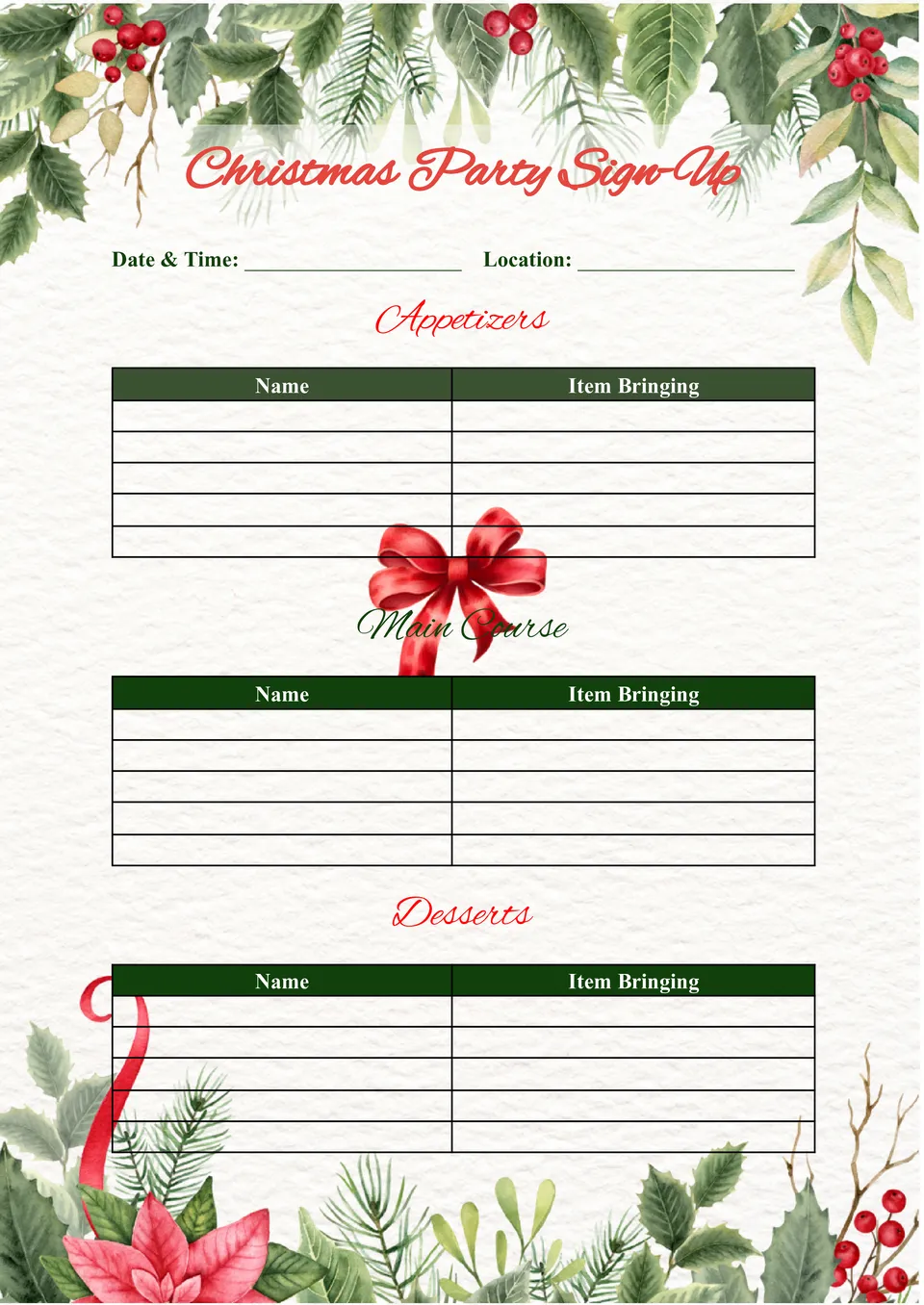
Make your holiday planning easier with the Christmas Party Sign Up Sheet Template, a practical choice for families, coworkers, schools, churches, and neighborhood groups. It is designed for anyone who wants to organize food, decorations, gifts, or party tasks without confusion during a busy season.
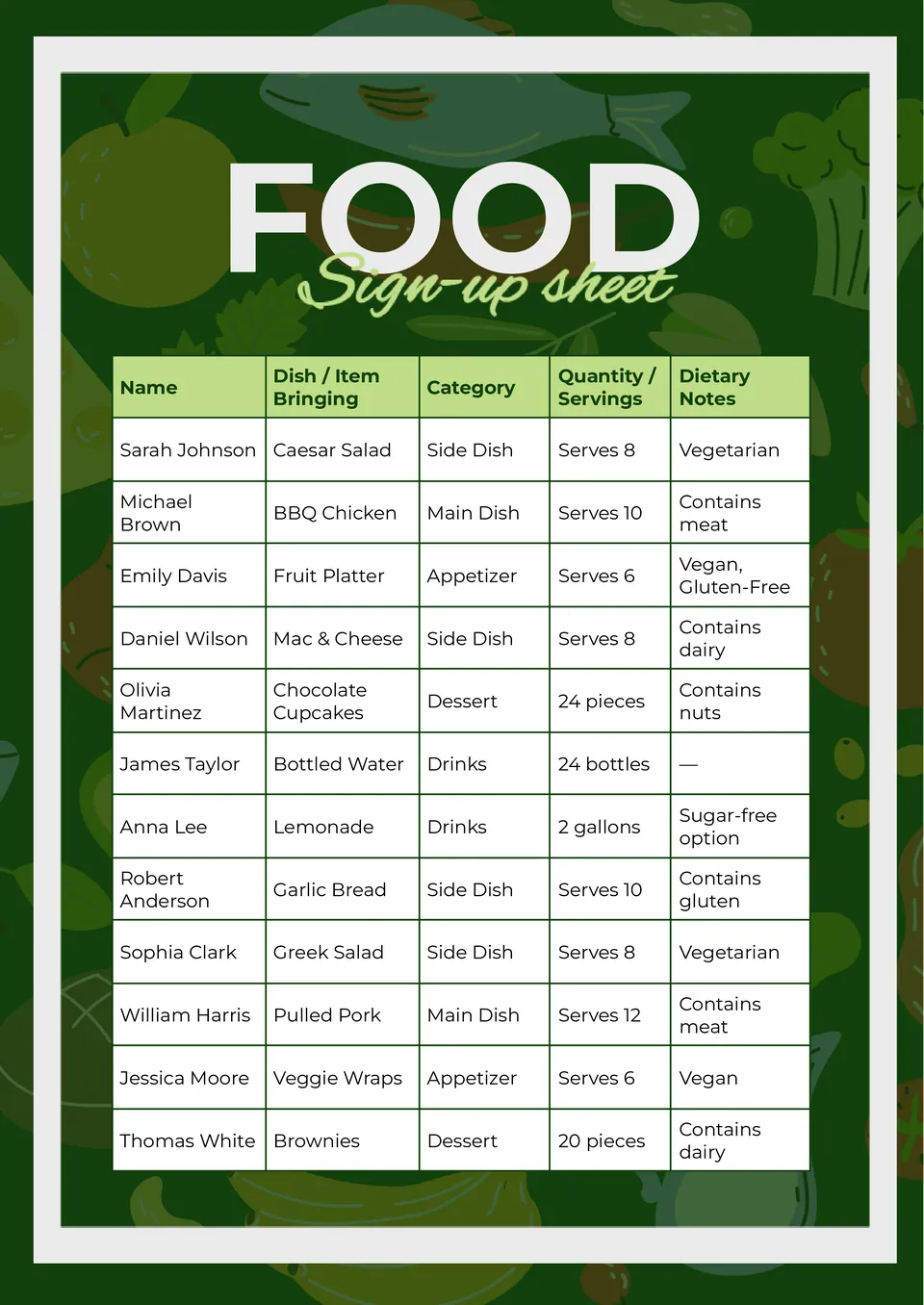
Need a better way to plan a shared meal without duplicate dishes and last-minute messages? The Food Sign Up Sheet Template works well for party hosts, office teams, teachers, parents, and anyone arranging a potluck or group dinner.
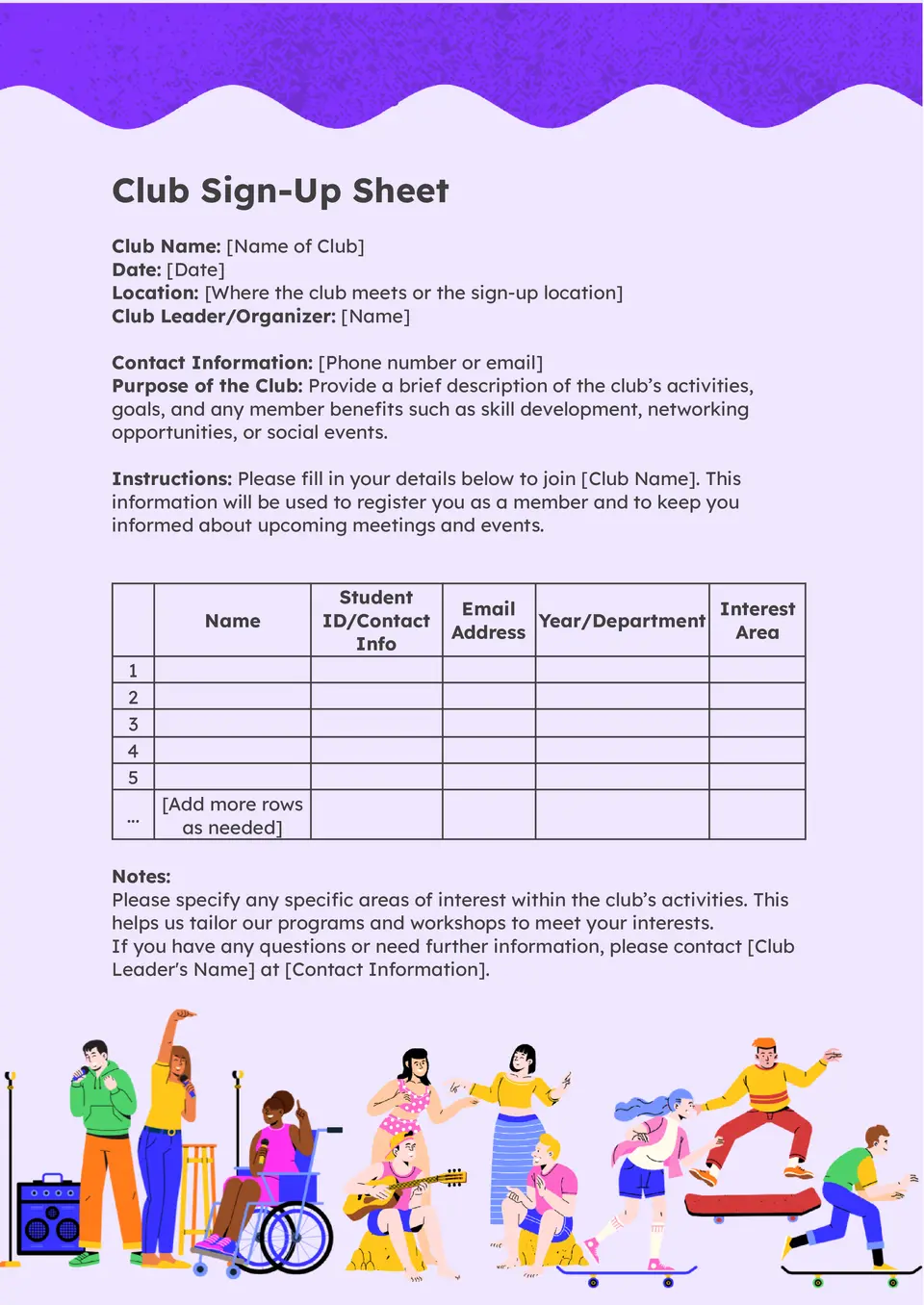
How can club organizers collect member names and participation details in a way that stays easy to review? The Club Sign Up Sheet Template helps schools, student groups, and community clubs manage sign-ups in one structured document.
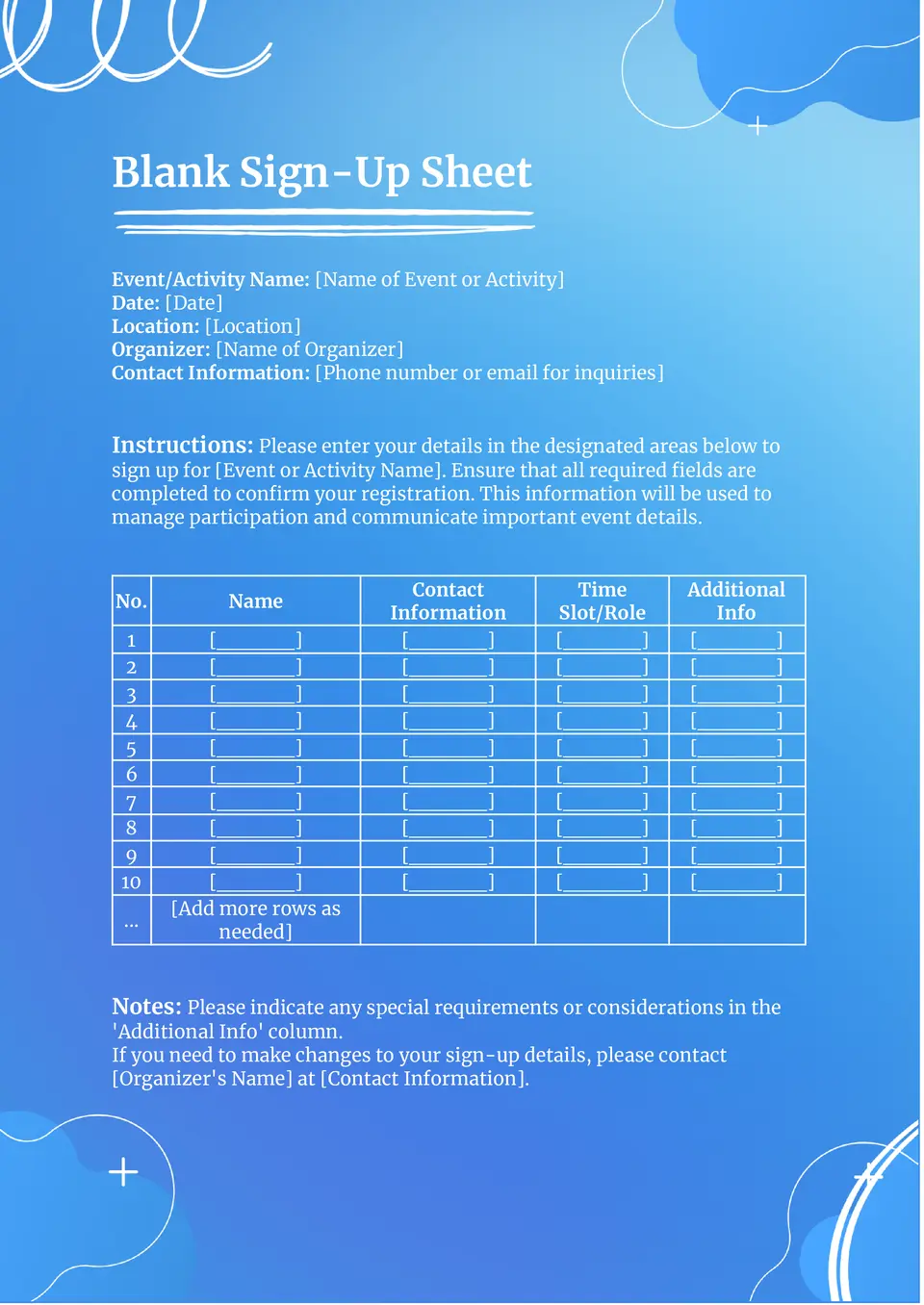
What’s the best way to collect names and basic details when you need a flexible sign-up form for any purpose? The Blank Sign Up Sheet Template gives you a simple layout that can work for events, classes, appointments, or group activities.
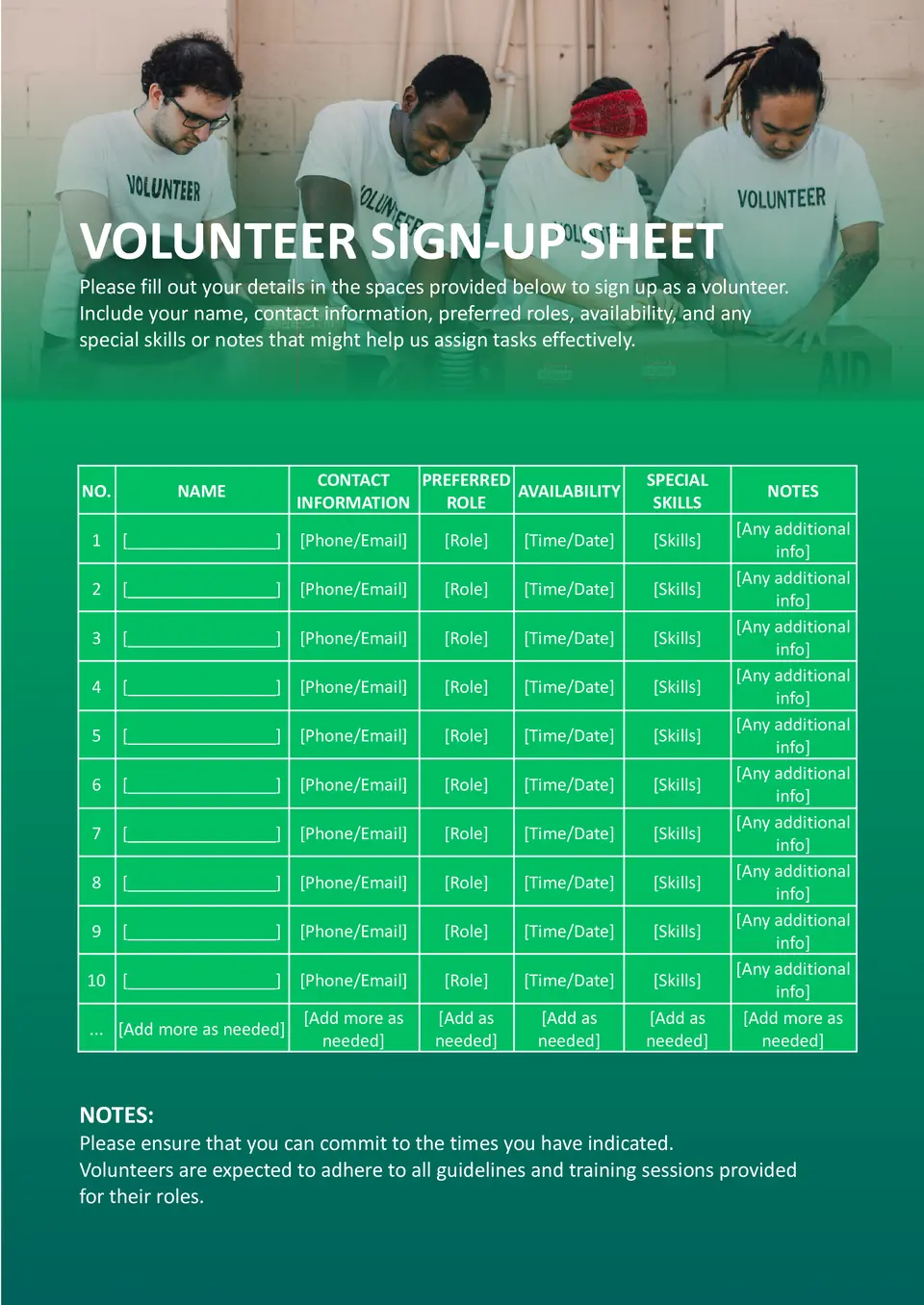
How do you organize volunteer names, shifts, and contact details without making the list hard to manage? The Volunteer Sign Up Sheet Template gives schools, nonprofits, and community groups a clear way to coordinate sign-ups in one place.
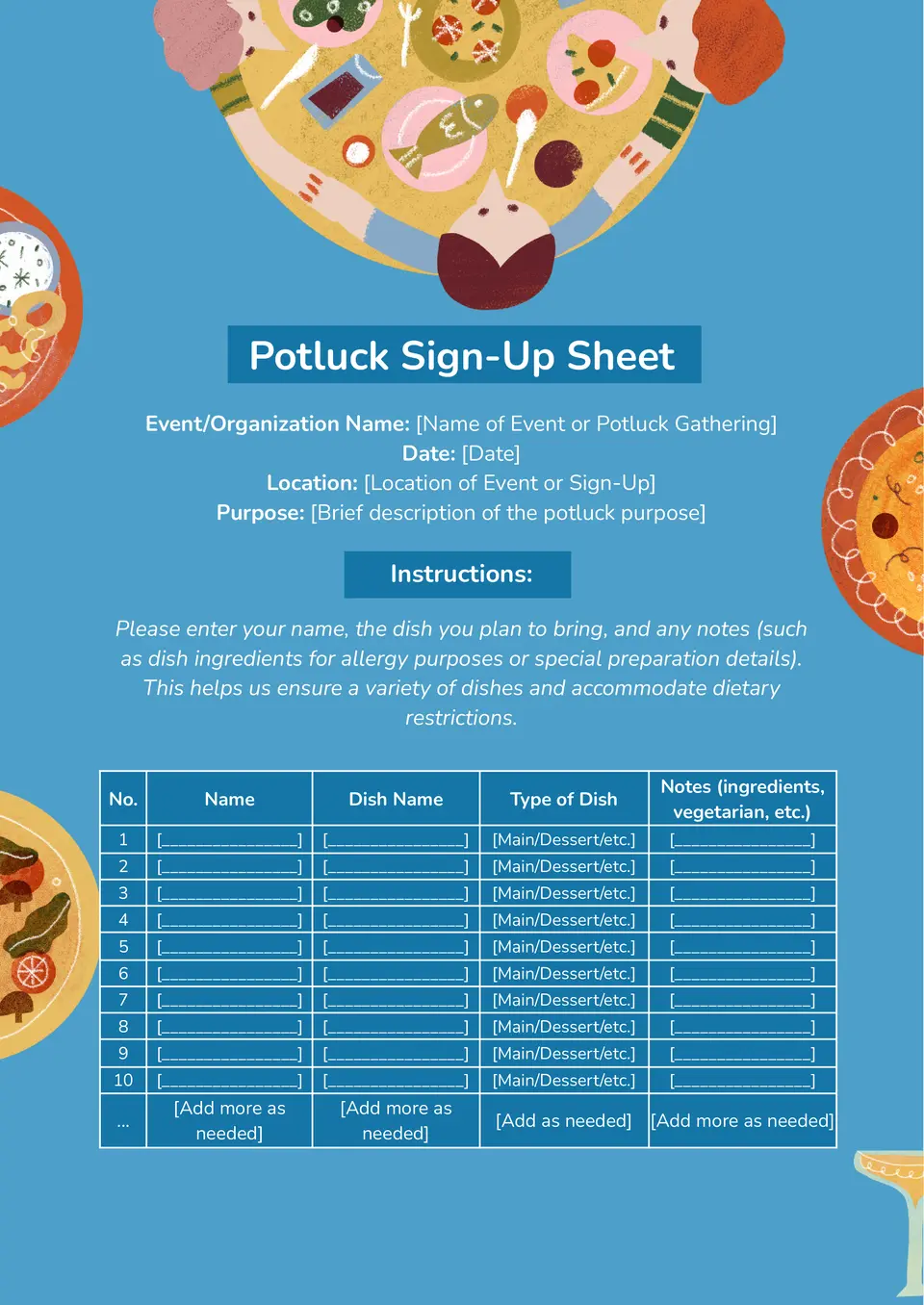
A practical option for shared meal planning, the Potluck Sign Up Sheet Template helps groups organize who is bringing each dish or item. It creates a simple structure for assigning food categories, participant names, and event contributions.
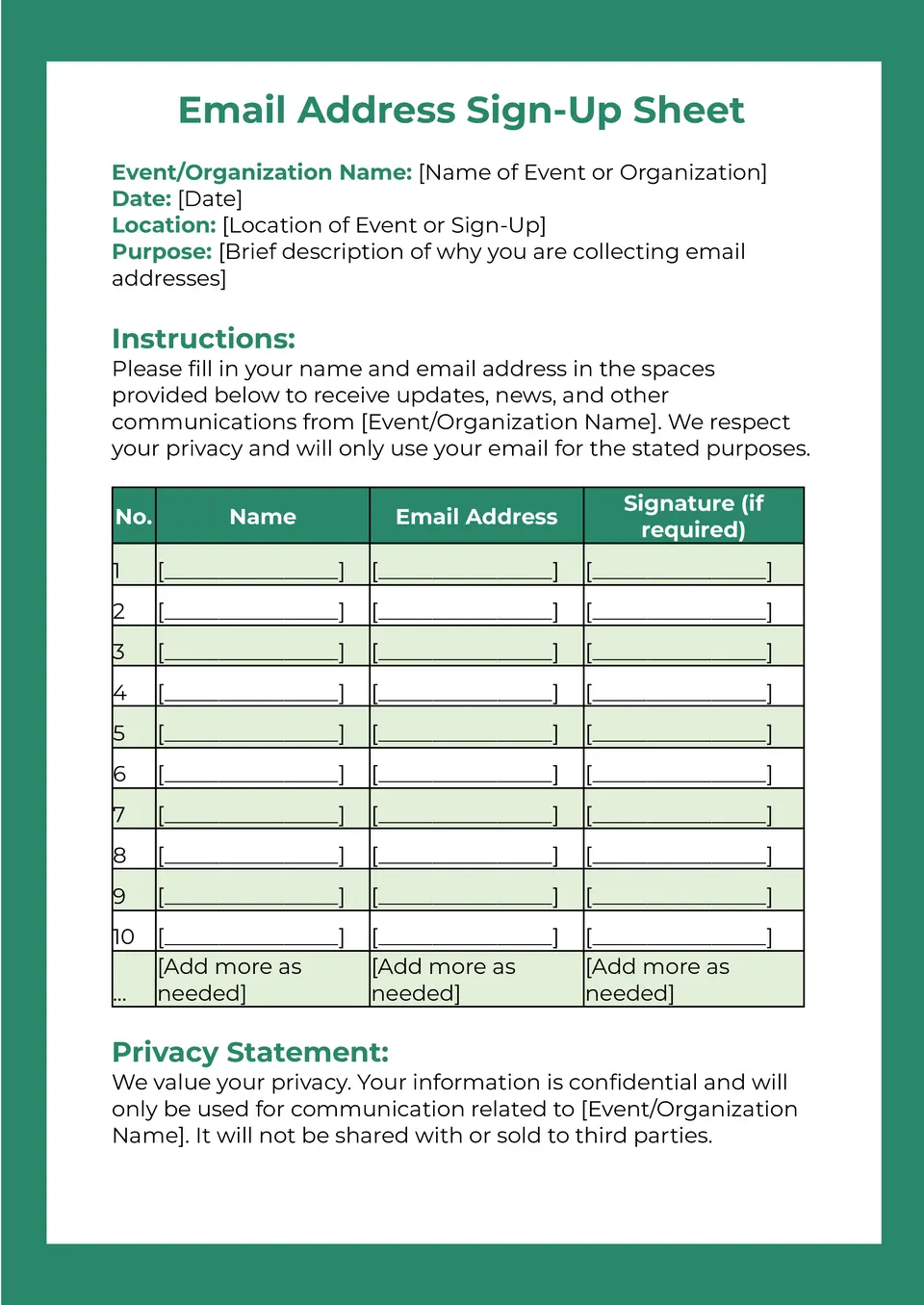
With space for names and contact details, the Email Address Sign Up Sheet Template helps collect information in a clear and practical format. It works well for newsletters, event lists, school groups, customer outreach, or community updates.
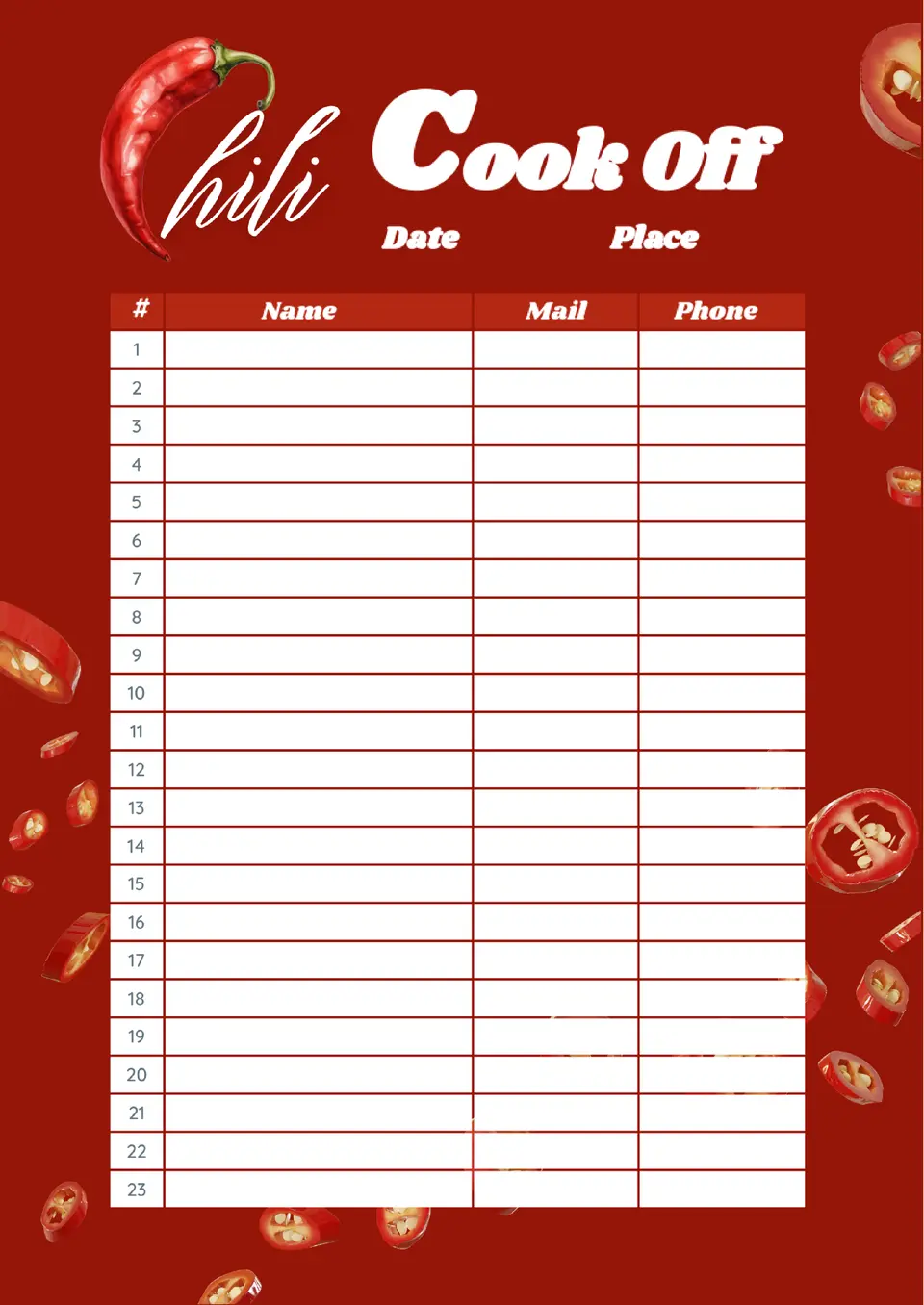
Built for food competitions and community events, the Chili Cook Off Sign Up Sheet Template gives organizers a simple way to track participants and entries. It helps keep names, dish details, and event information together in one easy-to-review document.
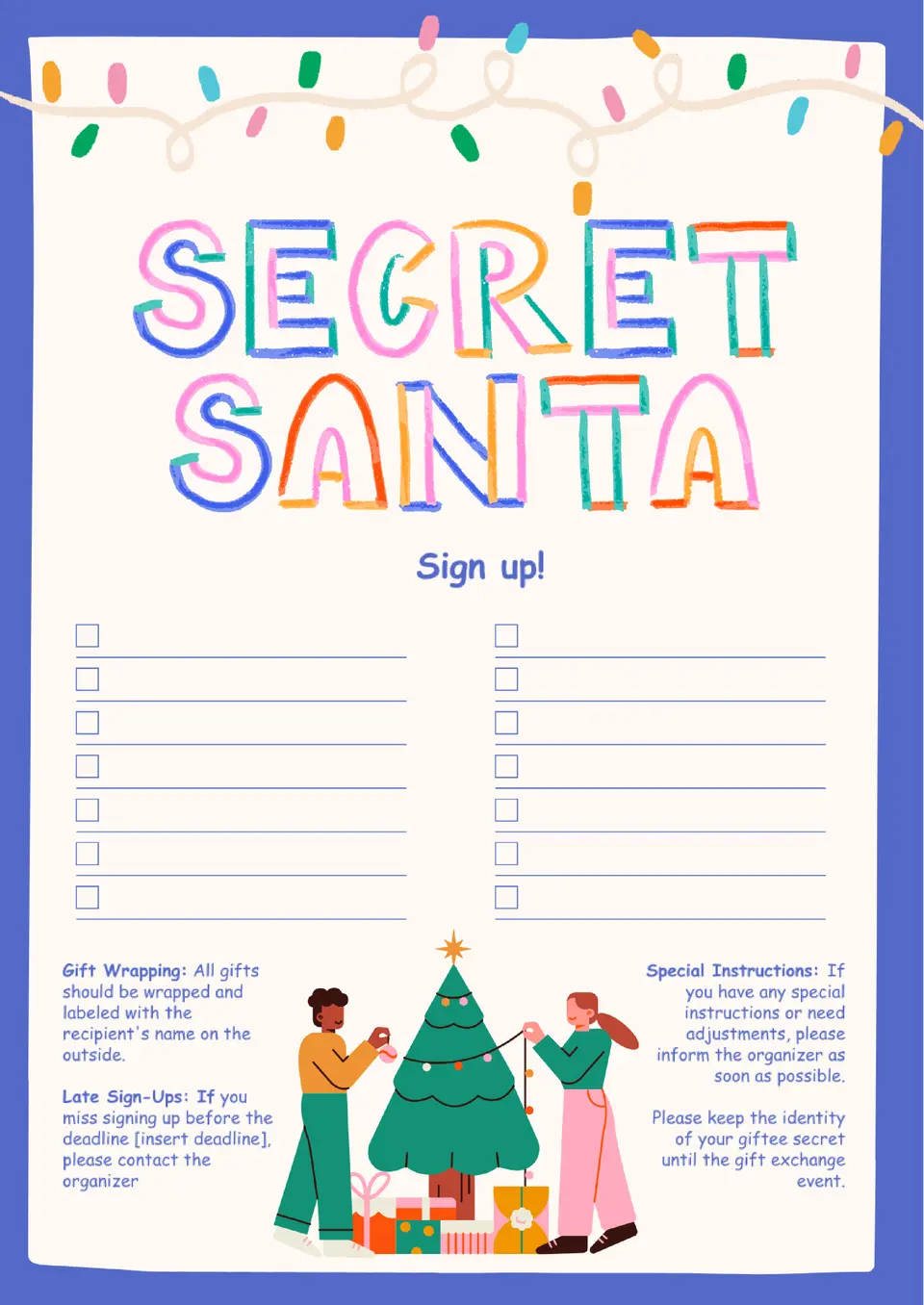
Designed for holiday exchanges, the Secret Santa Sign Up Sheet Template helps groups organize participant names and gift planning details in a neat format. It can be used for workplace events, classrooms, clubs, or family celebrations.
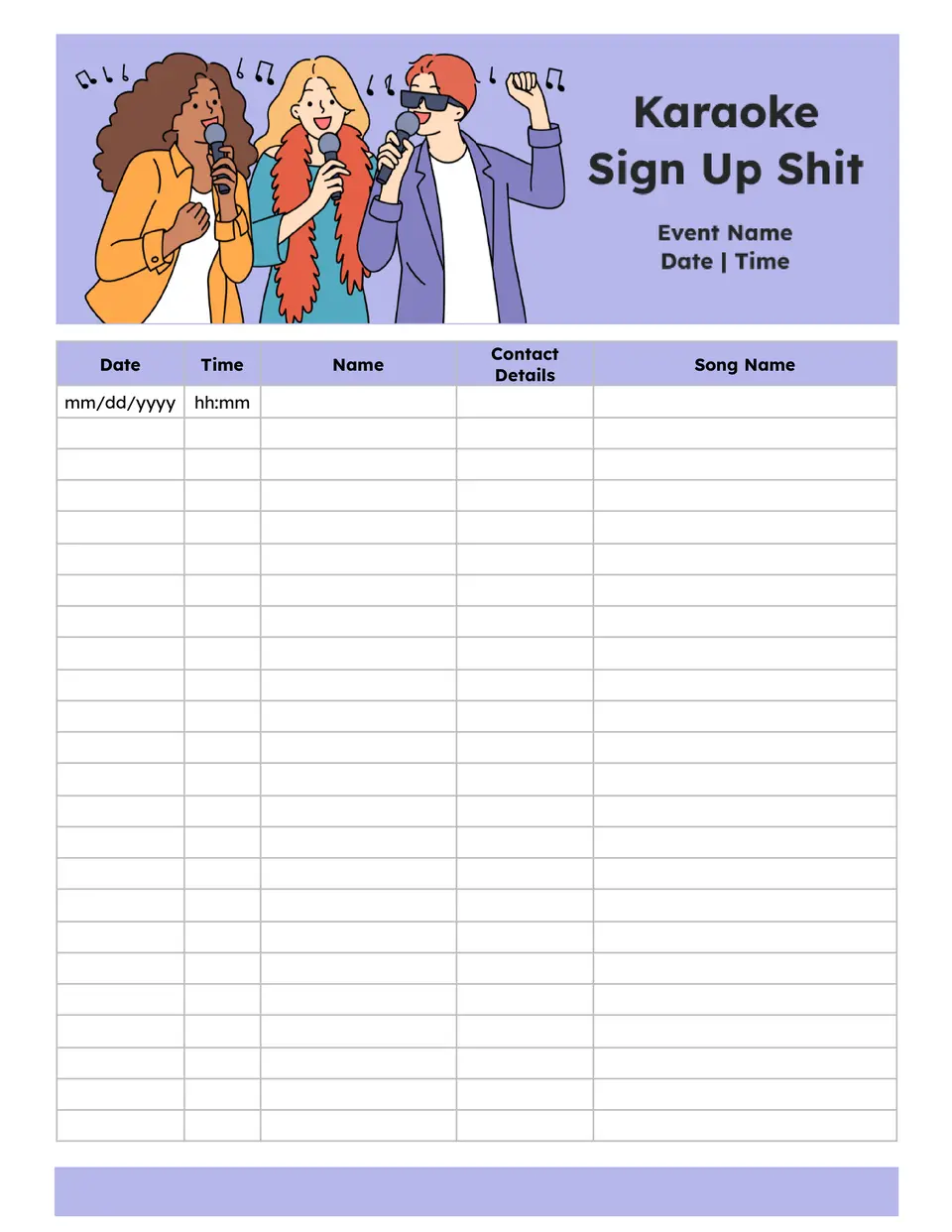
The Karaoke Sign Up Sheet Template helps organizers collect performer names, song choices, and performance order in one clear list. It works well for parties, school events, office gatherings, and other group activities with multiple participants.
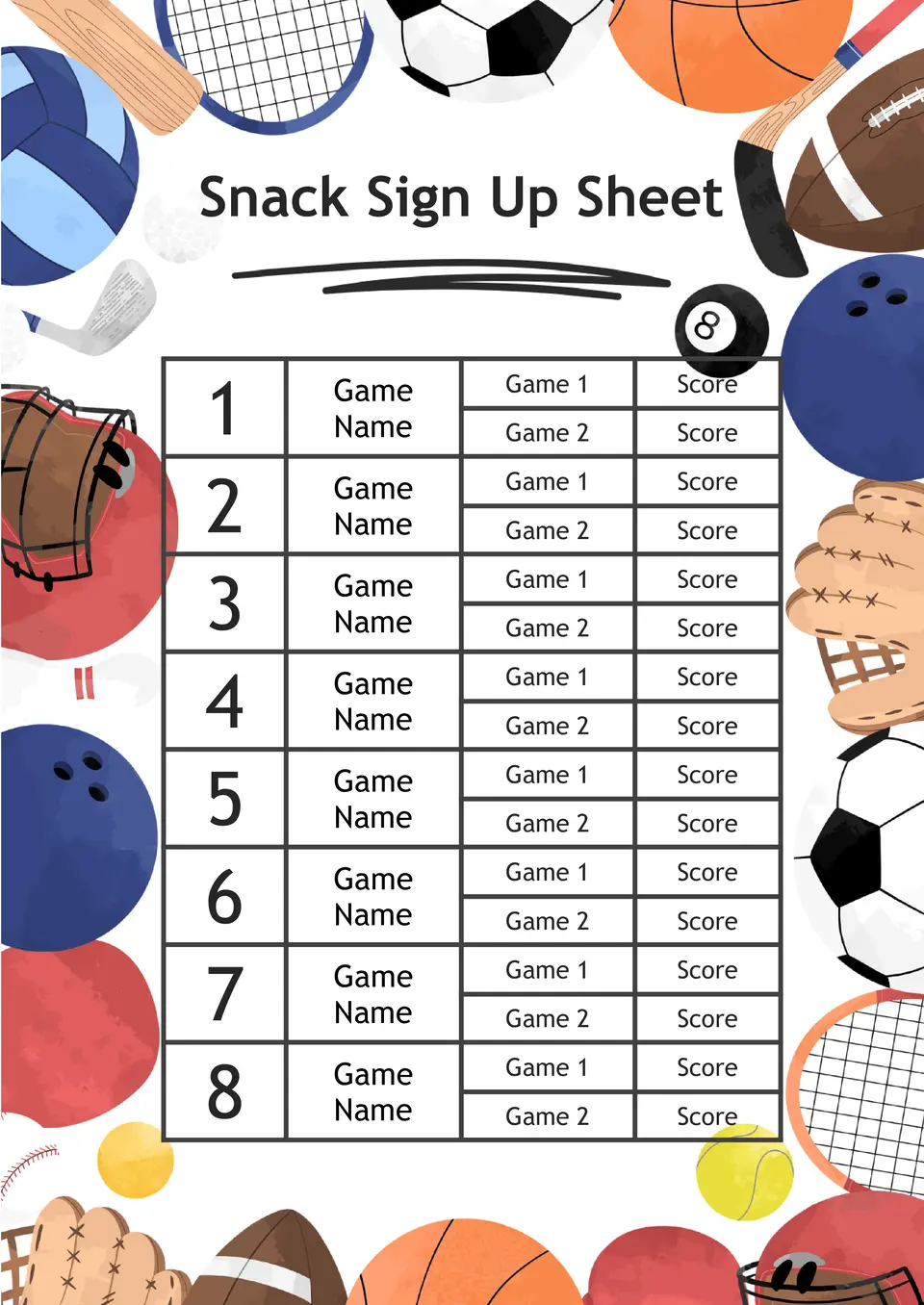
Which format works best for collecting snack assignments for class, meetings, or group events? The Snack Sign Up Sheet Template helps organize participant names, assigned items, and contribution details in one place.
Sign Up Sheet Templates for Google Docs
If you’re still collecting event participant information in dull spreadsheets, it’s time for a change! Start using stylish Google Docs sign up sheet templates. In our collection, you will find suitable options for various events. Conferences, team games, volunteering – these are just a few of the available themes. Choose any editable layout and use it absolutely for free!

Save Time With a Ready-Made Sign Up Sheet Template
Creating a registration form from scratch requires significant effort. You need to think through the structure, choose a convenient column size, and find original visual elements. All these challenges can be avoided with a sign up sheet template for Google Docs. Ready-made layouts allow you to:
- Save time. Editing the document will take just a few minutes.
- Obtain a beautiful design. Templates prepared by specialists have an attractive and professional look.
- Fill out the form in a convenient way. You can print a blank layout or enter participant data online.
Advantages of Using Our Templates
We have prepared customizable layouts that are incredibly easy to adjust to your needs. Thanks to seamless integration with Google Docs, you can free download them to your cloud storage with one click. This allows you to edit documents from any device and share them with others. Additionally, our sign up sheet templates for Google Docs are:
- Free. Layouts can be freely used, even for commercial purposes.
- Unique. Thematic creative designs will definitely appeal to your event participants.
- Multi-format. In addition to Google Docs, our layouts are compatible with Microsoft Word, PDF, and MacOS Pages.

Edit The Template Even Without Design Skills
To use our printable templates, you don’t need any special skills. Simply open the template, add your own text, and, if desired, you can also replace the background, font, and color palette. The editing process is extremely simple and intuitive. You will easily figure it out, even if you have never dealt with templates before.
Make Your Event Successful
With fillable Google Docs templates sign up sheet, you can efficiently collect information about event participants. Initially, the templates will be useful in preparing a visitor list. Later, they can be used to create a feedback form. This way, you will receive real feedback from participants and take it into account when organizing the next event.
Join Thousands of Users Who Have Already Chosen Docs&Slides
We work daily to make our templates even more useful. Therefore, we actively replenish our collection with various thematic designs. Regularly visit our website to check out the new items. High-quality and free sign up sheet templates for Google Docs are waiting just for you!


Choose your preferred social media platform from options like Pinterest, Facebook, Twitter, and more. Share our templates with your contacts or friends. If you’re not active on these social networks, you can simply copy the link and paste it into the one you use.