Blog
Back to templates

All templates- Page 113

Last updated :  13.01.2026

The fax cover letter template in Google Docs is purpose created by our designers for faxing. It’s thought out to the smallest detail and is easy to use. You can download the finished letter in a format convenient for you.

google doc

Google Docs cover letter template has a maximum simple and straightforward design. The whole emphasis here will not be on the appearance of the letter but on its content.

google doc

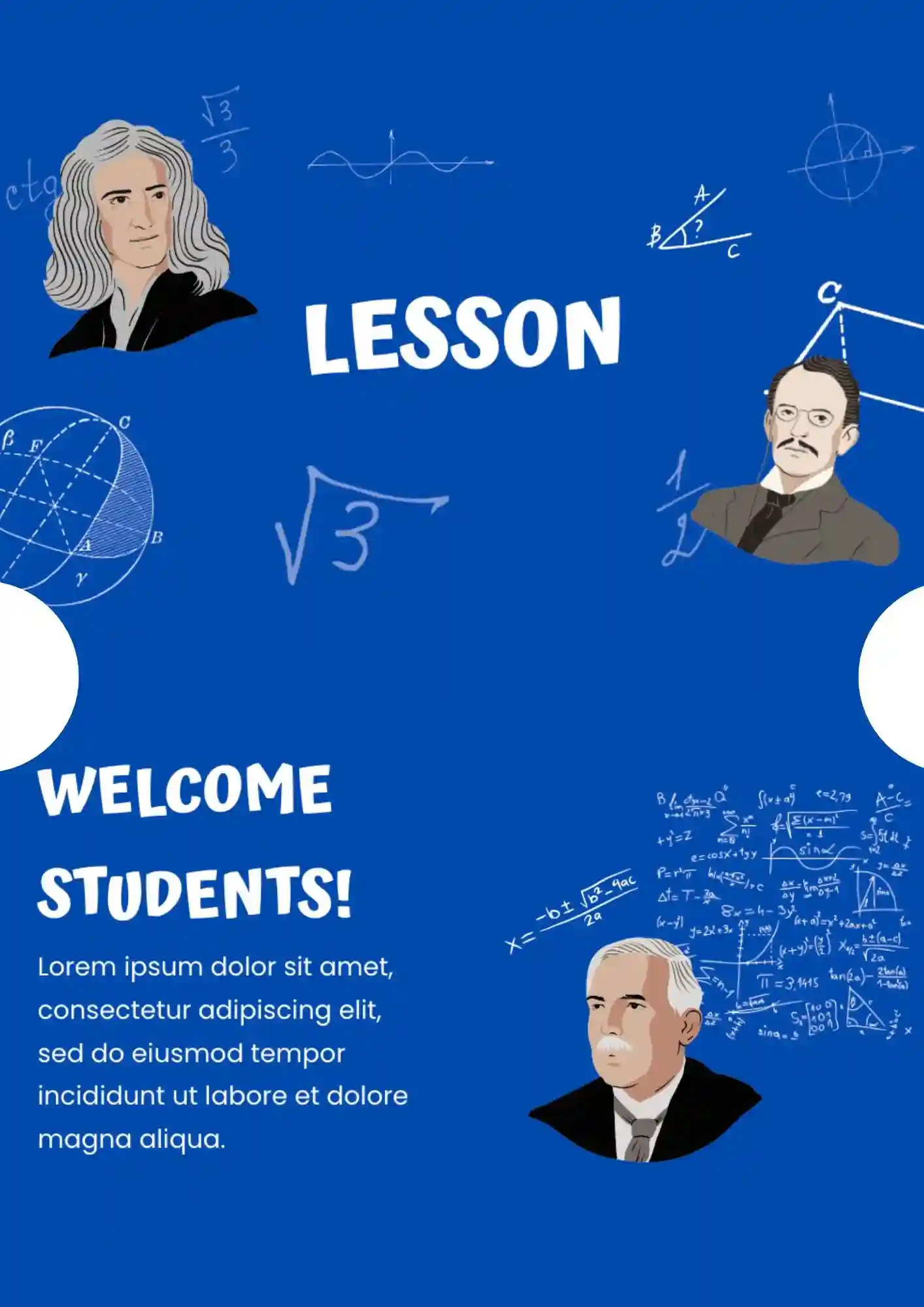
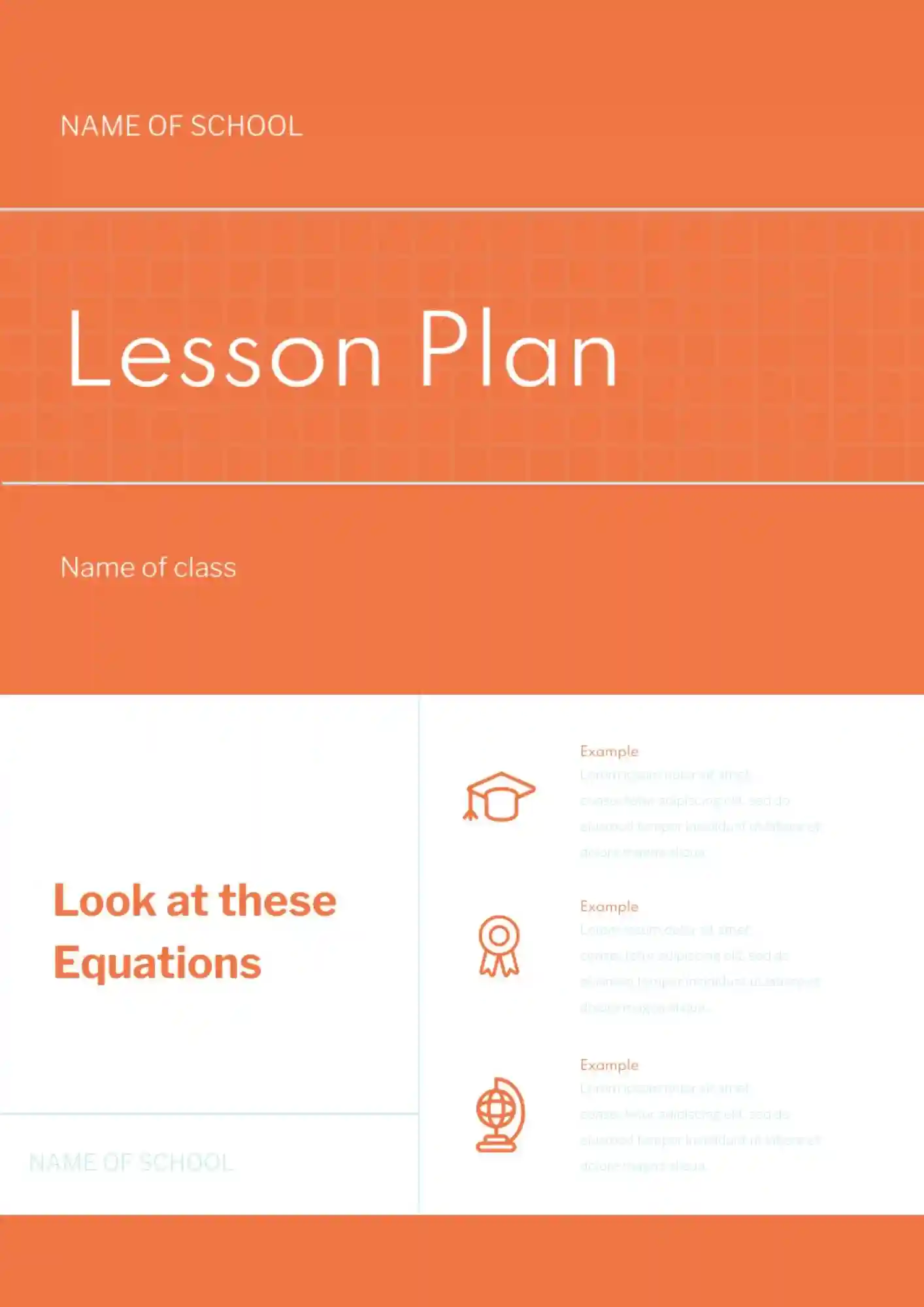
This printable layout will make the learning process easier. The header contains basic information about the class and the topic of the lesson. The left side is for lecture notes, and the right one is for a student to write his own comments.

google doc

Free Google Docs notes template is created for business meetings. It is divided into several parts, where you can specify the name of the event, the speakers present, the agenda, and the deadline. Personal notes take up a third of the sheet.

google doc

The layout is made in the form of a notepad sheet. You can edit the background color, size and document format during online correction, and then print it.

google doc
1 111 112 113 114 115 124
1 10
How to attribute?

Generating high-quality templates requires significant time and dedication. We simply request the inclusion of a small attribution link. Select the platform where you intend to utilize the template.

Choose your preferred social media platform from options like Pinterest, Facebook, Twitter, and more. Share our templates with your contacts or friends. If you’re not active on these social networks, you can simply copy the link and paste it into the one you use.

Pinterest Facebook Twitter Copy Link
For example: websites, social media, blogs, ebooks, newsletters, etc.

Copy this link and paste it wherever it’s visible, close to where you’re using the image. If that’s not possible, place it at the footer of your website, blog or newsletter, or in the credits section.

For instance: books, clothing, flyers, posters, invitations, advertising, etc.

Place the attribution line near the image’s usage on your website, or if that’s not feasible, include it in the credits section. For example: ‘image: Docsandslides.com’. This template was created using images from Docsandslides.com.