

 Back to templates
 All templates- Page 115
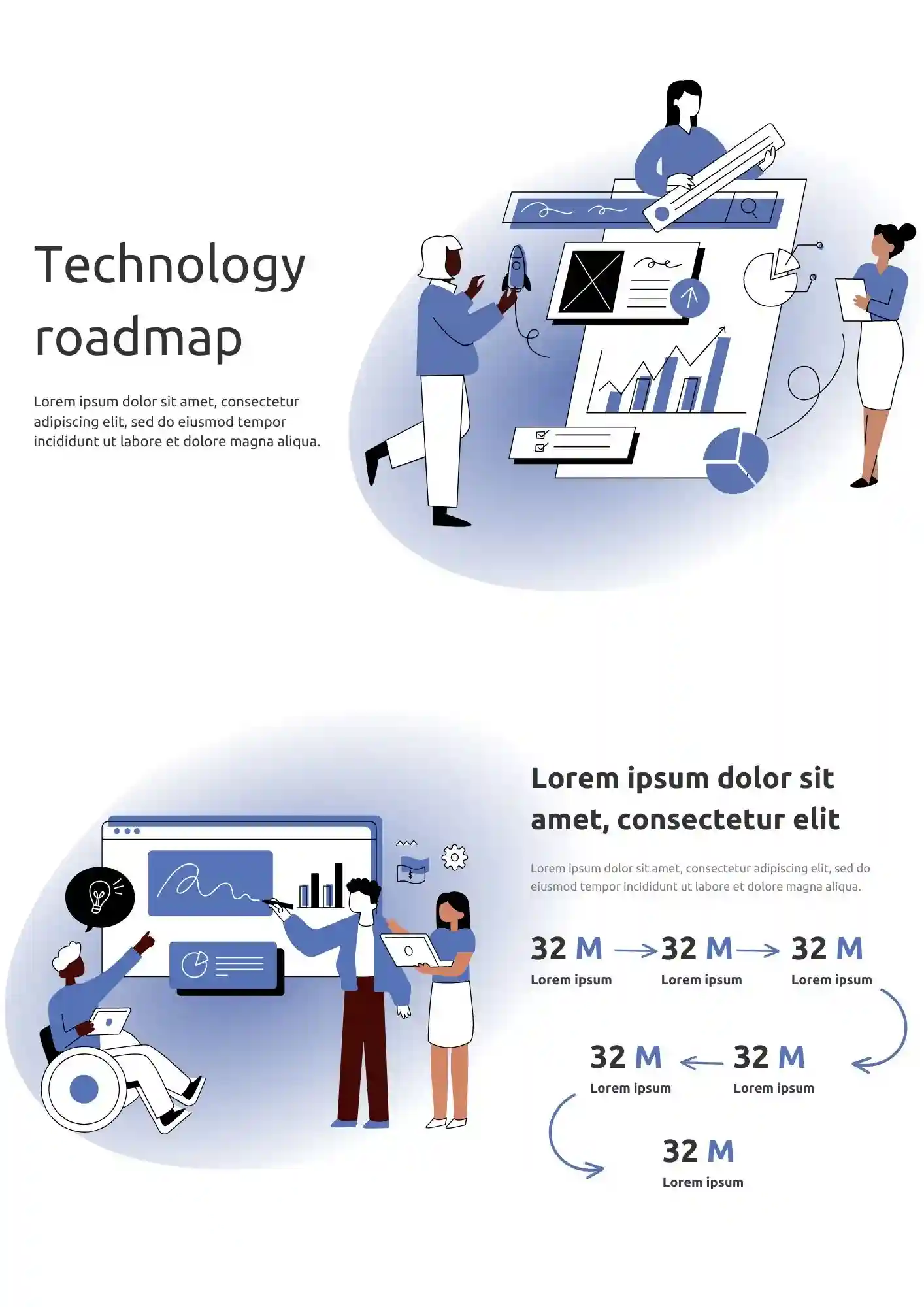
How do you show long-term tech priorities when every phase has different goals and deadlines? The Technology Roadmap Template works well for CTOs, IT leaders, project managers, and technical teams who need a clear roadmap view.

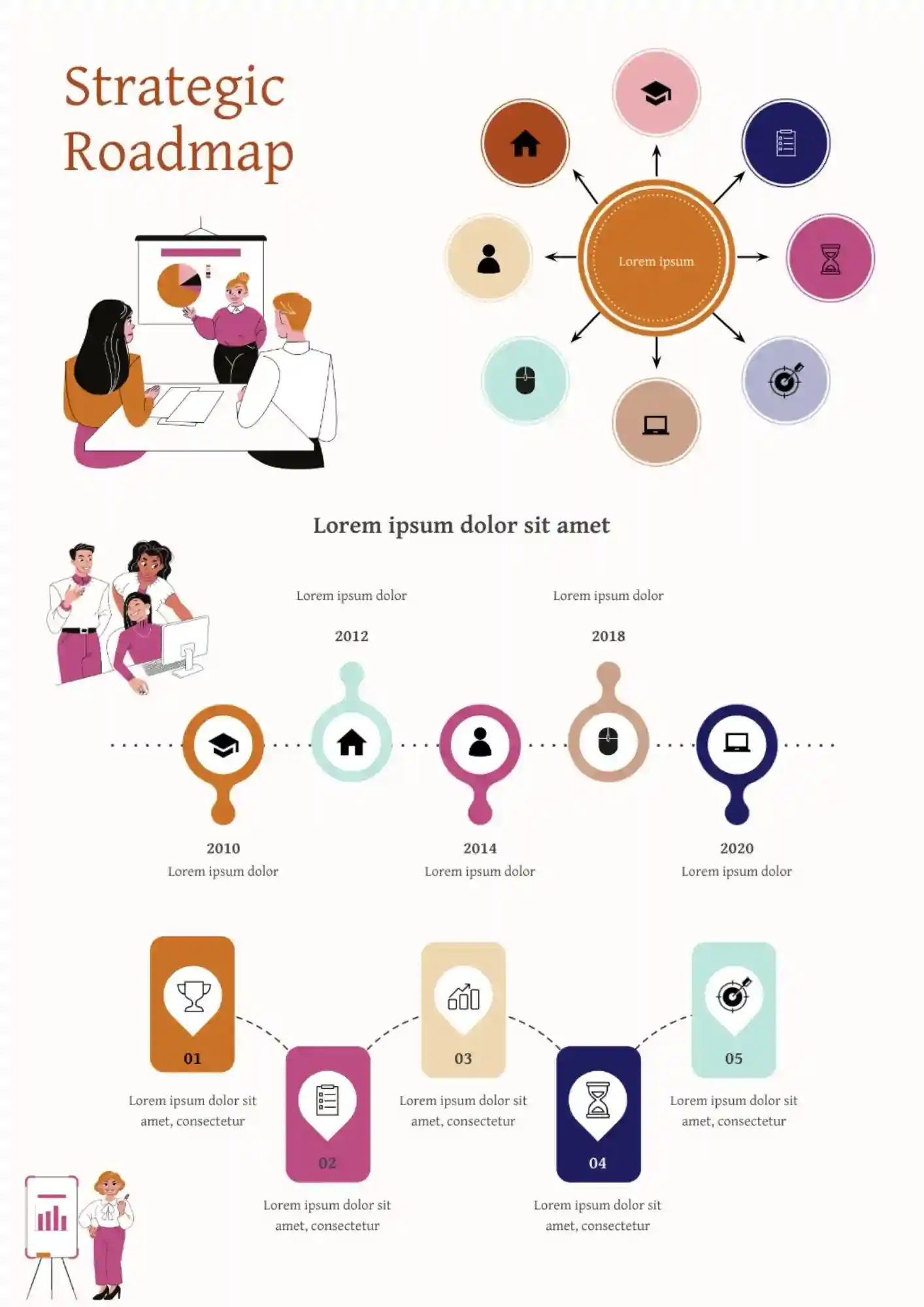
Want to present goals, priorities, and long-term plans in a way that feels more organized and easier to explain? Strategic Roadmap Template gives teams, managers, founders, and consultants a professional layout for turning complex strategy into a clearer visual roadmap.
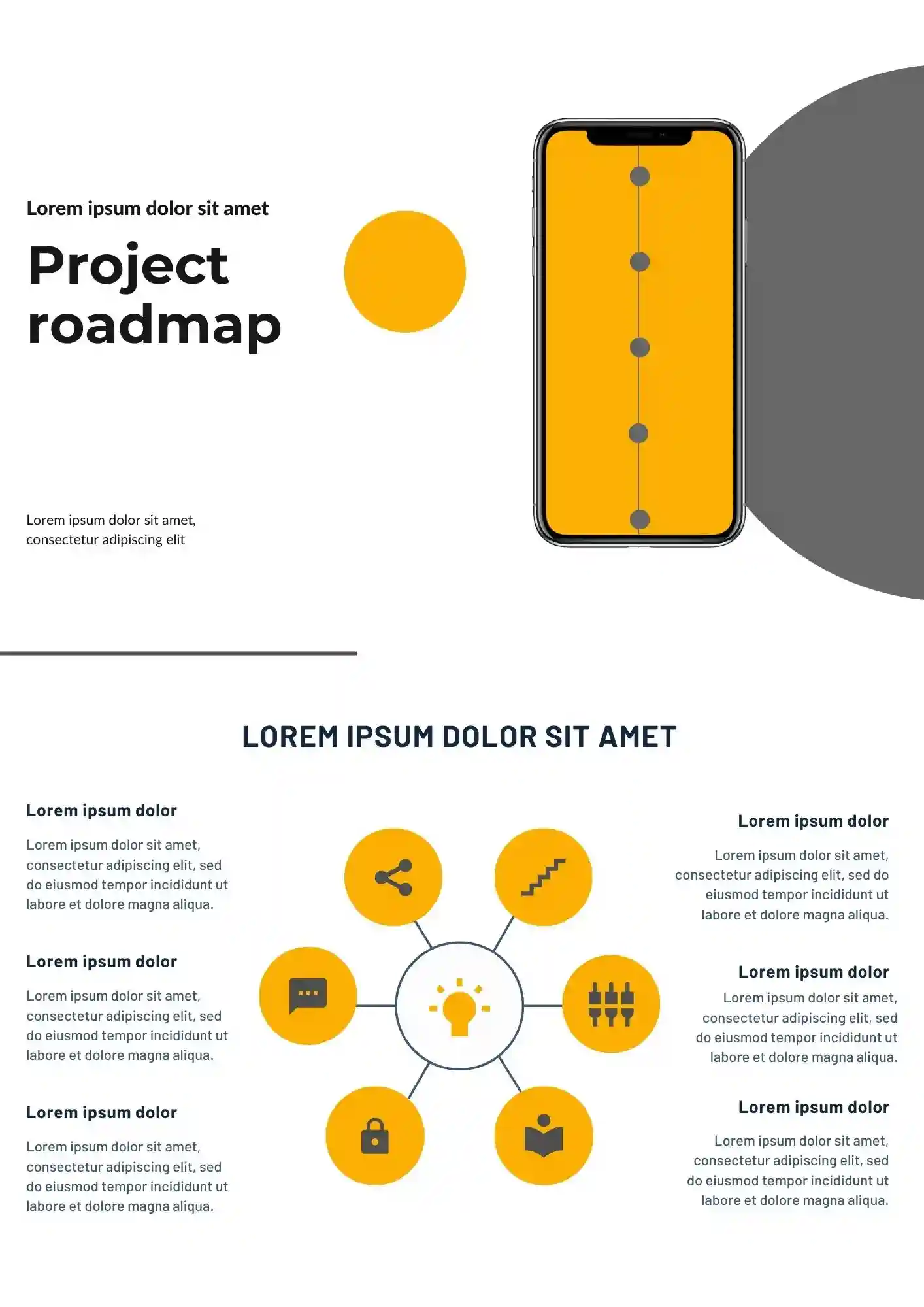
Project teams fall behind faster when milestones and dependencies are not visible from the start. The Project Roadmap Template is a good fit for project managers, consultants, agencies, and business teams that need to plan clearly.

Messy roadmaps make your strategy look weaker than it is. The Business Roadmap Template is useful for founders, managers, consultants, and teams that need to show priorities clearly.
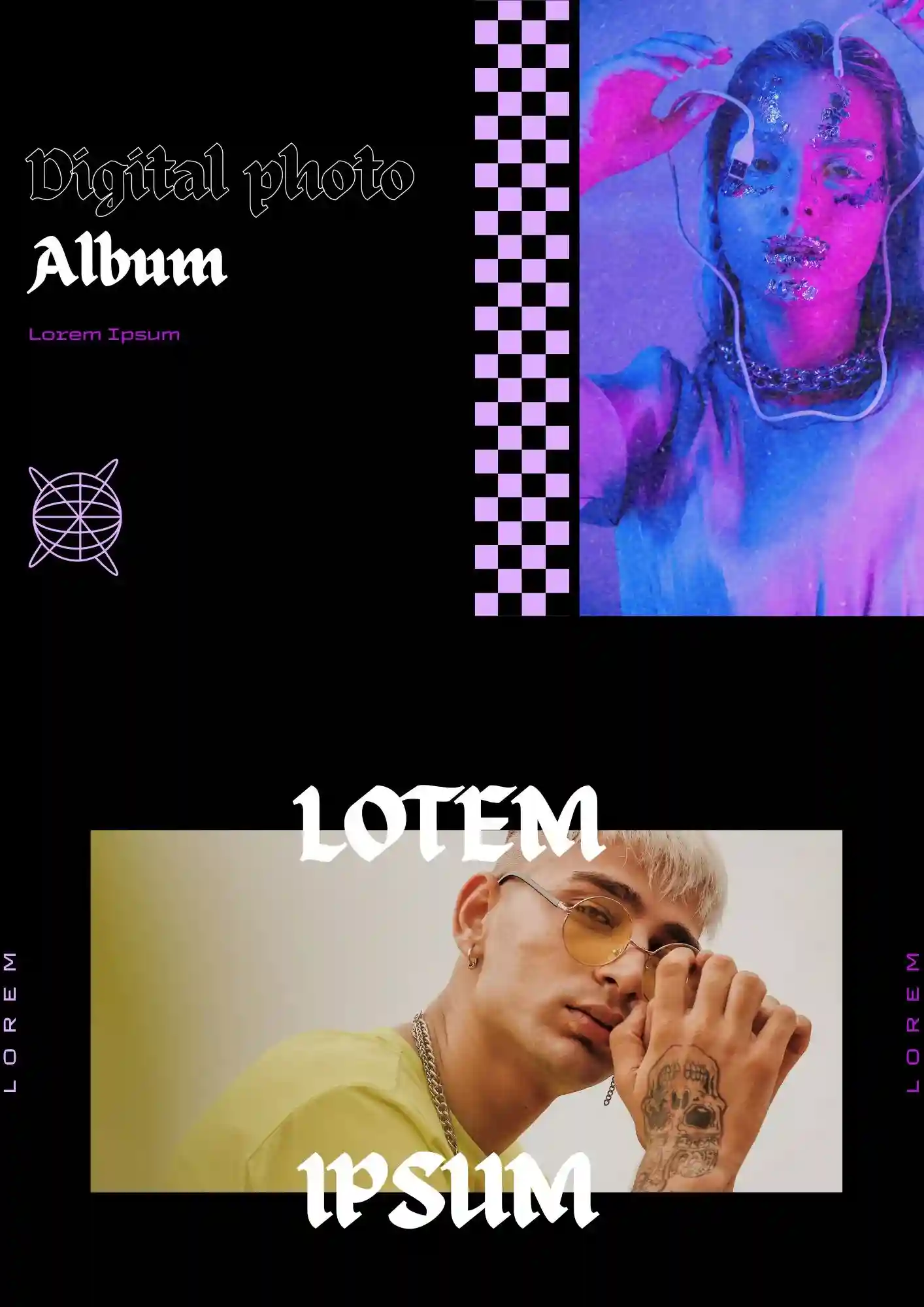
Does your photo collection deserve a better format than a random folder of images? The Digital Photo Album Template works well for families, photographers, couples, and travelers who want to share memories beautifully.
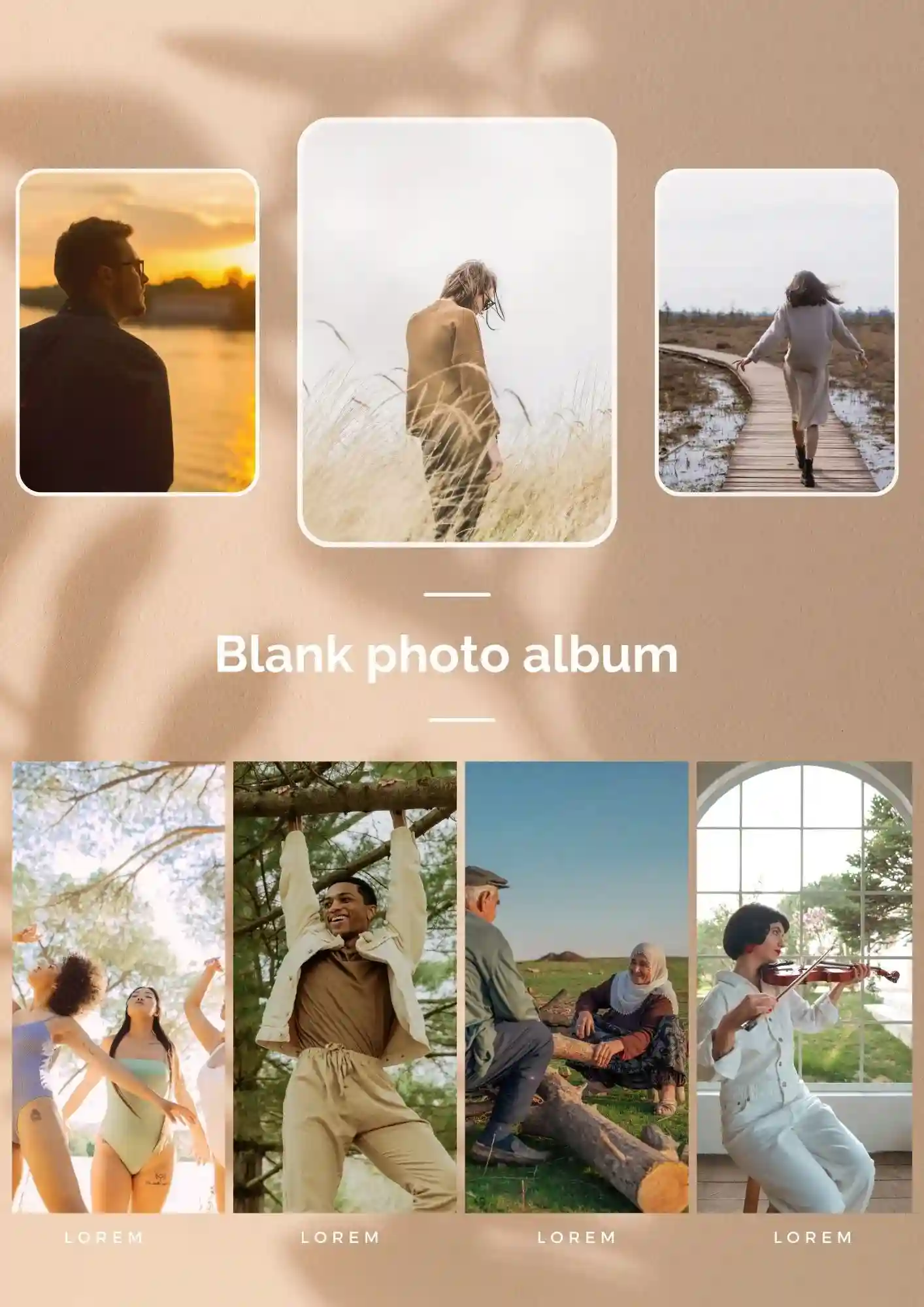
Social media memories feel less special when they disappear into your feed. The Photo Album for Instagram Template suits creators, influencers, couples, and friends who want to turn posts into a polished album.
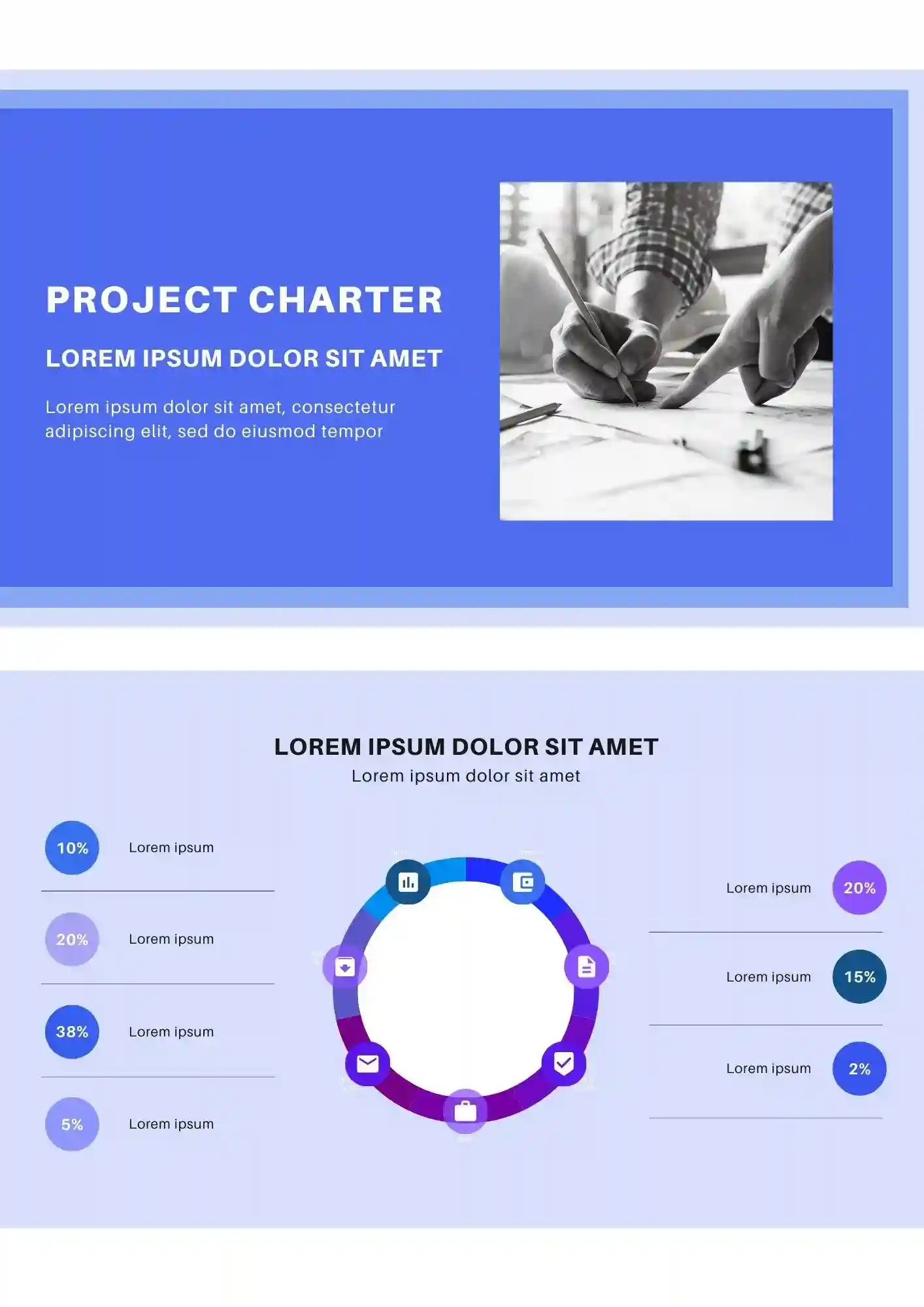
What makes a project feel organized before the real work even starts? The Project Charter Template is a strong fit for project managers, team leads, consultants, and business teams that need a clear project outline.
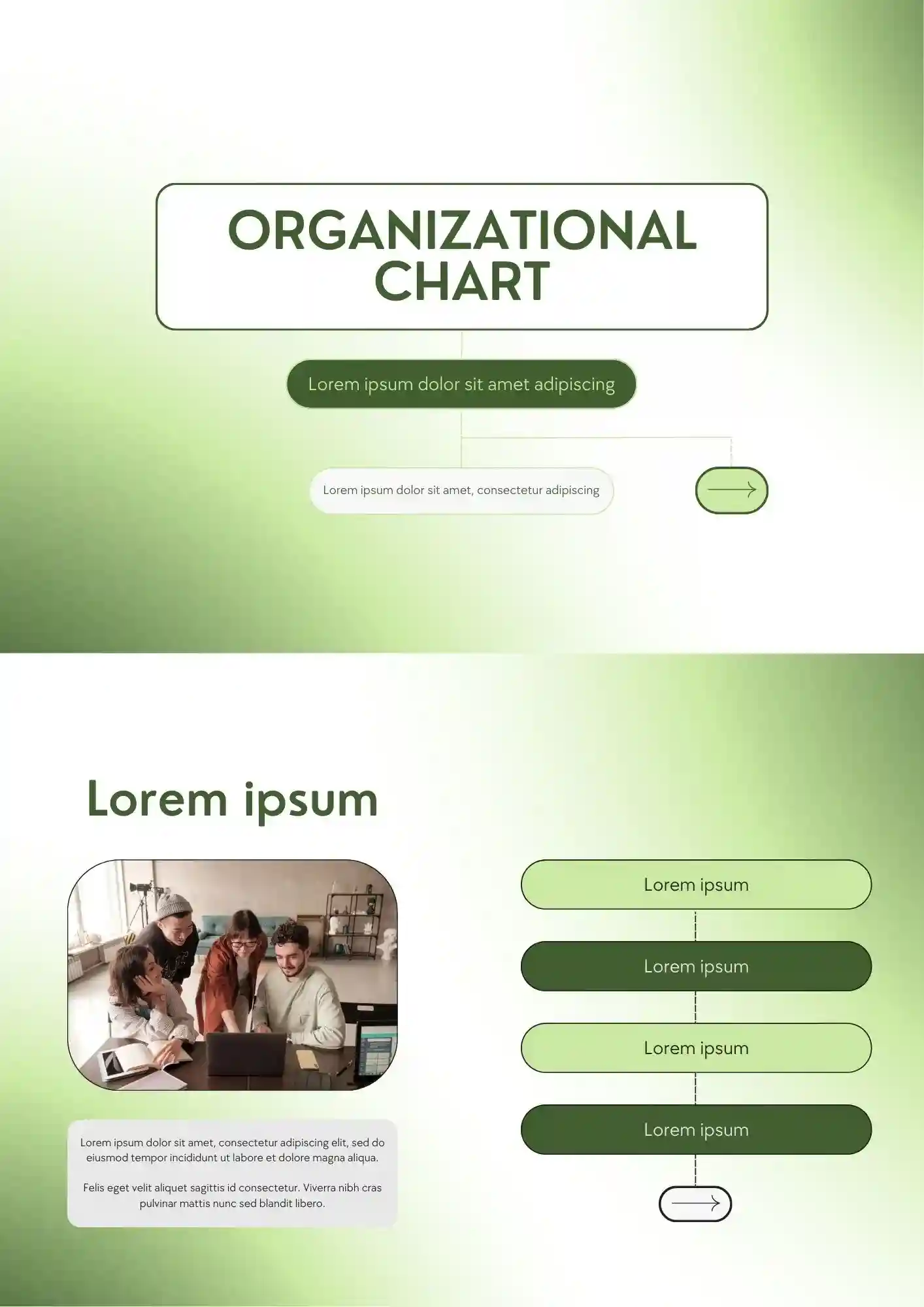
A confusing team structure quickly weakens communication across the whole company. The Organizational Chart Template works for HR teams, founders, schools, and managers who need to show reporting lines clearly.
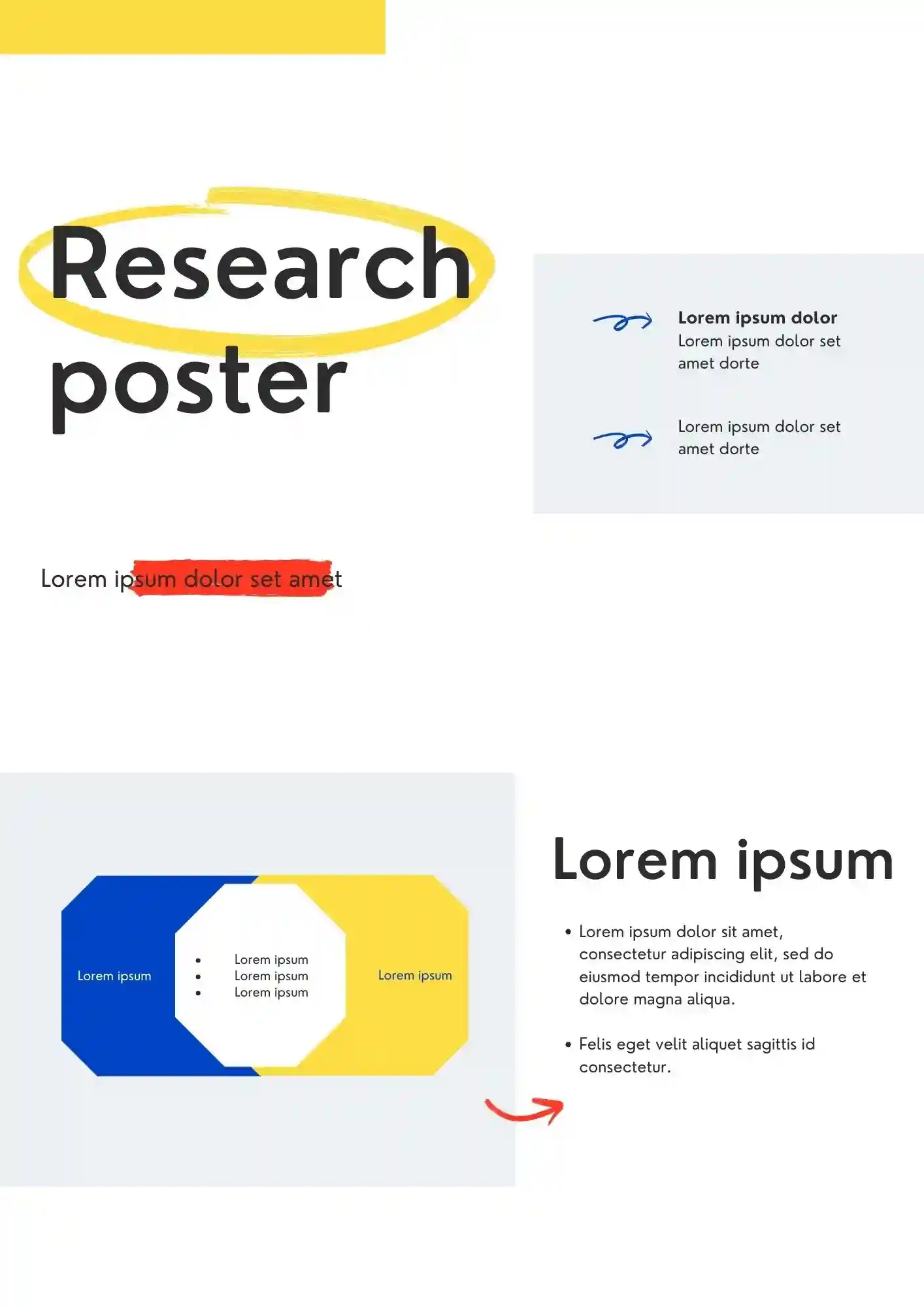
Can a research poster still look clear when it has to hold complex information? The Research Poster Template is useful for students, researchers, professors, and academic teams who need to present findings professionally.
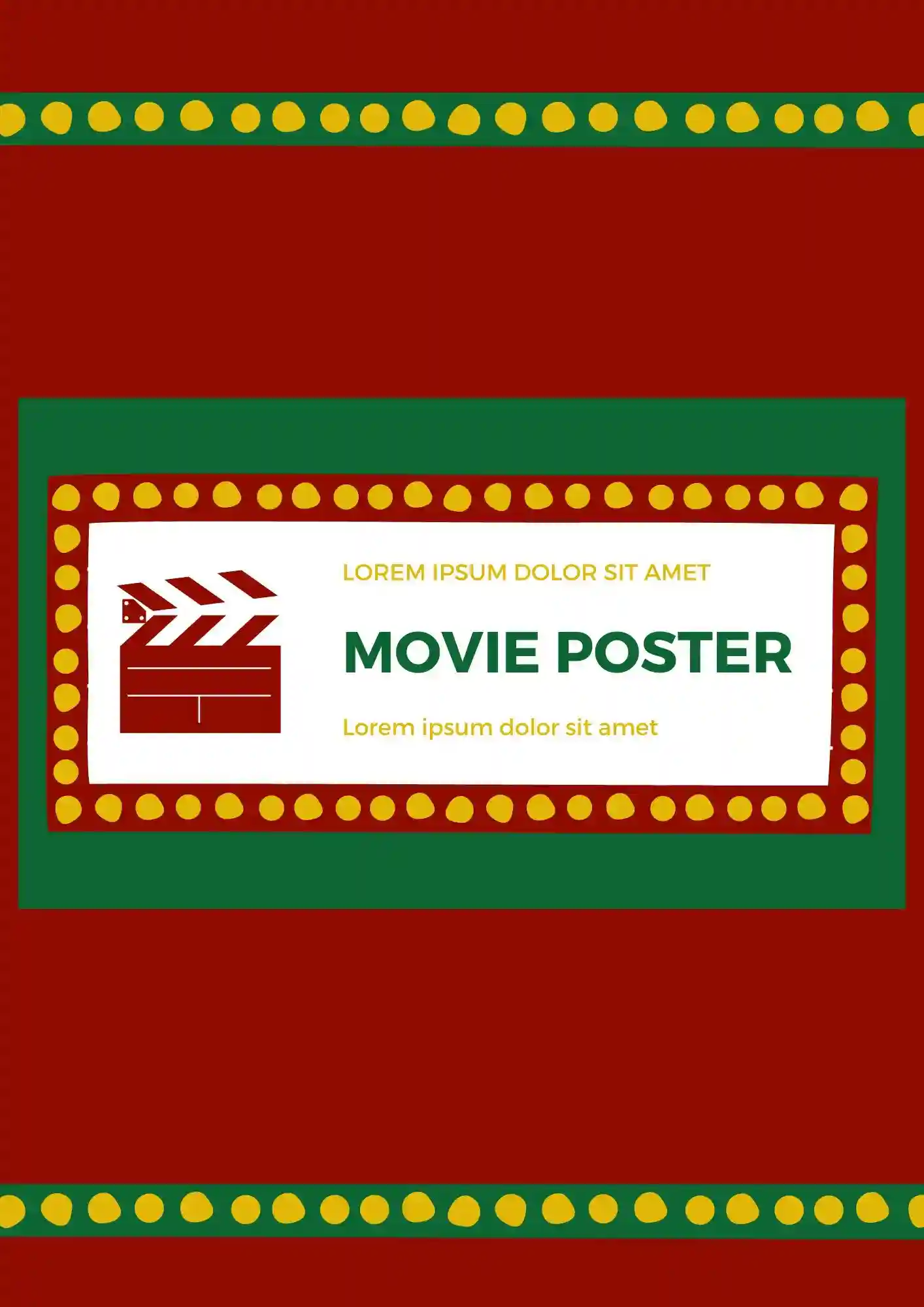
Promoting your film is harder when the poster does not match the quality of your idea. The Movie Poster Template suits filmmakers, students, studios, and event organizers who want a bold promotional layout.
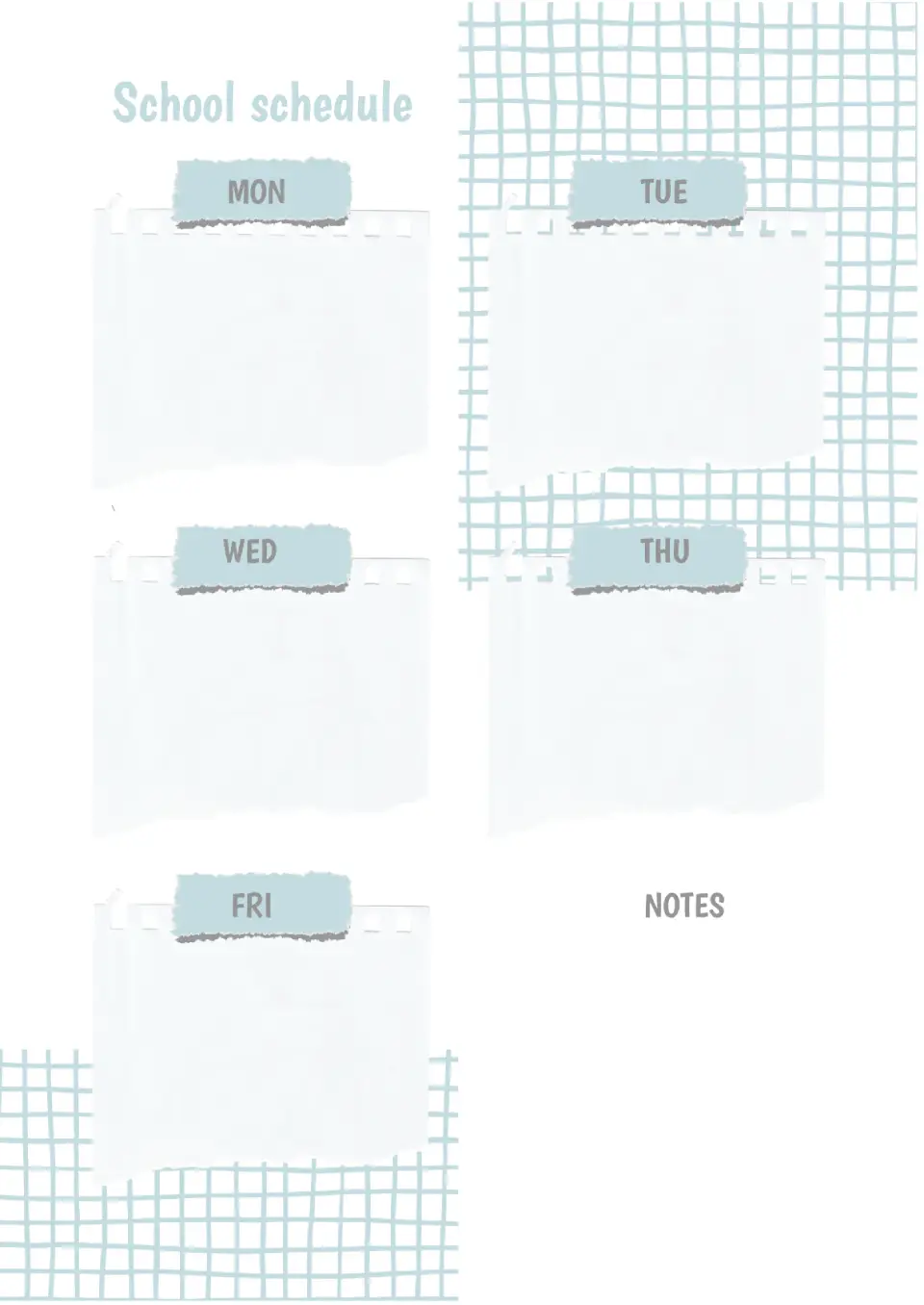
When the school schedule is in sight, it's almost impossible to confuse lessons or forget to do homework. With the help of the School Schedule Template in Google Docs, you can create a personal schedule for your child and hang it in their room.

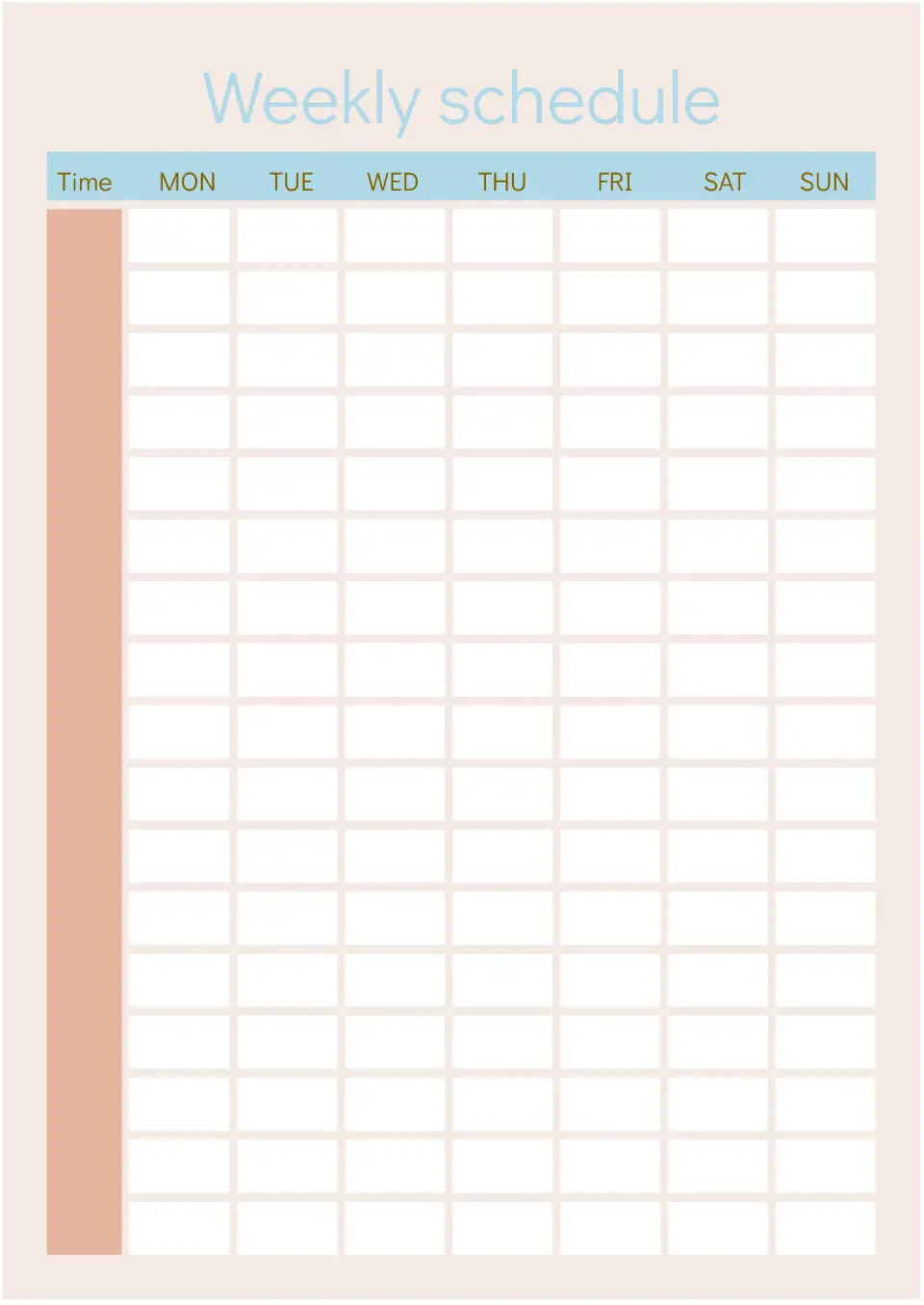
Want to teach your child self-organization? Start by creating a personal schedule with them. Together with your child, write down all the tasks for the upcoming week and specify their time.
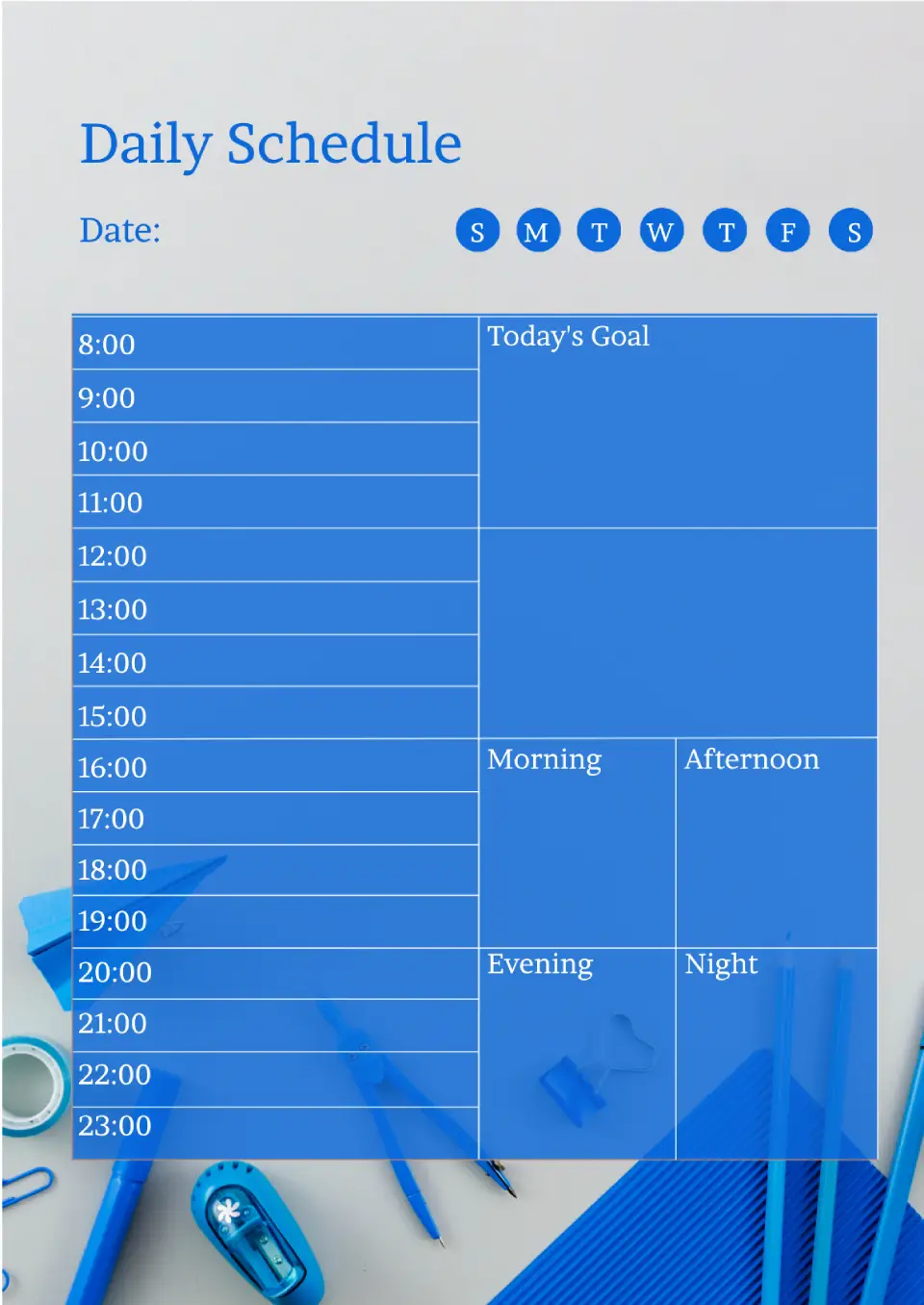
When many tasks and events are planned for the day, it's very easy to forget something important. So you don't miss anything, our designers have created this template!
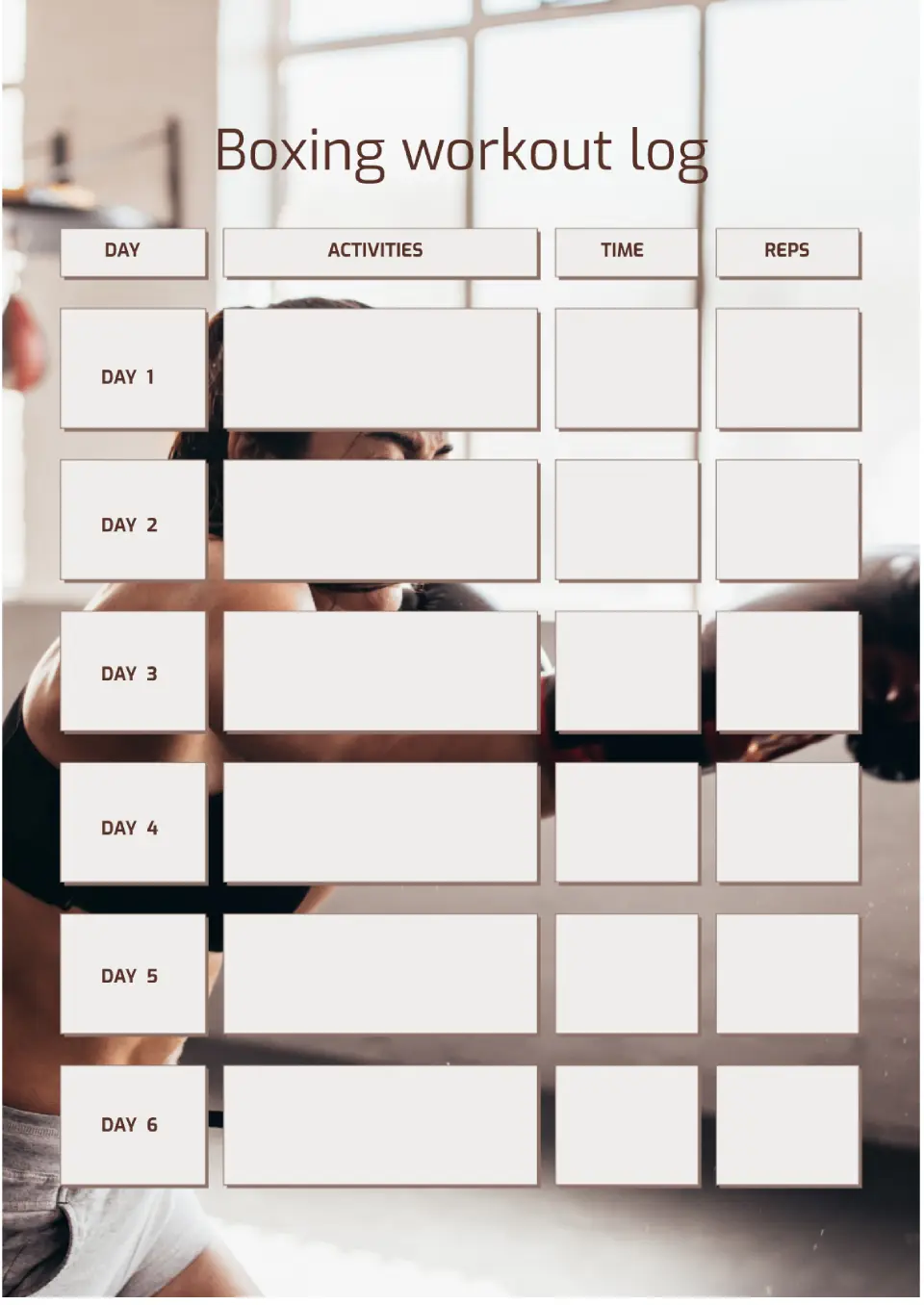
Built for boxing training, the Boxing Workout Template helps fighters and fitness enthusiasts organize punches, rounds, conditioning, and rest in one structured plan. It suits boxing coaches, amateur fighters, and people using boxing for fitness and cardio.
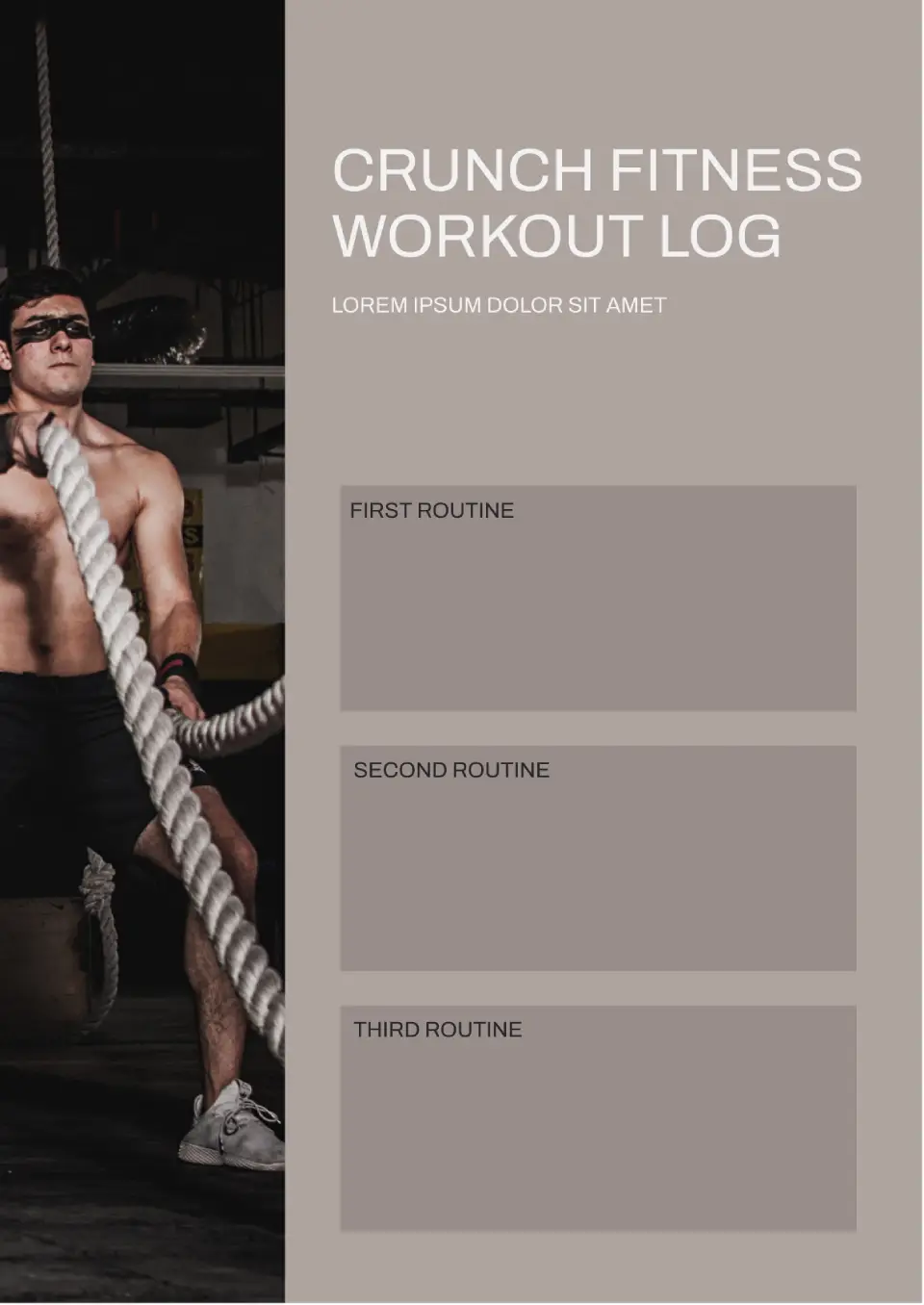
With a layout designed for Crunch Fitness-style training, the Crunch Fitness Workout Template helps members track gym sessions, classes, and personal goals at Crunch locations. It is useful for Crunch Fitness members, personal trainers, and gym-goers following group fitness programs.
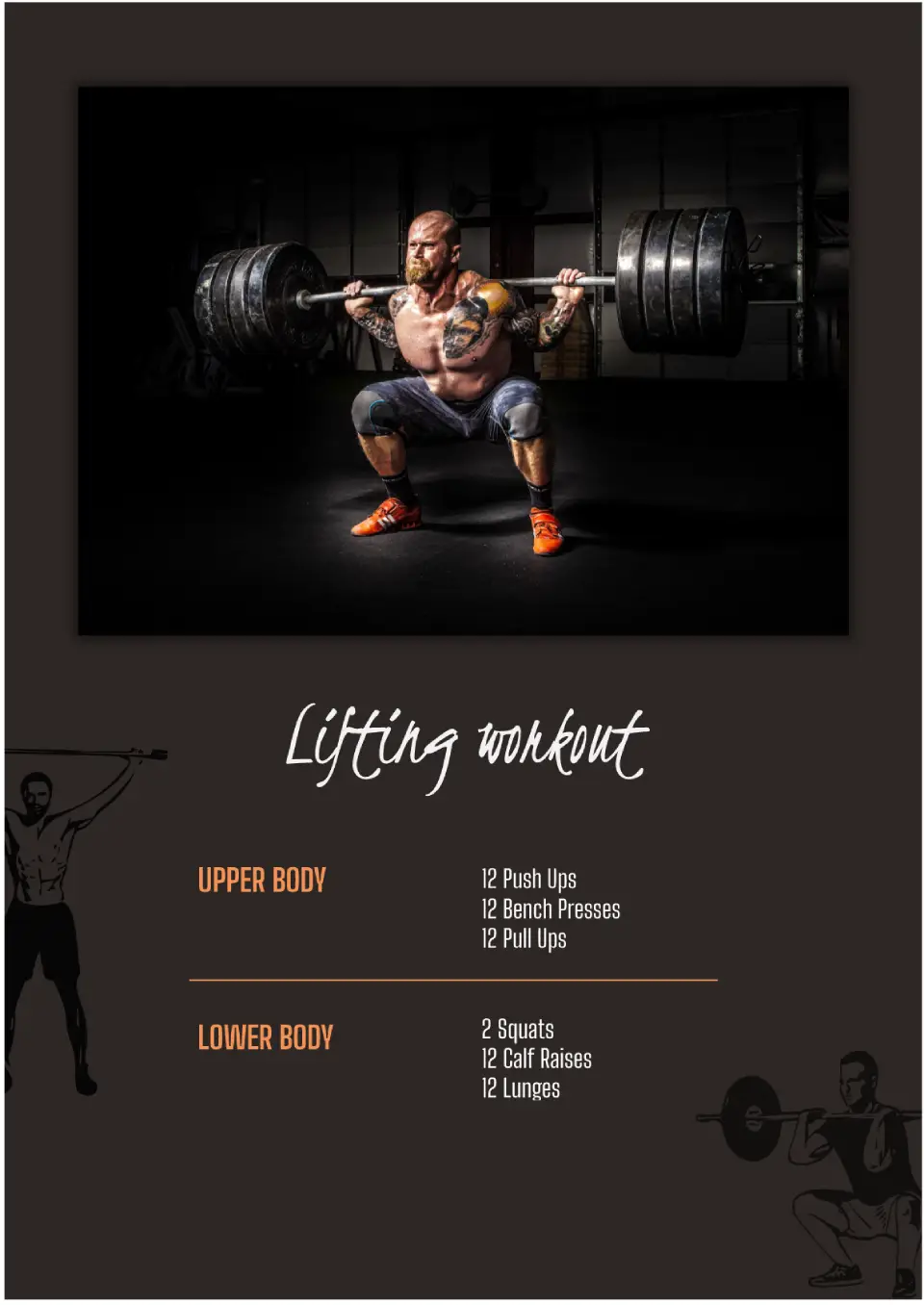
Focused on strength training, the Lifting Workout Template helps lifters track exercises, sets, reps, weights, and progressive overload in one organized system. It works for weightlifters, powerlifters, bodybuilders, and anyone focused on building strength and muscle.
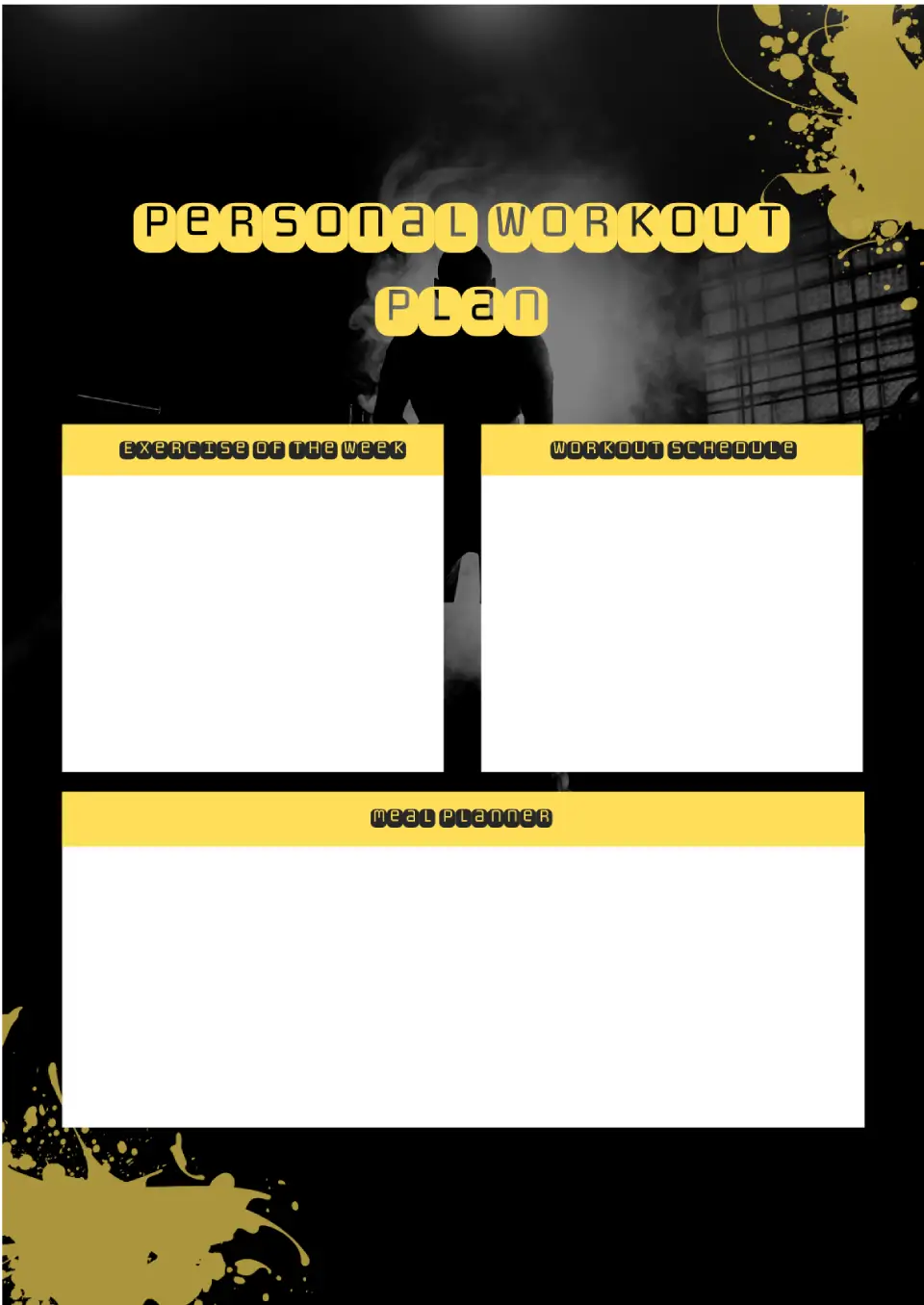
Struggling to stay consistent with workouts because you don't have a clear plan to follow? The Personal Workout Plan Template is a good fit for fitness beginners, gym-goers, and anyone working toward personal health goals.

Choose your preferred social media platform from options like Pinterest, Facebook, Twitter, and more. Share our templates with your contacts or friends. If you’re not active on these social networks, you can simply copy the link and paste it into the one you use.