

 Back to templates
 All templates- Page 113

Cheap-looking certificates ruin the value of your beauty certification program. The Beauty Certificate Template is a strong fit for beauty schools, esthetician programs, online course creators, and workshop instructors who want to award credentials.

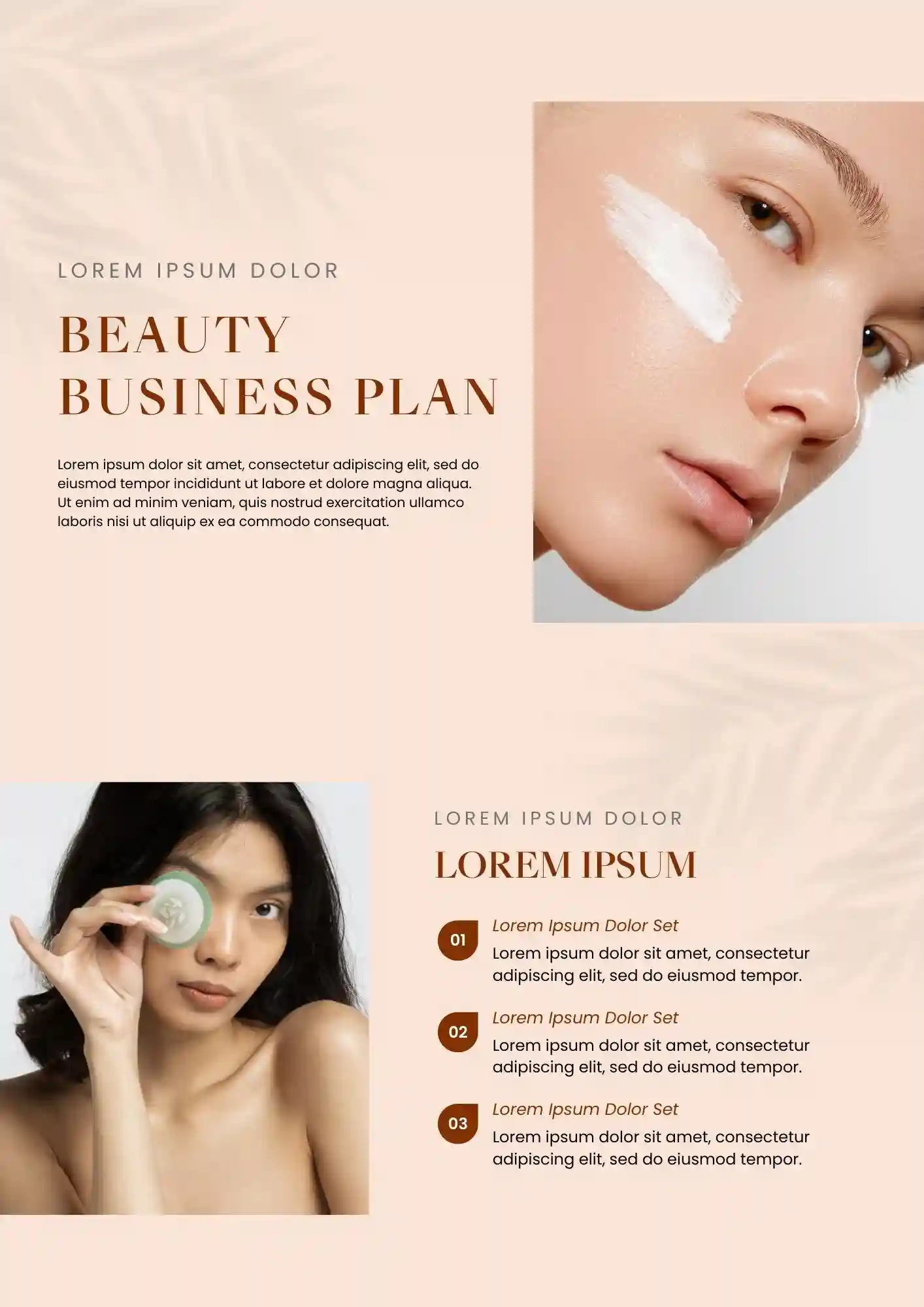
Can a beauty business plan still look polished when it covers finances, marketing, and operations? The Beauty Business Plan Template works for salon owners, mobile estheticians, beauty startup founders, and franchise applicants who need investor-ready docs.
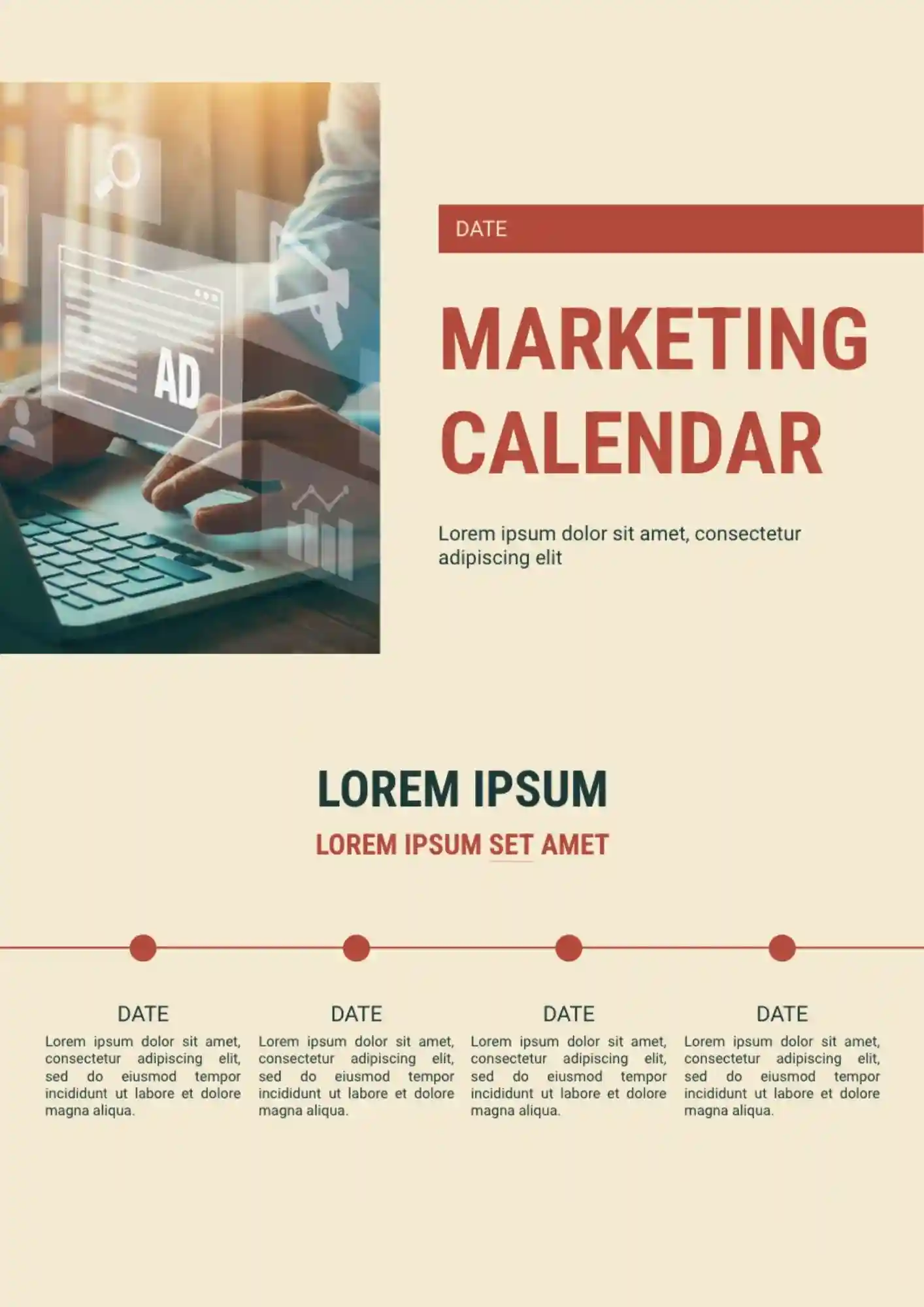
Running multiple campaigns gets stressful when your team cannot see deadlines in one place. The Marketing Calendar Template works well for marketing teams, agencies, freelancers, and content managers who need to organize campaigns clearly.
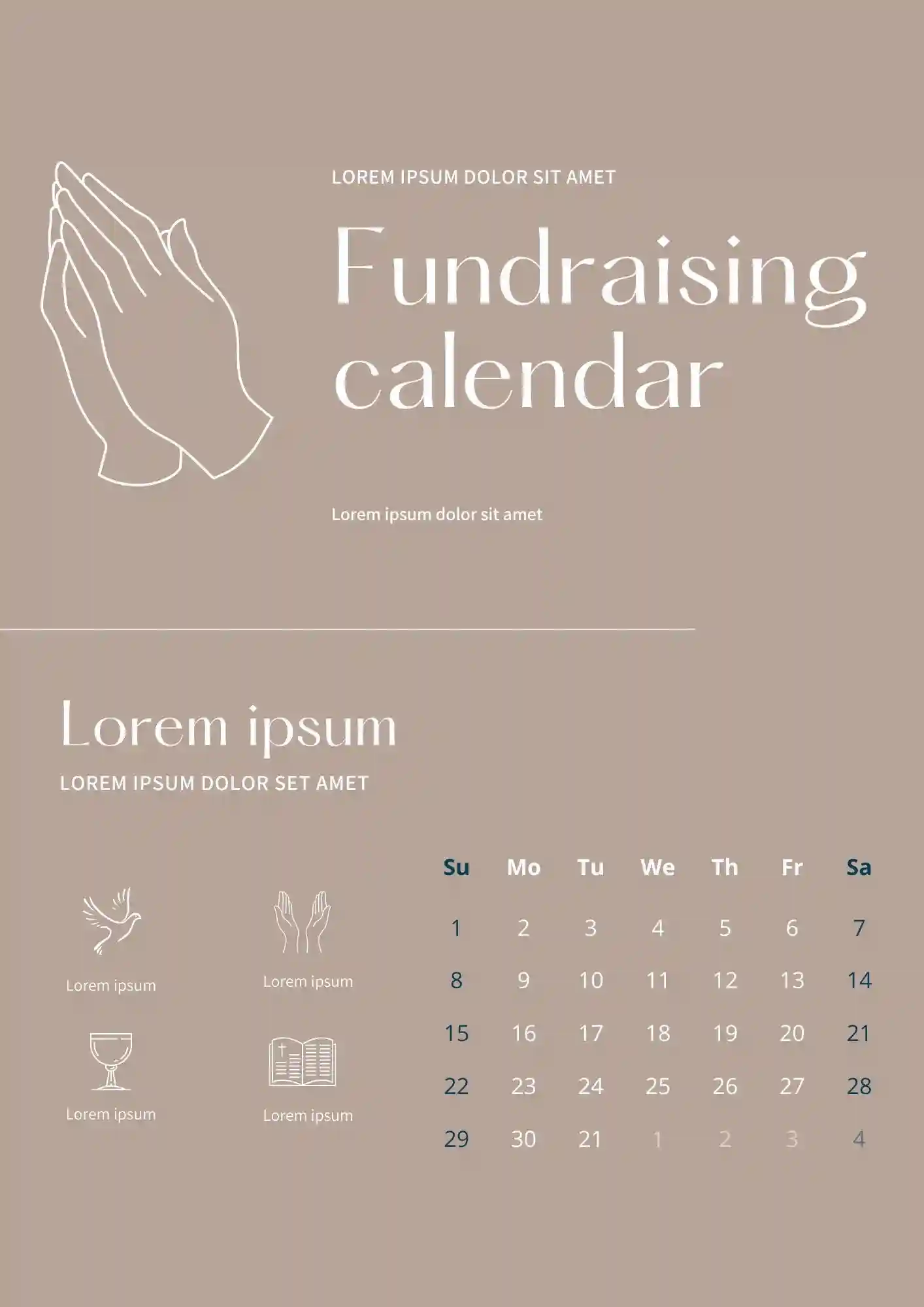
Planning fundraising activities gets harder when campaign dates, donor outreach, and events are scattered. The Fundraising Calendar Template is a good fit for nonprofits, school groups, charities, and community organizers who need to track campaigns clearly.
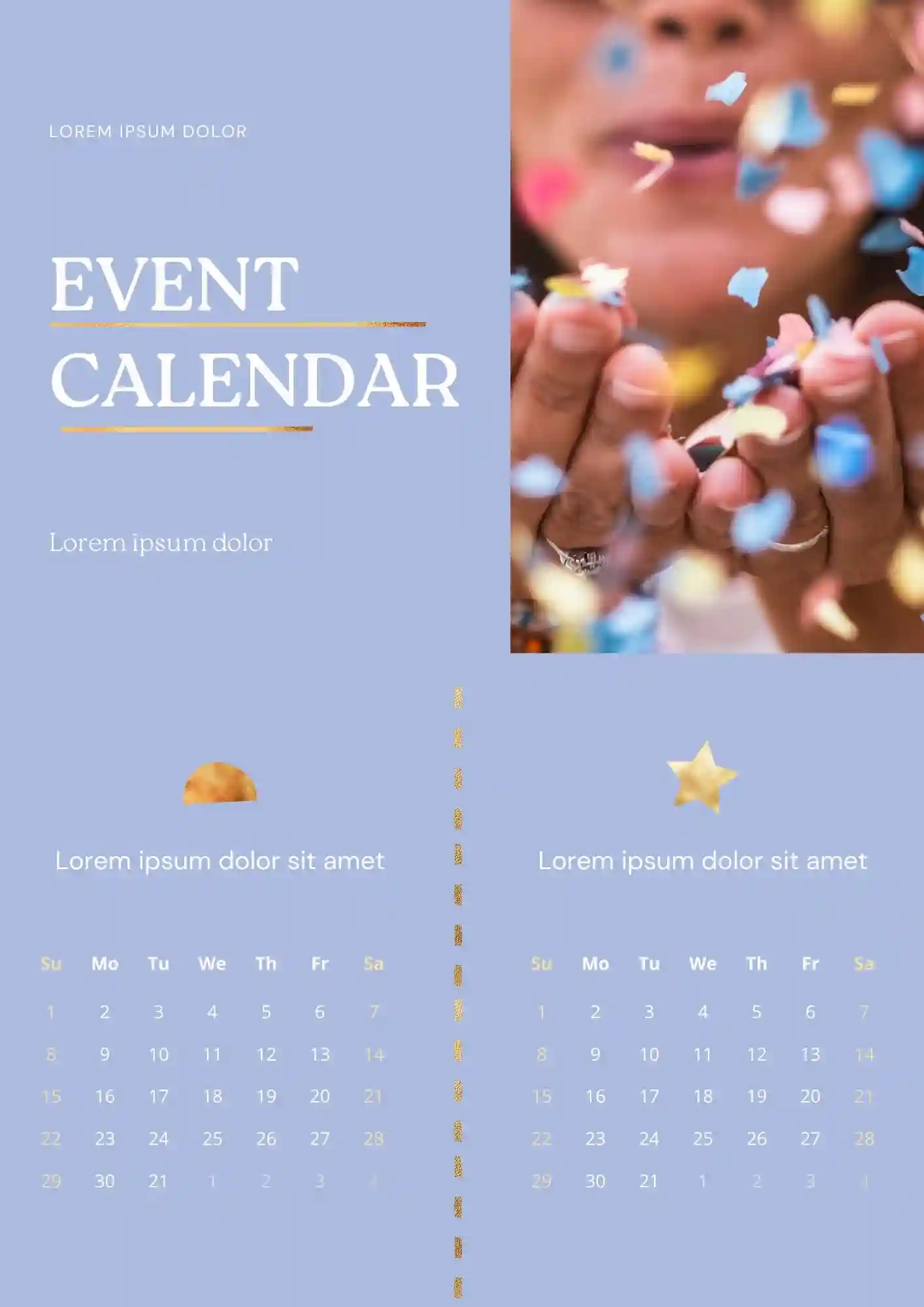
Managing events feels more overwhelming when schedules, reminders, and deadlines are spread across different files. The Event Calendar Template works for event planners, office teams, schools, and organizers who need to map dates in a simple format.
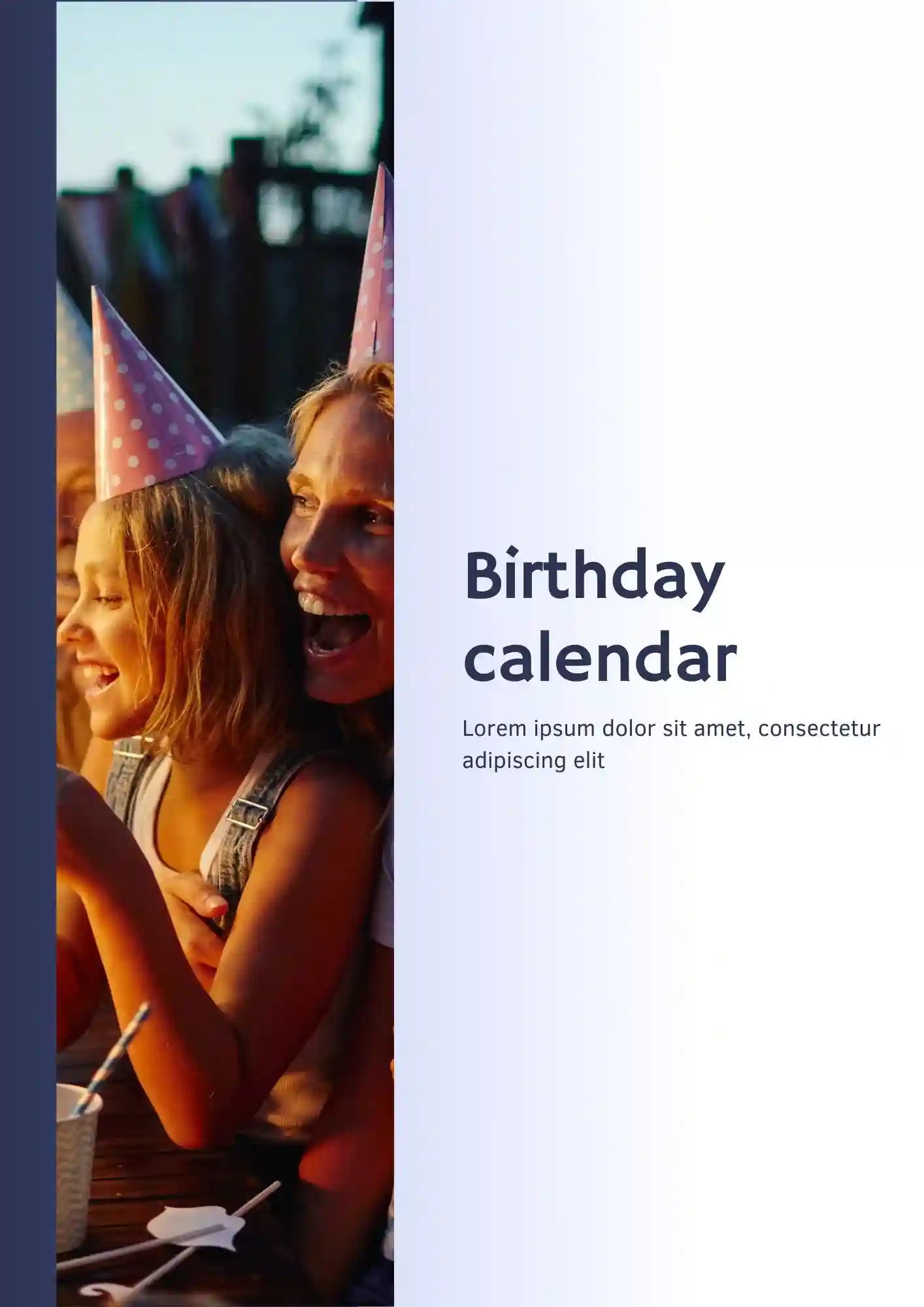
Missing birthdays makes you look unprepared and forgetful. The Birthday Calendar Template is useful for parents, teachers, office managers, and party planners who need to track dates clearly.
It’s a compact template for making your own game. You have the opportunity to add any images and text to the layout, making it one-of-a-kind.
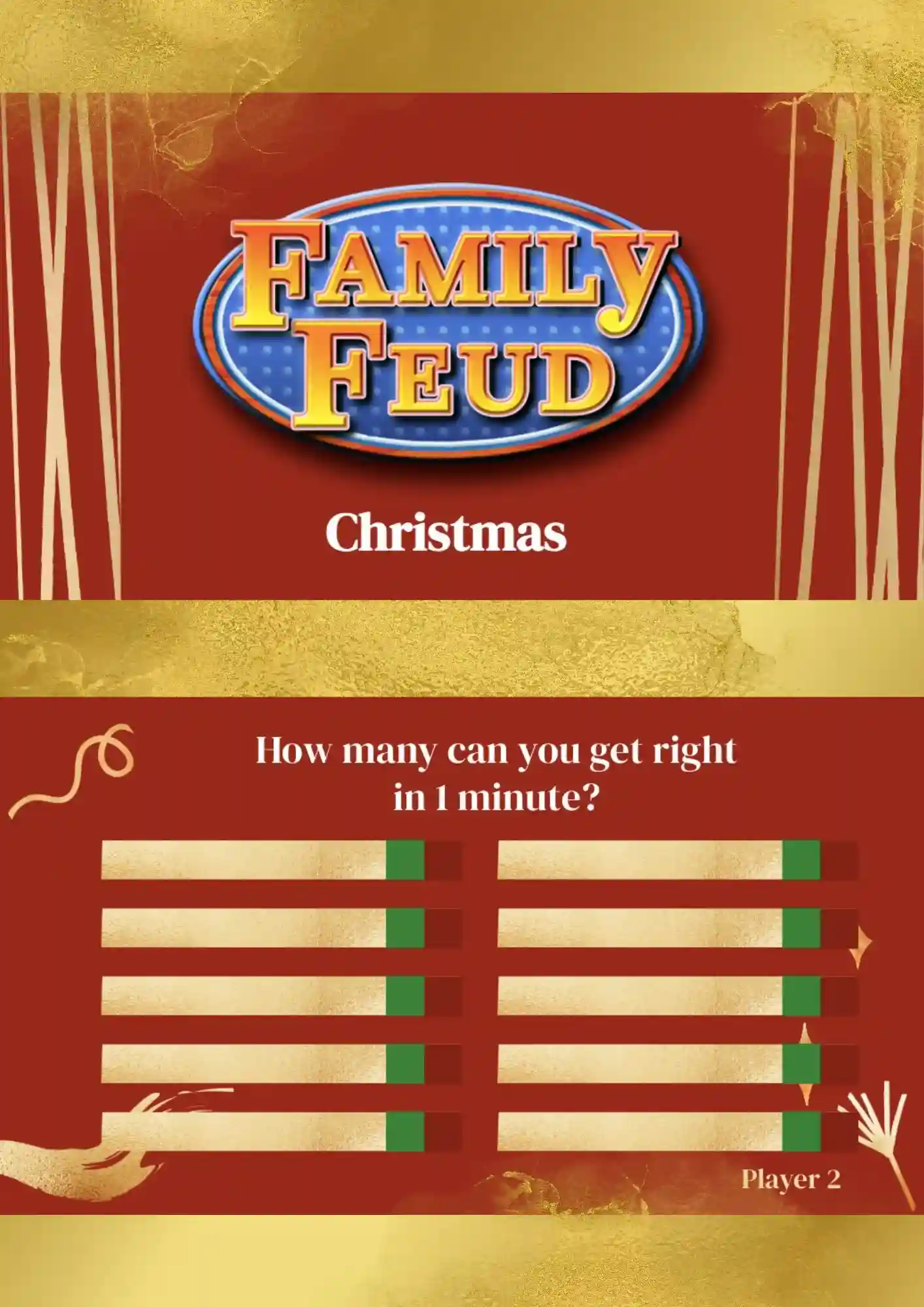
What is the best way to spend an evening when the whole family has gathered? Of course, play Christmas Family Feud. Prepare Christmas-themed questions, split into several teams, and get ready to have some fun!
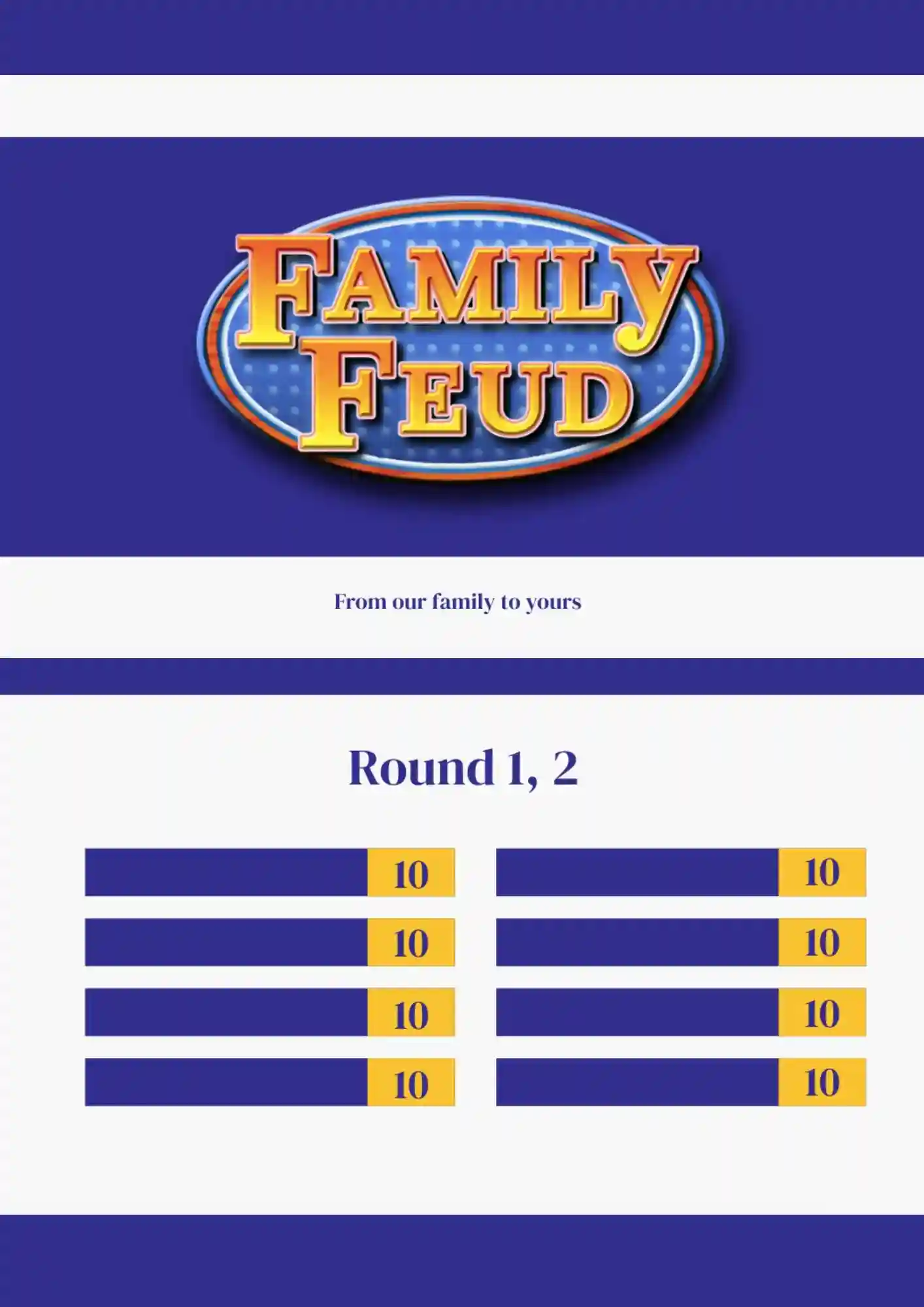
Family Feud Blank Template is made in classic design show. It is perfect for a family evening, as well as for an extraordinary school lesson.
The design of this layout is developed especially for teachers. By means of such a game, you can test the students’ knowledge in any subject: from mathematics to science.
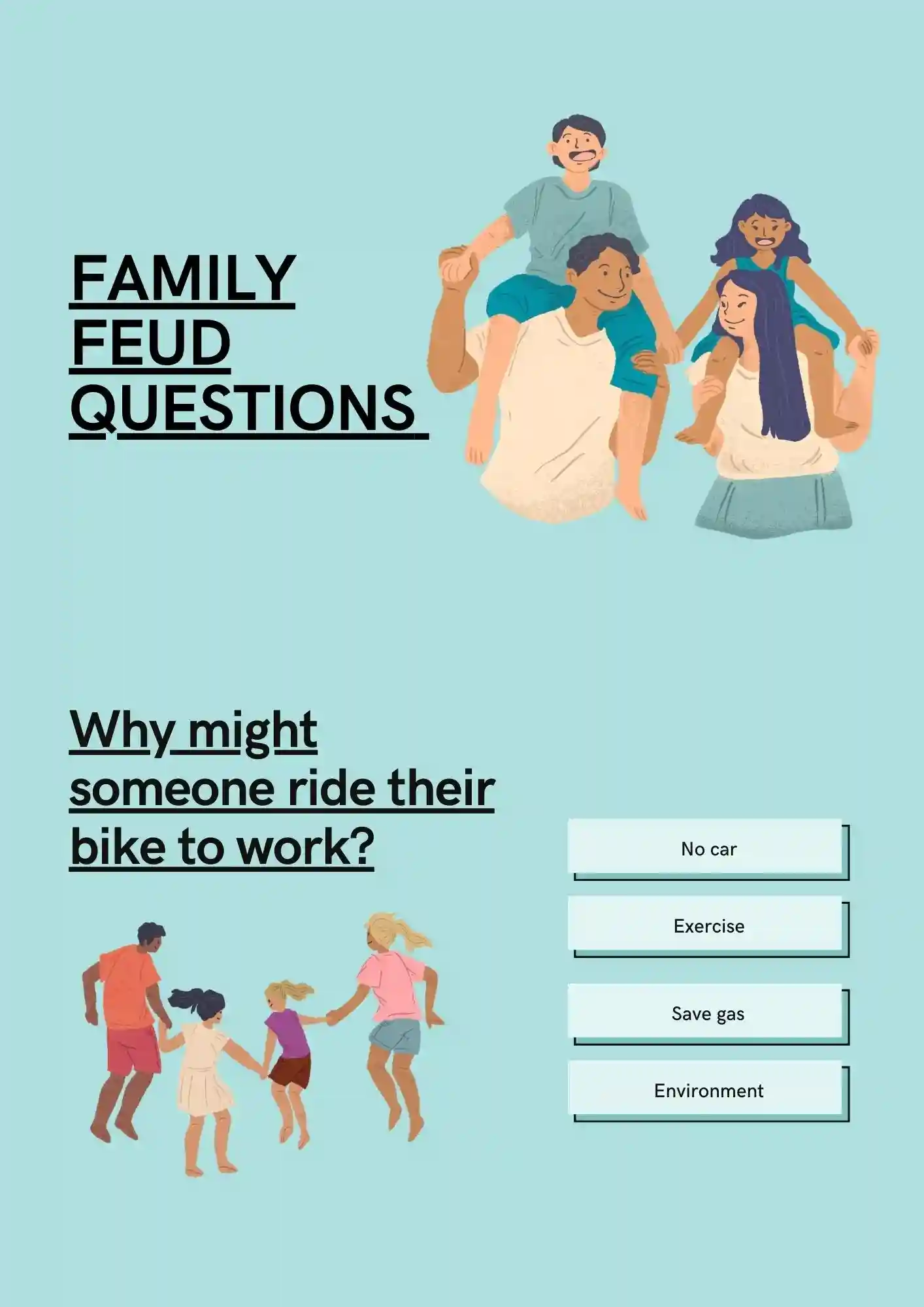
Due to this free Feud Questions Template in Google Docs you can create a fun quiz. You need to think over not only interesting questions, but also off-trail answers and add all this to the layout.
What makes a classroom game feel engaging instead of just another worksheet? The Classroom Jeopardy Template suits K–12 teachers, substitute teachers, STEM educators, and tutoring centers who want to review material interactively.
Cheap-looking holiday games ruin the festive atmosphere at your party. The Christmas Jeopardy Template is a strong fit for classroom teachers, party hosts, family gatherings, and corporate holiday events who want a seasonal twist.
How do you run a Jeopardy game with multiple topics without the board getting messy? The 4-Topic Jeopardy Template works for trivia hosts, teachers, corporate team builders, and event organizers who need structured categories.
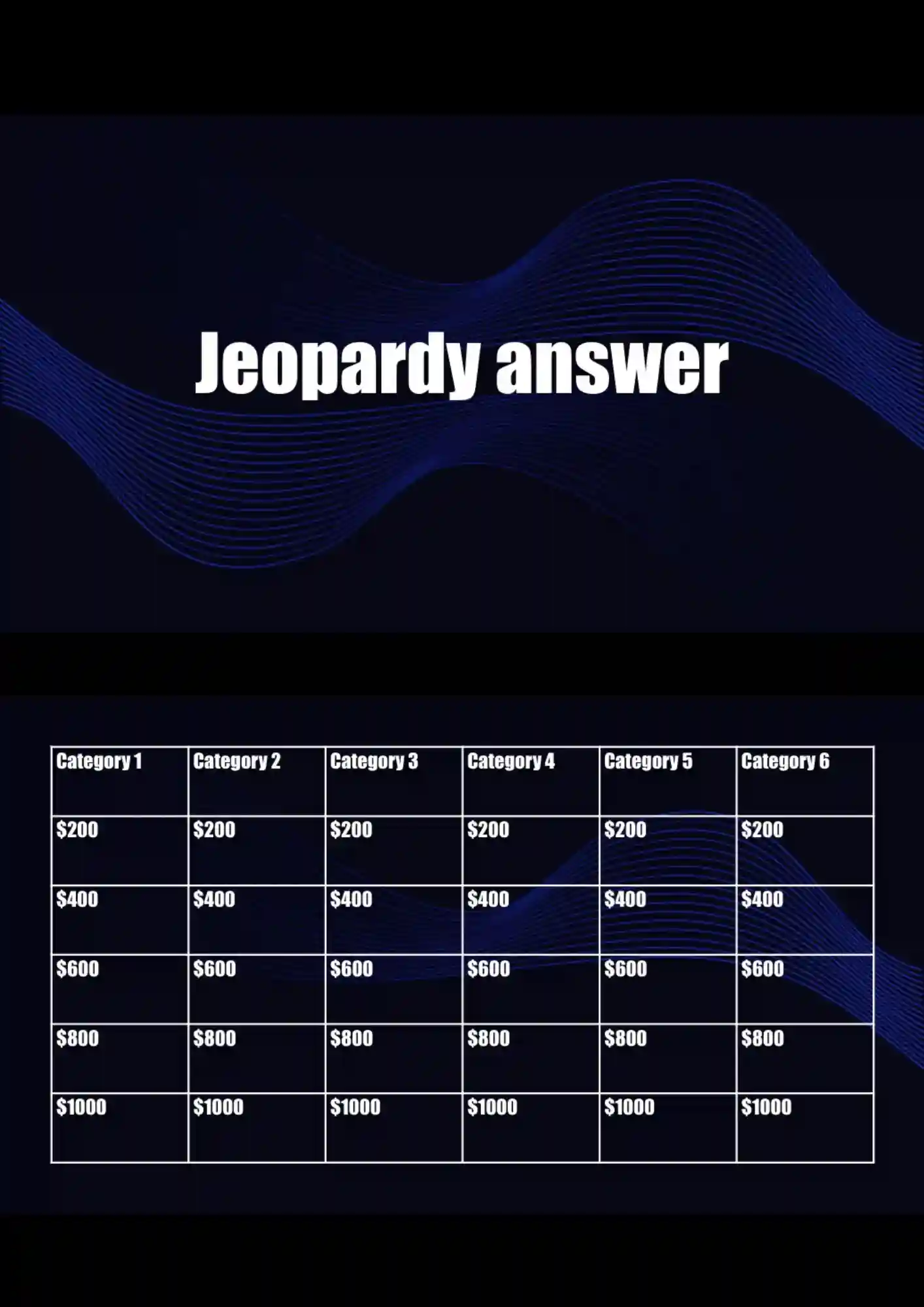
Can a Jeopardy answer slide still feel polished when it needs to show reveals and scoring? The Jeopardy Answer Template is useful for game show hosts, teachers, trivia organizers, and event planners who need professional answer reveals.
Your game show looks amateur when the board doesn't load properly during gameplay. The Jeopardy Board Template works well for teachers, event hosts, trivia nights, and classroom activities that want smooth gameplay.
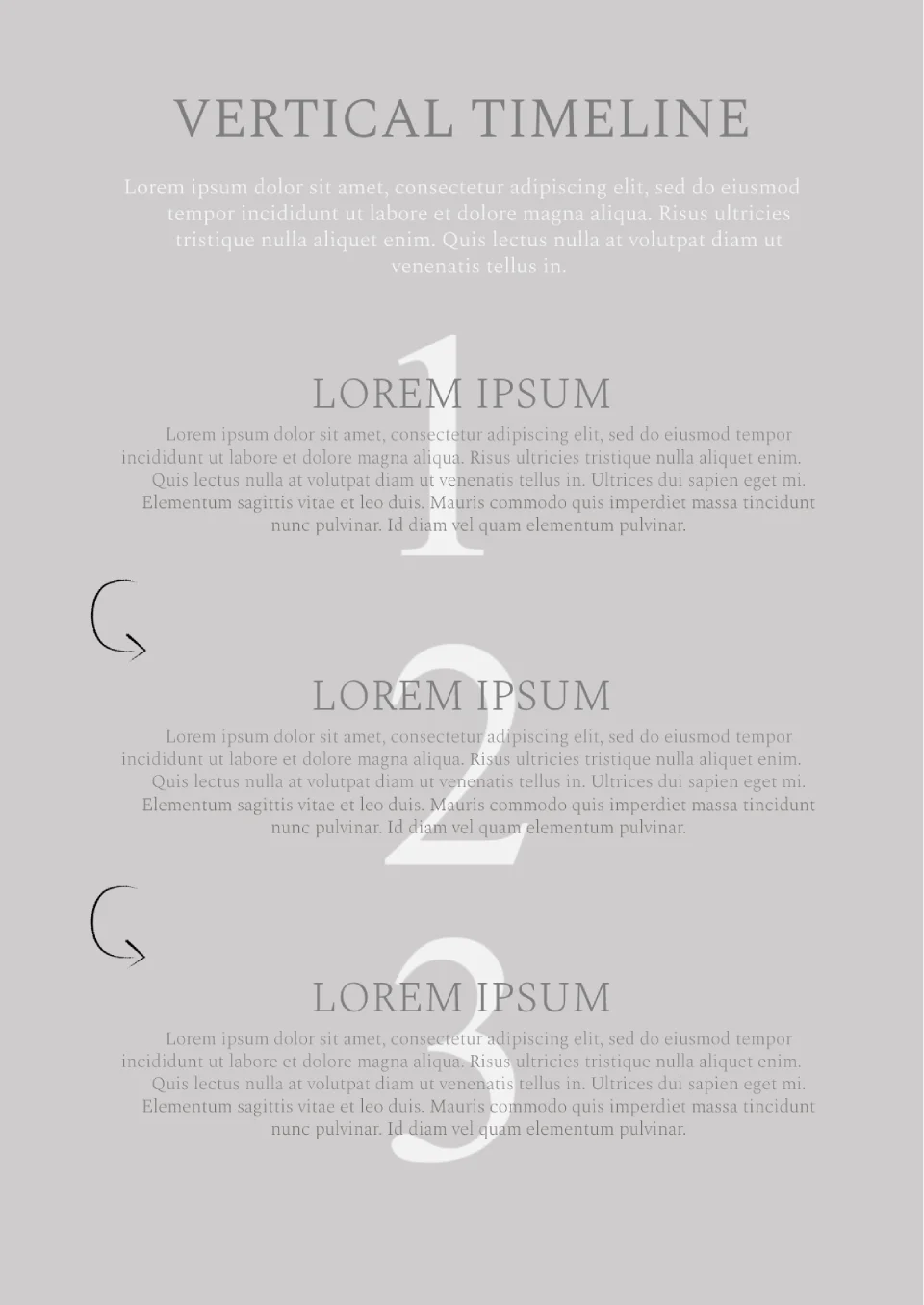
Present your interesting idea at the meeting, having formatted it with this template. The layout is designed for a strategy consisting of 3 steps.


Choose your preferred social media platform from options like Pinterest, Facebook, Twitter, and more. Share our templates with your contacts or friends. If you’re not active on these social networks, you can simply copy the link and paste it into the one you use.