

 Back to templates
 All templates- Page 116
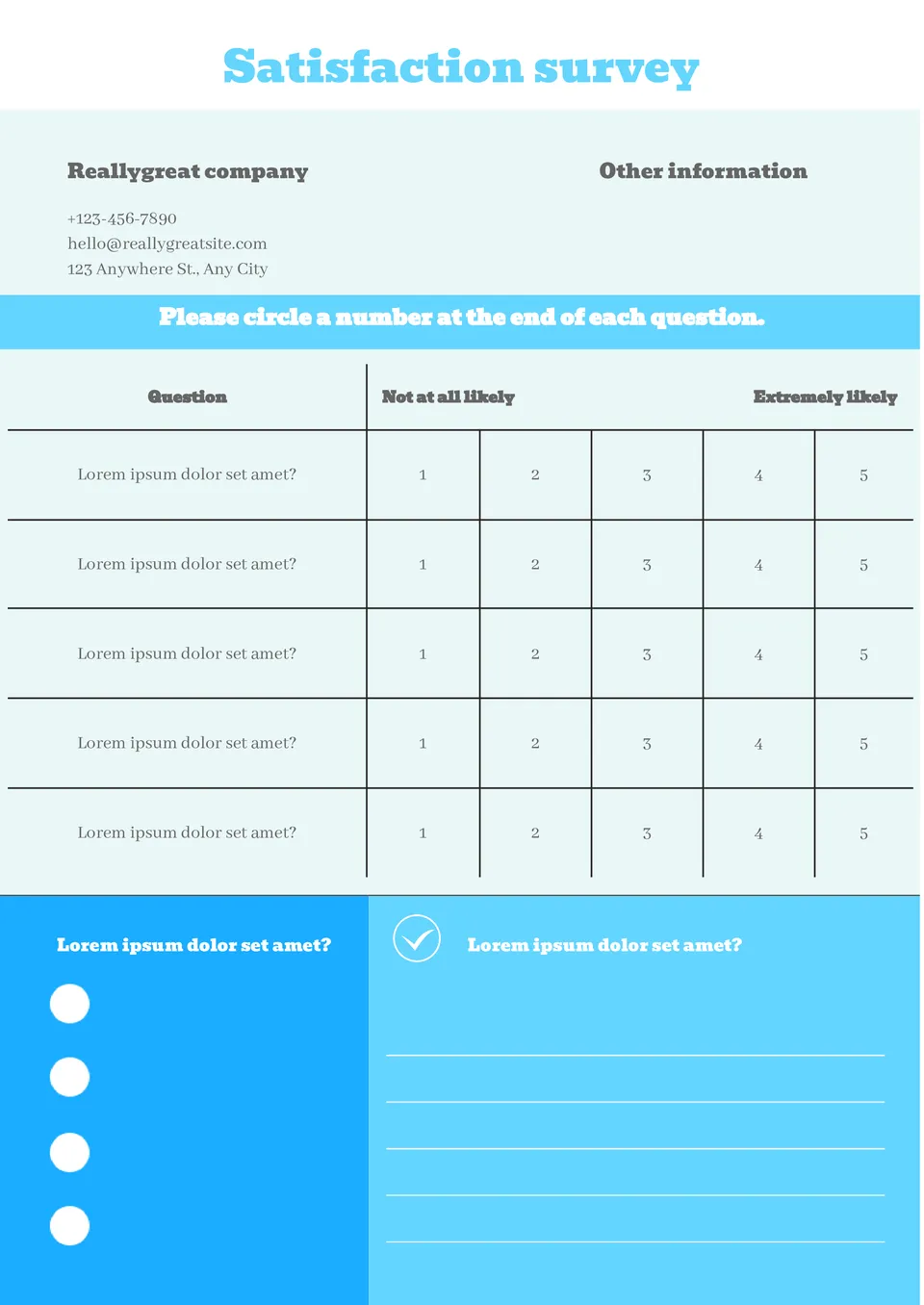
Worried your customer satisfaction survey looks too generic and won't get honest feedback? The Satisfaction Survey Template is a strong fit for retailers, service providers, and businesses tracking customer experience.

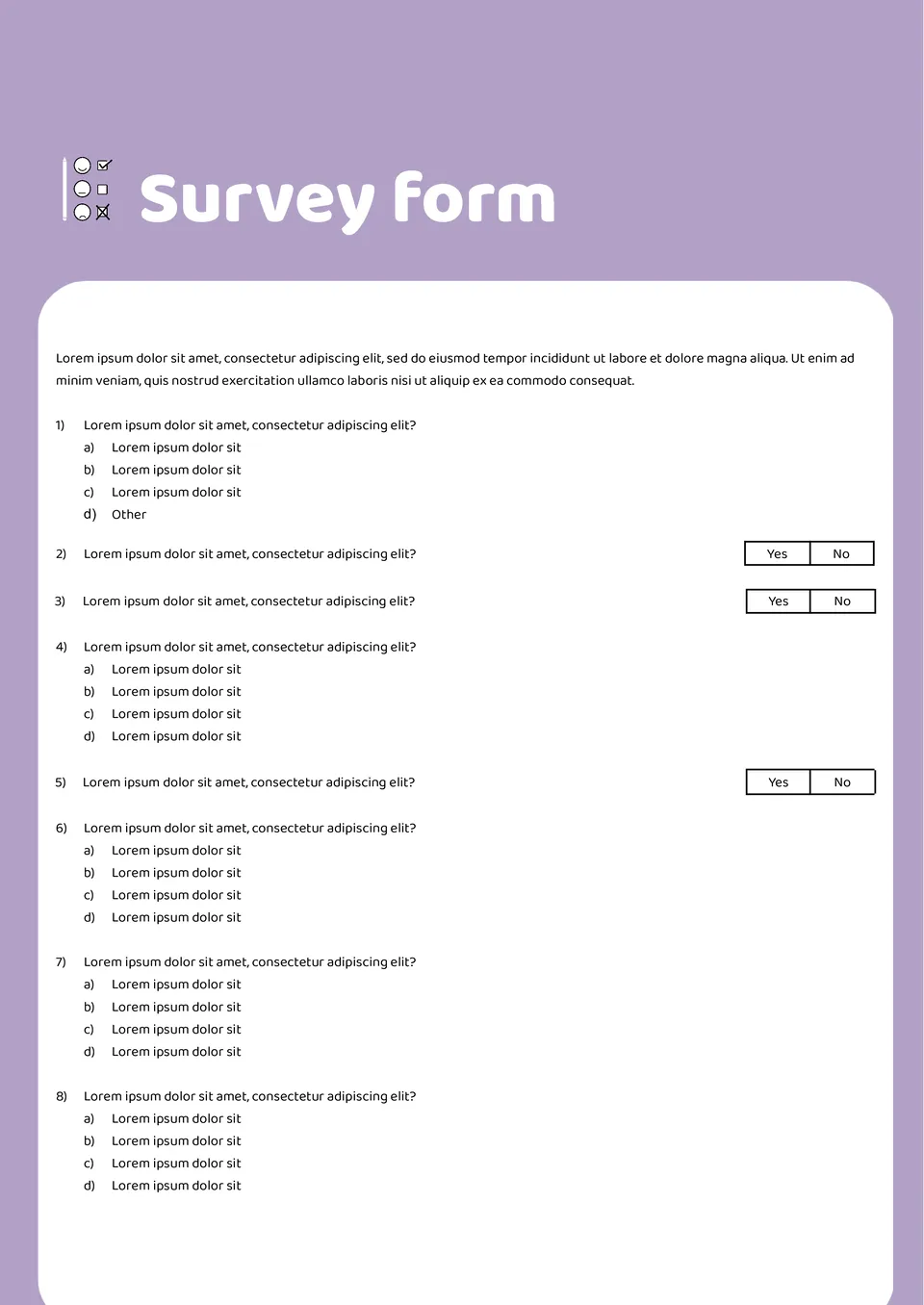
Need a professional survey form but don't know how to structure questions for better responses? The Survey Form Template is useful for teachers, event planners, and small business owners gathering information.
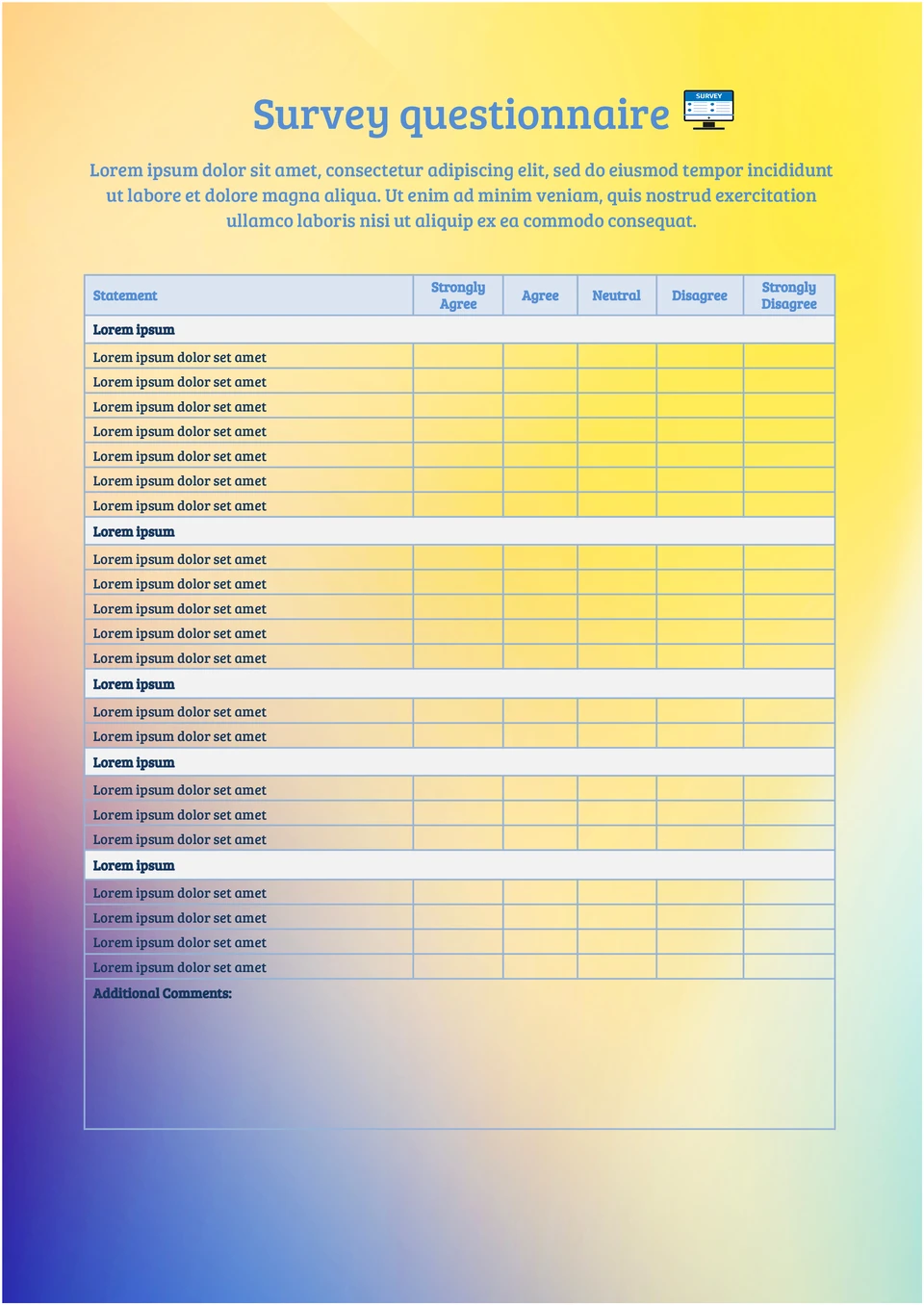
Struggling to create a survey that gets clear, useful responses without confusing participants? The Survey Questionnaire Template is a good fit for researchers, businesses, and organizations collecting feedback.
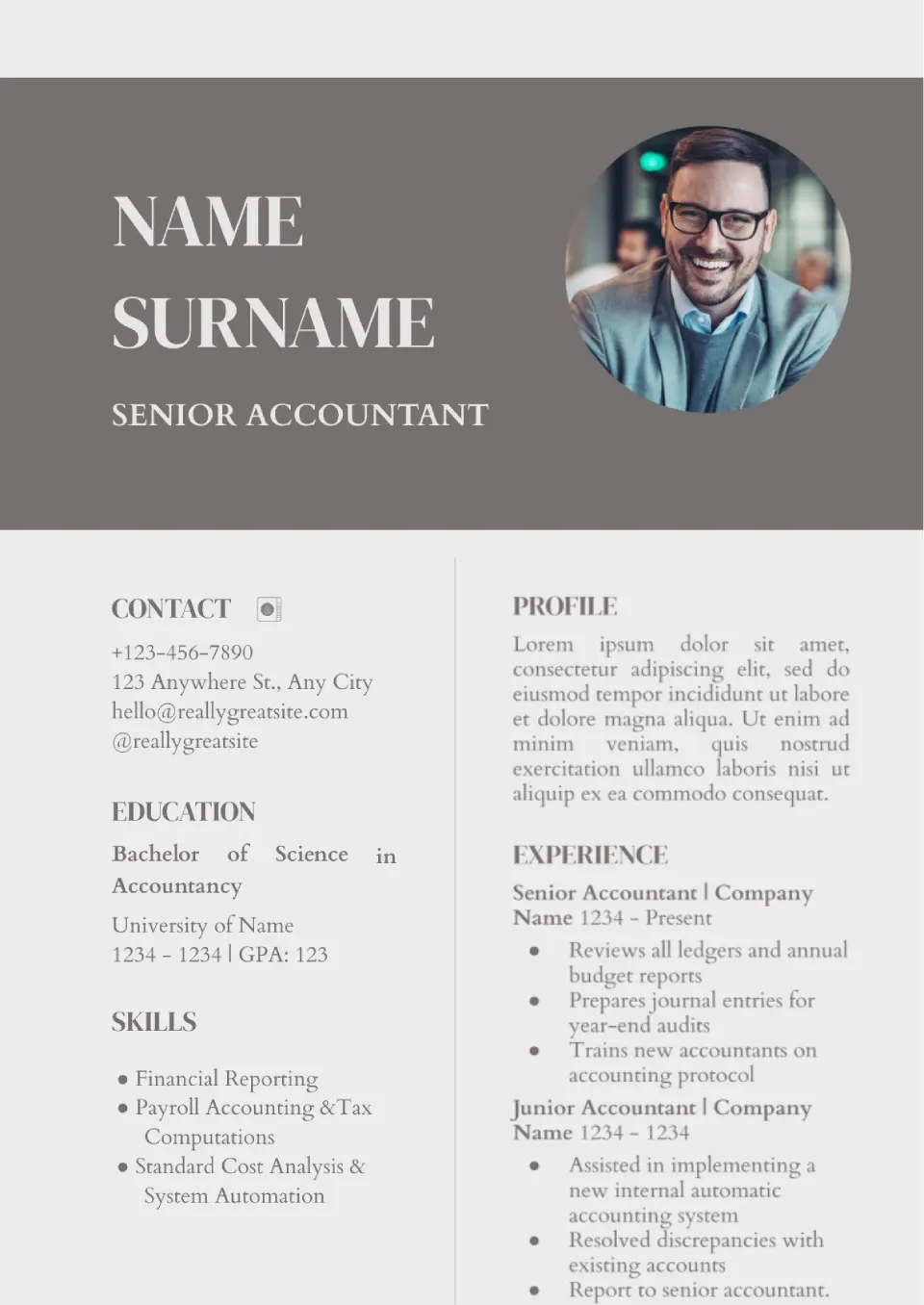
Provide potential employers with relevant information and get a job. Edit the Job Application Template for yourself — change the photo and contacts, specify skills and experience.
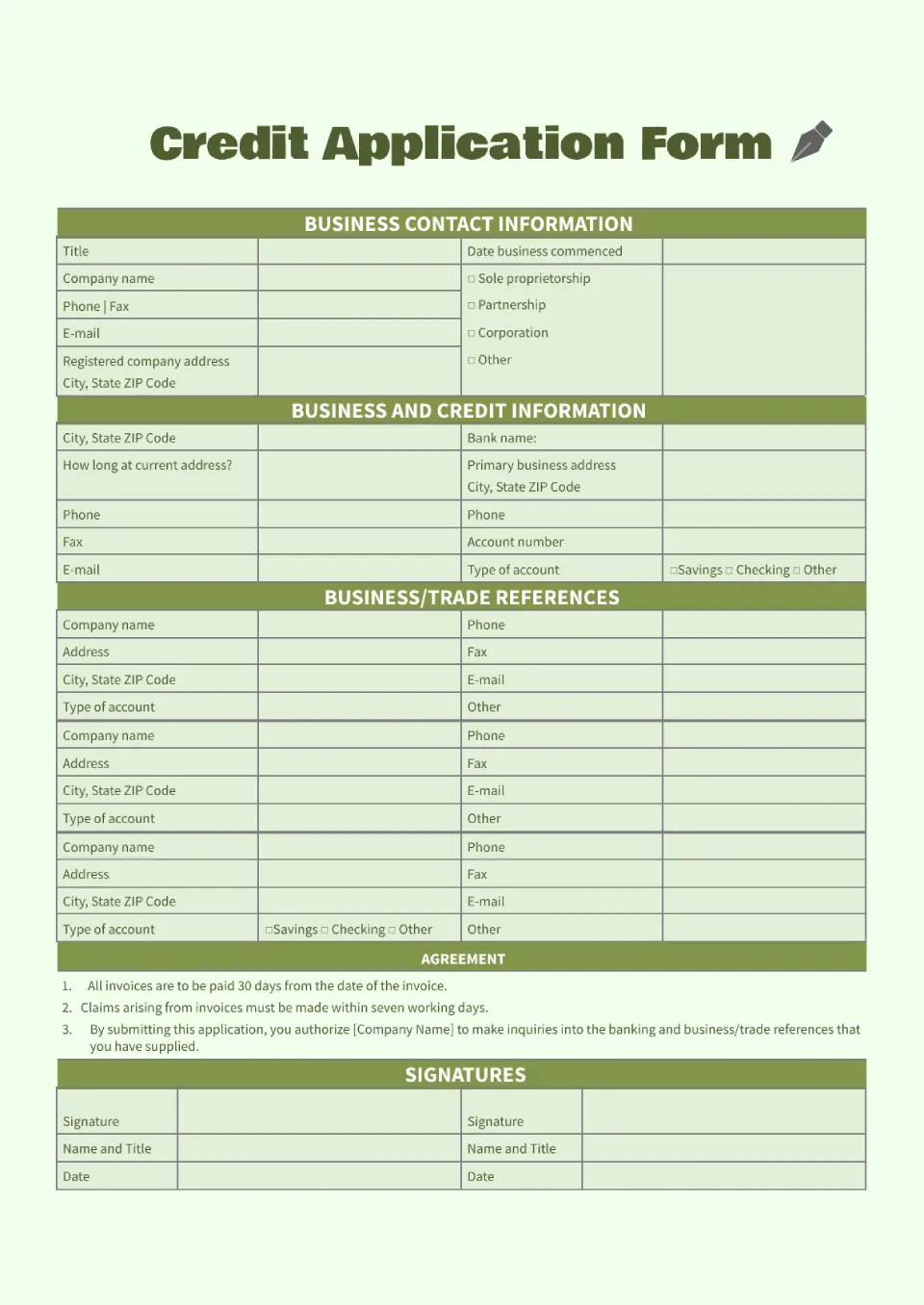
Use the Credit Application Template with information about your place of work and past work experience. From this layout, the creditor will learn as much as possible about your business and credit history.
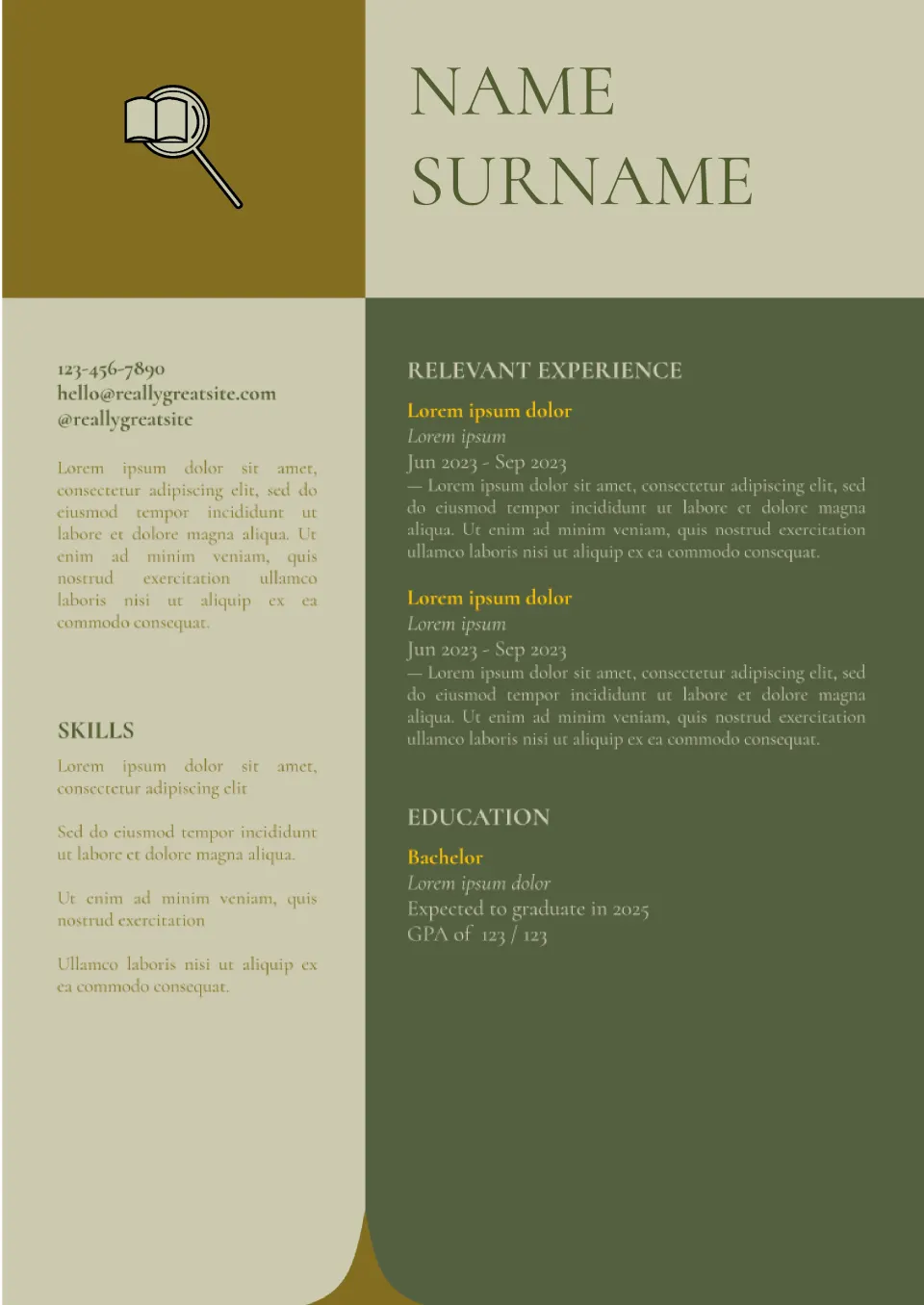
Use the editable College Application Template in Google Docs to apply to multiple educational institutions. It's easy to adapt to the academic standards of a particular college.
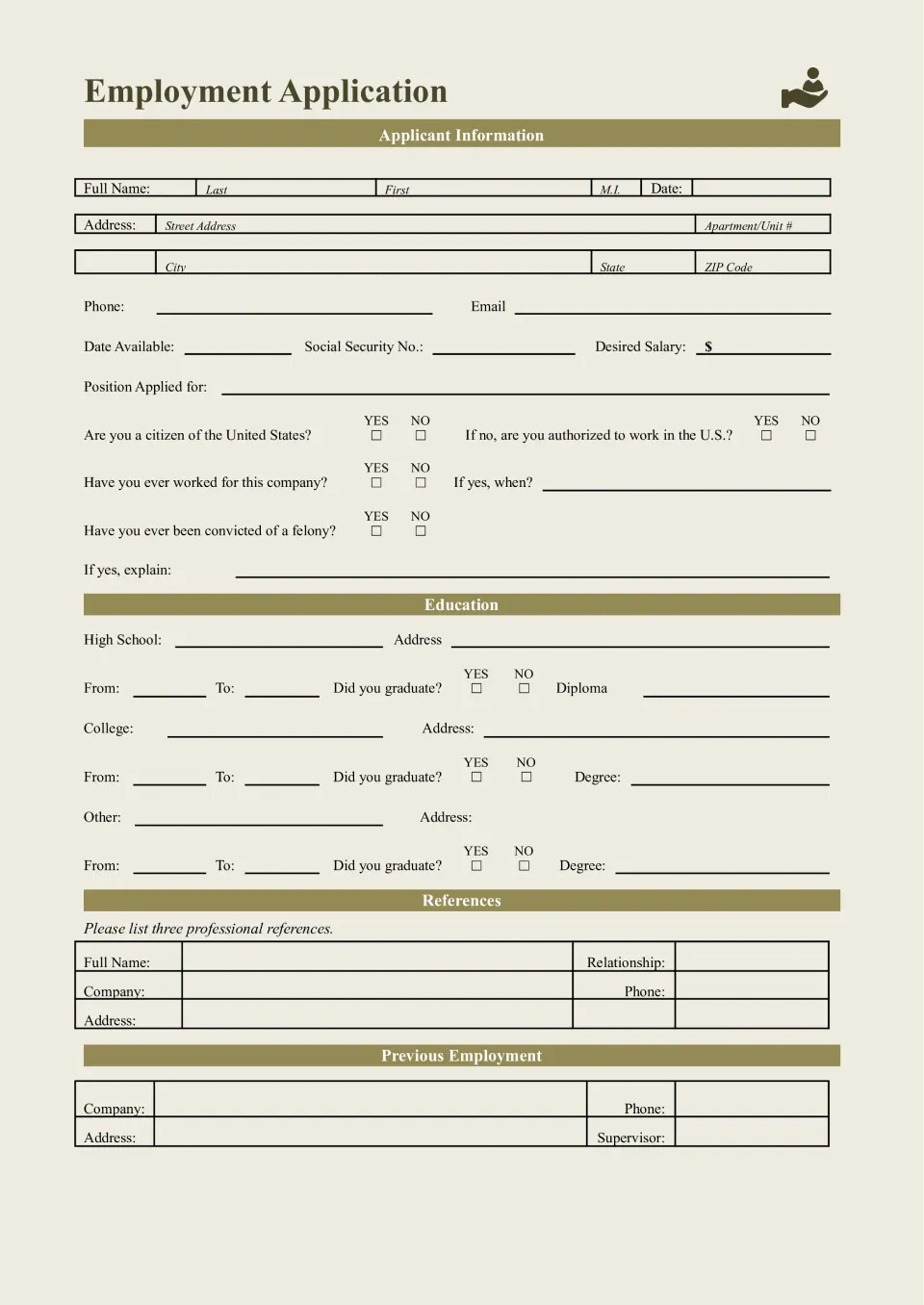
Apply for vacancies correctly — use the Employment Application Template, where you can provide information about yourself and your professional experience. Increase your chances of outperforming other candidates by talking about your education and previous jobs.
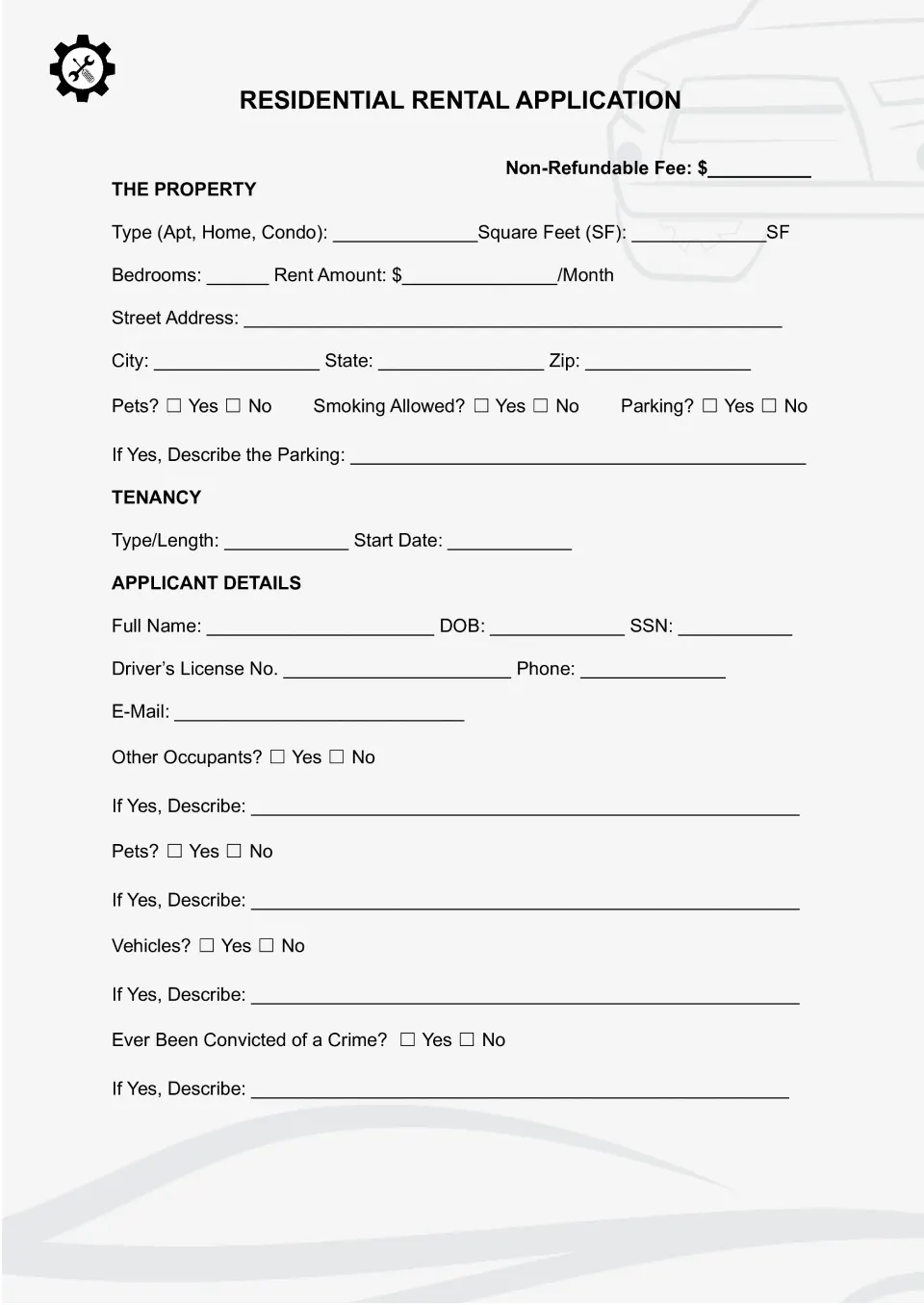
Rent the home of your dreams by providing complete information in the Rental Application Template. Download the editable layout and adapt it to your needs. If necessary, delete excess or replace certain graphs.
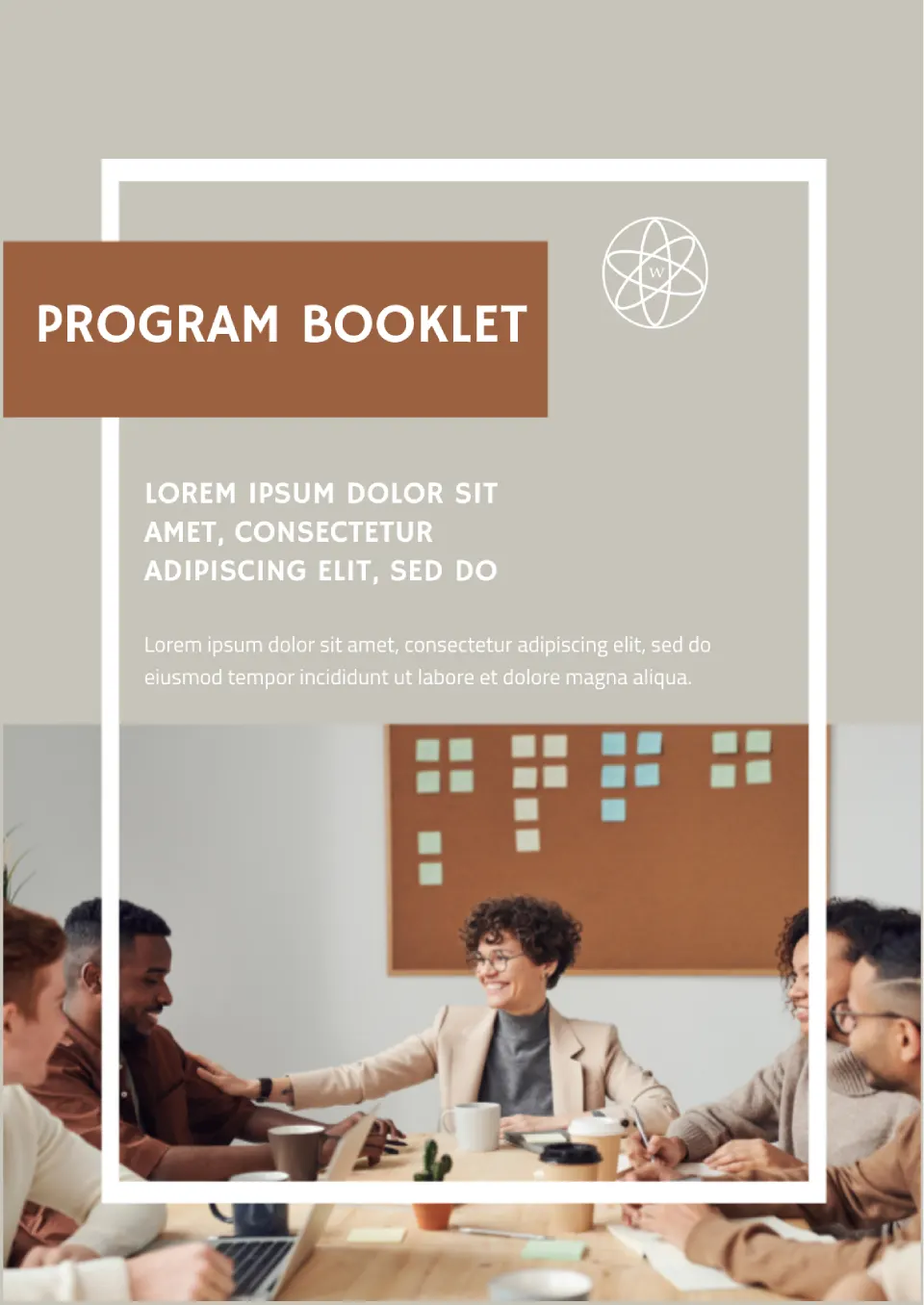
Customize the layout by adding a featured photo, title, and short description to the front page. On the other side, place a detailed program, specifying the start time of each event stage. The completed template can be printed or sent in soft copy.
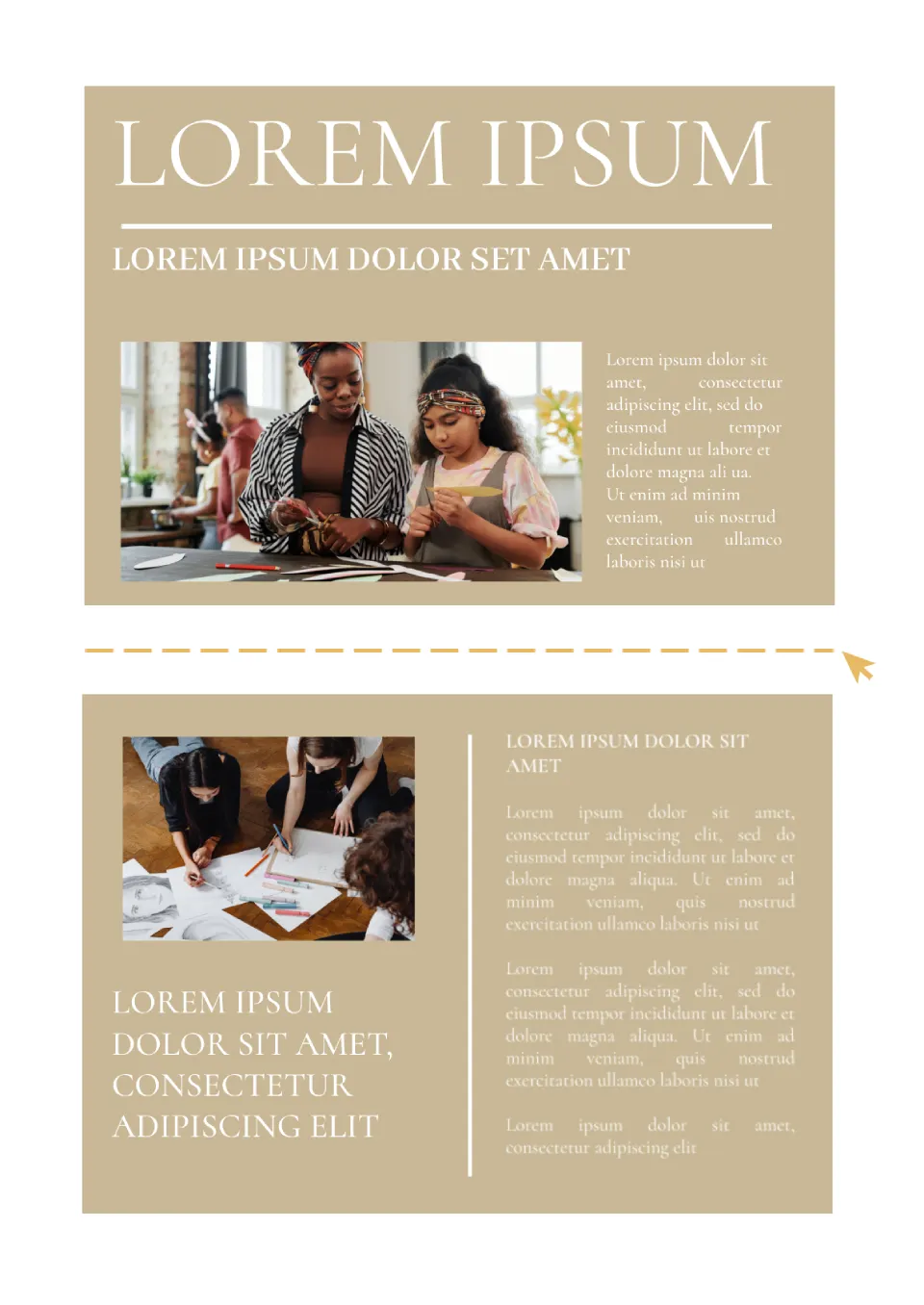
There is enough space for the text to tell of the event, product, company. Horizontal and vertical photos can be placed as illustrations.
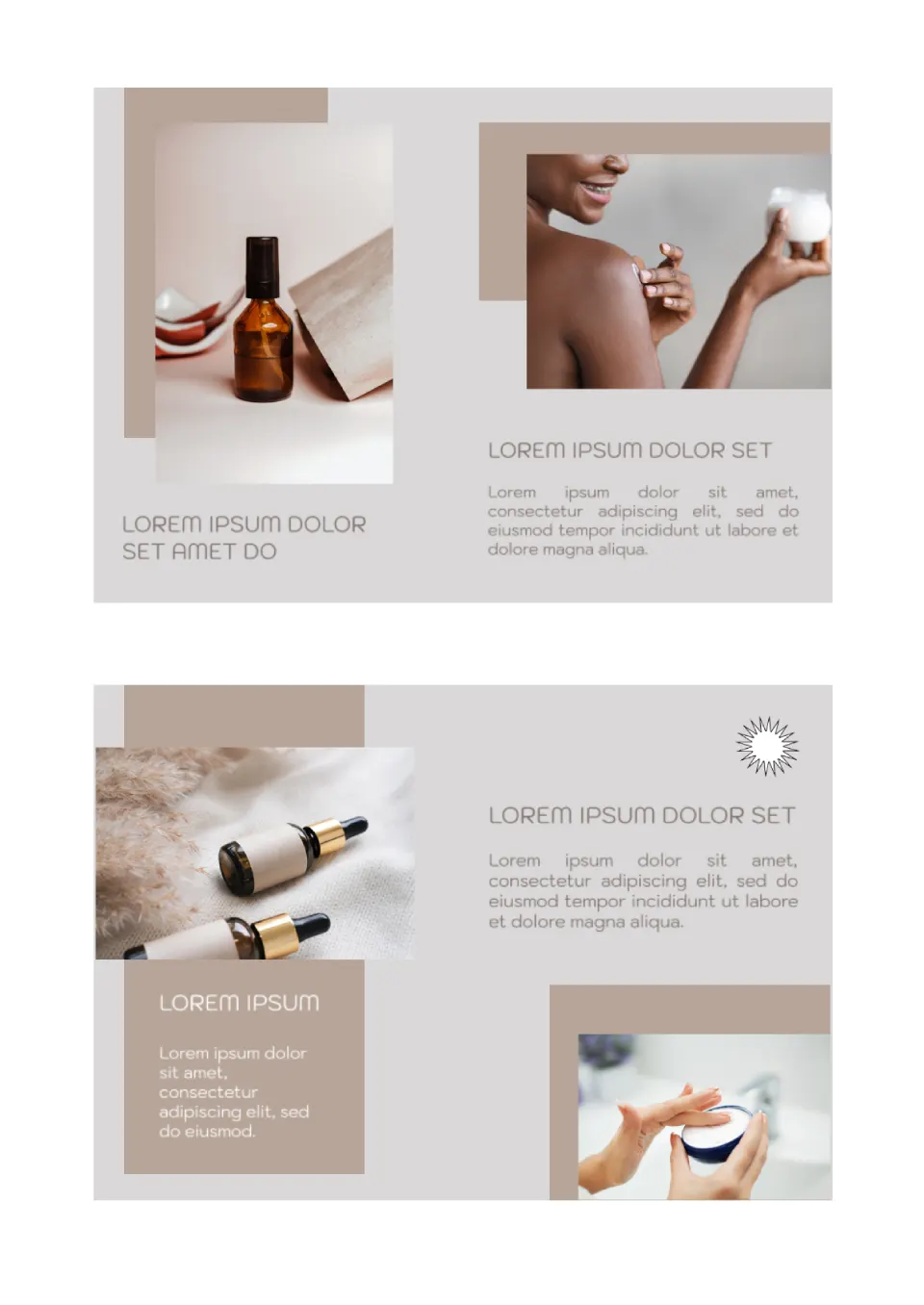
In this layout, images are the main focus, so you need to pick them up well. It is better to make the text concise, indicating the main pros of the product.
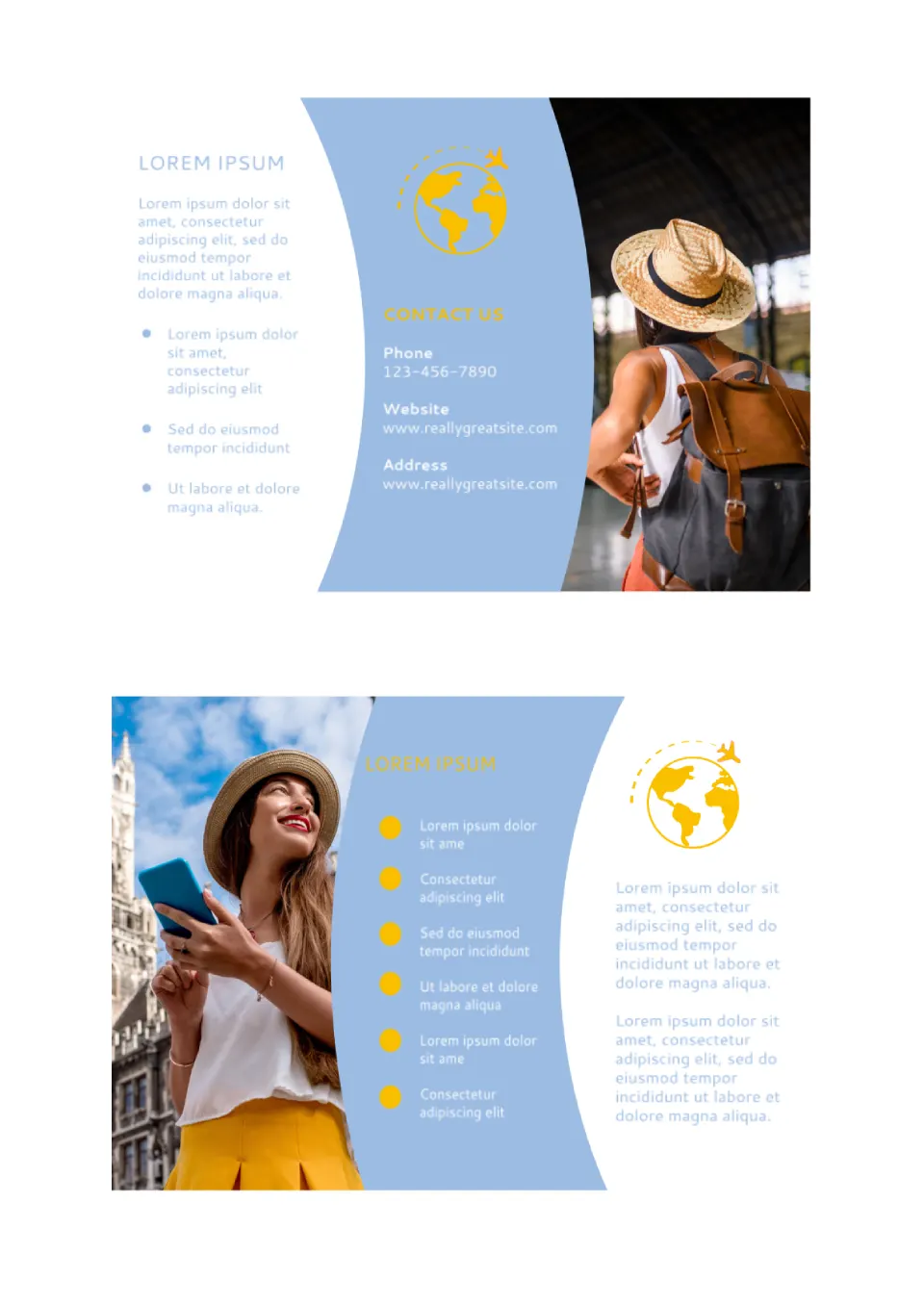
The template is visually divided into three parts, each of which has a place for a large photo. Short bulleted lists in the center look good on a bright background, and there is enough space in the text block for detailed information.
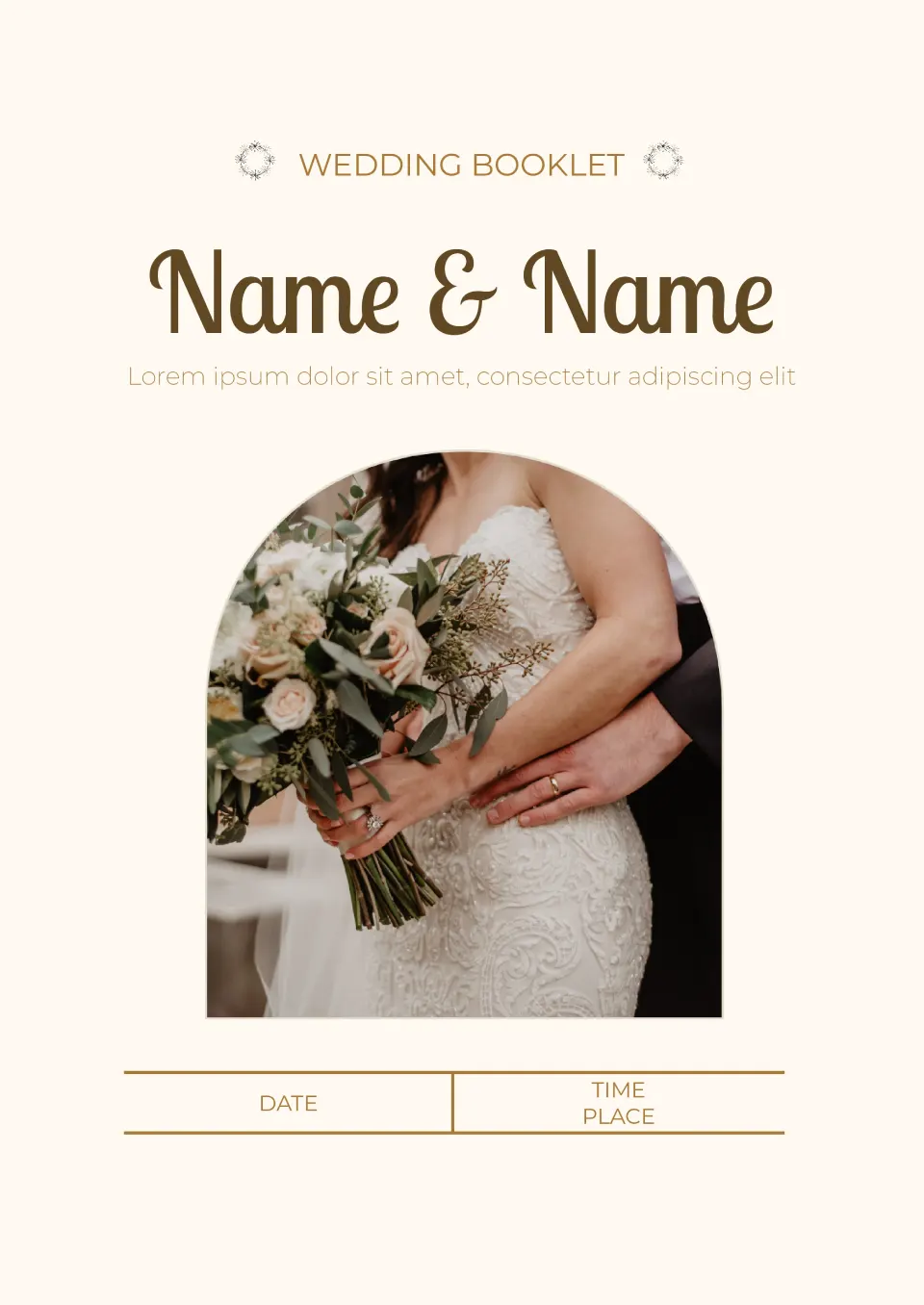
On the front page of this warm layout, there is a photo, the just-married couple’s names, the date and venue of the ceremony. On the second side, a detailed plan of the celebration with the names and description of each item is indicated.
Confusing tech stacks make your engineering team look disorganized to investors. The Technology Stack Template suits CTOs, startup founders, devops teams, and enterprise architects that need to document tools clearly.

Regulators reject risk policies when they're missing critical compliance sections. The Technology Risk Management Policy Template is useful for CISOs, compliance officers, IT managers, and auditors who need to document security controls.
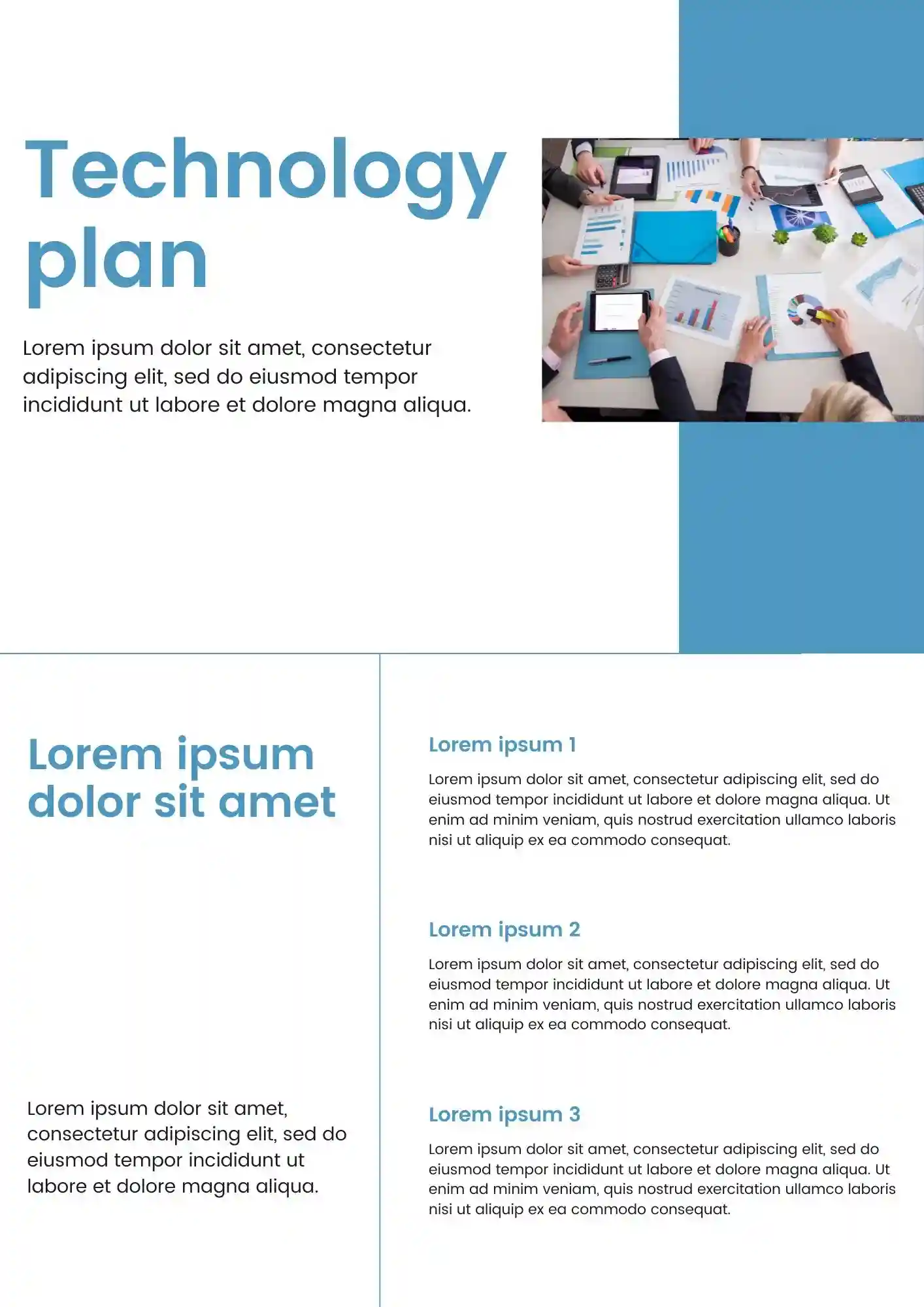
Can a technology plan still look polished when it covers budget, timeline, and stakeholders? The Technology Plan Template works for IT directors, CTOs, project managers, and board members who need investor-ready docs.
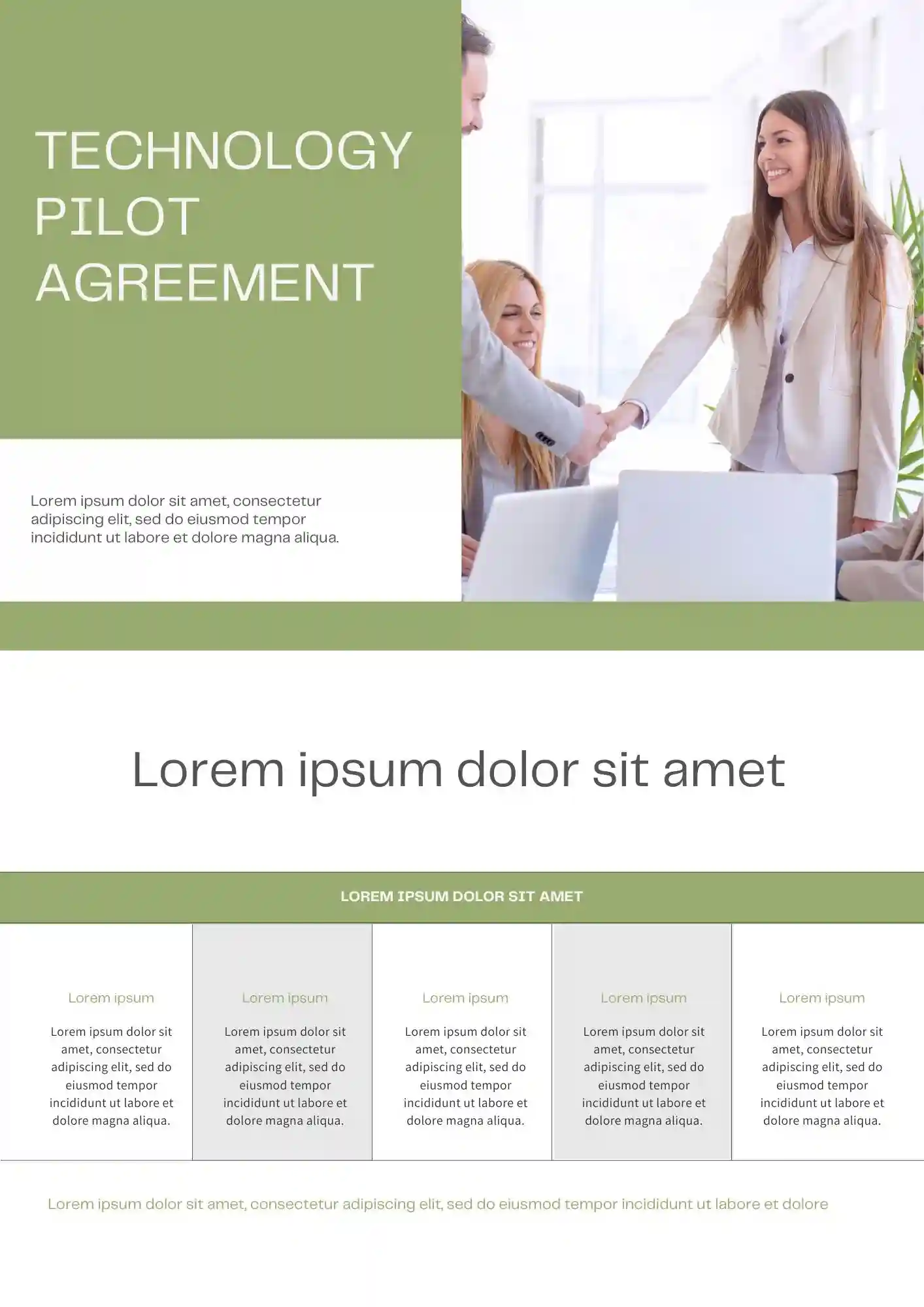
Why settle for a generic contract when your pilot program needs specific technical terms? The Technology Pilot Agreement Template is useful for SaaS companies, enterprise sales teams, legal teams, and startup founders who need to define pilot scope.

Choose your preferred social media platform from options like Pinterest, Facebook, Twitter, and more. Share our templates with your contacts or friends. If you’re not active on these social networks, you can simply copy the link and paste it into the one you use.