

 Back to templates
 Google Docs Templates - Page 100
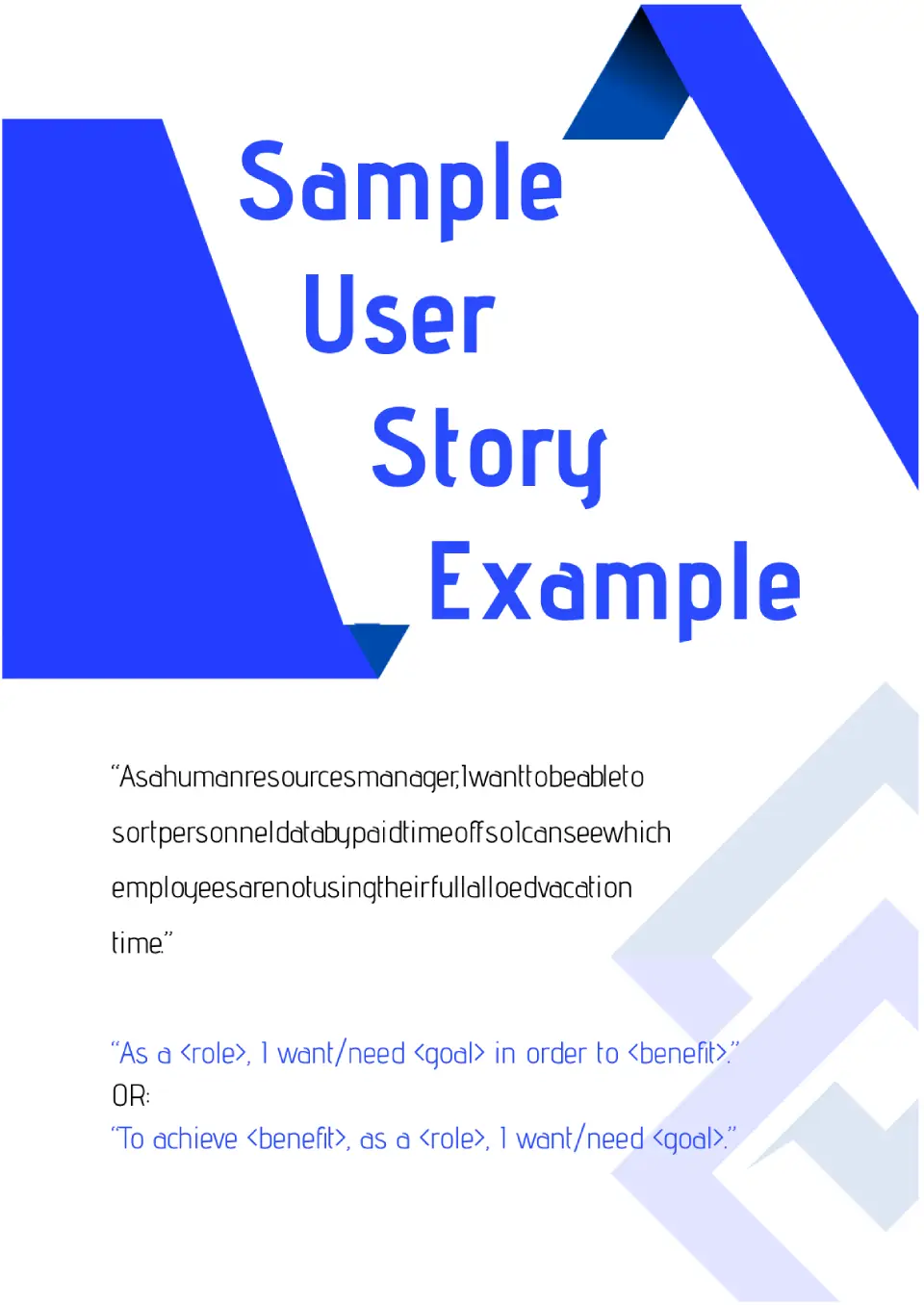
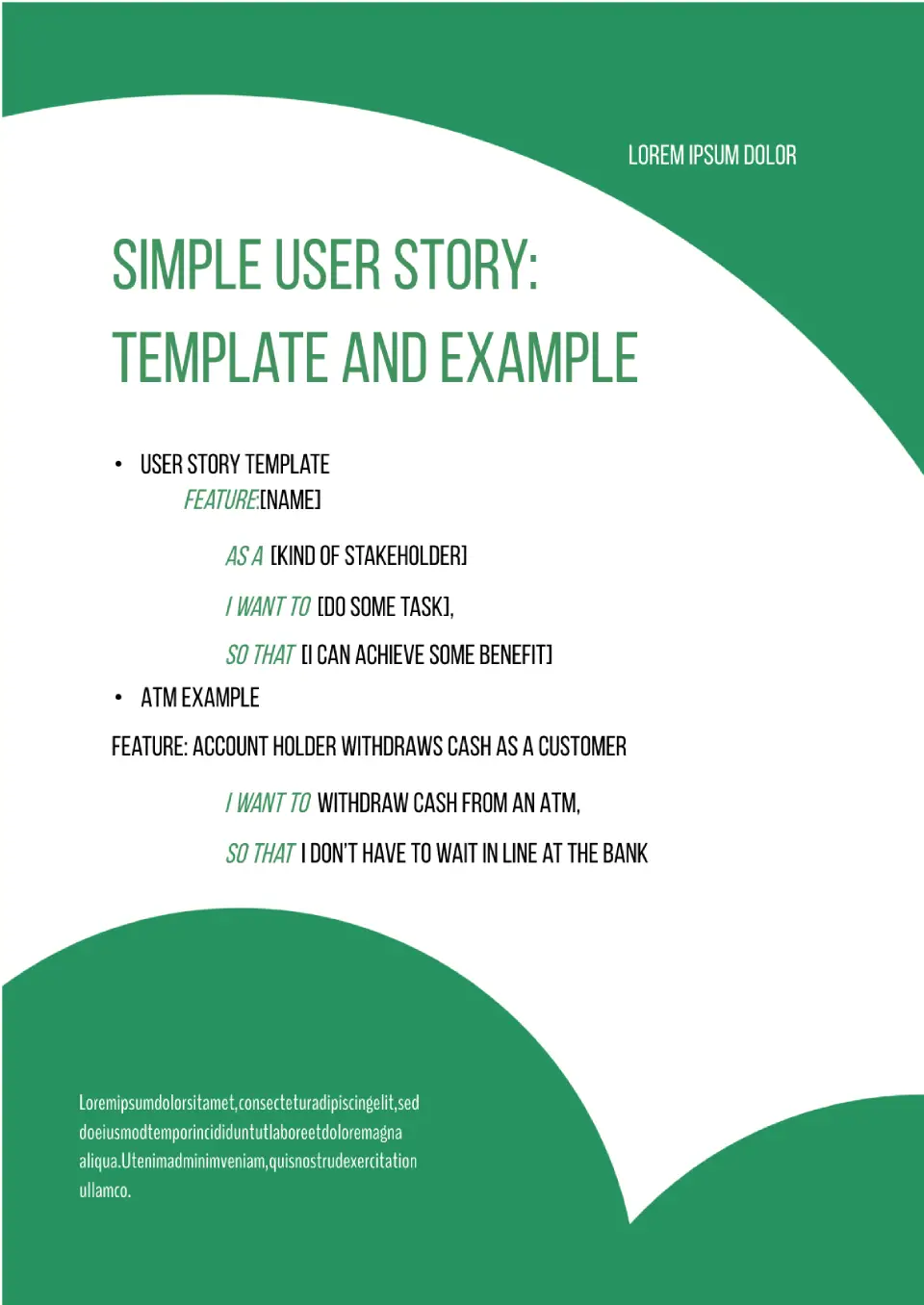
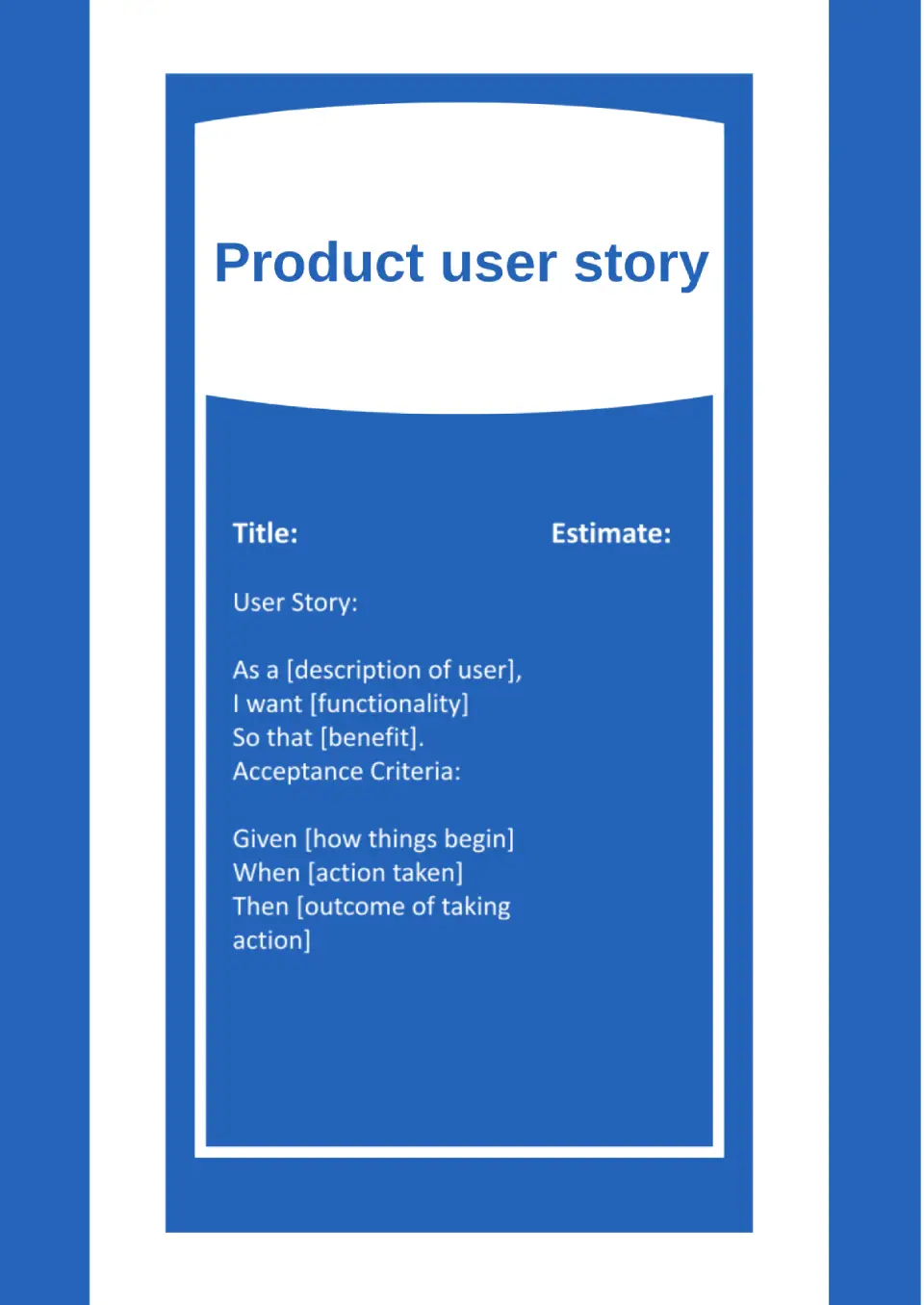
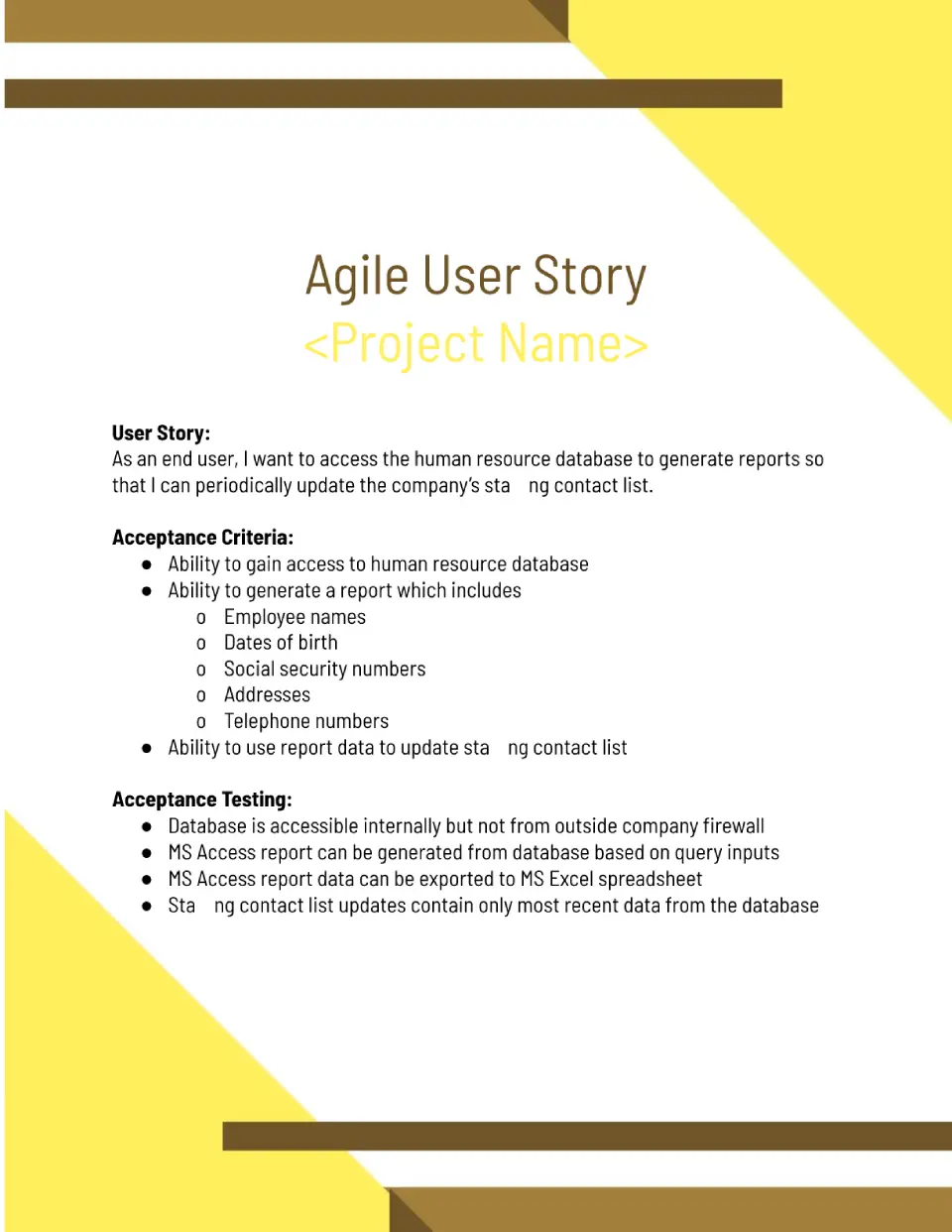
If you’ve never written a user story before, this template will quickly introduce you to the structure you need. You need to step into your customer’s shoes, identifying what they really want from the product and what they might not like.

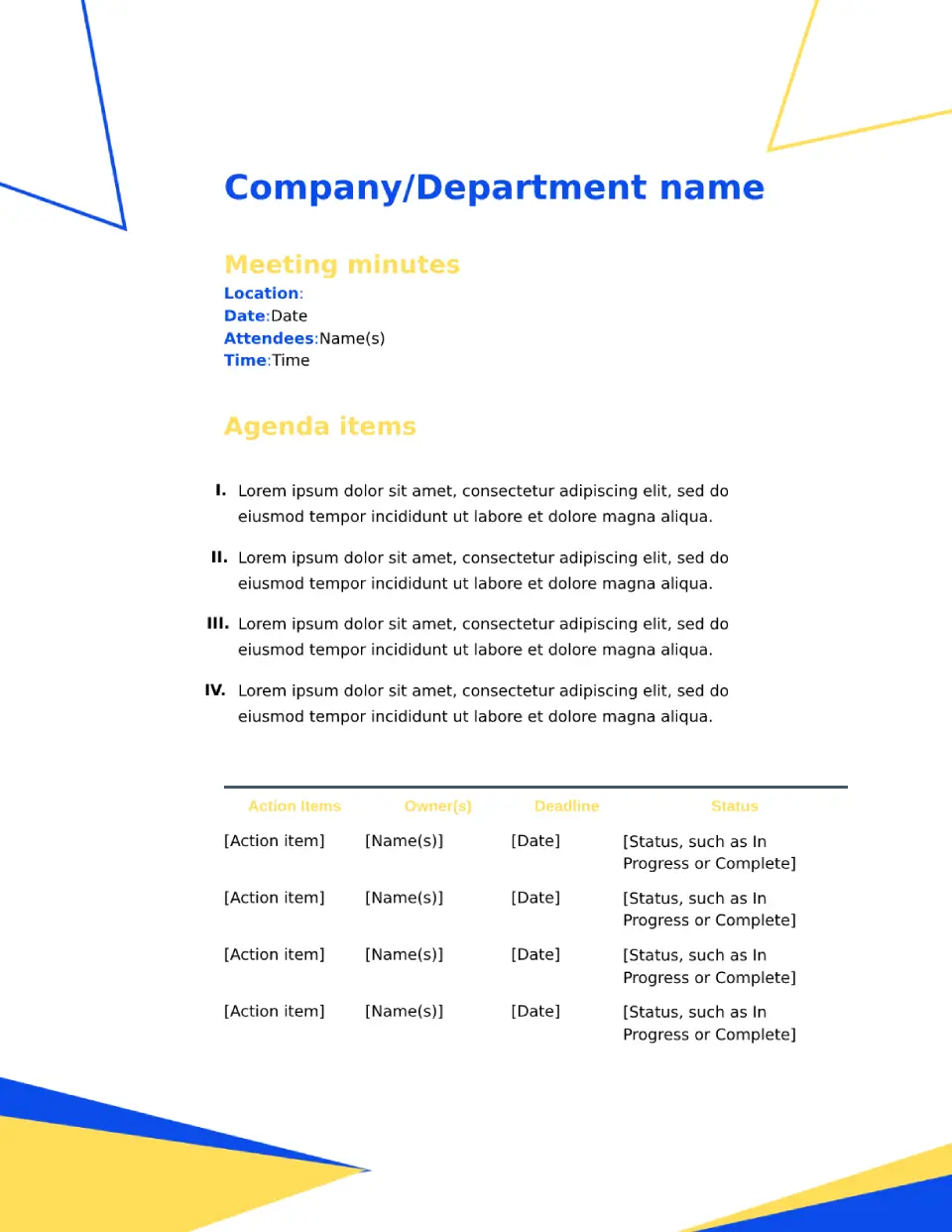
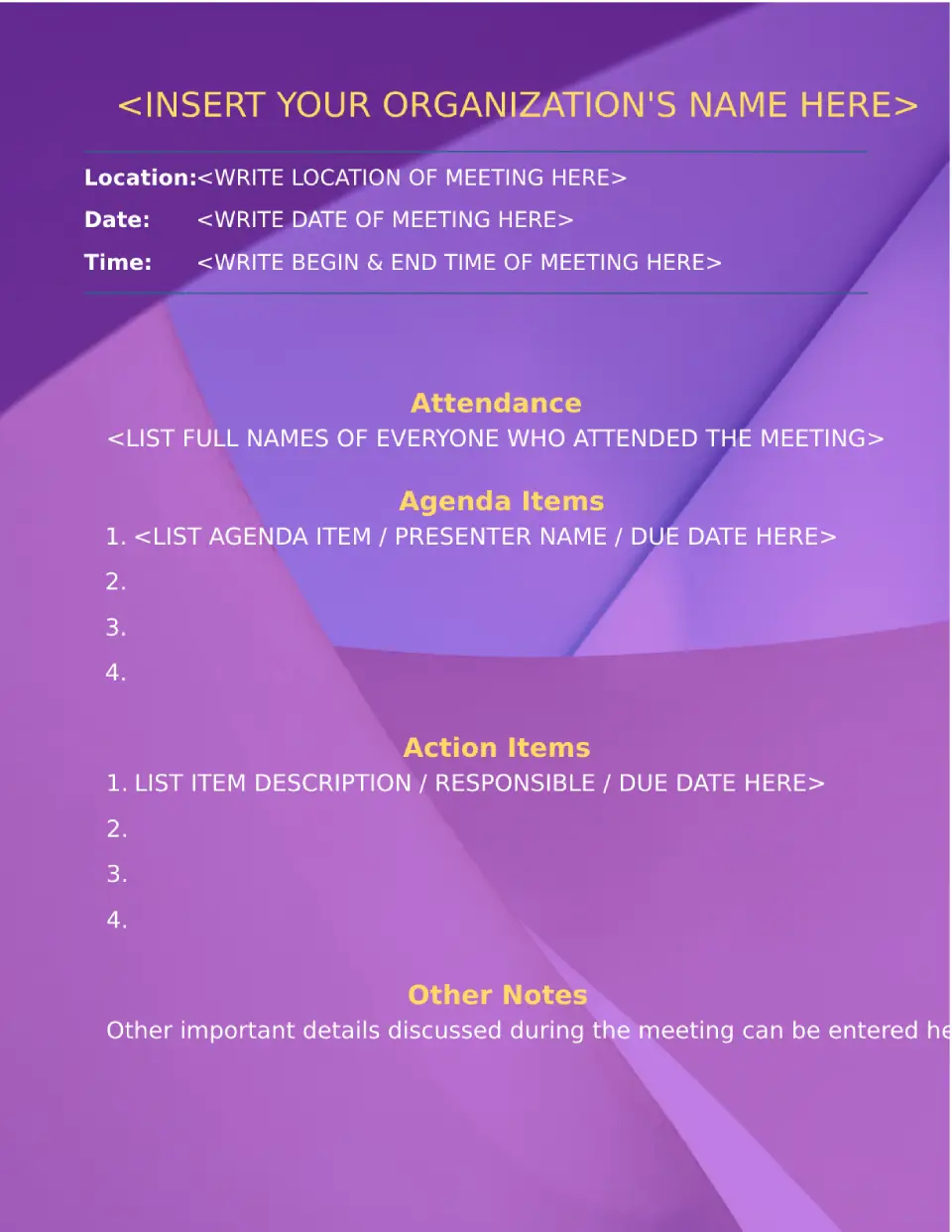
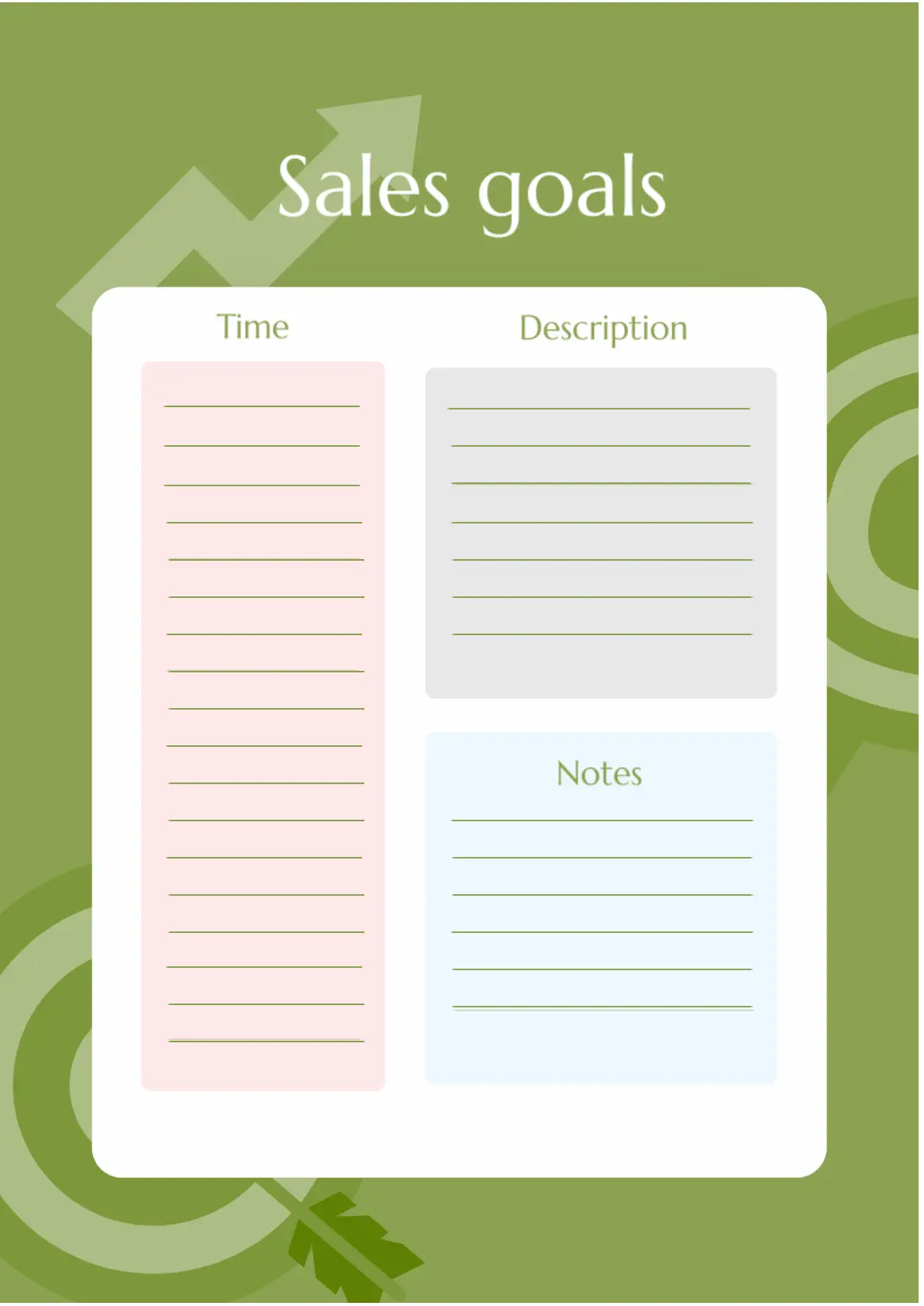
Sales Goals Template for Google Docs is designed for managers, but it can be useful for anyone involved in business. It’s convenient to plan sales, specify their dates, and describe your observations.
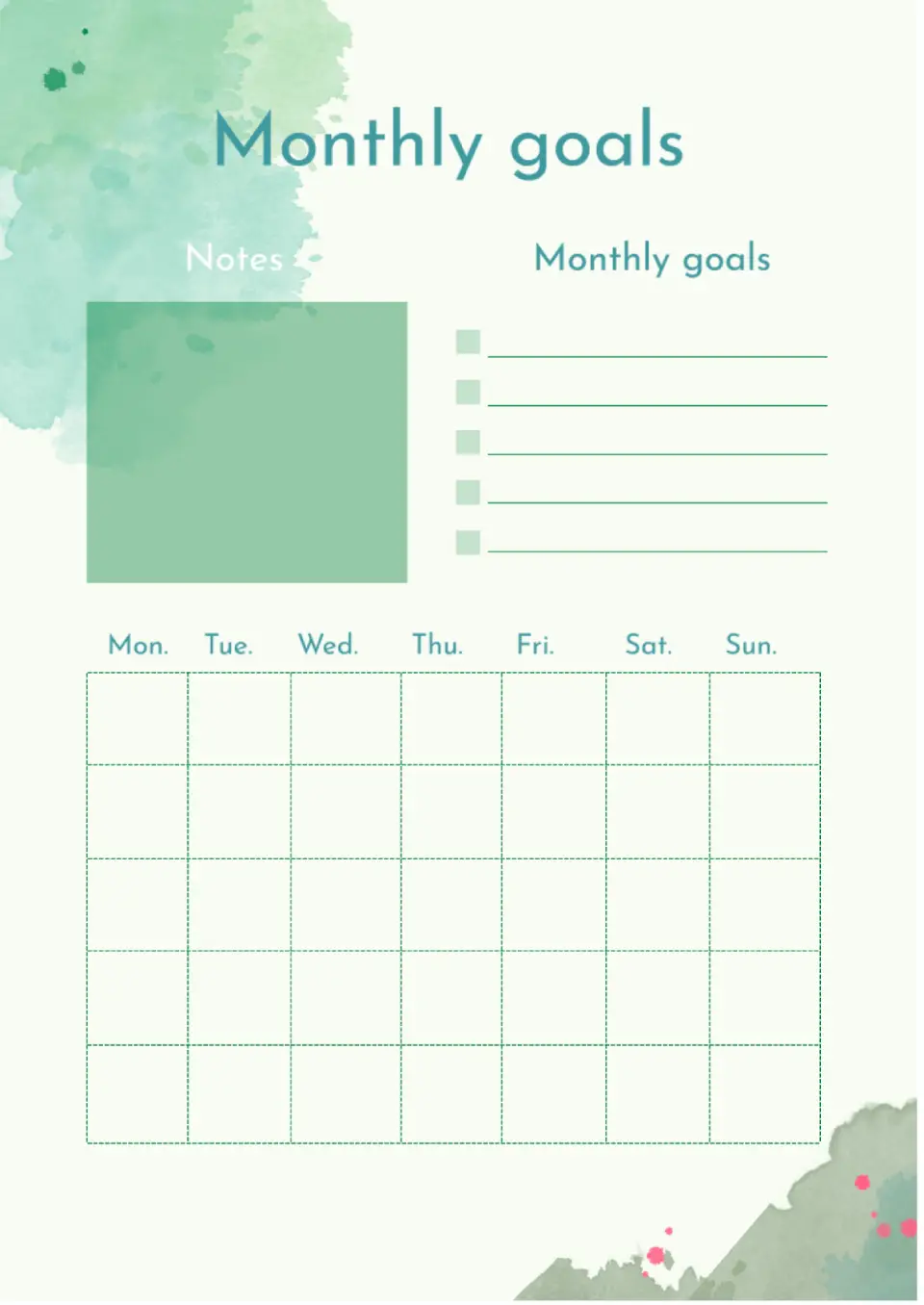
A great layout for long-term planning. The upper part contains monthly goals and notes. At the bottom, there is a calendar where you can add a small note or checkmark to each square.
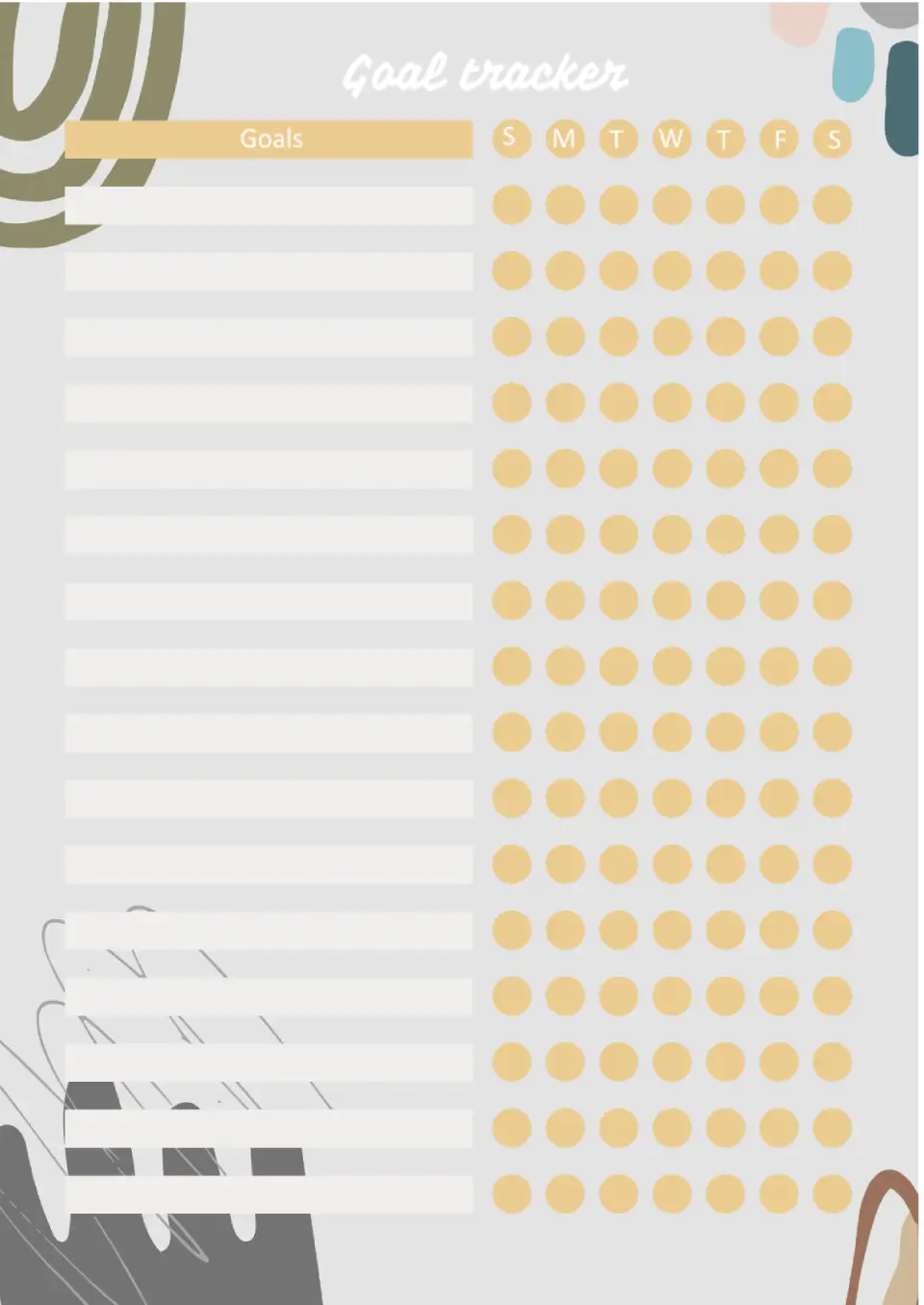
A very useful template for everyone who needs to record the fulfillment of small goals. On the left side, there are rectangular empty blocks where you can enter tasks.
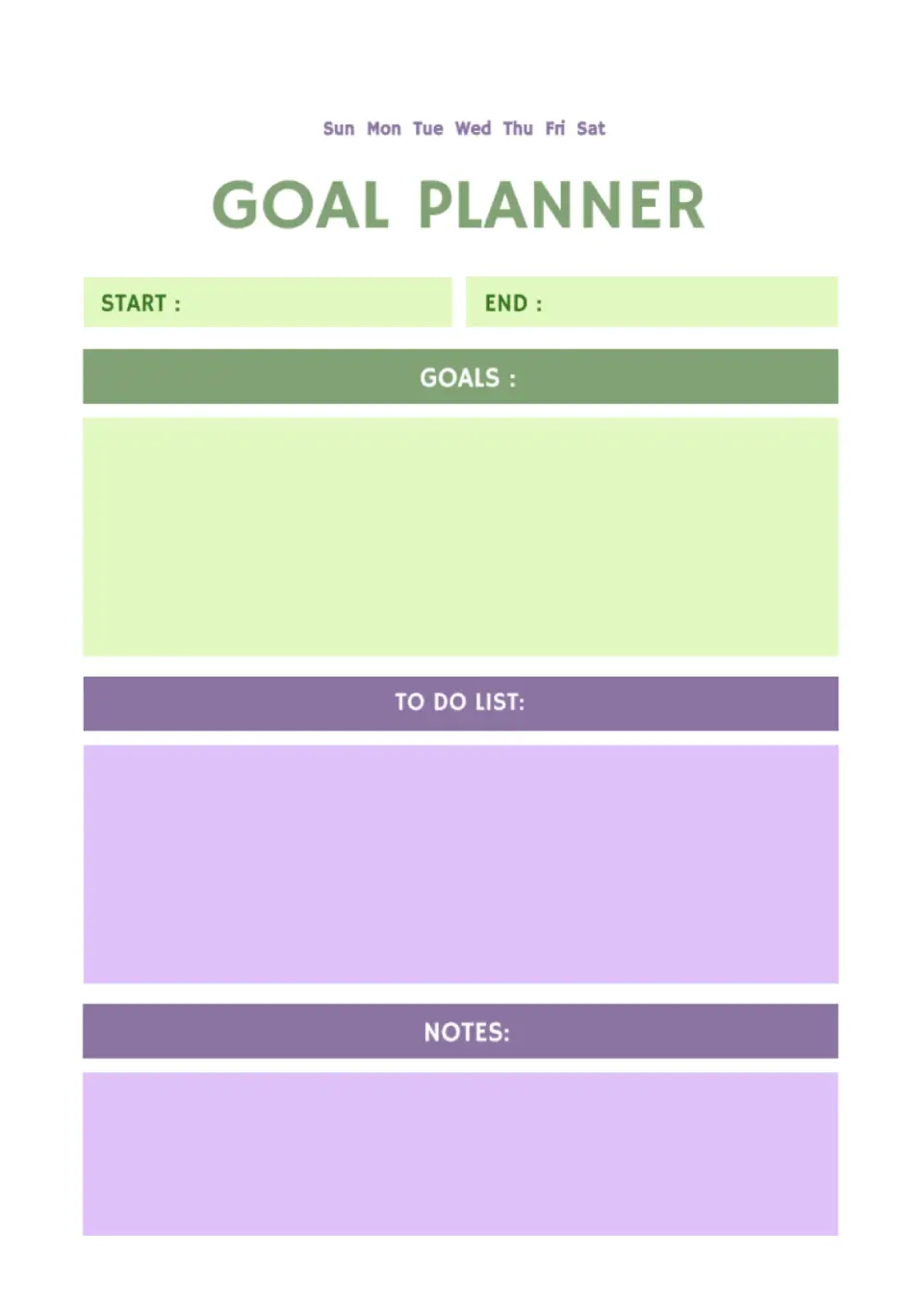
Visually, the layout is divided into blocks for text of different colors. In the upper ones, you need to specify the goal, the moment you start working on it, and the date by which you plan to finish.
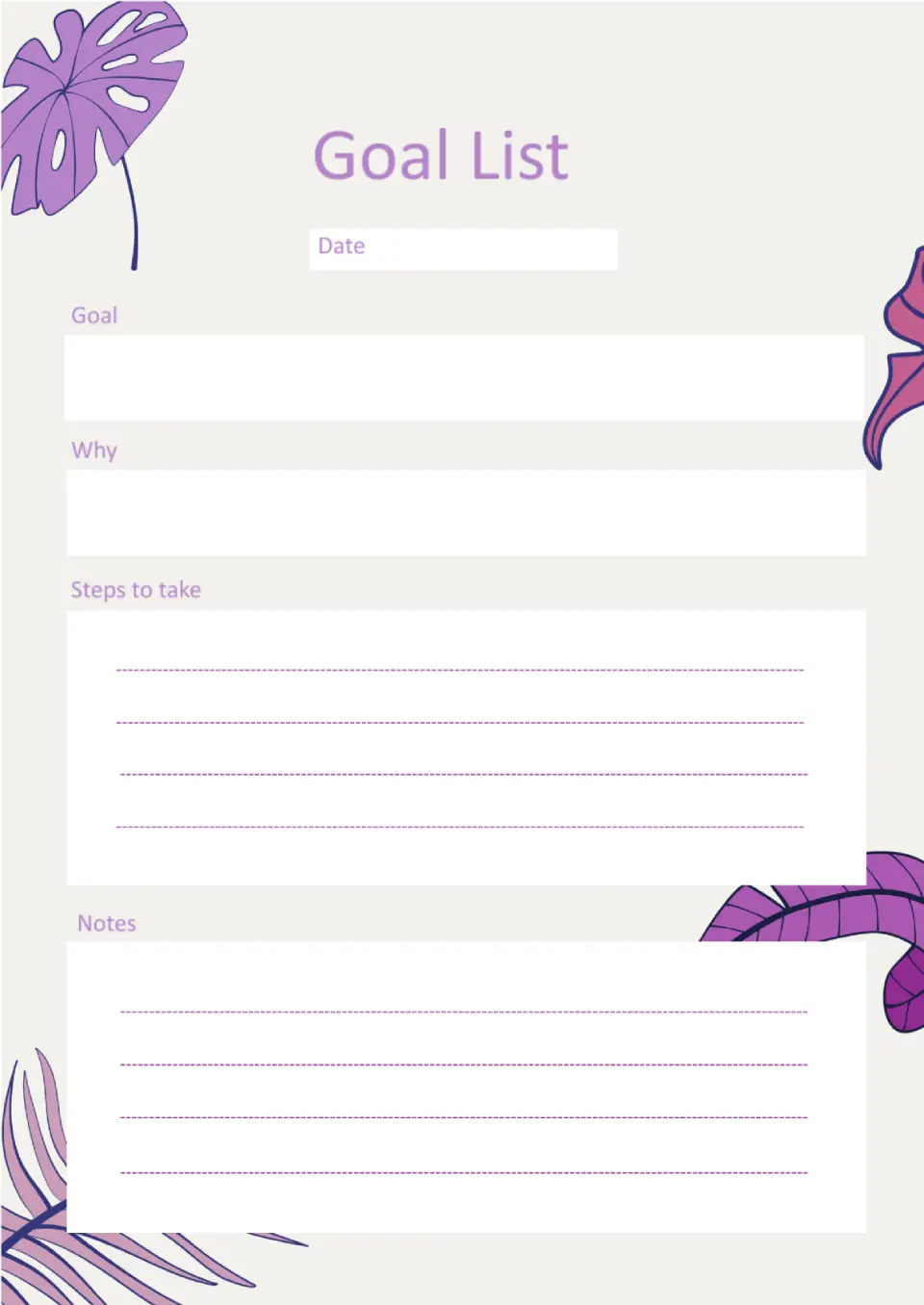
The main feature of this stylish layout is its unusual structure. In addition to the goal and the steps to achieve it, it offers to indicate why you need it at all.
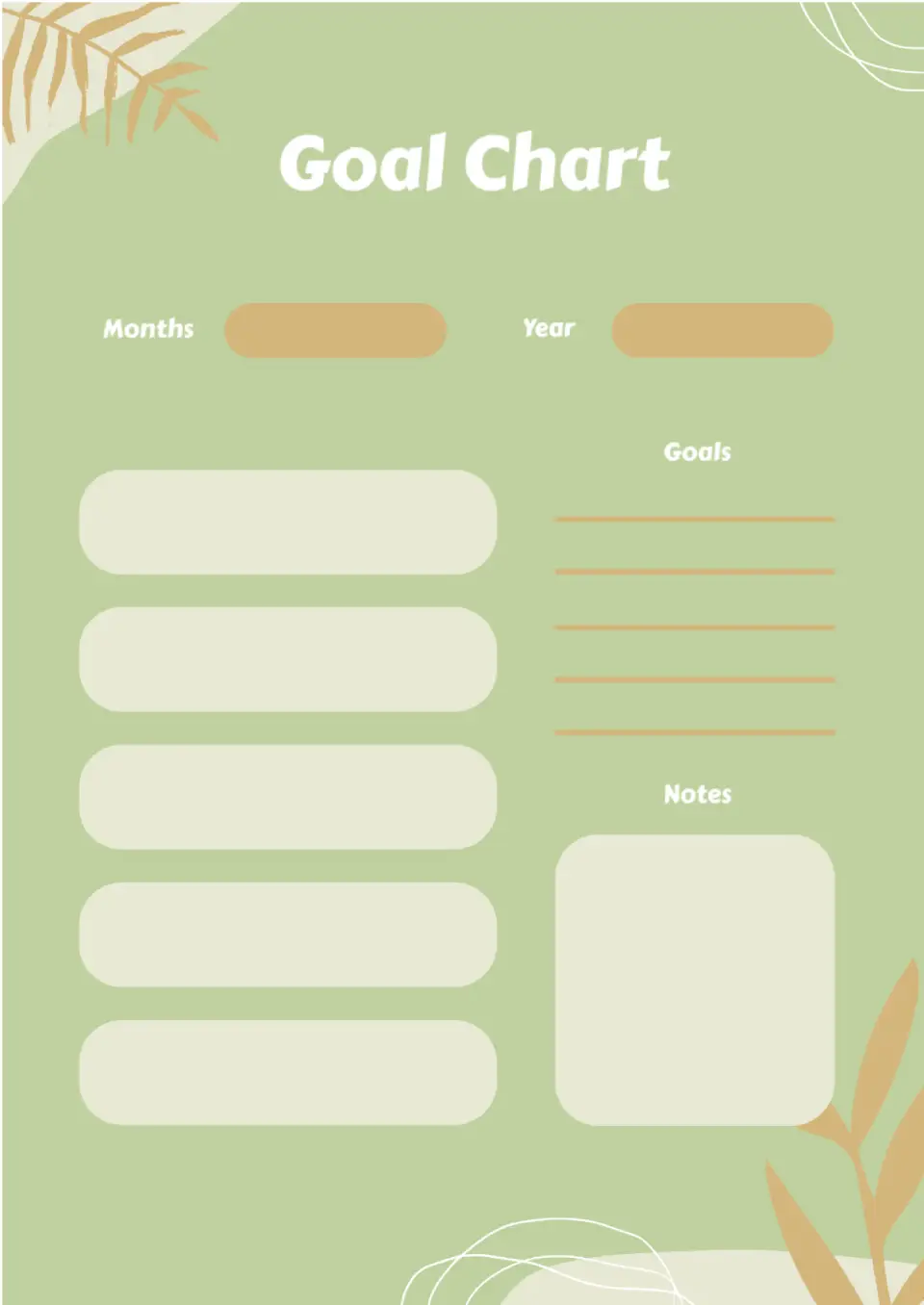
The original Goal Chart Template for Google Docs is perfect for those who like to visualize their dreams, goals, and plans. You can add not only text, but also images, diagrams, and drawings to the empty boxes.

Choose your preferred social media platform from options like Pinterest, Facebook, Twitter, and more. Share our templates with your contacts or friends. If you’re not active on these social networks, you can simply copy the link and paste it into the one you use.