

 Back to templates
 Google Docs Templates - Page 98
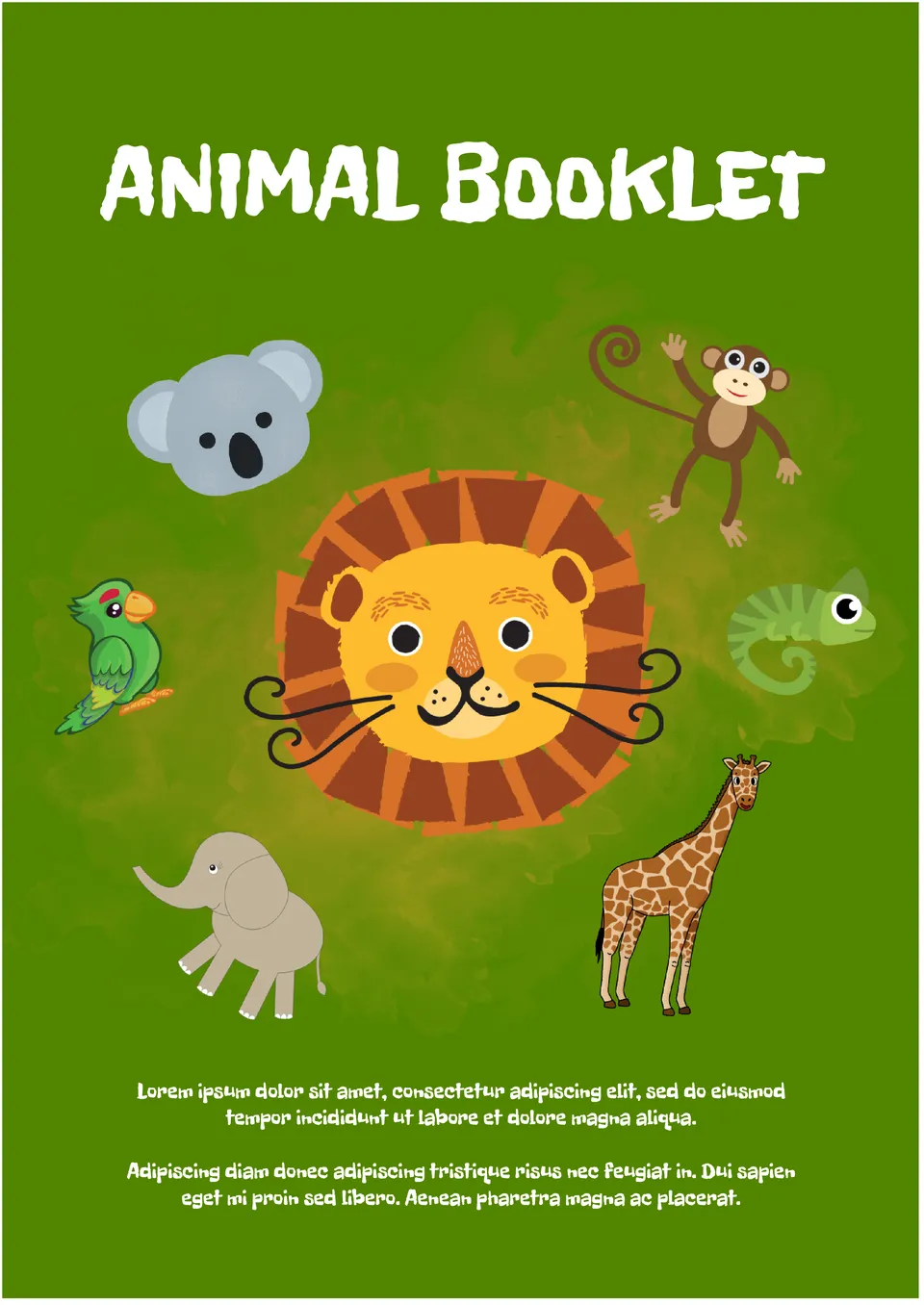
The Hand-drawn Animal Booklet Template for Google Docs is perfect for advertising a children's cafe, amusement park, and other places that kids love to visit. The images of funny animals will interest young children and appeal to their parents.

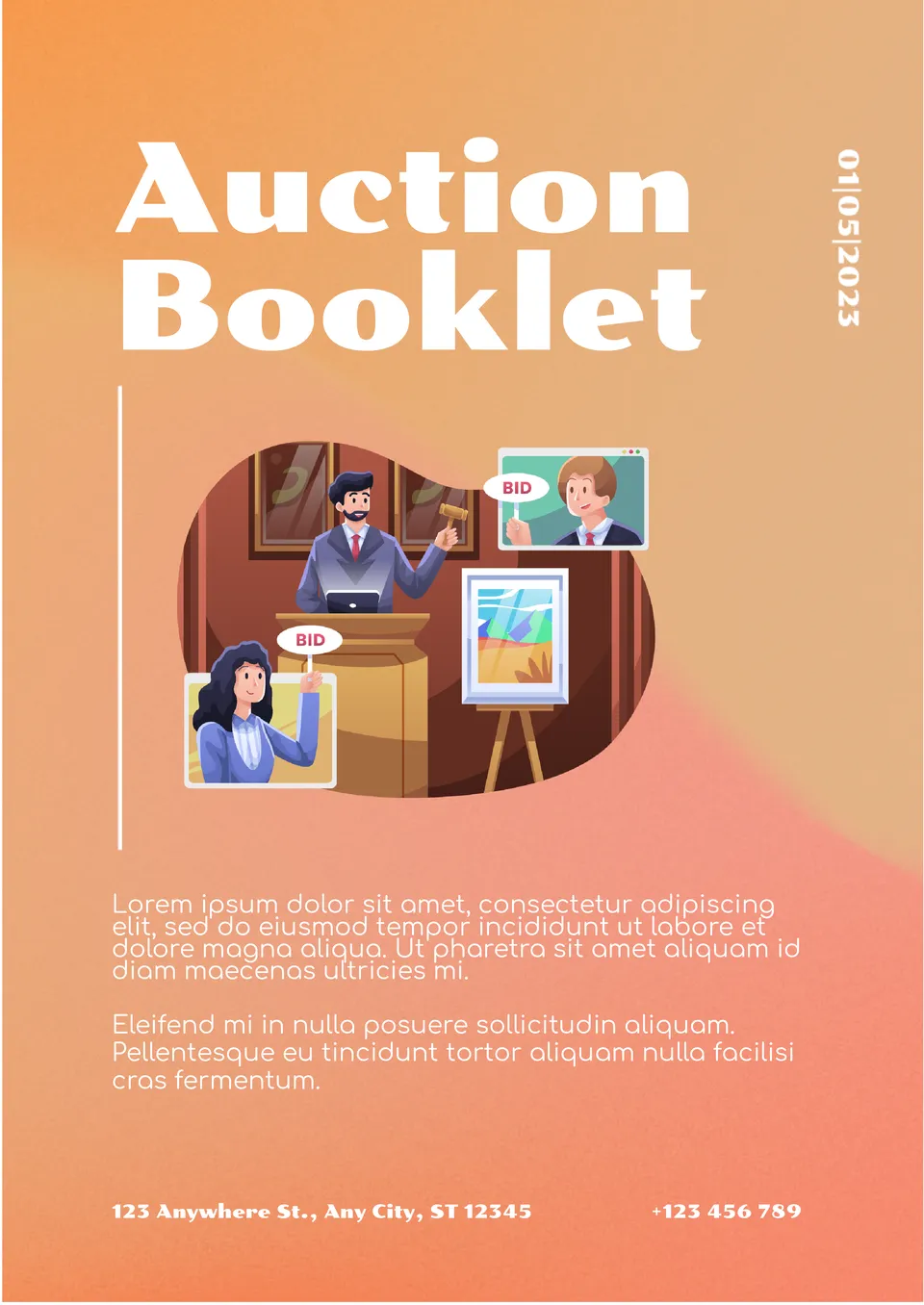
This unusual printable template with a 3-D illustration is needed to advertise a planned auction. At the top of the email, indicate the date and topic of the event. Below it, there is a space for a couple of paragraphs of text to add an interesting description.
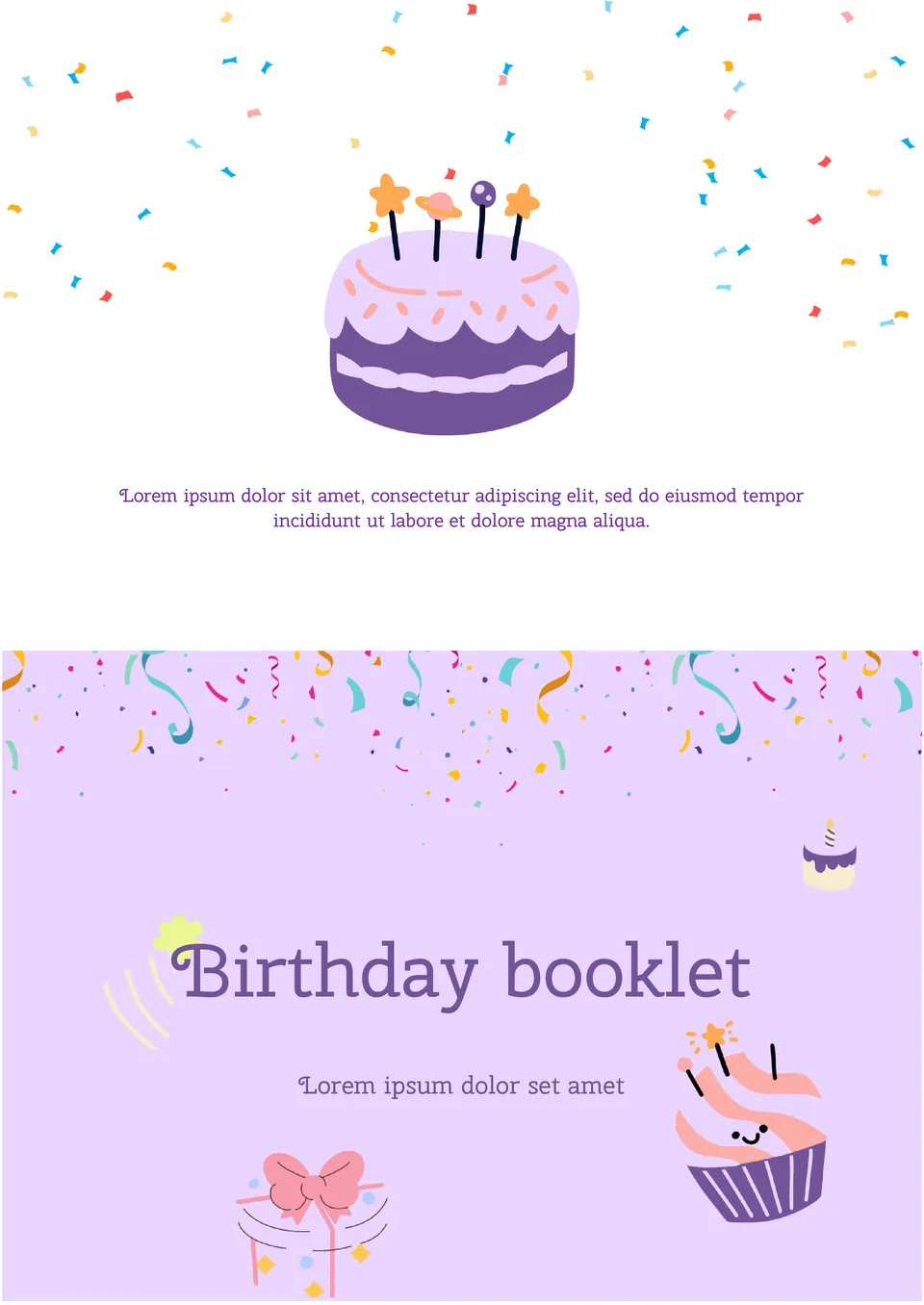
The colorful Birthday Booklet Template for Google Docs will help you organize an unforgettable birthday party. The layout has everything you need to create a creative invitation. One side, decorated with images of gifts and sweets, contains the name of the birthday person.
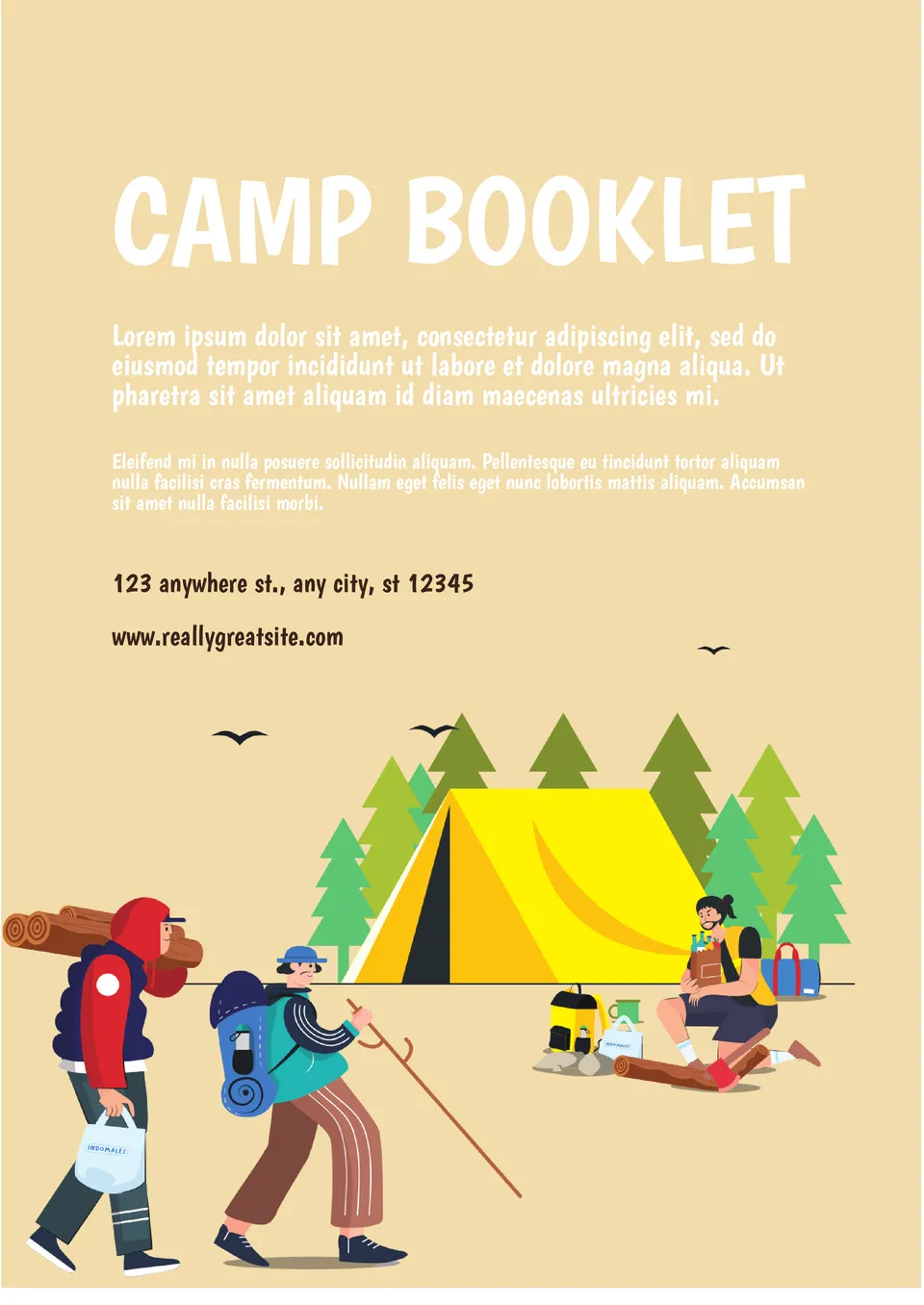
This thematic template will come in handy when creating an advertisement for a tourist camp or camping. Colorful drawings of cheerful travelers will immediately prompt the recipients of the booklet to organize a trip.
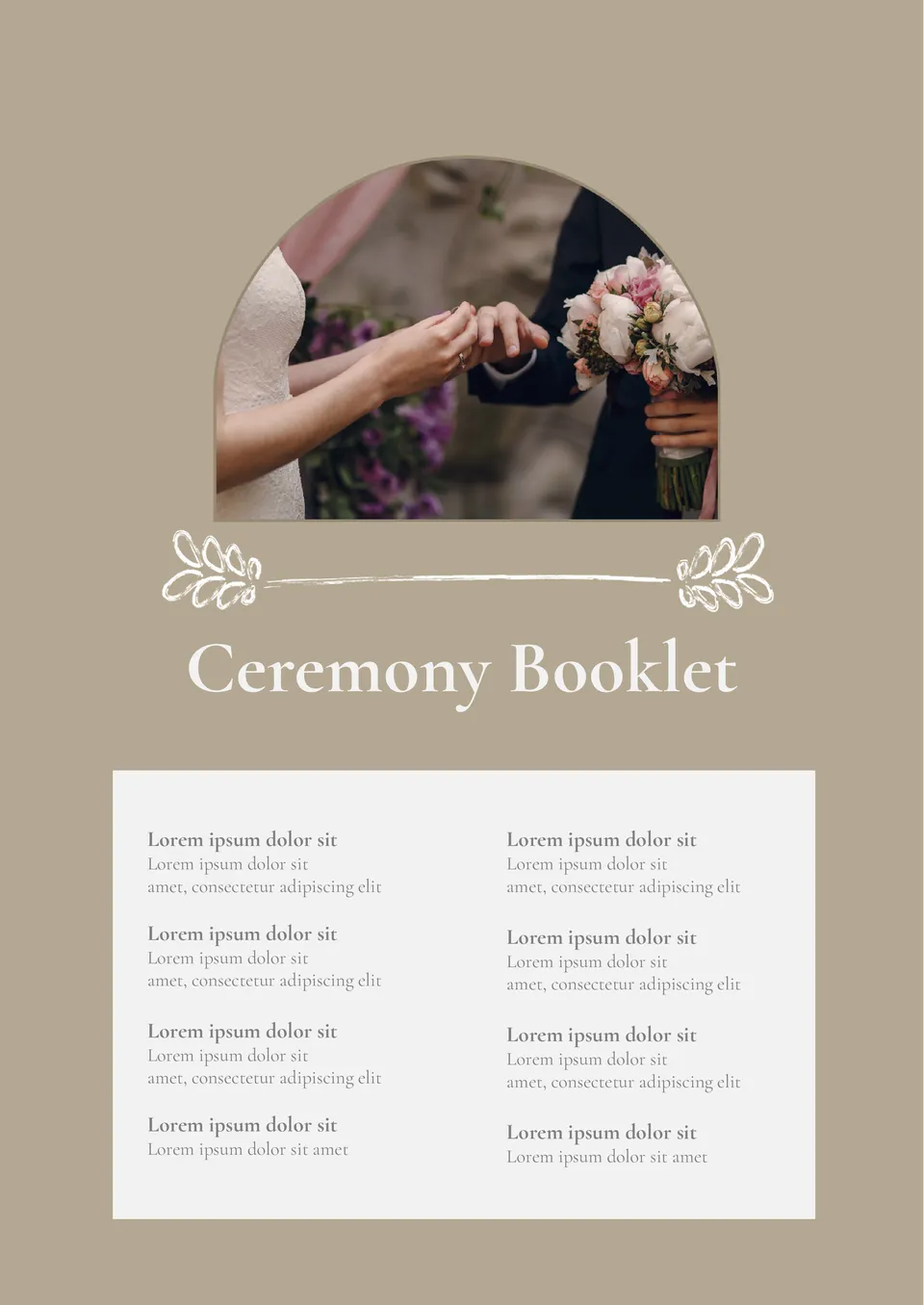
Invite guests to your wedding in an original way using the elegant Ceremony Booklet Template for Google Docs. The photo of the couple is placed on one side of the sheet, and the other side contains information about the celebration.
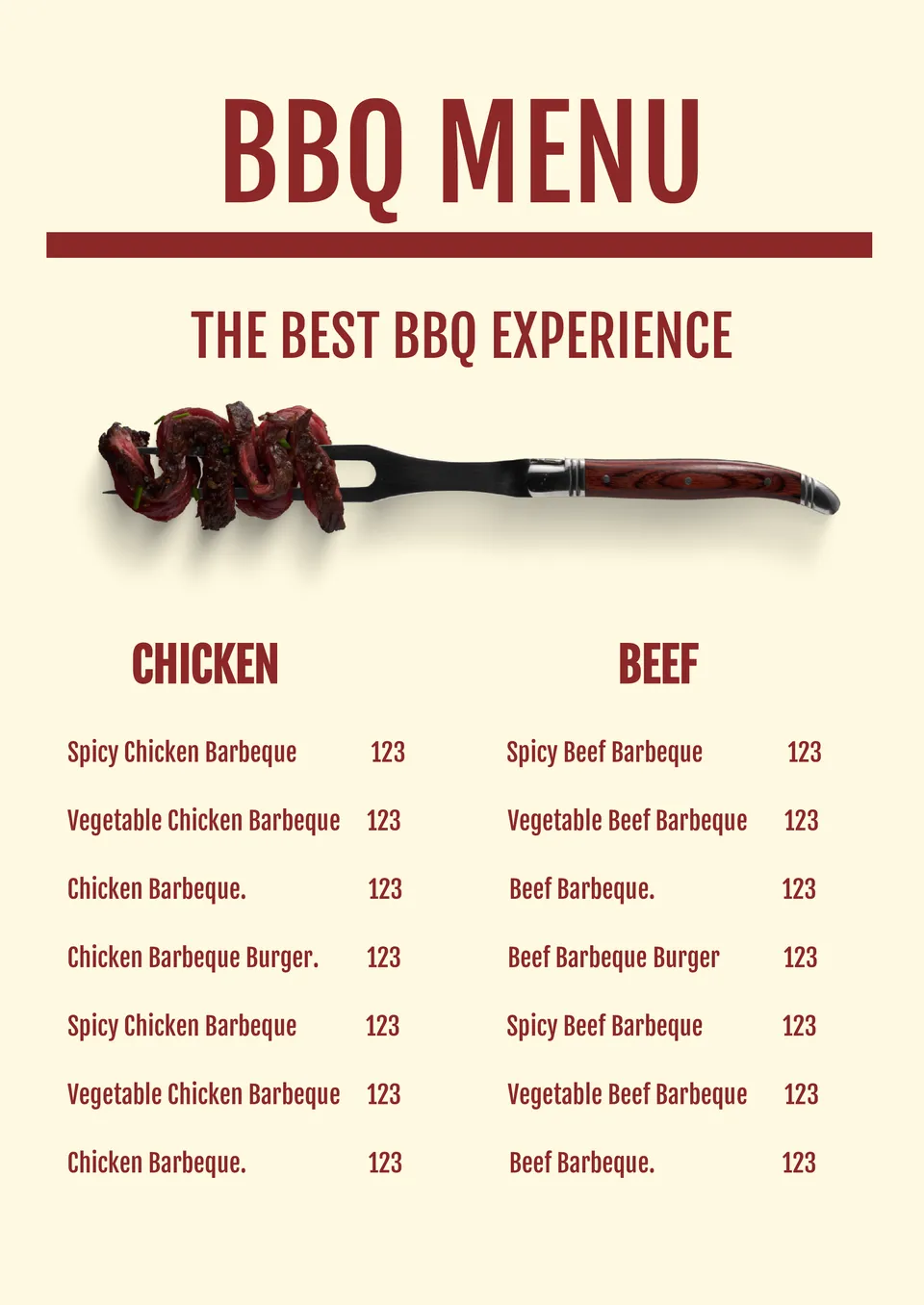
Built for smoky, savory flavors, the BBQ Menu Template helps barbecue restaurants and food trucks present their grilled specialties clearly. It suits BBQ restaurants, food trucks, and catering services.
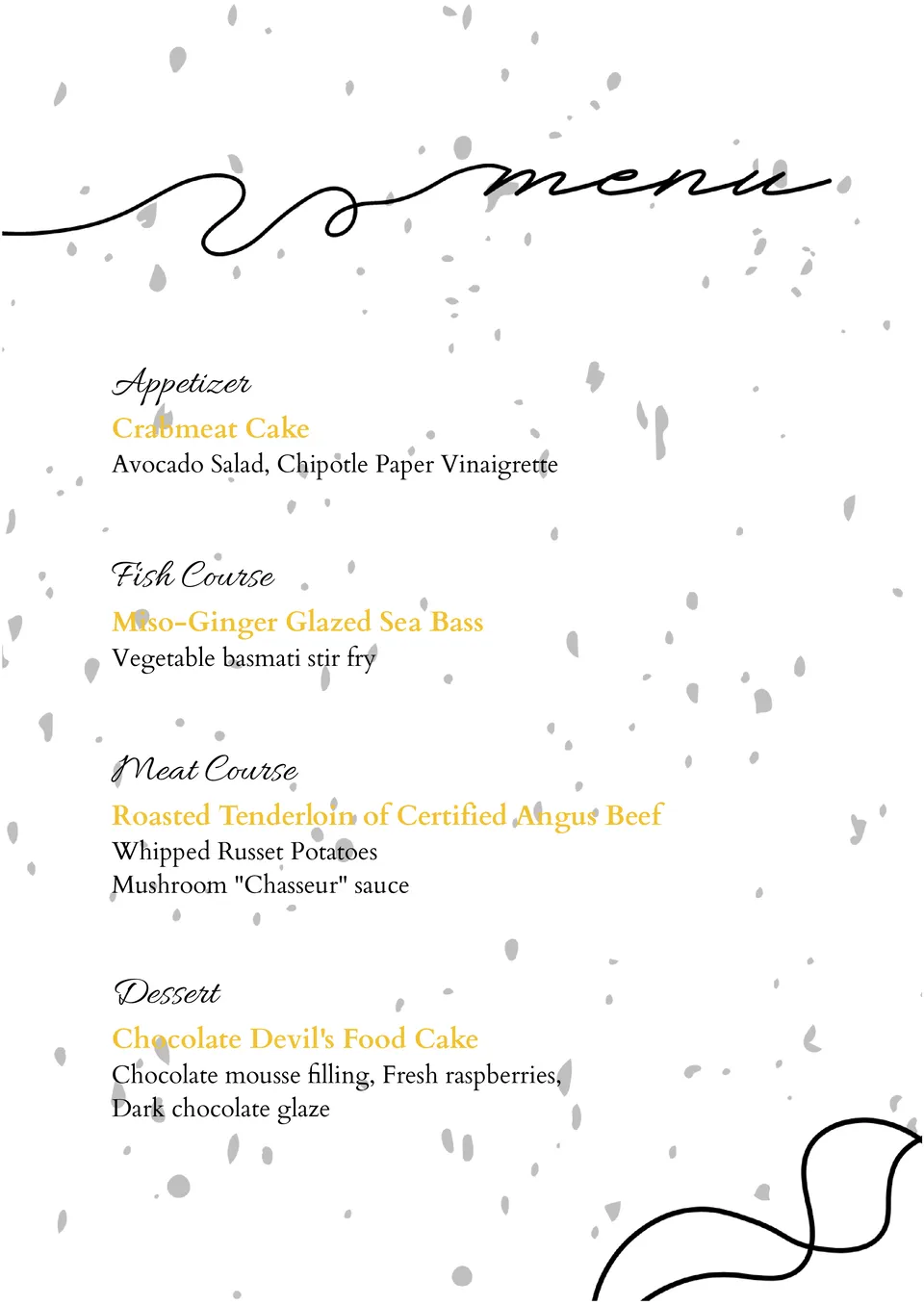
What helps brunch spots highlight weekend specials without making the menu feel too long? The Brunch Menu Template is made for brunch restaurants, cafés, and weekend dining venues.
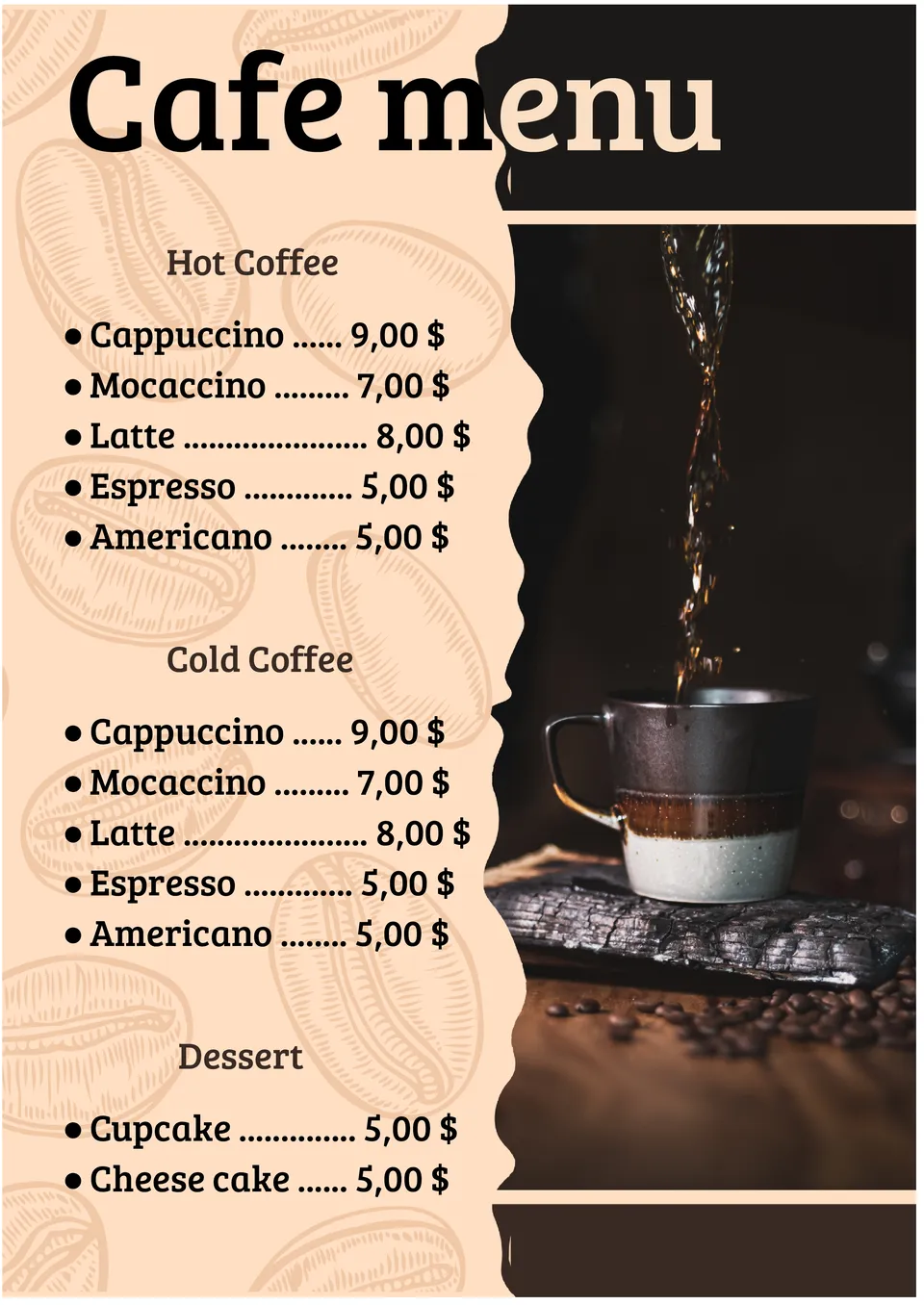
How can coffee shops present drinks and food in a way that feels warm and inviting for customers? The Cafe Menu Template is useful for cafés, coffee shops, and bistros. It includes room for coffee, tea, snacks, pastries, and prices in a clean, friendly format.
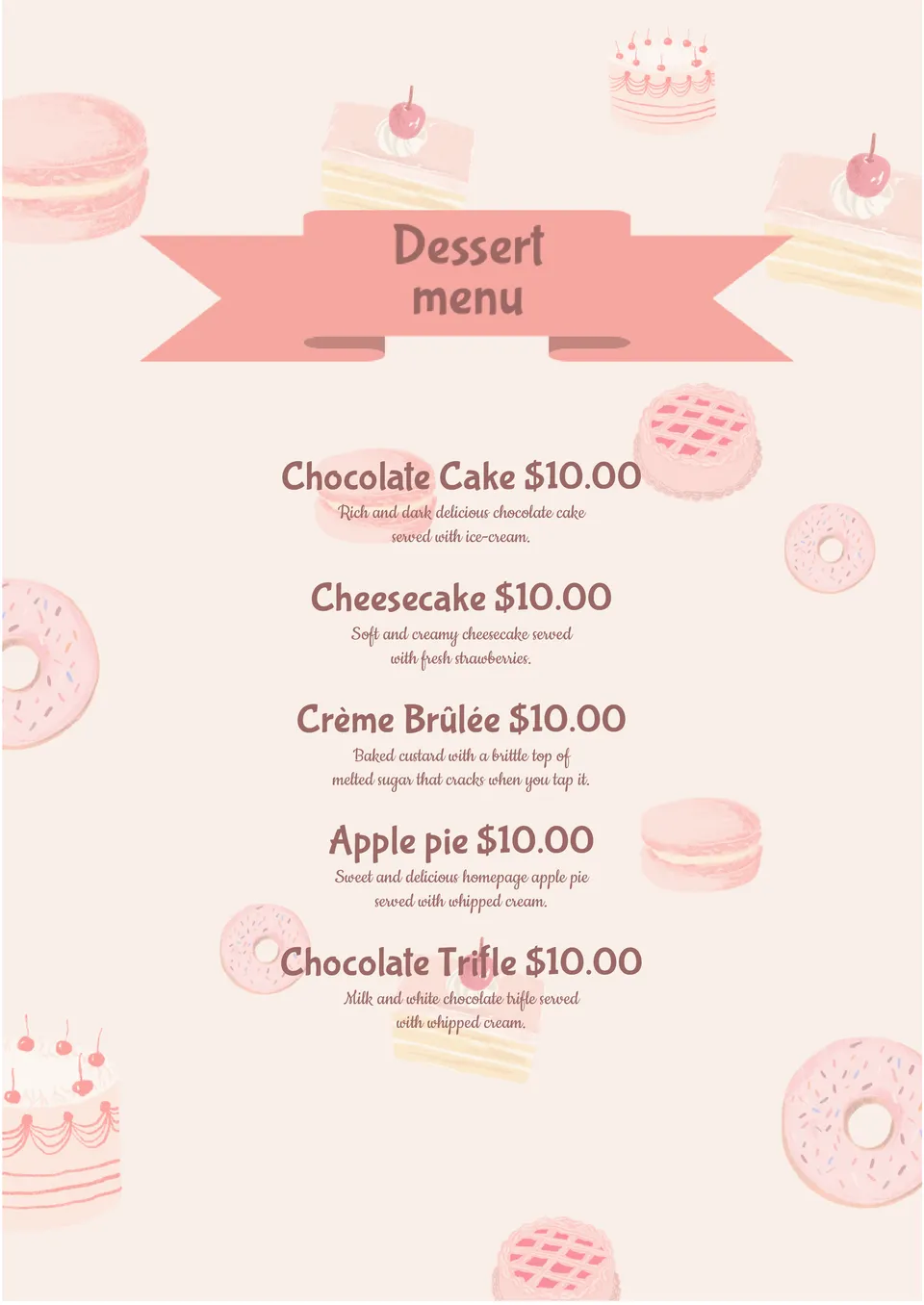
What's the best way to showcase cakes, pastries, and sweets so customers feel tempted to order? The Dessert Menu Template is a good fit for restaurants, bakeries, cafés, and dessert shops.
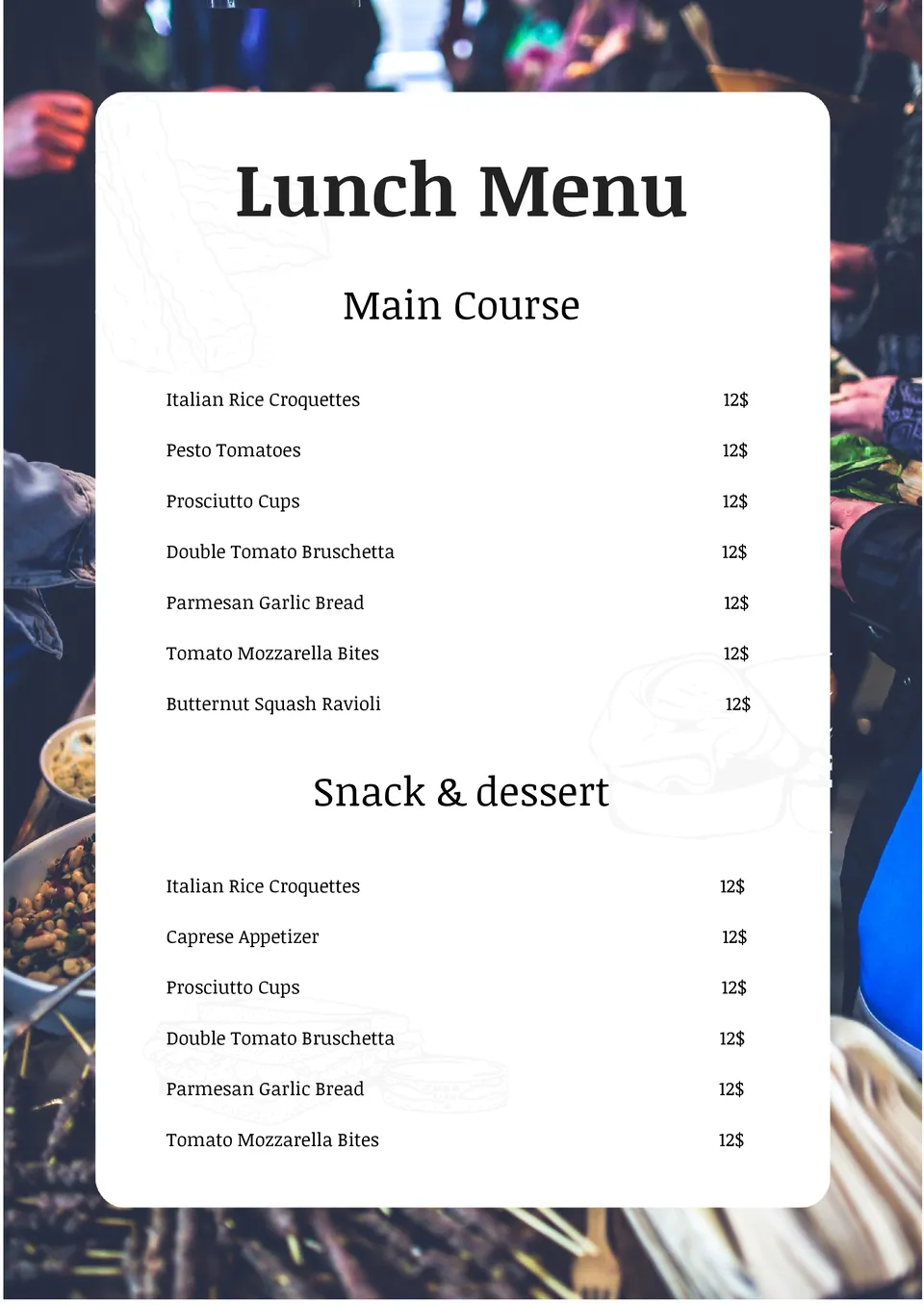
How can schools, offices, and cafés present lunch options in a way that's clear and easy for customers to read? The Lunch Menu Template is useful for schools, workplaces, cafeterias, and food service businesses.
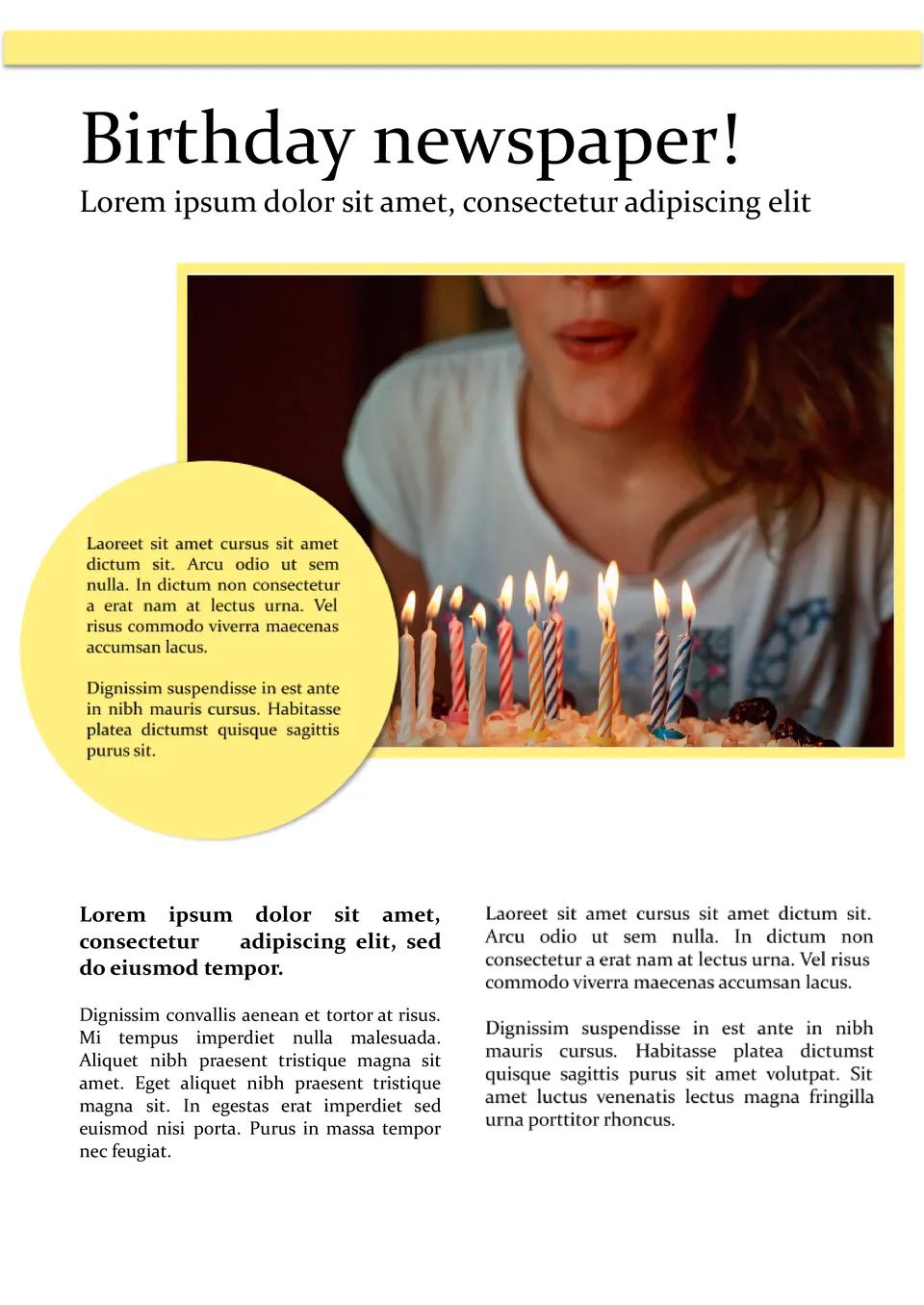
What makes a birthday celebration more special when you turn the person's life story into a fun, newspaper-style keepsake? The Birthday Newspaper Template is a strong fit for families, friends, and party planners.
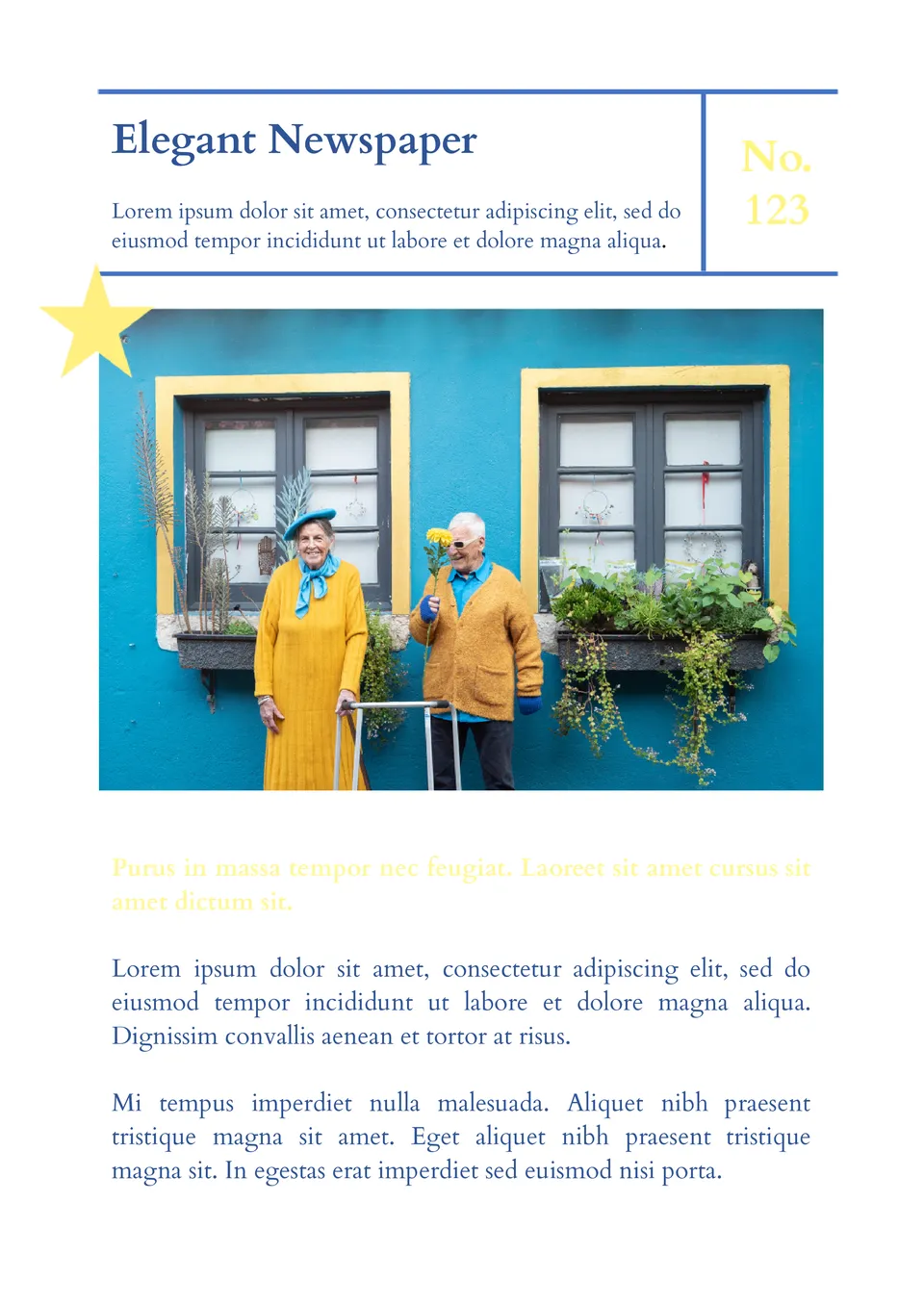
Built for a polished, sophisticated look, the Elegant Newspaper Template helps users create newspapers with a clean, refined design. It works for professionals, event planners, and special publications.
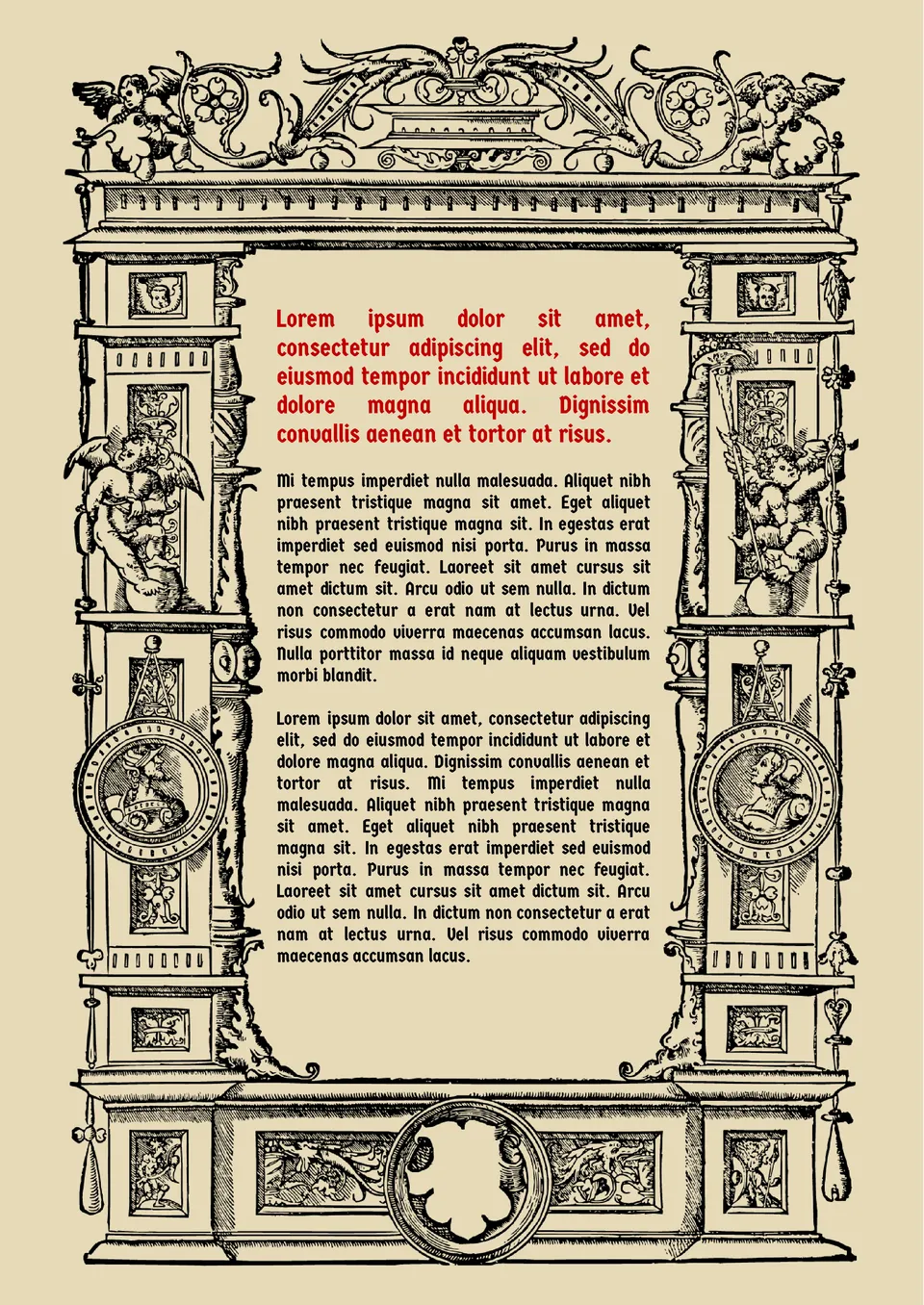
If you want to create a newspaper in an old-fashioned atmosphere, check out this template. The detailed frame with images of angels immediately brings to mind the Middle Ages.
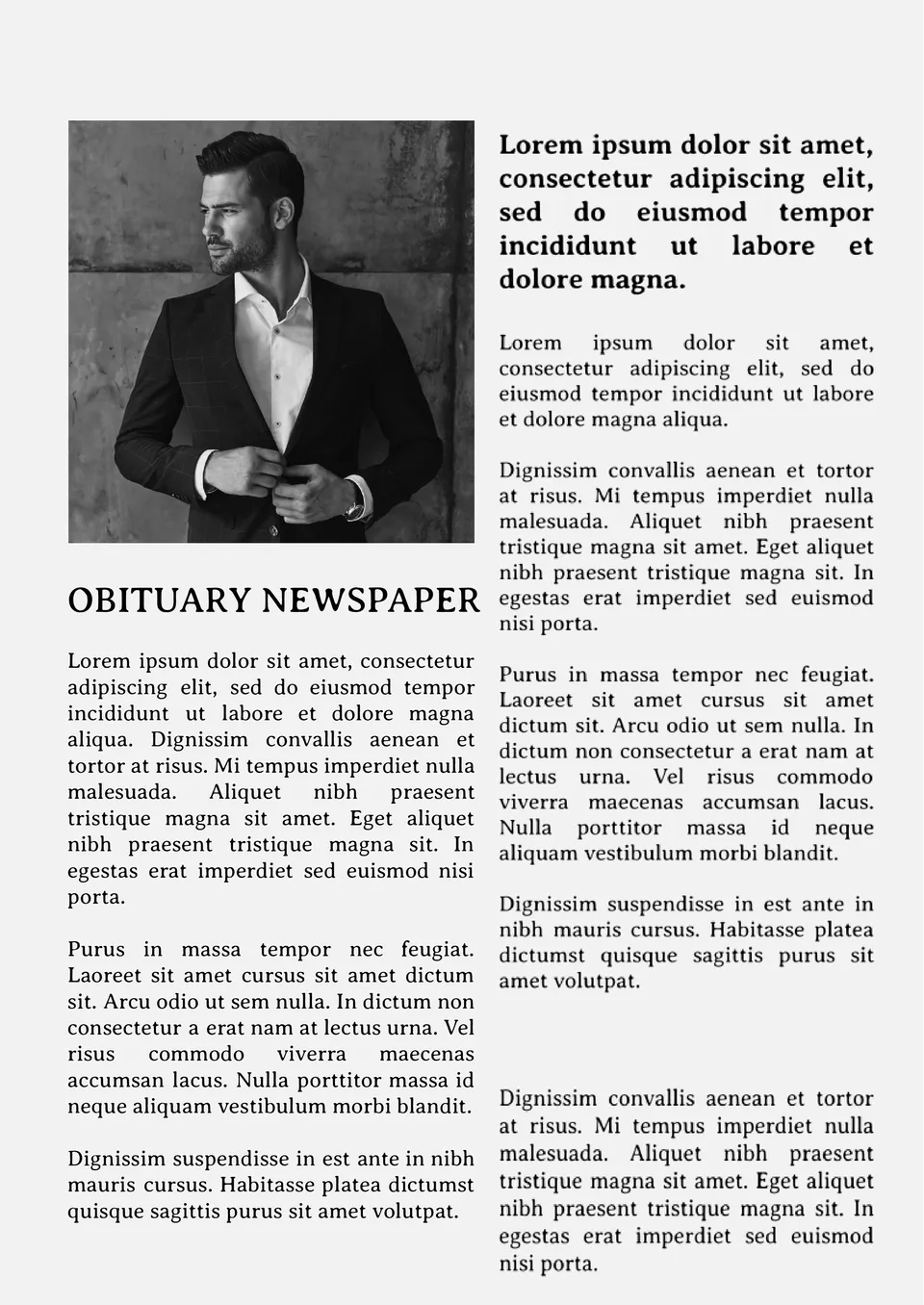
The layout in the laconic design is lean and mean. It contains a photo and a text divided into two columns, where there is enough space to tell of the deceased person’s life path.
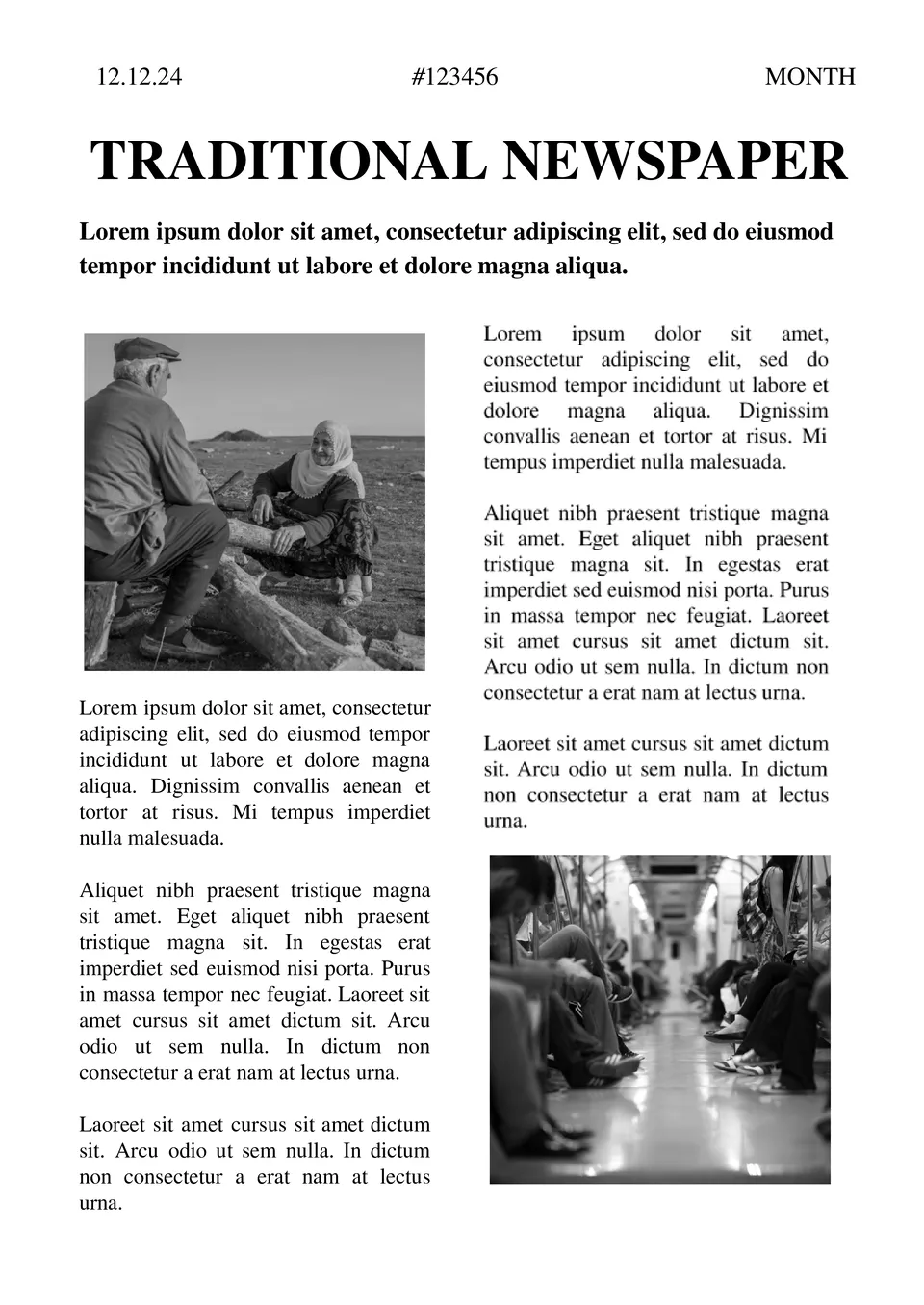
Organized like a classic newspaper, the Traditional Newspaper Template gives users a vintage layout for articles, headlines, and columns. It works well for students, teachers, and school newspapers.
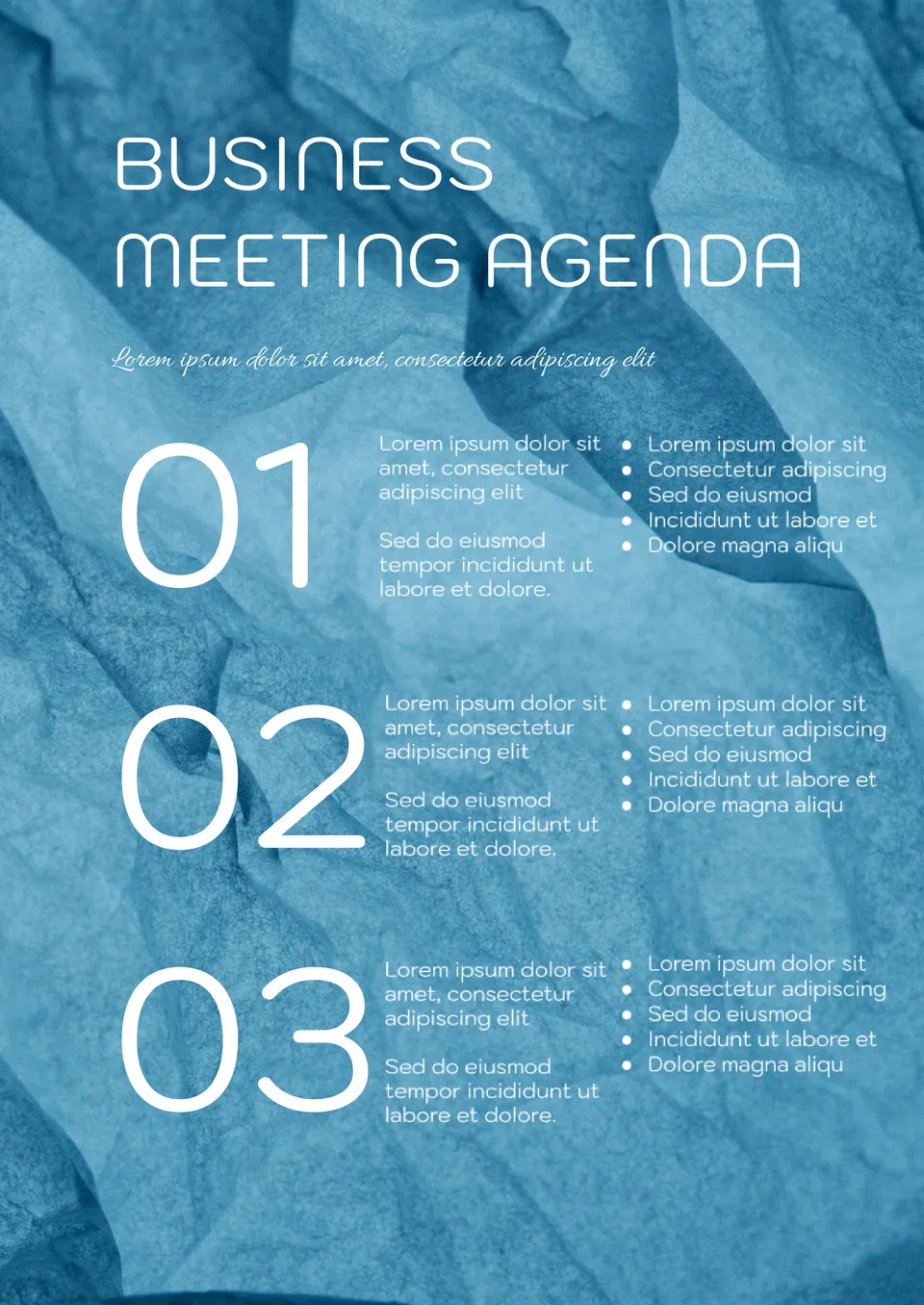
Built for professional discussions, the Business Meeting Agenda Template helps teams plan meetings with clear objectives, topics, and follow-ups. It suits business professionals, managers, and executives in corporate settings.

Choose your preferred social media platform from options like Pinterest, Facebook, Twitter, and more. Share our templates with your contacts or friends. If you’re not active on these social networks, you can simply copy the link and paste it into the one you use.