

 Back to templates
 Google Docs Templates - Page 114

This double-sided template has a simple yet stylish design. One side of the card is occupied by a full-page photo of the deceased, while the other side is reserved for text. On the backside, you can specify who will be speaking and in what order during the service.

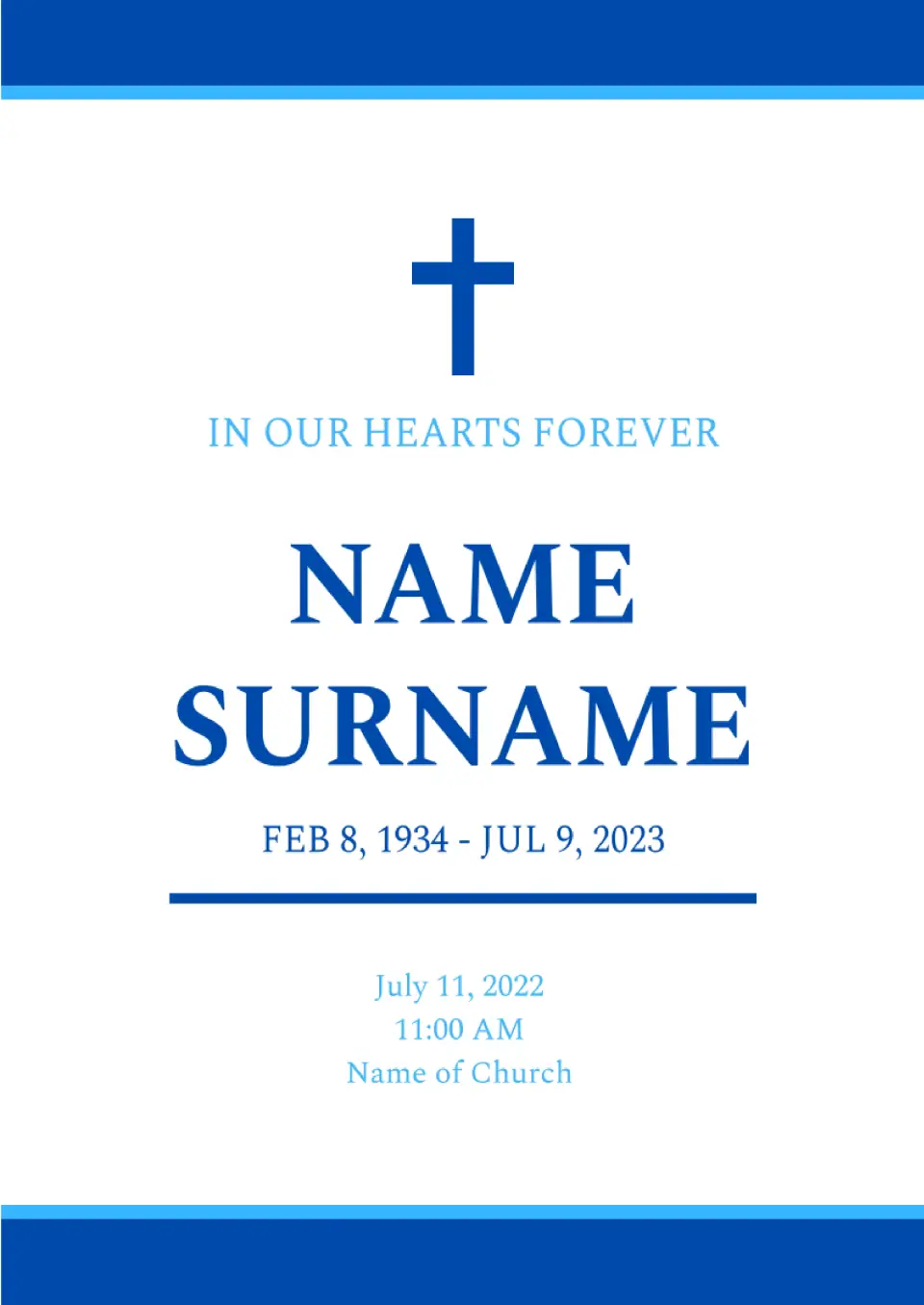
The Religious Funeral Program Template for Google Docs, in a minimalist design, is created for Christians, as evidenced by the image of a cross at the top of the page. The front side of the template is where the main information about the burial ceremony is placed.
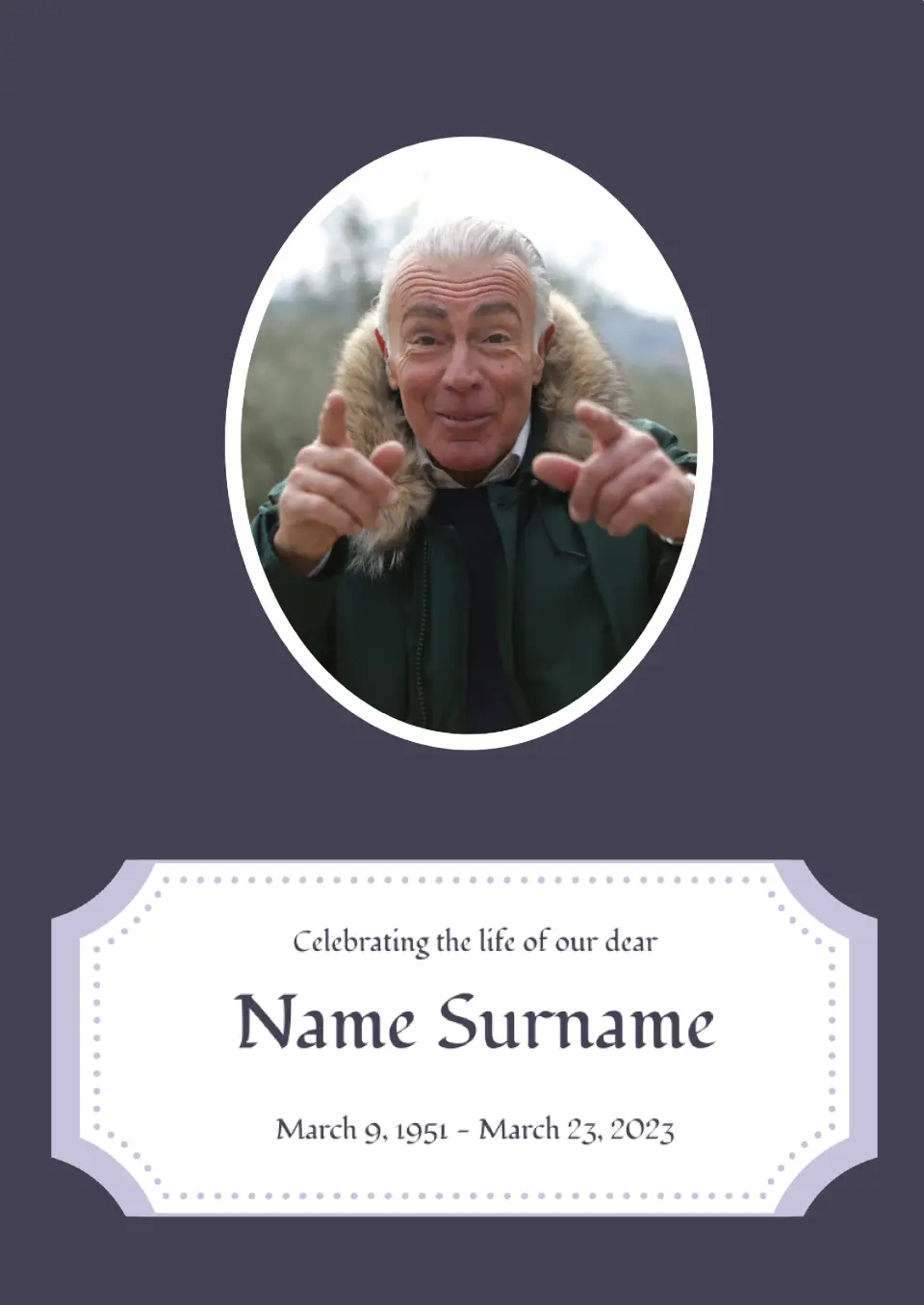
This template stands out with its unusual text formatting. On a dark gray background, there is a white block in a figured frame where all the necessary information about the ceremony is added.
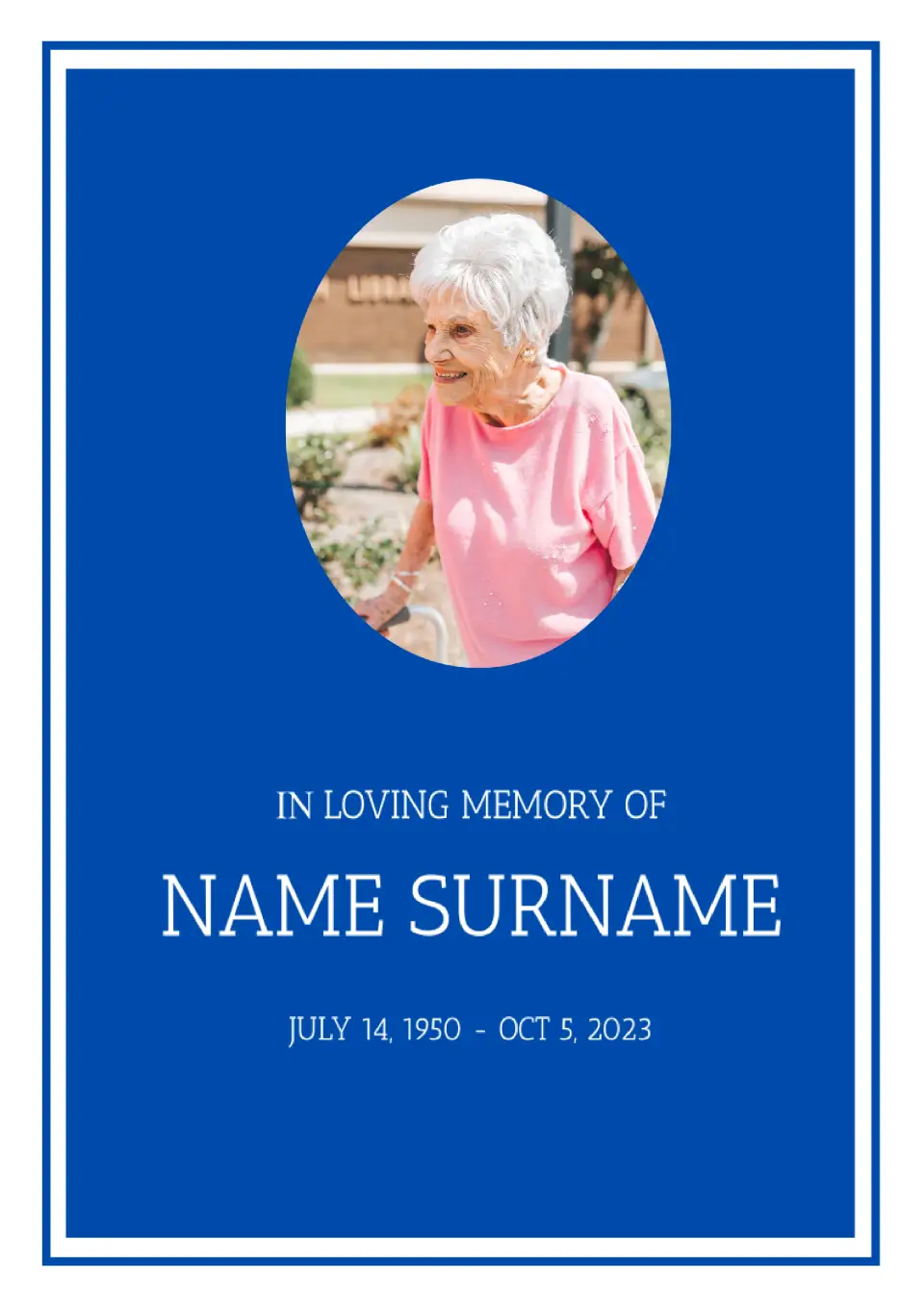
The Jewish Funeral Program Template for Google Docs is specifically designed for people practicing Judaism. The designers considered the traditions of this religion when creating the template, as evidenced by the depiction of a menorah on the second page of the template.
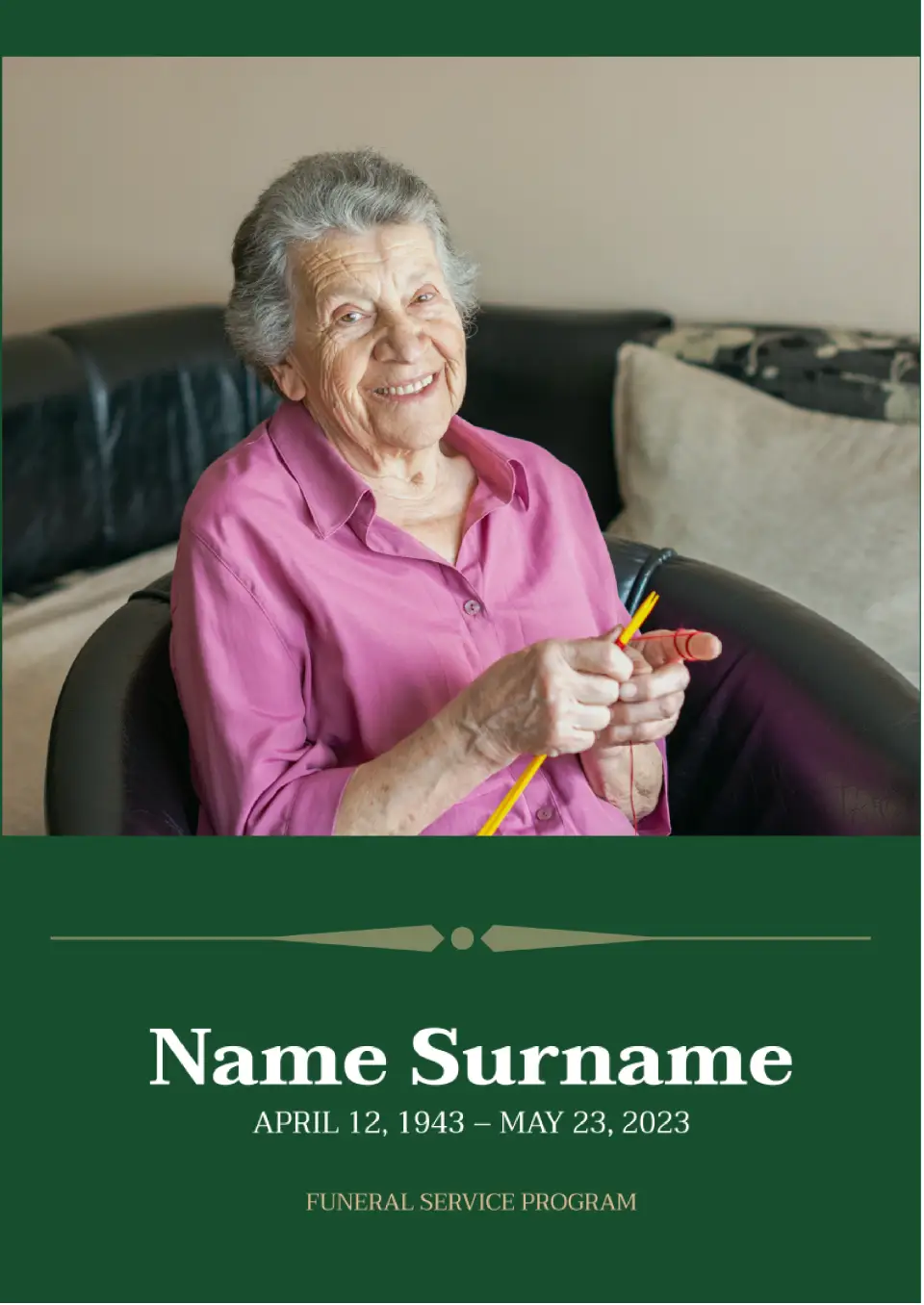
Use this template to inform friends, relatives, and acquaintances of the deceased about the date of the burial ceremony. A large photo occupies most of the page, with text in white placed below on a green background.

It is appropriate to keep a personal diary not only for teenagers, but also for adults. Record the results of your working day, important memories, plans for the future in it. The template can be printed or filled out online.
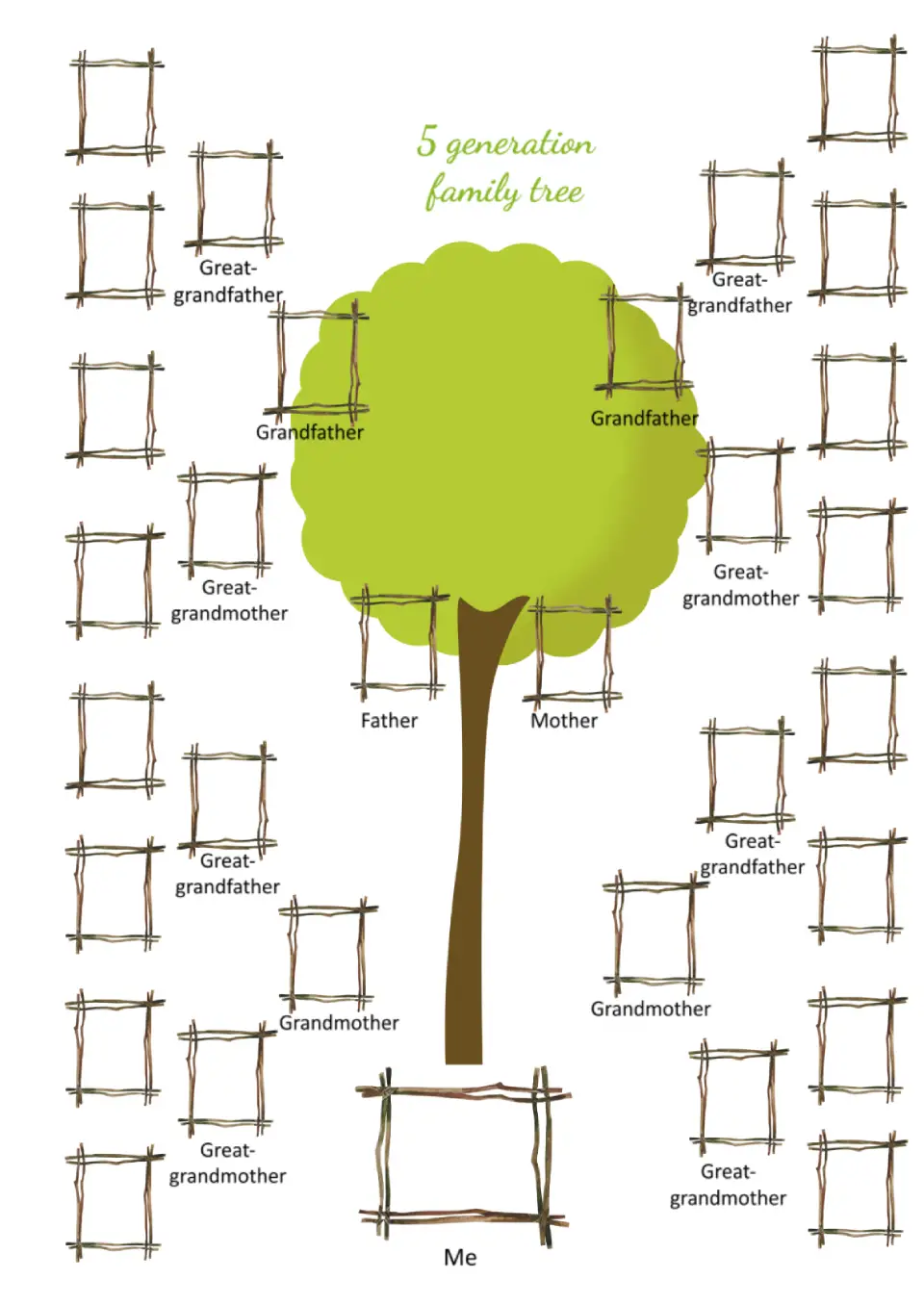
Photo frames for relatives in this template are distributed across the sheet. They look as if they were made from tree branches, adding originality to the layout.
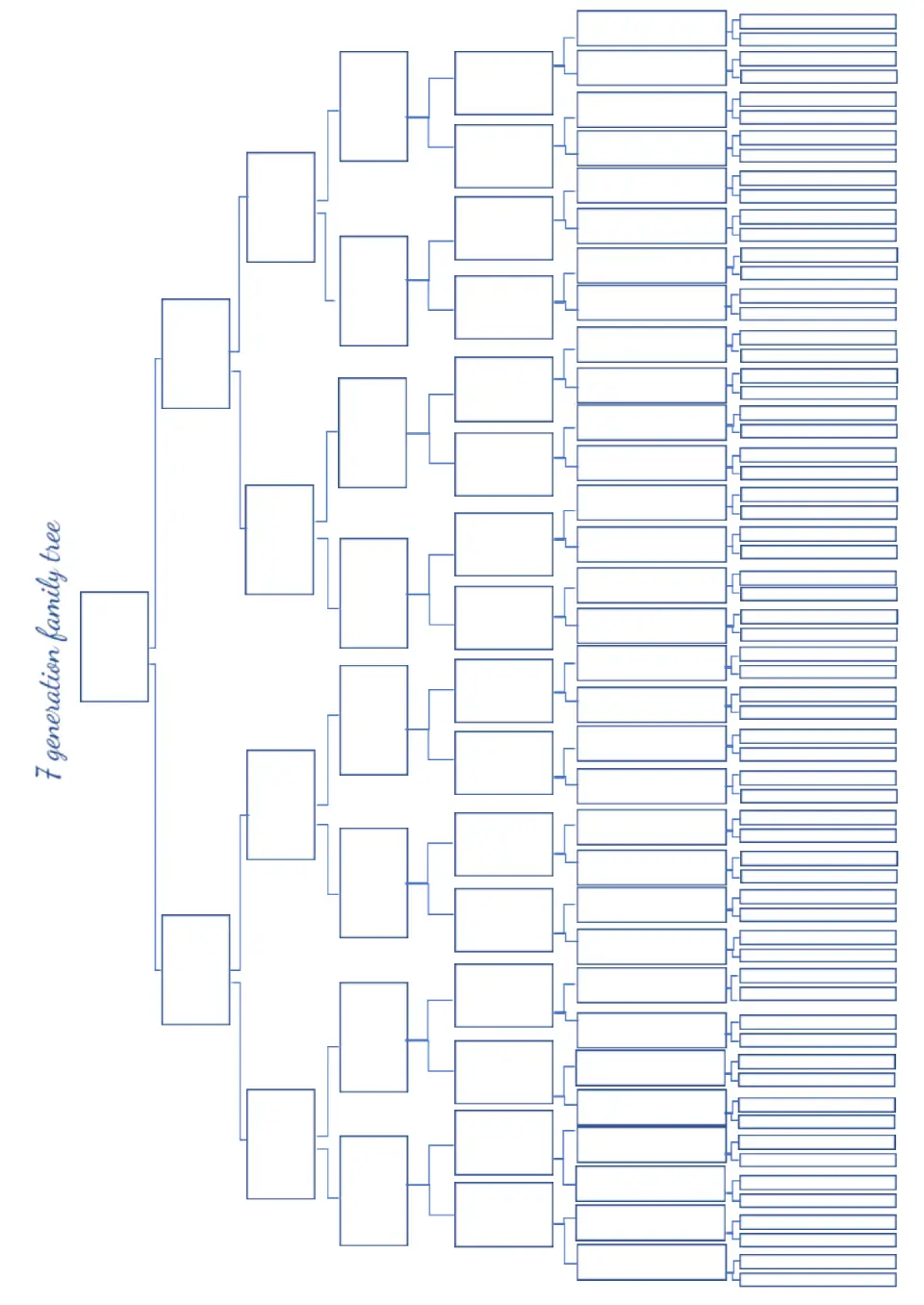
The Generation Family Tree Template for Google Docs will be useful for people who plan to seriously explore their family history. The template has a simple block diagram design that can accommodate information about seven generations at once.
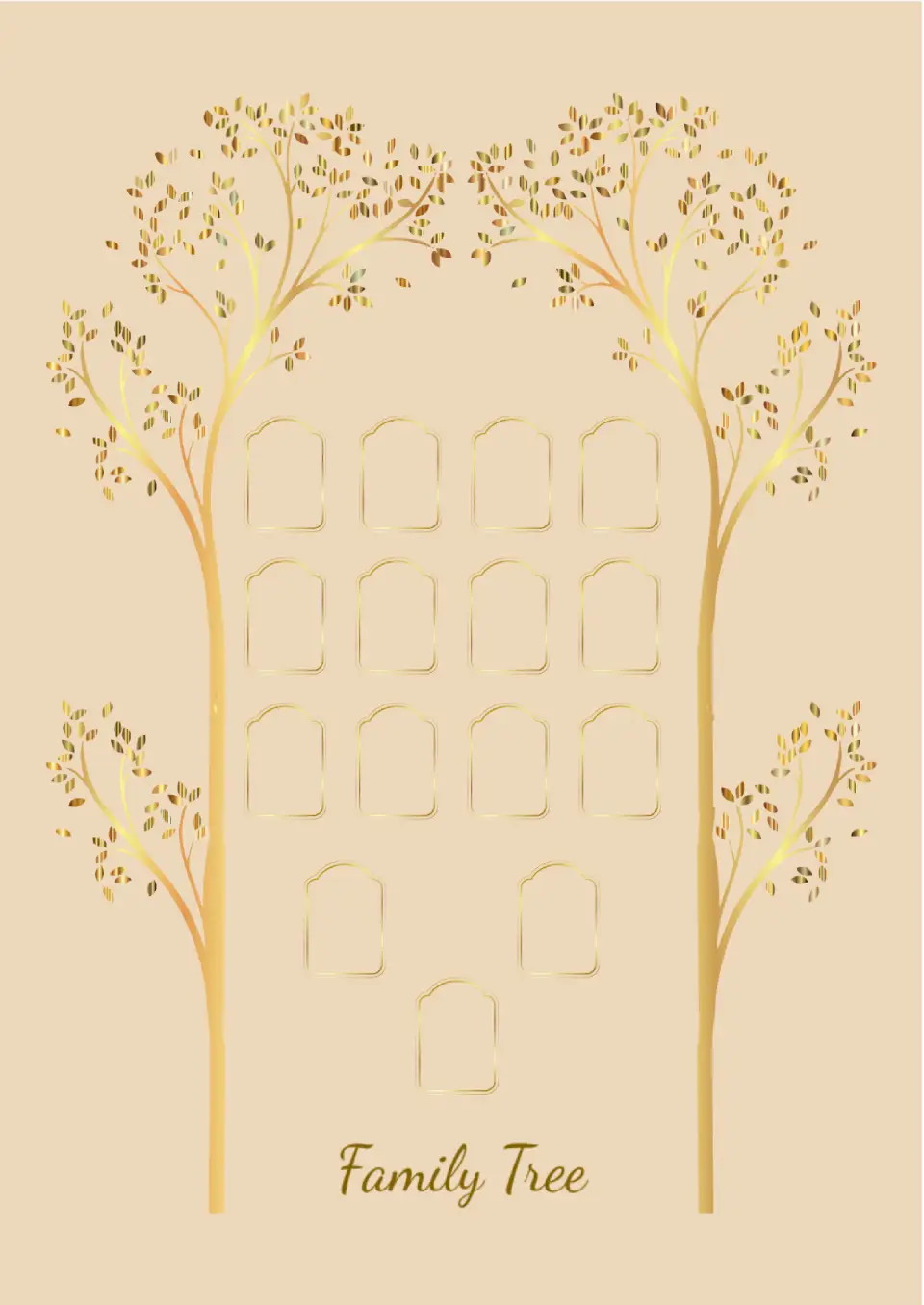
The template has a unique design: two elegant golden trees are placed on the sides, forming a frame. Inside it are slots where relatives' photos or textual information about them can be added.
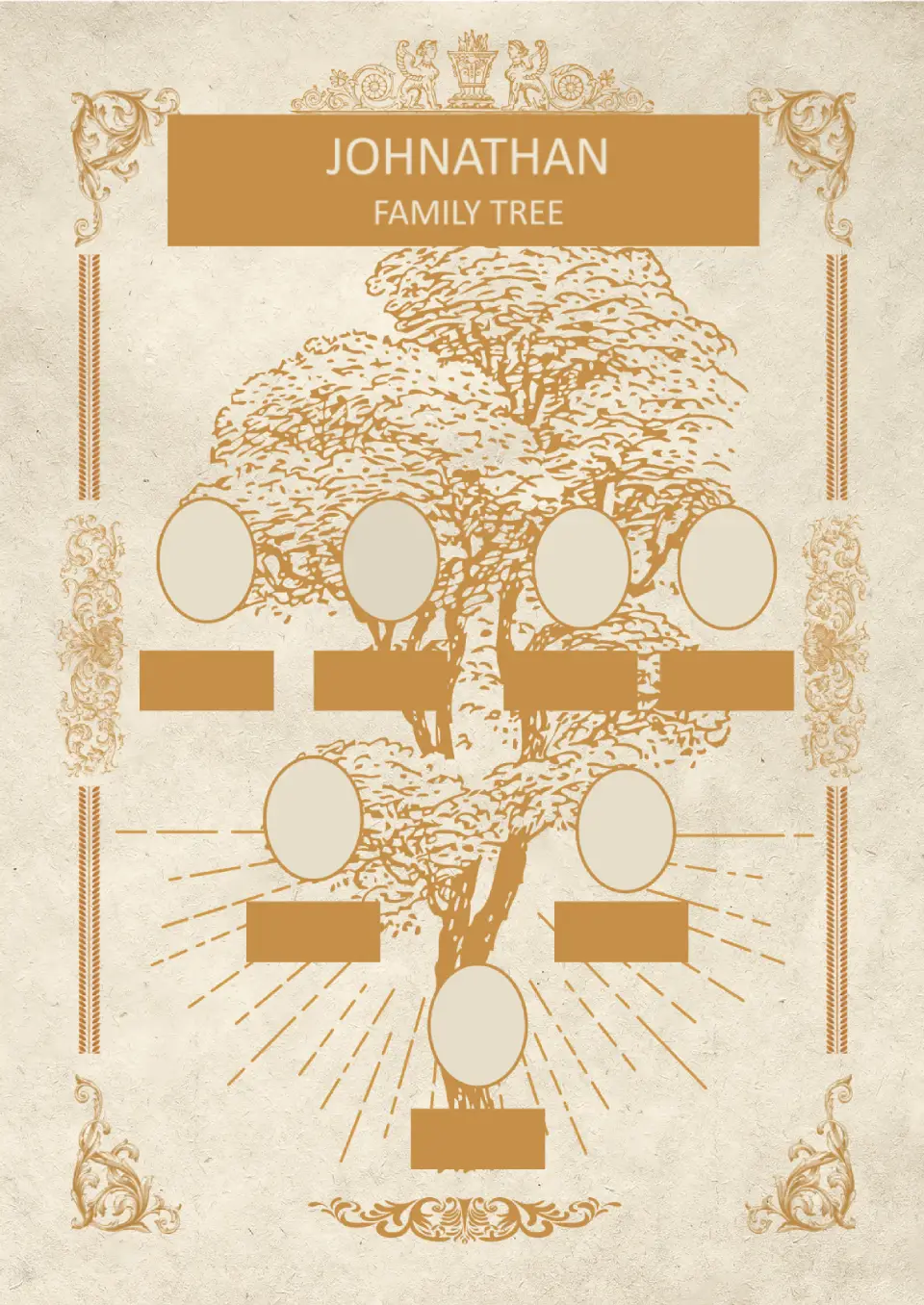
The main highlight of this vintage-stylized editable template is the original frame with intricate details. The layout can accommodate information about three generations of one family.
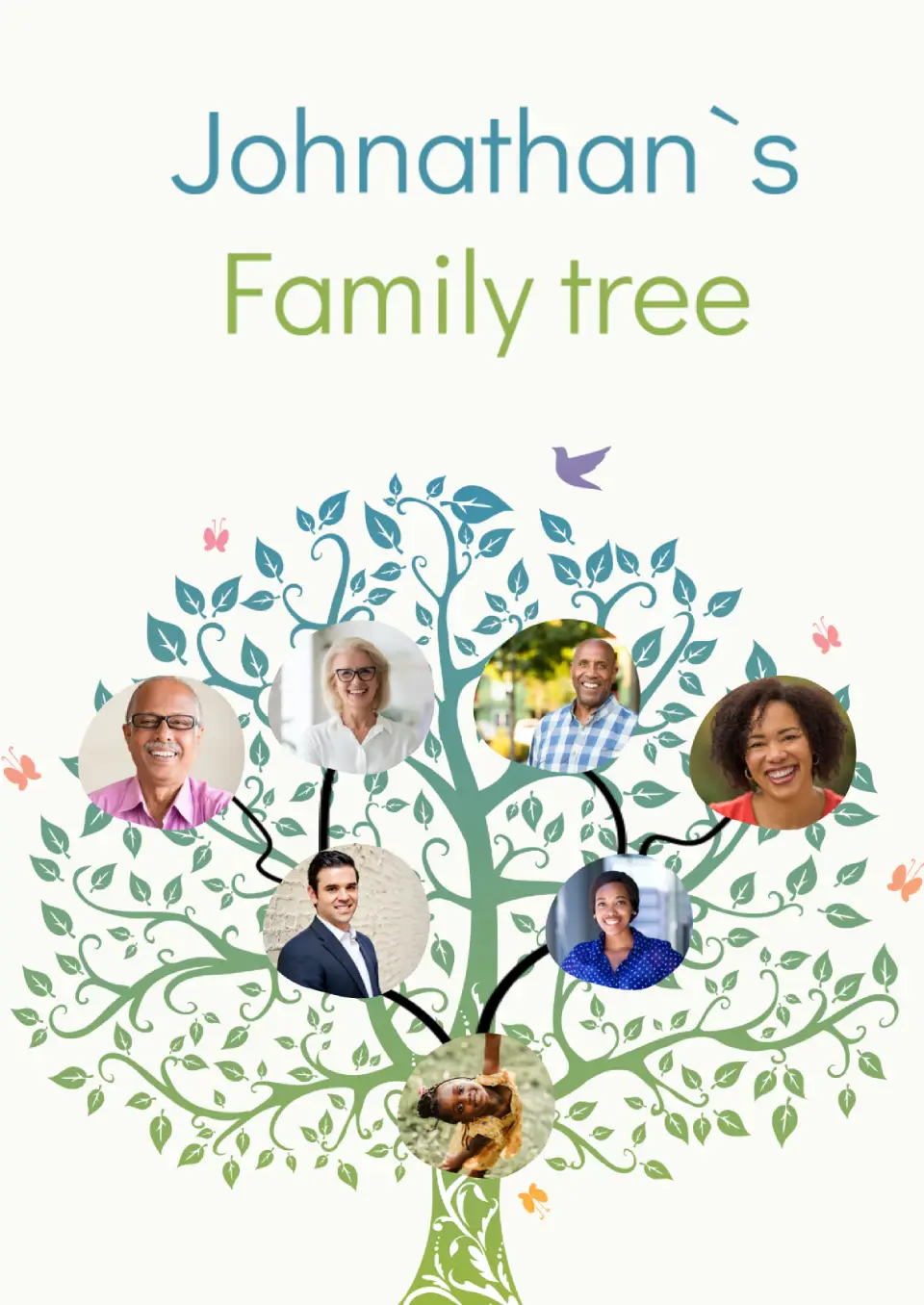
The Simple Family Tree Template for Google Docs is primarily intended for filling out with children. It accommodates seven photos, preferably in color.
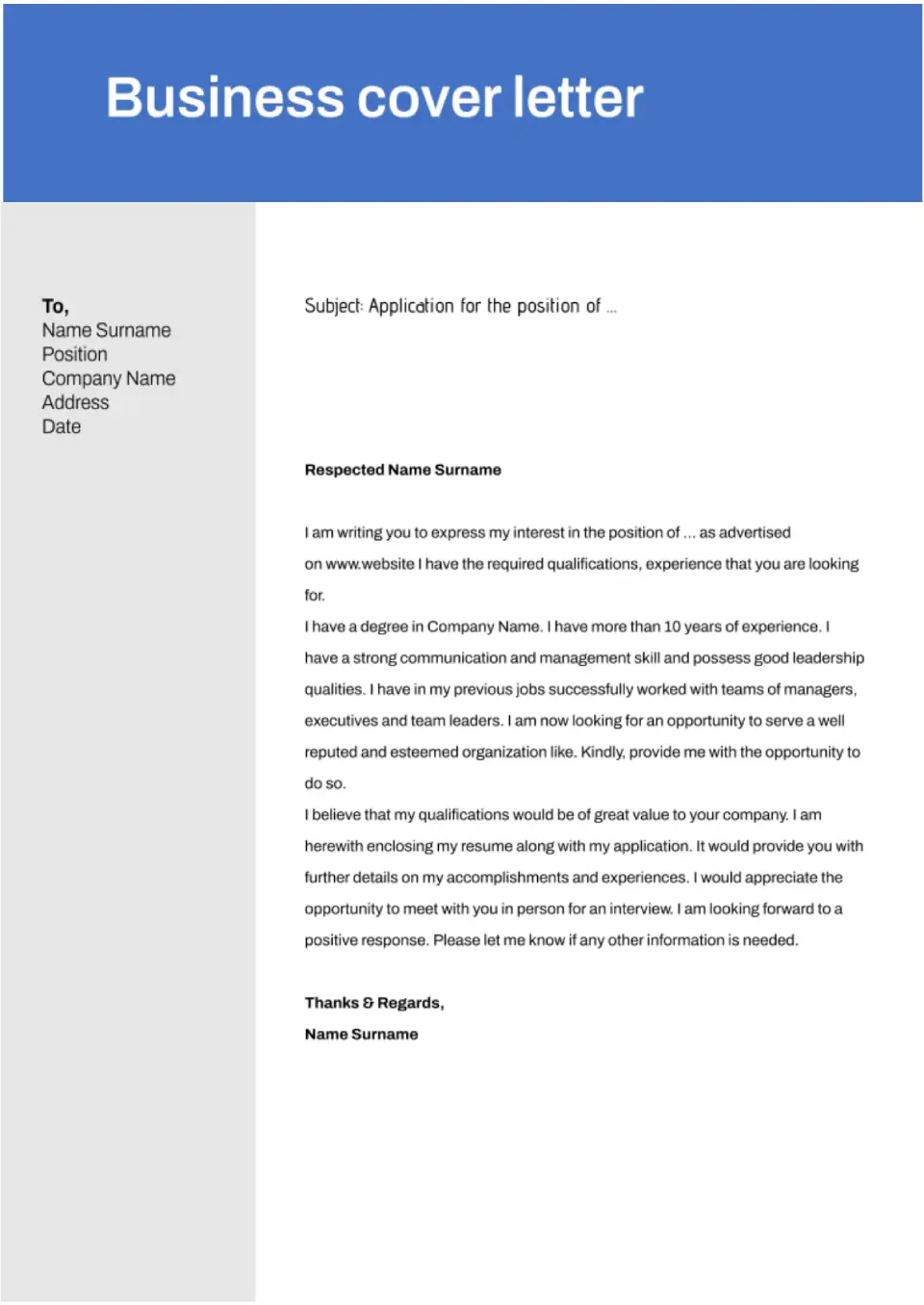
In business, every second counts, so business Google Docs free cover letter templates have a straightforward design. The template is designed so that HR can evaluate your benefits within the shortest time possible.
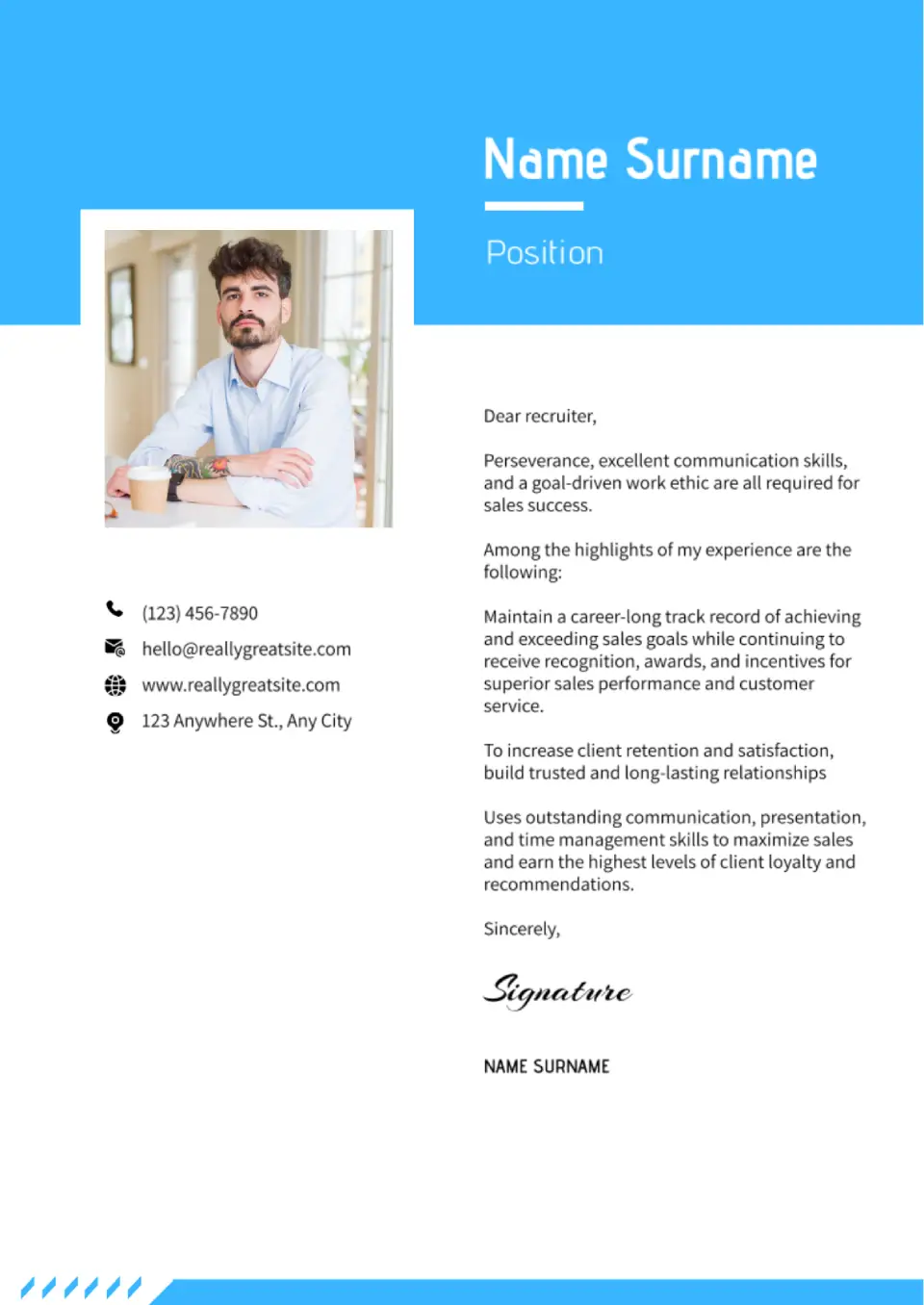
With this creative template, you will stand out from other candidates. The template has an eye-catching scale of colors and well-chosen fonts. Moreover, there is a space for a photo.
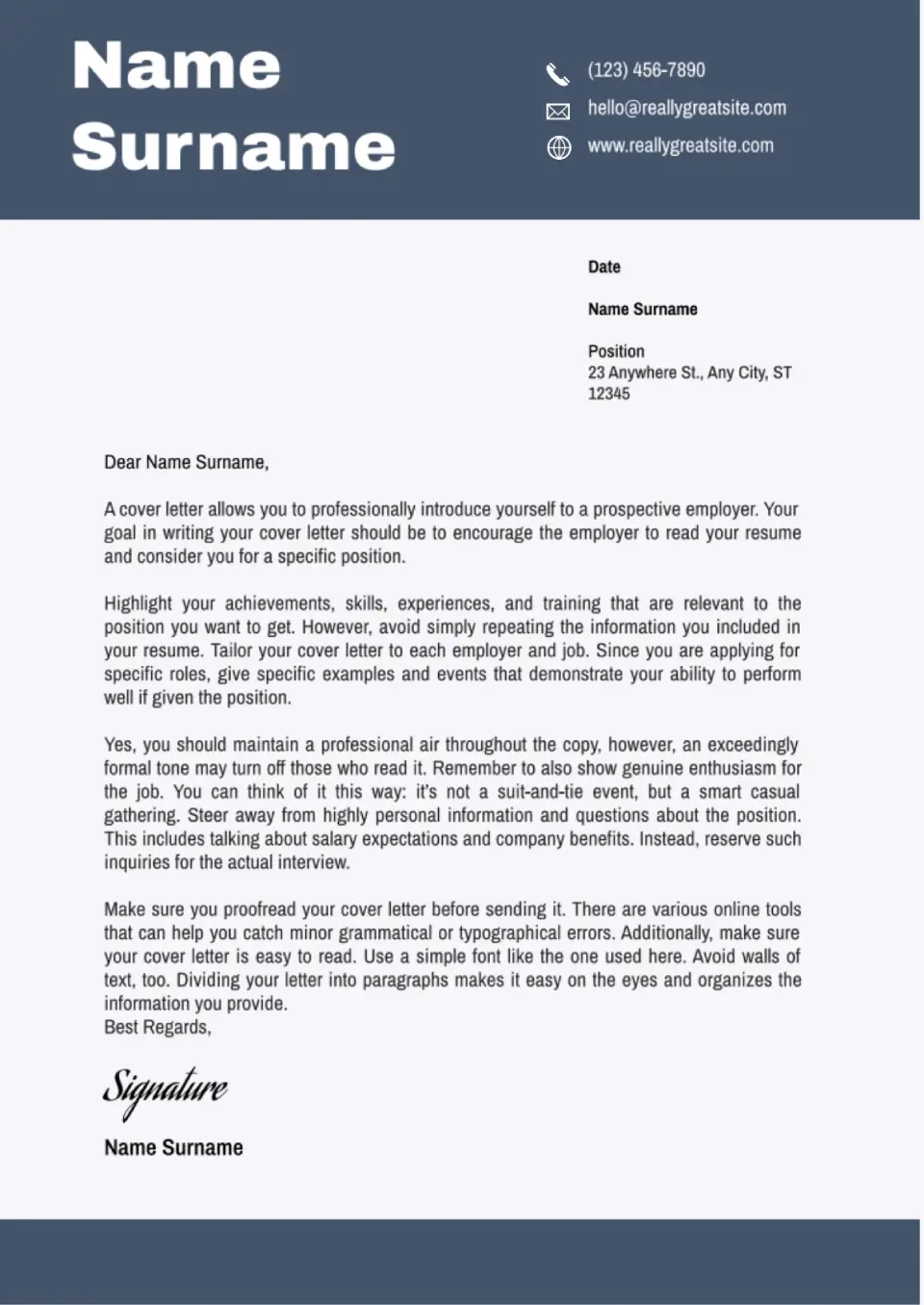
This free Google Docs cover letter template is designed by professionals who know what HRs have regard to. Getting a dream job will be much easier now!
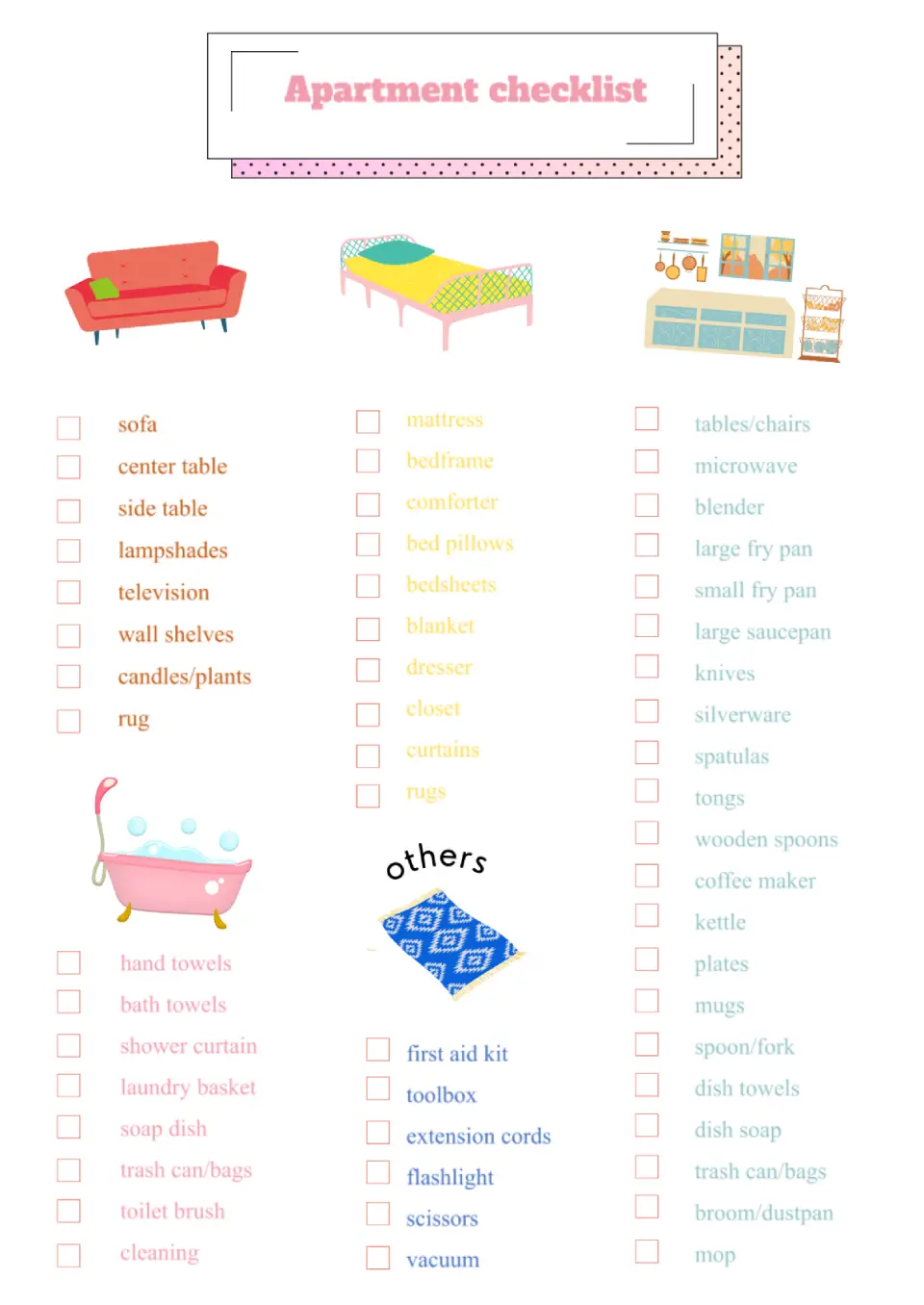
A bright editable template with pictures will be helpful when moving or cleaning an apartment. Mark things that have already been packed or cleaned so you don't forget anything. For convenience, the sheet is divided into different categories with their own images and text colors. You can easily edit the names in the list online, changing the items you don't need.
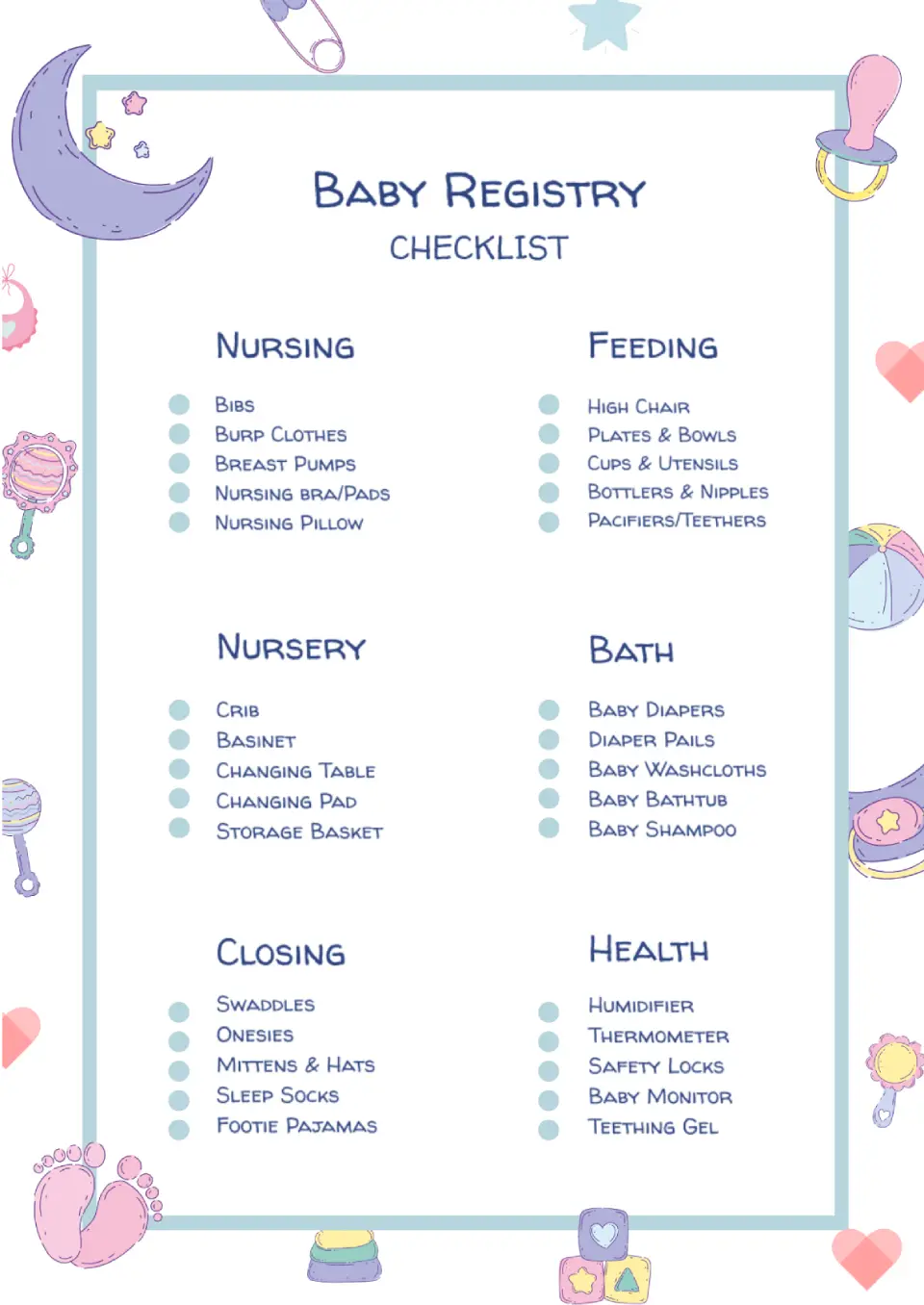
Then it is significant for you to prepare many necessary things in advance: from diapers to medicines. In order not to forget anything, use the Baby Registry Checklist Template in Google Docs. This beautiful hand-drawn design layout is divided into categories, each listing a things record.

Choose your preferred social media platform from options like Pinterest, Facebook, Twitter, and more. Share our templates with your contacts or friends. If you’re not active on these social networks, you can simply copy the link and paste it into the one you use.