

 Back to templates
 Google Docs Templates - Page 2

Are you planning a kids’ birthday and want invitations that are fun for children but also clear for parents? Kids Birthday Invitation Template combines a playful design with structured fields for the child’s name, age, party date and time, location, theme, and simple notes about what guests should bring or wear.


Do you need a quick way to tell a lot of people when and where your birthday party is, without designing a flyer from scratch? Birthday Flyer Template gives you a finished one‑page layout with a big event title, date, time, venue, short description, and space for contact or RSVP details.
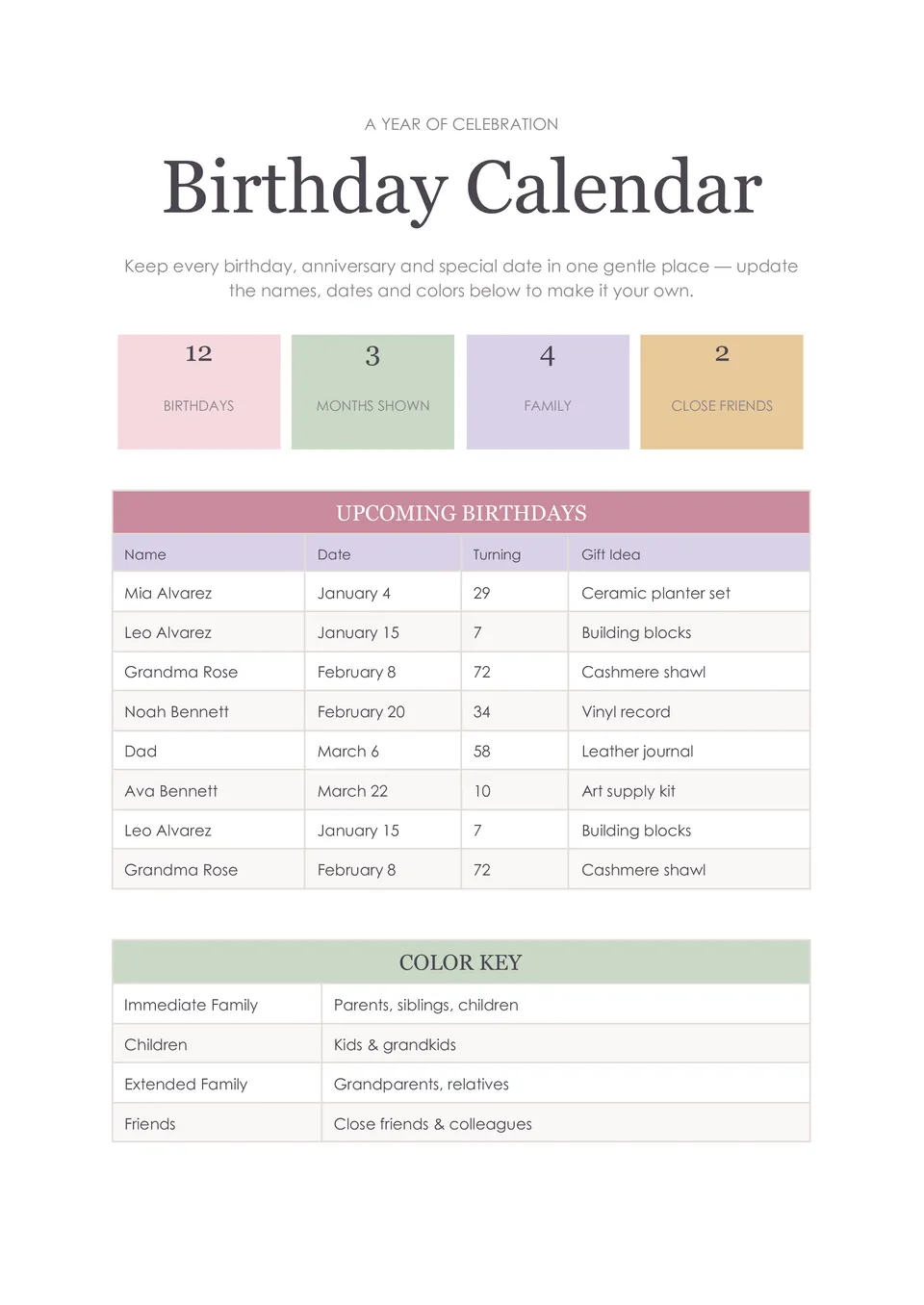
Do you constantly forget friends’ and family birthdays and rush to prepare something on the day itself? Birthday Calendar Template organizes birthdays month by month, with editable spaces for names, dates, and small notes such as gift ideas or reminders.

Do your “happy birthday” invitations feel plain and thrown together at the last minute? Happy Birthday Template offers a pre-designed invitation layout with a big birthday headline, space for the honoree’s name, event date and time, location, and a short personal message or tagline.

Tired of explaining party details separately to every guest and still having people miss key info? Birthday Party Invitation Template lays out the celebrant’s name, age, party theme, date, time, venue, and RSVP details in one cohesive design.
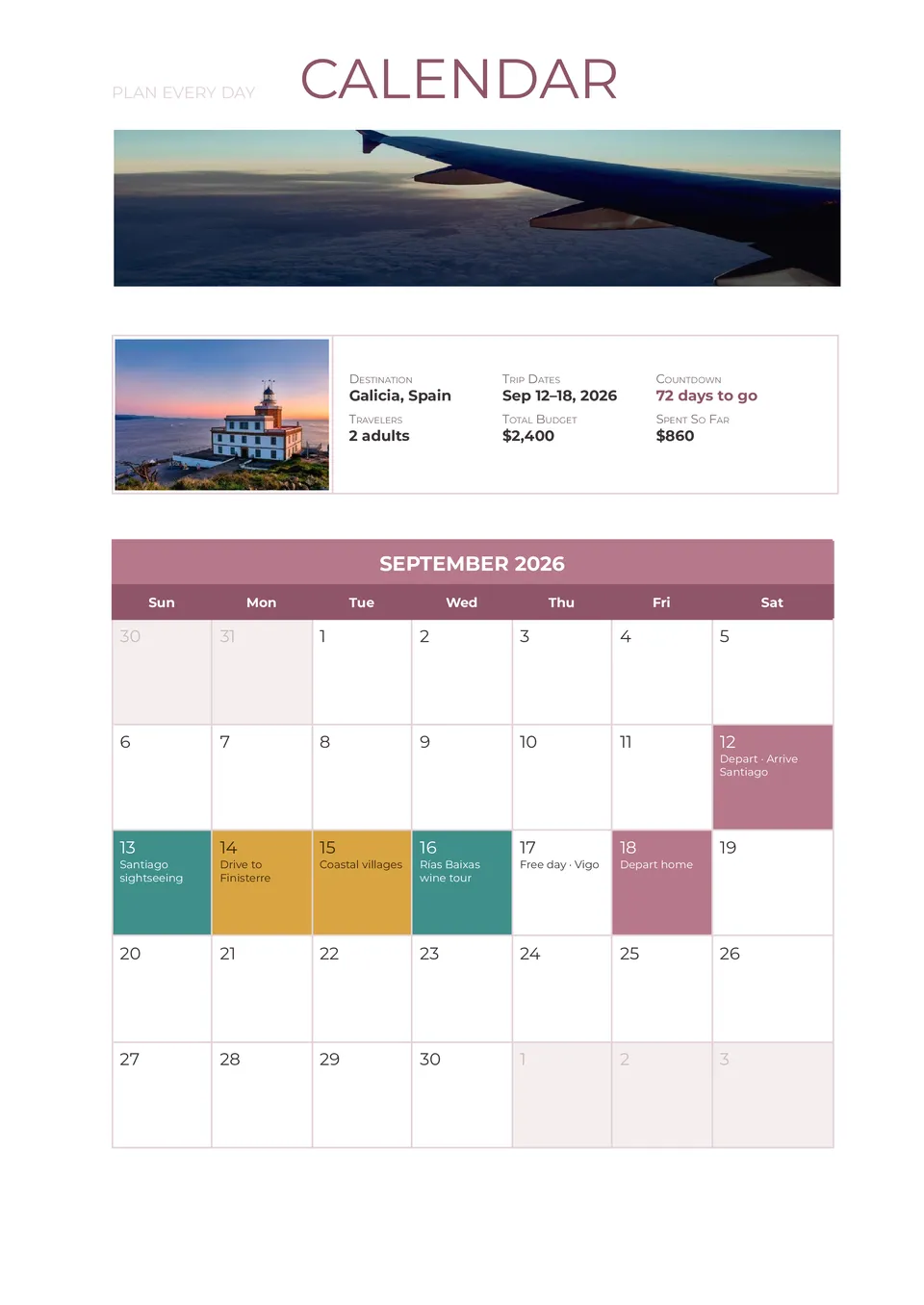
Need to see your entire trip at a glance instead of scrolling through long lists and separate files? Travel Itinerary Calendar Template combines your schedule with a calendar view so flights, stays, and activities are visible by date in one visual overview.
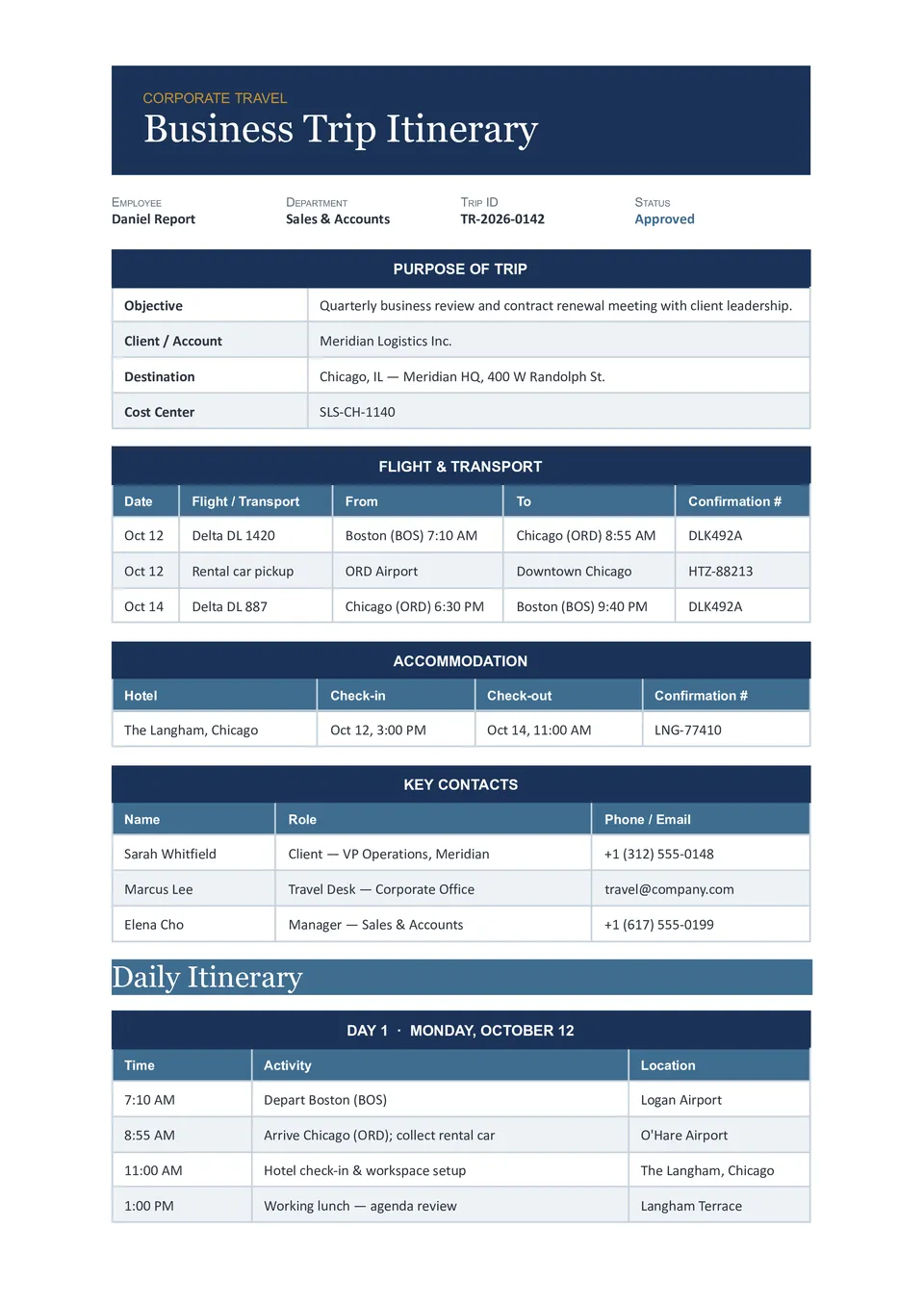
Managing multiple employee trips and losing track of flights, meetings, and hotels? Corporate Travel Itinerary Template organizes traveler details, flight and hotel info, meeting schedules, transport, and company notes in one structured document for HR and travel coordinators.
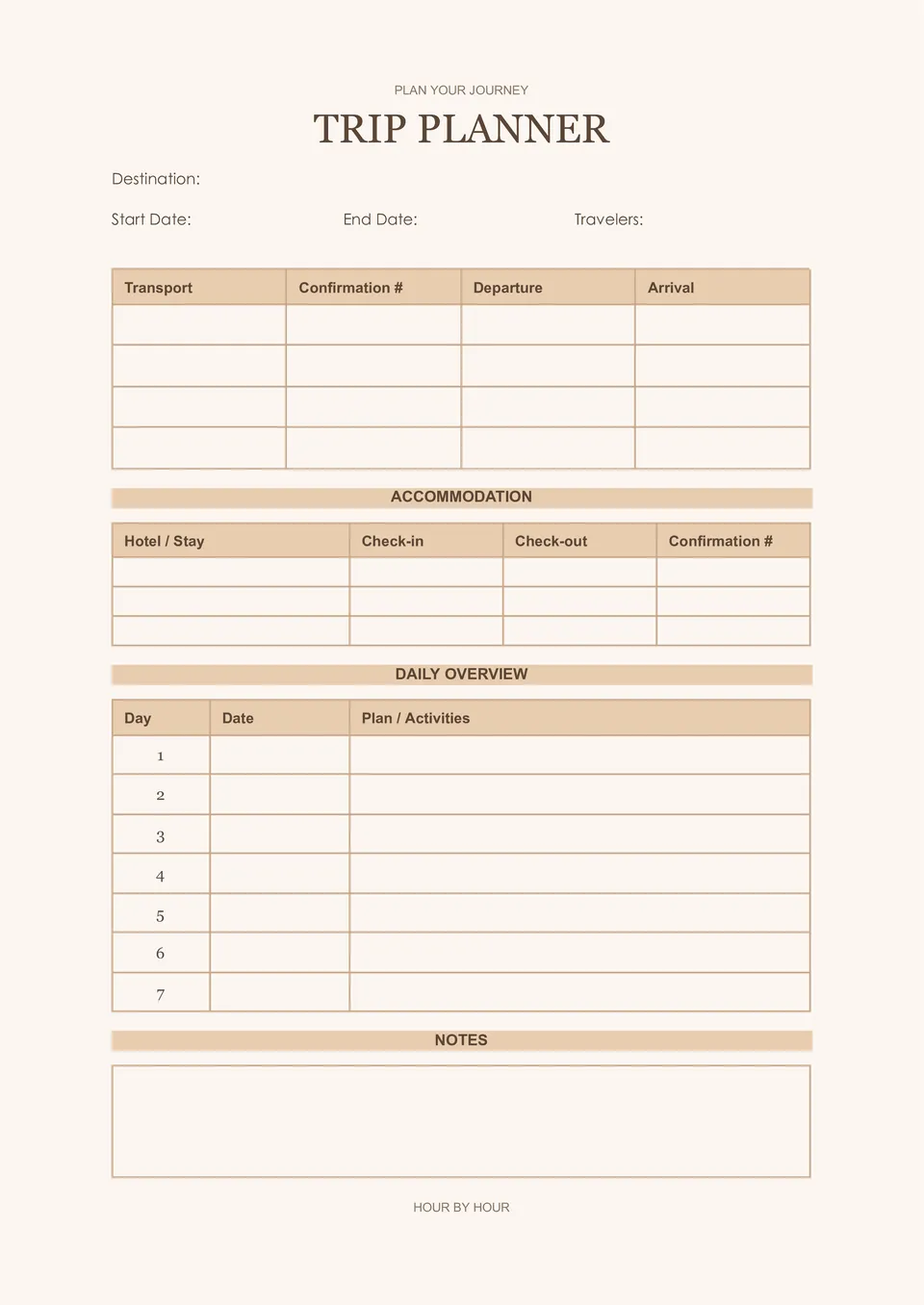
Prefer a paper copy you can carry in your bag instead of relying on your phone while traveling? Printable Travel Itinerary Template includes traveler details, daily schedules, transport, accommodations, and emergency contacts in a clean, print-ready format.
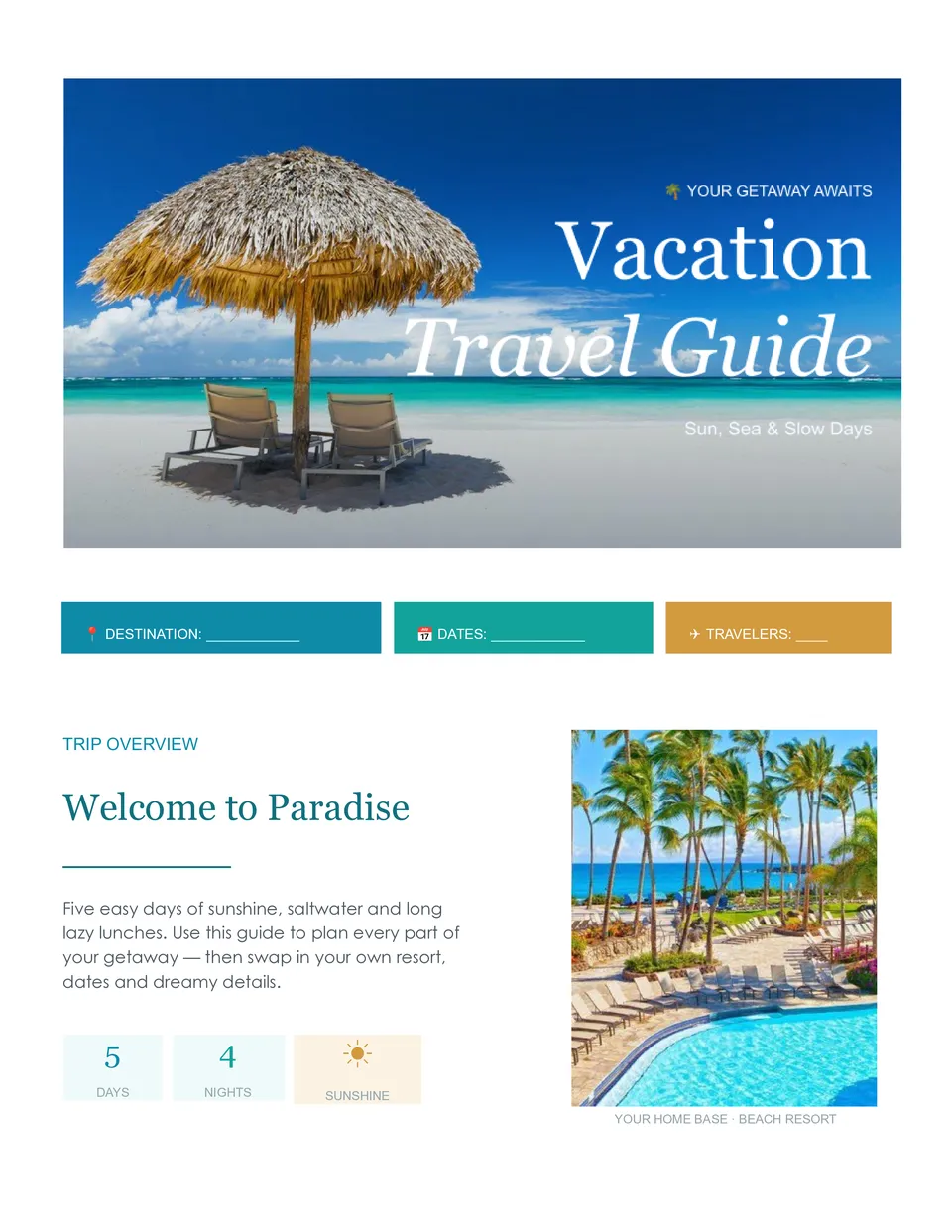
Want your vacation to feel relaxing instead of stressful because plans are scattered everywhere? Vacation Travel Itinerary Template helps families, couples, and friends structure flights, stays, activities, and important trip info into one shareable document.
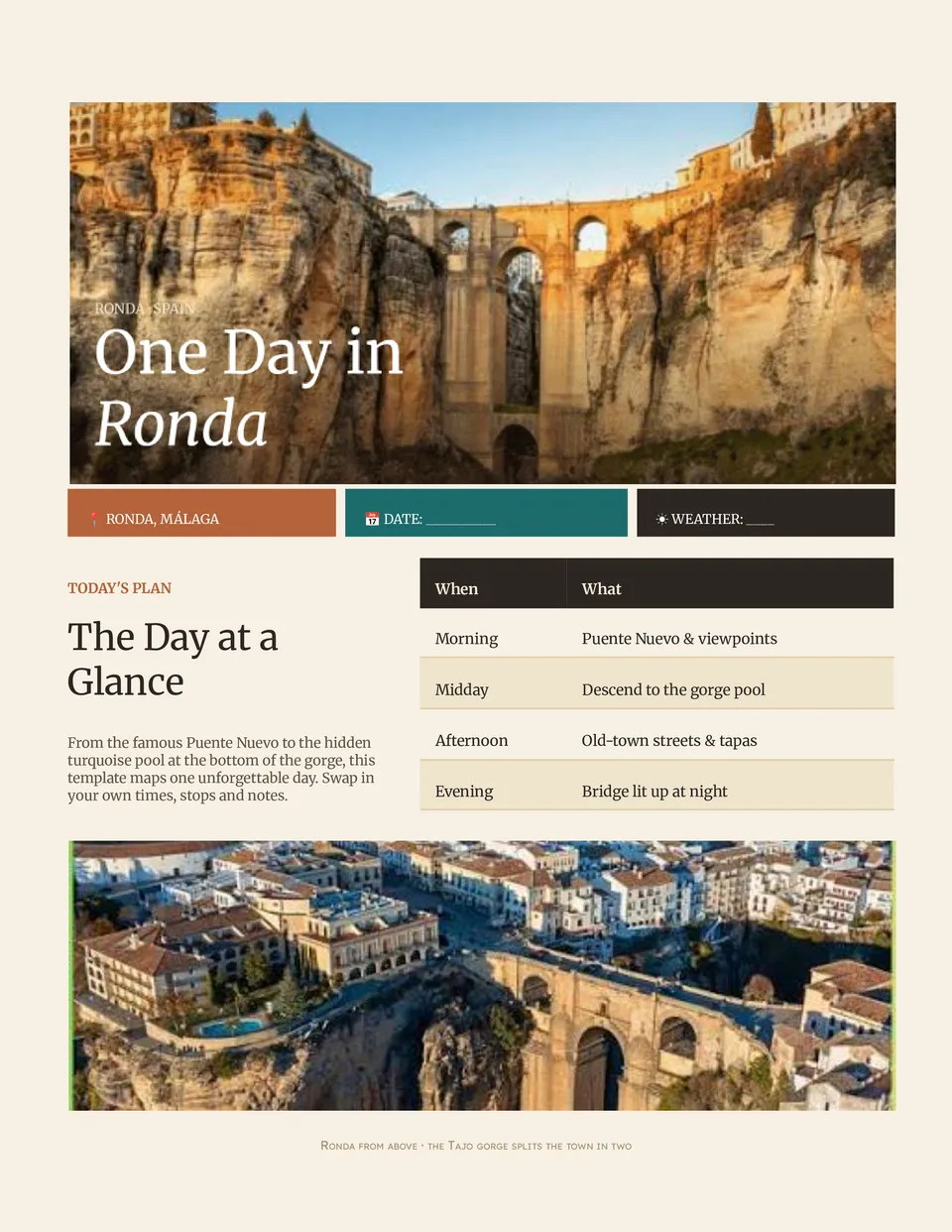
Afraid you'll miss must-see spots because your day is unplanned and chaotic? Daily Travel Itinerary Template breaks your trip into hour-by-hour plans with time slots, activities, locations, and notes for each part of your day.
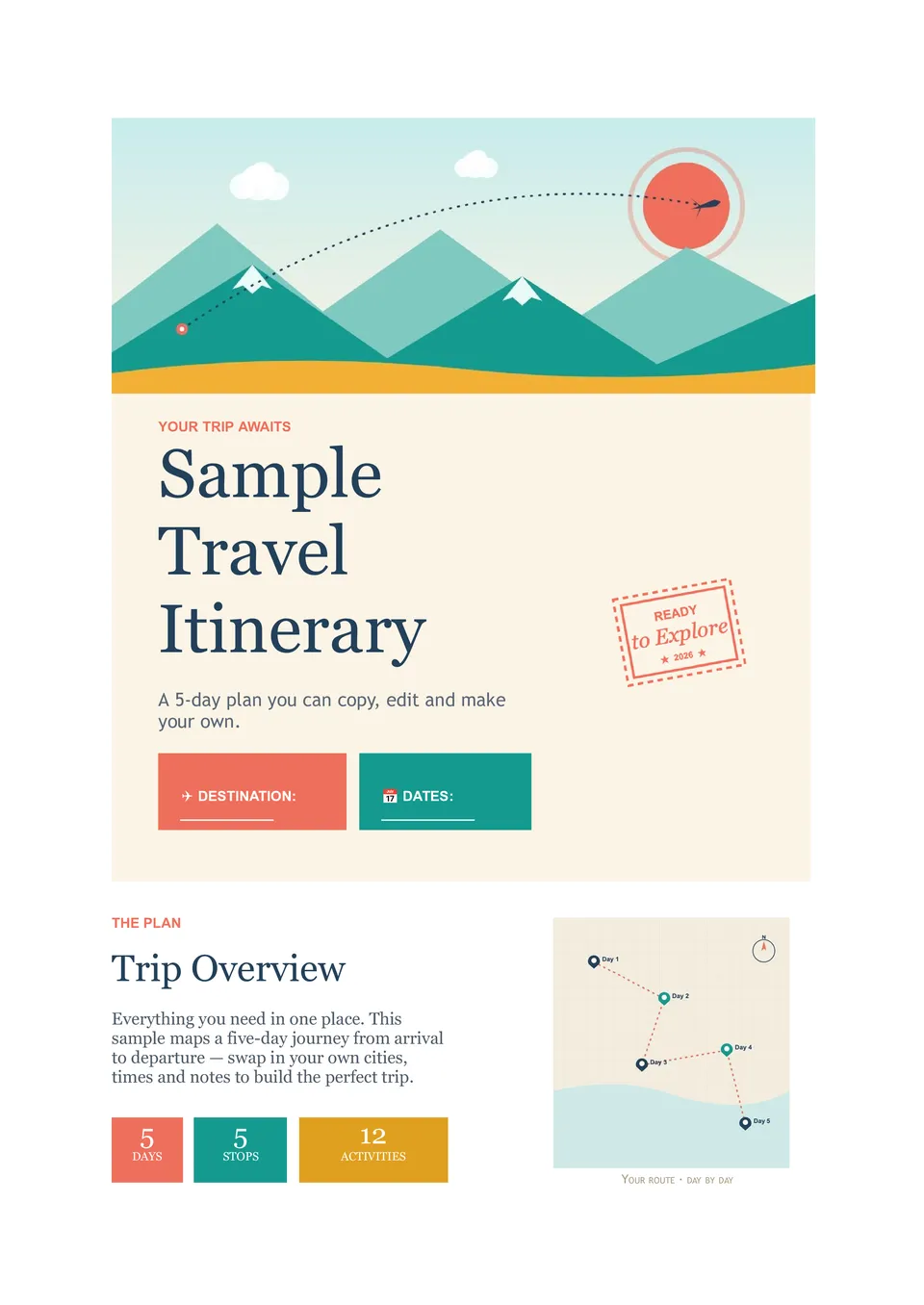
Not sure how a complete trip plan should look before you start building your own? Sample Travel Itinerary Template includes traveler info, trip overview, daily activities, accommodation details, transportation, emergency contacts, and notes already laid out in a full example.

Tired of digging through confirmation emails before every meeting and flight? Business Travel Itinerary Template brings flights, hotels, meetings, transport, and contacts into one practical document you can share with colleagues. Ideal for executives, sales teams, and anyone who travels regularly for work.

Need your high-end trip to look as polished in planning as it feels in real life? Luxury Travel Itinerary Template presents private transfers, exclusive experiences, and premium stays in a refined Google Docs layout with space for timing and client notes.
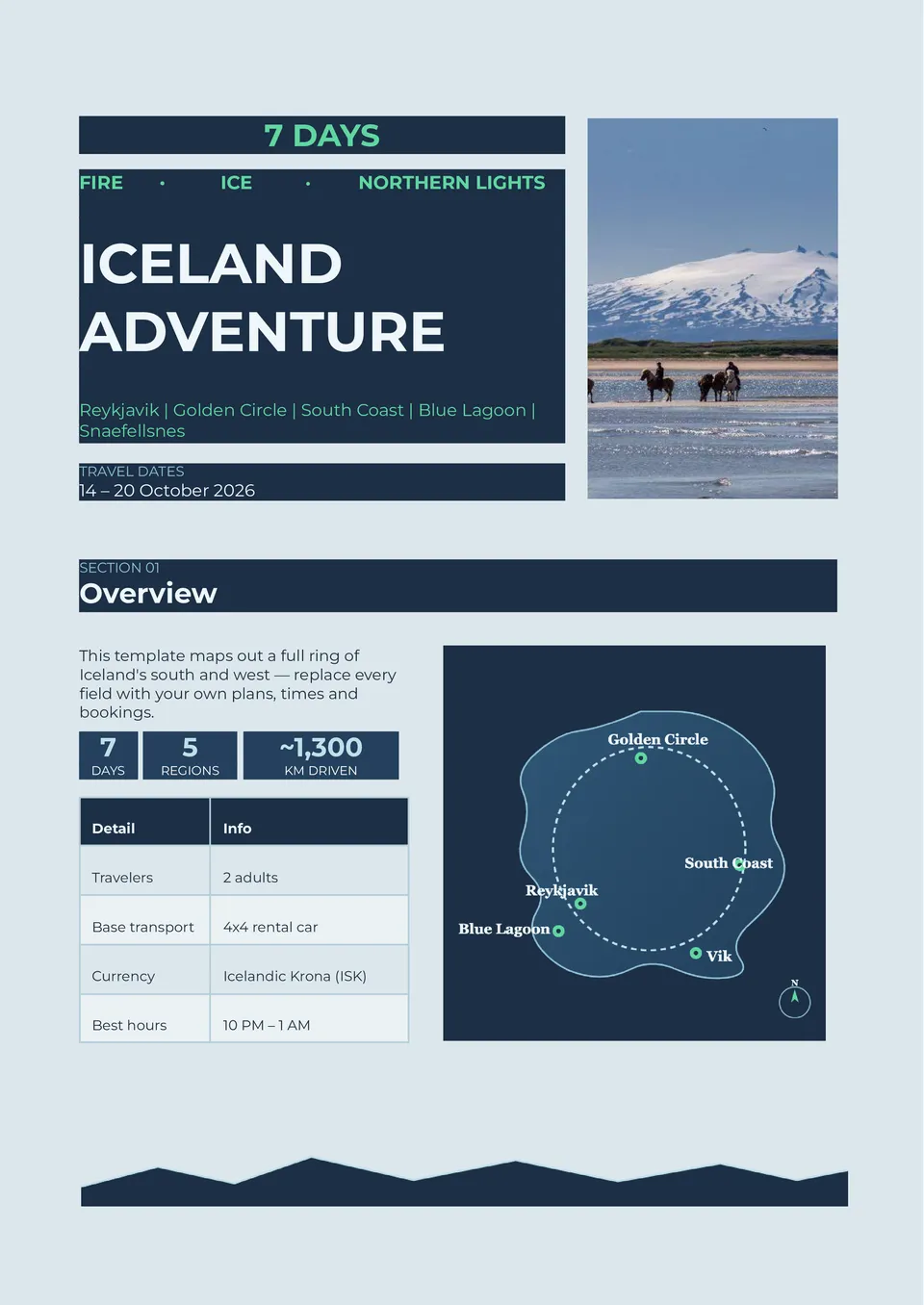
Worried about long drives, weather changes, and missing key stops on your Iceland road trip? Iceland Travel Itinerary Template lays out the Ring Road, Golden Circle, and major attractions with daily routes, activities, and travel times.
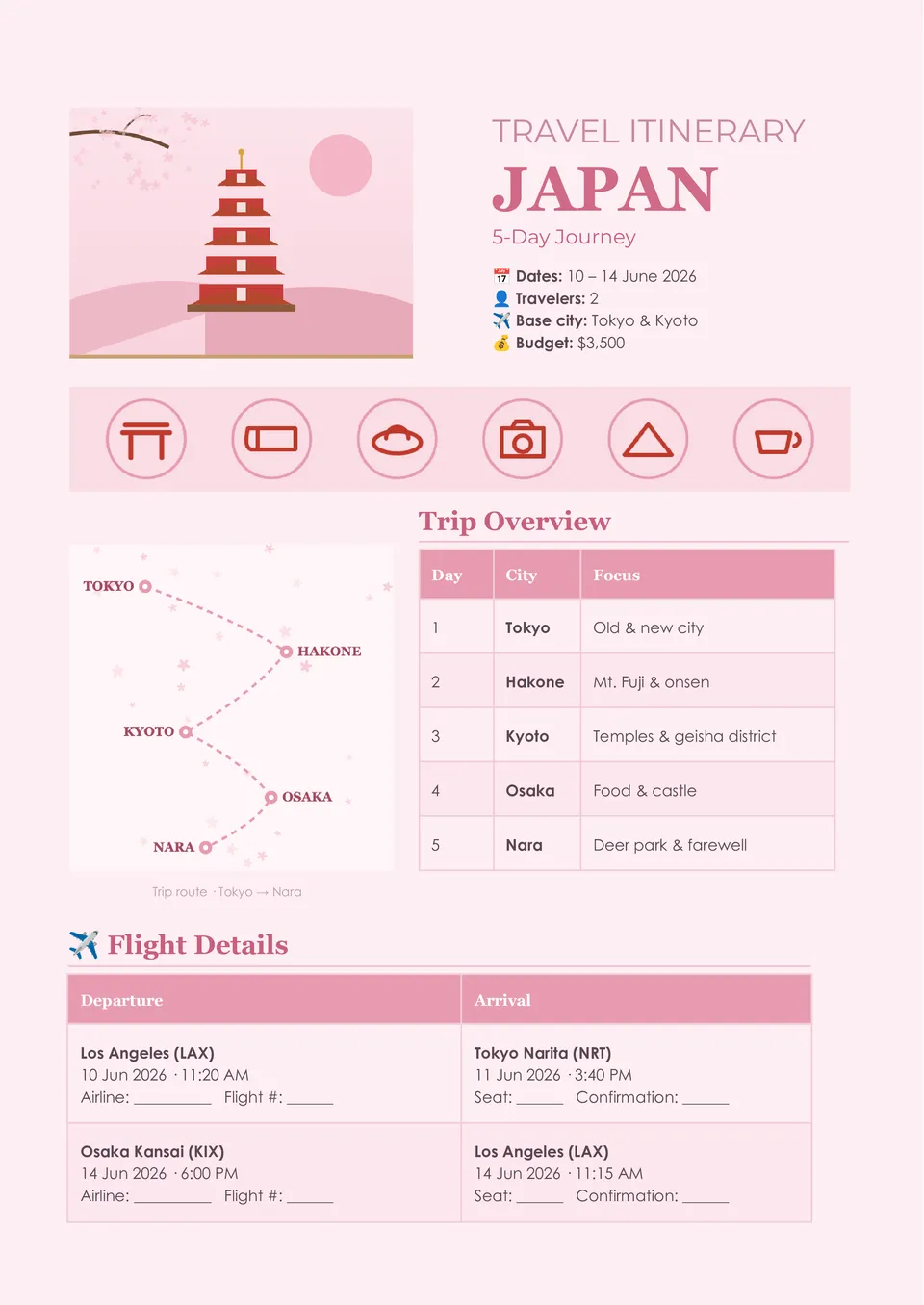
Want to enjoy Tokyo, Kyoto, and Osaka without wasting time figuring out transport and daily routes on the go? Japan Travel Itinerary Template organizes cities, attractions, and travel days into a clear schedule with space for transport, activities, and notes.
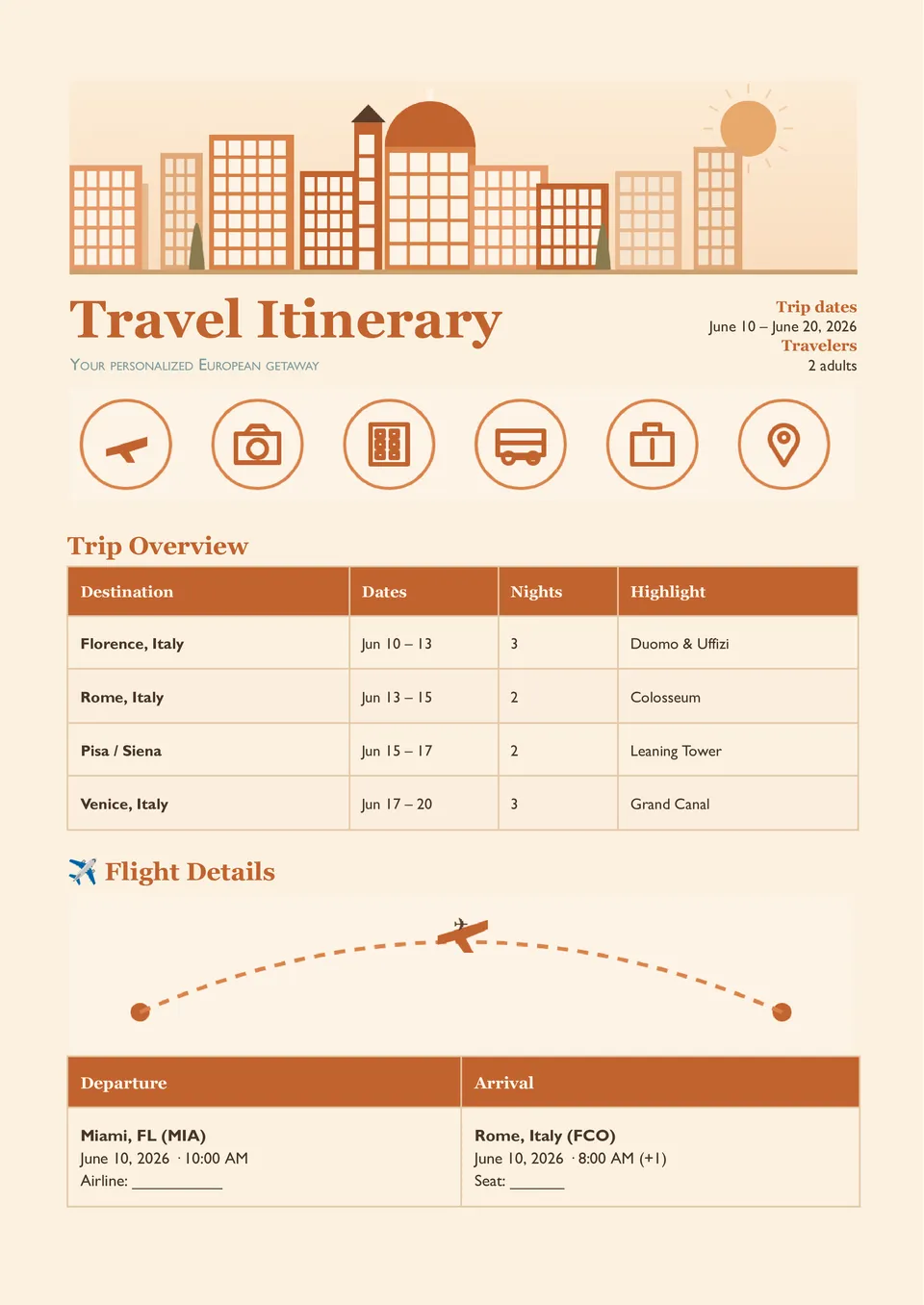
Struggling to keep flights, hotels, and daily activities in one organized place instead of scattered across emails and tabs? Travel Itinerary Planner Template maps out schedules, transportation, accommodations, and key trip details in a clear Google Docs layout.

Choose your preferred social media platform from options like Pinterest, Facebook, Twitter, and more. Share our templates with your contacts or friends. If you’re not active on these social networks, you can simply copy the link and paste it into the one you use.