

Recipe 2 Sided Template
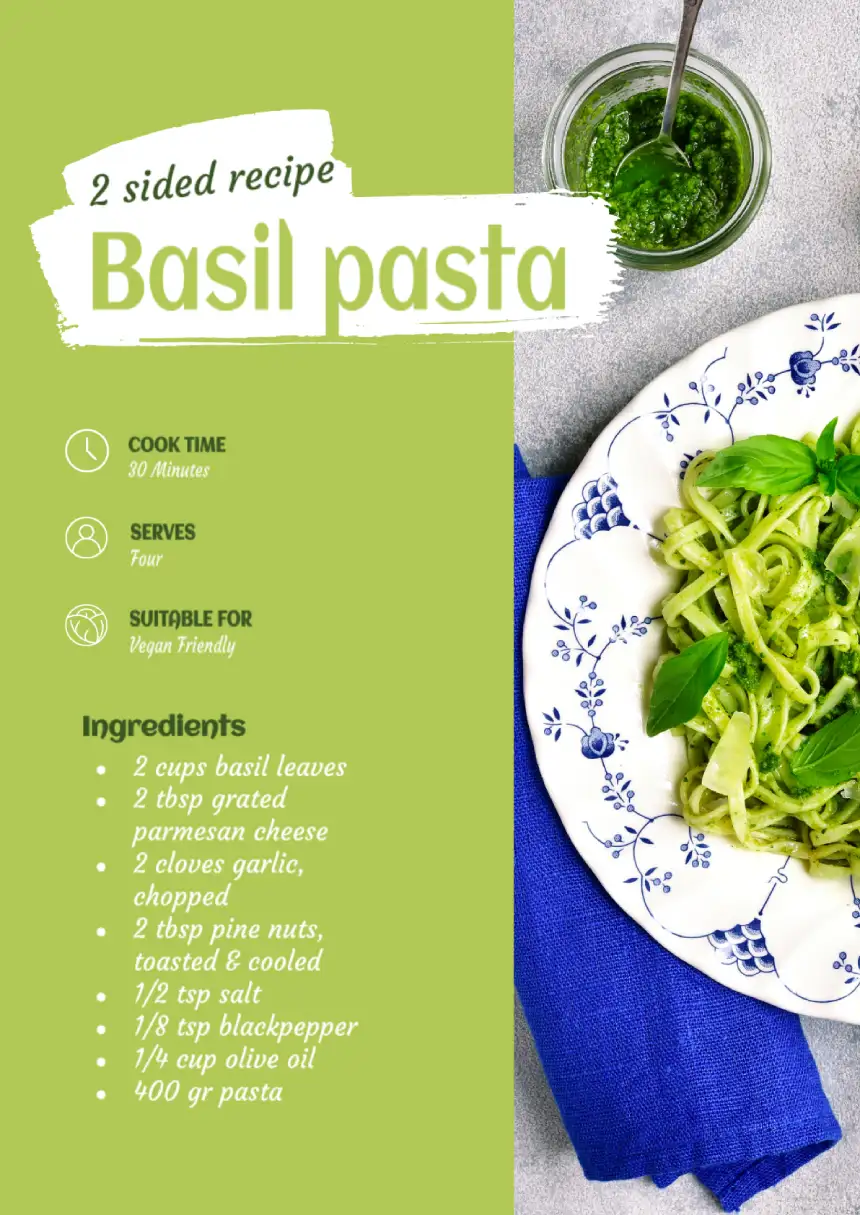
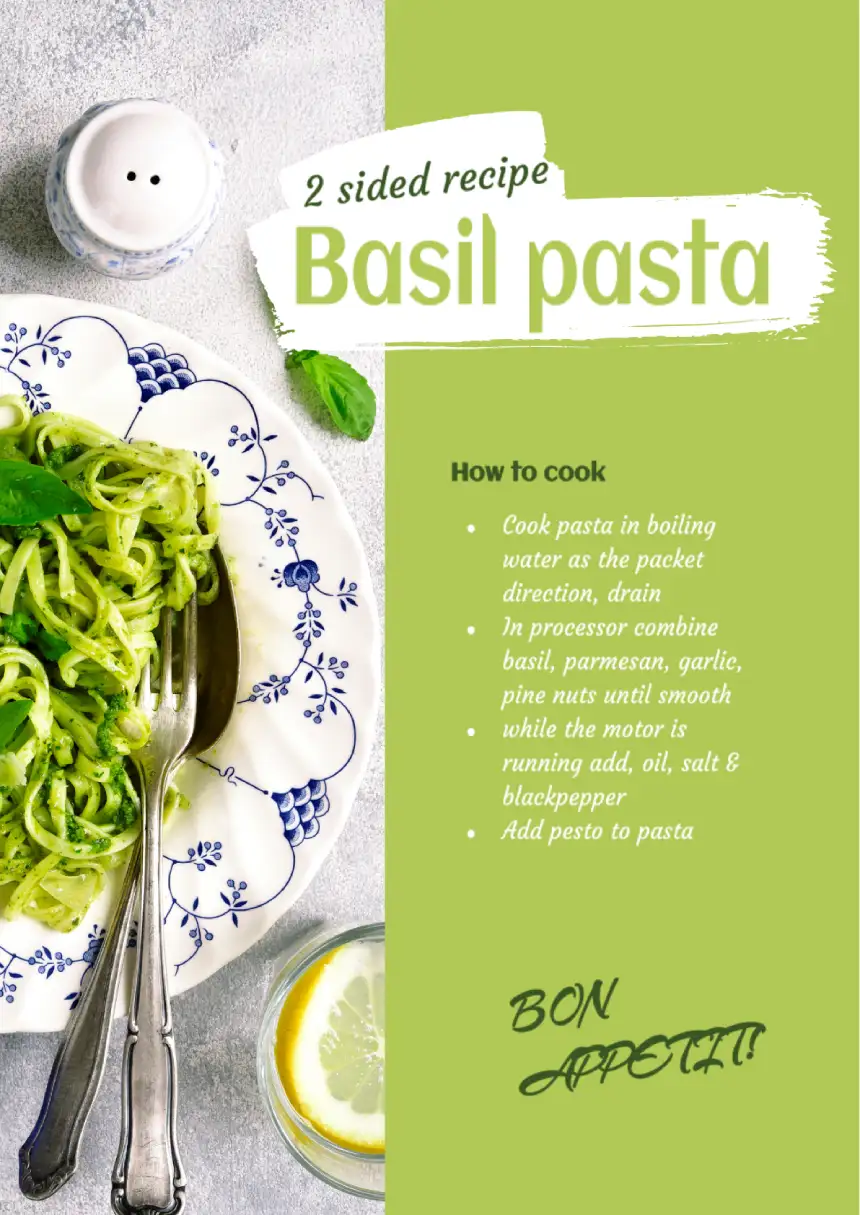


Creating a menu seems intimidating and complicated, but the procedure comes down to a few steps. You can perform all of the tasks with the use of the 2 sided recipe created with the usage of the template devoted to the Google Docs. This approach provides you with a chance to:
The use of the 2 sided recipe associated with the templates placed on the Google Docs can solve a wide range of the issues caused by the absence of the necessary knowledge and skills. The absence of these problems will allow you to focus on the crucial tasks during creation of the files.
In this case, you will have a chance to pay special attention to the content describing the process of cooking and type of the ingredients needed to obtain the specific taste of the meals. You will turn the recipe templates for Google Docs into an integral part of your working process by making it more effective and productive. This type of the menu will have:
- Various details
- Promotional offers
- Useful data to select the dishes
Many restaurateurs do not want to passively wait for fame to come to them. They resort to advertising. It is important to note that having reached a certain level of well-being, the restaurant ceases to advertise itself. Therefore, if suddenly such advertising appears again, it means that things did not go so well in it. If the restaurant is not located in the busiest place in the city and its manager is not sure that the rumor about it is spreading by itself, then it makes sense to resort to advertising.

designer
My goal is to create beautiful and intuitive graphic designs for individuals and businesses! I, Kateryna Kyrylova, specialize in a variety of formats, from Google products to Microsoft.
Achievements:


designed more than 1500 templates for docsandslides.com
Template text reviewed by an expert from docsandslide's blog.



1

2

3

Related Recipe Templates
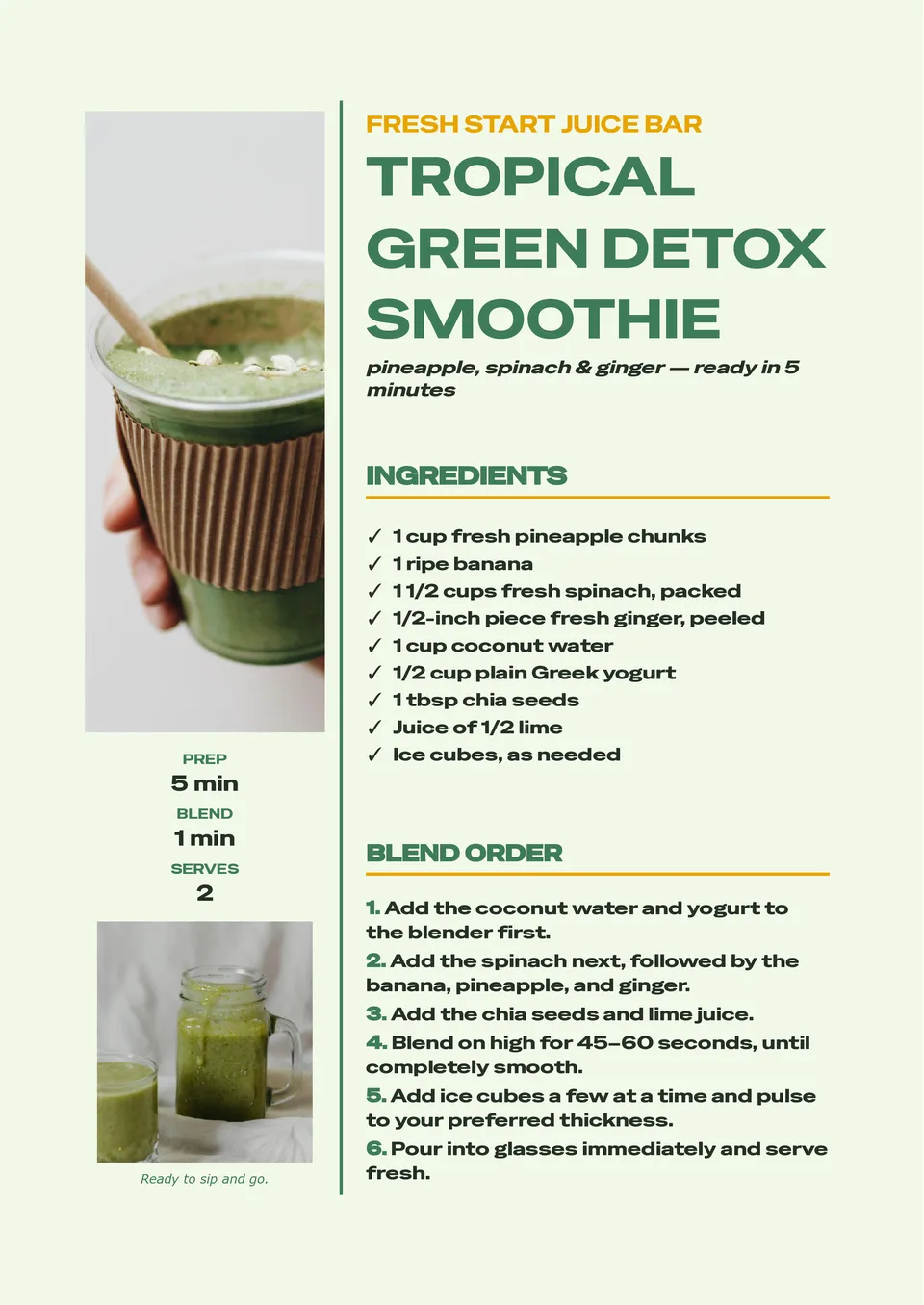
A consistent smoothie recipe is much easier to repeat when ingredients, portions, and blending instructions are written in one clear place. Smoothie Recipe Template provides room for fruits, vegetables, liquids, add-ins, serving size, nutrition notes, preparation steps, and optional garnish ideas. It is useful for wellness creators, cafés, fitness coaches, parents, and anyone building a personal collection of quick drinks. The layout makes it simple to compare combinations and adjust recipes for different dietary preferences. Add your own ingredients and visuals, then save, print, or share the free editable design with others.

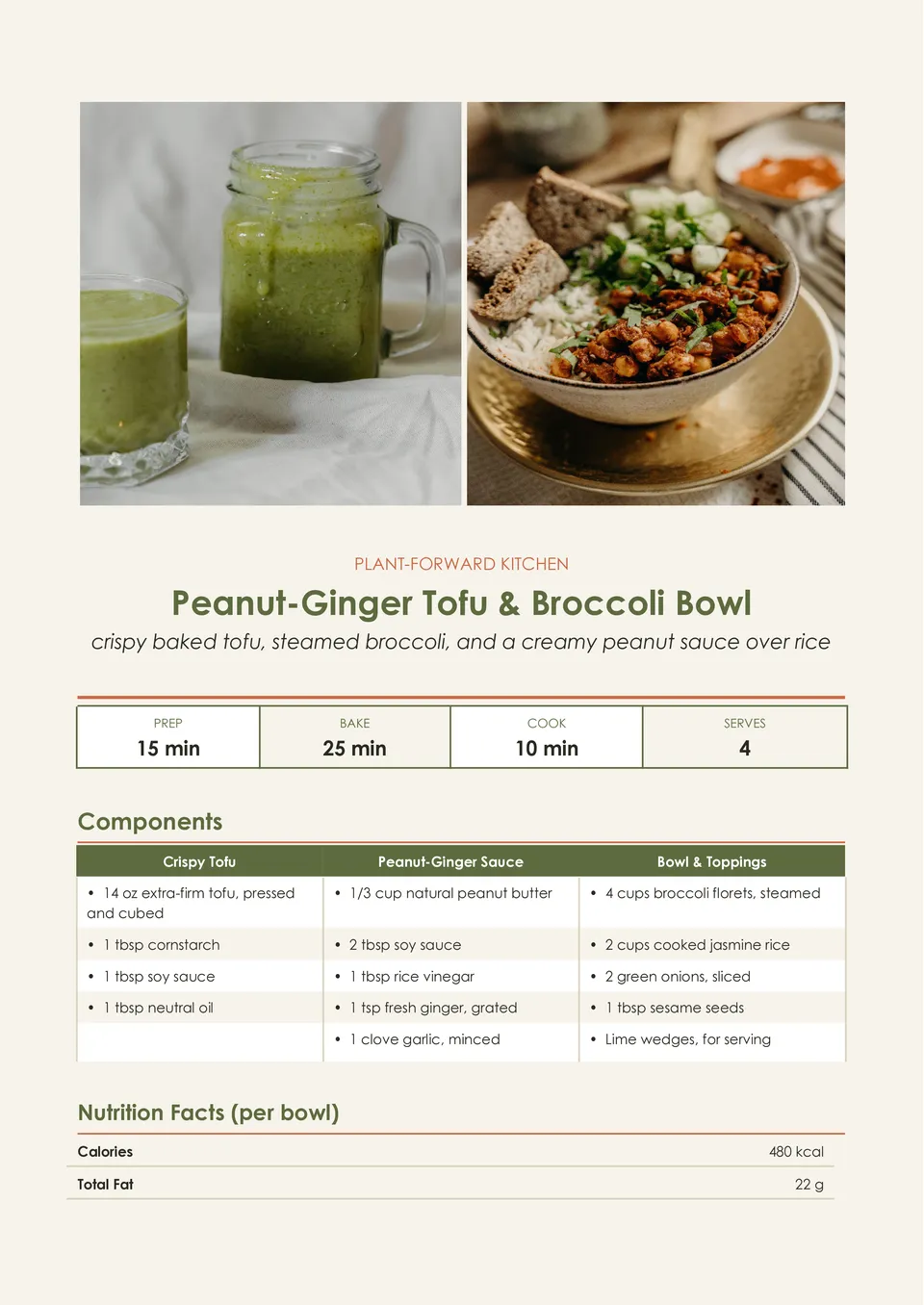
Vegan Recipe Template helps present plant-based dishes with room for ingredients, substitutions, preparation directions, cooking time, servings, allergen notes, and serving suggestions. It is made for vegan home cooks, recipe bloggers, restaurants, nutrition professionals, and anyone sharing meat- and dairy-free meal ideas. The organized page can make ingredient swaps and dietary details easier for readers to understand before they start cooking. Change every editable element to match a specific dish, brand, or meal plan. The template is free for personal and business use and can be downloaded, printed, or shared as soon as your recipe is ready.
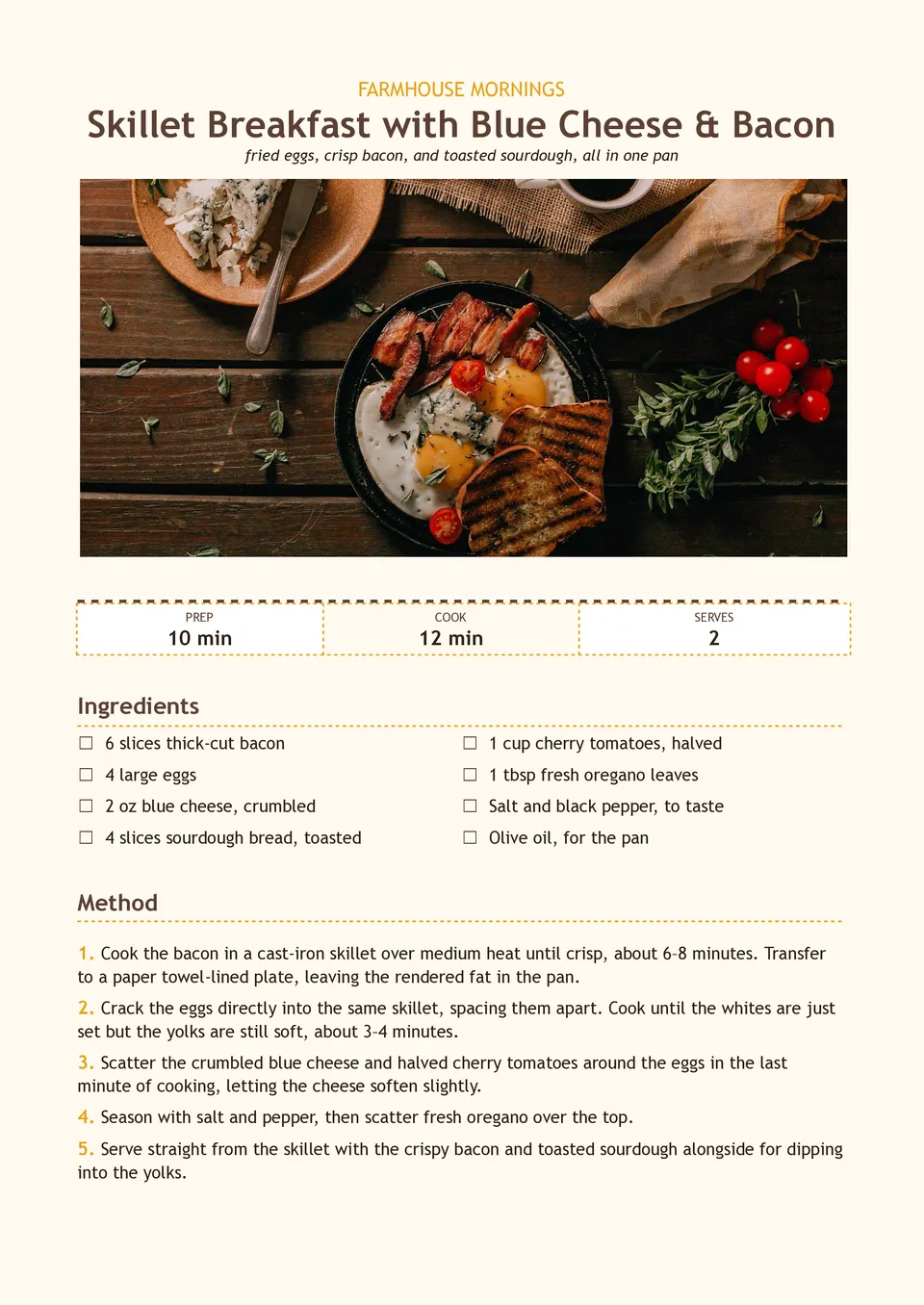
Are morning recipes scattered between screenshots, bookmarks, and handwritten notes when you need a quick meal idea? Breakfast Recipe Template brings ingredients, preparation steps, cooking times, servings, substitutions, and make-ahead notes together on one page. It suits meal-prep enthusiasts, families, nutrition coaches, cafés, and food creators planning breakfasts for busy weekdays or brunch menus. The structured layout makes it easier to recreate favorite dishes and share them with others. You can adapt the text and visuals at no charge, then print the result or keep it in a digital recipe collection.
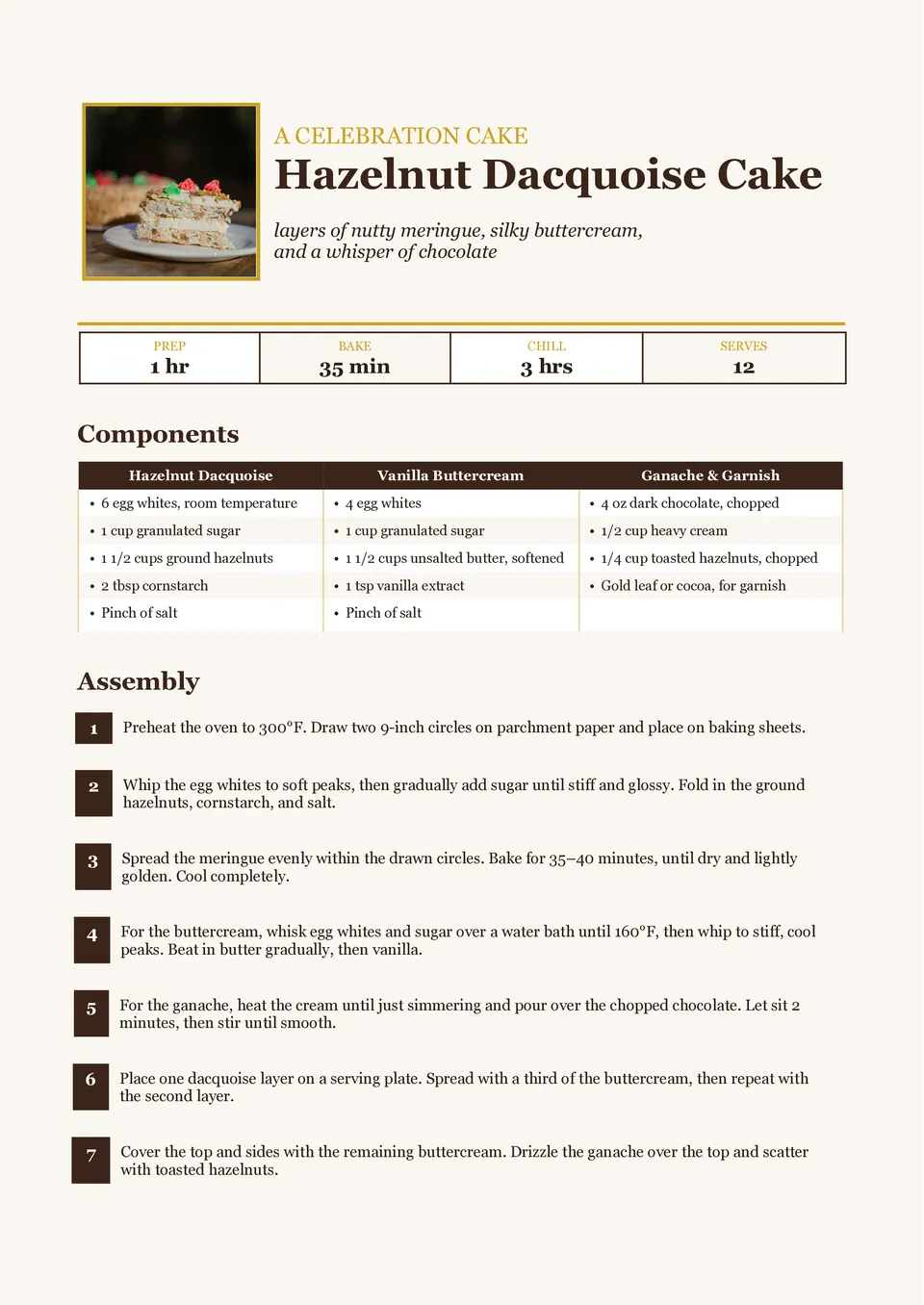
Dessert Recipe Template turns cakes, pies, cookies, puddings, and other sweet creations into recipes that are simple to follow and enjoyable to share. It includes editable areas for the dessert name, ingredients, method, preparation and baking time, servings, decorating steps, and serving ideas. Home bakers, food bloggers, pastry businesses, and people making celebration menus can use it to present signature treats with more polish. Clear separation between the recipe stages helps prevent important finishing details from being overlooked. The ready-made design is free to customize and can be downloaded or printed for a cookbook, gift, or kitchen reference.
Related Recipe Templates
A consistent smoothie recipe is much easier to repeat when ingredients, portions, and blending instructions are written in one clear place. Smoothie Recipe Template provides room for fruits, vegetables, liquids, add-ins, serving size, nutrition notes, preparation steps, and optional garnish ideas. It is useful for wellness creators, cafés, fitness coaches, parents, and anyone building a personal collection of quick drinks. The layout makes it simple to compare combinations and adjust recipes for different dietary preferences. Add your own ingredients and visuals, then save, print, or share the free editable design with others.
Vegan Recipe Template helps present plant-based dishes with room for ingredients, substitutions, preparation directions, cooking time, servings, allergen notes, and serving suggestions. It is made for vegan home cooks, recipe bloggers, restaurants, nutrition professionals, and anyone sharing meat- and dairy-free meal ideas. The organized page can make ingredient swaps and dietary details easier for readers to understand before they start cooking. Change every editable element to match a specific dish, brand, or meal plan. The template is free for personal and business use and can be downloaded, printed, or shared as soon as your recipe is ready.
Are morning recipes scattered between screenshots, bookmarks, and handwritten notes when you need a quick meal idea? Breakfast Recipe Template brings ingredients, preparation steps, cooking times, servings, substitutions, and make-ahead notes together on one page. It suits meal-prep enthusiasts, families, nutrition coaches, cafés, and food creators planning breakfasts for busy weekdays or brunch menus. The structured layout makes it easier to recreate favorite dishes and share them with others. You can adapt the text and visuals at no charge, then print the result or keep it in a digital recipe collection.
Dessert Recipe Template turns cakes, pies, cookies, puddings, and other sweet creations into recipes that are simple to follow and enjoyable to share. It includes editable areas for the dessert name, ingredients, method, preparation and baking time, servings, decorating steps, and serving ideas. Home bakers, food bloggers, pastry businesses, and people making celebration menus can use it to present signature treats with more polish. Clear separation between the recipe stages helps prevent important finishing details from being overlooked. The ready-made design is free to customize and can be downloaded or printed for a cookbook, gift, or kitchen reference.
Don’t forget to check your spam box!

Generating high-quality templates requires significant time and dedication. We simply request the inclusion of a small attribution link. Select the platform where you intend to utilize the template.
Copy this link and paste it wherever it’s visible, close to where you’re using the image. If that’s not possible, place it at the footer of your website, blog or newsletter, or in the credits section.
Place the attribution line near the image’s usage on your website, or if that’s not feasible, include it in the credits section. For example: ‘image: Docsandslides.com’. This template was created using images from Docsandslides.com.

Choose your preferred social media platform from options like Pinterest, Facebook, Twitter, and more. Share our templates with your contacts or friends. If you’re not active on these social networks, you can simply copy the link and paste it into the one you use.