

 Back to templates
 Google Slides Templates - Page 13
Tired of building a portfolio deck from scratch every time you need one? The Personal Portfolio Template is a good fit for freelancers, creatives, job seekers, and professionals who want to showcase their work cleanly.

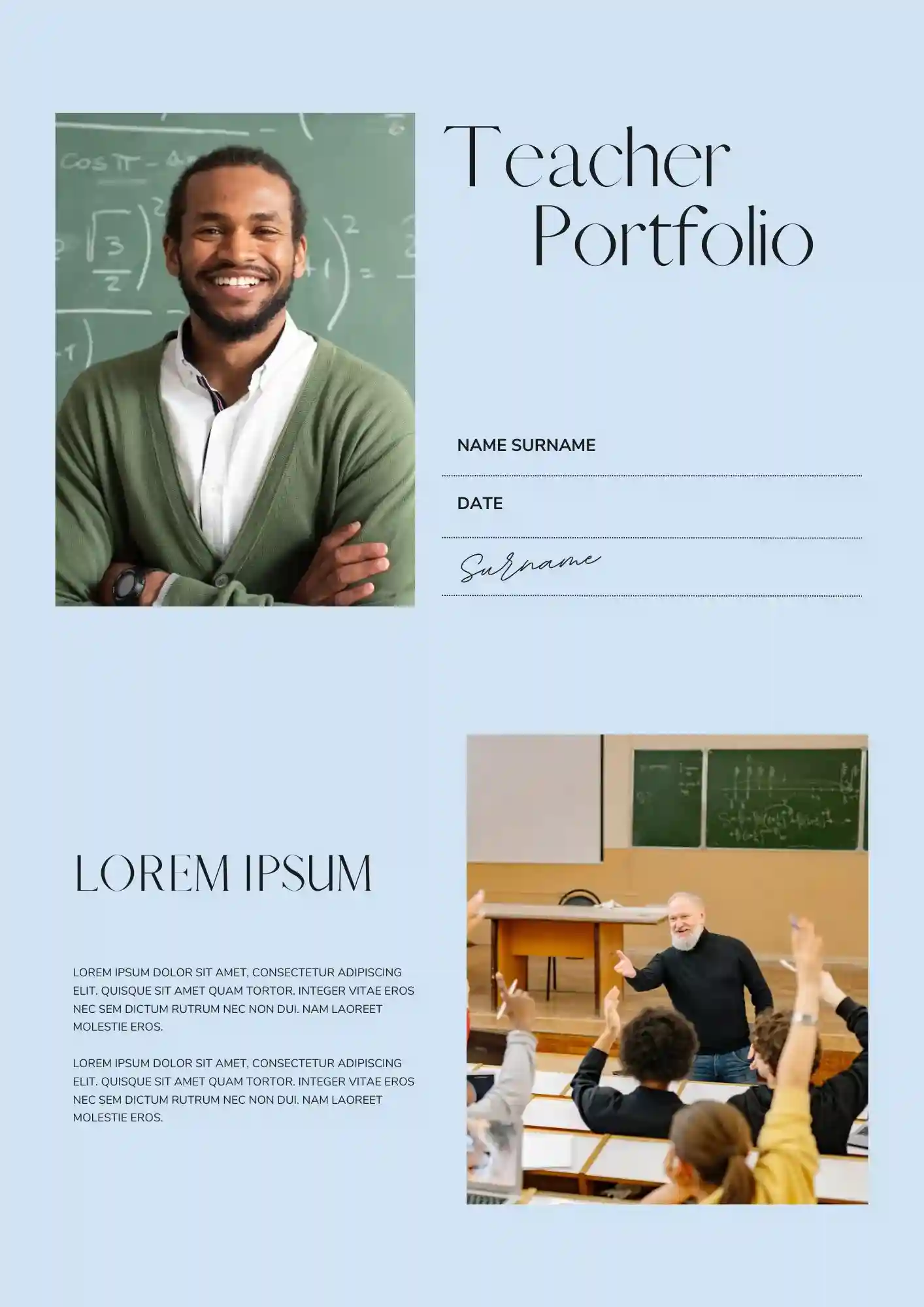
Looking for a clearer way to present teaching experience, classroom work, and achievements in one deck? The Teacher Portfolio Template is useful for teachers, educators, tutors, and education students who need a professional presentation of their background.

With a clean visual flow, the Modeling Portfolio Template helps models present photos, experience, and style in a professional slide deck. It works well for models, agencies, photographers, and talent managers who need a presentation-ready portfolio.

A portfolio presentation becomes more convincing when the information looks organized and credible from the start. The Investor Portfolio Template works for investors, analysts, and firms that need to present holdings, strategy, and performance.

Your interior design work deserves a portfolio that looks as refined as the spaces you create. The Interior Design Portfolio Template is a strong fit for interior designers, studios, and students who want to showcase projects with style.

Your fashion work deserves more than a generic slide deck that looks like everyone else's. The Fashion Portfolio Template is a strong fit for fashion designers, stylists, students, and creative professionals building a visual presentation.
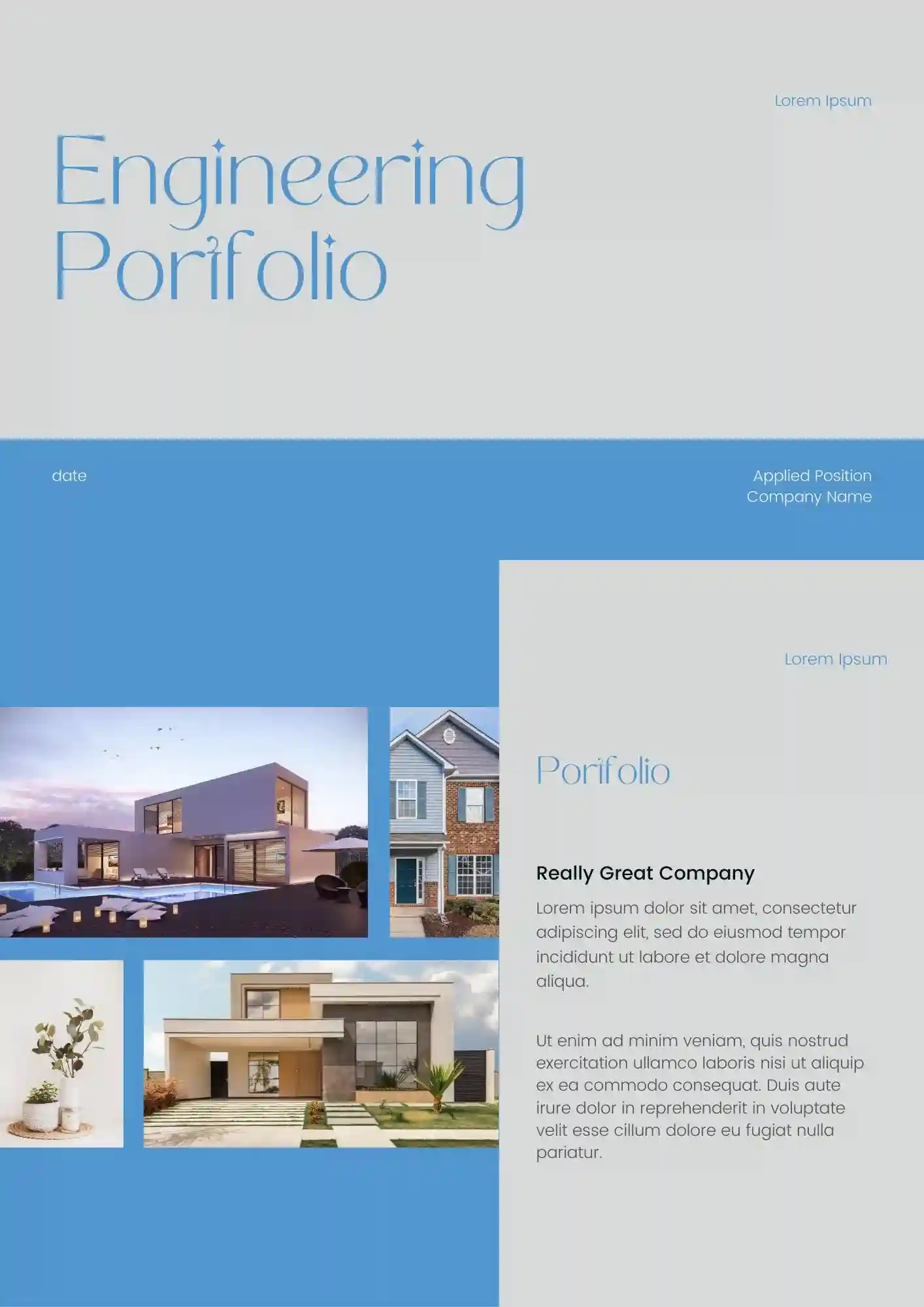
Does your technical work deserve a presentation format that doesn't bury the details? The Engineering Portfolio Template is useful for engineers, students, researchers, and technical professionals presenting their projects.
Tired of using generic business slides for a company that should look creative and persuasive? The Advertising Company Profile Template is designed for advertising agencies, marketing teams, and creative studios that need to showcase their services and style.
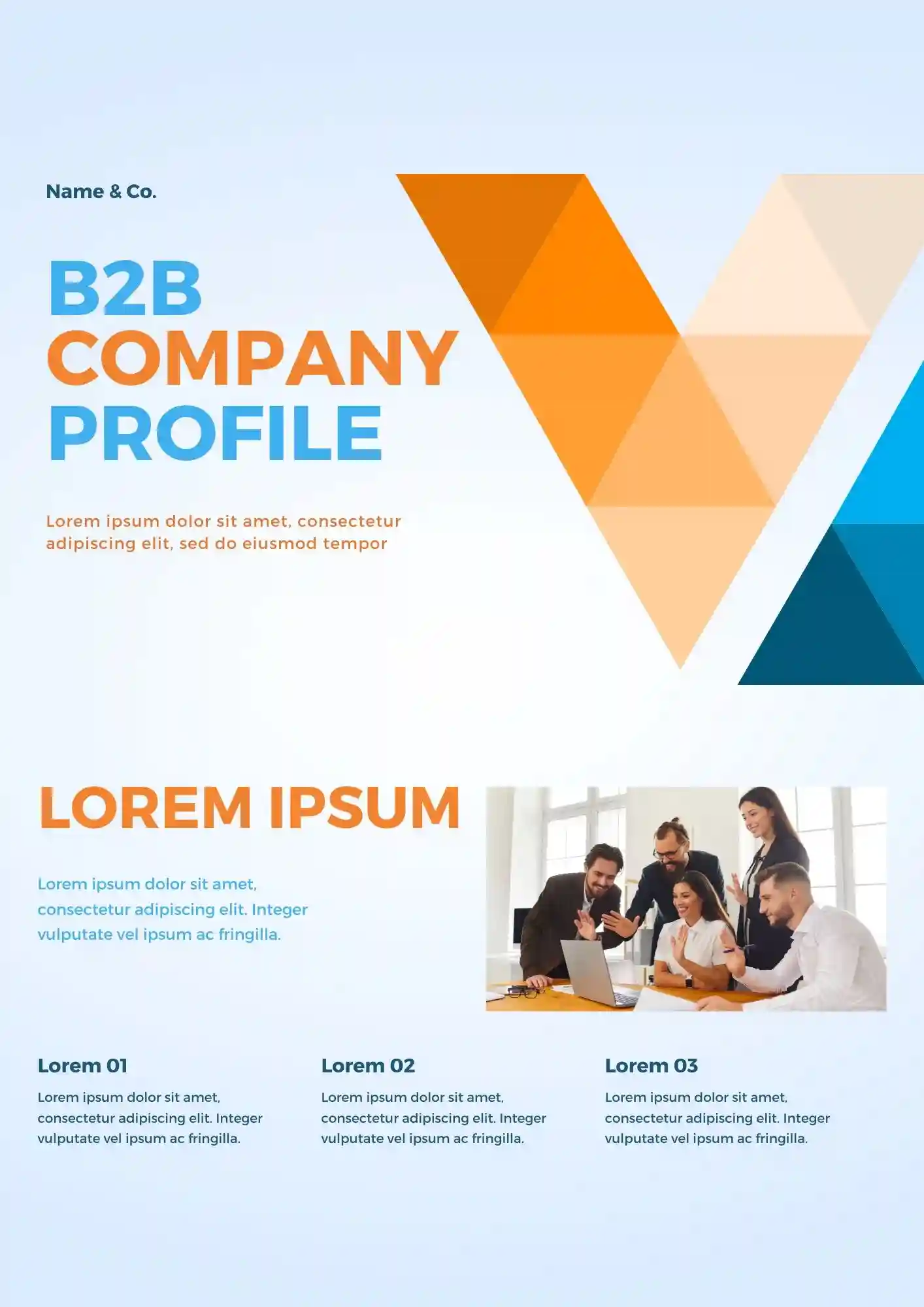
A well-structured profile deck helps B2B companies explain their value faster and more clearly. The B2B Company Profile Template is a good fit for B2B brands, service providers, and sales teams that need to present solutions and strengths.
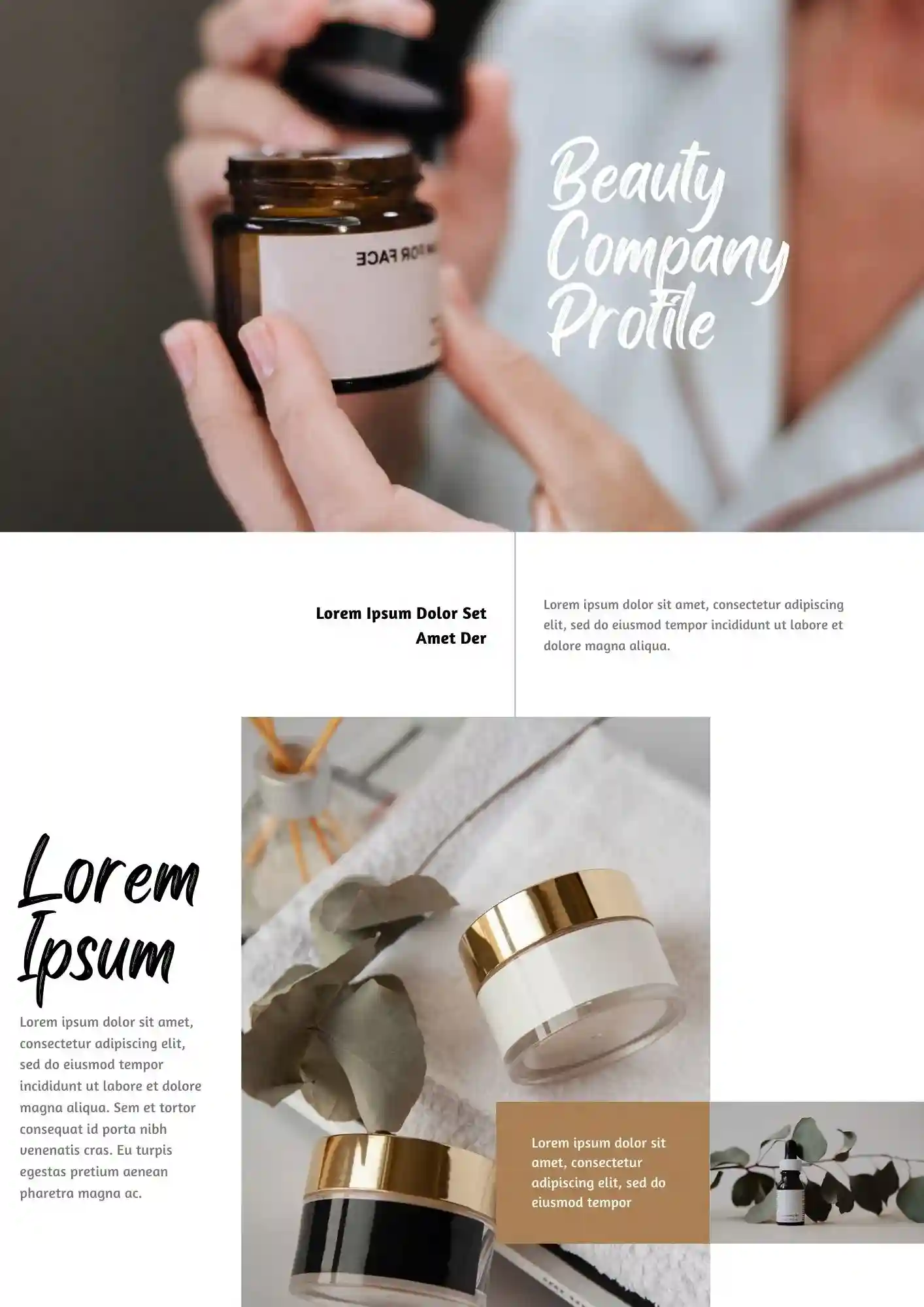
Struggling to present your beauty brand in a way that feels stylish and professional? The Beauty Company Profile Template suits beauty brands, salons, and skincare businesses that want to introduce their company with confidence.

A stronger company profile makes your consulting business look more credible from the first slide. The Consulting Company Profile Template is useful for consultants, firms, and teams that want to present expertise and services clearly.

Tired of company profile slides that look too plain for a creative production brand? The Production Company Profile Template works well for production teams, studios, and agencies that need to present their company professionally.

Why let a messy deck weaken an offer that's actually strong? The Deal Pitch Deck Template suits business teams, agencies, consultants, and founders who need to present an offer clearly.

Is your film concept ready for a presentation that won't bury the creative details? The Film Pitch Deck Template is useful for filmmakers, screenwriters, producers, and studios who want to present a project with style.
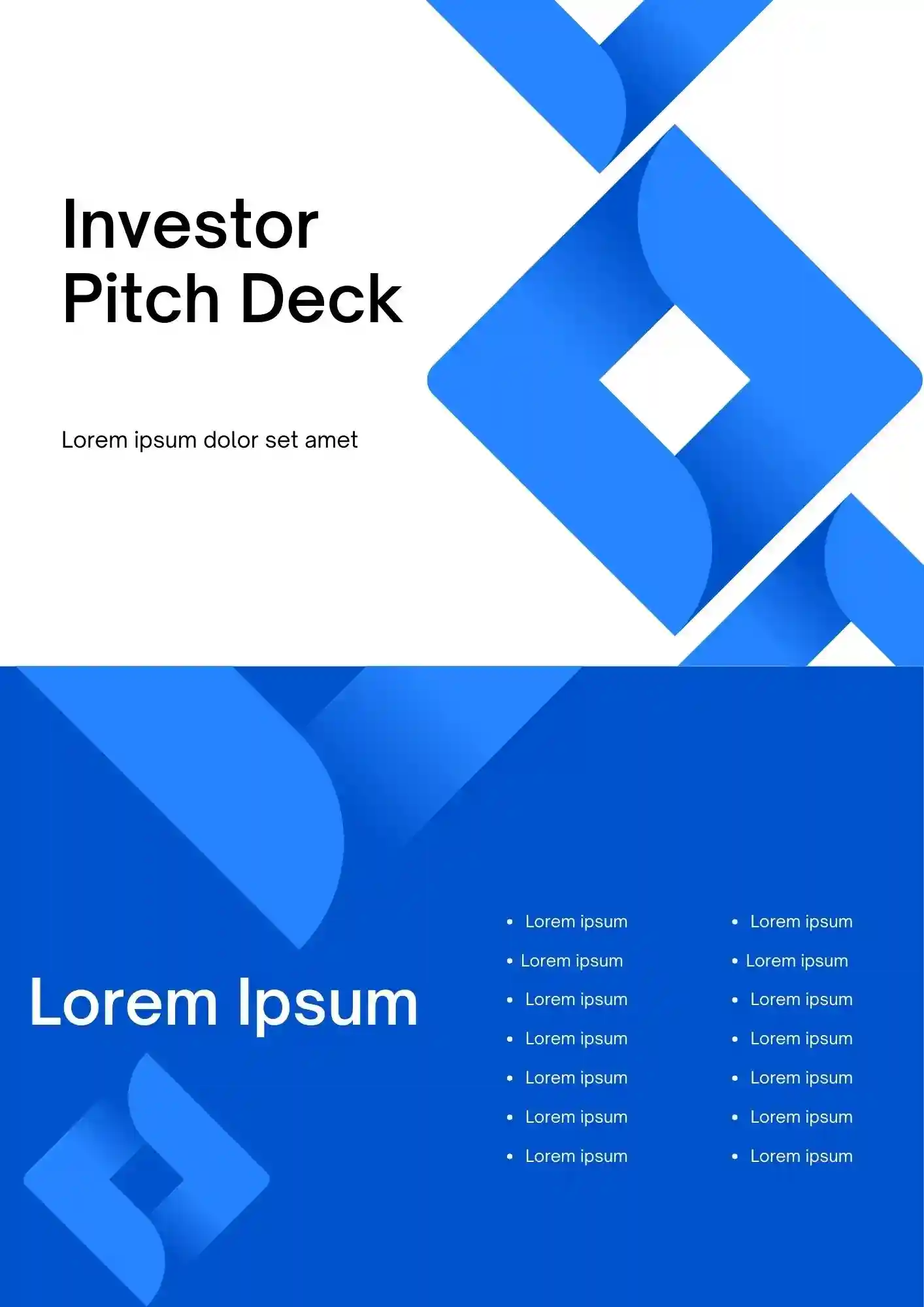
A clear investor deck can make your business story easier to trust and follow. The Investor Pitch Deck Template works well for founders, startups, and business teams that need to present value to investors.

Can you really sell a startup idea with slides that look like everyone else's deck? The Pitch Deck Startup Template is a strong fit for founders, startup teams, and entrepreneurs who need to present their business clearly.

Choose your preferred social media platform from options like Pinterest, Facebook, Twitter, and more. Share our templates with your contacts or friends. If you’re not active on these social networks, you can simply copy the link and paste it into the one you use.