

 Back to templates
 Google Slides Templates - Page 12
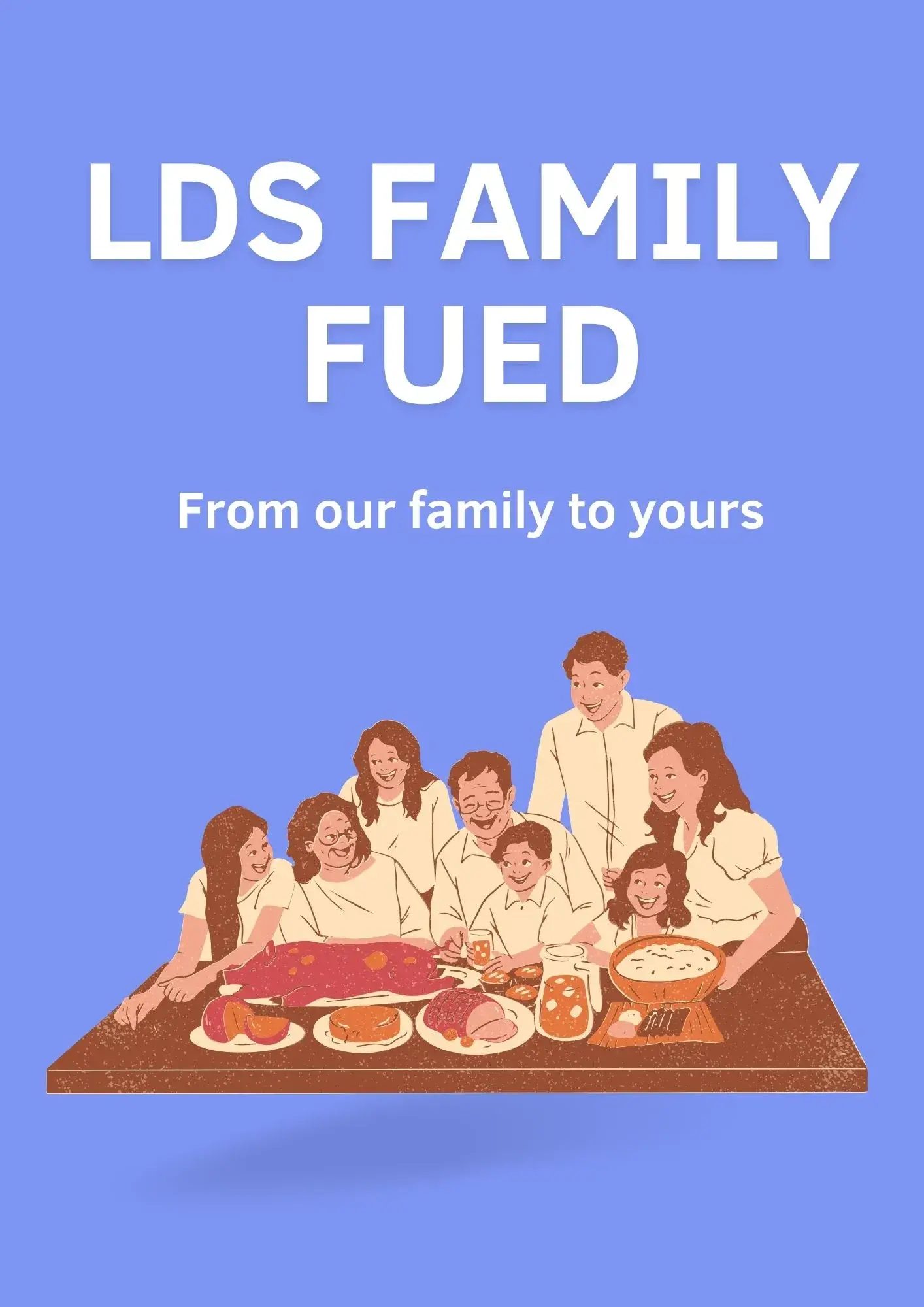
The beautiful LDS Family Feud Game Template for Google Slides is designed specifically for creating an interesting game on a religious theme. The pale blue background and drawings of happy people on each slide set the players in a calm and friendly mood.

The classic design of this template perfectly captures the atmosphere of your favorite family show. It is designed specifically for answering questions, so it can be combined with other thematic layouts.

Create an unforgettable gaming session with this unusual template. Its design successfully combines a modern black background with images of spotlights and classic Family Feud mechanics. The layout can be easily adapted to any game theme.

The versatile Family Feud Scoreboard Template for Google Slides has a simple design that is easy to customize to your needs. You can use it to create a game with 2 to 4 teams. The convenient structure makes it easy to follow the competition and switch between slides.

>If you have a task to entertain and bring your team closer together, organize a Family Feud Game with this themed template. The strict design in blue shades is specially designed to fit any theme.
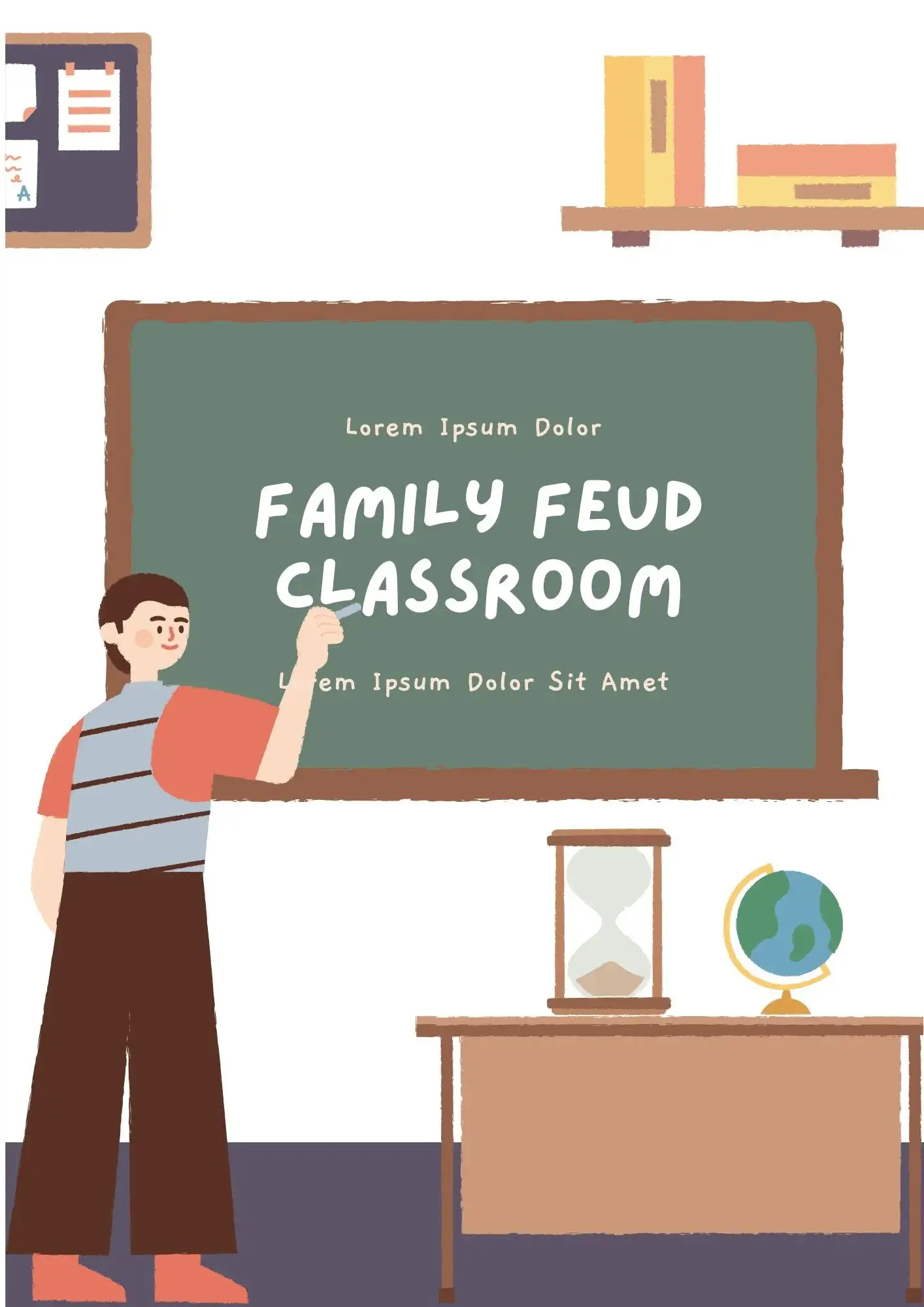
The useful Family Feud Classroom Template for Google Slides is a real find for teachers. Instead of boring quizzes, you can test your students' knowledge with exciting quizzes that they are guaranteed to love. Divide the class into several teams and add excitement and friendly rivalry to the learning process.

Make your Thanksgiving celebration original and fun by gathering your family and friends for a game of Family Feud. The layout pages are decorated with funny images of turkeys that are guaranteed to cheer up your loved ones.
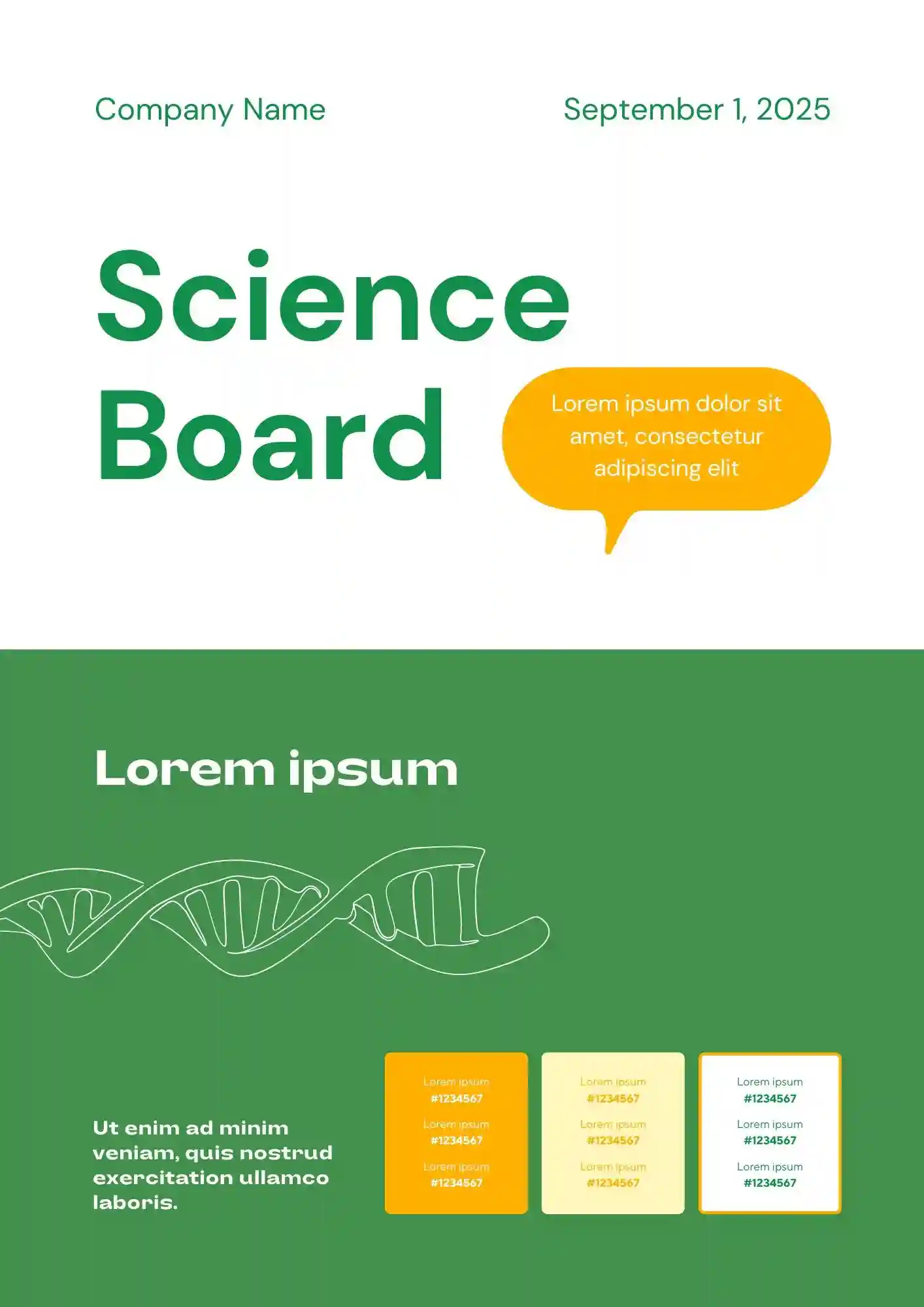
Need a clearer way to present your experiment without overcrowding your science project board? The Science Board Template is a good fit for students, teachers, and parents preparing science fair presentations.
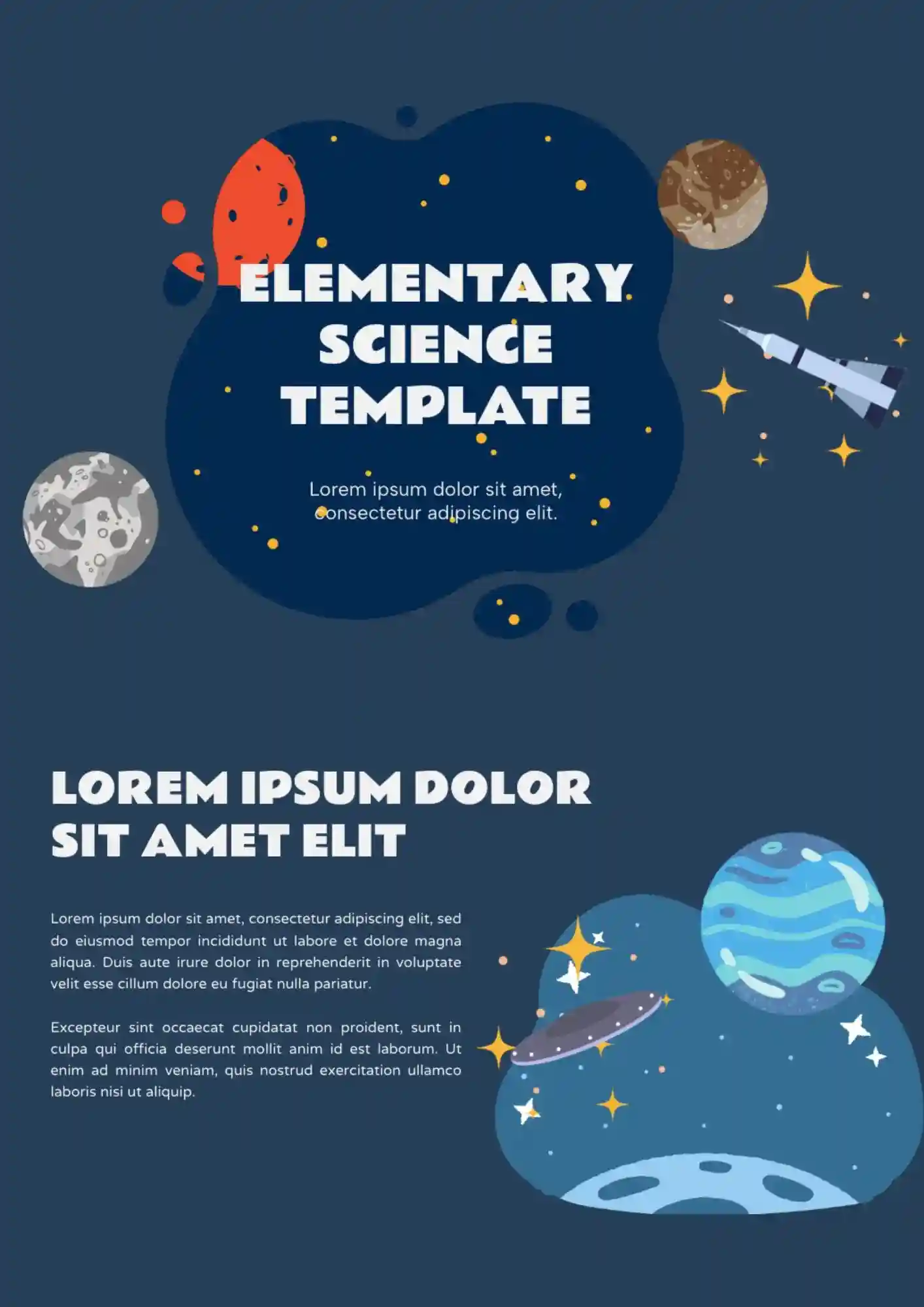
Built for younger learners, the Elementary Science Template makes science presentations more engaging for elementary classrooms. It works well for elementary teachers, students, tutors, and parents supporting school lessons.
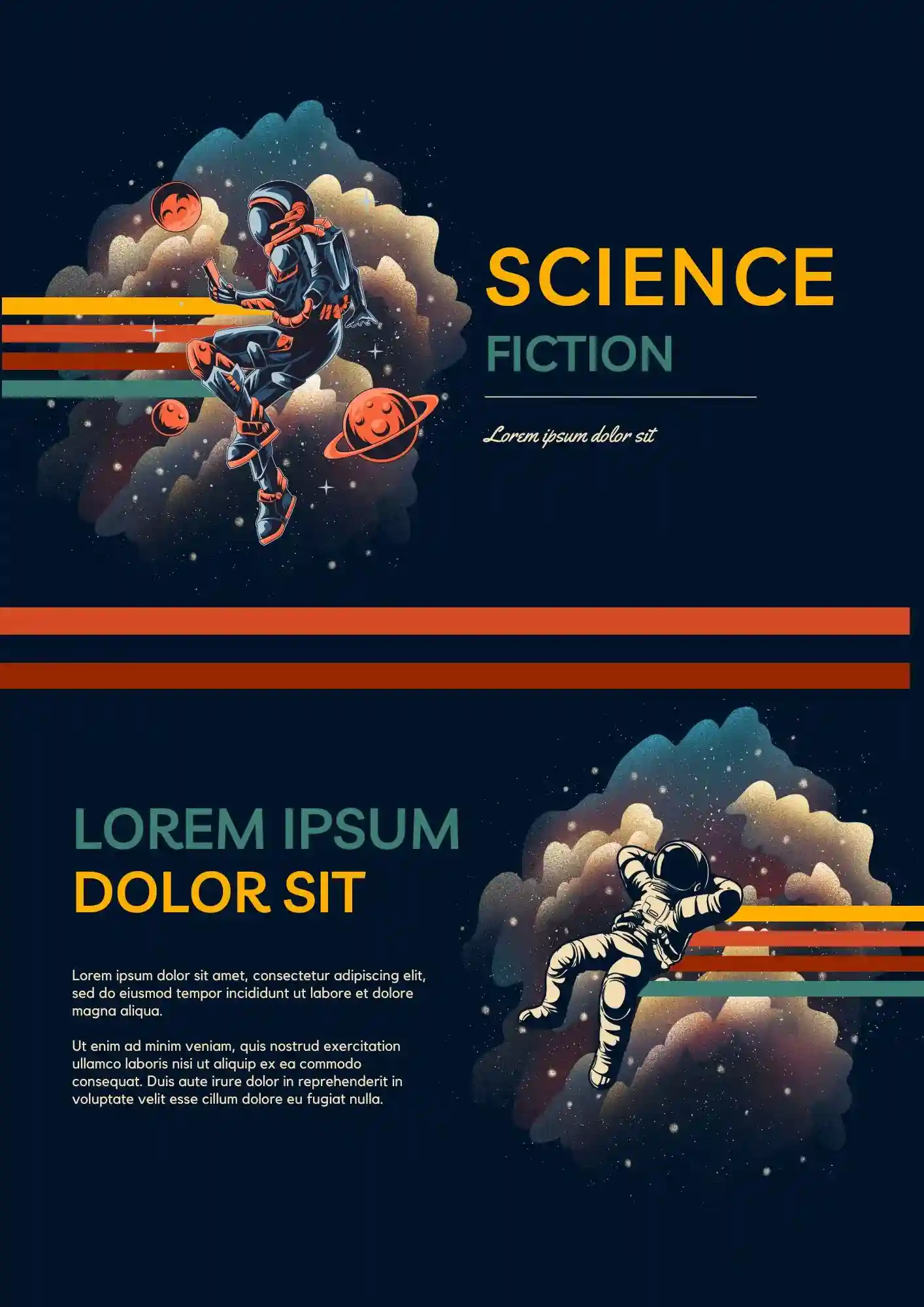
Your creative presentation should feel more futuristic than a plain classroom deck. The Science Fiction Template is a good fit for students, teachers, writers, and creators who want a themed slide design.
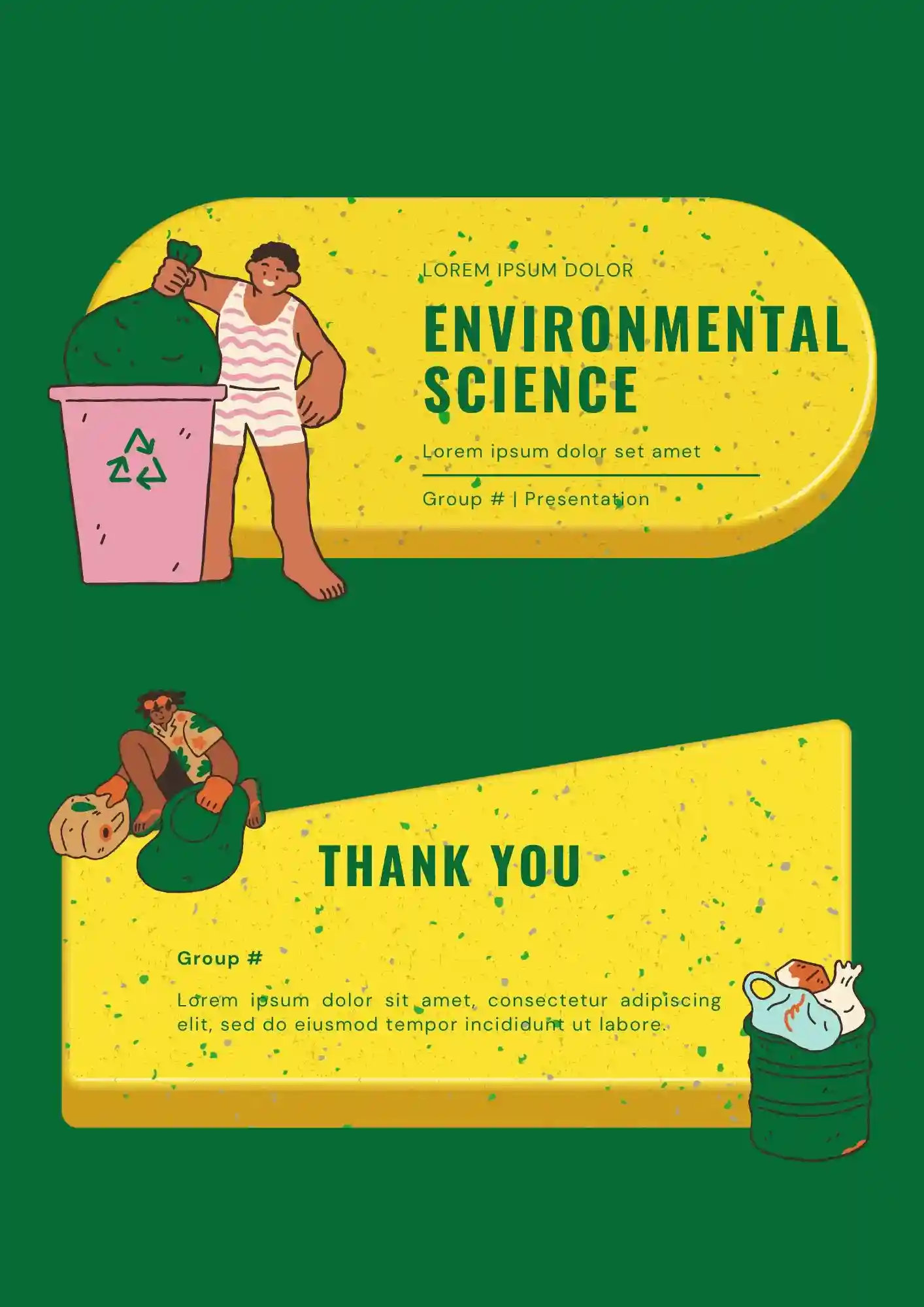
Designing lessons about ecosystems and sustainability without a clear slide structure? The Environmental Science Template helps teachers, students, researchers, and environmental organizations create educational presentations.
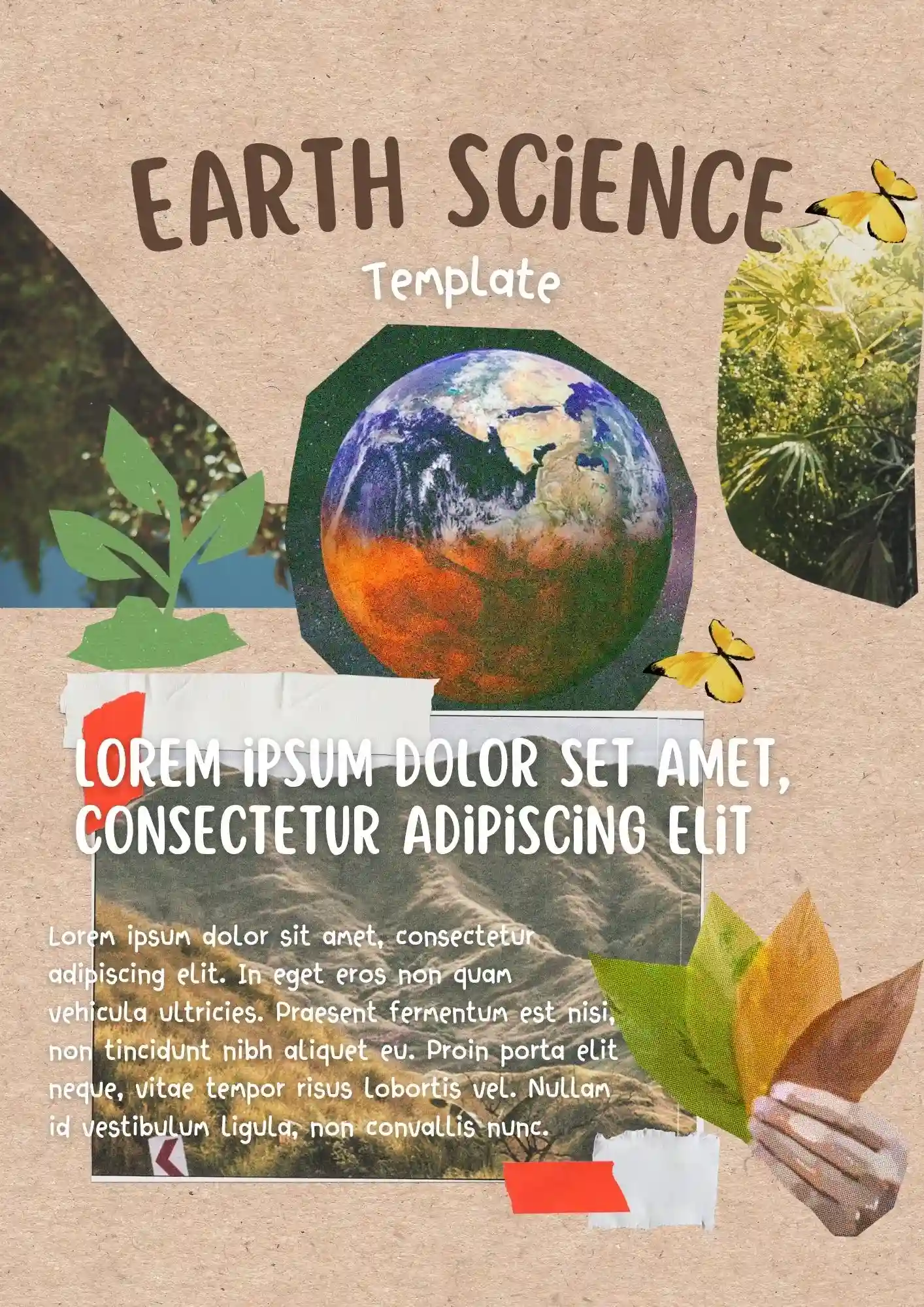
Does your lesson need visuals that actually help students understand earth systems instead of distracting them? The Earth Science Template is useful for teachers, students, tutors, and educators preparing classroom presentations.
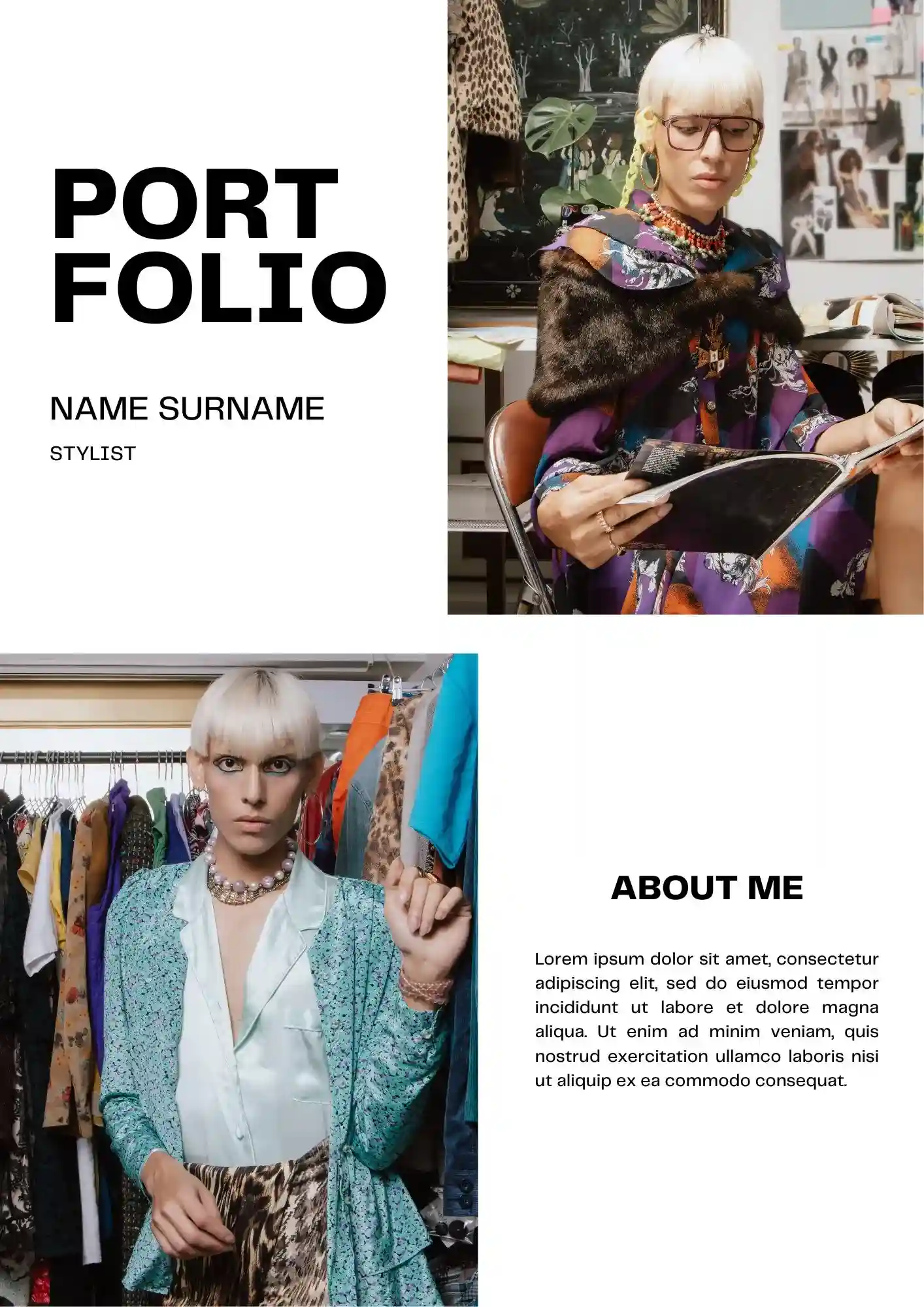
With a presentation-focused layout, the Stylist Portfolio Template gives stylists a professional way to showcase looks, services, and creative direction. It works for personal stylists, fashion consultants, beauty professionals, and students building their visual brand.
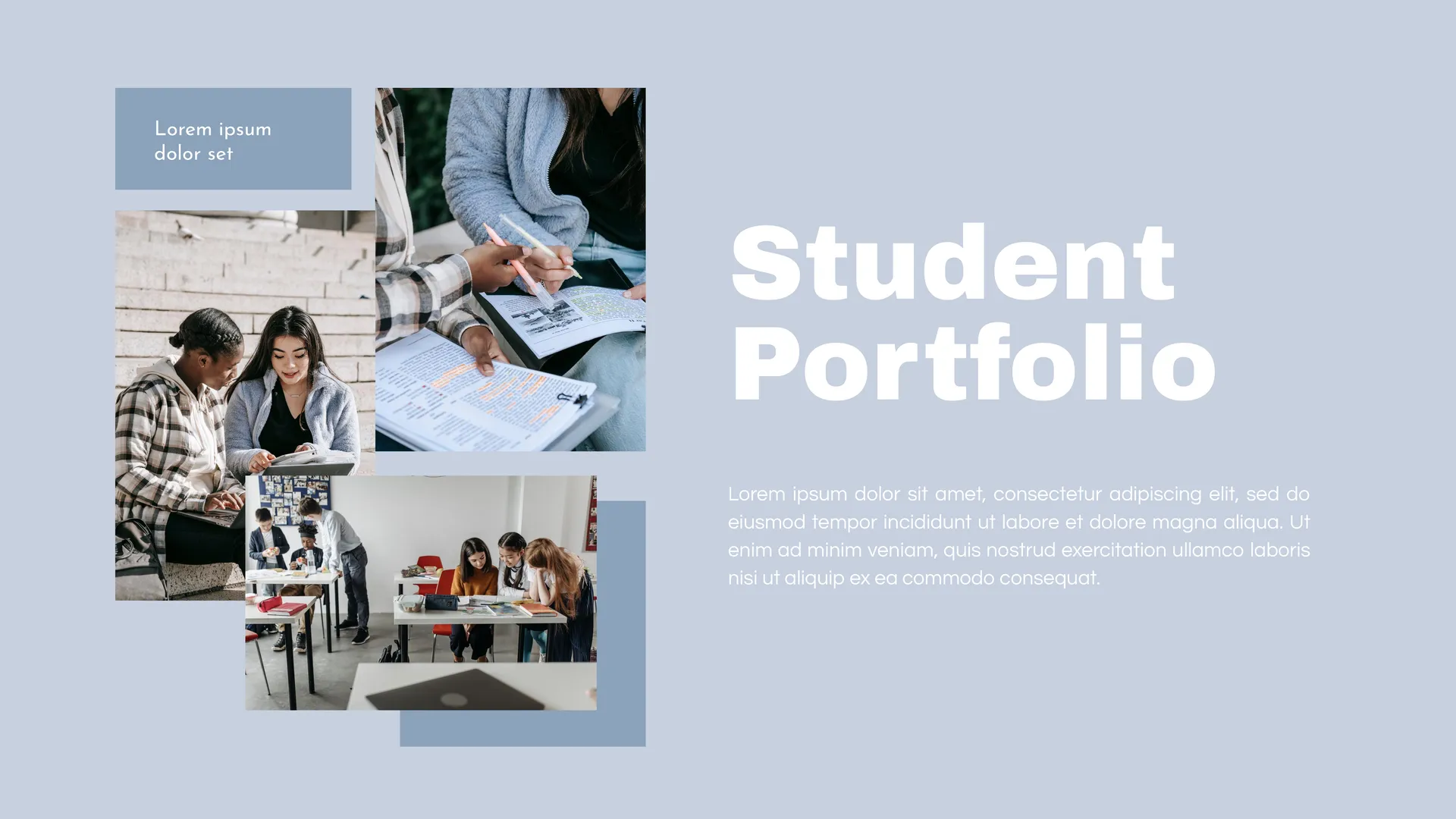
Built for academic and personal presentations, the Portfolio Student Template helps students organize their work in a clean and engaging way. It suits school students, college students, teachers, and academic advisors who need a simple portfolio deck.
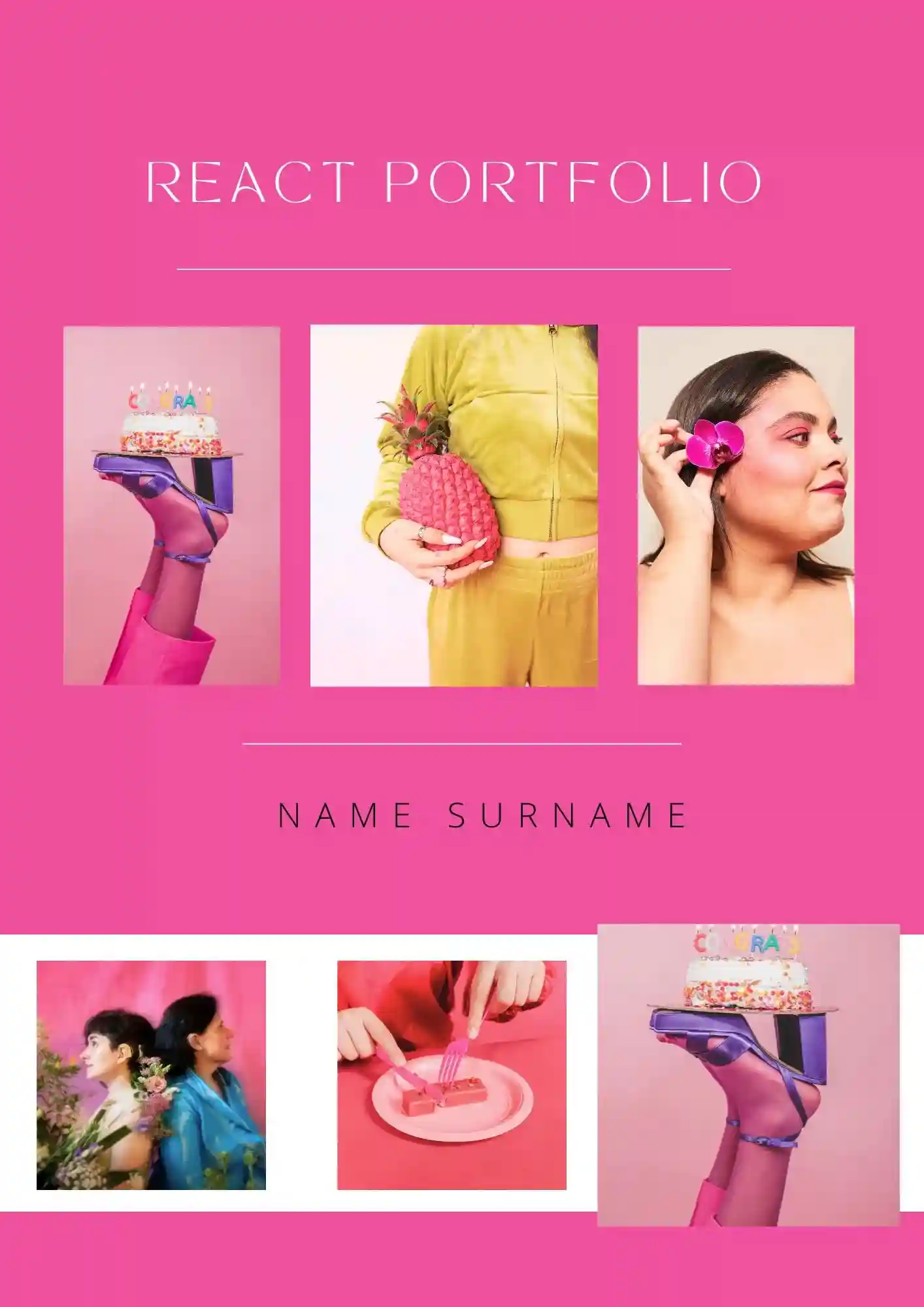
Does your developer portfolio need a presentation format that feels more modern and easier to scan? The React Portfolio Template suits frontend developers, React specialists, and job seekers who want to show projects and skills clearly.

A visual portfolio feels stronger when the layout supports the images instead of competing with them. The Photography Portfolio Template works well for photographers, creators, and freelancers who want to present their work cleanly.

Choose your preferred social media platform from options like Pinterest, Facebook, Twitter, and more. Share our templates with your contacts or friends. If you’re not active on these social networks, you can simply copy the link and paste it into the one you use.