

 Back to templates
 Google Slides Templates - Page 11

Looking to create an eye-catching newspaper-style presentation? The Daily News Template for Google Slides offers a sleek, professional design ideal for displaying news, announcements, or reports in a visually appealing layout.

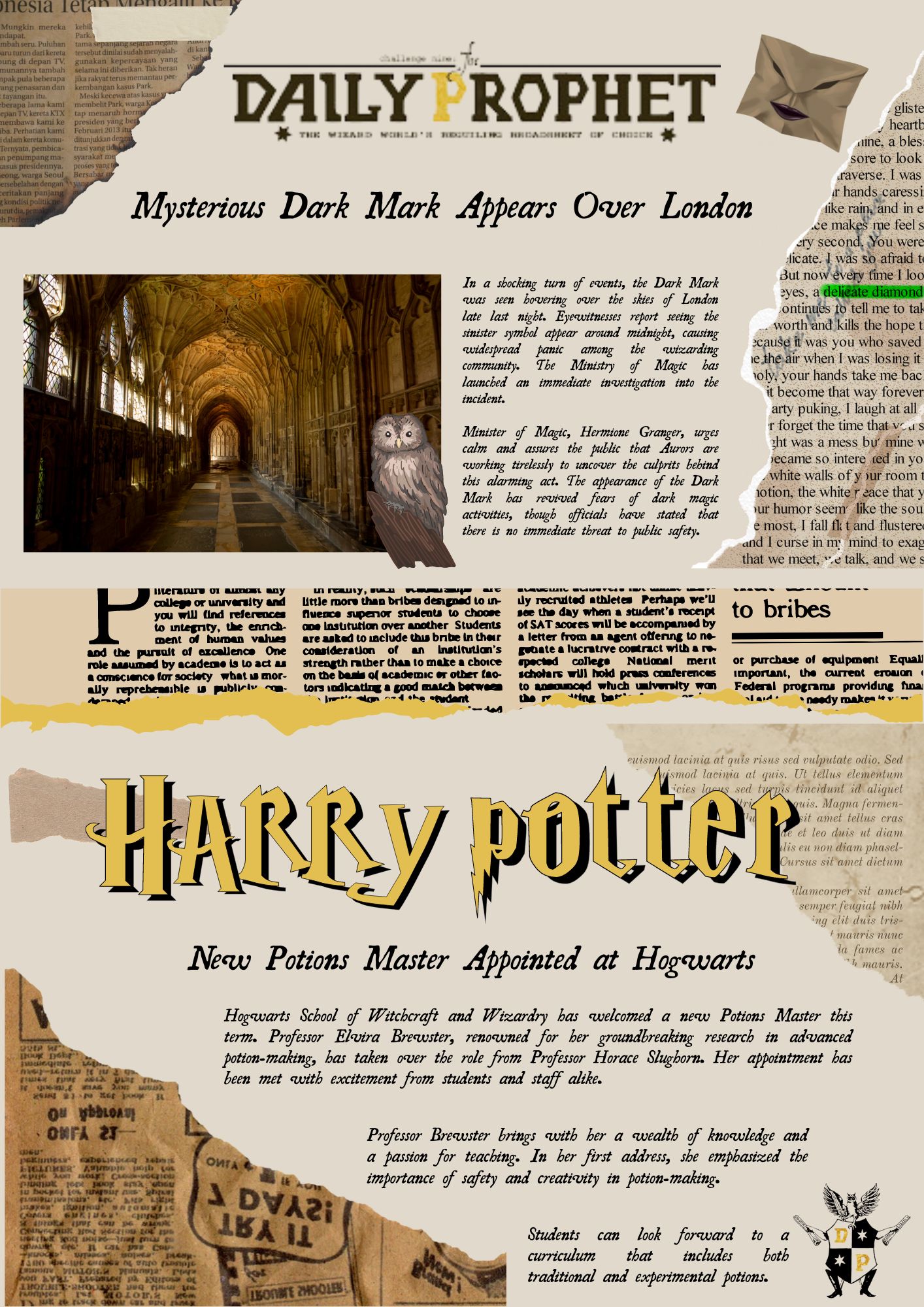
Bring the magic of the wizarding world to life with the Daily Prophet Newspaper Template for Google Slides. Perfect for themed events, fan creations, or creative projects, this template allows you to customize headlines, articles, and visuals to recreate the look of the iconic wizard newspaper.
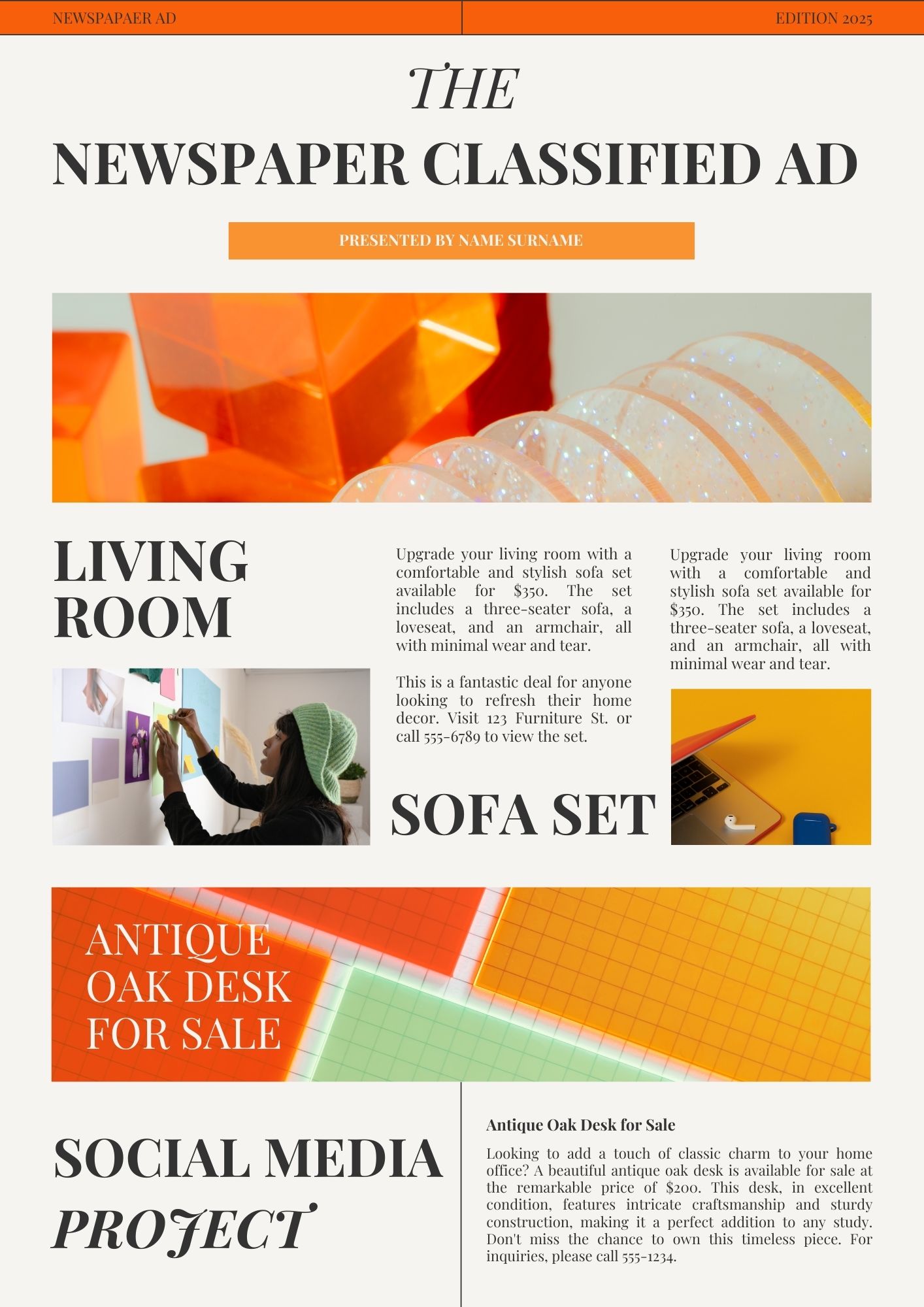
Looking for a streamlined way to create classified ads? The Newspaper Classified Ad Templates for Google Slides allow you to design professional, clear ads for job postings, real estate listings, or community announcements.
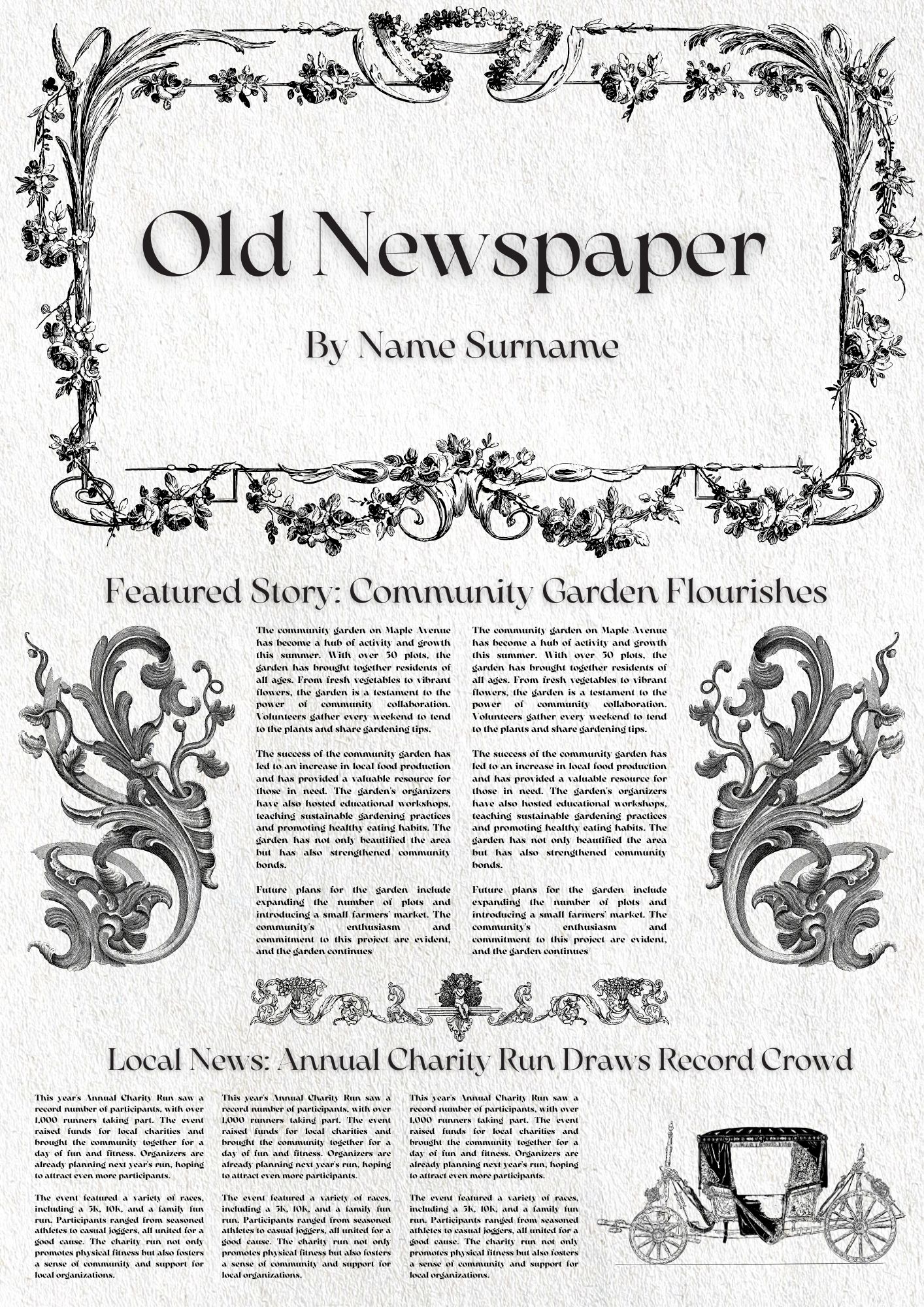
Capture a vintage look with the Old Newspaper Template for Google Slides. Perfect for historical presentations, themed events, or creative projects, this template features an authentic old-school newspaper layout.
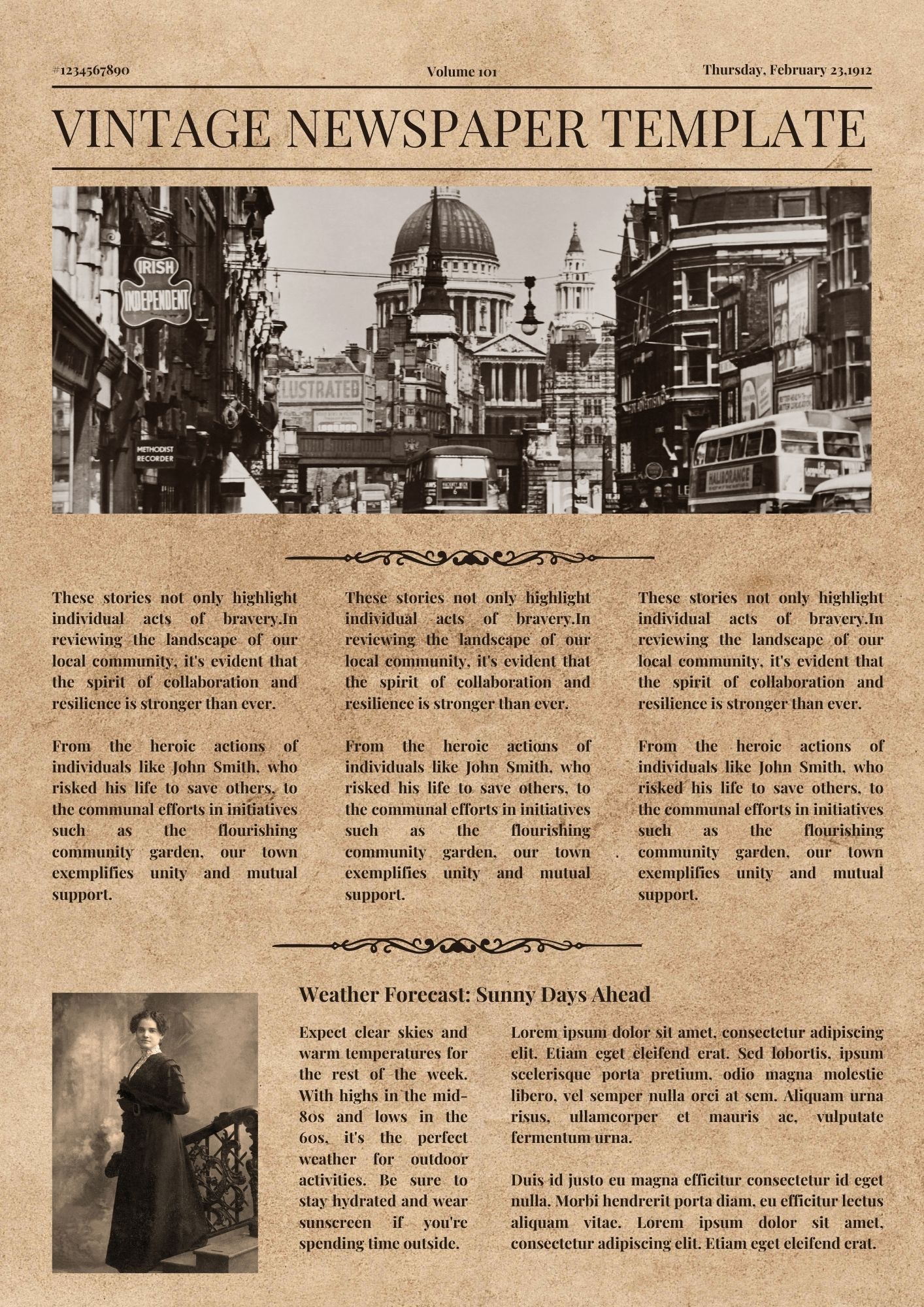
Create a timeless and classic presentation with the Vintage Newspaper Template for Google Slides. This template offers an elegant, retro look perfect for showcasing historical information, creative projects, or themed events.
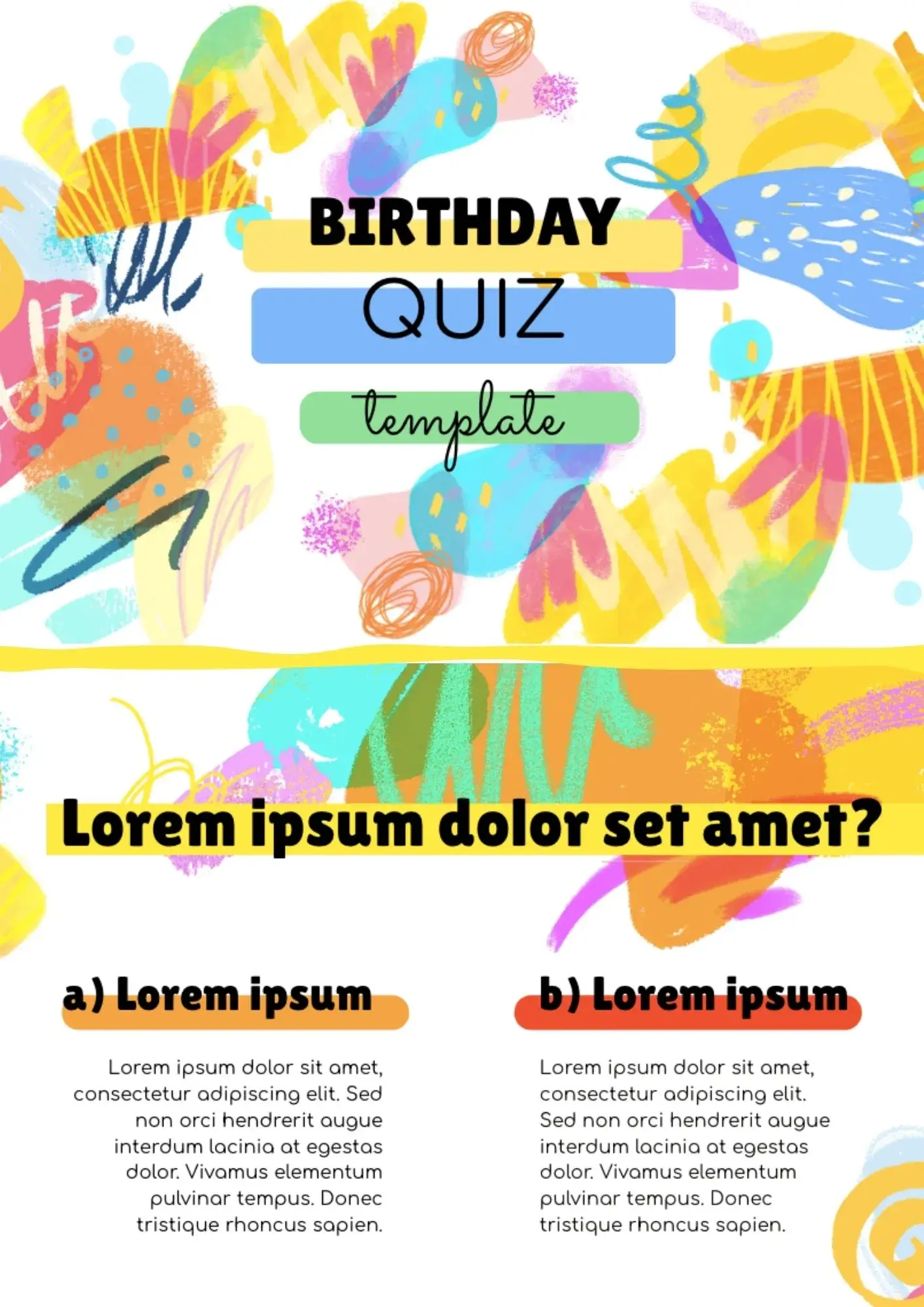
With a playful design and quiz-friendly structure, the Birthday Quiz Template helps you turn a celebration into an interactive presentation. It works well for party hosts, friends, families, and event planners who want a fun birthday activity.
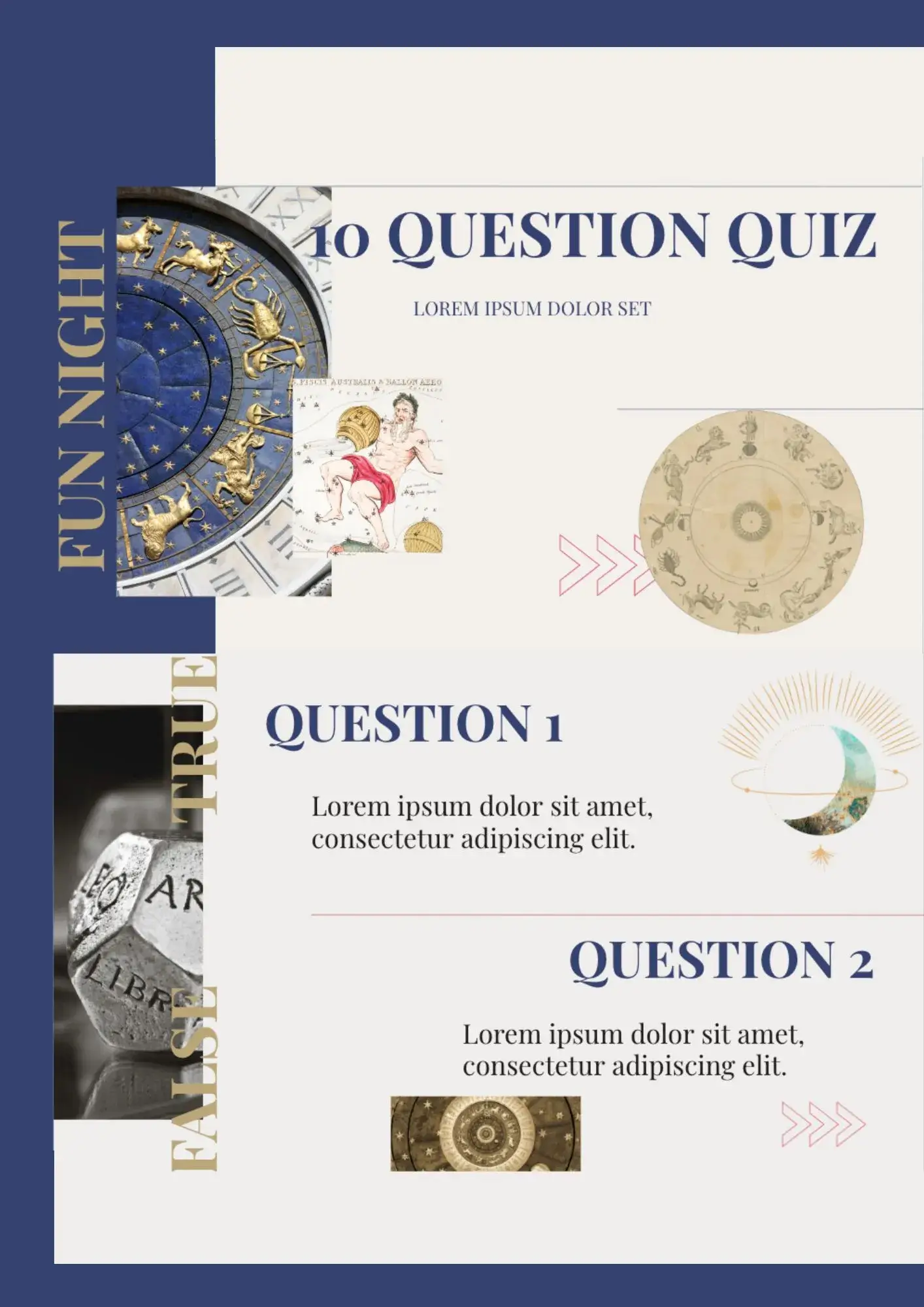
Need a short quiz deck that feels complete without building every slide from scratch? The 10 Question Quiz Template is a good fit for teachers, trainers, students, and presenters who want a ready-made quiz format.
Designed for lively presentations, the Trivia Quiz Template gives you a fast way to create game-style slides for fun and competitive quiz sessions. It suits teachers, team leaders, event hosts, and anyone planning a trivia game.
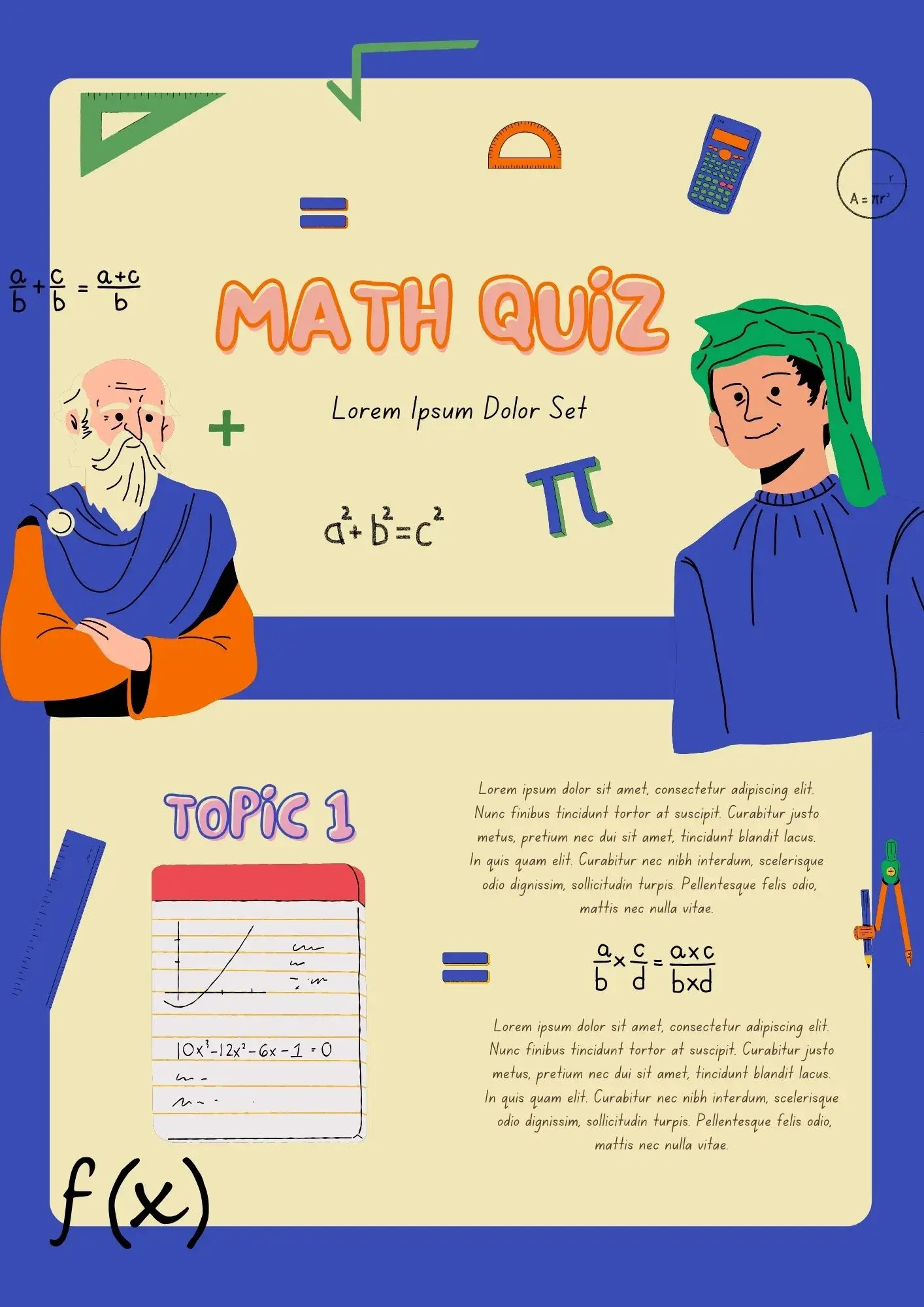
Can math review feel less stressful when the quiz slides are already organized for you? The Math Quiz Template is useful for teachers, tutors, parents, and students who want a more visual way to practice math skills.
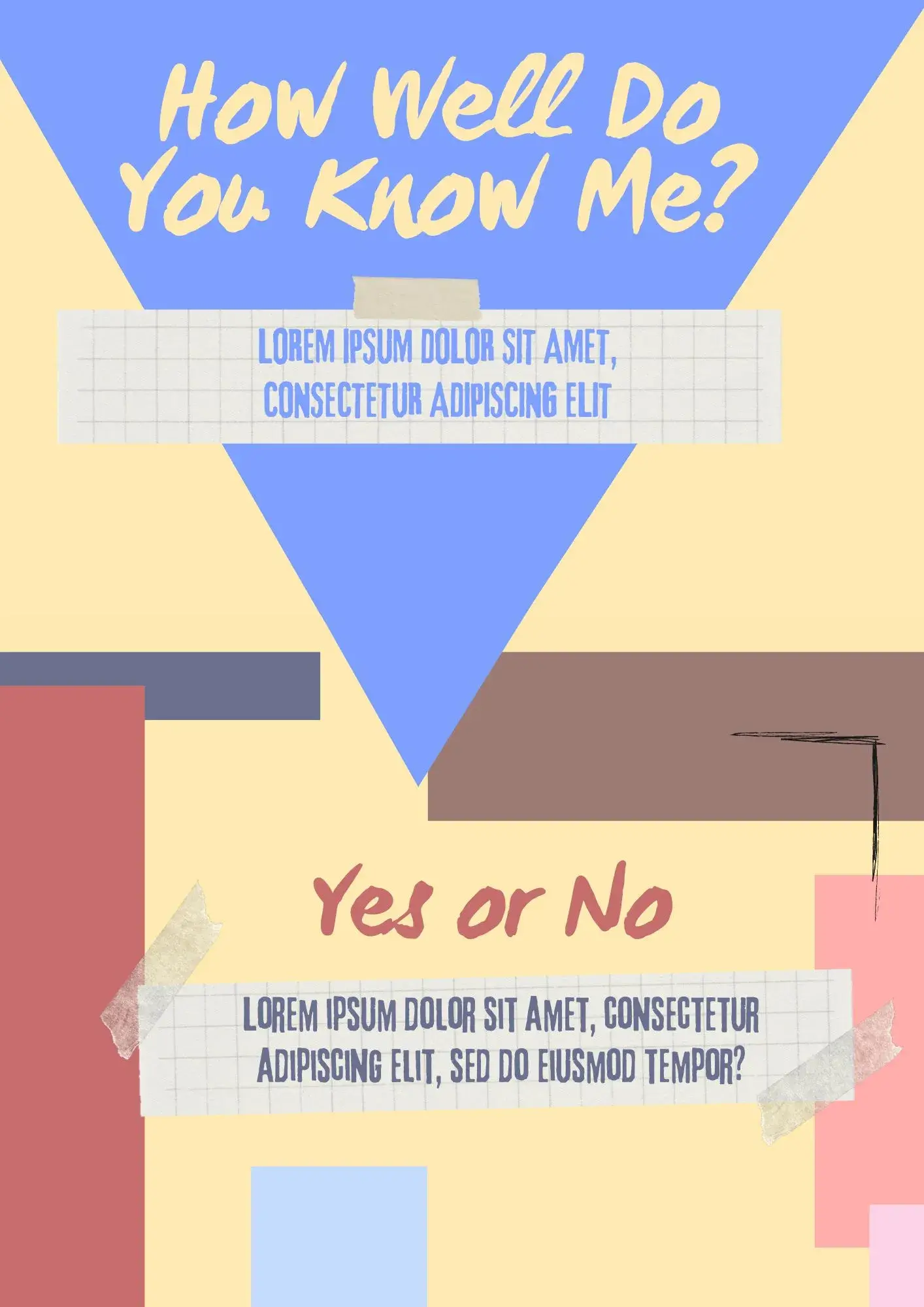
With a fun presentation style, the Personality Quiz Template helps you create playful quiz slides that feel interactive and shareable. It works for content creators, teachers, students, and event organizers who want an entertaining quiz format.
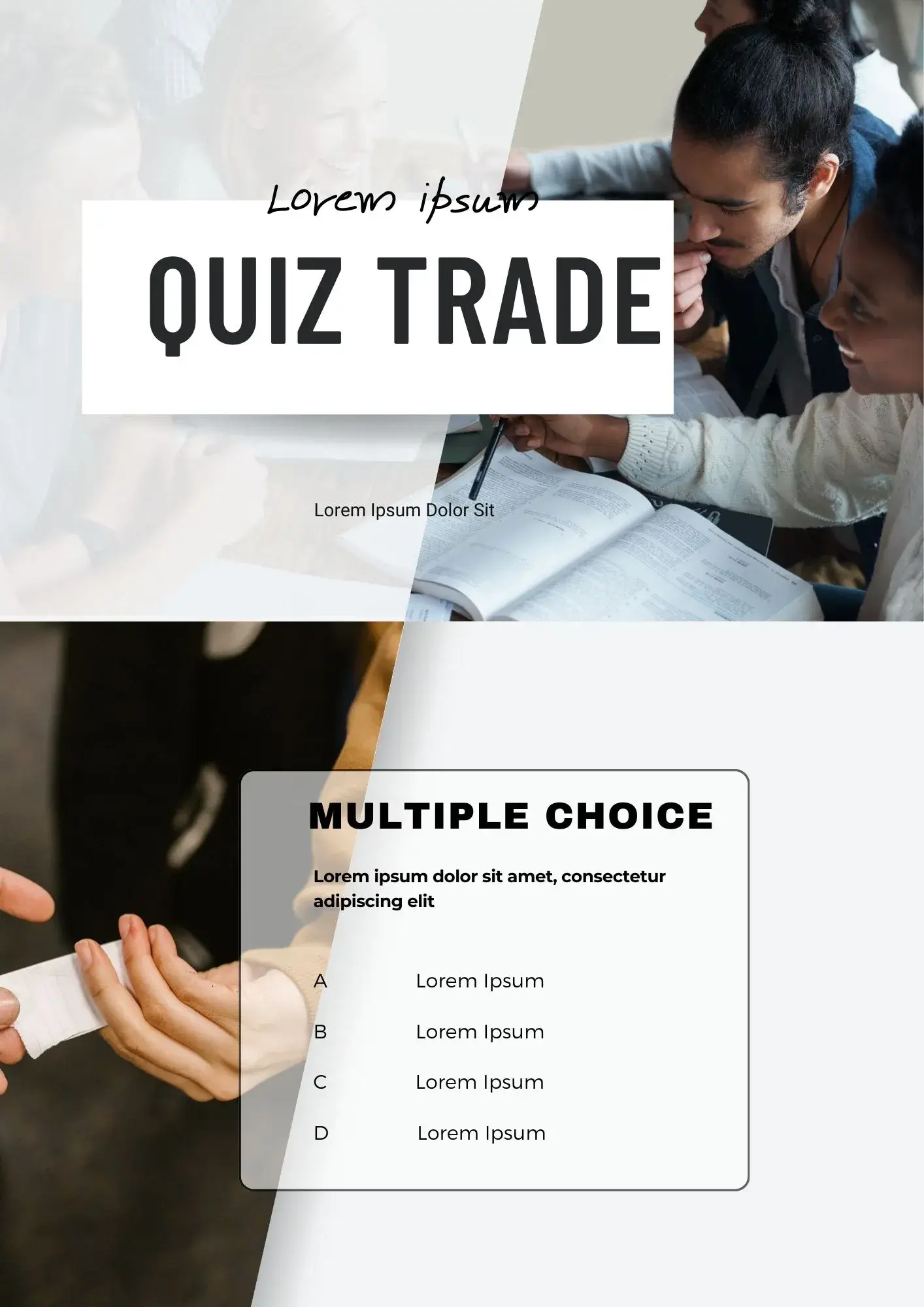
Looking for a presentation that makes quiz trading activities easier to run in class? The Quiz Trade Template is a strong fit for teachers, educators, and students using interactive classroom games.
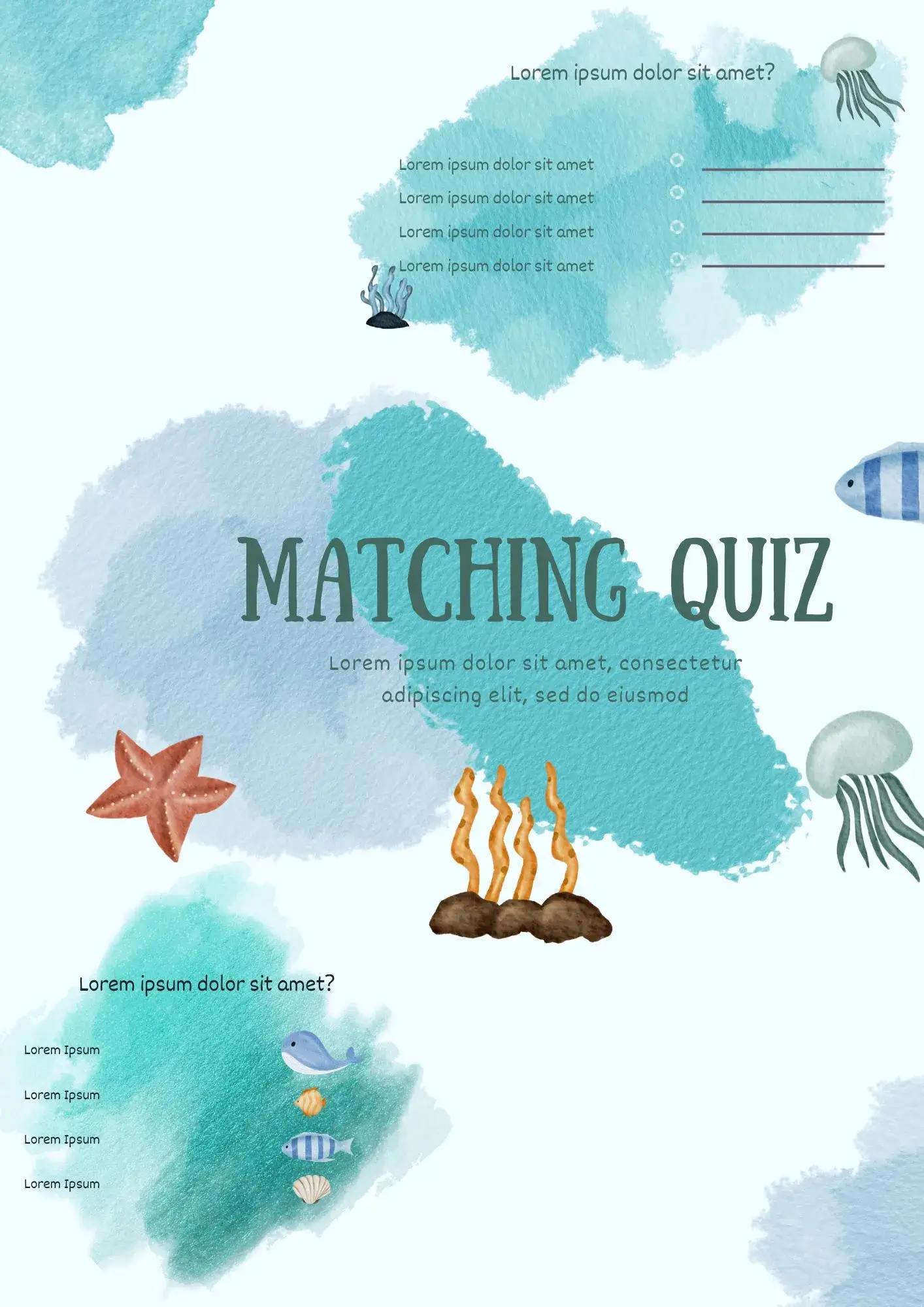
Built for interactive learning, the Matching Quiz Template helps presenters turn simple review tasks into a more visual quiz experience. It suits teachers, students, tutors, and trainers who want to match terms, definitions, images, or ideas on slides.
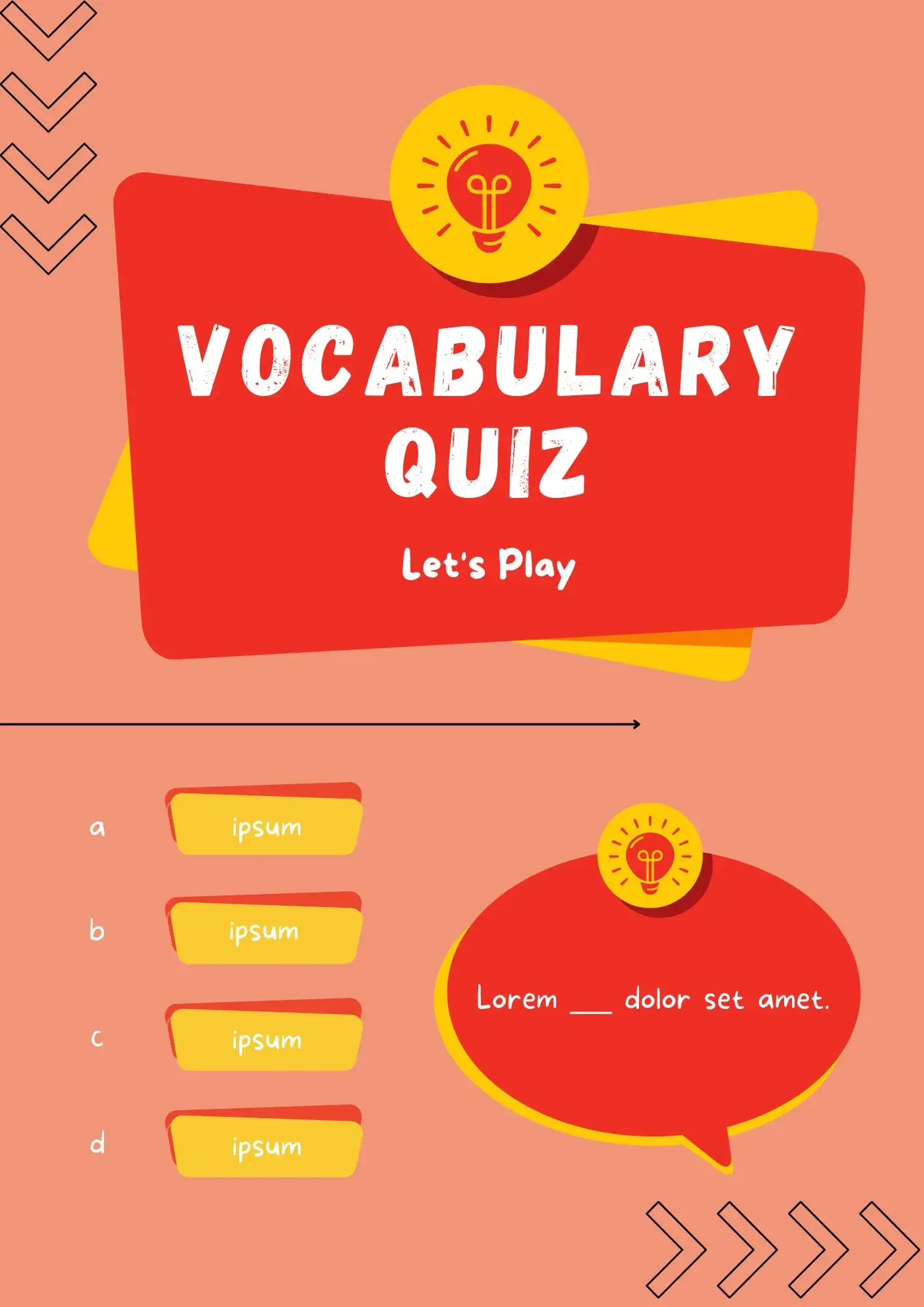
Want to test vocabulary skills with slides that look more engaging than a plain worksheet? The Vocabulary Quiz Template is useful for teachers, tutors, students, and language learners who want an interactive way to review words.
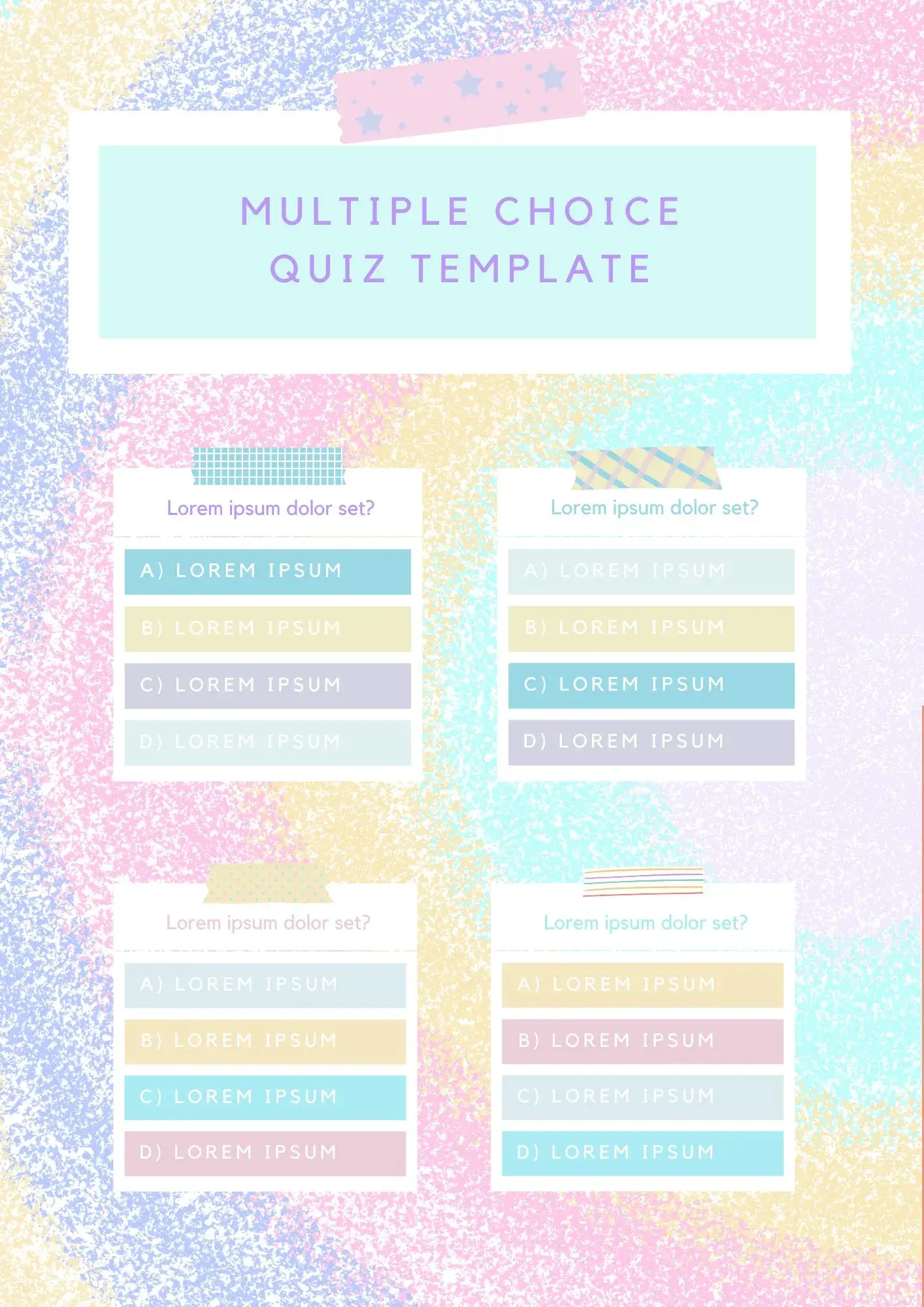
With a structured slide flow and clear answer layout, the Multiple Choice Quiz Template helps you build engaging quiz presentations fast. It works well for teachers, trainers, students, and event hosts who need an interactive presentation format.
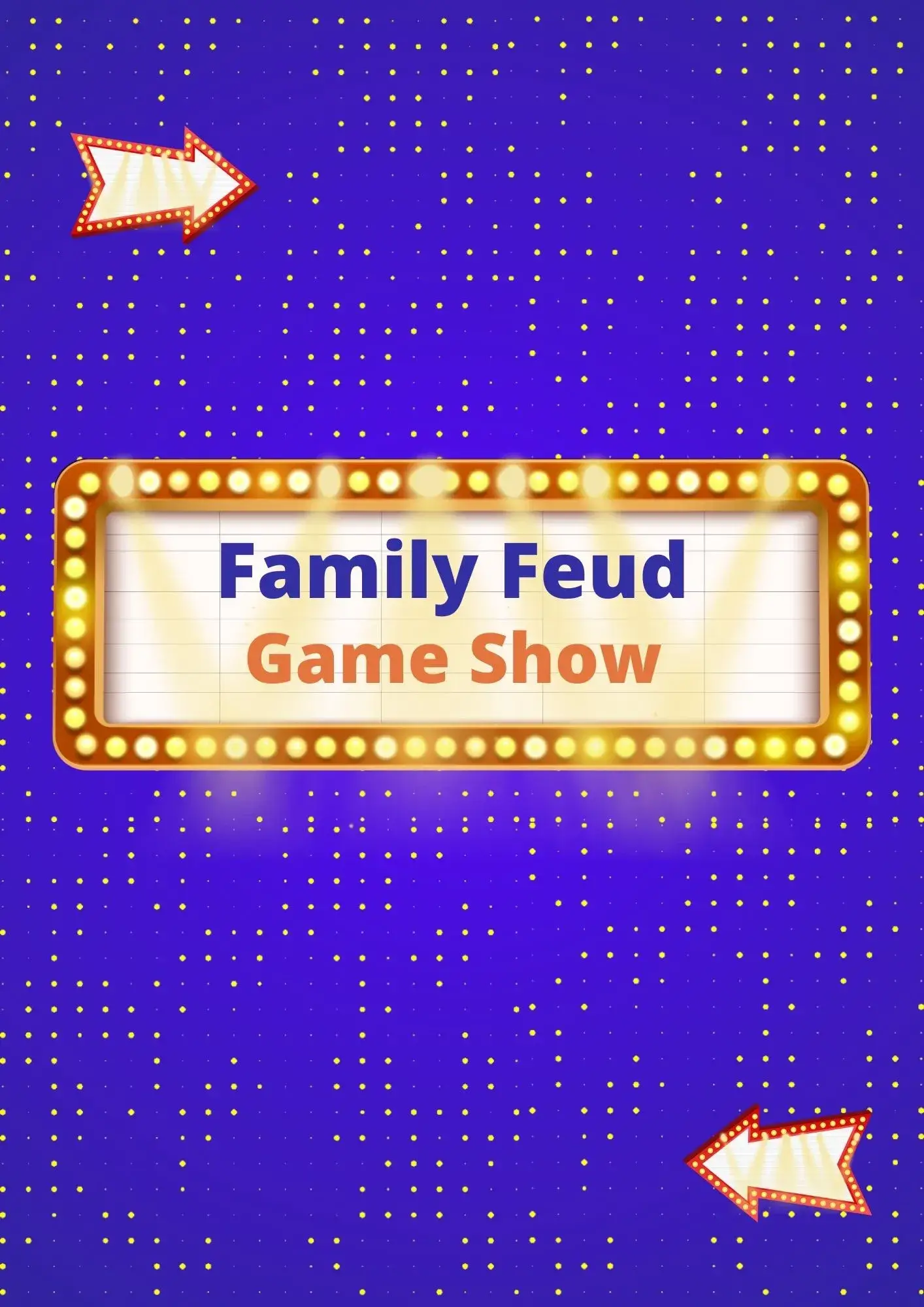
A simple Family Feud Game Show Template for Google Slides will come in handy when you are organizing a game among beginners or have not fully understood the rules yourself. It contains detailed instructions on how to conduct the match, which will allow all participants to quickly understand all the necessary nuances.
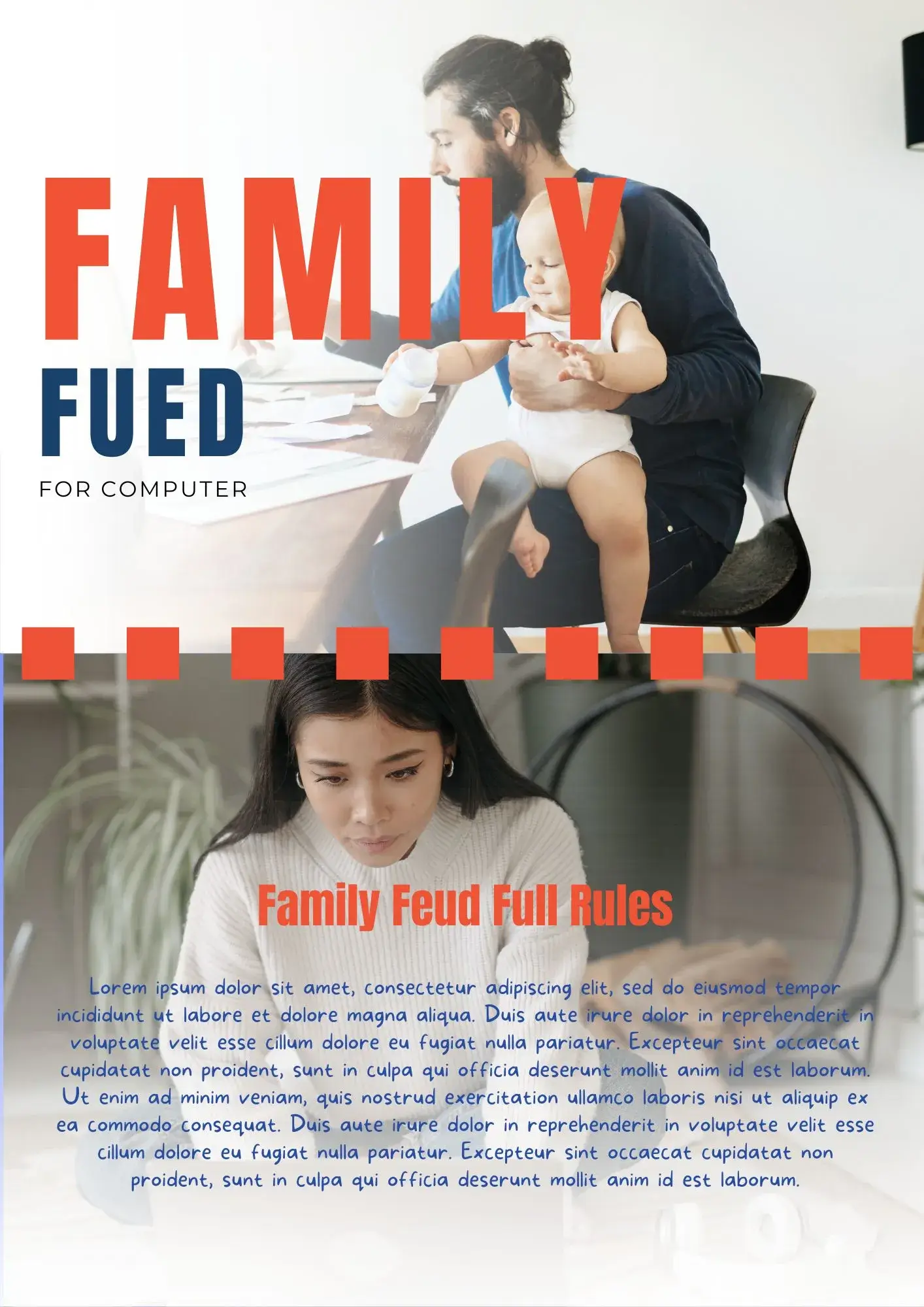
Don't have time to meet up with your loved ones because of your workload? Organize a remote game of Family Feud using this handy template. The modern-style layout is designed for three teams.

Choose your preferred social media platform from options like Pinterest, Facebook, Twitter, and more. Share our templates with your contacts or friends. If you’re not active on these social networks, you can simply copy the link and paste it into the one you use.