

 Back to templates
 Google Slides Templates - Page 15
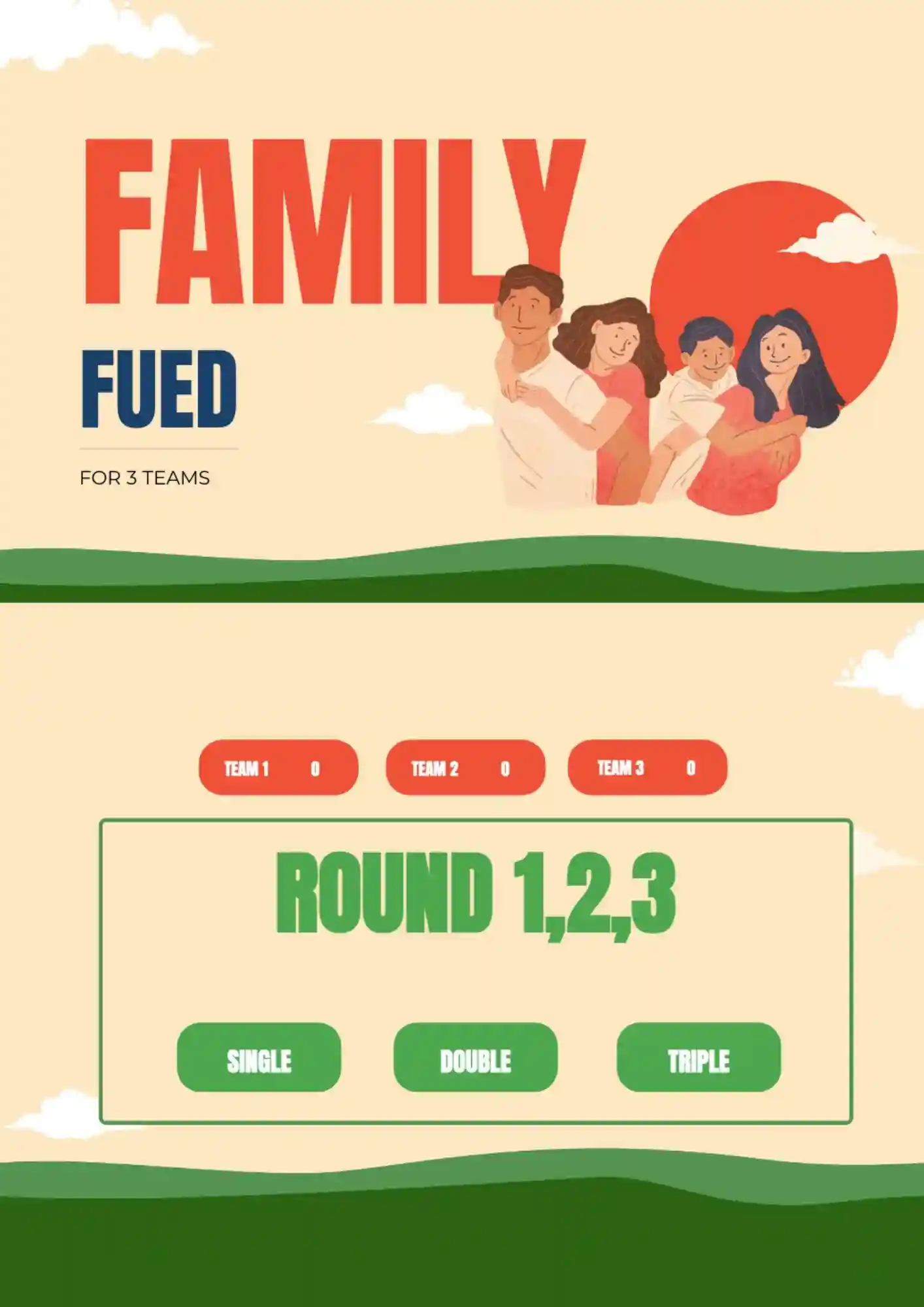
Are you going to organize a Family Feud Game for 3 teams? Then you will need an original hand-drawn layout that was created specifically for this purpose!

Make Family Feud even more interesting by adding a special Fast Money round. In this editable template, it is placed at the end to keep the match in suspense until the very end. You can give all teams a last chance to earn up to 300 points, or you can give this opportunity only to the leaders of the competition.
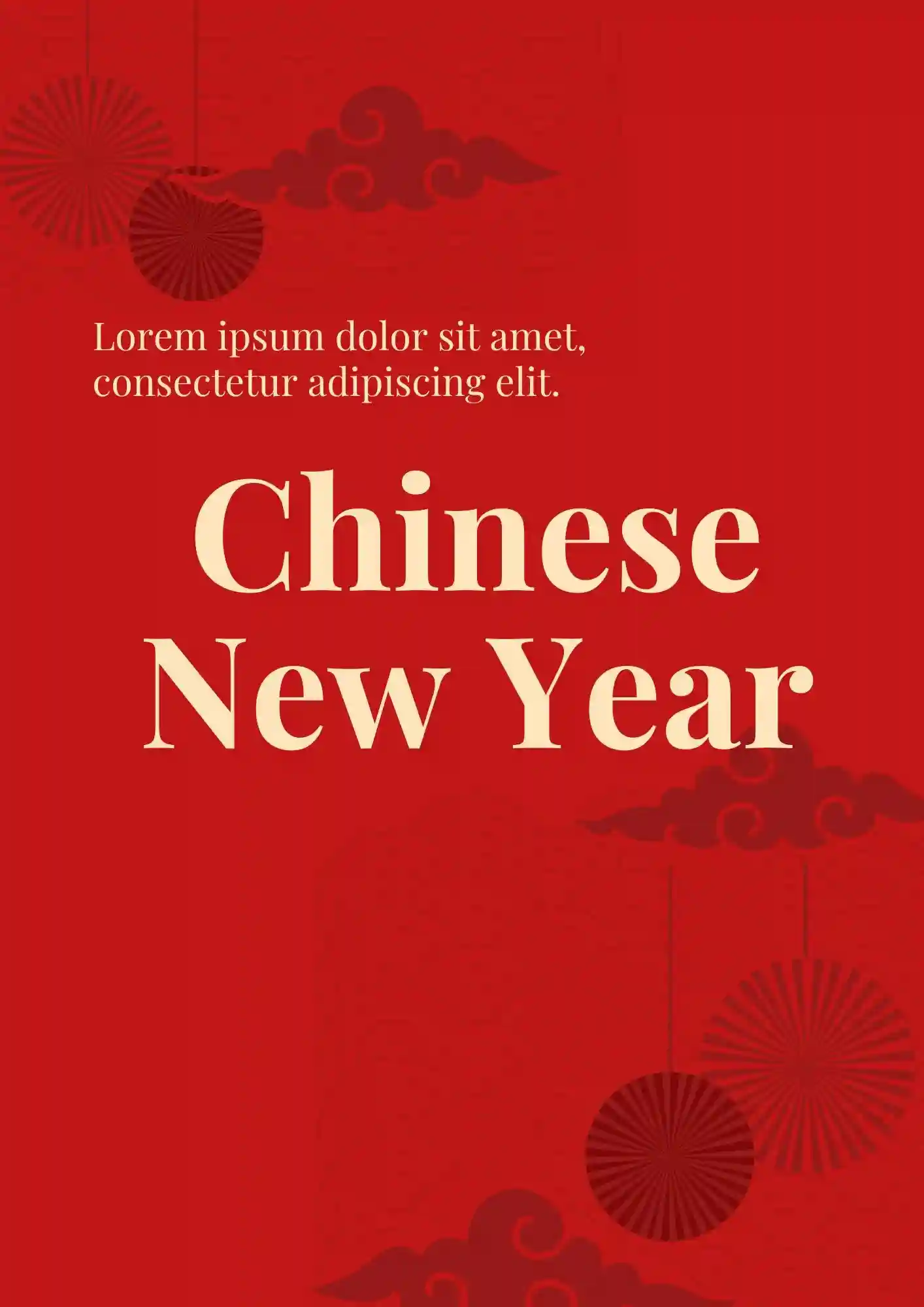
Can a festive deck still look polished and colorful at the same time? The Chinese New Year Template works for schools, families, creators, and event planners who want to share holiday content with strong visual appeal.
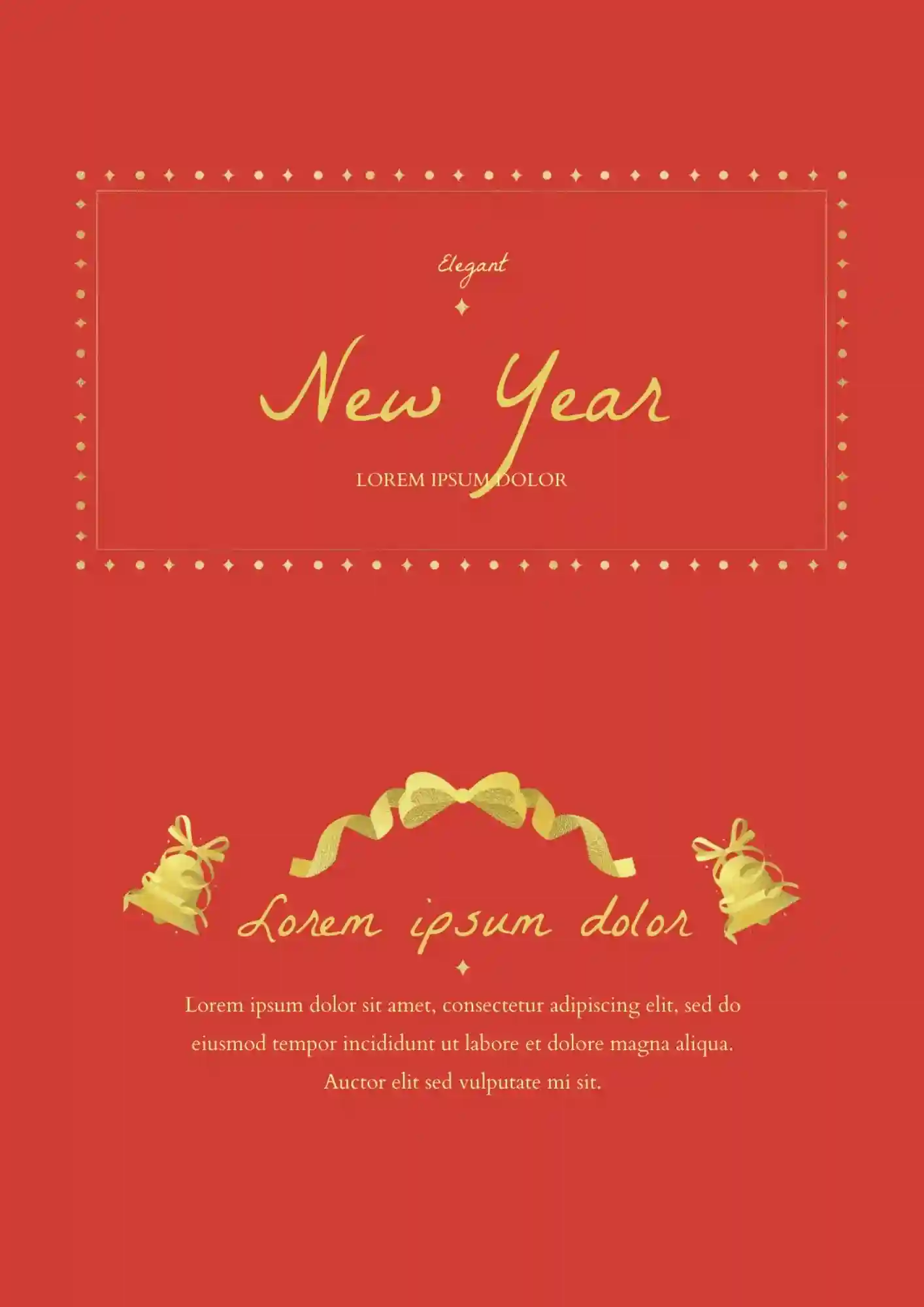
Cheap-looking decks ruin an expensive New Year gala. The Elegant Happy New Year Template is a strong fit for luxury hotels, wedding planners, corporate sponsors, and gala organizers who want a polished celebration style.

What makes a New Year deck feel memorable instead of generic? The Happy New Year 2023 Template is useful for personal greetings, classroom activities, and party announcements.

Generic holiday slides get ignored in 10 seconds. The Happy New Year Template suits party hosts, schools, and social media managers who want to create a bright holiday presentation.
Does your holiday presentation need a festive design that feels brighter and more special? The Lunar New Year Template works well for teachers, families, event planners, and creators who want to celebrate the season visually.
This template will attract the children’s attention with its colorful design. The Printable Baby Family Feud Template can be used for elementary school activities.
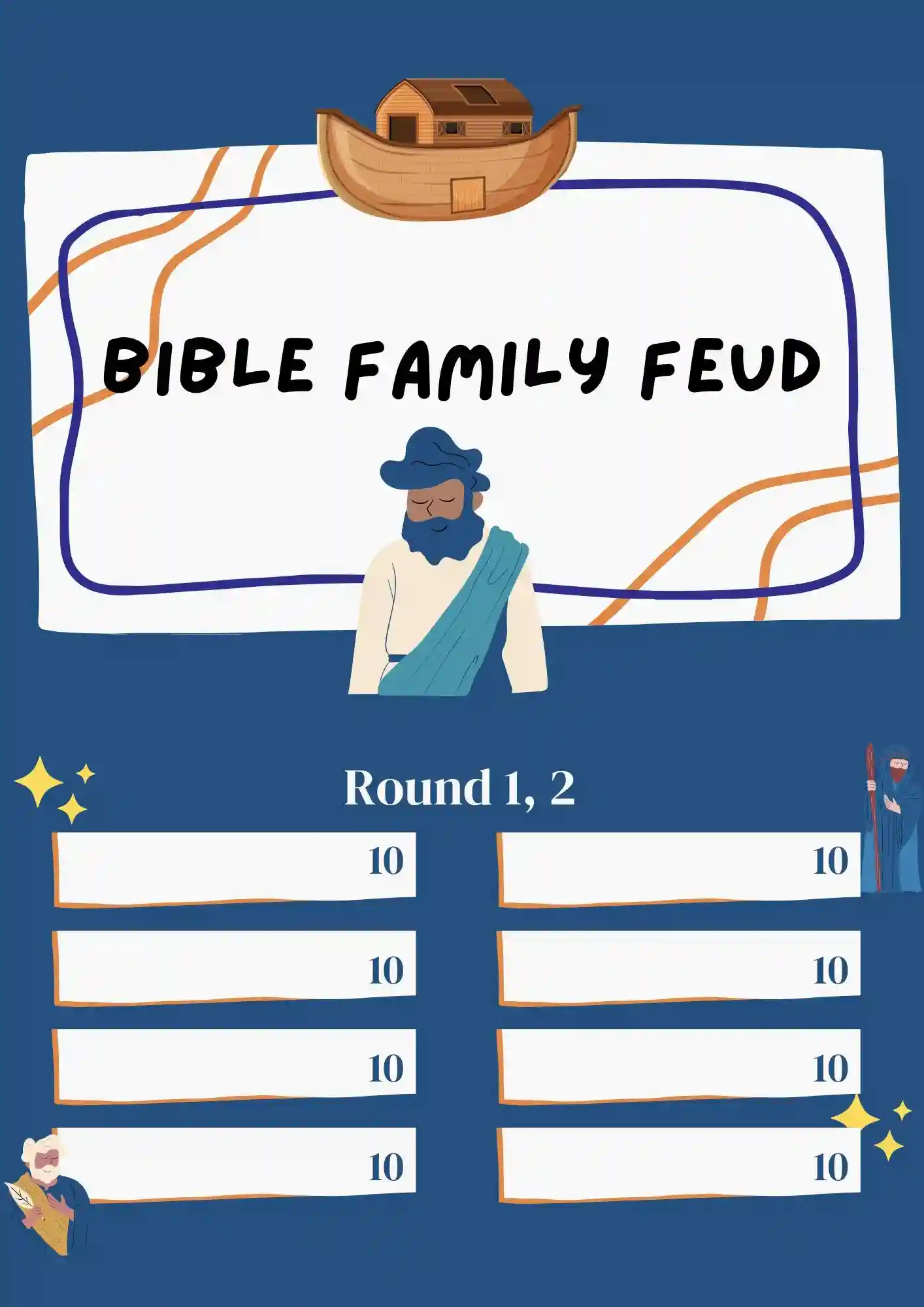
This template was created to test knowledge about religion. It can be used for both Sunday School and Home Evening.
The advantage of the template is that there are detailed instructions on how to create your own game. Editing the layout will take you a few minutes, so it is not necessary to make a document in advance.
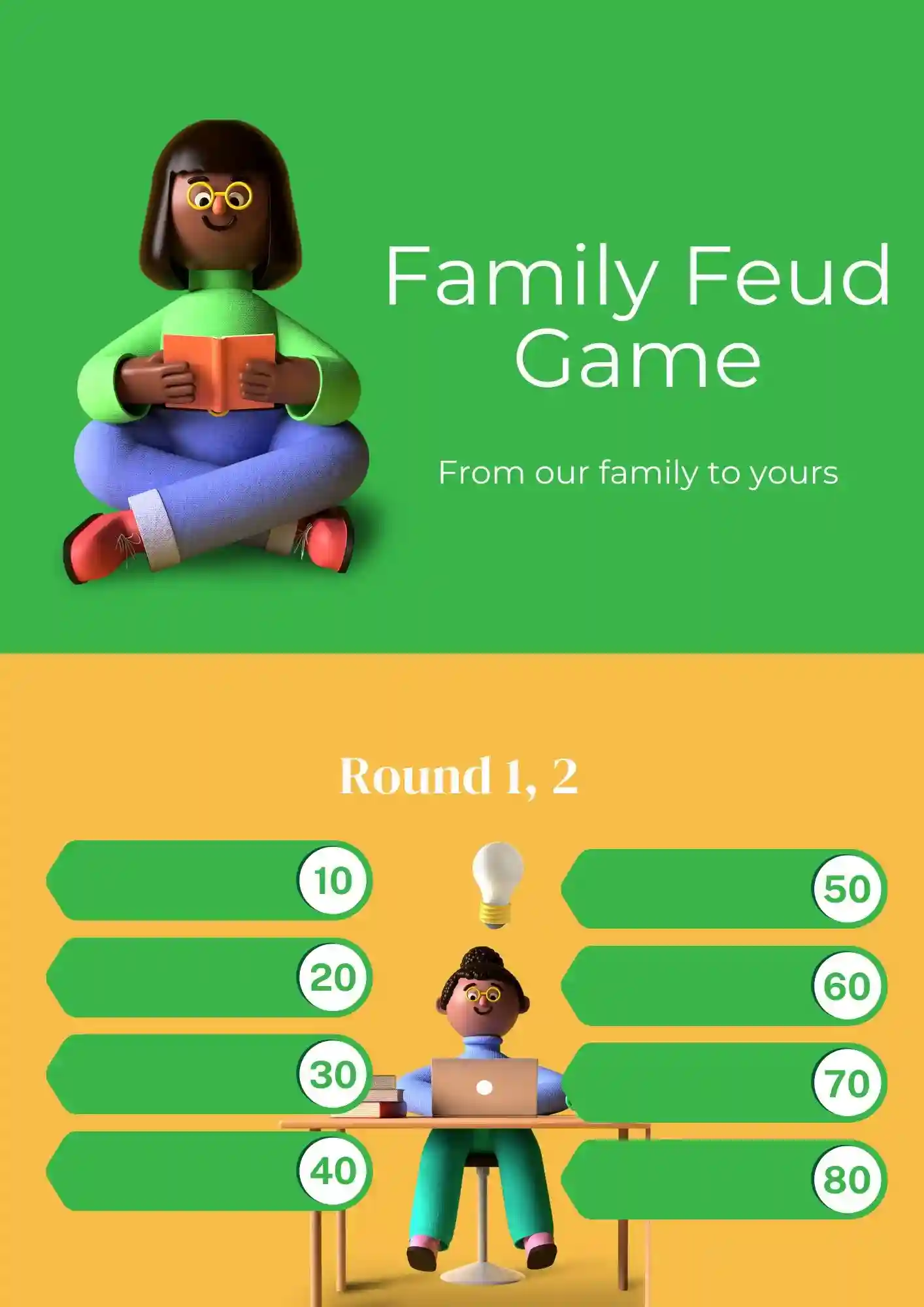
This template attracts with bright cartoon drawings. It is perfect for a children's holiday, and for dinners with friends, and for cozy evenings with the family. All you need to do is to add questions to the layout and determine the points for the correct answers.
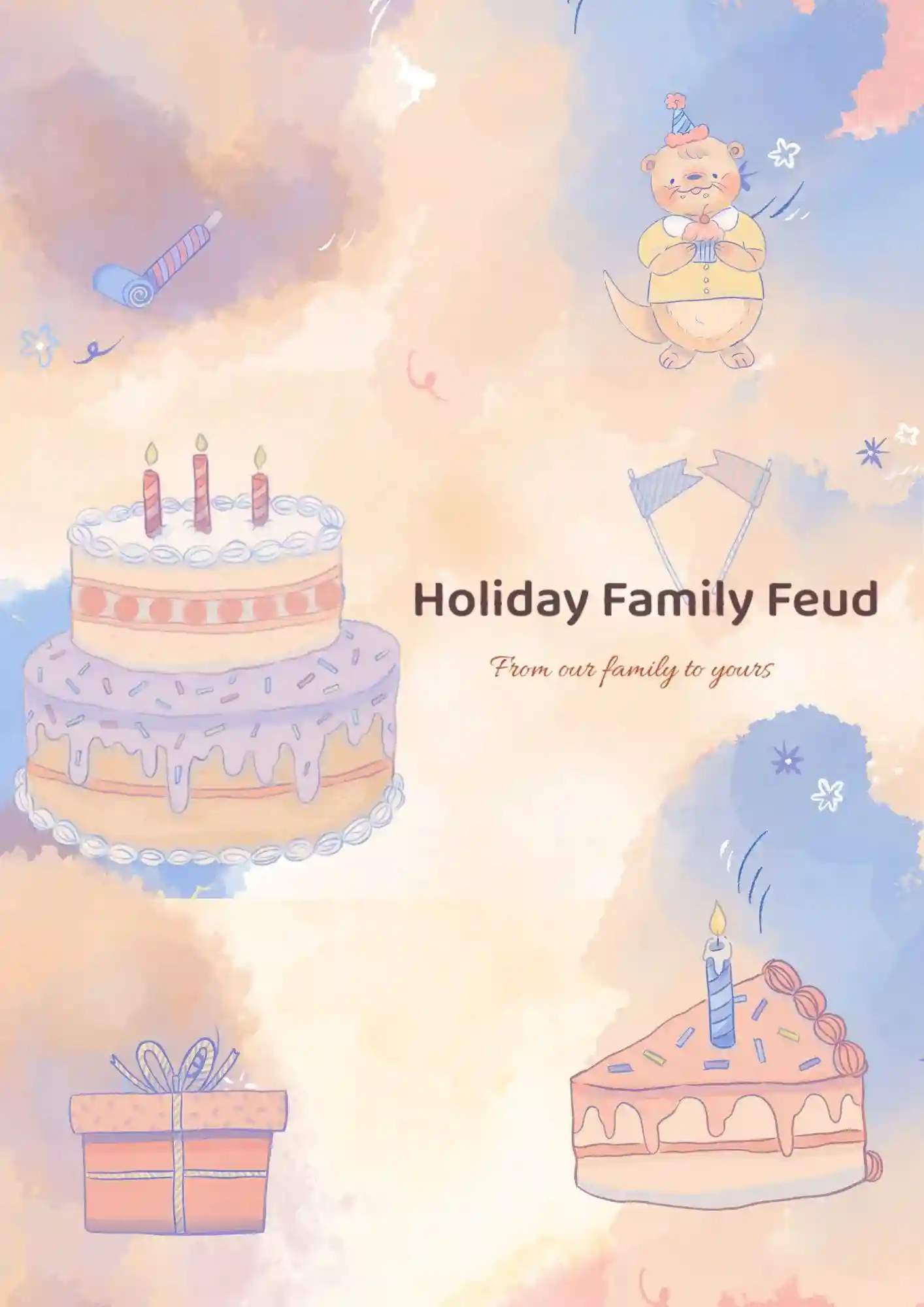
Do you like to have lively family holidays? Then you should definitely use the editable Holiday Family Feud Template for Google Docs.

Your memories deserve more than a plain collage with no visual flow. The Classic Photo Album Template is a good fit for families, couples, photographers, and anyone who wants to present photos beautifully.
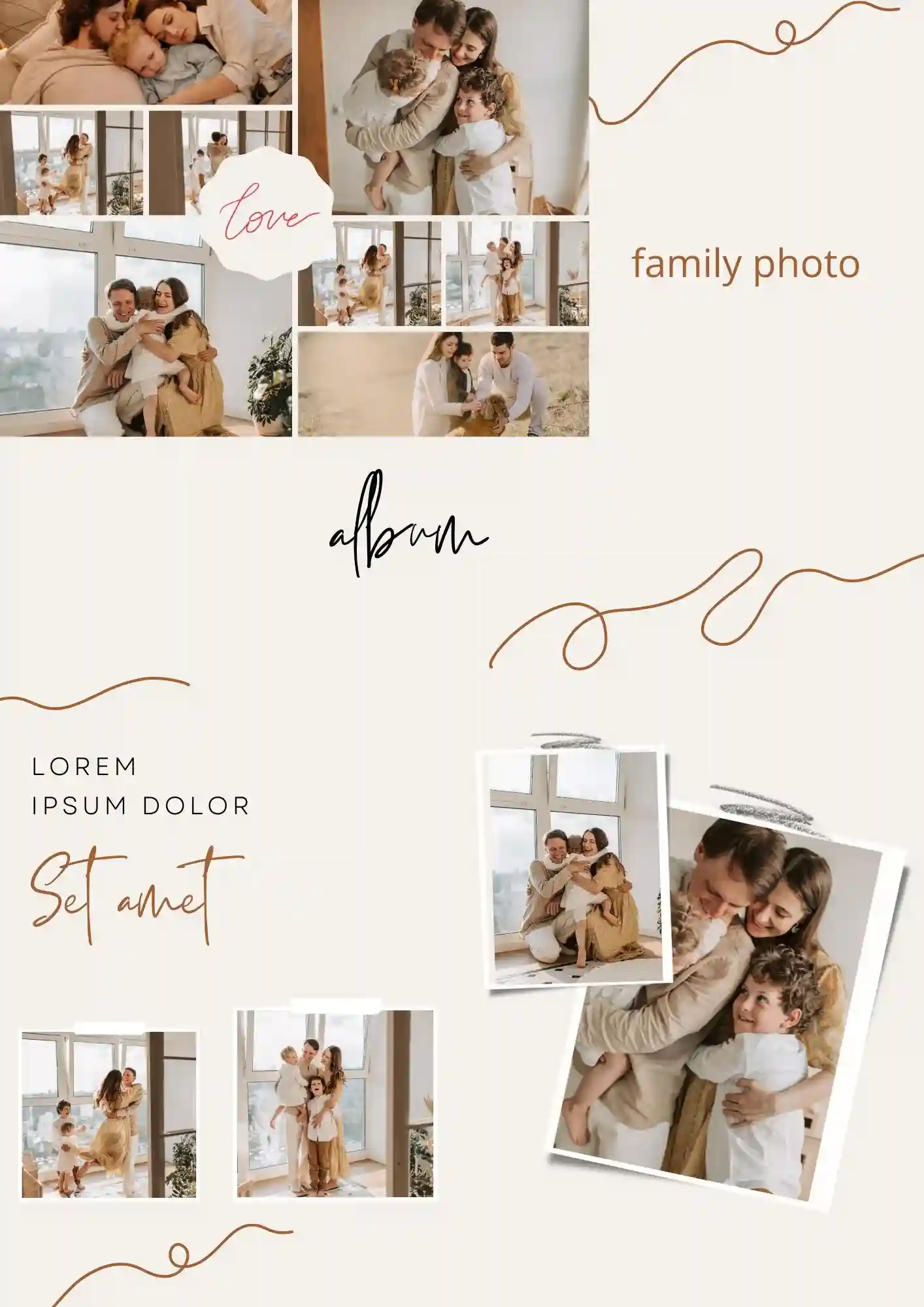
Why settle for a basic slideshow when your family memories could look like a printed book? The Family Photo Album Template works well for grandparents, parents, wedding photographers, and family historians who need a polished album format.
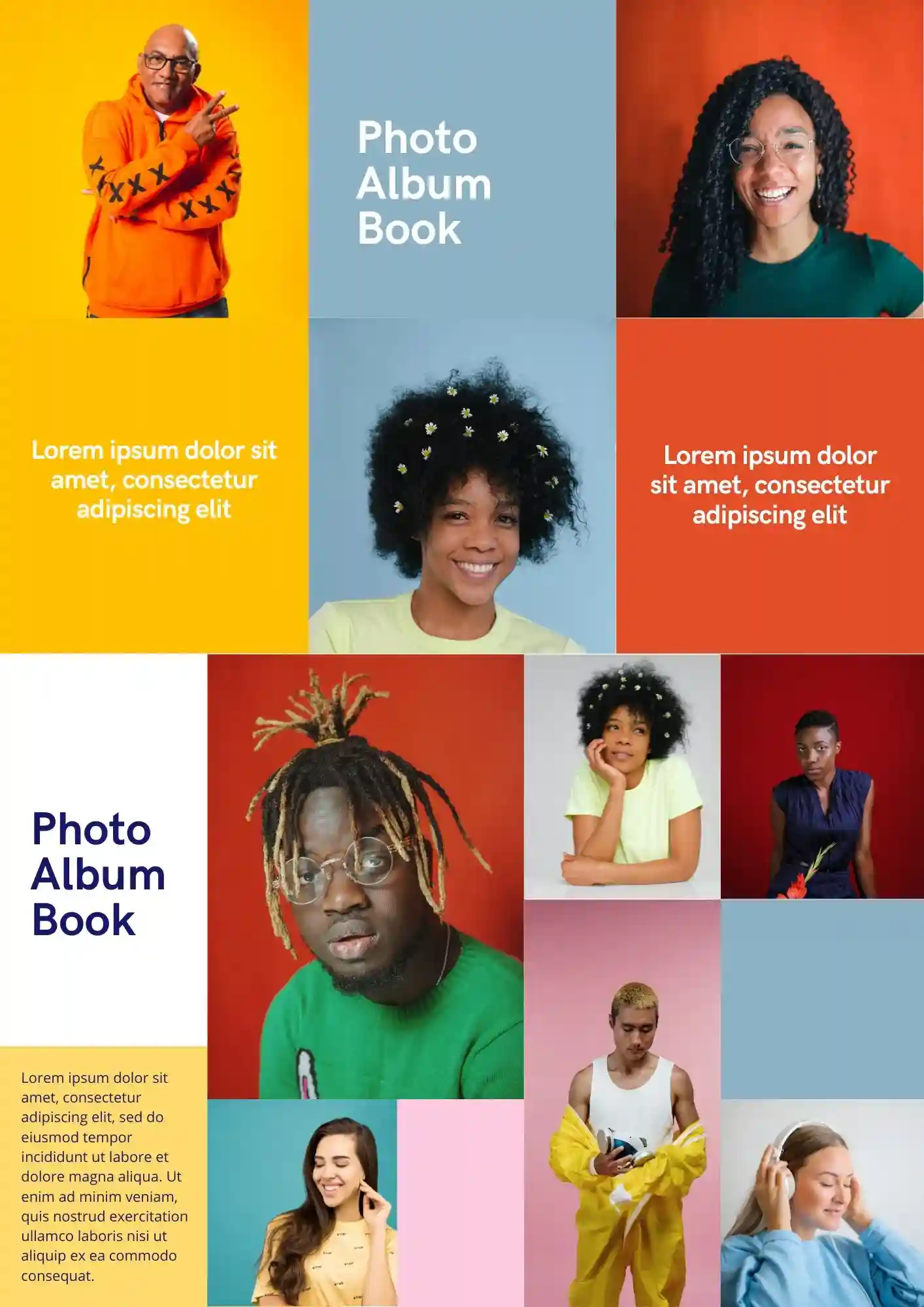
Your vacation photos deserve more than a messy folder on your phone. The Photo Album Book Template is a good fit for travelers, families, photographers, and memory-keepers who want to present photos beautifully.
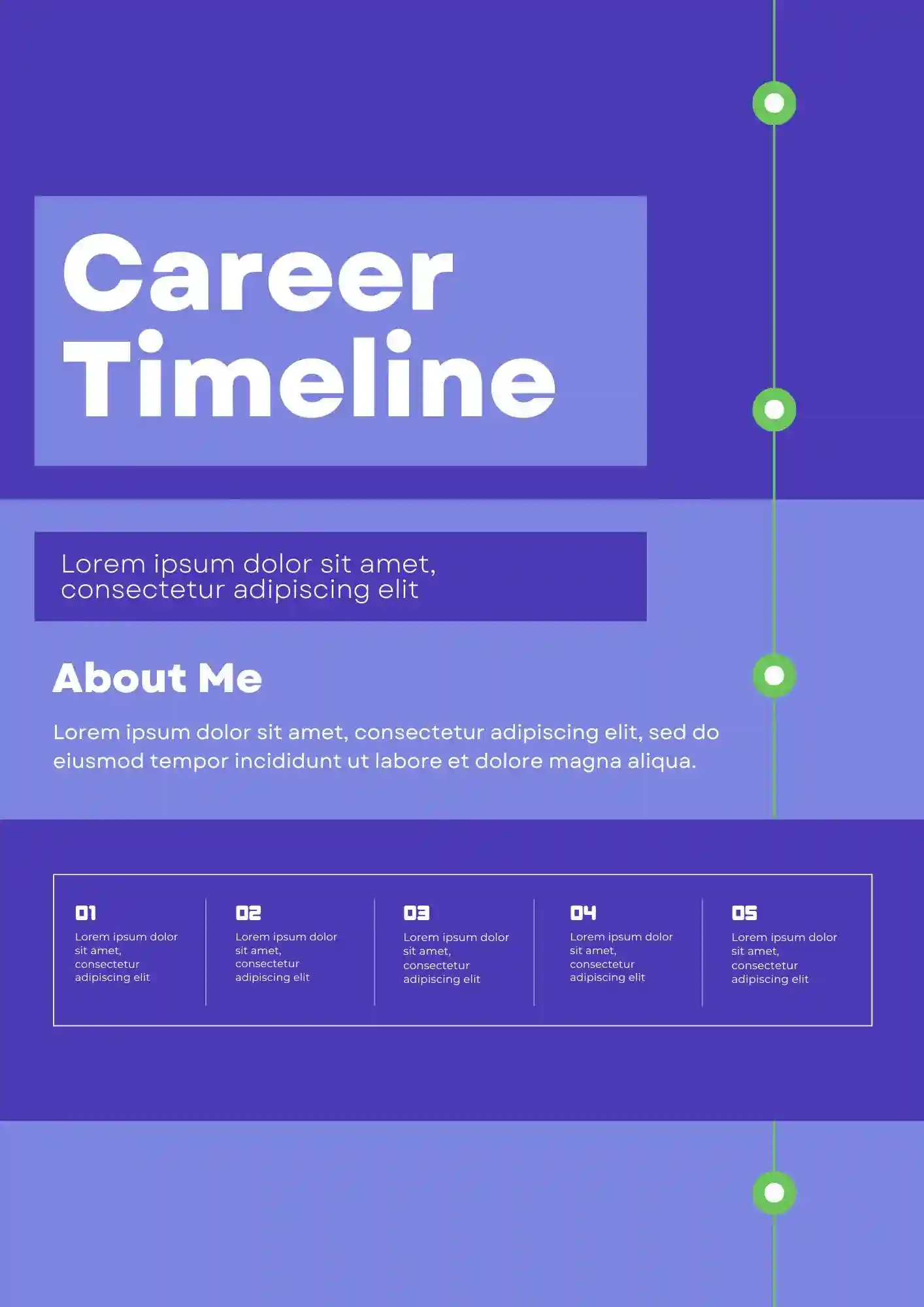
How do you plan career growth without turning the process into more stress? The Career Roadmap Template is useful for career coaches, recent graduates, professionals pivoting industries, and students who want a clear path forward.

Choose your preferred social media platform from options like Pinterest, Facebook, Twitter, and more. Share our templates with your contacts or friends. If you’re not active on these social networks, you can simply copy the link and paste it into the one you use.