

 Back to templates
 Google Slides Templates - Page 18
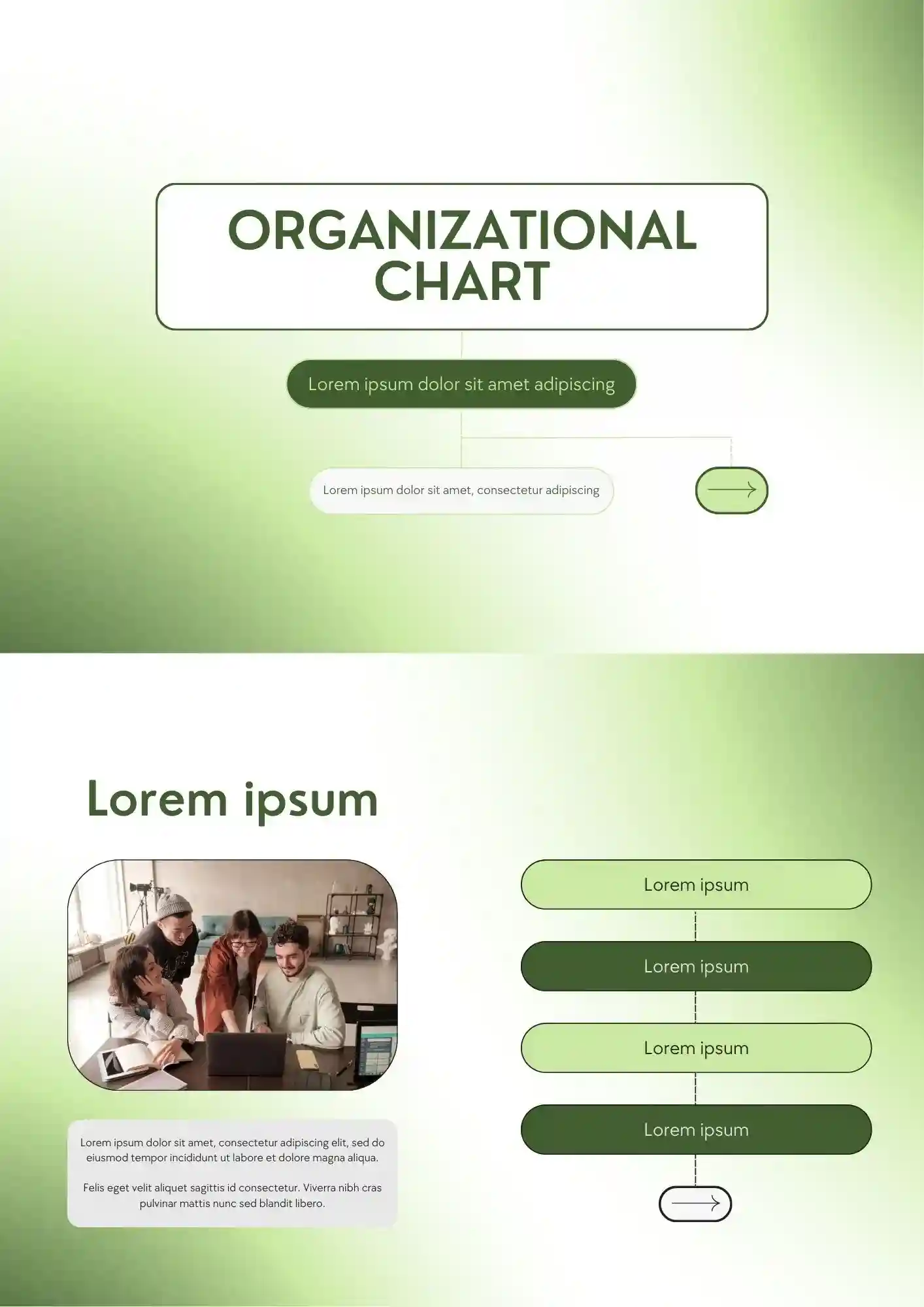
A confusing team structure quickly weakens communication across the whole company. The Organizational Chart Template works for HR teams, founders, schools, and managers who need to show reporting lines clearly.

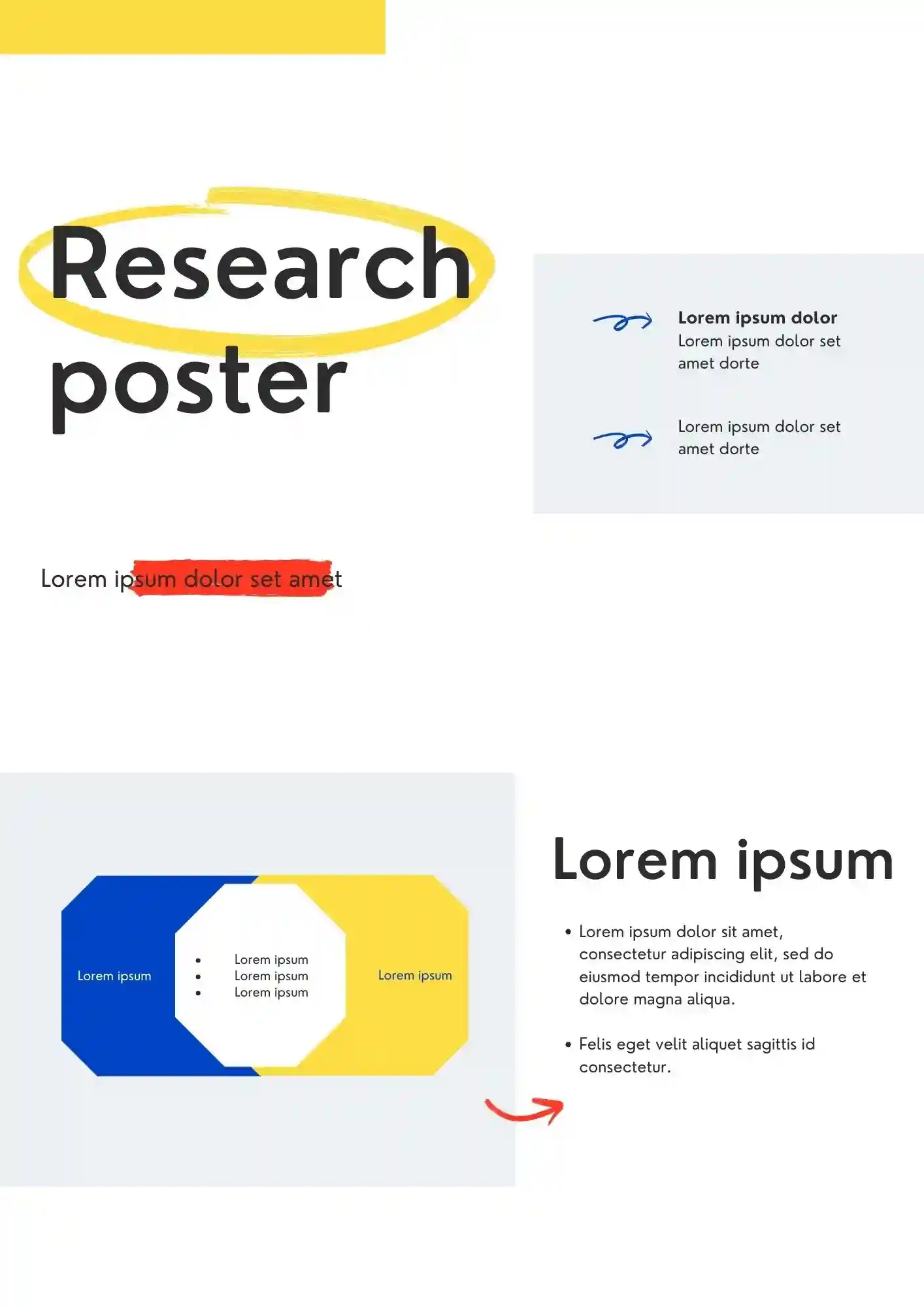
Can a research poster still look clear when it has to hold complex information? The Research Poster Template is useful for students, researchers, professors, and academic teams who need to present findings professionally.
Promoting your film is harder when the poster does not match the quality of your idea. The Movie Poster Template suits filmmakers, students, studios, and event organizers who want a bold promotional layout.
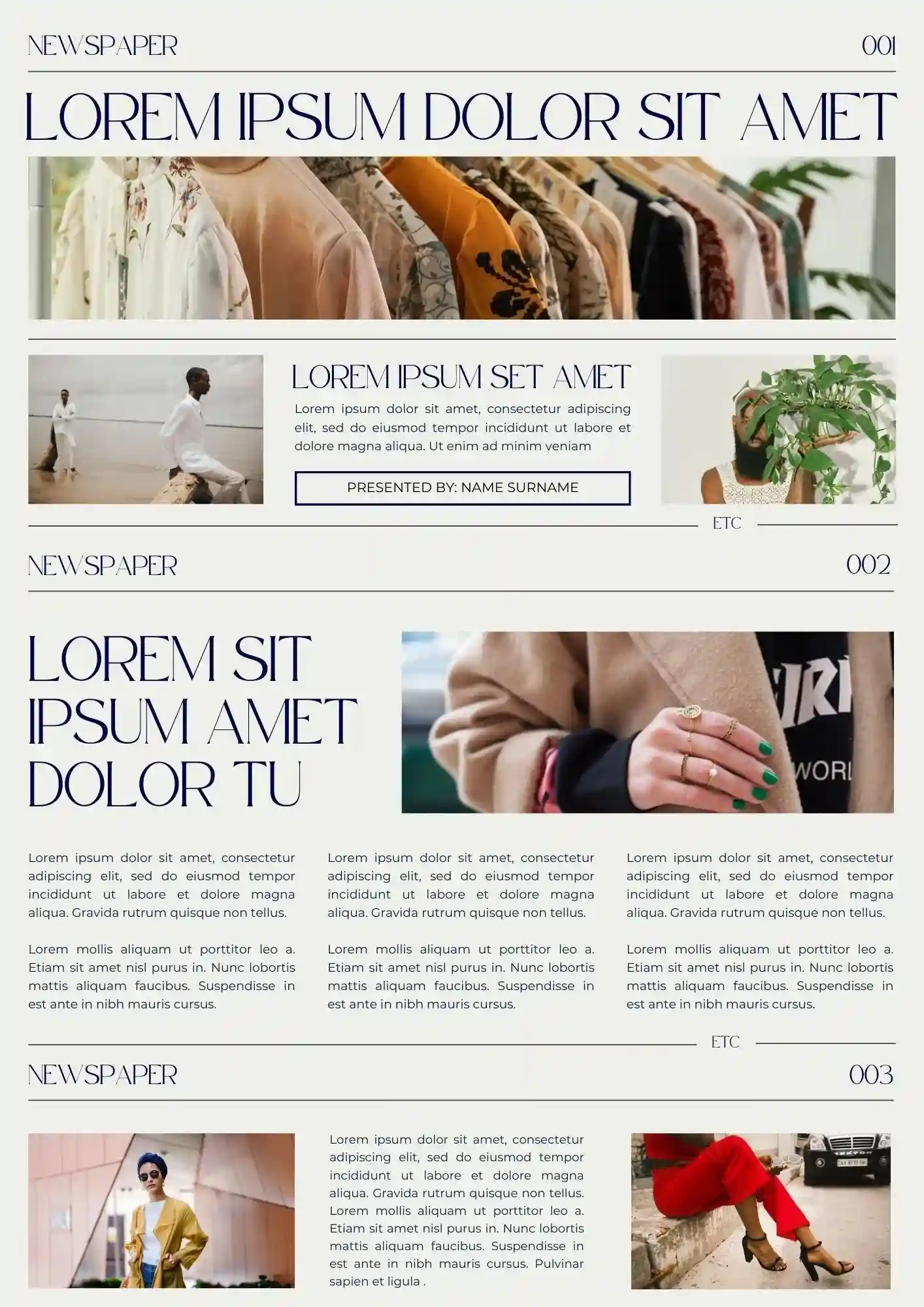
Create a professional-looking newspaper-style presentation with the Newspaper Template for Google Slides. This versatile template is perfect for delivering news updates, reports, or creative projects in a realistic newspaper format.
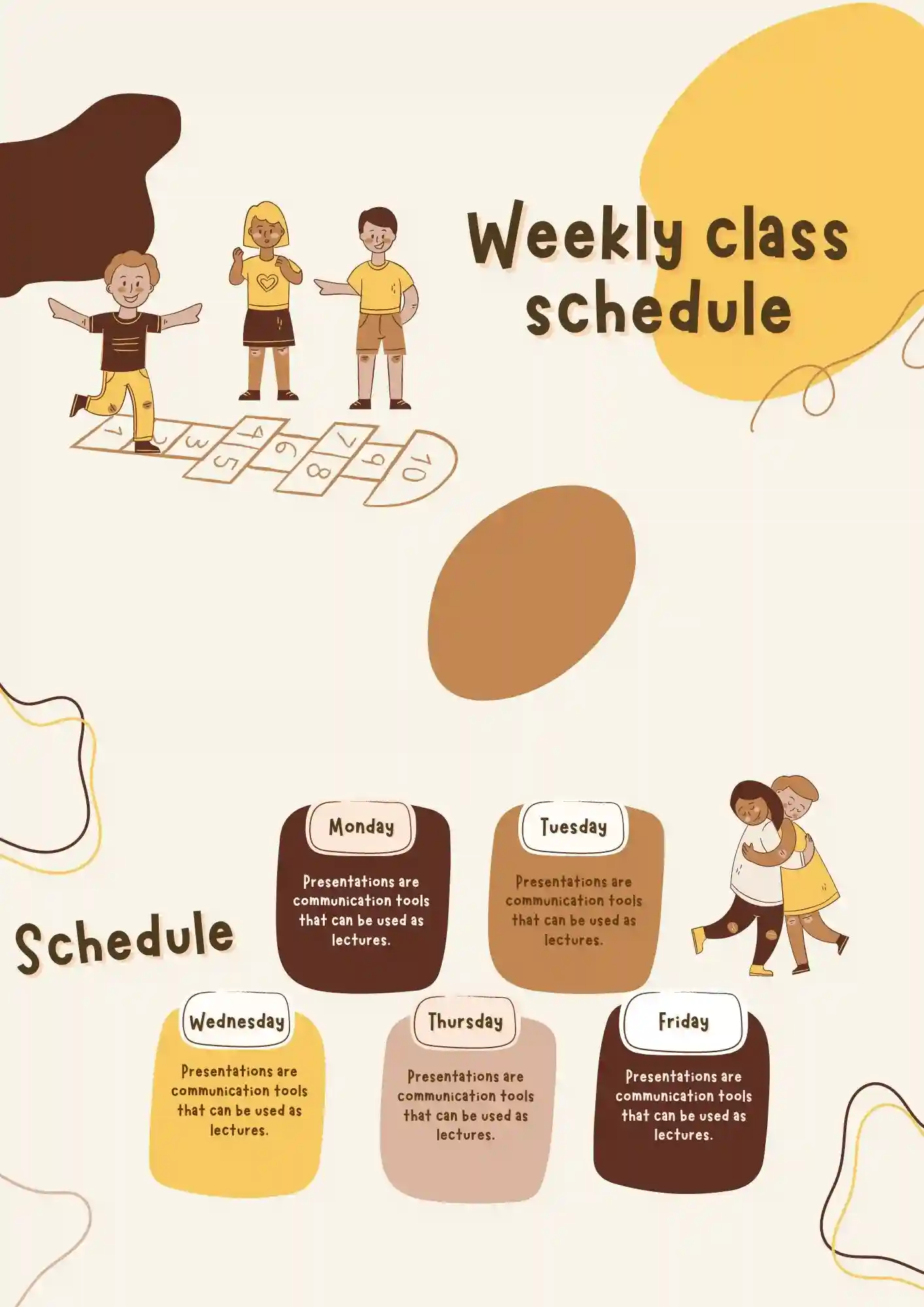
What helps teachers and students stay on track when classes change all week long? The Weekly Class Schedule Template is a strong fit for teachers, students, tutors, and school staff who need a clear weekly overview.
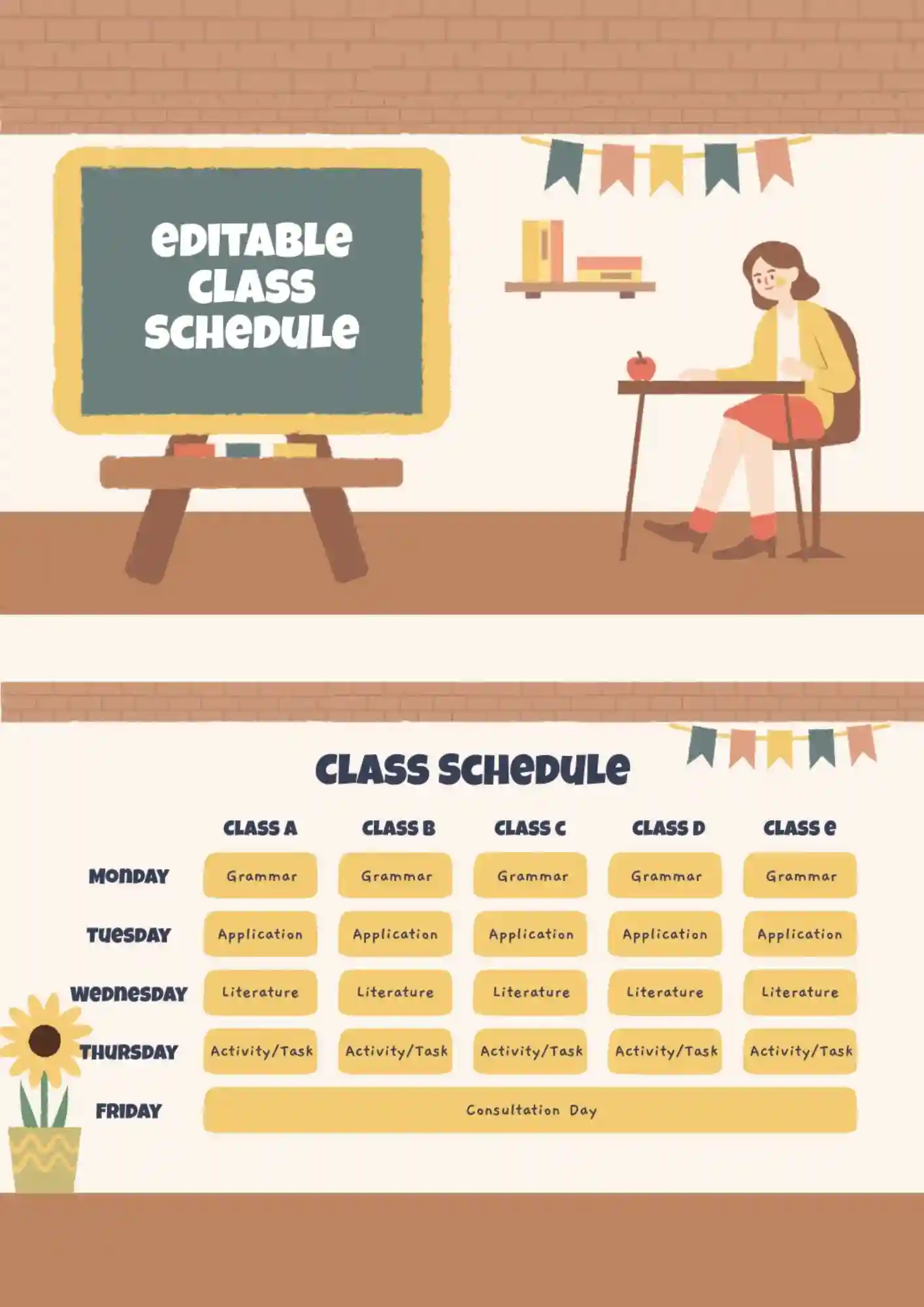
Class planning gets stressful when you have to rewrite the same schedule again and again. The Editable Class Schedule Template works for students, teachers, tutors, and parents who need a flexible classroom planner.
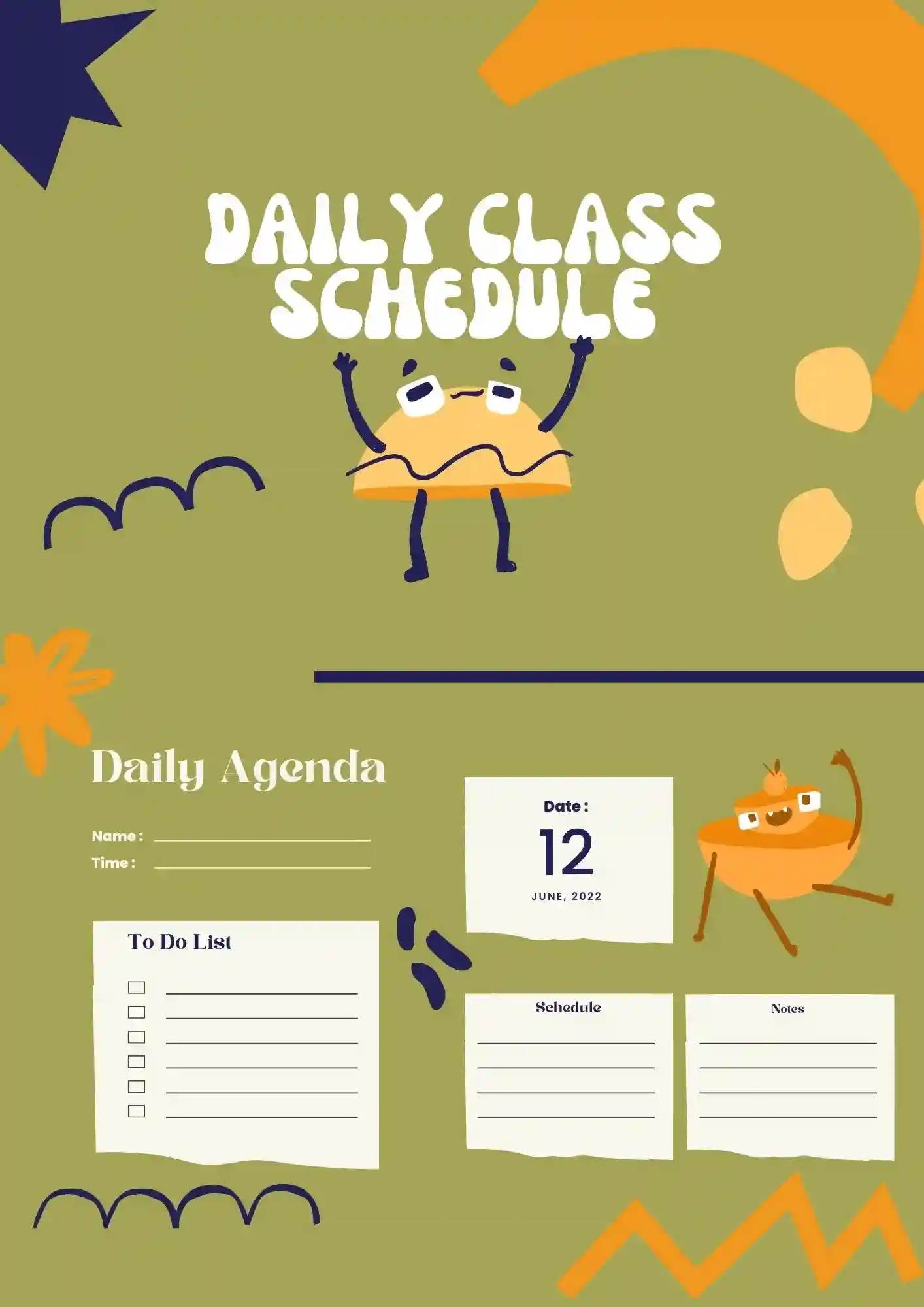
Can a daily schedule still feel clear when every class block needs its own space? The Daily Class Schedule Template is useful for teachers, students, homeschoolers, and tutors who need a simple day-by-day layout.

College students lose track of deadlines faster when classes, study blocks, and breaks are scattered. The College Class Schedule Template suits university students, advisors, tutors, and academic planners who want a structured weekly plan.
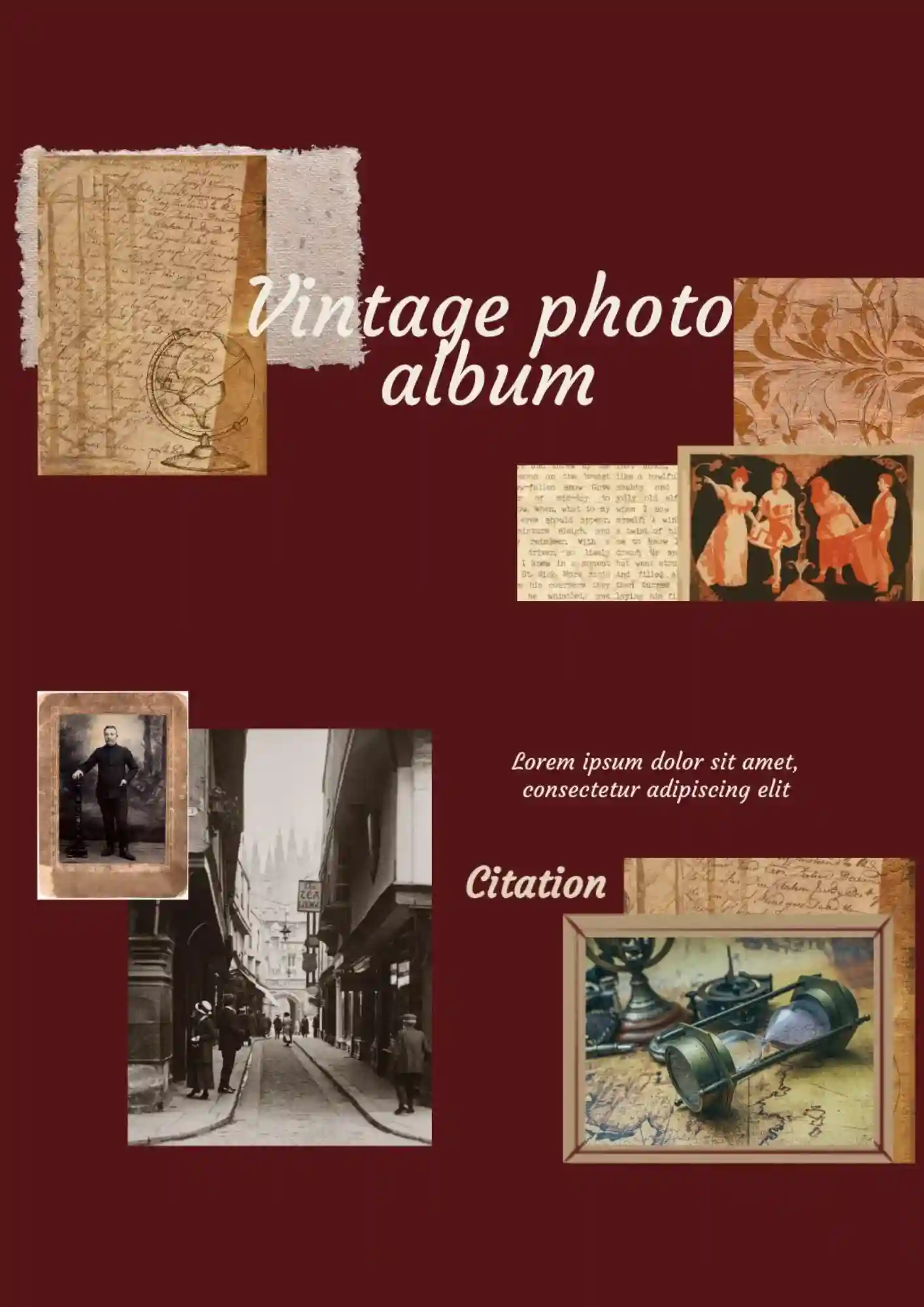
Your family photos feel less special when they sit in a plain digital folder. The Vintage Photo Album Template suits families, couples, memory keepers, and photographers who want a nostalgic presentation style.
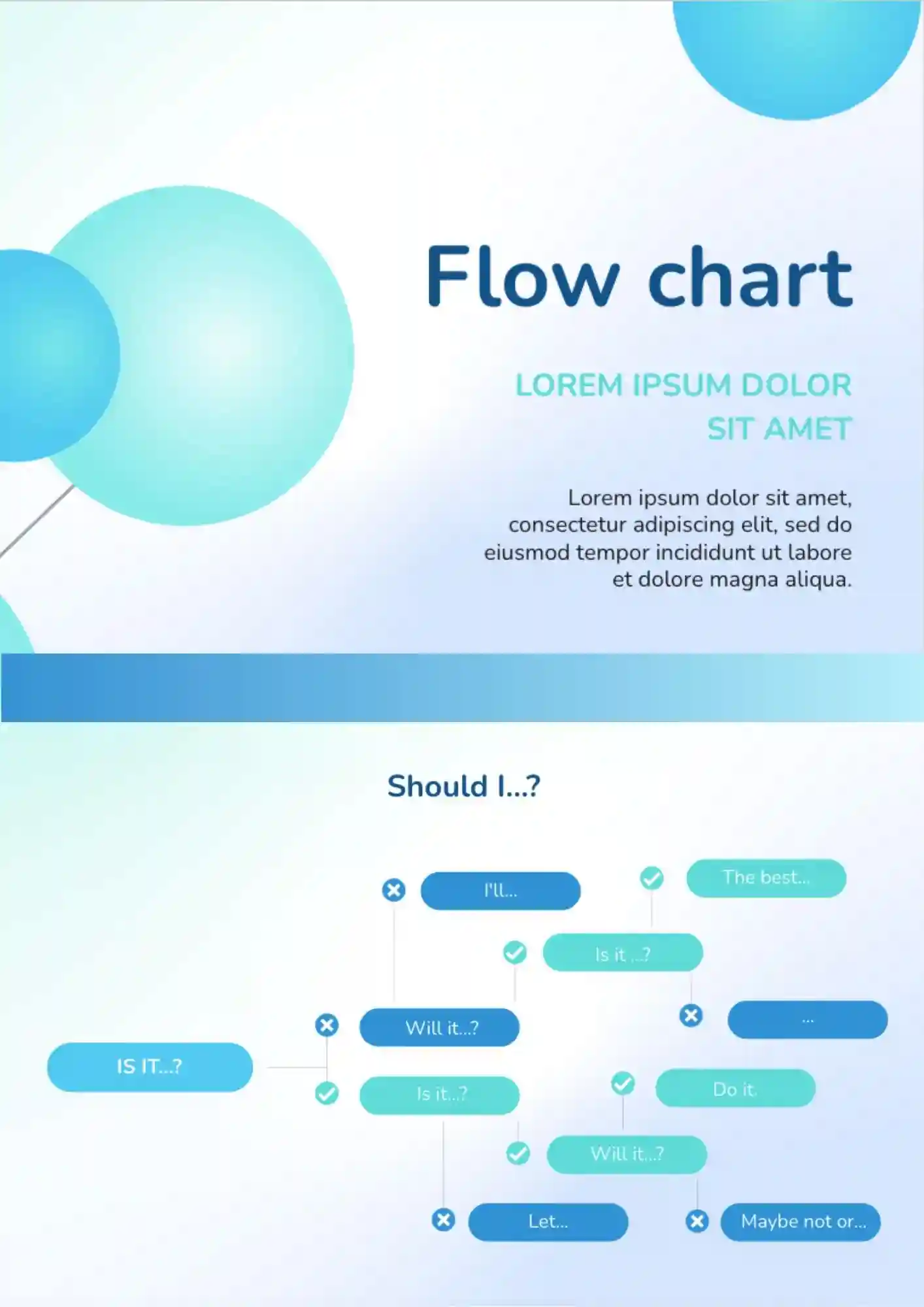
Explaining a process gets harder when your team cannot see each step clearly. The Flow Chart Template works well for managers, teachers, consultants, and operations teams that need to visualize workflows.

Product teams lose alignment fast when priorities are spread across too many files. The Product Roadmap Template is useful for product managers, startup teams, founders, and stakeholders who need a clear product plan.
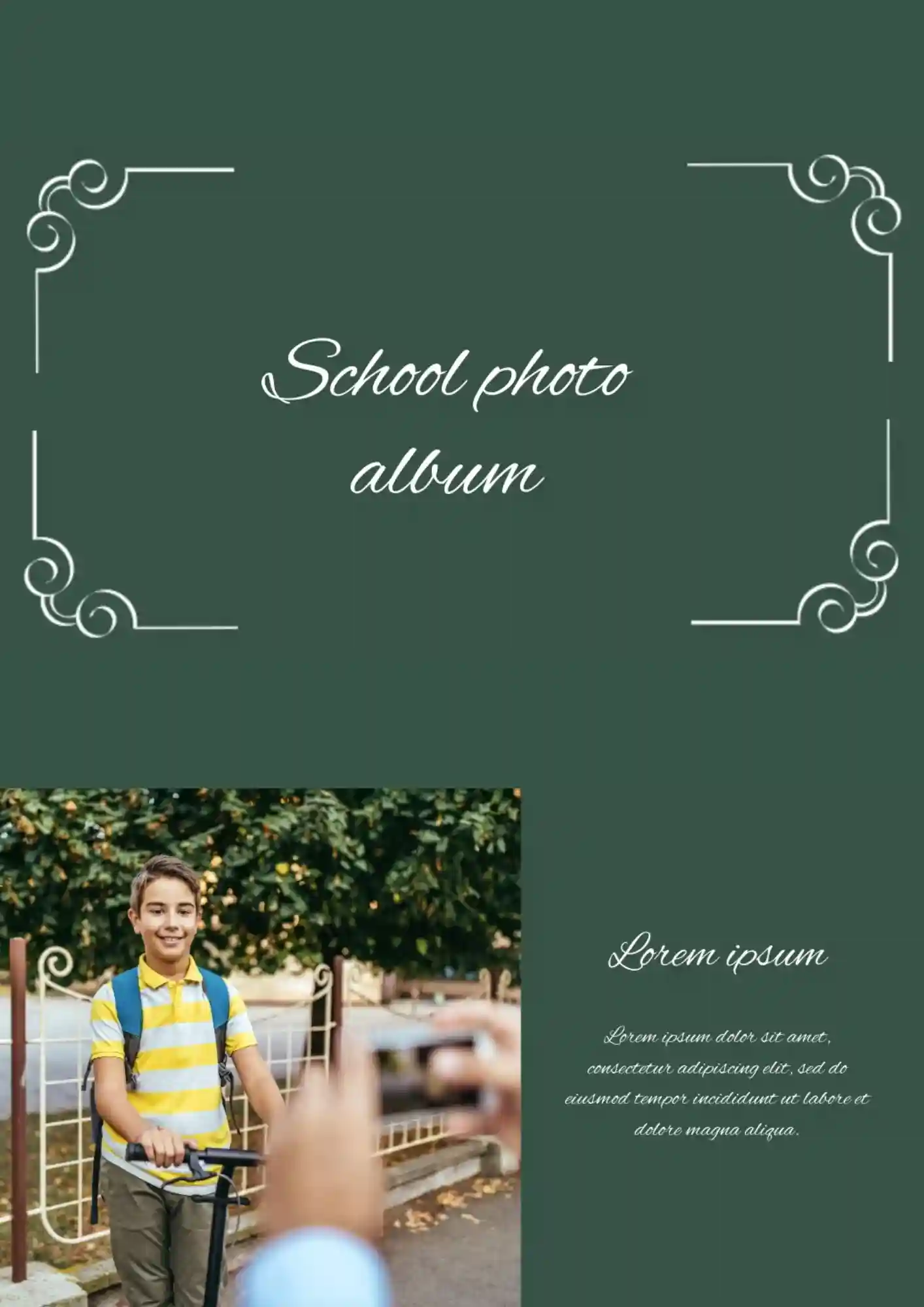
School memories feel less meaningful when photos stay buried in folders after the year ends. The School Photo Album Template suits teachers, parents, students, and school staff who want to save class moments beautifully.
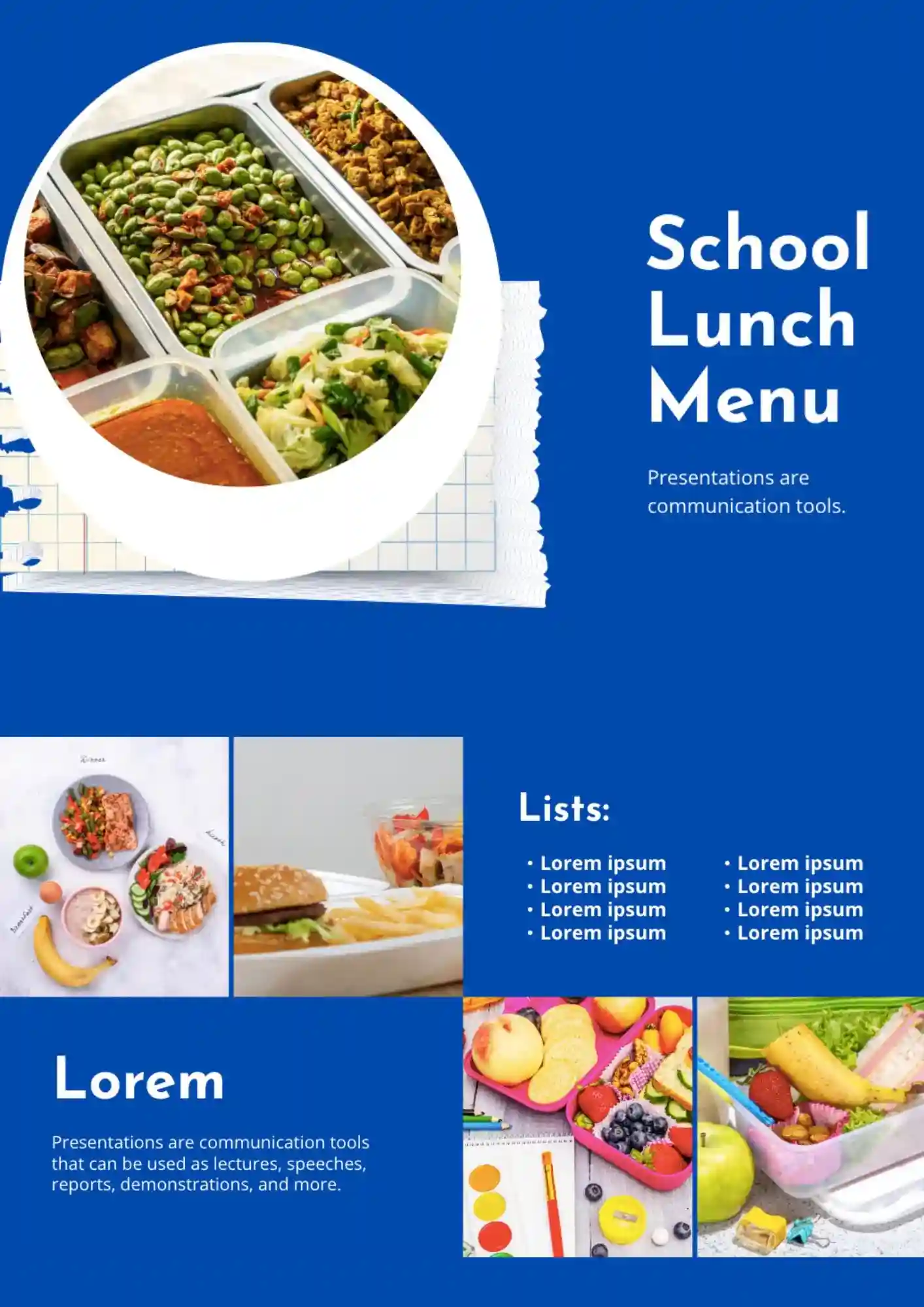
School staff and cafeteria teams need a lunch menu that parents and students can read at a glance. The School Lunch Menu Template is useful for schools, cafeterias, teachers, and administrators who need to share meal plans clearly.
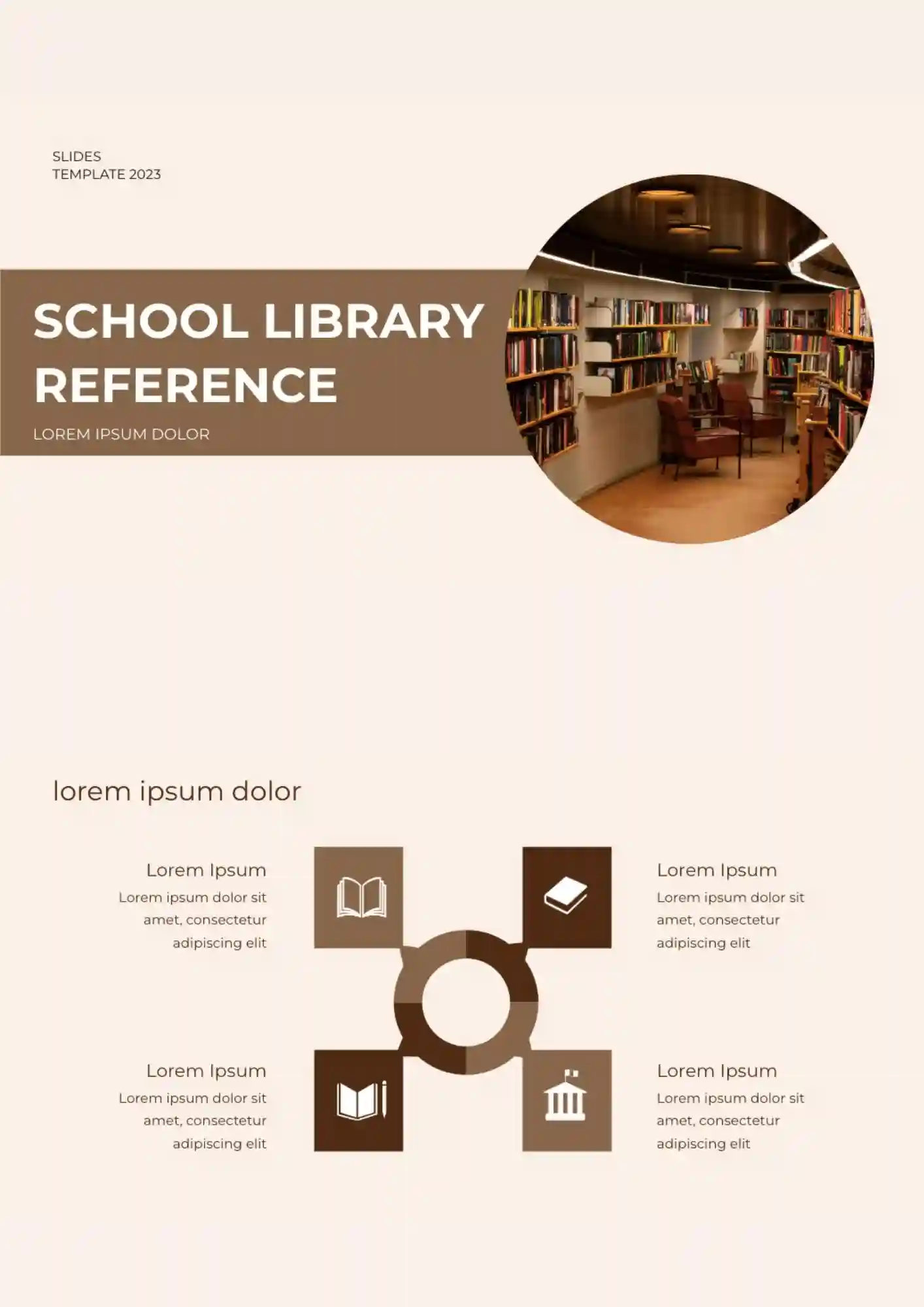
Students find research harder when reference materials look confusing from the start. The School Library Reference Template is a good fit for librarians, teachers, students, and school staff who need to present library information clearly.
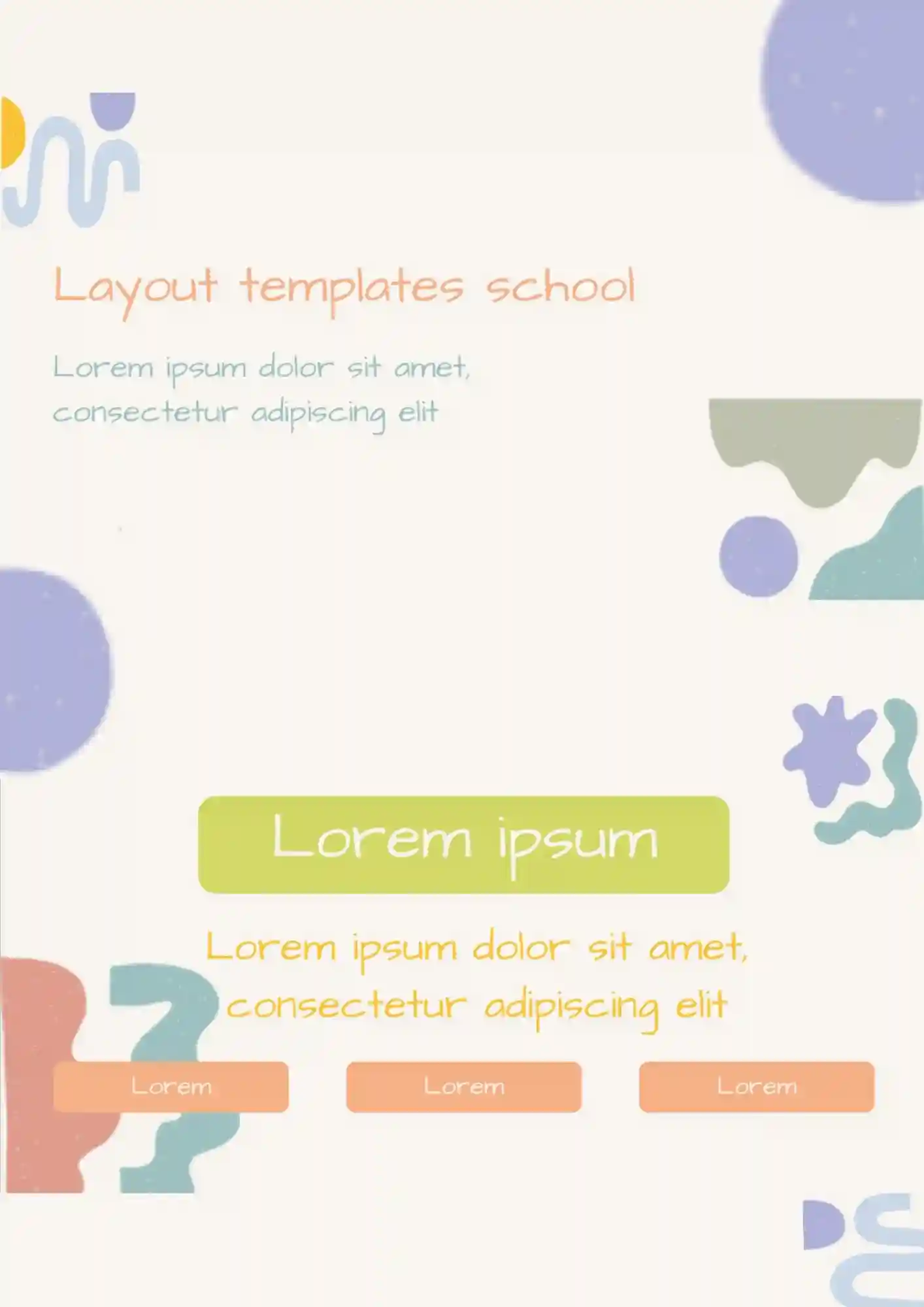
Why let a messy classroom layout make planning harder for teachers and school teams? The School Layout Template works for educators, school planners, administrators, and staff who need a clear visual classroom setup.
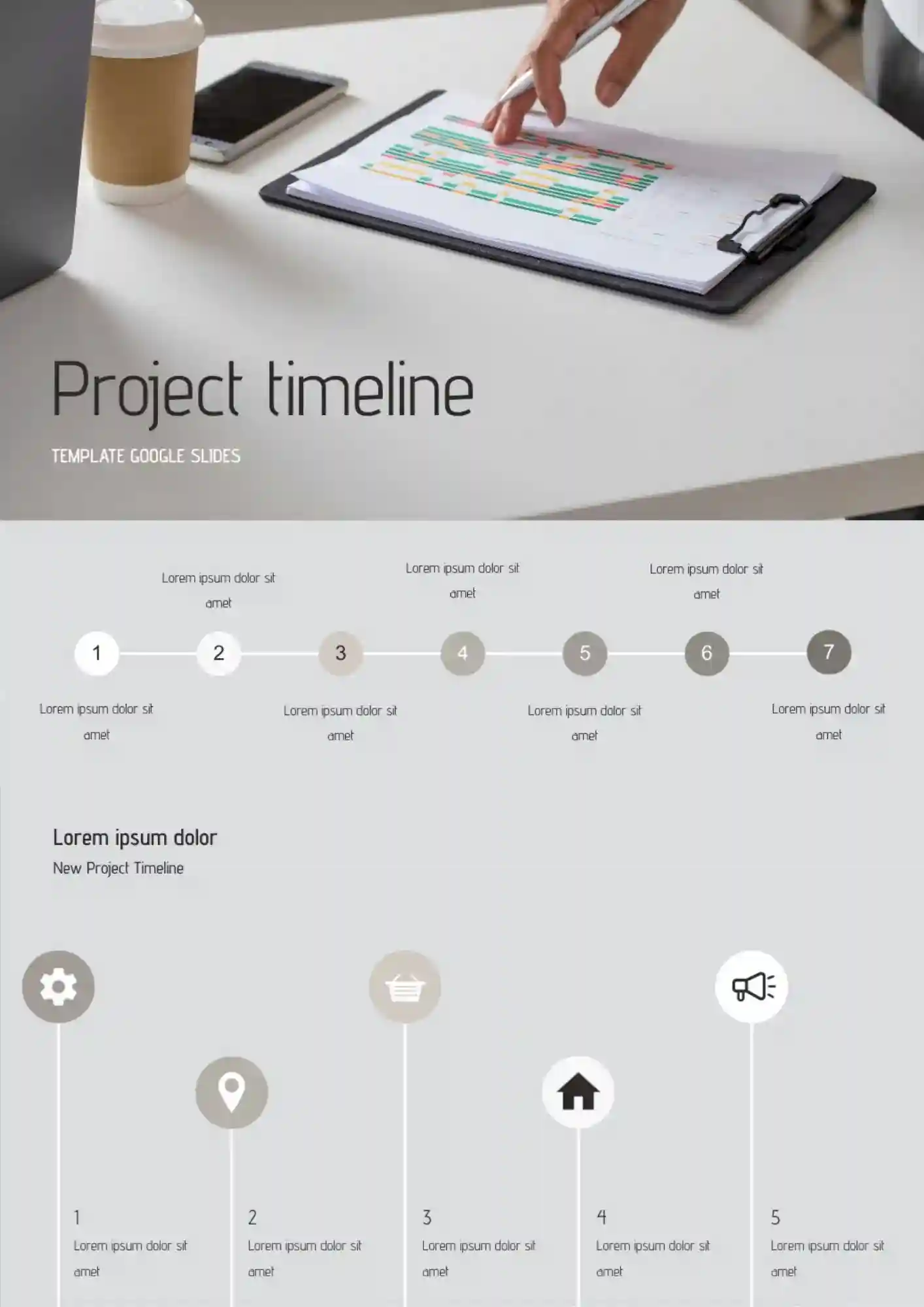
What helps project teams present innovation plans without making the timeline feel overloaded? The Innovative Project Timeline Template is a strong fit for startups, managers, consultants, and teams who need a modern planning layout.

Choose your preferred social media platform from options like Pinterest, Facebook, Twitter, and more. Share our templates with your contacts or friends. If you’re not active on these social networks, you can simply copy the link and paste it into the one you use.