

 Back to templates
 Google Slides Templates - Page 20
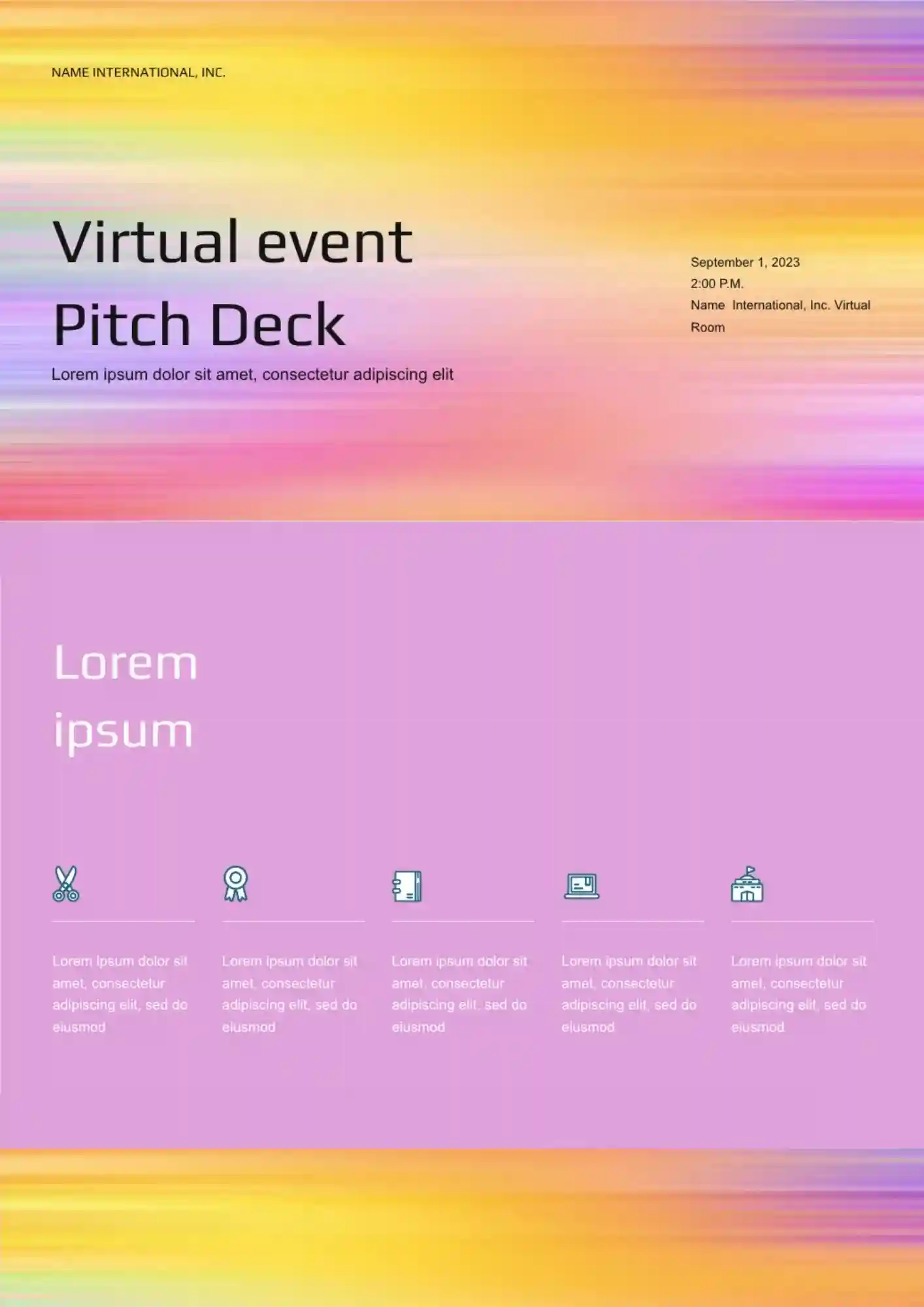
Virtual event teams lose attention quickly when the pitch does not show the experience clearly. The Virtual Event Pitch Deck Template suits event agencies, startup teams, organizers, and presenters who need a strong remote-event pitch.

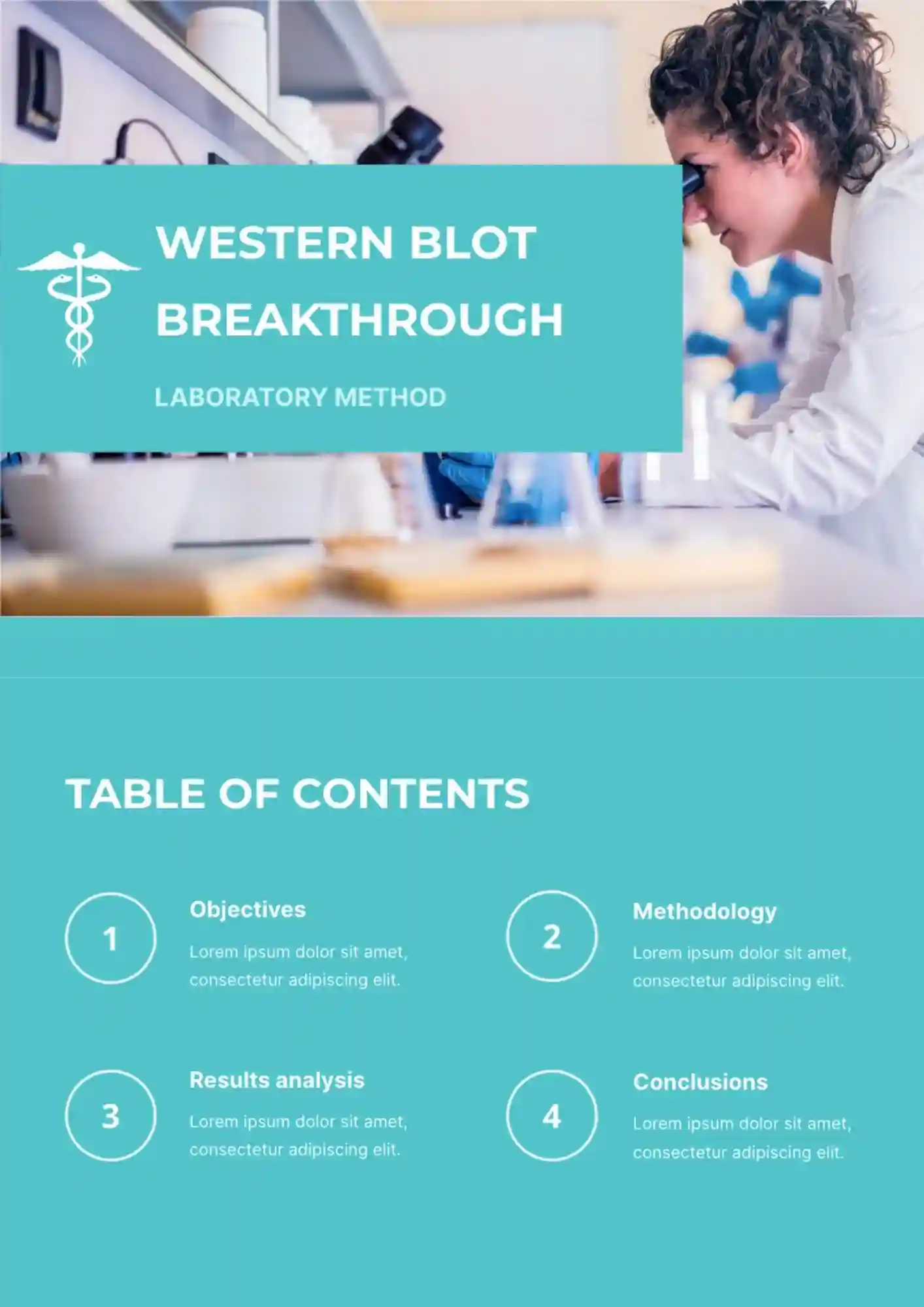
Lab teams lose clarity fast when results, notes, and visuals are spread across separate files. The Western Blot Breakthrough Template is useful for researchers, lab teams, biotech students, and medical presenters who need a structured scientific layout.
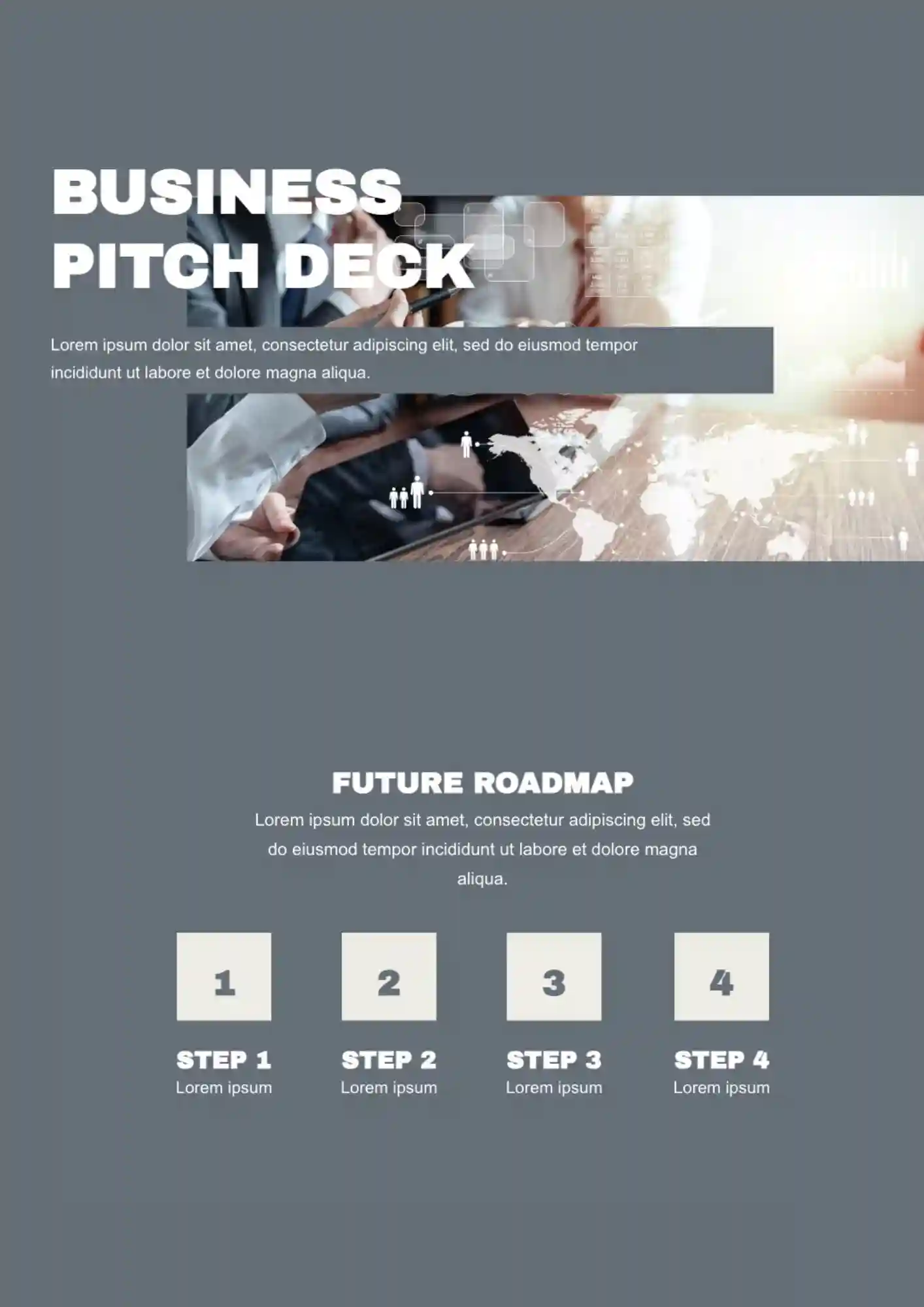
Does your team need a pitch deck that explains the business clearly from the first slide? The Business Pitch Deck Template works well for founders, business teams, consultants, and agencies who need a strong presentation format.
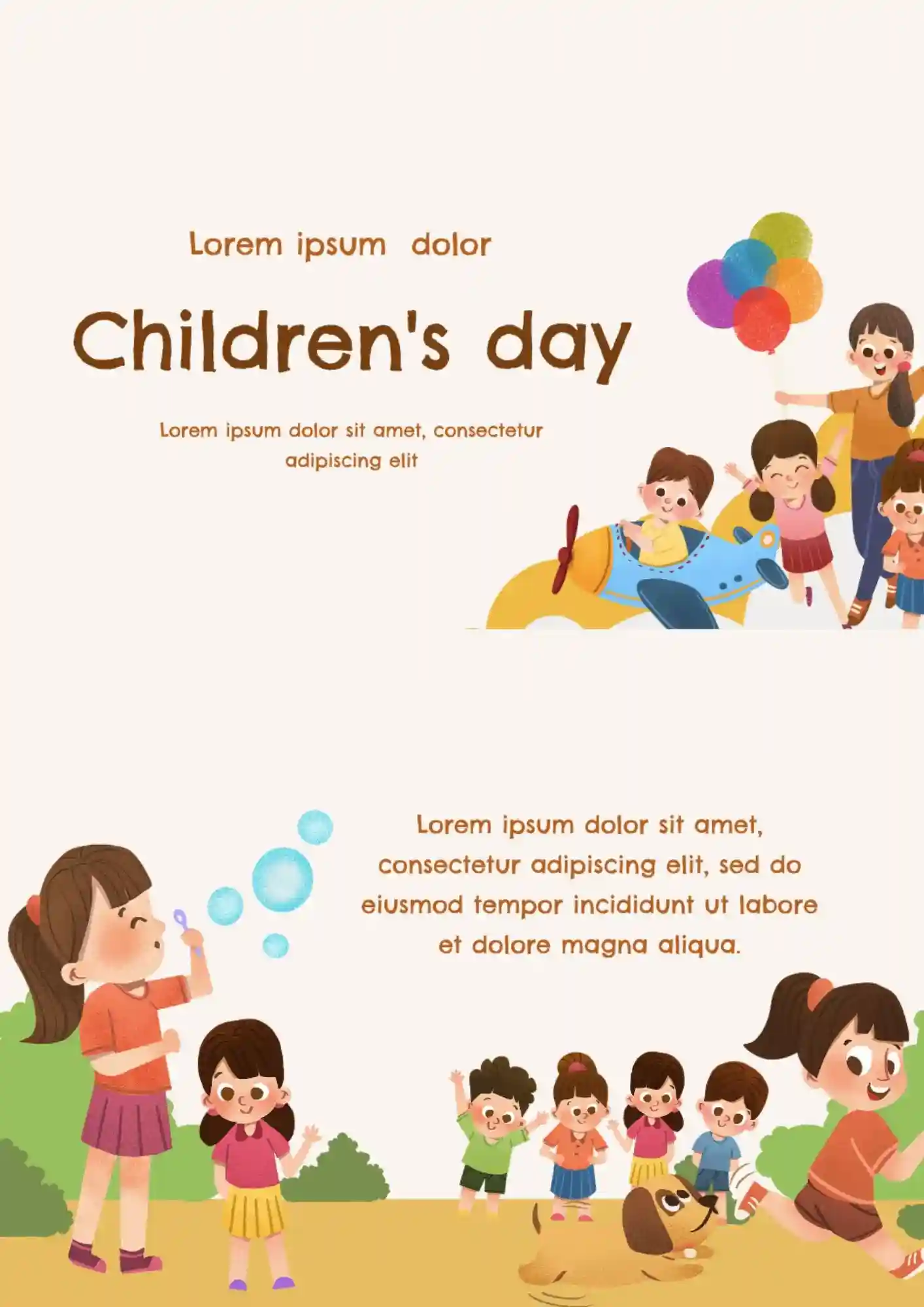
Can a holiday presentation still feel playful when it needs to hold event details and structure? The Children's Day Template works for teachers, parents, schools, and event planners who need a bright kid-friendly design.
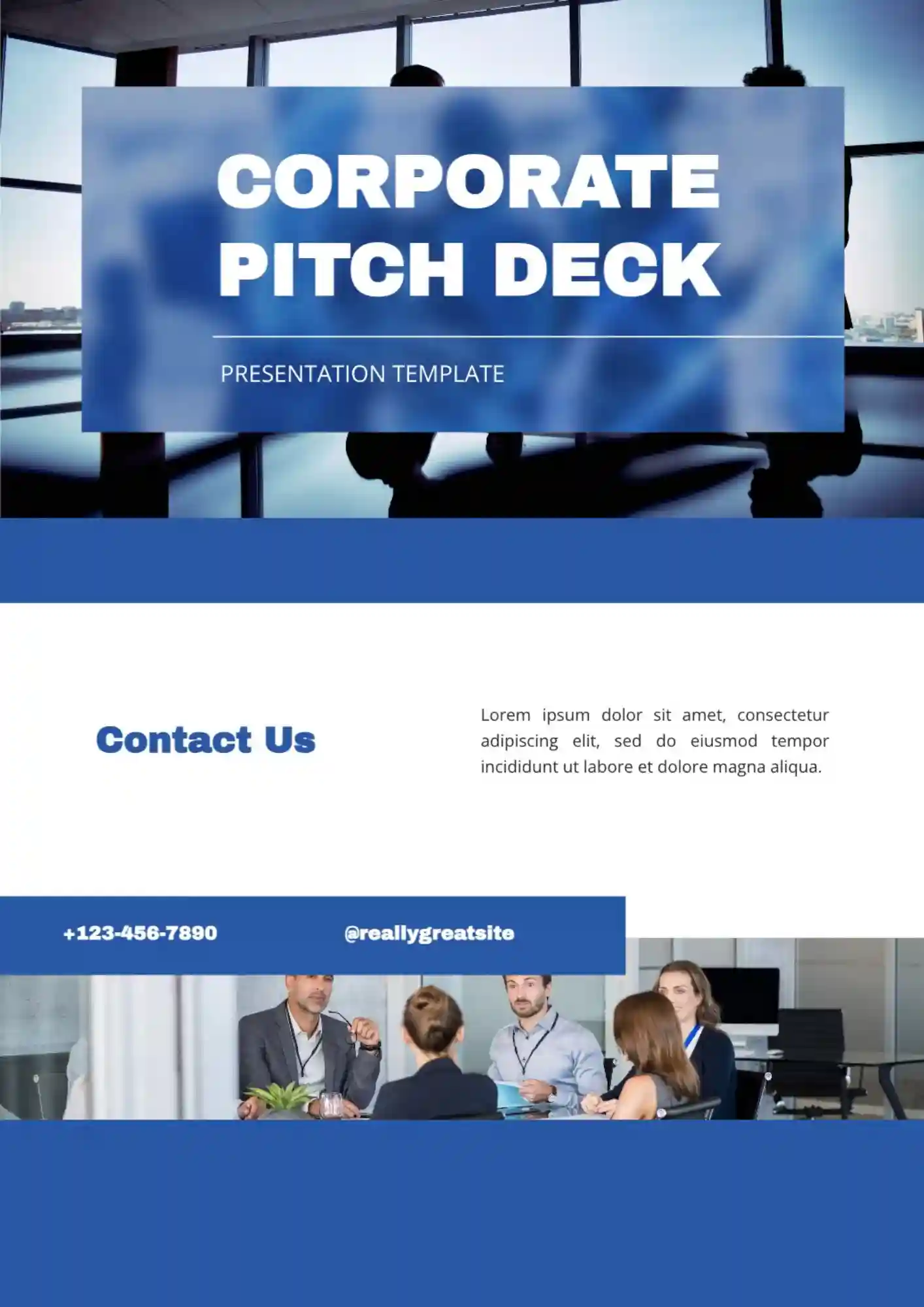
Corporate teams lose credibility fast when key business points look scattered across weak slides. The Corporate Pitch Deck Template is useful for executives, managers, consultants, and business teams who need a polished company presentation.

How do you create a Father's Day tribute that feels warm without looking rushed? The Father's Day Template suits families, schools, students, and event organizers who want a warm celebration design.
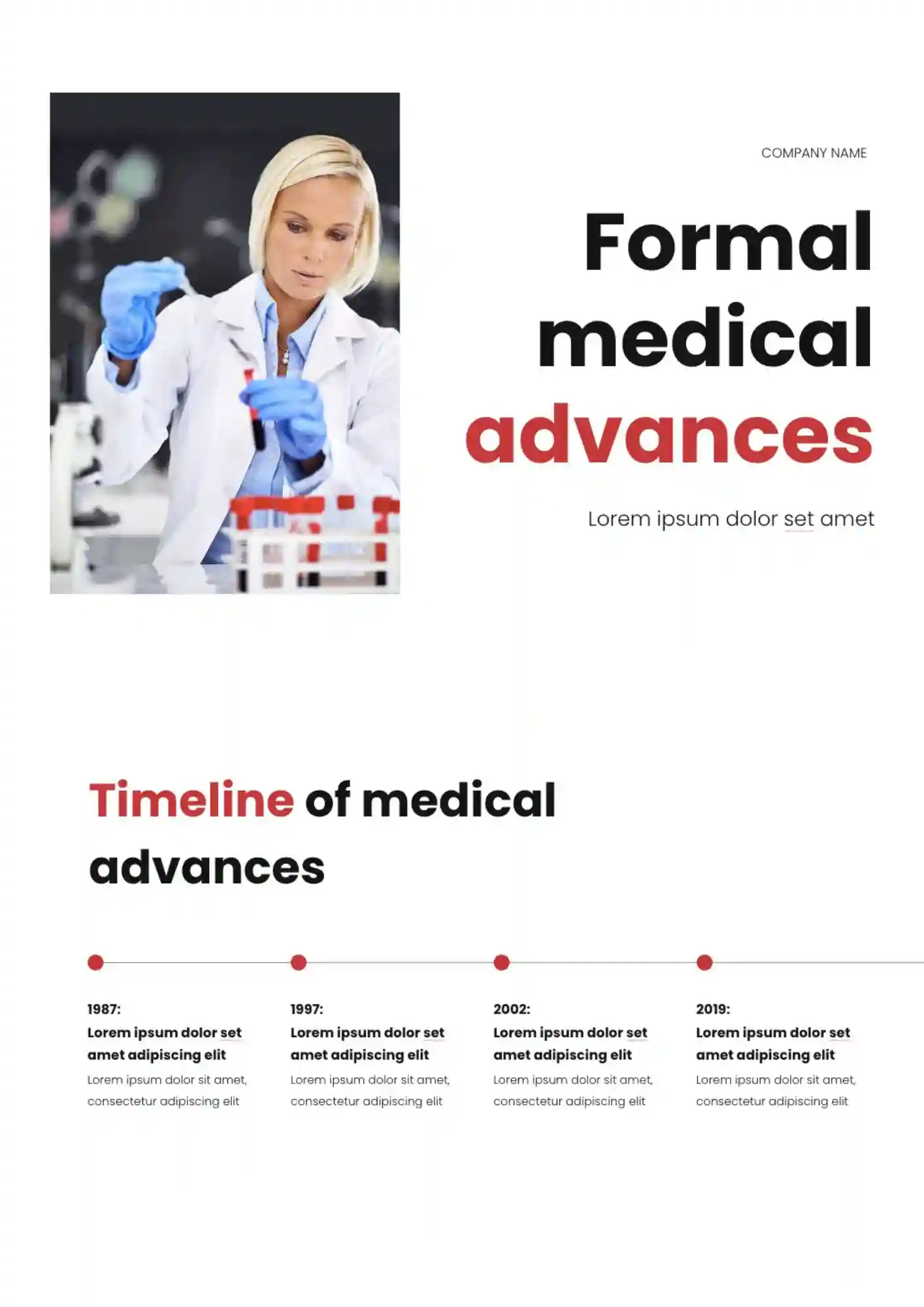
Can a medical presentation stay formal and clear when it covers detailed research updates? The Formal Medical Advances Template is useful for doctors, researchers, academic teams, and conference speakers who need a professional medical layout.

Running a medical presentation without a clean and trustworthy design can make even important information feel harder to follow. Healthcare Center Template helps clinics, healthcare teams, medical educators, and wellness organizations present services and information in a clearer way.
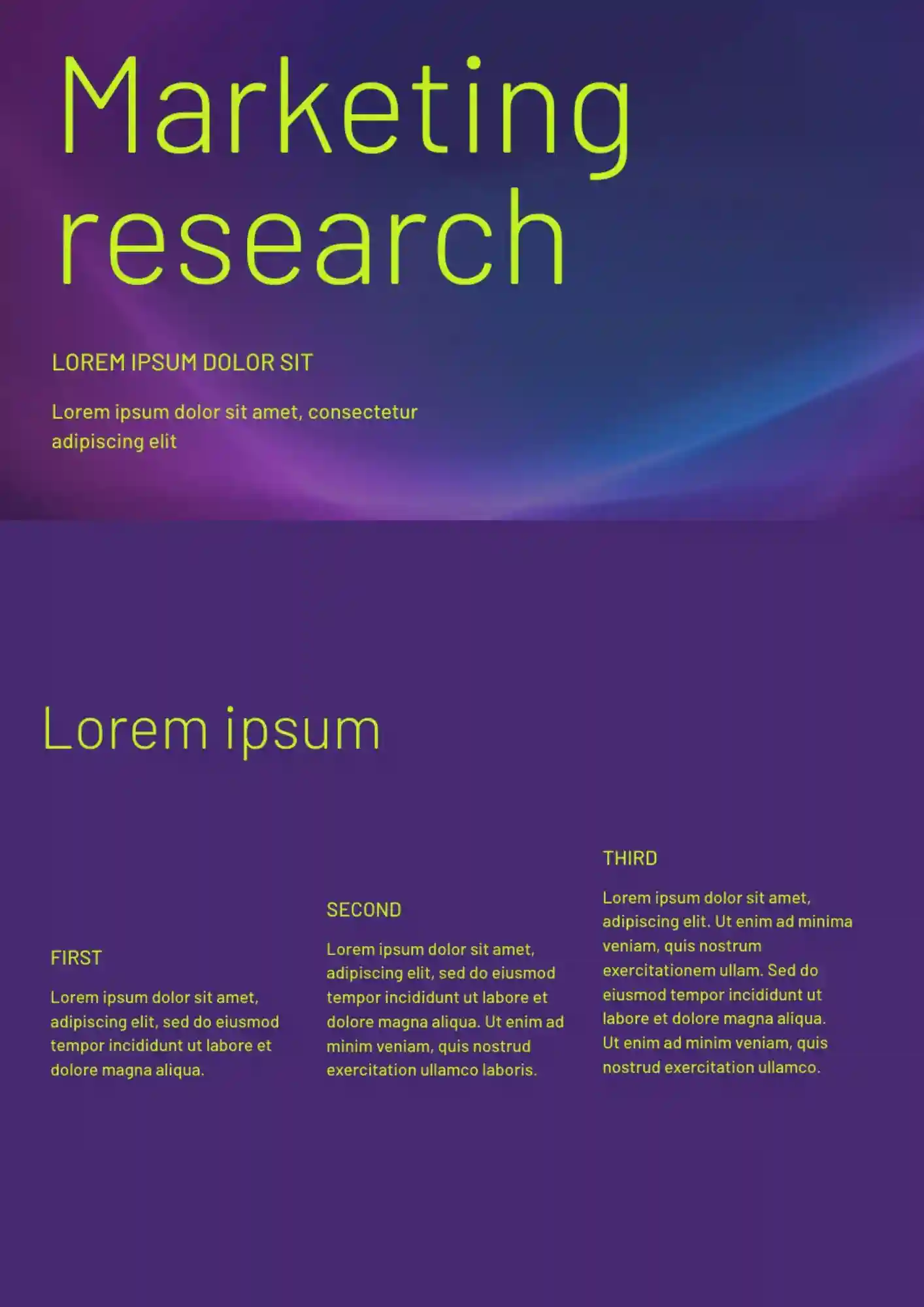
Research teams waste time when findings are spread across notes, charts, and separate files. The Marketing Research Template works well for analysts, marketers, agencies, and students who need to present research clearly.
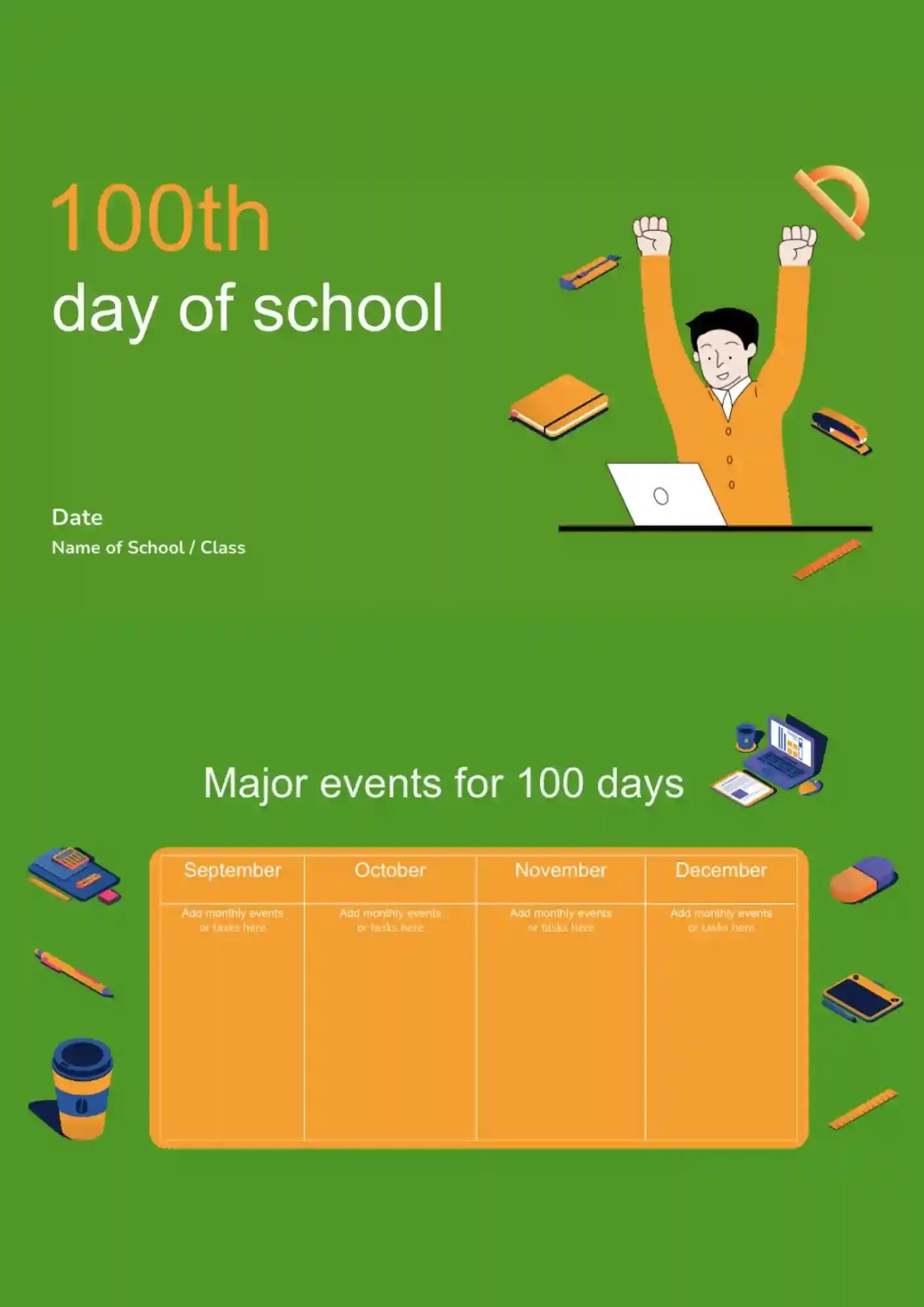
A special classroom milestone like the 100th day becomes easier to celebrate when the presentation feels fun and ready to share. The 100th Day Of School Template works for teachers, students, and school celebrations that need a bright event format.
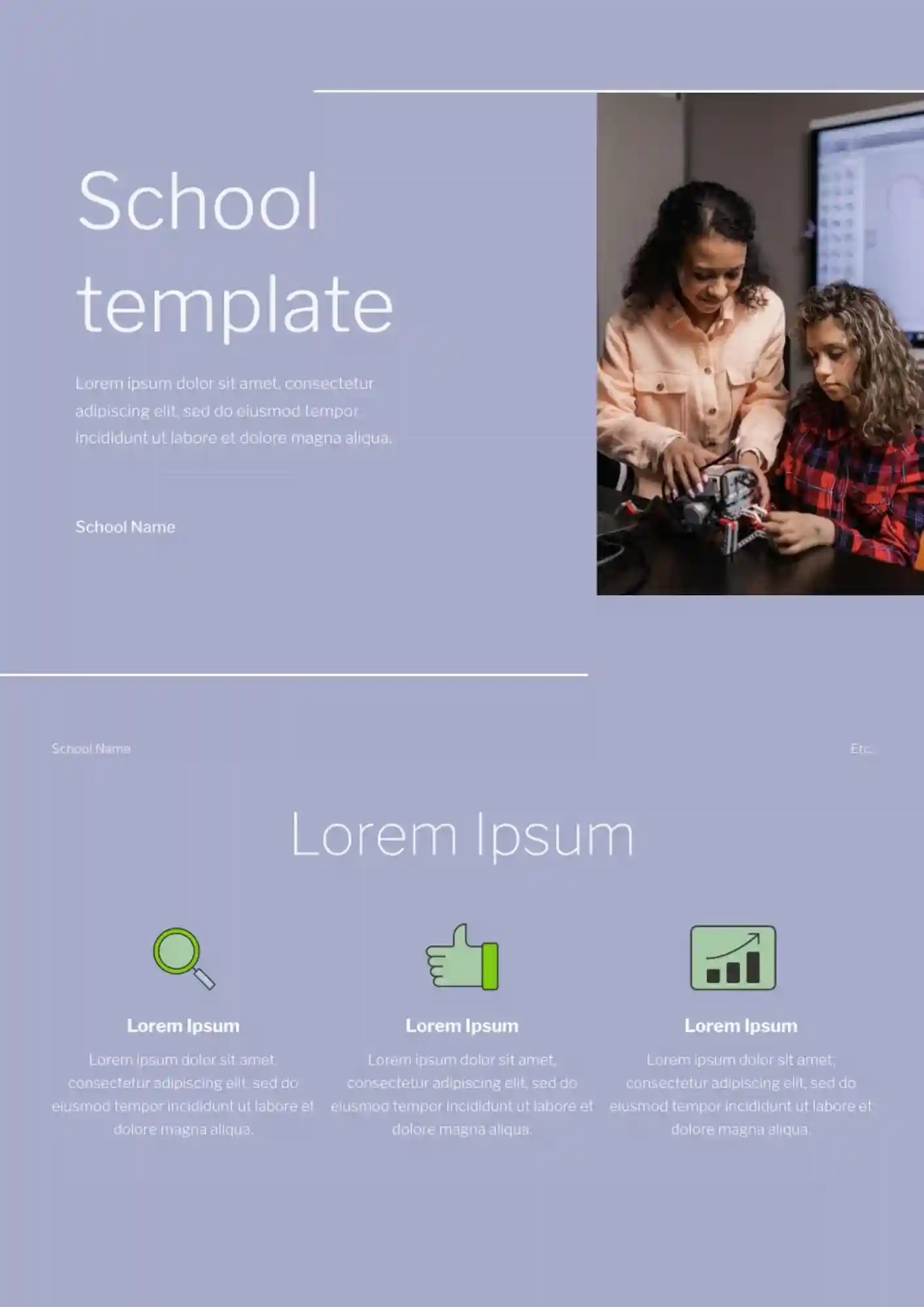
Starting every lesson, activity, or event from scratch takes too much time for teachers and school staff. The School Templates collection is useful for teachers, students, and school staff who need ready-made presentation formats.
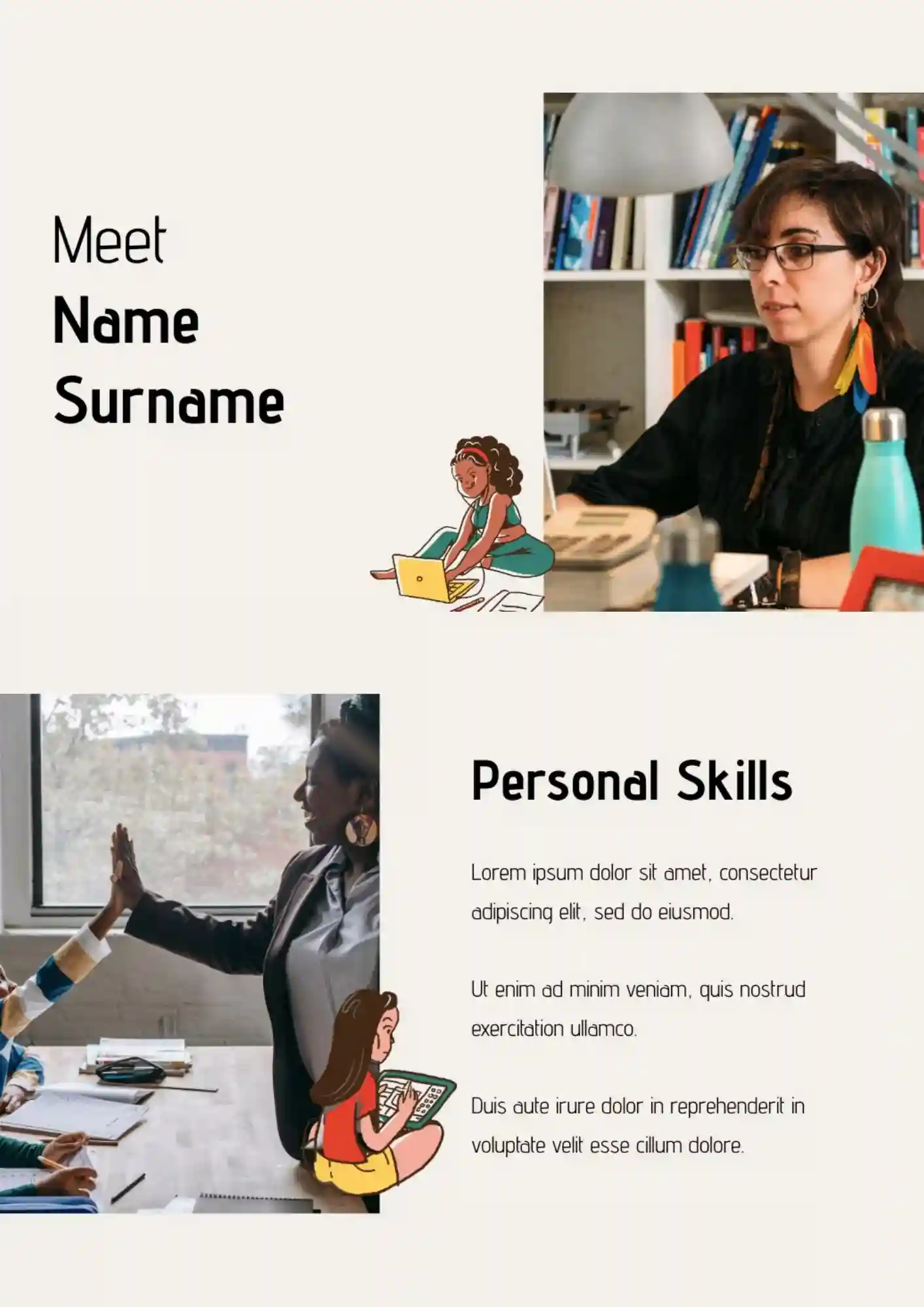
The Teacher Template helps turn everyday class materials into a presentation that feels clearer and easier to reuse. It works for teachers, tutors, and educators who need a simple format for school presentations.
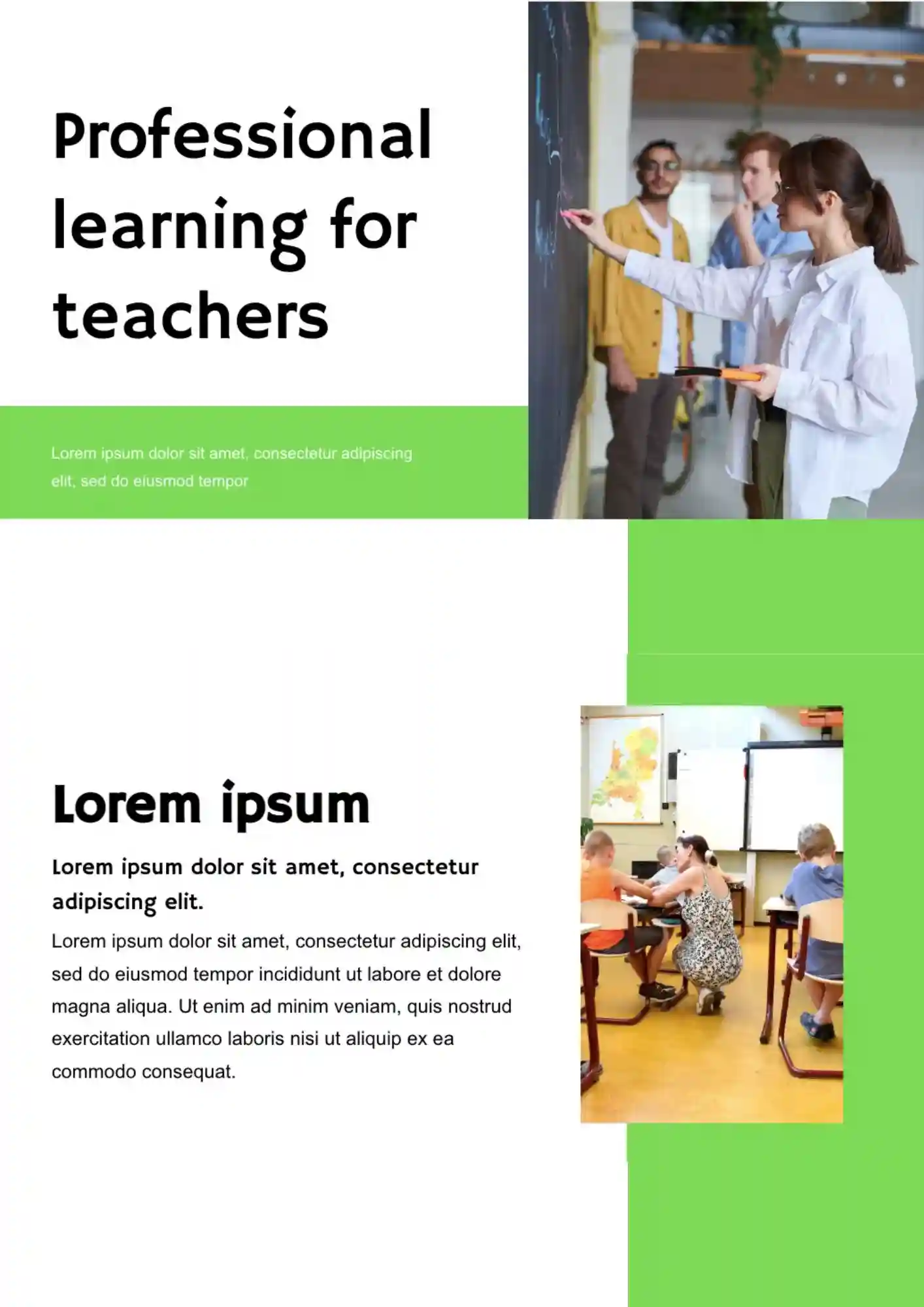
Need a cleaner way to present training topics so teachers can follow the session from the first slide? The Professional Learning For Teachers Template suits school teams, trainers, and educators who need a polished development presentation.
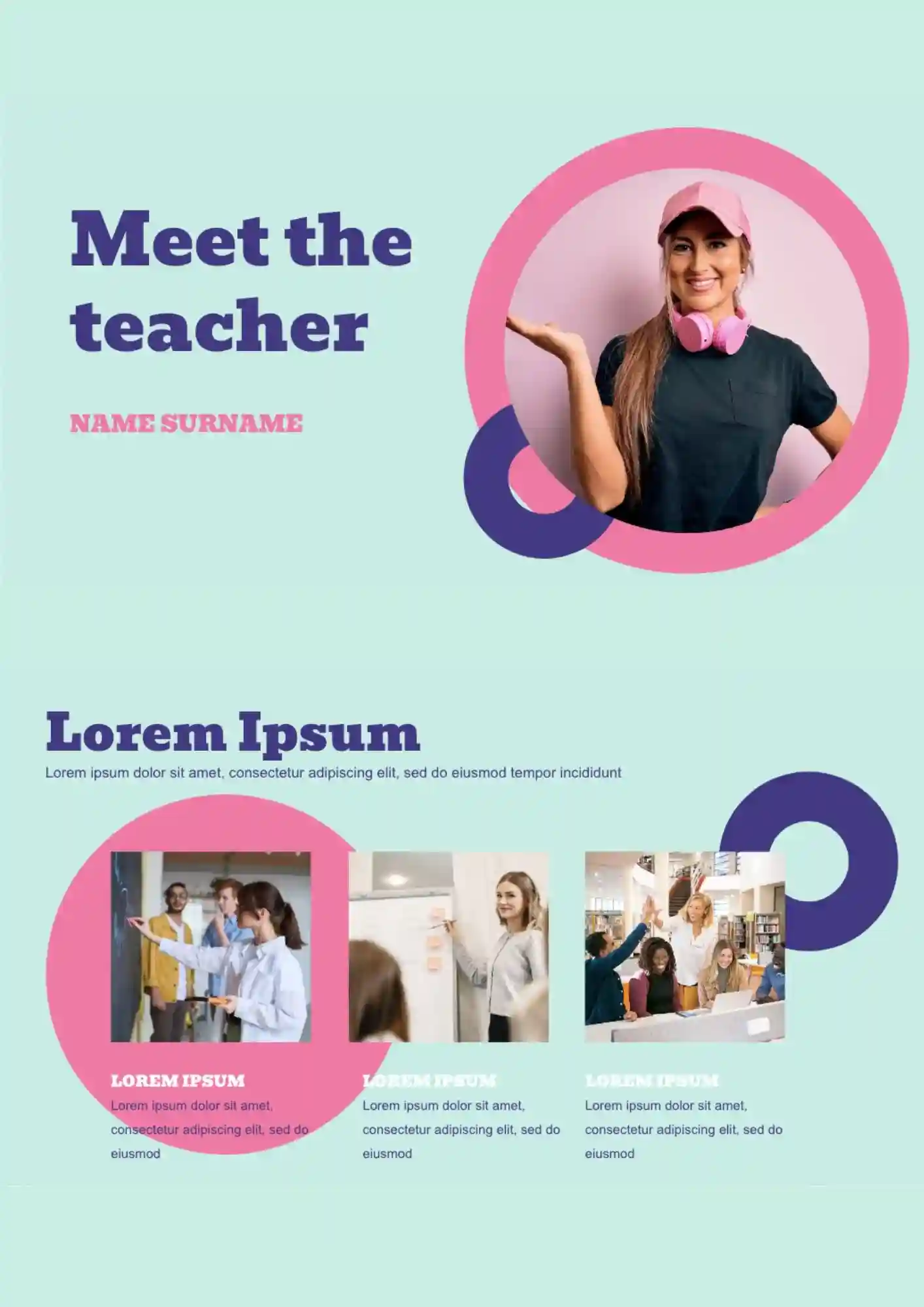
Want your introduction slides to feel warm, clear, and ready for parents and students without taking extra time to build? The Meet The Teacher Template is a good fit for teachers and school staff who need a presentation for classroom introductions.
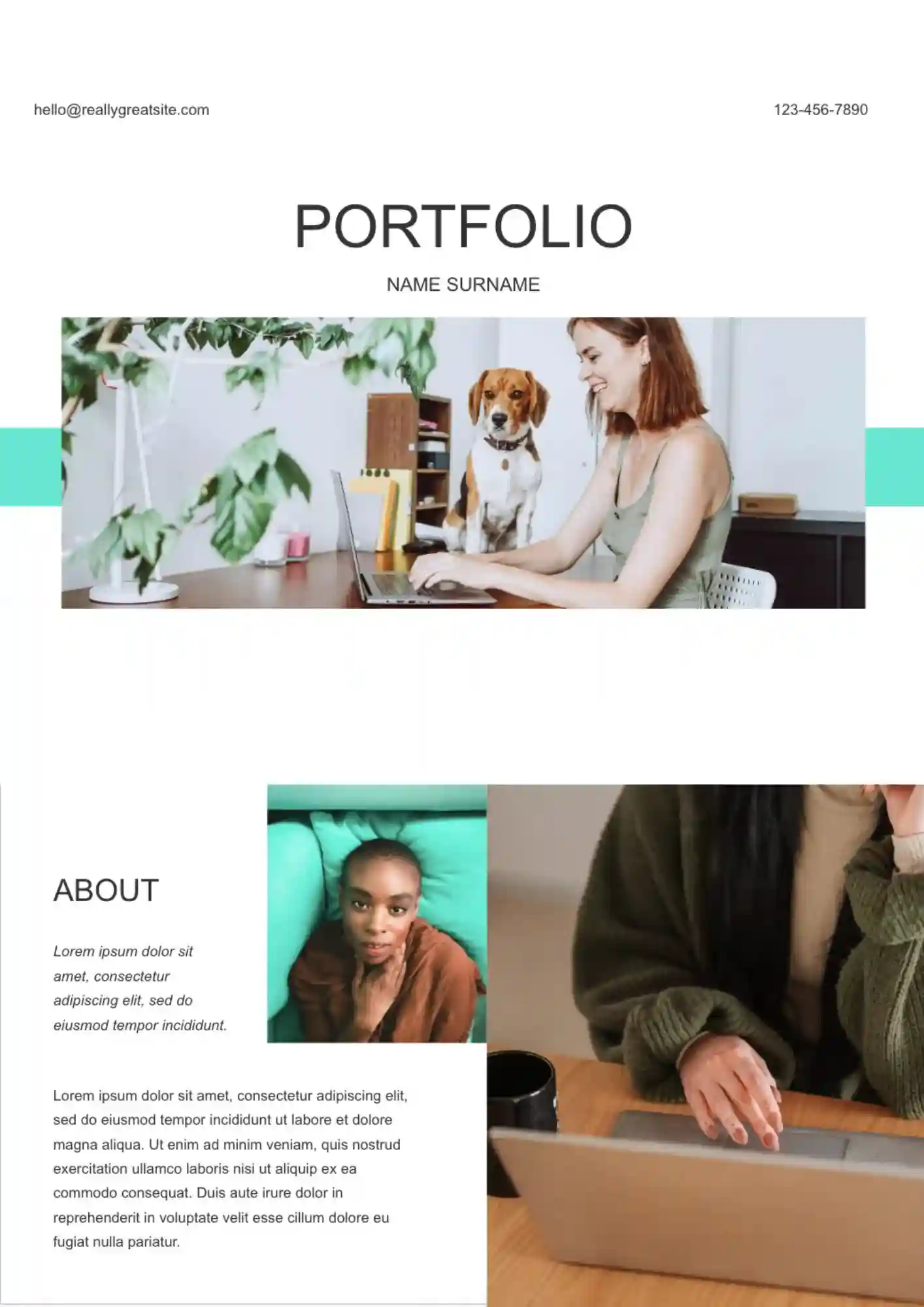
Looking for a stronger way to present your work before you share it with teachers, clients, or employers? The Portfolio Template is useful for students, designers, freelancers, and professionals who need a clear presentation format.
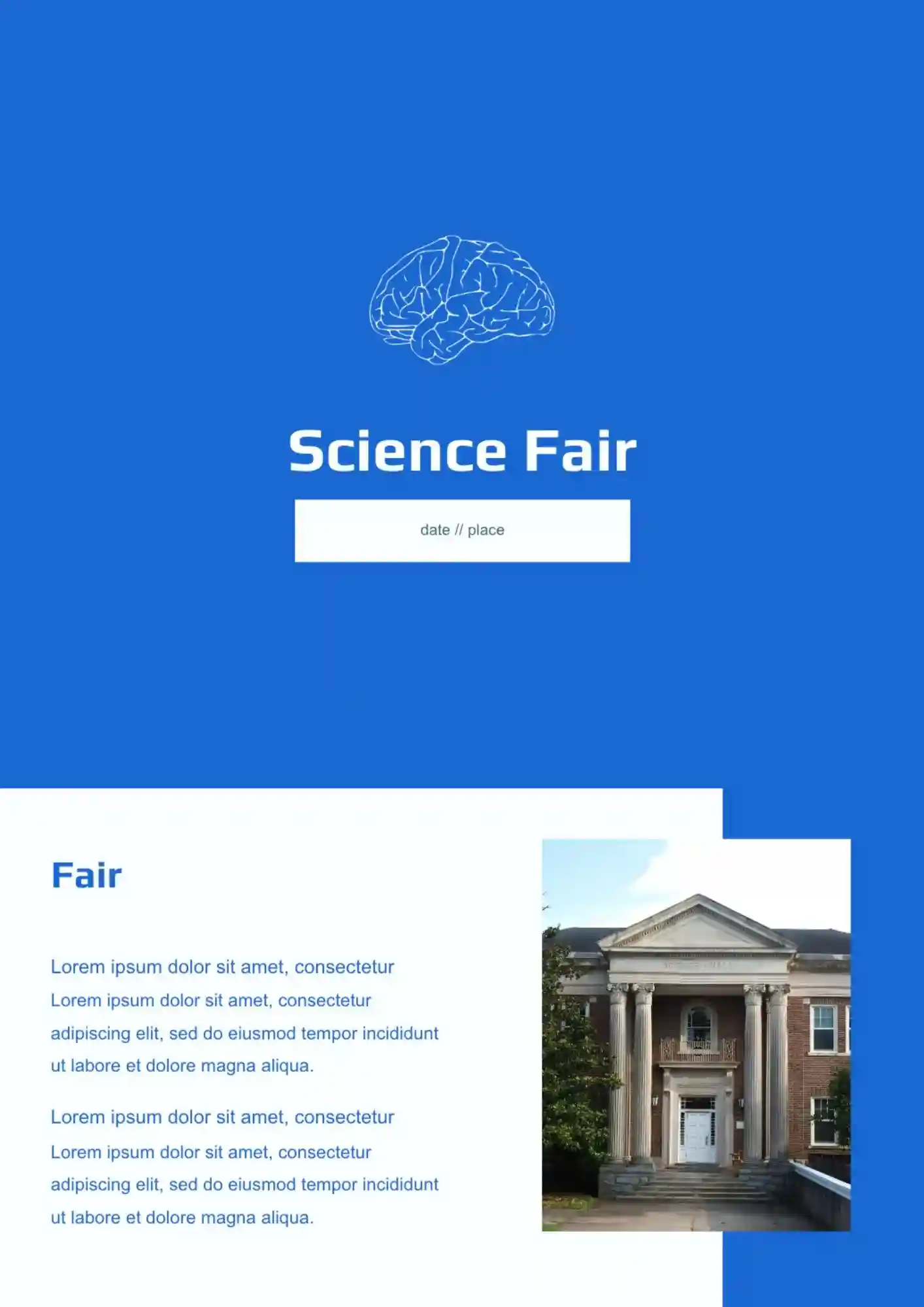
Need to present science fair work clearly when results and ideas compete for space? The Science Fair Template is a strong fit for students, teachers, and schools who need a clean science layout.

Choose your preferred social media platform from options like Pinterest, Facebook, Twitter, and more. Share our templates with your contacts or friends. If you’re not active on these social networks, you can simply copy the link and paste it into the one you use.