

 Back to templates
 Google Slides Templates - Page 21
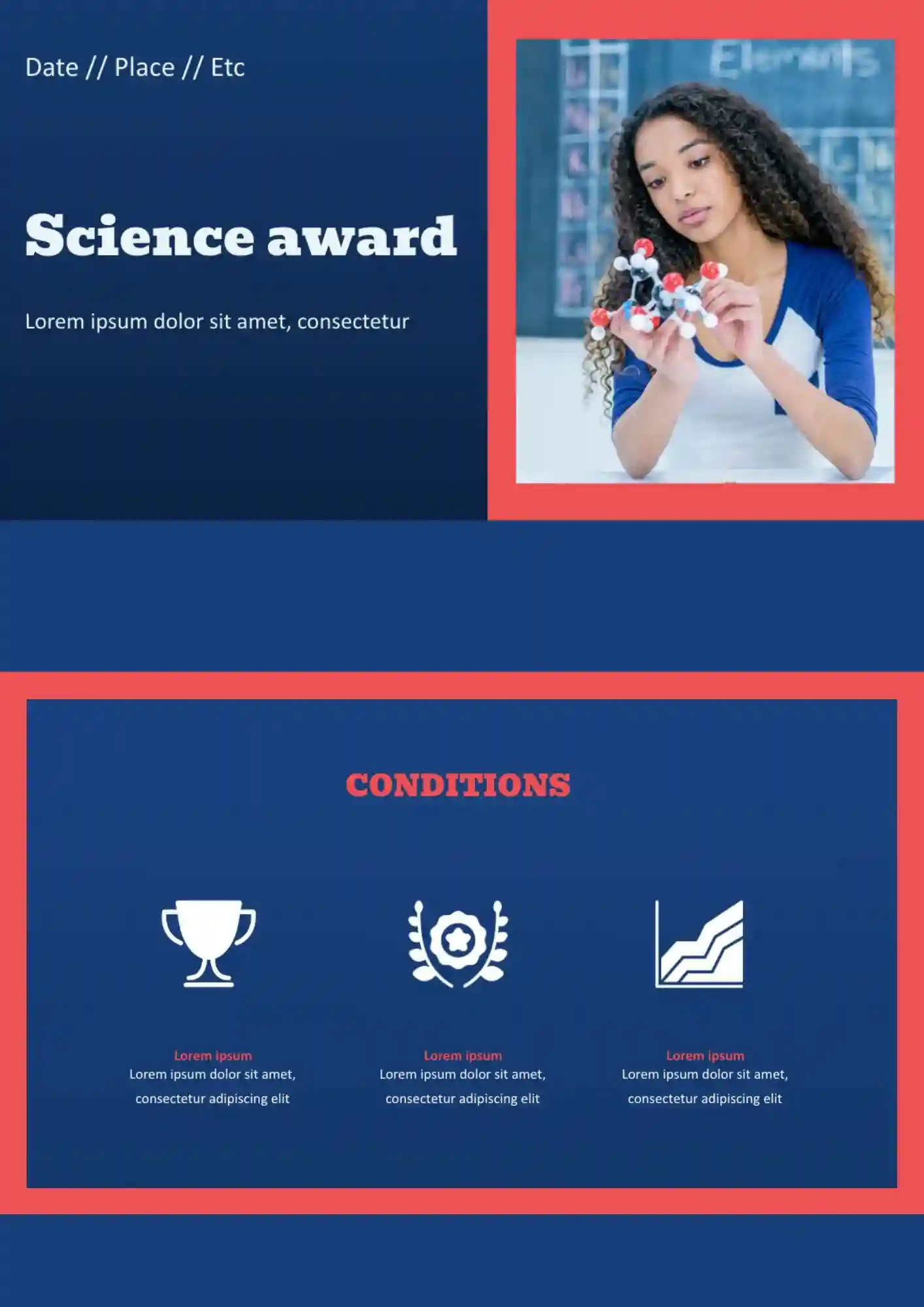
Need a clear way to present student or research awards without building the recognition slides from scratch? The Science Award Template suits schools, teachers, and event organizers who need a polished recognition layout.


Trying to present science content clearly when charts, notes, and visuals all need space? The Science Template works well for students, teachers, and researchers who need a flexible academic layout.
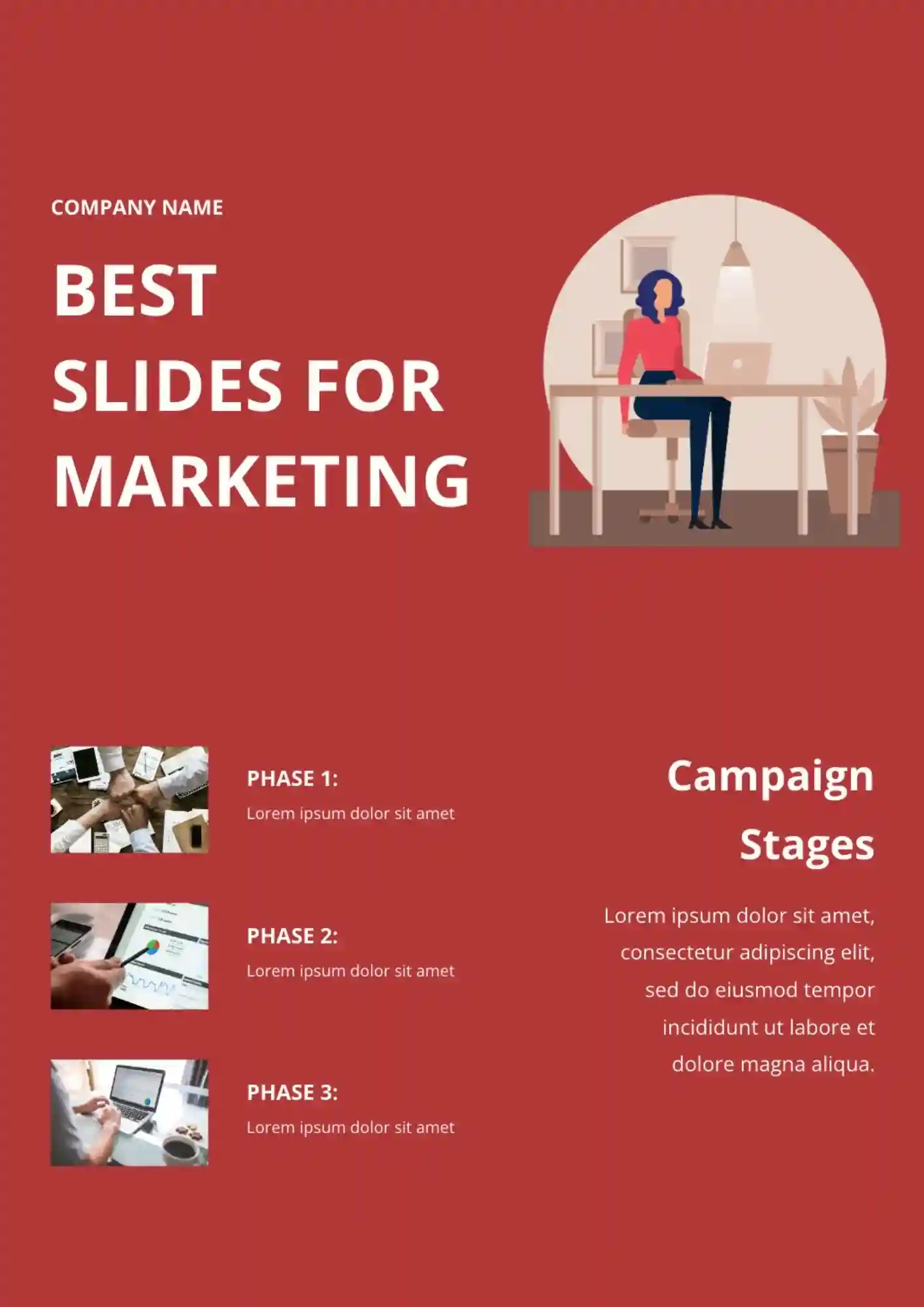
Marketing goals, ideas, and decisions get disconnected when your presentation doesn't keep them in one clear flow. The Marketing Strategy Template is useful for marketers, agencies, consultants, and business teams who need a clear planning format.
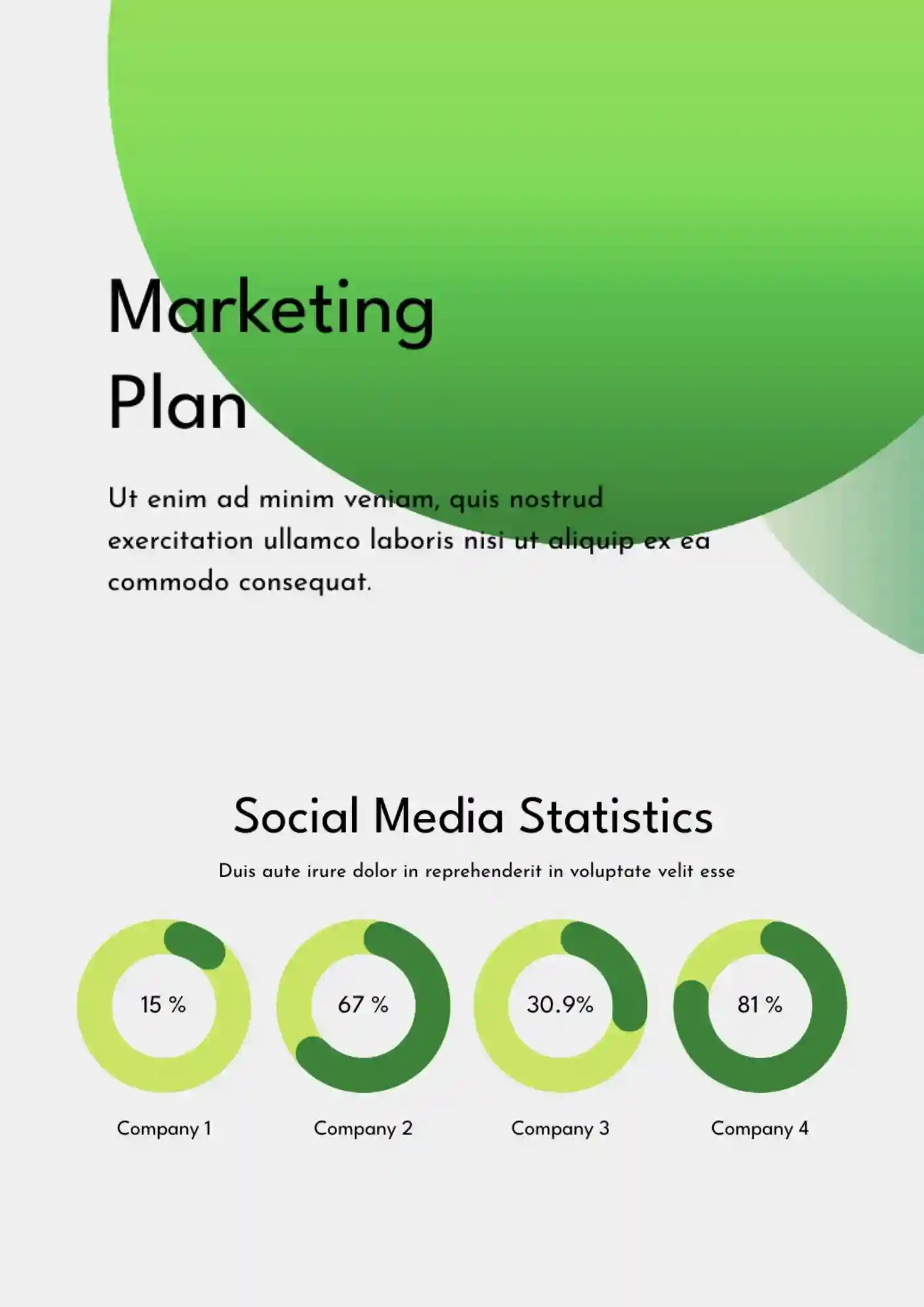
Your campaign ideas, planning steps, and business goals need one organized presentation deck instead of scattered notes. The Marketing Plan Template suits marketers, teams, consultants, and business owners who need a practical deck for planning.
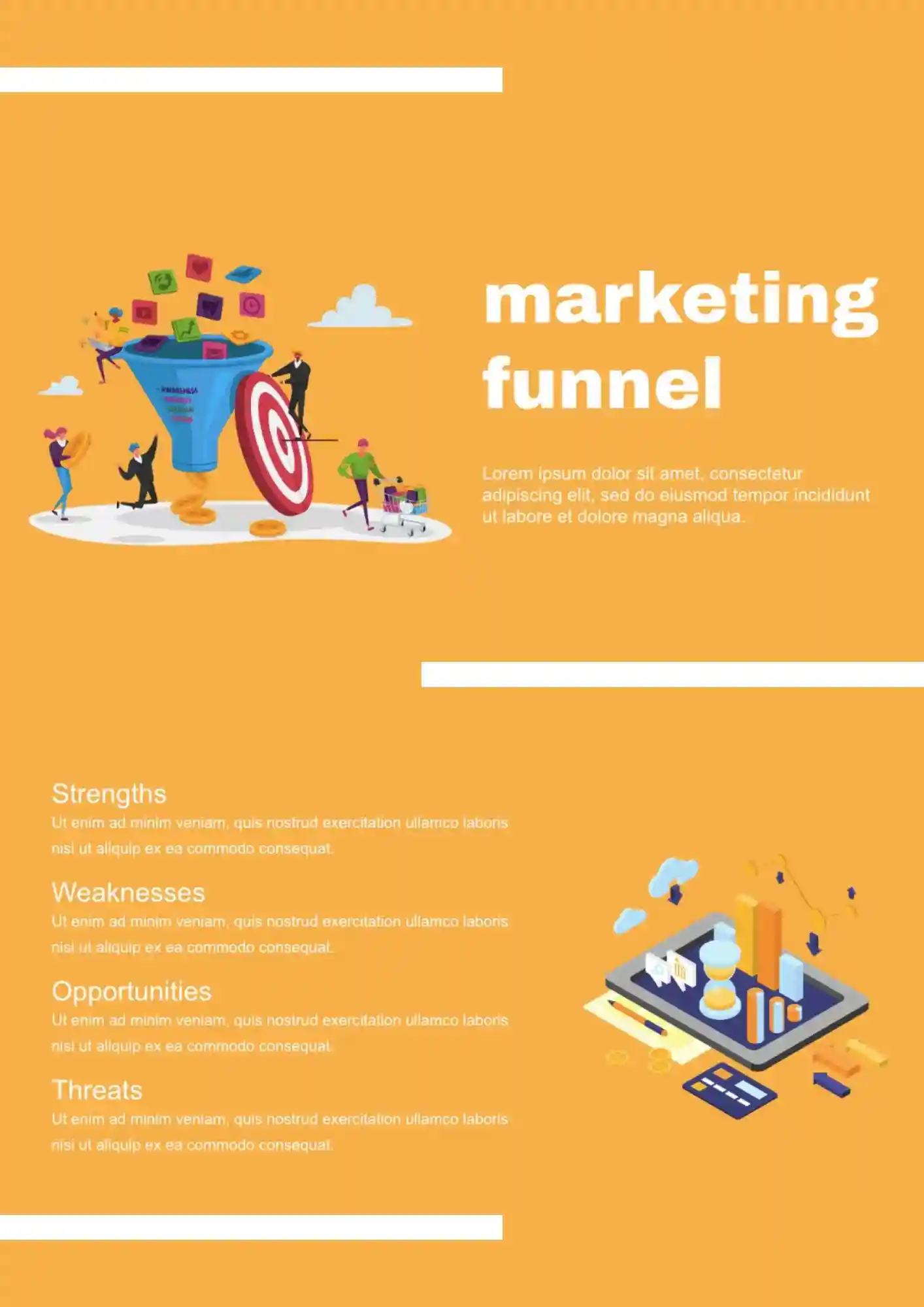
Need a clearer way to present each stage of your funnel without crowding everything into one messy slide flow? The Marketing Funnel Template works for marketers, agencies, and business teams that need a focused presentation layout.
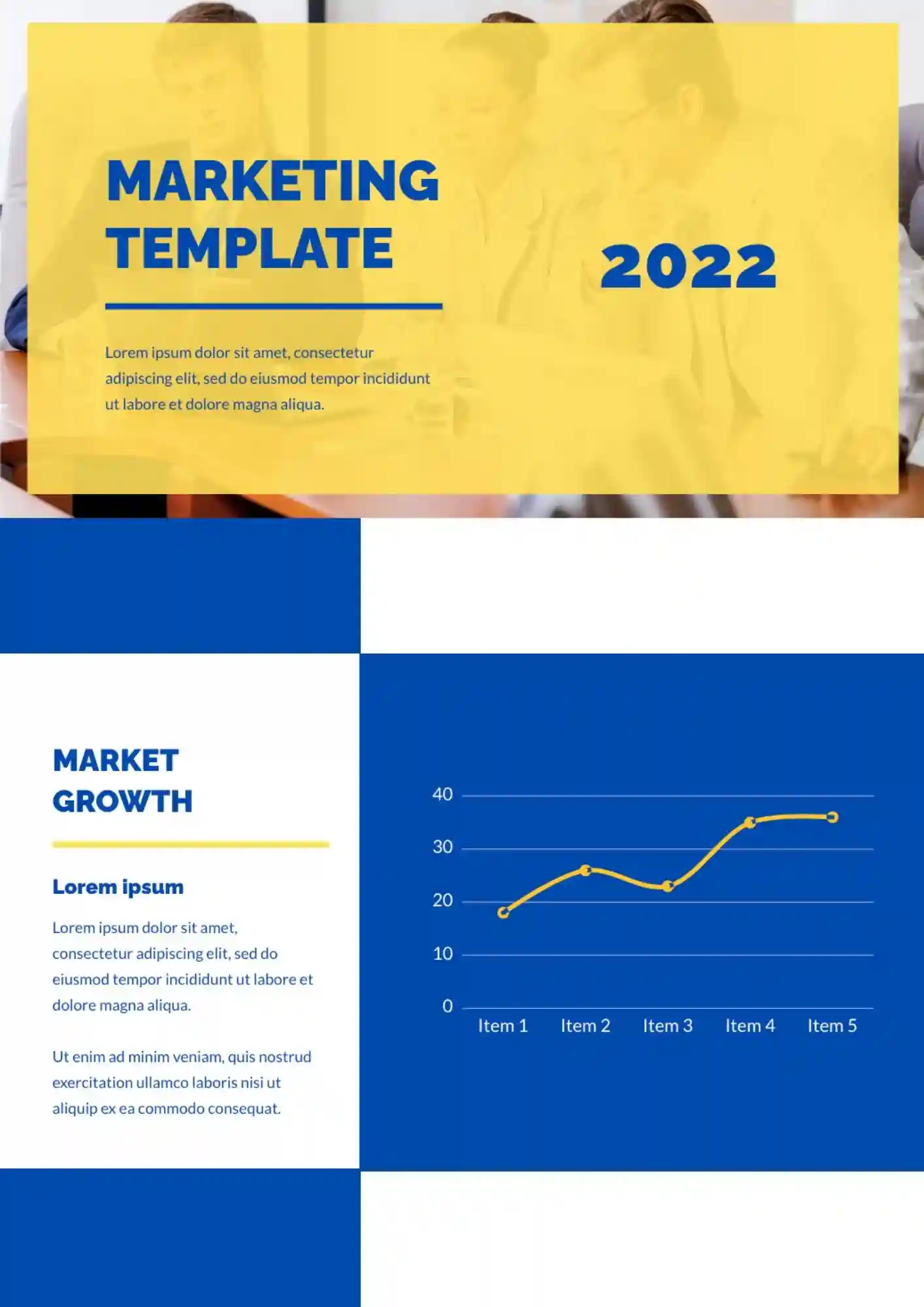
The Marketing Template brings campaigns, strategy points, and planning ideas into one organized presentation format. It suits marketers, consultants, and business teams who need slides they can adapt quickly.
The Lesson Planner Template keeps goals, activities, and notes in one clear place so lesson planning moves faster. It works for teachers, tutors, and homeschoolers who need a clear planning layout.
Want a Google Slides lesson presentation you can scan quickly right before class starts? The Simple Lesson Plan Template suits teachers, tutors, and educators who want a straightforward planning format.
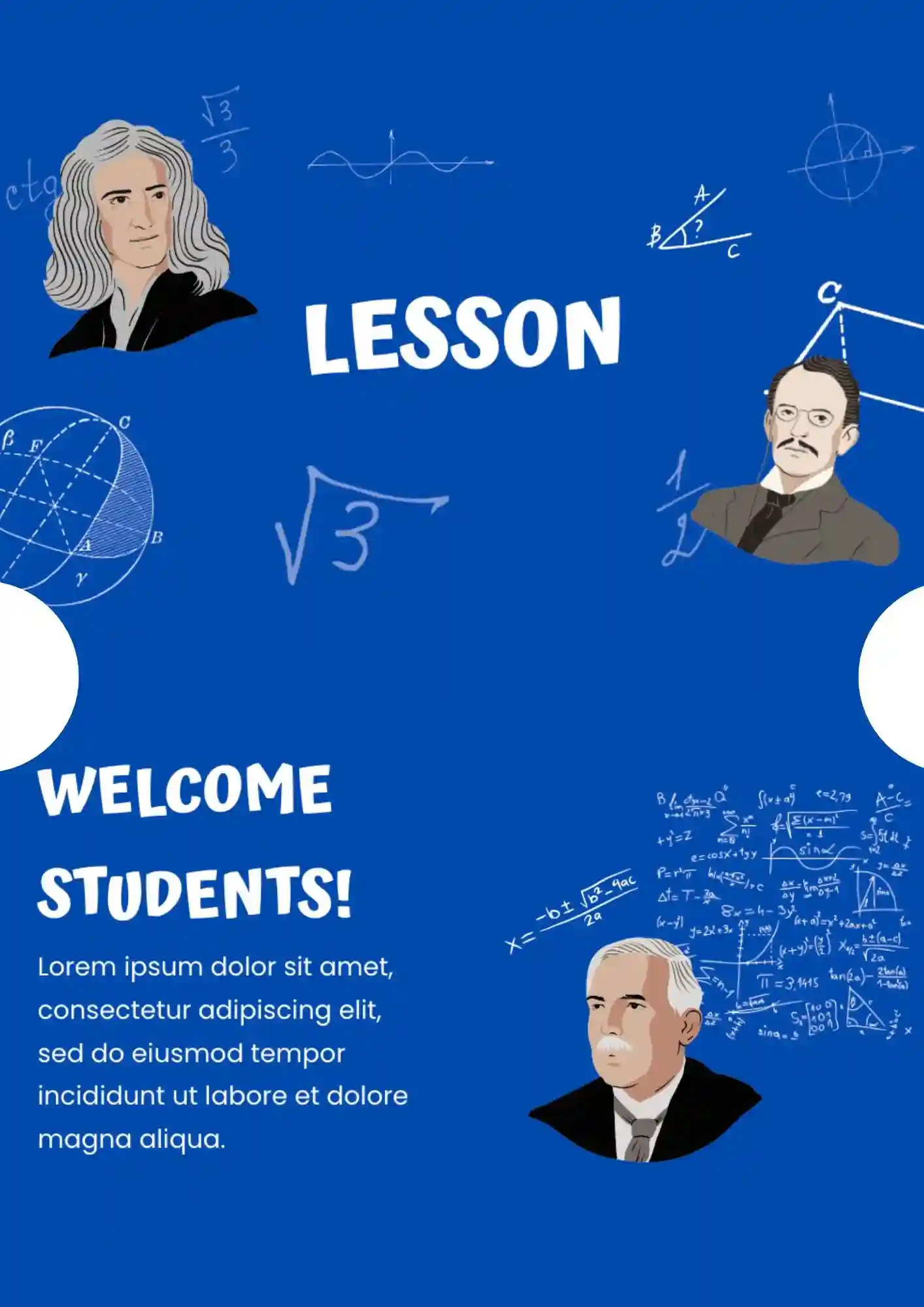
The Math Lesson Template gives you a clearer presentation structure for formulas, examples, and practice tasks. It works for math teachers, tutors, and schools that need an organized lesson format in Google Slides.
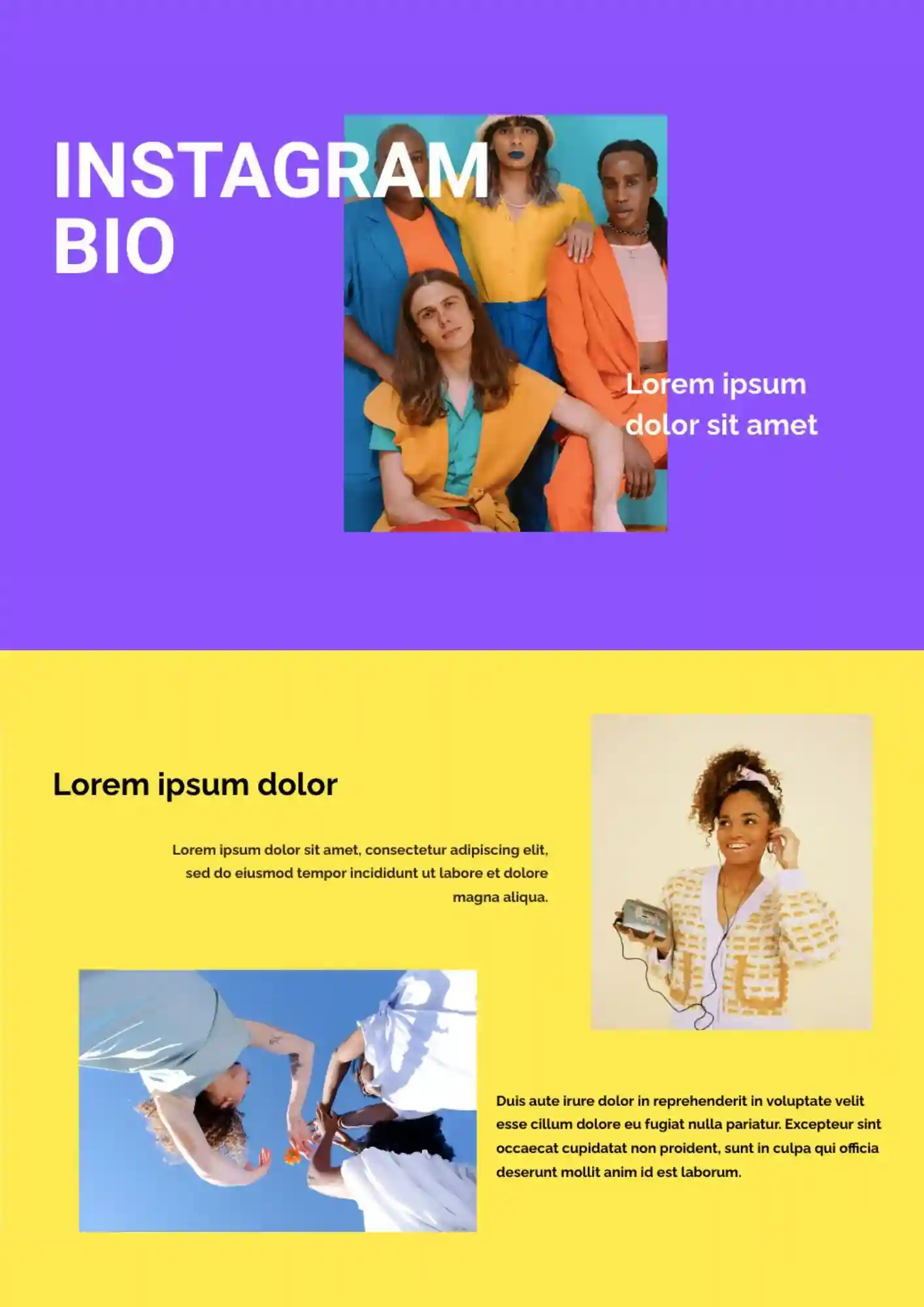
The Instagram Bio Template gives you a cleaner way to present profile ideas, branding details, and social media information in one place. It works for creators, students, marketers, and small brands who need an editable presentation format.
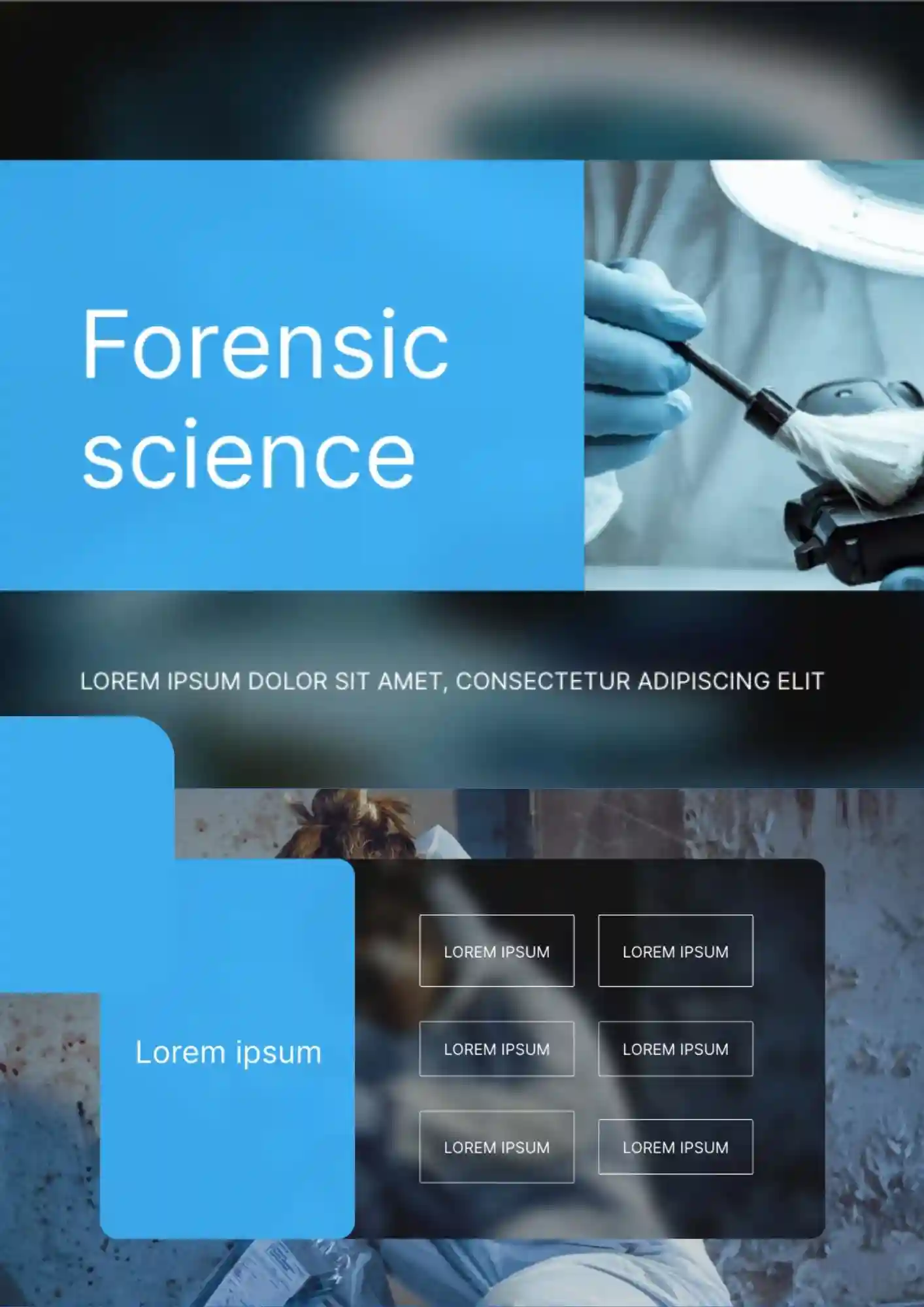
Need a presentation that makes forensic science topics look clear, credible, and more professional from the first slide? Forensic Science Template is a strong fit for lessons, research topics, case-based presentations, and educational materials related to science and investigation.
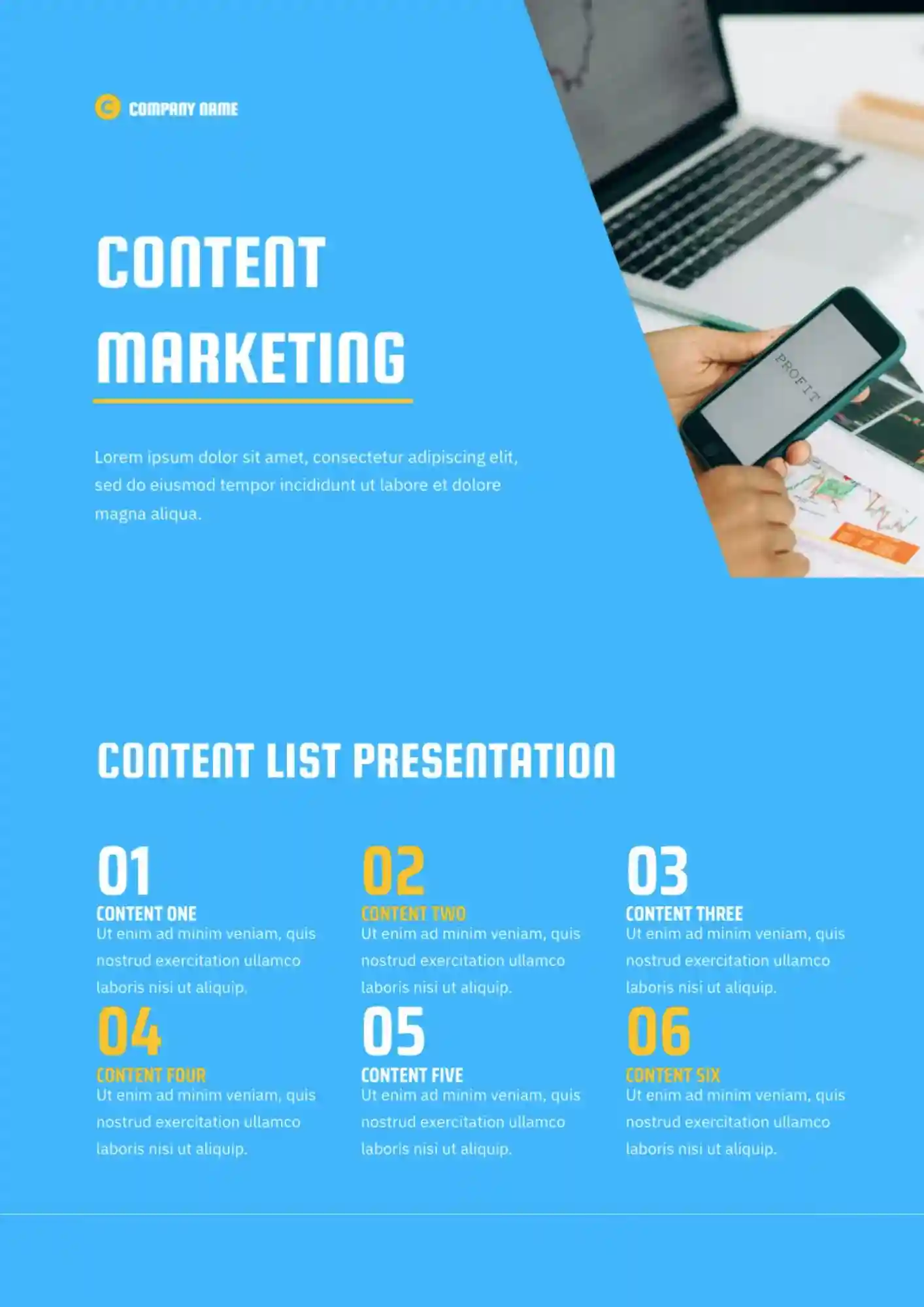
Looking for a better way to present content ideas, plans, and goals without losing structure across the deck? The Content Marketing Template is useful for marketers, content teams, agencies, and freelancers who need a clear planning format.
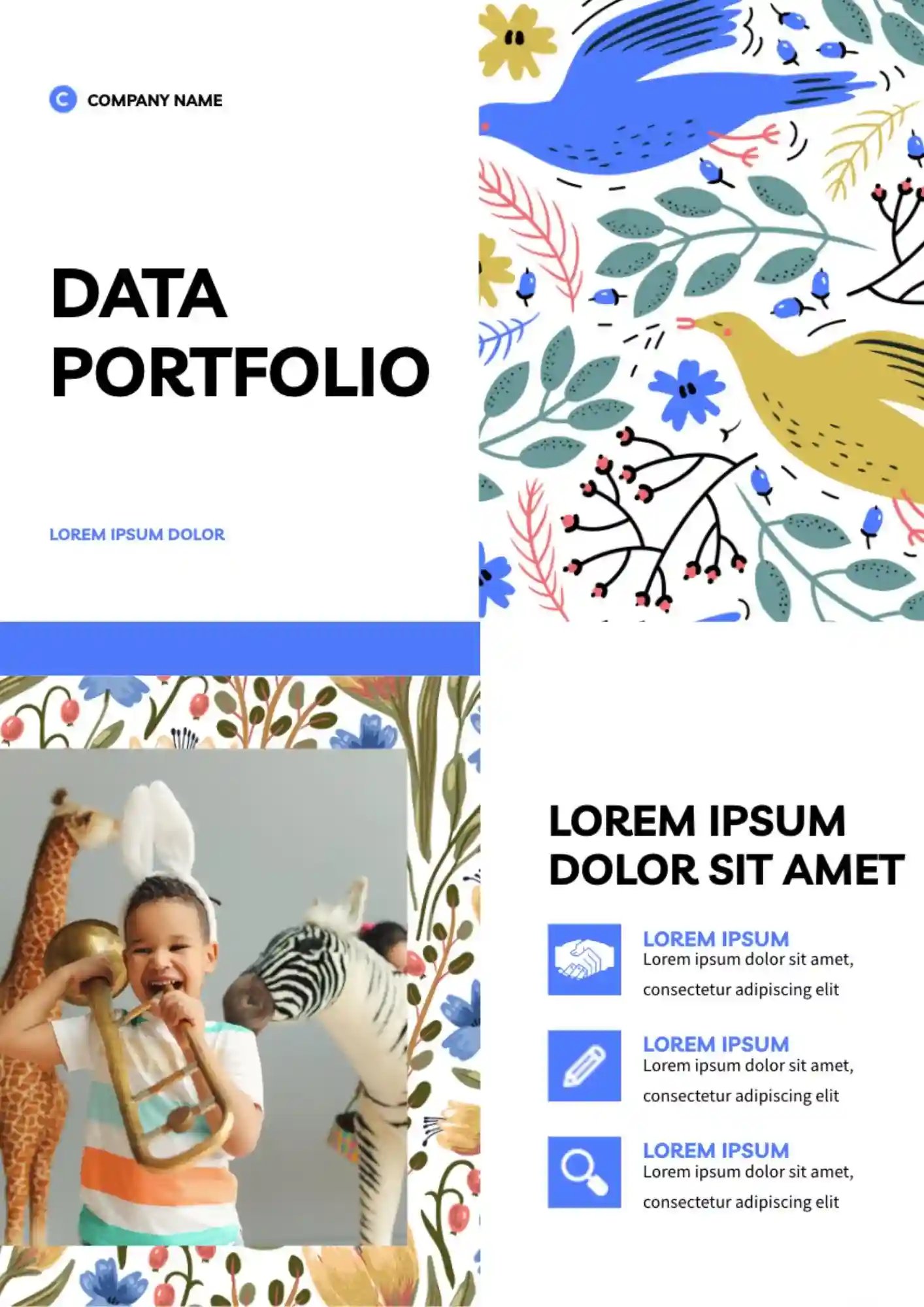
Looking for a clear way to present data projects when they are scattered across files? The Data Portfolio Template is useful for analysts, data scientists, and students who need a clear portfolio format.

Need a clear way to show data science results without crowding charts, methods, and key points onto one page? The Data Science Template is useful for analysts, students, and data teams who need a focused presentation style.
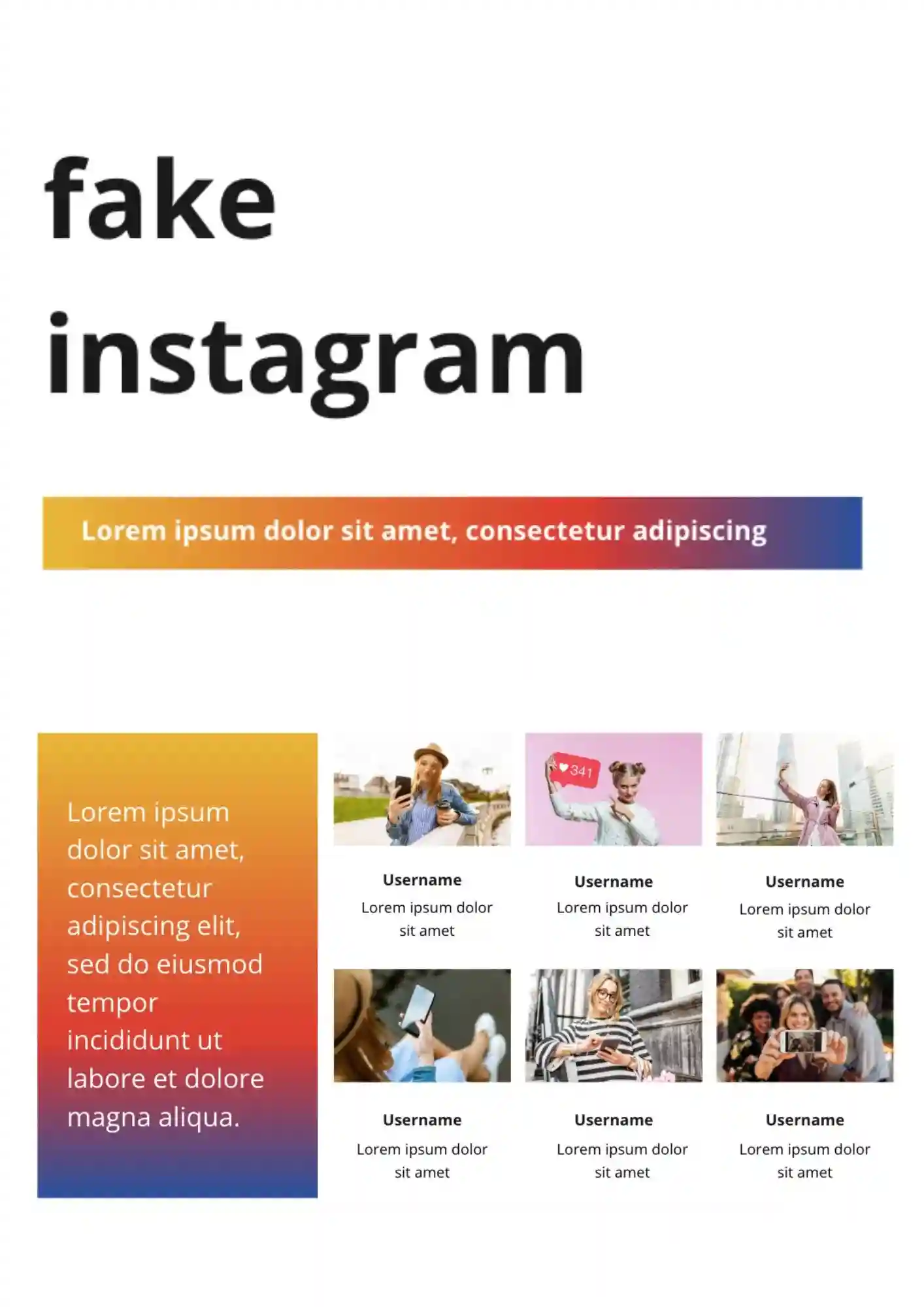
Need a presentation layout that recreates the look of an Instagram post for school, marketing, or creative projects? The Fake Instagram Template suits teachers, students, marketers, and designers who want a familiar social-style format.
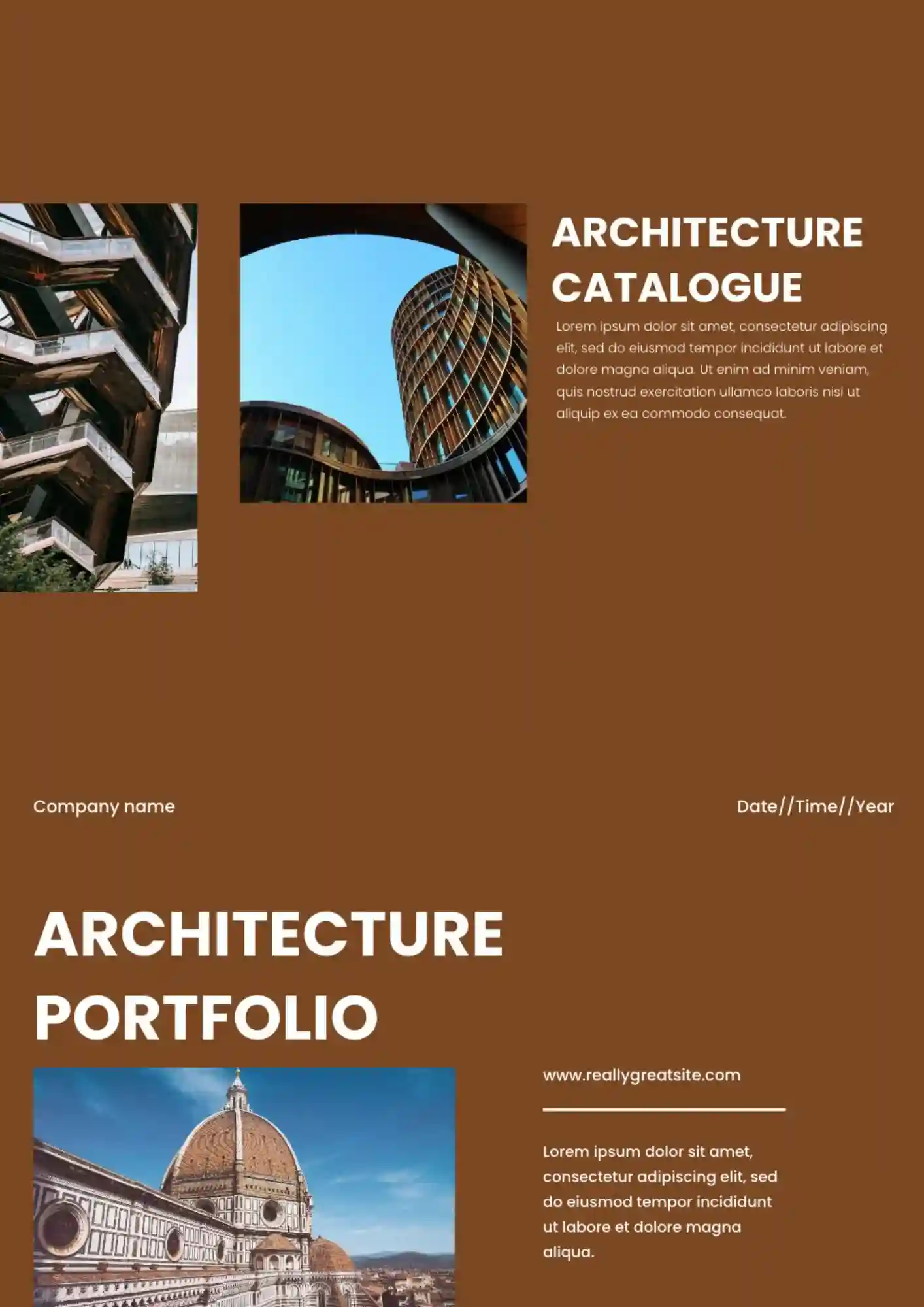
Architecture projects feel disconnected when concepts and finals are not linked. The Architecture Portfolio Template works for architects, students, and studios who need a polished presentation layout.

Choose your preferred social media platform from options like Pinterest, Facebook, Twitter, and more. Share our templates with your contacts or friends. If you’re not active on these social networks, you can simply copy the link and paste it into the one you use.