

 Back to templates
 Free Timeline Google Docs Templates
When there are many tasks to keep in mind, the Google Docs timeline template comes to the rescue. With the help of the ready-made layout, you can schedule your plan of events and tasks for the day, week, or month in chronological order. Thanks to the use of the free timeline template for Google Docs, information about planned events will always be at your fingertips: use the editable document online or download it to your smartphone or laptop. At any moment, changes can be made to the timeline of events, or new plans can be added. Just open your file in Google Docs and add the necessary information.
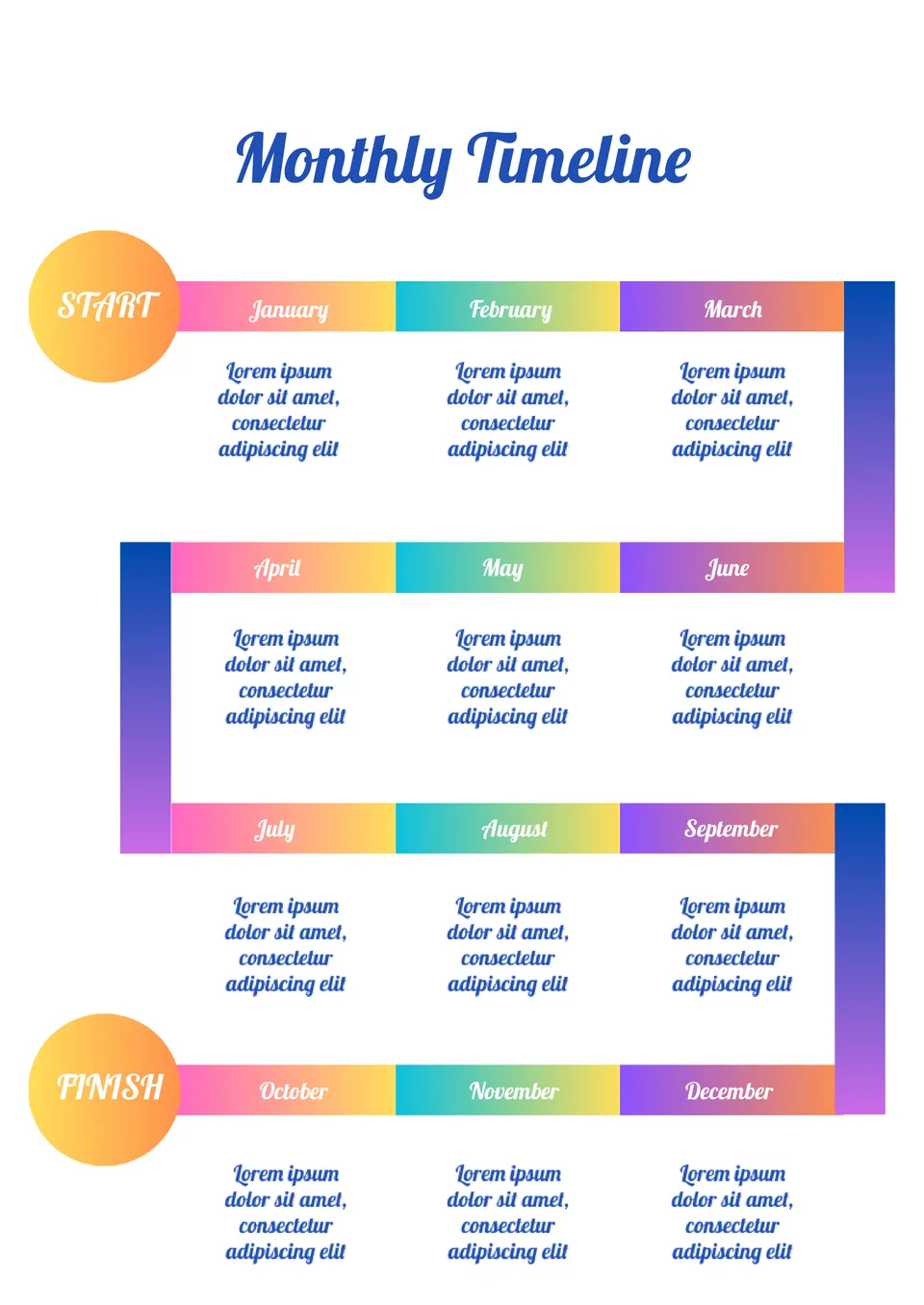
What’s the best way to show a full month’s progress without making the page too crowded? The Monthly Timeline Template is a good fit for project managers, students, and teams planning over a month.

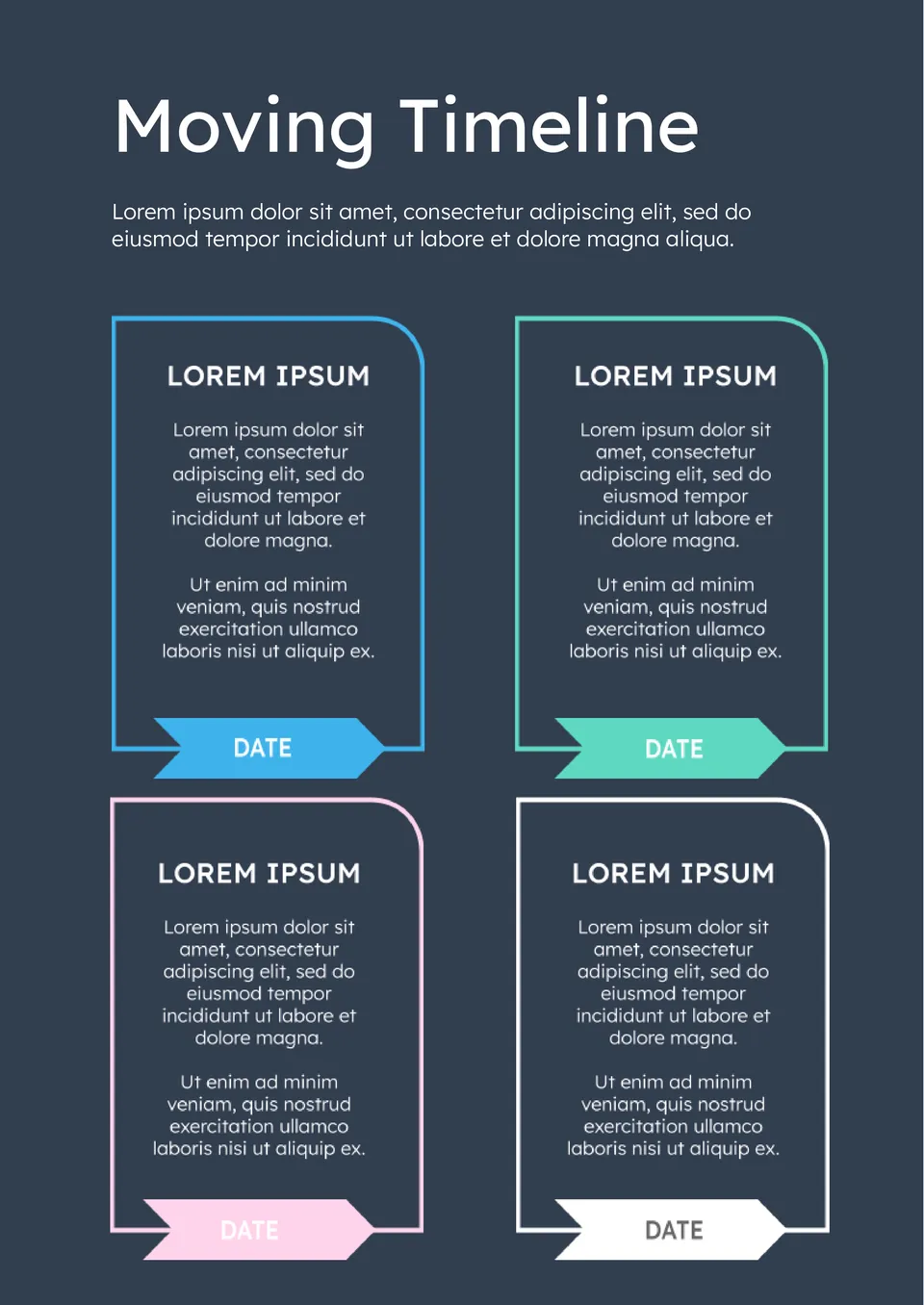
How can people keep track of moving tasks without forgetting important steps before relocation? The Moving Timeline Template is made for families, roommates, and individuals planning a move.
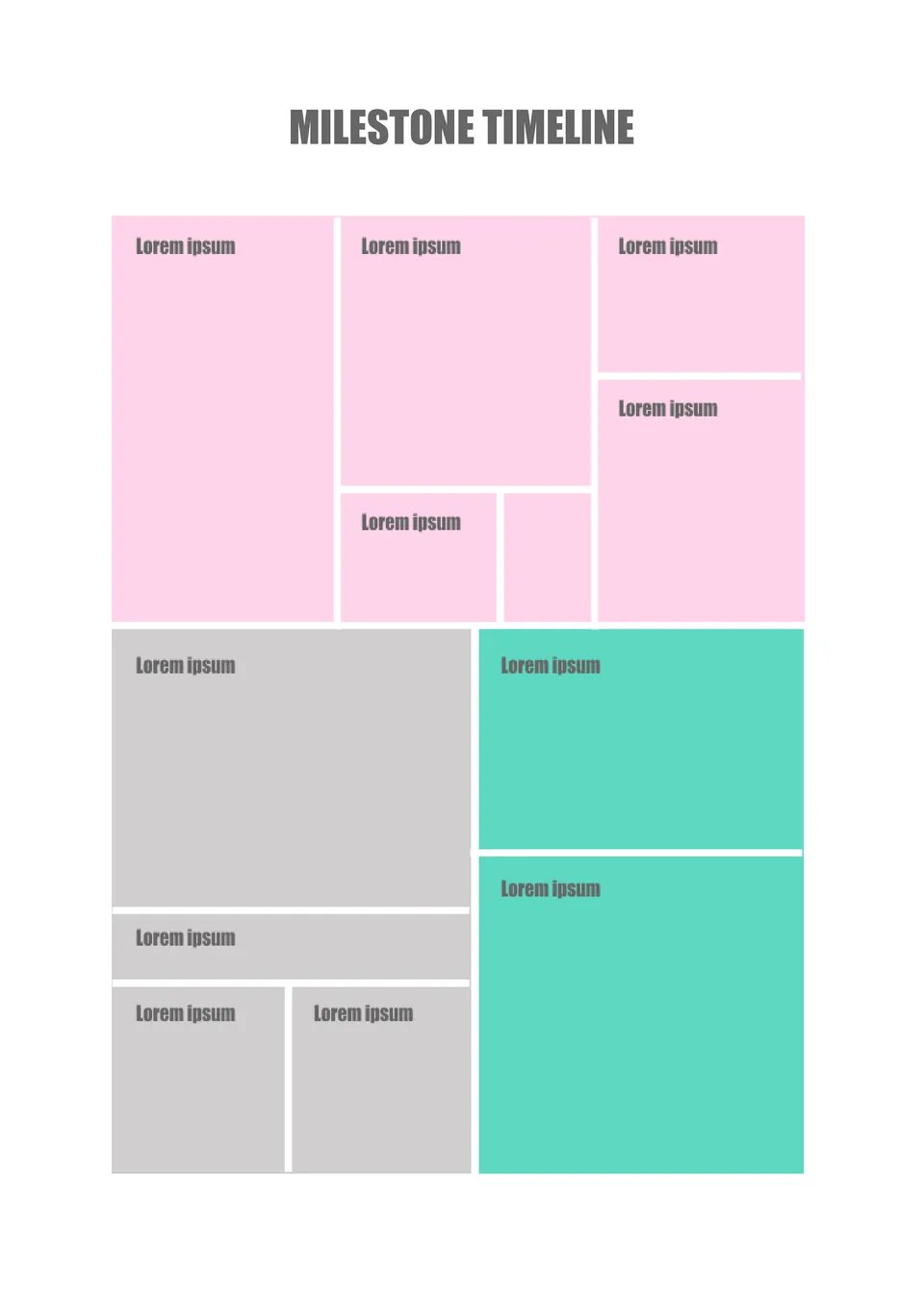
Designed to highlight key achievements, the Milestone Timeline Template helps users focus on important events rather than every small detail. It suits project teams, students, and individuals who want to track major progress points.
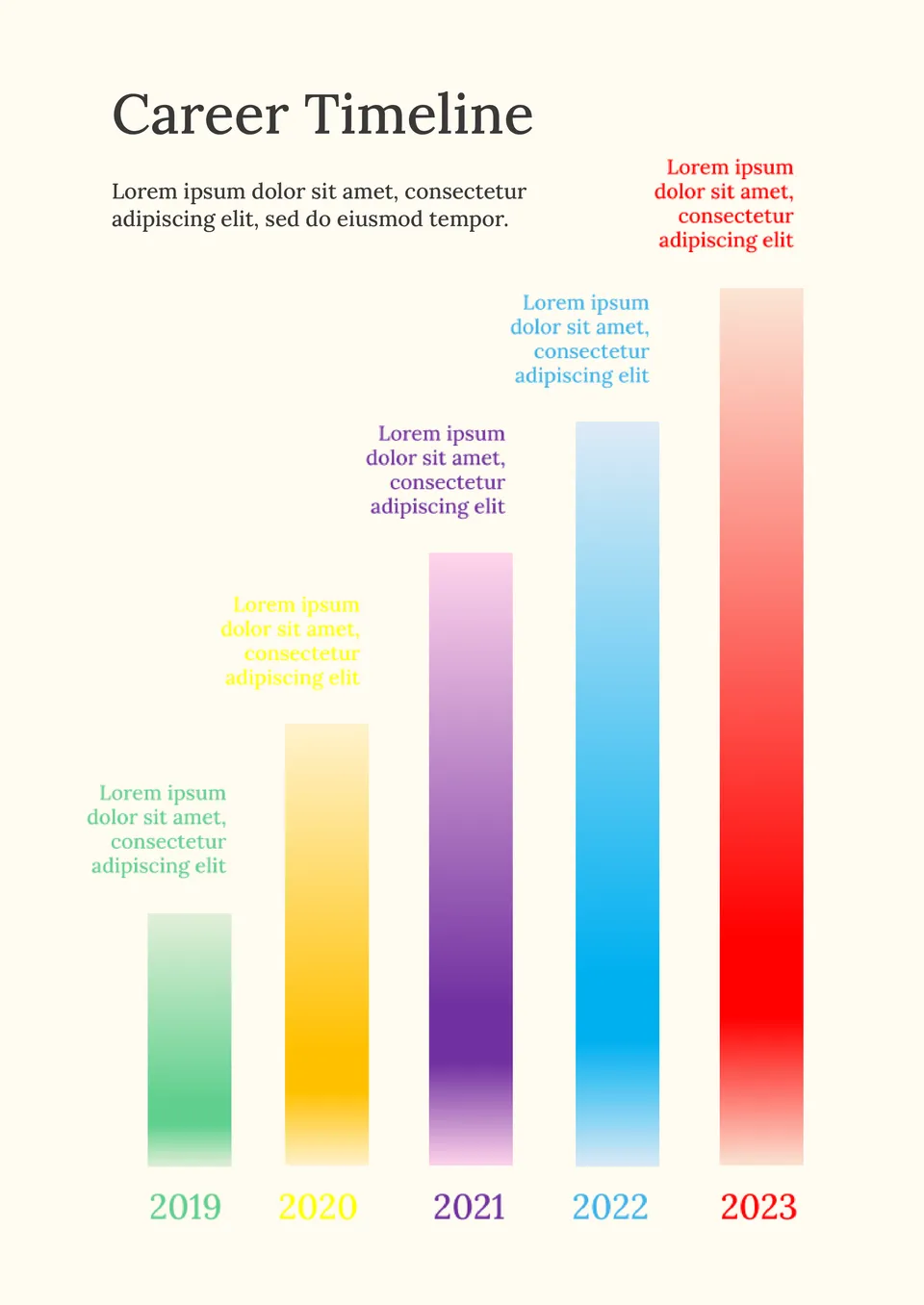
What helps people map their career path without feeling overwhelmed by all the steps and changes? The Career Timeline Template is made for students, professionals, and career changers.
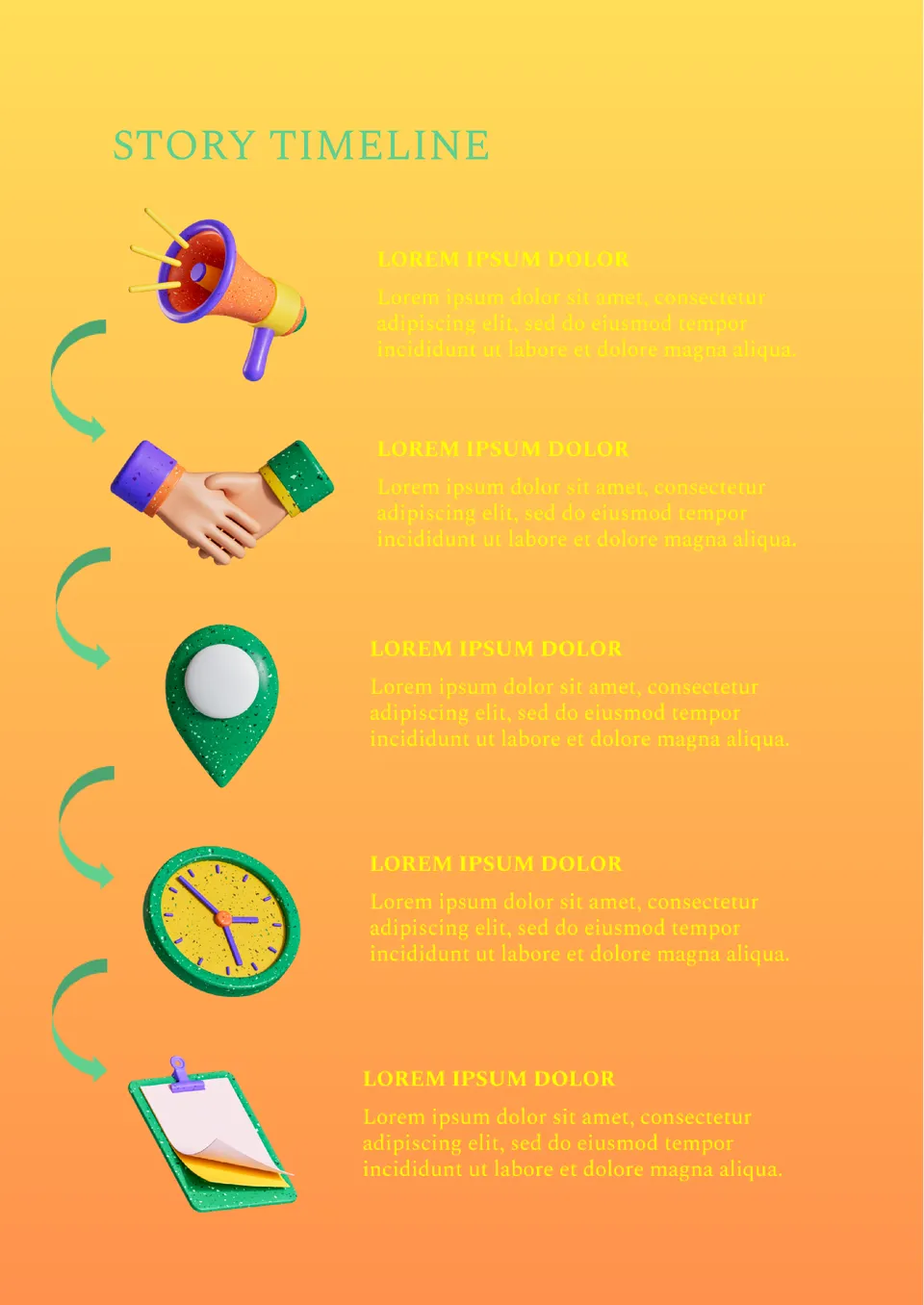
Built for writers and storytellers, the Story Timeline Template helps authors organize plot points, events, and character arcs in order. It is useful for novelists, screenwriters, and creative writers.
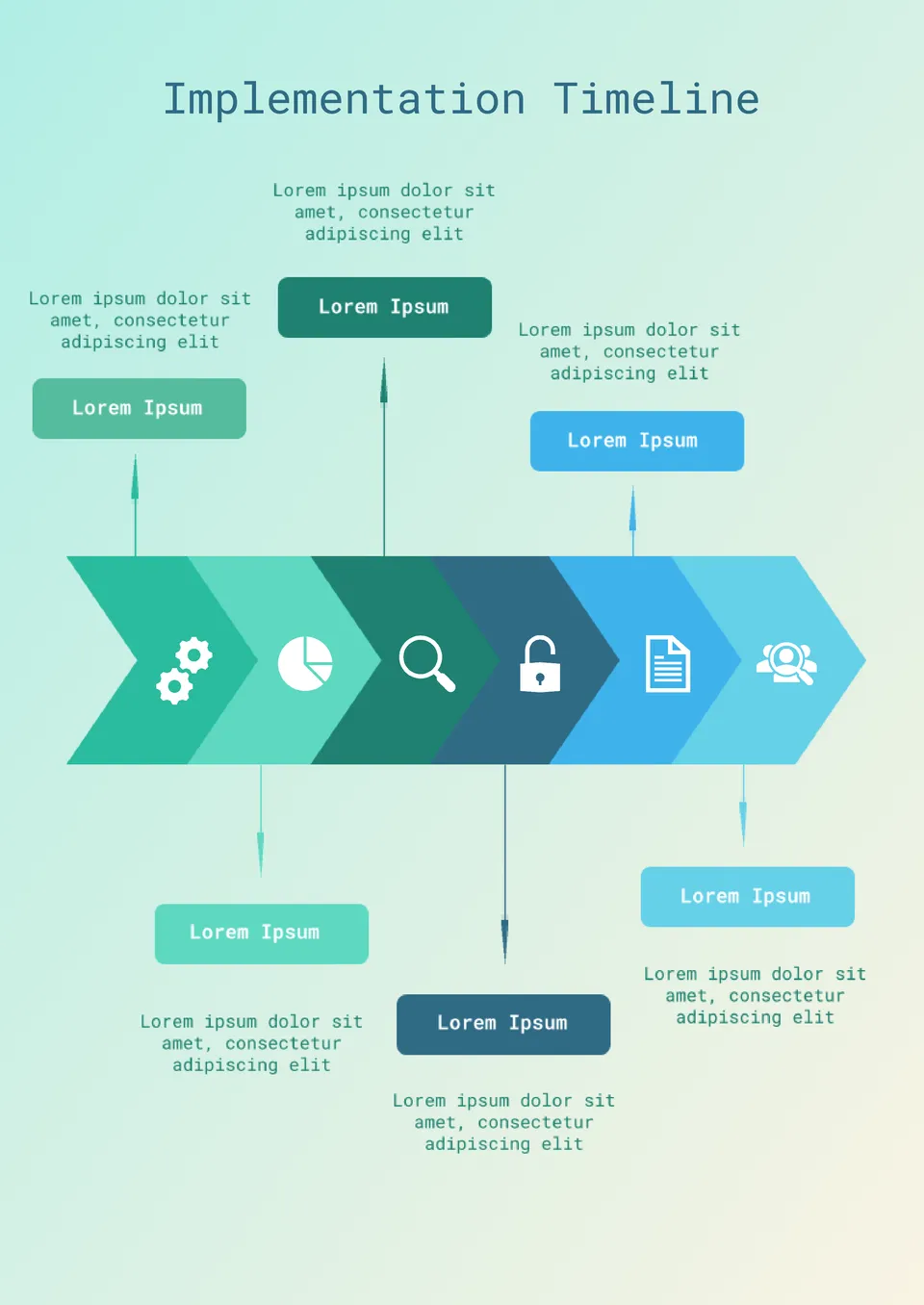
Organized around project rollout, the Implementation Timeline Template gives teams a structured way to plan steps from start to finish. It works for IT projects, system upgrades, and business process changes.
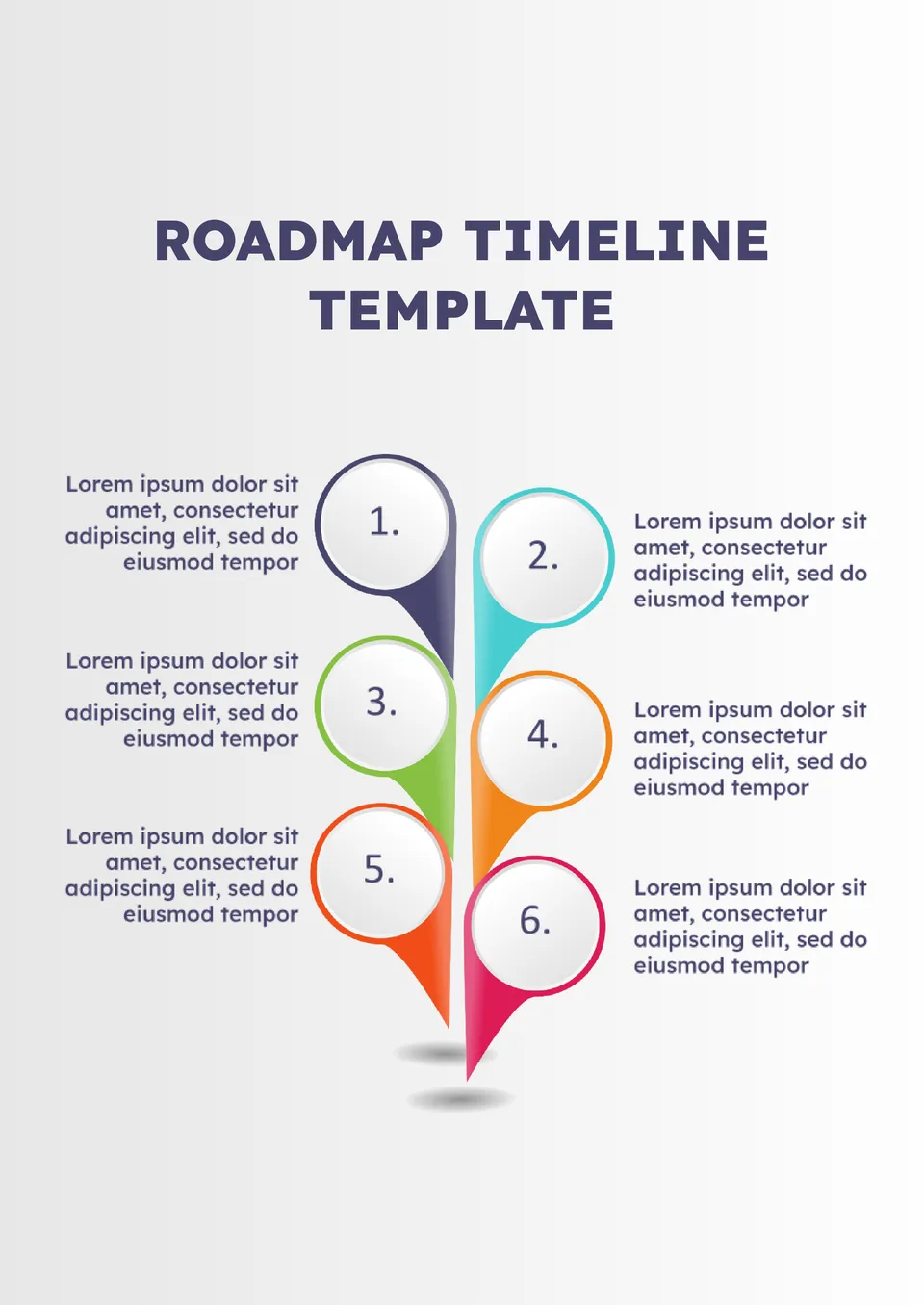
With space for long-term goals, phases, and key milestones, the Roadmap Timeline Template helps teams show a clear path forward. It suits product managers, startups, and strategic planning teams.
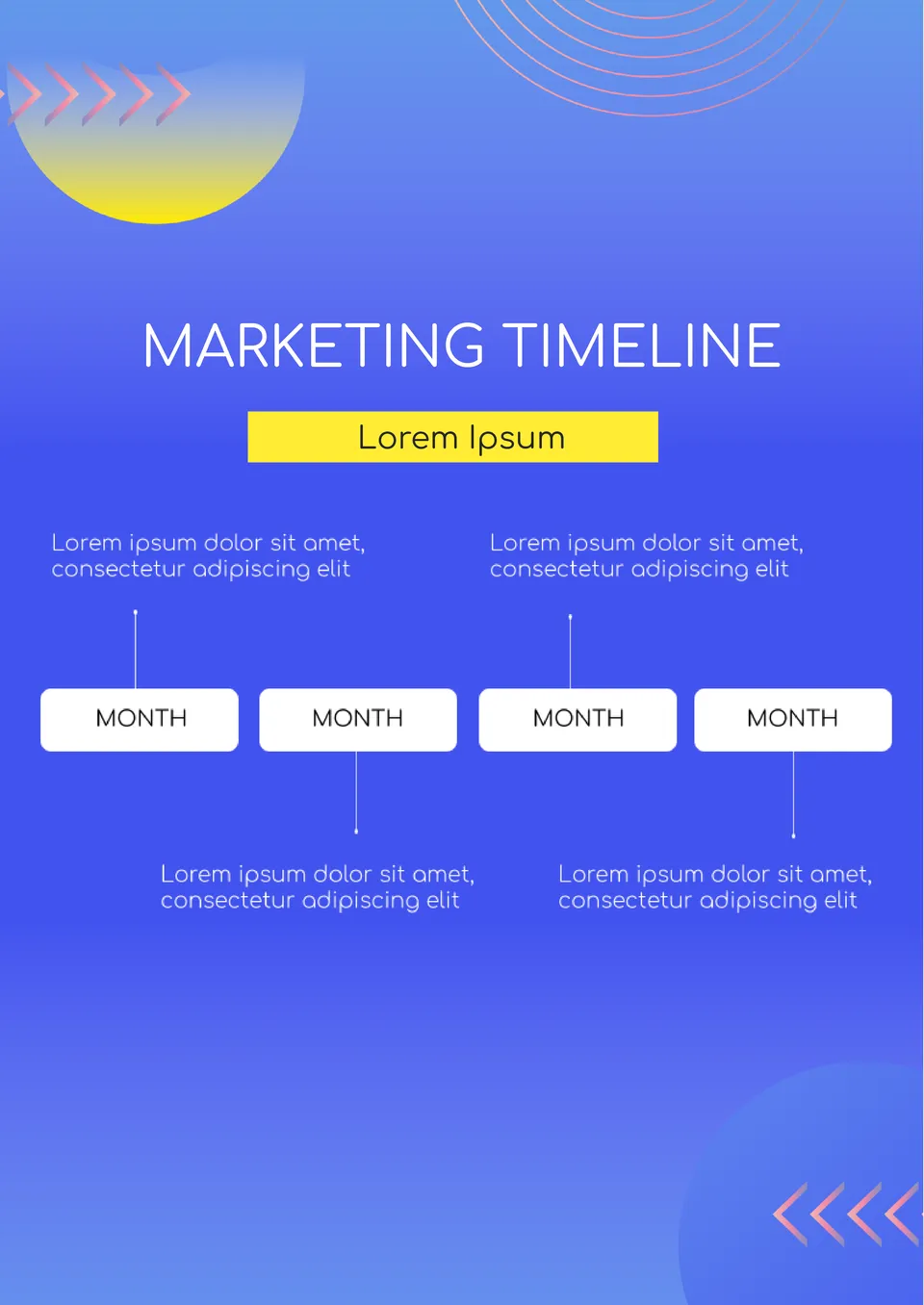
Which format works best for planning campaigns when there are multiple channels and deadlines to track? The Marketing Timeline Template is a good fit for marketers, small business owners, and agency teams.
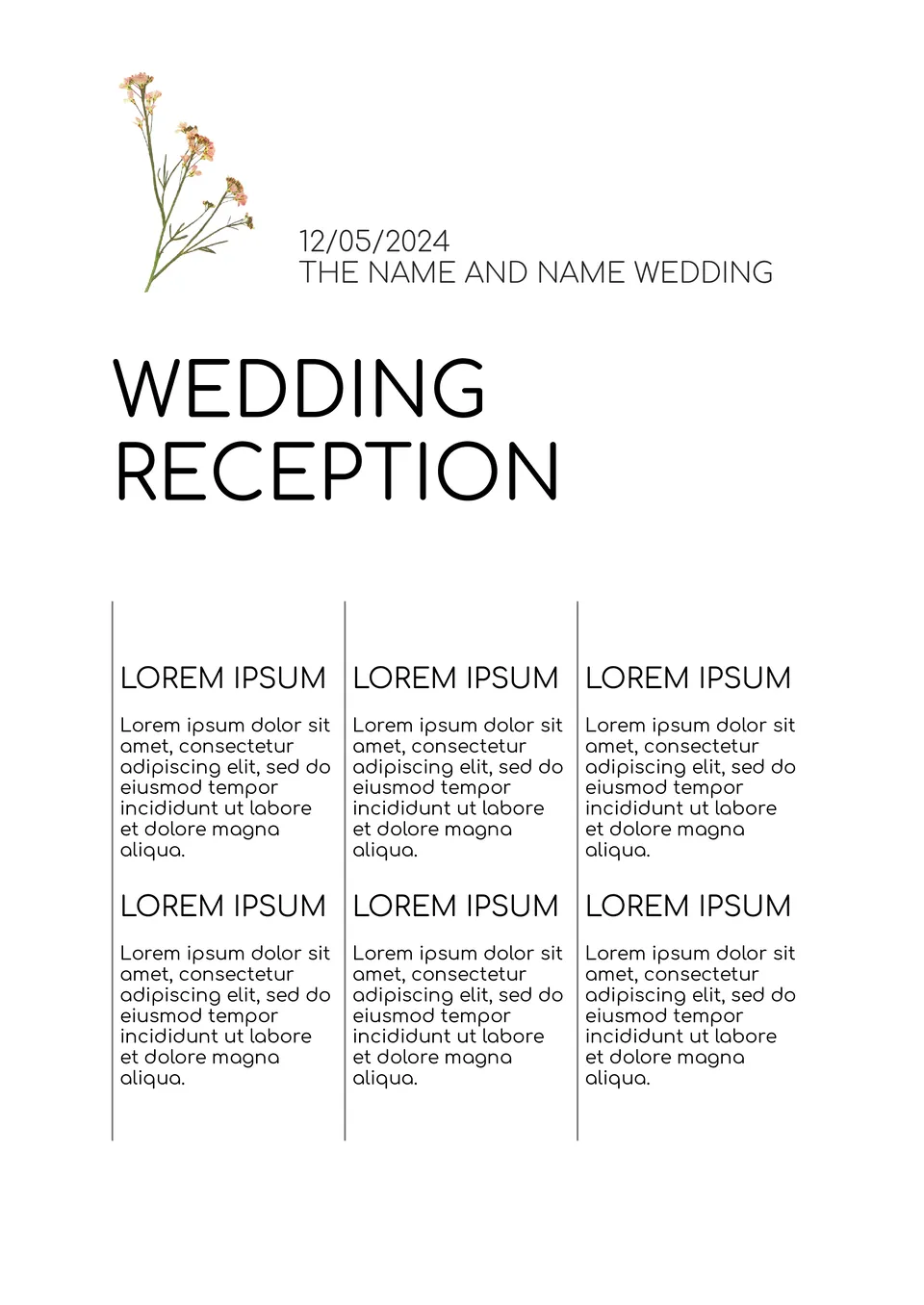
What makes a wedding reception timeline easier to follow when there are so many details to coordinate? The Wedding Reception Timeline Template is a strong fit for couples, wedding planners, and coordinators.
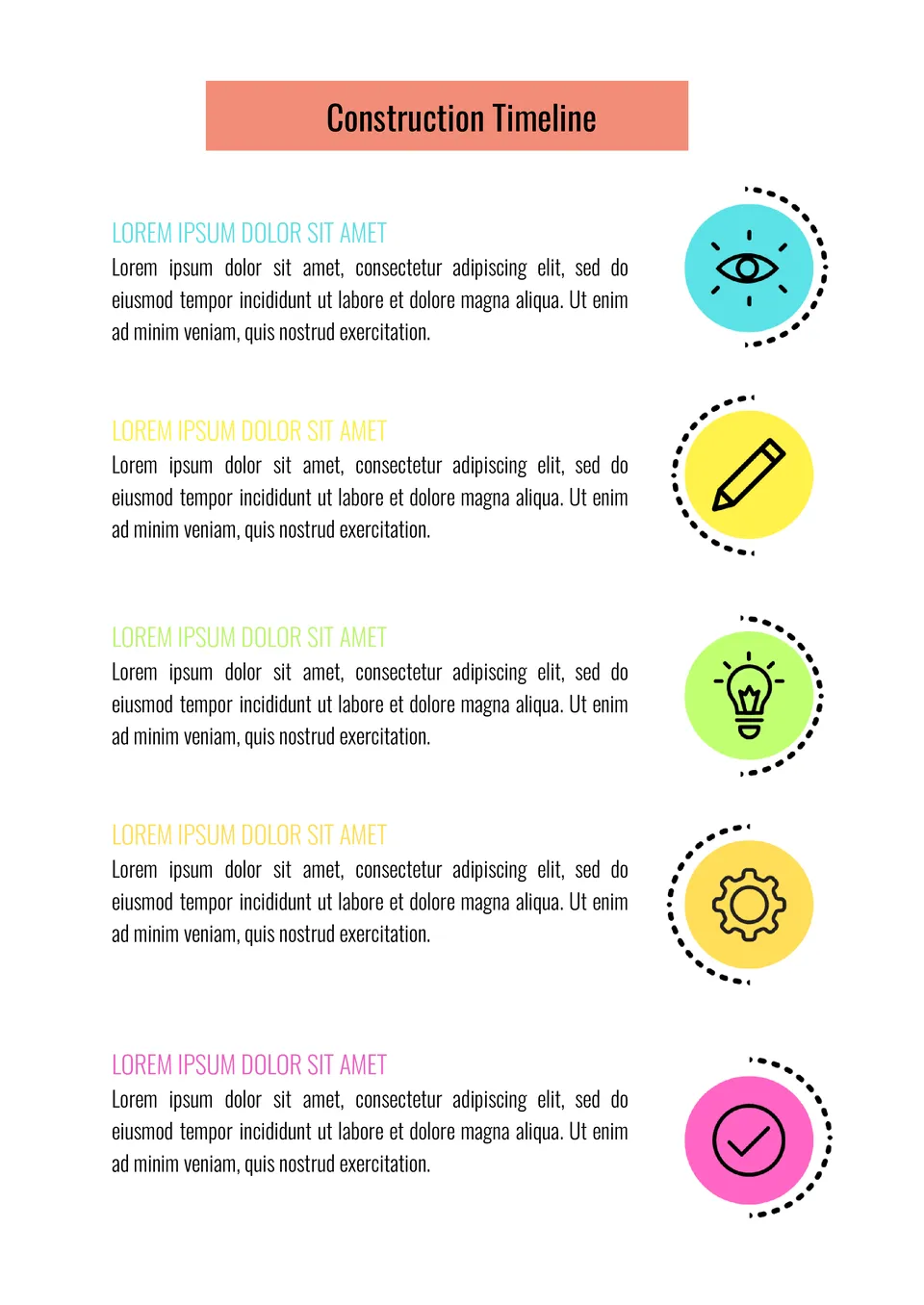
What helps construction managers keep phases, tasks, and deadlines visible without losing track of the schedule? The Construction Timeline Template is useful for contractors, project managers, and construction teams.
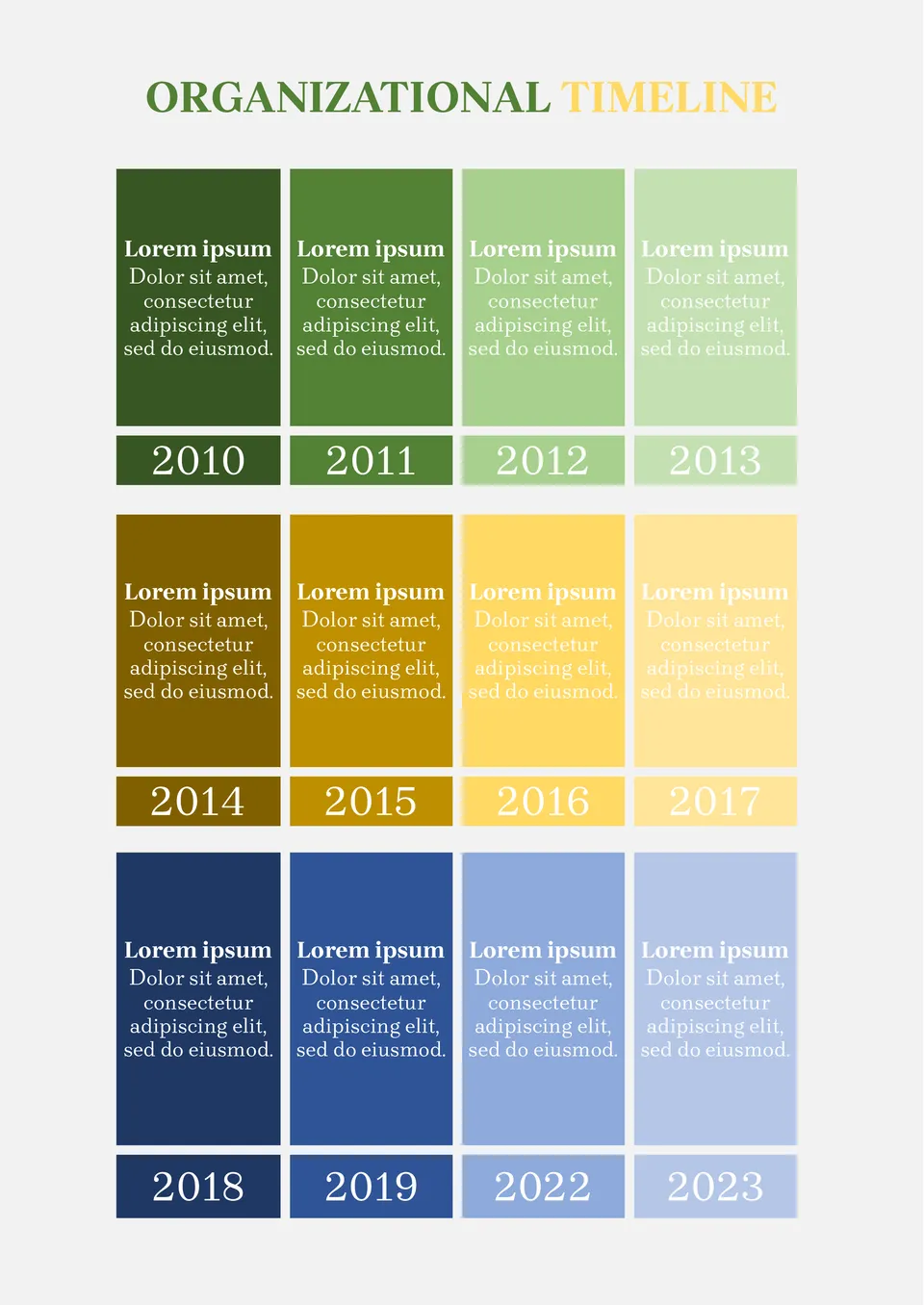
Building plans for several years ahead? Record all plans in the Organizational Timeline Template. This way, at the end of each year, you can look back and see what was successfully implemented and what remained only in thoughts.
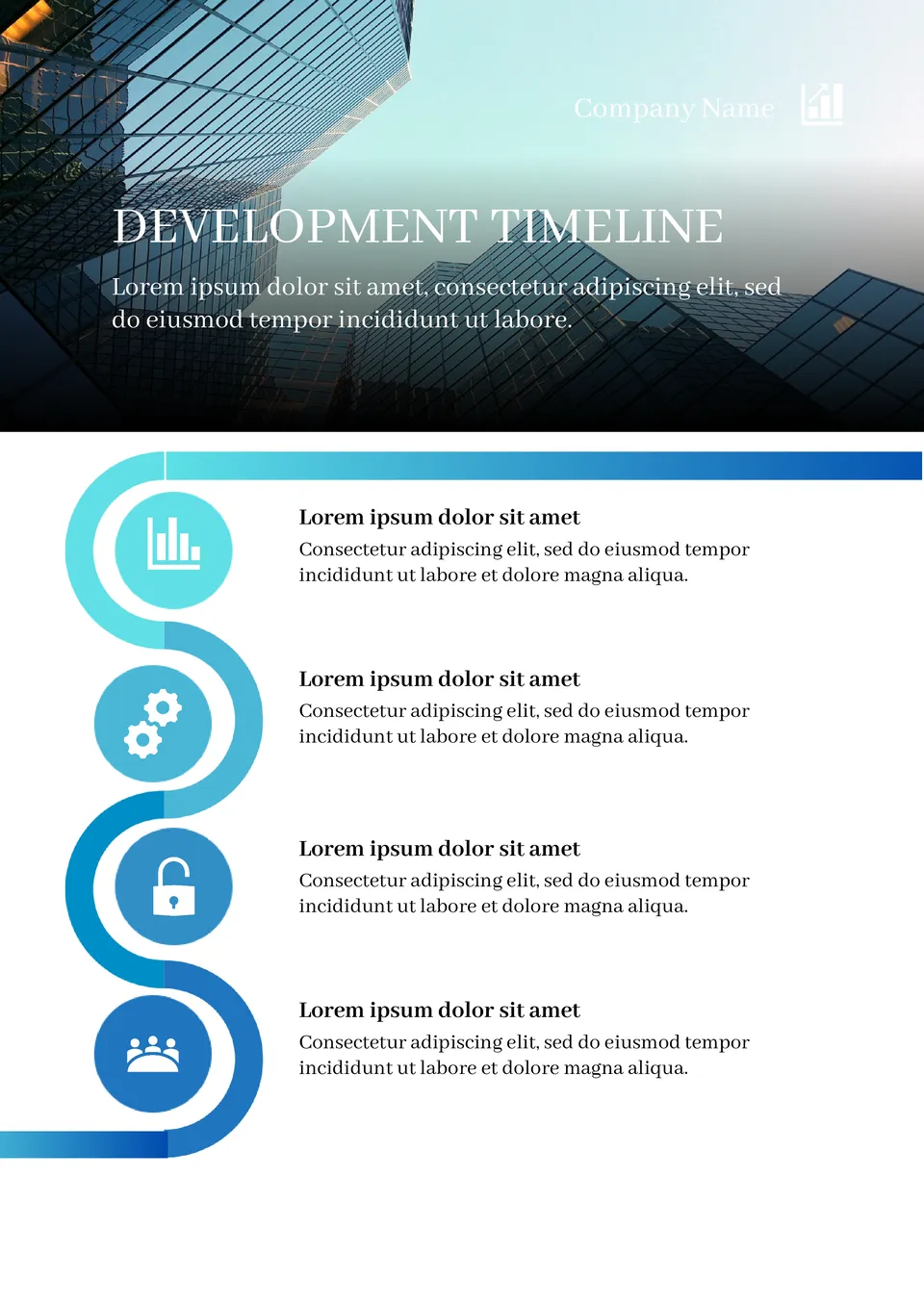
Create a convenient and understandable business development plan by adding all the necessary information to the Development Timeline Template in Google Docs.
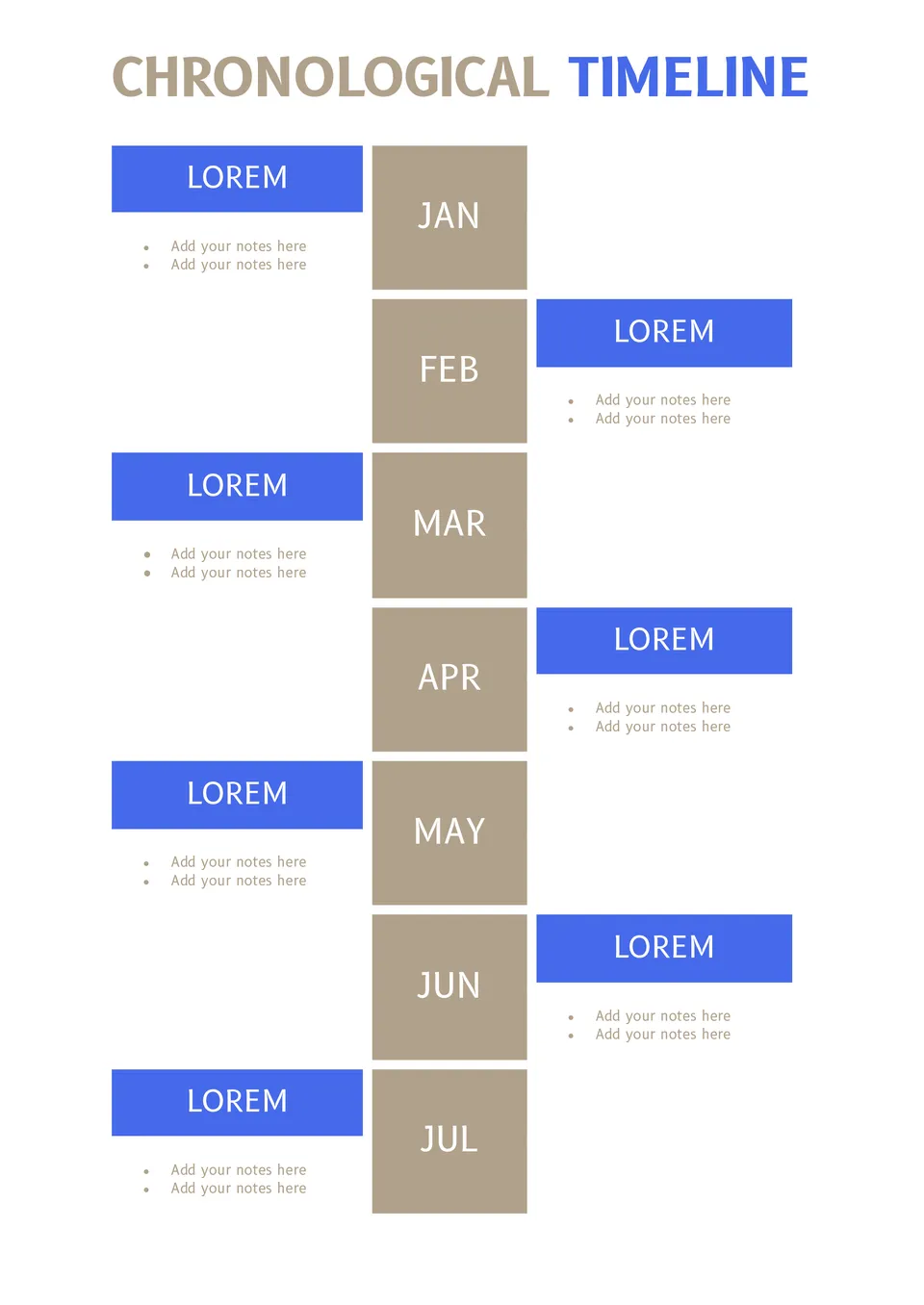
Keeping yearly plans in notebooks can be quite inconvenient. Plus, there's always a risk of losing the entries. Use this template to not forget about any planned event!
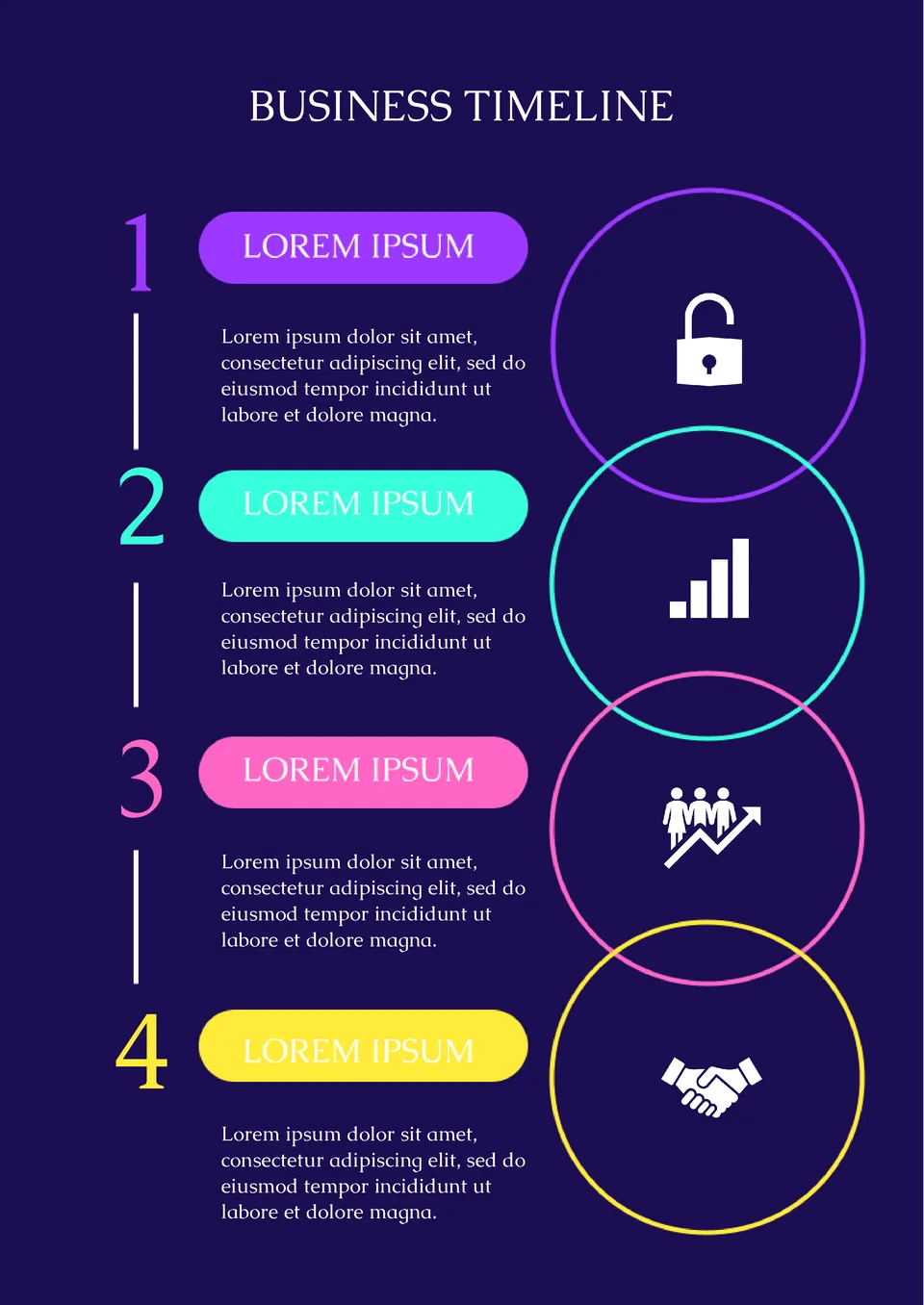
Use the Business Timeline Template on Google Docs for a brief presentation of a business plan or illustration of the profitability of a future deal.
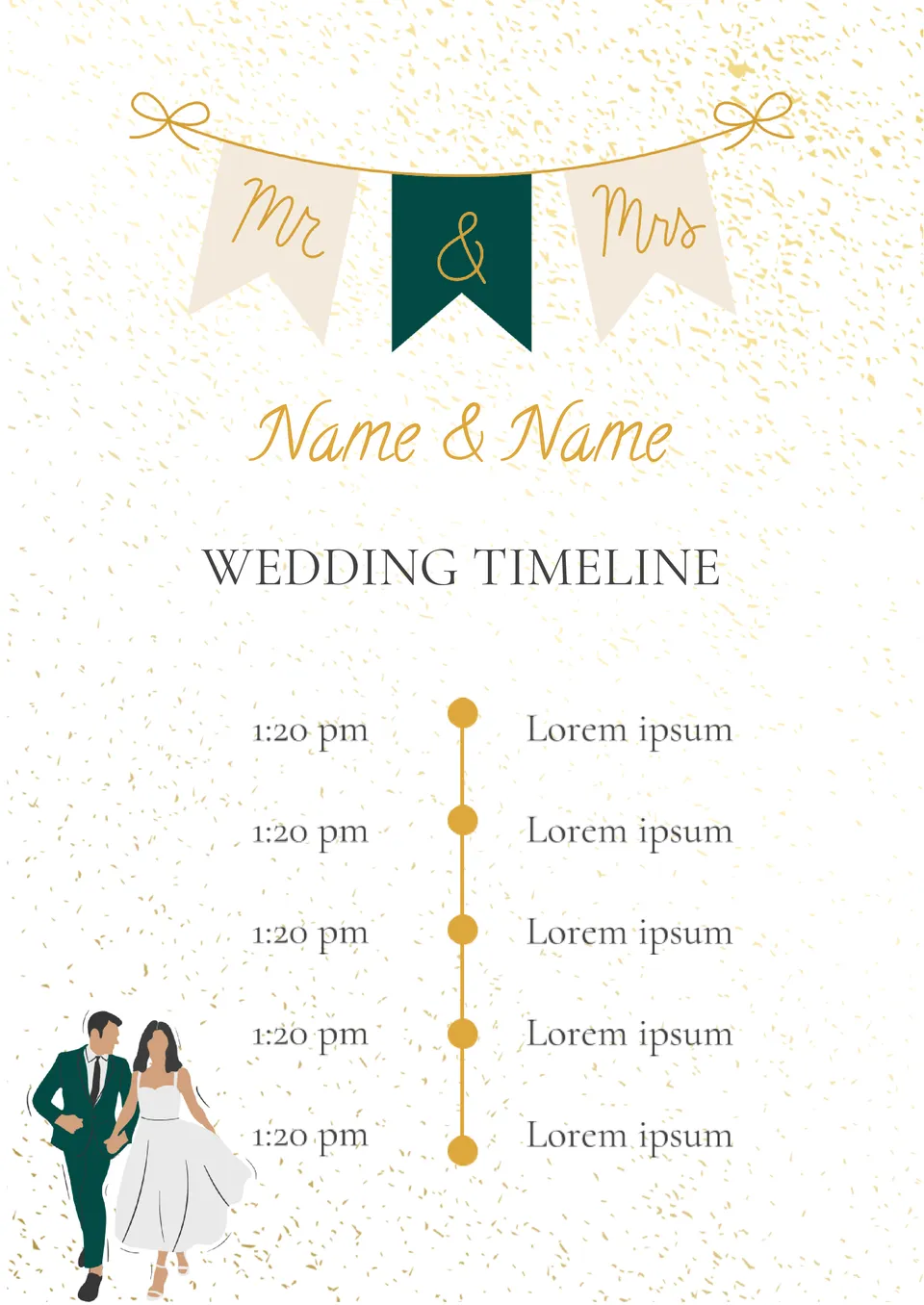
Create unique wedding invitations using this template. The layout is designed in such a way that you can specify not only the date and place of the celebration, but also the event plan!
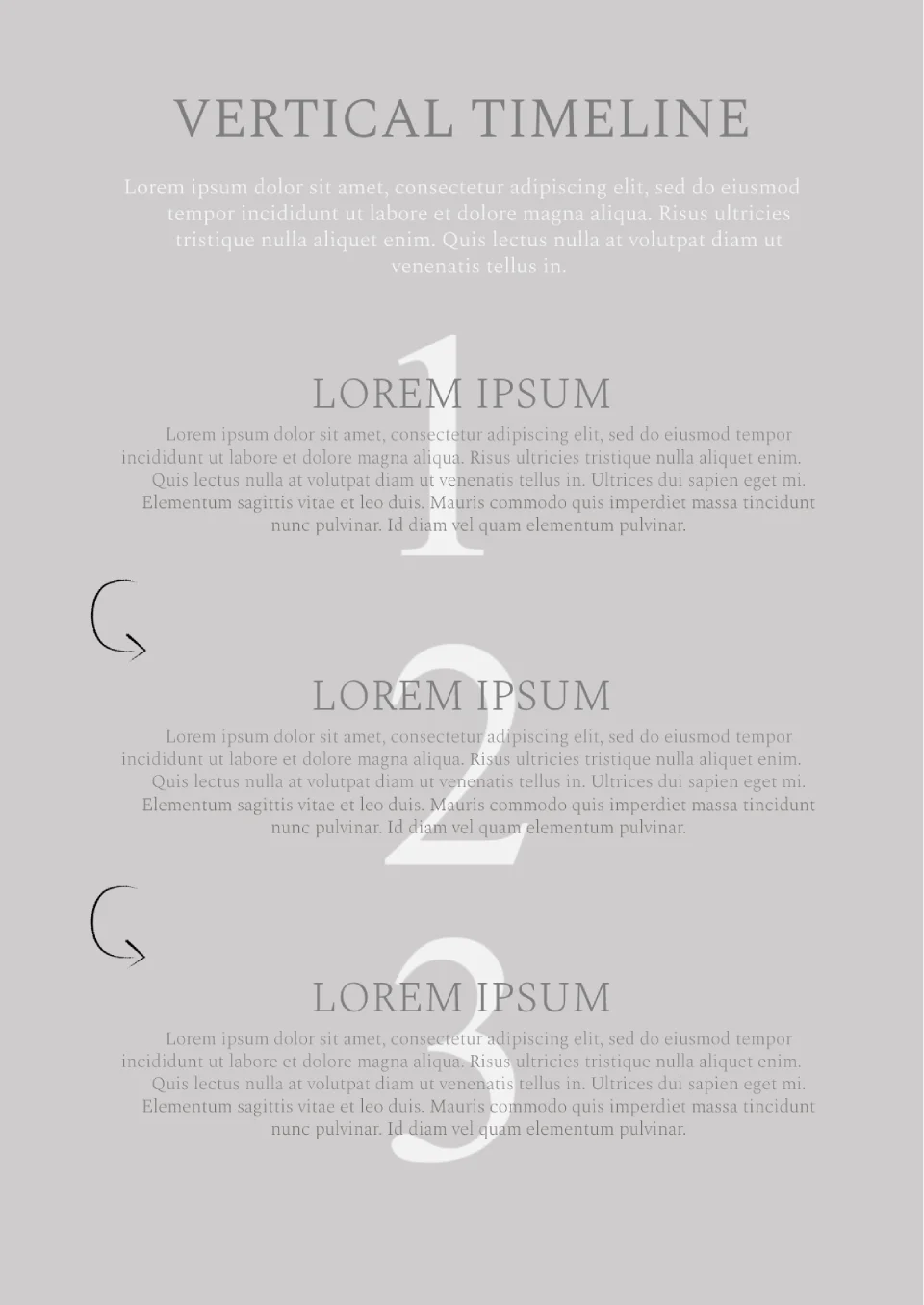
Present your interesting idea at the meeting, having formatted it with this template. The layout is designed for a strategy consisting of 3 steps.
What are the best Timeline Templates in 2026?
What is the productive approach to improve the ready chronology?
What can I perform to introduce a timeline first of all?
Can the individuals customize the design of my timeline?
How will I develop a chronology understandable for a wide audience?
How to make a Timeline on Google Docs?
What Are Timeline Templates for Google Docs and MS Word?
Timeline Templates are ready-made layouts for people, teams, and organizations that want to show events, steps, or milestones in chronological order. They are useful for project planning, career development, monthly schedules, and long-term roadmaps, where a clear visual sequence matters. If you also need a simpler format for structured tasks or planning notes, take a look at our Worksheet Templates.
We create these templates to help you save time and keep your timeline organized, easy to follow, and simple to update. They work well when you want to present dates, milestones, and progress without building the layout from scratch. They also help you compare different stages of a plan in one clear view. That makes them a practical choice for both business and personal use.

Benefits of Using Timeline Templates
Timeline Templates make it easier to present events and goals in a structured visual format. They also help you keep important dates and milestones easy to track.
- show events and tasks in chronological order;
- save time with a ready-made visual layout;
- adapt the design for projects, careers, or schedules;
- make milestones and deadlines easier to follow;
- prepare timelines for print or digital use.
In practice, a good timeline helps turn complex plans into something clear and easy to understand.

How to Customize Timeline Templates in Google Docs
Google Docs makes it simple to edit a timeline template and adapt it to your project or schedule. You can update the labels, change the appearance, and prepare the final version in just a few steps.
- Open the template in Google Docs or download it as a Word file.
- Replace placeholder text with your dates, events, or milestones.
- Add task names, short descriptions, or progress markers if needed.
- Adjust fonts, spacing, and colors to match the purpose of the timeline.
- Save the finished file as PDF, DOCX, or a shareable digital document.
You can also create horizontal or vertical layouts depending on how much detail your timeline needs to show.

Popular Types of Timeline Templates
We offer different Timeline Templates for organizations, careers, and project planning. Each option is designed for a specific purpose, so you can choose the version that fits your goals best.
- Organizational Timeline Template — a useful format for company history, planning, and internal milestones;
- Career Timeline Template — a practical choice for showing professional growth and work history;
- Milestone Timeline Template — a clear layout for major achievements and key project steps;
- Monthly Timeline Template — a simple option for organizing plans across a single month;
- Roadmap Timeline Template — a structured design for long-term goals and strategic direction.
Download Free Timeline Templates for Your Needs
Our Timeline Templates are free to download and easy to adapt for different planning tasks. Choose the design that matches your project, edit it in Google Docs or Word, and create a timeline that looks organized and easy to follow. We design these templates to help you save time, present information clearly, and keep your plans on track.


Choose your preferred social media platform from options like Pinterest, Facebook, Twitter, and more. Share our templates with your contacts or friends. If you’re not active on these social networks, you can simply copy the link and paste it into the one you use.