

 Back to templates
 Google Docs Templates - Page 76
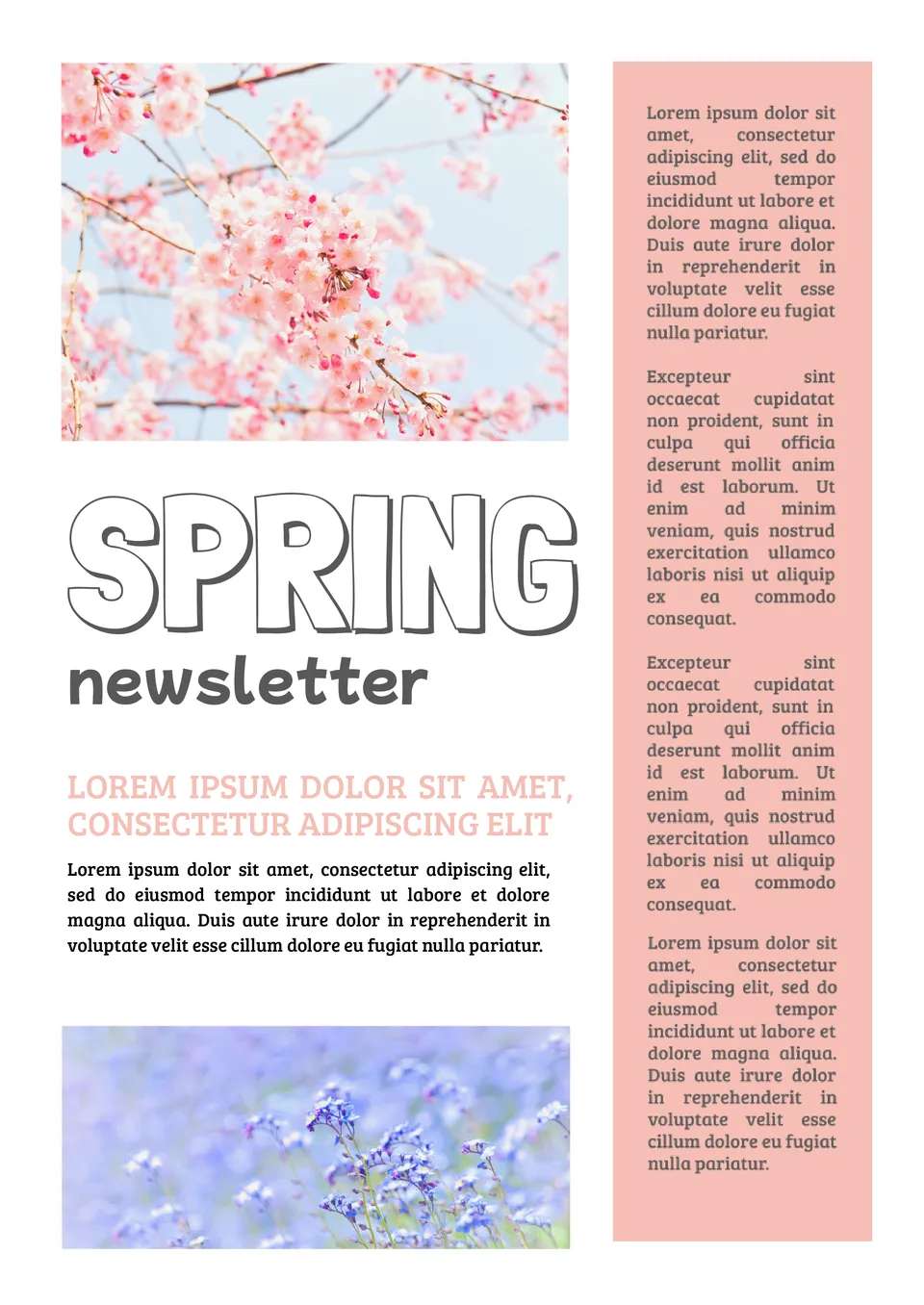
Looking to share seasonal updates in a vibrant way? The Spring Newsletter Template provides a fresh, colorful layout that’s perfect for communicating seasonal events, community activities, or important announcements.

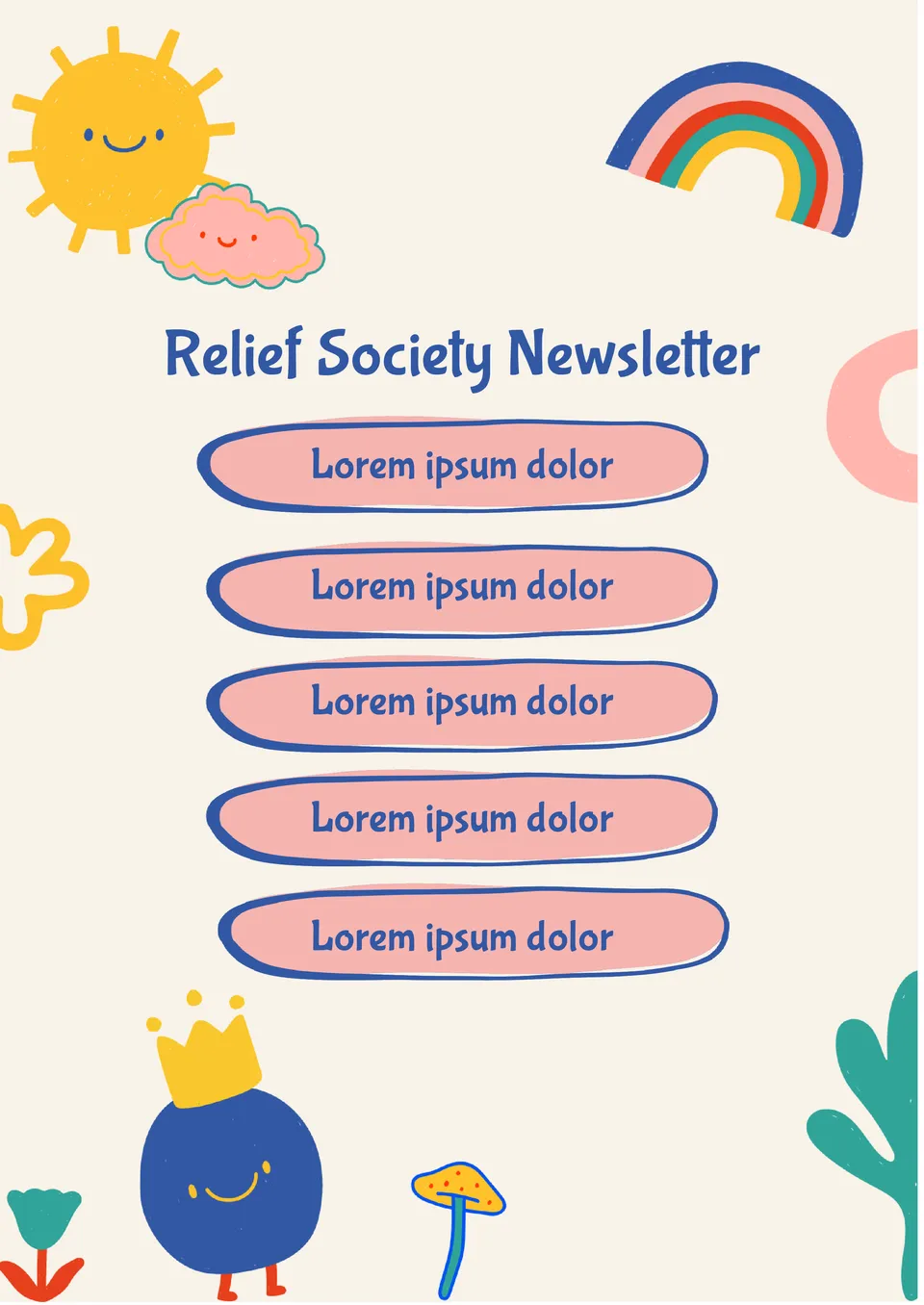
Want to keep your Relief Society members informed and involved? The Relief Society Newsletter Template offers a customizable format for sharing spiritual messages, upcoming events, and service opportunities.
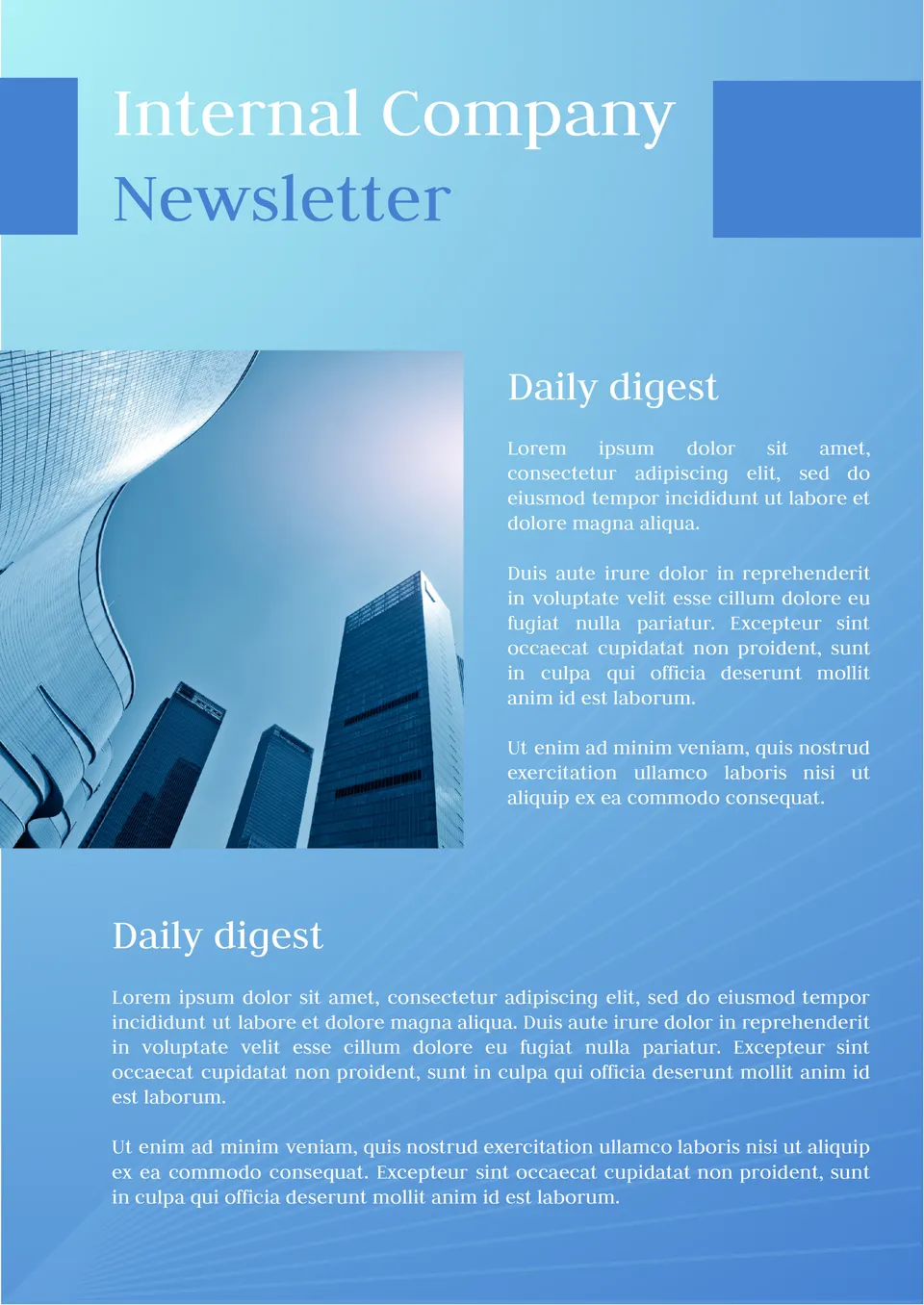
The Internal Company Newsletter Template is a great tool for keeping employees connected and informed. It provides a professional format for sharing business updates, company announcements, and upcoming projects.
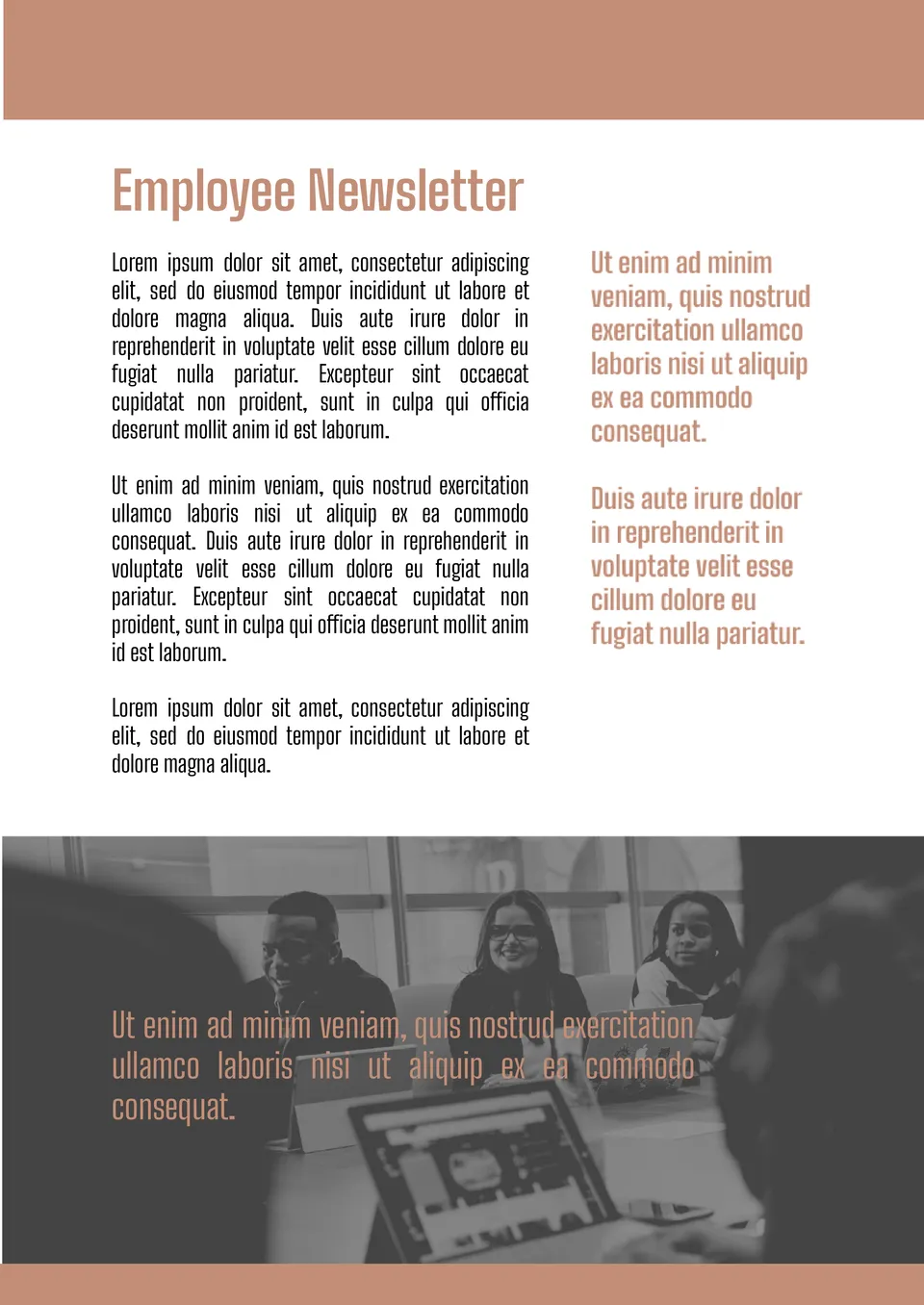
Looking to boost employee engagement? The Employee Newsletter Template allows HR and management to effectively communicate with staff.
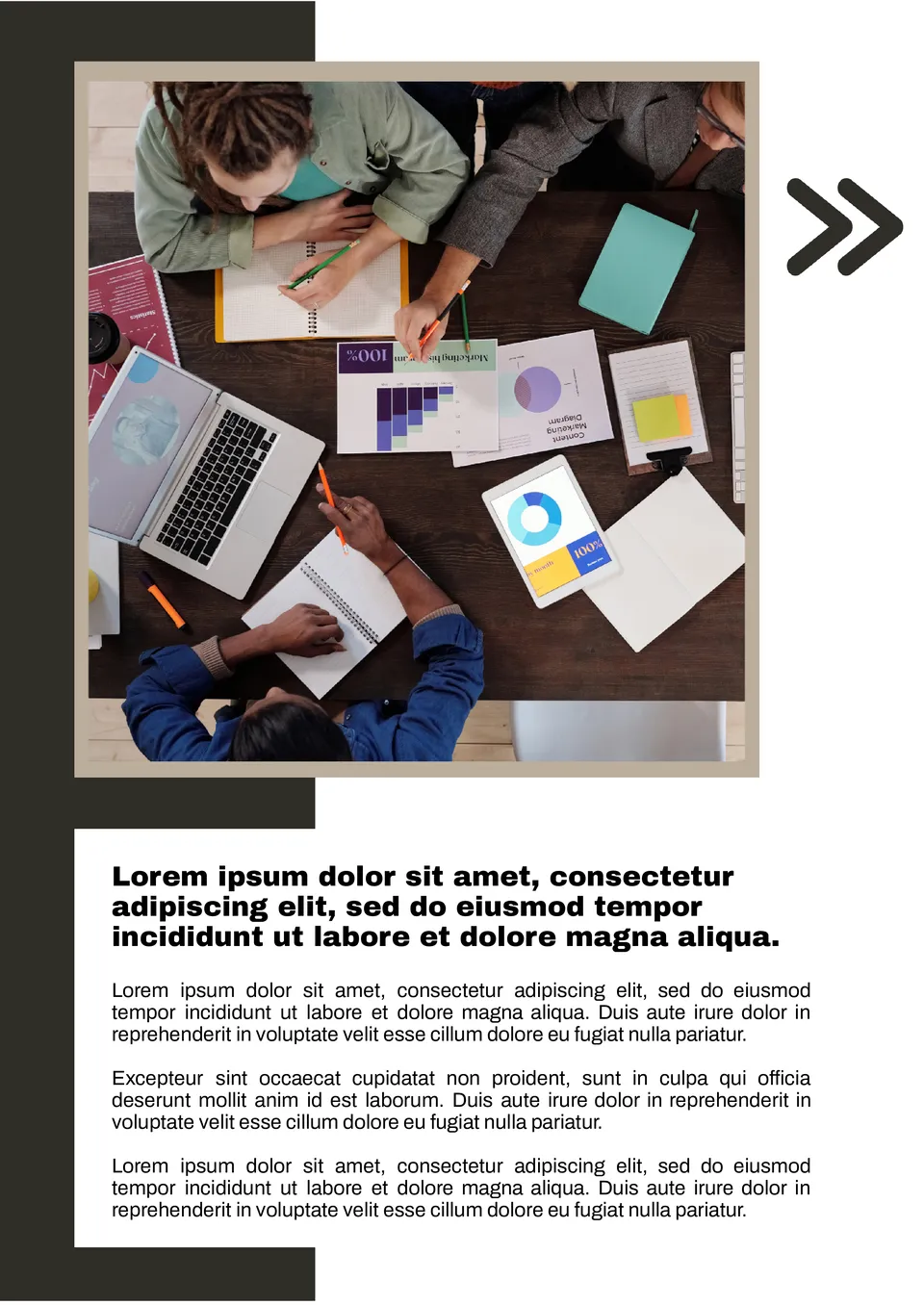
Need an efficient way to keep your team informed? The Office Newsletter Template provides a structured format for sharing important updates, upcoming meetings, and company news.
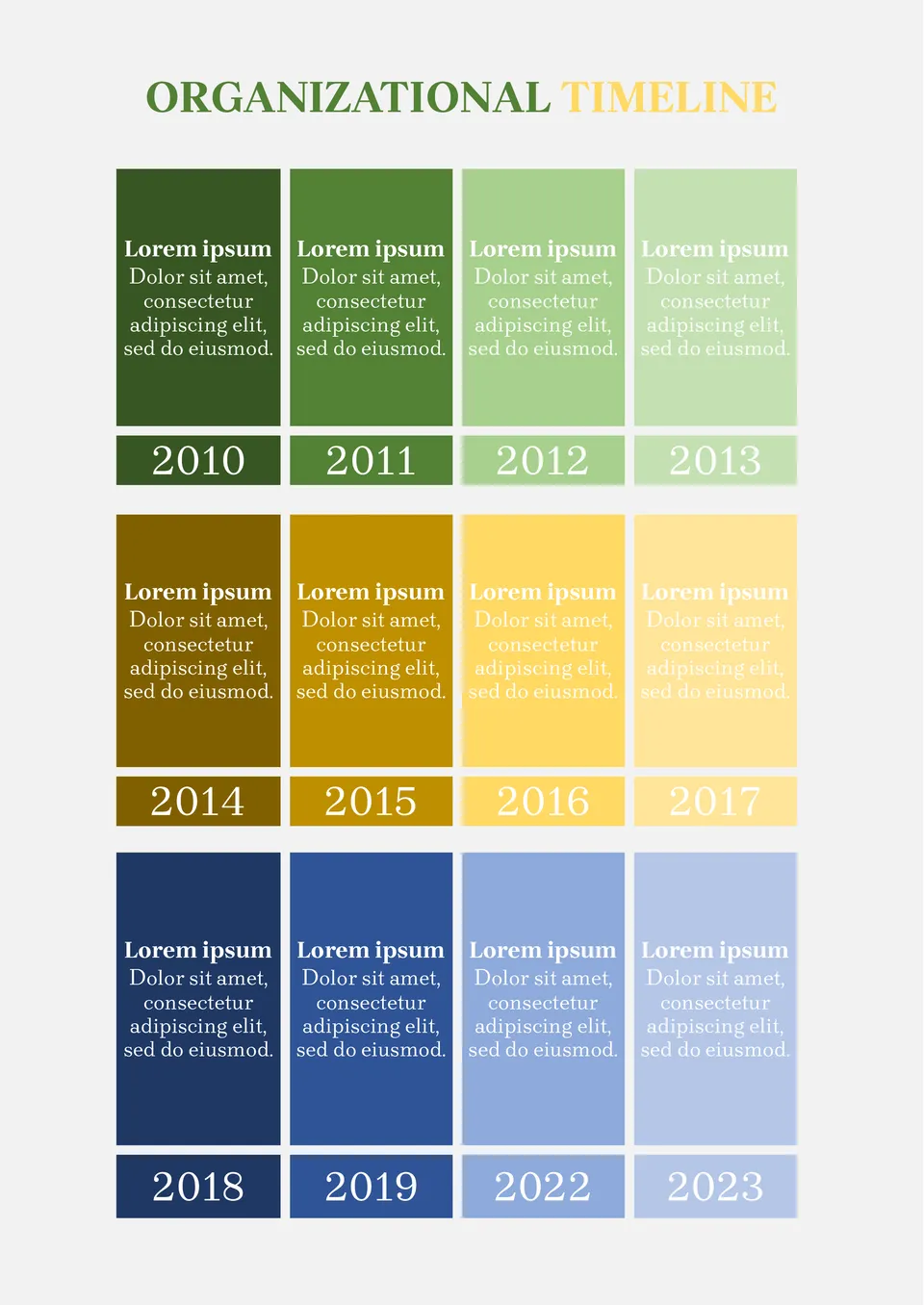
Building plans for several years ahead? Record all plans in the Organizational Timeline Template. This way, at the end of each year, you can look back and see what was successfully implemented and what remained only in thoughts.
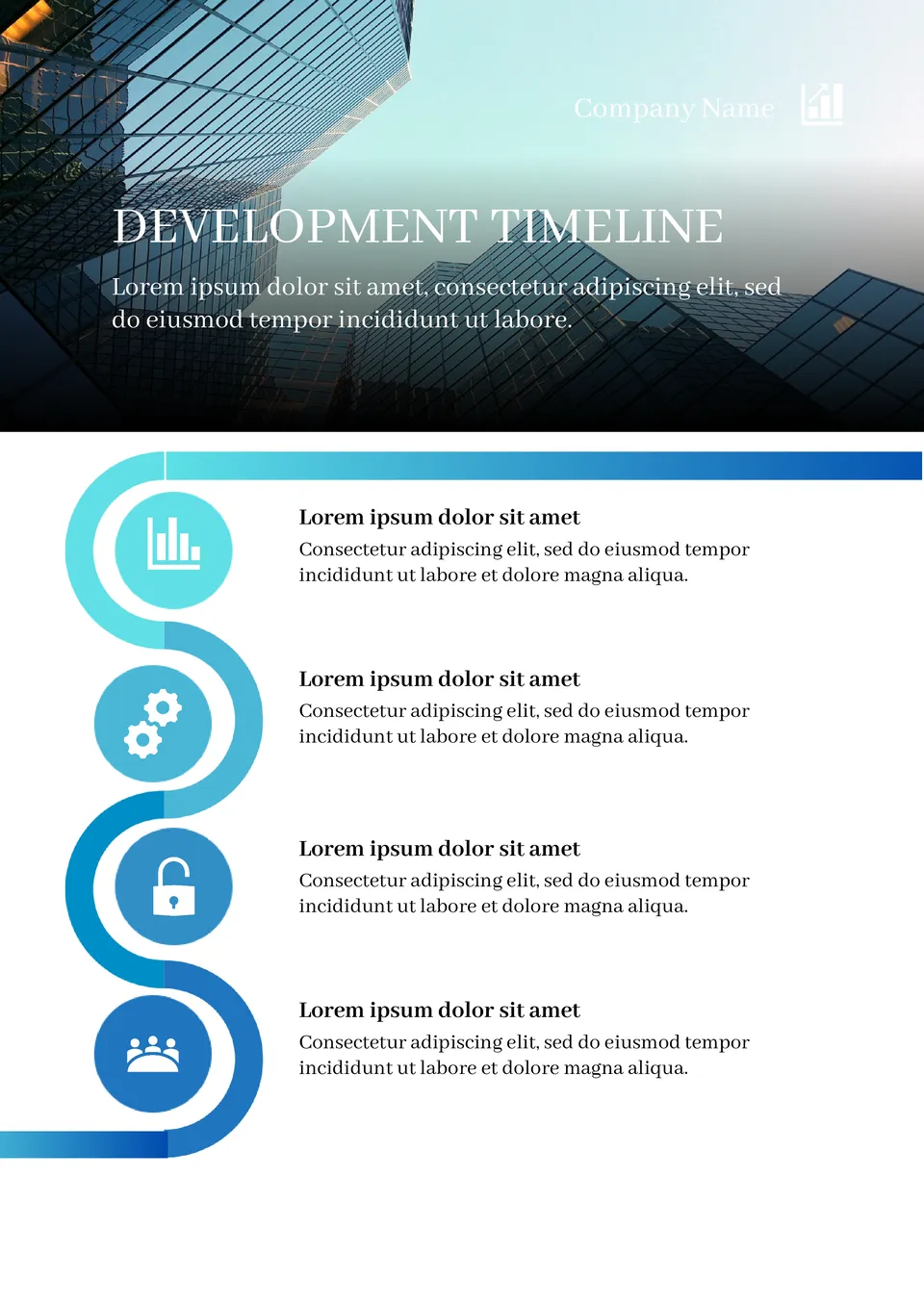
Create a convenient and understandable business development plan by adding all the necessary information to the Development Timeline Template in Google Docs.
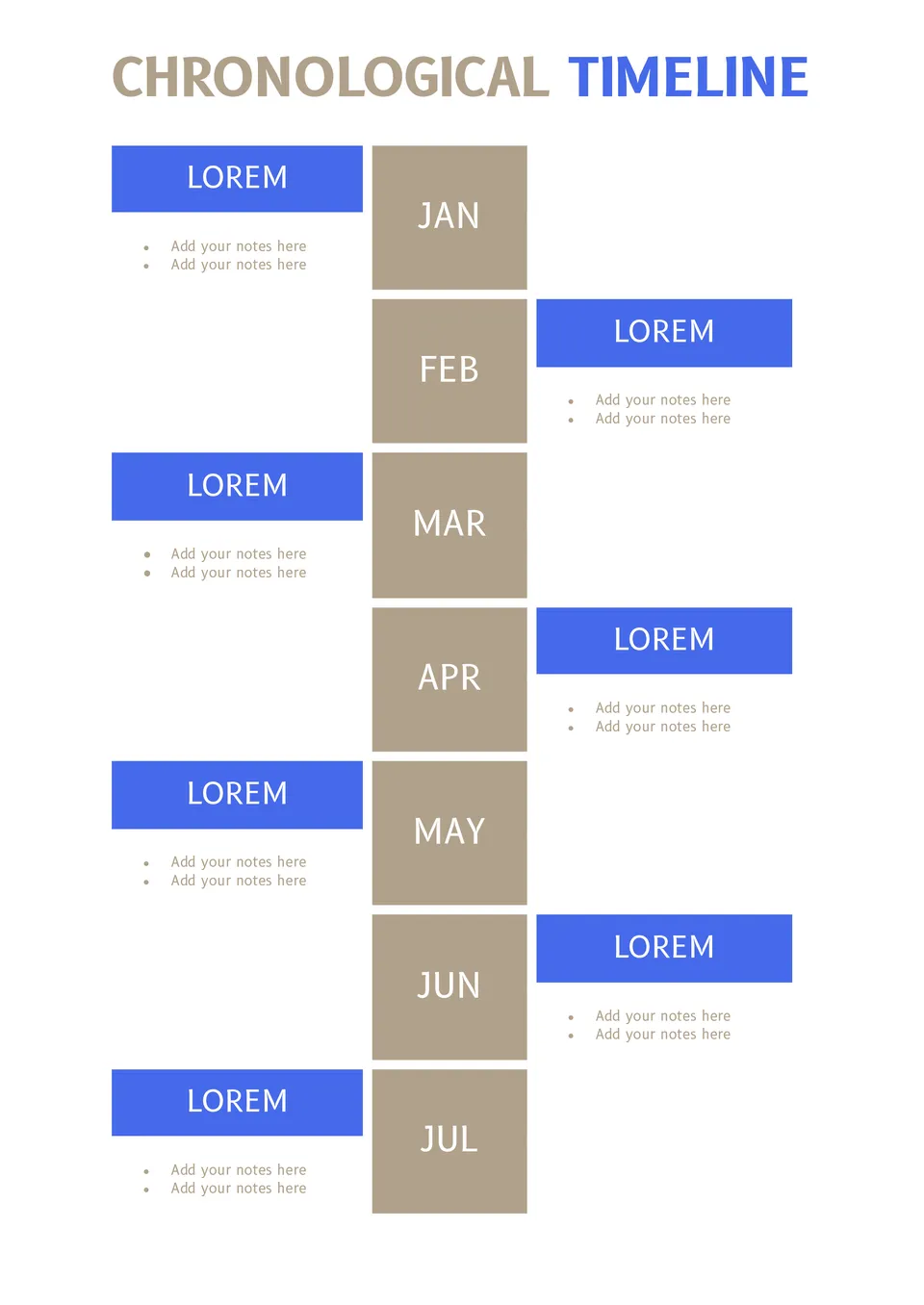
Keeping yearly plans in notebooks can be quite inconvenient. Plus, there's always a risk of losing the entries. Use this template to not forget about any planned event!
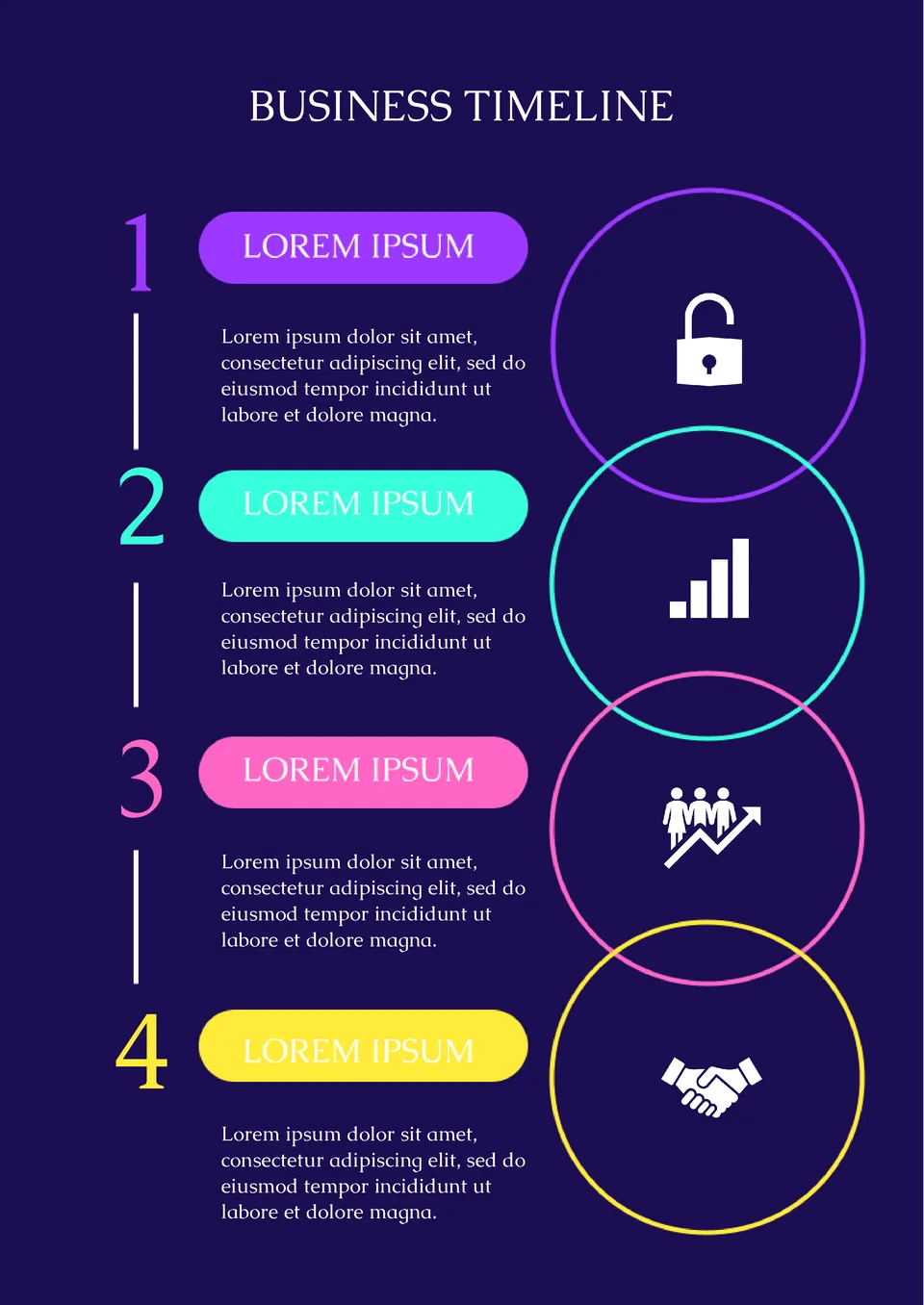
Use the Business Timeline Template on Google Docs for a brief presentation of a business plan or illustration of the profitability of a future deal.
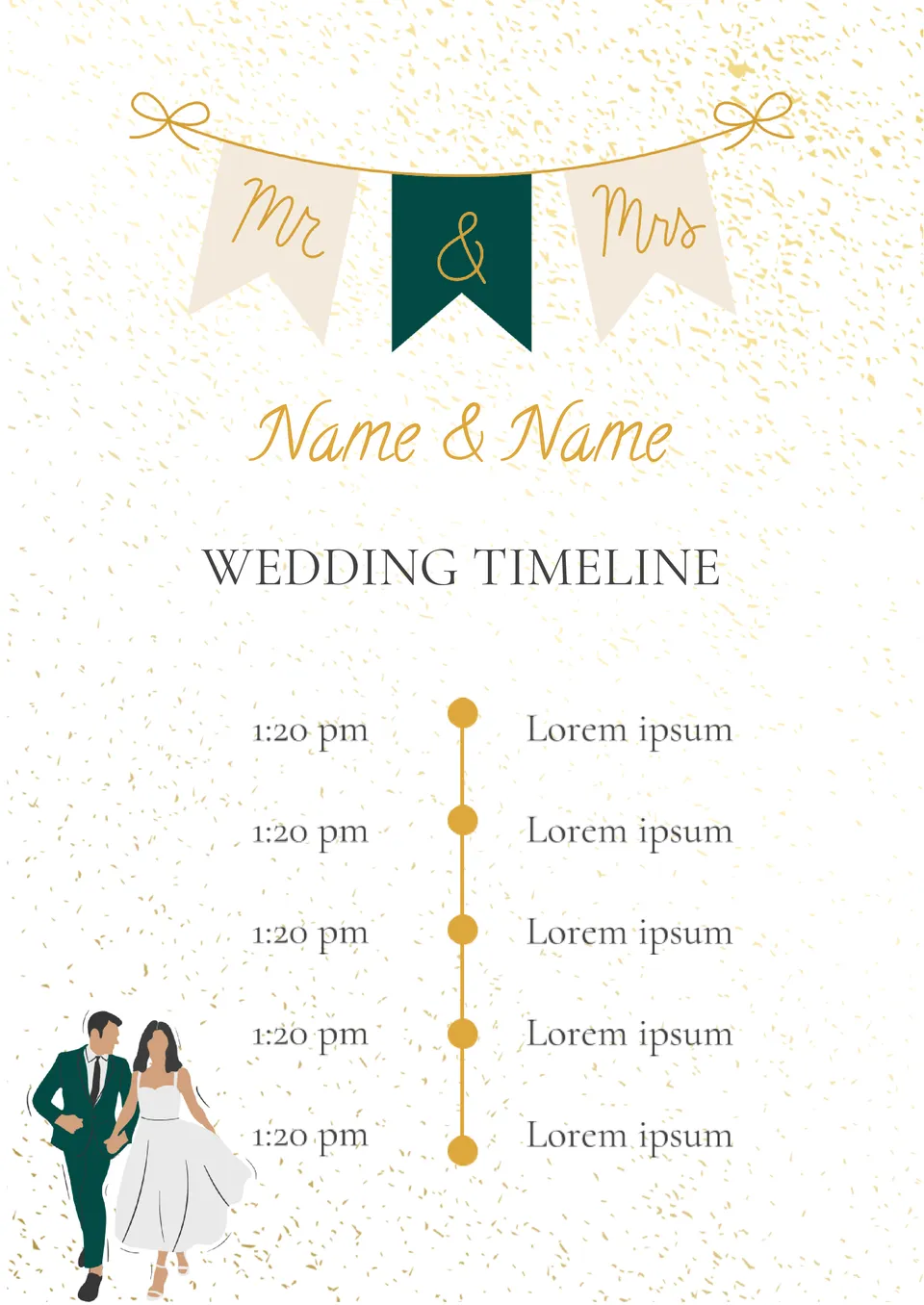
Create unique wedding invitations using this template. The layout is designed in such a way that you can specify not only the date and place of the celebration, but also the event plan!
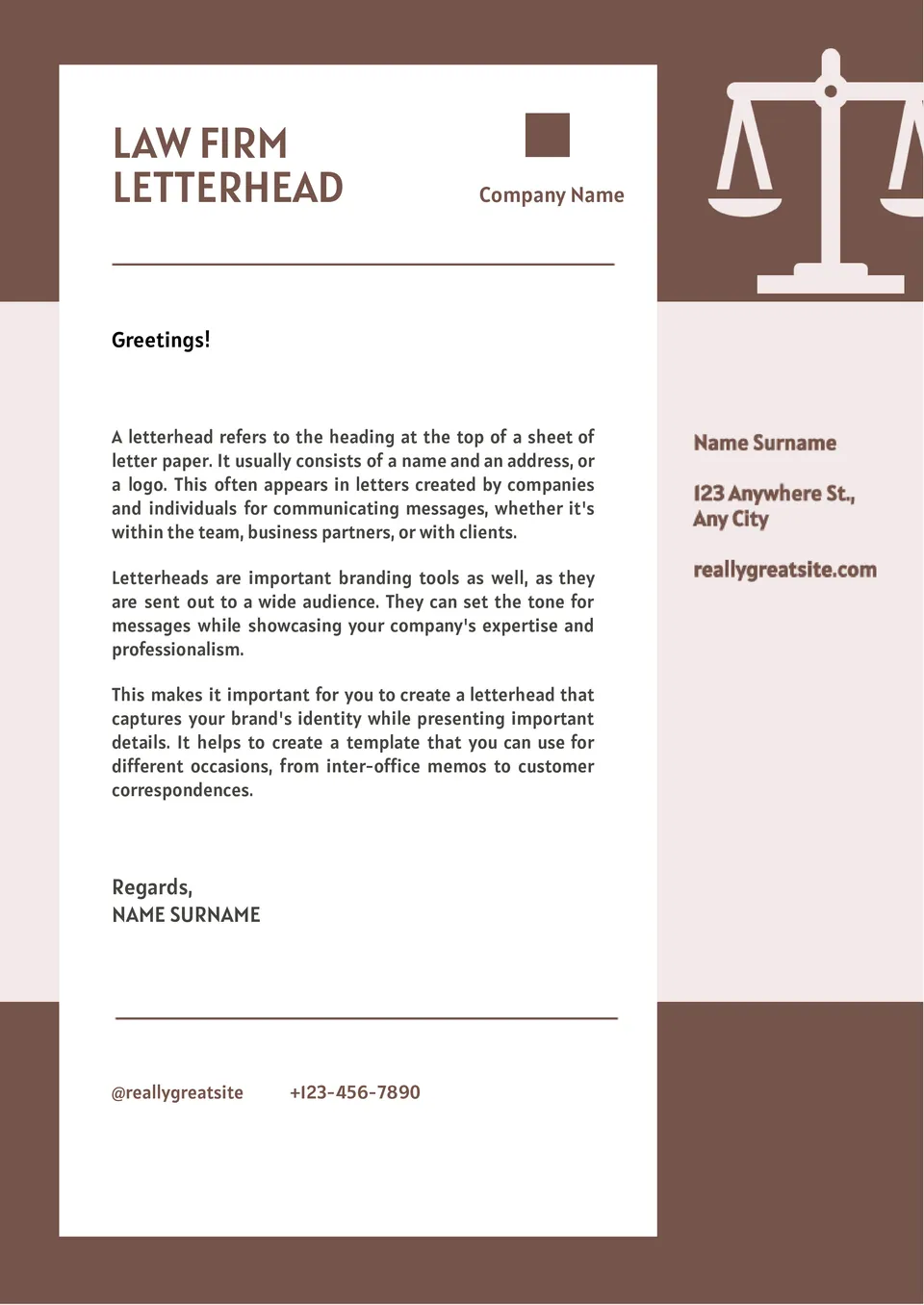
This template is primarily suitable for legal companies. It is designed in strict beige-brown shades that emphasize the seriousness of your institution.
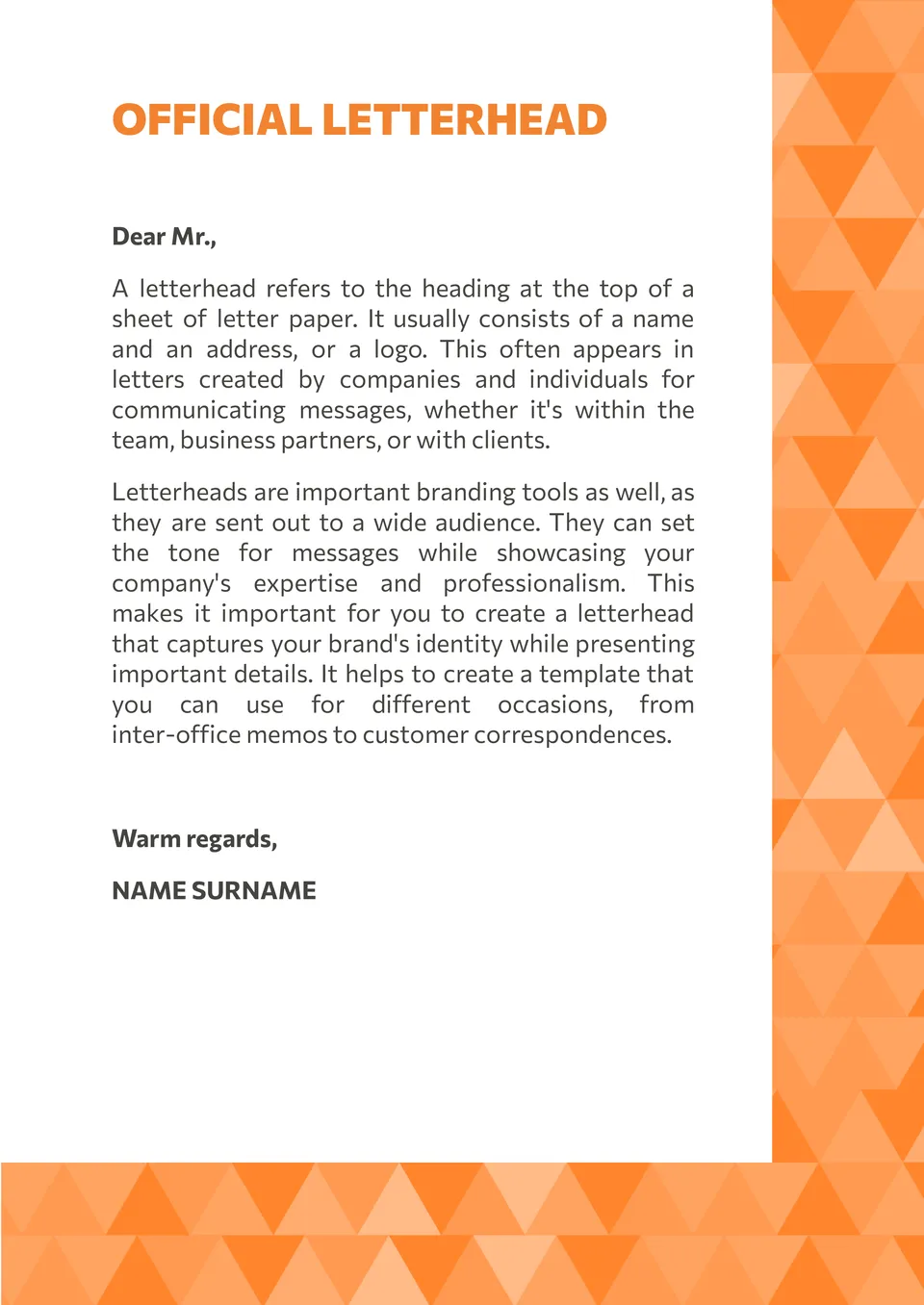
The main feature of the Official Letterhead Template for Google Docs is the original border, created from triangles of different shades. The rest of the letter is space for text. This universal template suits various fields of activity.
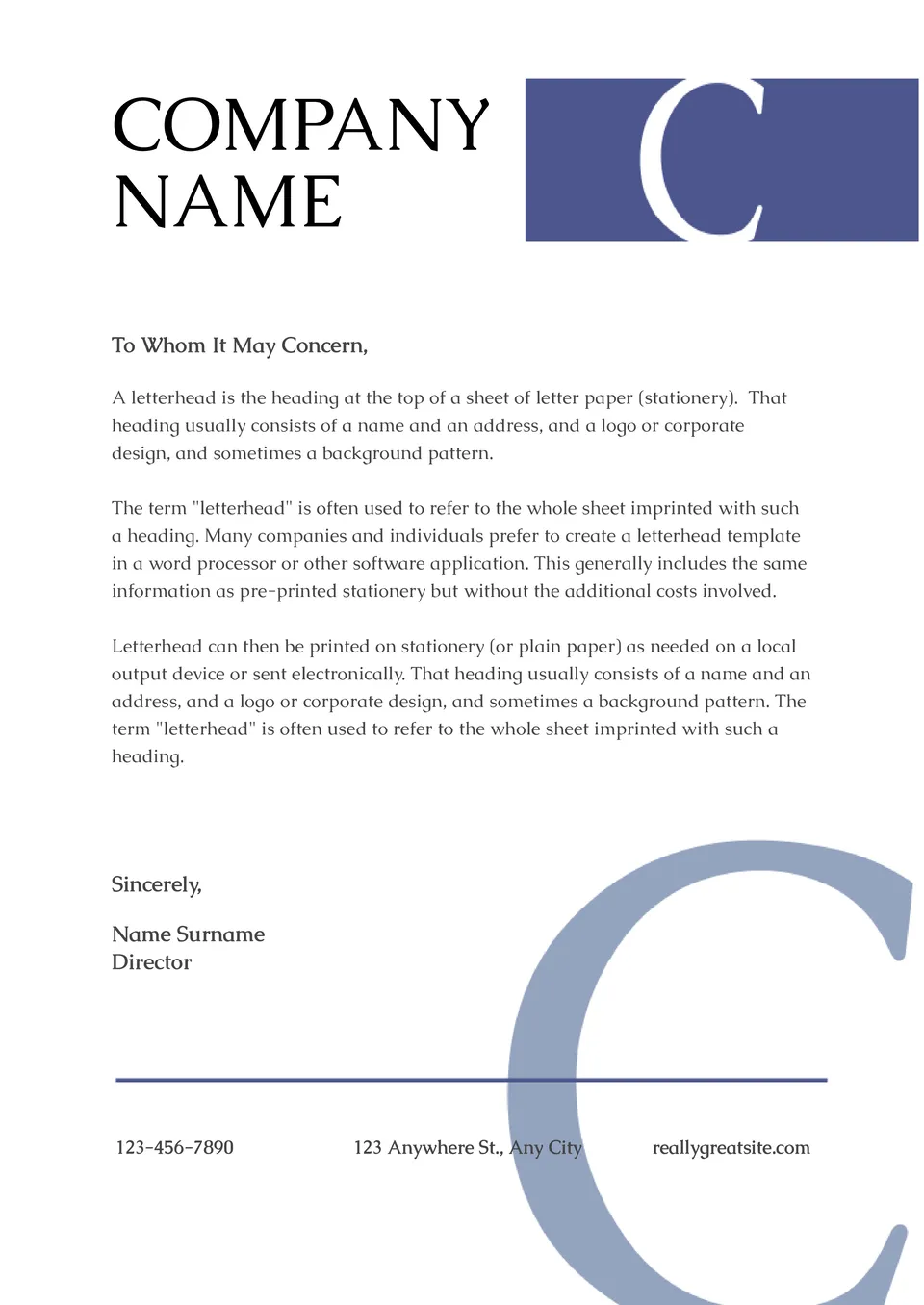
Use this universal template for any field of activity. At the top, indicate the name of the company and place its logo. Thanks to the white background, it will immediately attract the recipient's attention to the letterhead.
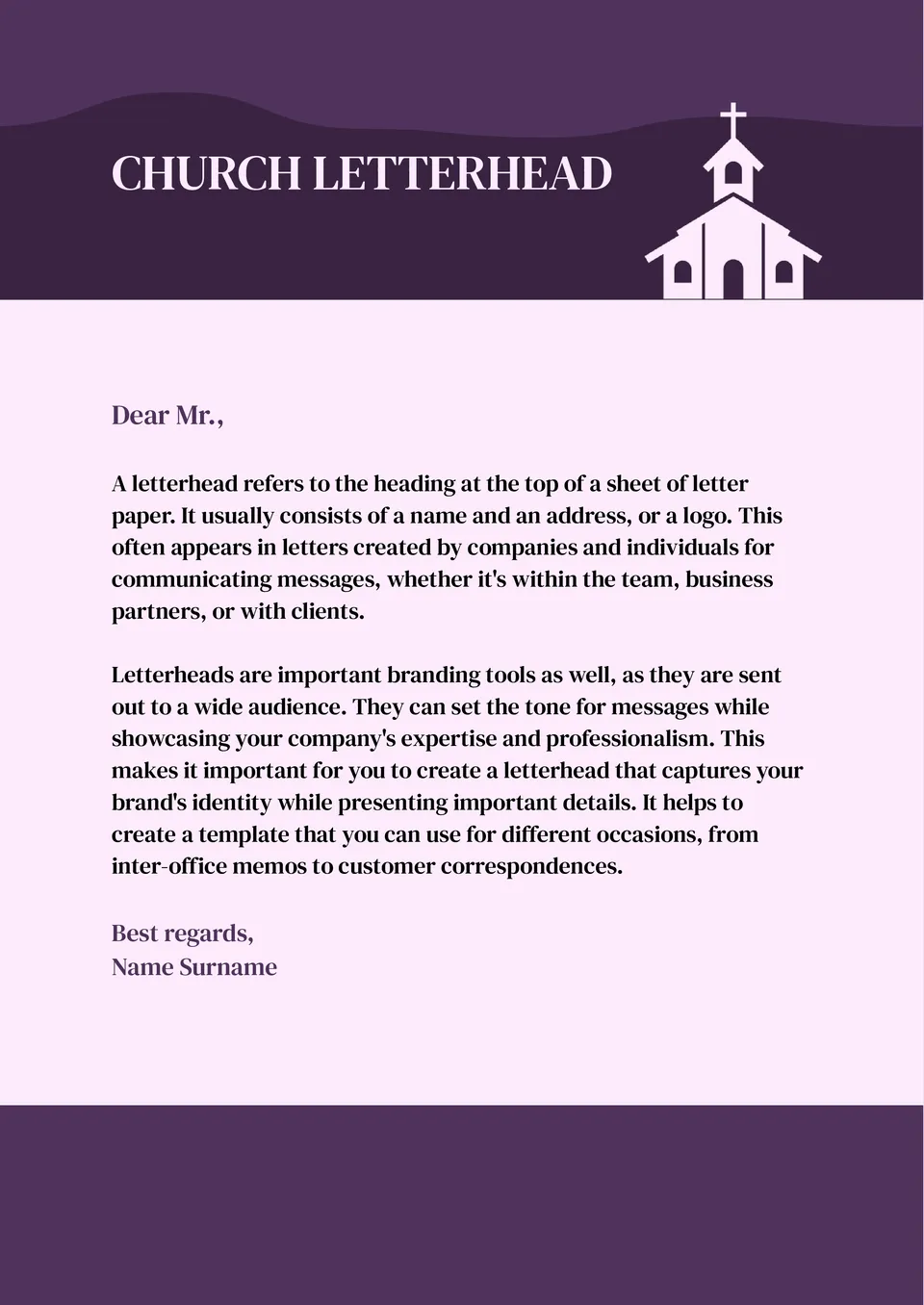
The thematic Church Letterhead Template for Google Docs is designed specifically for correspondence with parishioners, community associations, various organizations.
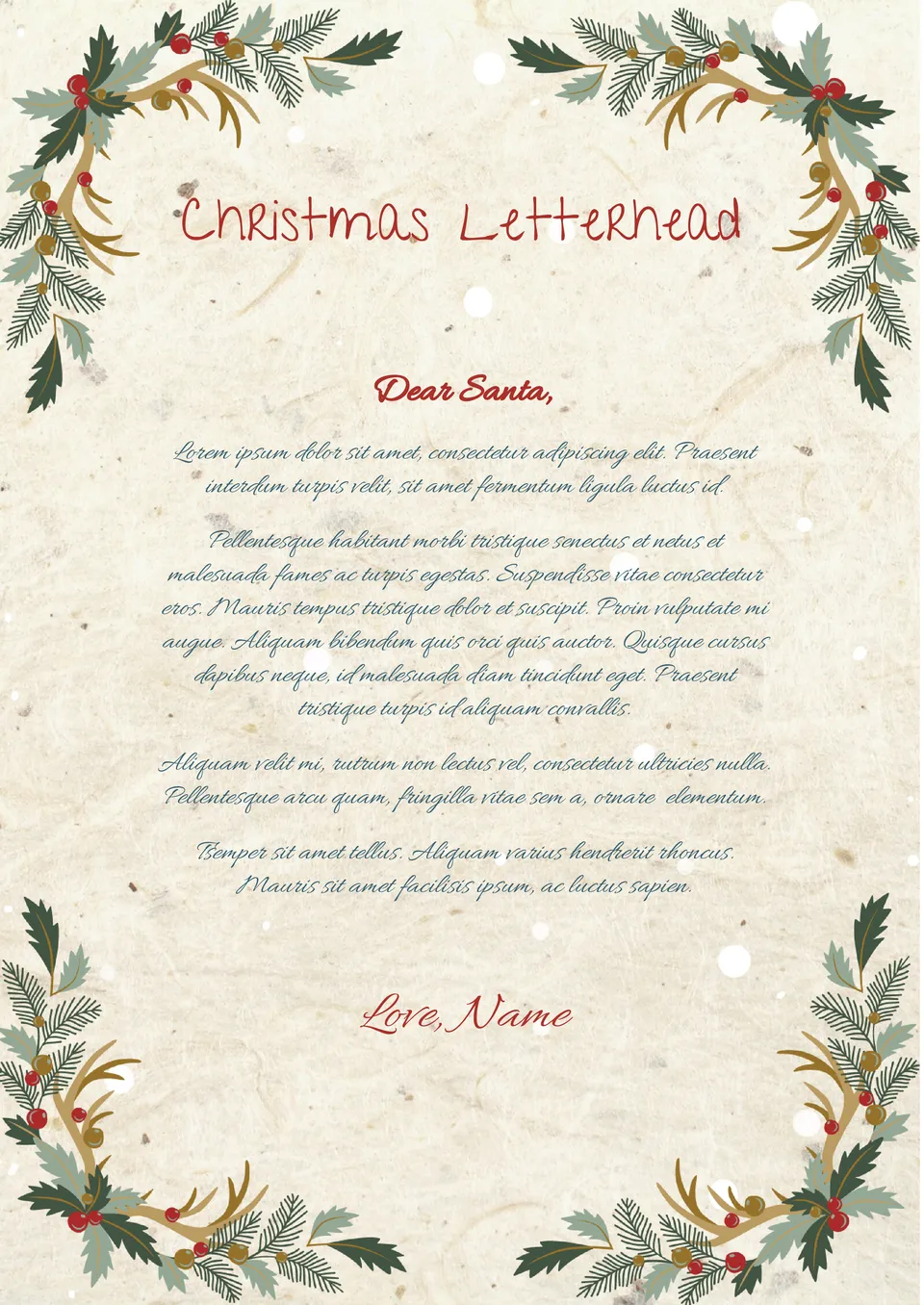
With the help of the Christmas Letterhead Template in Google Docs, you can easily create a festive greeting for colleagues and partners. The background, resembling a crumpled sheet of paper, is adorned with images of Christmas ornaments at the corners.
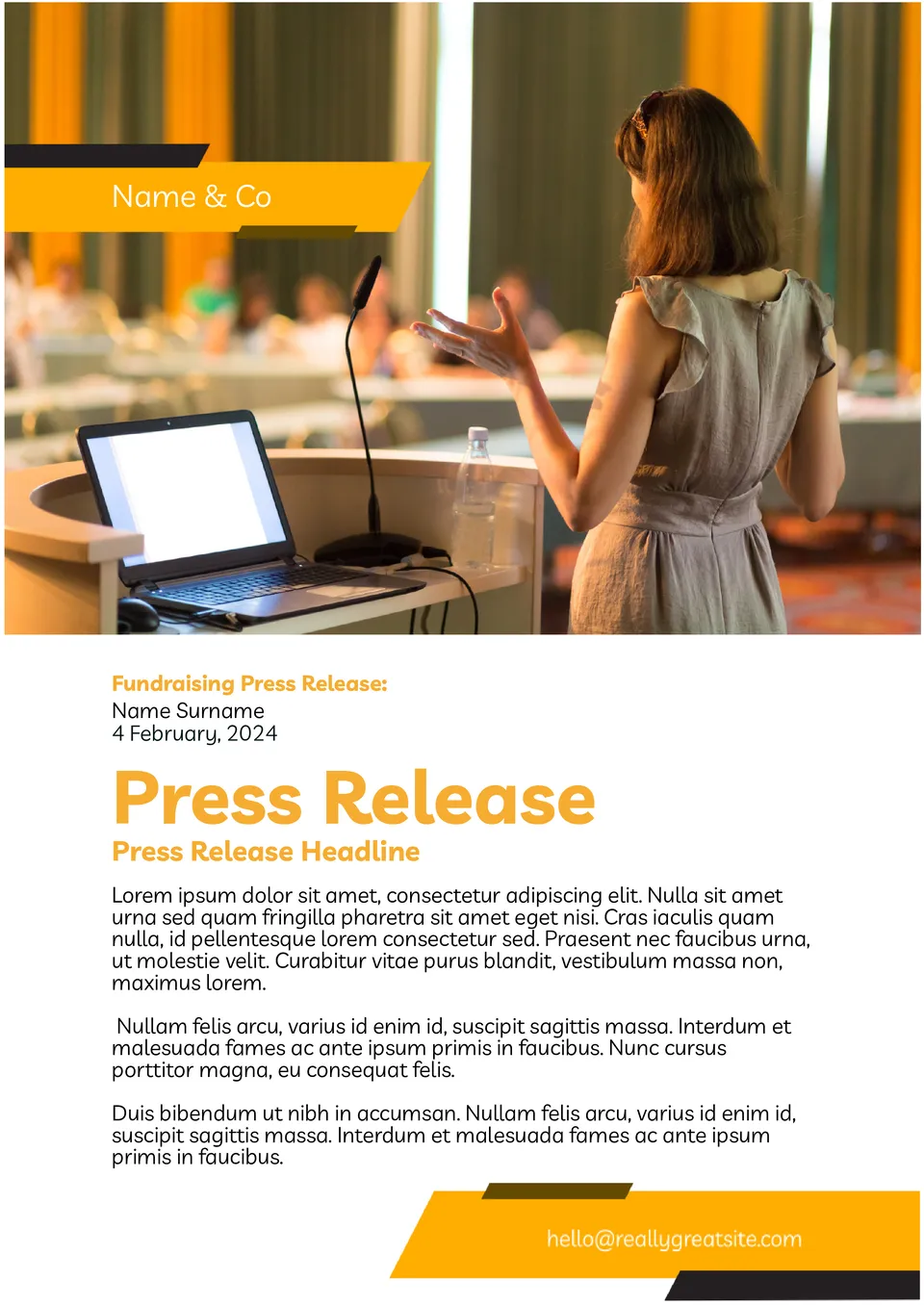
Involve the community in current issues - use the printable Fundraising Press Release Template with orange headlines. Specify the purpose of the fundraiser and tell about the event dedicated to it.

Choose your preferred social media platform from options like Pinterest, Facebook, Twitter, and more. Share our templates with your contacts or friends. If you’re not active on these social networks, you can simply copy the link and paste it into the one you use.