

 Back to templates
 Free Family Tree Google Docs Templates
Tell the story of your family in a unique way by using a family tree template for Google Docs. By choosing a beautiful layout, you will quickly organize all the available information about your close and distant relatives. In addition to names, you can add photos, years of life, professions, achievements, and anything else that seems important to you.
Our free Google Docs family tree templates come in different shapes, styles, and sizes. They are very easy to edit, adjusting to your taste. If your family has specific traits, for example, you’ve lived near the sea for five generations, or you all play the piano, it would be appropriate to highlight this with the help of background or visual elements.
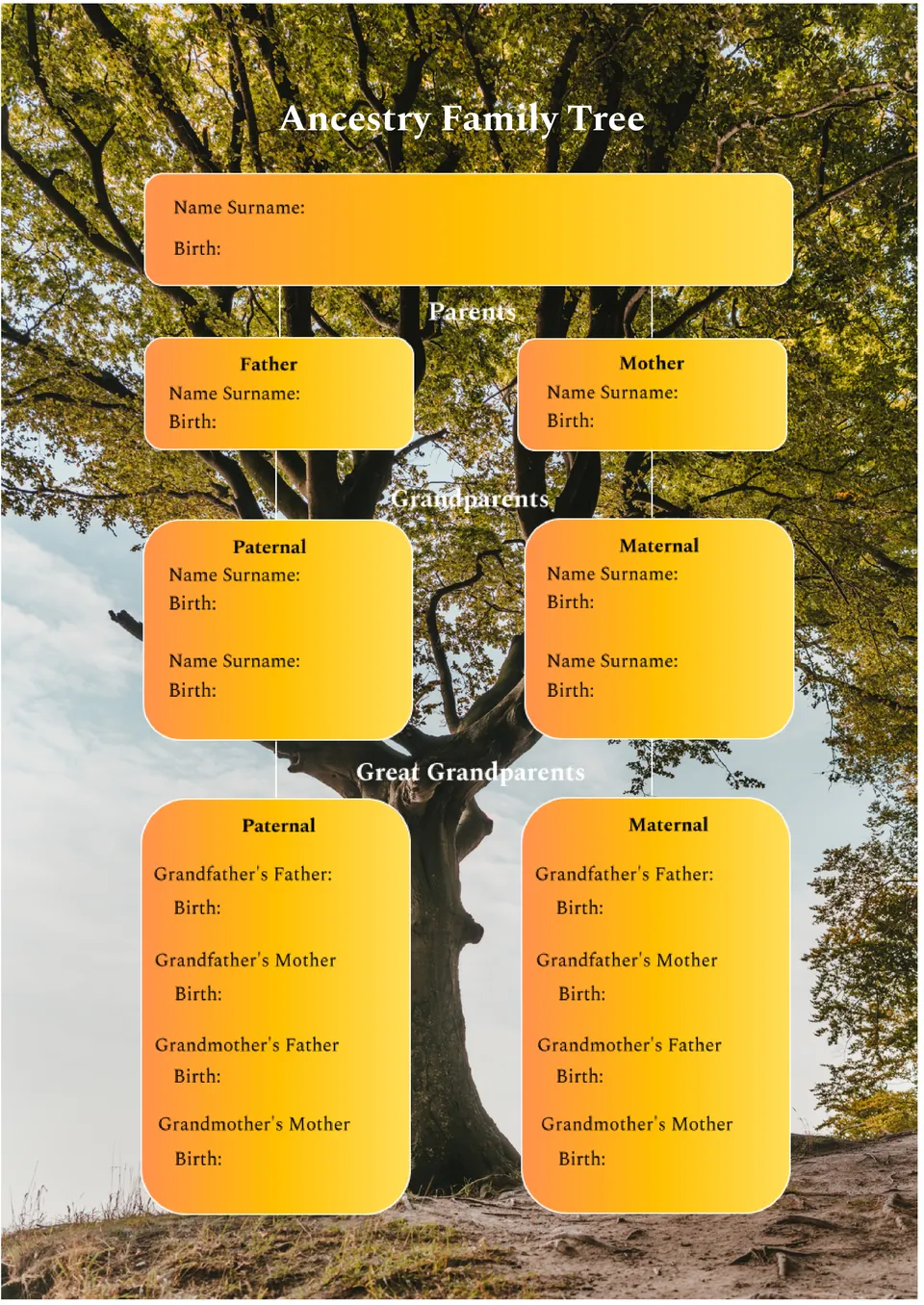
What helps family history research stay organized when several branches connect on one page? The Ancestry Family Tree Template is useful for genealogy work, classroom activities, and personal archive projects.

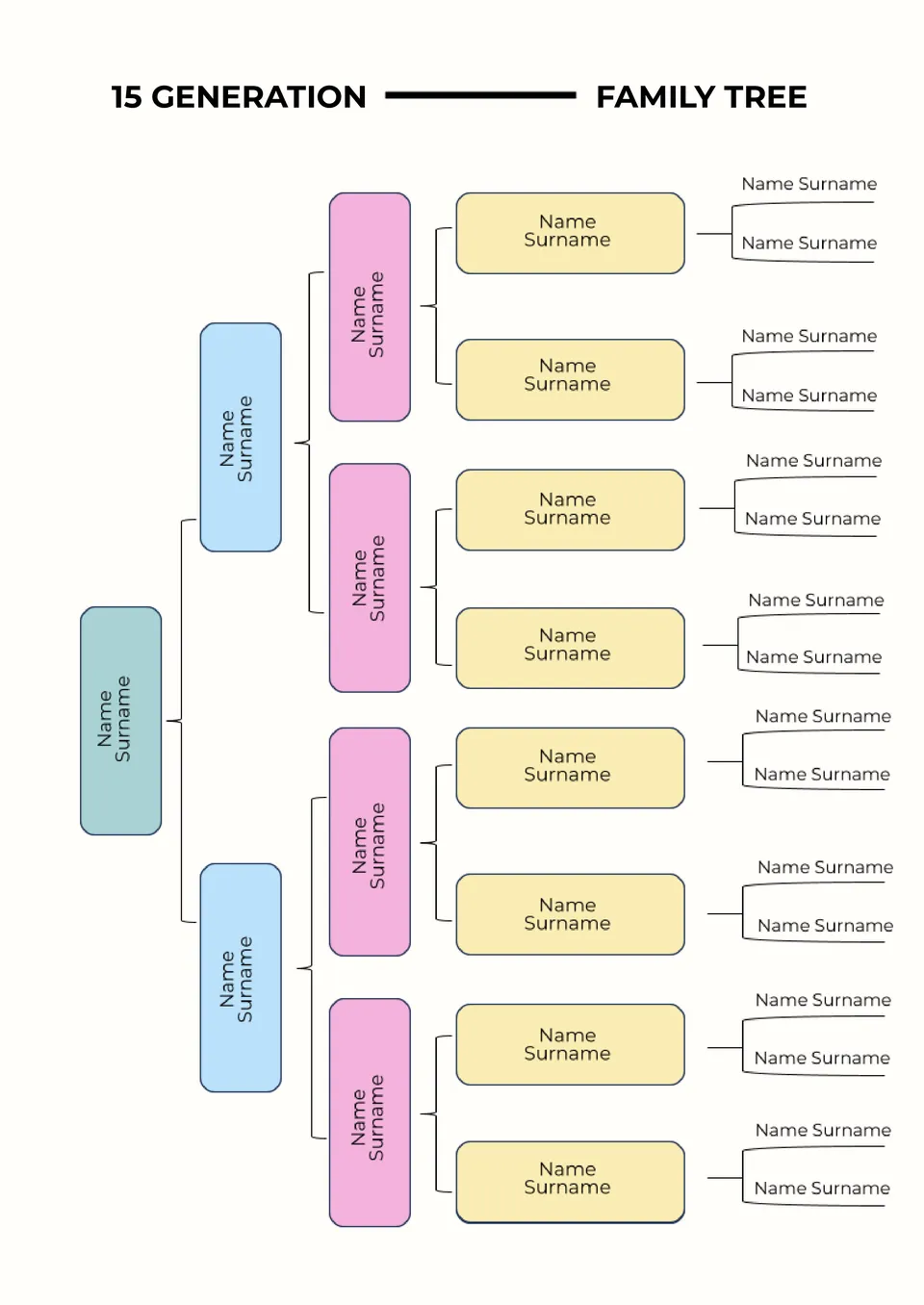
Built for deeper ancestry research, the 15 Generation Family Tree Template gives families and history enthusiasts more space to trace long family lines. It helps organize names and connections across many generations in a format that stays readable.
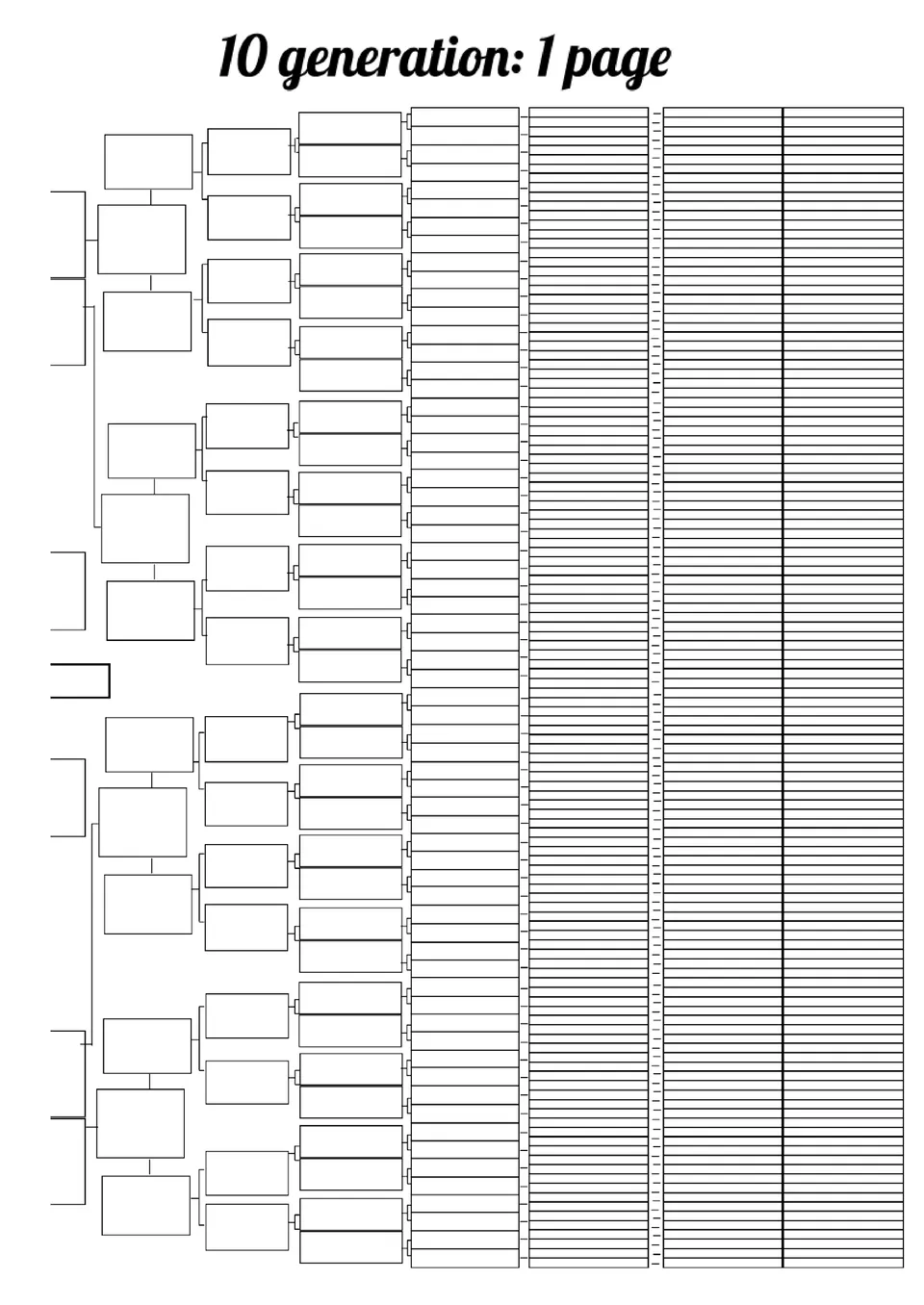
Need a family tree that can hold many generations without looking crowded? The 10 Generation Family Tree Template is a strong fit for genealogy projects, school work, and personal family records.
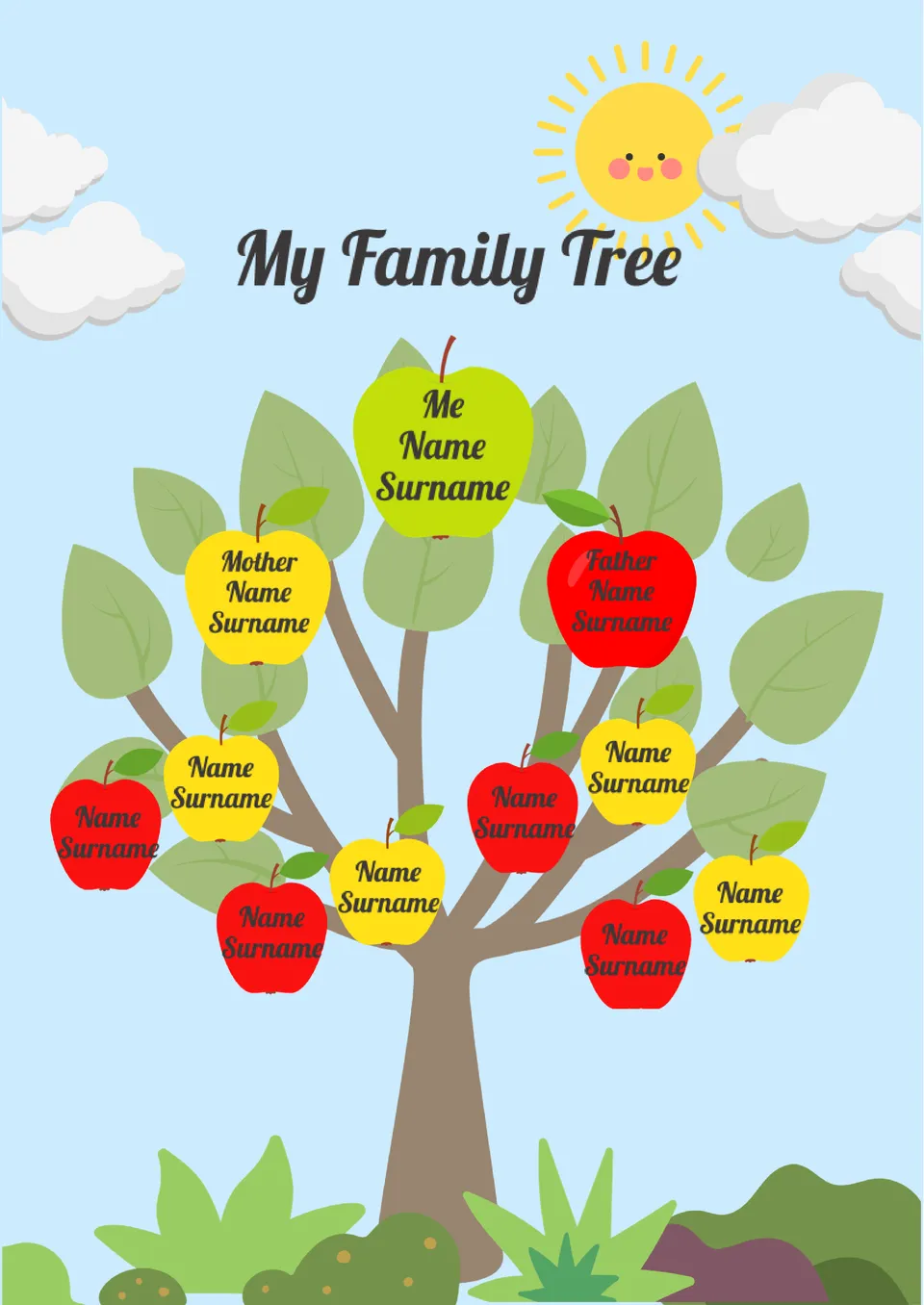
Our My Family Tree Template gives children, students, and families a simple way to build a personal family chart. It works well for classroom projects, early genealogy tasks, and home activities.
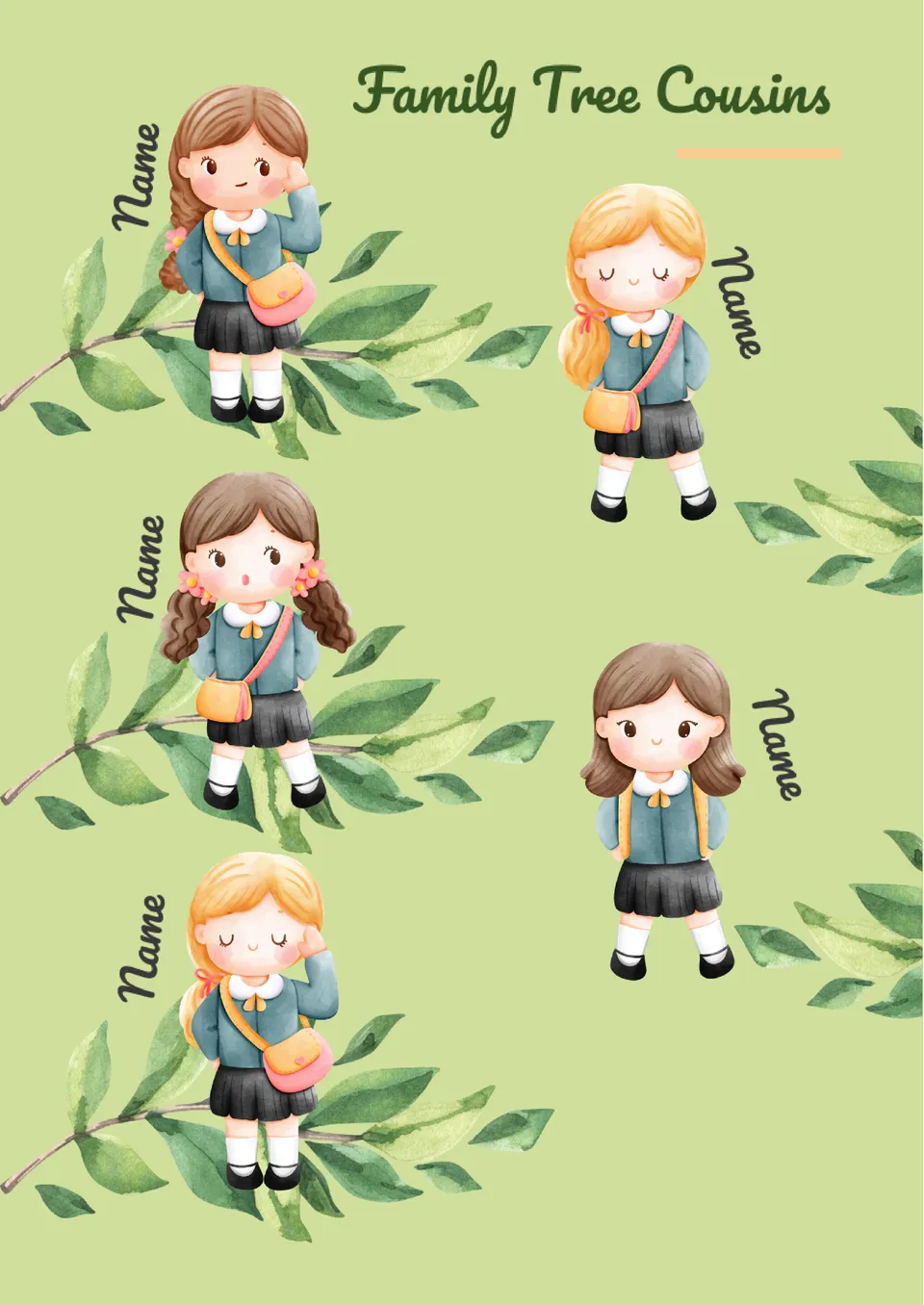
Trying to map cousin relationships in a way that is easier to understand at a glance? The Family Tree Cousins Template is made for families, students, and genealogy users who want to show extended family links more clearly.
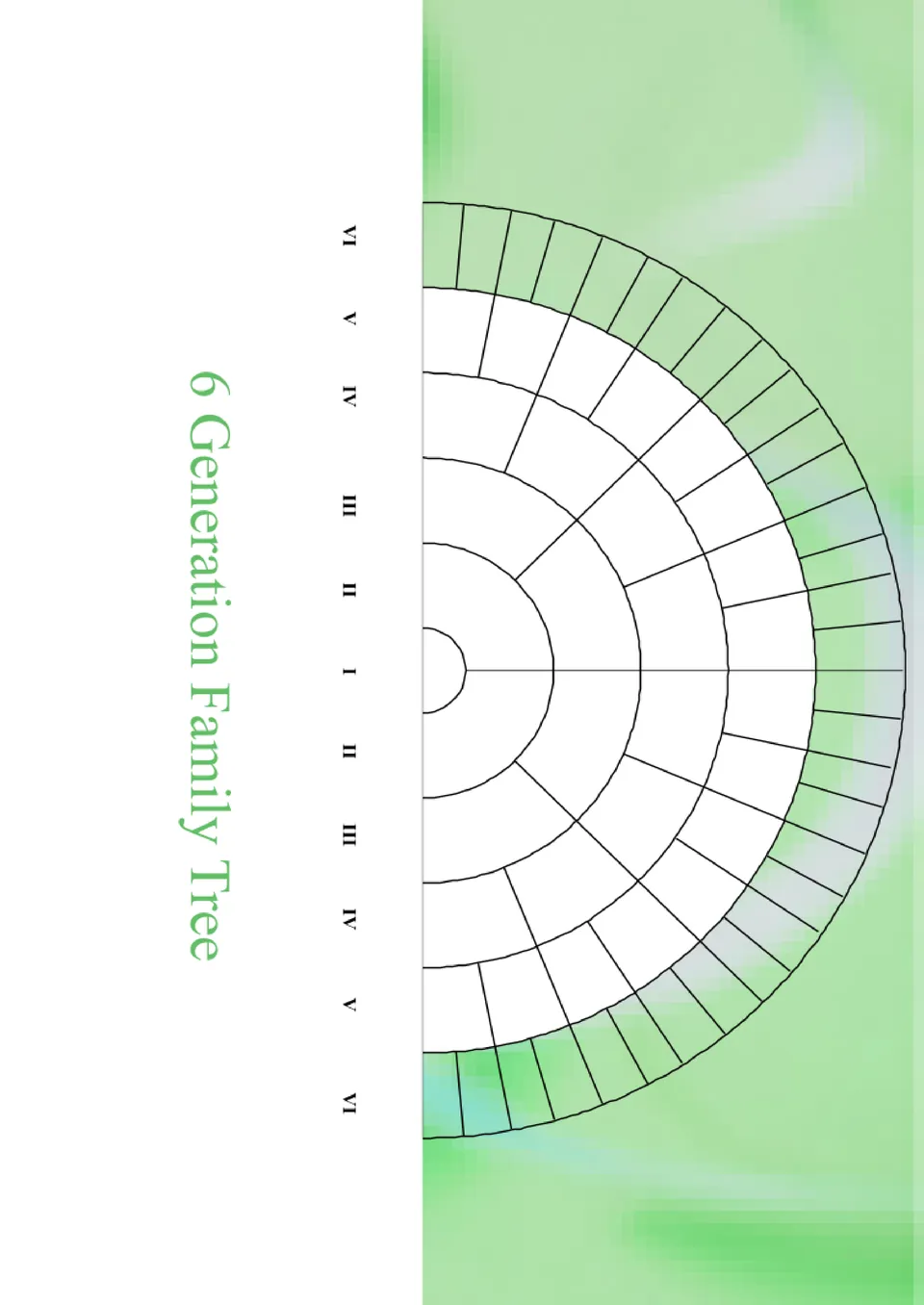
Organized around longer family history, the 6 Generation Family Tree Template gives you more room to trace names across several generations. It is a helpful option for ancestry research, school work, and personal archive projects.
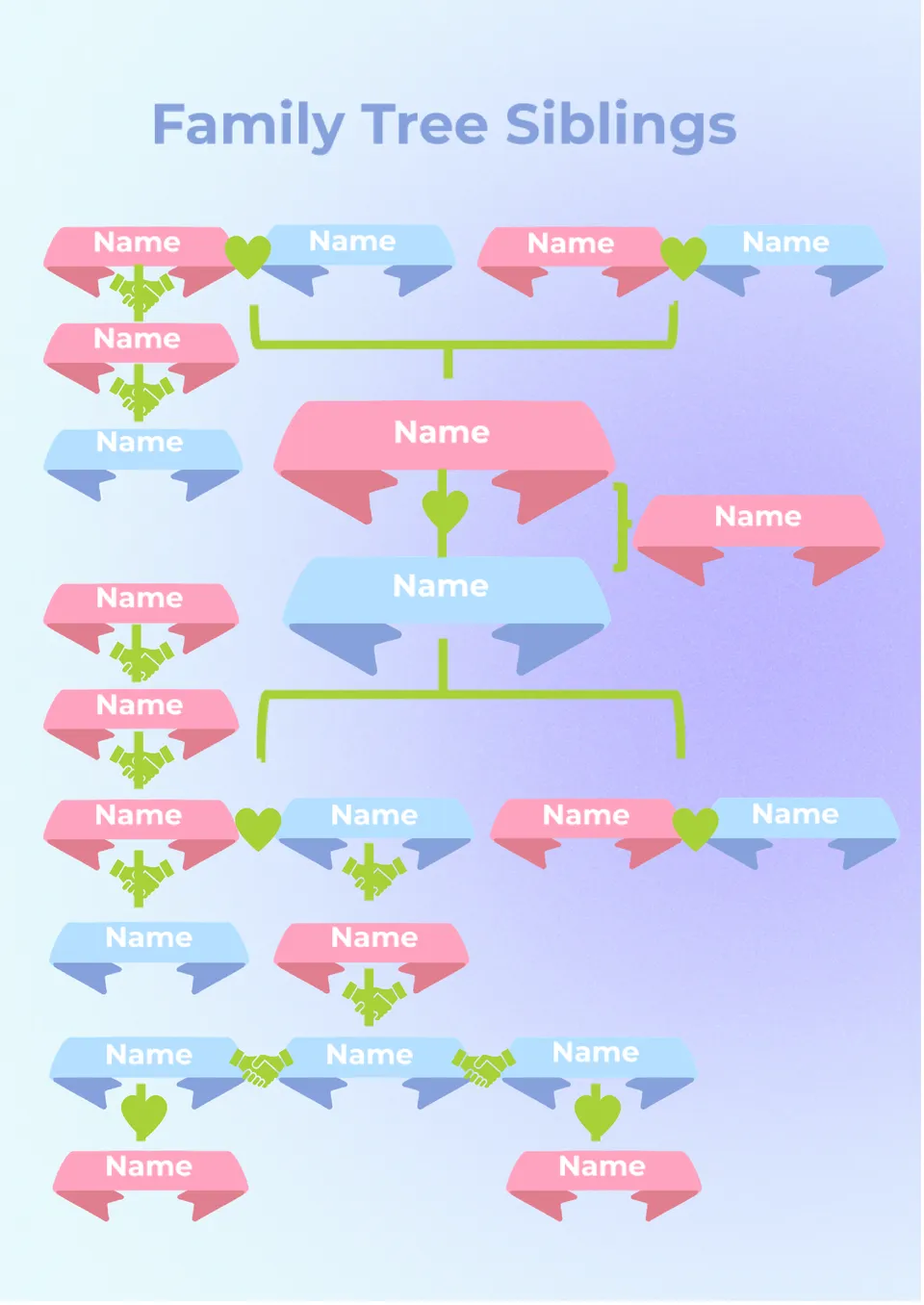
What makes sibling relationships easier to show in a family tree without confusing the layout? The Family Tree Template Siblings is useful for family projects, classroom tasks, and personal recordkeeping.
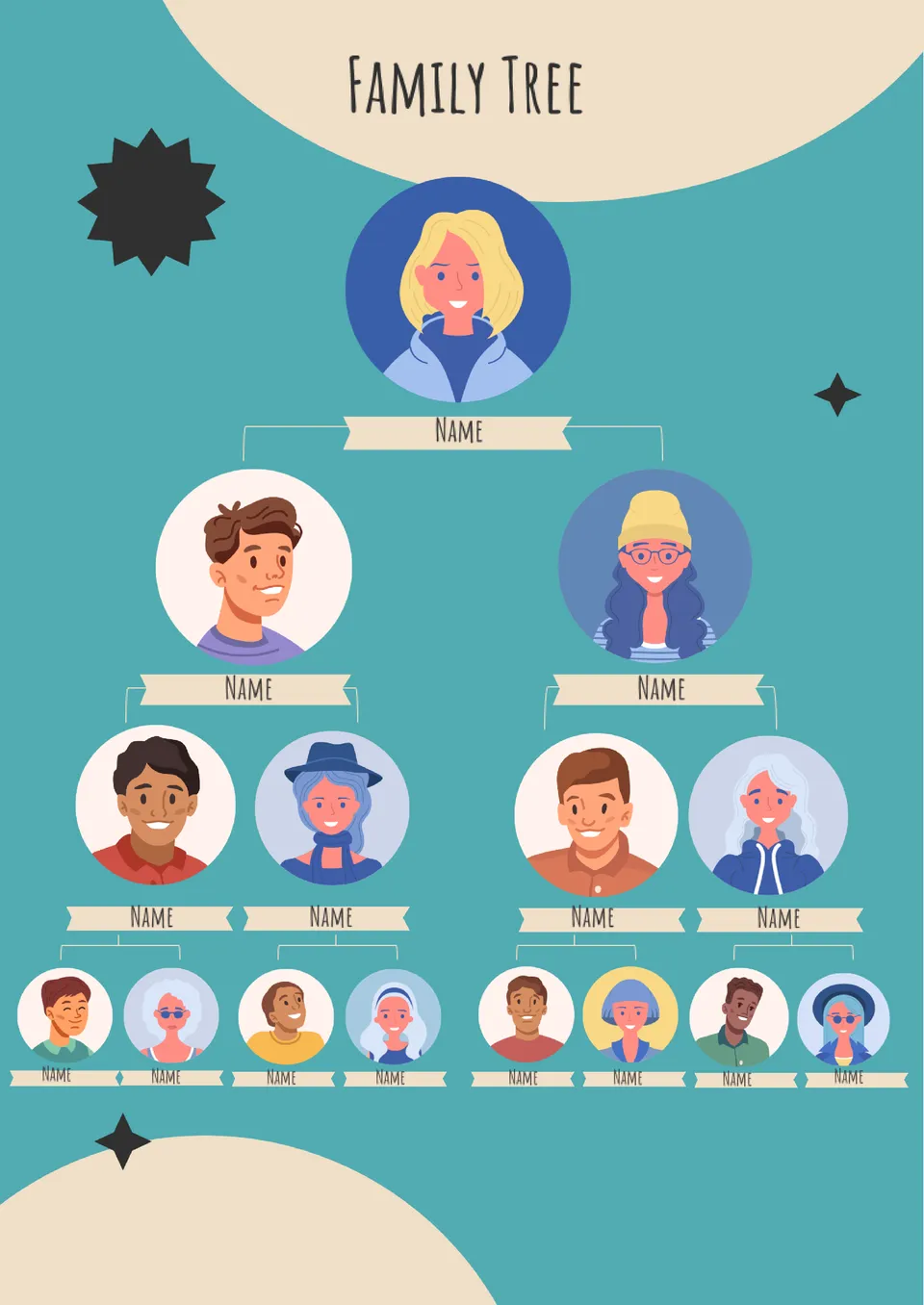
With space for four levels of family history, the 4 Generation Family Tree Template helps users map relationships in a clear visual format. It works for genealogy beginners, students, and families building a more detailed tree.
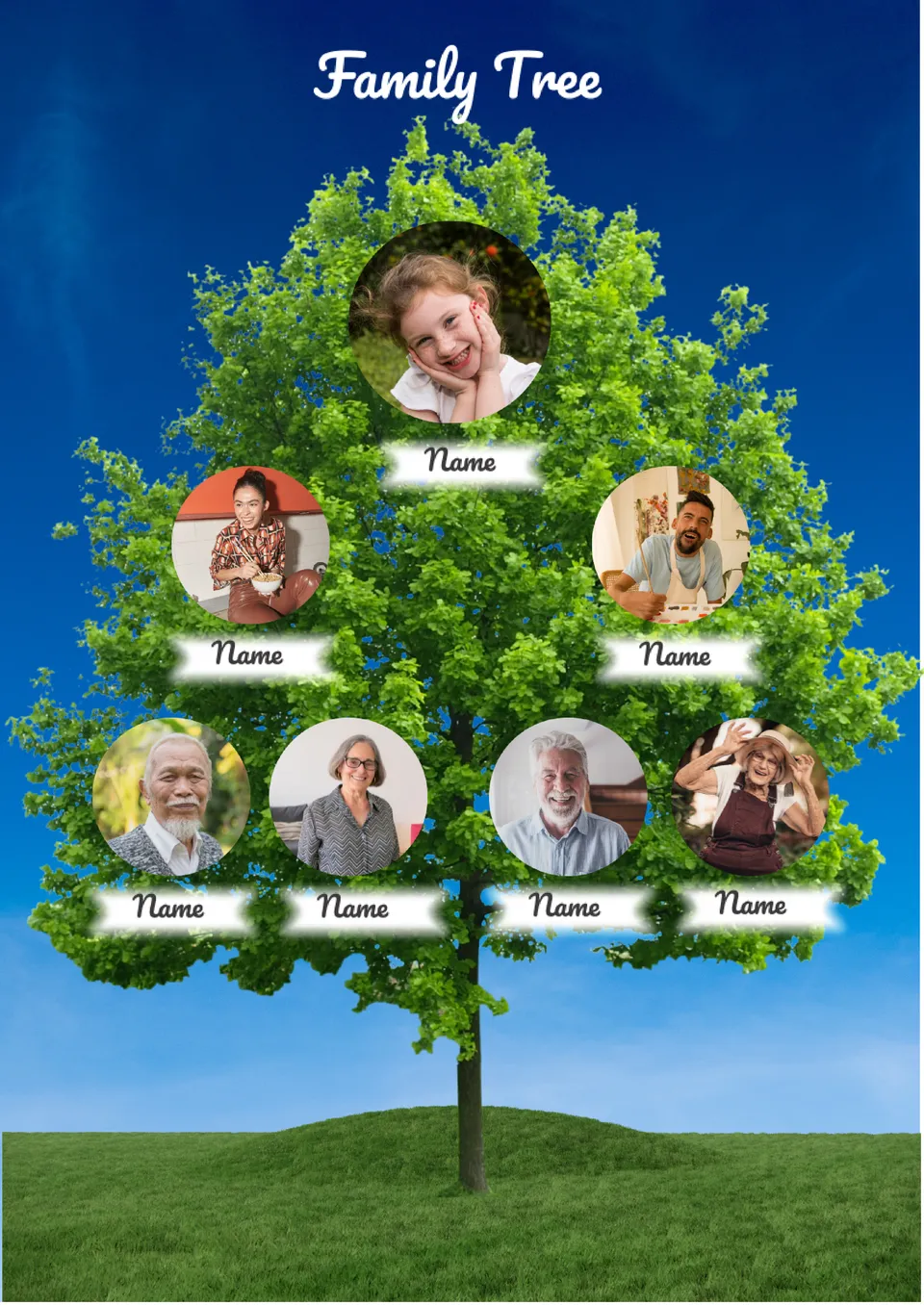
Looking for a family tree that stays simple and easy to read? The 3 Generation Family Tree Template is a good fit for school assignments, basic genealogy work, and personal family records.
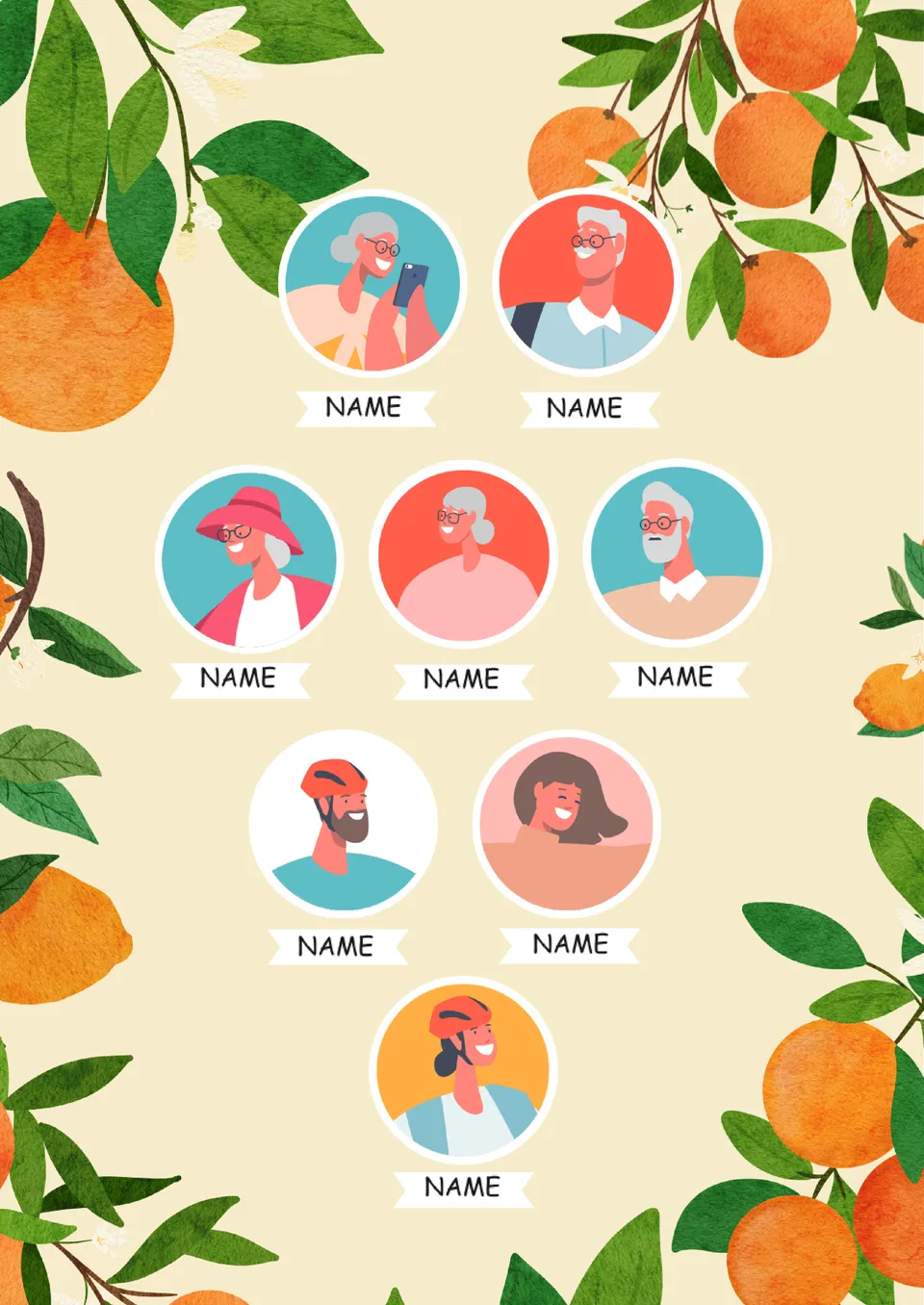
Built for language learning and family history projects, the Spanish Family Tree Template gives you a visual way to map relatives with Spanish labels. It suits students, teachers, and families who want a more engaging format for family vocabulary or ancestry work.
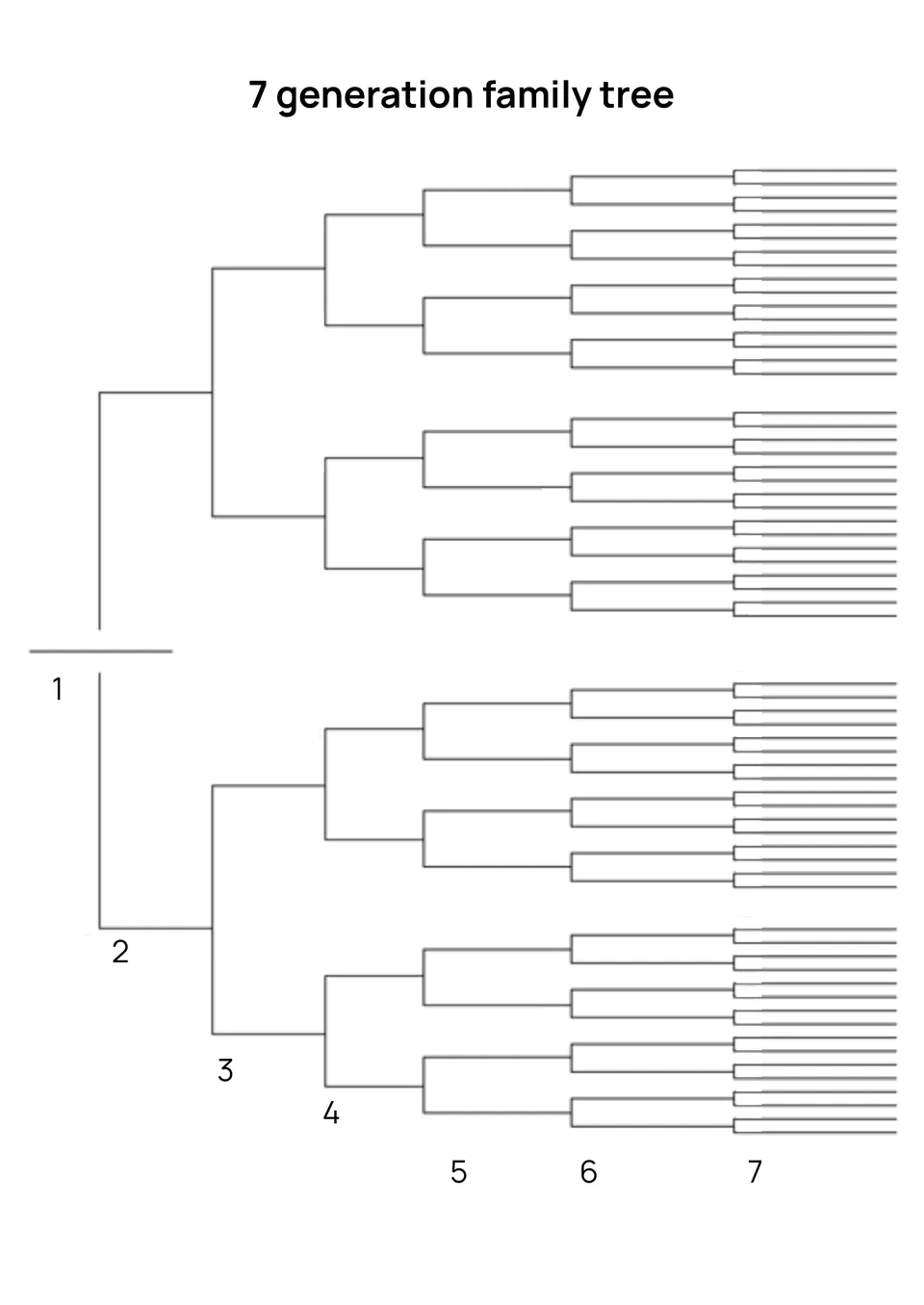
What helps genealogy researchers track ancestry across many generations without losing clarity? The 7 Generation Family Tree Template is a strong fit for family historians and genealogy enthusiasts.
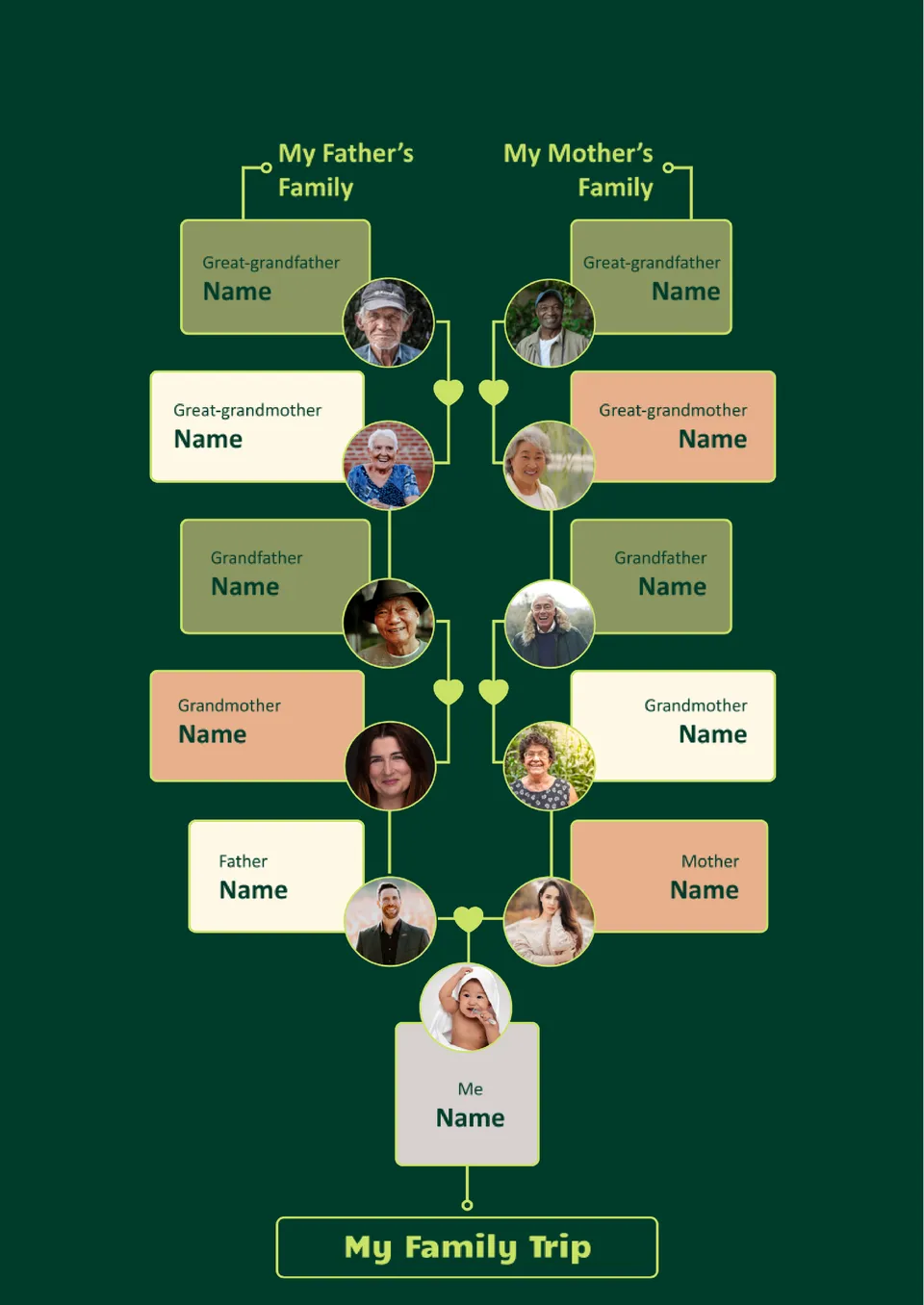
Organized as a visual diagram, the Diagram Family Tree Template presents family relationships in a clear, structured chart. It suits students, teachers, and families who want a simple overview of connections.
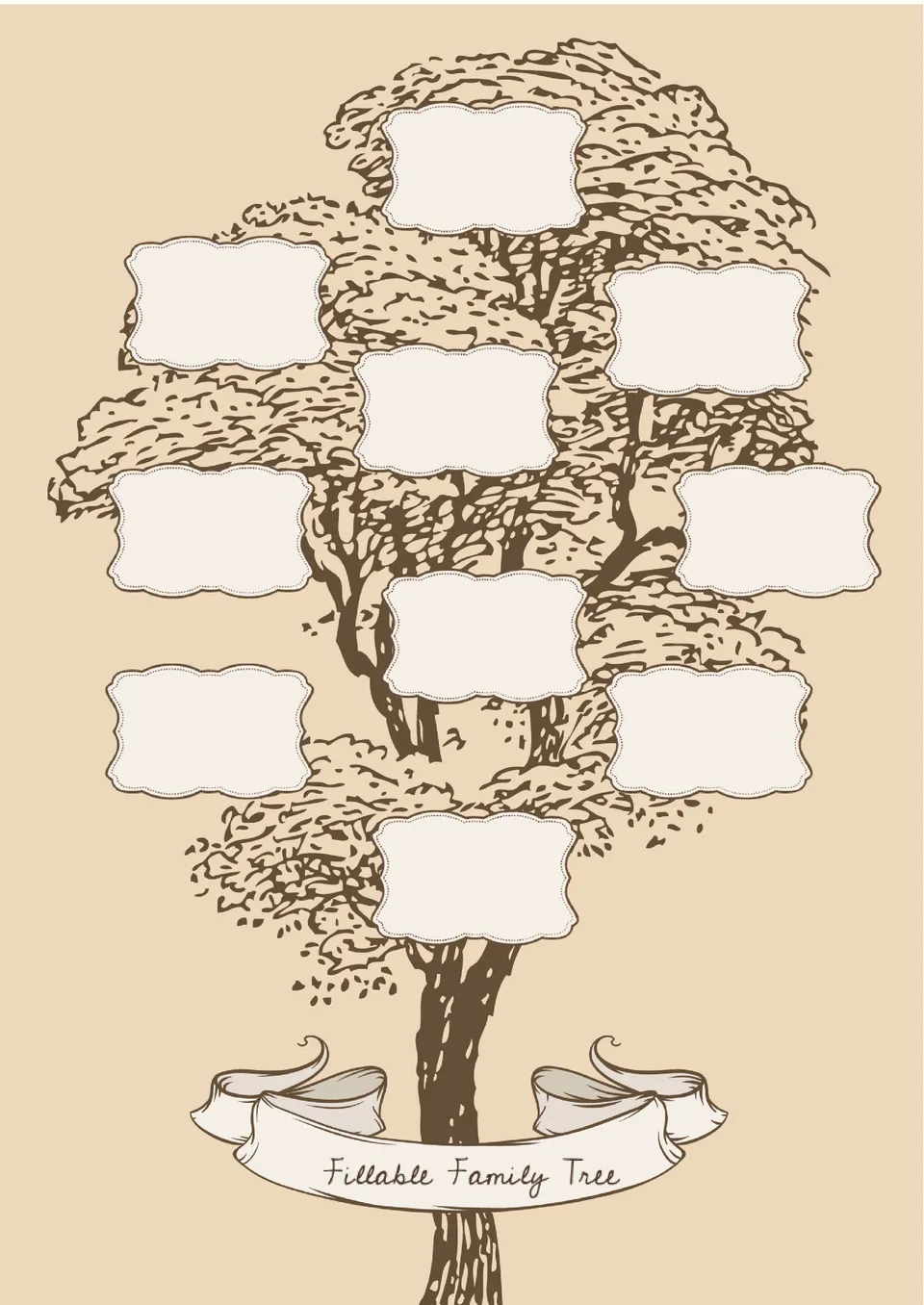
Built for easy editing, the Fillable Family Tree Template helps users add names, dates, and relationships without redesigning the chart. It is useful for families, genealogists, and students working on family projects.
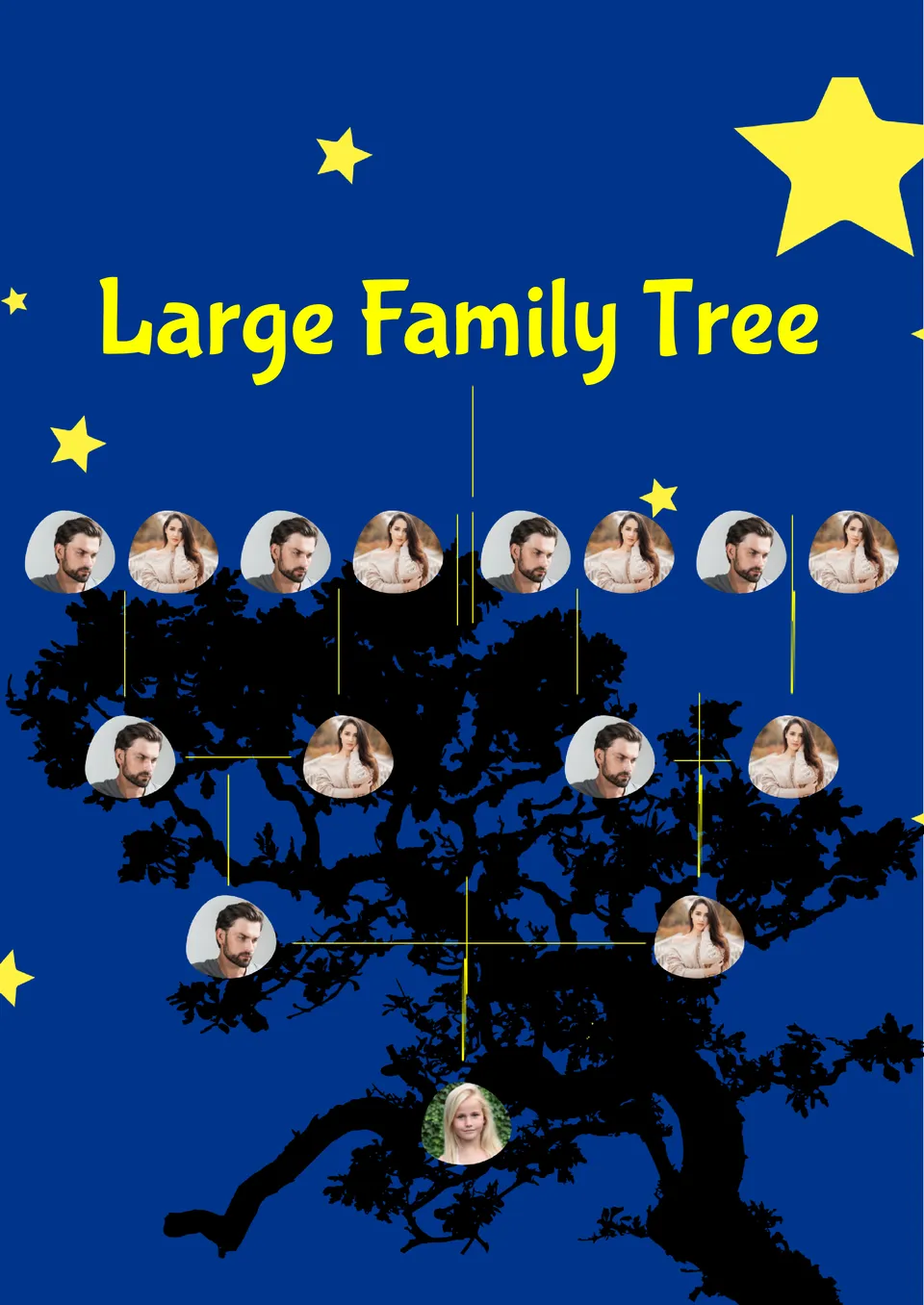
Designed for big families, the Large Family Tree Template gives users space for many generations and relatives in one clear chart. It works well for genealogy enthusiasts, family historians, and large families.
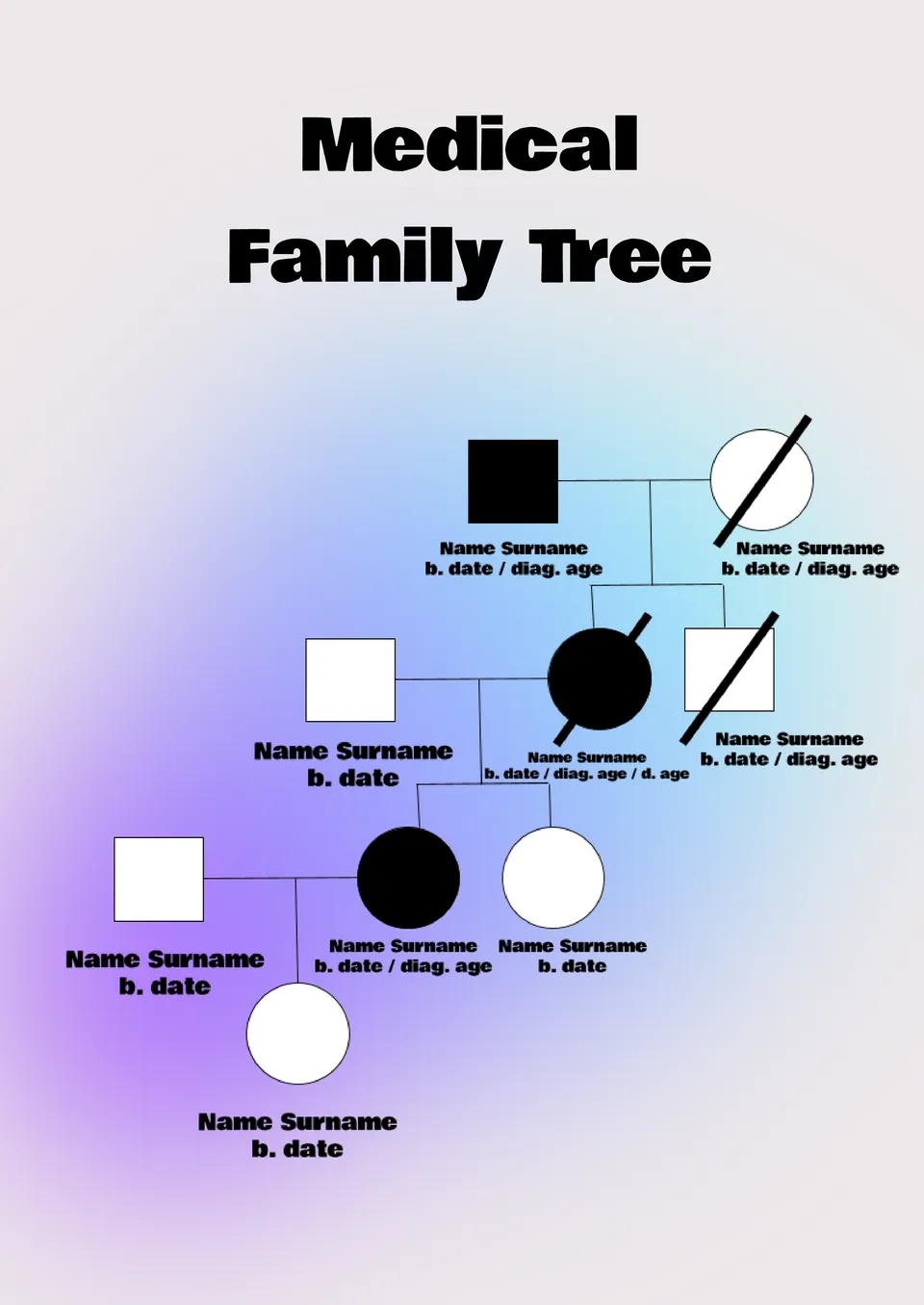
What makes it easier for families to track health history when doctors ask for details across generations? The Medical Family Tree Template is useful for patients, caregivers, and families who want to record medical conditions.
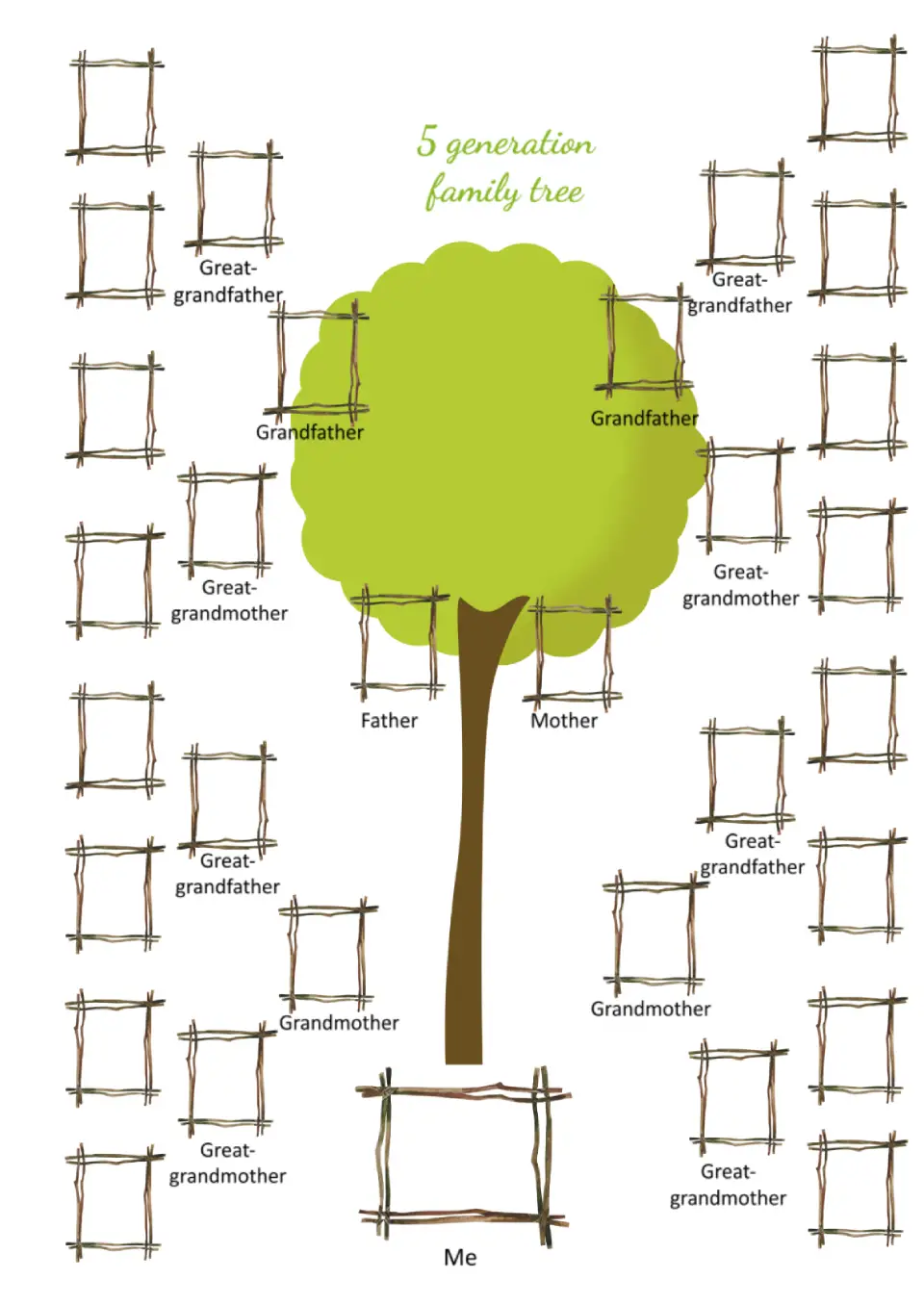
Photo frames for relatives in this template are distributed across the sheet. They look as if they were made from tree branches, adding originality to the layout.
What are the best Family Tree Templates in 2026?
What is the convenient method to choose a file?
What should I know to obtain a high quality result?
Do I need outside help to use templates?
How can I edit the already existing family tree?
Is there a family tree template on Google Docs?
How do I create a family tree template in Google Docs?
What Are Family Tree Templates and How Can You Use Them?
The concept of a family tree is essential for many people who want to learn more about their ancestry and family history. The available templates for Google Docs provide an excellent tool for creating and preserving such information.
Family tree templates for Google Docs are pre-designed, editable, and customizable layouts that allow users to easily create visual representations of their family lineage. These templates support various formats and design solutions, making it possible to build unique family trees tailored to specific needs, from simple structured tables to creative genealogical representations. Some free layouts even mimic handwritten paper styles, perfect for those who appreciate a retro aesthetic.
Create a Family Tree Easily with Google Docs Templates
Ready-made family tree templates in Google Docs simplify the process of organizing family information. All you need to do is select a template that suits your preference and fill it in with details about your relatives. The design options range from classic formats to vibrant, themed layouts. Additionally, these templates can serve multiple purposes, whether for personal genealogy research, family history projects, or special family events.
Benefits of using Google family tree templates:
- Time-saving – no need to create a family tree from scratch;
- Convenient format – accessible from any device;
- Flexibility – add photos, change colors, or adjust fonts as desired.
Creating a family tree no longer requires extensive time or complex design skills. With family tree templates in Google Docs, you can quickly and effortlessly organize a visually appealing and professionally structured genealogy chart.

How to Edit and Customize a Family Tree Template in Google Docs
Customizing a family tree in Google Docs or MS Word is simple, even if you have no design experience. Follow this step-by-step guide to create your ideal family tree:
- Browse the template collection and select the one that best suits your needs.
- Click “File” → “Make a copy” to create an editable version without altering the original template.
- Edit the file by replacing placeholder names with information about your family members, including birthdates, locations, and other relevant details.
- Insert photos of family members to add a personal touch.
- Customize colors by modifying branches or text to highlight different family lines.
- Add new branches or sections to accommodate complex family relationships.
- Save the document in Google Drive for easy access from any device.
Invite other family members to collaborate on the Google Docs family tree template using the sharing function. Utilize comments to discuss edits or add missing details with your relatives.
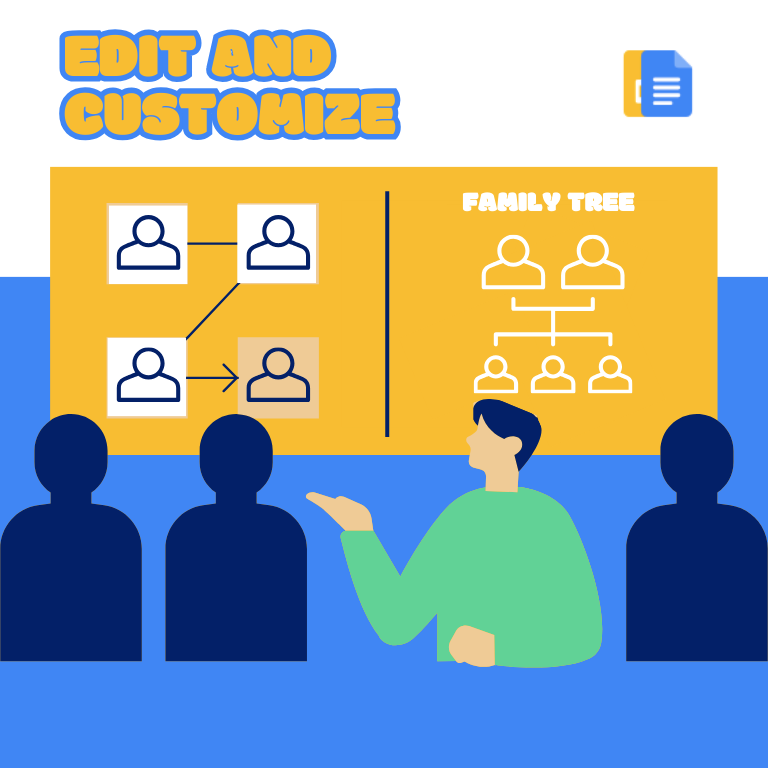
Download Free Family Tree Templates and Trace Your Roots
Our collection of Google Docs family tree templates offers a variety of styles, from minimalist designs to colorful and detailed layouts. Regardless of your preferences, you can find the perfect template to create a structured and visually appealing family tree. Download your free template today and begin exploring the fascinating history of your ancestry. Organize and preserve your family records to pass them down to future generations.


Choose your preferred social media platform from options like Pinterest, Facebook, Twitter, and more. Share our templates with your contacts or friends. If you’re not active on these social networks, you can simply copy the link and paste it into the one you use.