

 Back to templates
 Free Notes Google Docs Templates - Page 2
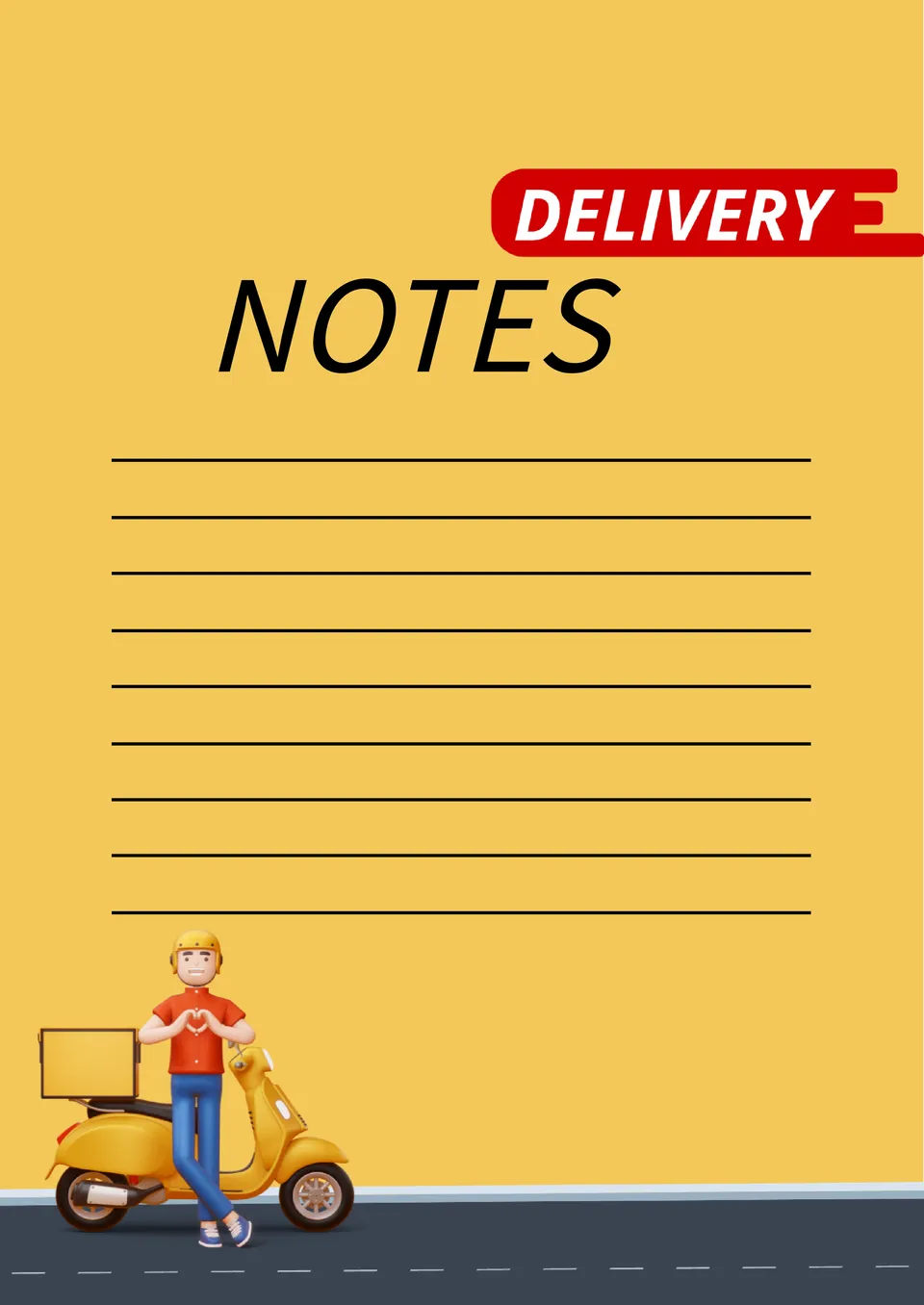
Make sure that every customer receives their goods by recording their orders in the Delivery Note Template for Google Docs. The bright yellow background and the image of a cute courier create a positive atmosphere that lifts your mood.

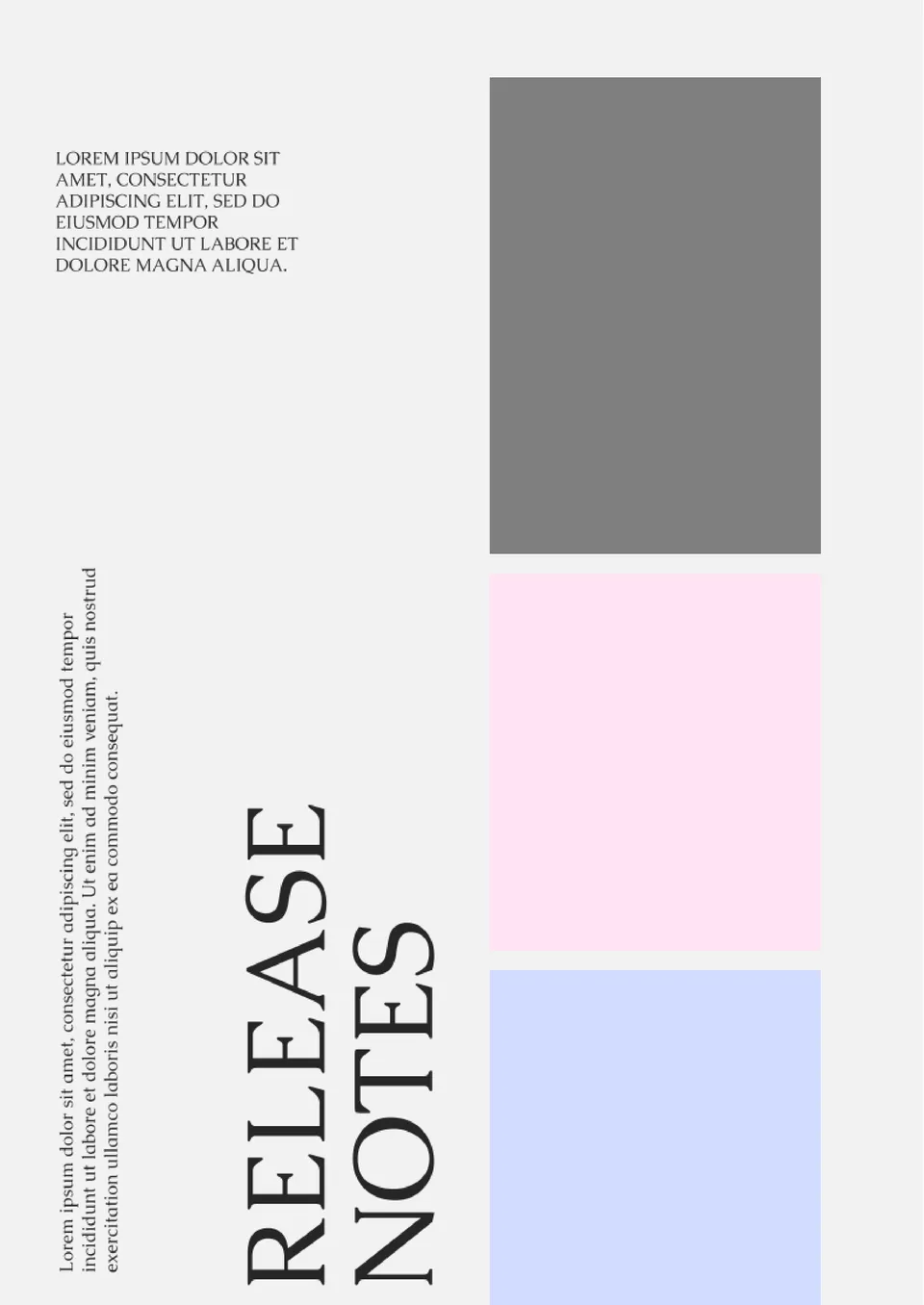
This template will help you prepare a journal, article, research paper, analytical report, etc. for publication. The three colored fields on the left side of the email are for comments related to different aspects of the work.
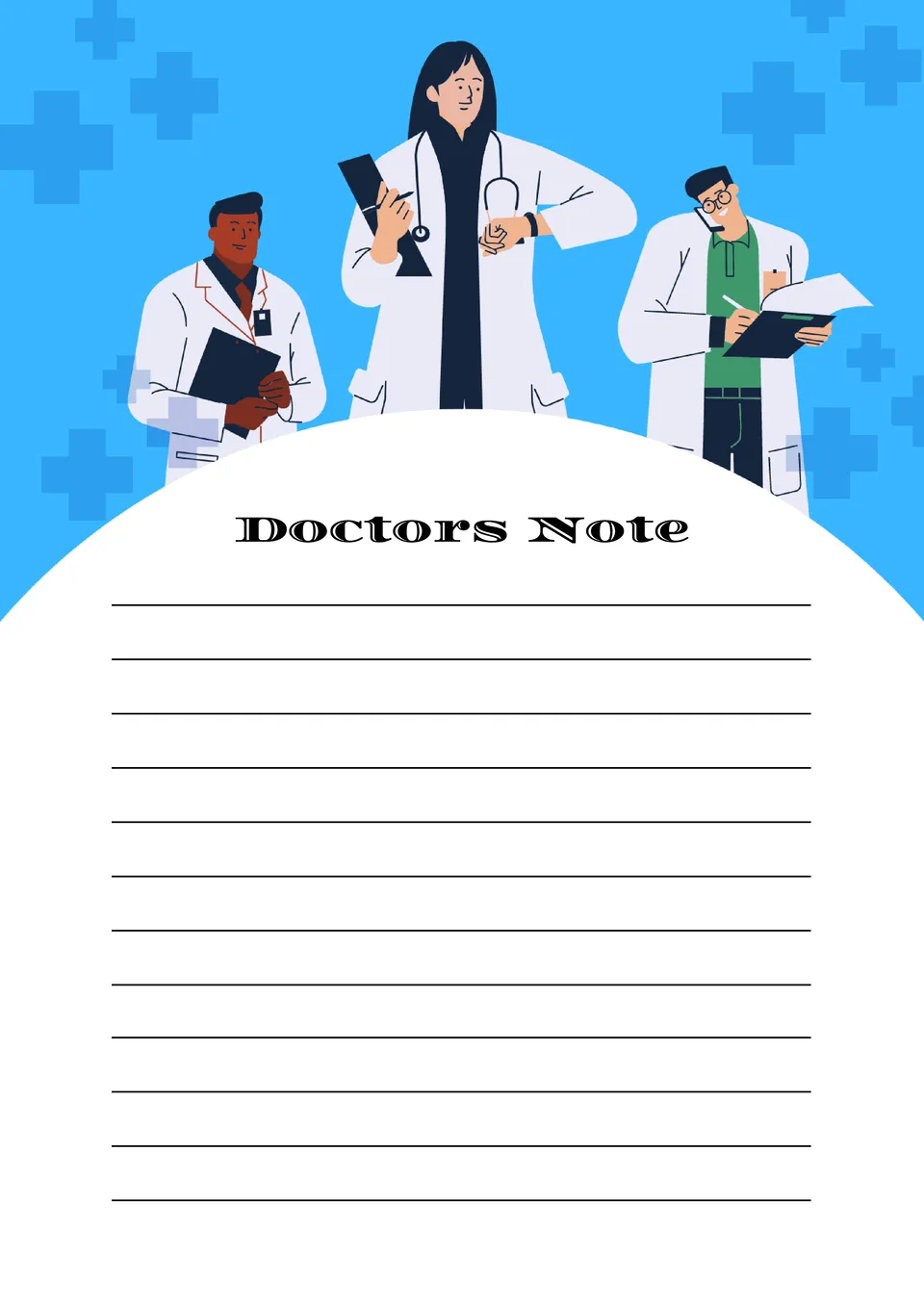
The template is designed specifically for doctors and medical staff. It allows you to keep structured records of patient diagnoses, prescribed treatment, current progress, and important observations.
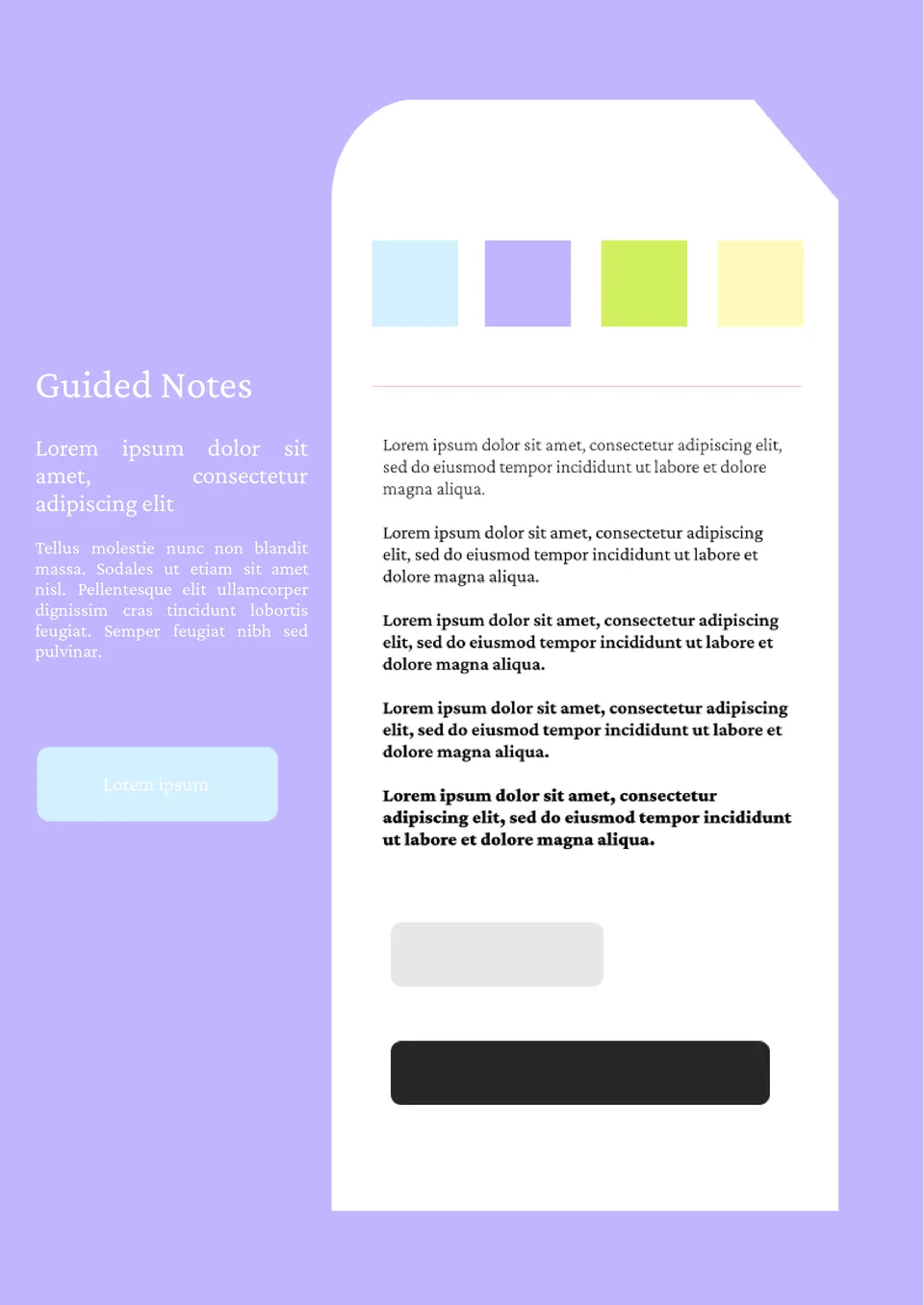
Increase the effectiveness of your lectures by preparing brief notes for students. After making the lesson plan, edit the layout, and then print the required number of copies.
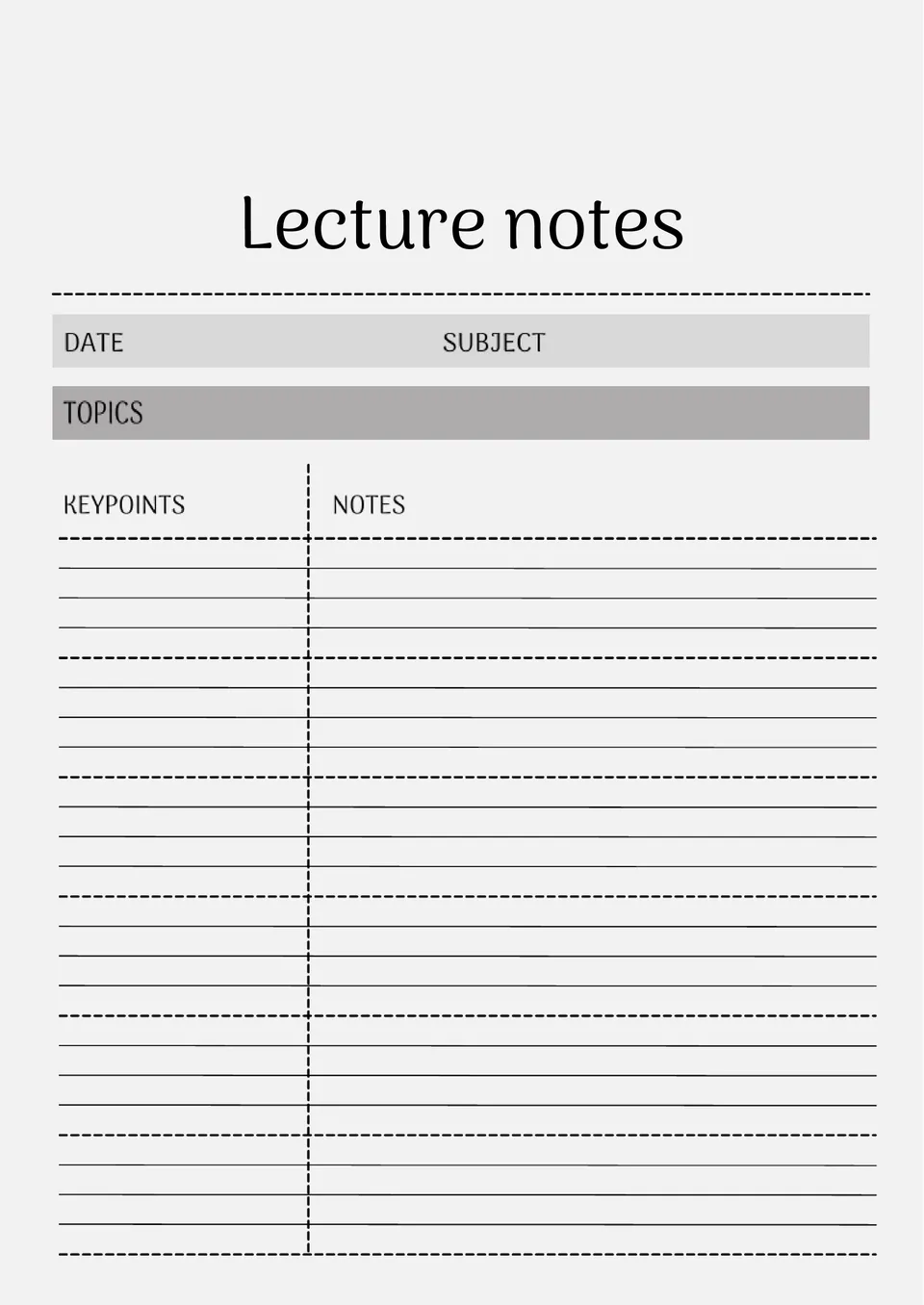
Your lecture notes feel disorganized and you need a layout that helps you capture key points quickly? The Lecture Notes Template is a strong fit for college students, graduate students, and lifelong learners.
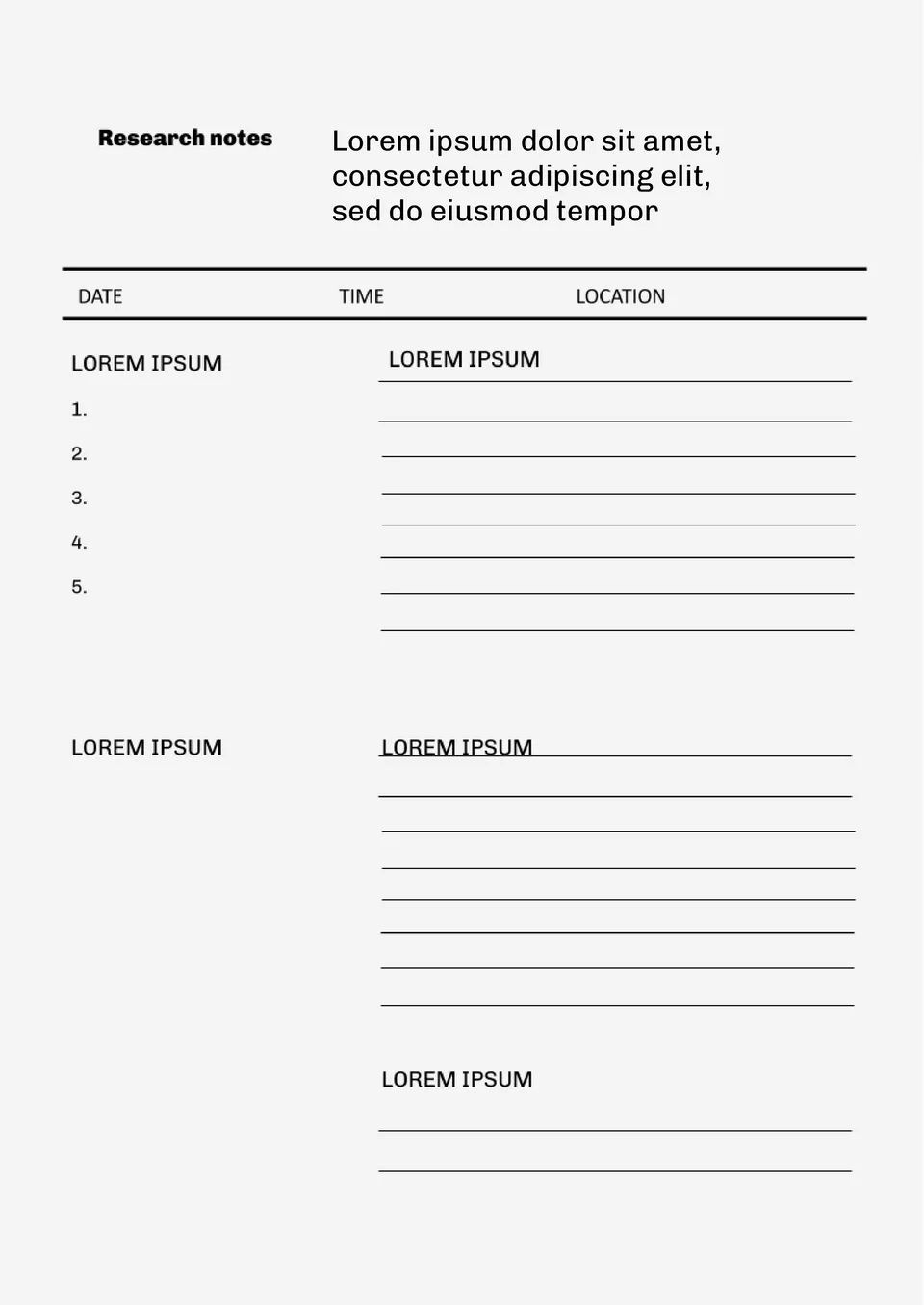
Not sure how to organize your research notes without losing track of sources and key findings? The Research Notes Template is useful for researchers, students, and academics working on papers or projects.
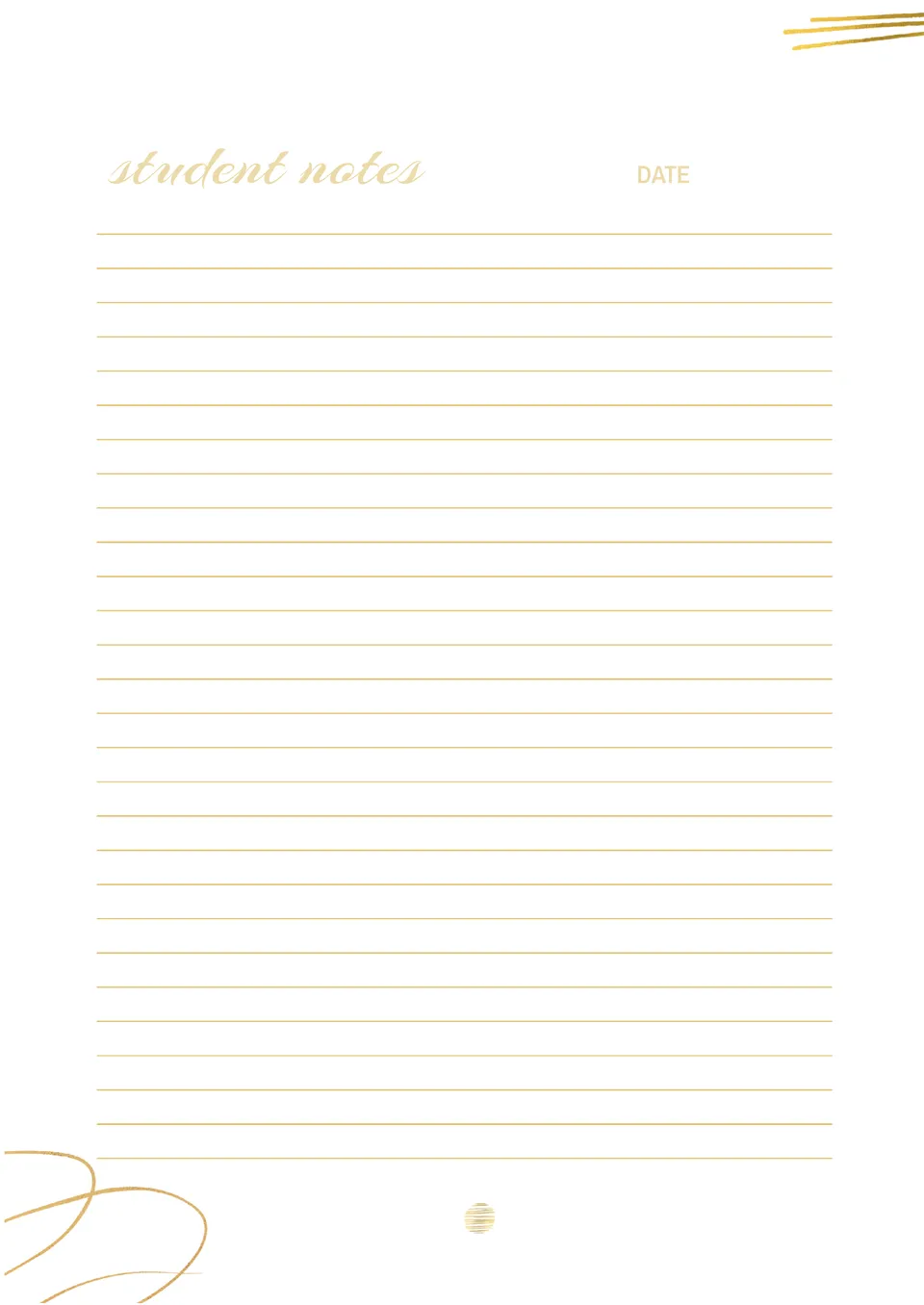
With space for lecture topics, key points, and review sections, the Student Notes Template helps students take organized notes during class. It suits high school and college students who want to stay on top of their coursework.
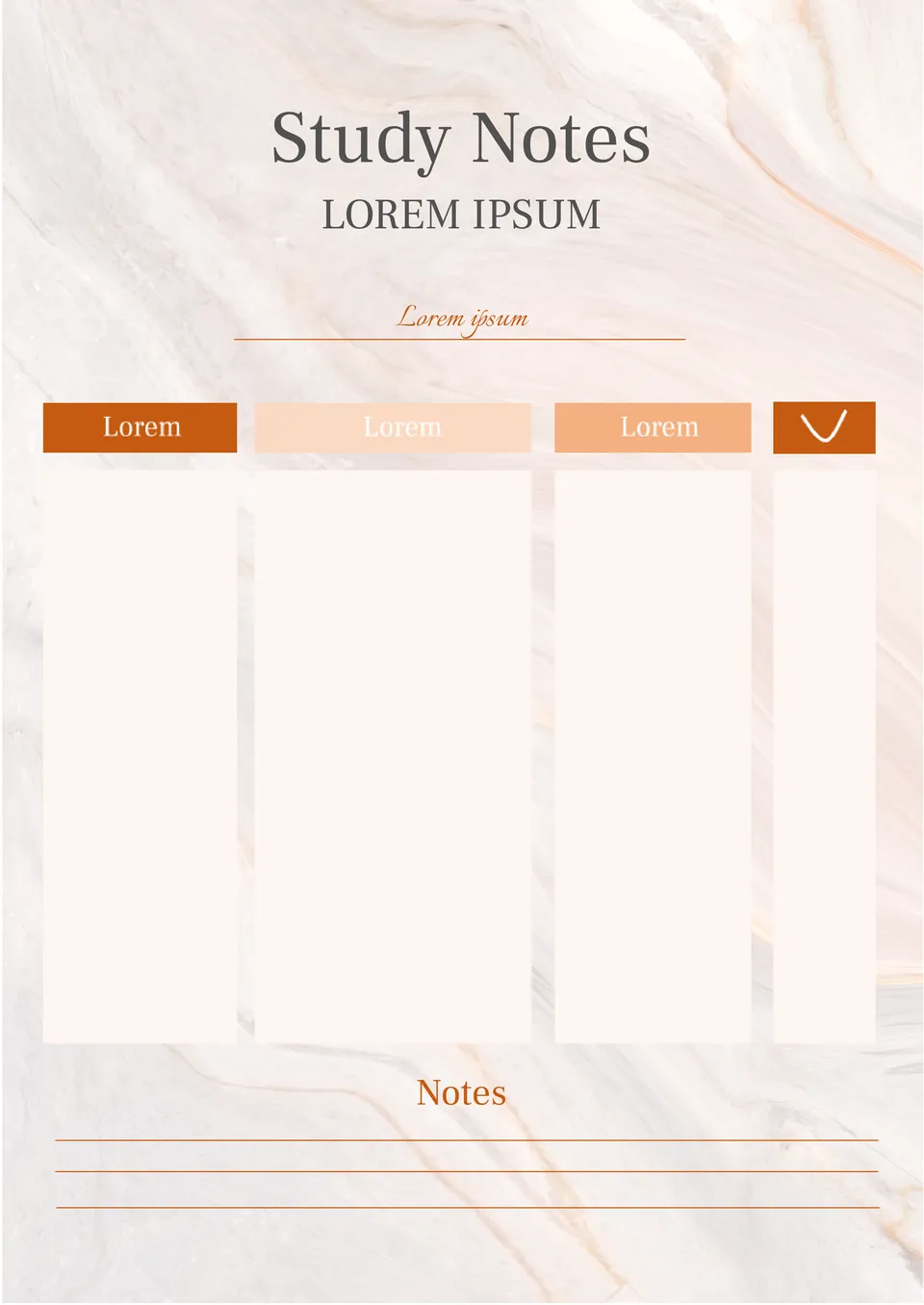
Overwhelmed by messy notes and need a clean system to organize your study material? The Study Notes Template is a good fit for students, self-learners, and anyone preparing for exams.
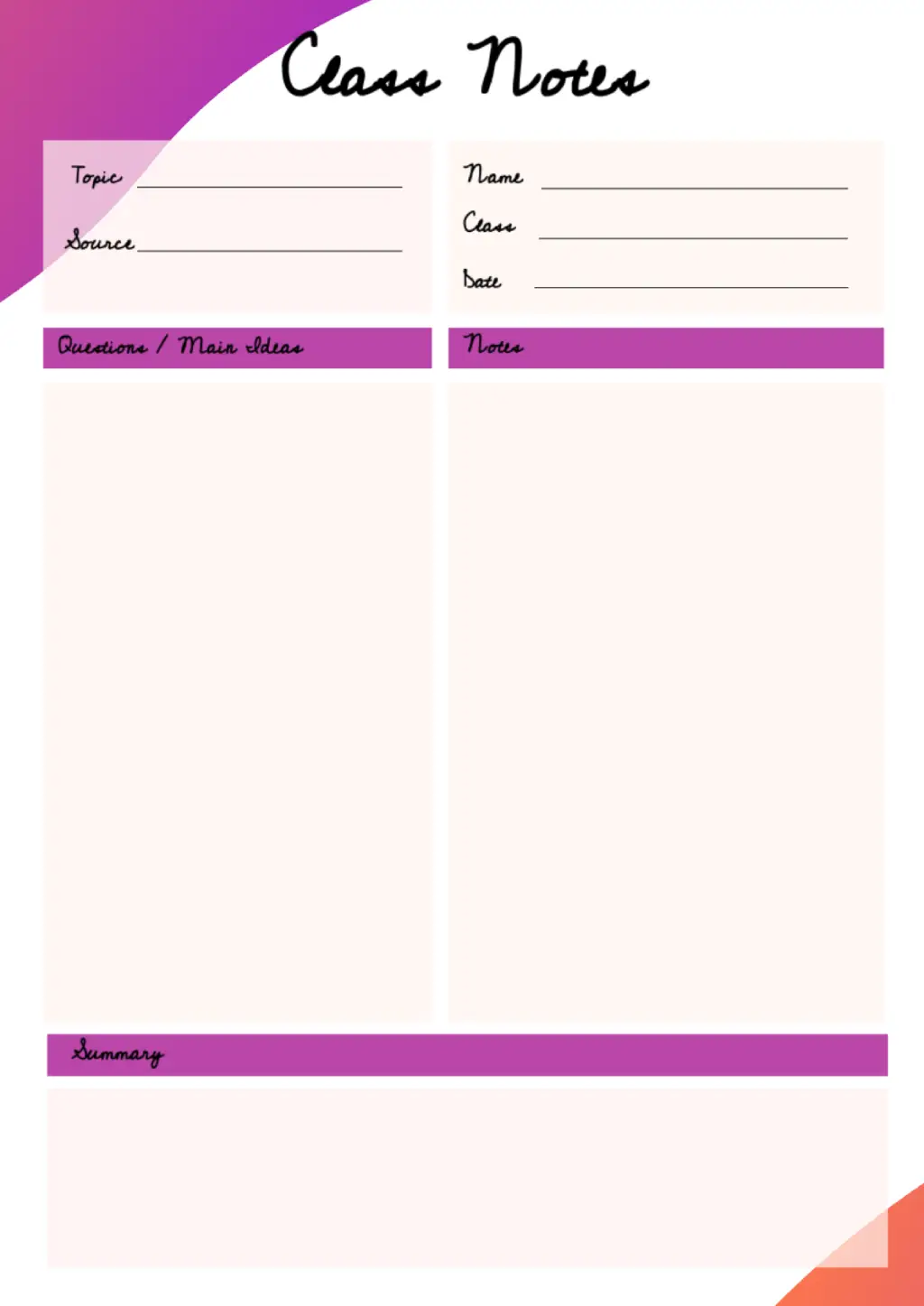
This printable layout will make the learning process easier. The header contains basic information about the class and the topic of the lesson. The left side is for lecture notes, and the right one is for a student to write his own comments.
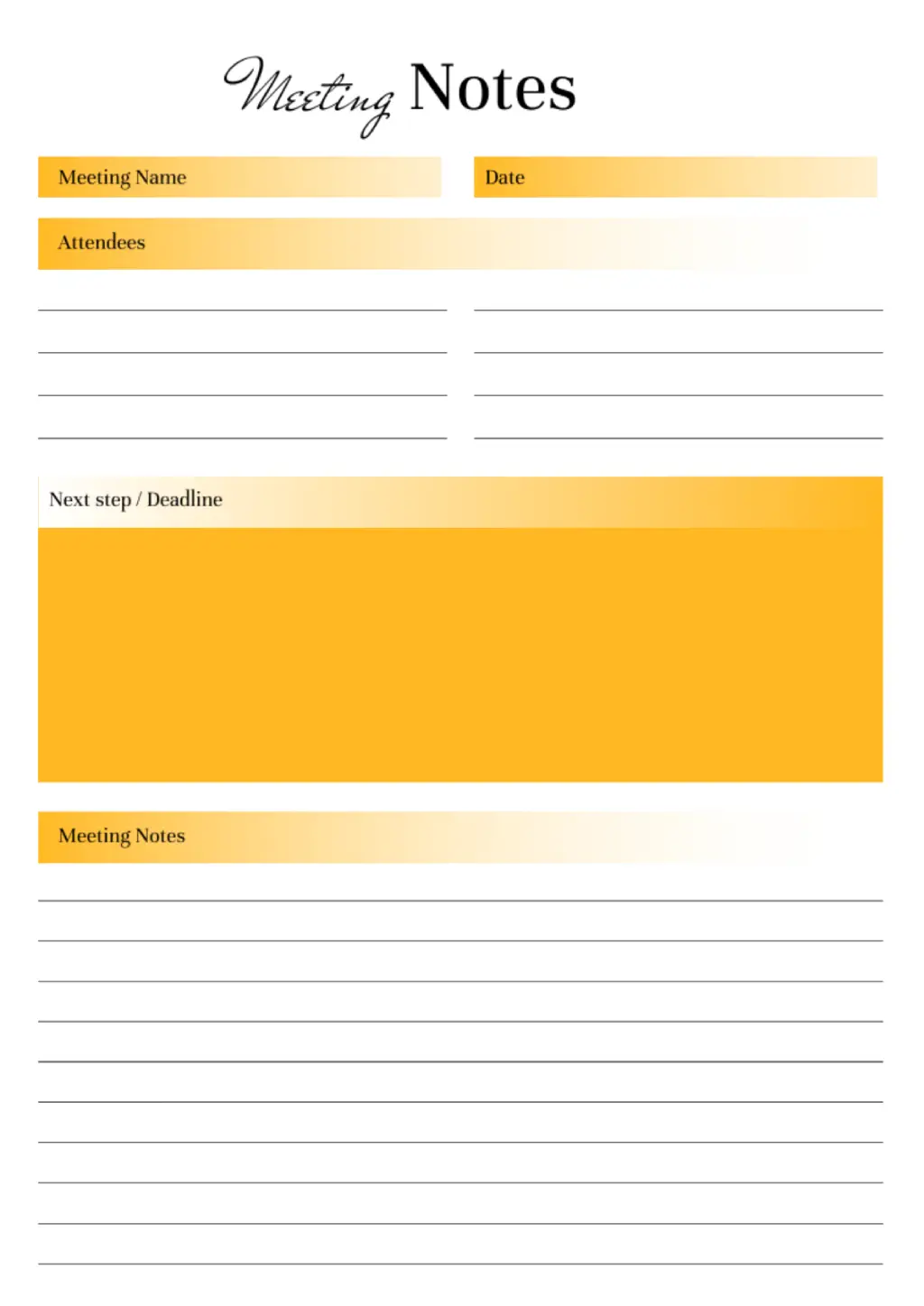
Free Google Docs notes template is created for business meetings. It is divided into several parts, where you can specify the name of the event, the speakers present, the agenda, and the deadline. Personal notes take up a third of the sheet.
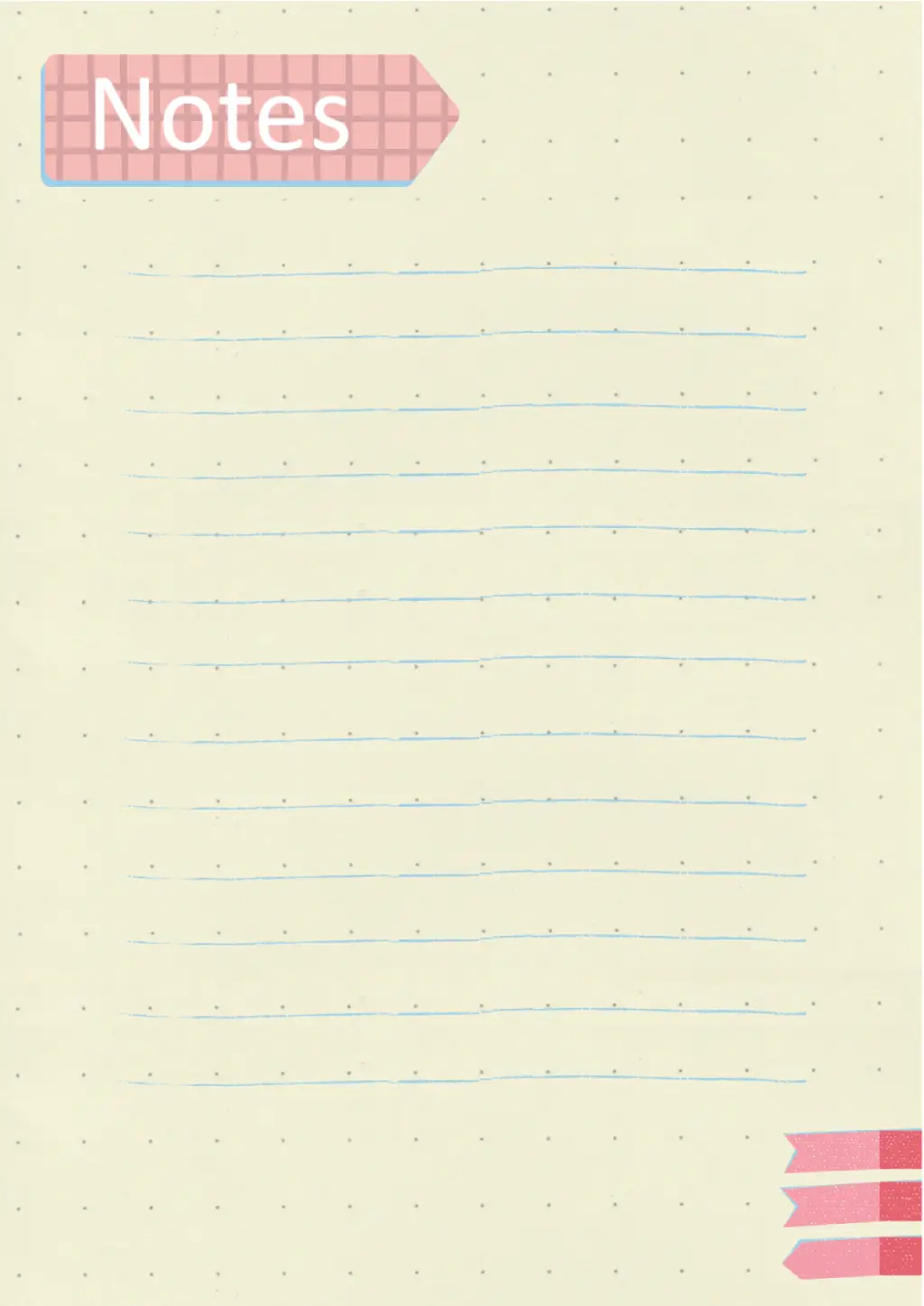
The layout is made in the form of a notepad sheet. You can edit the background color, size and document format during online correction, and then print it.

Choose your preferred social media platform from options like Pinterest, Facebook, Twitter, and more. Share our templates with your contacts or friends. If you’re not active on these social networks, you can simply copy the link and paste it into the one you use.