

 Back to templates
 All templates- Page 2
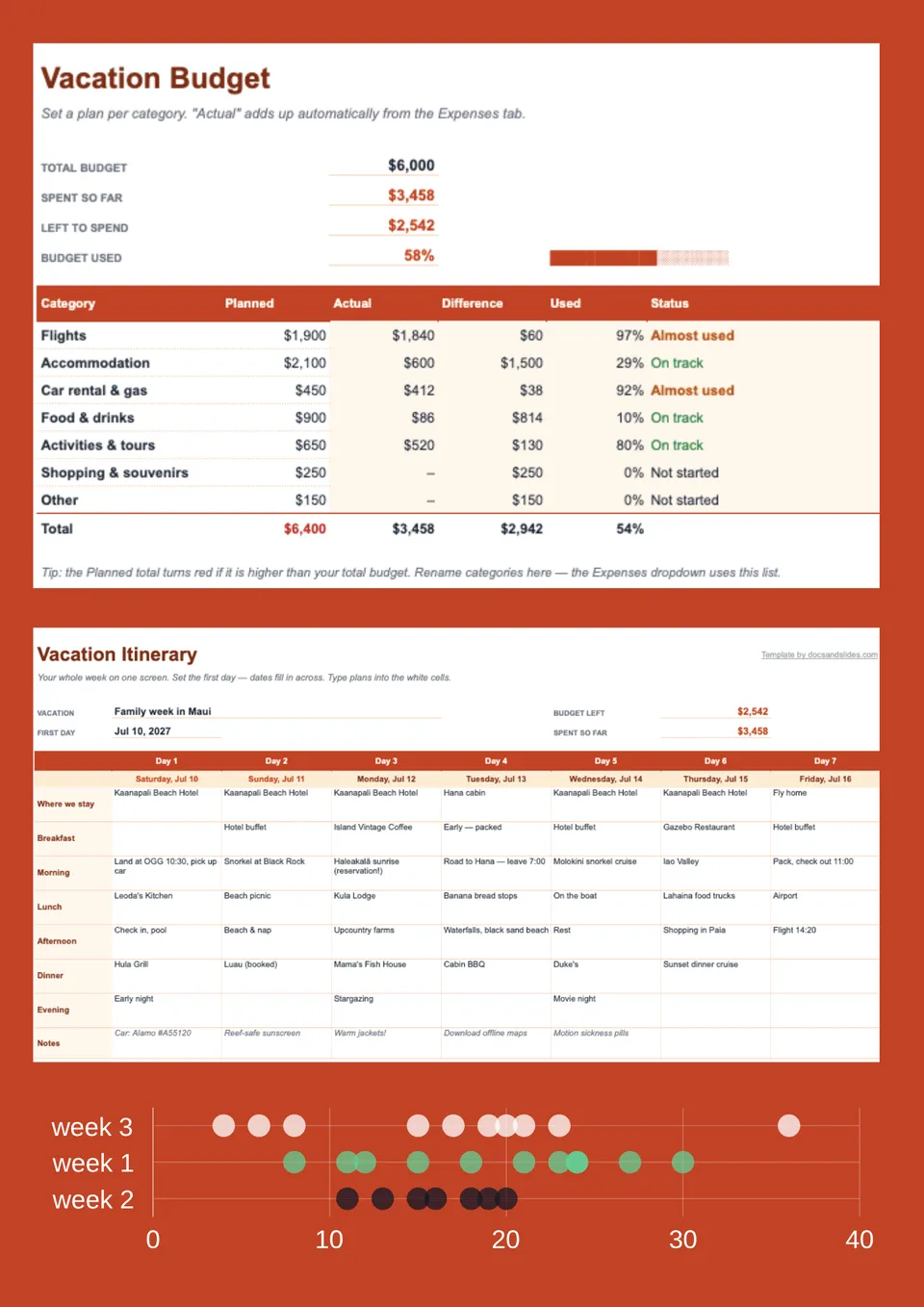
Planning a holiday and want your bookings organized without filling every spare hour with activities? Vacation Itinerary Template offers a base for accommodation details, travel arrangements, planned outings, and free time. Couples, friends, and holiday planners can tailor the schedule to a relaxed beach stay, sightseeing break, or longer escape. Separating confirmed reservations from optional ideas helps you see what is fixed and where you can remain flexible. Access the free editable layout, enter your plans, and save a copy to consult throughout your holiday.


Tired of searching through booking emails whenever you need a departure time, hotel address, or reservation detail? Travel Itinerary Template offers a spreadsheet starting point for organizing dates, transportation, accommodation, activities, and booking references. Solo travelers, couples, business travelers, and travel coordinators can arrange the entries around each stage of their journey. Keeping essential information together makes plans easier to review before departure and consult along the way. Download the free prepared sheet, personalize the travel details, and keep an updated copy ready for your trip.

A well-organized journey connects each destination, overnight stay, and travel day in a sequence you can follow. Trip Itinerary Template provides a foundation for listing dates, locations, transfers, planned stops, and practical notes. Independent travelers, backpackers, couples, and trip organizers can adapt the rows for a short getaway or a multi-destination adventure. Editable entries let you revise the order of activities without rebuilding the entire schedule when plans change. Get the ready-made spreadsheet at no cost, add your route, and download your personalized plan before departure.
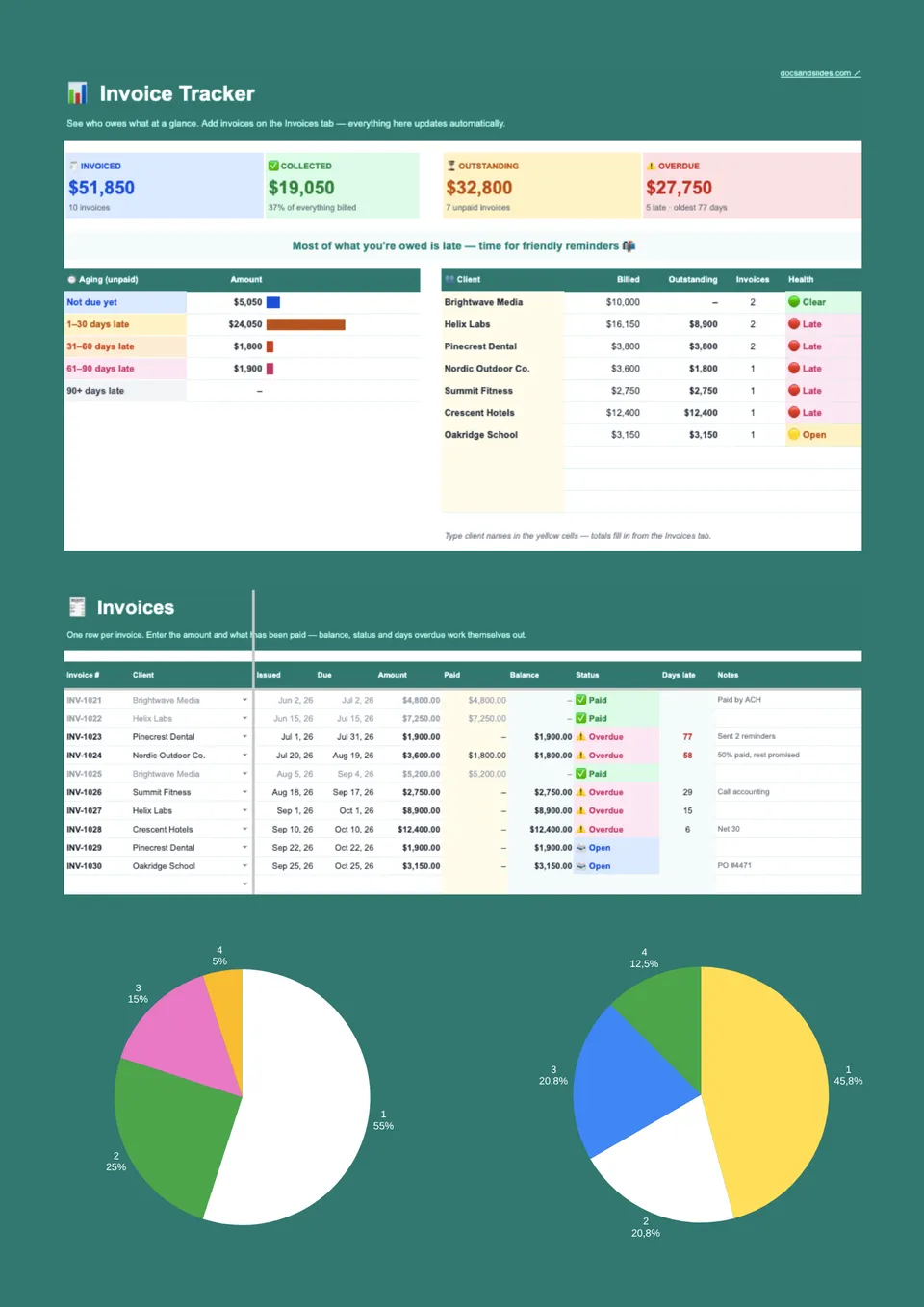
Unpaid bills are easier to follow up when due dates, payment status, and outstanding amounts sit in one place. Invoice Tracker Template provides a starting point for invoice numbers, customer names, issue dates, deadlines, amounts billed, payments received, and follow-up notes. Freelancers, bookkeepers, agencies, and small-business owners can adapt it to maintain a working overview of their receivables. Updating the sheet regularly helps distinguish settled transactions from those that still need attention without opening every invoice individually. Start with the free prepared tracker, customize its columns, and download your working copy to keep billing records organized.
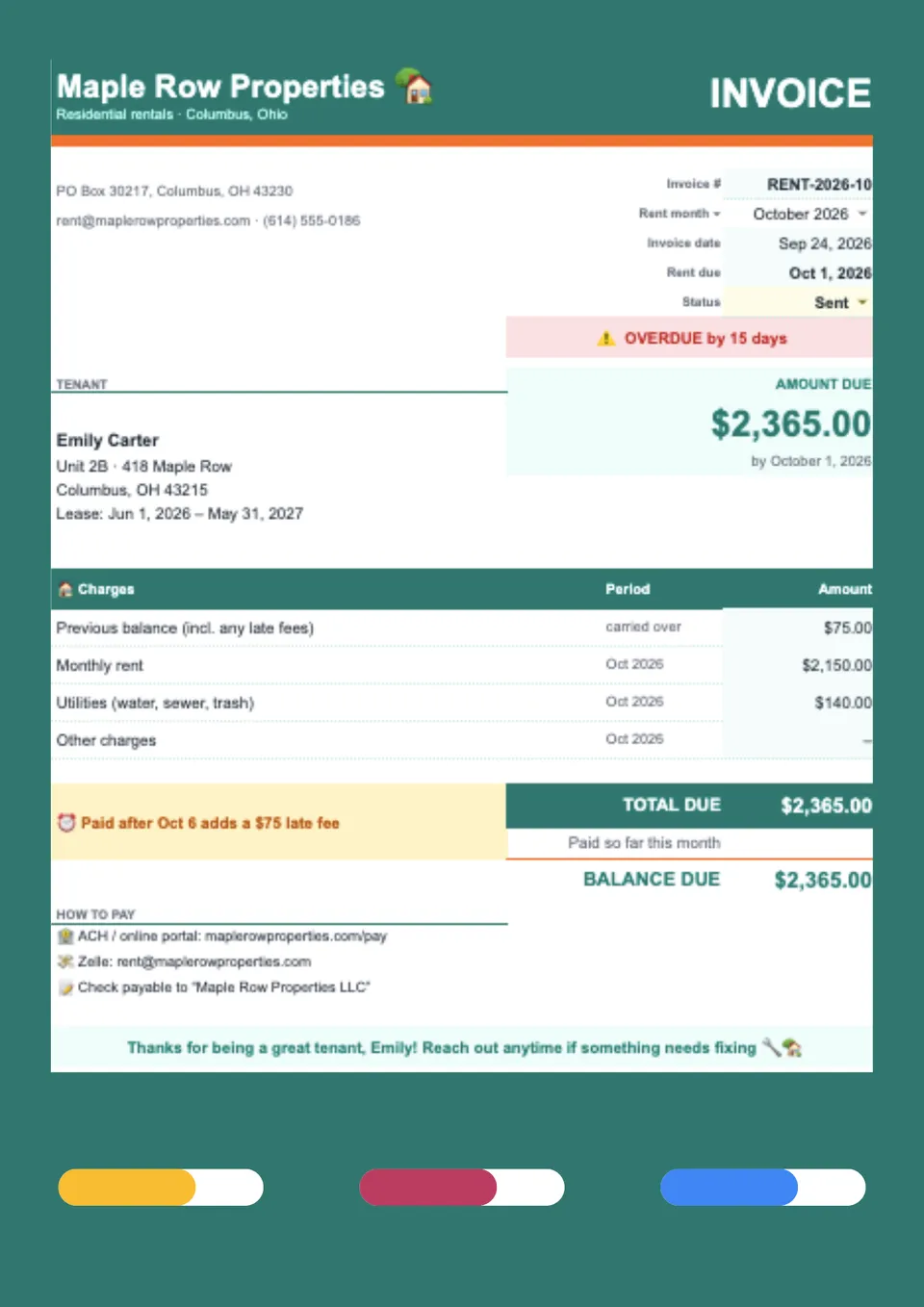
Renting out property or equipment and need customers to understand the rental period, rate, and any separate charges? Rental Invoice Template offers a foundation for customer details, the rented item or property, rental dates, agreed rates, and payment instructions. Landlords, equipment-hire businesses, venue operators, and independent owners can tailor the billing rows to their rental arrangements. Listing additional charges separately helps distinguish the rental fee from other amounts agreed with the customer. Pick up the free editable sheet, enter the relevant period and charges, and download the completed bill for your records and customer.
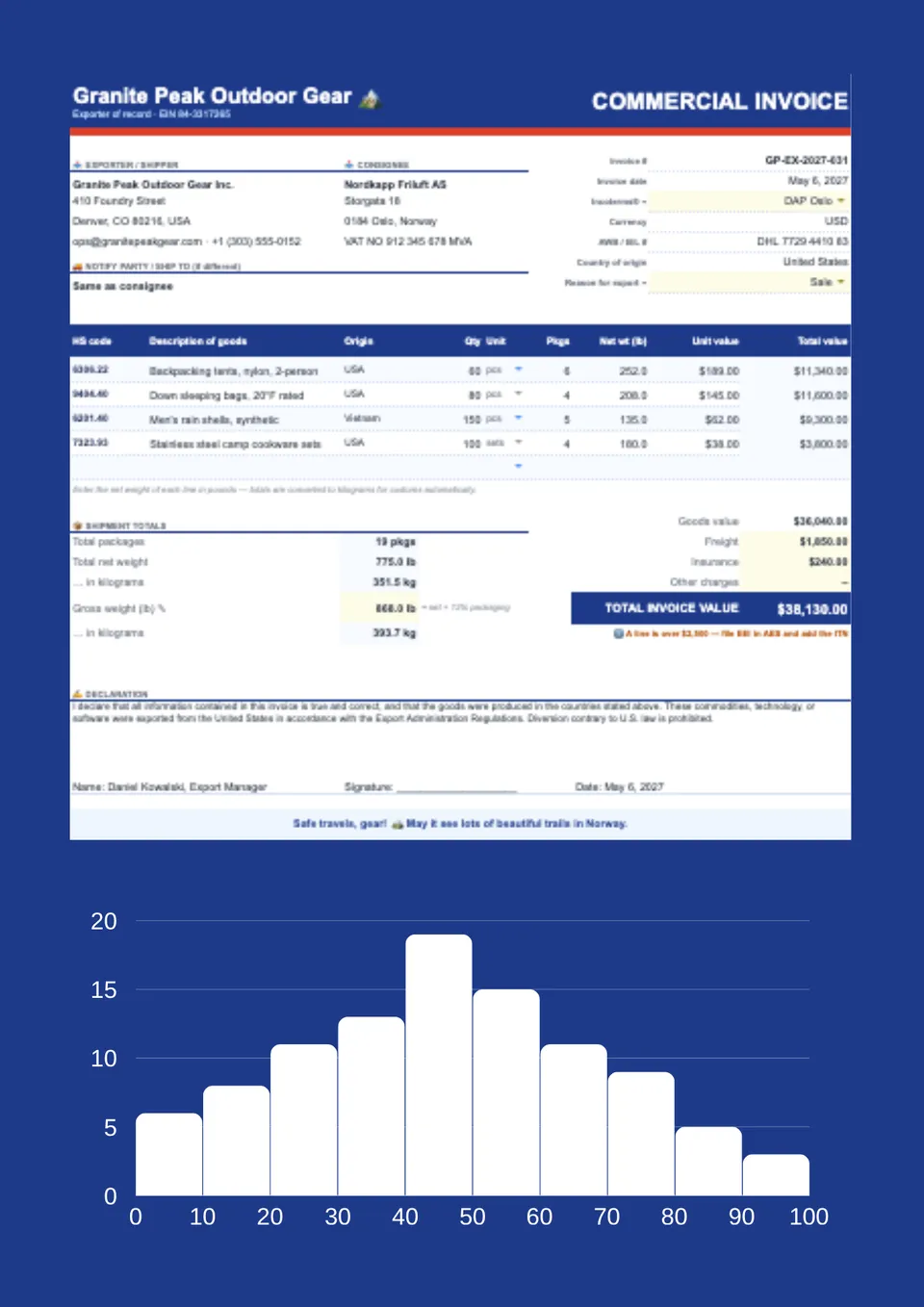
International shipments need accurate transaction information that can be checked against the goods being sent. Commercial Invoice Template provides a starting point for seller and buyer details, product descriptions, quantities, values, currency, origin, and relevant shipping information. Exporters, manufacturers, wholesalers, and ecommerce businesses can adapt the entries to the actual sale and destination requirements. Customs authorities use commercial invoices to assess shipments, so the completed information must be checked against applicable requirements rather than assumed compliant. Get the ready-made spreadsheet at no cost, personalize the fields, and download your reviewed copy for the shipment.
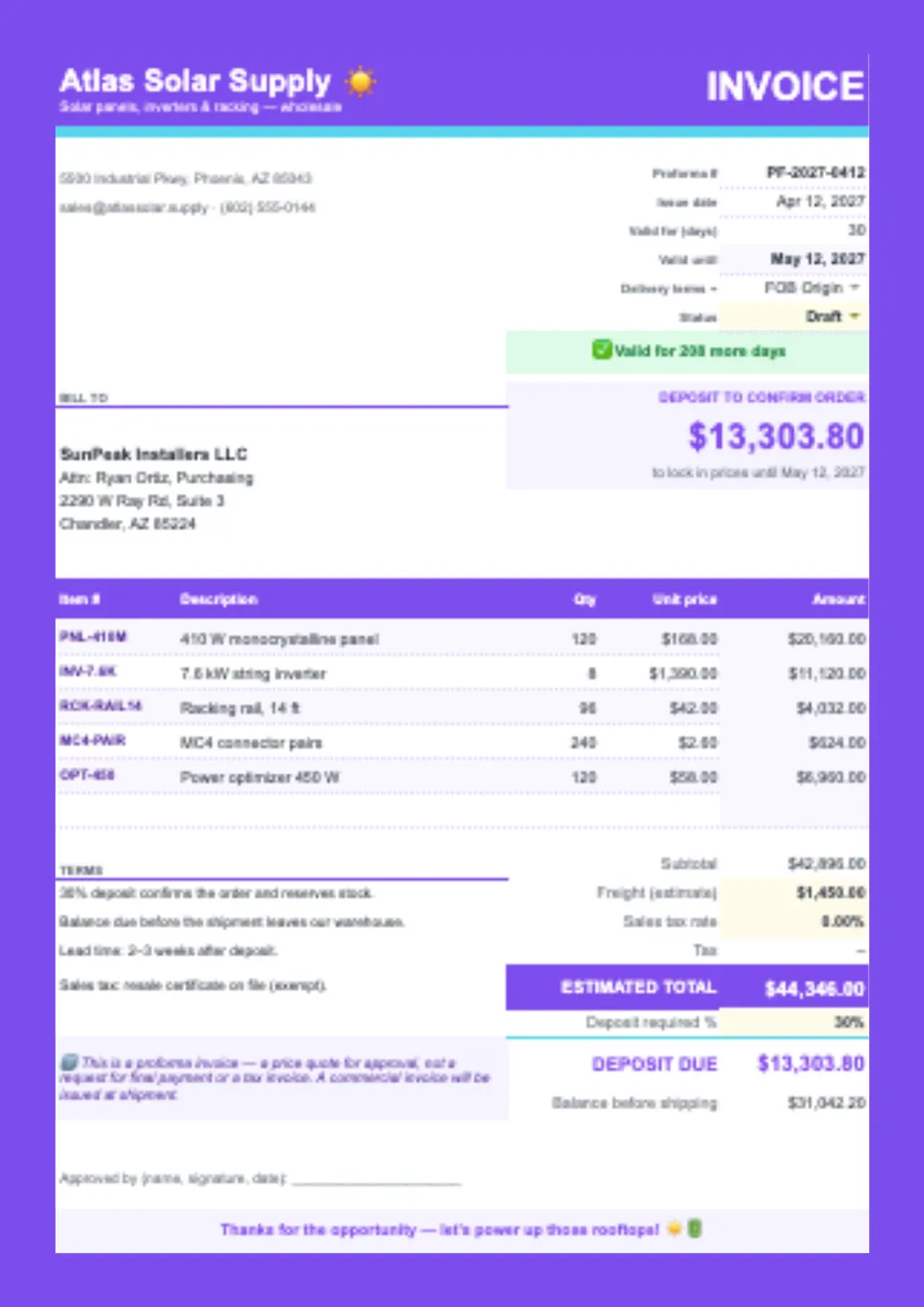
Quoting an order before it is finalized and need to show the proposed goods, prices, and terms clearly? Proforma Invoice Template offers a base for seller and buyer information, quoted items, quantities, estimated charges, delivery details, and payment terms. Suppliers, wholesalers, manufacturers, and exporters can adapt it to communicate an offer before issuing the final sales invoice. Its purpose is to present proposed transaction details, not to stand in for the completed-sale record. Use the free, easy-to-edit sheet, check the quotation and its validity period, and download it for the buyer’s review.
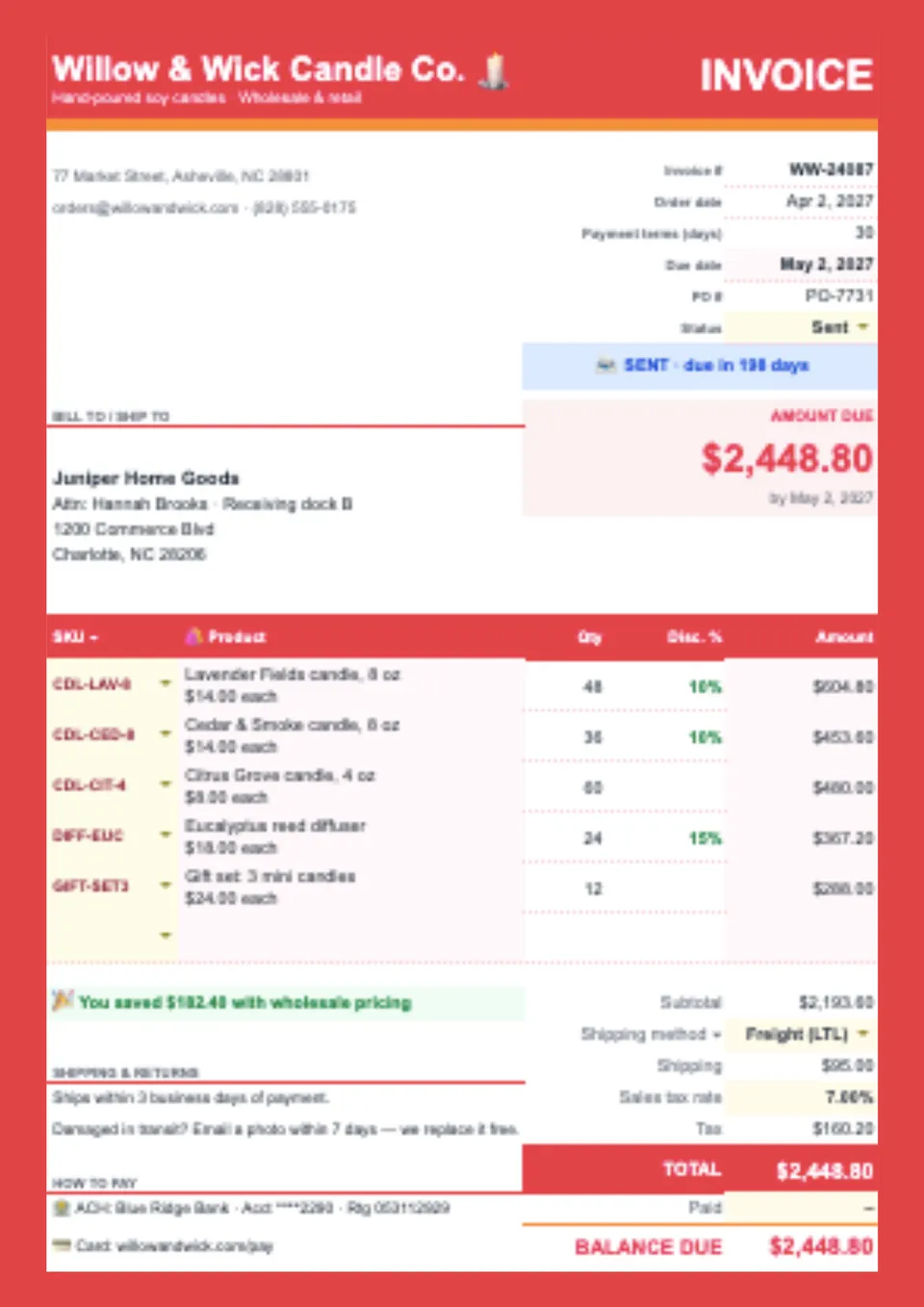
An organized sales record makes it easier to explain what a customer purchased and how the charges were calculated. Sales Invoice Template provides a starting point for seller and buyer details, order references, product descriptions, quantities, unit prices, and payment information. Retailers, wholesalers, makers, and small-business teams can tailor the spreadsheet to individual orders or repeat customers. Keeping products and prices in separate rows makes the purchase easier to review against an agreed order. Download the prepared design for free, replace the sample entries, and save a completed copy for your sales records.
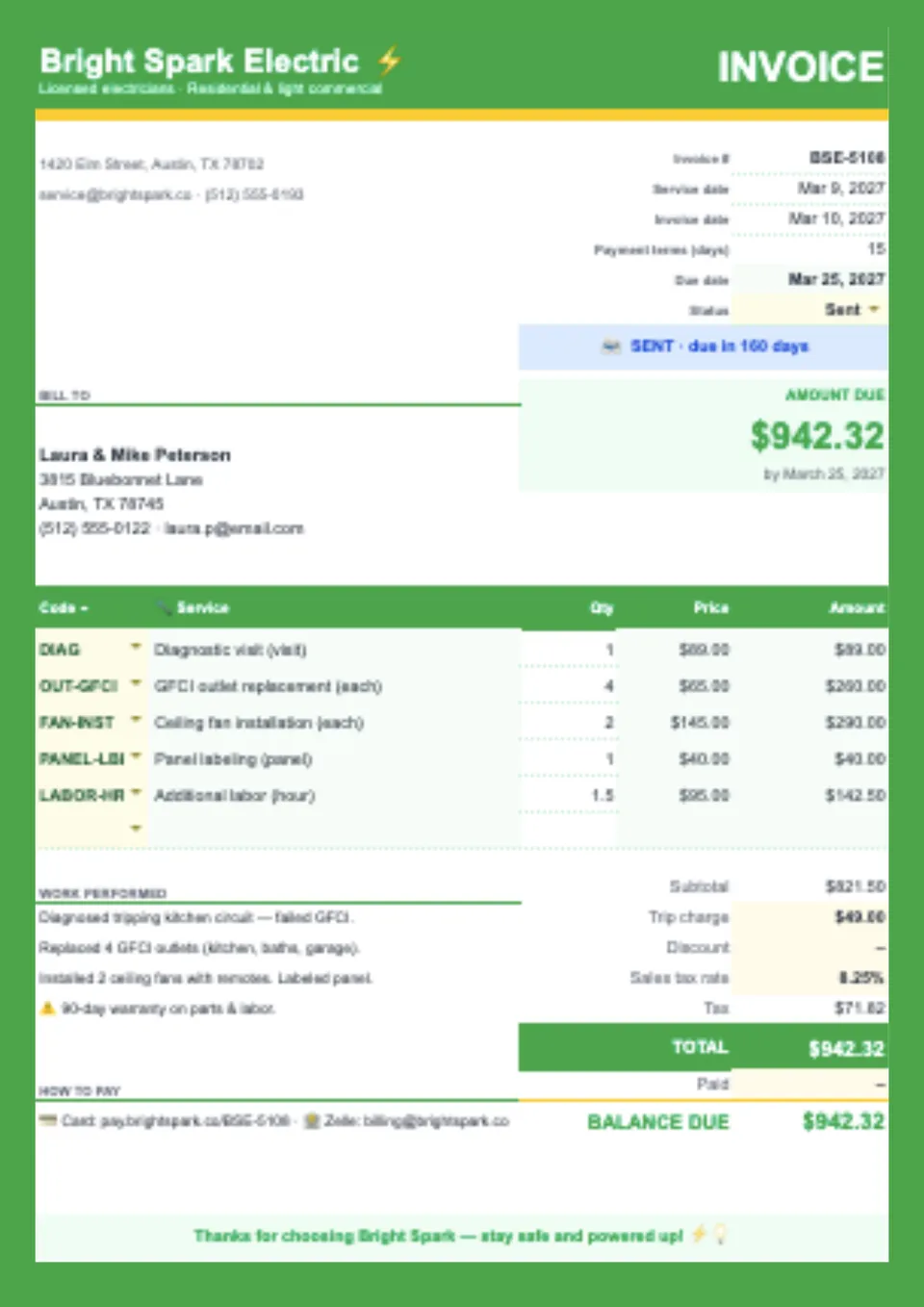
Charging for several services in one appointment and want to avoid presenting clients with an unexplained total? Service Invoice Template offers a foundation for listing completed tasks, service dates, quantities or hours, rates, and payment instructions. Cleaners, repair specialists, maintenance providers, agencies, and other service businesses can adjust the rows to match their work. Itemized entries give customers a clearer picture of what was included and provide a useful reference if they ask about a charge later. Obtain the free editable layout, enter your services, and download or print the finished bill after checking the amounts.
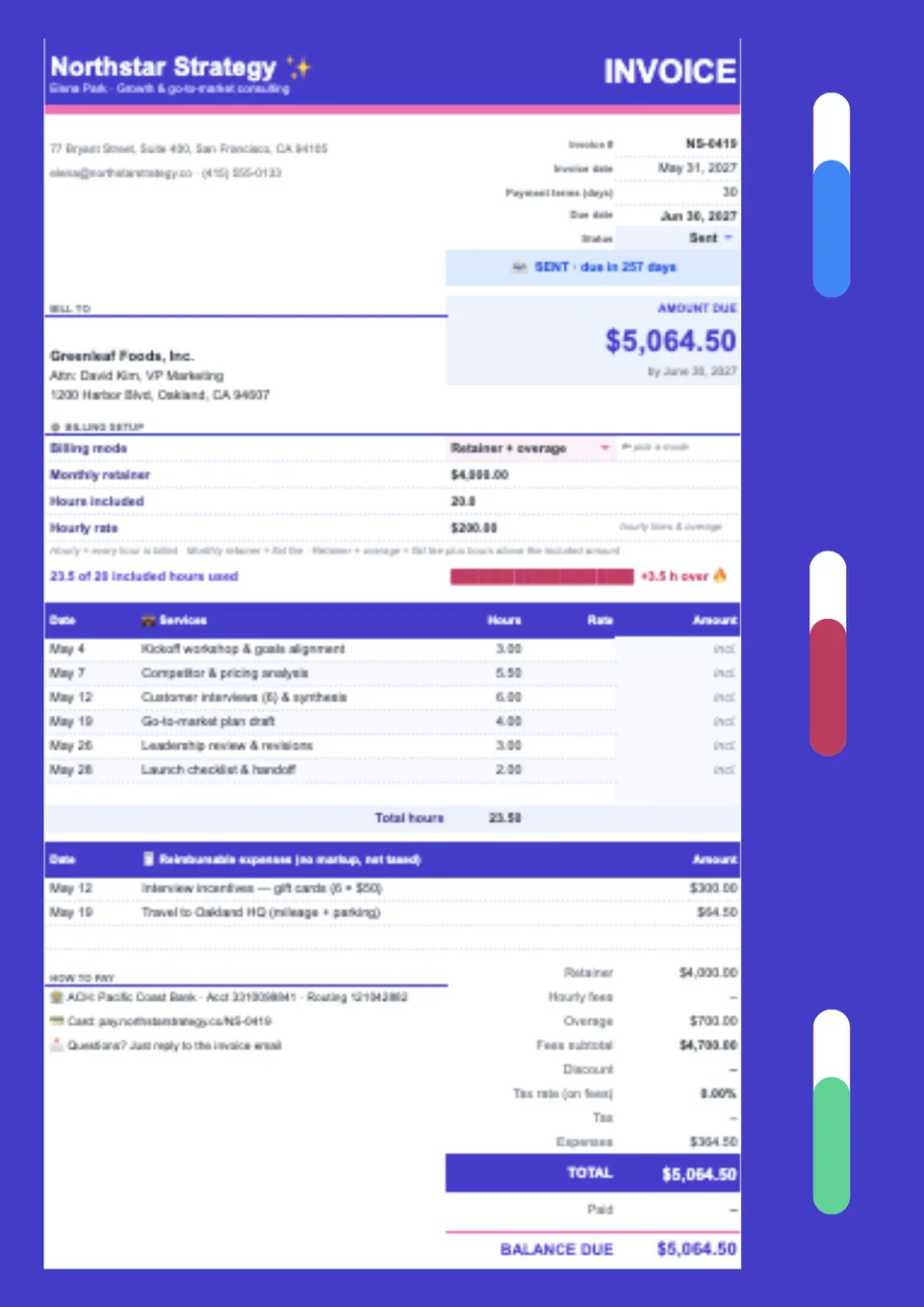
Professional advice is easier to bill when the scope, service period, and agreed fees appear together. Consulting Invoice Template provides a base for engagement details, advisory services, billable hours or fixed charges, expenses, and payment terms. Business consultants, strategy specialists, HR advisers, and independent experts can adapt the structure for one-off engagements or recurring work. Clear descriptions help clients connect each charge with the services delivered rather than interpret a single unexplained total. Open the ready-made spreadsheet at no charge, personalize your billing entries, and keep an edited copy for the next engagement.
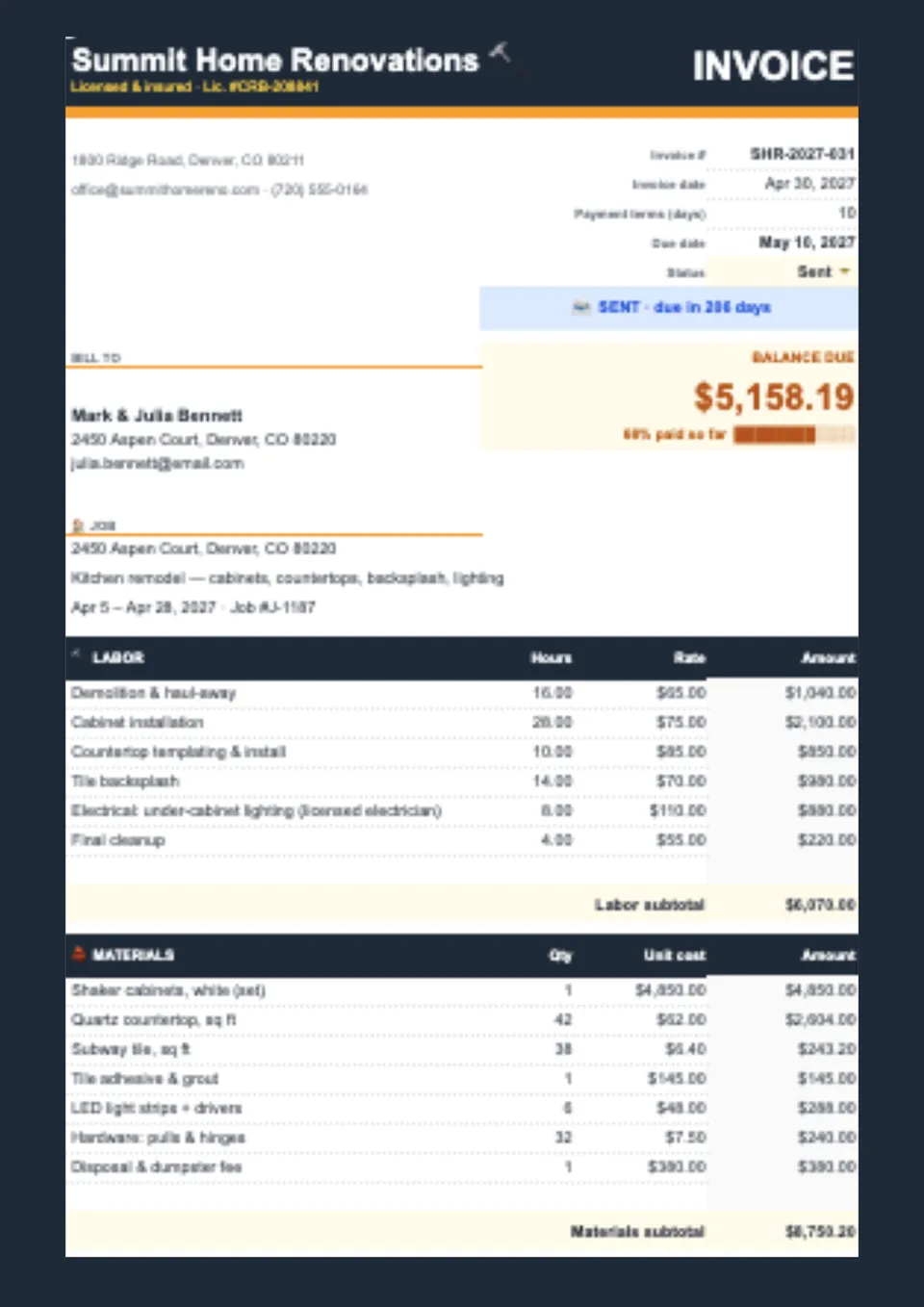
Need to show labor, materials, and additional job charges separately so your customer understands the full bill? Contractor Invoice Template offers a starting point for job references, customer details, work descriptions, quantities, rates, and payment information. Builders, electricians, plumbers, installers, and independent tradespeople can tailor the entries to the work completed. Distinguishing different charge types makes the bill easier to compare with the agreed scope and discuss when questions arise. Choose the free prepared sheet, update the relevant cells, and download a checked copy for your customer.

Freelance work deserves billing that explains the assignment as clearly as the work itself. Freelance Invoice Template provides a foundation for client information, project references, deliverables, fees, expenses, and payment deadlines. Writers, illustrators, developers, photographers, and independent creatives can personalize the rows for project-based or hourly services. A reusable spreadsheet helps keep each customer’s charges organized without recreating the same billing structure after every assignment. Save the complimentary design, edit it to match your services, and prepare your next payment request with less administrative work.

Billing by the hour and need customers to see exactly which tasks, hours, and rates make up the amount owed? Hourly Invoice Template offers a base for organizing work descriptions, service dates, billable time, hourly rates, and corresponding charges. Consultants, tutors, designers, developers, and other time-based professionals can adapt the entries to individual assignments or billing periods. Separating tasks makes the relationship between recorded work and requested payment easier to explain. Access the free editable sheet, enter your approved hours, check the totals, and download the completed bill for your client.

A flexible billing layout lets you organize charges around your business rather than work around irrelevant sample entries. Blank Invoice Template provides a starting structure for customer details, invoice references, line items, amounts, and payment terms. Startups, independent professionals, retailers, and service providers can choose the information that belongs in each transaction. Editable cells make it practical to adjust descriptions, add relevant billing details, and maintain a consistent appearance across customers. Get the prepared spreadsheet at no cost, customize your first bill, and save a reusable master copy.

Need to send a clear bill without building a complicated spreadsheet every time you finish a job? Simple Invoice Template offers a straightforward starting point for business details, customer information, itemized charges, dates, and payment instructions. Freelancers, sole traders, and small-business owners can tailor the billing rows to their products or services. Keeping descriptions, quantities, and rates together makes the charges easier for customers to review before paying. Download the free, ready-made sheet, personalize the labels, and reuse your edited copy for future transactions.
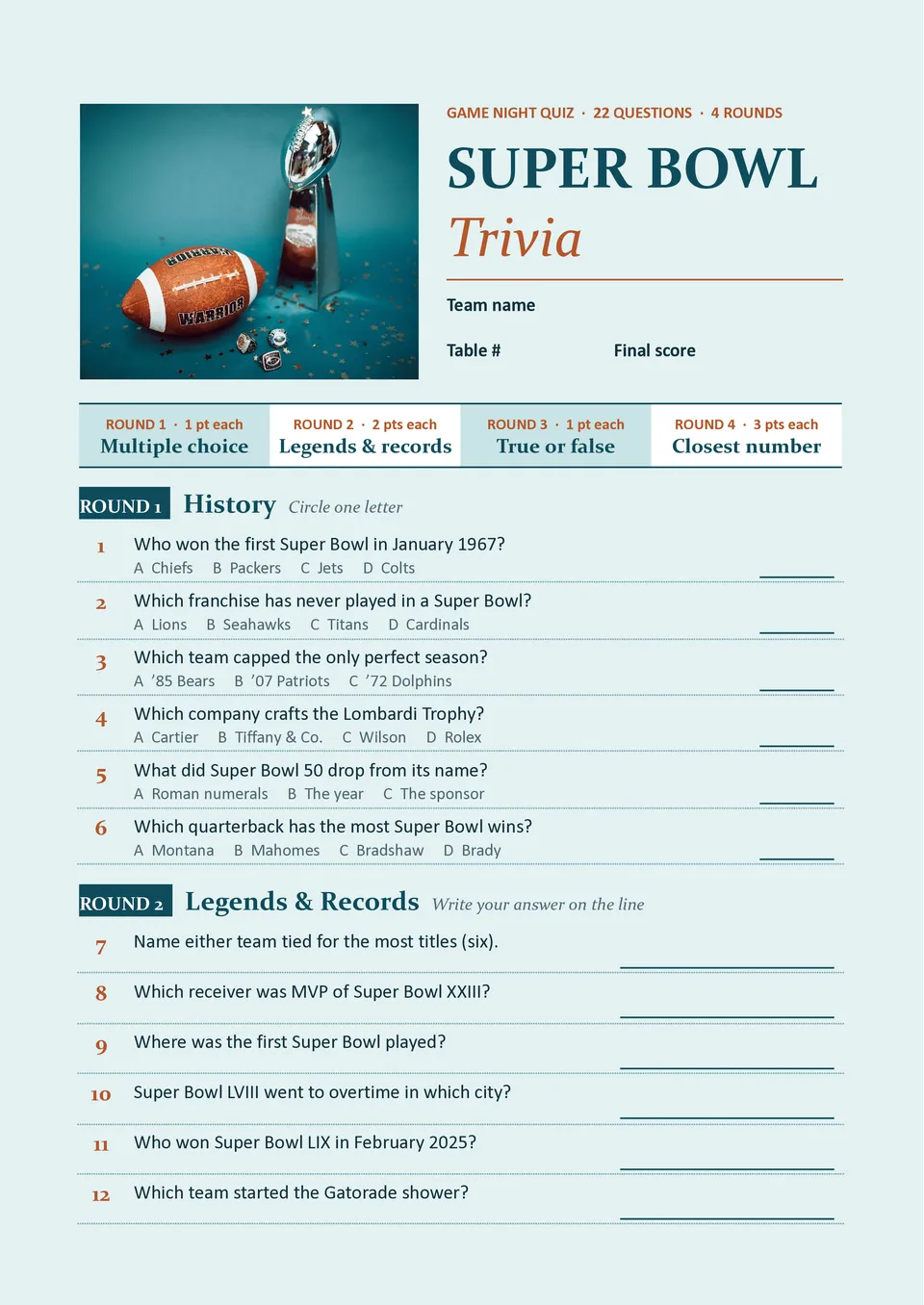
A football-themed quiz brings conversation and friendly competition to the gathering before kickoff or during a break. Super Bowl Trivia Template offers a starting point for organizing questions, participant answers, and scoring instructions. Family hosts, teachers, sports clubs, and office social committees can tailor the topics and difficulty for casual guests or knowledgeable fans. Preparing a checked answer key helps the host run the activity confidently and resolve scoring questions. Use the ready-made layout at no charge, edit your rounds, and download copies for your next game-day event.

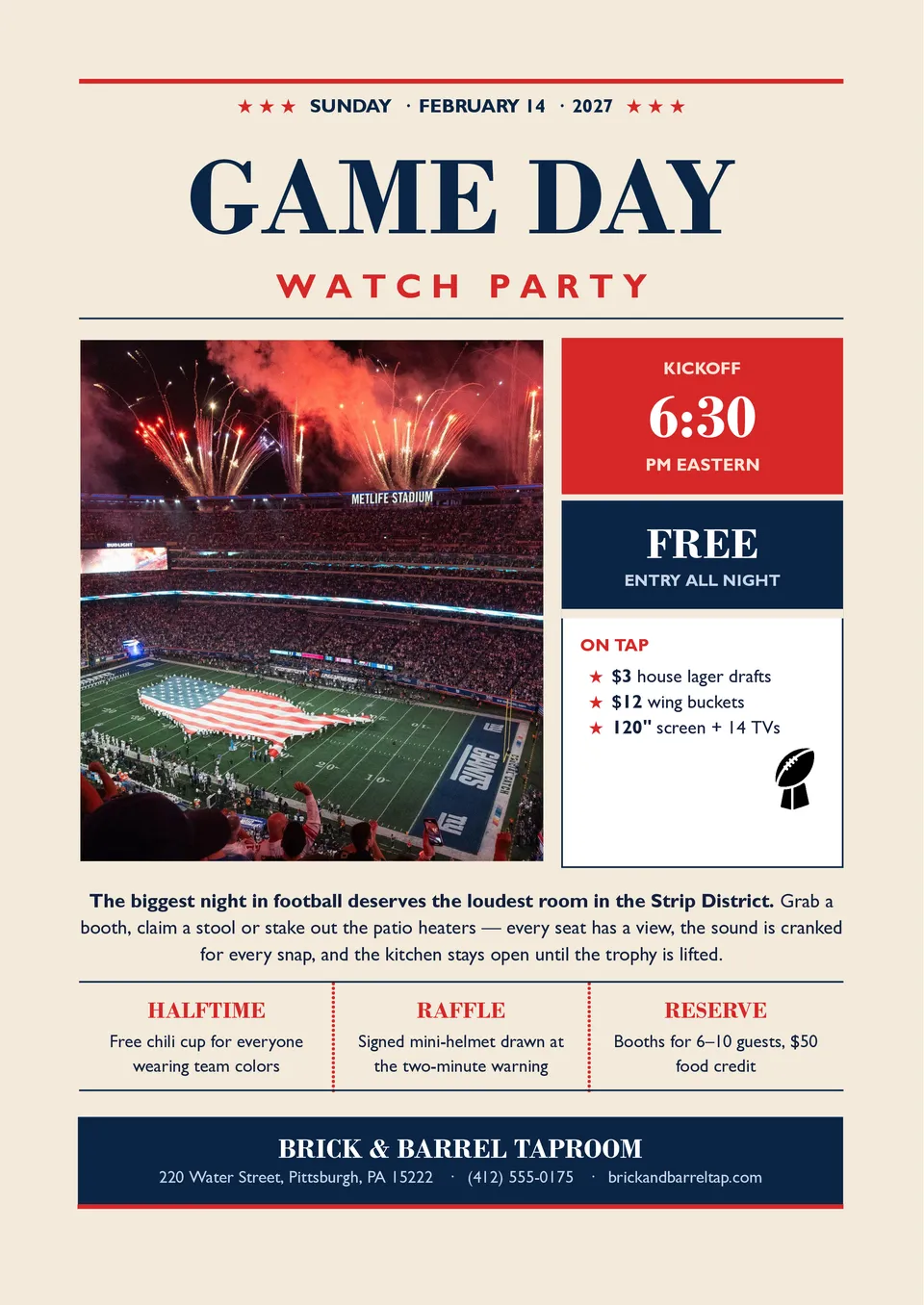
Promoting a watch party and need a single announcement that clearly shows the time, venue, and attendance details? Super Bowl Party Flyer Template provides a base for an event headline, date, location, contact information, and a short description of what guests can expect. Sports bars, community groups, student organizations, and private hosts can adapt the text for their gathering. Highlighting relevant details such as refreshments, reservations, or entry arrangements helps readers decide whether to attend. Pick up the free editable design, add your event information, and download the finished flyer for printing or sharing.

Choose your preferred social media platform from options like Pinterest, Facebook, Twitter, and more. Share our templates with your contacts or friends. If you’re not active on these social networks, you can simply copy the link and paste it into the one you use.