

 Back to templates
 Free Resume Google Docs Templates
To get a job, you must be a first-class specialist. It is extremely important to present yourself and your skills effectively in the modern world. Free Google Docs resume templates will help with this. Professional designers create them to attract employers’ attention.
Most layouts have well-thought-out basic blocks in a stylish design. There are fields for information about work experience, personal skills, education, contacts, and photos. You can choose both standard resume templates for Google Docs, suitable for all professions, and highly specialized ones. The color range can be changed online during editing.
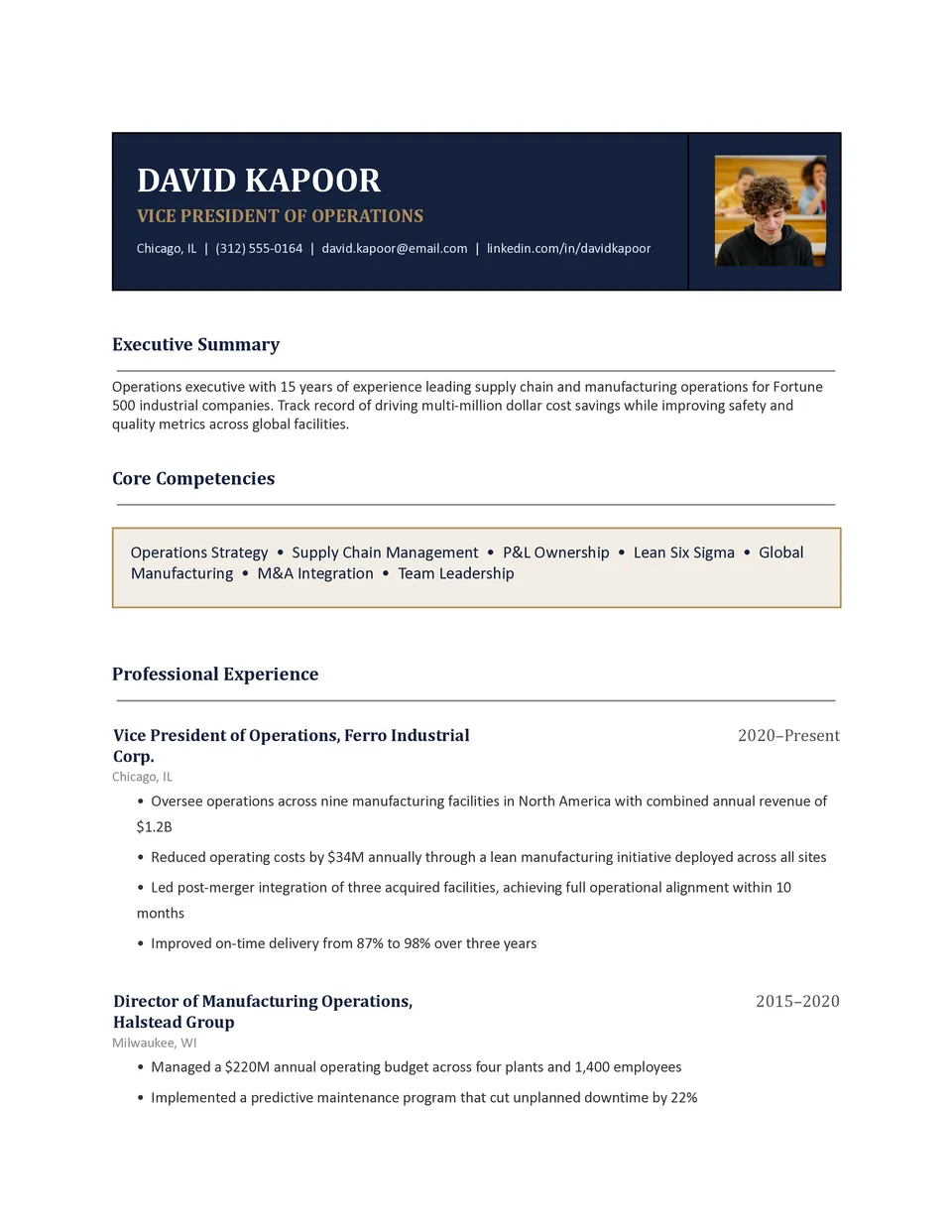
Business Resume Template helps professionals present commercial experience, leadership, skills, and measurable achievements with a focused career structure. It includes space for a professional summary, employment history, responsibilities, results, education, certifications, technical skills, and contact information. Managers, analysts, sales specialists, entrepreneurs, and business graduates can use it for corporate applications, promotions, and networking. The organized design makes it easier to emphasize revenue growth, project outcomes, team leadership, and other evidence of impact. You can edit the template for free, tailor it to each position, and download the final version as Word, Google Docs or PDF for submission.

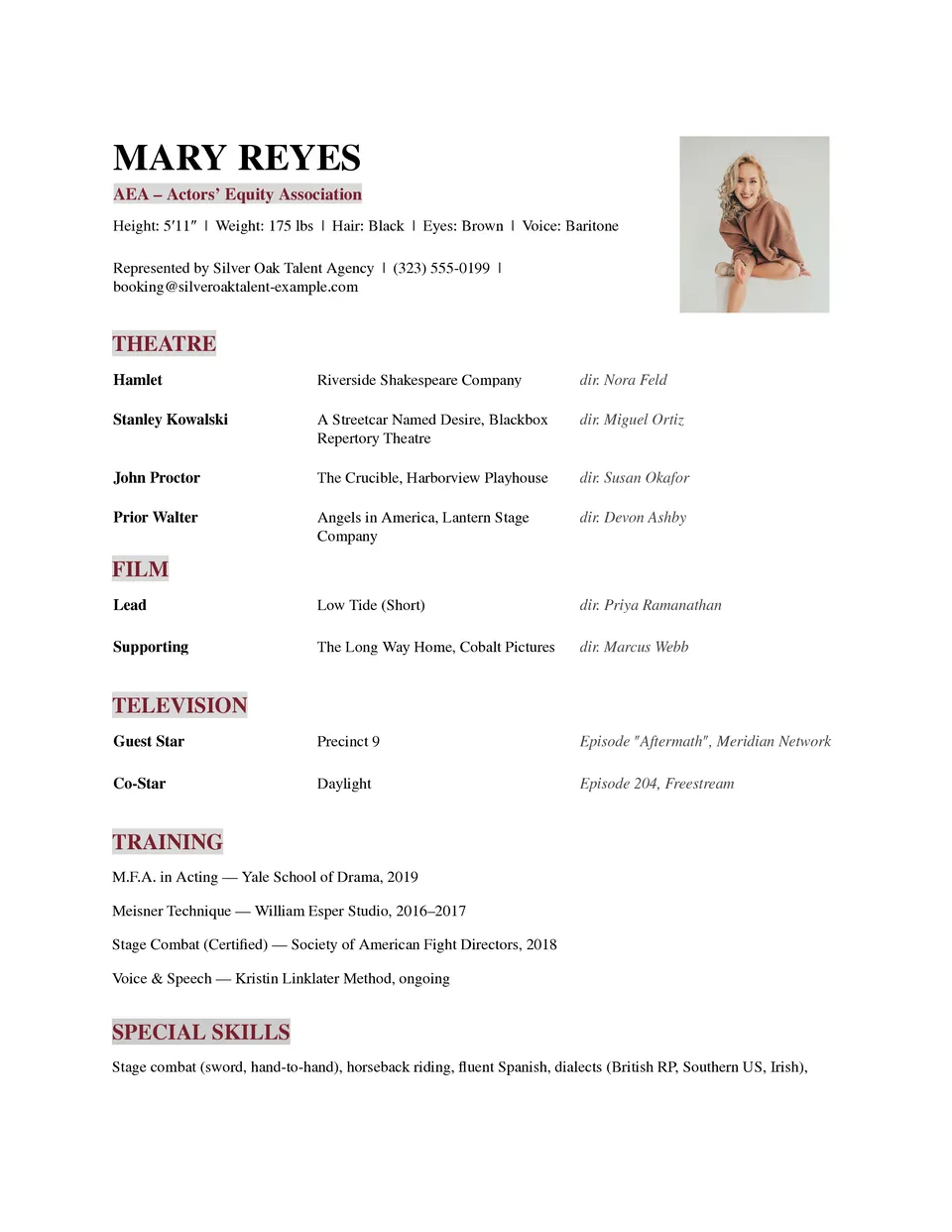
Theater Resume Template helps performers present stage experience, training, credits, skills, and professional details in a format suited to auditions and casting opportunities. Actors, directors, dancers, stage professionals, and drama students can include productions, roles, venues, education, special abilities, measurements, and a professional photo. The layout keeps performance history organized so casting teams can quickly identify relevant experience and capabilities. Editable sections allow you to tailor the content for a specific role, production, or audition. You can use it for free, update it whenever your credits grow, and download or print the finished resume.
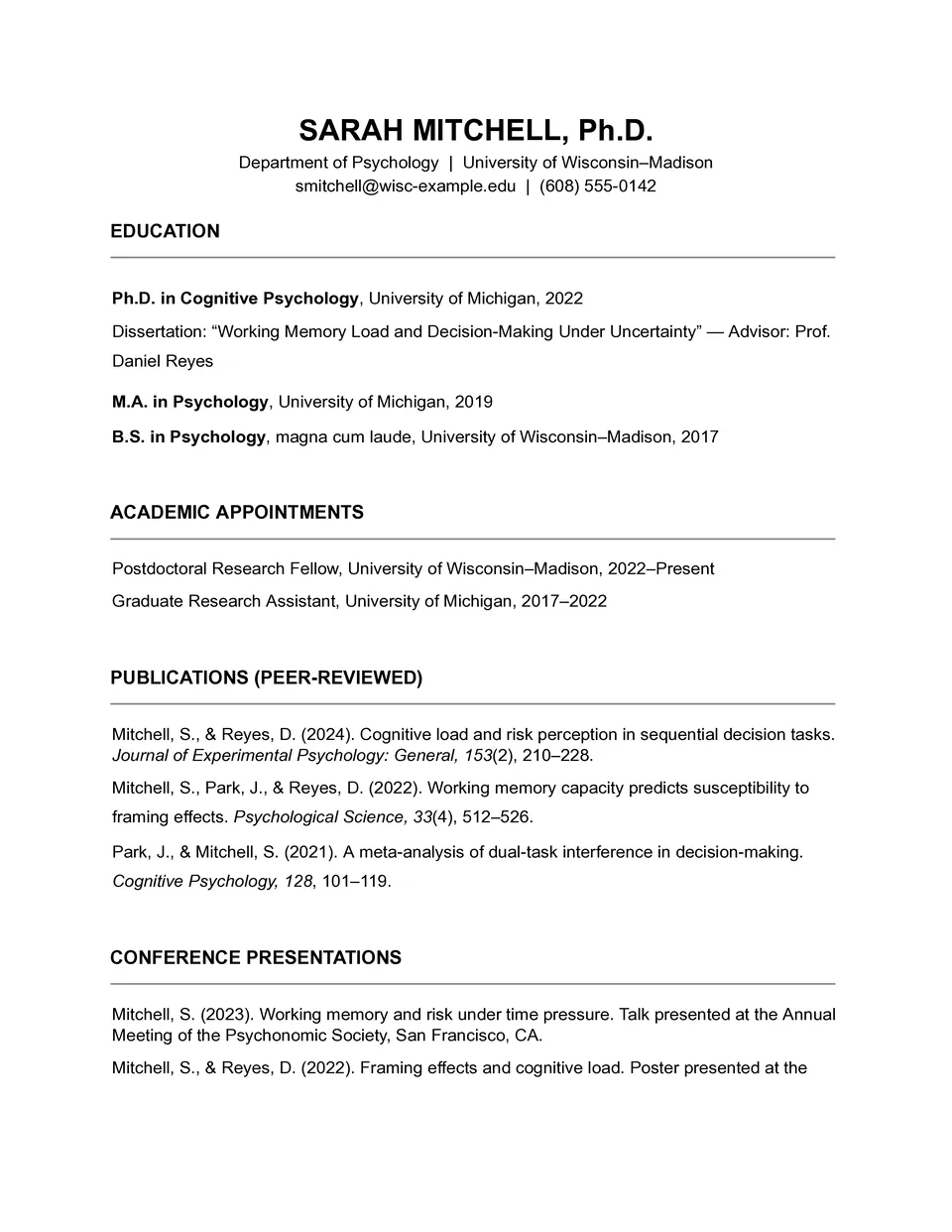
Do you need to fit education, research, publications, awards, and teaching experience into one well-organized academic resume? Academic Resume Template includes dedicated sections for education, research interests, teaching and professional experience, publications, presentations, fellowships, honors, memberships, skills, and references. Researchers, lecturers, PhD candidates, graduate students, and scholarship applicants can use it to document achievements that require more detail than a standard resume. The structured layout makes scholarly experience easier to review for universities, research institutions, and academic committees. You can customize it at no cost, add as many relevant sections as needed, and download.
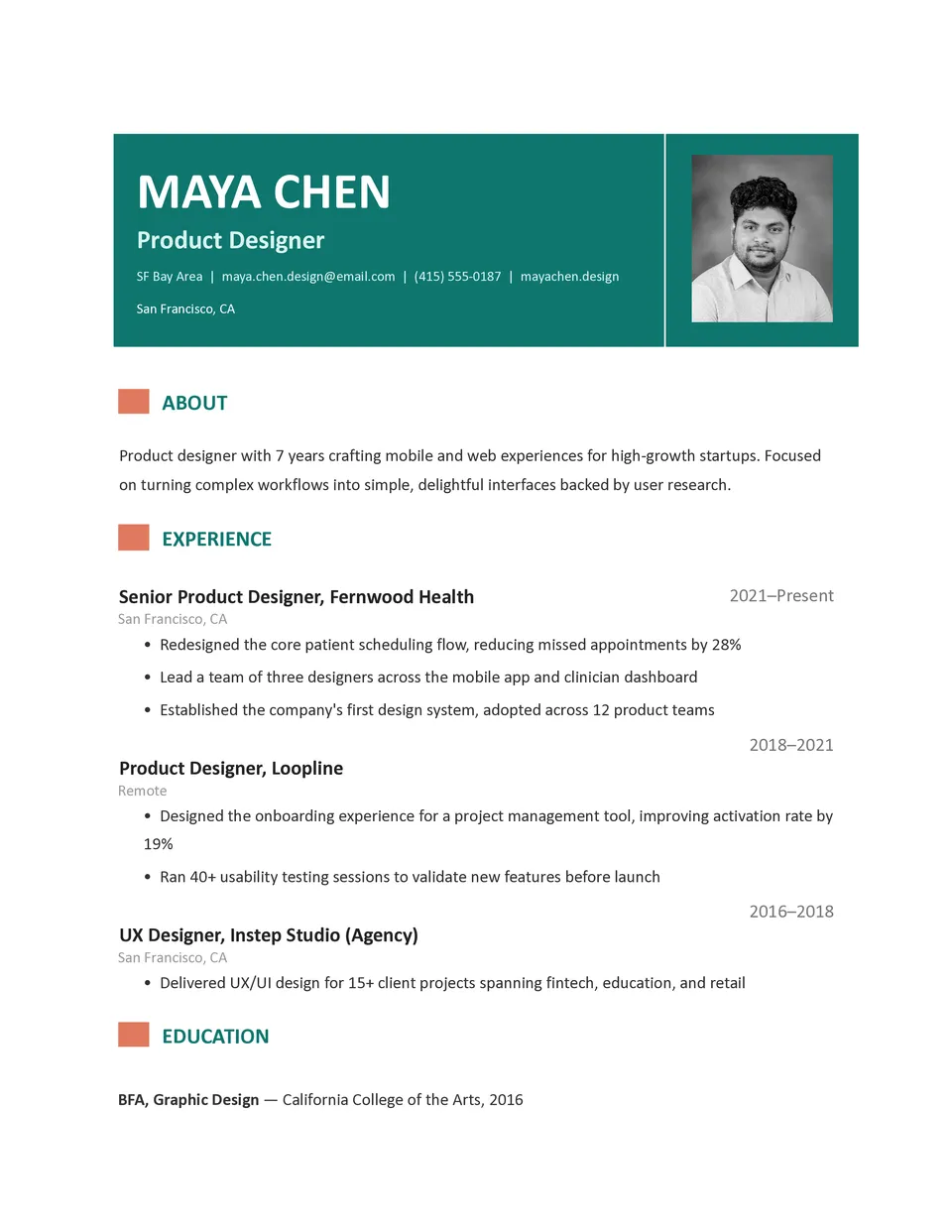
Modern Resume Template gives job seekers a contemporary way to present experience, skills, projects, and achievements without making the document feel overloaded. It includes a current-style header, professional summary, experience section, education, skills, and optional areas for certifications or portfolio links. Creative professionals, marketers, designers, technology specialists, and applicants targeting modern workplaces can adapt it to reflect their field. The visual hierarchy helps recruiters find important details quickly while giving the resume a more distinctive appearance. Free editing, flexible styling, and downloadable Word, Google Docs or PDF versions make it practical for fast applications.
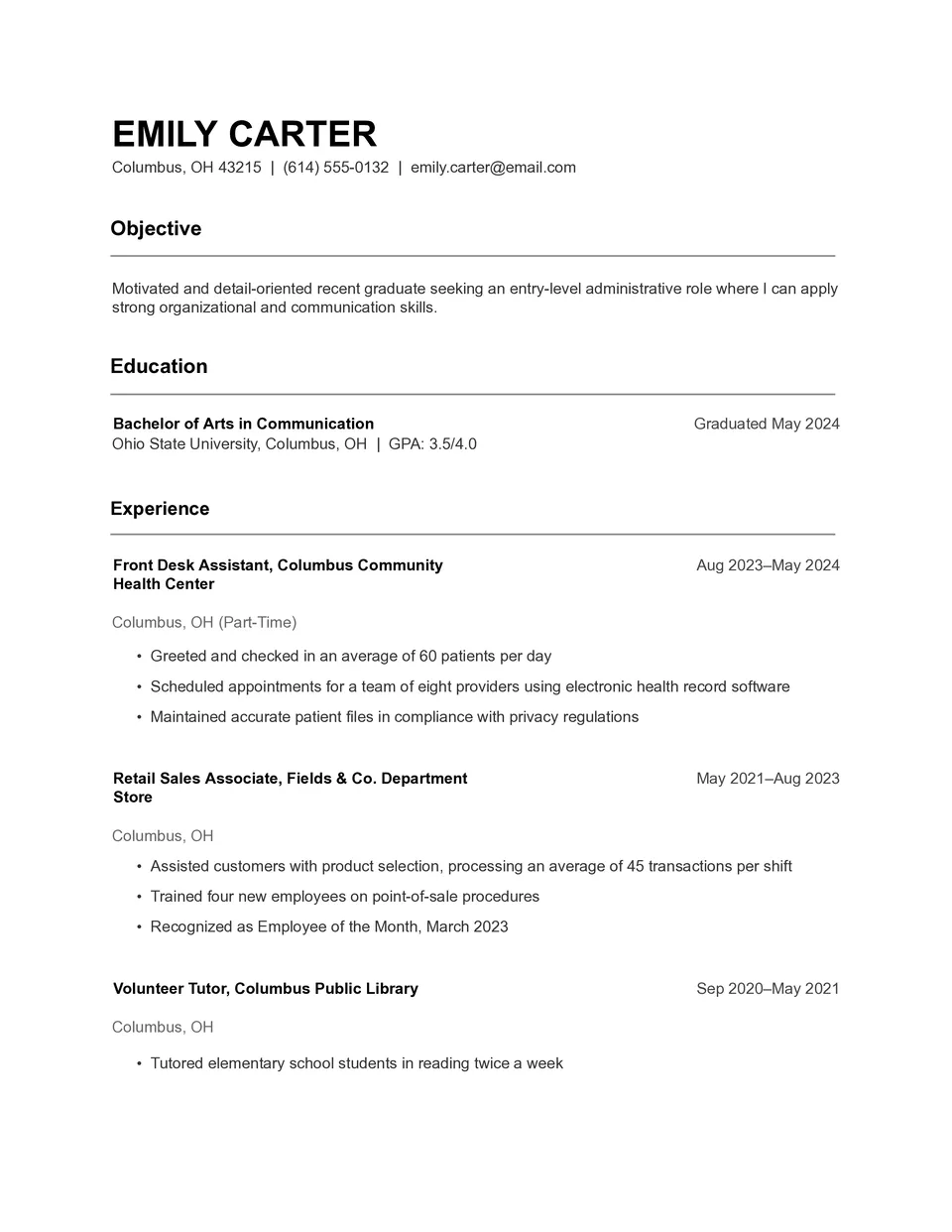
Are you creating your first resume and need a straightforward structure that tells employers exactly what you can offer? Basic Resume Template provides essential sections for contact details, a short profile, work history, education, skills, and optional achievements. It is suitable for students, entry-level candidates, career changers, and applicants with limited professional experience. The uncomplicated layout makes it easier to focus on relevant information and keep the final document readable. You can use it for free, update every section quickly, and download file for job applications.
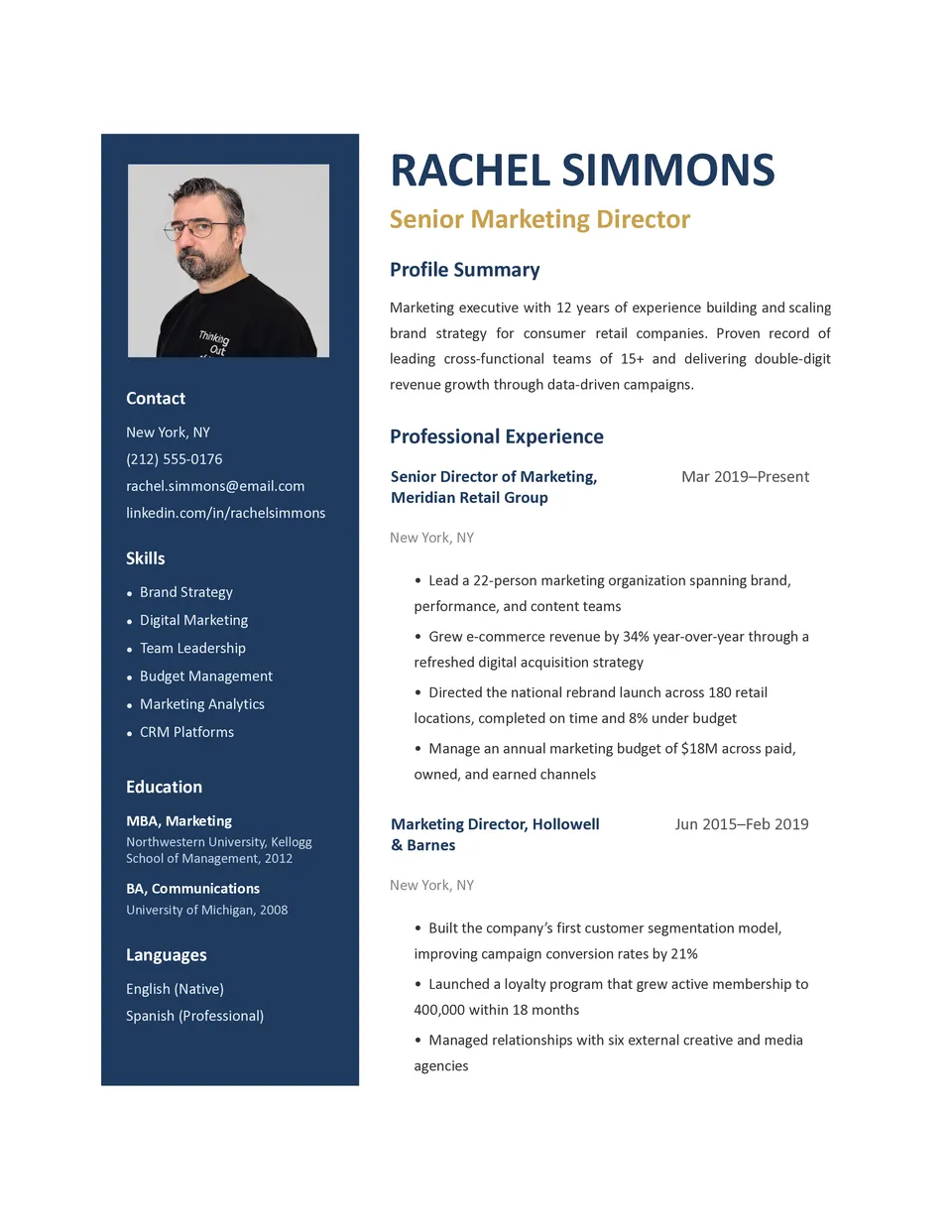
Professional Resume Template creates a clear career document with organized sections for contact information, summary, experience, education, skills, achievements, and references. It works well for specialists, managers, consultants, and job seekers who want a credible resume for applications or interviews. The balanced structure keeps the focus on measurable results and relevant qualifications instead of unnecessary decoration. You can replace the sample content, adjust the typography and spacing, and tailor each section to a specific vacancy. This free, ready-to-edit design can be downloaded as a Word file, Google Docs or exported as a PDF, printed, or shared with recruiters.
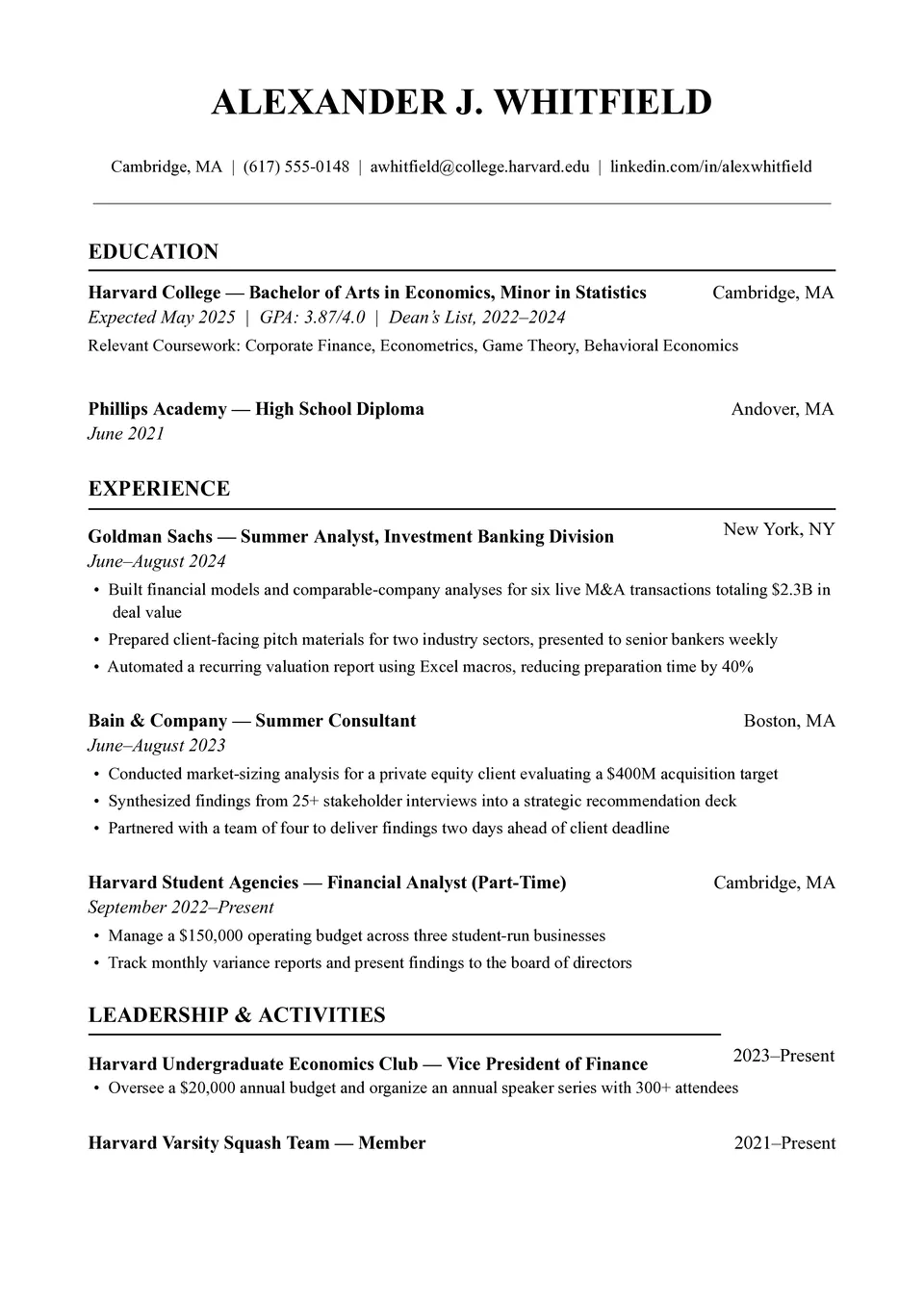
Do you need a resume that presents your qualifications in a respected, academic-style structure without spending hours formatting it? Harvard Resume Template includes space for contact details, a professional summary, education, work experience, skills, achievements, and additional credentials. Students, recent graduates, researchers, and experienced professionals can adapt it for competitive applications across different industries. Its structured layout keeps career information easy to scan while giving important accomplishments enough room to stand out. You can edit it for free, download it as a Word, Google Docs or PDF, and prepare a polished version for employers.
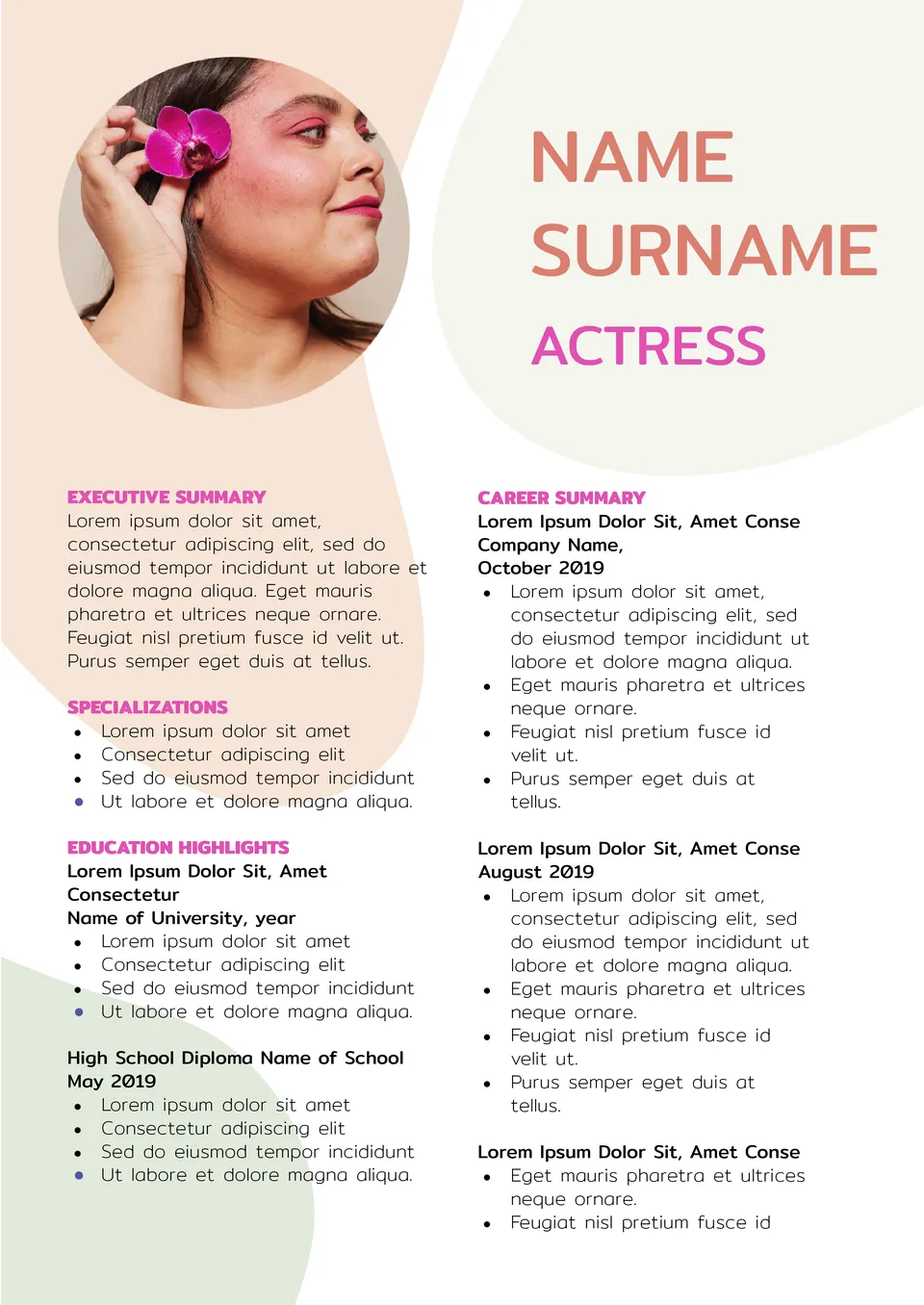
Built for performance professionals, the Actors Resume Template helps actors present their credits, training, and special skills in a clear format. It is useful for film actors, theater performers, and casting submissions.
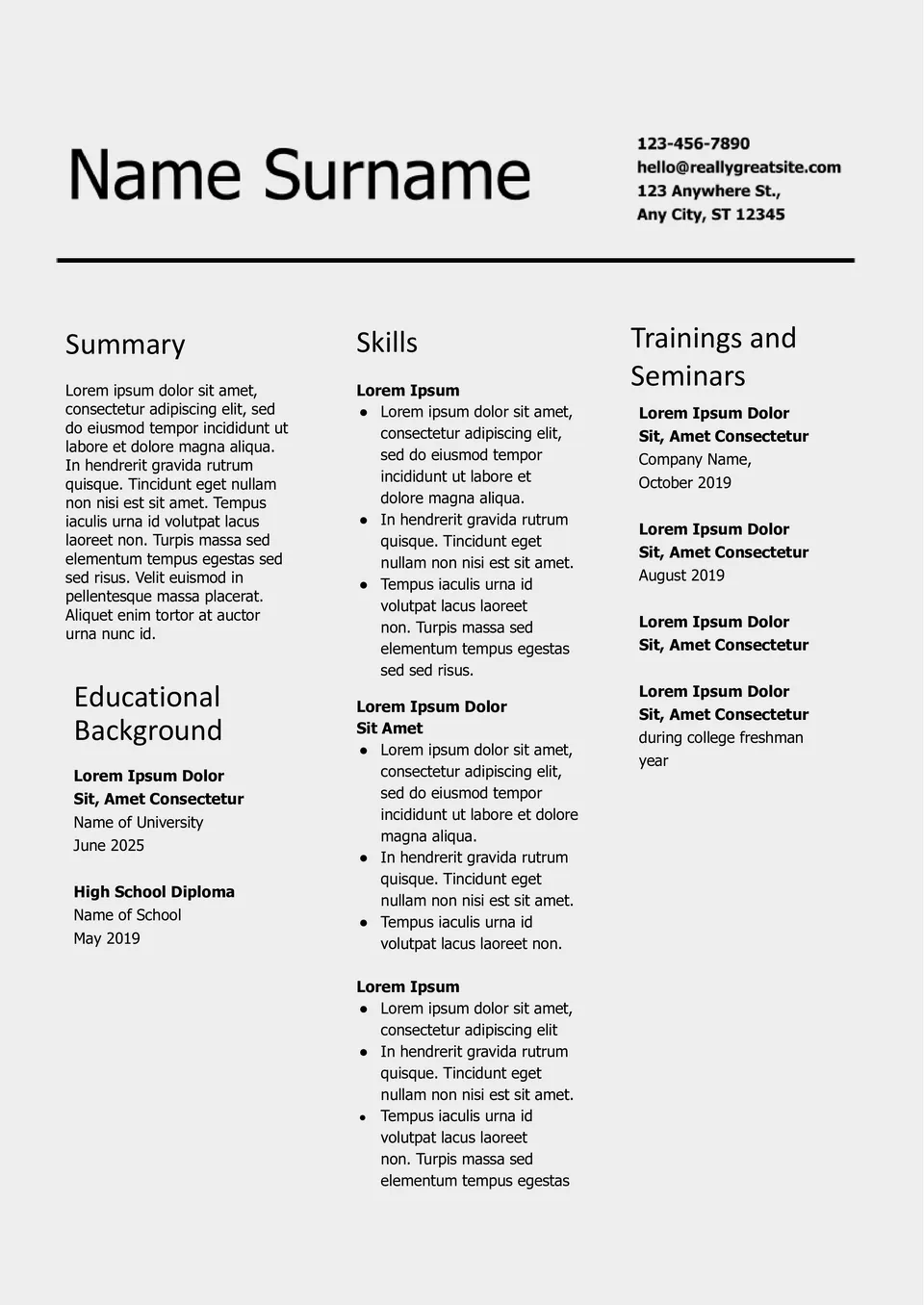
With a focus on skills rather than job history, the Resume Functional Template helps job seekers highlight what they can do best. It suits career changers, recent graduates, and people with gaps in employment.
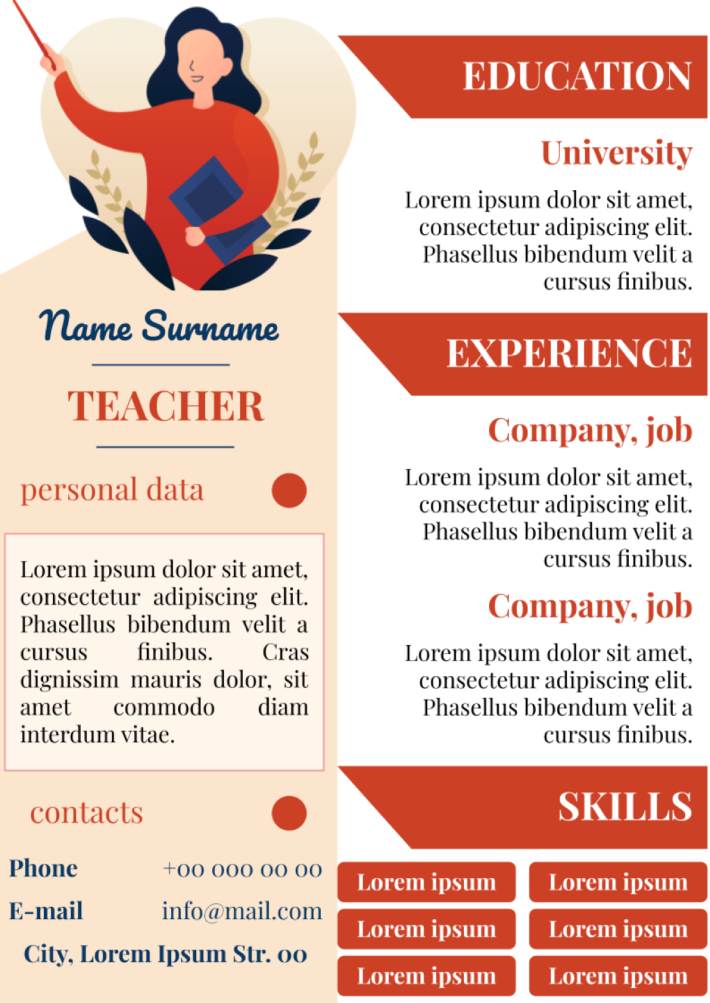
Teacher resume template for Google Docs can save your time by providing you with a professionally designed document structure.
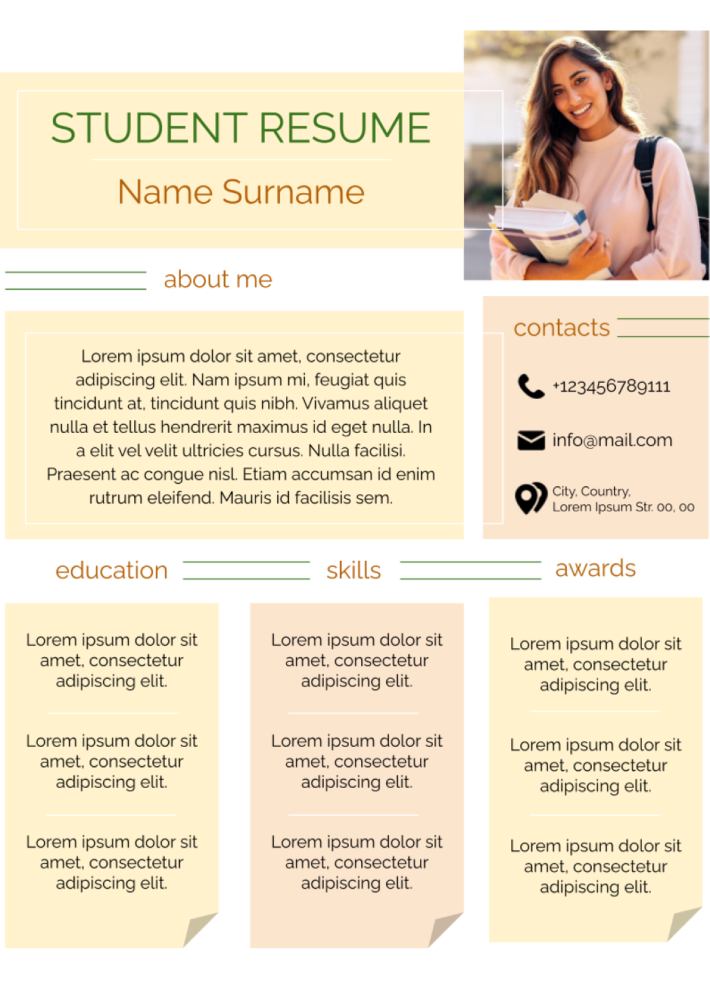
When there is no work experience yet, you need to attract the employer’ attention with your own potential. In this free layout, there is a block to list the received awards, and the key place belongs to the "About me" section.
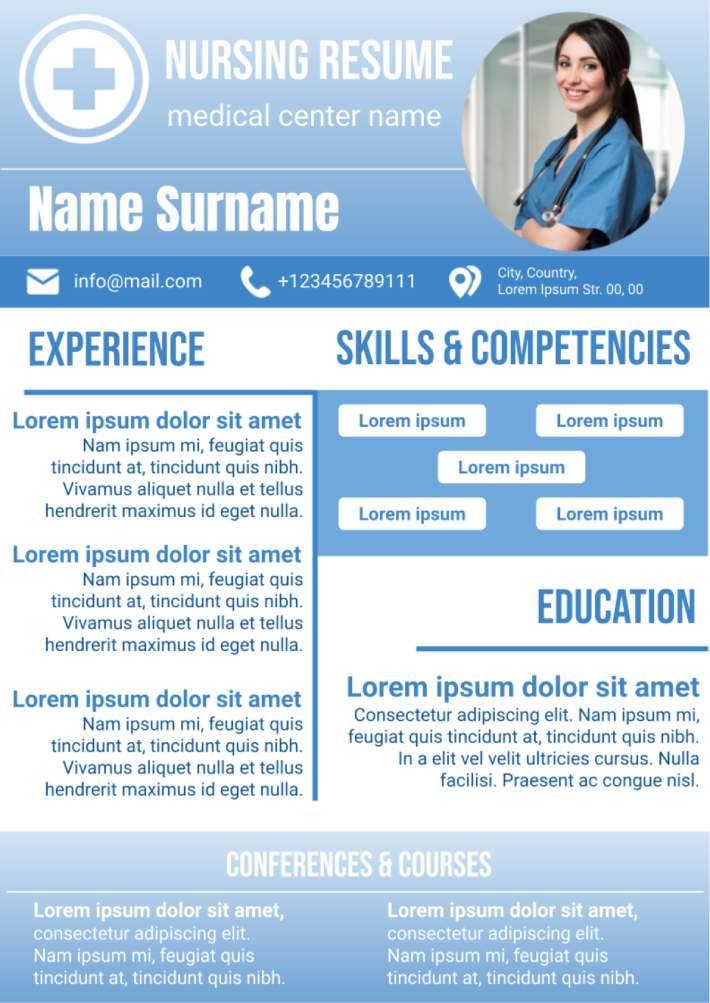
This layout stands out for its innovative design among the many editable resume templates on Google Docs for nurses and doctors. Aside from the standard data, there is a space below for a list of professional development courses.
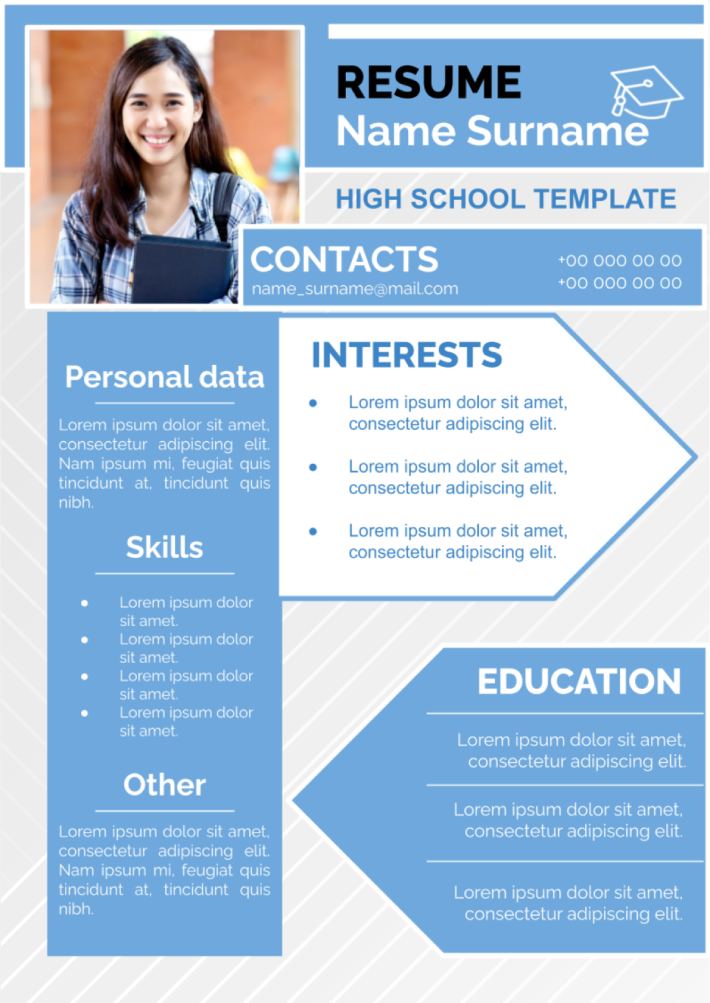
The use of high school resume templates for Google Docs can greatly simplify this process for the students.
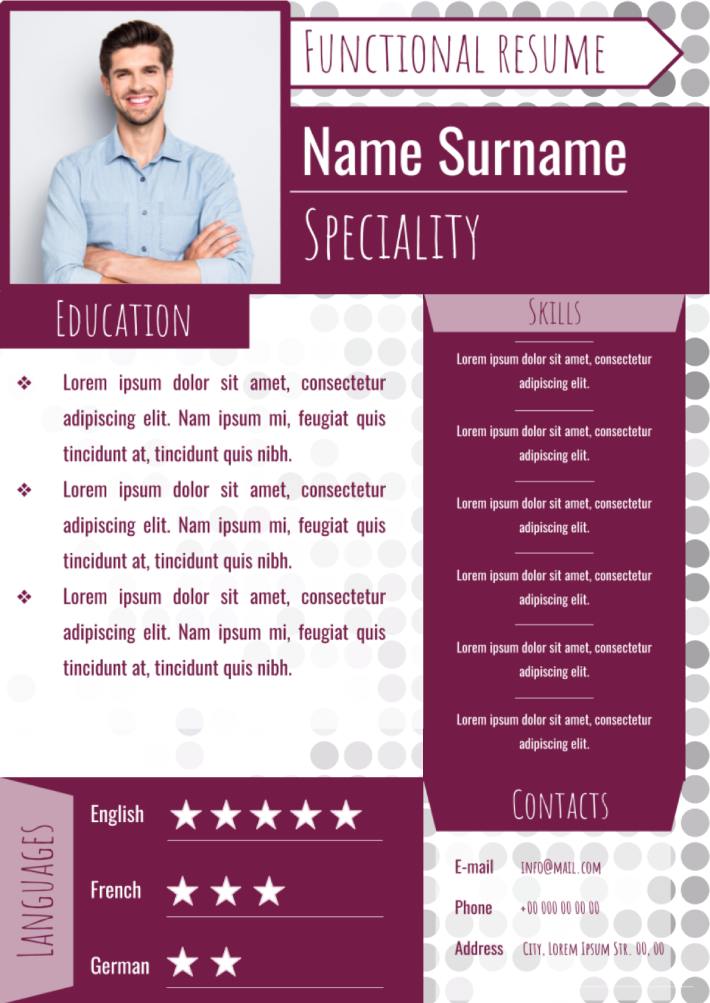
This layout is suitable for those who are just starting their career. The main focus is on information about the education received. You can specify the level of language proficiency in an original way - by means of stars.
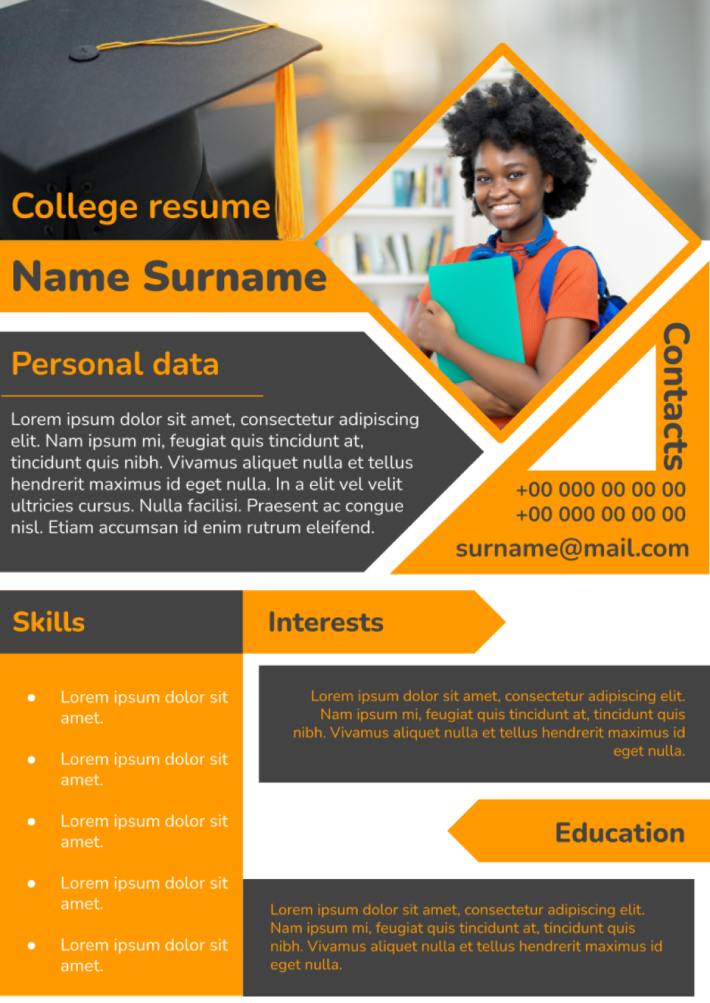
The use of college resume templates for Google Docs can greatly simplify this task for the student having no experience in this area.
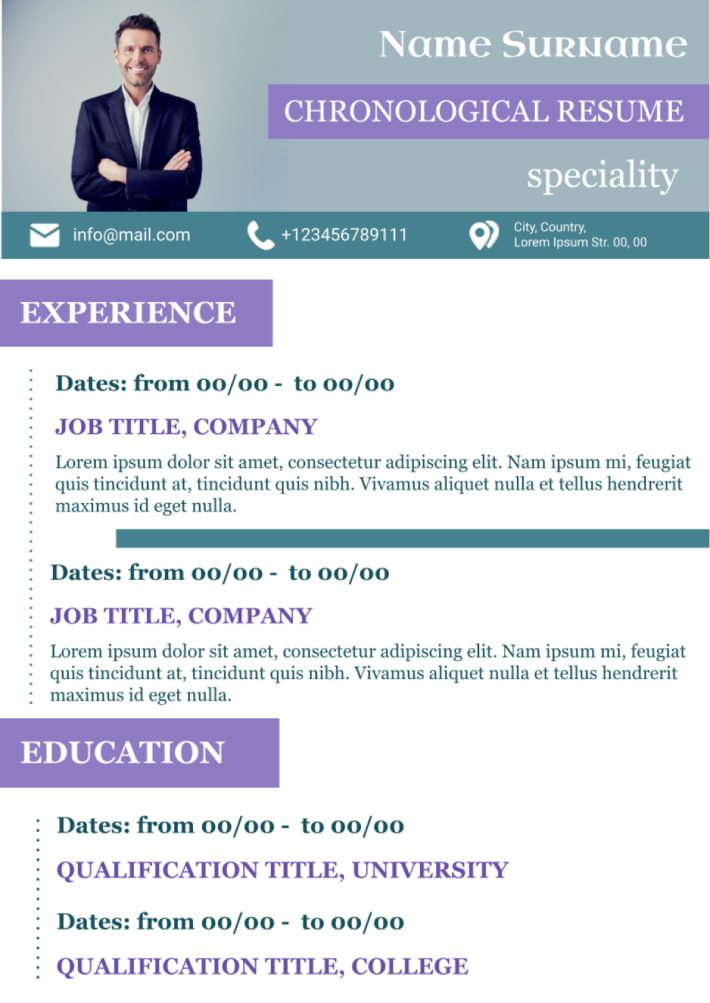
The use of chronological resume template for Google Docs includes all obligatory details for the development of the CV of high quality.
What are the best Resume Templates in 2026?
How to create a resume template in Google Docs?
How to get a resume template on Google Docs?
How to use a resume template in Google Docs?
Does Google have free templates?
What is the best resume template?
Why do I need to use the files to develop a productive resume?
What kind of representation of the file should I select?
How to select the proper photo to insert in the file?
What are the most destructive mistakes when using the documents?
What Are Resume Templates for Google Docs and MS Word?
Resume Templates are ready-made documents for job seekers, students, and professionals who need to present their background in a clear and job-ready format. They are useful for applications, internships, career changes, and academic roles, where a polished CV or resume can make a strong first impression. If you also need a matching document for your job application, take a look at our Cover Letters Templates.
We create these templates to help you save time and keep your application neat, structured, and easy to customize. They work well when you want to highlight skills, education, and work experience without starting from scratch. They also help you keep a consistent layout across different versions of your CV. That makes them a practical choice when you want to apply faster and look more professional.

Benefits of Using Resume Templates
Resume Templates make it easier to organize your qualifications in a way that looks clear and professional. They also help you present your experience in a format that is simple to update and adapt for different jobs.
- present your skills, education, and work history in a structured way;
- save time with a pre-designed job application layout;
- adapt the document for different roles, industries, or levels of experience;
- keep your application more polished and easy to read;
- prepare your CV for online applications, email, or printing.
In practice, a good resume template helps you focus on the content while the layout is already taken care of.

How to Customize Resume Templates in Google Docs
Google Docs makes it simple to edit a resume template and tailor it to a specific opportunity. You can update the content, adjust the design, and prepare the final version in a few straightforward steps.
- Open the template in Google Docs or download it as a Word file.
- Replace placeholder text with your name, contact details, and summary.
- Add your education, work experience, skills, and achievements.
- Adjust fonts, spacing, and colors to match your field or personal style.
- Save the finished file as PDF, DOCX, or print-ready format.
You can also add links to portfolios, certifications, or other supporting details when needed.

Popular Types of Resume Templates
We offer different Resume Templates for students, healthcare workers, and professionals at different career stages. Each option is designed for a specific use, so you can choose the version that fits your goals best.
- Student Resume Template — a simple format for school or early-career applications;
- Nursing Resume Template — a practical layout for healthcare professionals and nursing roles;
- Resume Functional Template — a useful option for highlighting skills over job history;
- College Resume Template — a clean choice for students and recent graduates;
- Chronological Resume Template — a classic format for showing work experience in order.
Download Free Resume Templates for Your Needs
Our Resume Templates are free to download and easy to adapt for many career goals. Choose the design that matches your background, edit it in Google Docs or Word, and create a resume that looks professional and well organized. We design these templates to help you save time, present your experience clearly, and apply with confidence.


Choose your preferred social media platform from options like Pinterest, Facebook, Twitter, and more. Share our templates with your contacts or friends. If you’re not active on these social networks, you can simply copy the link and paste it into the one you use.