

 Back to templates
 Free Smart Goals Google Docs Templates
Write down your plans, tasks, or dreams in a free smart goals template. Creating a list will help you to clearly articulate your desired results and think through the necessary steps to achieve them. You will be able to prioritize them in order of importance, track the progress of each task, and manage your time more efficiently.
Our smart goals Google Docs template includes lists for business, educational, financial, and personal needs. Choose the layout that suits you and use it for free.
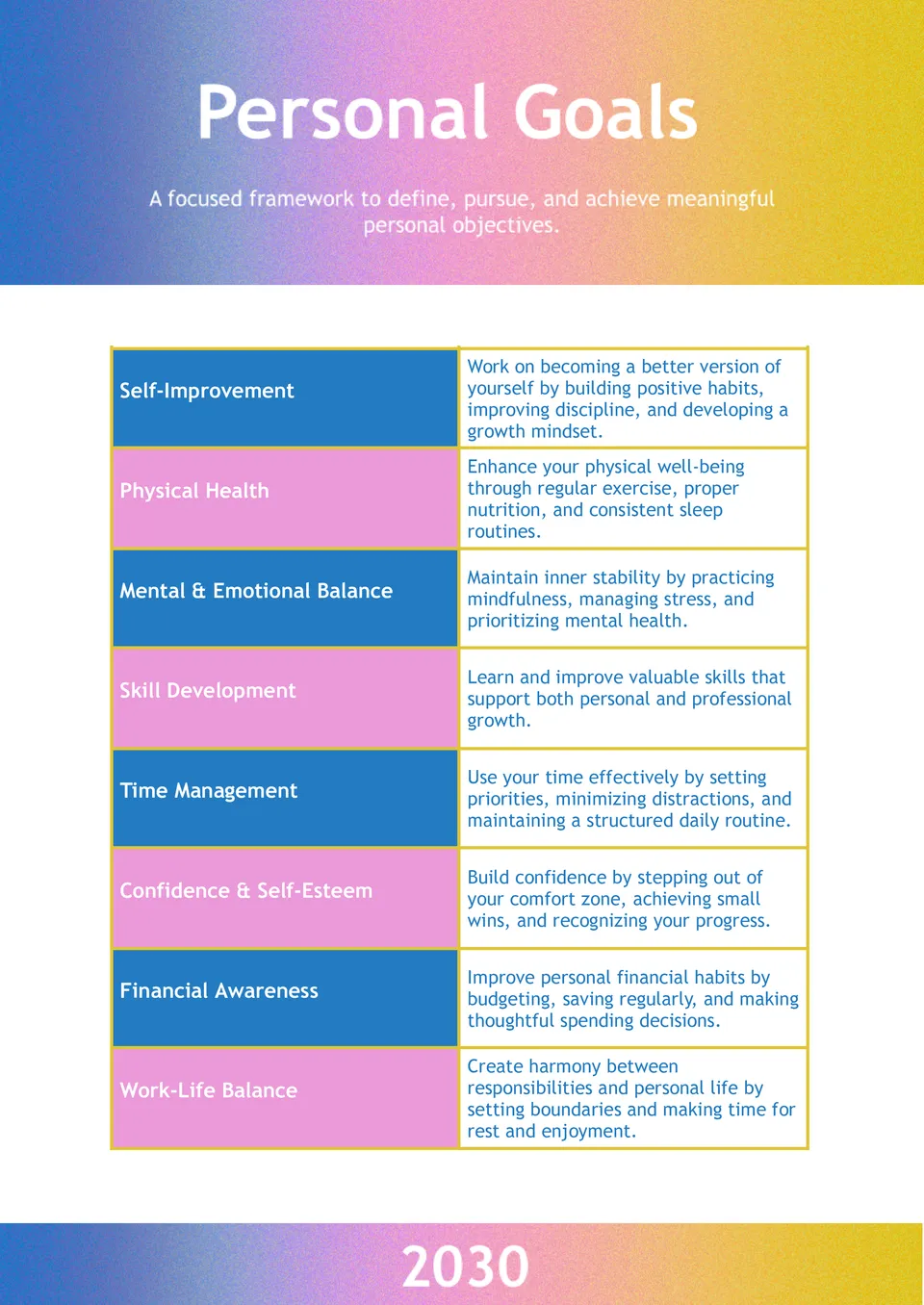
The Personal Goals Template is a smart resource for anyone who wants to stay focused, organized, and motivated while working toward meaningful personal goals. It is useful for individuals planning self-improvement, wellness, career steps, financial progress, or everyday habits.

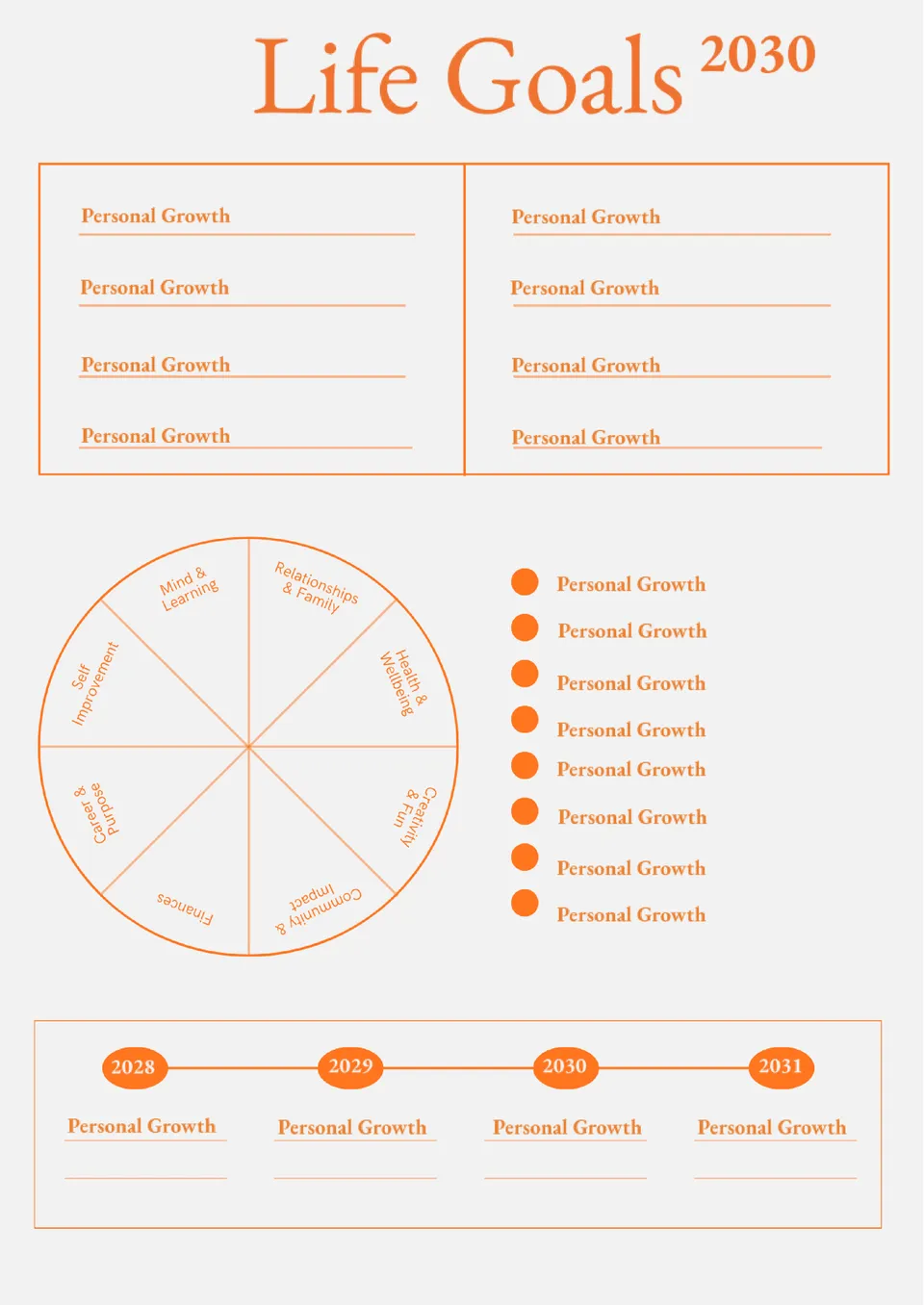
Ready to turn your biggest dreams into plans you can actually follow? The Life Goals Template is a helpful choice for students, professionals, dreamers, and anyone who wants to organize personal priorities with more intention.
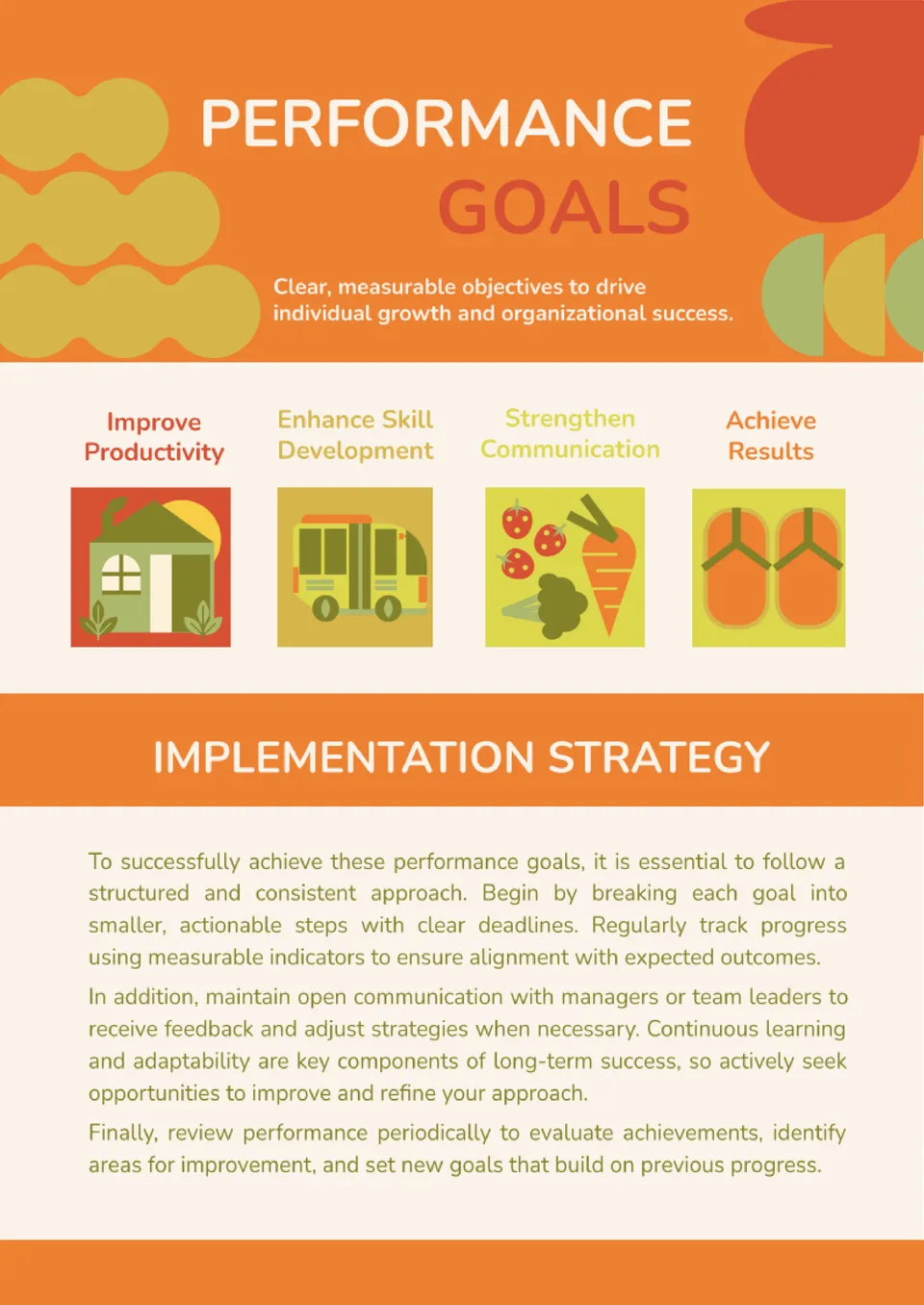
The Performance Goals Template is a practical option for supervisors, team leads, HR specialists, and companies focused on employee growth and accountability. It works well for setting measurable targets, reviewing progress, and documenting expectations in one organized place.
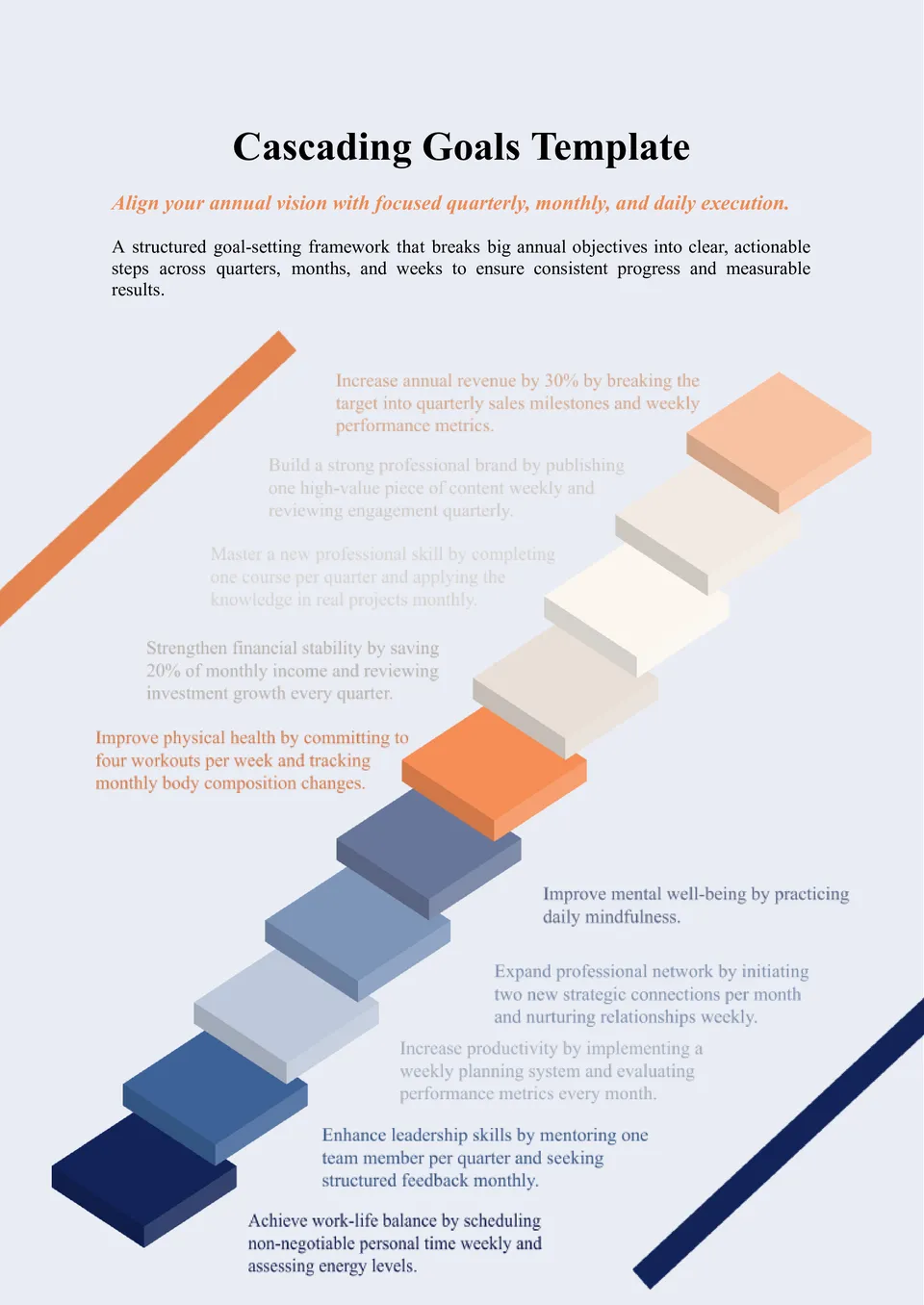
Want to connect company priorities with team and individual targets in a more organized way? The Cascading Goals Template is a strong choice for managers, department heads, HR teams, and businesses that need better alignment across every level.
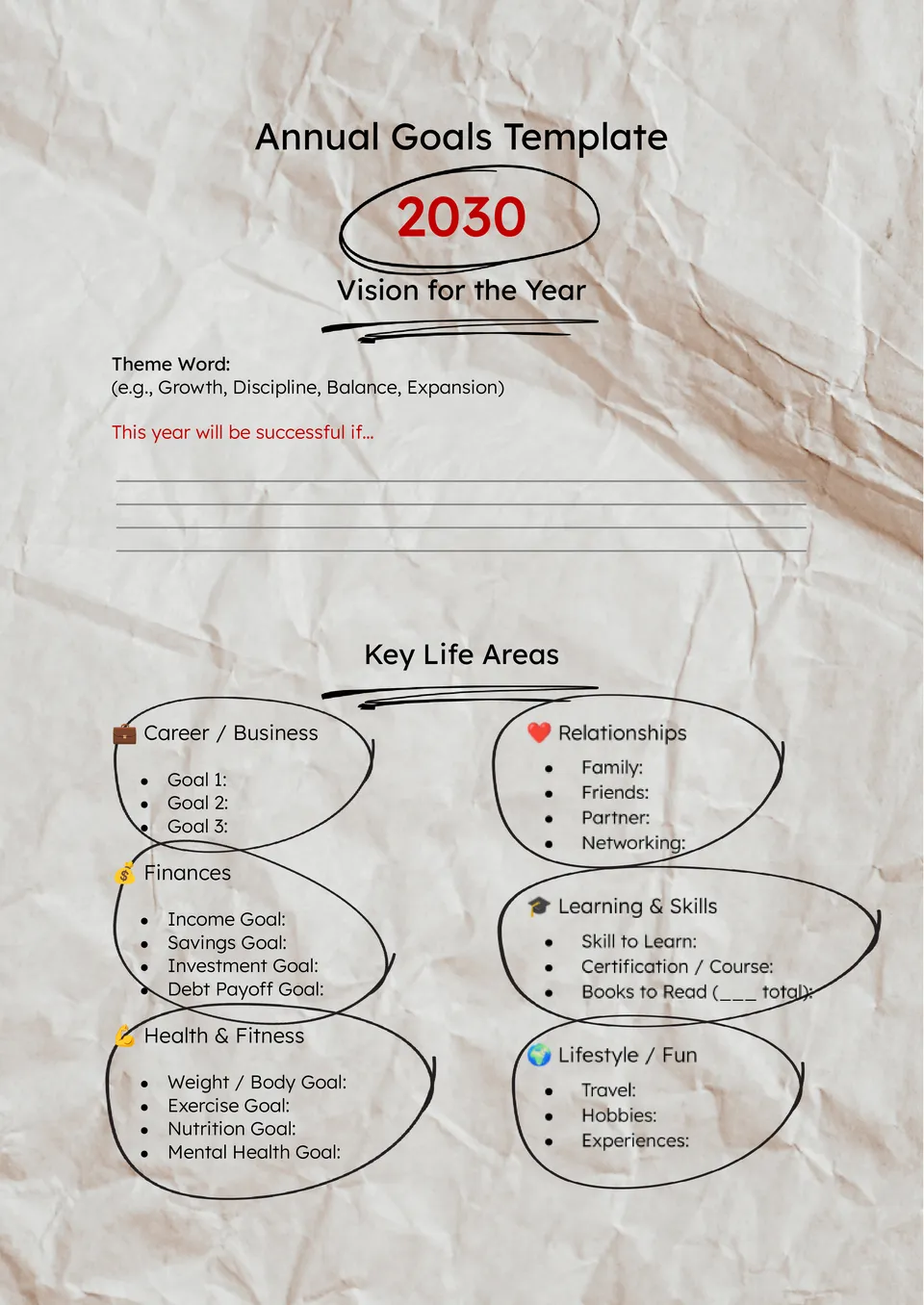
The Annual Goals Template is a useful option for departments, project leaders, managers, and organizations that need a more structured approach to yearly planning. It is designed for documenting objectives, milestones, timelines, and measurable targets in a way that stays easy to review over time.
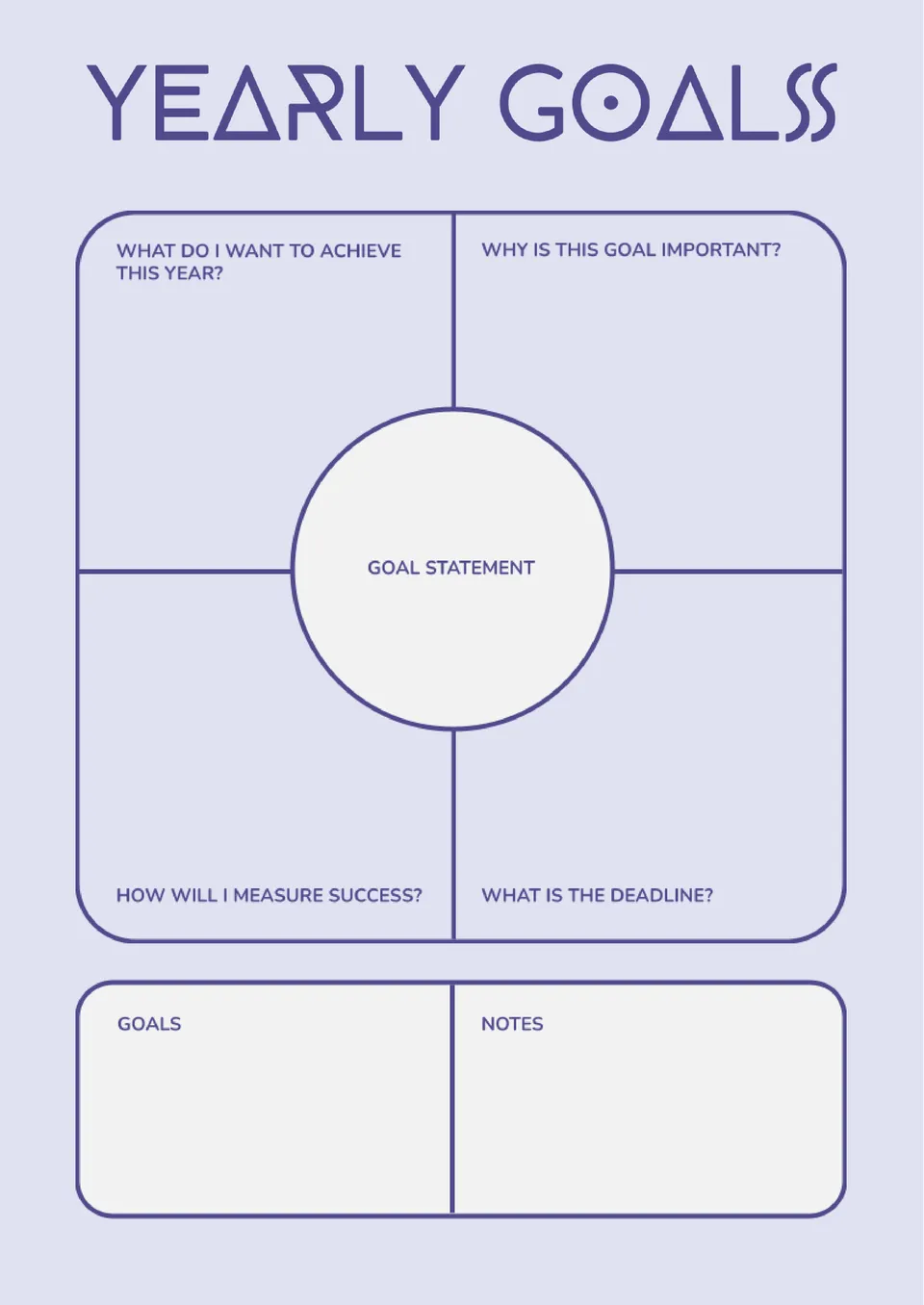
Want to organize your goals for the year without feeling overwhelmed by scattered plans? The Yearly Goals Template is ideal for planners, entrepreneurs, students, and busy professionals who want a stronger overview of what they want to achieve.
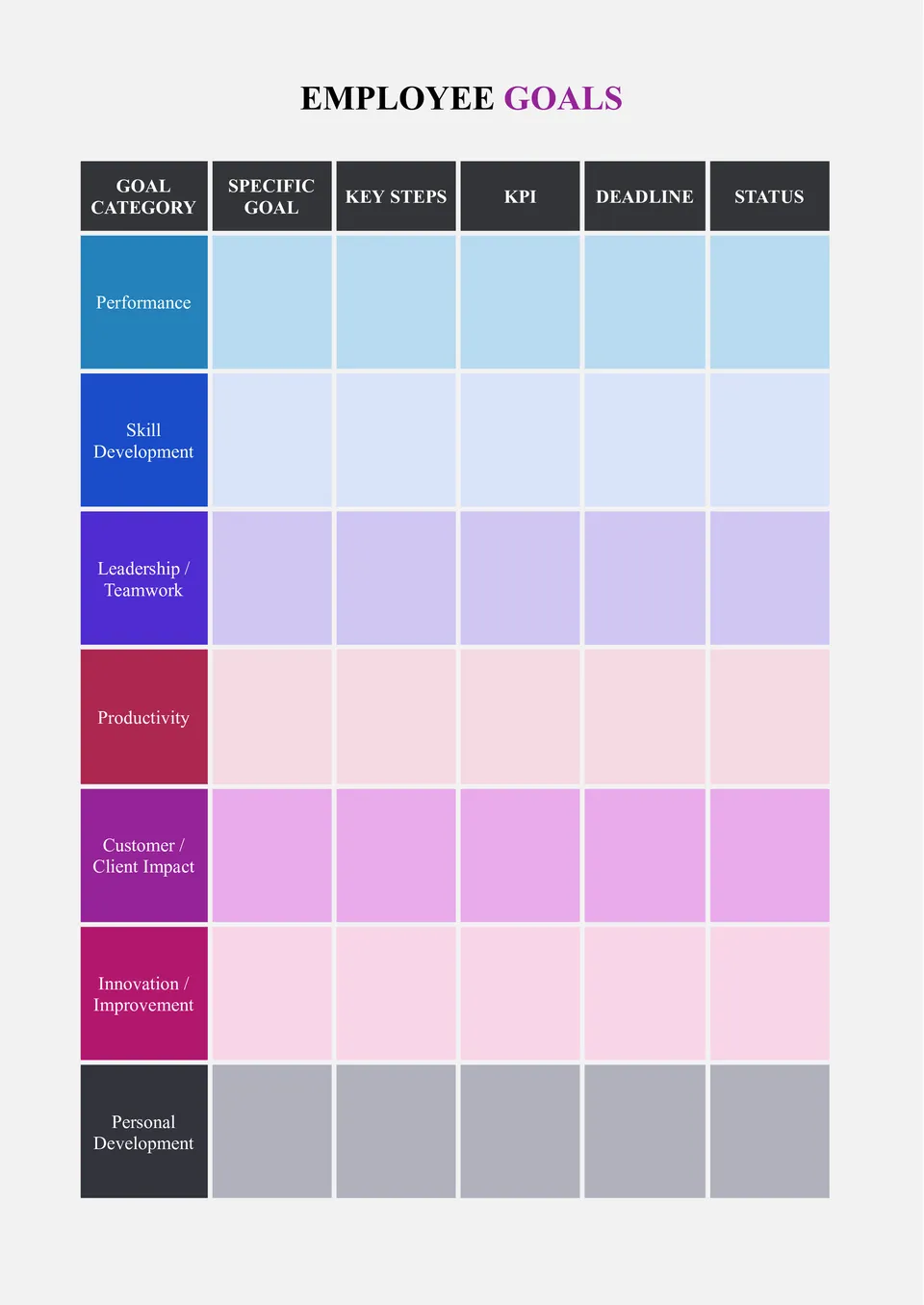
The Employee Goals Template is a practical resource for managers, HR specialists, team leads, and businesses that want to support employee growth with more structure. It works well for setting expectations, outlining performance targets, and keeping development goals in one organized place.

Ready to make 2026 feel more organized, focused, and productive? The 2026 Goals Template is a smart pick for students, professionals, freelancers, and anyone who wants to turn ideas into structured plans.
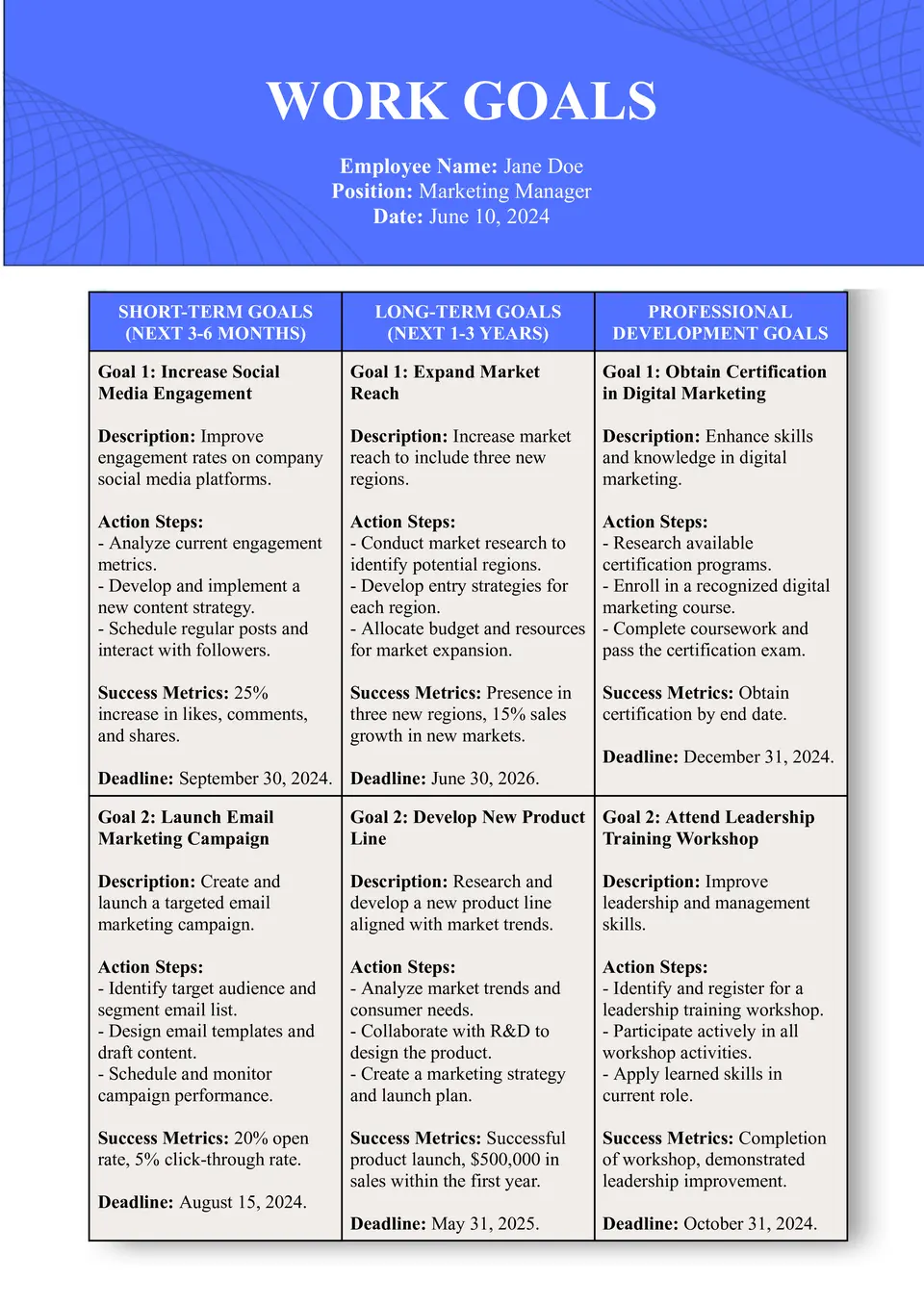
Looking for a better way to map out job priorities and stay focused through the year? The Work Goals Template is useful for employees, managers, and professionals who want a structured place for targets, timelines, and progress notes.
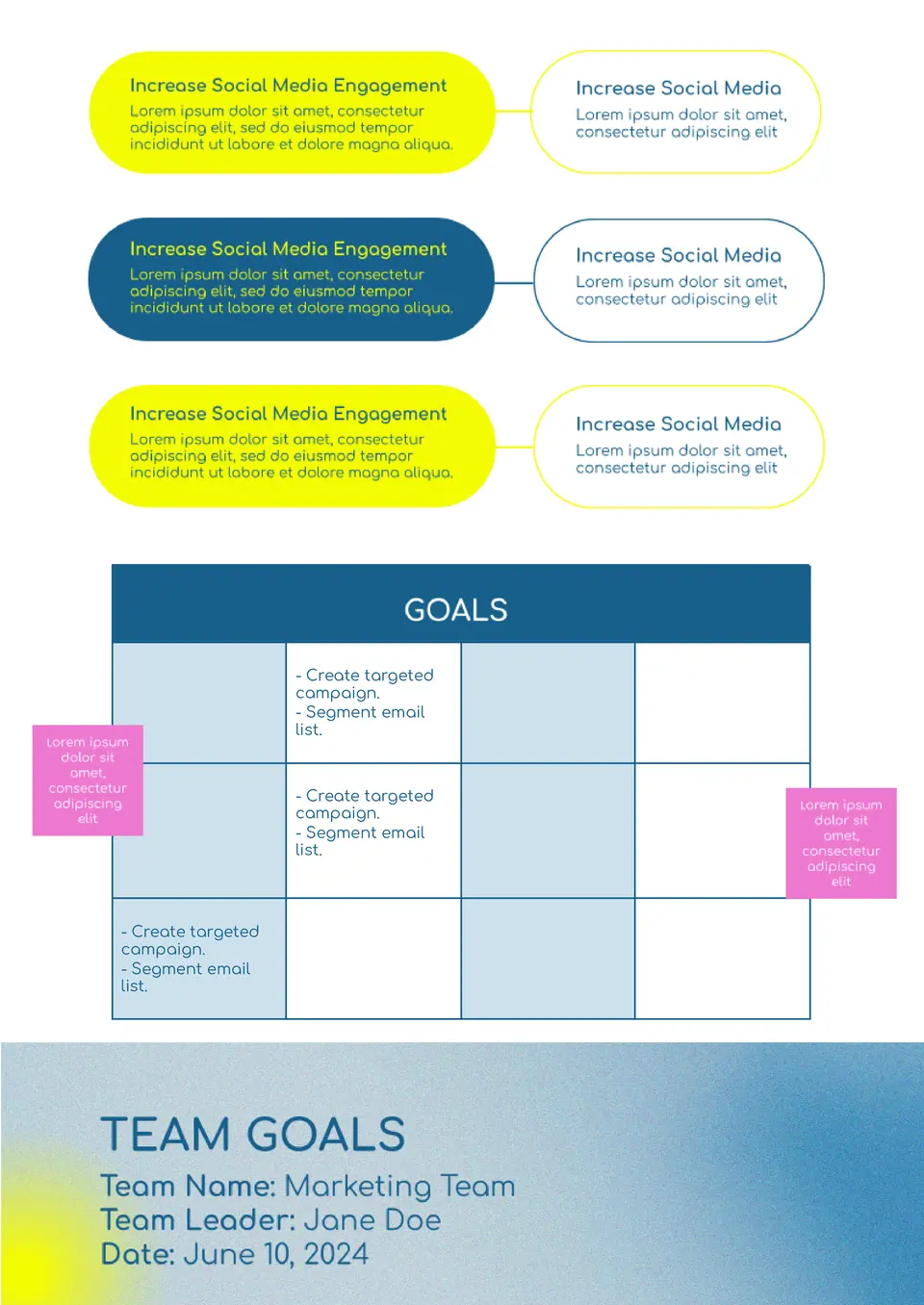
Want your team working toward shared outcomes instead of scattered tasks? The Team Goals Template is designed for managers, project leads, and departments that need a single view of priorities, milestones, and accountability.
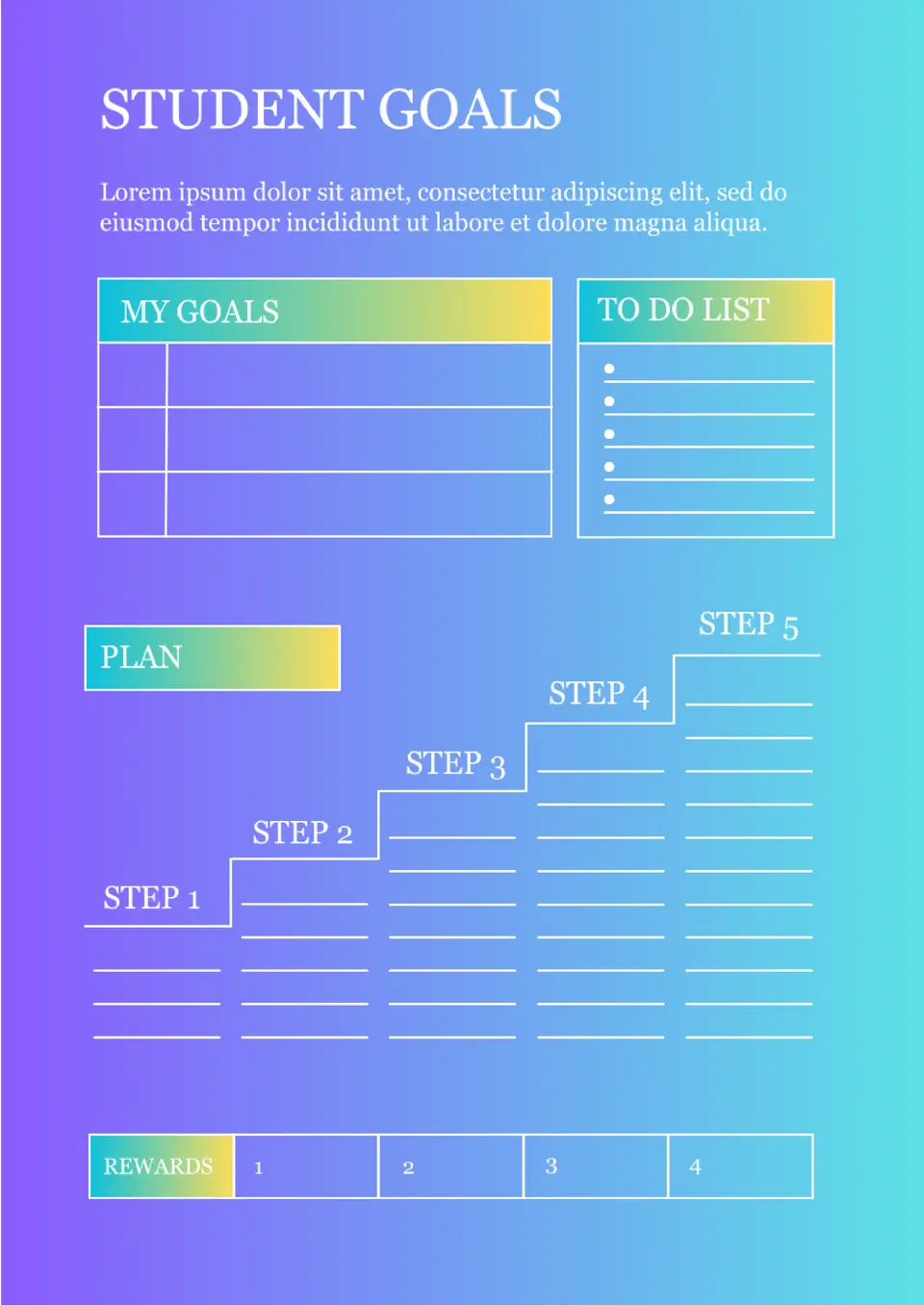
Need a simple tool to help students organize academic or personal targets? The Student Goals Template is a great fit for school planning, study habits, and step-by-step progress tracking.
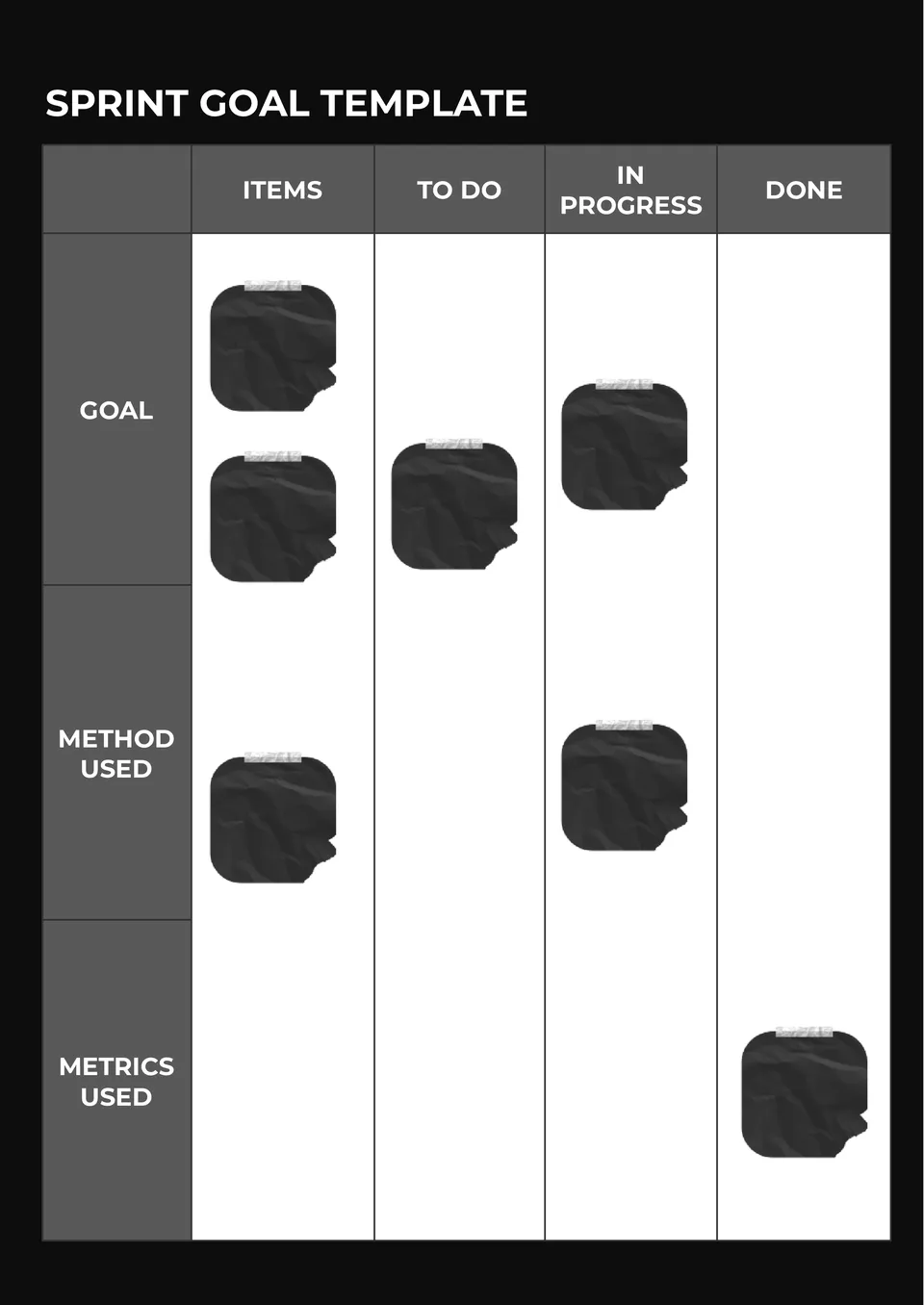
Our Sprint Goal Template gives agile teams a direct way to define short-term priorities. It suits scrum teams, product managers, developers, and project leads.
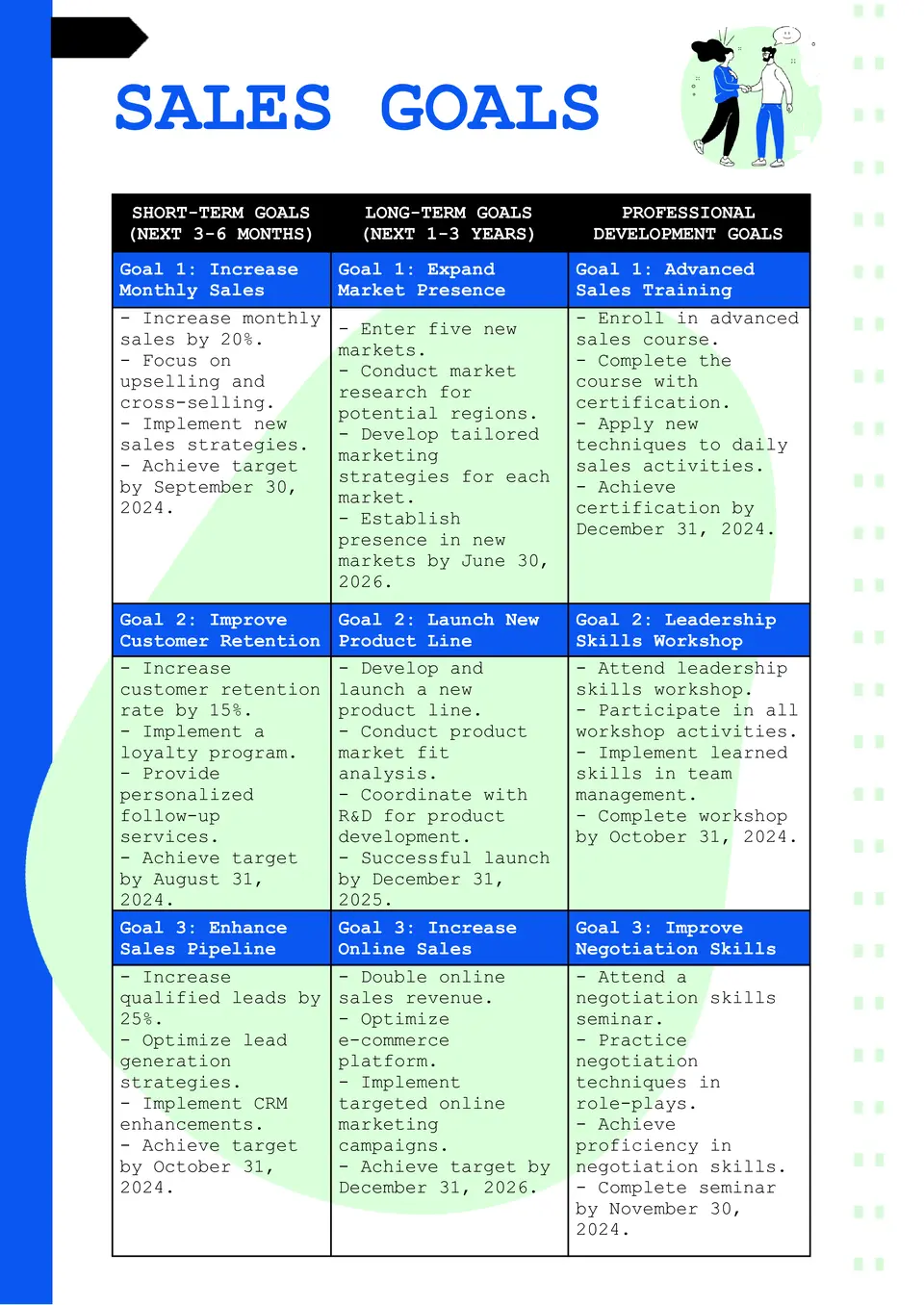
The Sales Goal Template is a helpful resource for sales reps, team leads, and business owners who need a clearer way to track targets and results. It supports structured planning around quotas, timelines, and performance checkpoints, which makes progress easier to measure.
Ready to start the year with something more useful than a vague list of resolutions? The New Year's Goals Template works well for individuals, families, students, and teams who want to turn fresh-year ideas into an actual plan.
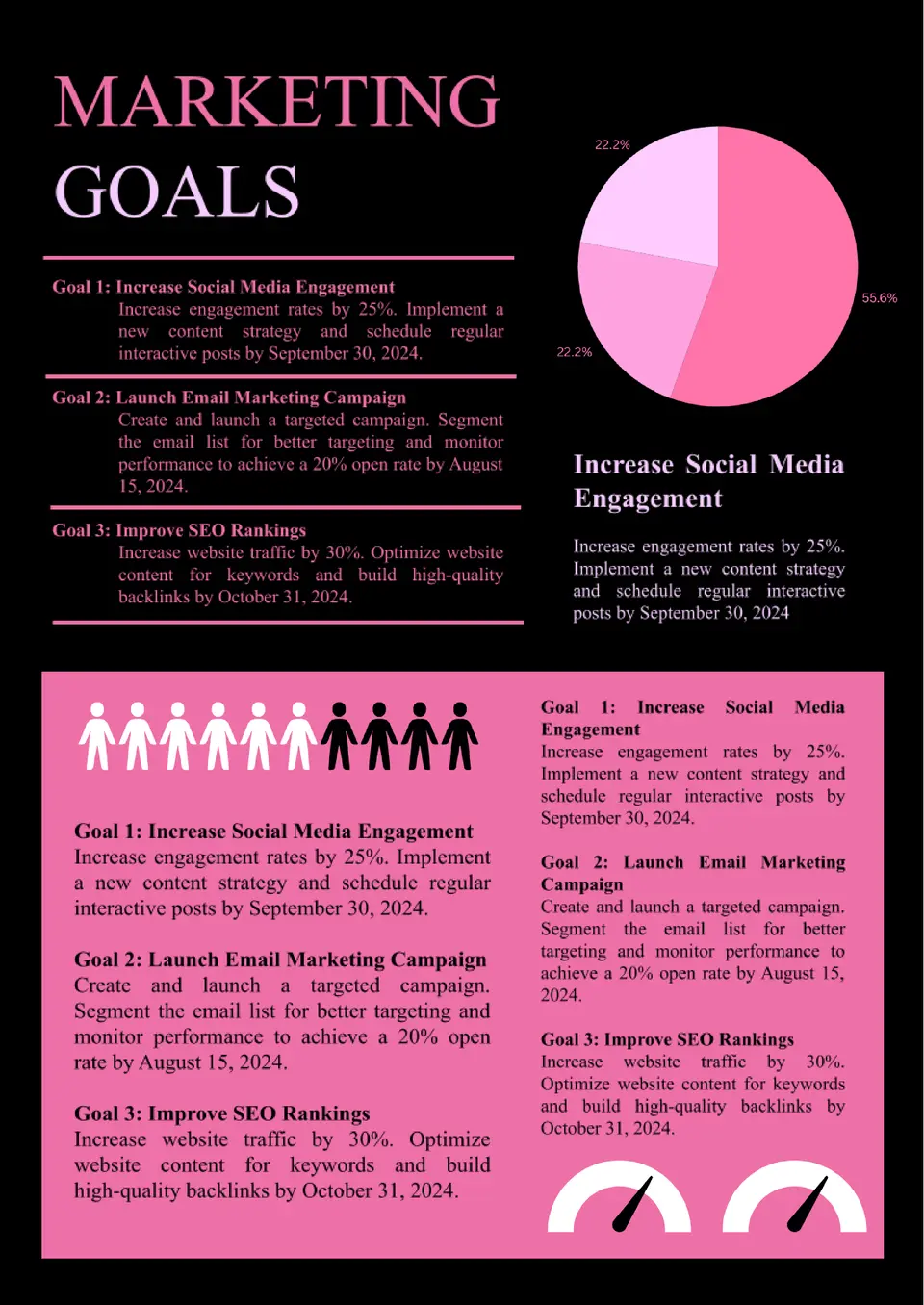
Want a clearer structure for campaign targets, growth priorities, and content performance? The Marketing Goals Template is ideal for marketers, agencies, founders, and content teams who need goals that connect strategy with measurable outcomes.
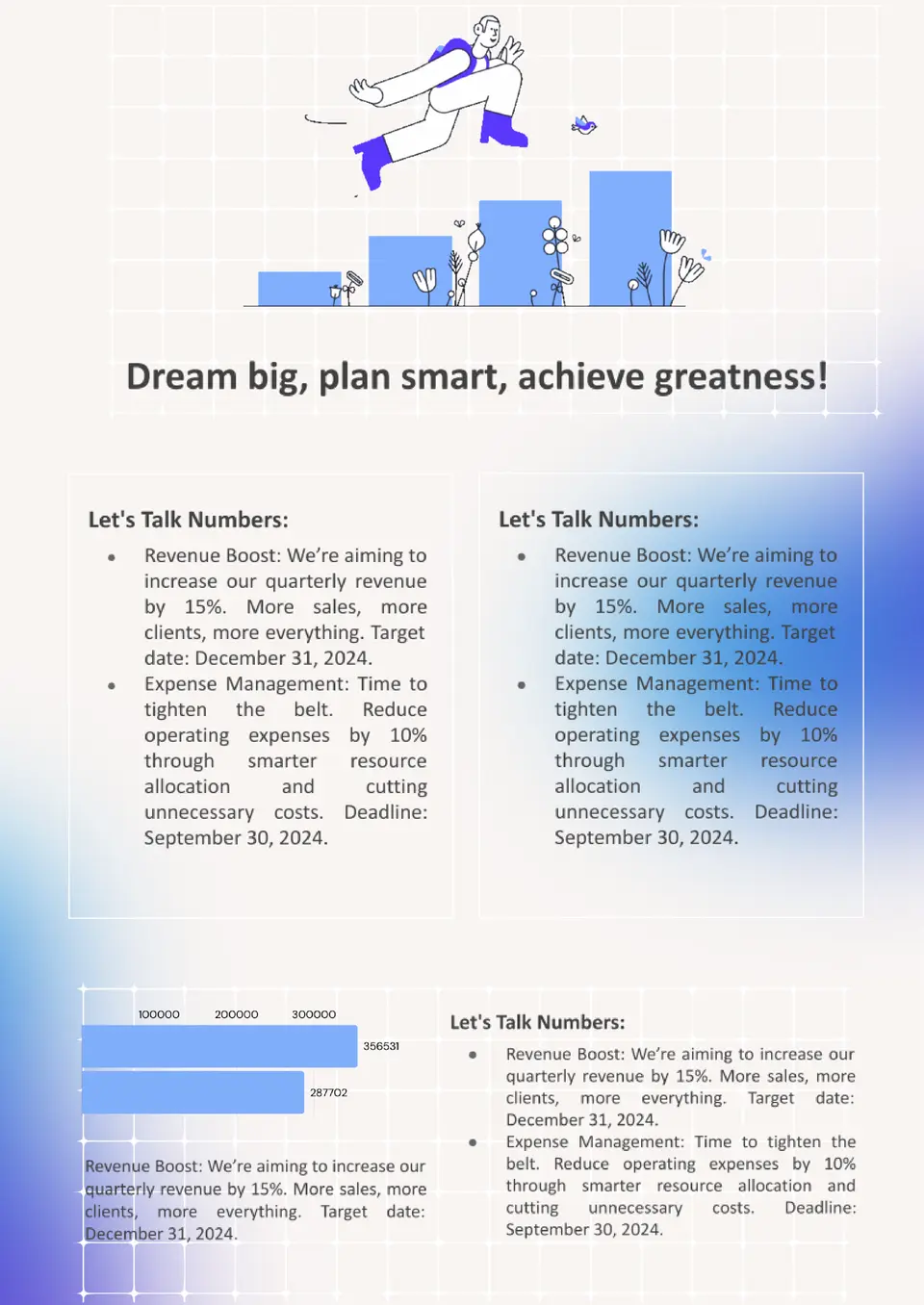
The Financial Goals Template is a practical choice for individuals, couples, and planners who want a more organized view of savings, debt, and future money targets. It helps structure financial priorities so long-term goals feel less overwhelming and more trackable.
What are the best Smart Goals Templates in 2026?
How to Create a Smart Goals Template?
How to Set a Goals Template?
How to Write SMART Goals?
What Are Smart Goals Templates for Google Docs and MS Word?
Smart Goals Templates are ready-made documents for people, teams, and managers who want to set clear, measurable goals and track progress over time. They are useful for personal planning, work objectives, annual reviews, life goals, and department targets, where structure and accountability matter. If you also need a more detailed format for reviewing results or explaining progress, take a look at our Analysis Templates.
We create these templates to help you save time and keep goals organized, realistic, and easy to update. They work well when you want to define priorities, assign deadlines, and follow a clear plan without building the format from scratch. They also help you compare goals across different areas, so it is easier to stay focused and measure success. That makes them a practical choice for both personal growth and workplace planning.

Benefits of Using Smart Goals Templates
Smart Goals Templates make it easier to set objectives that are specific and actionable. They also help you keep your planning process more structured and easier to review.
- set goals in a clear and practical format;
- track progress with measurable checkpoints;
- adapt the layout for personal, work, or team use;
- keep deadlines and priorities easy to follow;
- support better planning and accountability.
In practice, a good SMART template helps you turn broad ideas into concrete steps that are easier to complete.

How to Customize Smart Goals Templates in Google Docs
Google Docs makes it simple to edit a Smart Goals template and adapt it to your needs. You can update the goal fields, adjust the layout, and prepare the final version in a few steps.
- Open the template in Google Docs or download it as a Word file.
- Replace placeholder text with your goal, deadline, and target outcome.
- Add metrics, milestones, or action steps for tracking progress.
- Adjust fonts, spacing, and colors to make the page easier to read.
- Save the finished file as PDF, DOCX, or a shareable digital document.
You can also create different versions for short-term goals, annual planning, or team objectives if your workflow needs more than one format.

Popular Types of Smart Goals Templates
We offer different Smart Goals Templates for personal development, work planning, and team strategy. Each option is designed for a specific purpose, so you can choose the layout that fits your goals best.
- Personal Goals Template — a simple format for individual plans and self-improvement;
- Work Goals Template — a useful choice for employee objectives and job-related planning;
- Annual Goals Template — a structured option for year-long targets and progress tracking;
- Life Goals Template — a practical layout for long-term personal priorities and milestones;
- Department Goals Template — a clear format for team and department planning.
Download Free Smart Goals Templates for Your Needs
Our Smart Goals Templates are free to download and easy to adapt for many kinds of planning. Choose the design that matches your purpose, edit it in Google Docs or Word, and create a goal-setting document that looks organized and useful. We design these templates to help you save time, stay focused, and turn ideas into measurable results.


Choose your preferred social media platform from options like Pinterest, Facebook, Twitter, and more. Share our templates with your contacts or friends. If you’re not active on these social networks, you can simply copy the link and paste it into the one you use.