

 Back to templates
 All templates- Page 91
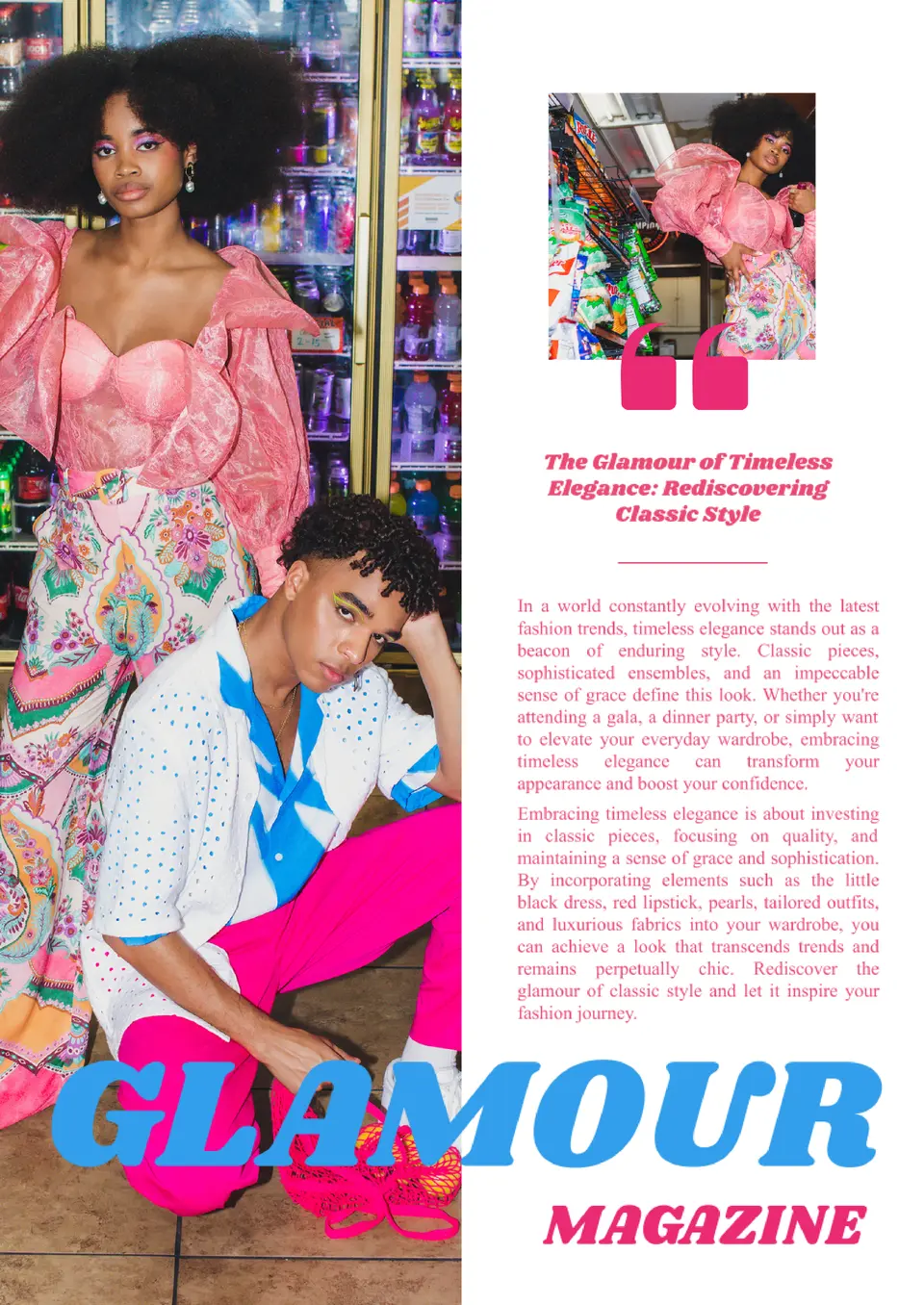
Want to create a stylish and elegant publication? The Glamour Magazine Template allows you to design a magazine with a luxurious and chic layout, perfect for showcasing beauty, fashion, and lifestyle content.

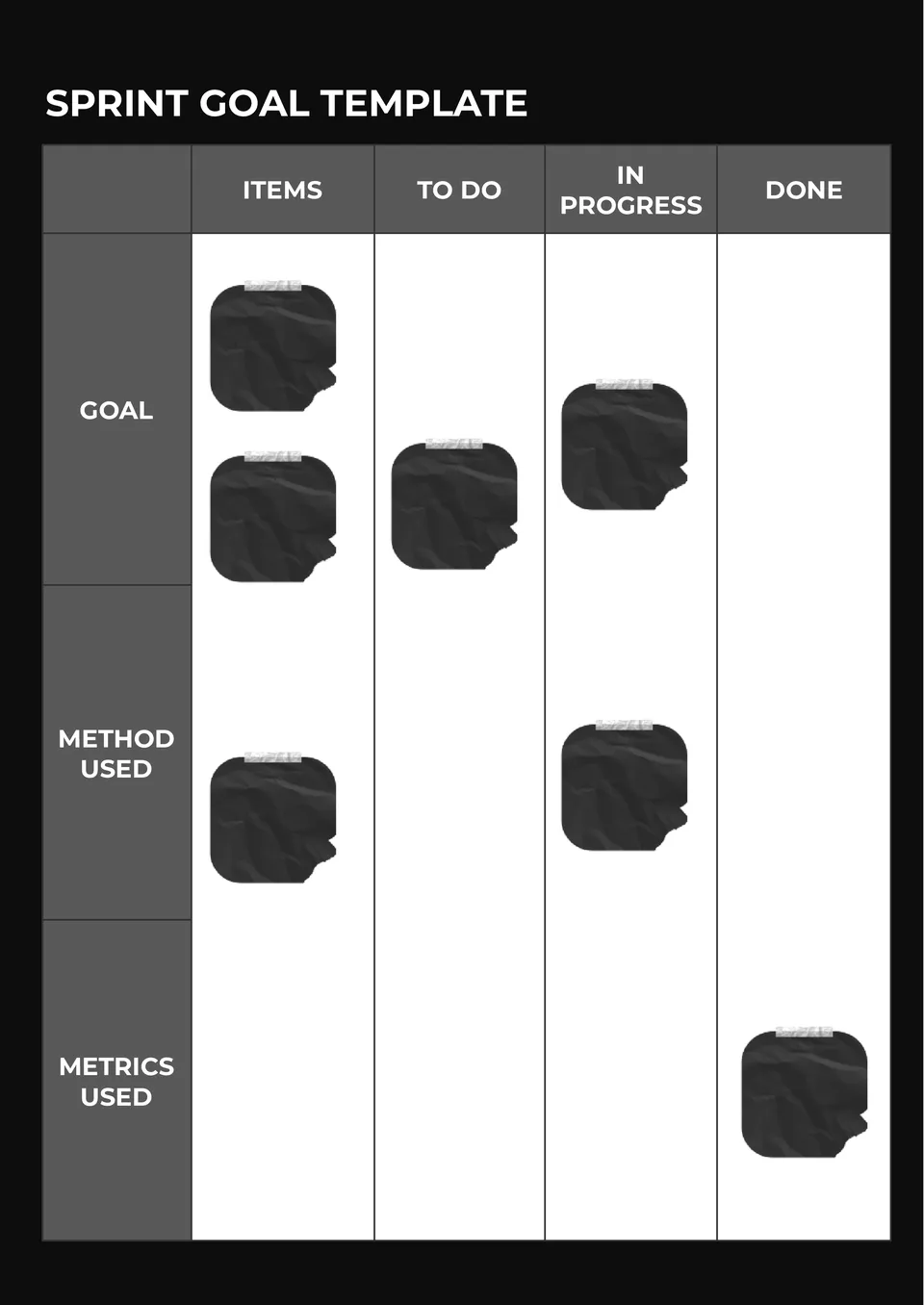
Our Sprint Goal Template gives agile teams a direct way to define short-term priorities. It suits scrum teams, product managers, developers, and project leads.
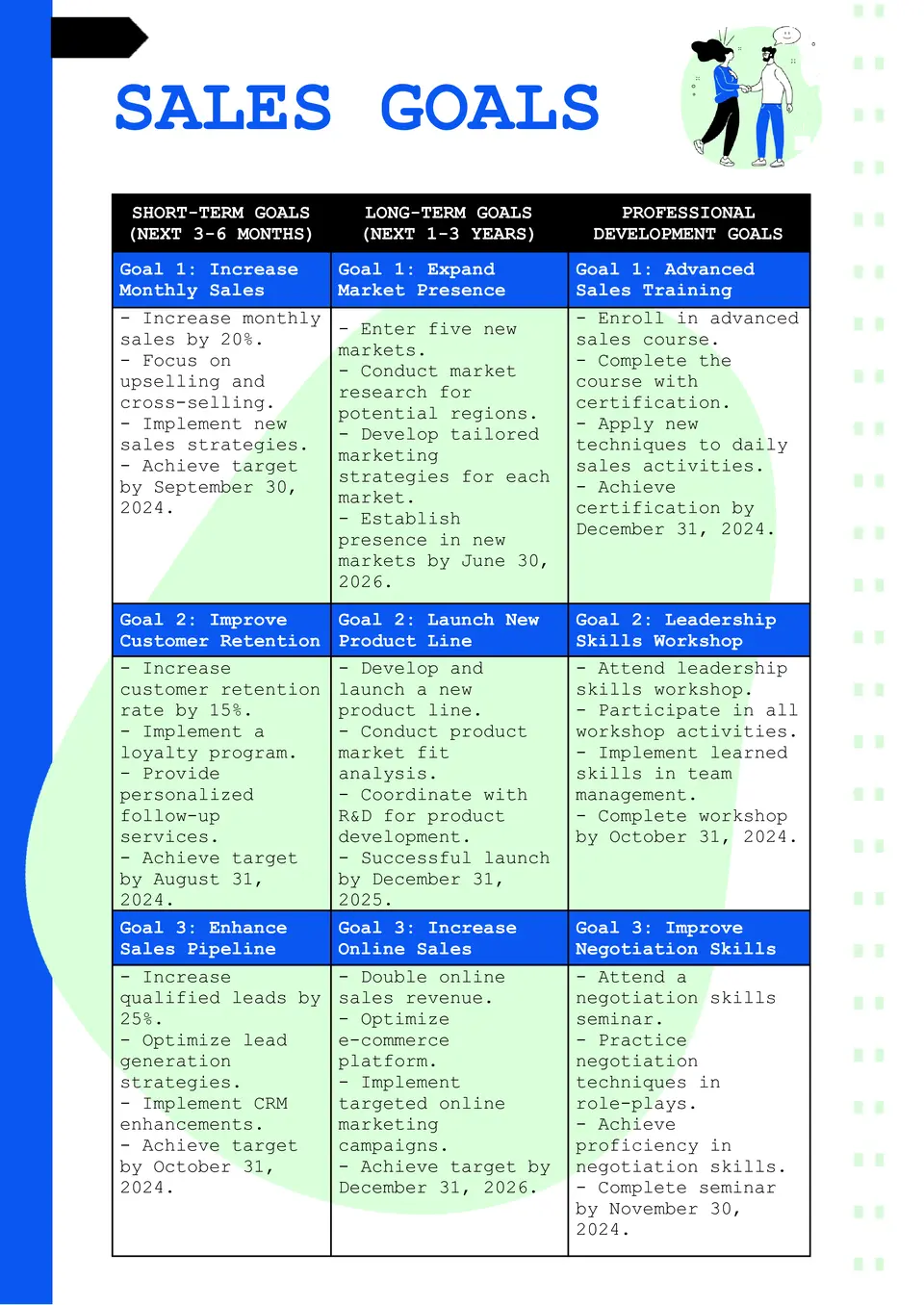
The Sales Goal Template is a helpful resource for sales reps, team leads, and business owners who need a clearer way to track targets and results. It supports structured planning around quotas, timelines, and performance checkpoints, which makes progress easier to measure.
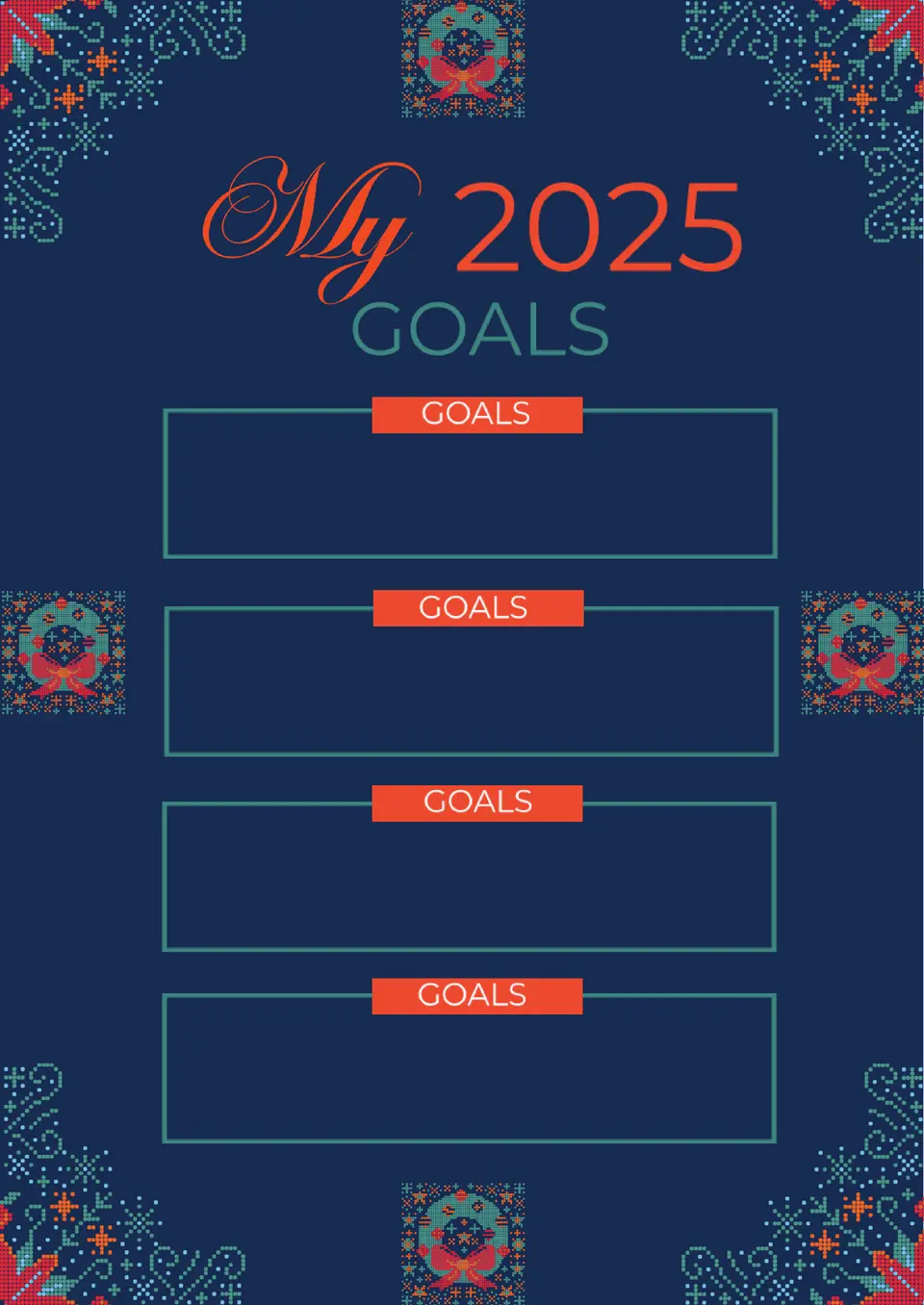
Ready to start the year with something more useful than a vague list of resolutions? The New Year's Goals Template works well for individuals, families, students, and teams who want to turn fresh-year ideas into an actual plan.
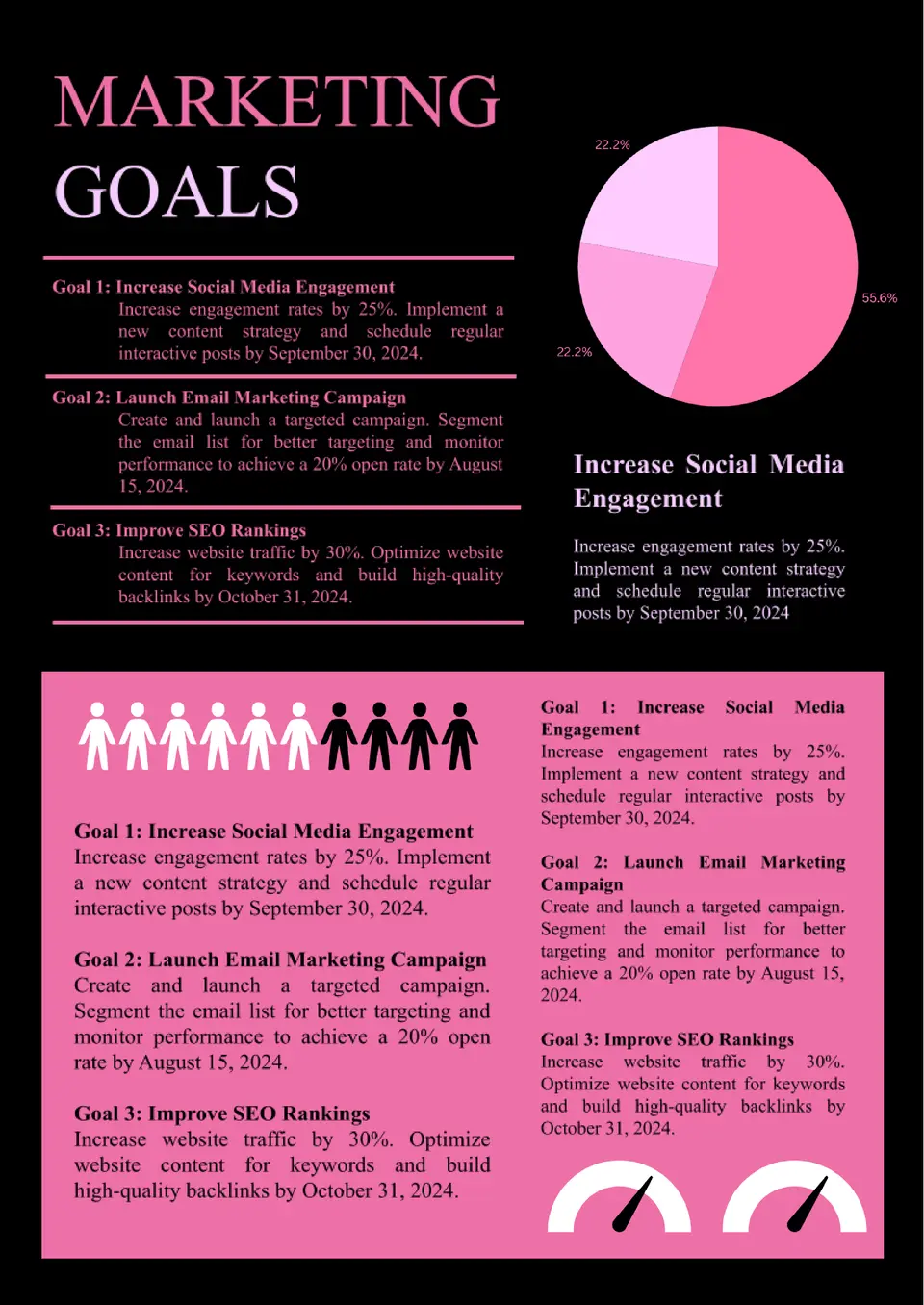
Want a clearer structure for campaign targets, growth priorities, and content performance? The Marketing Goals Template is ideal for marketers, agencies, founders, and content teams who need goals that connect strategy with measurable outcomes.
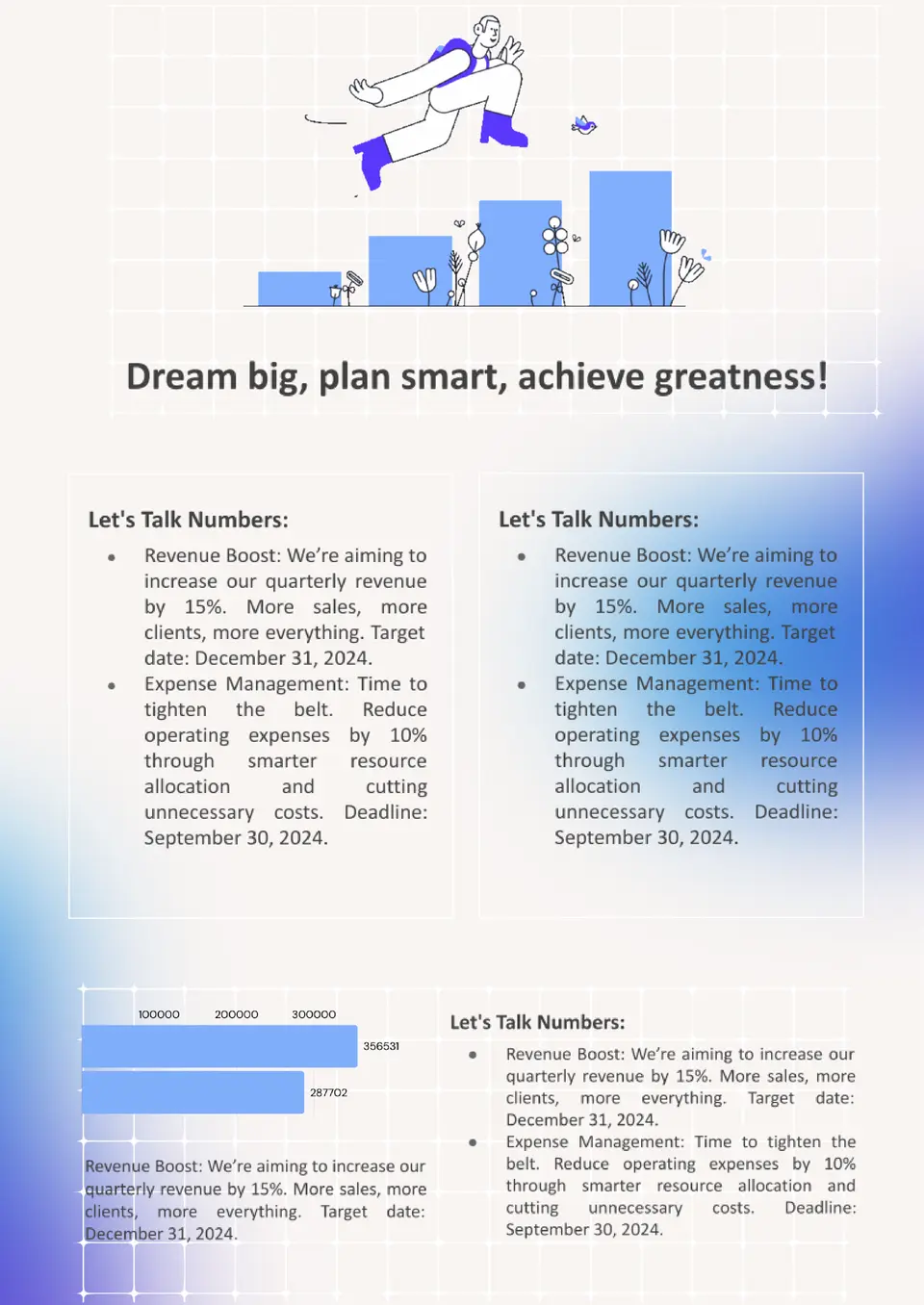
The Financial Goals Template is a practical choice for individuals, couples, and planners who want a more organized view of savings, debt, and future money targets. It helps structure financial priorities so long-term goals feel less overwhelming and more trackable.
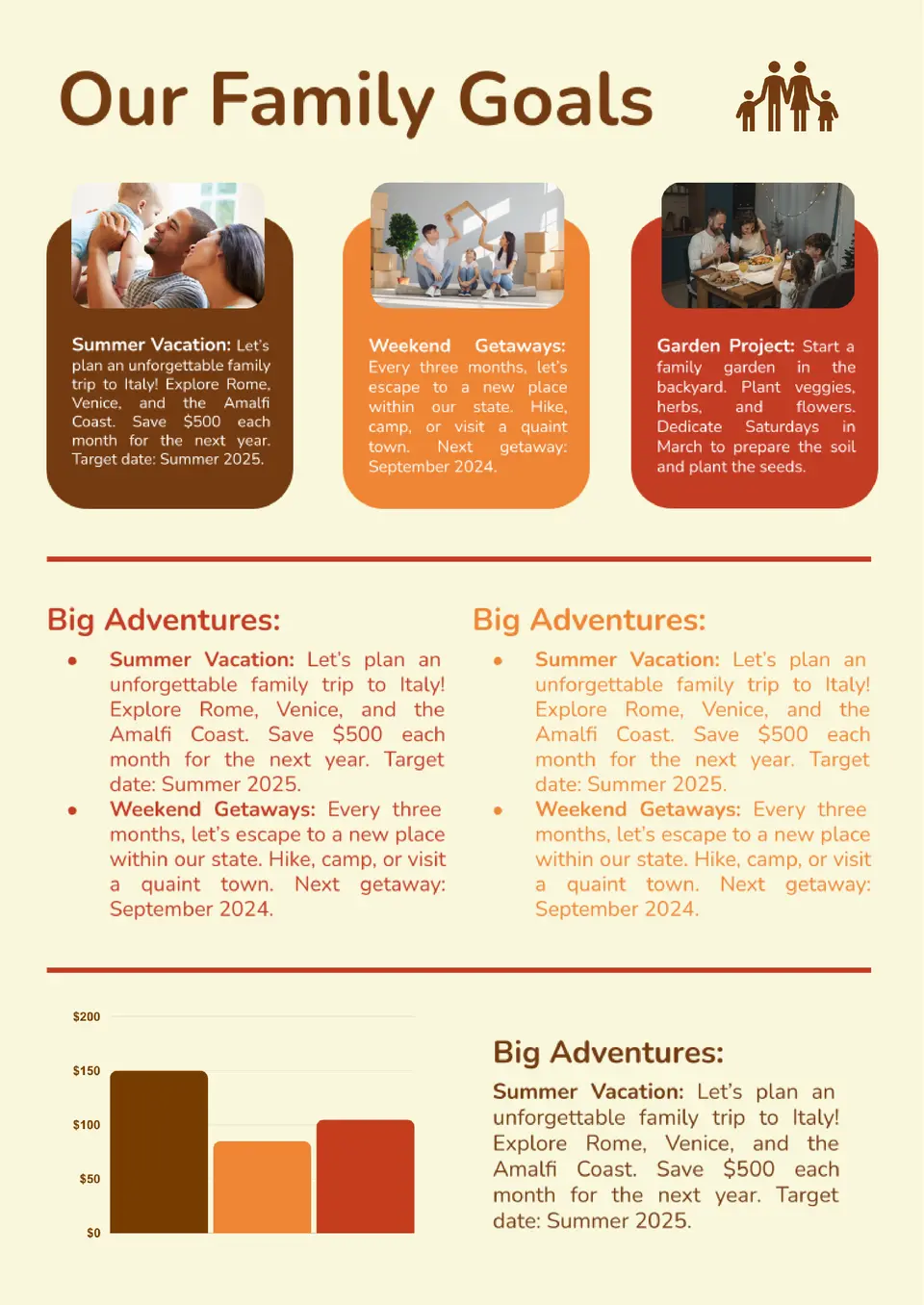
The Family Goals Template is a practical choice for parents, couples, and multi‑generation households who want shared objectives in one place. It offers a structured layout for planning vacations, finances, education, and routines, so everyone knows what to work toward together.
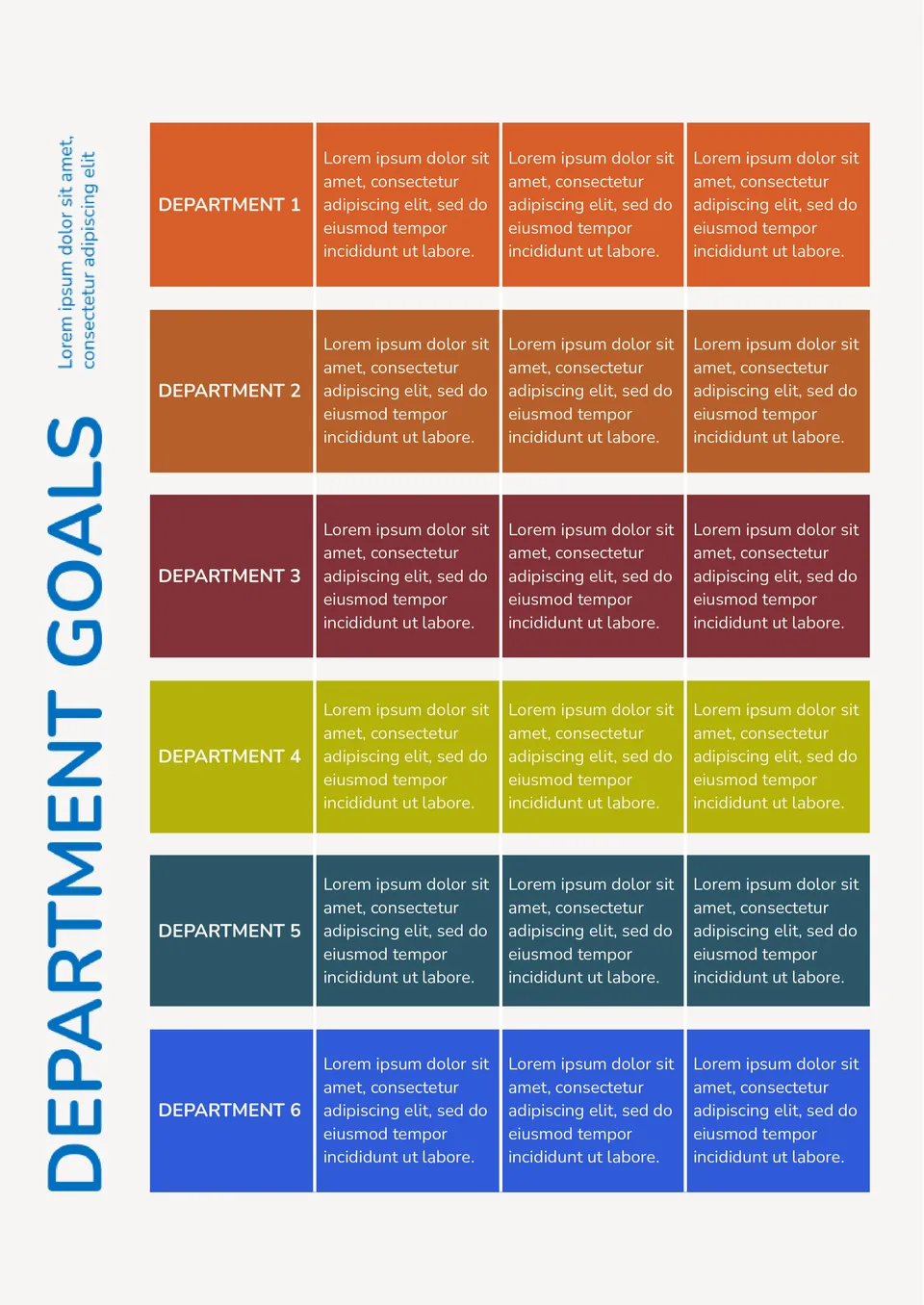
How do you keep department goals clear when your team is tracking several priorities at once? The Department Goals Template is a strong choice for managers, team leads, and department heads.
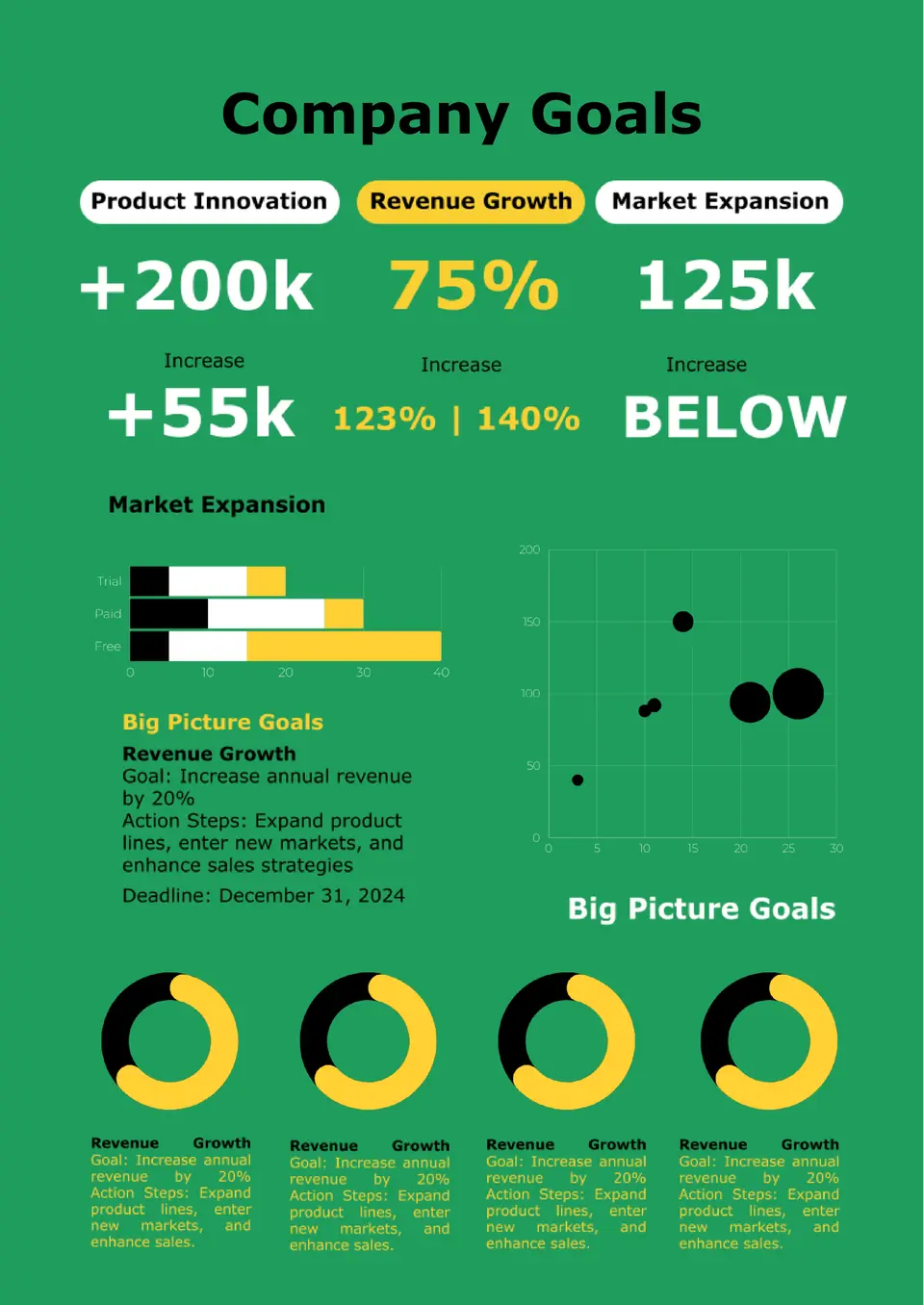
The Company Goals Template suits founders, managers, and leadership teams that need a central place to define business priorities. It helps outline strategic objectives, key projects, and performance areas so departments can stay aligned and focused.
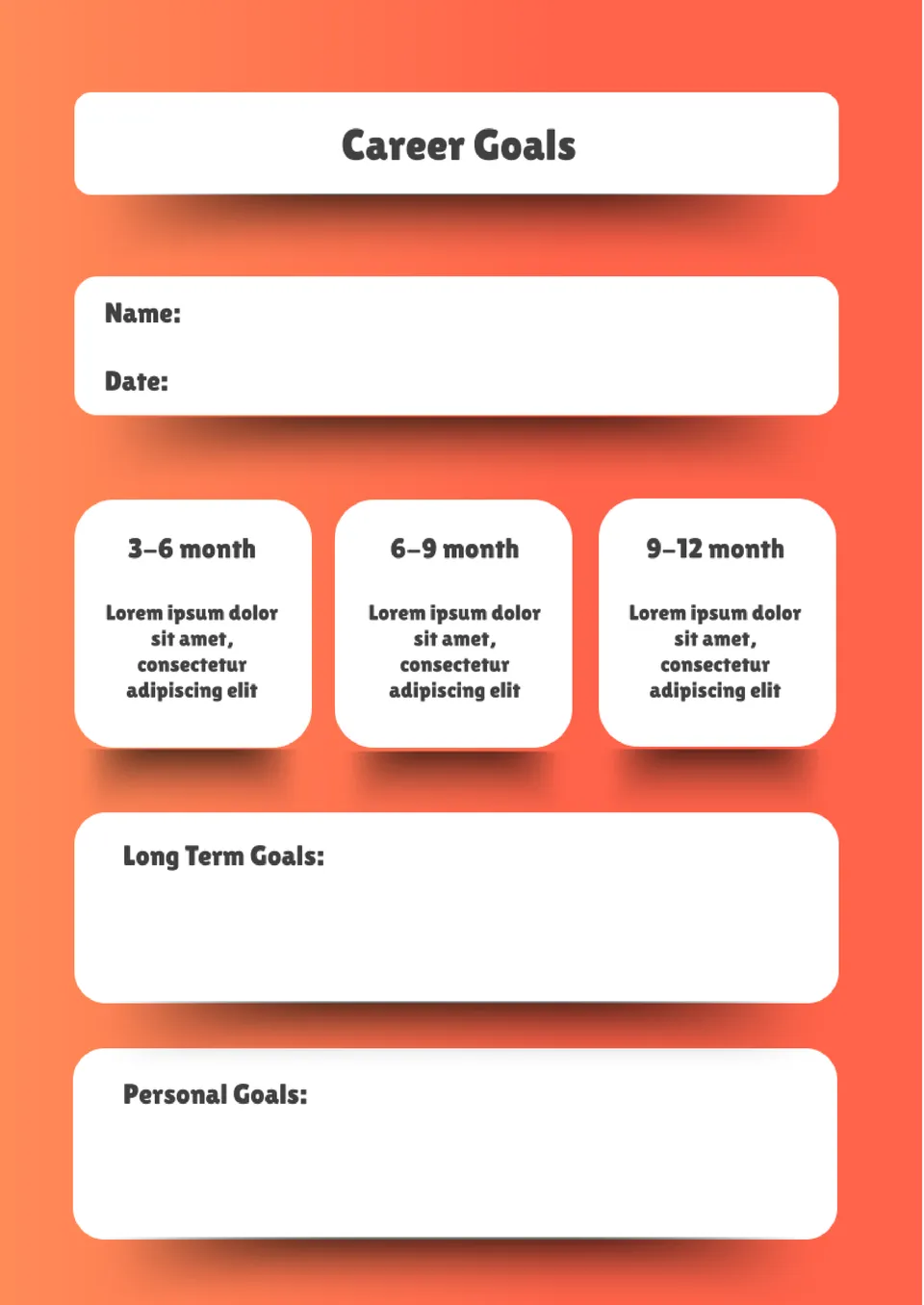
How can professionals set career goals without losing focus after the first step? The Career Goals Template is a strong fit for students, job seekers, and working adults.
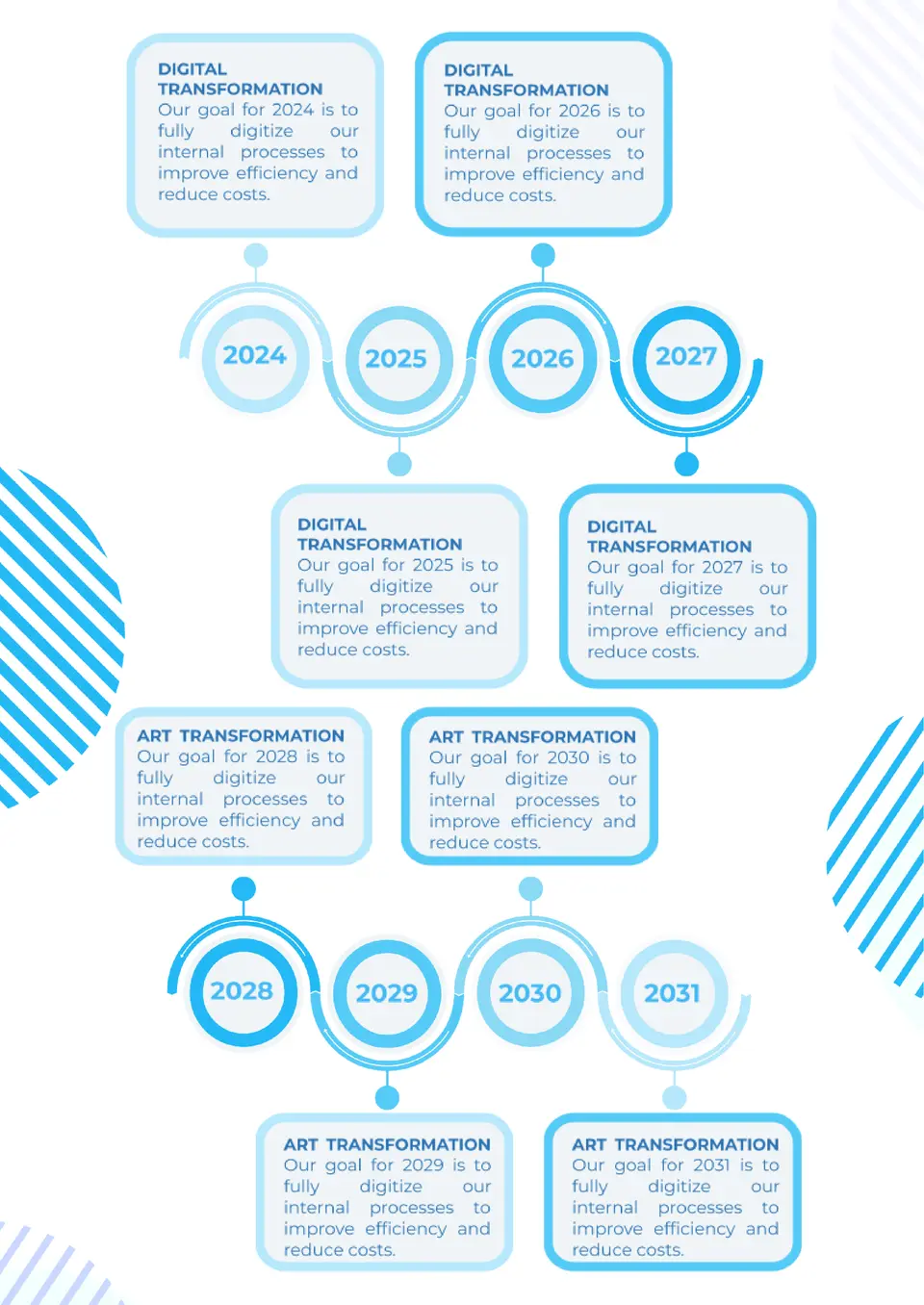
Looking for a way to think beyond the current year without feeling overwhelmed? The 5 Year Goals Template is ideal for professionals, students, and long‑range planners who want a clear framework for life and career milestones.
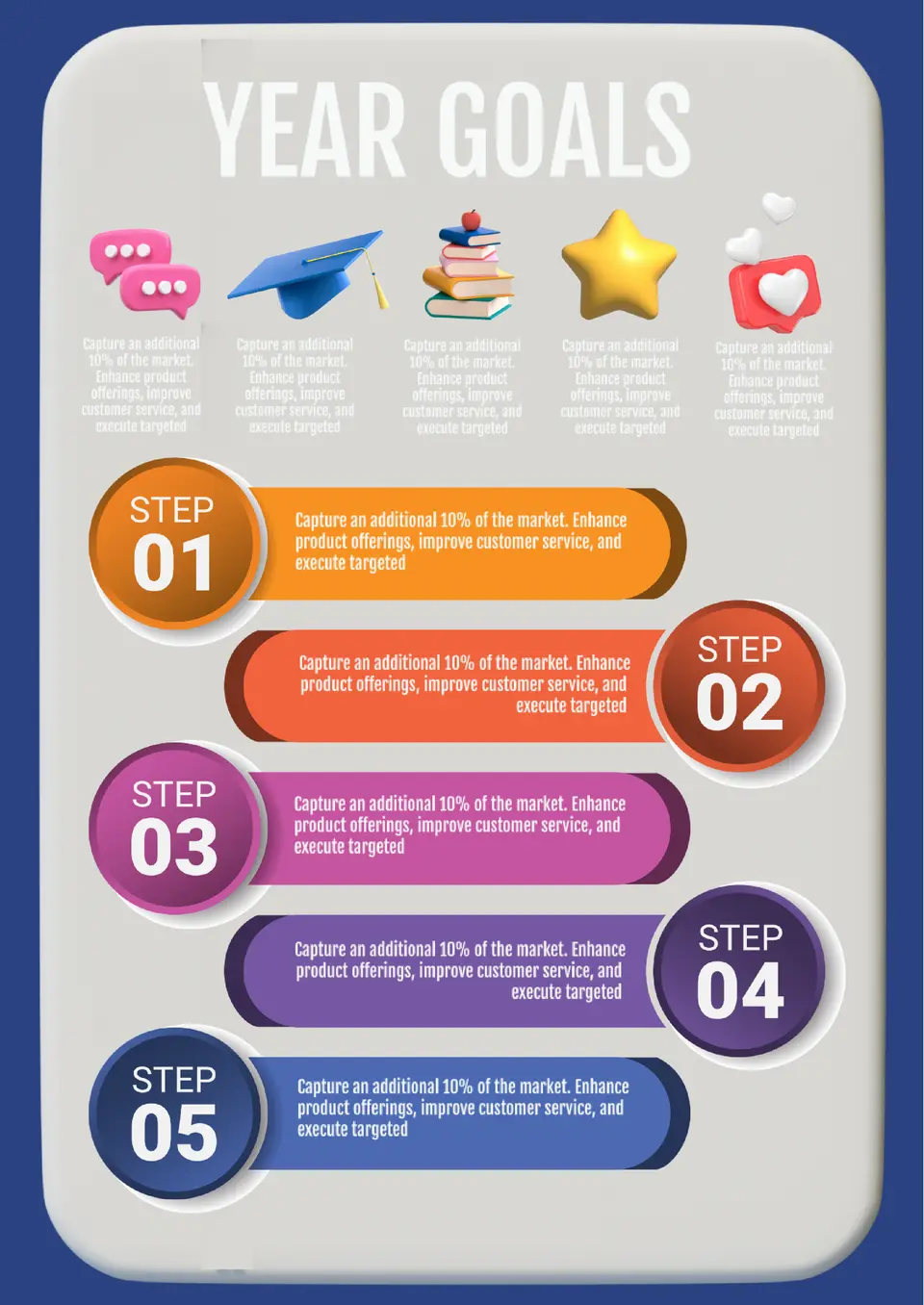
The 2023 Goals Template is a useful option for people who want to keep an archive, reflect on past planning, or reuse old objectives for comparison. It provides a clean layout for reviewing completed targets, adjusted priorities, and lessons learned from that year.

Create a professional magazine that mirrors the iconic Forbes style with the Forbes Magazine Template. This template is perfect for business and financial content, allowing you to highlight articles, features, and interviews in a sleek, modern layout.
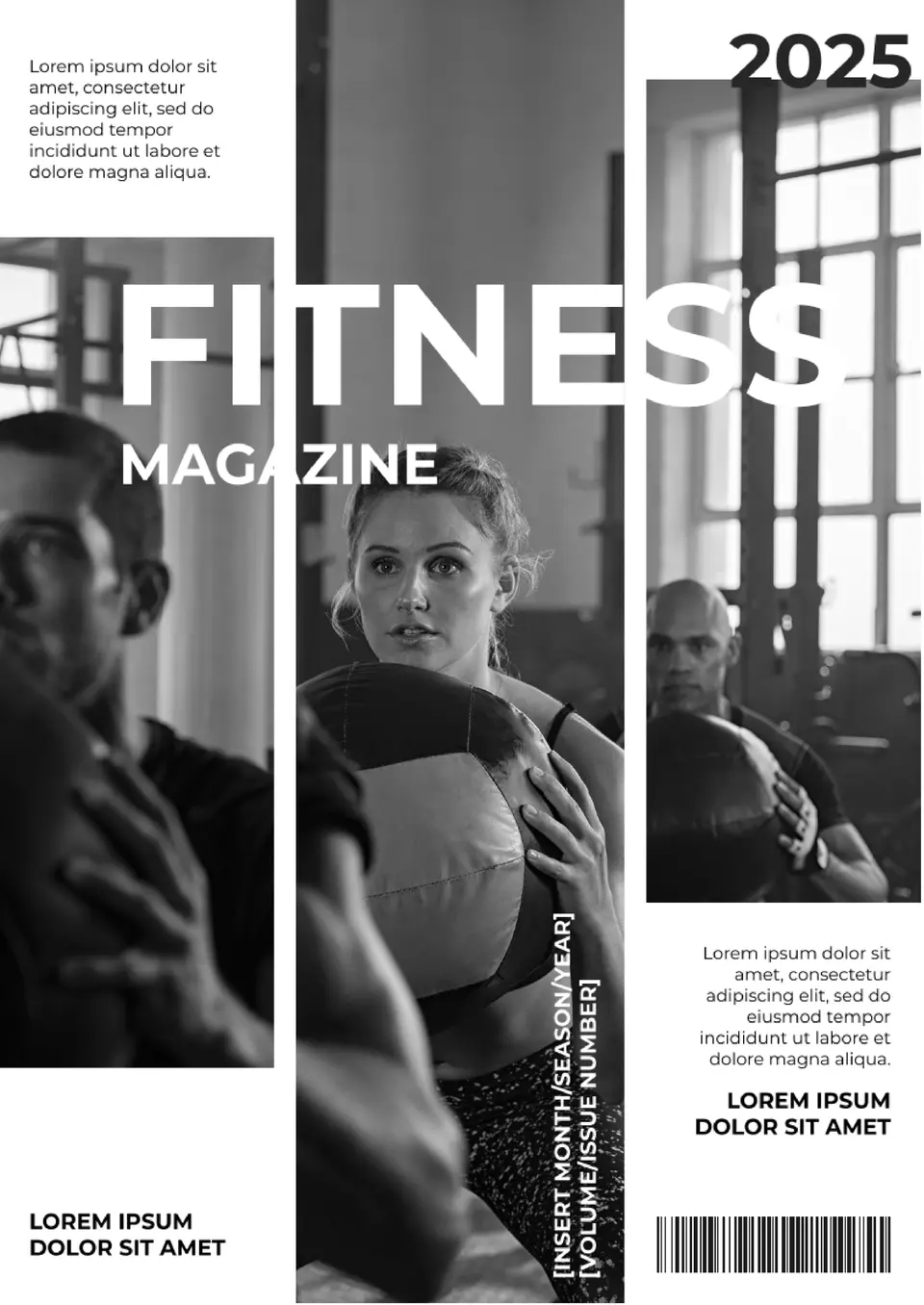
Create a high-energy publication with the Fitness Magazine Template. Perfect for fitness enthusiasts, trainers, and wellness brands, this customizable template allows you to feature workout tips, nutrition advice, and success stories in a professional format.
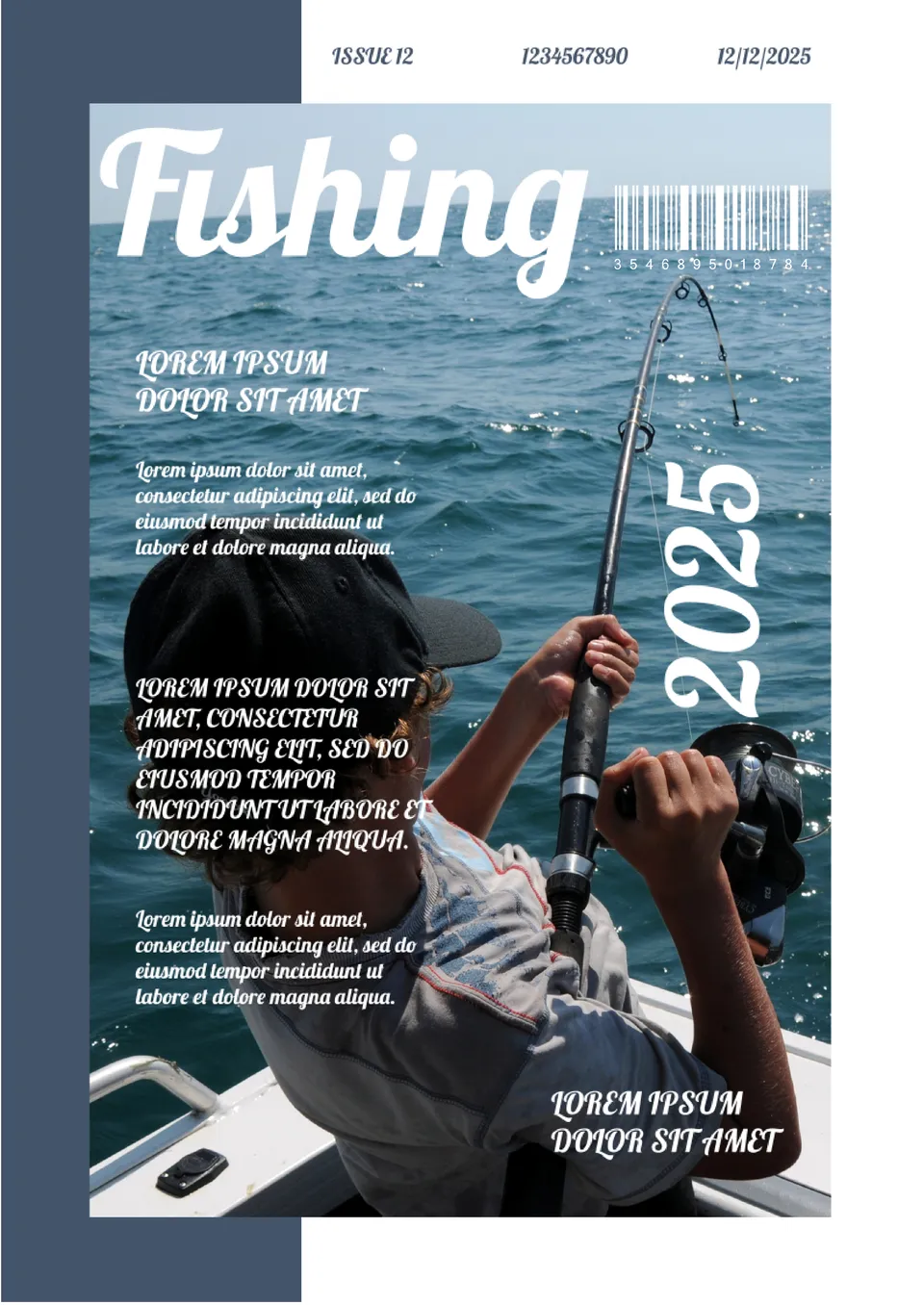
Create an engaging magazine for fishing enthusiasts with the Fishing Magazine Template. This customizable template is perfect for featuring articles, tips, and equipment reviews related to fishing.

Looking to create a professional digital publication? The Digital Magazine Template offers a sleek and modern layout perfect for online magazines, newsletters, or company reports.
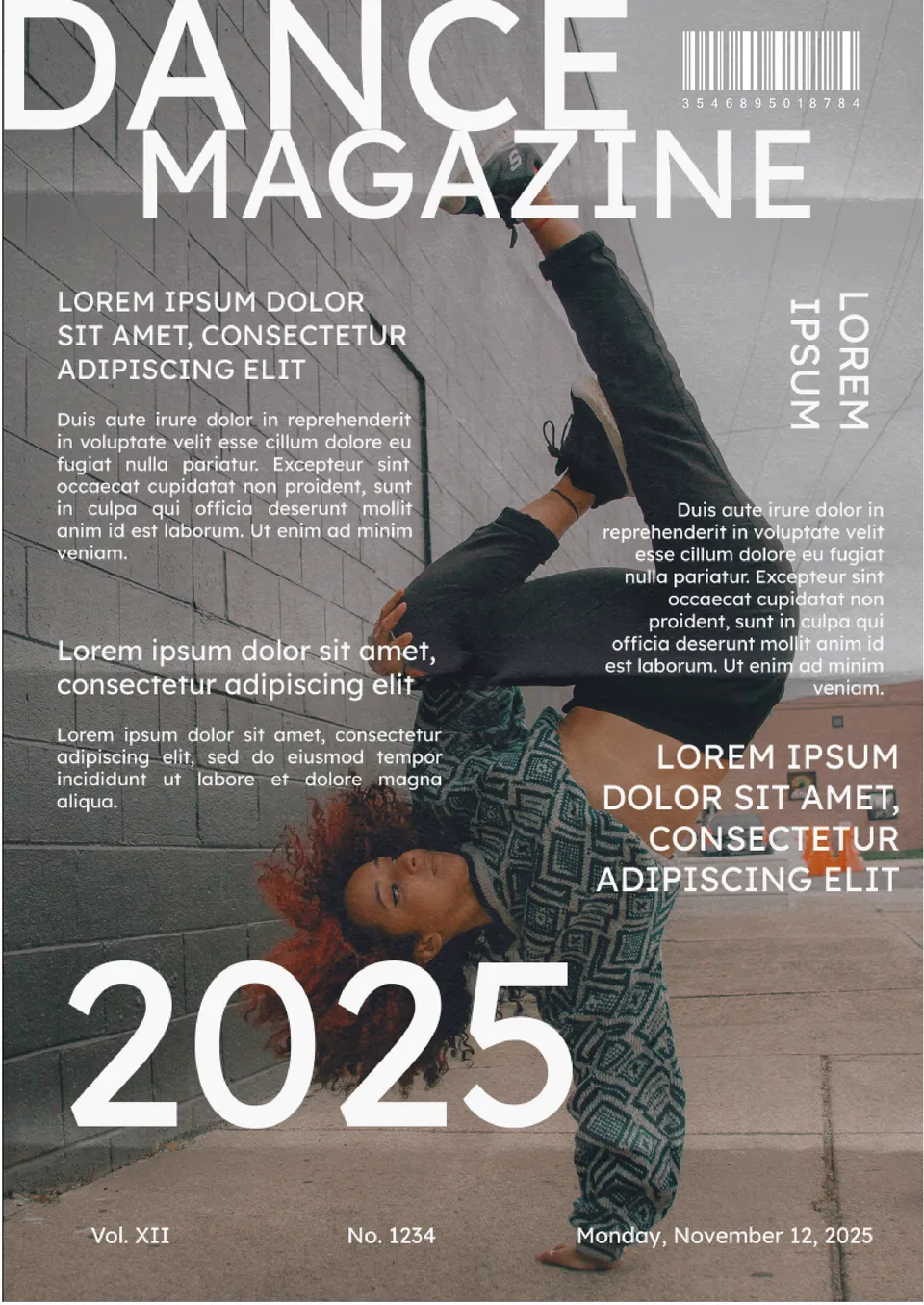
Create a visually captivating magazine for dance enthusiasts with the Dance Magazine Template. This template is perfect for featuring dance styles, tutorials, or spotlighting performances and dancers.

Choose your preferred social media platform from options like Pinterest, Facebook, Twitter, and more. Share our templates with your contacts or friends. If you’re not active on these social networks, you can simply copy the link and paste it into the one you use.