

 Back to templates
 Google Docs Templates - Page 13
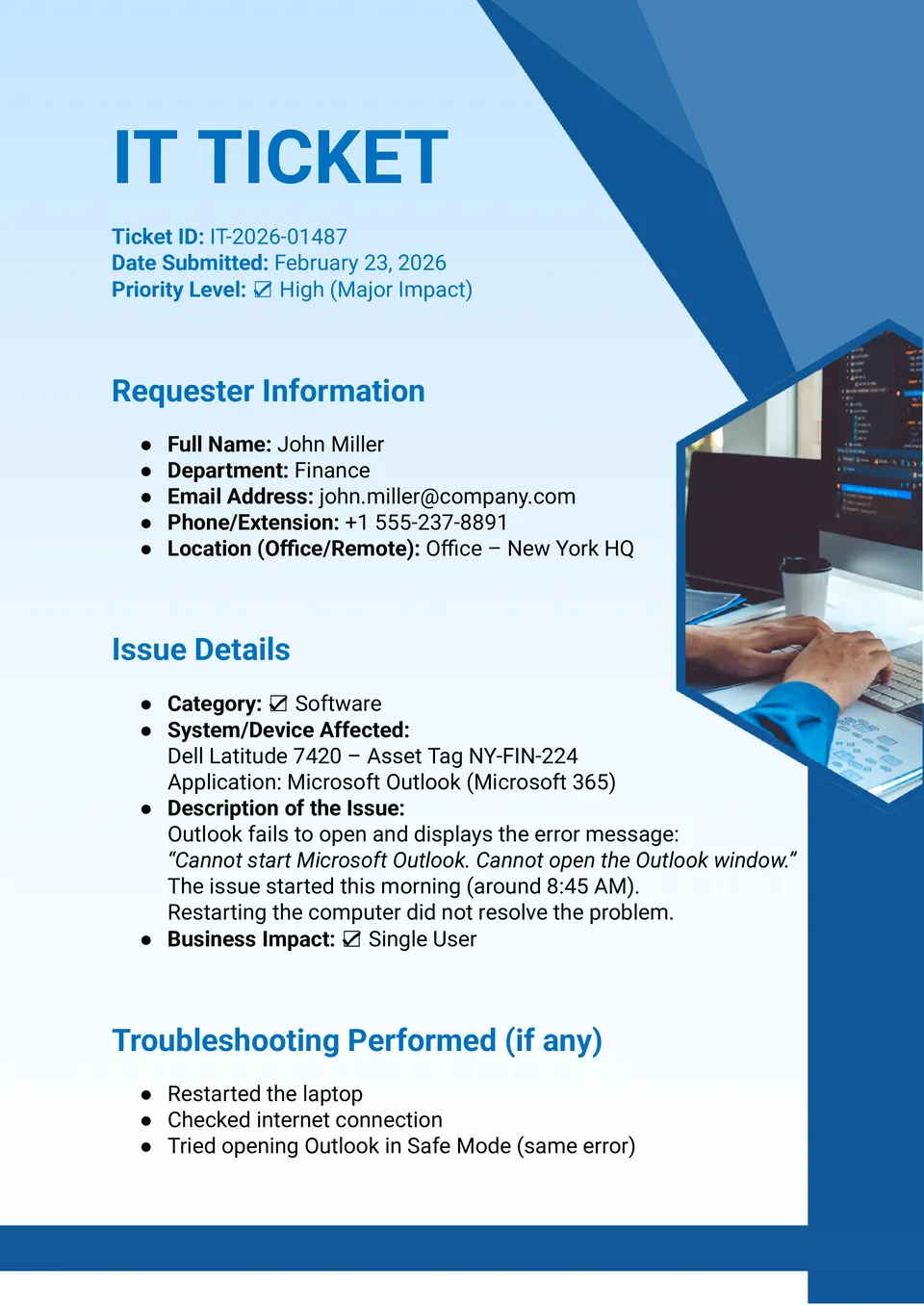
Need a reliable way to organize tech requests without losing important details? The IT Ticket Template is a solid choice for help desks, IT teams, system admins, and companies that want a clearer support process.

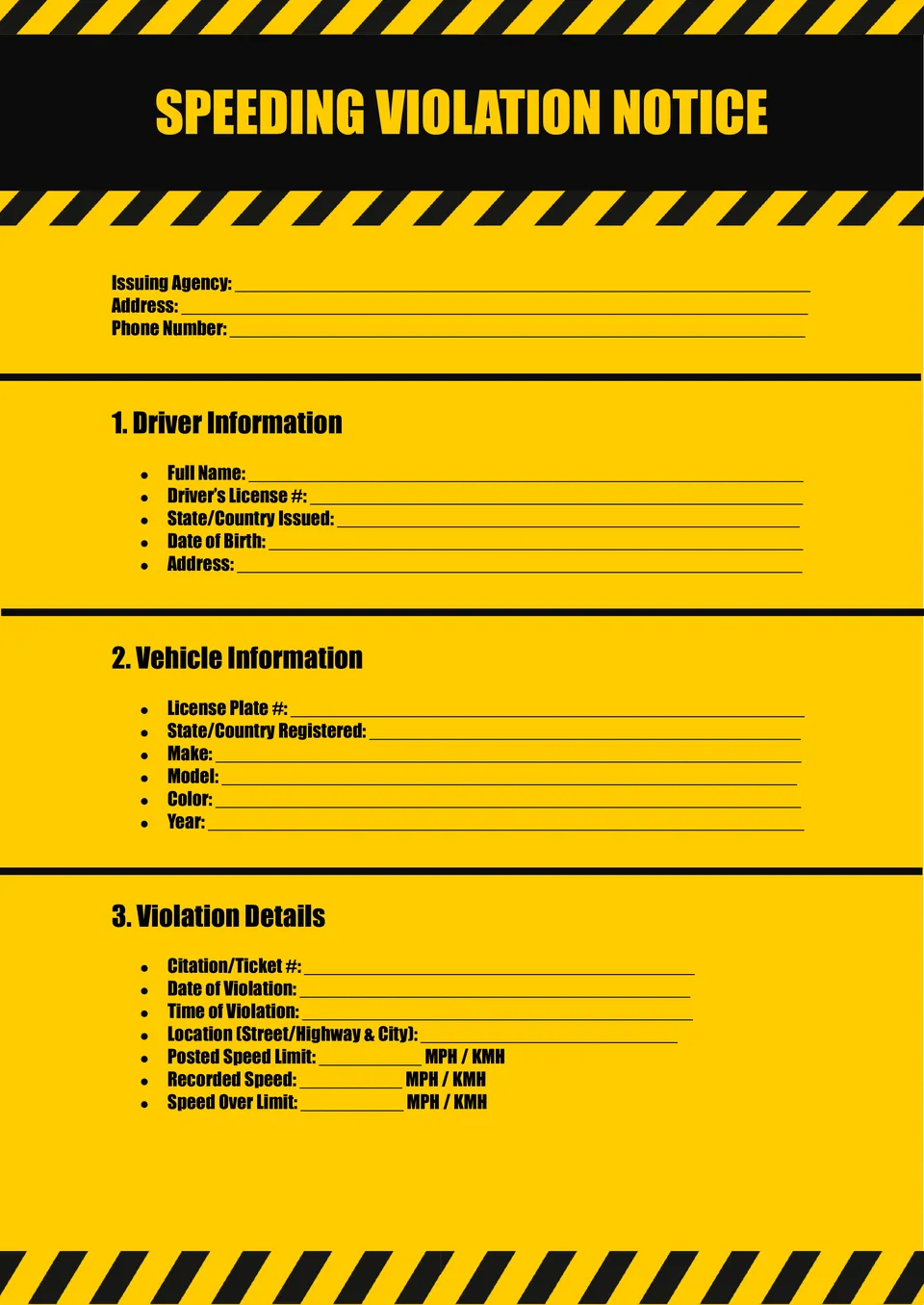
The Speeding Ticket Template is a convenient option for teachers, creatives, event planners, and anyone building a novelty or themed design. It offers a recognizable ticket layout that can be adapted for classroom materials, party elements, or promotional concepts.
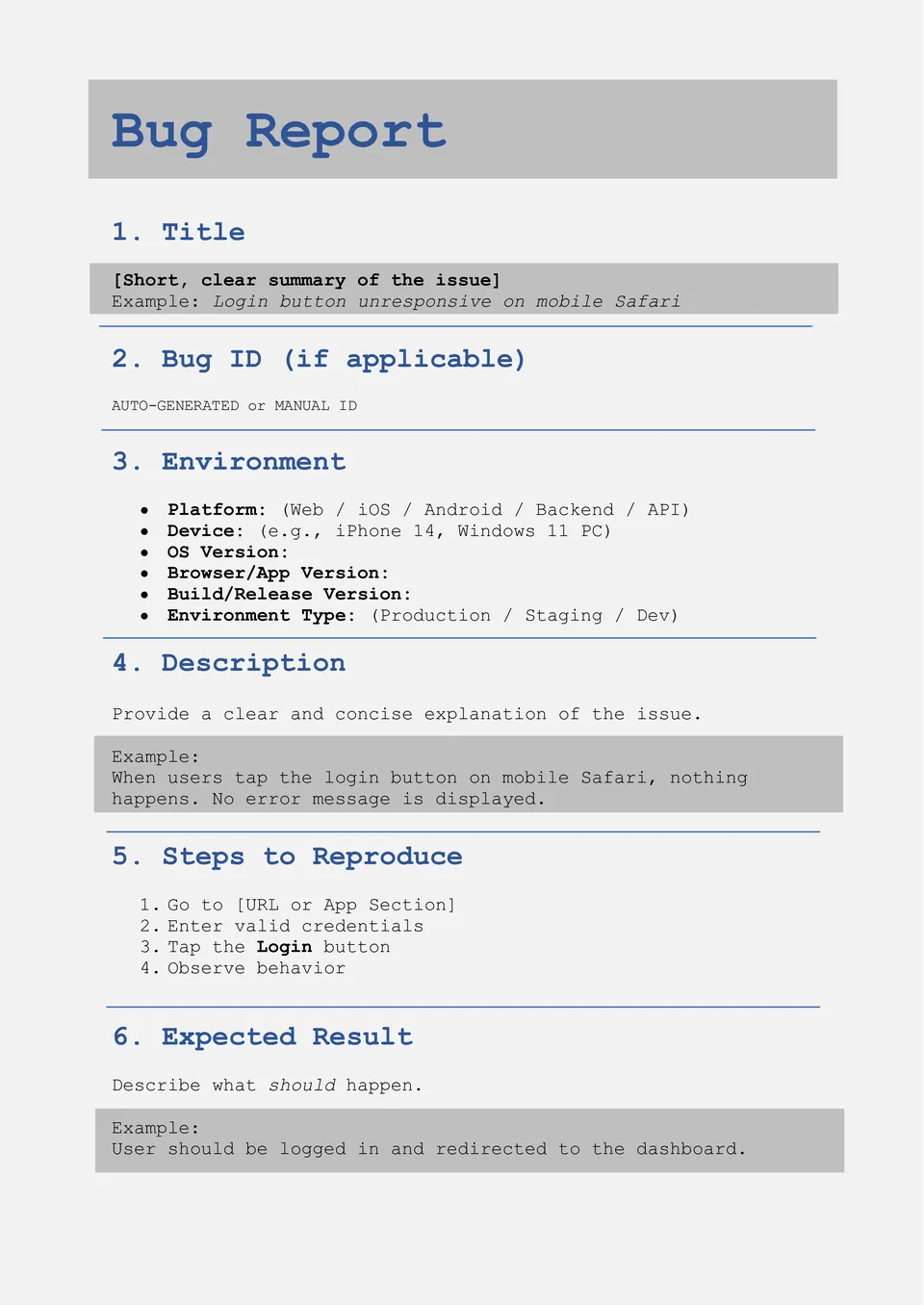
Need a clearer way to report software issues and track technical problems? The Bug Ticket Template is useful for QA teams, developers, testers, product managers, and tech support specialists who need better issue documentation.
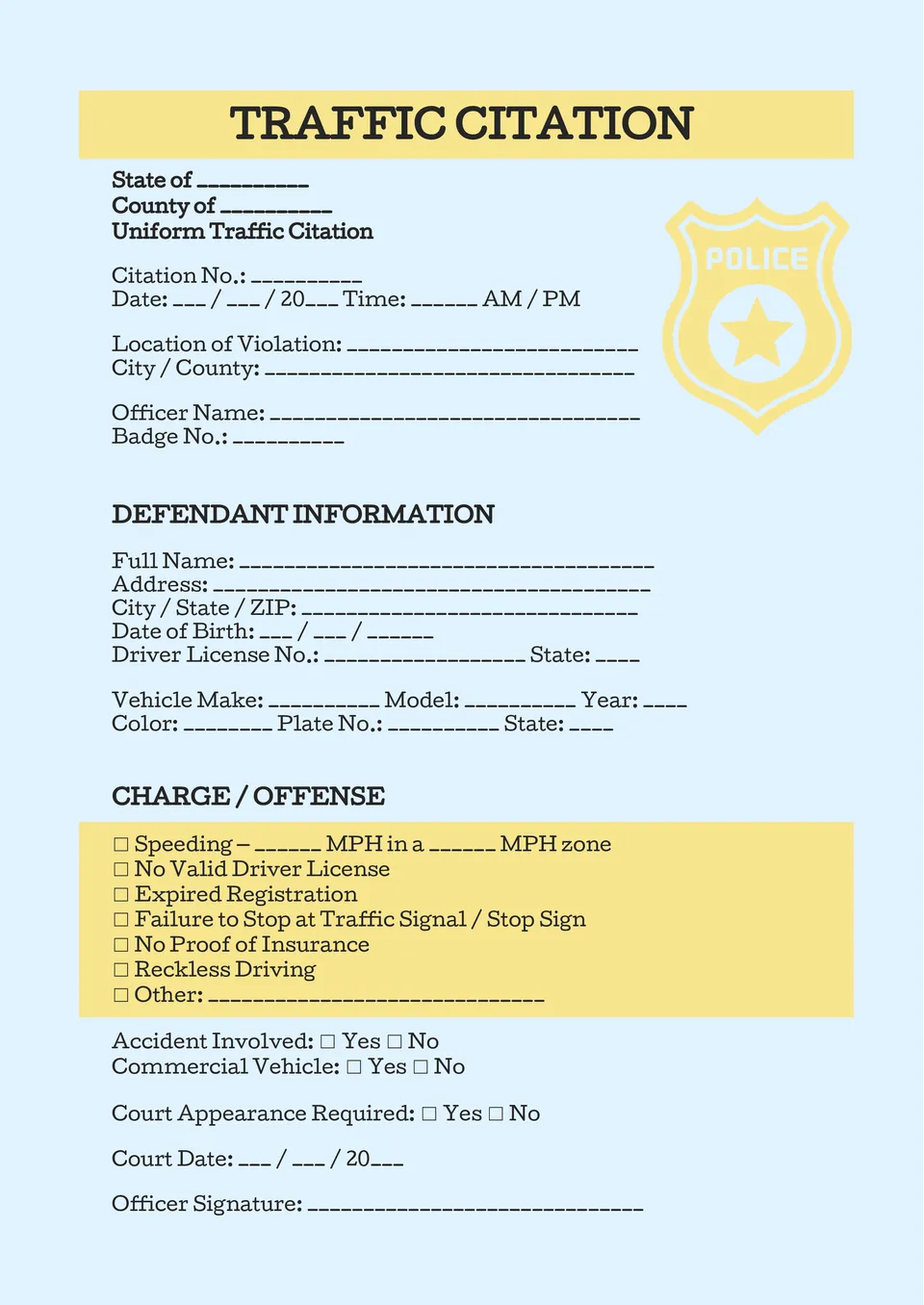
Want a bold ticket-style layout for a themed project, classroom activity, or creative event? The Police Ticket Template suits teachers, designers, marketers, and party planners who want a strong visual concept with room for custom text.
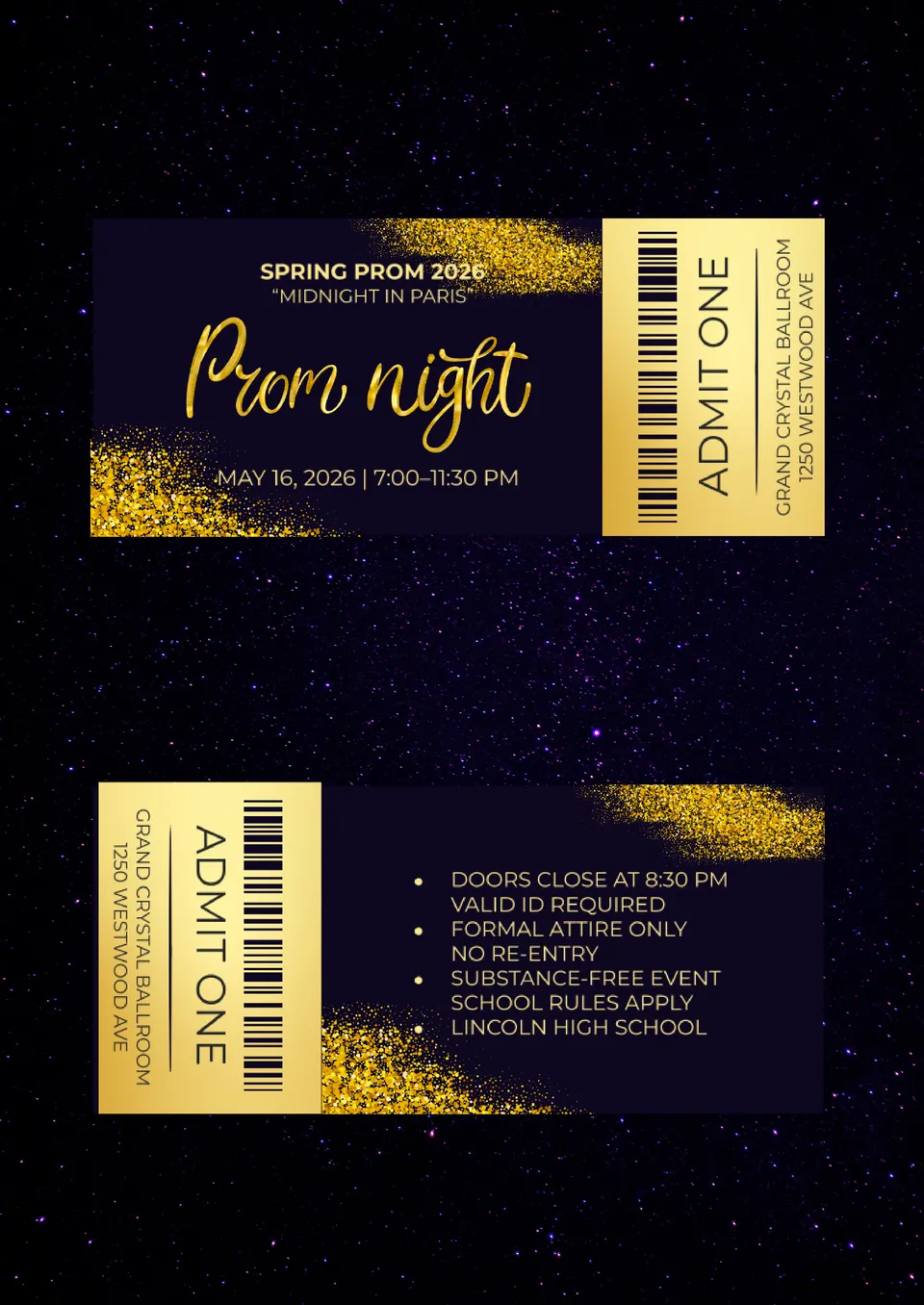
The Prom Ticket Template is a stylish solution for schools, student committees, teachers, and event organizers planning a memorable prom night. It gives you a polished ticket design that works well for admission, distribution, and event presentation.
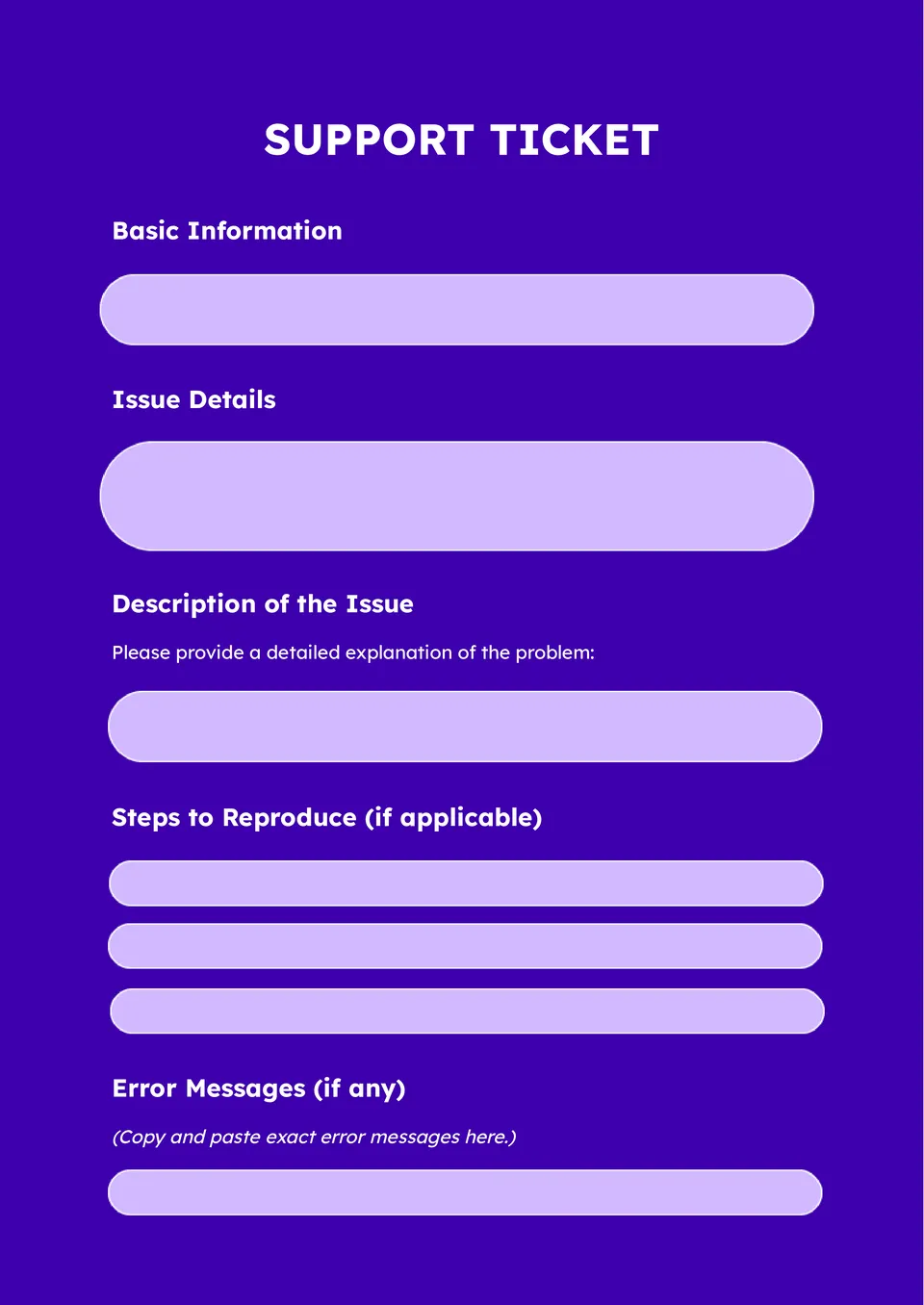
Need a simple way to organize customer requests and service issues? The Support Ticket Template is a practical choice for help desks, service teams, small businesses, and internal support staff who need clear records in one place.
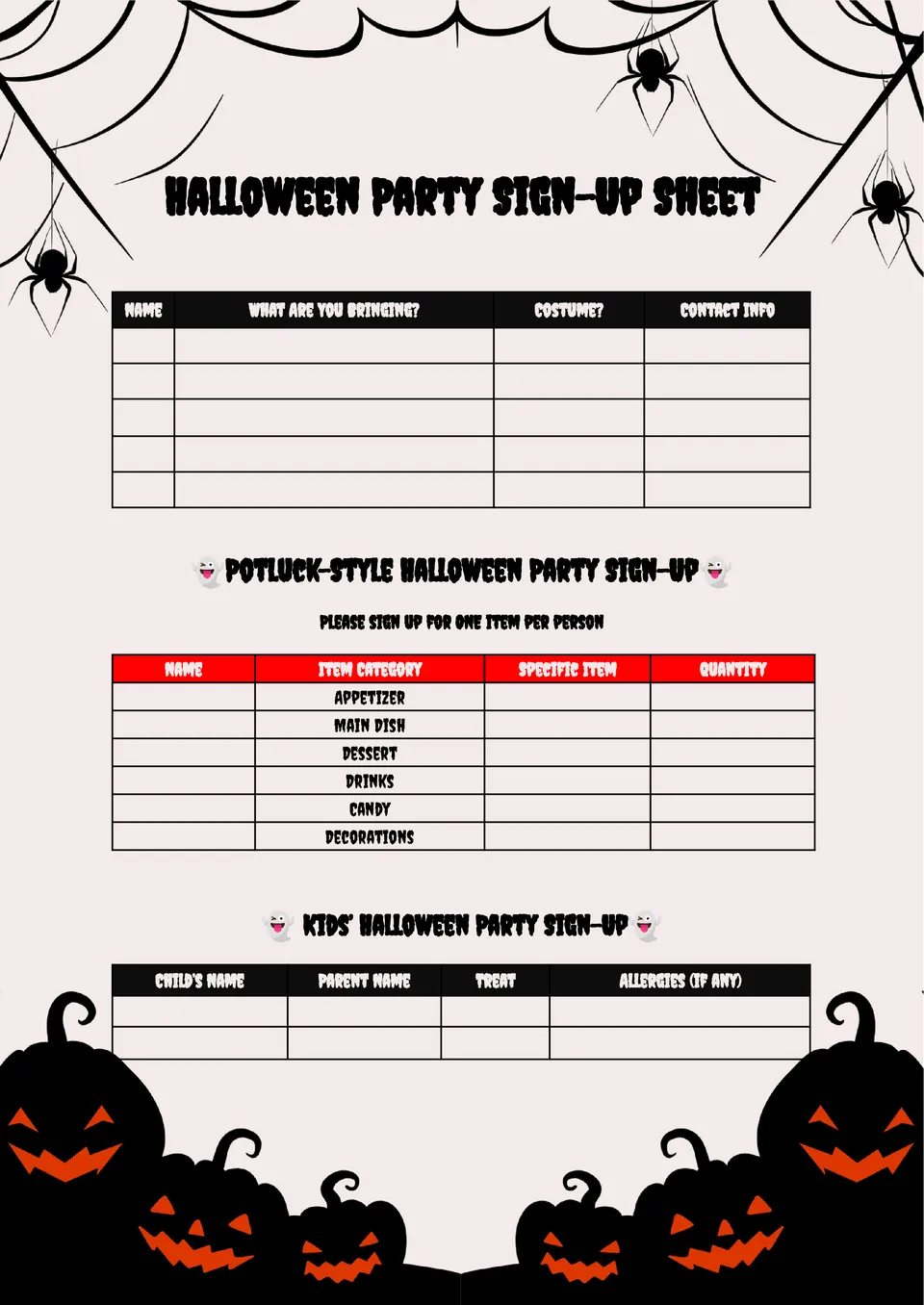
The Halloween Party Sign Up Sheet Template works well for parents, teachers, office teams, and party hosts who want a more organized celebration. It helps guests sign up for candy, snacks, drinks, decorations, and games without confusion.
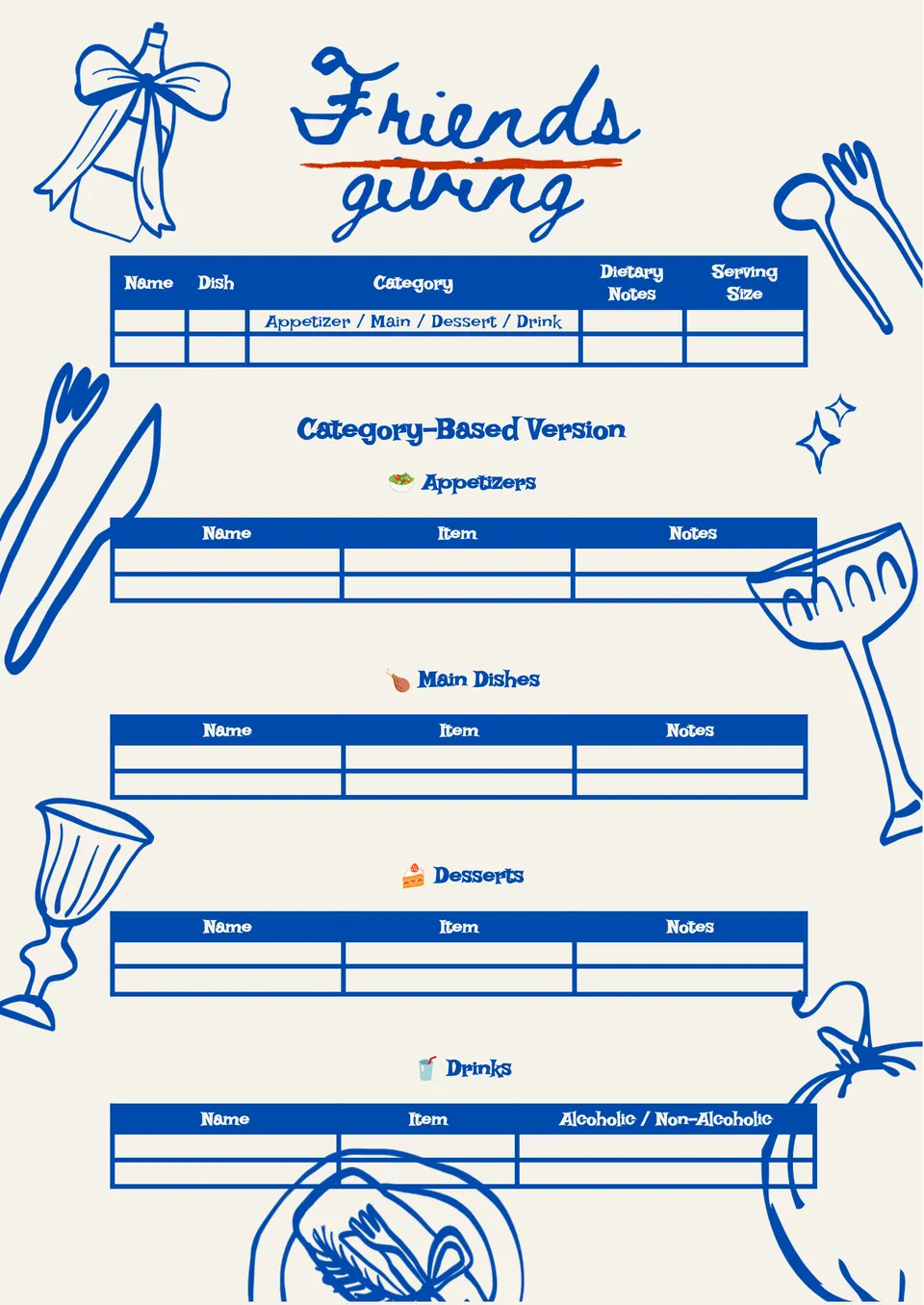
Want to plan a shared holiday meal without long chats and repeated dishes? The Friendsgiving Sign Up Sheet Template is great for hosts, roommates, coworkers, and friend groups organizing food, drinks, desserts, and table items.
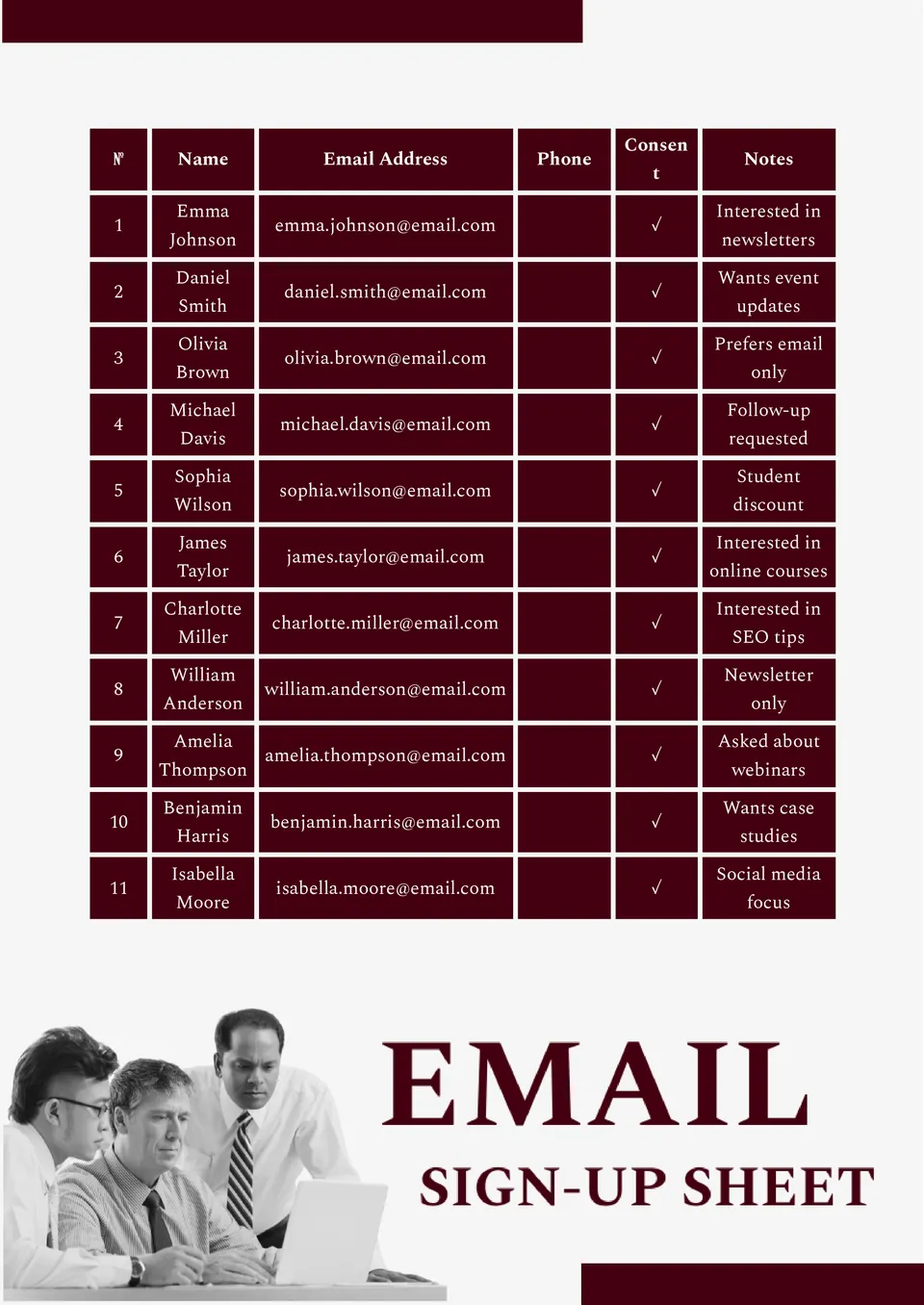
The Email Sign Up Sheet Template is a smart choice for stores, marketers, event hosts, and small businesses that need a clean contact list. It helps collect email addresses in a way that looks clear, professional, and easy to follow.
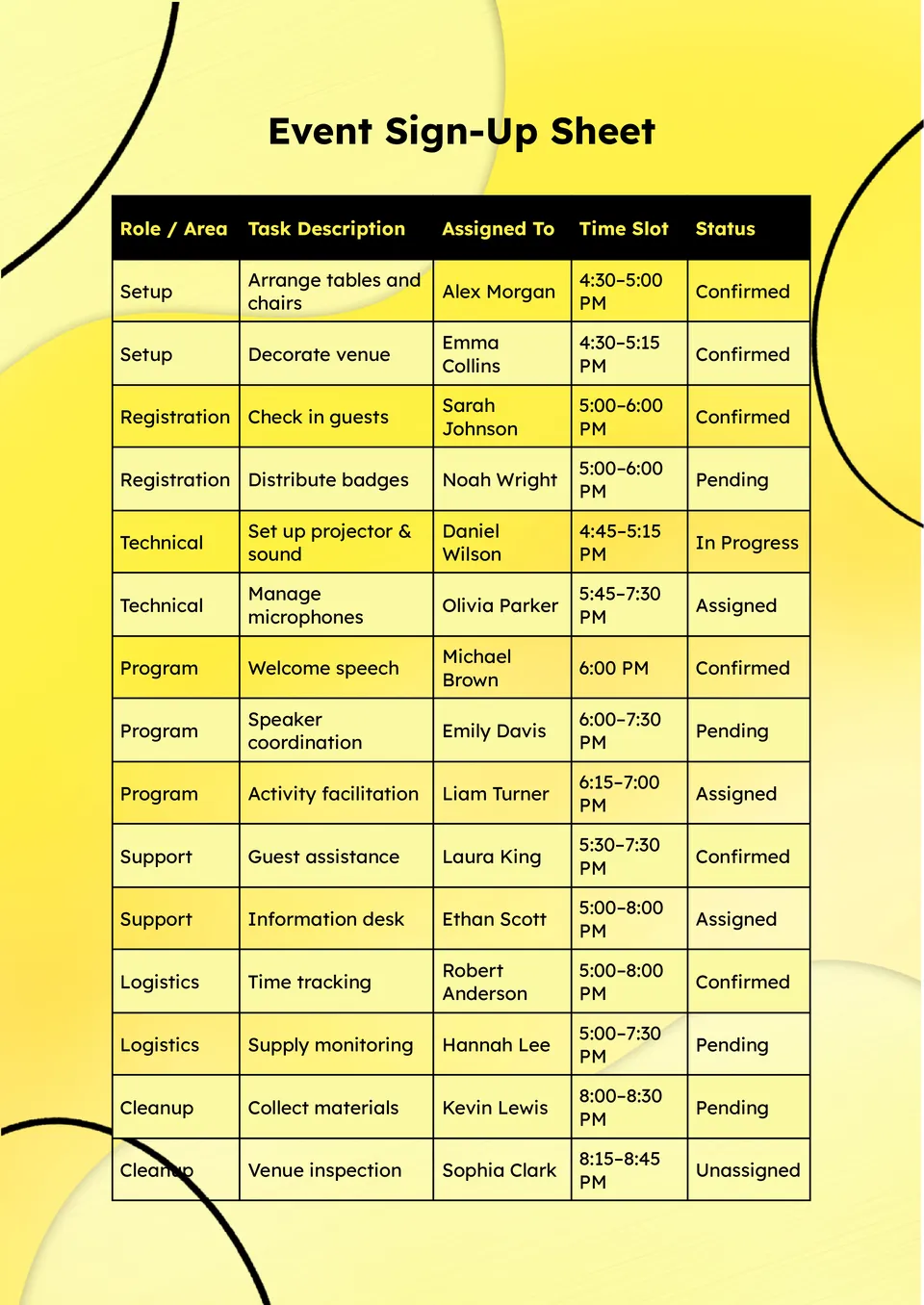
Choose the Event Sign Up Sheet Template for a simple way to manage names, roles, and event details. It suits schools, nonprofits, businesses, churches, and community groups planning fundraisers, workshops, or local events.
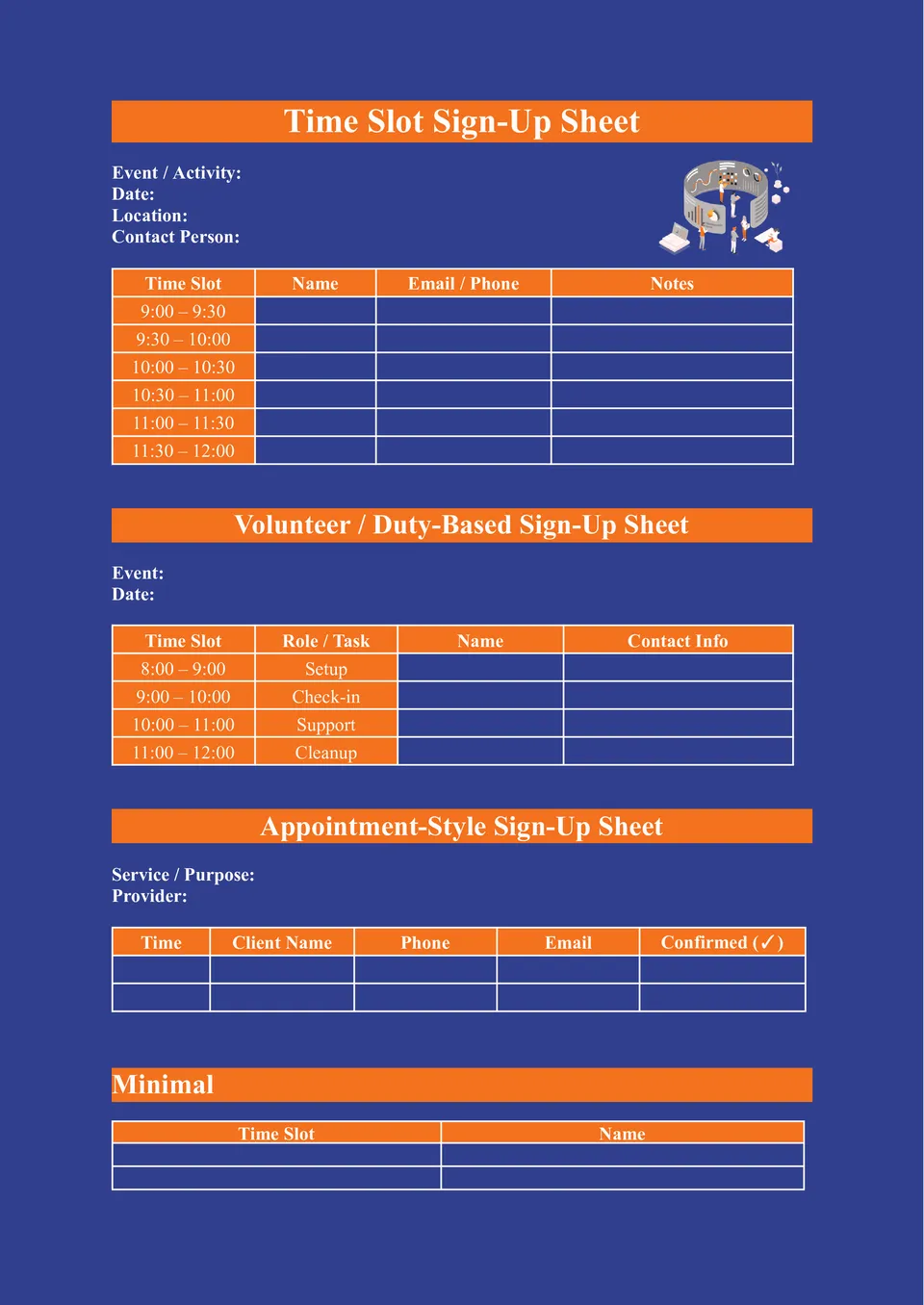
Need a clear system for booking shifts, meetings, appointments, or volunteer hours? The Time Slot Sign Up Sheet Template suits business owners, tutors, event organizers, reception teams, and school staff who need a schedule people can follow with confidence.
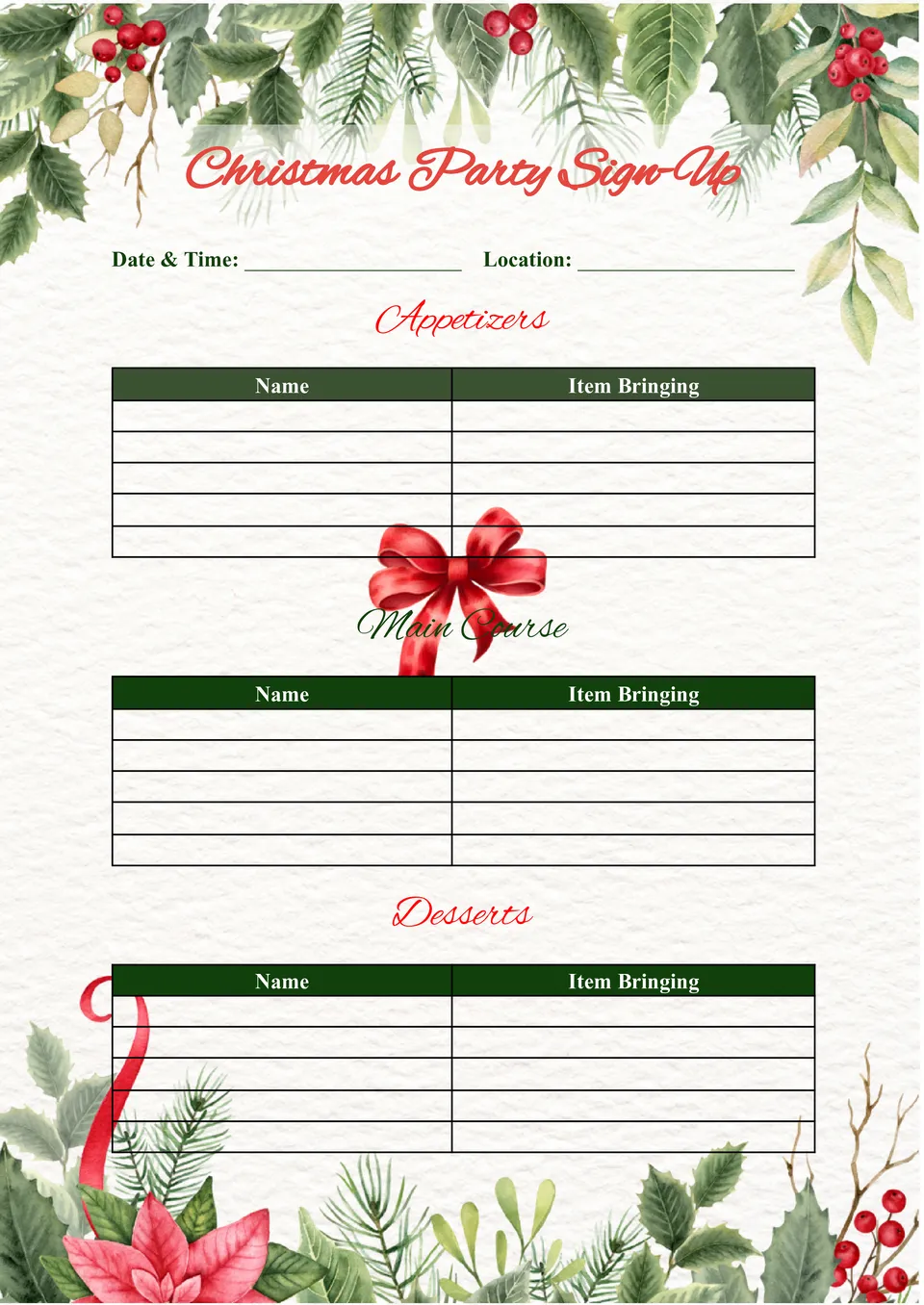
Make your holiday planning easier with the Christmas Party Sign Up Sheet Template, a practical choice for families, coworkers, schools, churches, and neighborhood groups. It is designed for anyone who wants to organize food, decorations, gifts, or party tasks without confusion during a busy season.
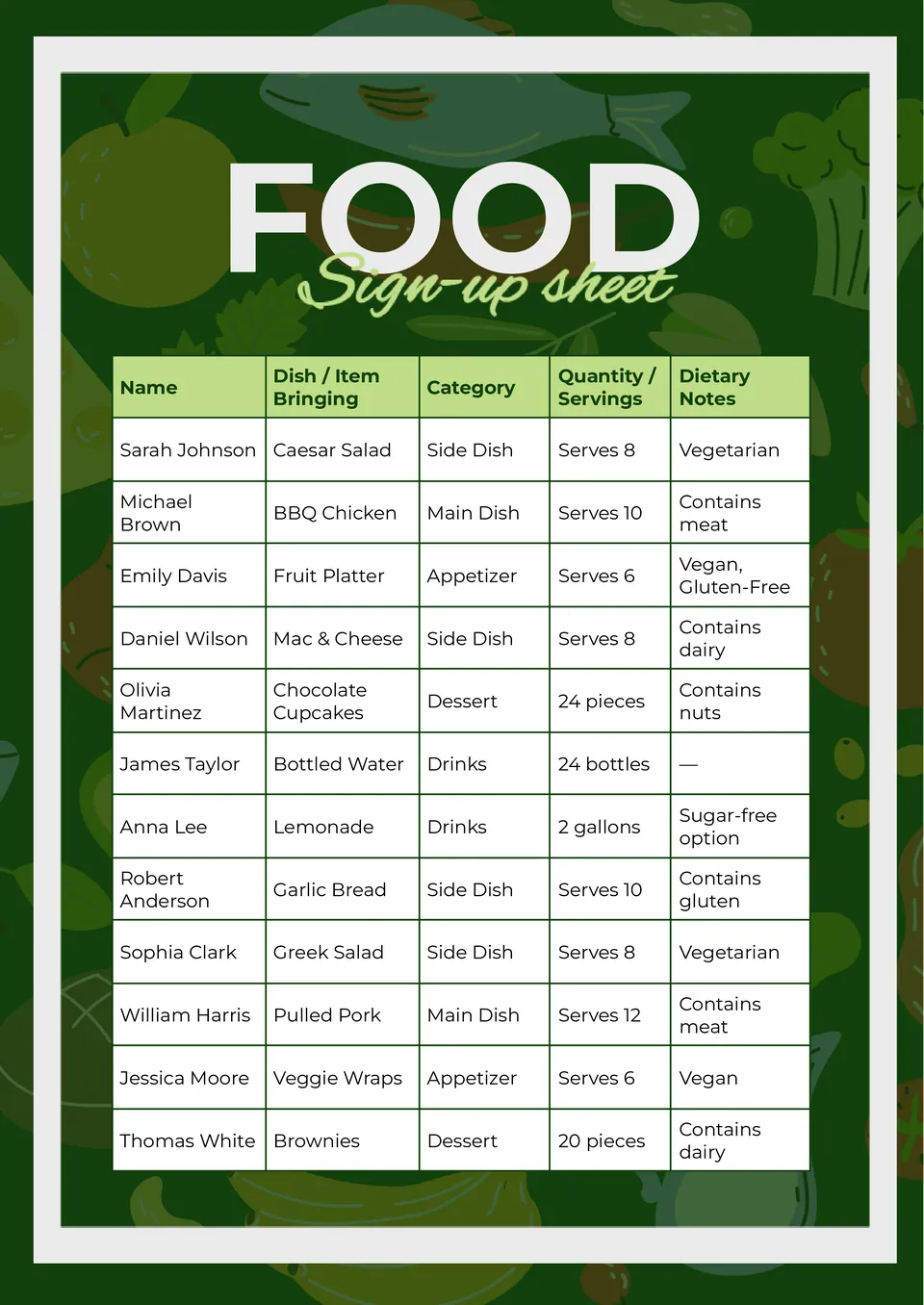
Need a better way to plan a shared meal without duplicate dishes and last-minute messages? The Food Sign Up Sheet Template works well for party hosts, office teams, teachers, parents, and anyone arranging a potluck or group dinner.
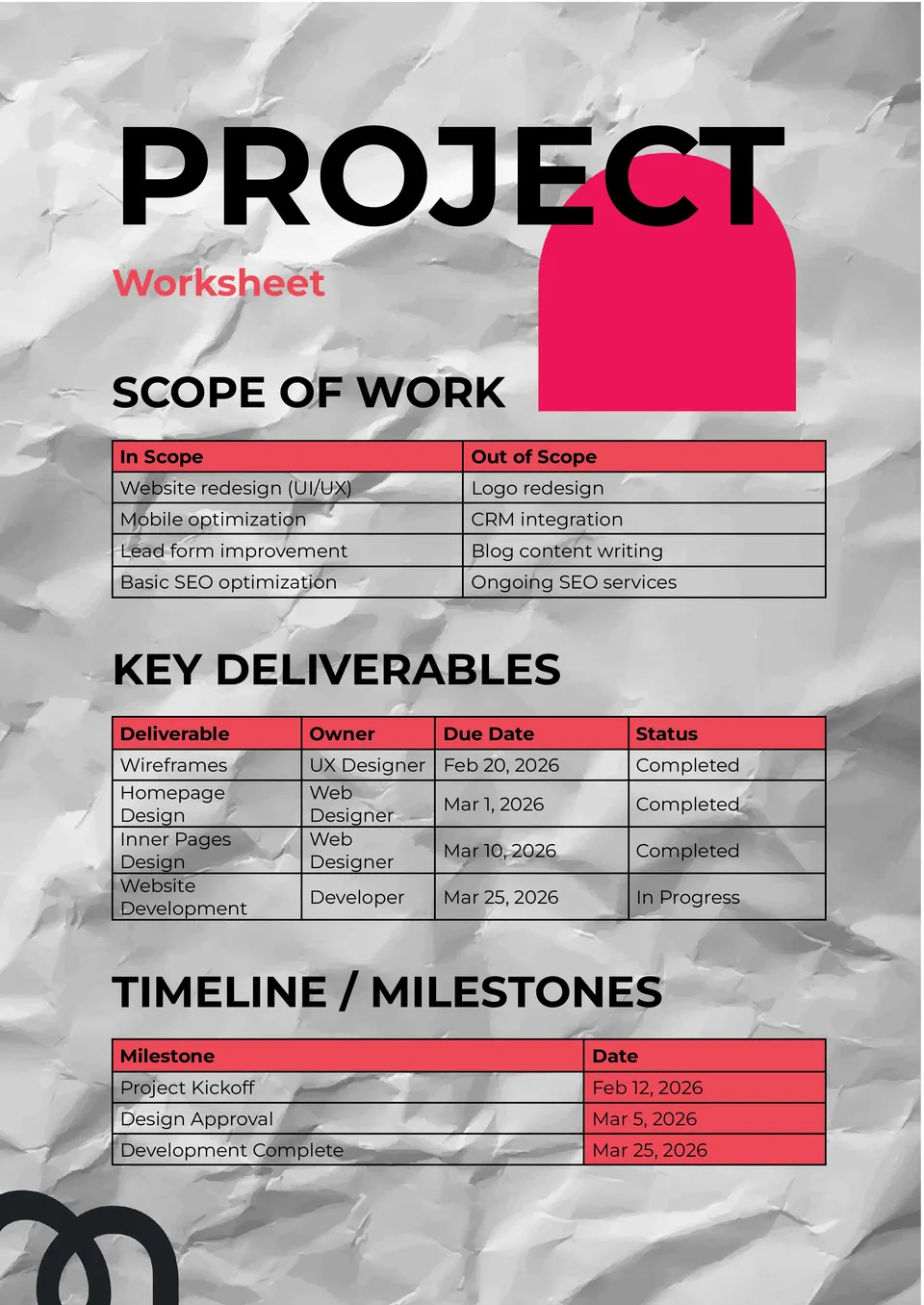
The Project Worksheet Template gives teams and planners a structured way to outline tasks, deadlines, and responsibilities. It supports project breakdown with sections for objectives, steps, owners, and status updates.

The Financial Worksheet Template provides a centralized format for organizing income, expenses, projections, and financial goals. It’s perfect for entrepreneurs, analysts, and personal planners who need a snapshot of financial health.
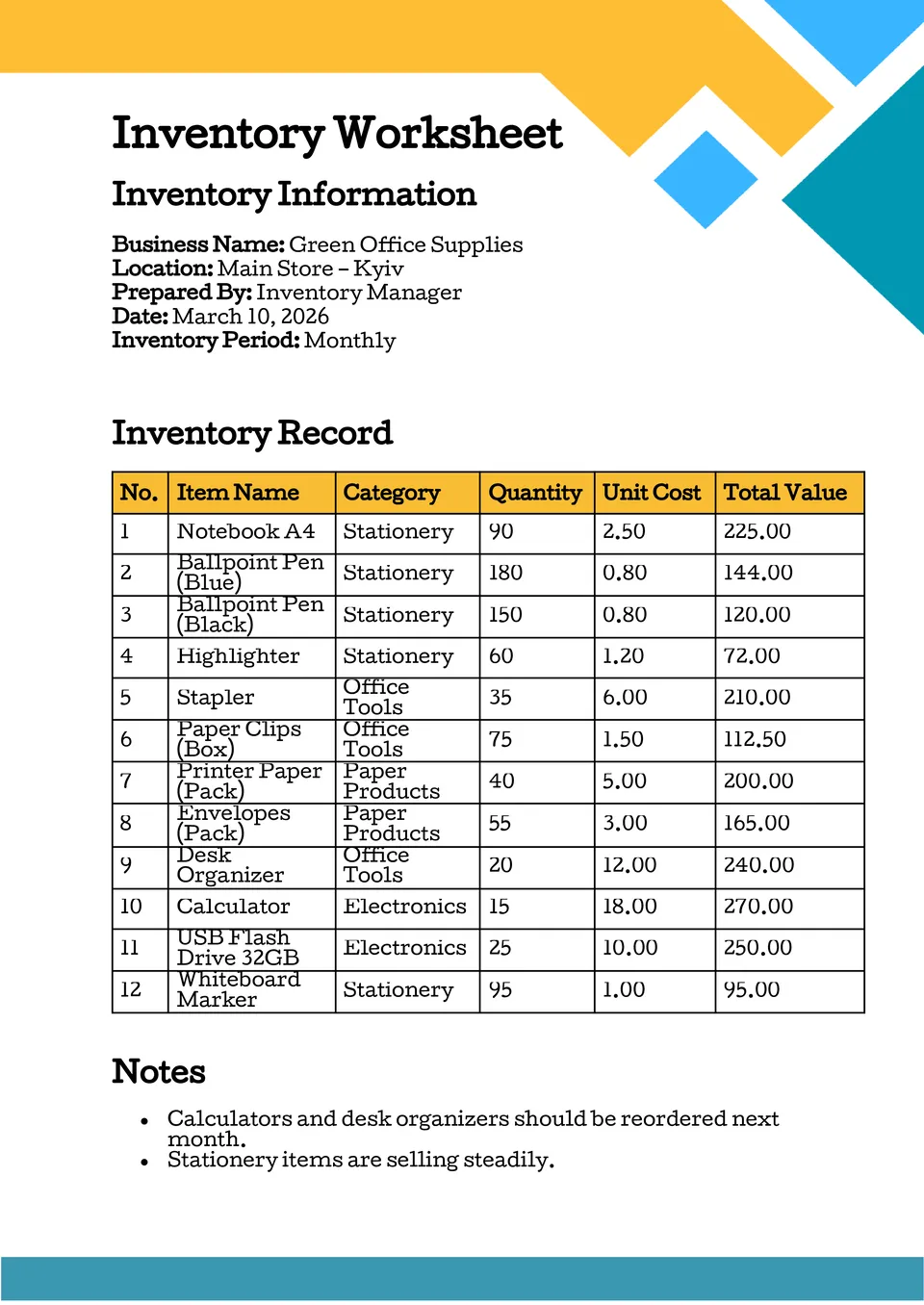
The Inventory Worksheet Template helps small business owners and warehouse managers track stock levels, item details, and quantities in one place. It offers labeled rows and columns for SKU, description, count, and reorder points.

Choose your preferred social media platform from options like Pinterest, Facebook, Twitter, and more. Share our templates with your contacts or friends. If you’re not active on these social networks, you can simply copy the link and paste it into the one you use.