

 Back to templates
 Google Docs Templates - Page 91
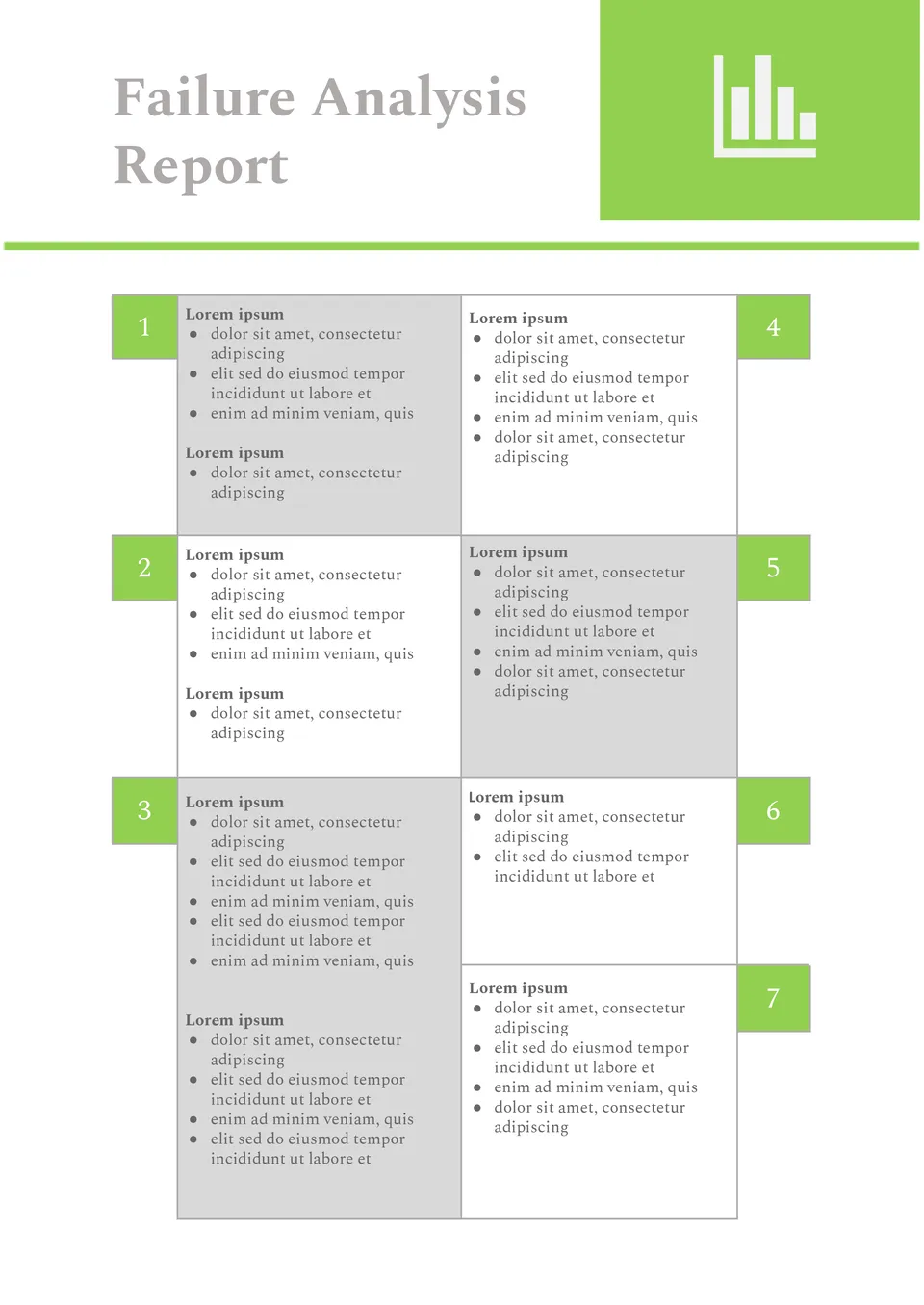
Organized around problem-solving, the Failure Analysis Report Template gives teams a clear way to document what went wrong and why. It suits engineers, quality teams, and project managers who need to investigate failures.

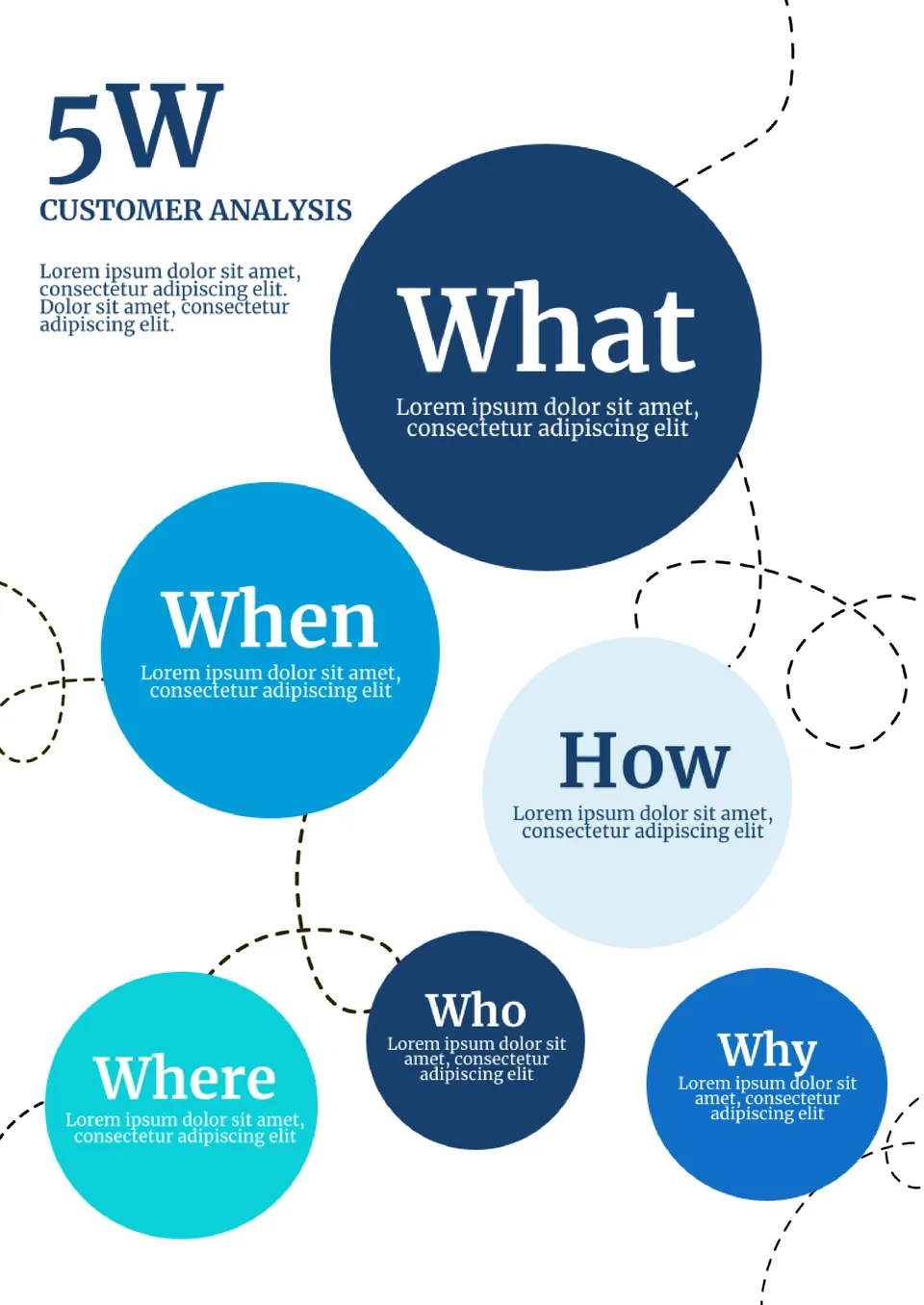
We designed the Customer Analysis Template for businesses, marketers, and teams that need a better view of their audience. It helps organize customer traits, behavior patterns, preferences, and business insights in one layout.

Need a clearer way to compare cost and price before setting your numbers? The Cost Price Analysis Template is a one‑page A4 layout for business owners, pricing teams, and financial planners who need to see the relationship between costs and selling price.
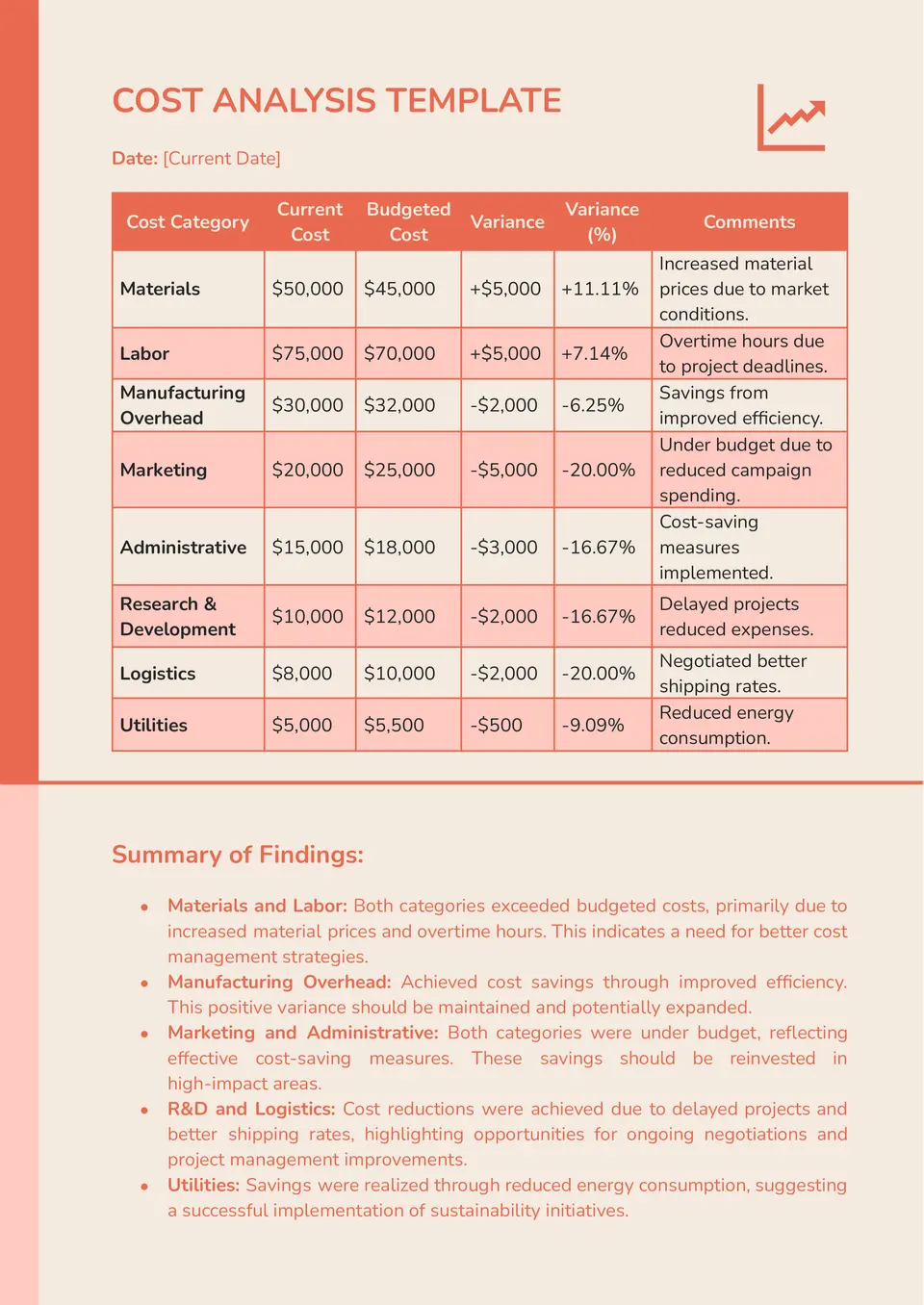
The Cost Analysis Template is a practical A4 document for entrepreneurs, managers, and analysts who need to review expenses in a more organized way. It gives you a clean structure for costs, notes, and supporting details, making it easier to spot where money goes.
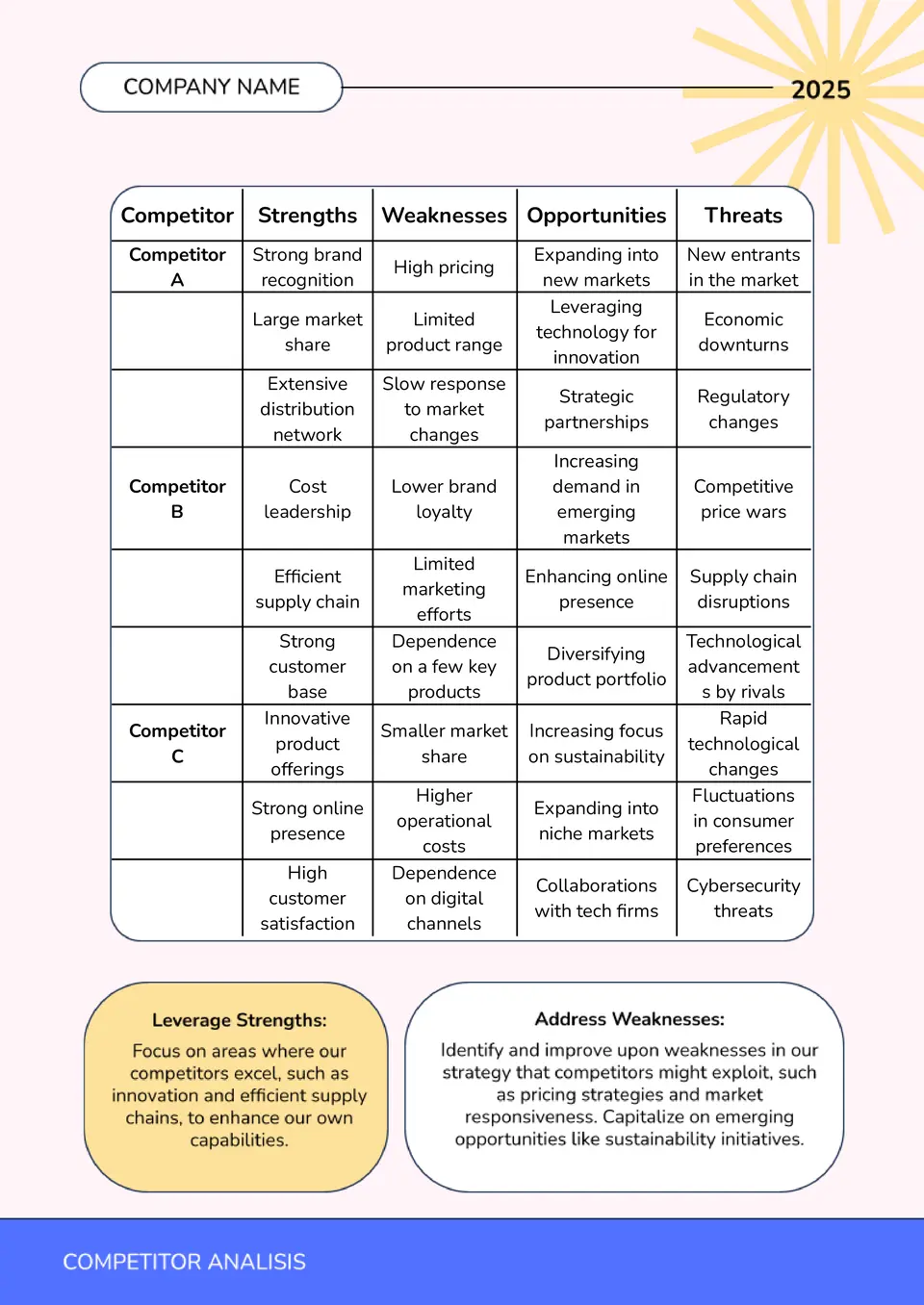
Want a better way to compare competitors without mixing up your notes? The Competitor Analysis Template is a one‑page A4 Google Docs layout for marketers, founders, and strategy teams who need to track strengths, weaknesses, and market differences.
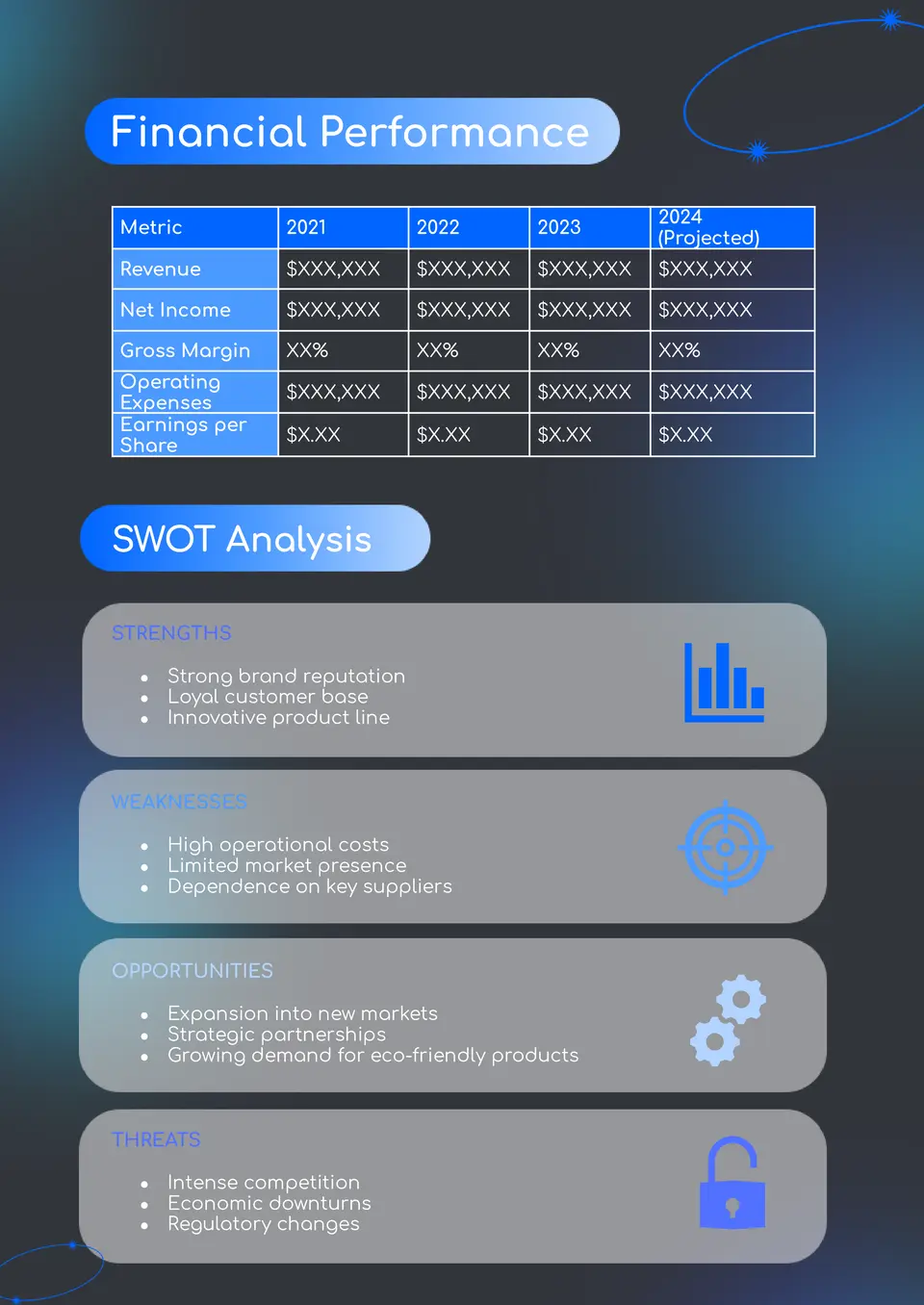
The Company Analysis Template is a useful A4 structure for consultants, managers, and business students who need to review a company’s situation in one place. It gives you a neat layout for key information, analysis points, and supporting notes, so your findings stay organized.
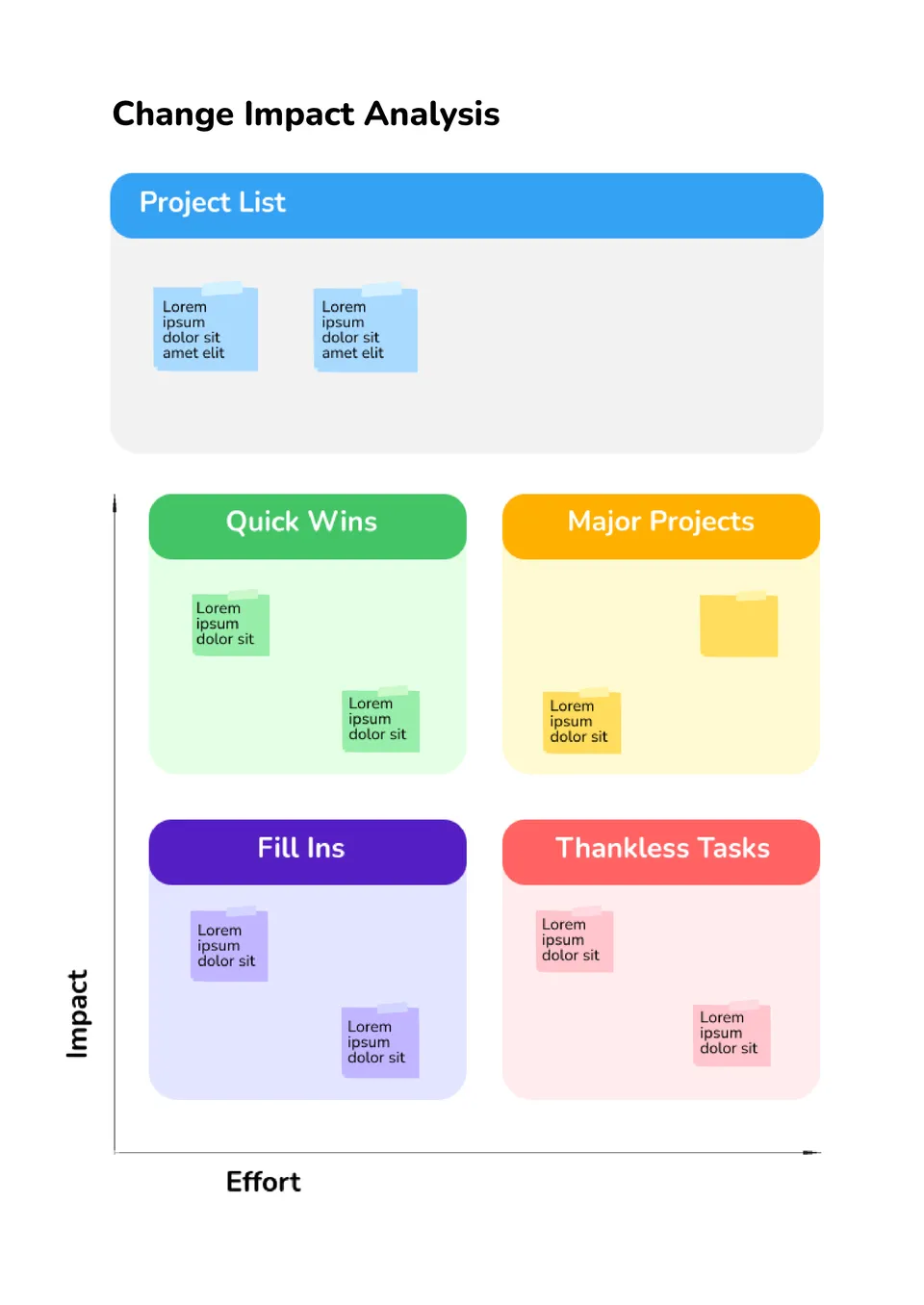
Organized around change review, the Change Impact Analysis Template helps teams see what will be affected before decisions are made. It works for managers, analysts, project leads, and operations teams.
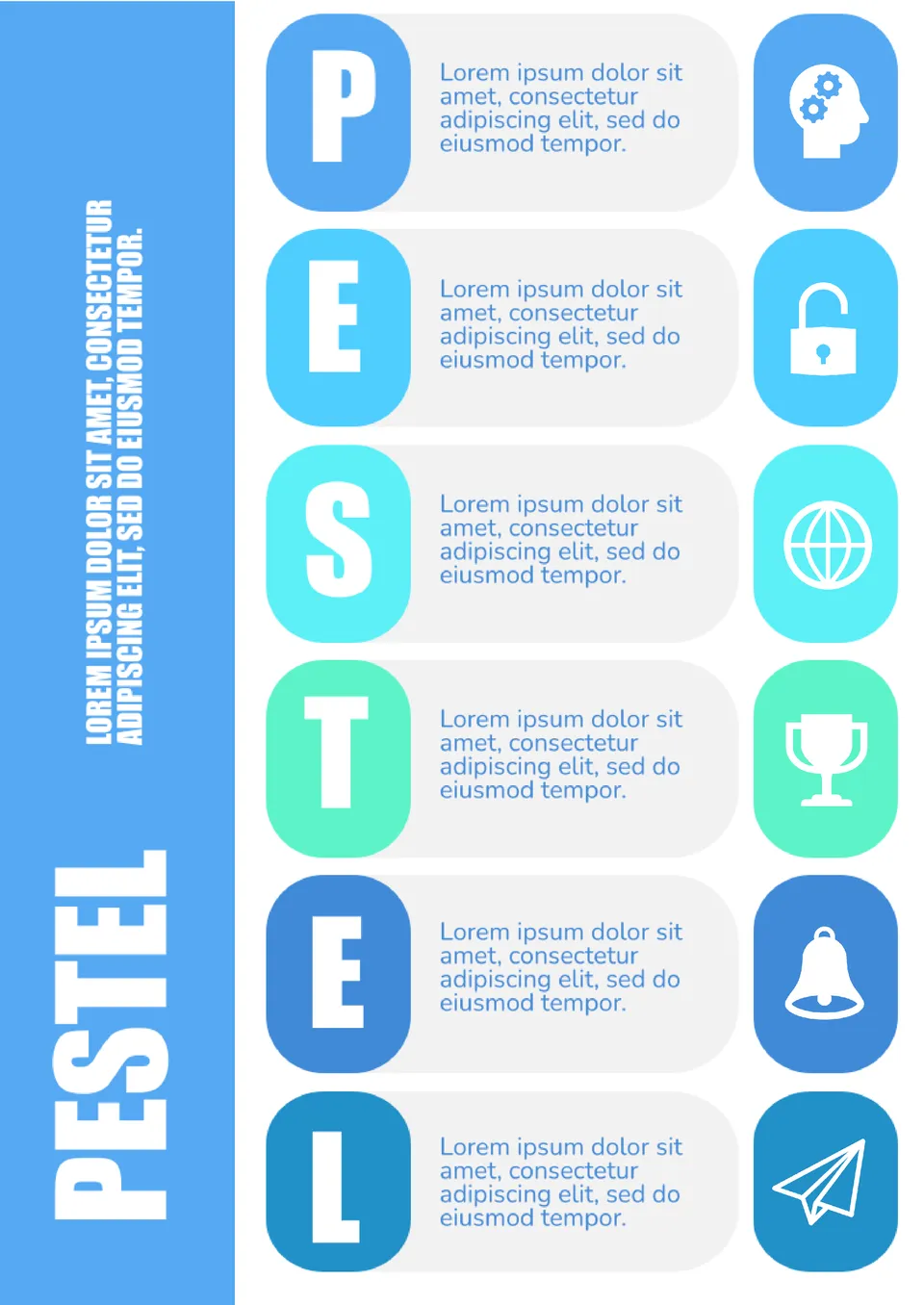
How do you review a workflow without losing track of key steps and weak points? The Business Process Analysis Template is made for managers, analysts, and teams that need a better view of how work moves.
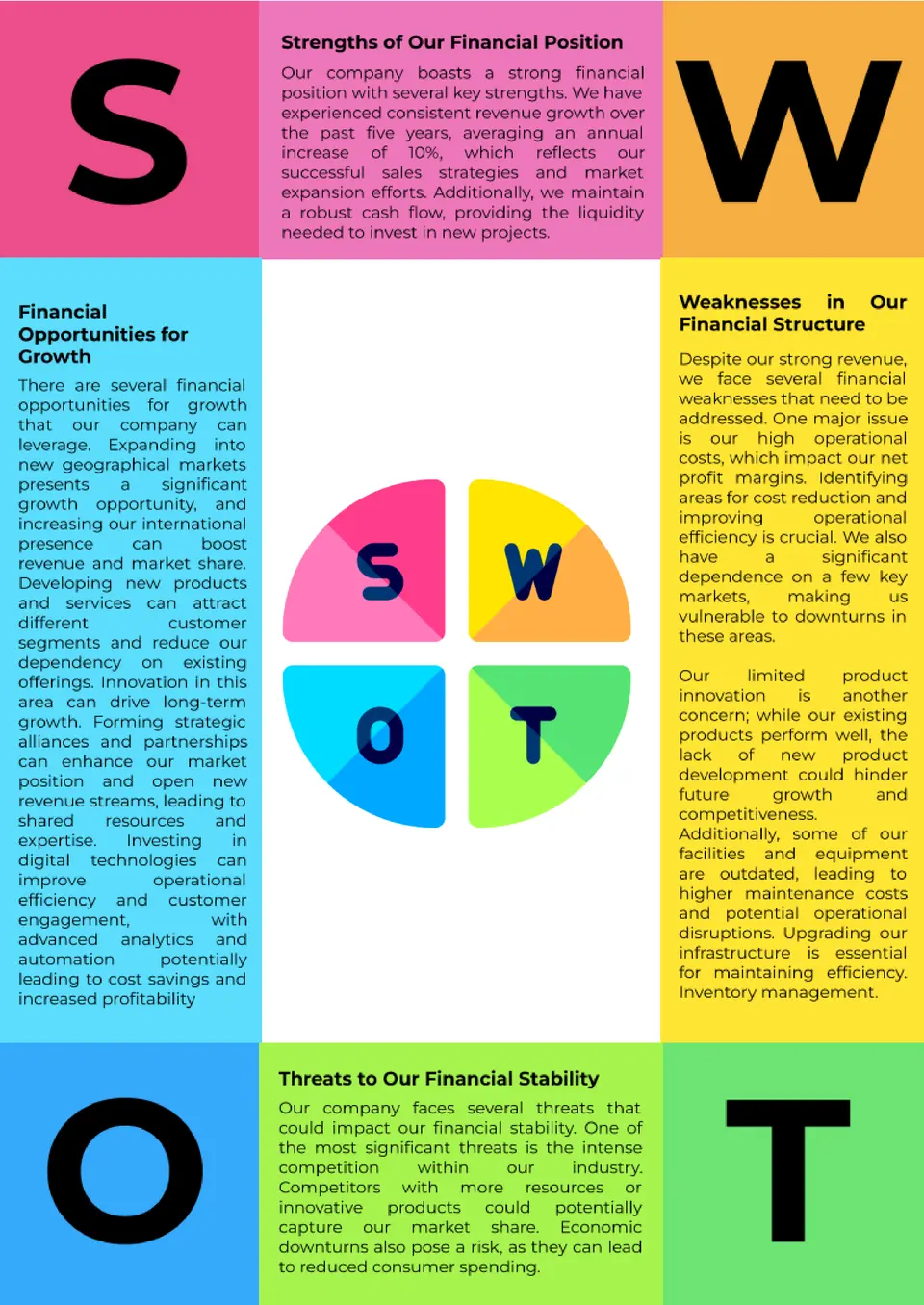
Want a smarter way to review spending and plan ahead? The Budget Analysis Template is a helpful choice for households, small businesses, and finance teams that need to track income, costs, and budget gaps.
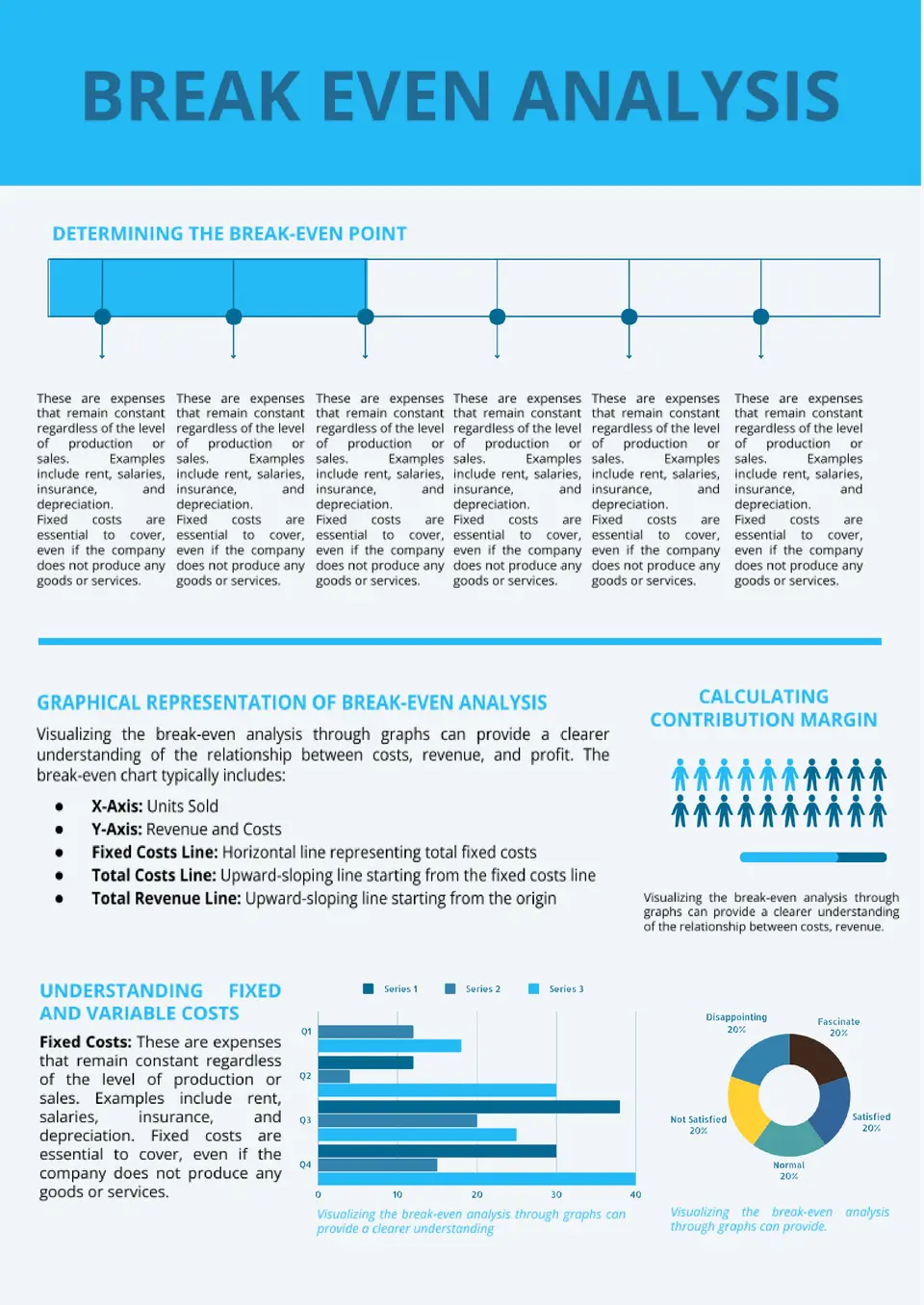
Want a fast way to see when your business starts to profit? The Break Even Analysis Template is a one‑page A4 layout for entrepreneurs, small‑business owners, and financial planners who need to map fixed costs, variable costs, price per unit, and sales volume.
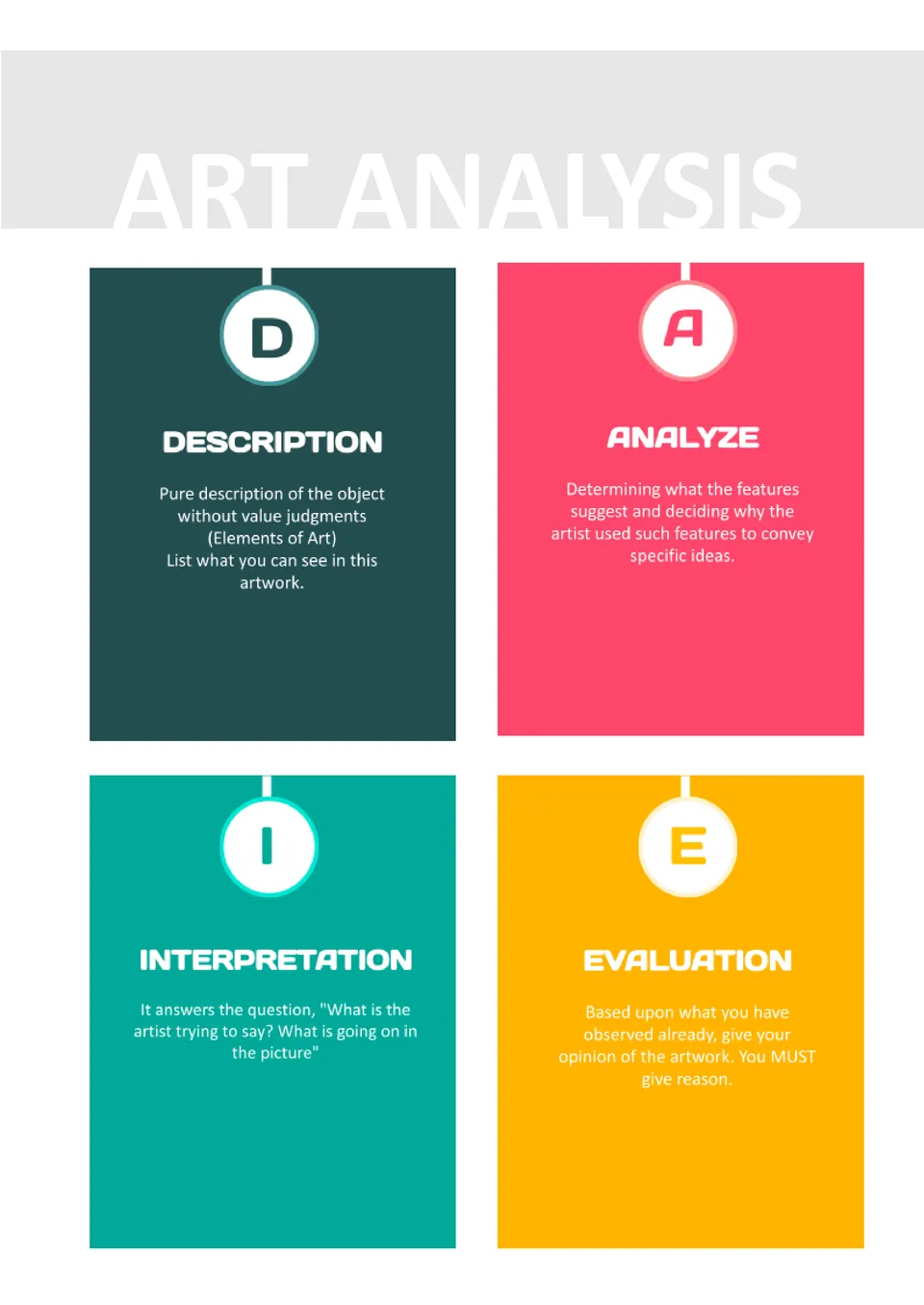
Built for students and art enthusiasts, the Art Analysis Template helps users examine artworks in a structured and thoughtful way. It is useful for art students, teachers, and anyone studying visual art.
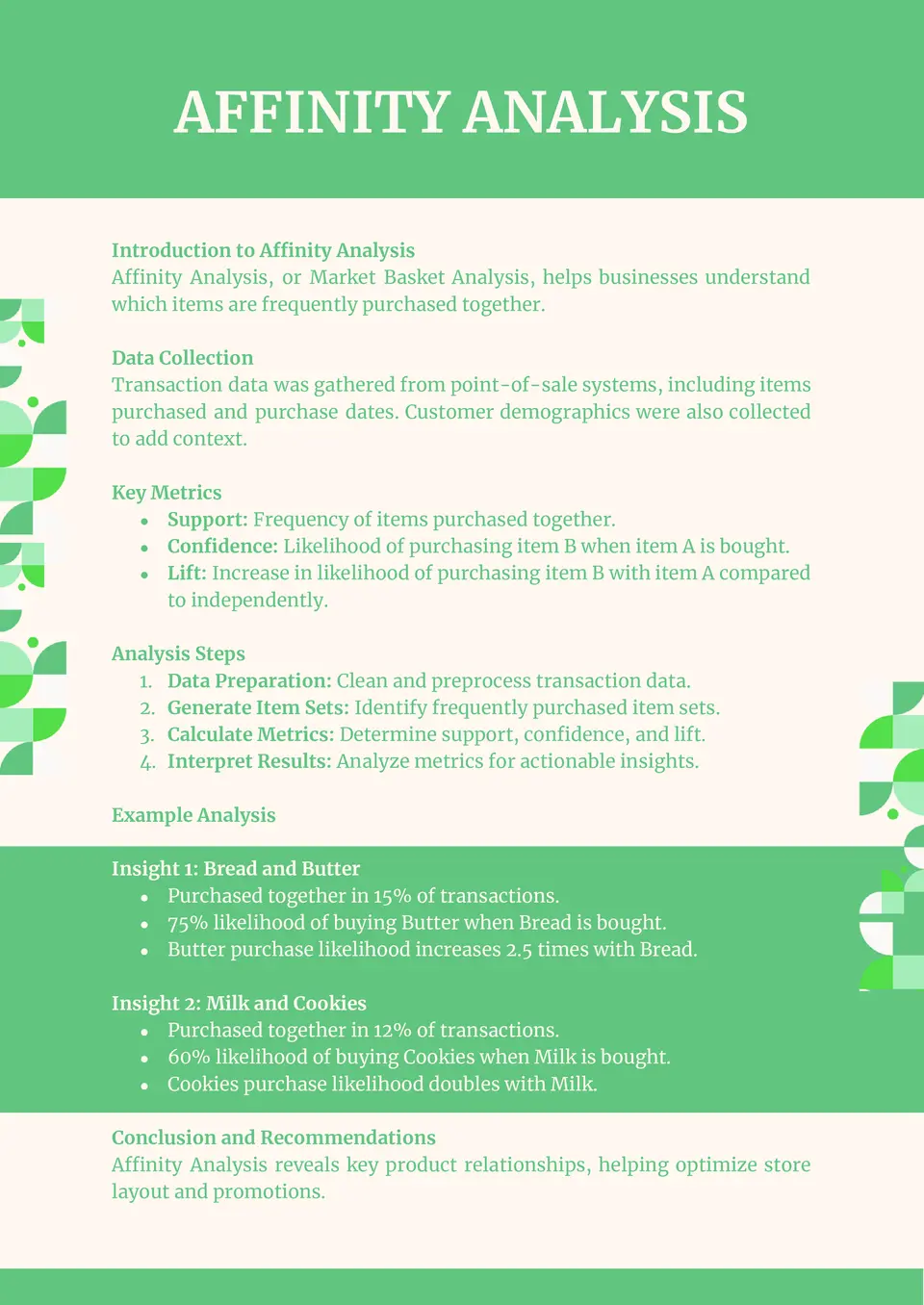
Need a cleaner way to organize brainstorm ideas or research findings? The Affinity Analysis Template is a one‑page A4 Google Docs layout for designers, UX researchers, product teams, and workshop facilitators who want to group inputs into meaningful themes.

Organizing a memorial service feels overwhelming when you need something respectful and clear for guests? Memorial Funeral Program Template Google Docs helps families and organizers present service details, photos, and tributes in a clear and thoughtful way.

Created for memorial services and funeral arrangements, the Funeral Home Program Template offers a clear and thoughtful layout. It works well for funeral homes, families, and anyone preparing a printed service program.
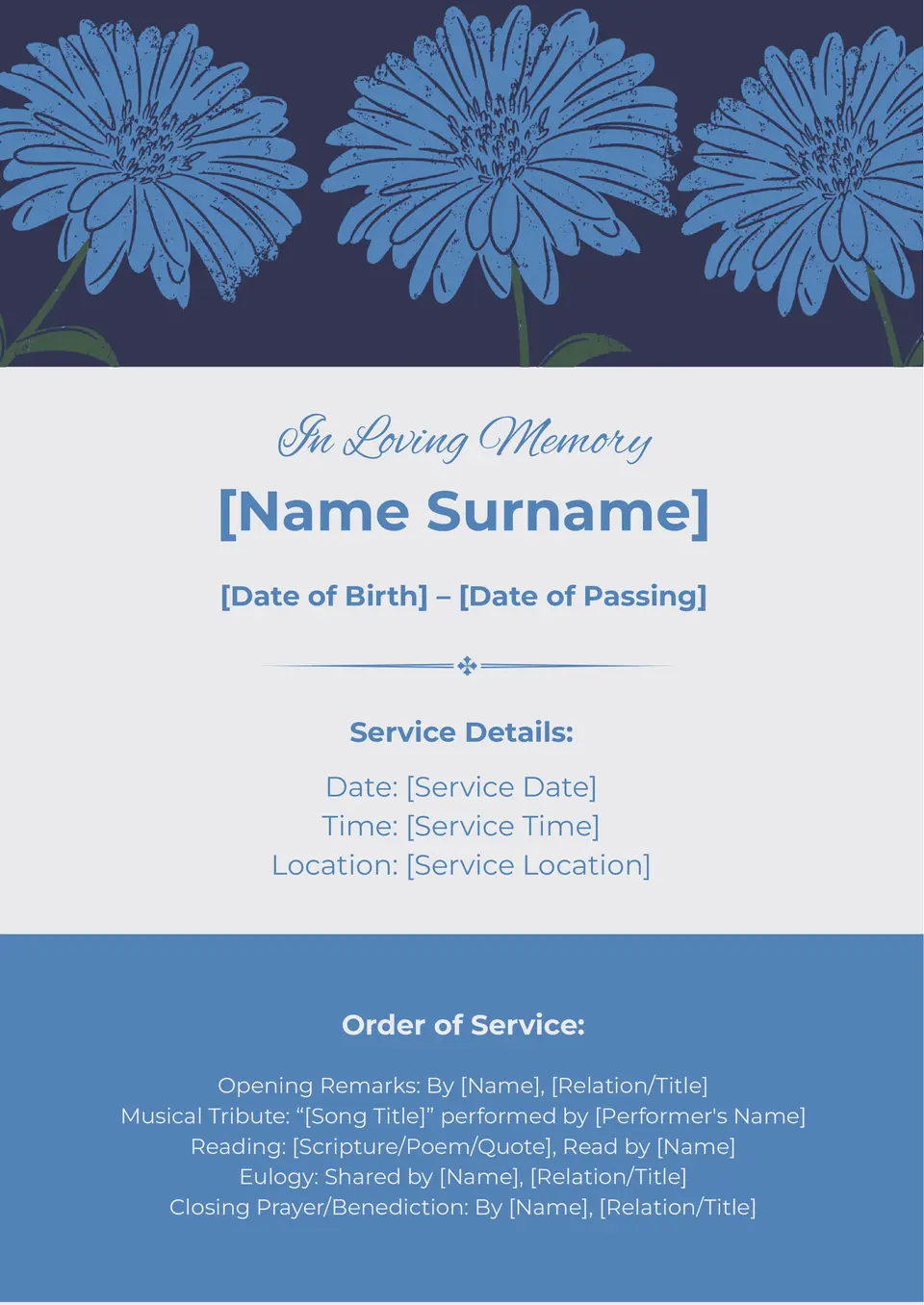
What makes a funeral program feel respectful, calm, and carefully prepared? The Elegant Funeral Program Template is made for families, organizers, and funeral service teams.

What’s the best way to create a funeral program that honors faith and keeps the service clear for guests? The Church Funeral Program Template is a good fit for families, church members, and funeral organizers within religious communities.

Choose your preferred social media platform from options like Pinterest, Facebook, Twitter, and more. Share our templates with your contacts or friends. If you’re not active on these social networks, you can simply copy the link and paste it into the one you use.