

 Back to templates
 Google Docs Templates - Page 92
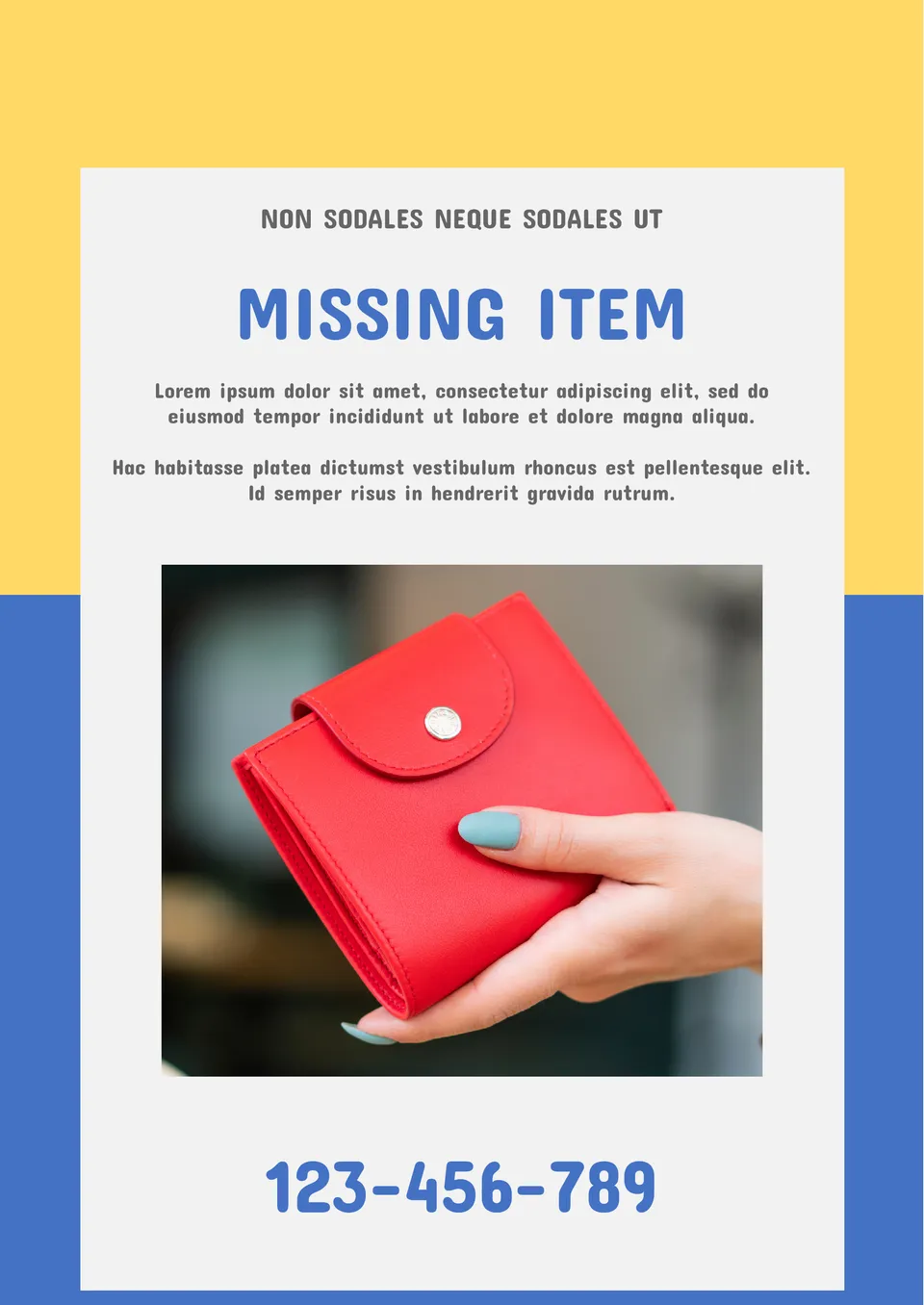
You’ve lost your keys, wallet or bank card? Download Missing Item Poster Template! By means of it, you can describe your lost item and the places where it could have been left. Add your contact information and photo for illustration.

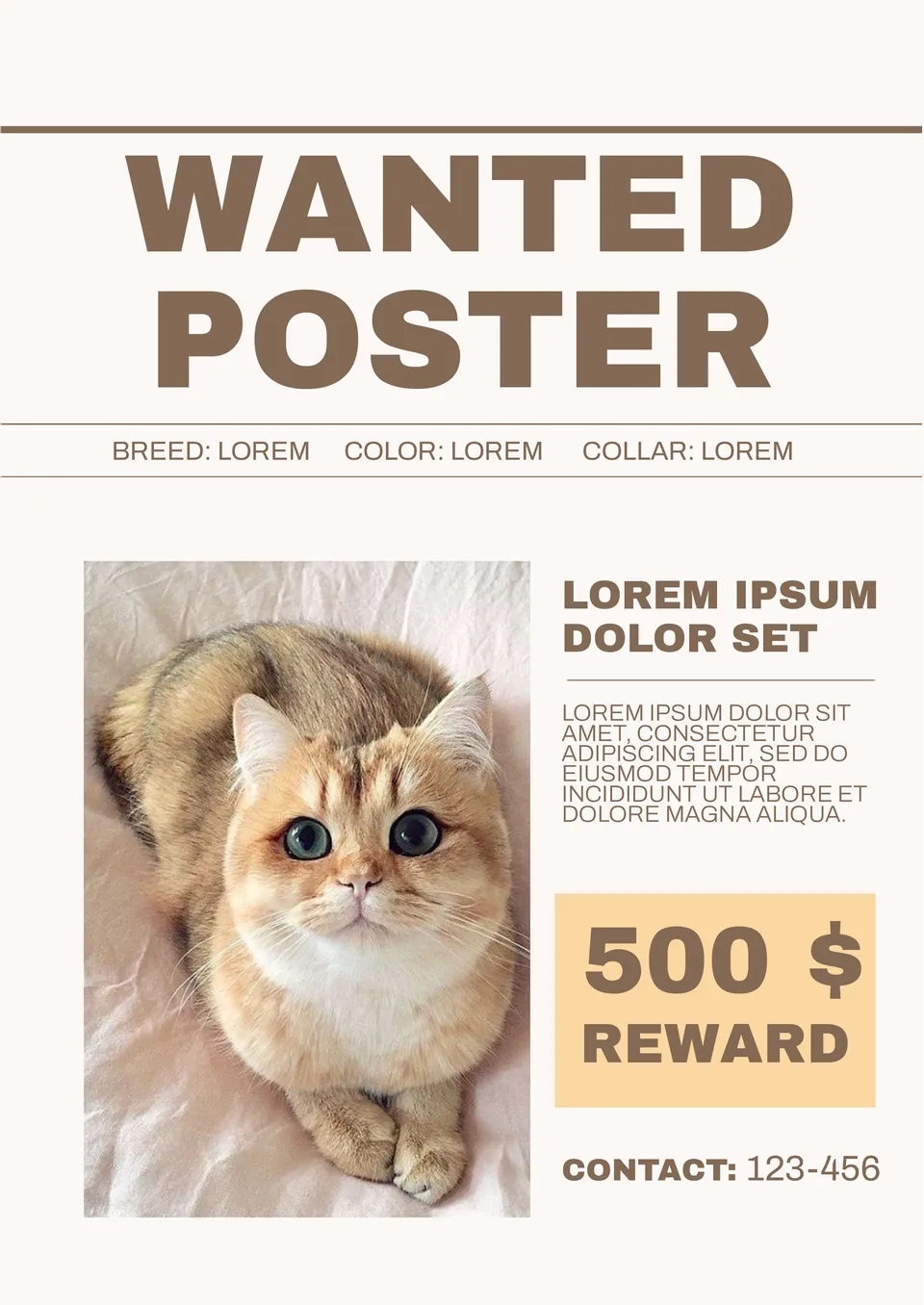
Use this template to search for your pet. The document has an unusual design: the first thing that comes to the front is the reward amount for the animal found, which is guaranteed to interest you and make you read up the ad. It is perfect for online mailing.

The main focus in the layout is on the photo and contact information. There is a text block for detailed information below, in which you should indicate when and where the child was last seen. The template will look nice even printed on a black and white printer.

Do you have a small car workshop? Then advertise your business with this Google Docs template. Edit the layout, add your information, and use the finished result to attract customers.

This printable template for Google Docs is designed to suit dog lovers. The layout can be used by vets, pet shops and even animal volunteers.

This document is perfect for restaurants, cafes or food bloggers. Tell your customers about new items on the menu, share secrets from the chef or give a simple but delicious recipe.

Financial Journal Template for Google Docs has an interesting style. The background and photo take up most of the cover, but there is enough space for the text to announce the issue topic.

If you need to create a magazine for a medical institution, this template will make your job much easier. It is worthwhile to add the institution’s logo to make the layout more individual.
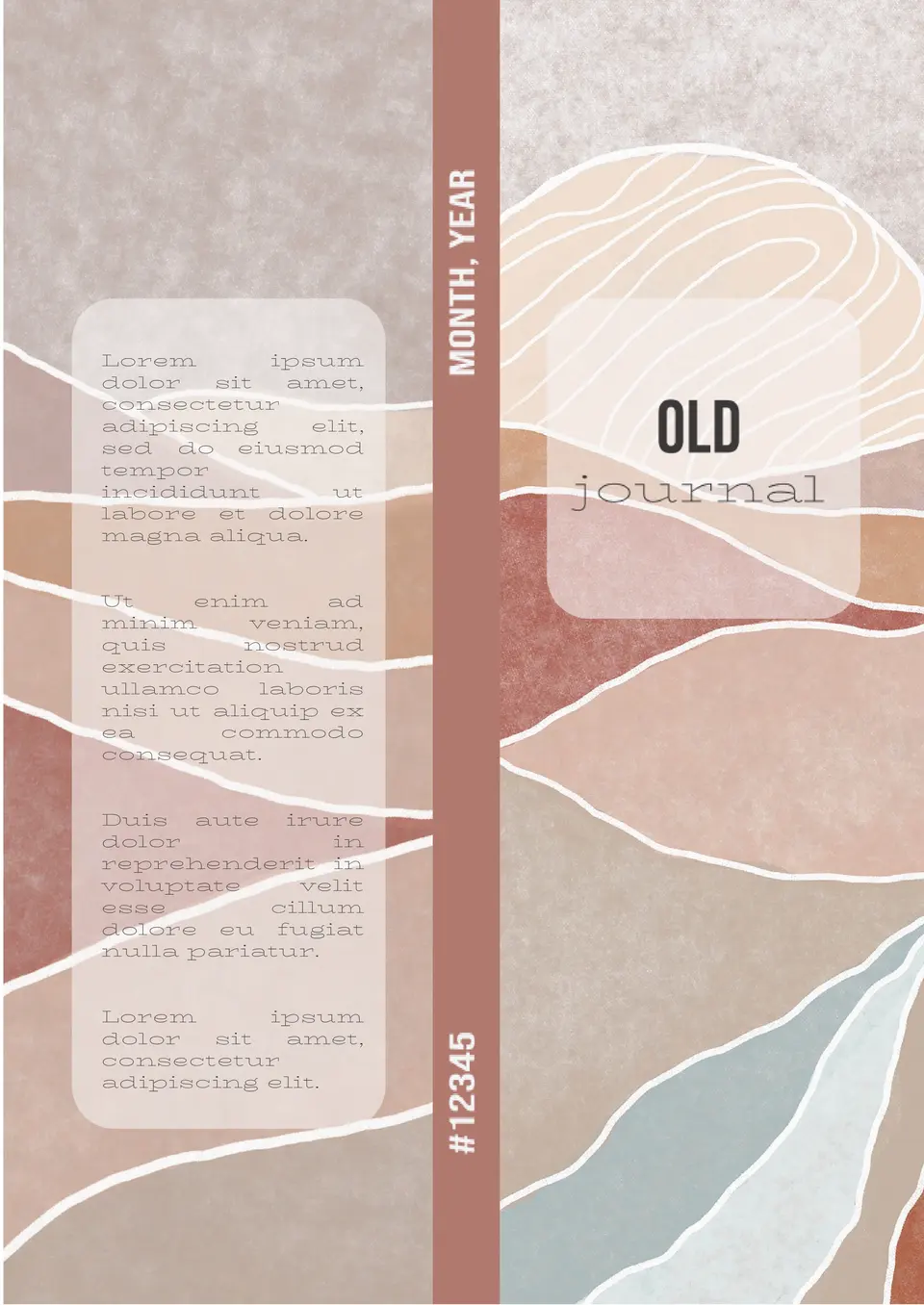
The original layout has an extraordinary abstract background and is divided into two parts. The left part is occupied by the text block, and the headline is indicated on the right.

The template will be helpful for pupils, students, scientific and educational establishments. Add your own photo if you prefer and start editing the text to tell of your discoveries or research results.
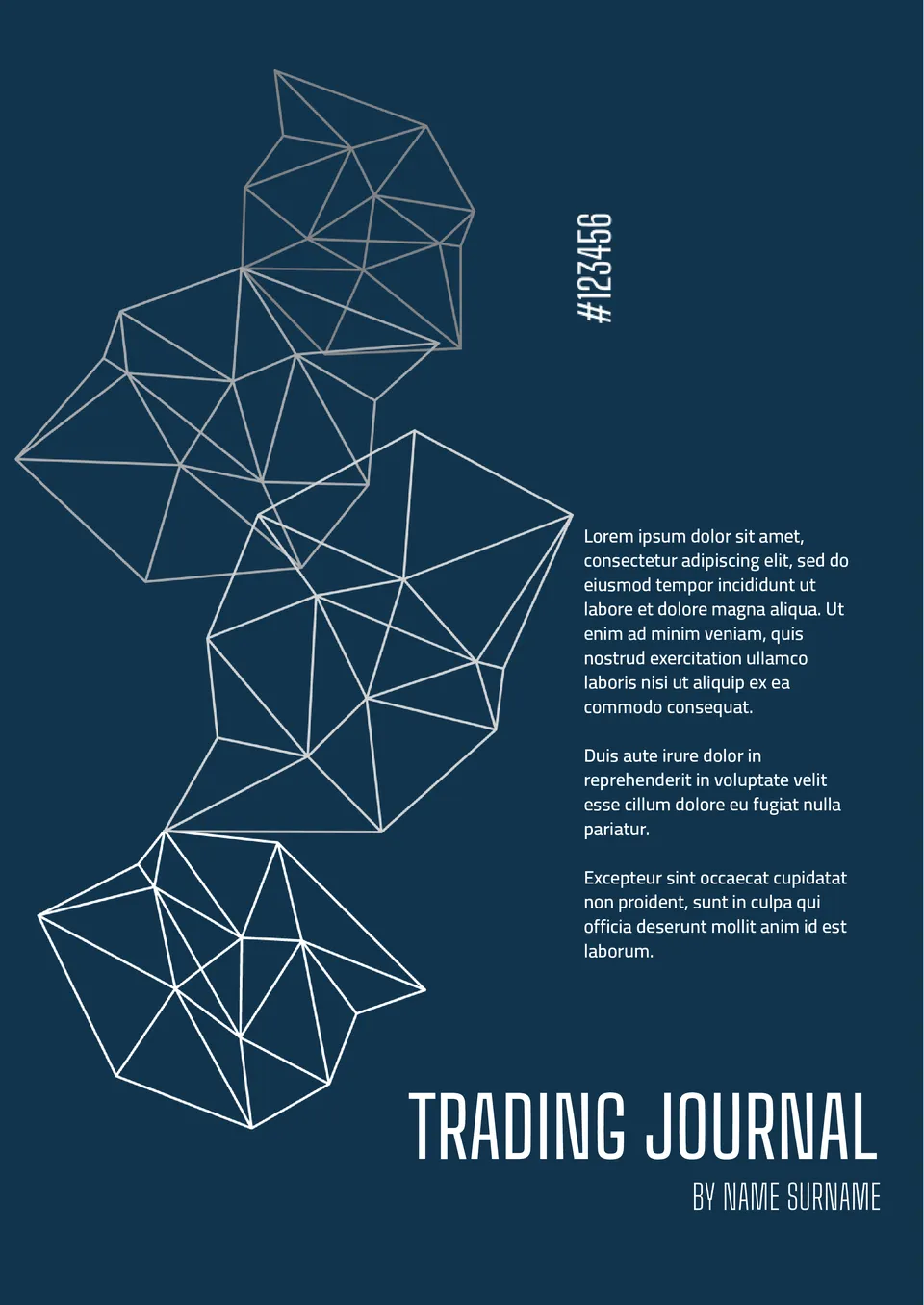
First of all, financial and trading companies should pay attention to Trading Journal Template for Google Docs. The blue and white color range can be replaced with one to match your corporate style.

Due to this poster, you can decorate your office or advertise a scientific conference. You can either edit this layout and add your images, or print it in its actual form, changing or removing the contacts at all.

It is a cool Google Docs template that you can use to advertise your company. The finished layout can be downloaded and made into a huge banner.

This free poster will decorate your home or office for Easter. The design, styled on a watercolor, resembles a real painting. You can use the printable template in Google Docs both as a holiday invitation and as a greeting card.

Event Poster Template on Google Docs is good for advertising a party. It can be printed in the flyer, poster or invitation format.


Choose your preferred social media platform from options like Pinterest, Facebook, Twitter, and more. Share our templates with your contacts or friends. If you’re not active on these social networks, you can simply copy the link and paste it into the one you use.