

 Back to templates
 Free CV Google Docs Templates - Page 2
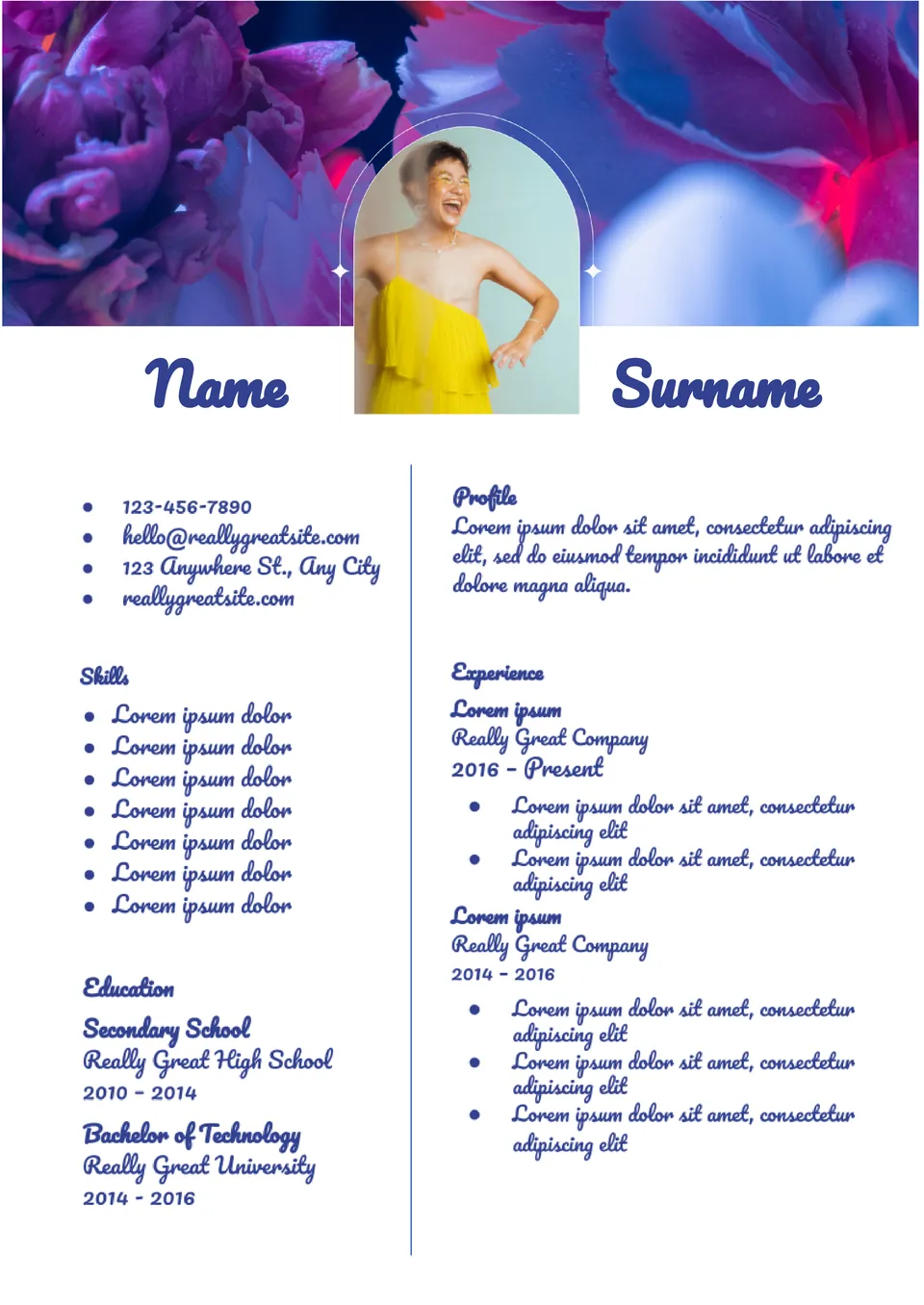
The main highlight of the template is an image of bright flowers with a curly frame for your photo. It is better to choose a photo that is clearly visible against a colorful background.

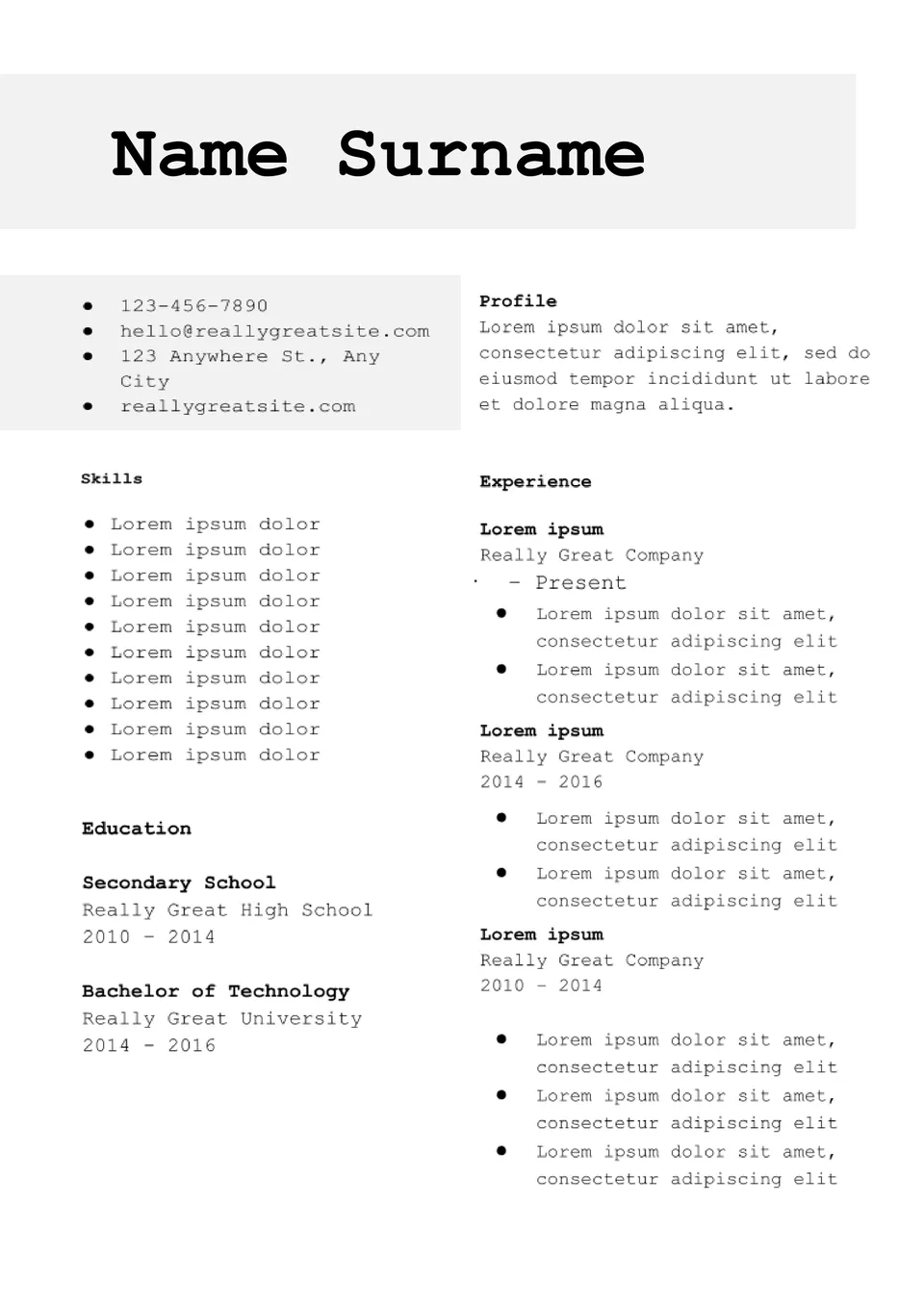
There is nothing superfluous in the strict Academic CV Template for Google Docs. It is divided into two columns, which makes it easier to perceive the information.
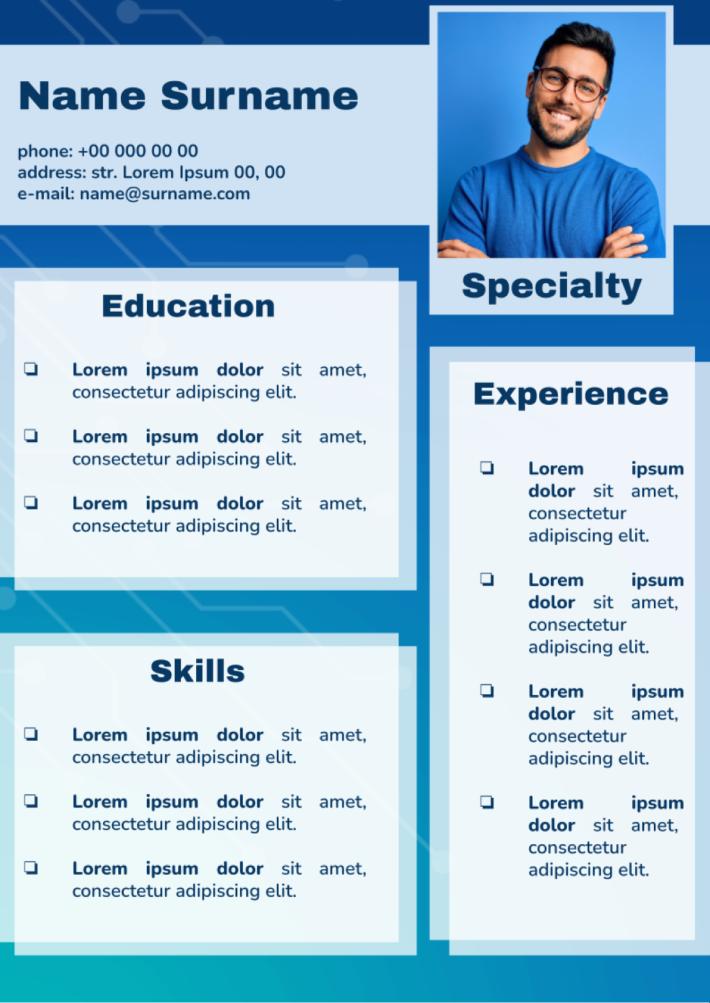
In the stylish Basic CV Google Docs resume template, no extra objects would interfere with the information perception. Upon receiving, the employer will quickly find data about your education, experience, and skills.
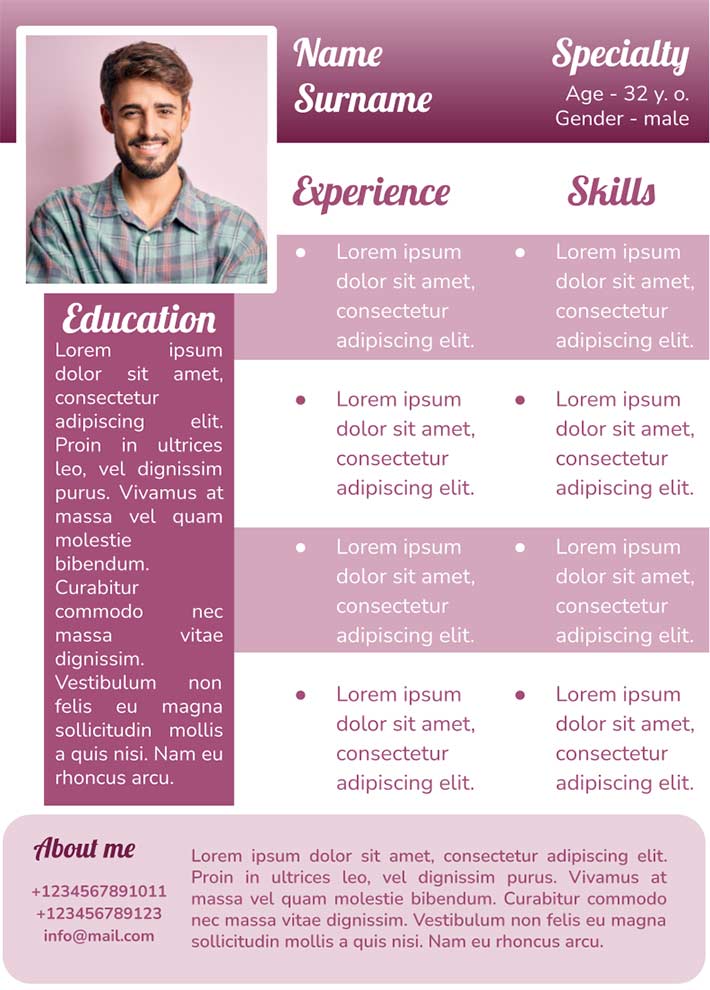
Do you want to grab the attention of an HR manager? All you need to do is download the simple CV template for Google Docs.
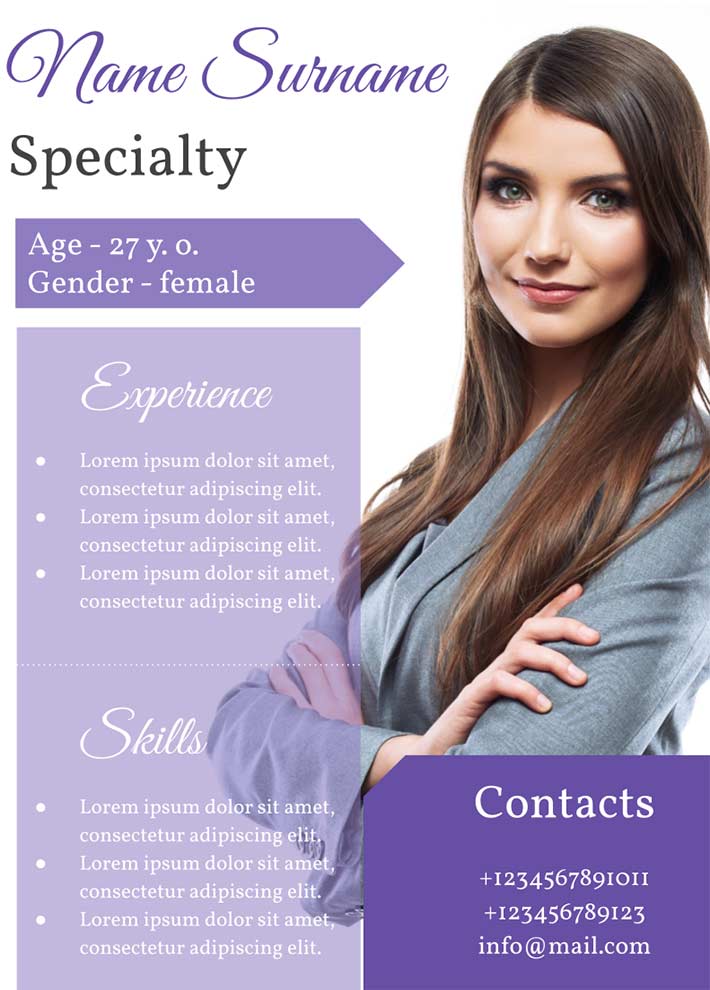
The emphasis in the Creative CV Google Docs resume template is on the photo, so it is better that it is done professionally. Furthermore, information about education, skills and contacts can be specified in the layout.
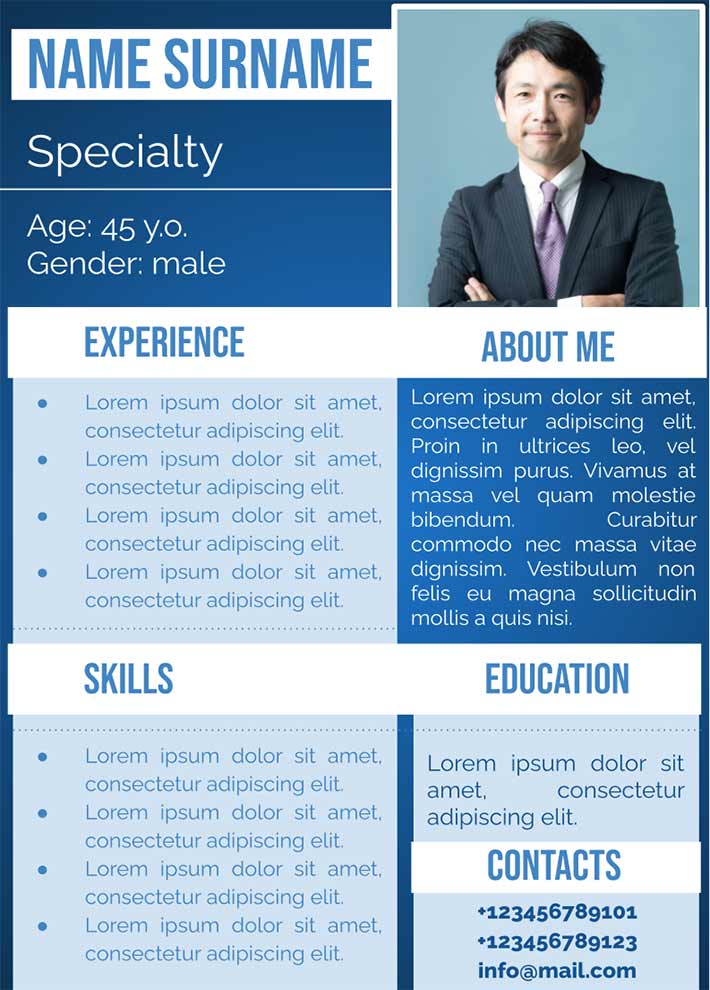
The layout is divided into strict blocks, where all information about the job seeker should be placed. It will be helpful to those about to get a job in a large company.
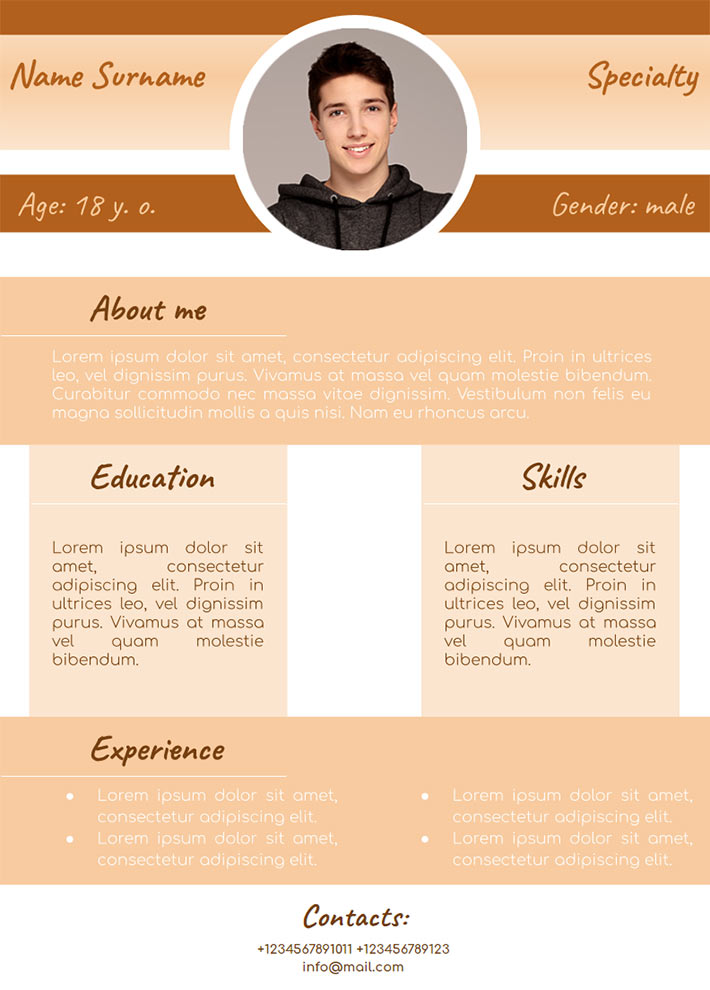
Using the free CV template you will greatly introduce yourself and get the coveted phrase «Welcome to our company!».
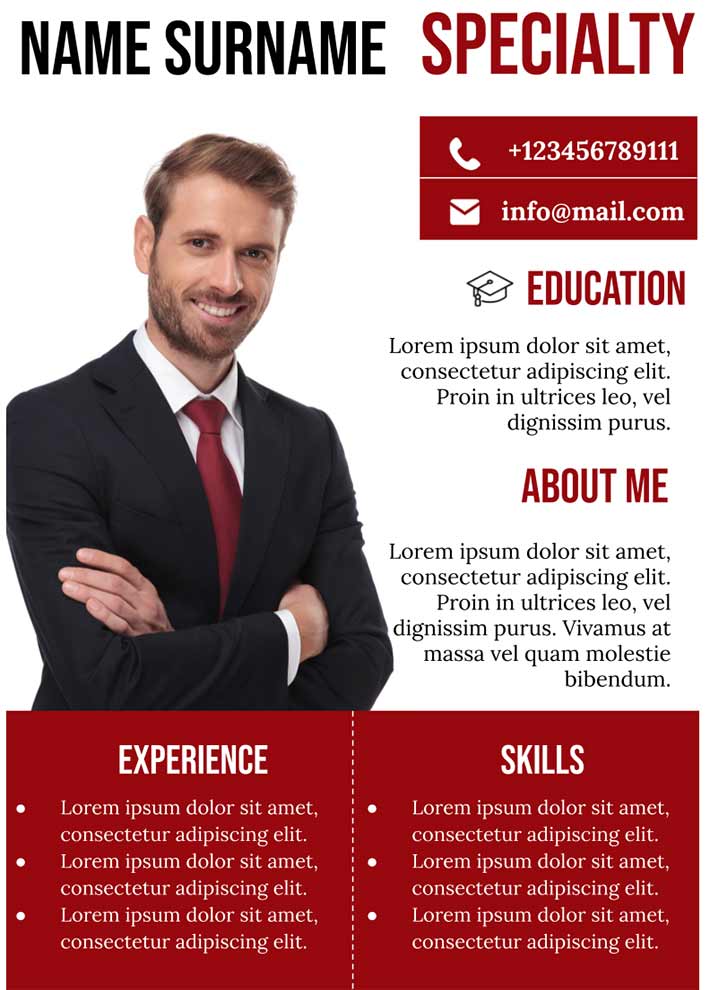
A well-designed CV template is equally suitable for an advertising specialist, marketer, sales manager, or any senior position.

Choose your preferred social media platform from options like Pinterest, Facebook, Twitter, and more. Share our templates with your contacts or friends. If you’re not active on these social networks, you can simply copy the link and paste it into the one you use.