

 Back to templates
 All templates- Page 107
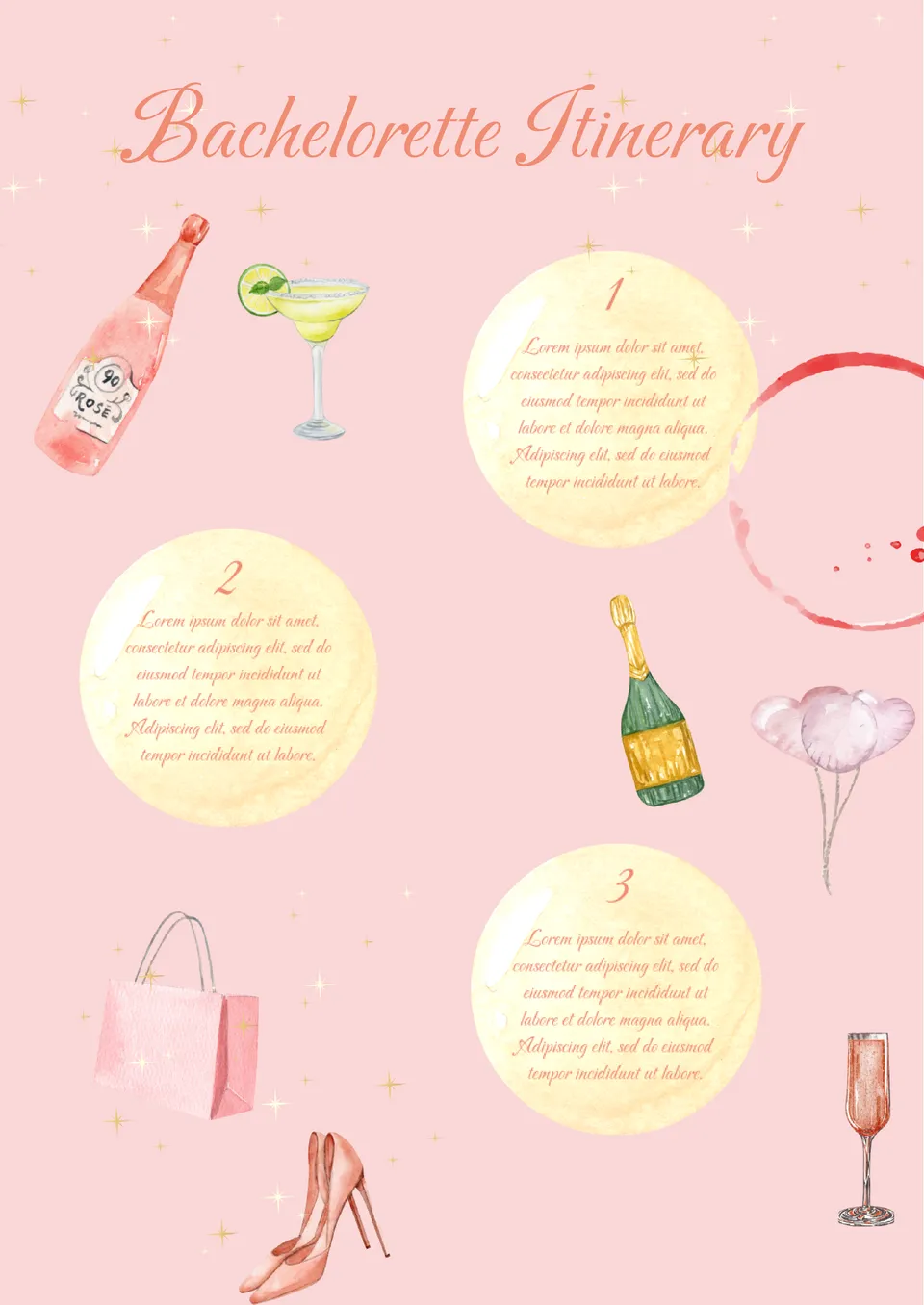
Are you planning a bachelorette party? Use the Bachelorette Itinerary Template as an invitation to the party or instruction. Describe in the template what guests can expect at the party and what dress code is expected.

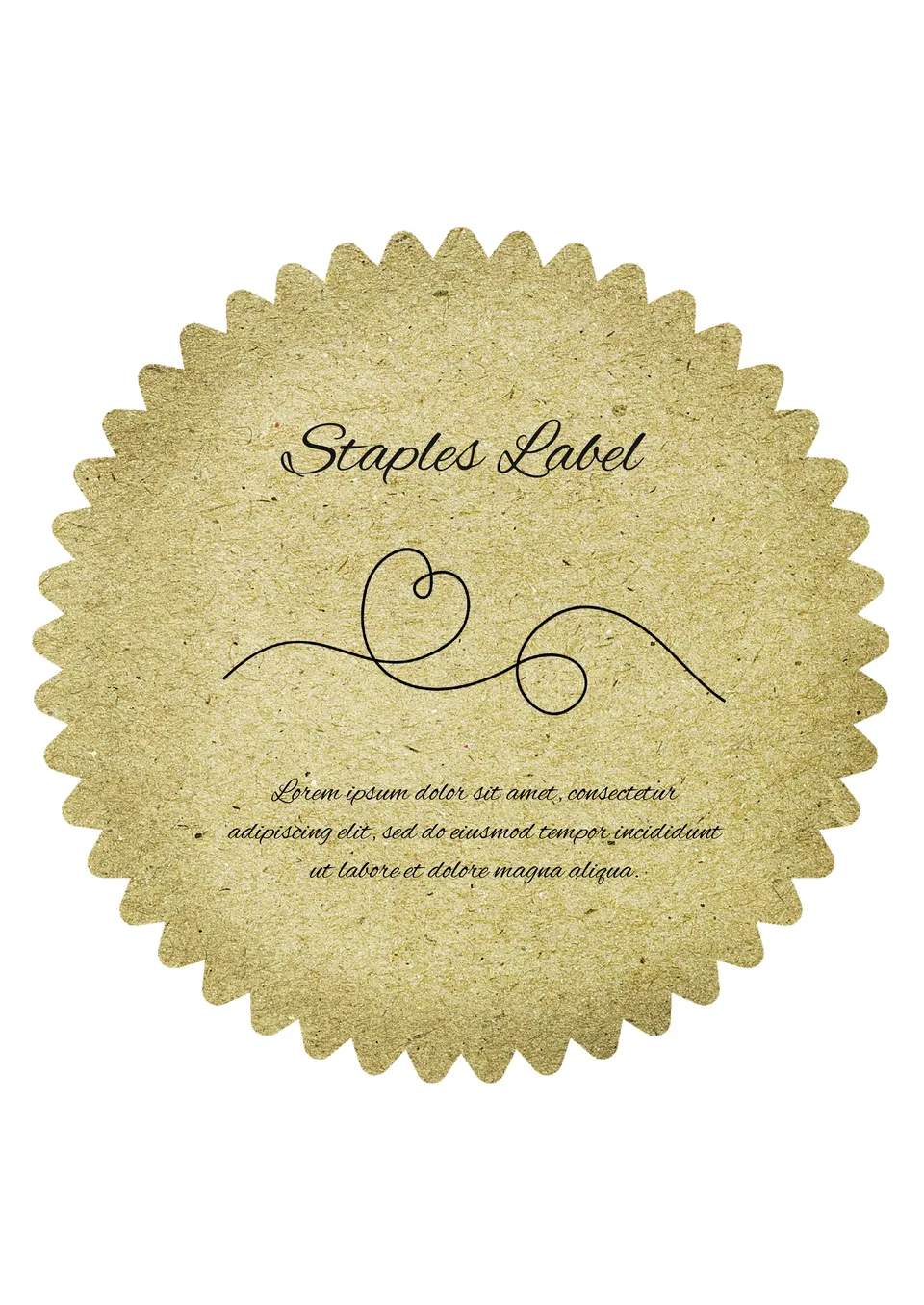
The main highlight of the editable Staples Label Template for Google Docs is its original gear shape. Thanks to the textured background, it will seem that the sticker is made of fabric, not paper.
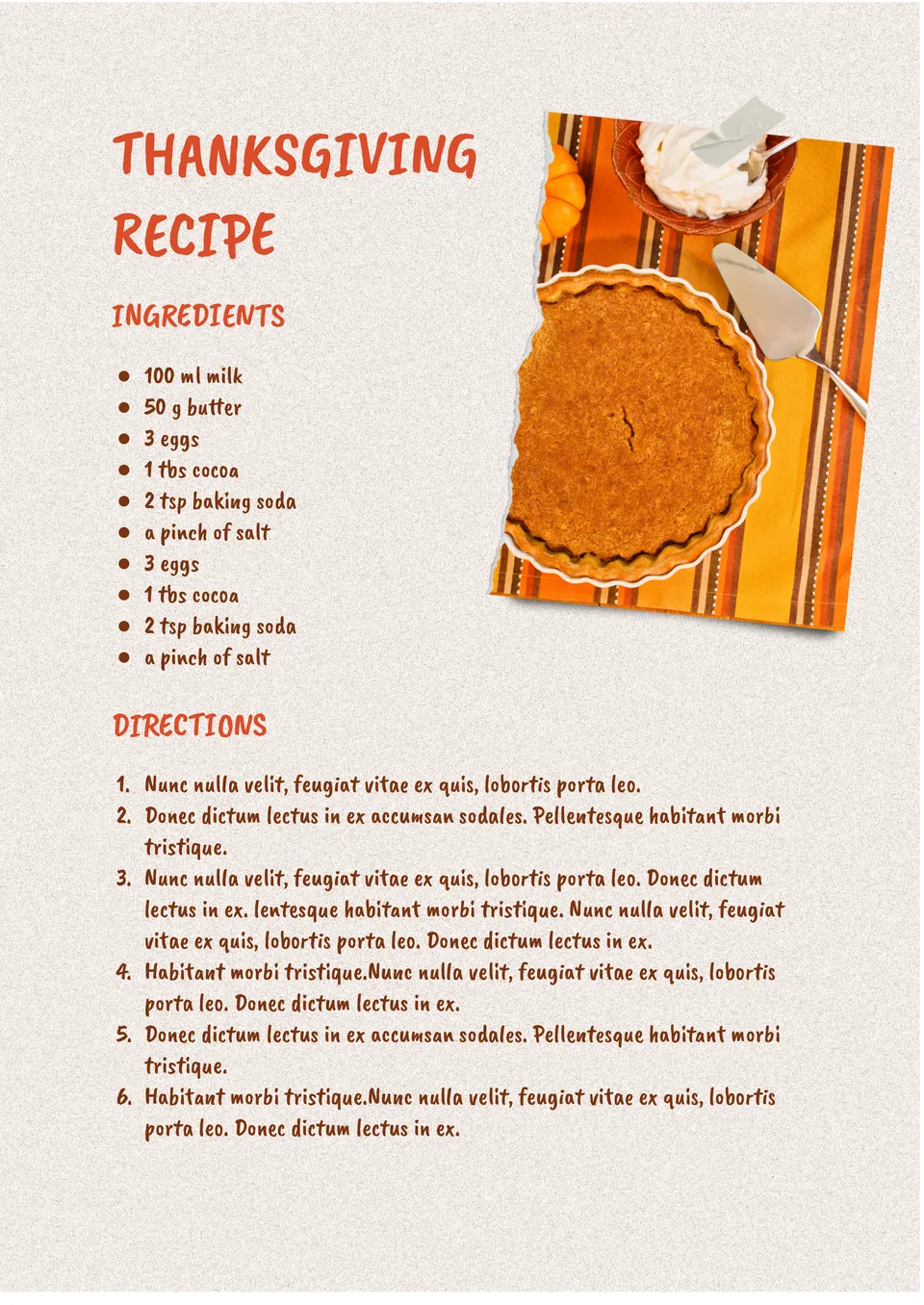
Looking for a way to share your best Thanksgiving dishes? The Thanksgiving Recipe Template is designed to help you organize and present your favorite holiday recipes.
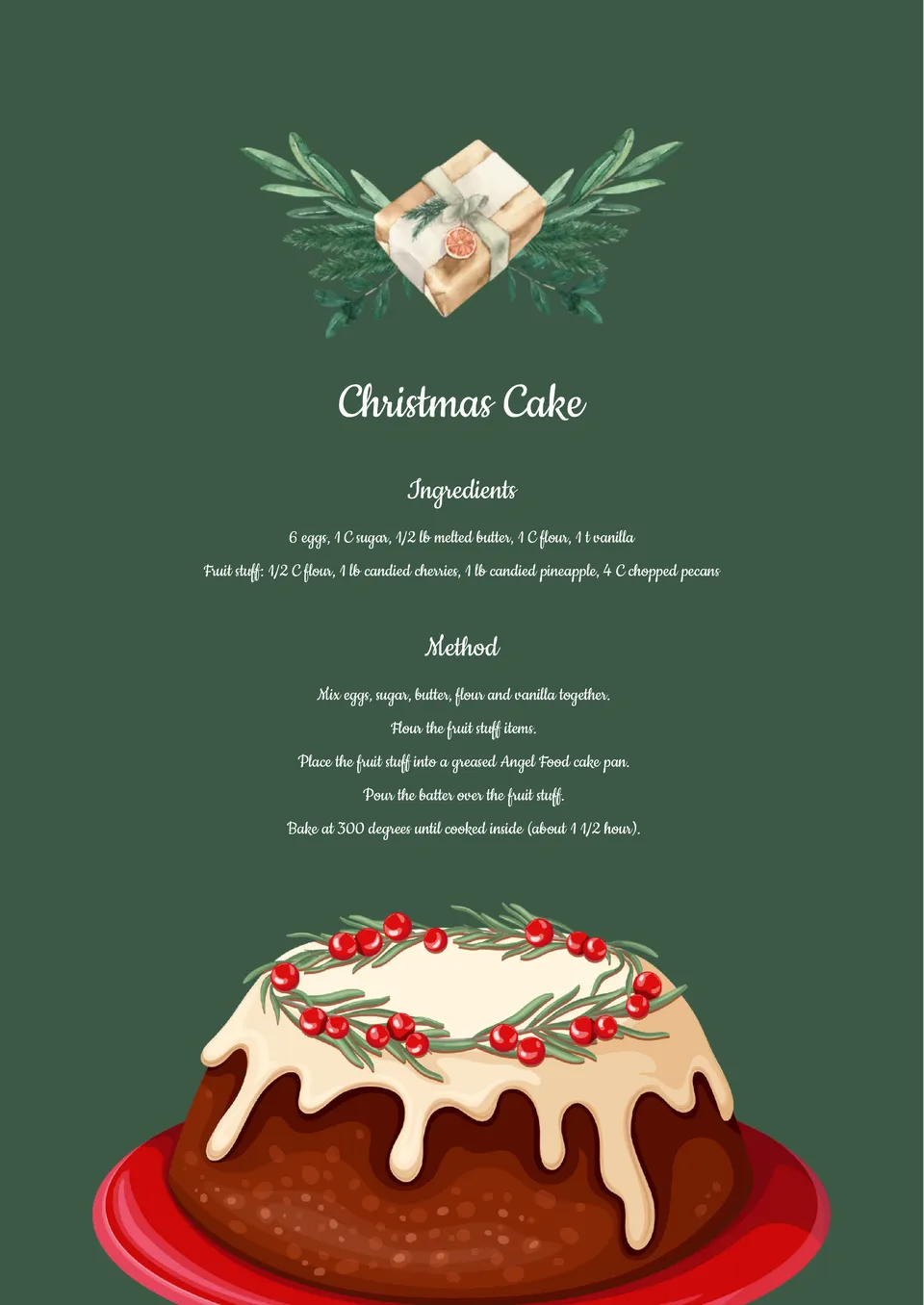
Looking to share your festive holiday recipes? The Christmas Recipe Template provides a customizable layout perfect for documenting and sharing your favorite Christmas dishes.
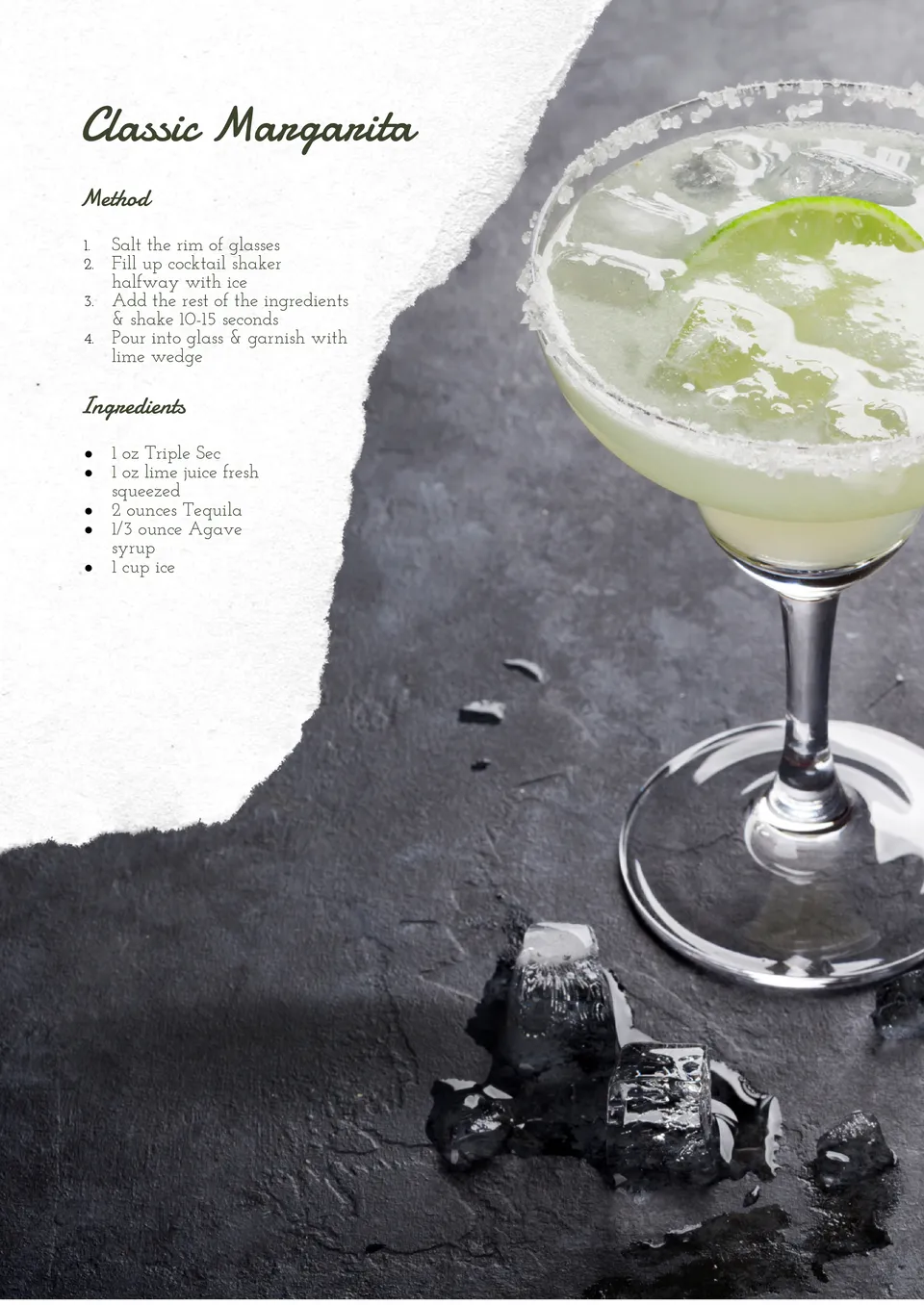
Want to showcase your signature cocktails? The Cocktail Recipe Template allows you to present your drink creations in a clean and organized format.
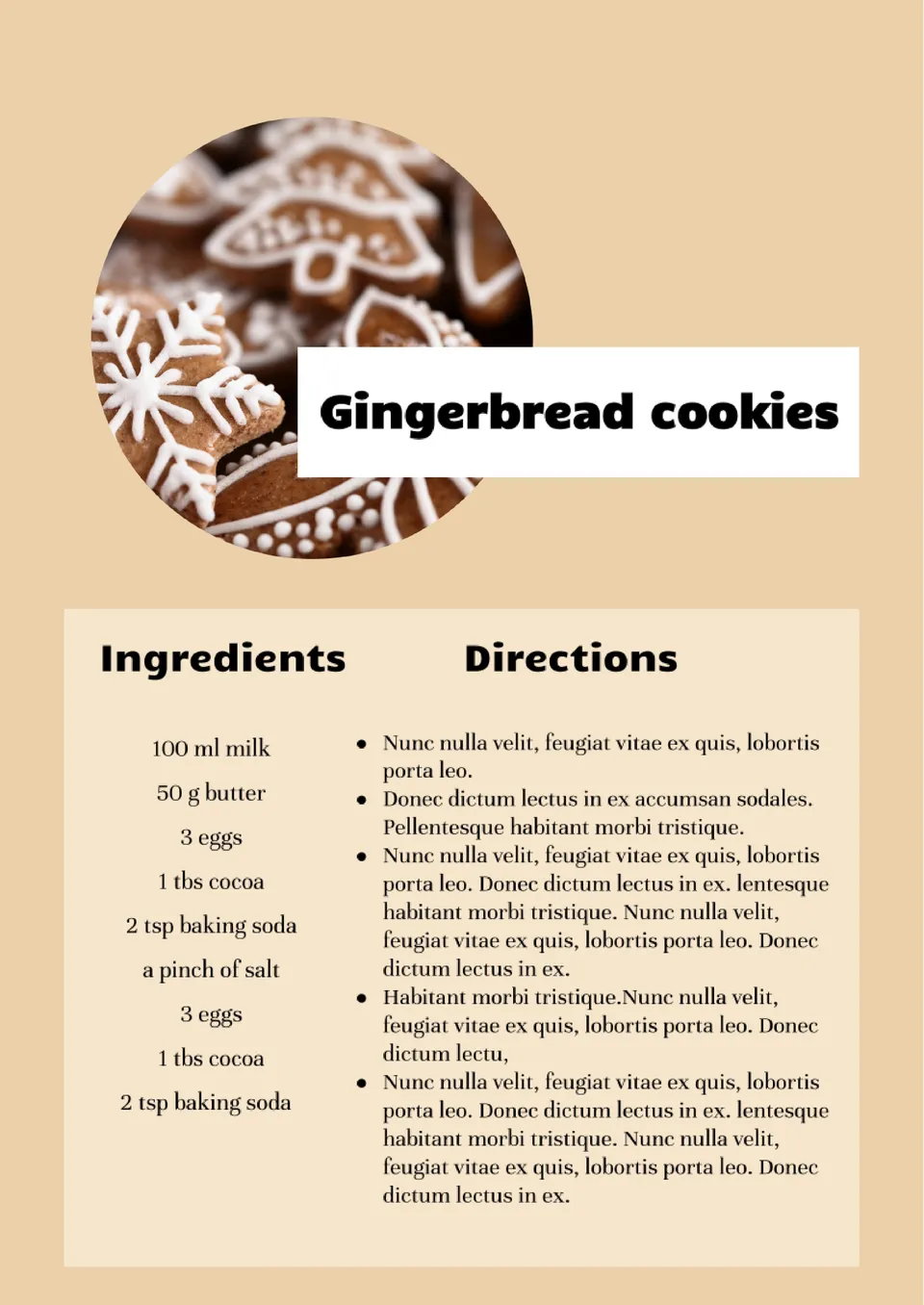
Looking to share your favorite holiday recipes in style? The Holiday Recipe Card Template provides a festive and customizable format to showcase your holiday dishes.
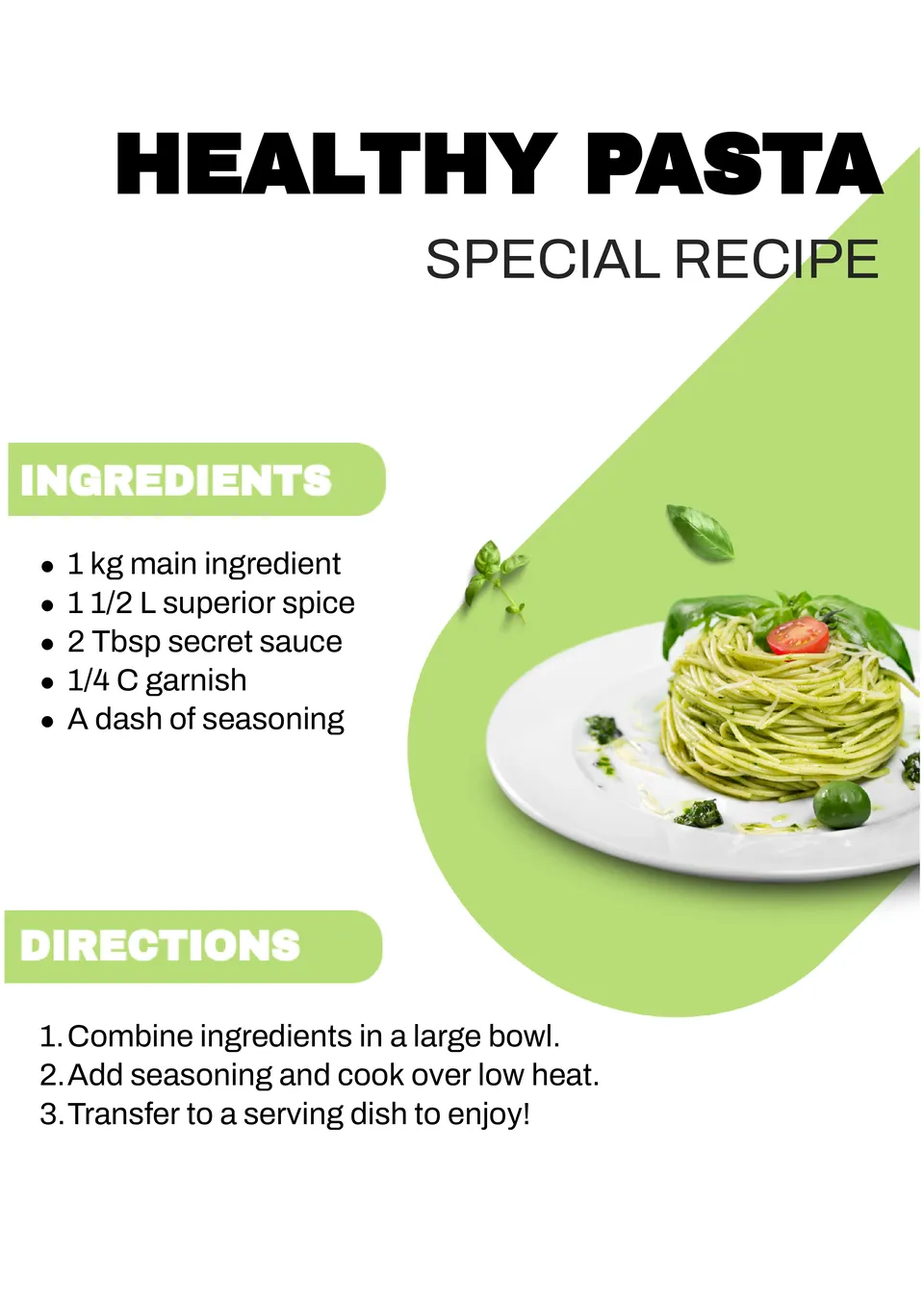
Looking for a professional way to organize restaurant-quality recipes? The Restaurant Recipe Template provides a clean and customizable layout, perfect for chefs or restaurant owners who want to document and share their signature dishes.
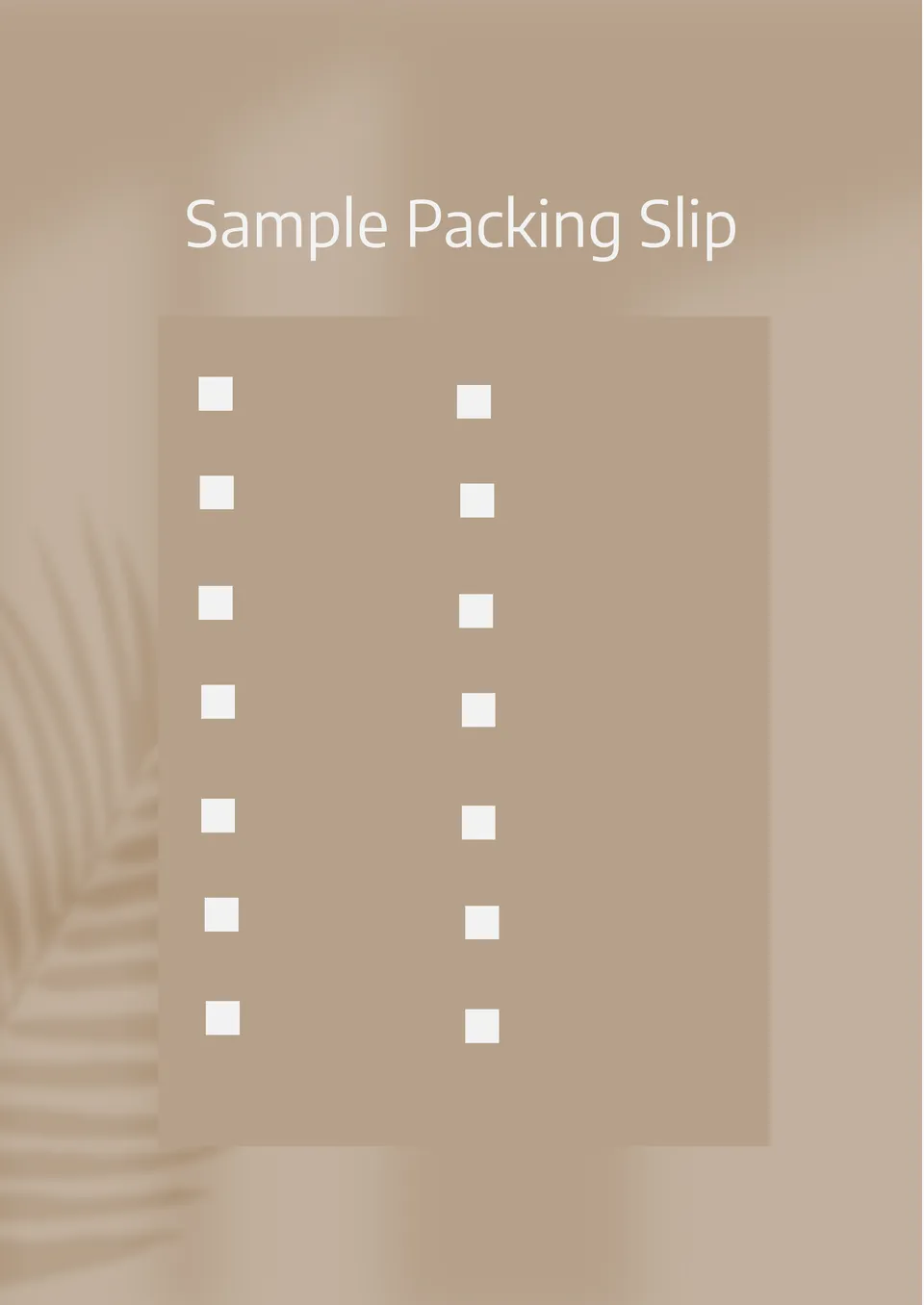
Designed as a reference, the Sample Packing Slip Template shows how a complete packing slip should look with real example data. It suits students, new business owners, and employees learning shipping procedures.
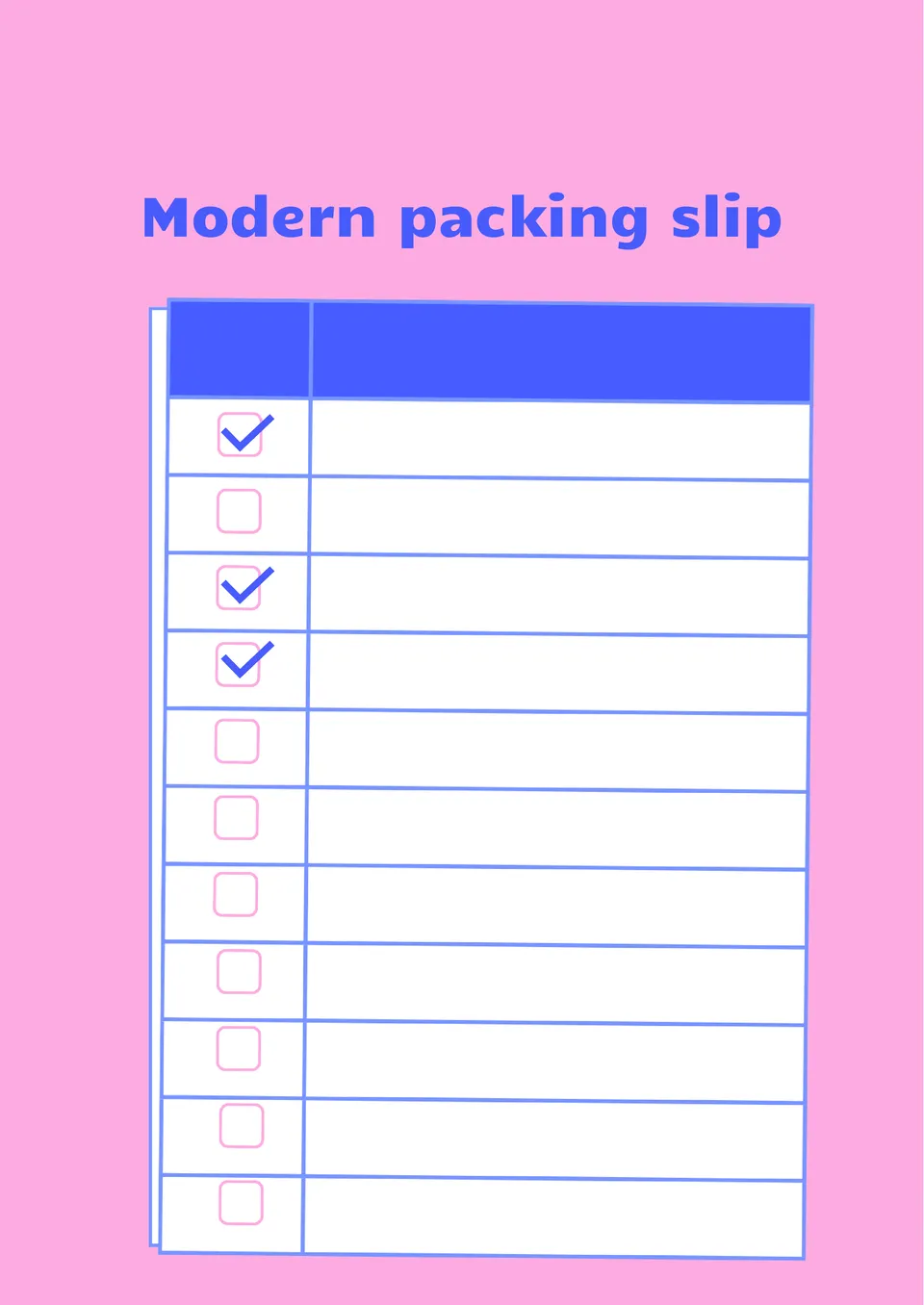
With a clean, contemporary design, the Modern Packing Slip Template gives shipping documents a fresh and professional appearance. It works well for e-commerce brands, startups, and modern retailers.
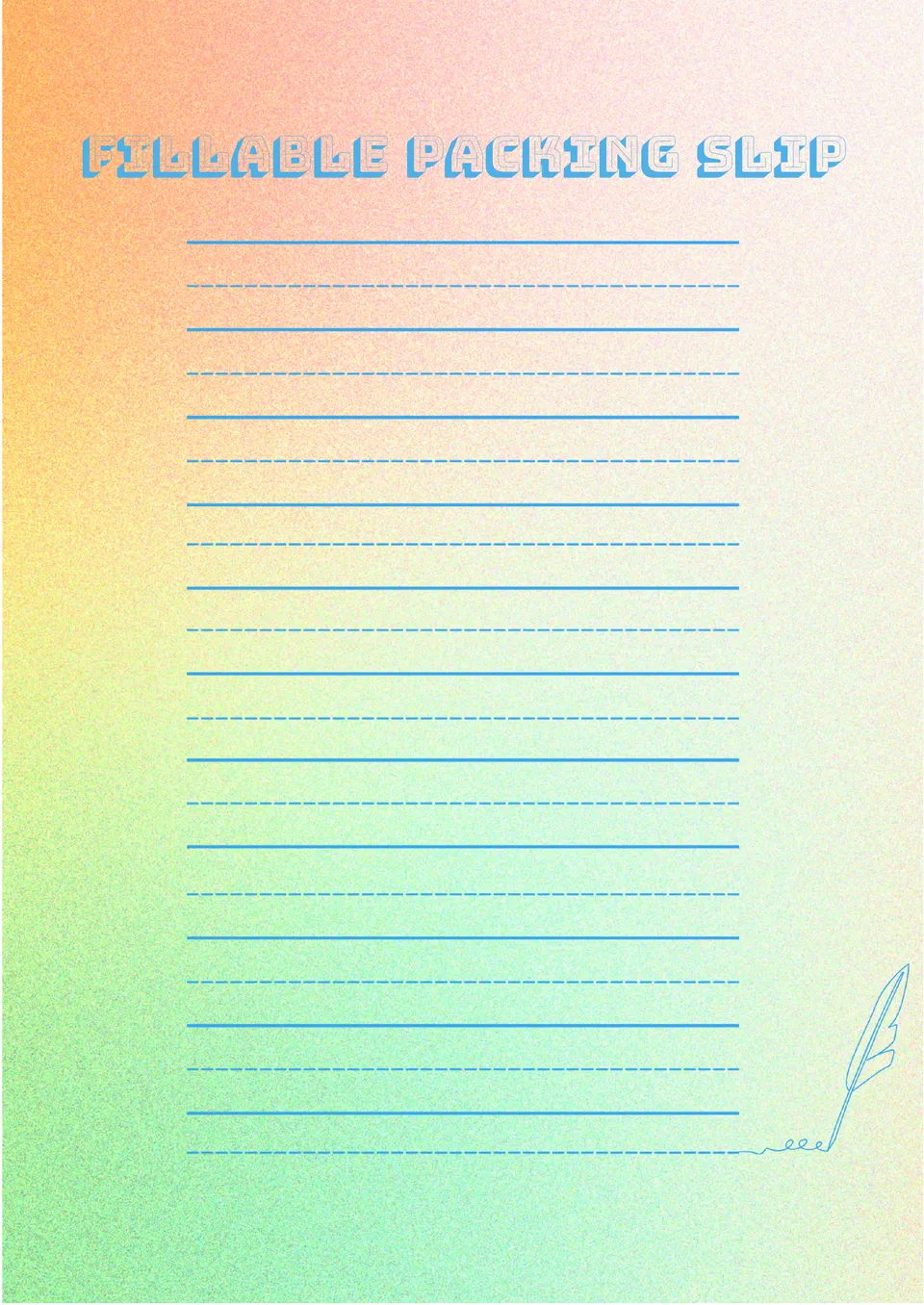
Built for easy editing, the Fillable Packing Slip Template helps users fill in shipment details without redesigning the document. It is useful for shipping departments, retailers, and small business owners.
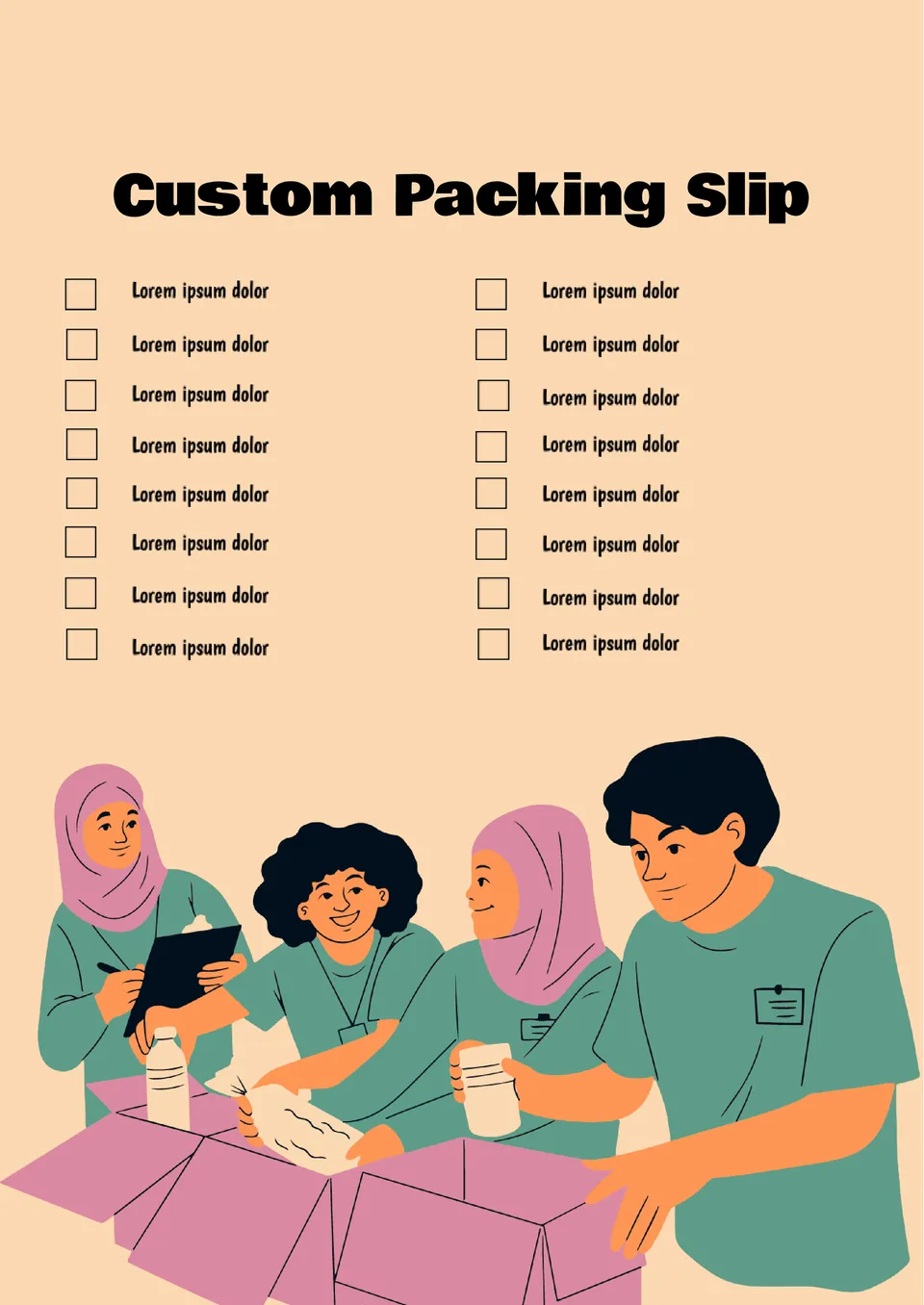
What makes a packing slip feel more professional and aligned with your brand identity? The Custom Packing Slip Template is made for small businesses, online stores, and brands that want a personalized look.
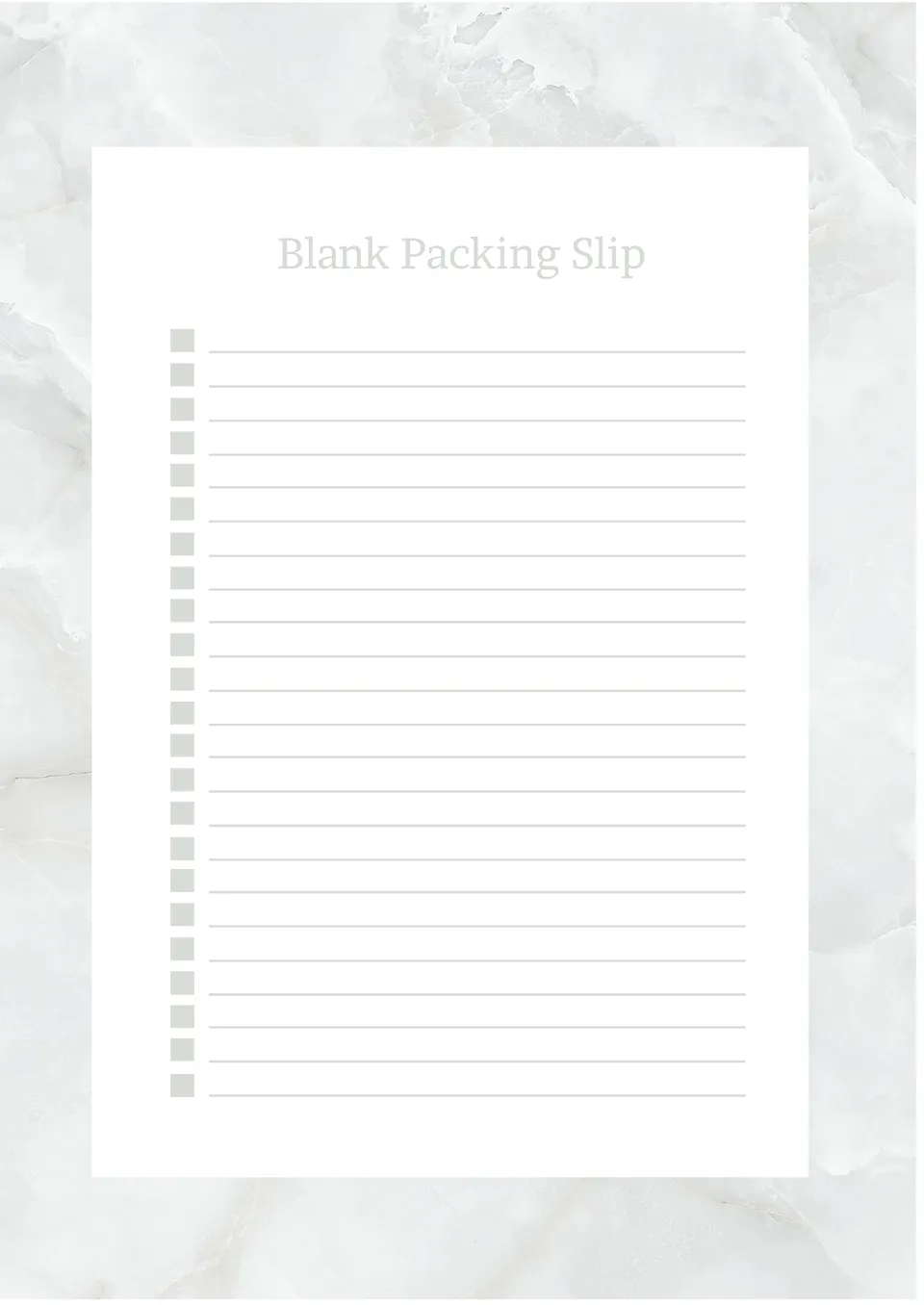
How can shipping teams create packing slips without wasting time on formatting each one? The Blank Packing Slip Template is useful for warehouse staff, small businesses, and e-commerce sellers.
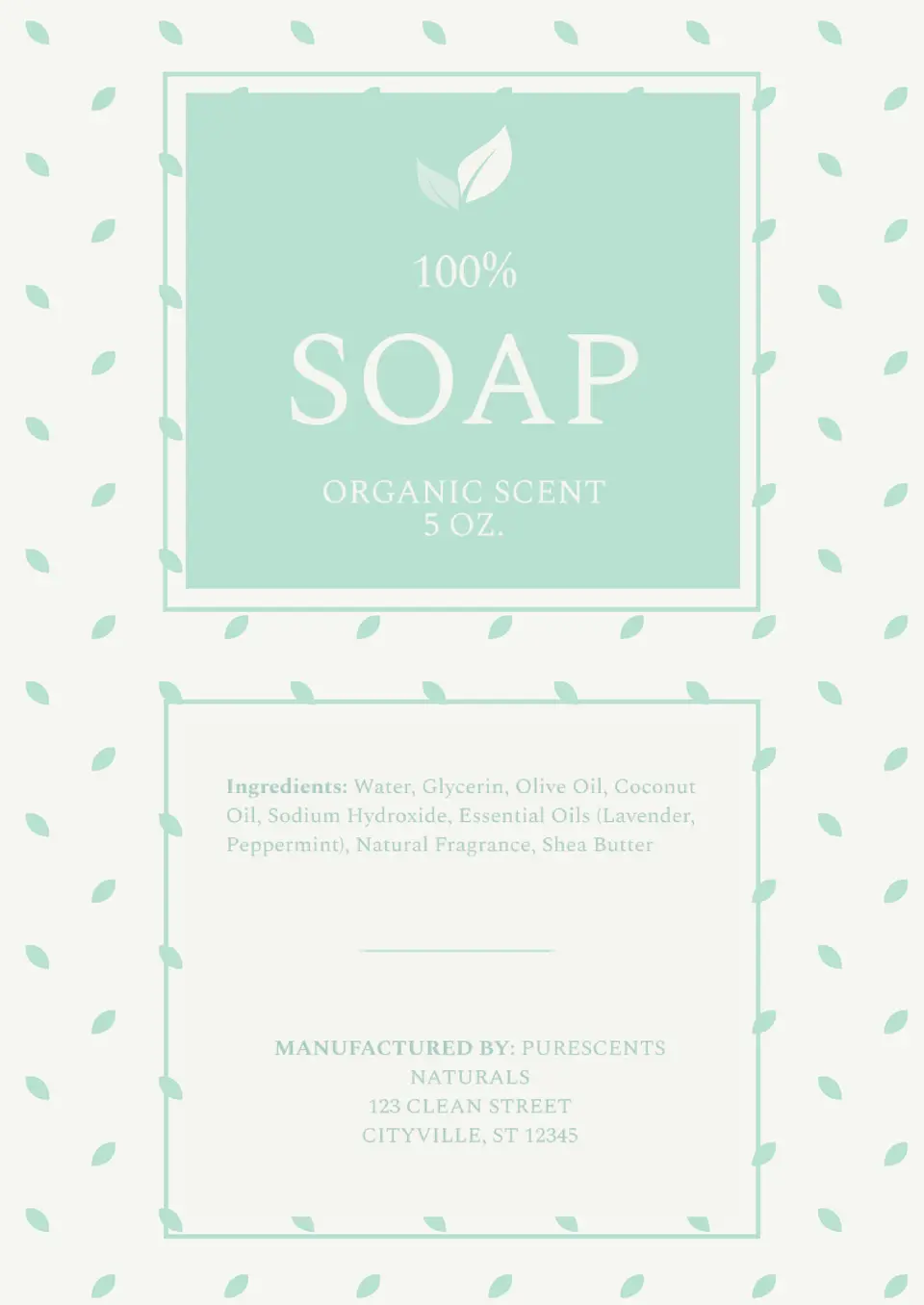
Want your soap to stand out on the shelves? The Soap Label Template is the perfect tool for creating unique and professional labels for your handmade products.
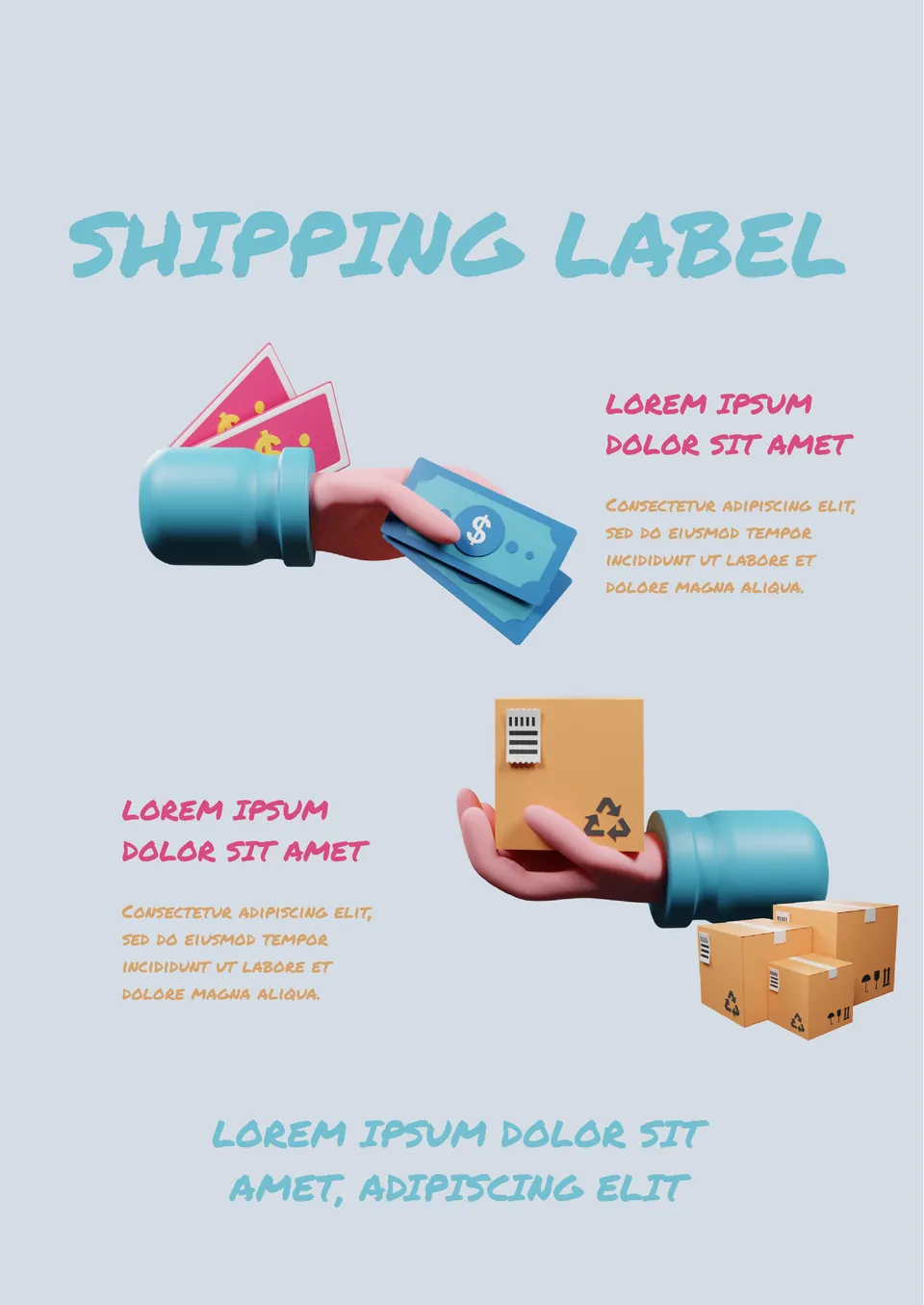
This template can be used to explain the terms of goods delivery to customers in an unconventional way. Design with bright S-D elements is best suited for a modern company that builds friendly relations with its target audience.
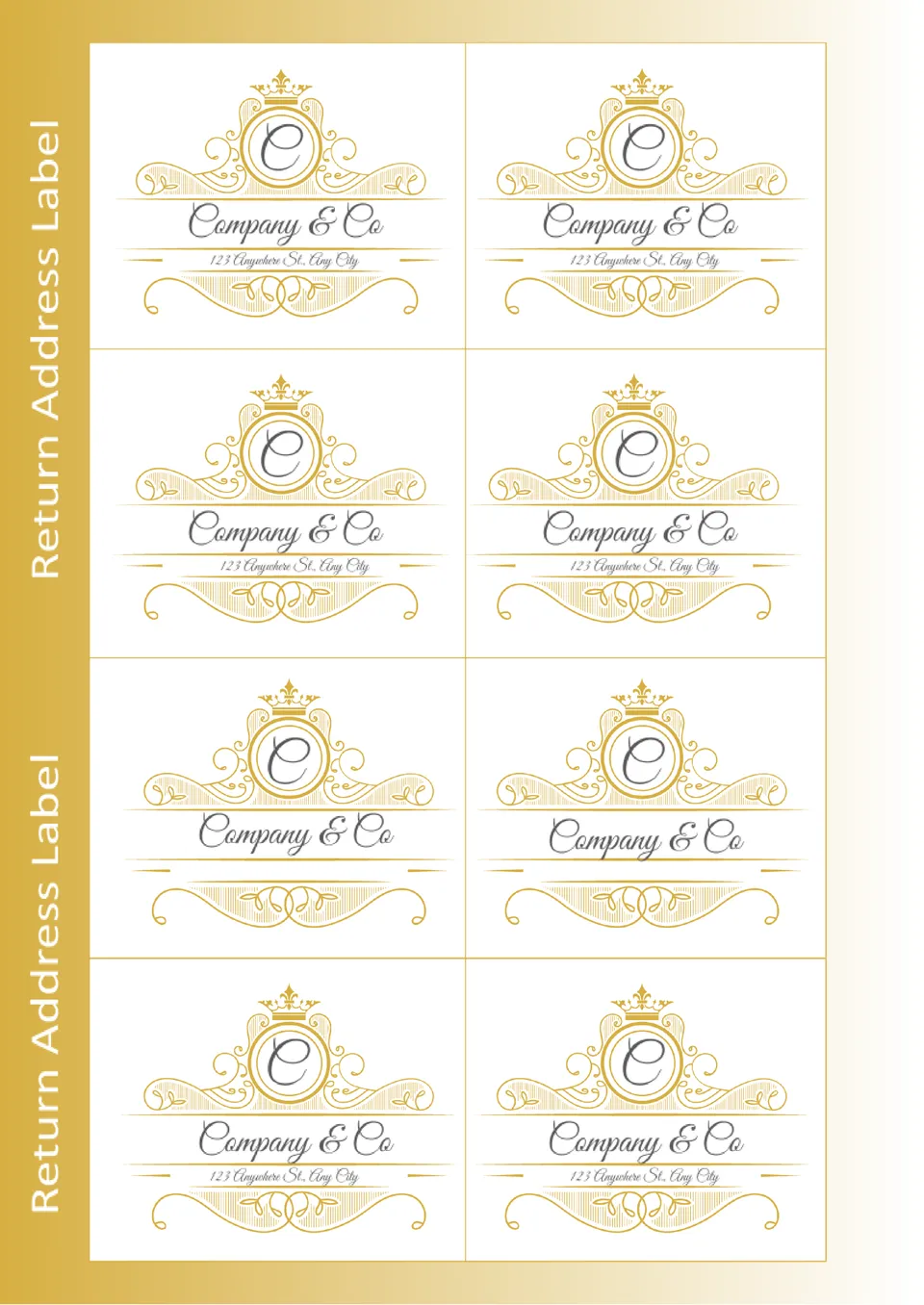
The elegant Return Address Label Template for Google Docs will add a special charm to your letters and parcels. Elegant golden vintage-style design will emphasize your connection with history and respect for traditions.
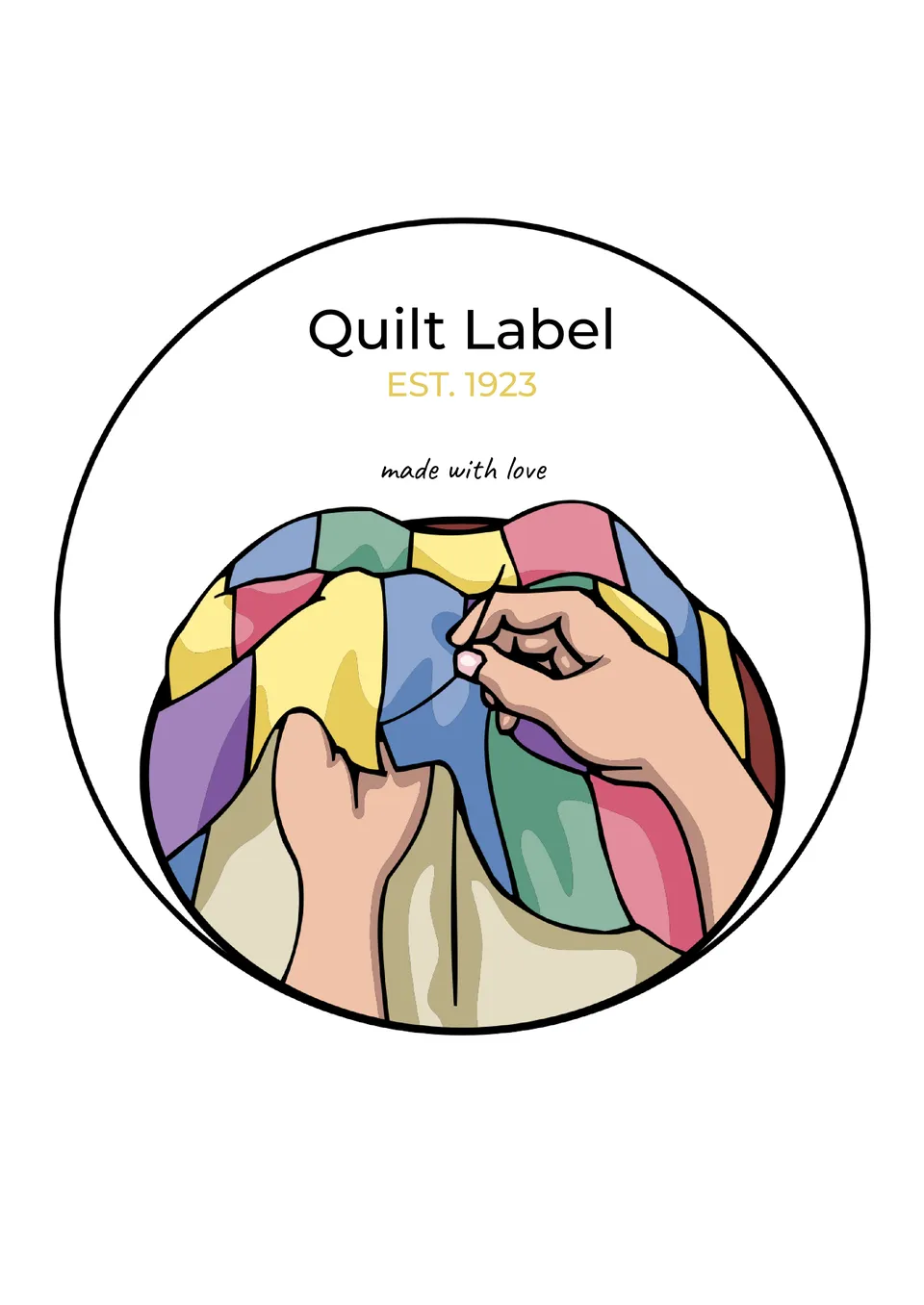
The template is primarily useful for ateliers that provide sewing and repair services. It can also be used by textile production enterprises and companies selling household goods. The editable layout with a hand-drawn image of a colorful blanket has a round shape.
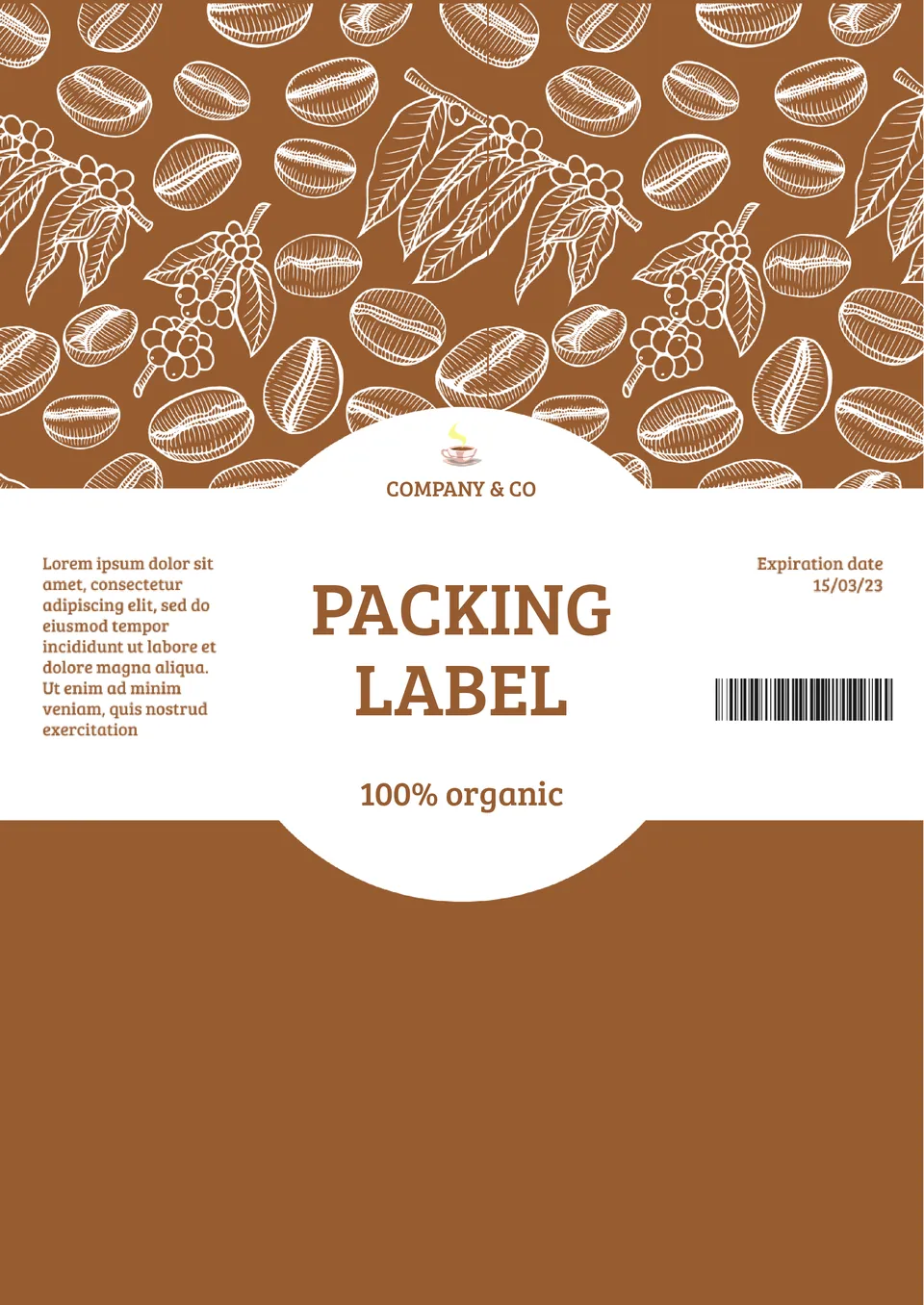
The themed Packaging Label Template for Google Docs is designed specifically for coffee-related products. You can use it to create a label for packaging with beans, aromatic additives, cosmetics, etc.

Choose your preferred social media platform from options like Pinterest, Facebook, Twitter, and more. Share our templates with your contacts or friends. If you’re not active on these social networks, you can simply copy the link and paste it into the one you use.