

 Back to templates
 All templates- Page 110
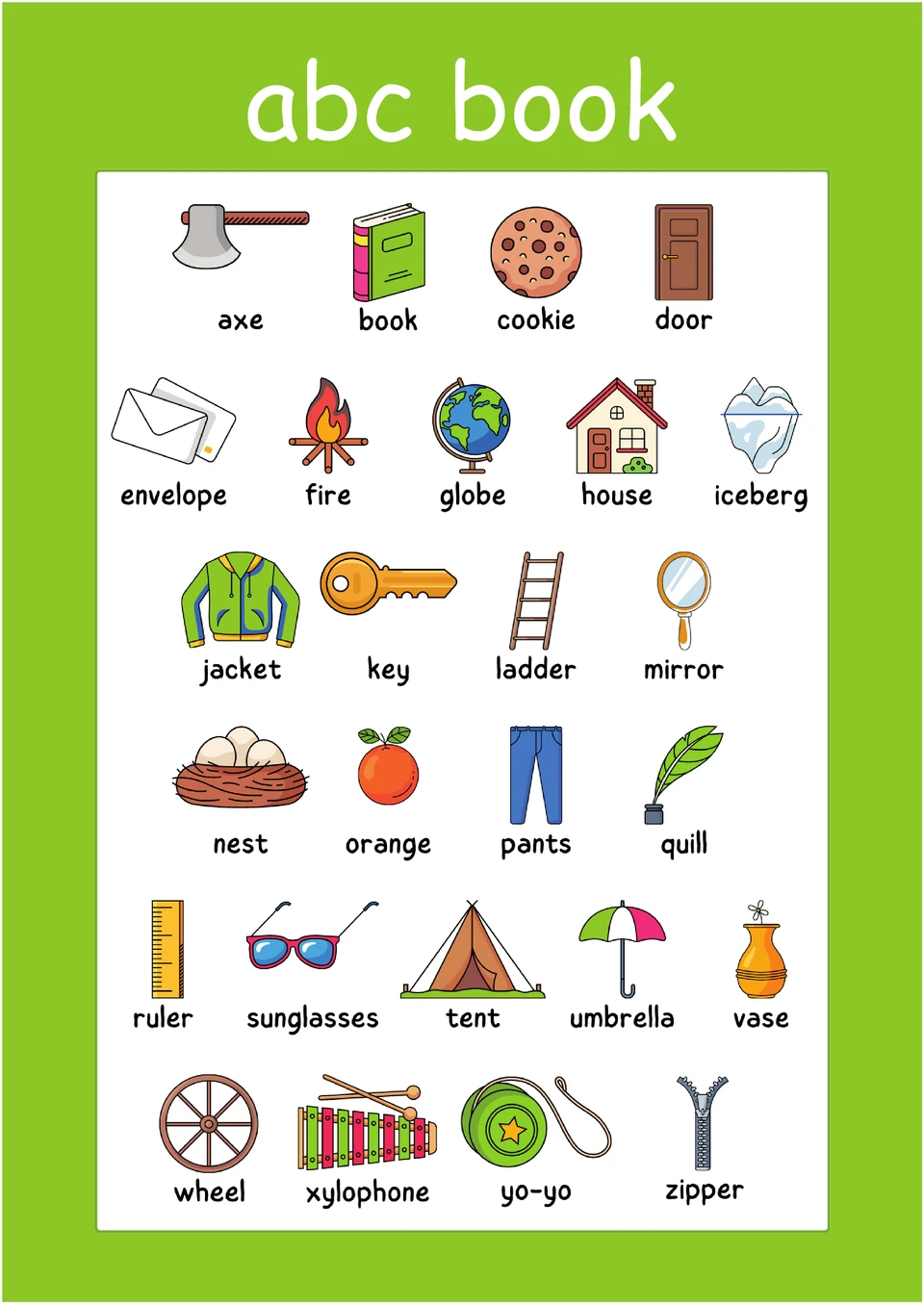
Struggling to create an alphabet book for kids that's both educational and fun to read? The ABC Book Template is useful for teachers, parents, and early childhood educators.

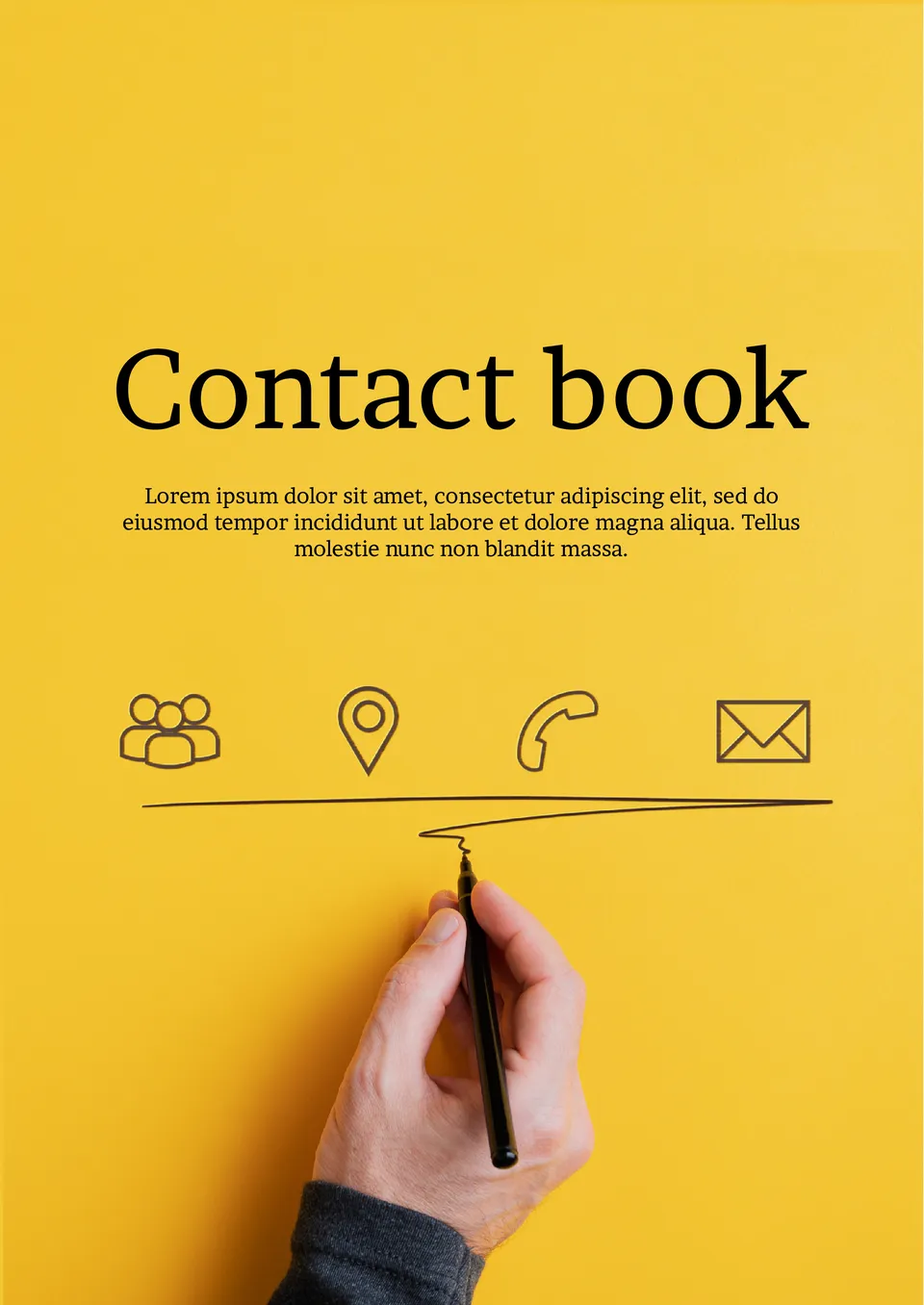
Your contacts are scattered across your phone, notes, and email and you need one place to organize them all? The Contact Book Template is made for professionals, small business owners, and anyone who wants a printed contact list.
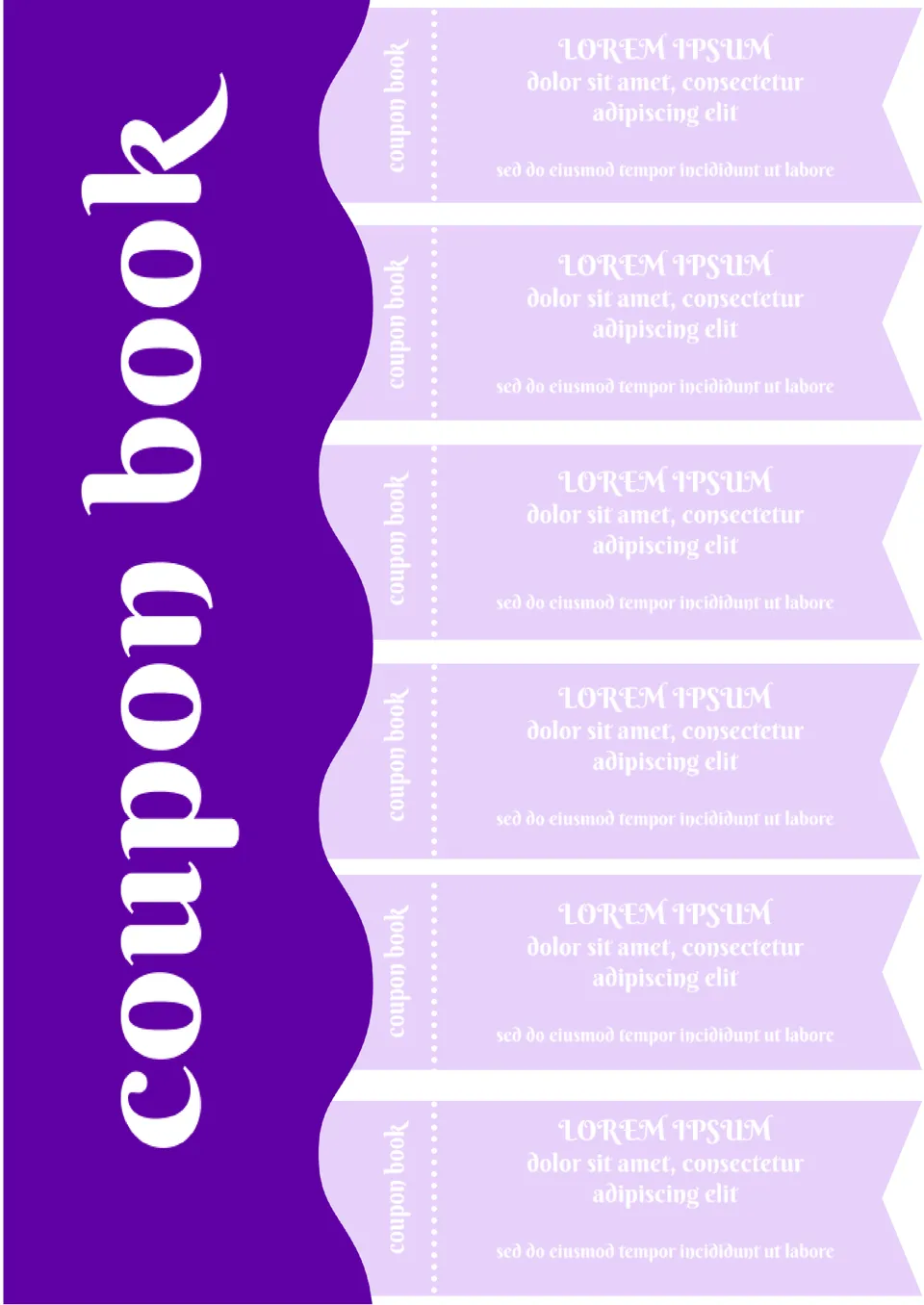
Use the Coupon Book Template in Google Docs to quickly create coupons that your customers will love. The color scheme in purple shades is best suited for advertising beauty salons, baby products, bedding, and women's clothing.
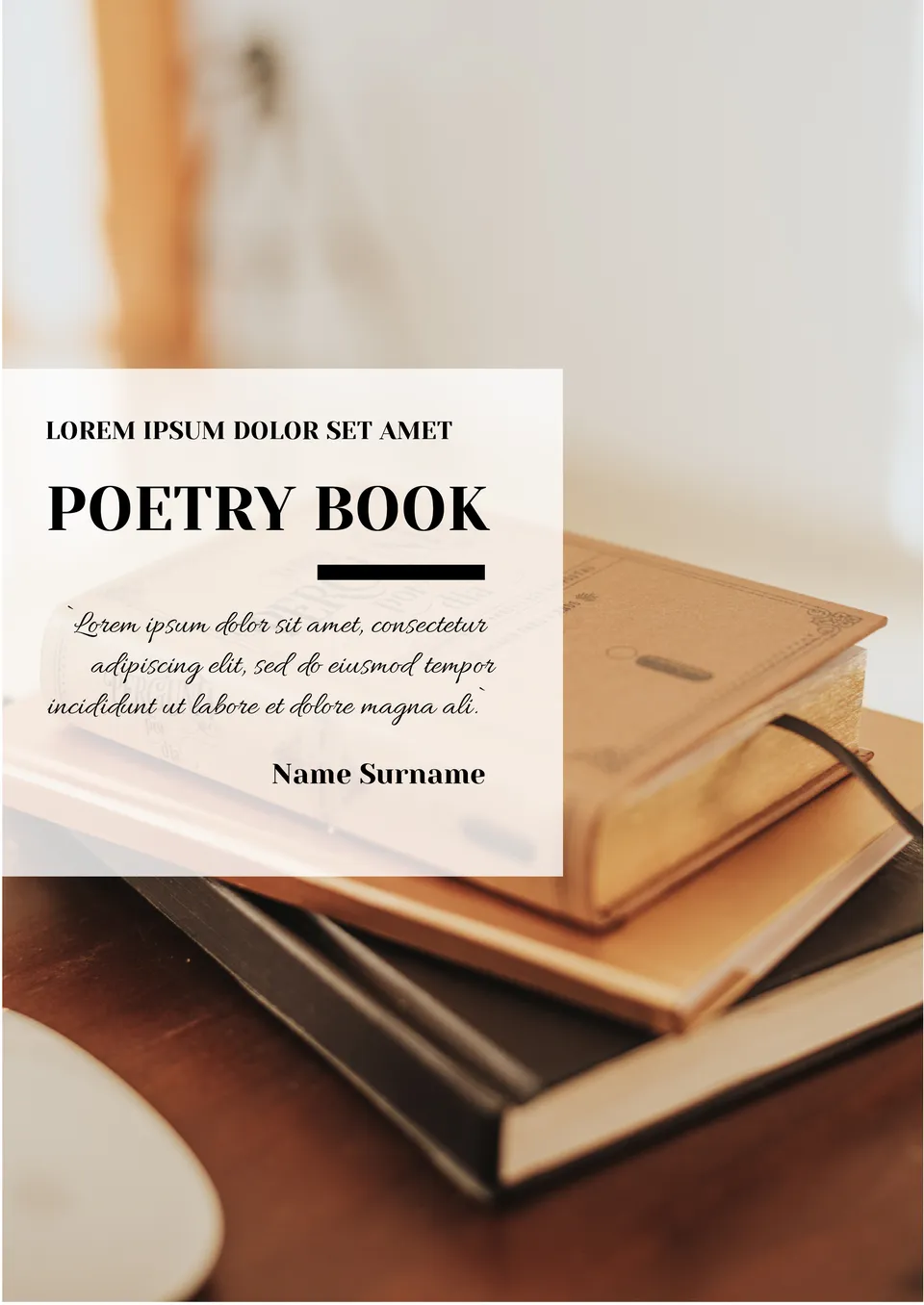
Love poetry!? Then why not collect all your favorite poems in a book, so that each page has an atmosphere that suits the work, change the background and text color within the editing process.
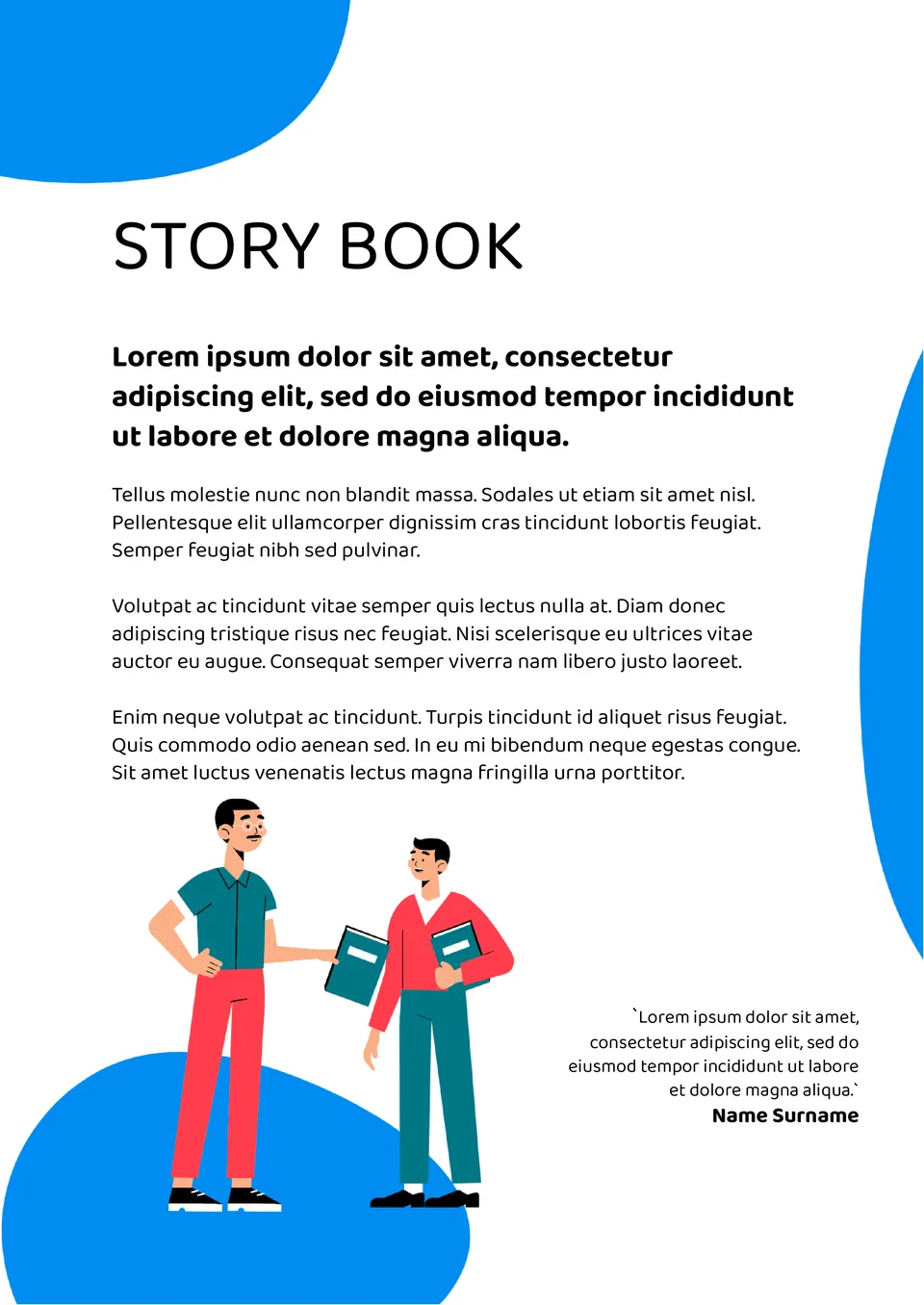
With space for chapters, illustrations, and text, the Story Book Template helps authors organize their story in a clean, professional book format. It suits aspiring authors, writers, and educators creating children's books or short stories.
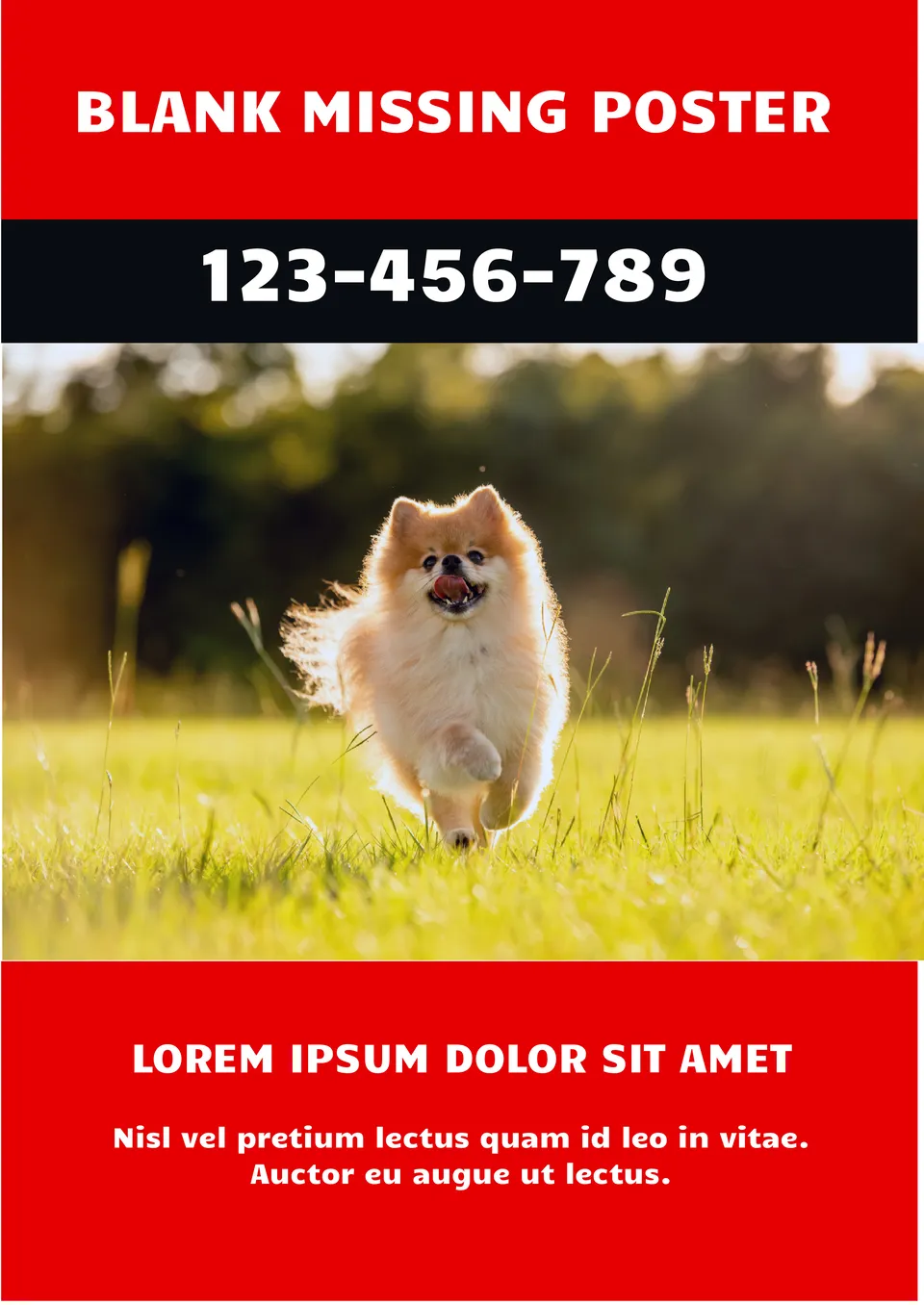
Worried about creating a missing person poster that doesn't look urgent or professional enough? The Blank Missing Poster Template is a good fit for families, community members, and organizations searching for missing persons or pets.
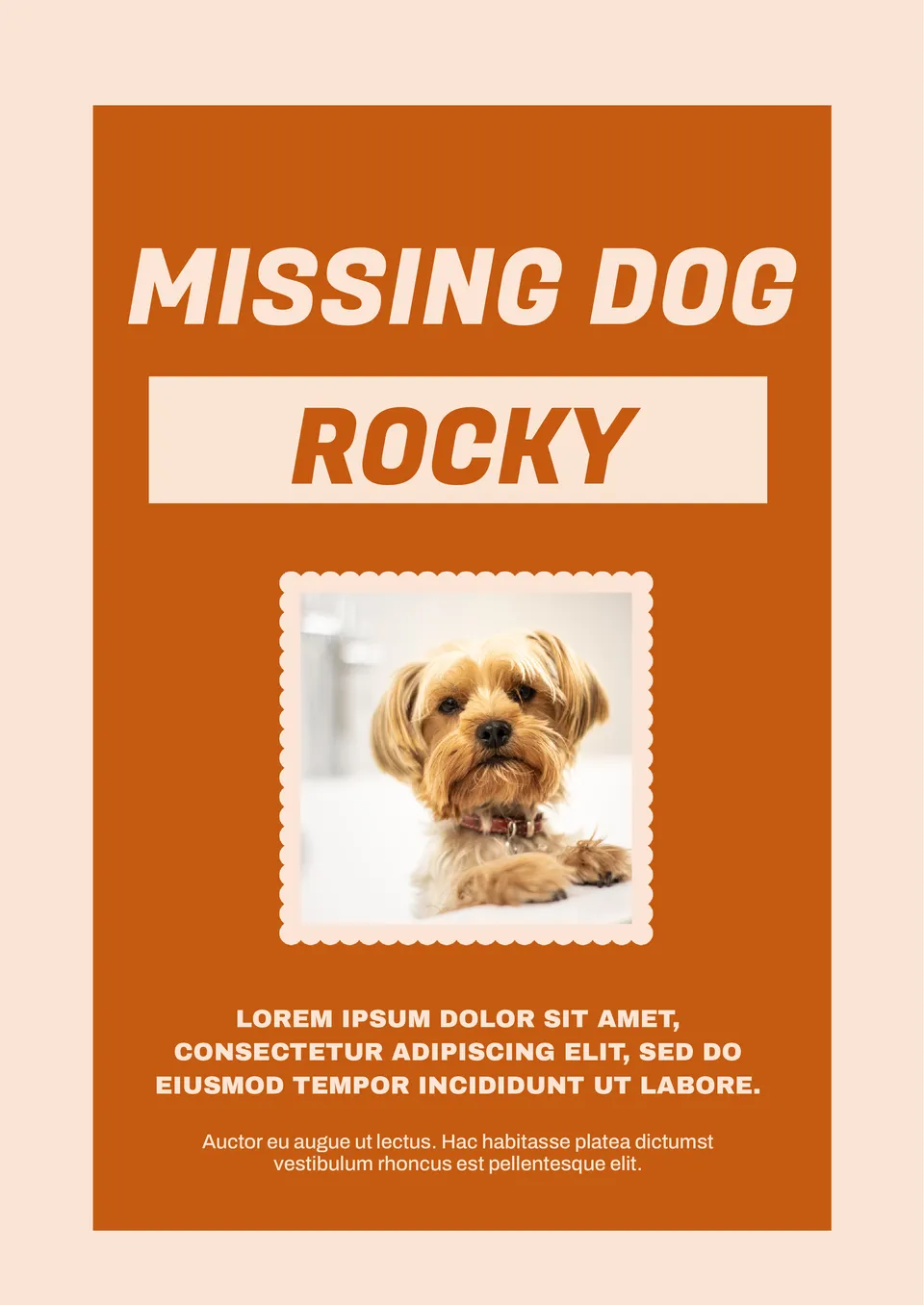
What helps pet owners create a clear, urgent poster when their pet goes missing? The Missing Animal Template is useful for pet owners, animal rescuers, and community volunteers searching for lost pets.
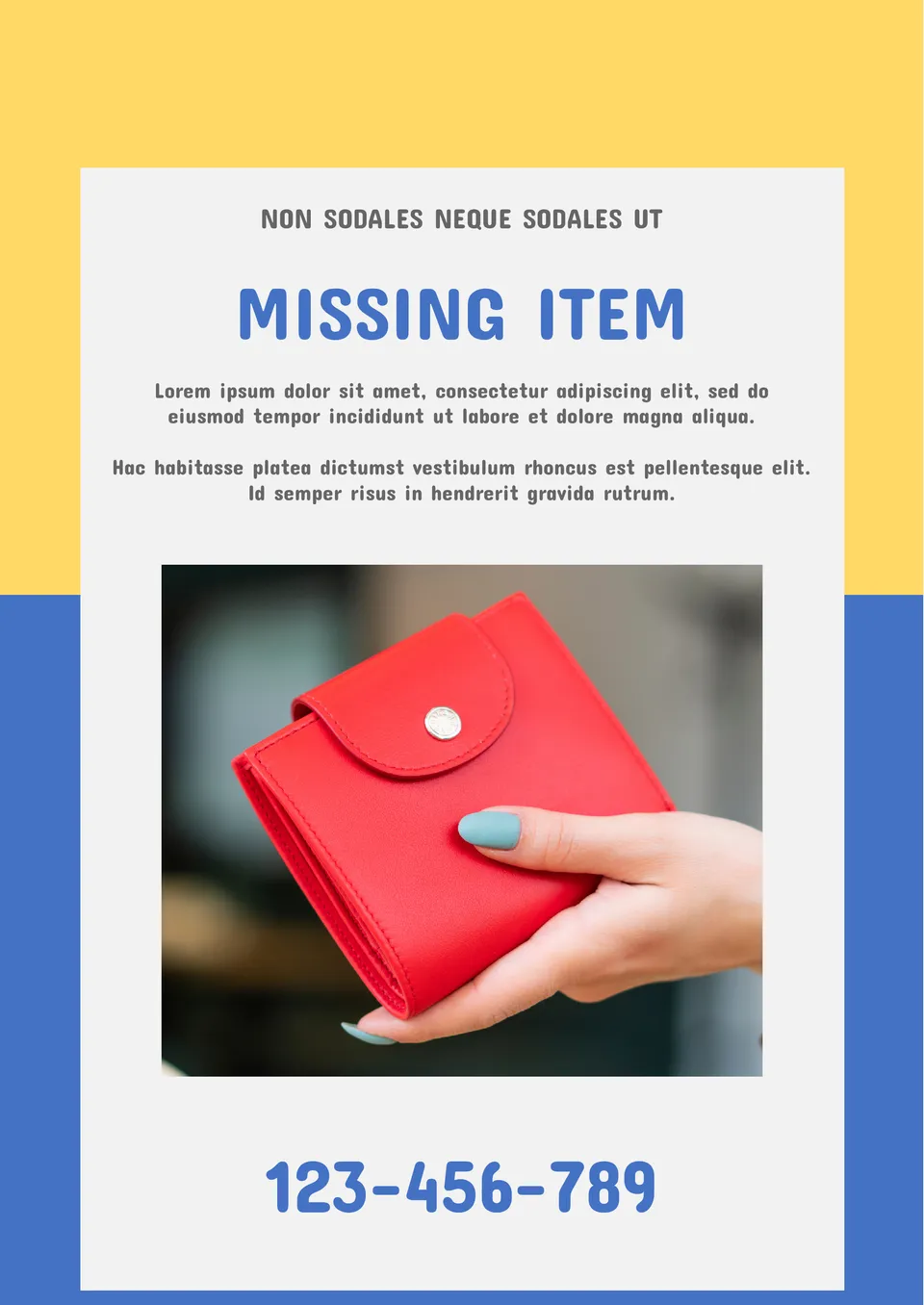
Designed to help people find lost belongings, the Missing Item Poster Template creates clear, eye-catching posters for lost items like keys, wallets, or electronics. It suits individuals, businesses, and community members who have lost valuable items.
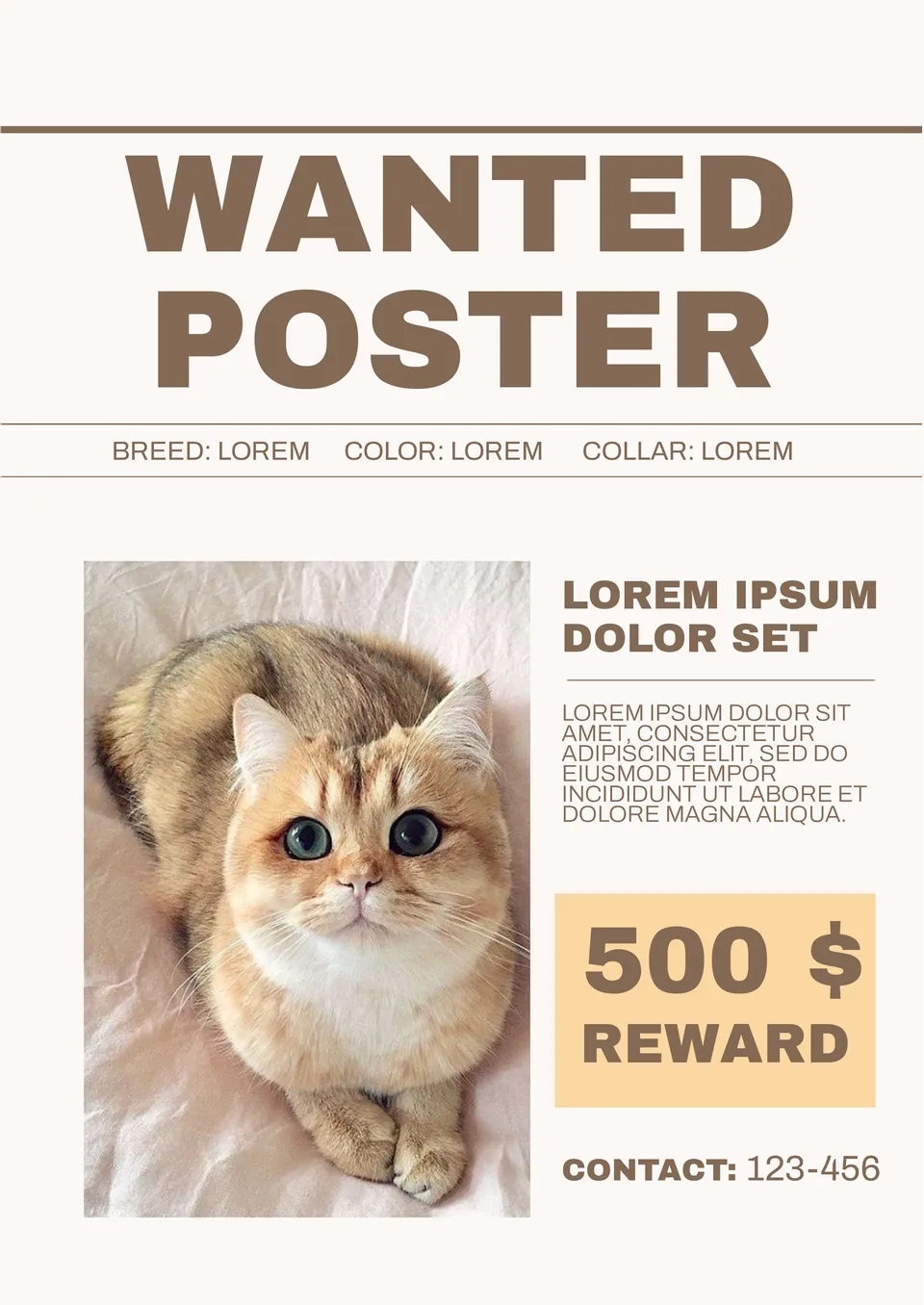
Use this template to search for your pet. The document has an unusual design: the first thing that comes to the front is the reward amount for the animal found, which is guaranteed to interest you and make you read up the ad. It is perfect for online mailing.

With an urgent, attention-grabbing design, the Missing Child Poster Template helps families and communities create posters that stand out when searching for a missing child. It suits families, law enforcement, community organizations, and volunteers.
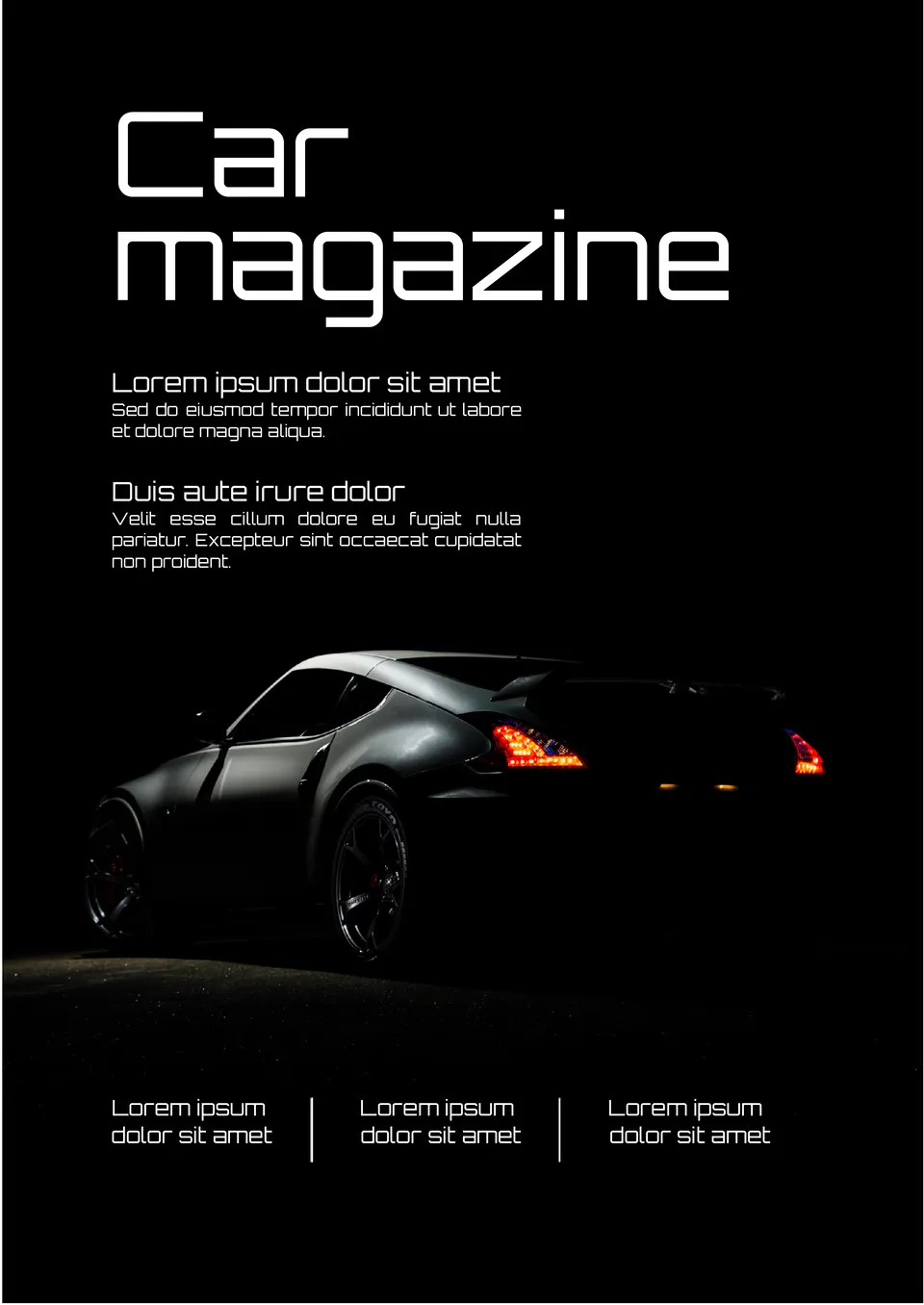
Organized around automotive content, the Car Magazine Template gives car enthusiasts, bloggers, and dealerships a professional way to present car reviews, news, and features. It suits car bloggers, auto dealers, mechanics, and automotive publications.

With a classic, sophisticated layout, the Dogue Magazine Template helps users create high-end magazines with a timeless, editorial feel. It works for publishers, designers, and brands who want a polished, magazine-quality document.

Designed for food content, the Food Magazine Template helps chefs, bloggers, and food enthusiasts create professional-looking magazines about recipes and cuisine. It suits food bloggers, restaurants, cookbook authors, and culinary schools.

Built for money management, the Financial Journal Template helps users track income, expenses, budgets, and financial goals in one organized place. It is useful for individuals, couples, and small business owners who want better control over their finances.
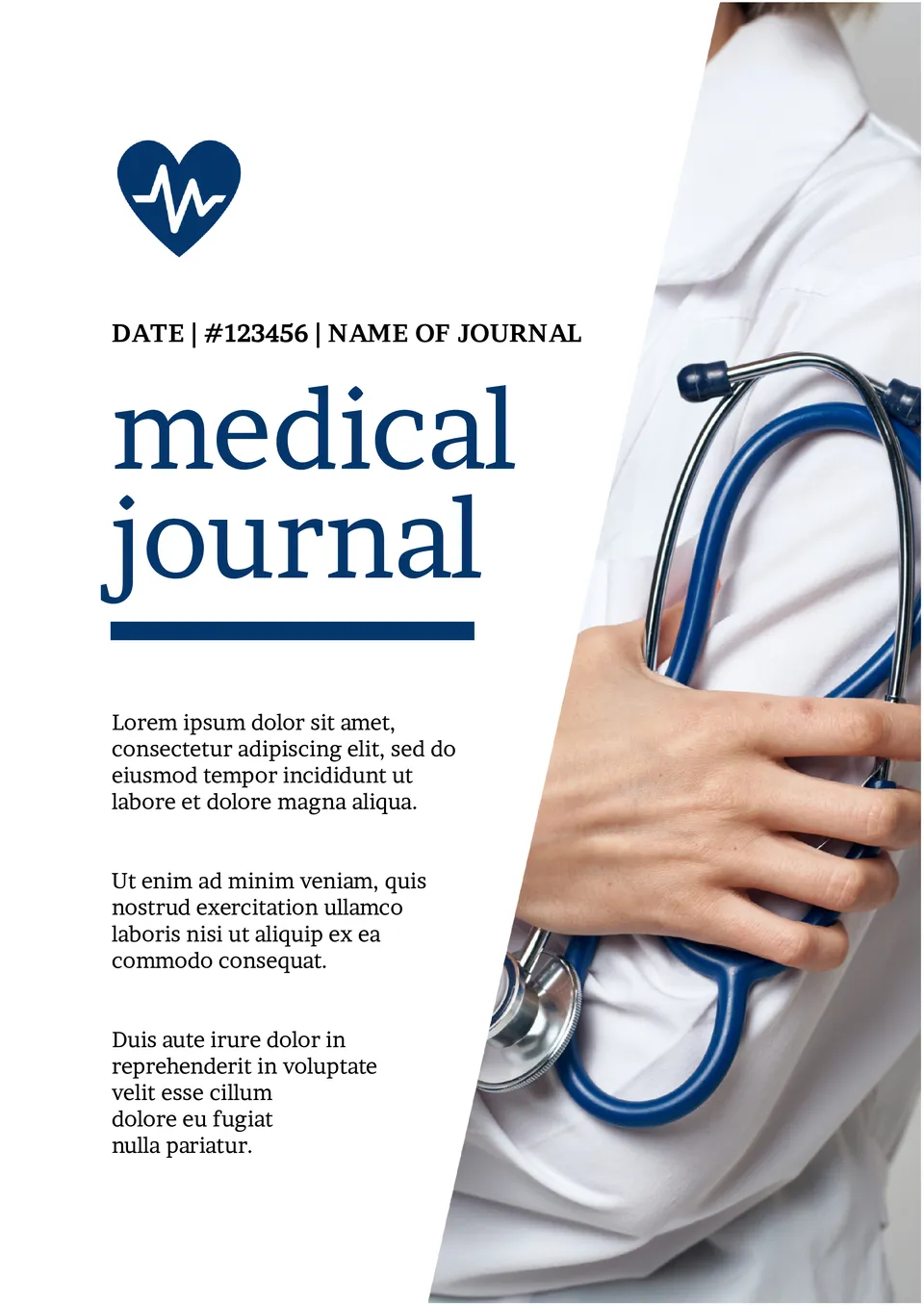
Organized for health tracking, the Medical Journal Template gives patients and caregivers a structured way to document medical history, symptoms, and treatments. It works for patients, caregivers, and families managing chronic conditions or health changes.
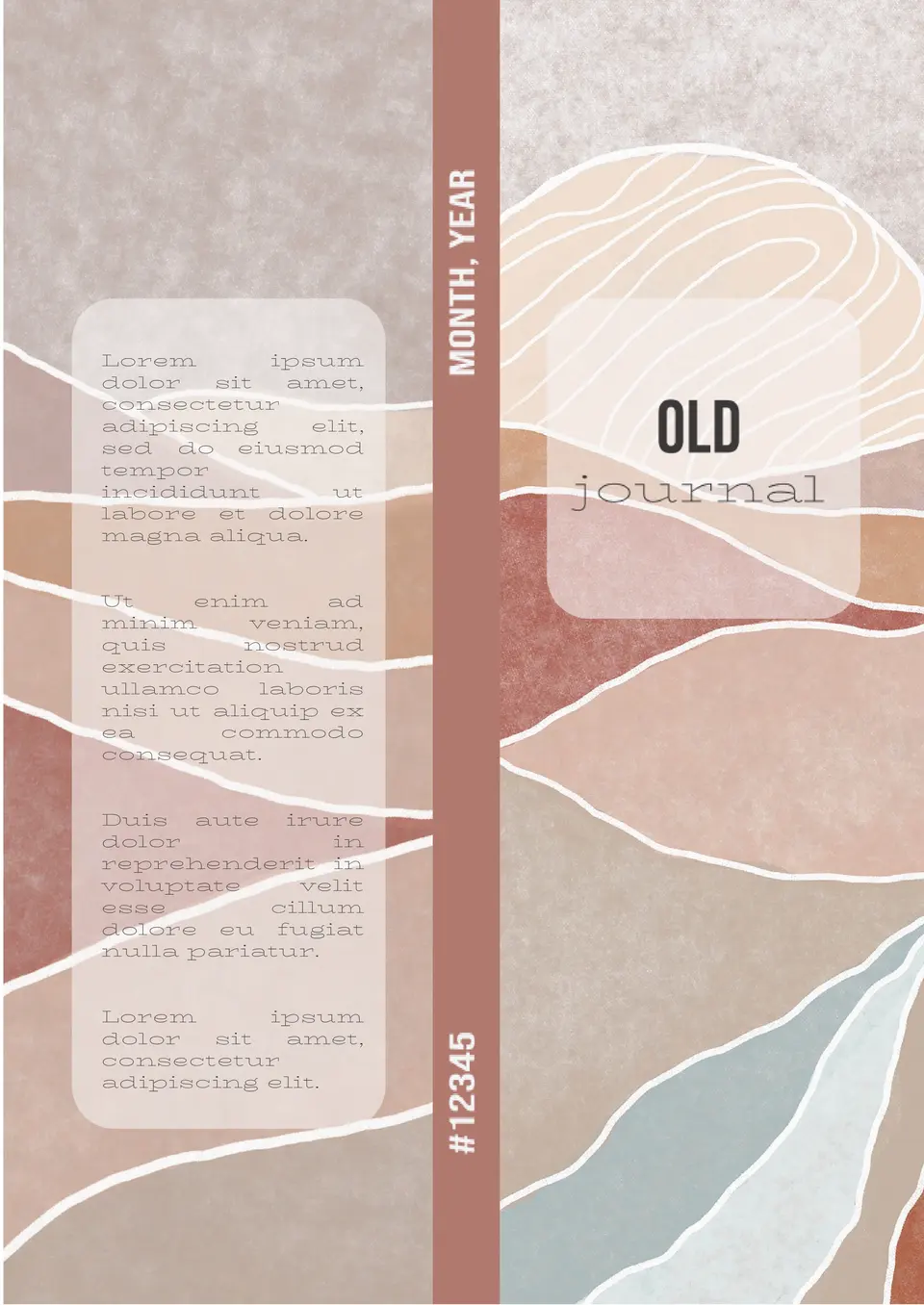
With a vintage, aged design, the Old Journal Template helps users create journals that look antique and nostalgic. It suits writers, historians, and anyone who wants a classic journal aesthetic.

The template will be helpful for pupils, students, scientific and educational establishments. Add your own photo if you prefer and start editing the text to tell of your discoveries or research results.

Choose your preferred social media platform from options like Pinterest, Facebook, Twitter, and more. Share our templates with your contacts or friends. If you’re not active on these social networks, you can simply copy the link and paste it into the one you use.