

 Back to templates
 All templates- Page 121
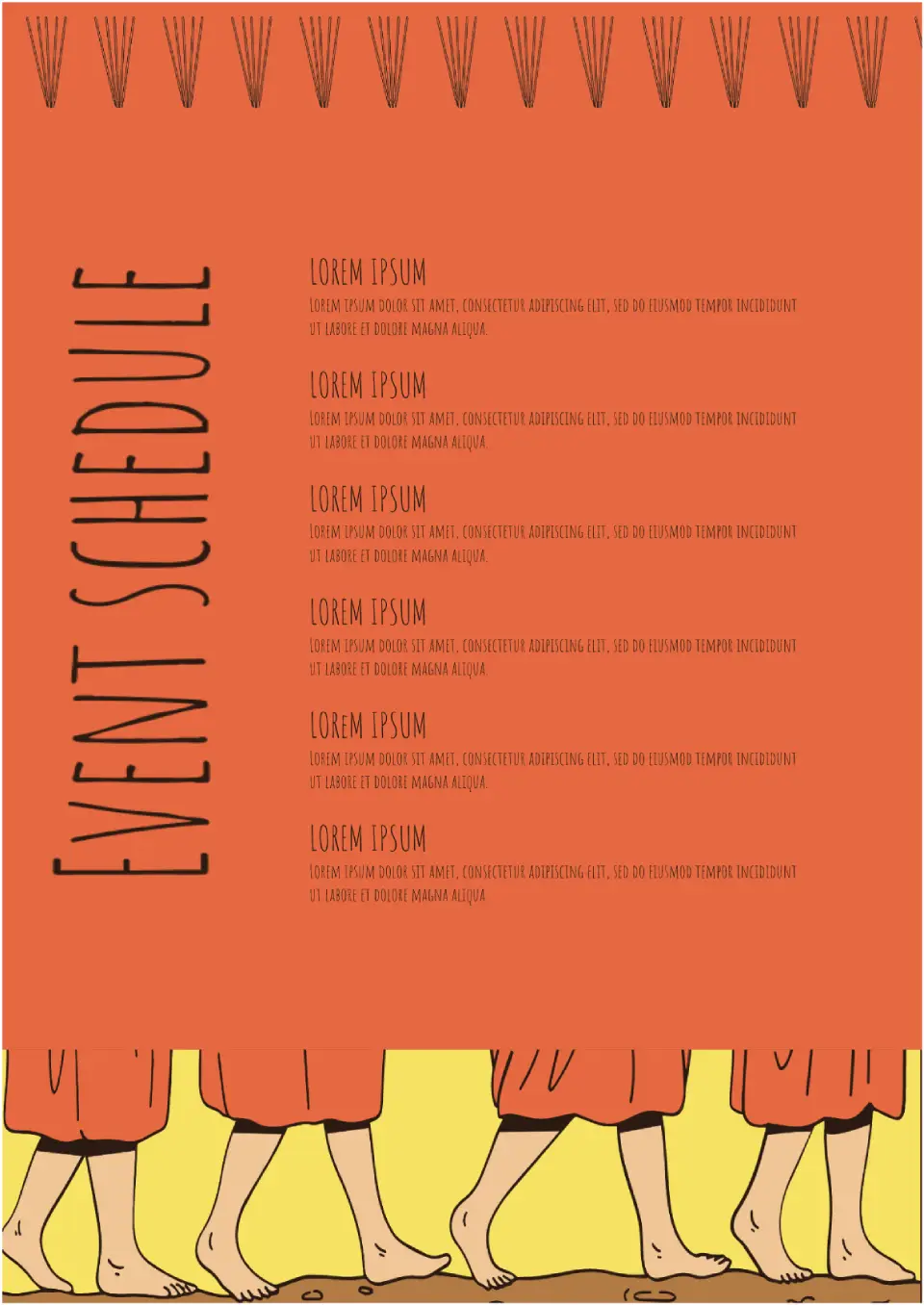
Need to compose a schedule of events for a month? Choose the Event Schedule Template. It has enough free space to indicate the title, date, and description of the event.

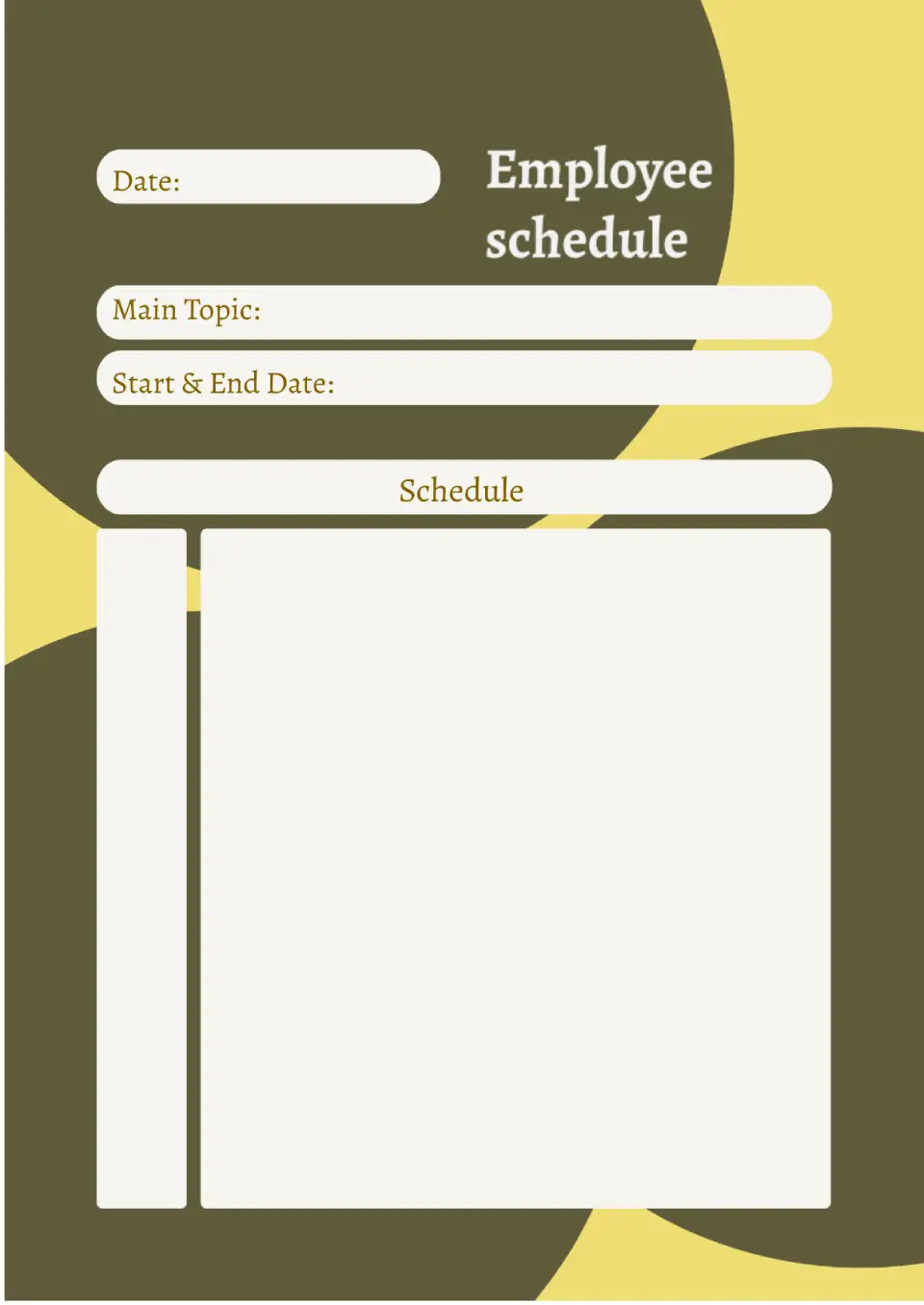
Use the Employee Schedule Template for Google Docs to create a company work schedule. The template is made in a minimalist design, so it's universal and suitable for any industry.
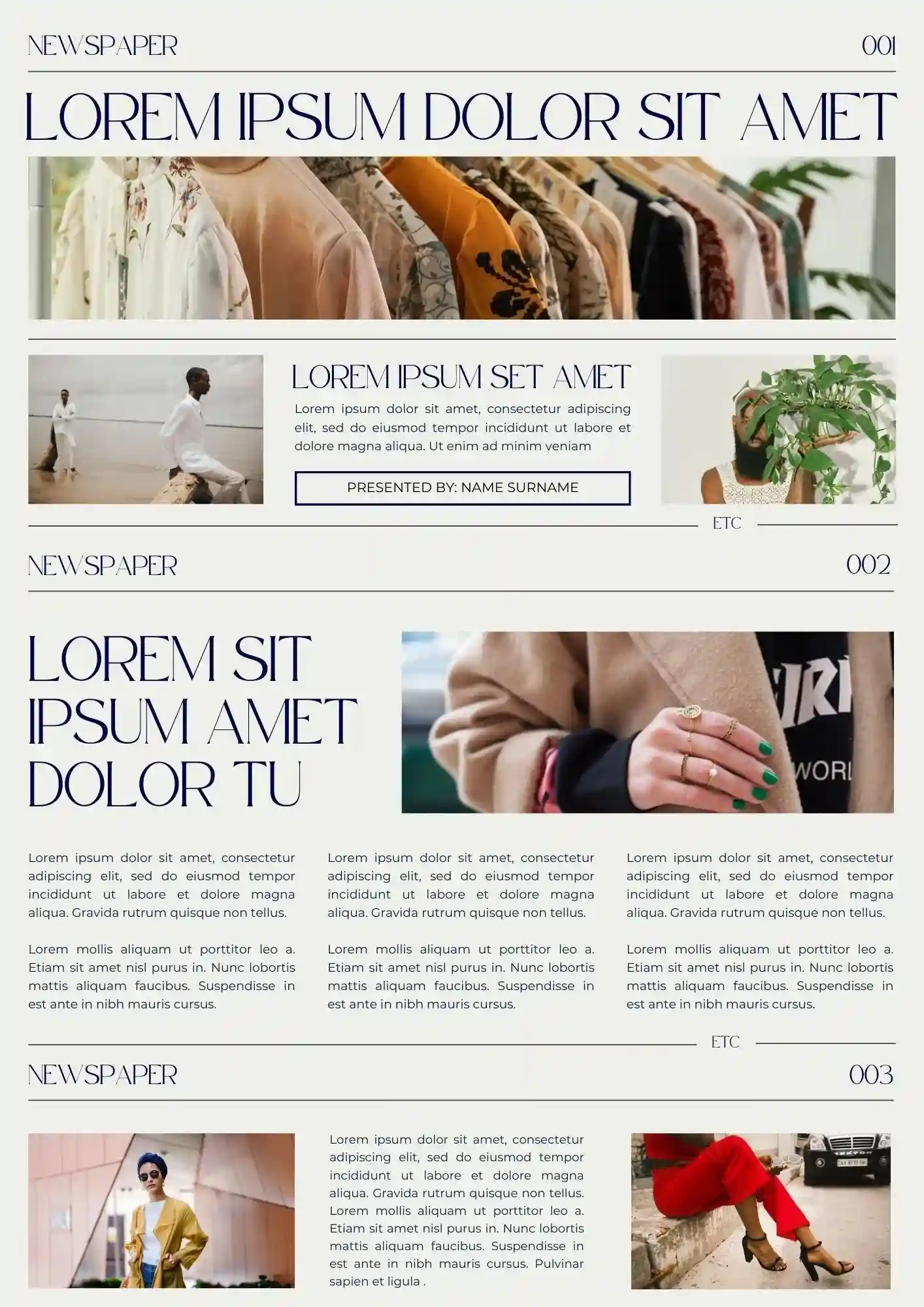
Create a professional-looking newspaper-style presentation with the Newspaper Template for Google Slides. This versatile template is perfect for delivering news updates, reports, or creative projects in a realistic newspaper format.

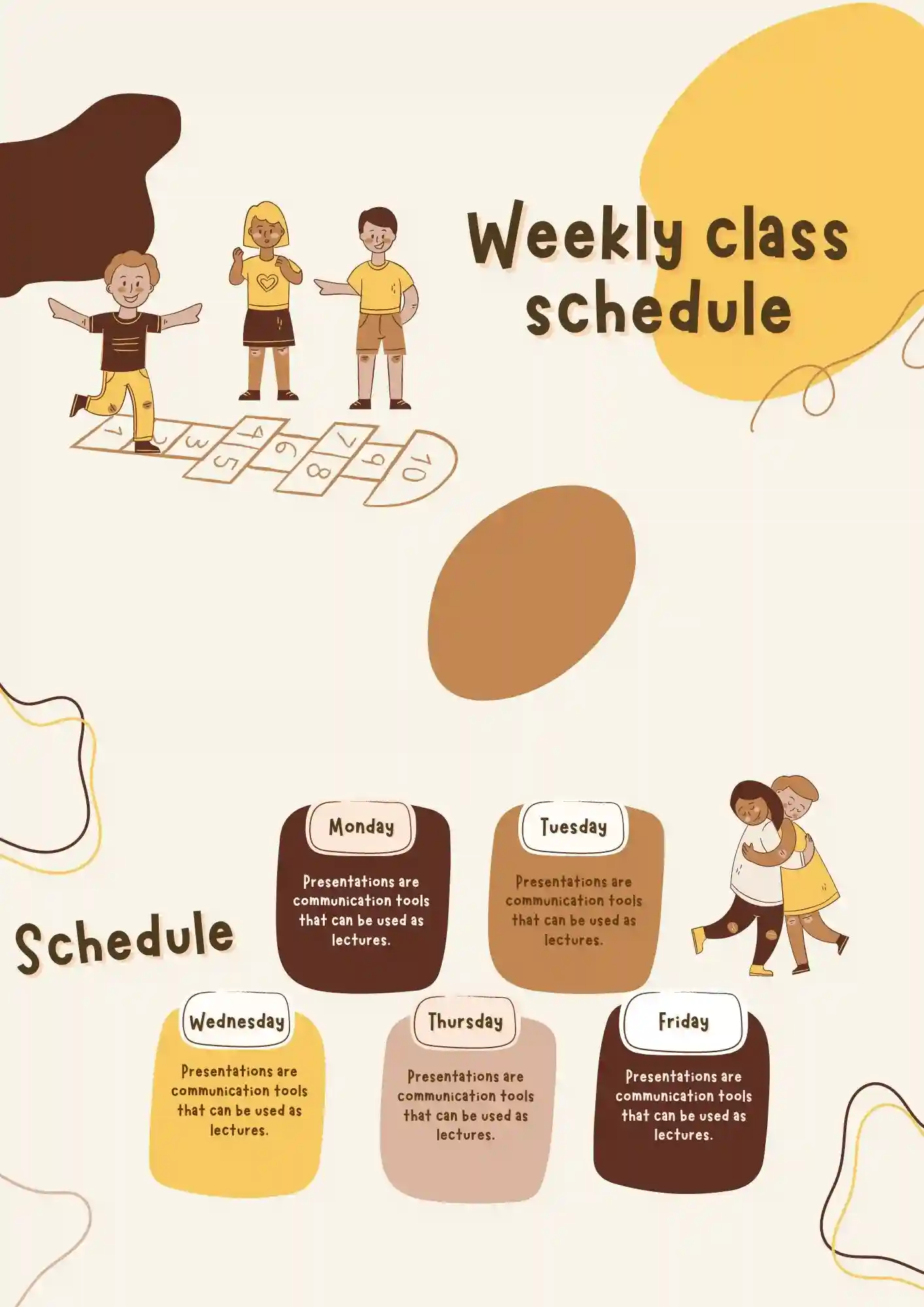
What helps teachers and students stay on track when classes change all week long? The Weekly Class Schedule Template is a strong fit for teachers, students, tutors, and school staff who need a clear weekly overview.
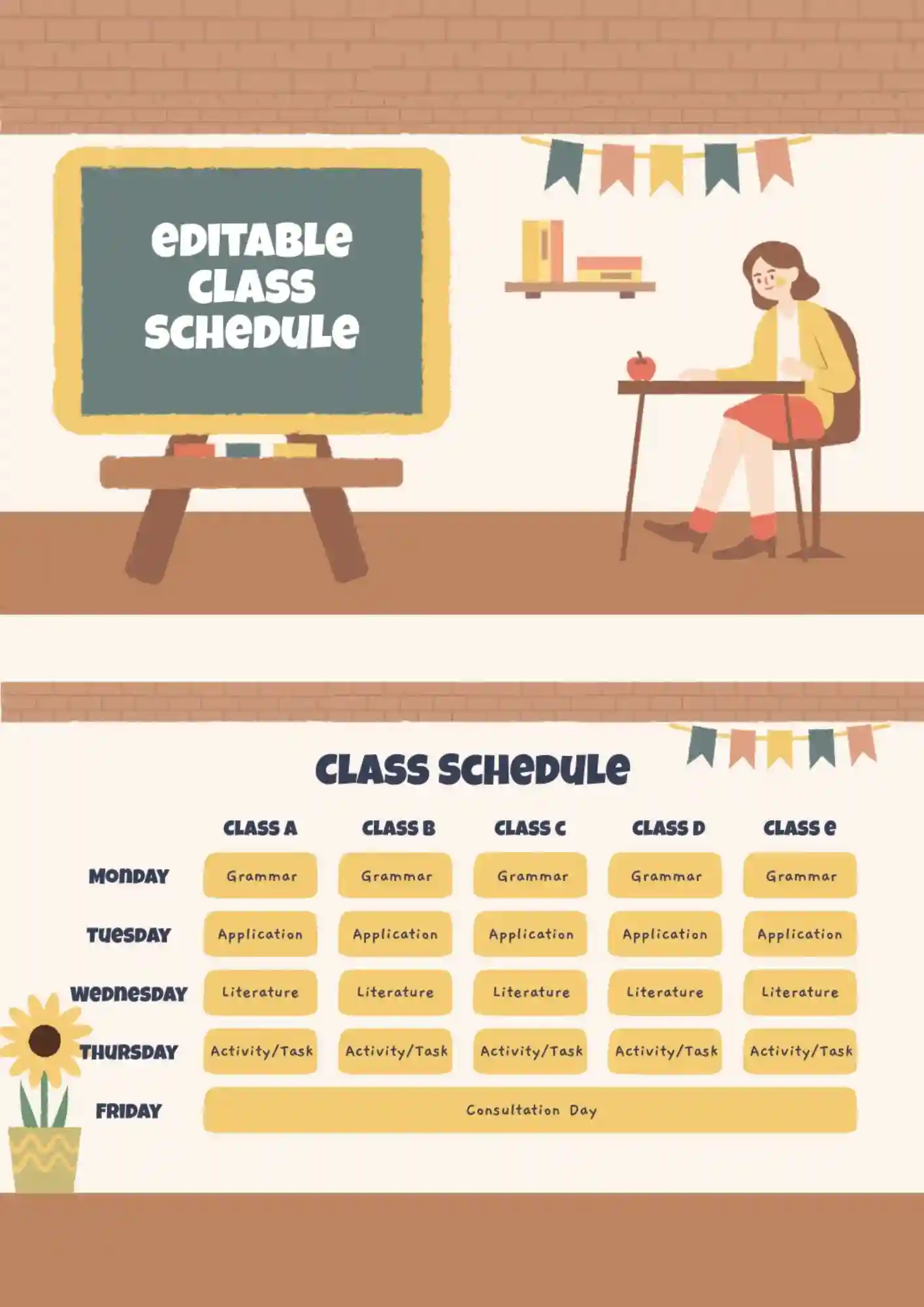
Class planning gets stressful when you have to rewrite the same schedule again and again. The Editable Class Schedule Template works for students, teachers, tutors, and parents who need a flexible classroom planner.
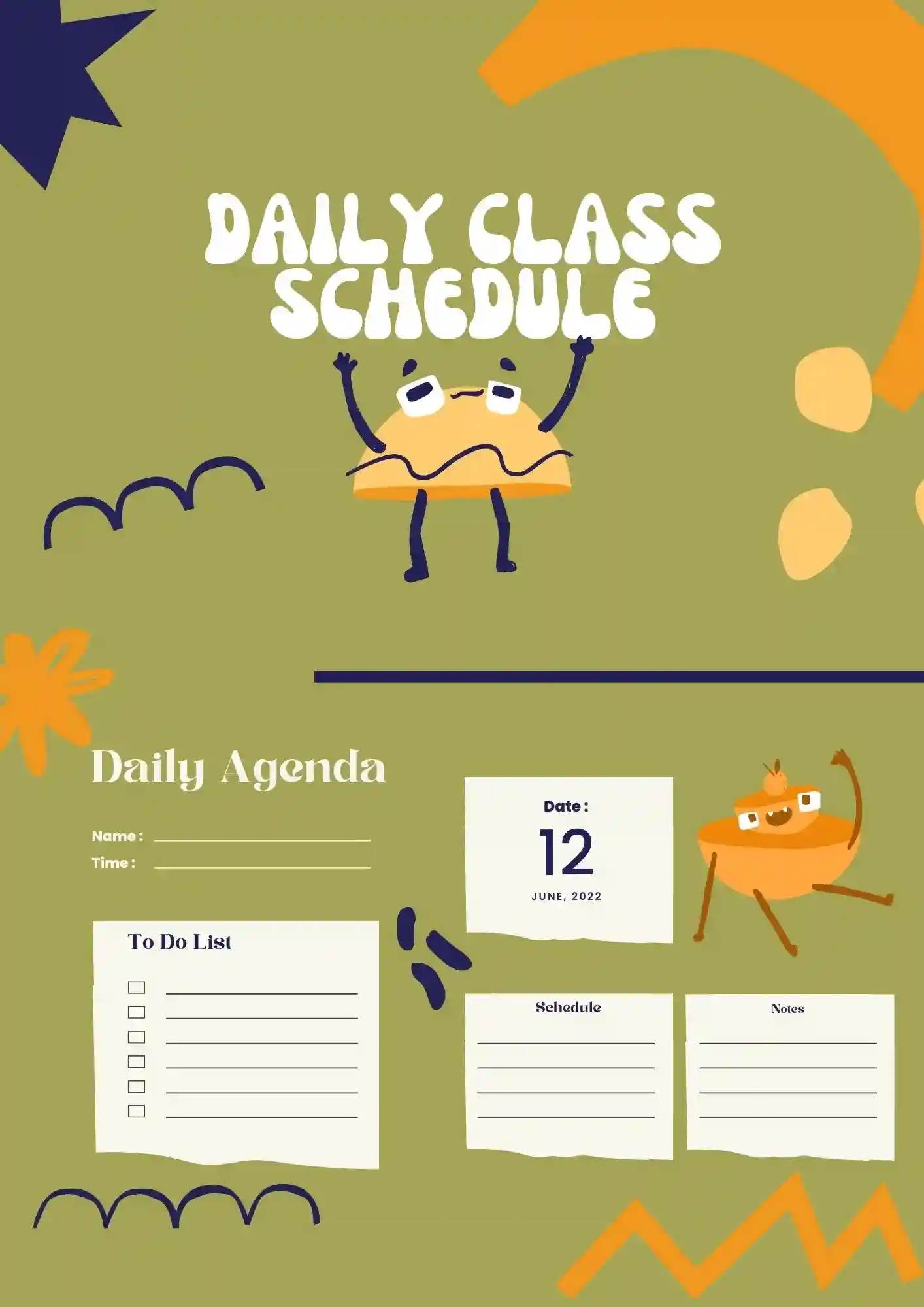
Can a daily schedule still feel clear when every class block needs its own space? The Daily Class Schedule Template is useful for teachers, students, homeschoolers, and tutors who need a simple day-by-day layout.

College students lose track of deadlines faster when classes, study blocks, and breaks are scattered. The College Class Schedule Template suits university students, advisors, tutors, and academic planners who want a structured weekly plan.

This standard layout will be good for any company. Attractive Business Plan Template is designed to describe the marketing strategy and has an editable schedule. The document also has a place for conclusions on market analysis. The background image on the front page can be changed to better match the activity area.

The template is perfect for creating a business plan for a restaurant, cafe, and any other catering establishment. The first page shows the establishment’s name and its main concept. The next one is intended for a detailed description of the strategy, with photos and text. If one page is not enough, just copy and edit it as many times as you need.

The effective Lean Business Plan Template for Google Docs is suitable for any activity area. The layout includes a large chart and a numbered list to help structure information conveniently. Its main features are a gradient background in blue shades and a low-key style. There is enough text space to fit all the important points.
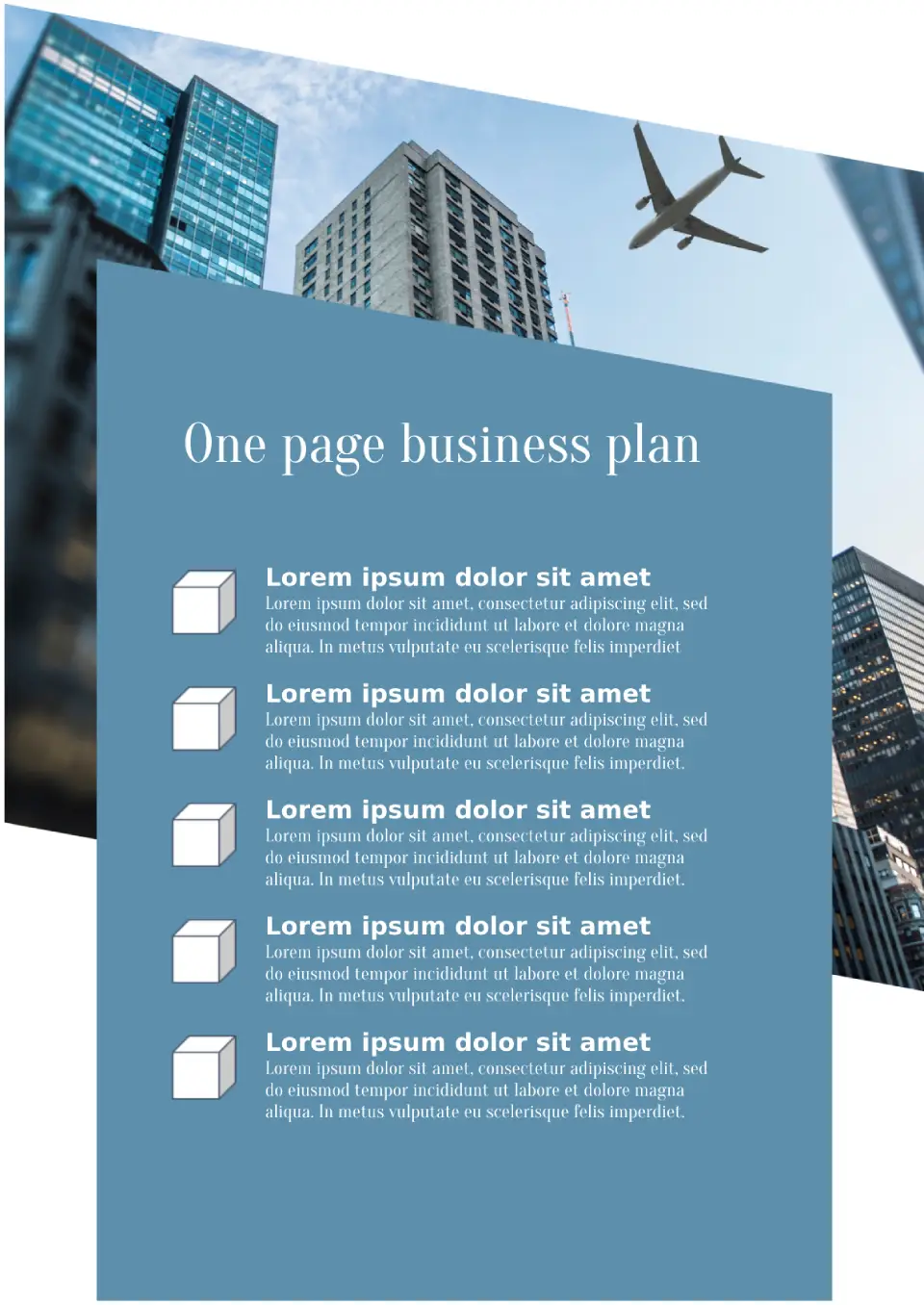
This laconic template will come useful when you need to present the most important points in short. It consists of one page where you can fit up to five points. This is enough to list the activity areas and values of the company, to provide information on market analysis, marketing strategies and reward expectations.
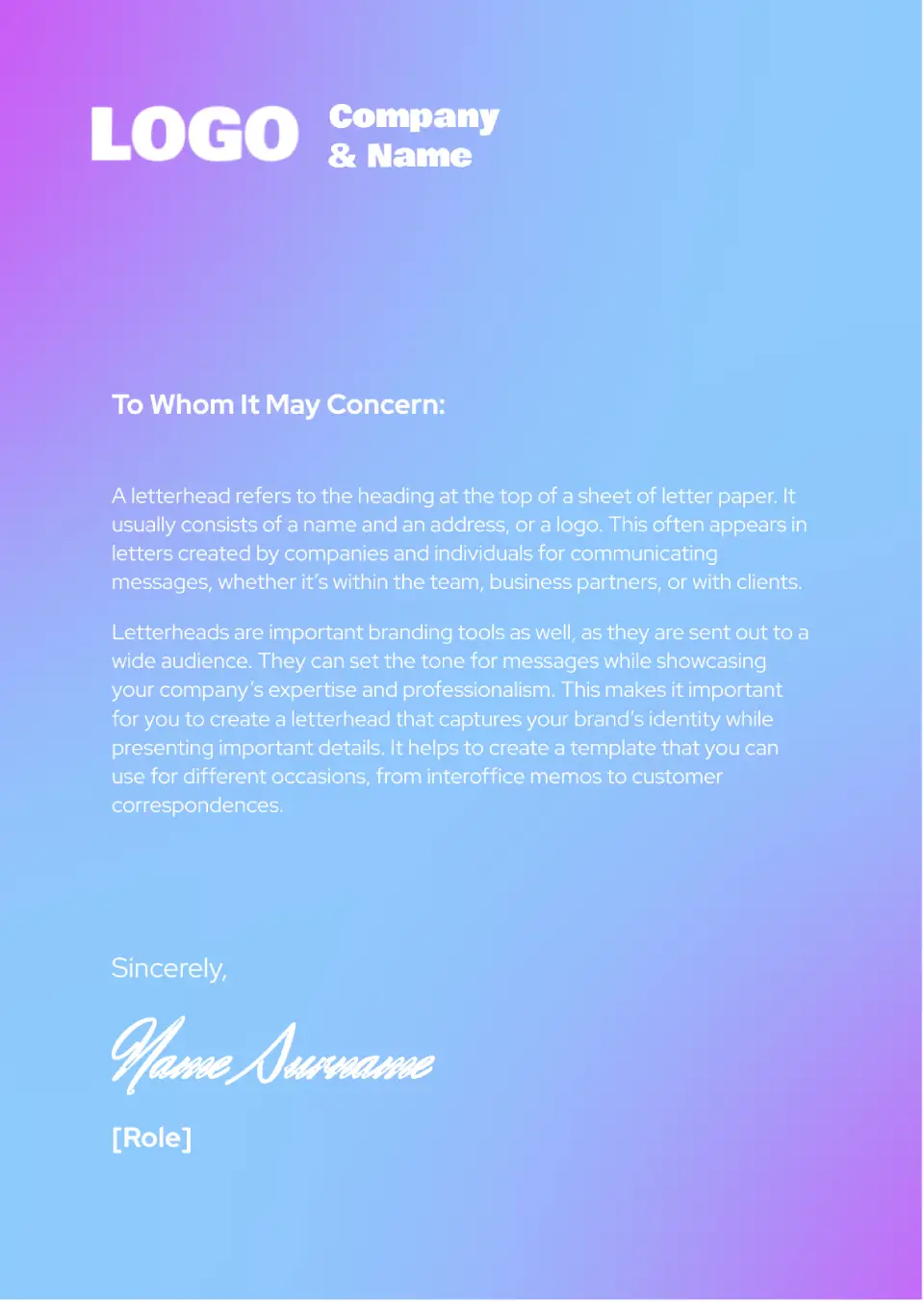
The unusual Business Letterhead Template for Google Docs stands out with its bright background featuring a gradient. The blue color in the middle of the sheet transitions into purple at the corners.
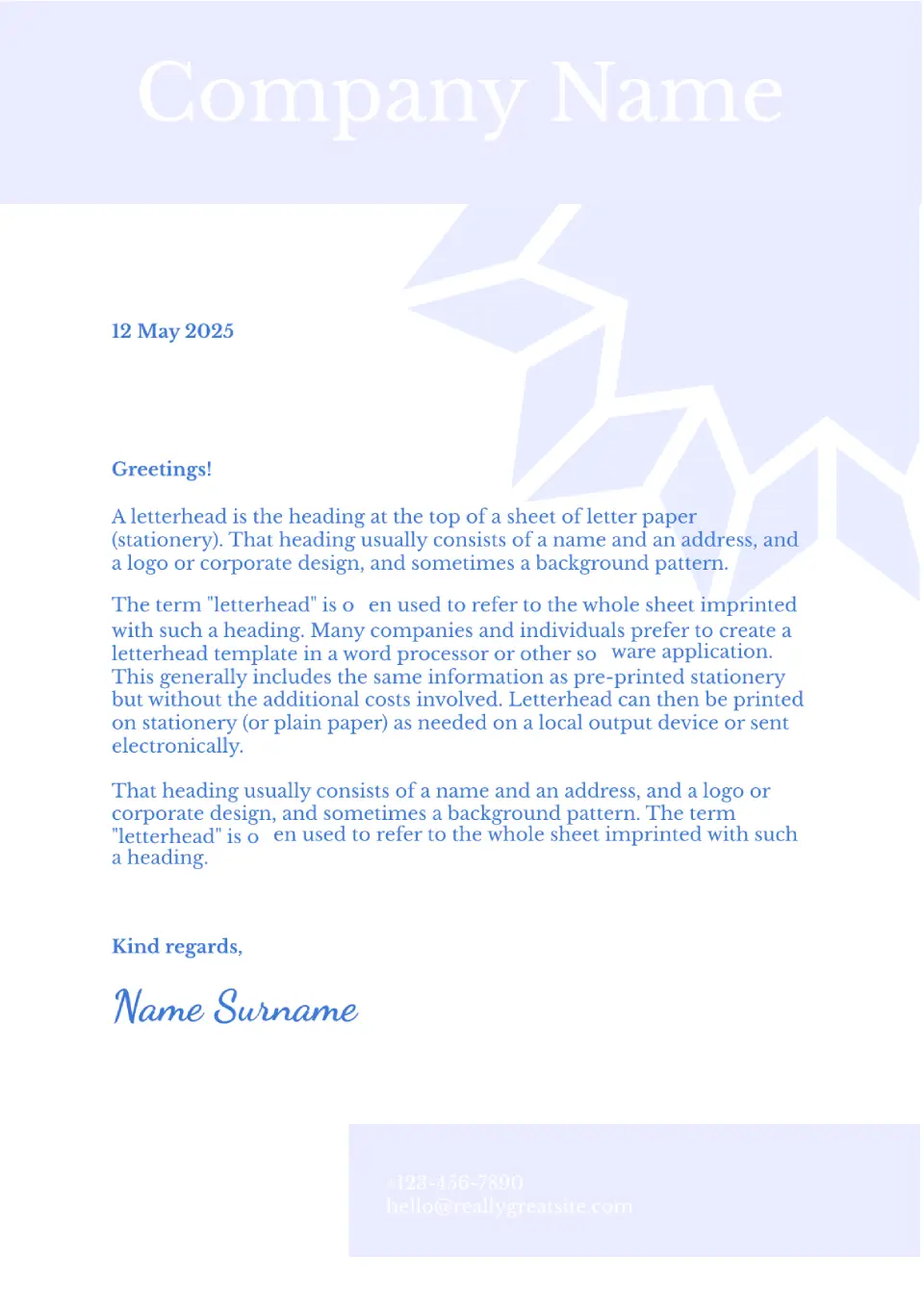
This refined template has a calm color palette. A plain white sheet is adorned with a dark pattern, resembling a flower, which does not distract attention from the text.
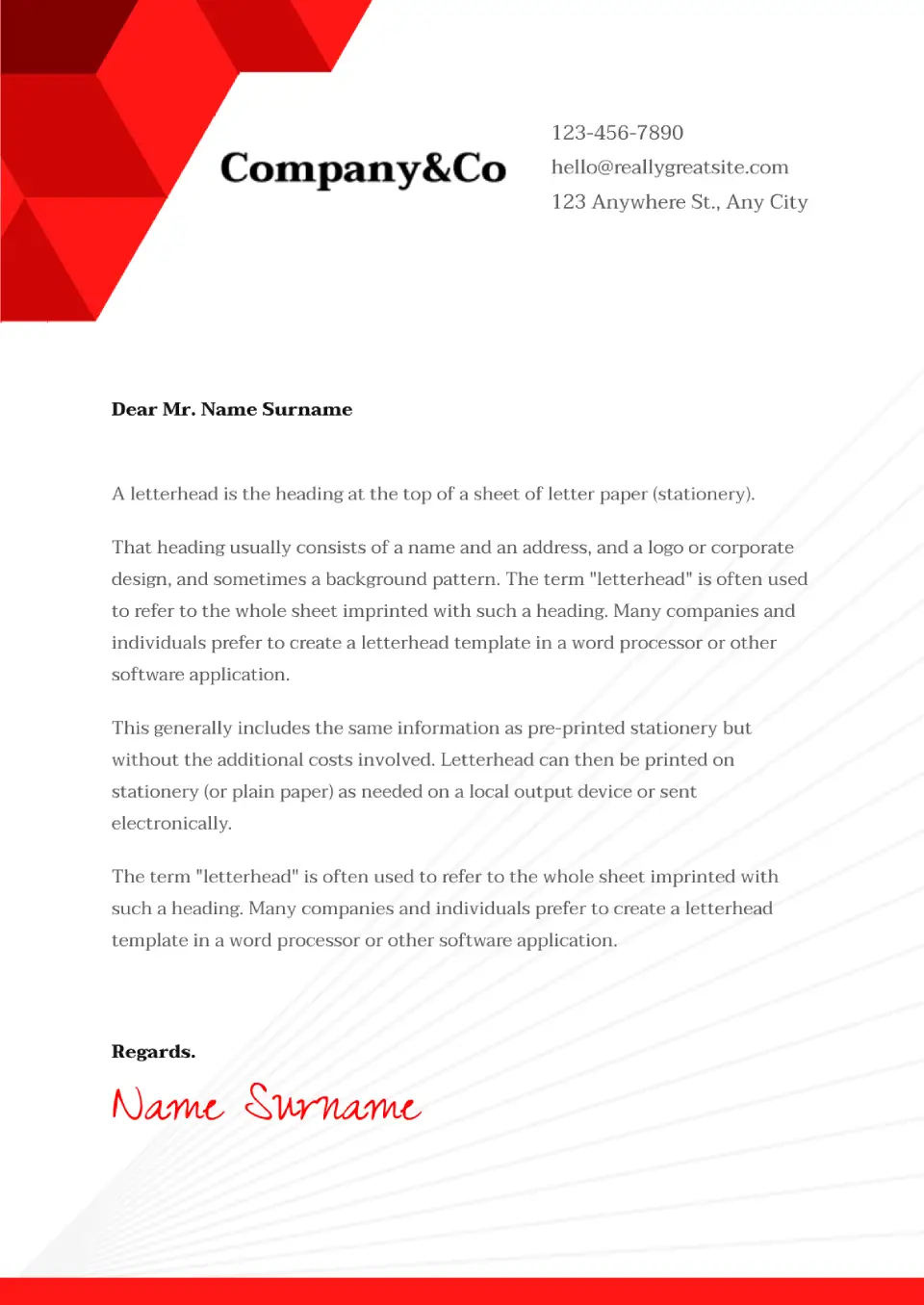
The Legal Letterhead Template for Google Docs has a minimalist design with geometric elements, which will look appropriate in various business spheres.
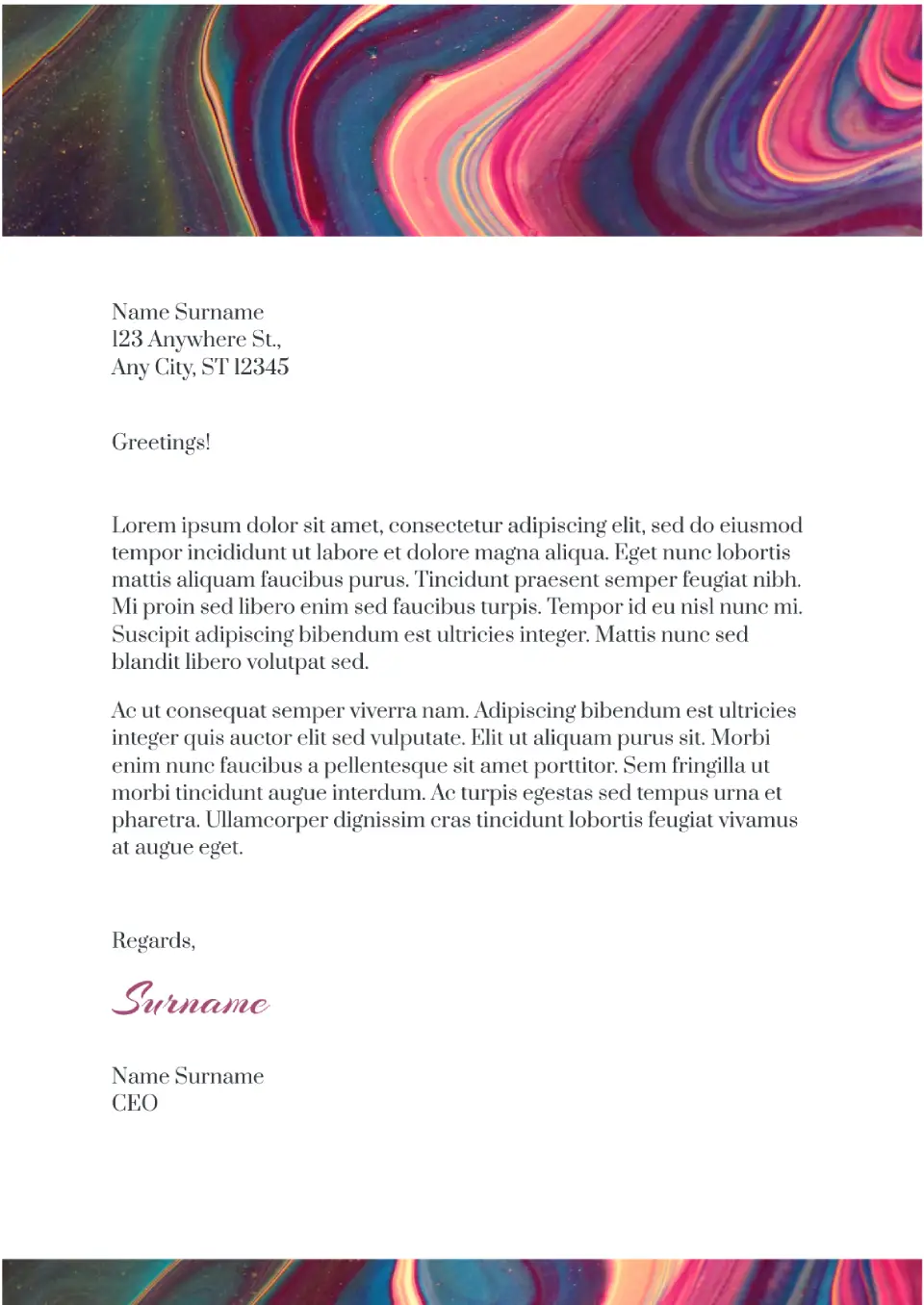
This vibrant editable template is suitable for those who appreciate creativity. The top of the sheet is occupied by a header with a multicolored abstract drawing. The central part with a white background is designated for text, on which any font looks good.
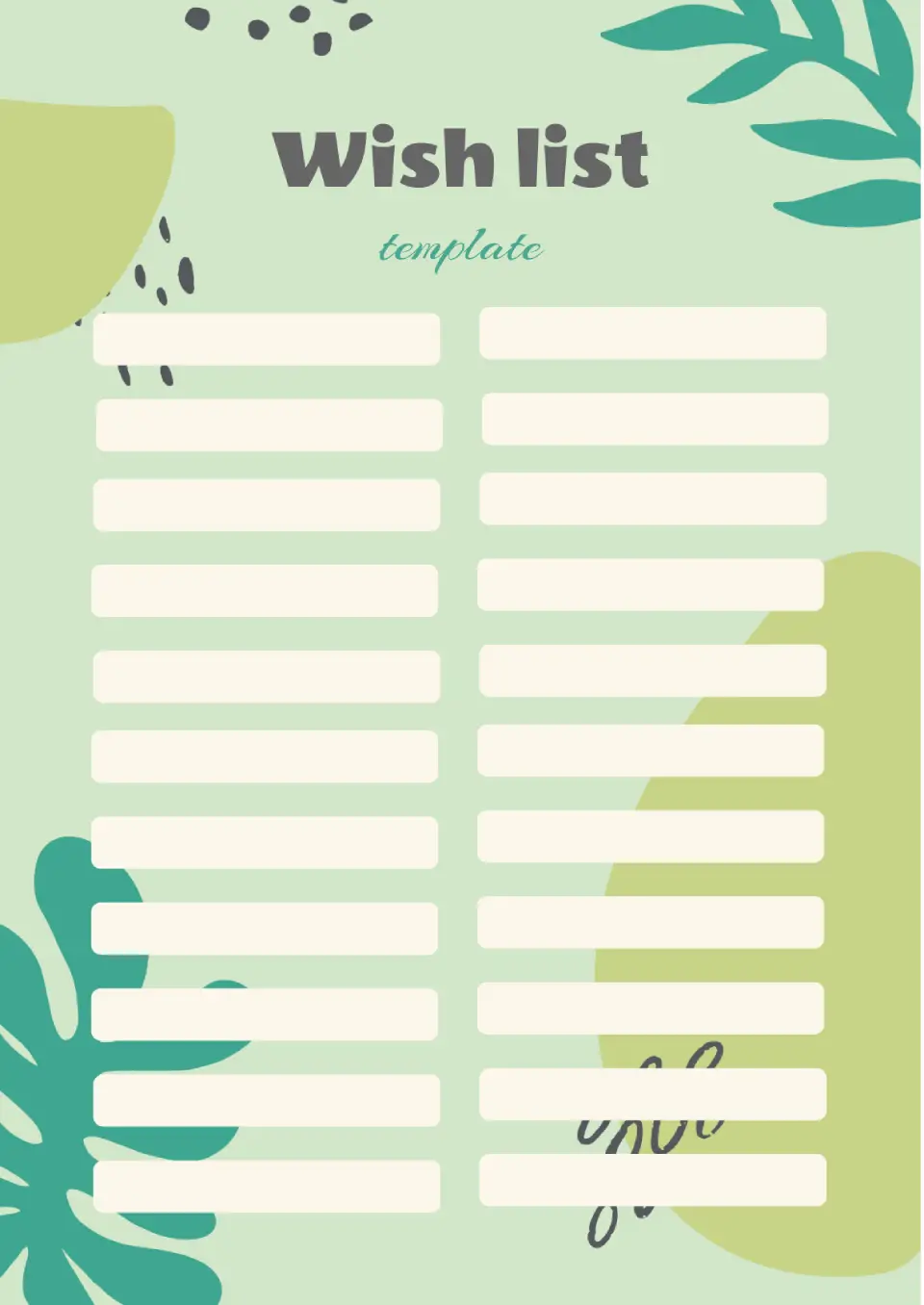
This vibrant editable template with hand-drawn plants is perfect for a wish list or any other type of checklist. It has two columns with eleven text boxes, which stand out clearly against the background.
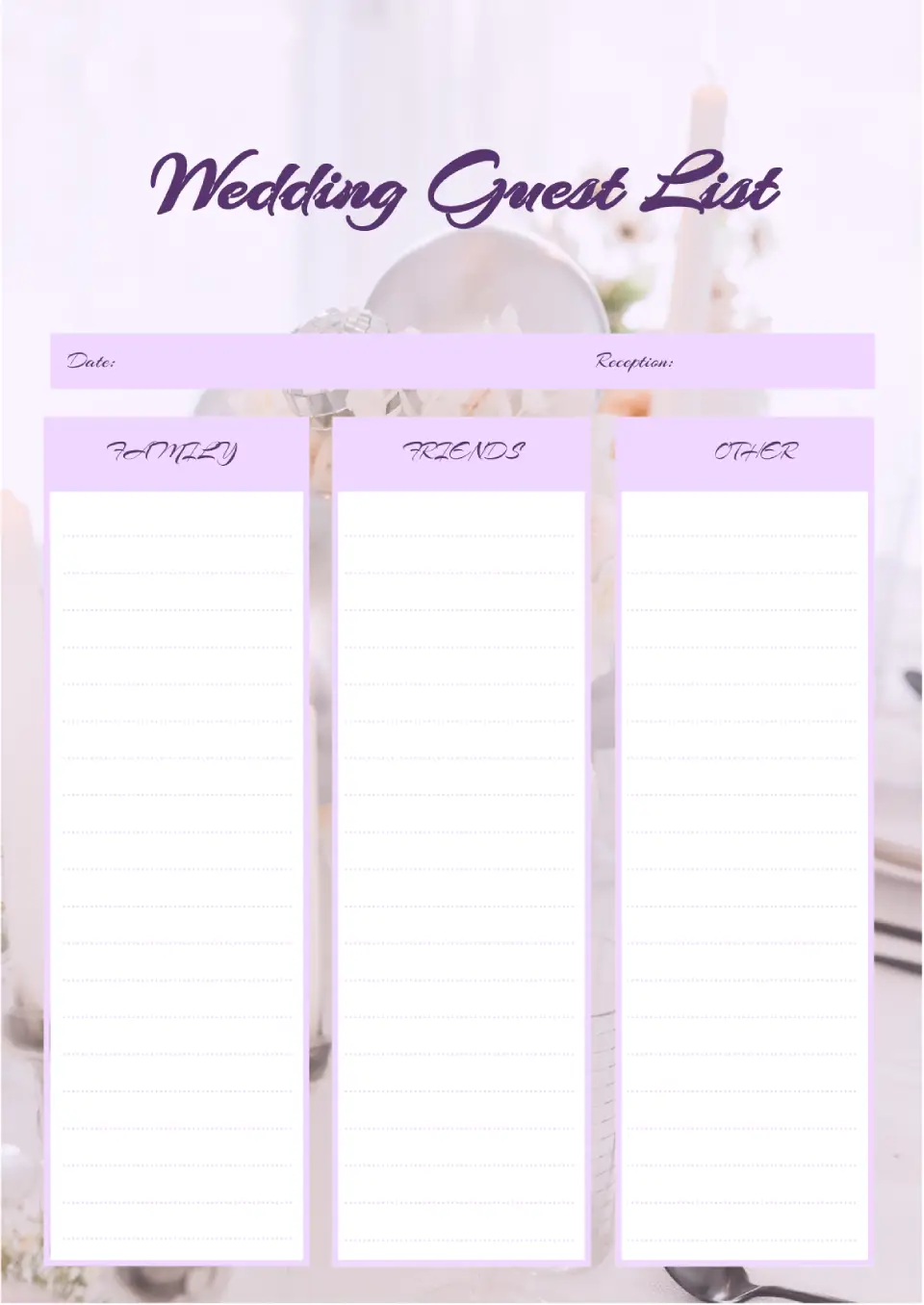
Make sure you don't forget to invite anyone close to the most important celebration of the lovebirds using the Wedding Guest List Template for Google Docs. The layout with a romantic design is divided into three lined columns: family, friends, and others.

Choose your preferred social media platform from options like Pinterest, Facebook, Twitter, and more. Share our templates with your contacts or friends. If you’re not active on these social networks, you can simply copy the link and paste it into the one you use.