

 Back to templates
 All templates- Page 86
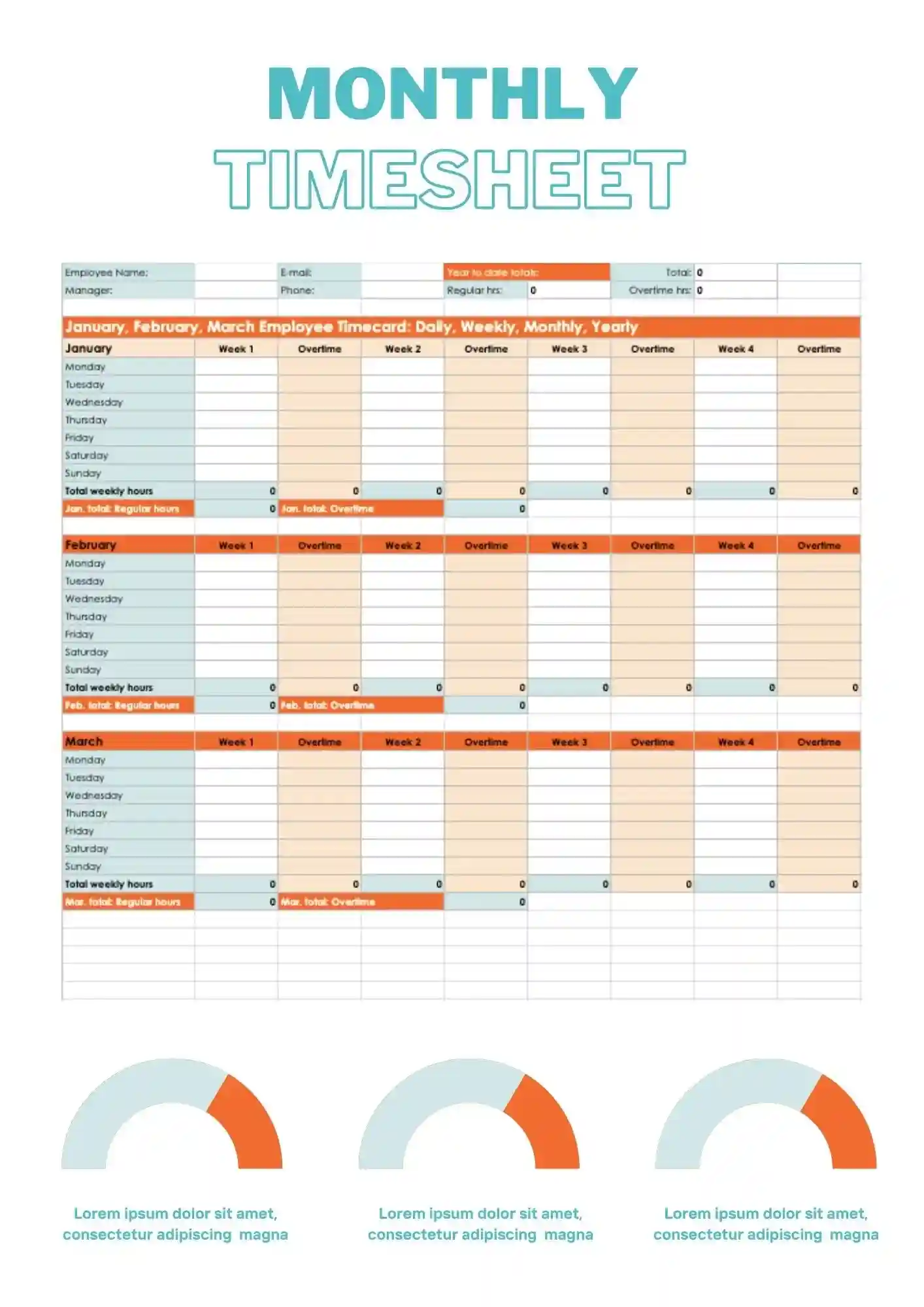
You need monthly time tracking, but your current spreadsheet is messy and doesn't give a clear picture for the month? Monthly Timesheet Template gives you a ready-to-use solution for tracking hours, tasks, and projects in one place. It works for freelancers, teams, managers, and students who track time by month. Adjust the text, colors, and layout to match your reporting needs. This layout makes it easy to review your full month at once. Free to download and ready to use right away.

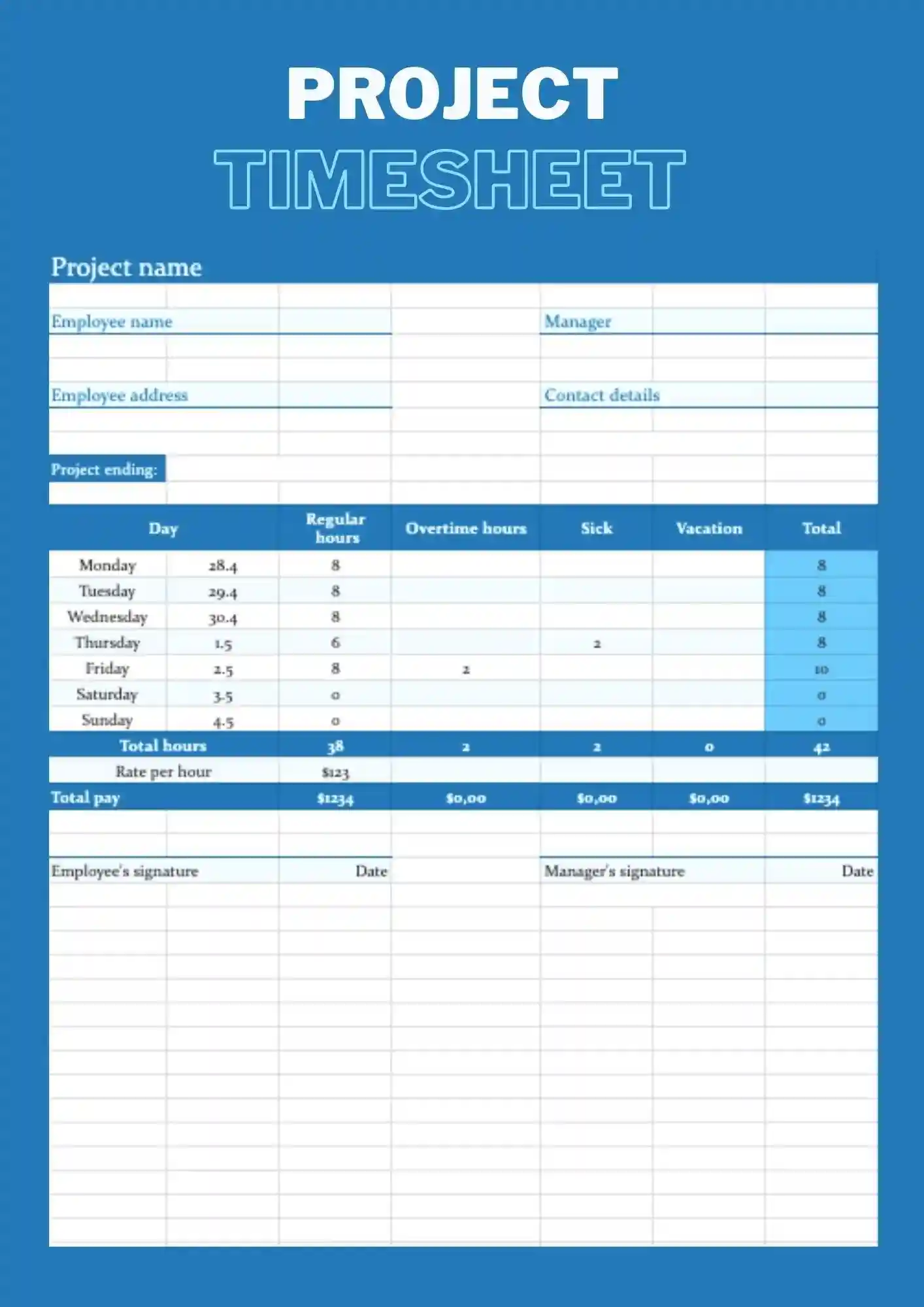
Project Timesheet Template is a Google Sheets structure for tracking time by specific projects, tasks, and phases. It works for managers, teams, freelancers, and students who track time by project. Every cell, label, and color is customizable so you align the sheet with your project structure. It helps you see how much time each project consumes and where your effort goes. The built-in layout makes it easy to compare time spent across multiple projects at once.
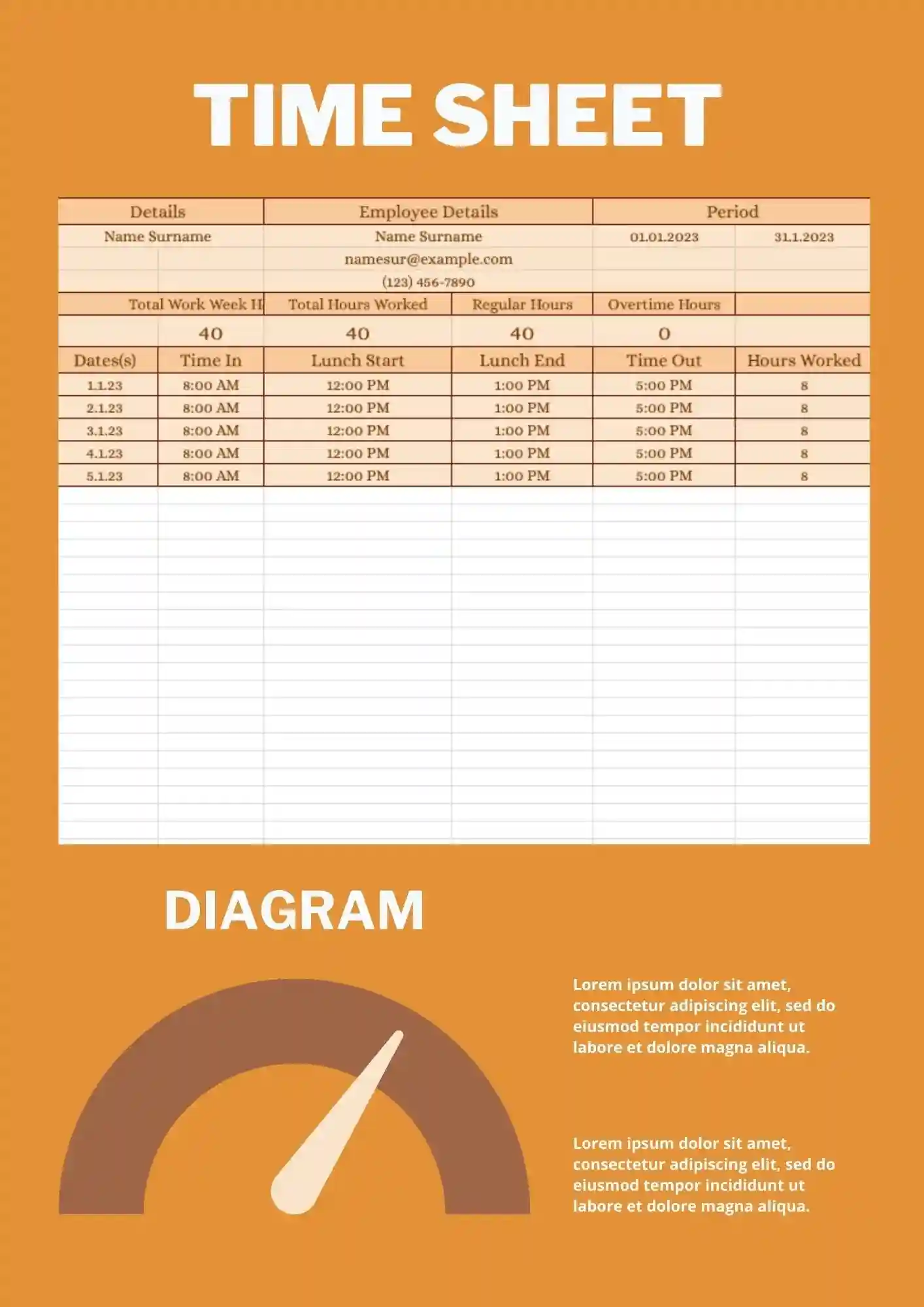
Timesheet Template is a simple, ready spreadsheet in Google Sheets for tracking work hours, tasks, and projects without extra formatting. It works for freelancers, small teams, teachers, and students who track general time. You can modify all labels, dates, and colors directly to fit your tracking style. Use it to keep daily or weekly hours logged cleanly without building a tracker from scratch. It integrates seamlessly with Google Sheets for real-time updates and shared access across your team.
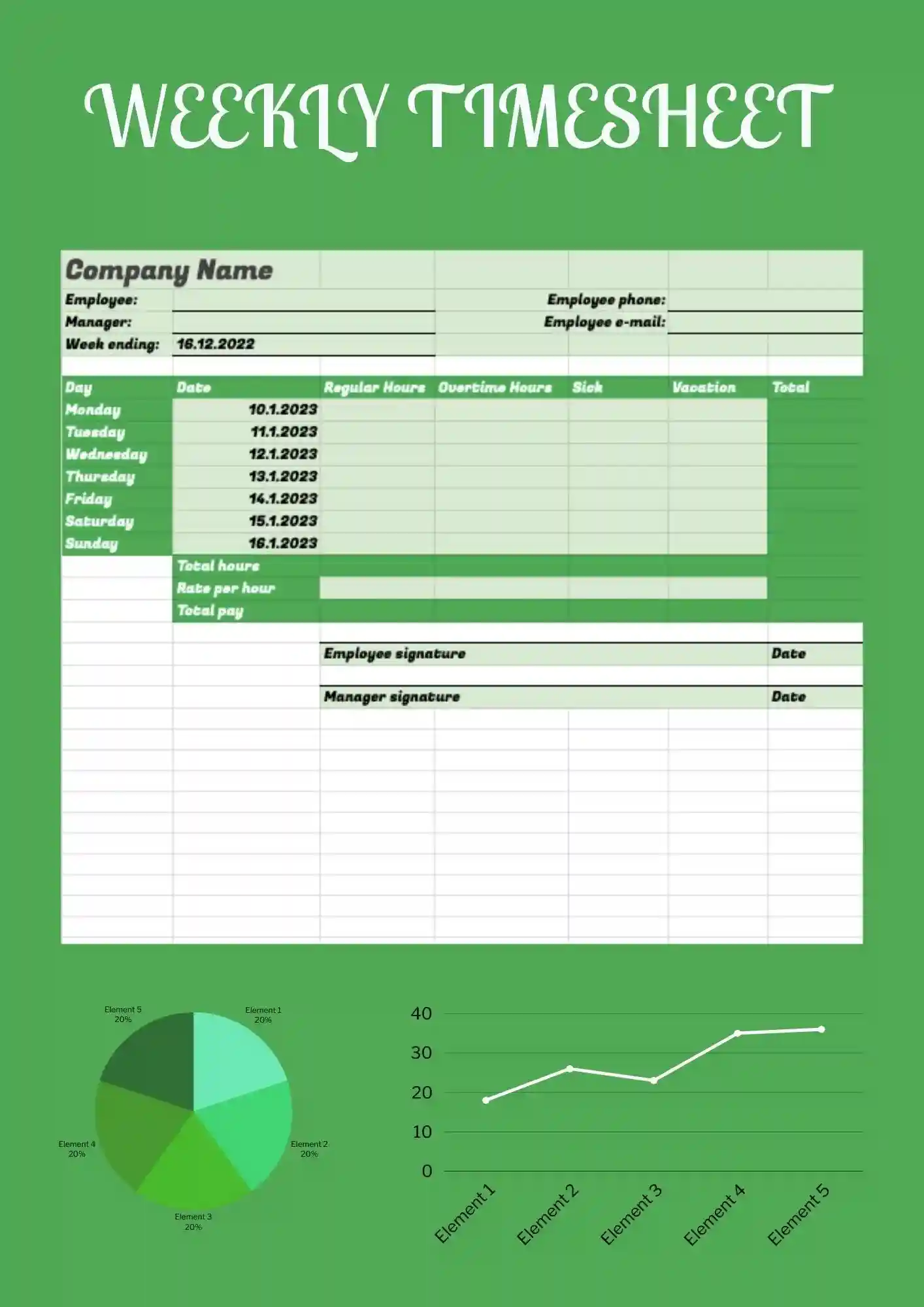
You spend too much time tracking hours, but your current timesheet looks scattered and doesn't give a clear picture for the week? Weekly Timesheet Template gives you a ready-to-use Google Sheets structure for weekly tracking of hours, tasks, and projects that you can adapt quickly. It works for freelancers, teams, managers, and students who track time by week. Colors, text, and objects are editable, so you easily change names, schedules, and styles to fit your needs. Free for personal and business use, ready to use, and perfect for a timesheet that needs to feel clear and professional.
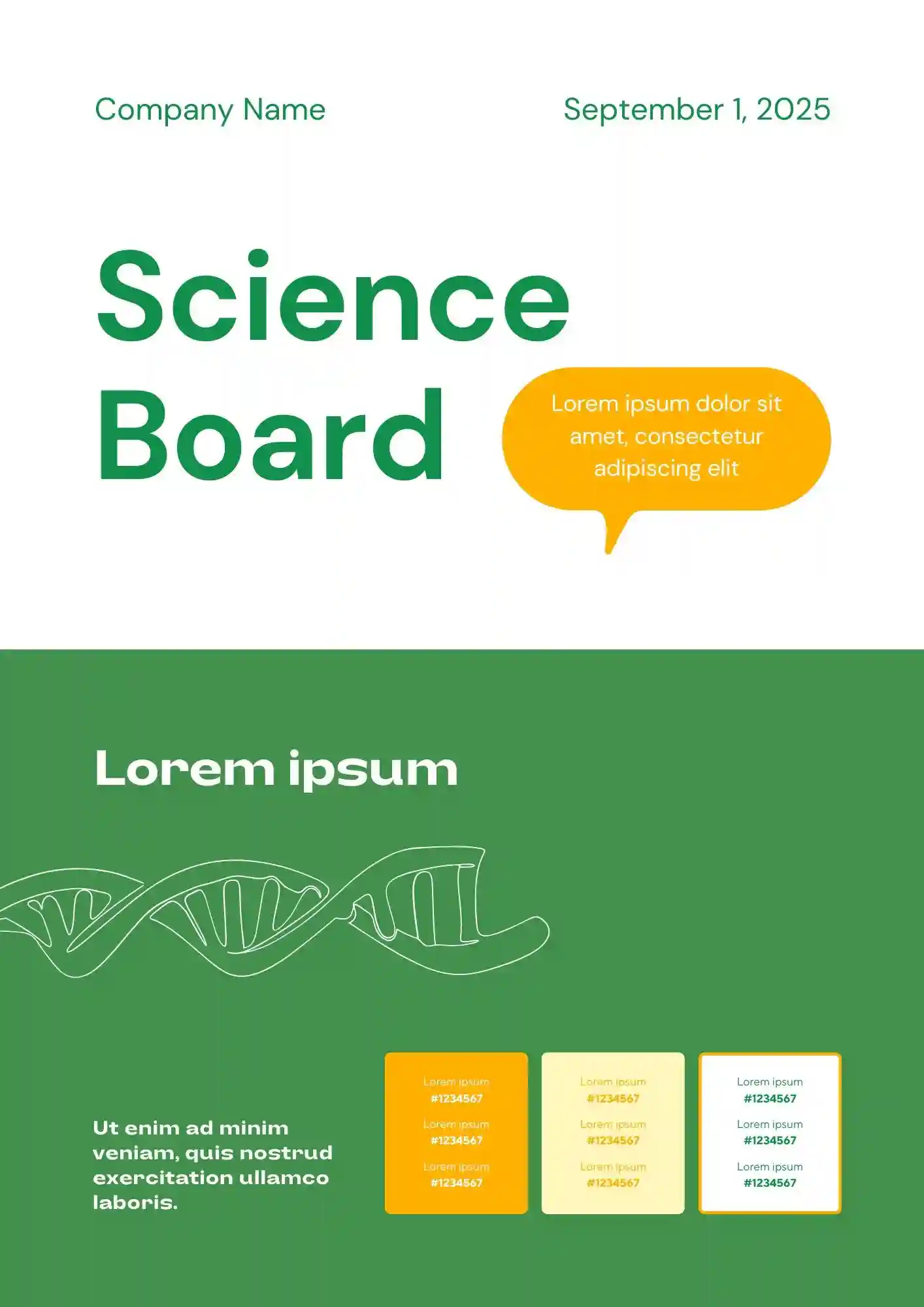
Need a clearer way to present your experiment without overcrowding your science project board? The Science Board Template is a good fit for students, teachers, and parents preparing science fair presentations.

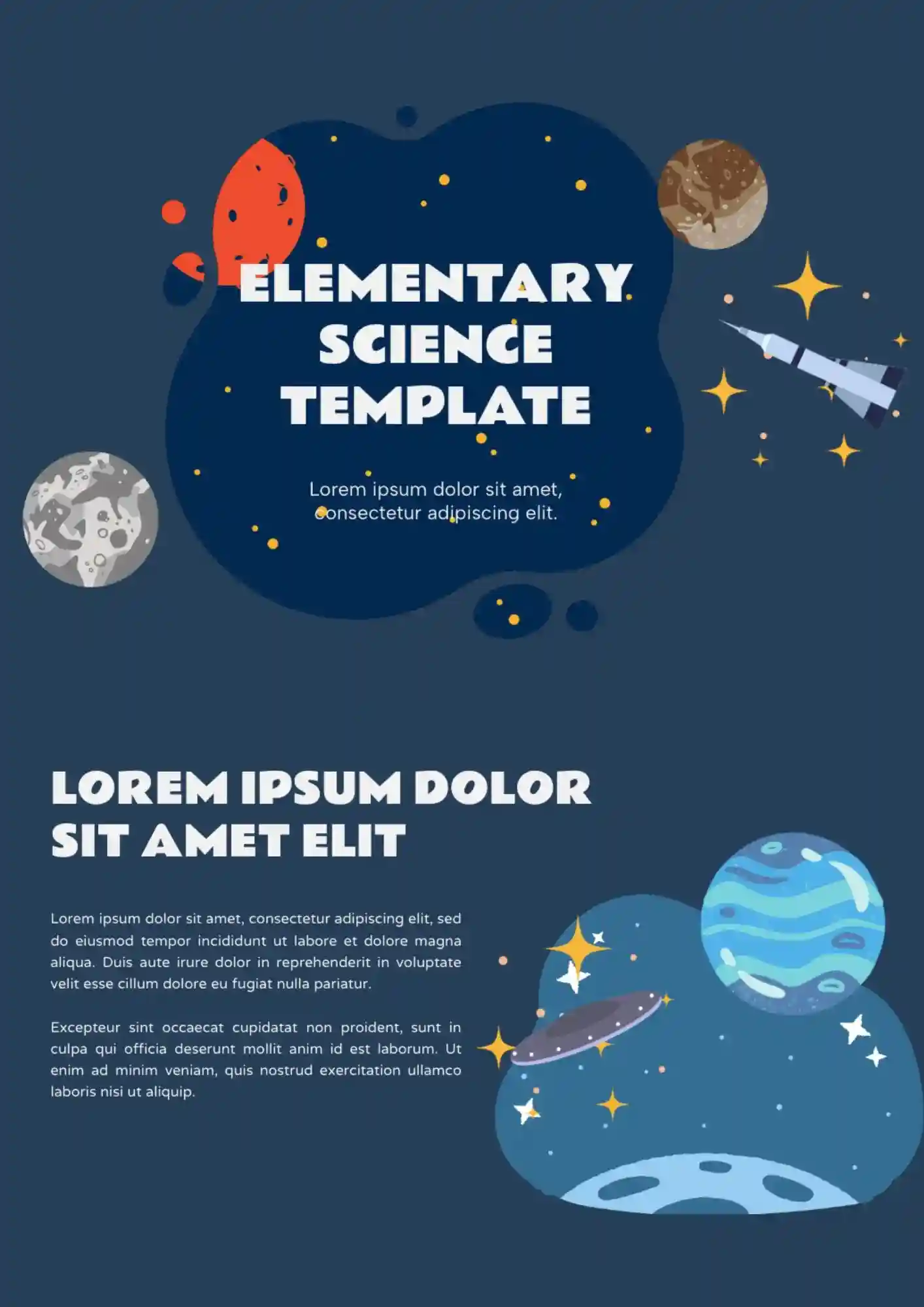
Built for younger learners, the Elementary Science Template makes science presentations more engaging for elementary classrooms. It works well for elementary teachers, students, tutors, and parents supporting school lessons.
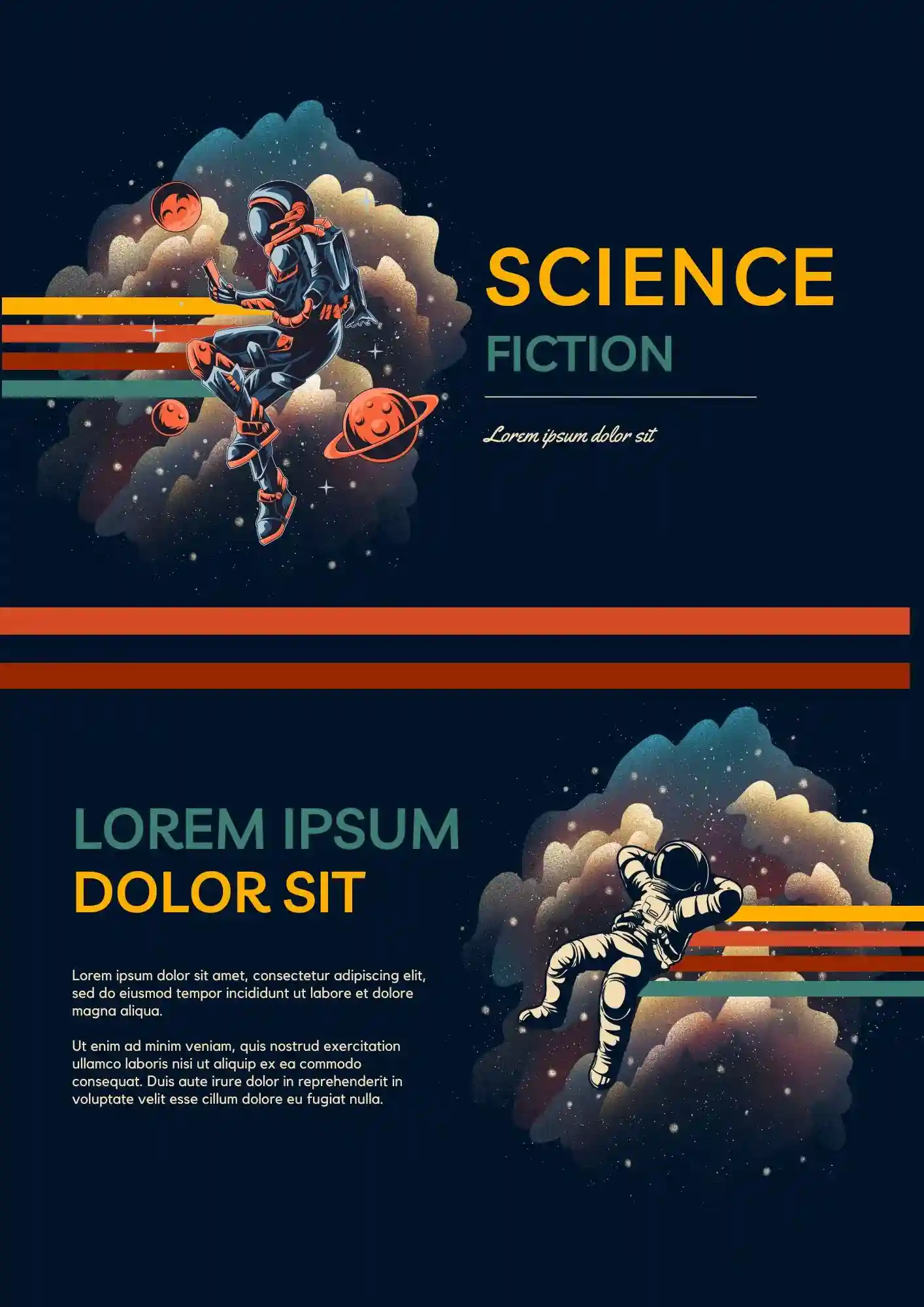
Your creative presentation should feel more futuristic than a plain classroom deck. The Science Fiction Template is a good fit for students, teachers, writers, and creators who want a themed slide design.
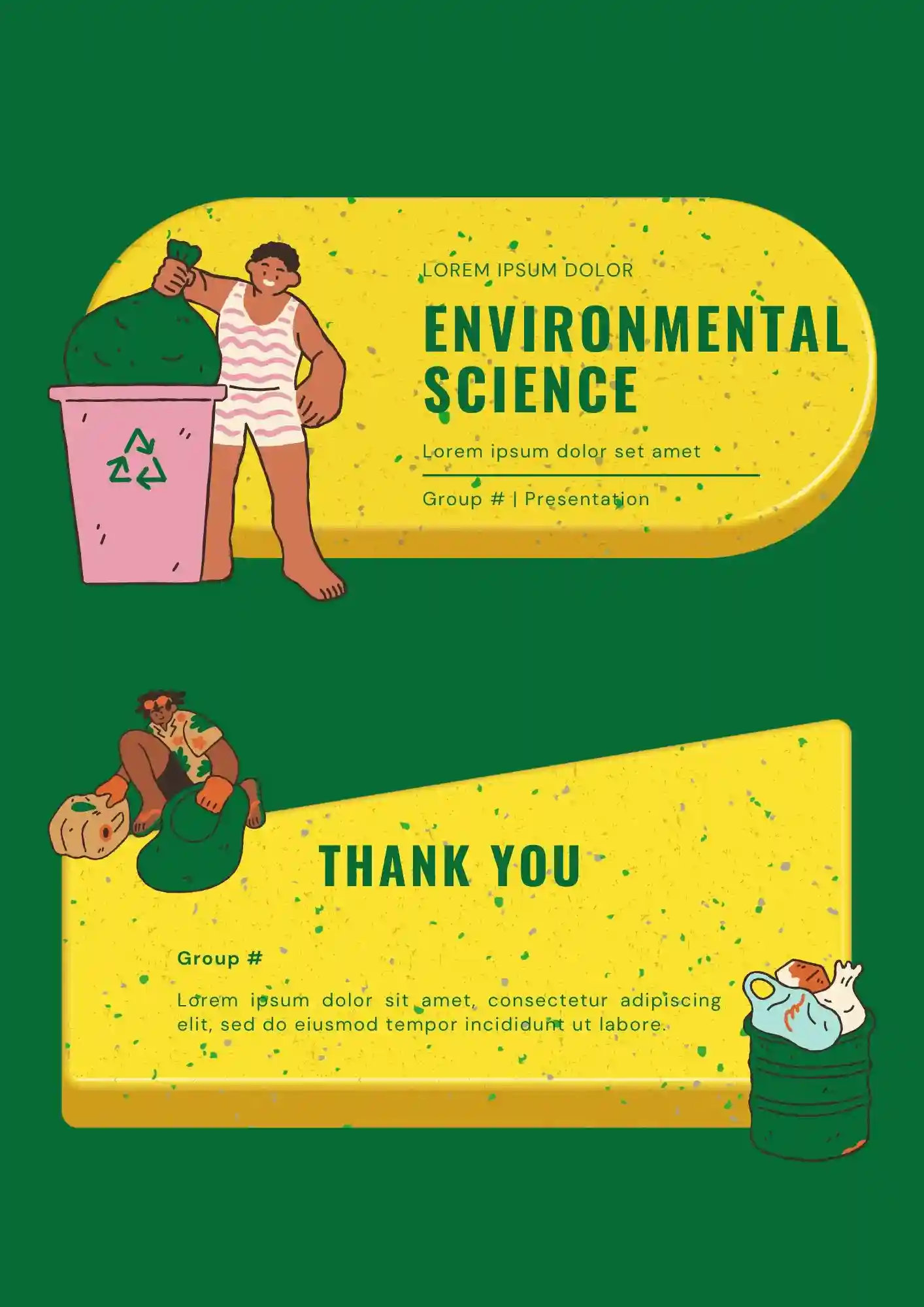
Designing lessons about ecosystems and sustainability without a clear slide structure? The Environmental Science Template helps teachers, students, researchers, and environmental organizations create educational presentations.
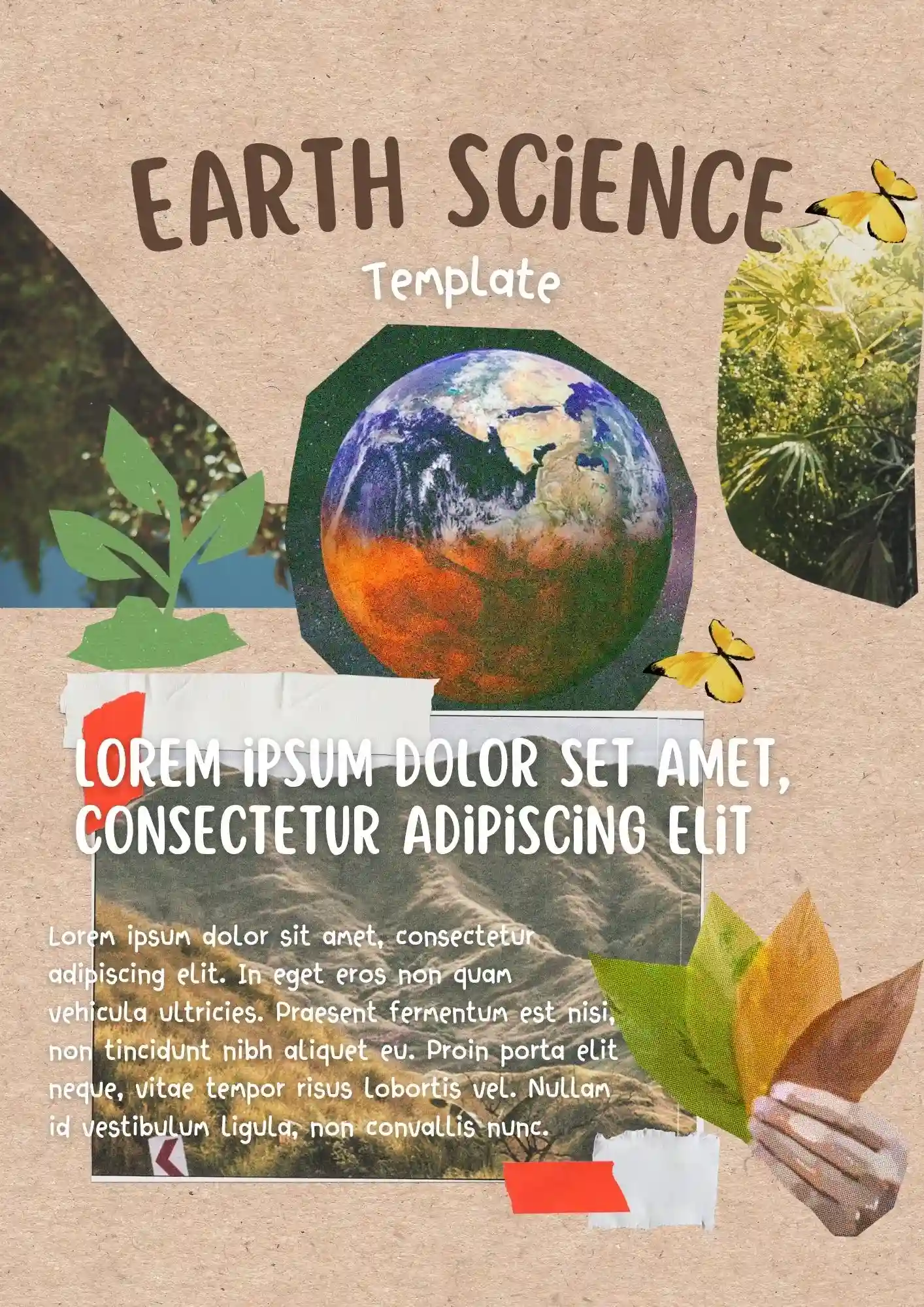
Does your lesson need visuals that actually help students understand earth systems instead of distracting them? The Earth Science Template is useful for teachers, students, tutors, and educators preparing classroom presentations.
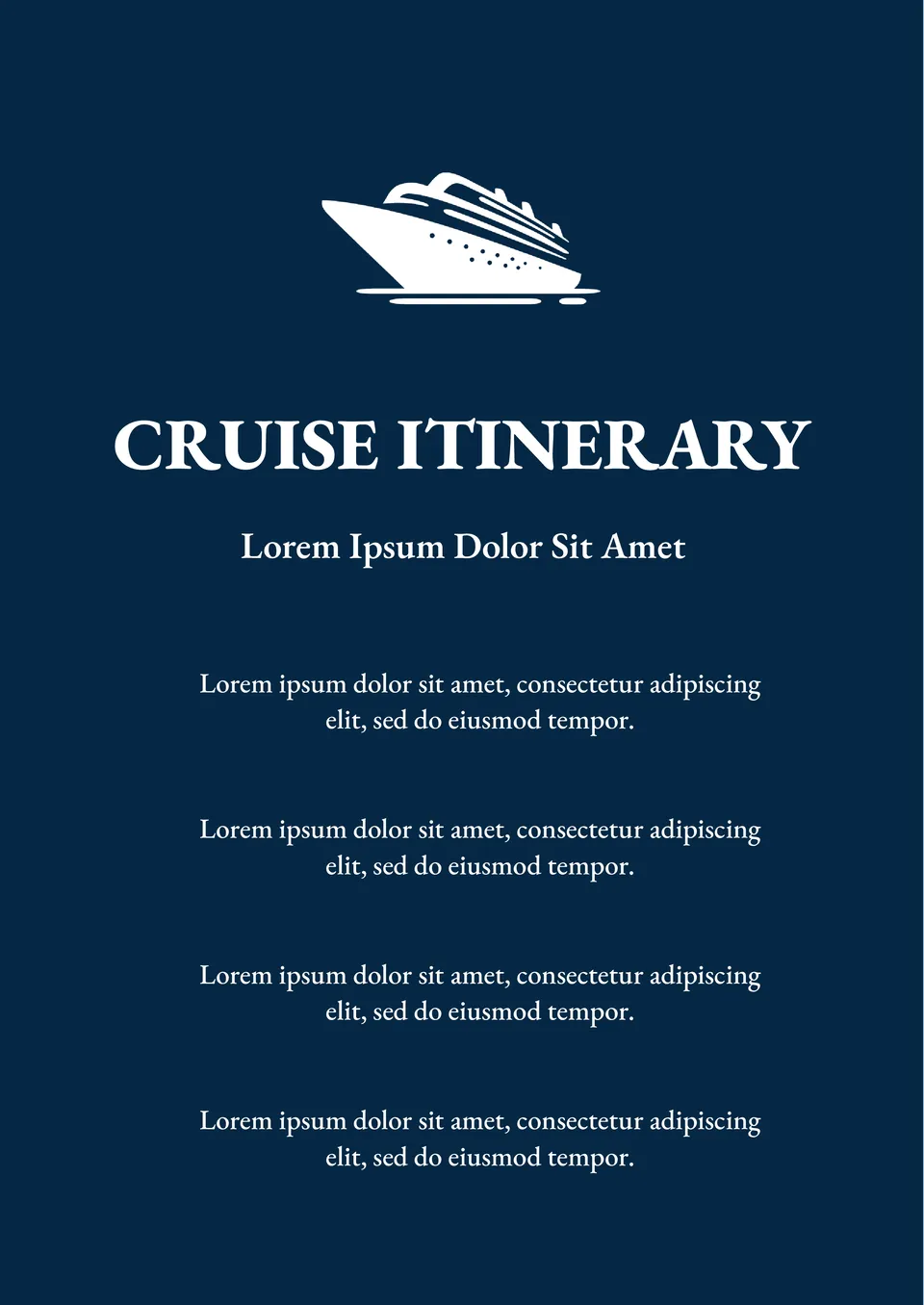
Planning a cruise and need a structured way to keep track of every detail? The Cruise Itinerary Template is perfect for organizing your journey, from embarkation to port excursions and activities on board.

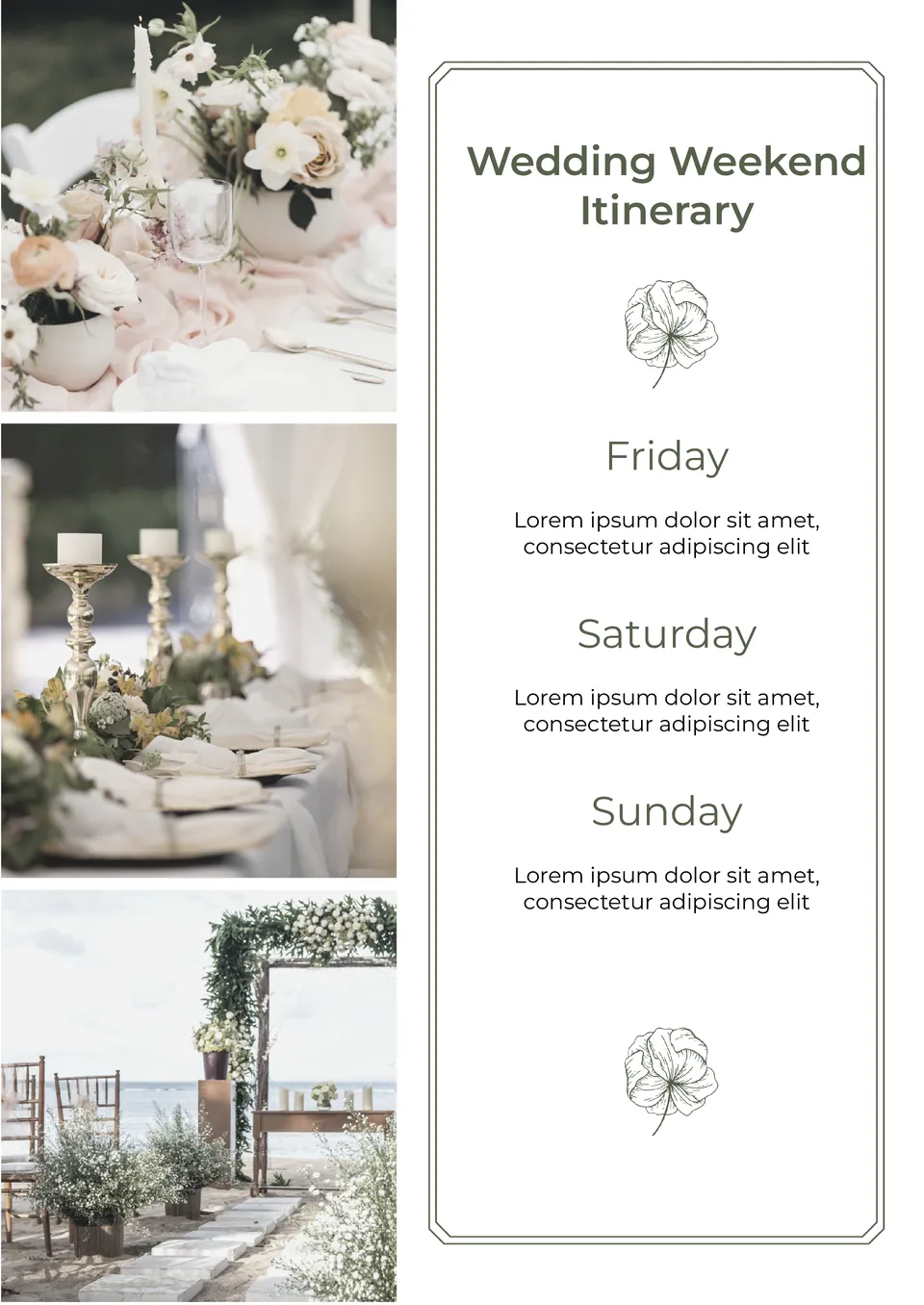
Planning a wedding weekend can be overwhelming, but this Wedding Weekend Itinerary Template makes it simple to stay organized.
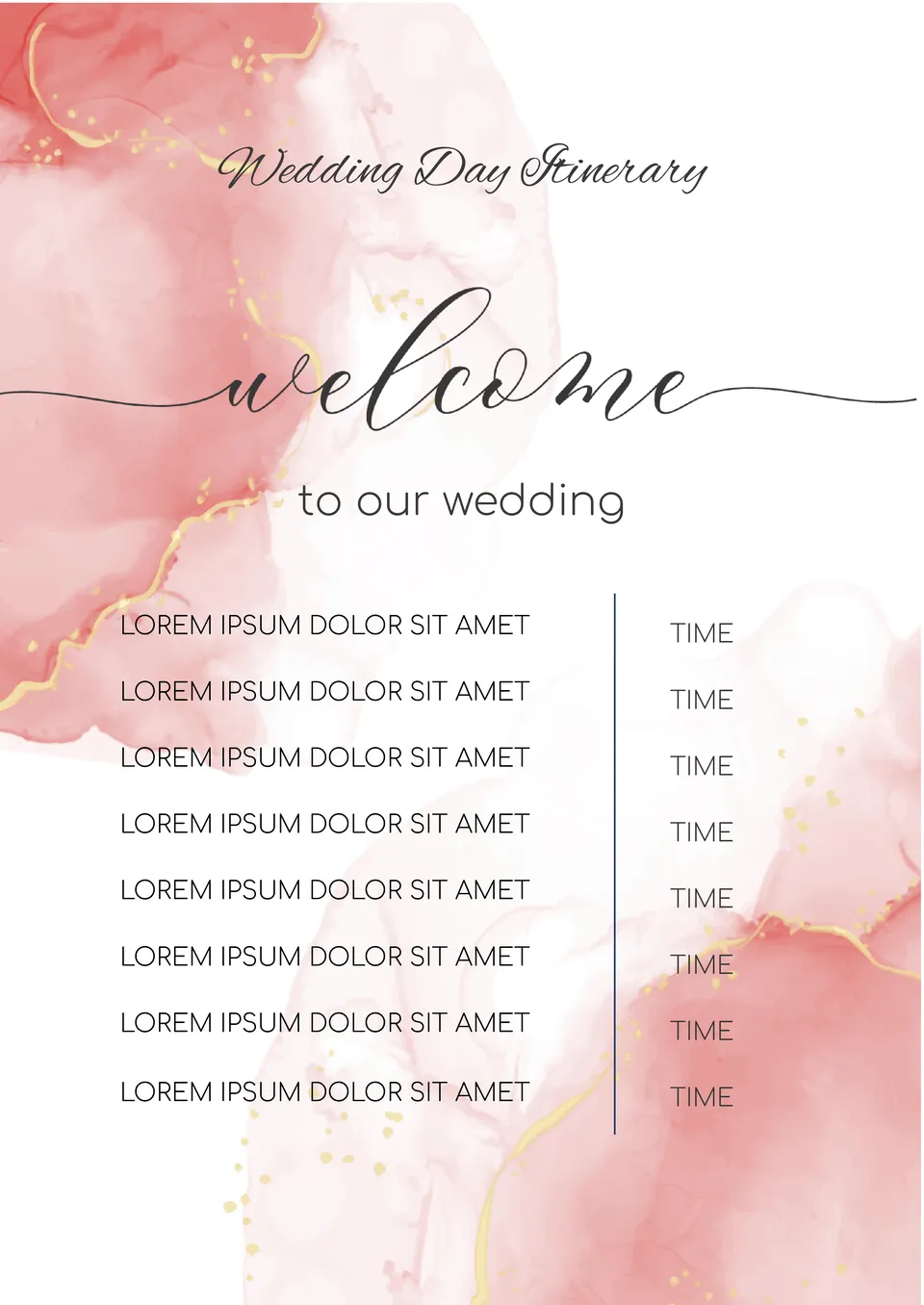
Ensure your big day runs smoothly with the Wedding Day Itinerary Template. Designed to cover every moment of your special day, this template helps you organize the timeline for your ceremony, reception, and all key events in between.
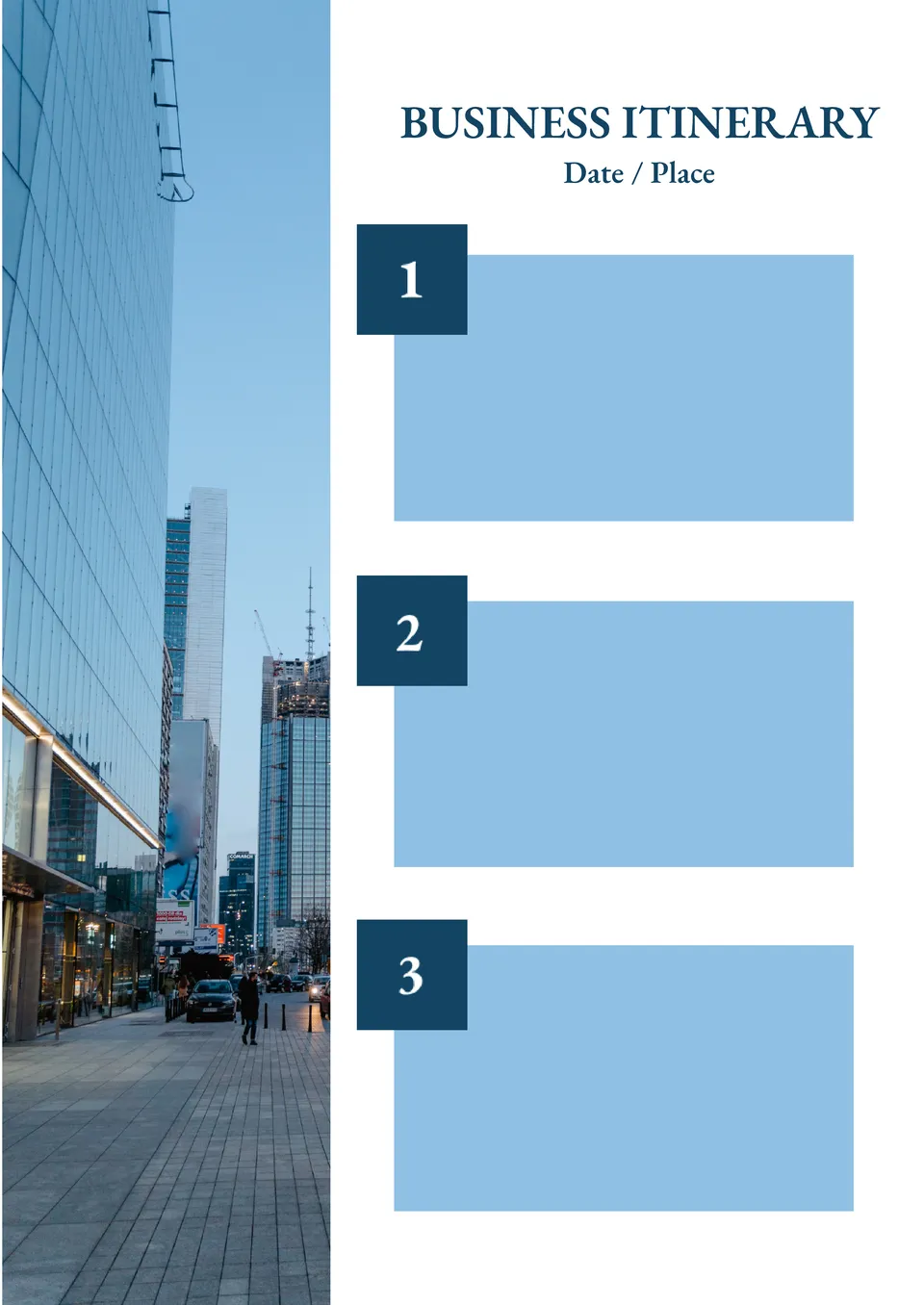
Need a clear, organized plan for your next business trip? The Business Itinerary Template offers a professional layout that helps you manage meetings, travel details, and appointments in one easy-to-edit document.
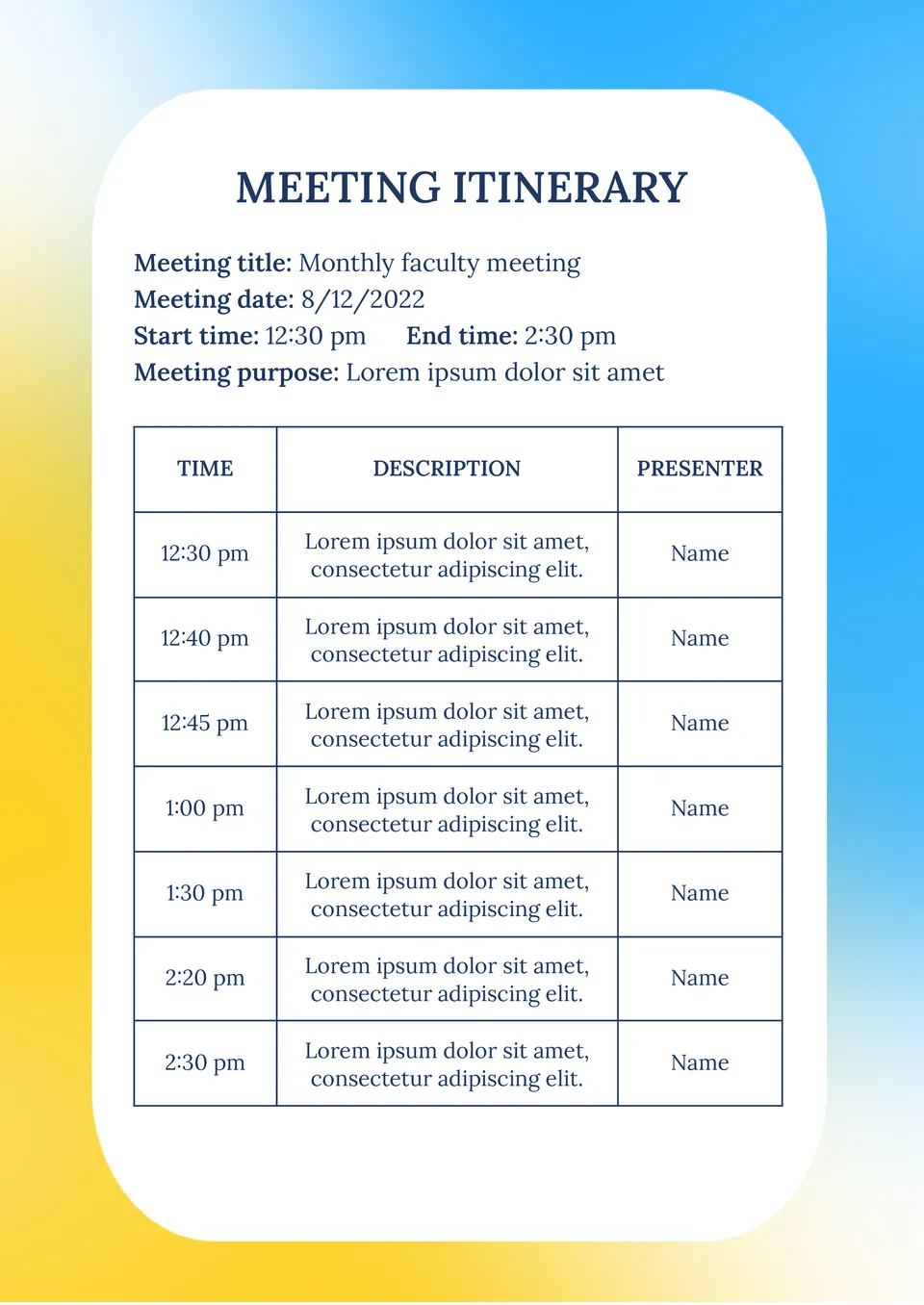
Need an efficient way to organize your meetings? The Meeting Itinerary Template is designed to streamline your agendas and ensure that your time is used wisely.
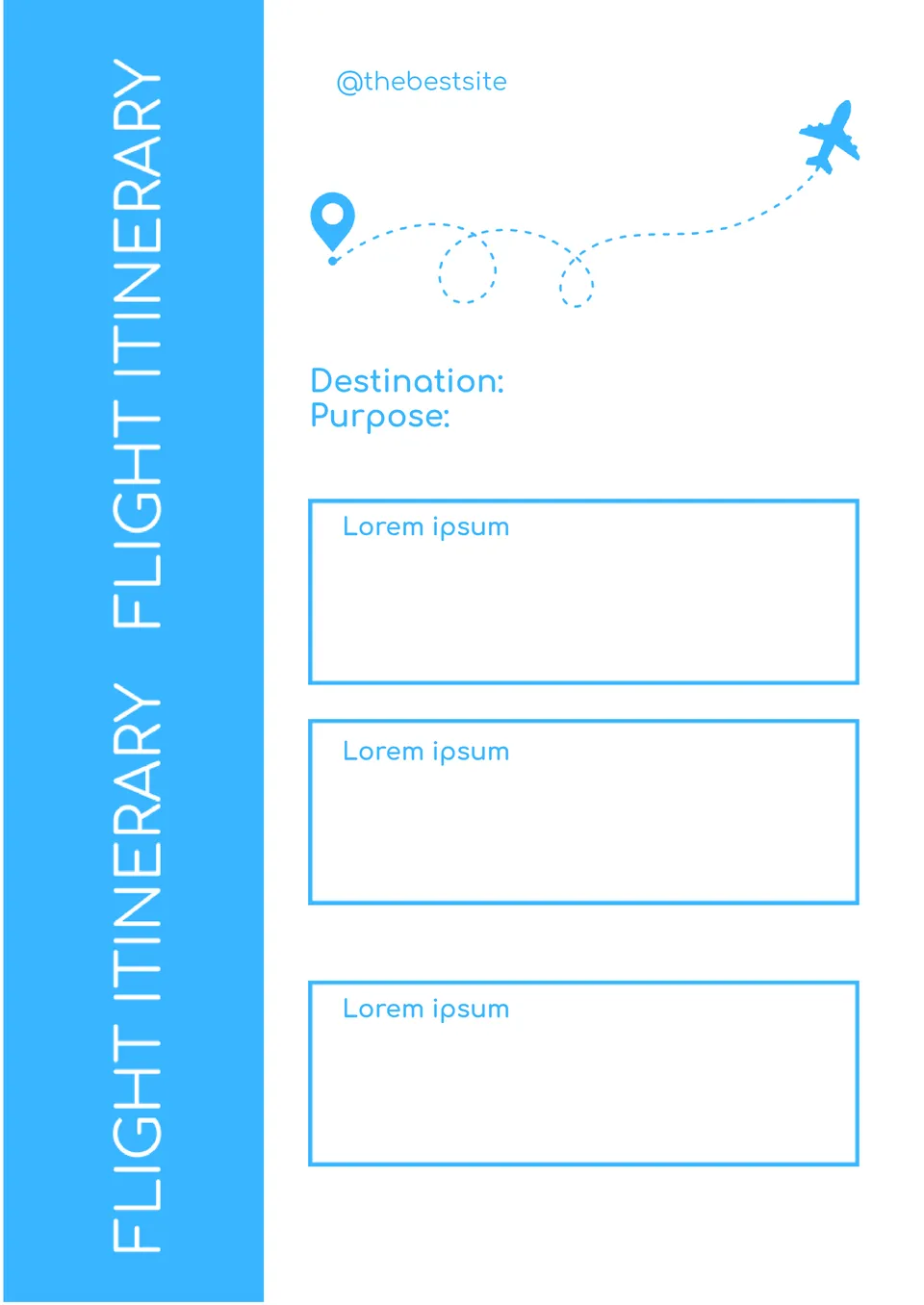
Looking for a simple way to keep track of your upcoming flights? This Flight Itinerary Template provides a clear and organized format to manage all the essential details of your trip, including flight numbers, departure times, and destinations.
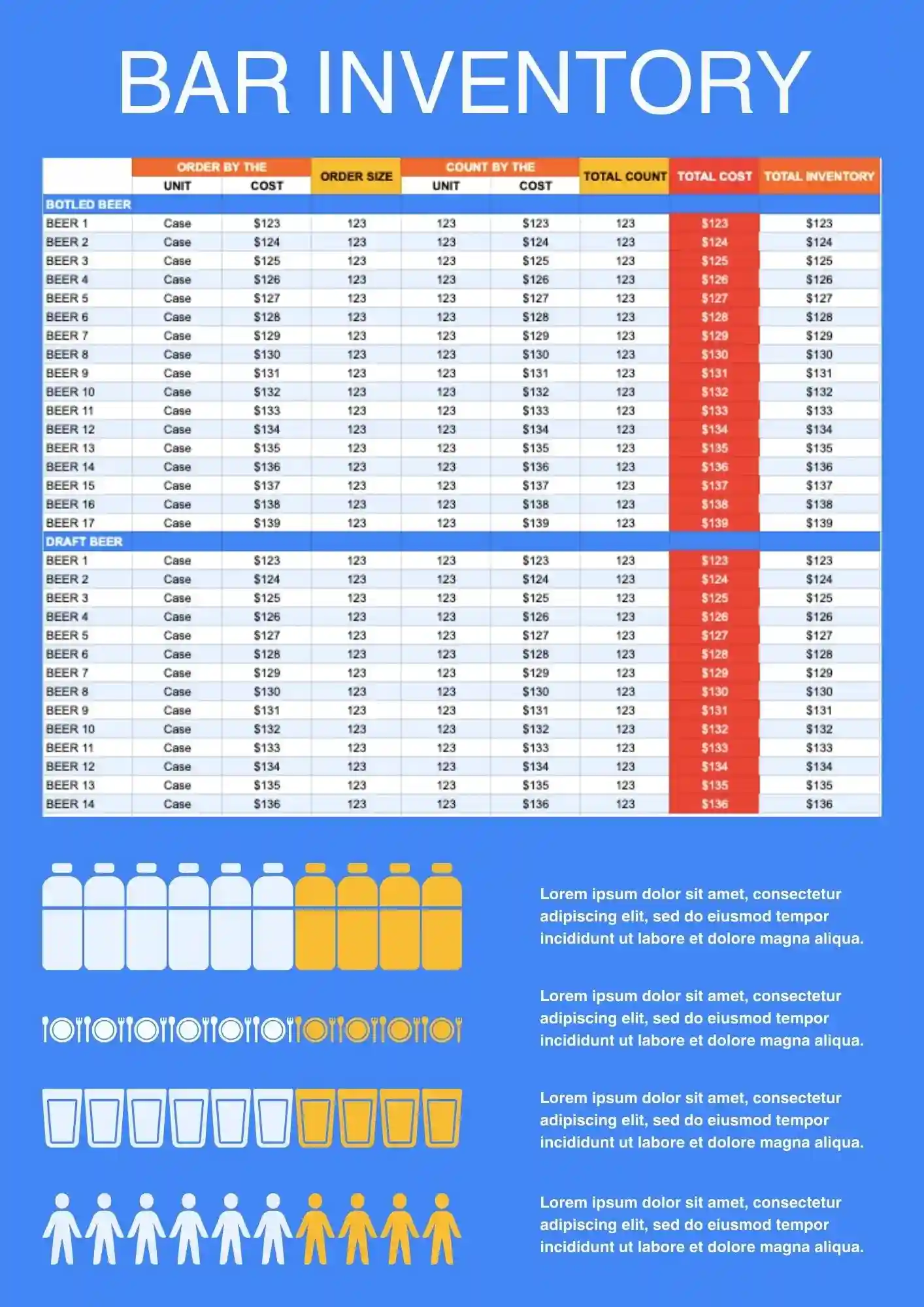
Need a better way to track bottles, supplies, and stock levels behind the bar? Bar Inventory Template helps bars, restaurants, and hospitality teams keep inventory records more organized and easier to update. It works well for monitoring beverage stock, supply usage, and restocking needs in one place. You can edit the fields and labels to match your bar setup and product list. Get this template free, start using it immediately, and keep your bar inventory under better control.
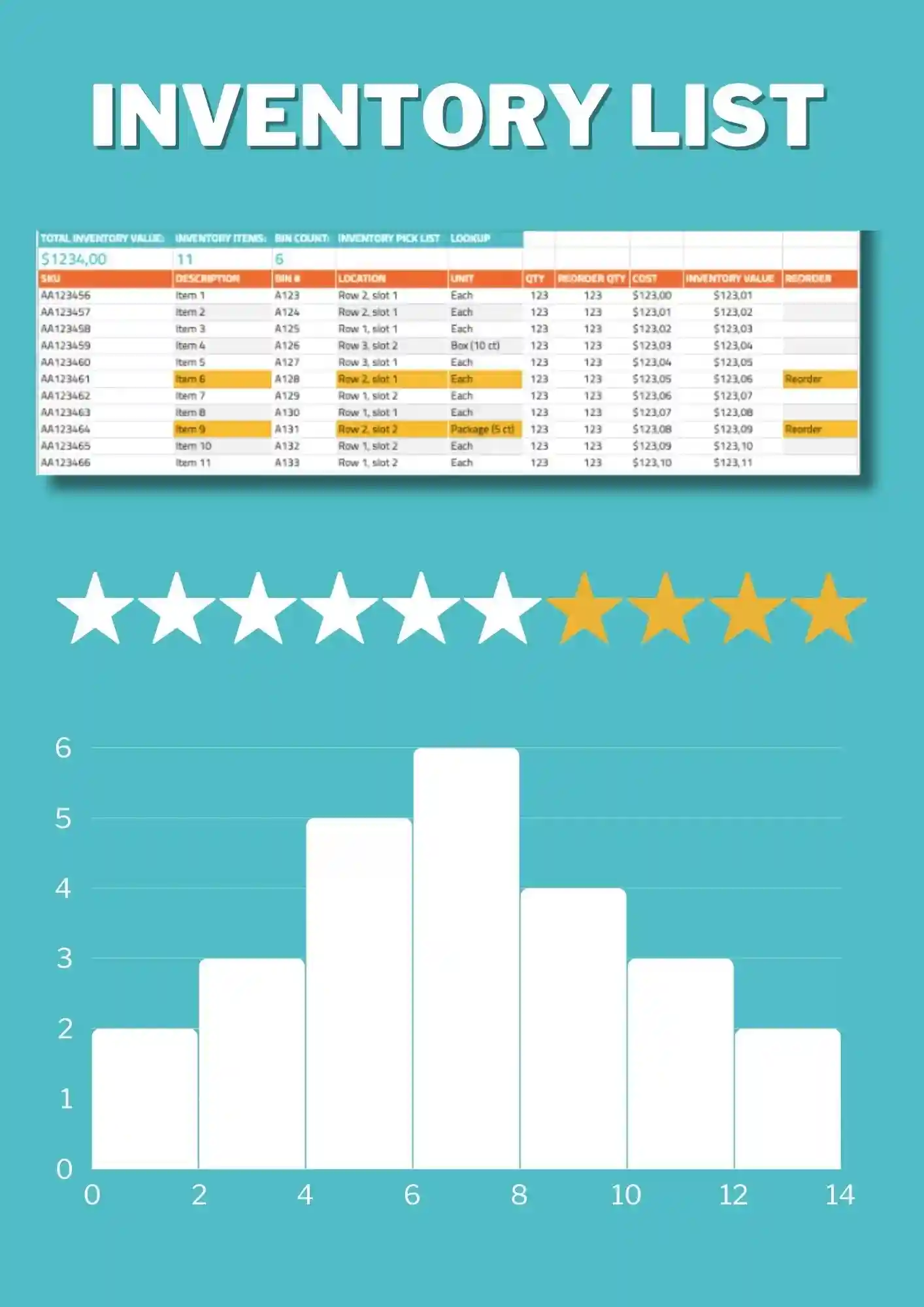
List Inventory Template is a straightforward option for tracking item names, quantities, and stock details in one clean file. It works for businesses, teams, and individuals who want a simple inventory record without extra complexity. The structure is easy to edit, so you can adapt categories and item information to your own system. It helps reduce confusion and keeps your records easier to read. Use this free template as soon as you download it and simplify your inventory workflow.

Choose your preferred social media platform from options like Pinterest, Facebook, Twitter, and more. Share our templates with your contacts or friends. If you’re not active on these social networks, you can simply copy the link and paste it into the one you use.